Apple Intelligence

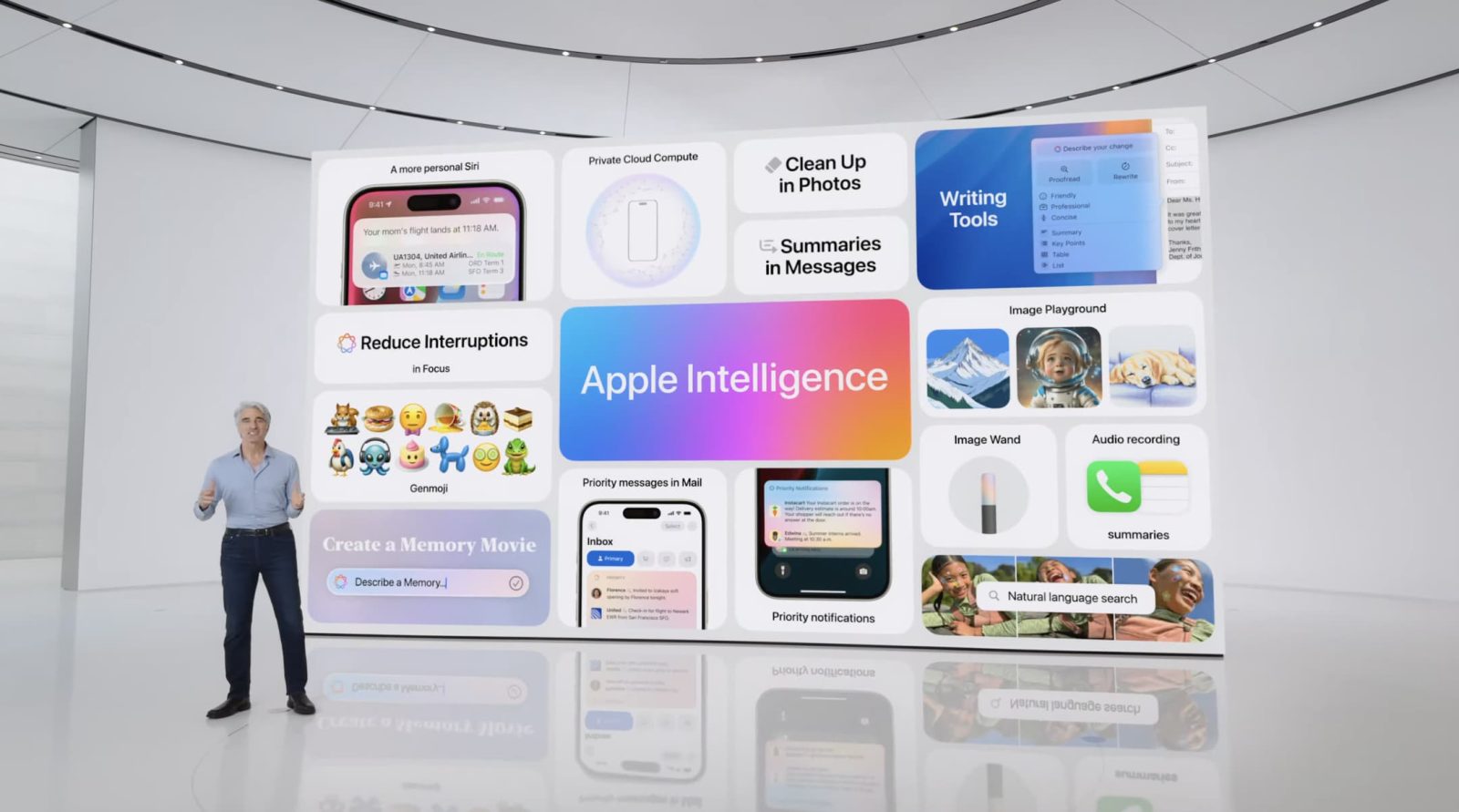
Apple unveiled its suite of AI features back at WWDC24 back in June, dubbed Apple Intelligence. The feature set requires an iPhone 15 Pro or later for iPhone, and an M1 chip or later for iPad and Mac. The great thing about Apple Intelligence is that most of these features run on device, prioritizing privacy.
The features below are currently available in iOS 18.1 beta, which should release to the public in October. Additional features will be coming later.
Writing Tools
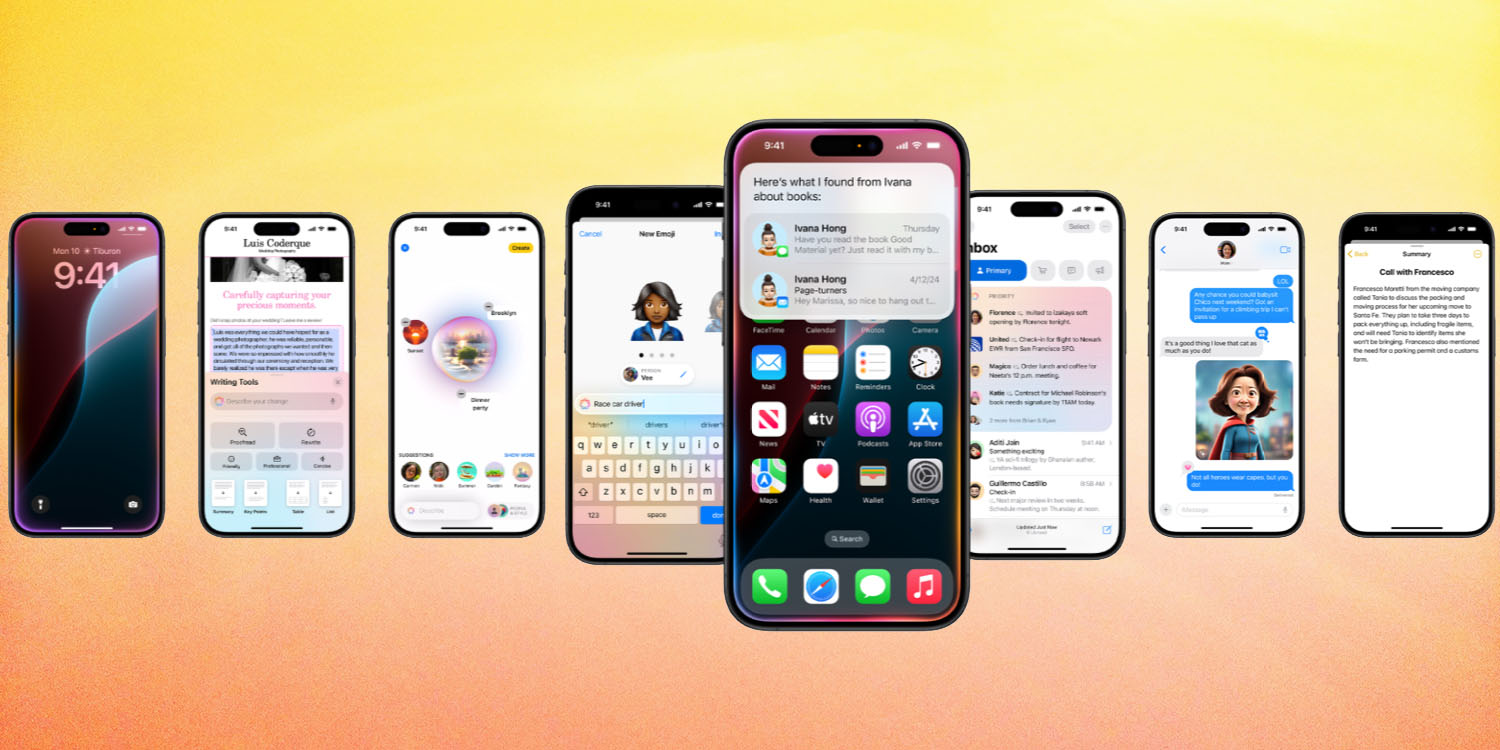
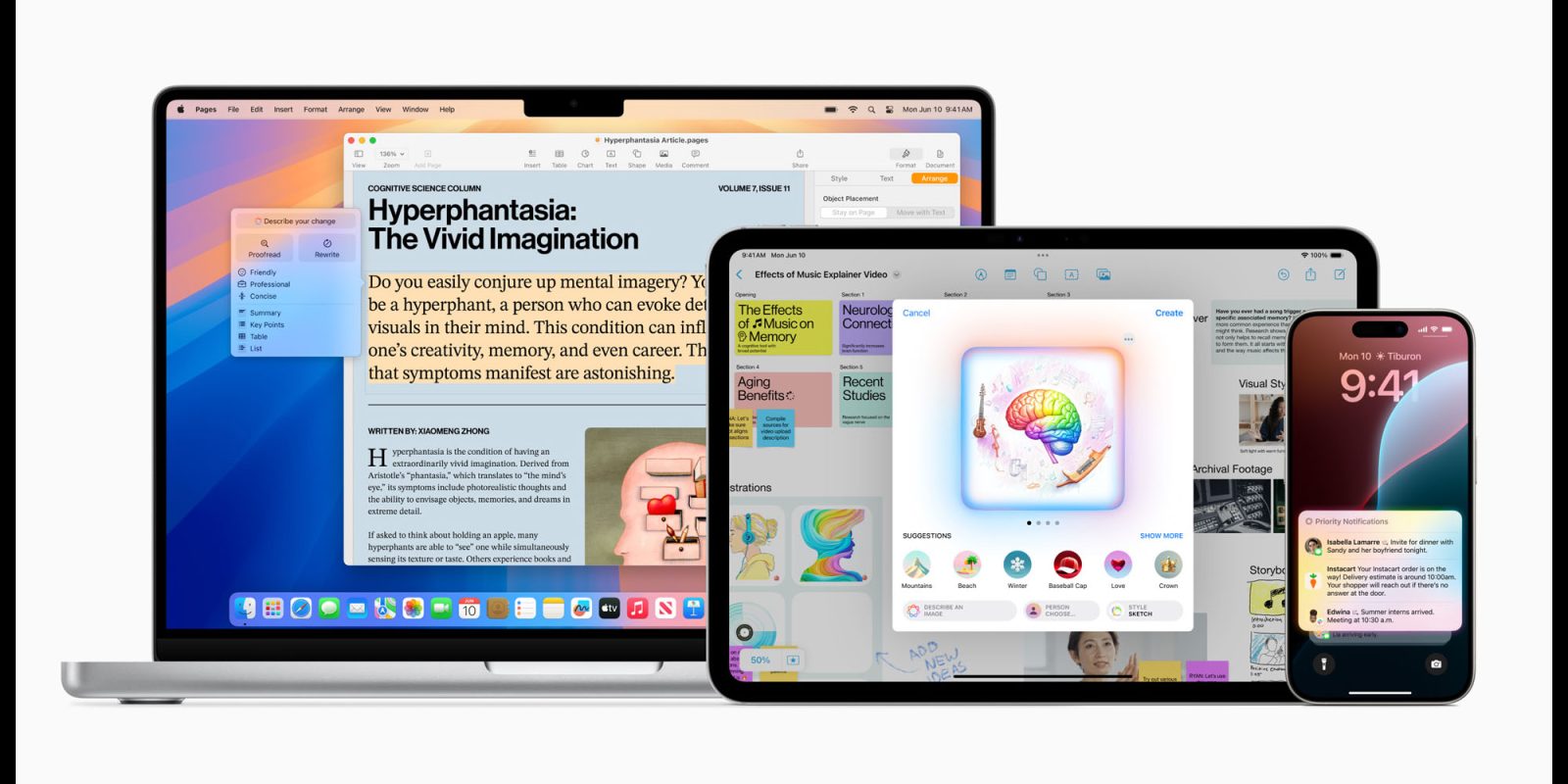
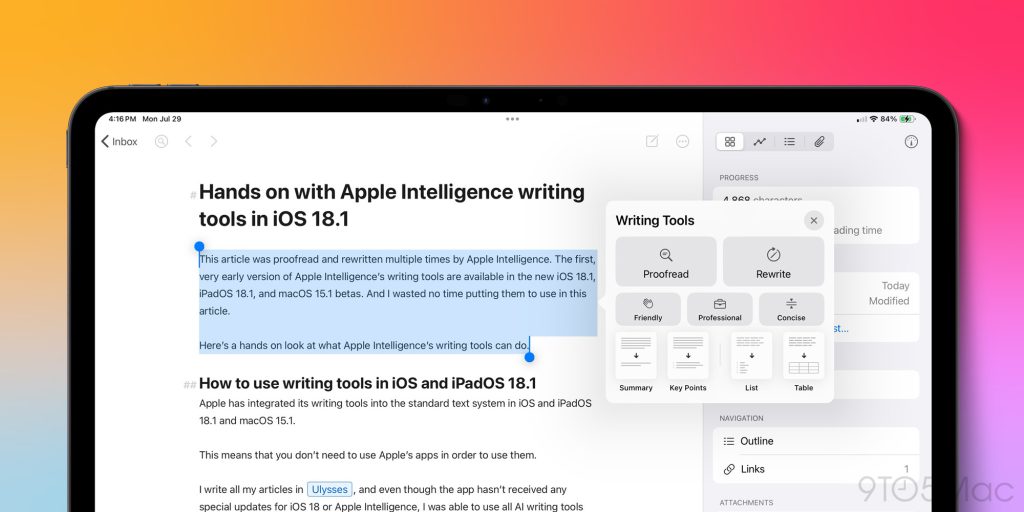
One of the top Apple Intelligence features is Writing Tools, allowing you to quickly proofread, rewrite, or change the tone of your writing. It isn’t intended to generate completely new text, and it instead focuses on improving your writing.
This feature is available practically anywhere you’re able to write. Just select some text, and you should see Writing Tools in a context menu.
Apple Intelligence Summaries
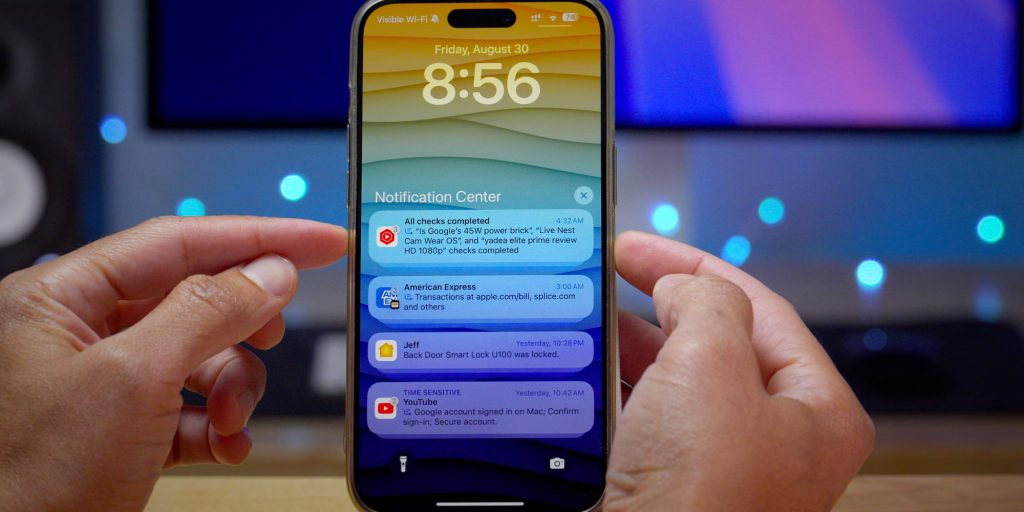
Apple Intelligence aims to help you out by providing summaries in everyday places, such as Notifications, Mail, and Safari. If you have a stack of notifications from one app, Apple Intelligence will try to summarize all of them into a one liner, that way you can keep up with everything going on with a quick glance, which is particularly helpful in group chats.
In Mail, it’ll also summarize emails from the Mail list view, which is far more useful than just seeing the first two lines of the email. If you tap into the email, you can also see a more detailed summary, still saving you time if you don’t want to read a whole email.
You can also use it to summarize articles in Reader Mode while in Safari.
New Focus Mode option
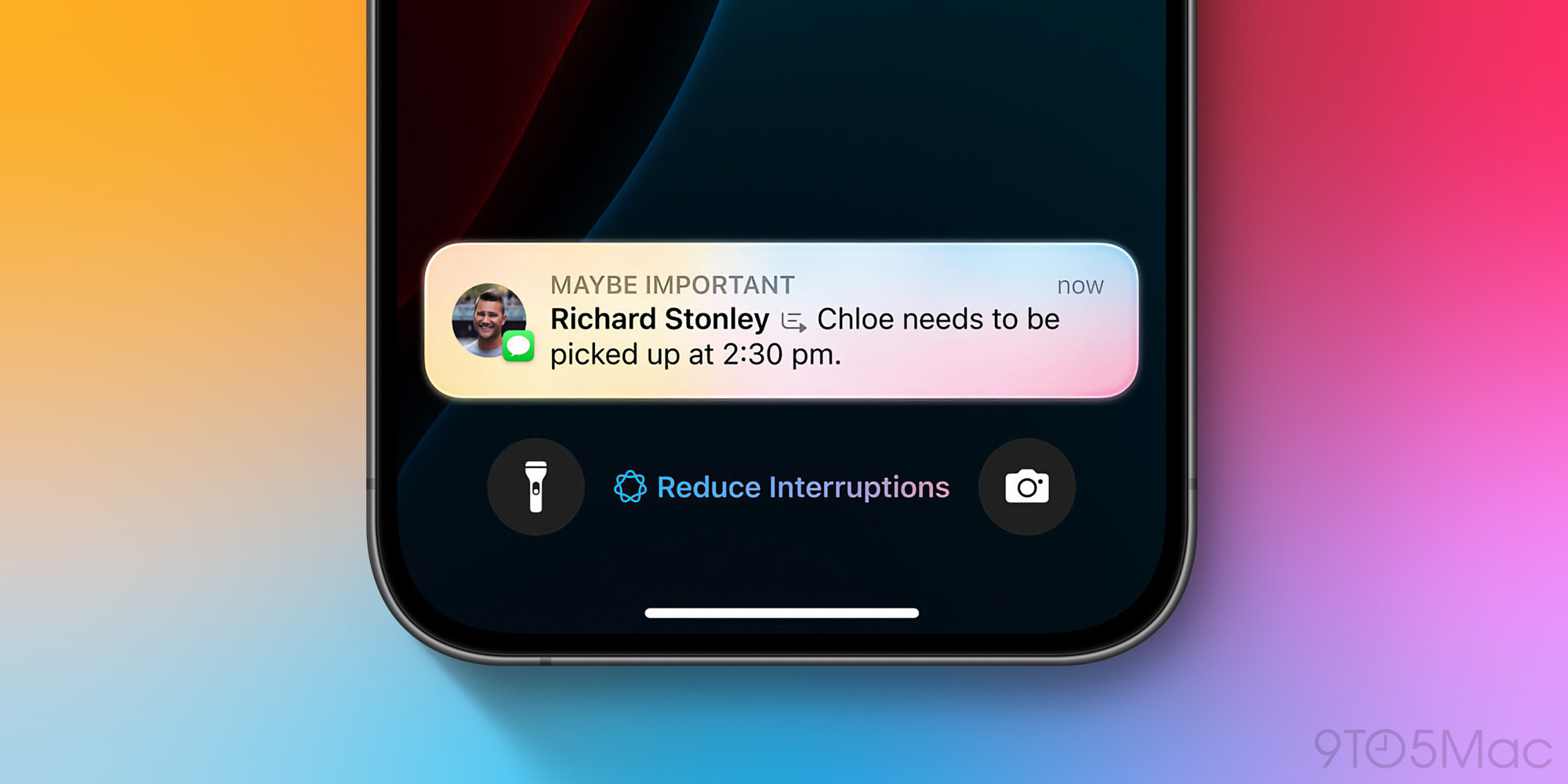
With Apple Intelligence, you can enable a new setting called “Intelligent Breakthrough & Silencing” on any focus mode, which will allow any app to break through your Focus Mode, if Apple Intelligence determines that it might be important.
For example, you might have iMessage notifications disabled from non co-workers while in your Work focus. However, if a family member texts you with something urgent, you should get notified still.
Memory Creation
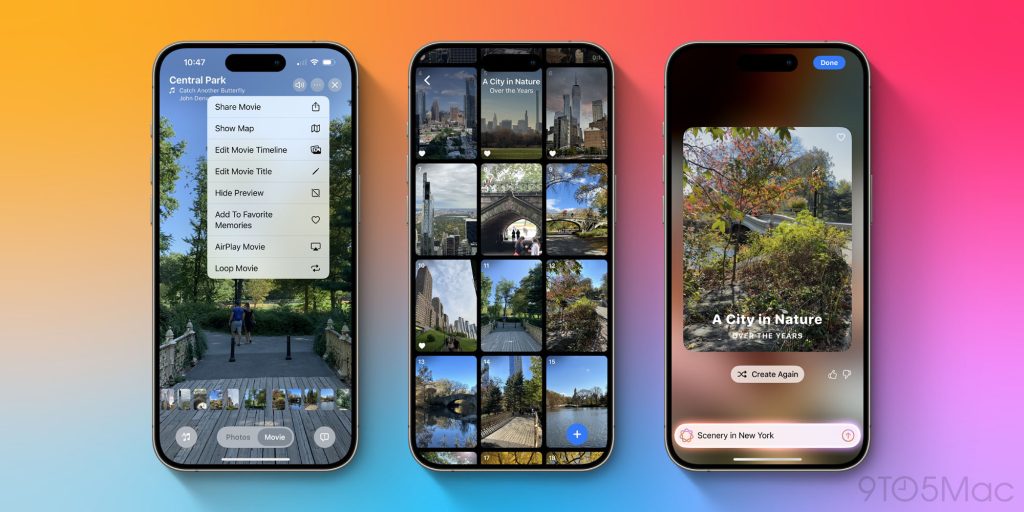
In the Photos app, you can create a Memory Movie with just a short description. You could write something like “hanging with friends in Los Angeles in June”, and it’ll gather a bunch of photos and create a movie for you, containing all of those memories.
Clean Up
With the new Photos app, you can use Apple Intelligence to clean up your photos. If someone’s in the background and you’d like to remove them, you can simply draw a line around them, and the system will intelligently remove them from the photo and replace the background.
You can also remove random background objects that seem out of place, to make your photo look less cluttered.

Coming later
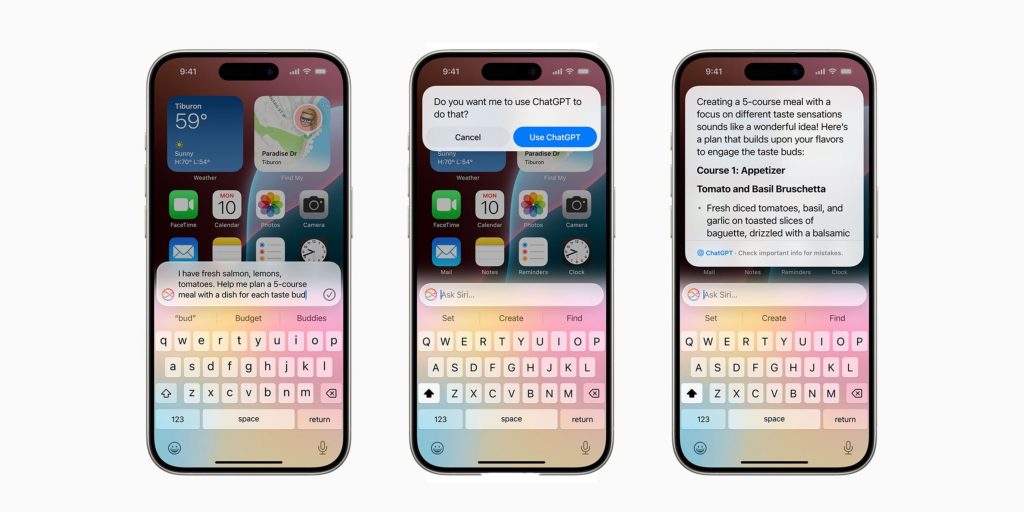
This is just the beginning of Apple Intelligence, and more features should come later. Later this year, we should get support for ChatGPT within Siri. And next year, the all new Siri should begin rolling out, allowing you to ask Siri more complex questions and actually get proper answers, thanks to Apple Intelligence. The new Siri will also have personal context, and should be able to properly assist you with your day.
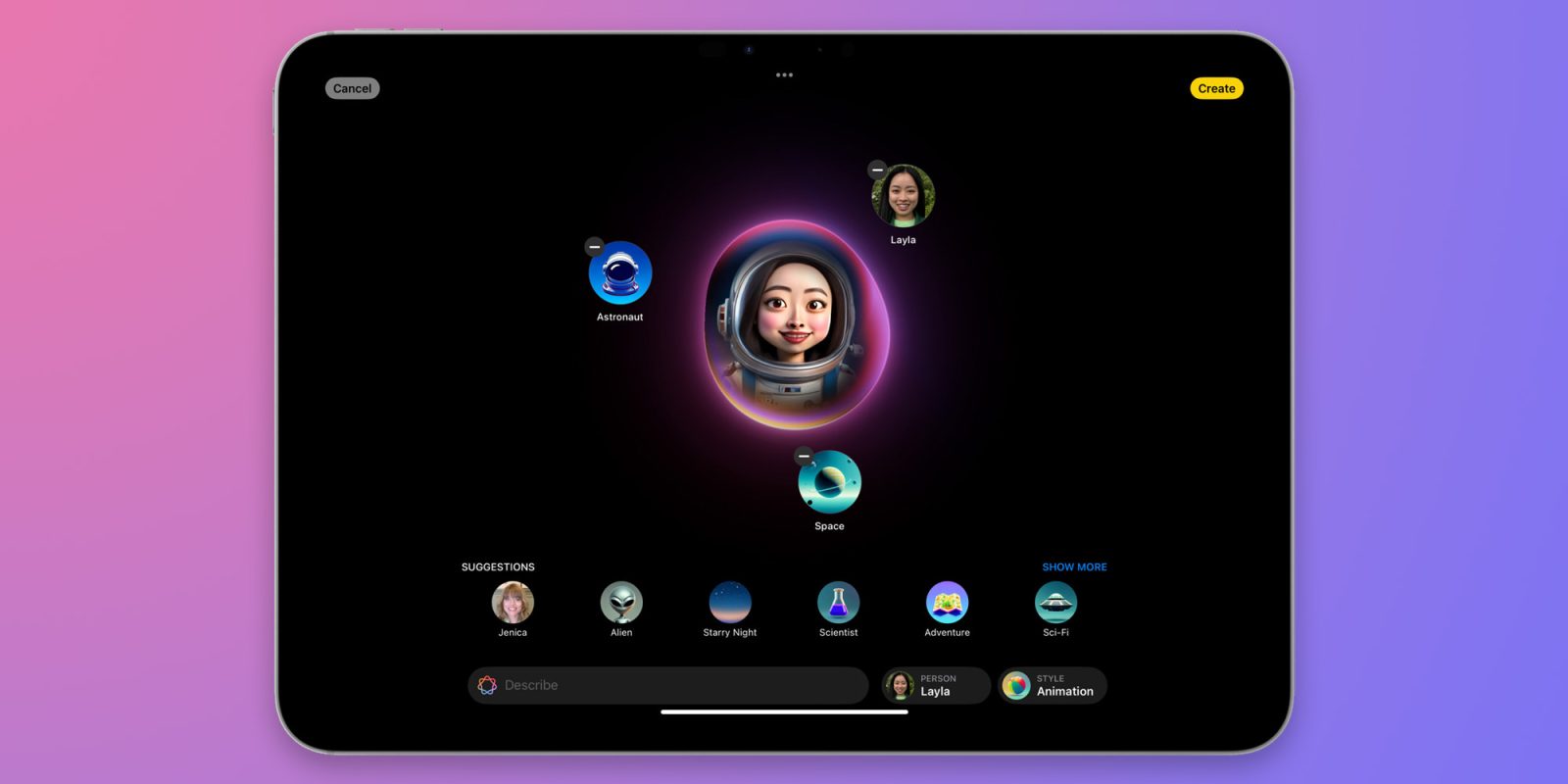
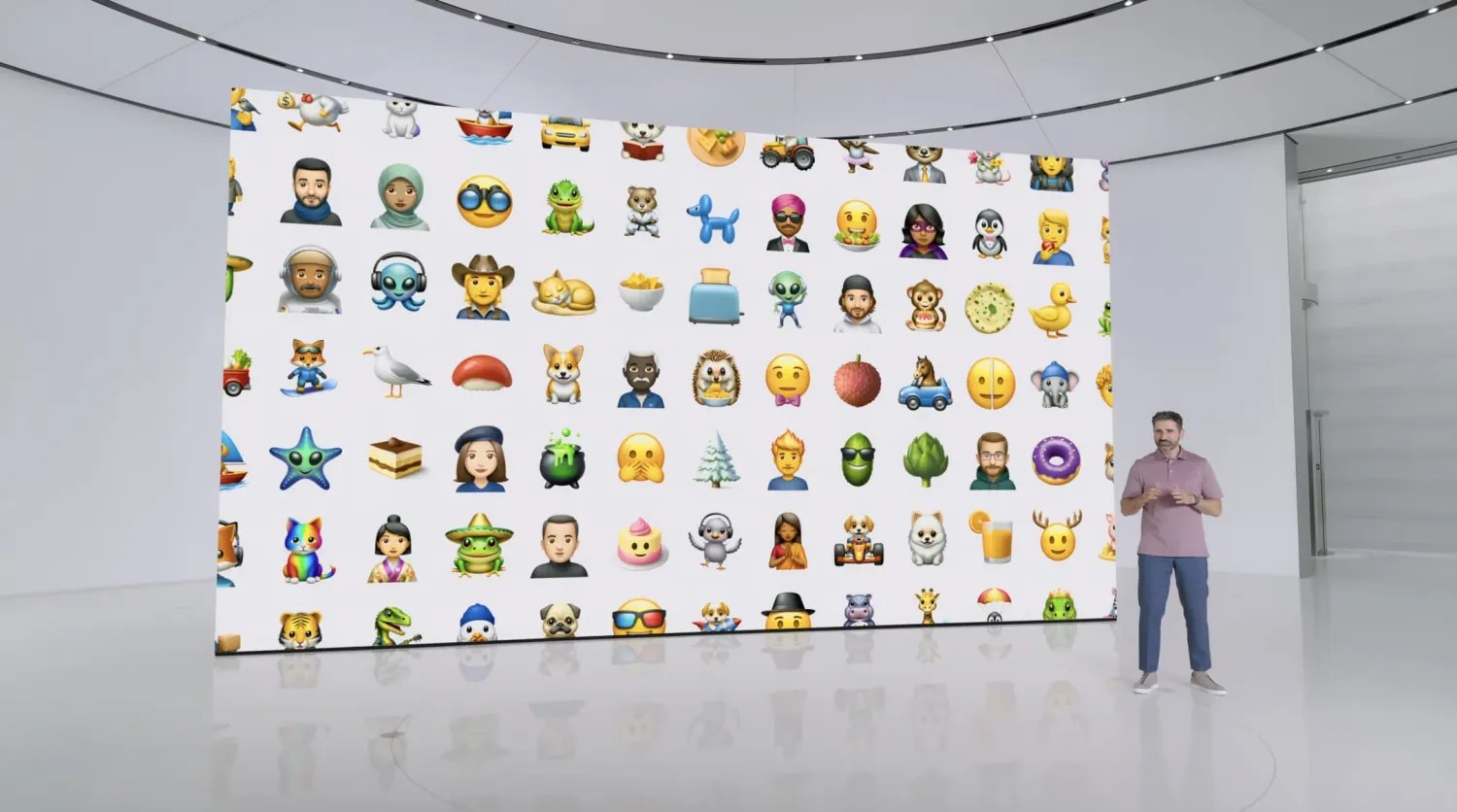
Apple’s image generation features, such as Genmoji and Image Playground, are also on the roadmap, but not yet available in beta.