MacBook Air
In 2008 Steve Jobs introduced the first ultra-thin, lightweight MacBook Air by dramatically sliding it out of an inter-office envelope. The idea of a dramatically thin, lightweight, and fully functional laptop continues on.
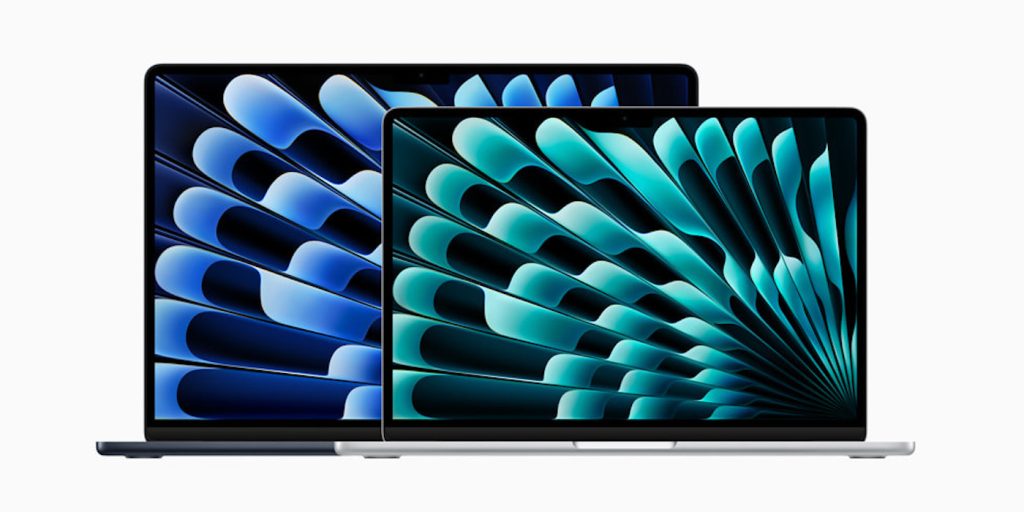
The MacBook Air is “the default Mac” – the one you should buy if you’re not sure which model you need.
Table of contents
History
The MacBook Air was launched in 2008 as a premium 13-inch model, billed as the world’s thinnest laptop. It was dramatically revealed by Steve Jobs sliding it out of an office envelope.
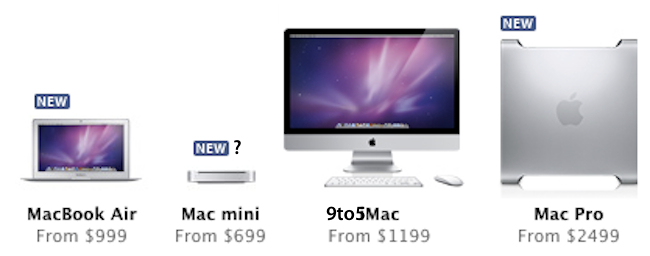
In 2010, it was joined by an 11-inch model. By 2011, that had become the entry-level MacBook, replacing the plain MacBook in the lineup. Its combination of affordability, portability, cuteness, and suitability for most people’s computer usage saw it become a hugely popular machine with everyone from students to senior business execs.
The 11-inch MacBook Air was discontinued in 2016, leaving only the 13-inch models.
In 2018, we saw the first major update to the then-elderly design. This gave the machine a Retina display, Touch ID, USB-C ports along with a design refresh with smaller bezels, a slimmer form factor, and lighter weight.
In 2020, the MacBook Air was one of the first three machines to make the switch from Intel processors to Apple Silicon in the form of the M1 chip. In 2022, it was joined by an M2 model.
MacBook Air Specs
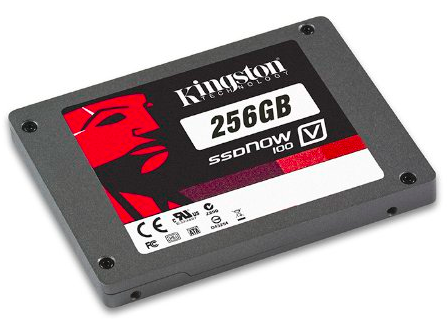
The 2020 M1 MacBook Air is powered by an 8-core Apple M1 chip, comprising four performance cores and four efficiency cores. It’s available in two almost-identical versions, one with an 8-core GPU, the other with a (chip-binned) 7-core one. The machine is available with either 8GB or 16GB of unified memory. SSD storage options are 256GB, 512GB, 1TB, or 2TB.
The 2022 M2 MacBook Air has a 10-core GPU option, up to 24GB of unified memory, and up to 2TB of SSD storage.
Pricing
M1 MacBook Air (2020) pricing starts at $999 for the 7-core GPU with 8GB unified memory and 256GB SSD.
M2 MacBook Air (2022) pricing starts at $1199 for the 8-core GPU with 8GB unified memory and 256GB SSD.
The machine can be specced up as far as 16GB unified memory and 2TB SSD for $2,049.
Lower prices may be available from Apple’s official Amazon store.
MacBook Air Review
In our video review of the machine, we described it as game-changing.
There is very little negative to say about these MacBooks. Apple has taken a design like the MacBook Air, which it more or less perfected with the early 2020 refresh, and made it 10 times better. This is no hyperbole. These M1-powered MacBooks are such a huge improvement in performance and battery life with virtually no negative baggage. I can’t see myself ever wanting to go back to an Intel-based laptop […]
If I was using an Intel-based MacBook Air, I wouldn’t even consider using a machine with such little memory to handle my day-to-day creative workflow, but Apple’s implementation of unified memory cannot be compared 1:1 with typical RAM configurations.
Basic day-to-day usage is relatively unaffected by the amount of RAM, or lack thereof. The MacBook Air is competent with only 8GB of RAM even when running lots of apps simultaneously, even with a dozen Safari windows, and even when swapping out to the SSD […]
I can attest to the fact that these MacBooks have incredibly long battery life, so much so that it was honestly hard to believe initially. I was able to use my MacBook Air for a full workday, writing, browsing the web, chatting on zoom, and editing video and photos, and the machine was only at 50% by the end of the day. I woke up the next day, and did several hours of zoom video calls and web browsing, and the machine finally gave me a warning to plug in when it reached 10%









 .
.