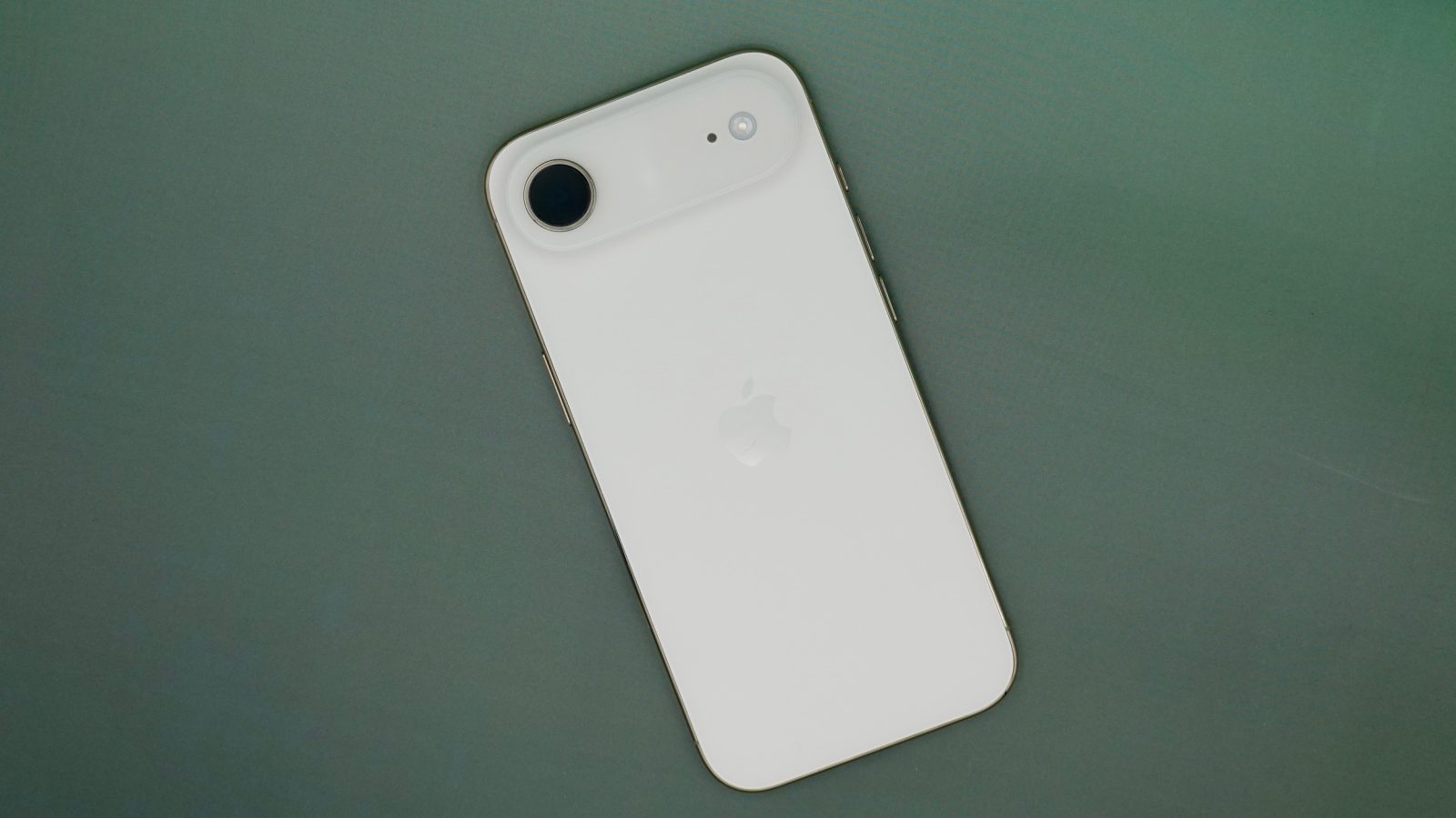
iPhone

See All Stories

Introduced in 2007 by Steve Jobs, iPhone is Apple's flagship iOS device and easily its most popular product around the world. The iPhone runs iOS and includes a large collection of mobile apps through the App Store.
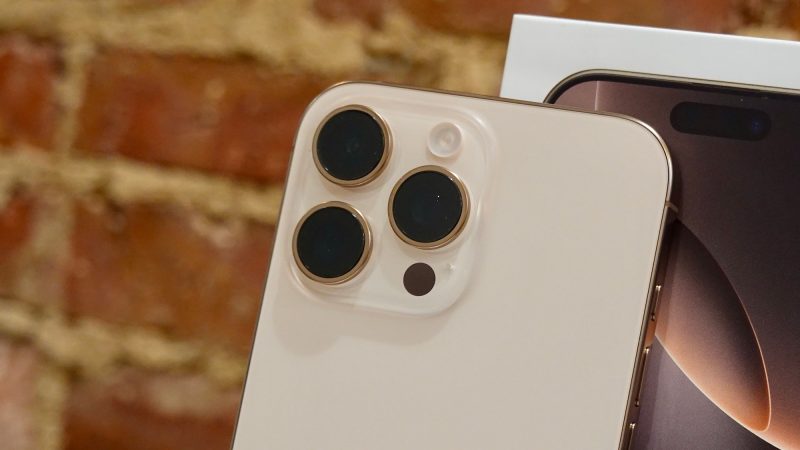
iPhone 9to5Mac

Introduced in 2007 by Steve Jobs, iPhone is Apple’s flagship iOS device and easily its most popular product around the world. Software wise, it runs iOS and includes a large collection of mobile apps through the App Store.

Since its introduction, Apple has released at least one new phone every single year. In recent years, that has typically been in the fall. iPhones are sold through multiple retail channels including Apple Stores, cellular stores, Best Buy, and other major electronic retailers. iPhones can be bought with a single up front payment, financed through the iPhone Upgrade Program, or financed through a cellular carrier.

Apple’s smartphone has become much more than just a phone since its debut. The iPhone can act as your primary camera, music player, GPS device, email client, mobile banking system, messaging device, movie player, and much more.

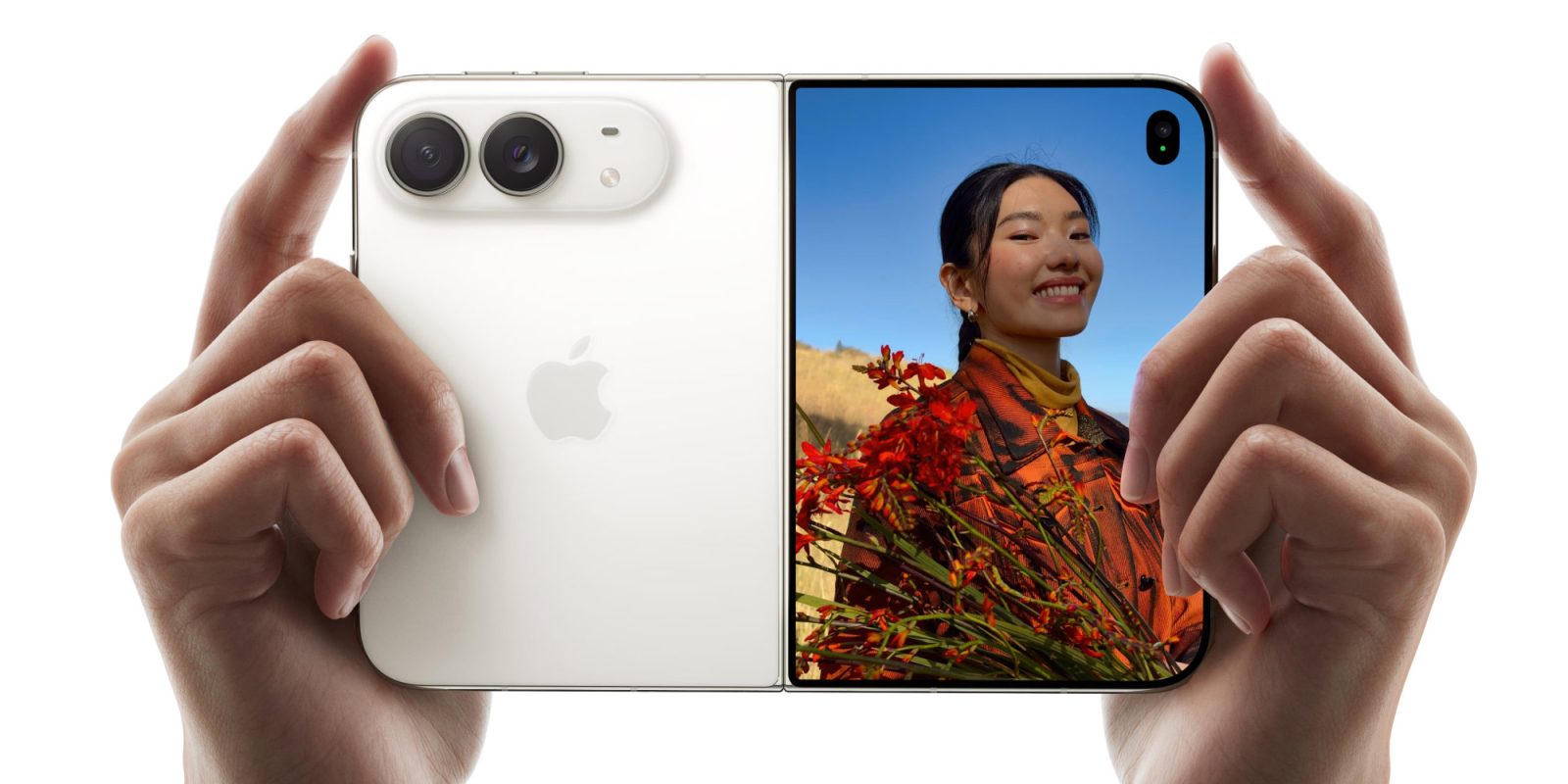
Current Lineup for 2019:

Discontinued Models:

Read below for all of our coverage

Review: SwitchBot Wallet Finder is an incredibly useful accessory to track your wallet with iPhone Find My

I have an AirTag on my keychain to keep track of my keys, but obviously an AirTag is too big and bulky to fit inside a wallet. That’s what the SwitchBot Wallet Finder is for.

Disguised inside a thin, credit-card form factor, the SwitchBot Wallet Finder connects to the Find My app on your iPhone, so you can follow its location, and it even houses a speaker so you can make it beep to help you find your wallet when it inevitably gets lost somewhere in your home. Read on for my review …

Expand Expanding Close

iMessage is full of features you’re probably not using (but should) [Video]

It feels like every year, Apple quietly adds dozens of small features and improvements to the Messages app, but most of them fly under the radar. These aren’t flashy or eye-grabbing features, but they are the type of features that really help the quality of life and experience of the Messages app. If you are like most people, then you have probably been using the Messages app the same way for years, meaning you are barely scratching the surface of what the app can do. Here are some of the best Messages features that you need to know.

Expand Expanding Close

Why iPhone Air feels removed from time

When Apple released the radically new iPhone X in 2017, it marked the beginning of a years long march into a new era of iPhone design. A year later, iPhone XR replaced the legacy iPhone 8, bringing a corner to corner display, Face ID, and the gesture based experience that largely retired big bezels and the Home button.

Eight years later, iPhone Air stands as the closest thing Apple has delivered to another iPhone X moment. The leap is narrower in scope, but no less intentional. Where iPhone X reset expectations across the entire lineup, iPhone Air represents a deliberate divergence. Its ultra thin design favors a futuristic feel over feature maximalism, carving out a distinct place alongside Apple’s more traditional models.

iPhone Air is also expected to remain on the market longer than iPhone X did. Apple replaced iPhone X with iPhone XS in less than a year. iPhone Air, on the other hand, has a looser relationship with time.

Expand Expanding Close

iPhone settings & features you didn’t know existed [Video]

It seems that with every update, Apple quietly adds hundreds of features and settings that are very impactful but easy to miss. These are not the big headliner features, but smaller ones that, once you know about them, make your day-to-day life so much easier. Here are 15 features and settings that every iPhone owner should know about, but probably doesn’t.

Expand Expanding Close

Apple facing regulatory scrutiny in Switzerland over iPhone NFC chip

Apple iOS 18.1 NFC API

Apple is facing antitrust scrutiny in Switzerland over access to the NFC chip inside iPhone. The Swiss Competition Commission announced this week that they are “investigating whether Apple’s terms and conditions for granting access could raise competition law concerns.”

“Among other things, it seeks to clarify whether other providers of mobile payment apps can effectively compete with Apple Pay for contactless payments with iOS devices in shops,” the commission says.

Expand Expanding Close

Review: GAMEBABY case gives your iPhone real buttons & turns it into a retro handheld console

Back in the day, I remember needing to jailbreak my iPhone to access apps like GBA4iOS and play my classic Game Boy Color games. But last year, Apple finally opened up the App Store and allowed developers to release emulators. It was easily one of the best things Apple could have done. I immediately downloaded Delta and started running through all my old Pokémon games. And while Delta’s haptics and software button layouts are great, nothing beats clicking real, physical buttons. That’s why the GAMEBABY case caught my eye. I reviewed the original version last year and loved it, so when the new model arrived for the iPhone 17 series, I had to test it again. Here’s what you need to know.

Expand Expanding Close

iFixit launches FixBot AI repair helper, with free and paid versions

iFixit launches FixBot AI repair helper, with free and paid versions | App seen on an iPhone along with an instructional photo of the iPhone 15

iFixit has launched a new AI repair assistant known as FixBot. The company says Fixbot will make it faster and easier than ever before to figure out what’s wrong and how to fix it.

There are both free and paid options, although the feature list suggests that the free option is very limited. The subscription tier is free for a limited time …

Expand Expanding Close

These hidden iOS 26 features are actually useful [Video]

iOS 26 is easily the most significant visual overhaul we’ve seen on the iPhone in years. We got the new Liquid Glass UI, better Files systems, and a complete Camera app change. All the things that Apple showed off and highlighted. However, after using iOS 26 and iOS 26.1 for a few months, it seemed like Apple decided not to inform us about some of the best functional features, such as default audio input, camera enhancements, and even an update to the Alarm, which had remained unchanged for 20 years. So here are the best hidden iOS 26 features that Apple didn’t tell us about.

Expand Expanding Close

The best MagSafe stands for iPhone, nearly $100 off for Black Friday

One of my favorite iPhone features is StandBy, which turns your iPhone into a smart display when it’s in landscape orientation and charging. The best to take full advantage of StandBy is with an upright wireless charger.

Head below for a closer look at some of my favorite MagSafe stands for iPhone, perfect for StandBy. Even better, most of these are on massive deals for Black Friday and Cyber Monday shopping.

You can also keep up with all my favorite Apple gear at Best Buy.

Expand Expanding Close

Hands-on: This MagSafe power bank charges all your Apple gear with unique trick

Companies and brands are becoming increasingly more creative in the MagSafe accessories space. They are doing everything they can to find some sort of differentiator to really separate themselves from the pack. So when I got my hands on Kuxiu’s K1 Ultra, it was nice to see a product that was unique in both form and function. Here is what you should know!

Expand Expanding Close

iOS 26.2 restricts Wi-Fi sharing between iPhone and Apple Watch in the EU, here’s why

Apple EU

With iOS 26.2 and watchOS 26.2, Apple is removing a key Wi-Fi sharing feature from iPhone and Apple Watch in the European Union due to interoperability requirements under the Digital Markets Act.

This news was first reported last month by French publication Numerama. The report explained that starting with iOS 26.2 and watchOS 26.2, iPhone won’t be able to sync Wi-Fi history to a newly-paired Apple Watch like it can now.

Here are more details on how exactly this will work and why Apple is making the change.

Expand Expanding Close

The Sandmarc 2x Telephoto lens is great for iPhone portrait photos

The Sandmarc 2x Telephoto lens is a great option for taking portrait photos with the iPhone | Sample photo left, lens on right

The iPhone’s Portrait mode uses computational photography to simulate the shallow depth of field of a digital SLR or mirrorless camera with a larger sensor. It’s evolved from a very crude tool into something which is now pretty convincing, but it’s still no substitute for the real thing.

There are some circumstances in which you can get genuine shallow-ish depth of field with an iPhone shot, but these are very limited as we’ll discuss. The Sandmarc 2x telephoto lens is a much more practical way to get true optical blurring when shooting portraits …

Expand Expanding Close

New iPhone Pocket now available to order, but it’s selling out fast

Update: Every size/color of the iPhone Pocket is now sold out in the United States.


Earlier this week, Apple announced iPhone Pocket, a new way to carry your iPhone designed in collaboration with ISSEY MIYAKE.

After special launch events yesterday, the iPhone Pocket is now available to order in select countries around the world. It’s a special-edition accessory, and several colors and sizes are already sold out.

Expand Expanding Close

This MagSafe accessory adds 7 ports to your iPhone

Earlier this year, Satechi introduced its OntheGo collection. As the name implies, it was a collection of travel-focused accessories designed to simplify your tech life on the go. They release charging bricks, 3 1 folding chargers, trackers, and a few other goodies. Now they are expanding that collection with the introduction of the 7 in 1 MagSafe Multiport adapter. As someone who uses their iPhone for everything from video to gaming to communicating to podcasting, this new accessory has been a great addition to the travel pack. Here is what you need to know.

Expand Expanding Close