Jeff is the head of video content production for 9to5. He joined 9to5Mac in 2016, producing videos, walkthroughs, how-tos, written tutorials, and reviews. He takes pride in explaining things simply, clearly, and concisely. Jeff’s videos have been watched hundreds of millions of times by people seeking to learn more about today’s tech. Subscribe to 9to5Mac on YouTube to catch Jeff’s latest videos.
iOS Decoded is Jeff’s flagship video series that breaks down what’s new in iOS betas, including behind-the-scenes deep dives into undiscovered features and exclusive details on the iOS roadmap.
Jeff also produces a weekly podcast, alongside co-host Fernando Silva, entitled 9to5Mac Overtime. A video-first podcast, 9to5Mac Overtime airs weekly on our YouTube channel, but can also be enjoyed in audio form via Apple Podcasts, or your podcast app of choice.
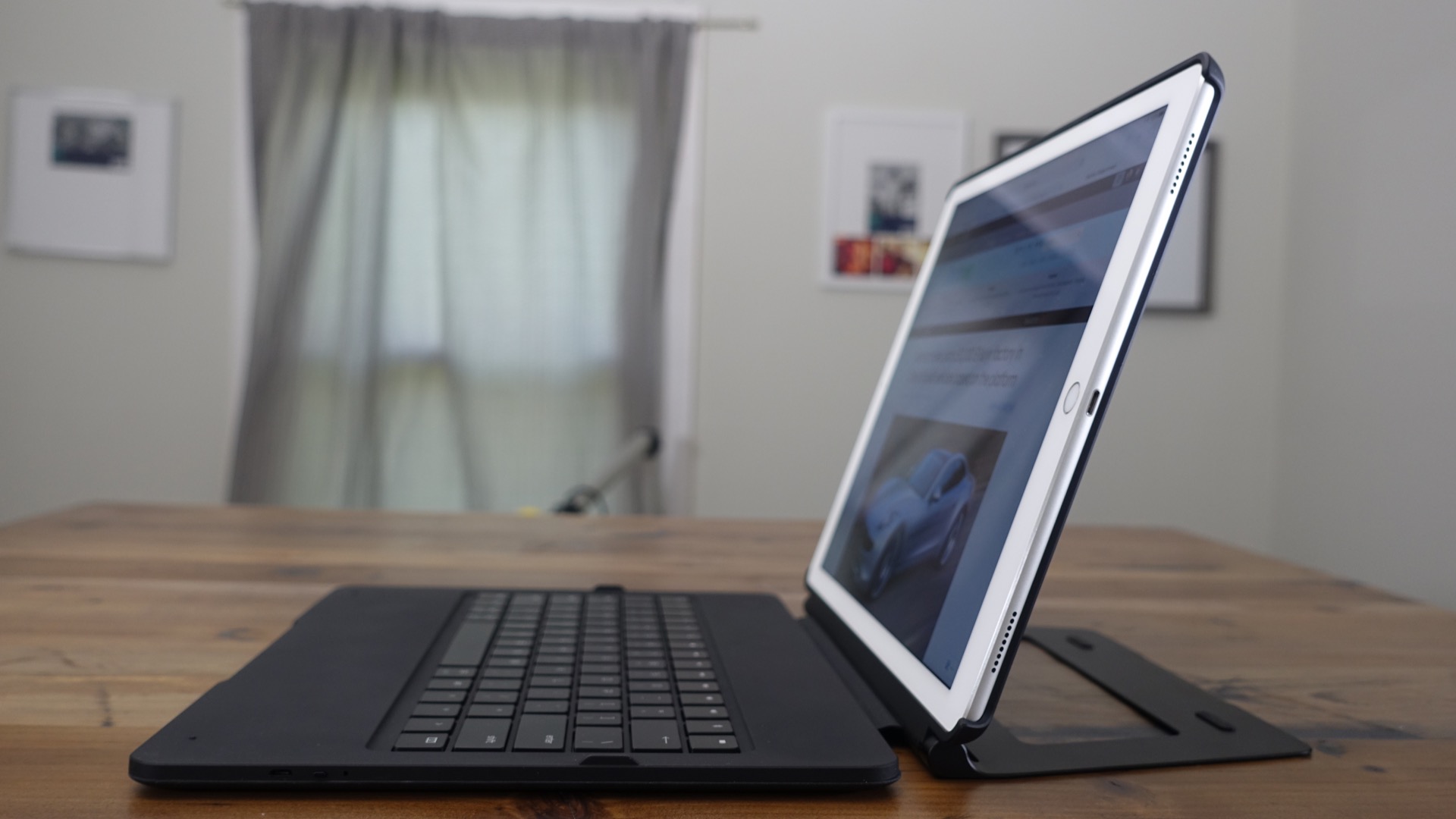
When Razer first announced its Mechanical Keyboard Case for the 12.9″ iPad Pro, I had mixed feelings about the idea. On one hand, the thought of using a true mechanical keyboard with decent key travel, real actuation, and reset points sounded glorious. On the other hand, just how good could a mechanical keyboard case for an iPad possibly be? Expand Expanding Close
With the launch of its new Stories feature, Instagram is positioning itself to not only capture the interest of current Snapchat users, but it’s also likely seeking a way to keep existing users firmly locked into its service.
Yes, as you’ve likely heard, Instagram Stories is similar to Snapchat Stories, but there are differences. In this video walkthrough, we’ll showcase the basic mechanics of Instagram Stories, show you how to create new stories, and more. Expand Expanding Close
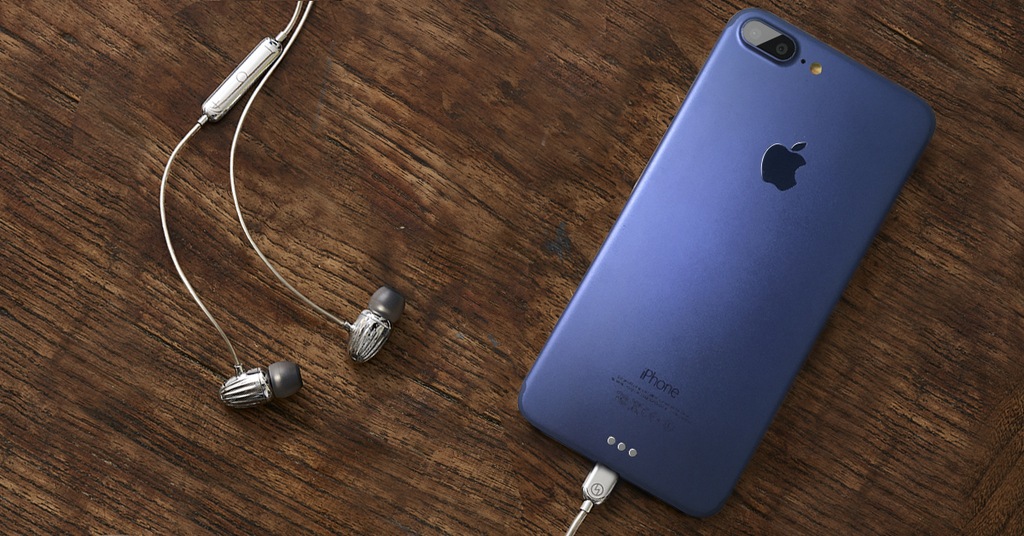
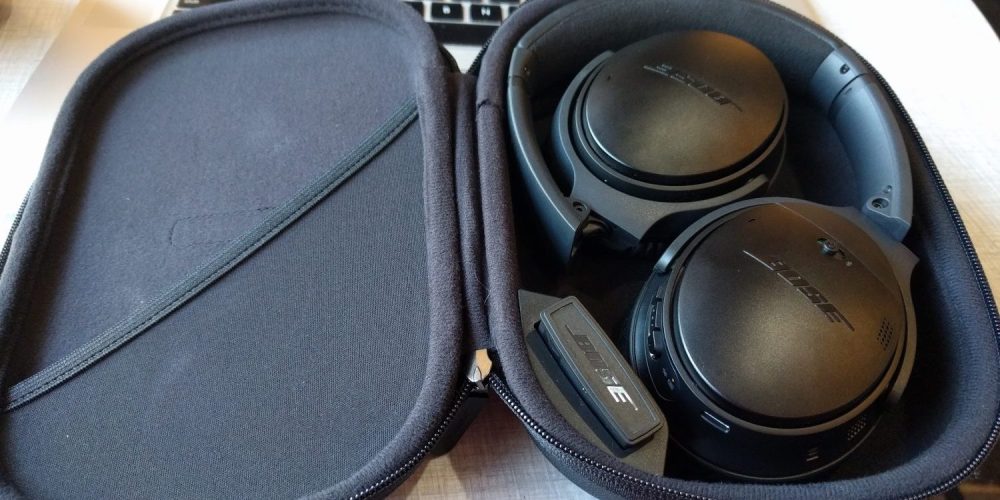
BeSound, a company that’s currently running an Indiegogo campaign for Lightning-enabled noise cancelling headphones, has developed an iPhone 7 Plus mockup in a deep blue color to help promote its product. It also teamed up with a popular YouTuber to show off the mockup on video and help spread the word about its campaign. Expand Expanding Close
iOS 10 beta 4 was released earlier today, and while there are fewer new features as we get closer to the final release, there are some notable additions and changes. Expand Expanding Close
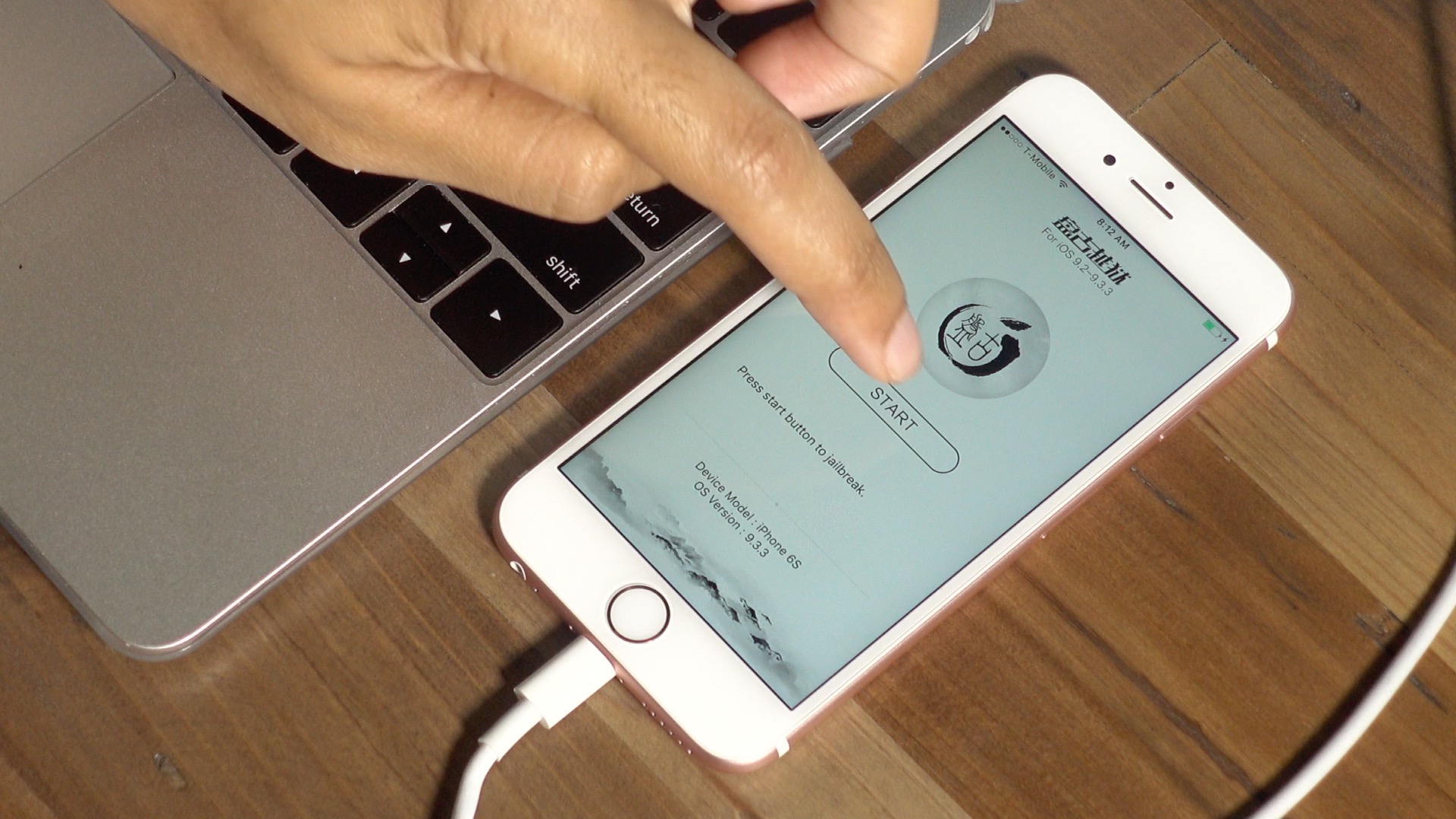
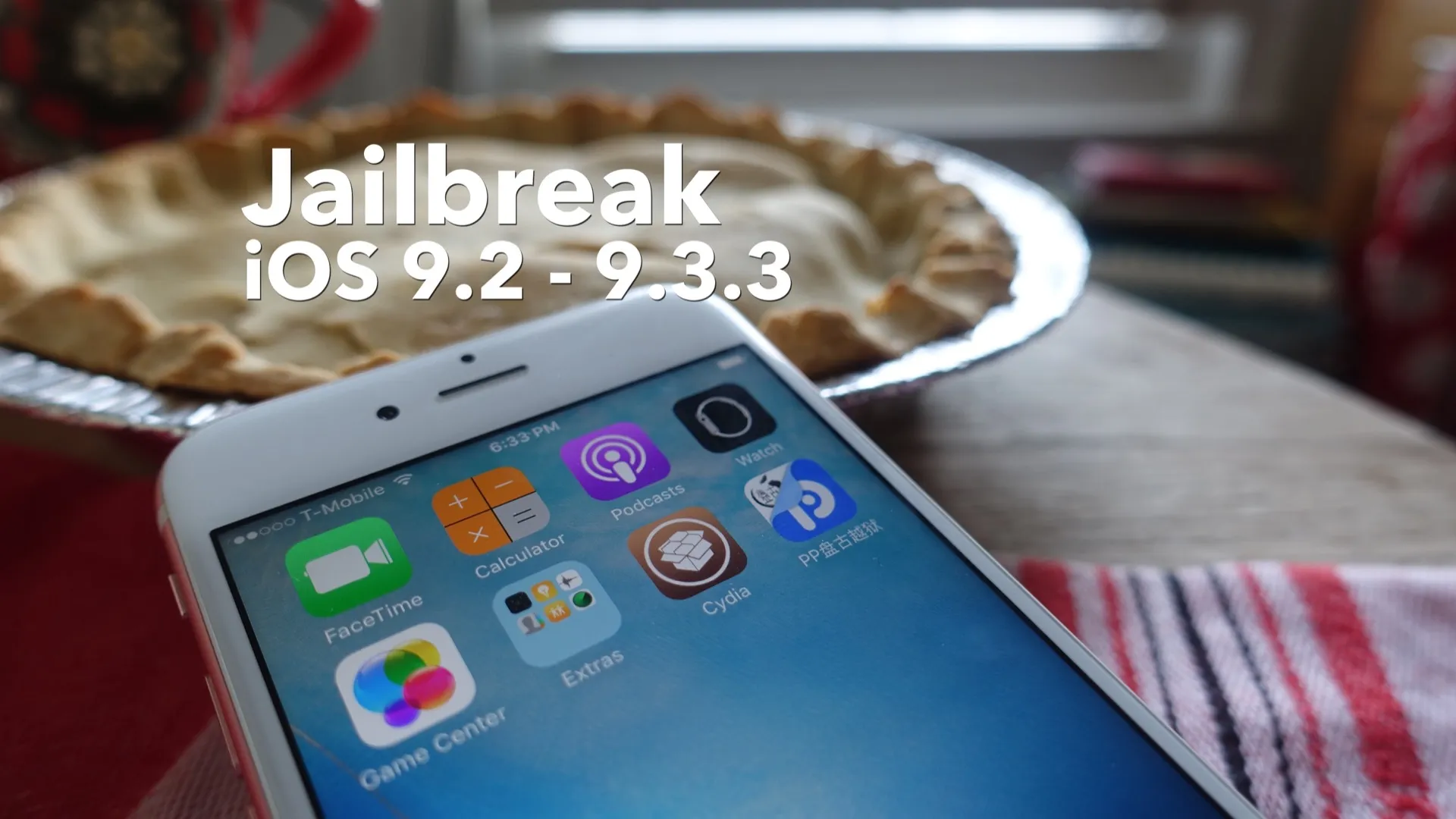
There’s been a lot of pent up anticipation for the iOS 9.3.3 jailbreak, and Pangu, the Chinese security researchers behind the latest tool, have answered the call.
Unfortunately, it appears that some jailbreakers have had various accounts compromised after jailbreaking, and several users on the popular subreddit r/jailbreak have corroborated these claims.
To be fair, it’s possible that these reported breaches are just a big coincidence, or that a compromise occurred after the tool left Pangu’s hands for distribution. Whatever the reason, however, it highlights one of the potential risks involved with jailbreaking. Expand Expanding Close
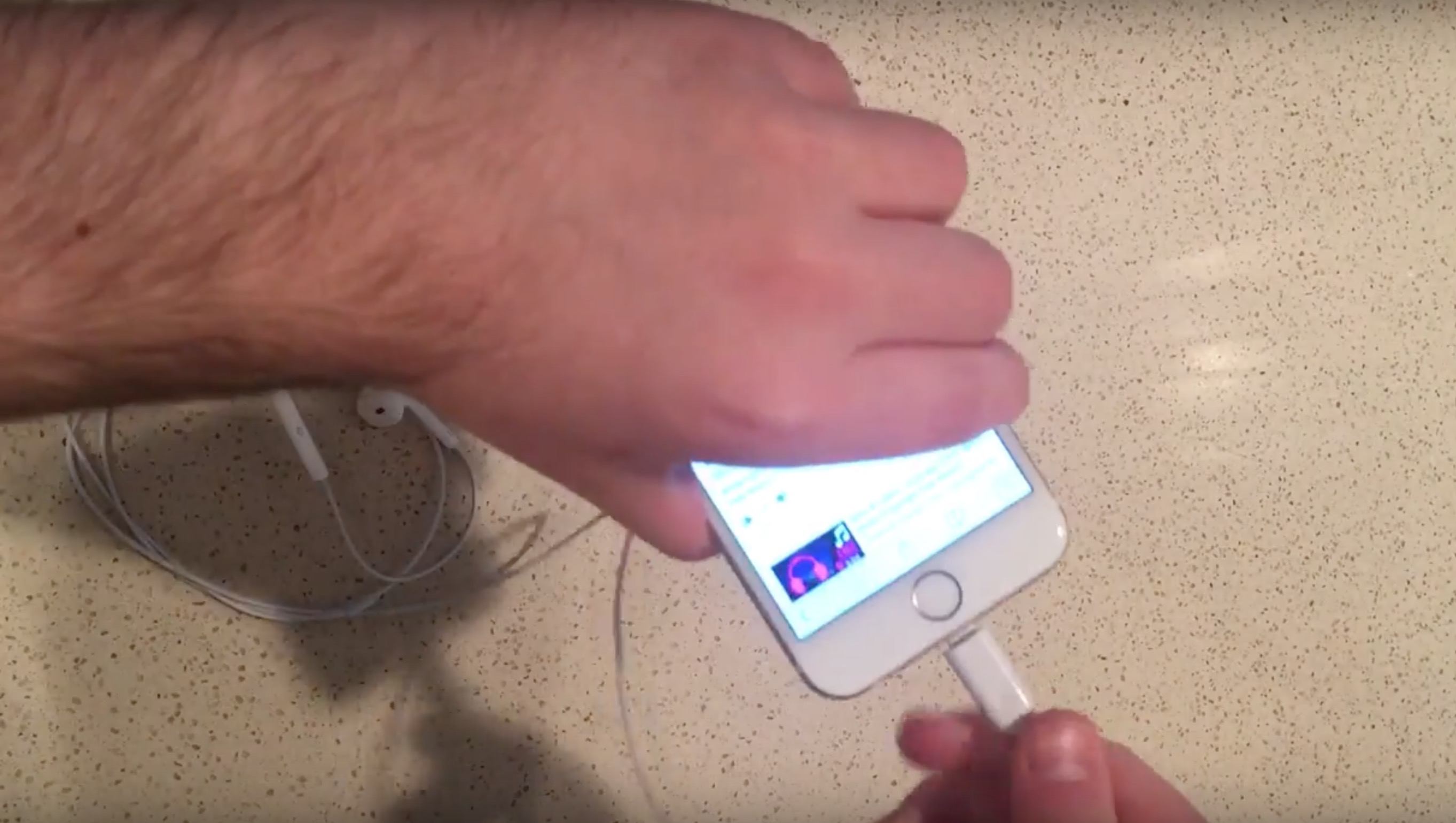
A new video was recently posted on YouTube showcasing purported Lightning-enabled EarPods. This isn’t the first time that we’ve seen Lightning EarPods shown off, but it’s the first time that we’ve seen them showcased in action on video. Expand Expanding Close
When editing projects in Final Cut Pro X, it’s easy to accumulate a wide variety of different clips in the timeline. These items can be spread out across the timeline in such a way that it can be cumbersome to select multiple clips at once using a cursor and keyboard.
Thankfully, a very handy tool, called the Timeline Index, makes finding, identifying, and selecting clips a breeze. The Timeline Index is not only useful for quickly identifying clips inside the project timeline, but it’s capable of filtering on specific types of clips, and selecting multiple clips simultaneously. Expand Expanding Close
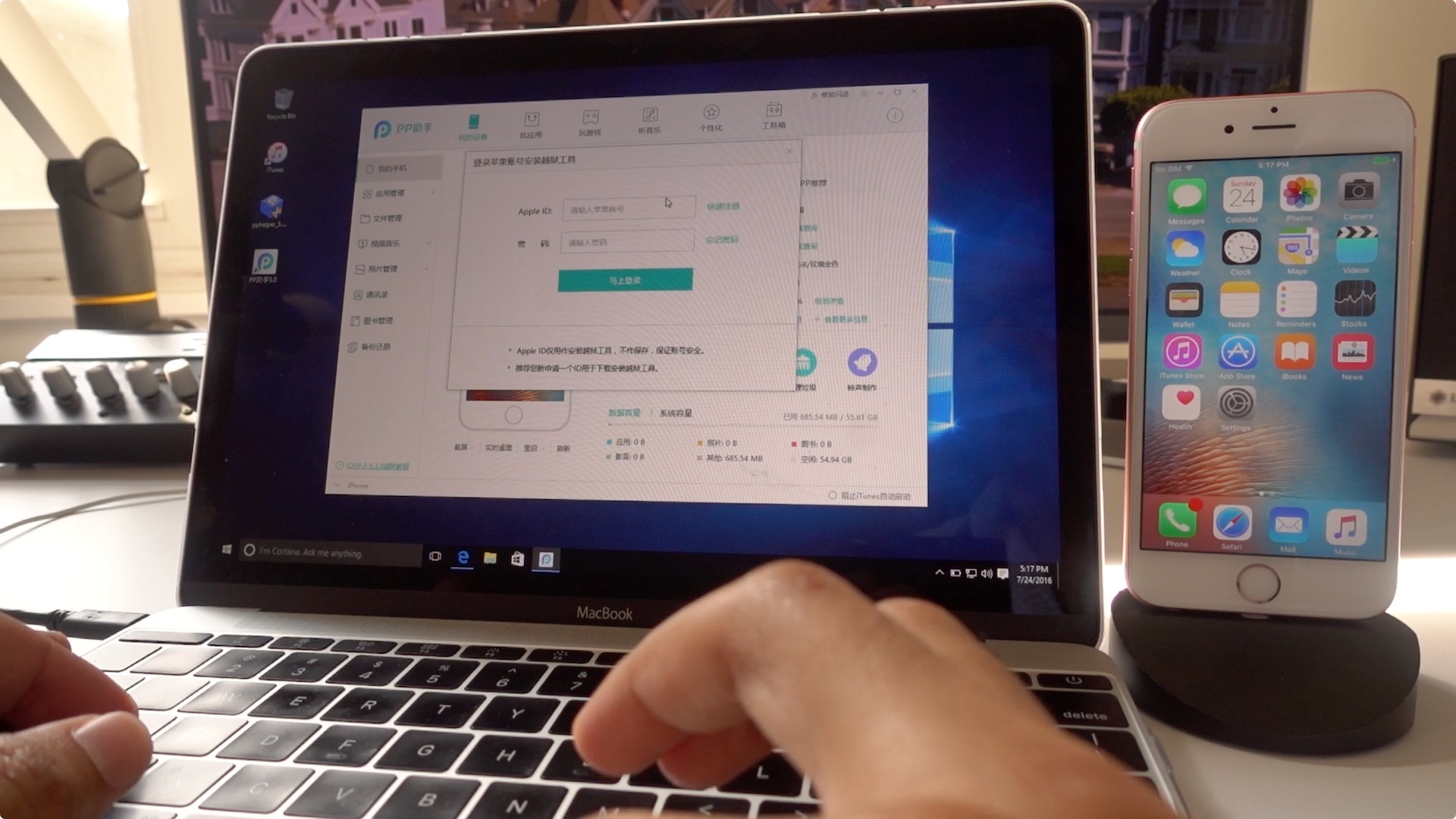
If you’ve been waiting on an English version of the Pangu jailbreak tool, then the wait is over. Instead of an all-encompassing tool that runs solely on Windows, Pangu, with the help of Cydia creator, Saurik, provides a different method for jailbreaking eligible iOS devices. Expand Expanding Close
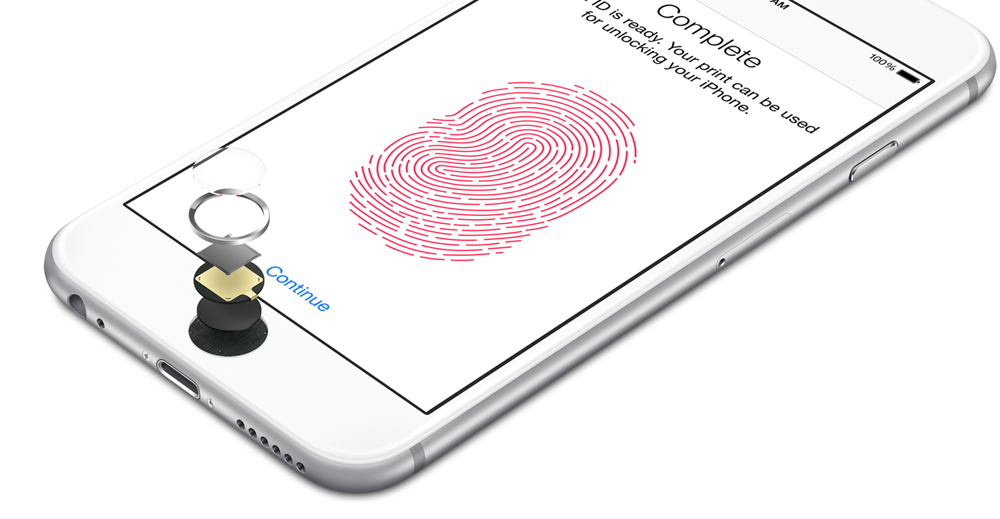
Apple is planning on discussing various aspects of iOS 10 security in “unprecedented detail” at the upcoming BlackHat USA 2016 security conference. Ivan Krstic, head of Apple Security Engineering and Architecture, will give a 50-minute briefing to discuss cryptographic design, the Secure Enclave found in Touch ID-enabled devices, and a new JIT hardening mechanism in iOS 10. Expand Expanding Close
Despite criticism, it appears that Apple’s decision to drop the 3.5mm headphone jack might at least be well-timed. According to NPD, Bluetooth wireless headphones exceeded sales revenue of their wired counterparts in the US during the June sales period. Expand Expanding Close
If you’re a cord cutter who owns a 4th-generation Apple TV, then it’s highly likely that you’re already intimately familiar with Channels. Fancy Bits’ well-received app lets Apple TV 4 owners, who own an HDHomeRun device and an antenna, watch, pause, and rewind live TV.
Although a tvOS version launched earlier this year, Channels has been conspicuously missing from the iOS App Store. Today, that all changes, as an iOS version of the app has been released on the App Store for $14.99. Expand Expanding Close
Most people know that I’ve been a staunch jailbreak proponent over the years, but my enthusiasm for jailbreaking has been waning as of late. Much of this has to do with the amount of features, jailbreak-inspired or not, that Apple stuffs into new iOS software each summer.
That’s not to say that I’d knock anyone who chooses to jailbreak, because that’s your prerogative. But there are some things that should give potential jailbreakers pause when it comes to the latest iOS jailbreak. Ladies and gentlemen, it’s time to play devil’s advocate… Expand Expanding Close
The jailbreak will also work with older iOS versions all the way back to iOS 9.2. In the following tutorial, we’ll show you how to jailbreak your eligible iOS device step by step. Expand Expanding Close
Have you ever started shooting a video in portrait orientation on your iPhone, only to quickly rotate into landscape mode after realizing the mistake? Once you’ve begun recording a video while in portrait orientation, it stays locked that way for the duration of the video, and vice versa.
Fortunately, inadvertent vertical videos can be quickly fixed by taking advantage of iMovie’s rotation feature on iOS. If you’d prefer to apply the fix on a Mac, you can just as easily utilize QuickTime’s rotation feature. Watch our hands-on video tutorial to see a couple of brief examples in action. Expand Expanding Close
If you’ve been patiently waiting for a jailbreak for the last few months, then your wait is about to come to an end. The Pangu hacking team has stated via its official Twitter account that an iOS 9.2 – iOS 9.3.3 jailbreak will be released soon for 64-bit devices. Expand Expanding Close
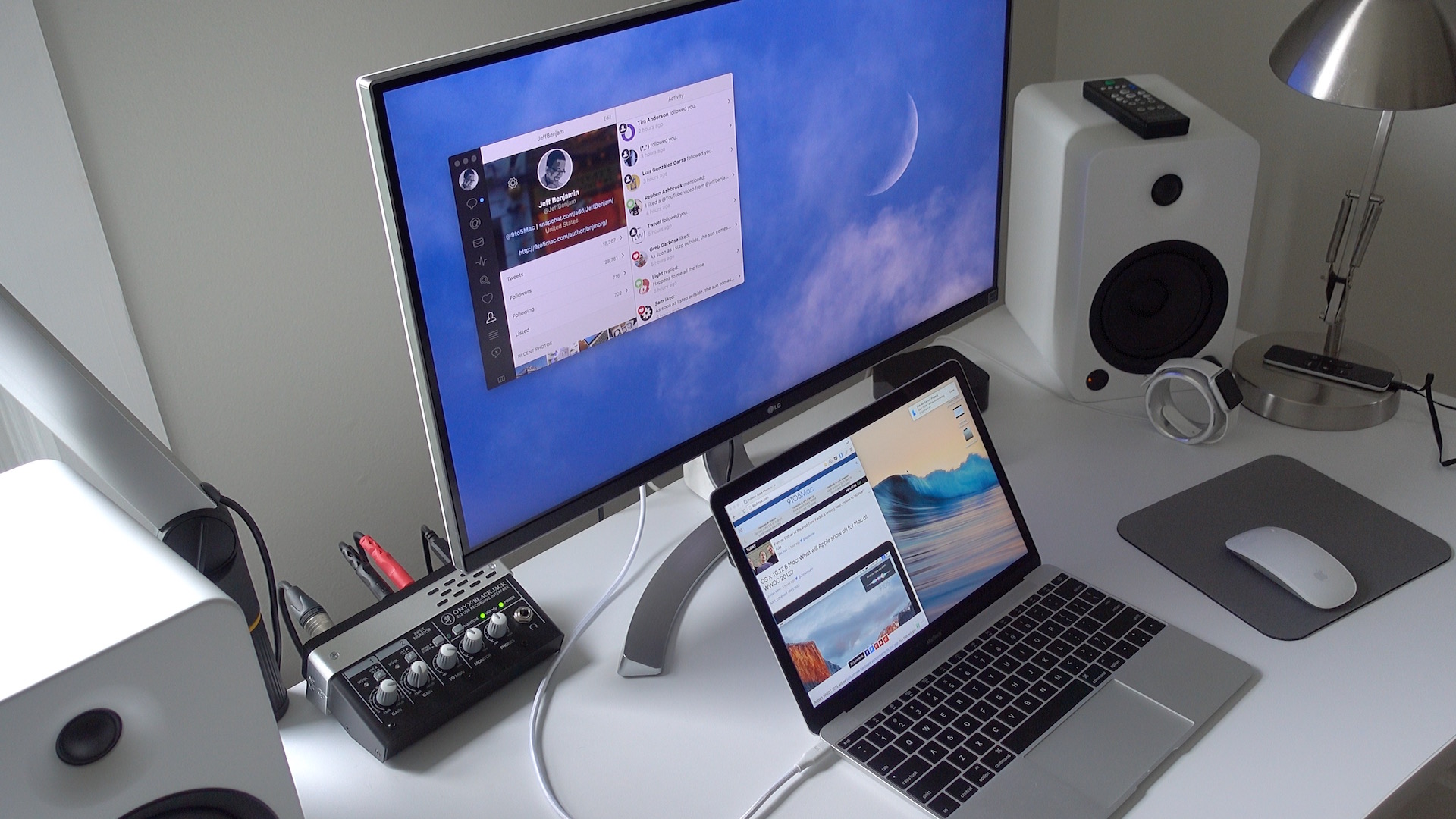
During my first few weeks with the 2016 MacBook, this machine could do no wrong. I gladly looked past its shortcomings, because it was beautiful — highly functional, even.
Two months in, and the infatuation stage has predictably elapsed and reality has started to set in. Was it a mistake to make the 12″ ultra-portable machine my full-time work rig? Expand Expanding Close
Evan Blass, prominent leaker and VentureBeat reporter, has revealed what he believes to be the release window for the next iPhone. If his hunch is correct, then we should expect the iPhone 7 and its various iterations to be released during the week of September 12th, 2016.
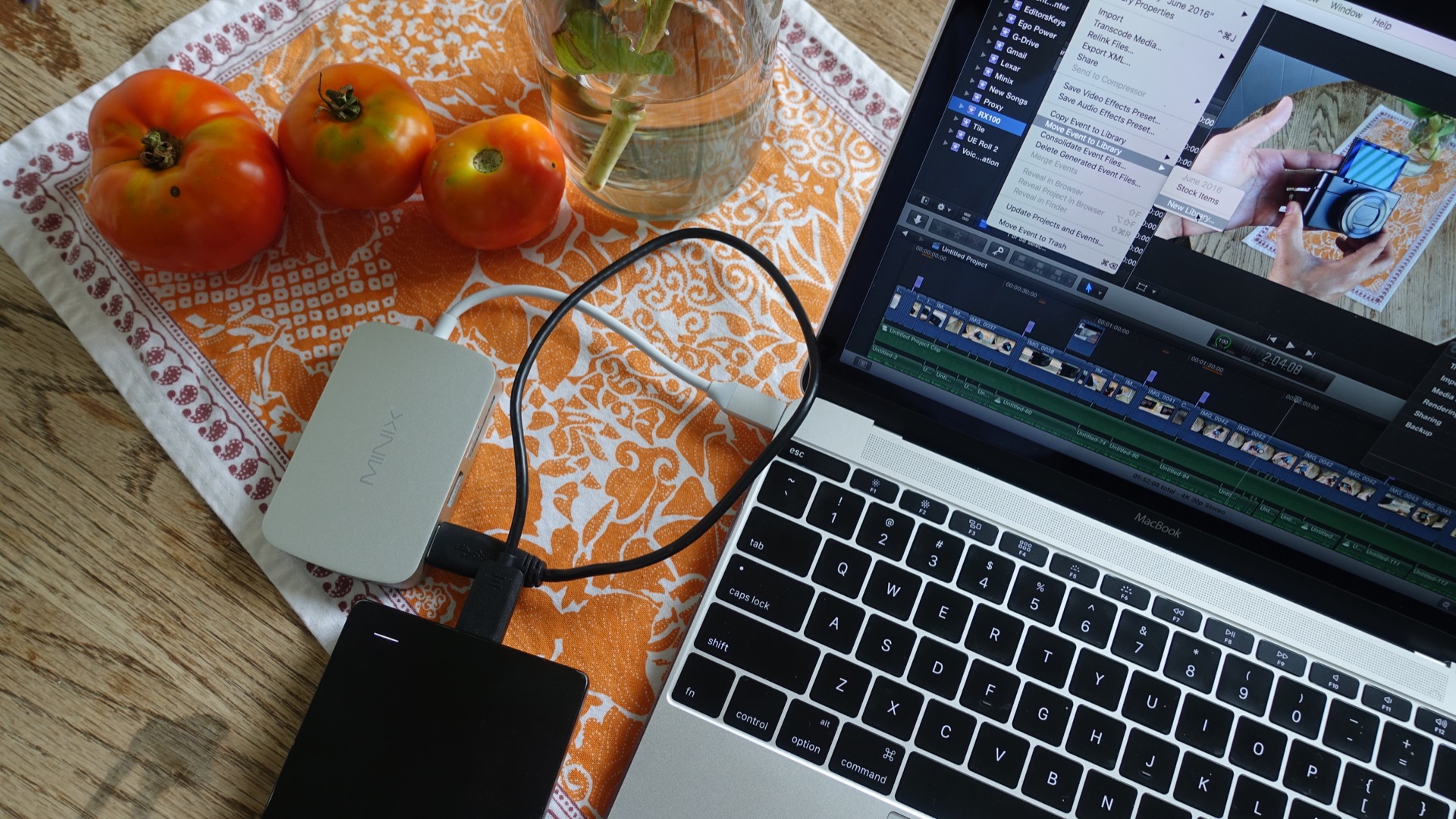
Since the 12″ MacBook is significantly limited when it comes to attaching external peripherals, I generally do all of my editing work in Final Cut Pro X with events stored directly on device. Being that I shoot 99% of our videos in 4K, you can probably imagine how quickly my MacBook’s storage is exhausted.
Needless to say, I’ve become accustomed to archiving events on a bi-weekly basis to save on space. In this hands-on tutorial, I’ll share my easy-to-use workflow for archiving Final Cut Pro X events and media to an external drive. Expand Expanding Close
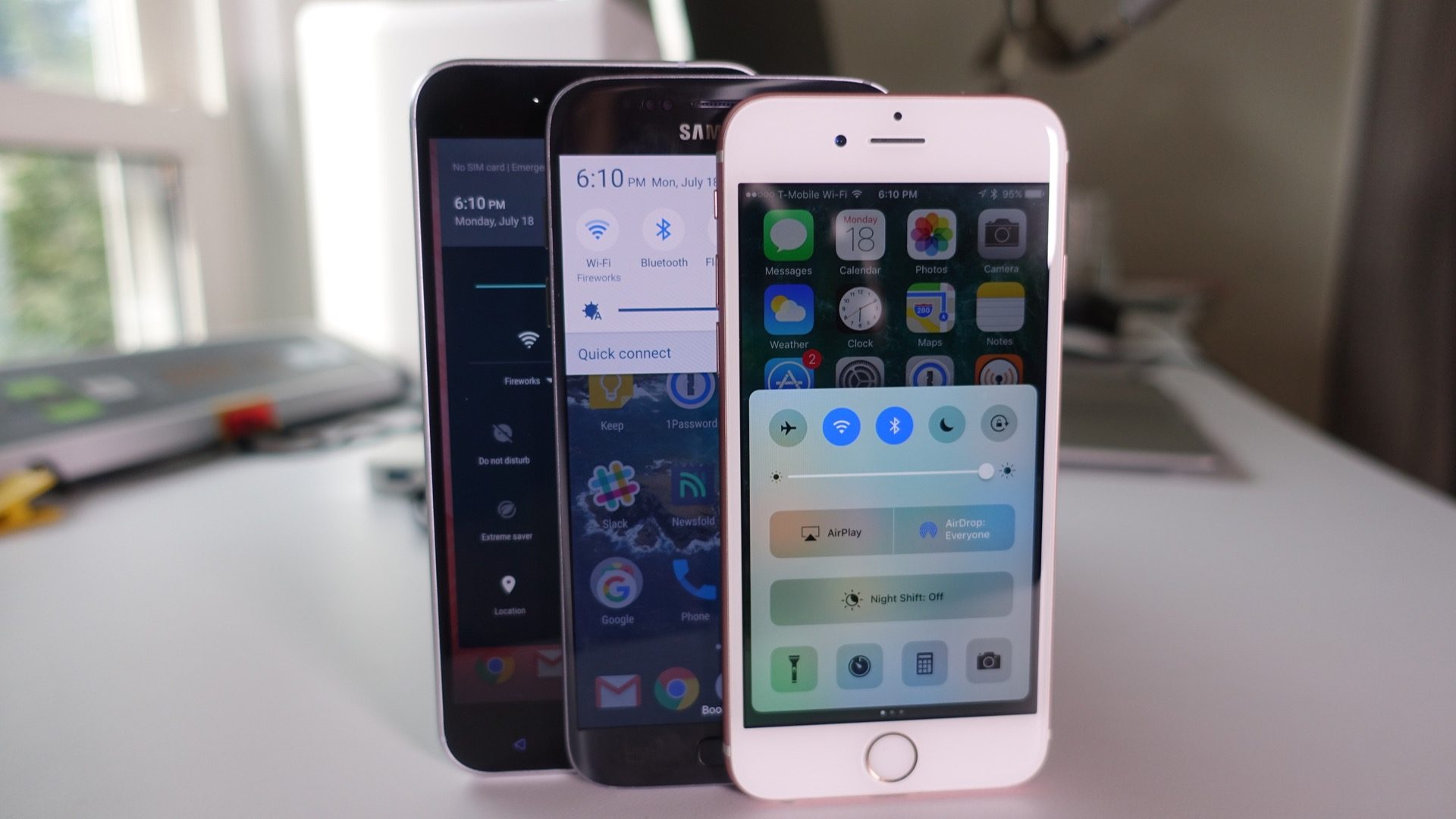
I’m not going to get into the politics of who came up with which ideas first, or who steals ideas from the other, because quite frankly, both iOS and Android have borrowed heavily from one another over the years. I could just as easily head over to 9to5Google and highlight iOS features that I’d love to see in Android, and I probably will in the future.
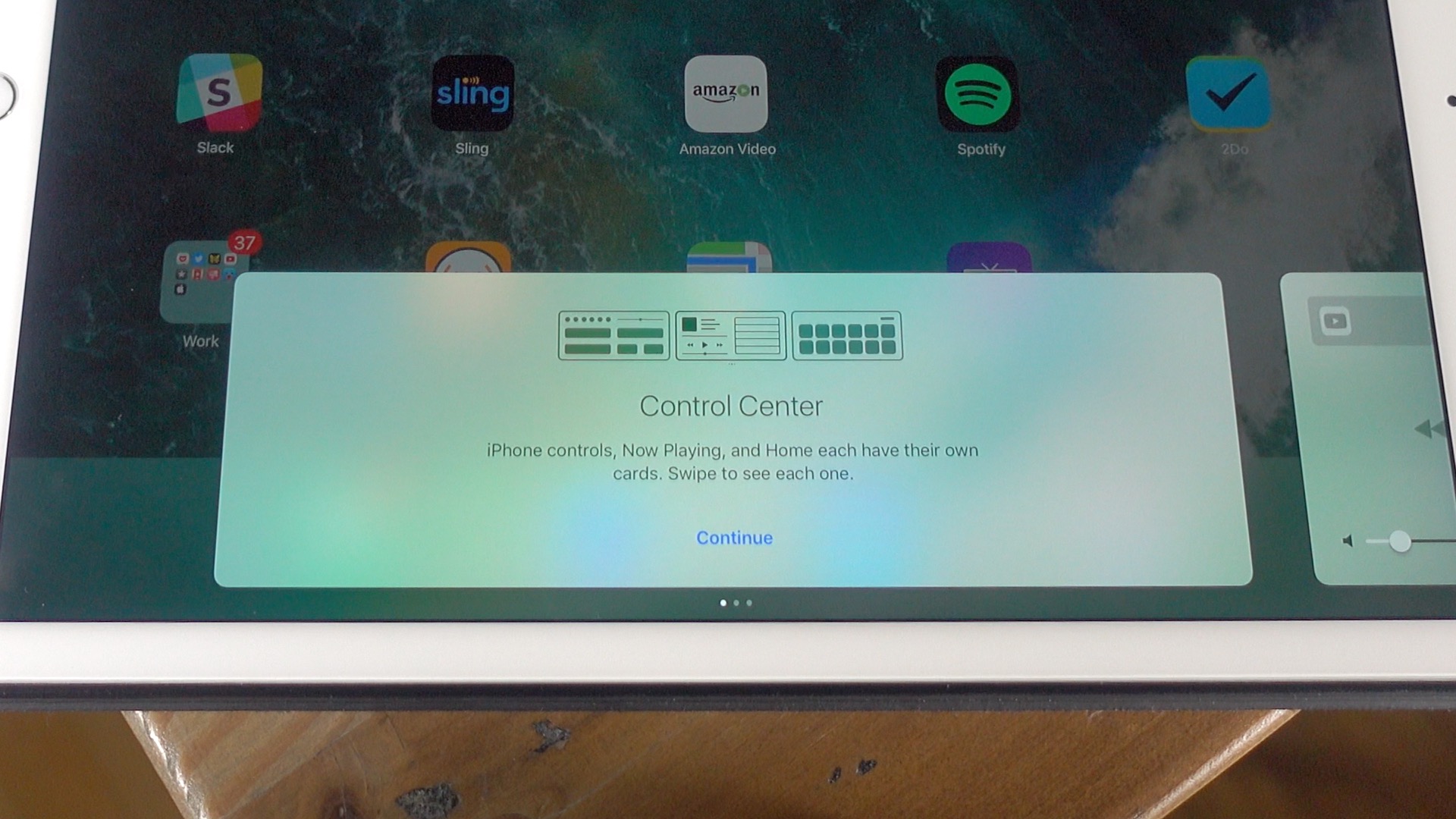
For now, though, I’d like to focus on iOS, specifically Control Center. It’s a feature that’s been around for going on four generations, and although it has evolved over the years, it still has a long way to go as far as I’m concerned. Here’s a look at four lessons that iOS could learn from Android when it comes to Control Center functionality. Expand Expanding Close
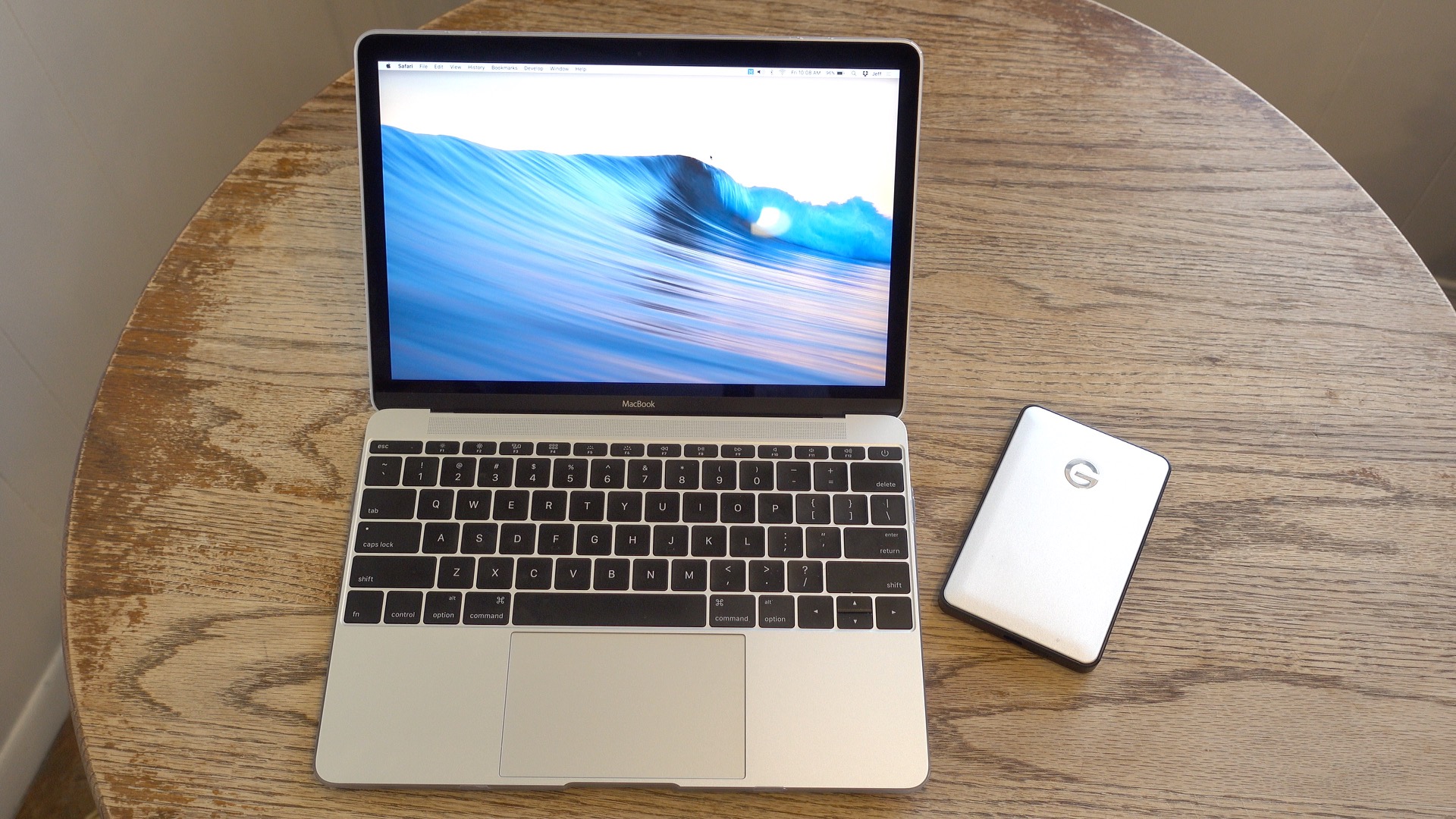
As a MacBook owner, USB-C peripherals are still a little hard to come by, but the accessory situation has improved significantly over the past year. One of the latest USB-C-centric peripherals to hit the scenes is an external bus-powered hard drive from the folks over at G-Technology. If you’re looking for a way to quickly offload files to and from your MacBook, the G-Drive is a good option. Expand Expanding Close
Razer has been working hard on creating the world’s first ultra-low-profile mechanical keyboard switch, and the first product that benefits from its existence is, of all things, a keyboard case for the 12.9″ iPad Pro. Razer’s Mechanical Keyboard Case for the iPad Pro launches today and is available right now for $169.99. Expand Expanding Close
I’ve been using Final Cut Pro X on a regular basis since it debuted back in June of 2011. With five years under my belt, I feel pretty comfortable navigating around the interface, utilizing custom keyboard shortcuts, and all of the other benefits that come with being intimately familiar with a piece of software.
If you’ve read any of my previous posts about Final Cut Pro X, you’ve probably concluded that I have a strong affinity for the app, despite some of the hate that it receives.
I’m also someone who likes to recommend Final Cut Pro X to new editors. I think that it’s easier to grasp and much more friendlier to work with on a Mac than competing apps like Adobe Premiere Pro.
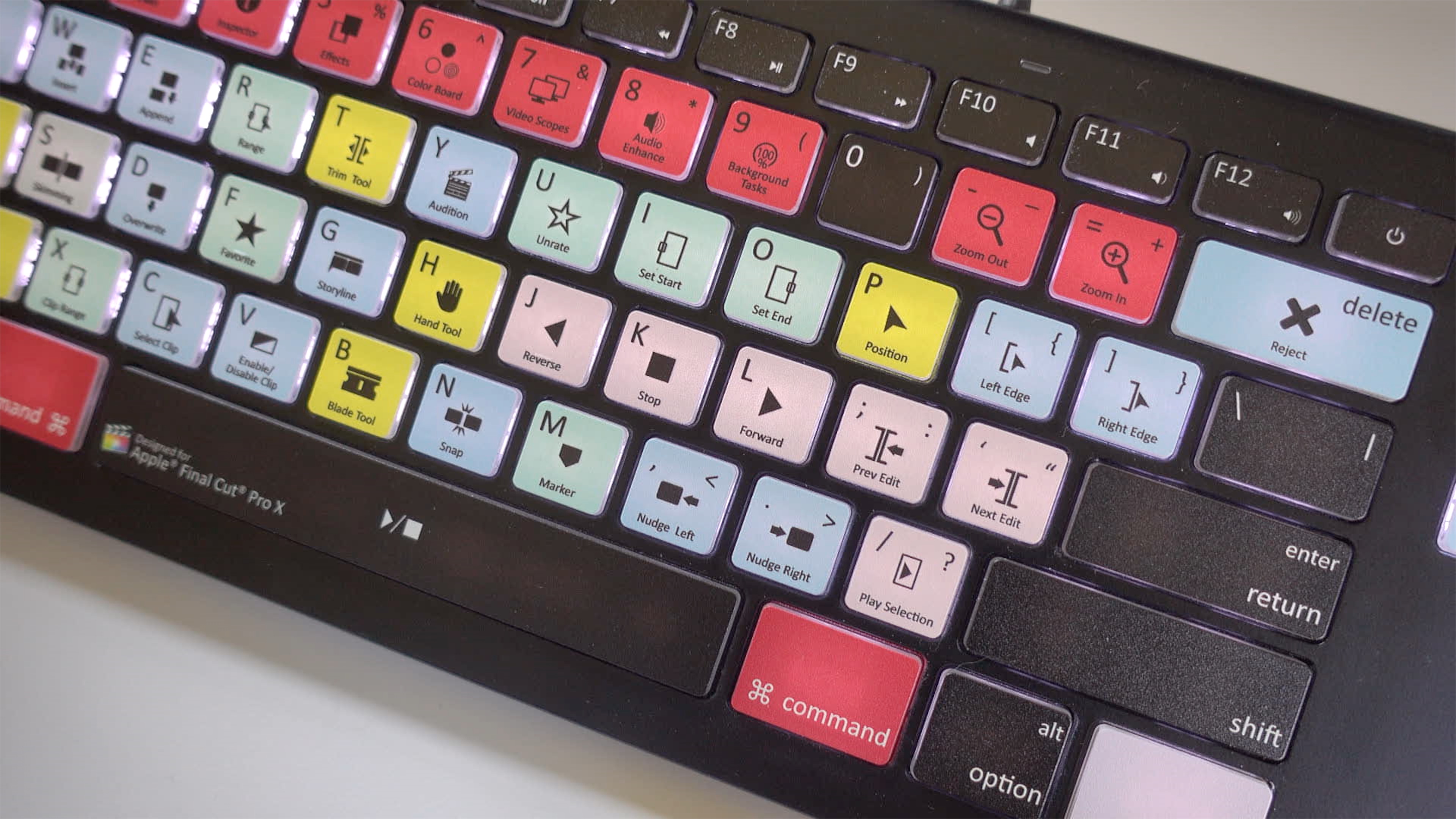
So when EditorsKeys, a company that produces a keyboard specifically designed for Final Cut Pro X, asked me to do a review, I was intrigued. Expand Expanding Close