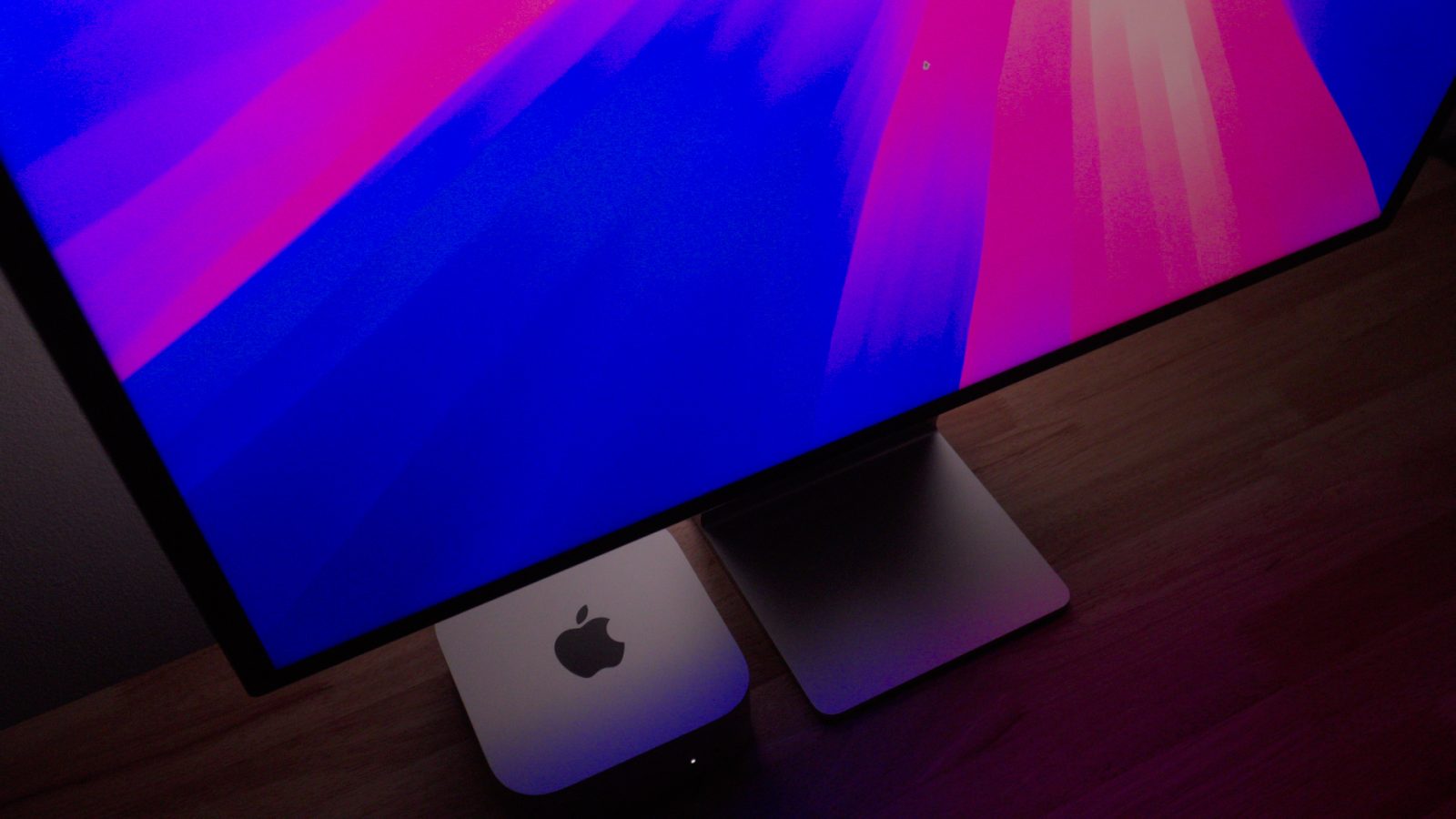
It’s been a while since Apple launched the new M4 Macs, and as more people get their hands on these computers, reports of unexpected issues surface on the web. Now there’s a group of users complaining about compatibility issues between M4 Macs and ultrawide monitors.
The alarm is probably one of the most used features by iPhone owners around the world, and luckily, it has been built into iOS since the beginning. However, it seems that people in the Azores Islands have been experiencing difficulties when setting an alarm on their iPhone — and this has been affecting multiple users there for more than a month.
Security researcher and founder of PingSafe AI, Anand Prakash, discovered a flaw in the popular iPhone app “Automatic Call Recorder.” This bug allowed anyone to access call recordings from other users by knowing their phone number.
The Image Capture app comes pre-installed with every Mac, allowing users to easily import photos and videos from other devices. In a recent blog post, developers of NeoFinder shared a new bug they’ve found in macOS Catalina that can quickly fill up the Mac storage when importing photos with the Image Capture app.
Every so often, a bug in iOS emerges where a certain string of text will cause your iPhone or iPad to crash. This week, another such string of text is going viral, and a fix from Apple is not yet publicly available.
Some users are reporting a bug in which cellular data connection is either permanently disabled or extremely spotty following the initial installation and reboot of iOS 12.1.3.
We’re working on a fix for an issue impacting a small number of iPad units that are receiving an error when trying to update the software. We’ll issue an update as quickly as possible”
Apple has today pulled iOS 9.3.2 for the 9.7 inch iPad Pro, following reports that users were seeing their iPads bricked after updating to the latest iOS release on Monday. The bug does not affect the larger, 12.9 inch iPad Pro. After updating, users seeing the bug would be prompted to Connect to iTunes on the iPad display. However, aside from an Error 56 debug message, the device could not be restored through iTunes or DFU.
Apple acknowledged the issue yesterday in a press statement, suggesting affected users who cannot restore through iTunes should instead contact Apple Support. There is no word on a temporary fix for users who have already been impacted by the problem. It is likely Apple will re-release iOS 9.3.2 for the relevant models soon.
Early this morning, we told you about a new iPhone 6s passcode bypass vulnerability that allowed handlers to access photos and contact details without needing to verify with a passcode or Touch ID. The Lock screen vulnerability was made possible by Siri, and let users bypass the security provided by the Lock screen passcode and/or Touch ID.
If there’s a positive spin to put on such a vulnerability, it’s that fixes can be implemented server side without the need for an iOS update. Apple today has fixed the passcode bypass method by forcing Siri to request your Lock screen passcode whenever a user tries to search Twitter via Siri while at a secured Lock screen Expand Expanding Close
A new iPhone 6s/6s Plus passcode bypass flaw is making its rounds on the internet today, and it’s similar to flaws we’ve seen in the past on iOS. Don’t be overly alarmed, though, as the odds of this happening to you are slim. Besides, if you are concerned, there are some bonafide ways to go about protecting yourself. Expand Expanding Close
Apple has released an updated build of iOS 9.3 for users affected by an activation bug, first reported last week. Although the version number is still 9.3, the update features a new build number, 13E5237, to signify the change. The issue prevented some iPhone and iPad owners from successfully completing the upgrade steps for iOS 9.3 if they could not recall their Apple ID info immediately, to pass Activation Lock.
[Update: Although details around the problem with iOS 9.3 links causing hangs and crashes remain sparse, it appears to be related to the third-party apps a user installed on the system. We have been able to take an unaffected iPhone 6 and iPad Pro, install the Booking.com app, and then observe Safari consistently hanging when long pressing a link. We do not recommend repeating this however to see the bug for yourself, as the problem appears to stay around. Our test devices continue to exhibit the crashing bug after uninstalling the app and rebooting. We are not sure what exactly causes the issue and thus do not know what class of apps cause the problem to arise. It is likely not limited to just one app, but we are yet to find others. Apple is yet to comment officially on the issue.]
Readers are reporting a strange bug with iOS 9.3 (and older versions apparently, exact characteristics of affected devices is unclear), primarily affecting the latest Apple devices, iPhone 6s and iPhone 6s Plus. The issue has also been reported on older phones and some iPad models as well. The cause is unknown, but many users are finding themselves unable to open links in Safari, Messages, Mail, Notes and other apps. Instead of visiting the target website, the app crashes, freezes or hangs. Hundreds of reports have already been posted about the iOS 9.3 problem on the Apple Support forums.
Other users are reporting that tapping on links simply does nothing, whereas a tap-and-hold causes a crash. A permanent fix for the issue is not known and Apple has yet to comment on what may be going on. Some people have reported that disabling JavaScript partially solves the issue for opening links in Safari, but remains for other apps.
With the release of iOS 9.3 yesterday, Apple included a major new feature that may help you sleep better at night: Night Shift. Night Shift works by changing the color temperature of your screen gradually as the day changes. In Control Center, you can toggle this feature on and off manually. In Settings, you can setup iOS 9.3’s Night Shift so that it automatically shifts the blue light of your iPhone or iPad screen with a schedule. The schedule options are either preset times set by the user or an automatic schedule based on sunrise and sunset.
However, after updating to iOS 9.3, some users have complained that the automatic Sunrise/Sunset option is not available for their devices. It turns out this is not a bug, or limited to certain countries as people suggest. In fact there is a simple fix …
If Apple hasn’t yet made the Ethernet network port on your Mac obsolete by not including it, as is the case with most Macs sold today, then it may have accidentally broke the port last week in an OS X kernel extension update. Many users complained about the issue online: they had randomly found their Macs no longer connecting to the Internet and their Ethernet port simply not working. Apple has now officially acknowledged the problem on its support pages. Luckily, the software problem isn’t permanent and the bug can, usually, be easily resolved.
Apple has already fixed the Ethernet software problem for users going forward. Here’s the fix if you were affected …
An interesting bug relating to the date and time system in iOS has emerged recently. Several users have discovered that if you change your iOS device’s date to January 1st, 1970, your device will be permanently bricked. You can see the process in the video below, and while I don’t have any desire to try it out to confirm, it’s pretty apparent based on separate reports that it’s a legitimate issue.
A strange bug is affecting many Safari users today, causing crashes on iPhone, iPad and Mac. For many users, simply tapping in the URL bar will cause the browser app to crash completely. The exact issue causing the crashing has not been locked down, but it appears to be related to Apple’s Safari Suggestions service. It’s a very annoying bug that is affecting a lot of people all of sudden today.
When you type a URL, Apple sends what you type to its servers, returning a response with autocomplete search queries, Top Sites and other info. There appears to be a bug in this server request that is causing Safari to randomly crash. Users are discovering some potential workarounds until Apple fixes the problem properly …
Watch out for a new prank circling Twitter and other social media today. Visiting CrashSafari.com on an iPhone, iPad or Mac will cause Safari app to crash … and potentially cause your device to restart. The bug is otherwise harmless, but be warned it will likely cause you to lose your open tabs.
To try this out click here to visit the page and watch for the beachball. The current troll is to link to CrashSafari.com on Twitter using a URL shortener, so people are tricked into visiting the site without being able to see the name.
On the Mac, Safari will freeze (‘Application Not Responding’). You may need to restart your machine to get your browser working again. On some iPhones and iPads, the glitch may cause your iOS device to reboot. So how does this prank work?
Shortly after the iPad Pro launched in November, Apple acknowledged an issue facing some numbers of users (luckily not myself) where the tablet would become unresponsive after a period of charging. At the time, Apple said it was aware of the issue and was investigating.
Three weeks later, Apple has updated its support document that details the issue with some good news. While the fix was previously to hold both the sleep/wake button and the Home button for several seconds until it restarts, Apple now says to update the software to hopefully totally fix the issue.
Following yesterday’s release of iOS 9.2, Apple has updated the support document to add that the latest software update “might prevent this issue from occurring in the future.”
Come to think of it, I’d personally been running the beta version of iOS 9.2 on my own iPad Pro and hadn’t experienced the issue. The last beta version of iOS 9.2 and the shipping version yesterday featured the same build number, so hopefully iOS 9.2 is the fix for new iPad Pro owners.
If you have a new iPad Pro and have had issues using the new software keyboard, you’re probably not alone. Aside from following the iPhone 6/Plus lead and adding new keys in the space around the QWERTY keyboard, iPad Pro includes a full sized shift key and half-height number keys which in theory require fewer taps to access more characters.
In practice, the new layout requires an adjustment period, to put it mildly, as the keys most frequently accessed are surrounded by targets that you have to avoid tapping accidentally. I’m on day four and getting better, but there’s one embarrassing keyboard bug that had me convinced I was crazy. Turns out I may not be. Here’s the deal: Expand Expanding Close
Some iPhone 6s/Plus users are reporting a display glitch in Wallet and some other apps, where they get a permanently zoomed-in view after restoring from an iPhone 5/5S/5C. Apple has told owners that it is aware of the issue but does not currently have a fix other than setting up the phone as a new one.
When I open the Apple wallet app, the sides of the screen are cut off like it is zoomed in […]
Same issue here on an iPhone 6S. I can’t activate any cards since the button to input the activation codes is seemingly cut off […]
I spent 30 minutes on a support chat. [Apple] could only suggest trying a full phone restore (losing data in the process).
Apple just released a minor update to iTunes 12, seemingly addressing several issues related to Apple Music’s debut in iTunes 12.2. One major problem — automatic switching of certain iTunes Match songs to “Apple Music” status, along with the unwanted addition of Apple’s Fairplay DRM — is mentioned in iTunes 12.2.1’s release notes. Apple says the update resolves an issue “where iTunes incorrectly changed some songs from Matched to Apple Music,” and lets you restore non-DRMed files to your library.
But unless you follow a specific procedure spotlighted in a new Apple support document, the fix could create even bigger problems for your library. Apple notes that if you download 12.2.1, “previously matched songs [that] appear as Apple Music songs” will be fixed, as iTunes will “correct the information automatically.” Indeed, you’ll see that Matched or Purchased songs that switched to “Apple Music” status now say Matched or Purchased again within the iTunes library. “After you update,” says Apple, “you can remove and download again any songs that were incorrectly downloaded as Apple Music.” But if you hit the wrong button, you’ll find it hard to restore your tracks…
Update: Apple confirmed it’s aware of the issue and working on a fix:
“We are not aware of any customers affected by this proof of concept, but are working on a fix for an upcoming software update.”
If you are reading mail on your iPhone and iPad and a popup appears asking you to re-login to iCloud (or anything else), beware. Security researcher Jan Soucek discovered a bug in the iOS Mail app that allowed an attacker to run remote HTML code when an email is opened. That code could easily imitate an iCloud login prompt, fooling users into giving away their Apple ID credentials … Expand Expanding Close
Apple today shared a support article that offers users of the new 12-inch MacBook assistance getting around a bug involving Setup Assistant. According to the article, some users have had the spinning beach ball appear during the initial setup of their MacBook.