Jeff is the head of video content production for 9to5. He joined 9to5Mac in 2016, producing videos, walkthroughs, how-tos, written tutorials, and reviews. He takes pride in explaining things simply, clearly, and concisely. Jeff’s videos have been watched hundreds of millions of times by people seeking to learn more about today’s tech. Subscribe to 9to5Mac on YouTube to catch Jeff’s latest videos.
iOS Decoded is Jeff’s flagship video series that breaks down what’s new in iOS betas, including behind-the-scenes deep dives into undiscovered features and exclusive details on the iOS roadmap.
Jeff also produces a weekly podcast, alongside co-host Fernando Silva, entitled 9to5Mac Overtime. A video-first podcast, 9to5Mac Overtime airs weekly on our YouTube channel, but can also be enjoyed in audio form via Apple Podcasts, or your podcast app of choice.
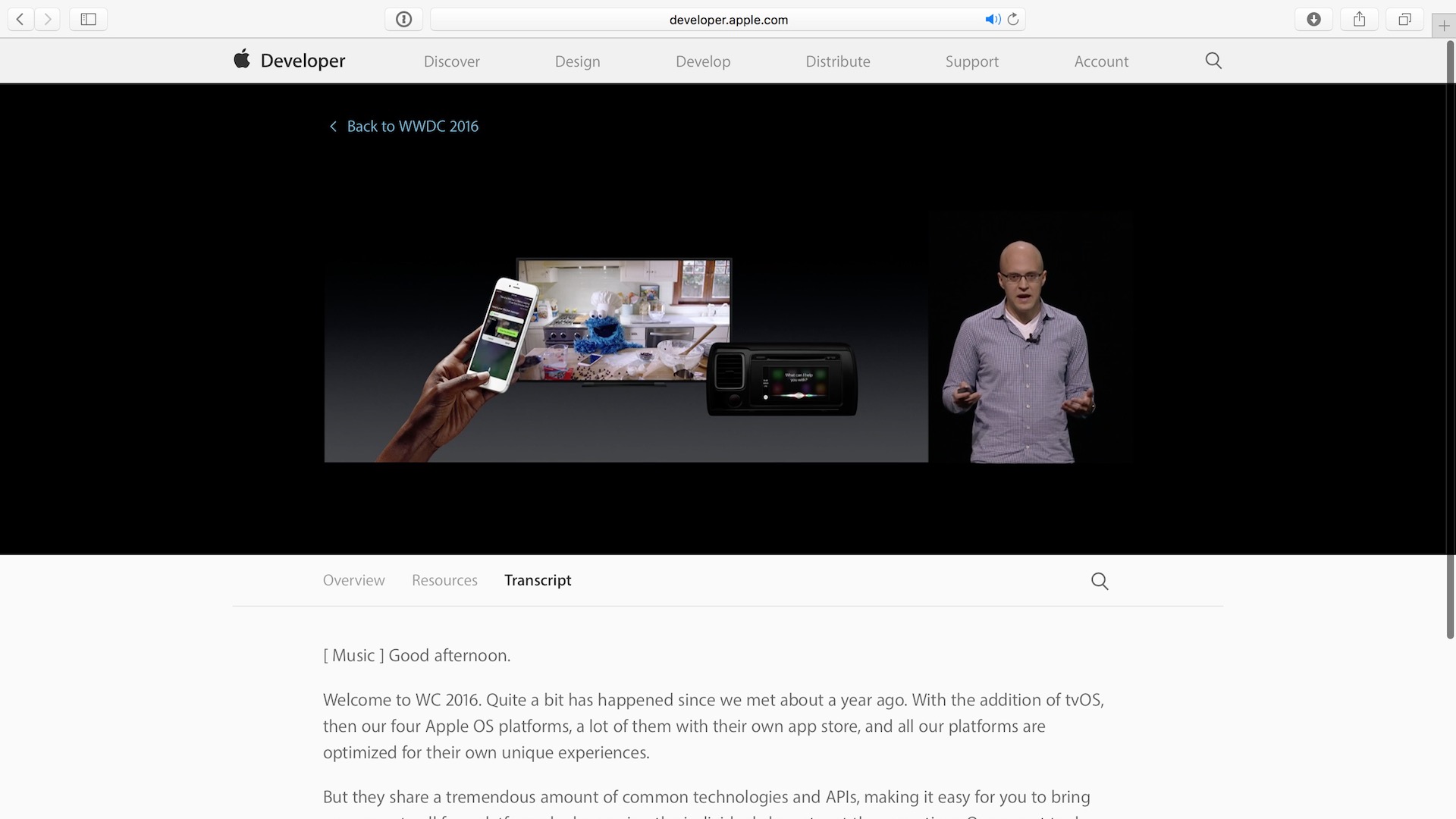
Apple today announced that transcripts are now available to accompany its WWDC 2016 session videos. These transcripts allow developers to read the full content of session videos. Expand Expanding Close
I love my 2016 MacBook for a variety of reasons, but there are still some areas where its Core M processor struggles to keep up. When it comes to exporting 4K video, the MacBook shines due to Intel Quick Sync Video hardware encoding. Editing 4K video, however, is much more taxing on the MacBook, especially when employing various effects and color correction.
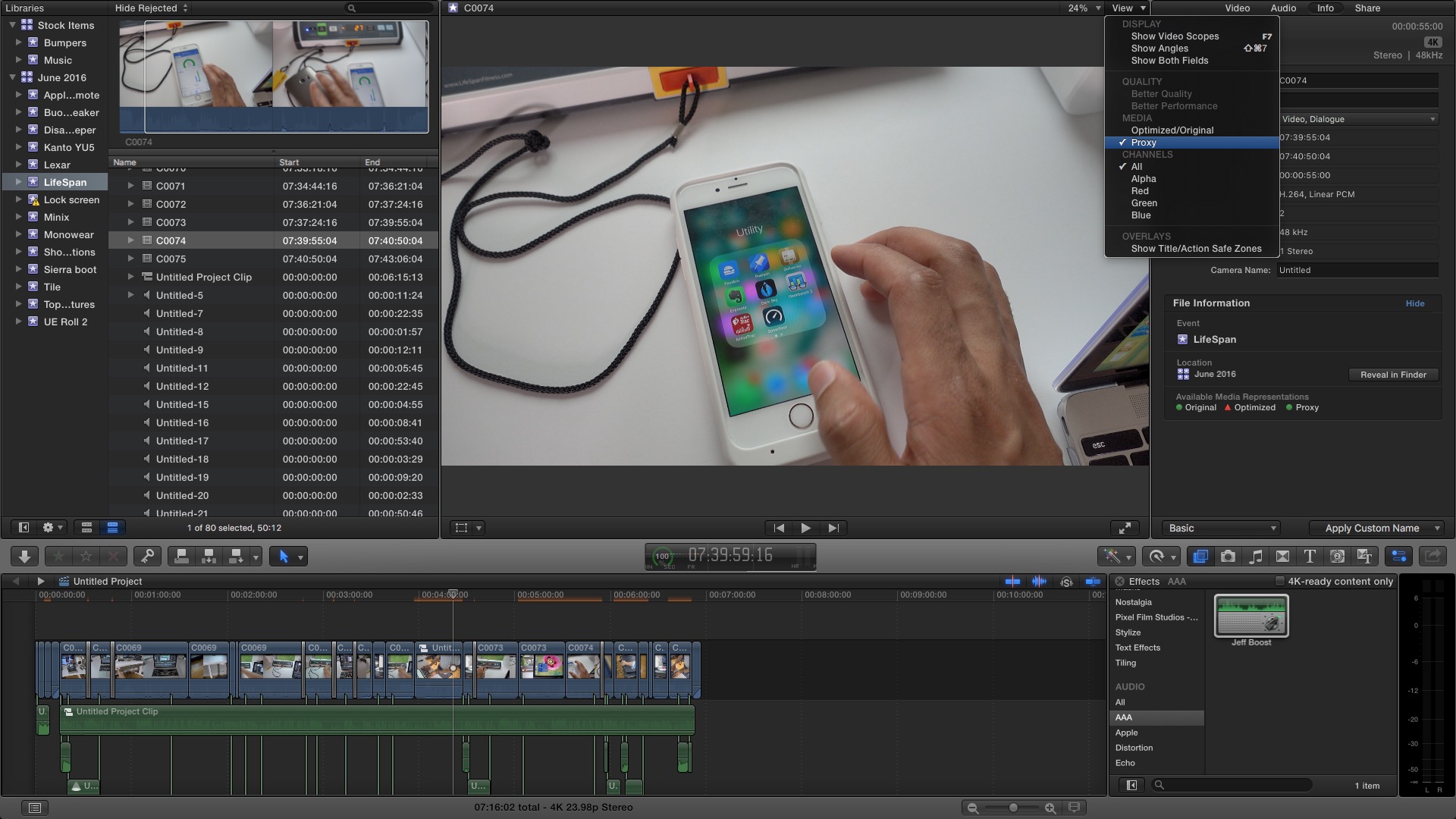
Thankfully, Final Cut Pro X has built-in features that allow users to edit 4K video on even the most anemic of systems. In this post, we’ll show you how to leverage proxy media in order to successfully edit video on an underpowered Mac. Expand Expanding Close
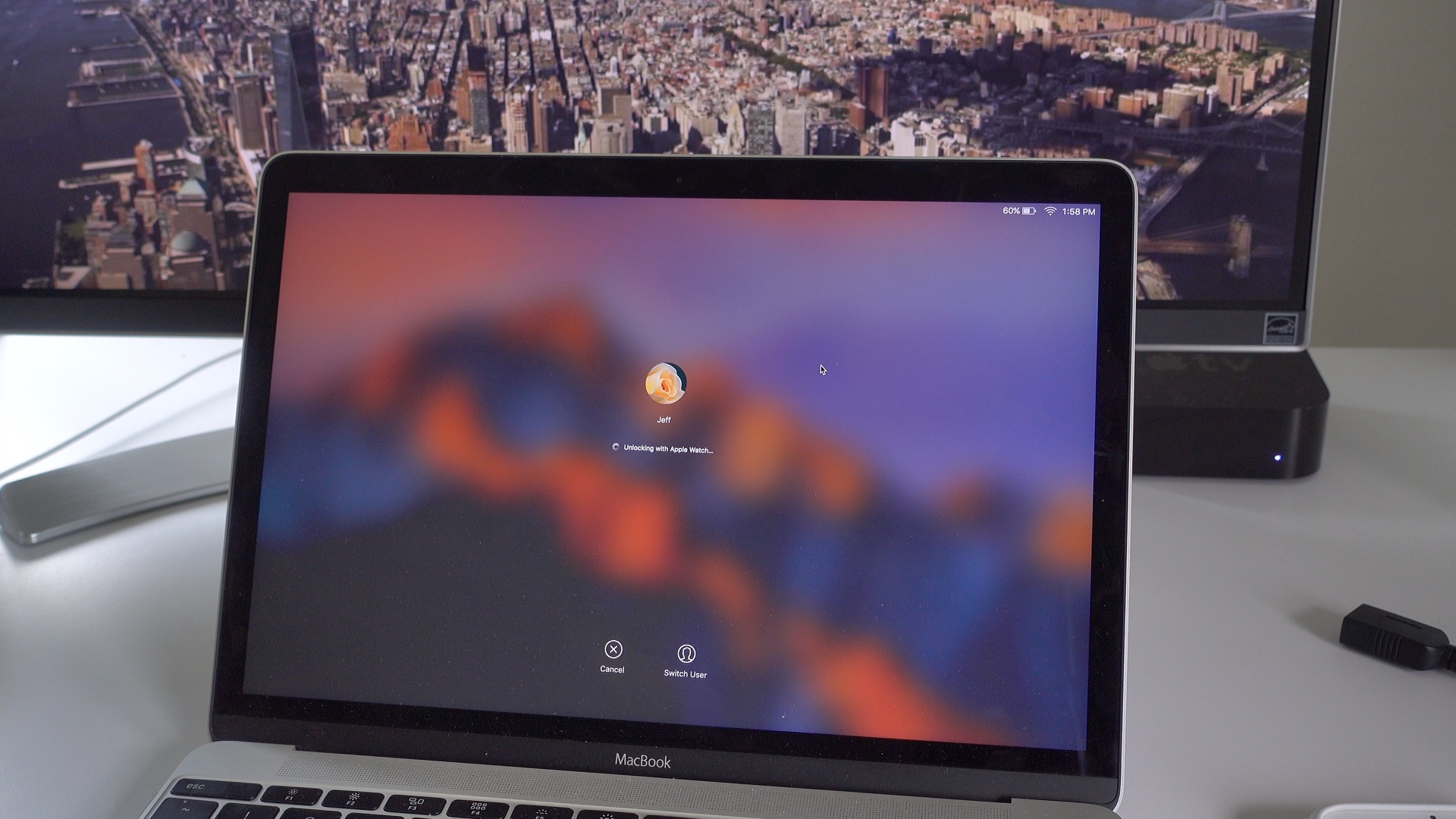
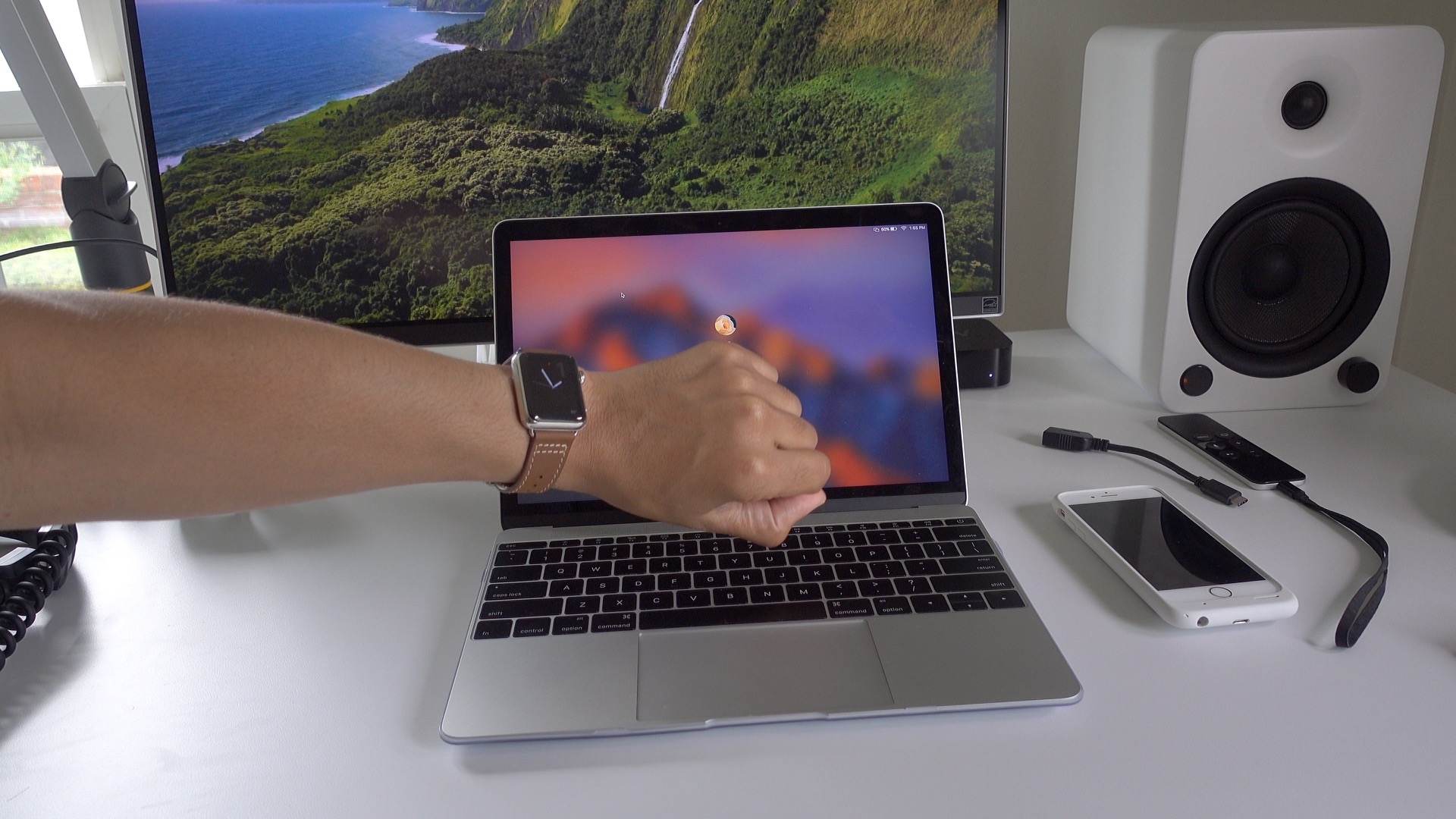
Auto Unlock is now available in macOS Sierra Developer Preview Seed 2, and on Tuesday, we demonstrated how it works with our hands-on video. Yet, there are still many lingering questions about Auto Unlock, such as hardware requirements, range requirements, etc. In the following post, we address some of the questions that you’ve posted in the comments and submitted via email. Expand Expanding Close
Apple appears to be slowly rolling out its new voicemail transcription feature to iOS 10 beta users, as the feature just appeared on my iPhone 6s in the last few minutes.
Voicemail transcription is exactly like it sounds: it processes audio from voicemails and displays the message in text form right from within the voicemail interface inside the built-in Phone app. Expand Expanding Close
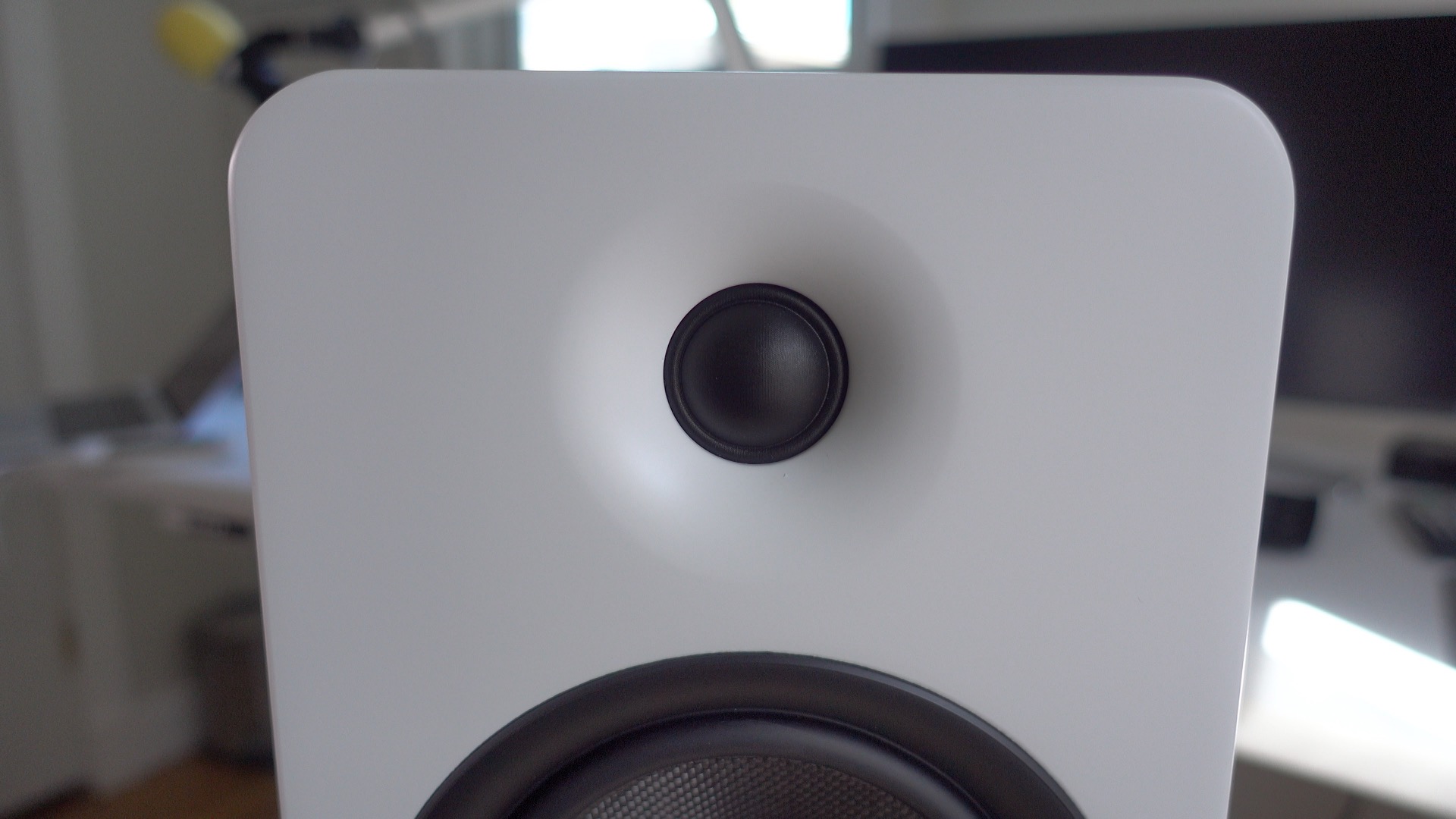
Back in May I published a post highlighting my voiceover and podcasting setup. In that post, I noted that I had recently switched from the KEF Egg Wireless Digital Music System to the Kanto YU5. While that may seem like an odd choice given how ridiculously good KEF’s drivers sound, I noted that the added flexibility made possible by the YU5’s connectivity options is what convinced me to make the switch.
The Kanto YU5 offers Bluetooth connectivity along with auxiliary input and stereo RCA inputs. The speakers also offer dual optical inputs, a subwoofer output, and traditional non-proprietary speaker connections. There’s even a USB-port to be found on the back of the cabinet, although it’s used for charging only.
Needless to say, the amount of versatility offered by these speakers is a big reason as to why I considered them in the first place. In this area, the Kanto YU5 delivers well.
Auto Unlock was one of the biggest features announced at WWDC 2016 that didn’t make it in the initial round of developer betas back in mid-June. Today, thanks to the highly anticipated release of the latest macOS Sierra beta, developers get their first hands-on look at Auto Unlock. Watch our video inside to see it in action. Expand Expanding Close
As someone who’s been involved in IT for the last 15 years, sitting while working comes with the territory. Since transitioning from IT to full-time blogging, it’s just been more of the same.
Shooting video tends to get me out of my chair on most days, but I still find myself sitting for inordinate amounts of time. Having a good exercise routine is crucial, as many of my colleagues will attest to, but even with regular exercise, it can still be fatiguing to sit for most of the working day.
This is why I ended up researching, and ultimately acquired, a standing desk. Standing desks are great as I noted in my full review of the UpDesk Power Up, but after a month or so of regularly standing for portions of my work day, I craved something more.
Enter the Under Desk Treadmill from LifeSpan. It’s a device that helps transition a standing-while-working routine into to a moving-while-working routine. Can an under desk treadmill really allow you to maintain productivity while in motion?
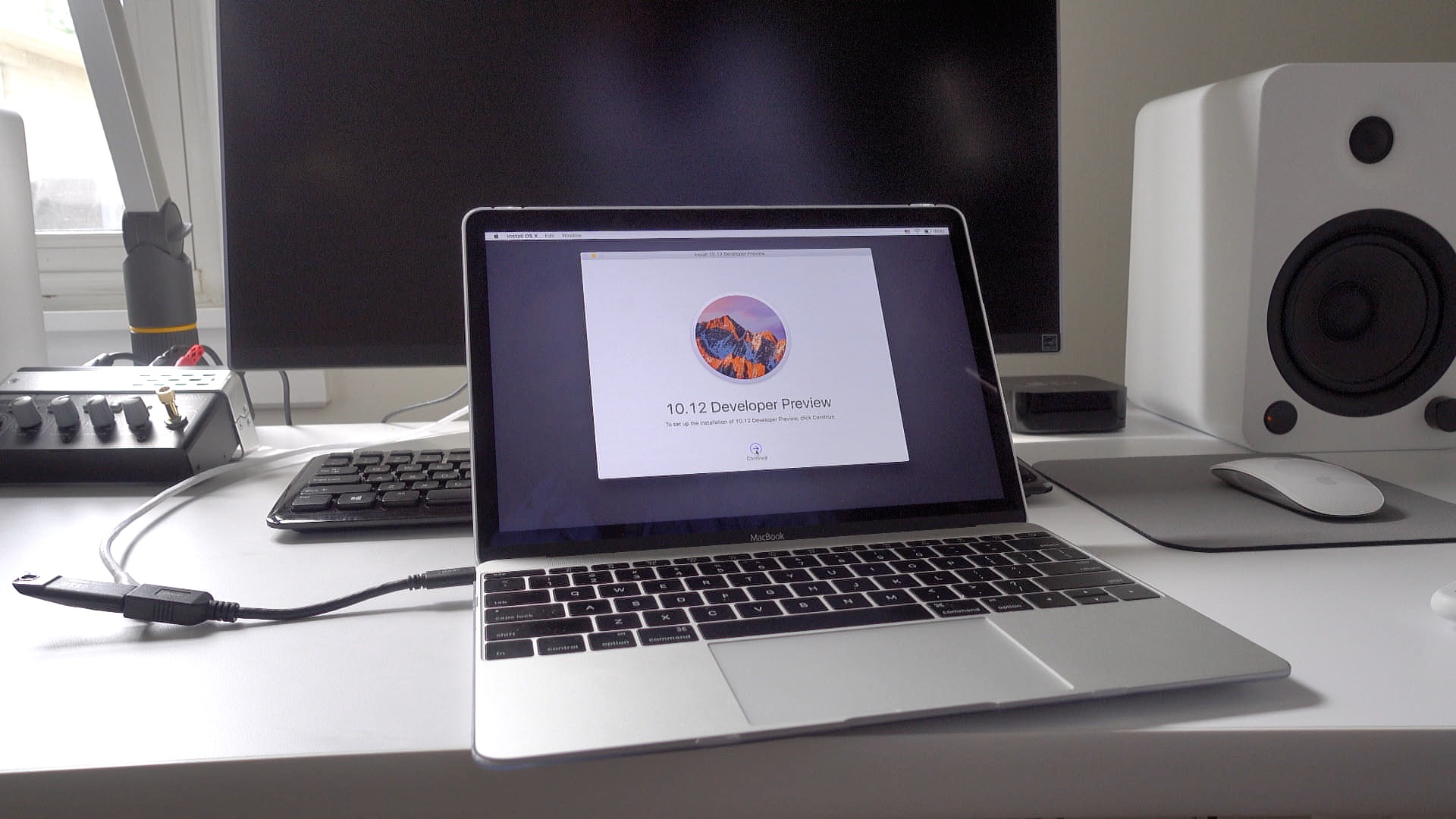
If you want the ability to perform a fresh and clean install of macOS Sierra, then you should consider creating a macOS Sierra USB install disk. Not only will this walkthrough work for the macOS Sierra Developer Preview, but it will also work for the public beta and future final releases. In the following video tutorial, we’ll show you how.
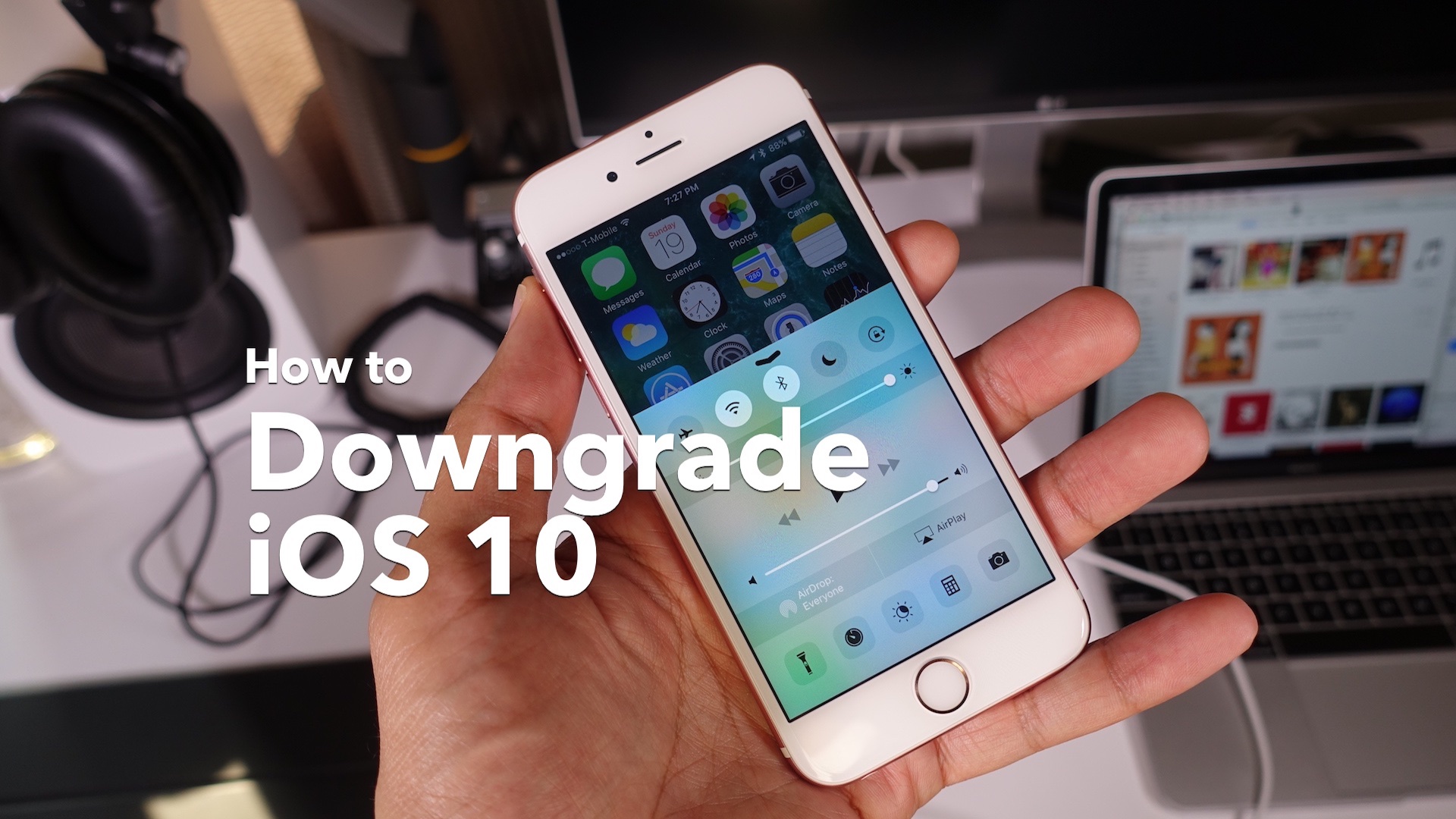
Many developers are currently enjoying iOS 10, and I suspect that not less than a few non-developers are enjoying it as well. But with the news that an iOS 9.3.2 jailbreak might soon be released, it may be time for some of you currently on iOS 10 to start thinking about downgrading. Expand Expanding Close
The Finder’s list view is my favorite way to view the folders and files within the macOS Finder, because it provides a wealth of information via columns that can be sorted on.
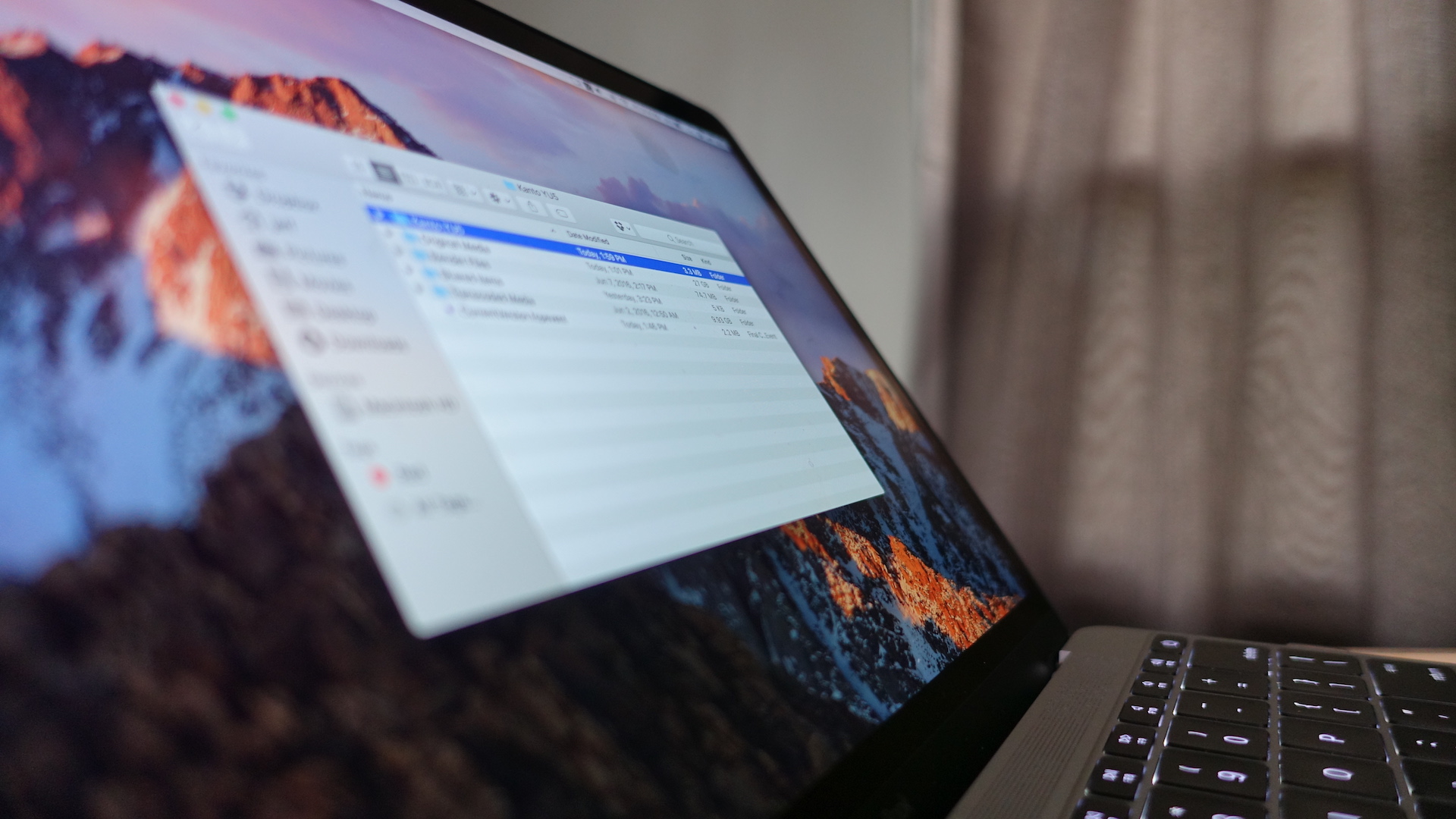
One thing that you won’t find when using the Finder’s default list view is the cumulative size of the Folders contained within. But there’s an easy way to view the sizes of Folders directly within the Finder; watch our video tutorial to see how. Expand Expanding Close
It’s been a long time since we’ve seen a publicly-released jailbreak, but this year’s Mobile Security Conference (MOSEC) in Shanghai made it clear that jailbreaking isn’t dead.
MOSEC is a one-day security conference co-hosted by Pangu, the Chinese hacking team responsible for several of the most recent jailbreaks. This year’s event was scheduled for today, July 1st, and was hosted at the Grand Kempinski hotel, in Shanghai, China.
Evernote is enacting a new two device limit for its free Basic plan. It’s also raising the prices for its Plus and Premium plans, as it looks to invest in improvements over the long term. Expand Expanding Close
If you own a MacBook, then chances are you’ll need some way to connect traditional USB devices and SD Cards. And what about connecting to external displays via HDMI, or to routers and hubs via Ethernet?
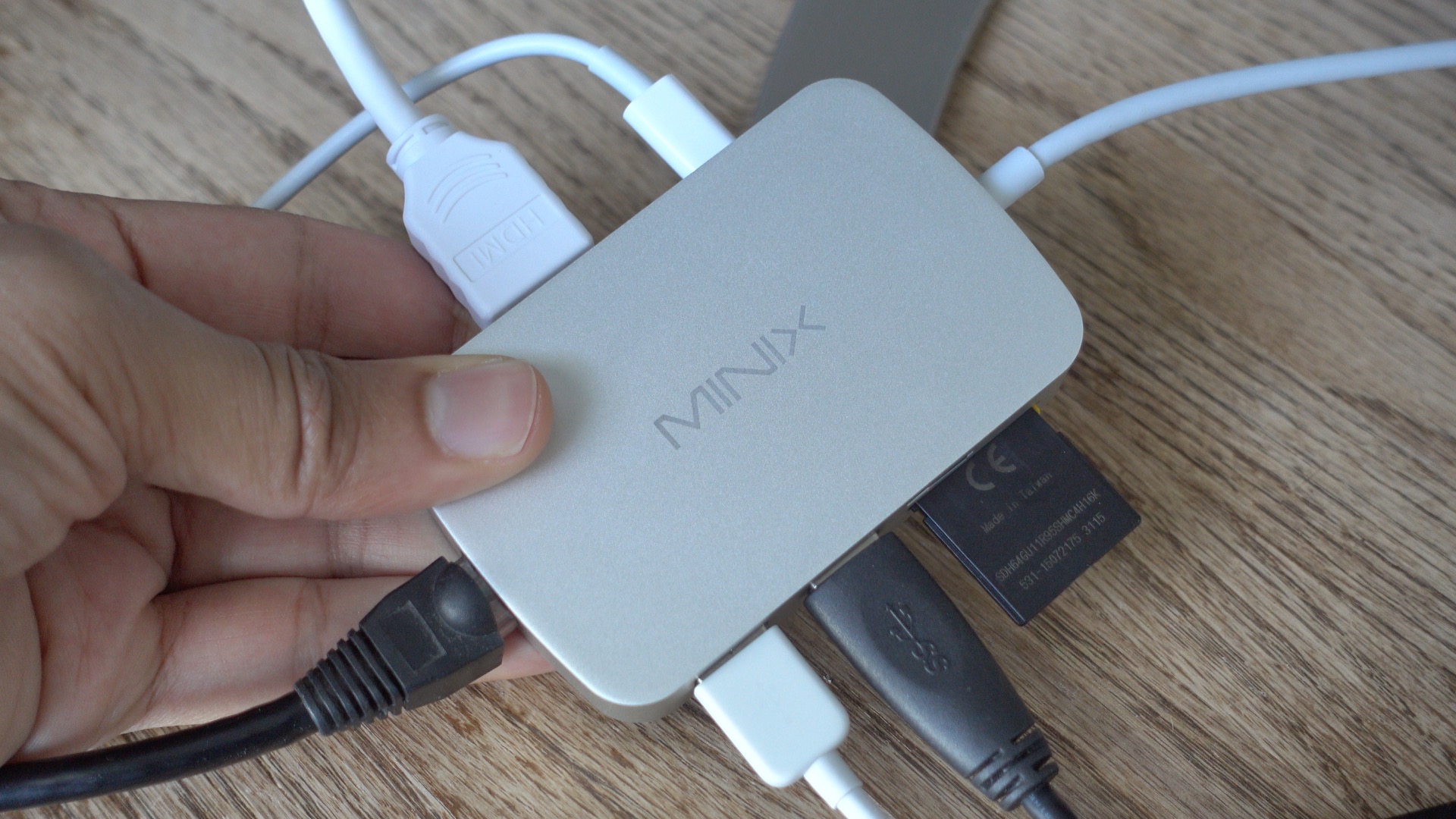
The MacBook, with its single USB-C port, is quite limited when it comes to connectivity, but an external adapter can help. Enter Minix’s NEO C USB-C Multiport Adapter. It features two USB 3 ports, an Ethernet port, HDMI port, SD Card slot, and a microSD slot. It also features a USB-C input for pass-through charging.
Is it a good choice for MacBook owners? Watch our hands-on video coverage for the details. Expand Expanding Close
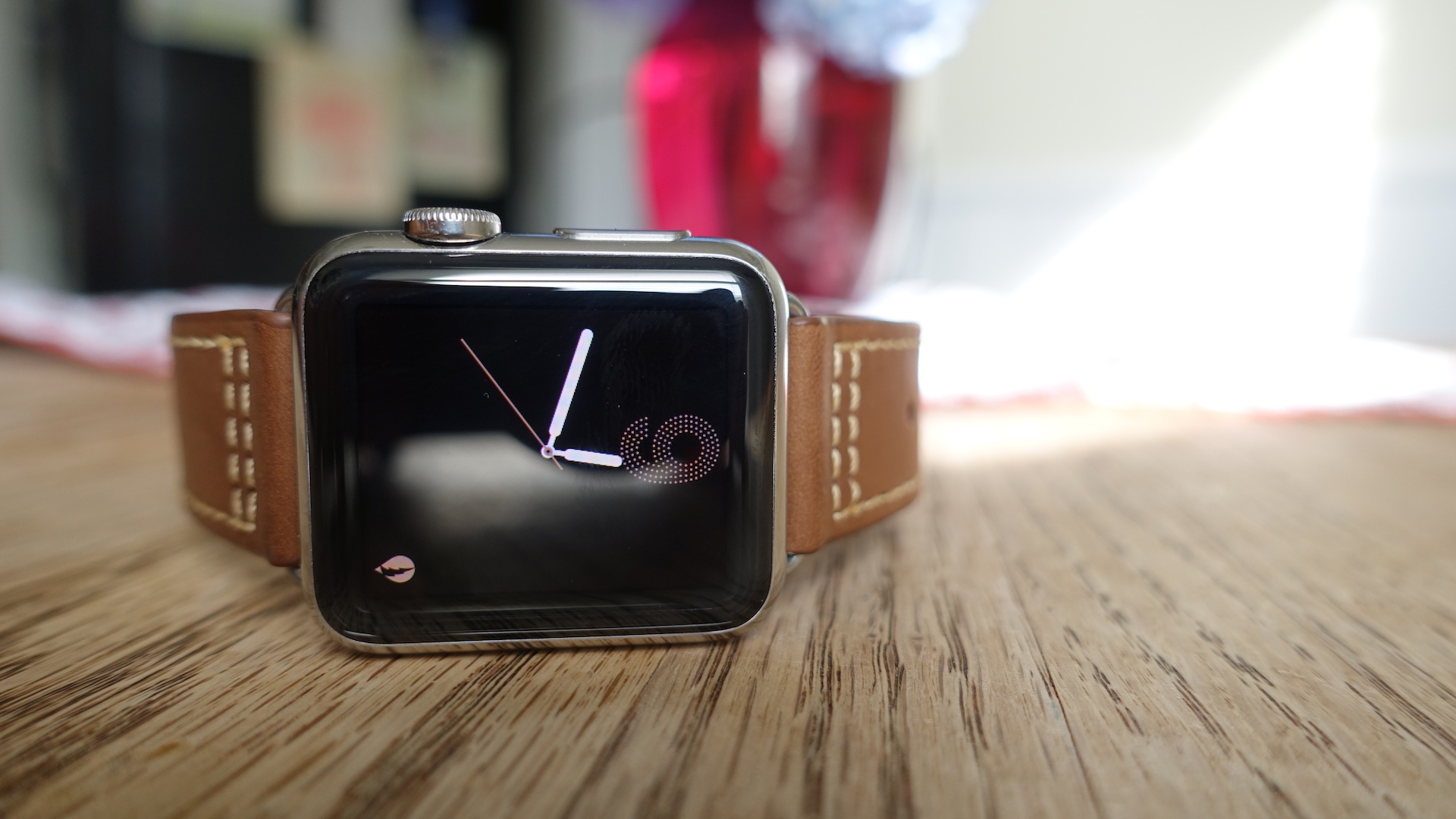
The folks over at Monowear sent over one of its bands for me to try, and I shot a brief video showcasing the band in action. Monowear makes several band styles from leather, mesh, nylon and metal. The band it sent over is a brown leather band featuring a handy deployant clasp. The deployant clasp creates a perpetual look that makes the leather band super-easy to put on and take off. Have a look at our video review inside to see it in action. Expand Expanding Close
The new Apple TV Remote app, which Apple TV owners have been expecting since Eddy Cue acknowledged its development, is now available for testing. Available directly as an IPA installable via iTunes, the Apple TV Remote app can be accessed by registered Apple developers.
The Remote app has been designed to, as Apple states in its release notes, bring the “best of the Siri Remote” to iOS devices. Not only will the Remote app allow users to easily navigate the Apple TV interface, it can also be used as a controller to control basic games.
How well does the new Apple TV Remote app work? Have a look at our hands-on video walkthrough to see it in action. Expand Expanding Close
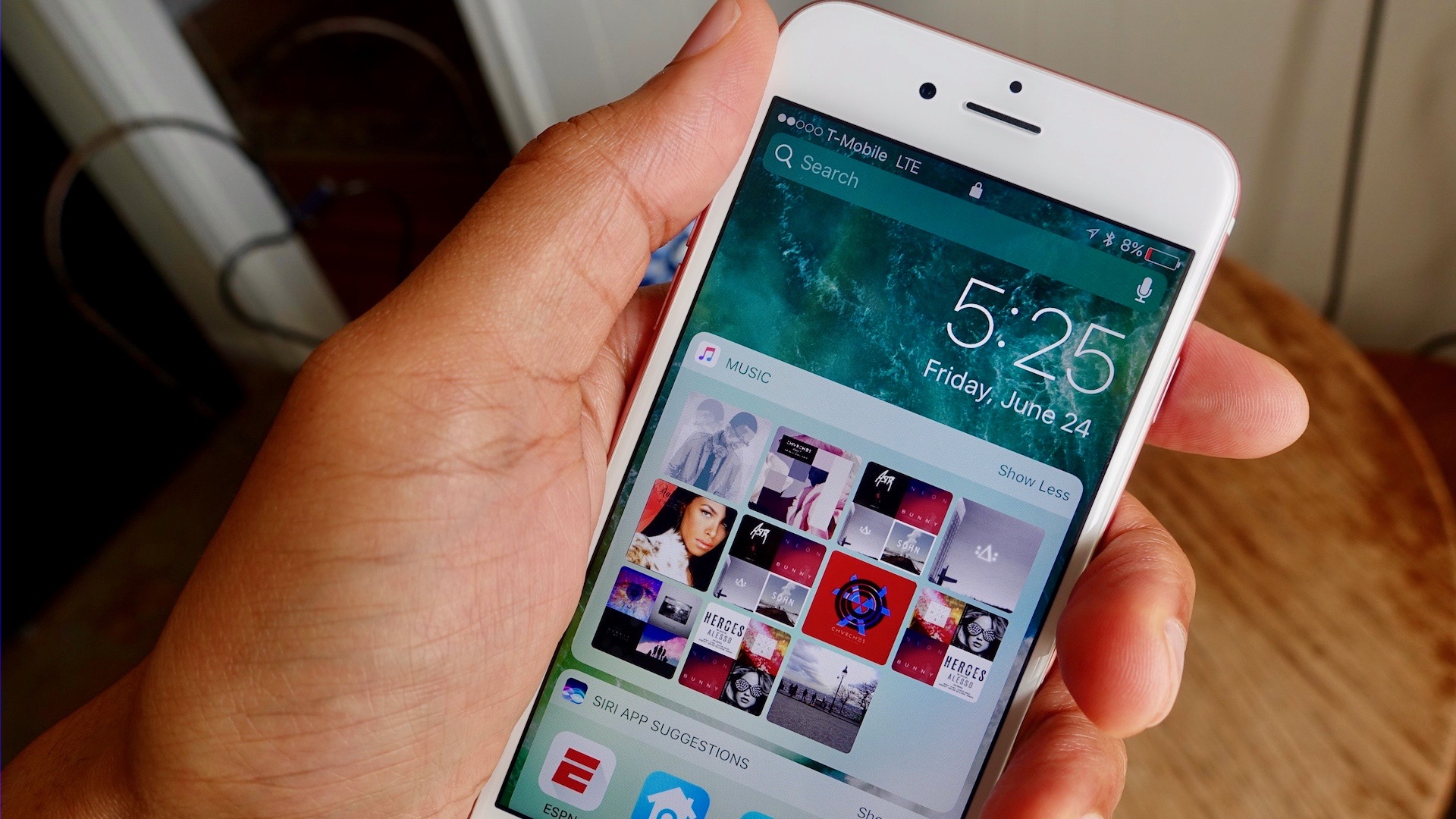
One of the biggest changes found in iOS 10 will be one of the first things you see upon installing the update. Indeed, the Lock screen in iOS 10 has received what amounts to an overhaul and a rethinking of its functionality. Have a look at our hands-on video walkthrough as we explore the iOS 10 Lock screen’s ins and outs. Expand Expanding Close
We’ve done roundups on all of the new features schedule to hit Apple’s four platforms — iOS 10, macOS Sierra, watchOS 3, and tvOS 10. But after seeing hundreds of features, the amount of new items can all start to blend together. With this in mind, we’ve put together a compilation of 16 top features (4 each) from each of Apple’s four platforms. Expand Expanding Close
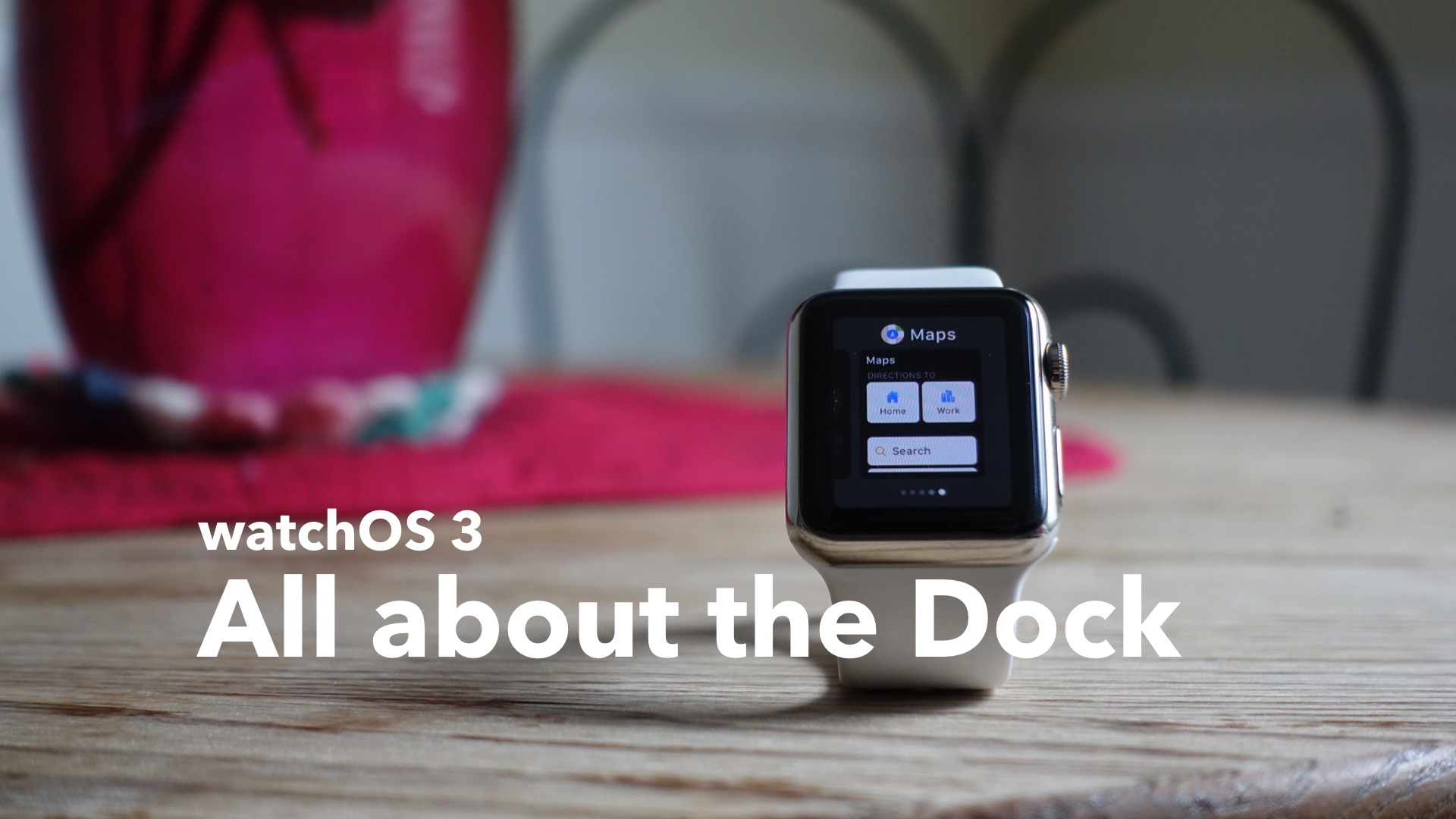
The Dock in watchOS 3 was arguably the biggest new feature to hit the Apple Watch at WWDC 2016. It’s a feature that allows you to find and switch to your most used apps. It takes the best of the Glances model from previous versions of watchOS and merges it with an updated and actionable interface.
The Dock promotes using apps in a way that no such feature on the Apple Watch has until now. In my opinion, it breathes new life into the Apple Watch, providing practical functionality that was missing in previous iterations of watchOS. Have a look at our hands-on dive into the Dock as we explore this exciting new feature. Expand Expanding Close
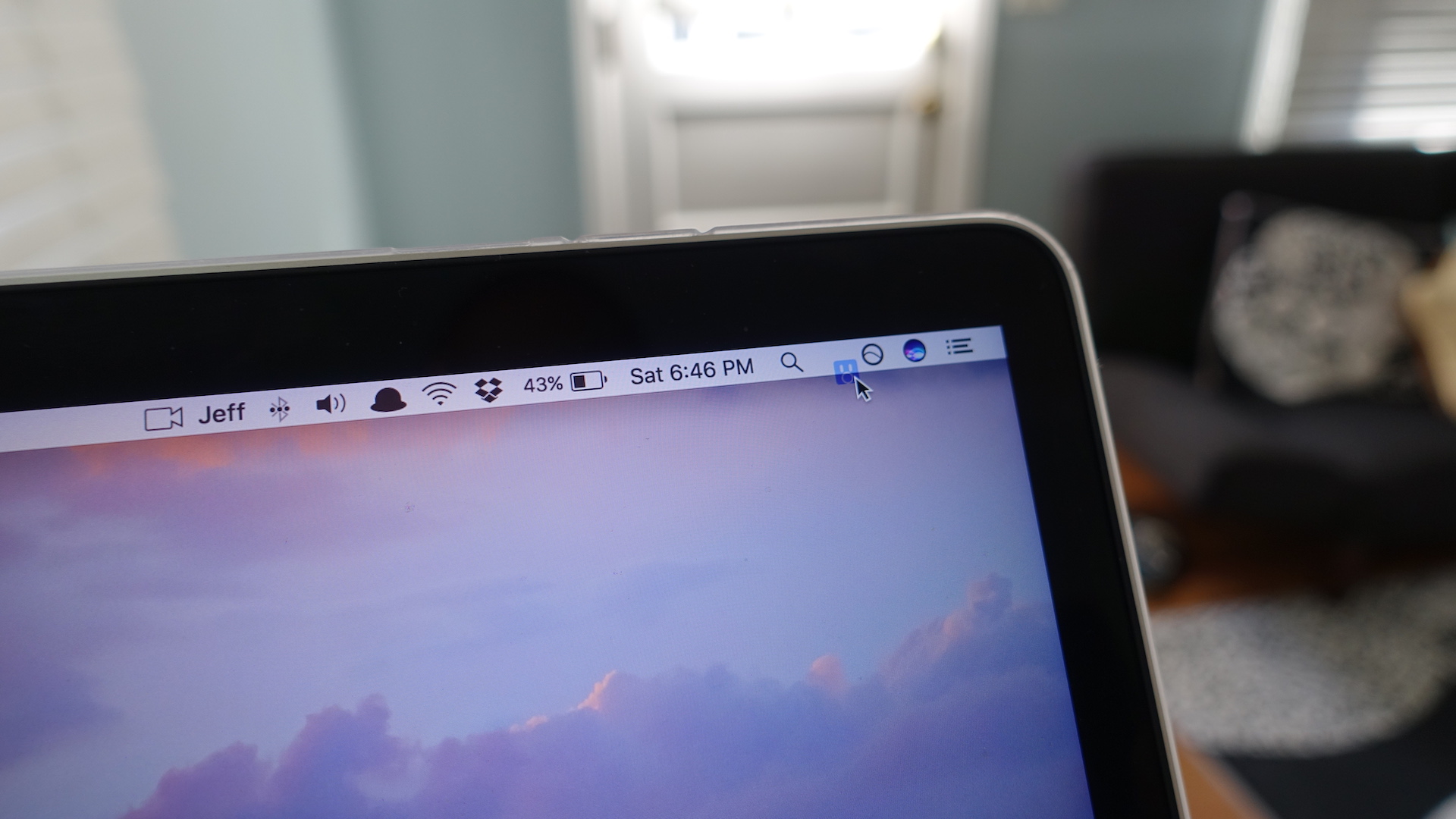
It’s been a pain-point for some Mac users for a while now: the inability to rearrange third-party menu bar extras. Sure, it’s been possible to move around stock menu bar extras by simply holding the Command key while dragging the icon, but third-party icons are no longer off limits. Expand Expanding Close
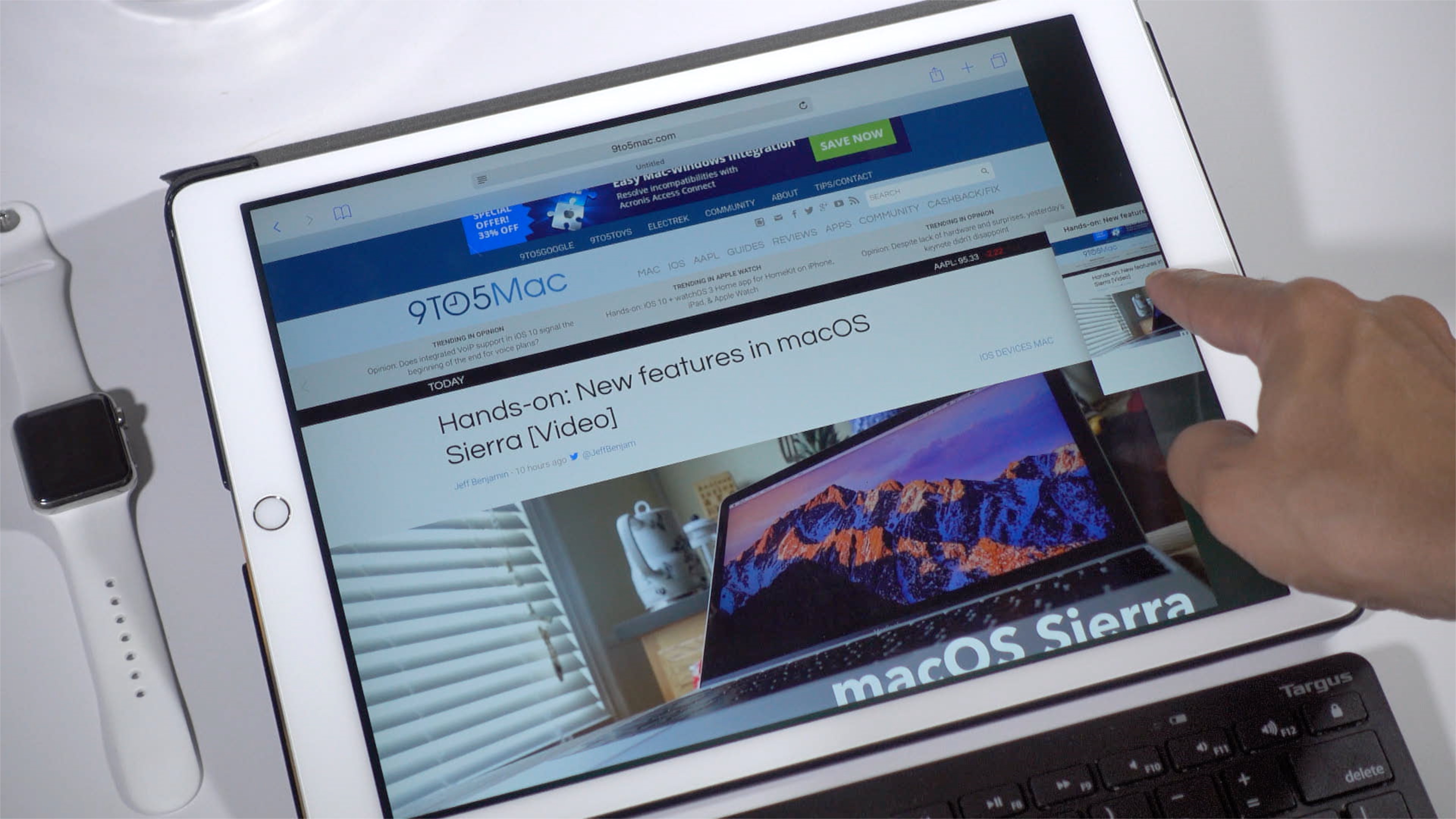
iOS 10 makes it possible to view two Safari windows side-by-side on the iPad via a feature called Safari split-view. It’s similar to the standard Split View between separate apps, but there are some differences to consider as well. In the following video walkthrough, we’ll show you how to use Safari split-view, and highlight some of its notable features. Expand Expanding Close