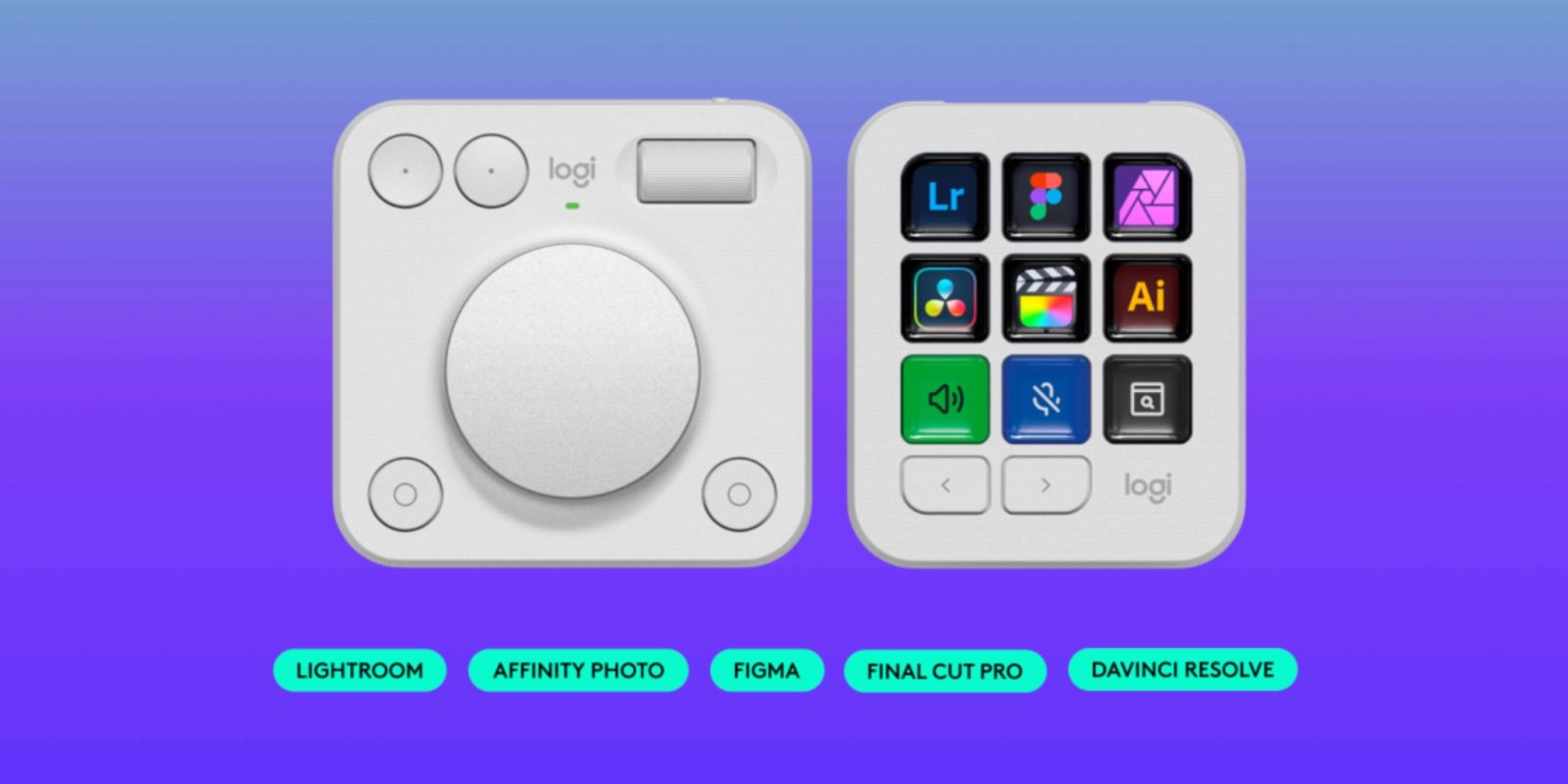
Today, Logitech announced a major new update for its MX Creative Console. This update brings new integrations and functionality for Final Cut Pro, Affinity Photo, Adobe Lightroom, Figma, and DaVinci Resolve, speeding up users workflows greatly.
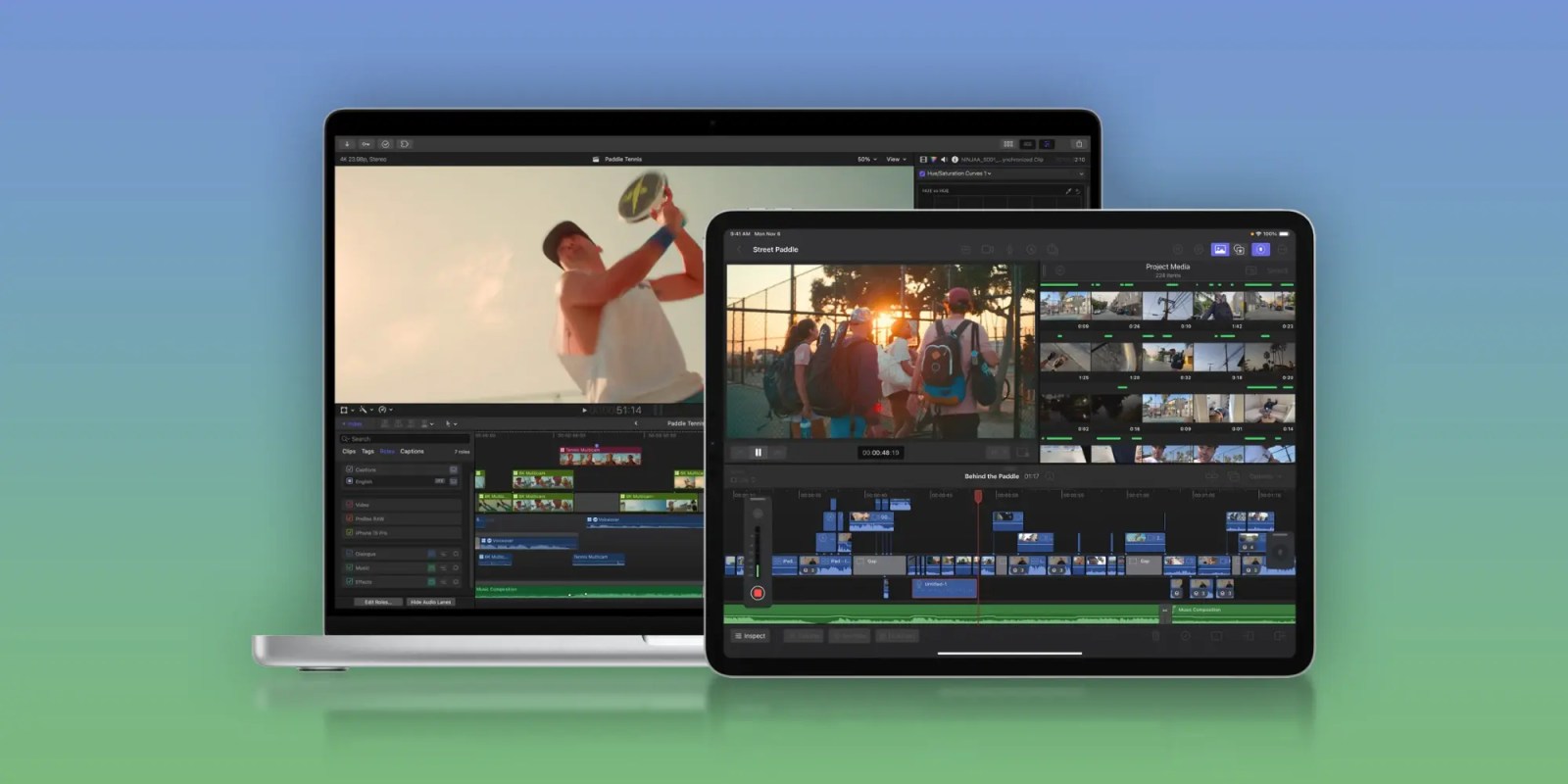
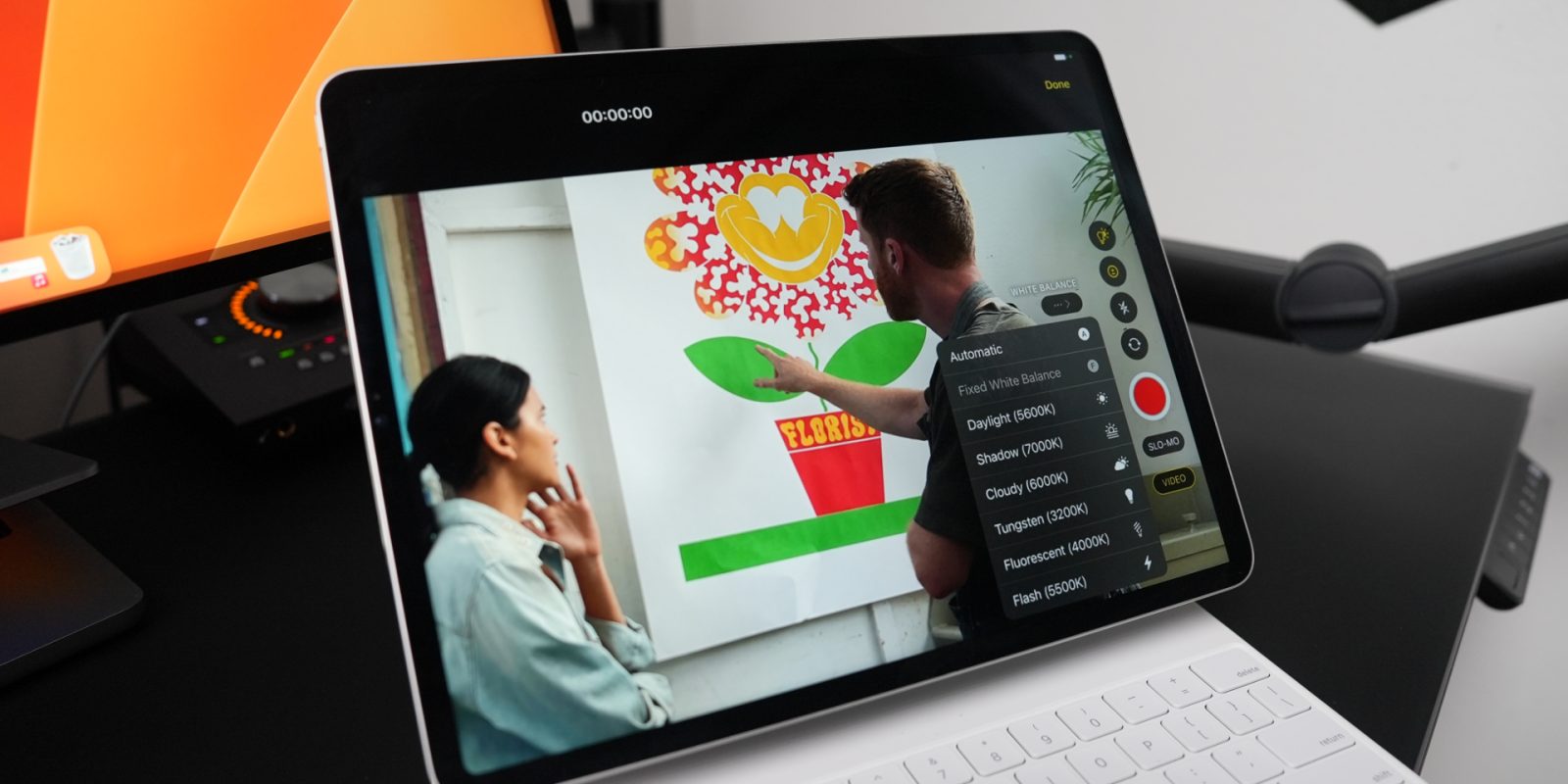
Today Apple has released a trio of noteworthy updates for its suite of Final Cut apps. Final Cut Pro for both Mac and iPad have been upgraded with a variety of powerful new features, and Final Cut Camera gets some nice changes too.
Apple last week launched Final Cut Pro 11, and the company clearly consider the new features offered to be a big deal. The last time Apple did a full version number change was the launch of Final Cut Pro X (aka FCP 10) way back in 2011.
Final Cut Pro 11 includes eight new features, and the AI-driven automatic caption feature was one of the headline ones …
Apple on Thursday released a major update to Final Cut Pro that introduced multiple new features, including the ability to generate captions using AI. However, not everyone will benefit from this new feature at launch, as it is limited to a single language for now.
As expected, Apple today took the wraps off the next big version of Final Cut Pro, and it comes with a whole host of new features that will surely make video editors happy. Included in Final Cut Pro 11 is support for spatial video editing, transcribe to captions, magnetic mask, and more.
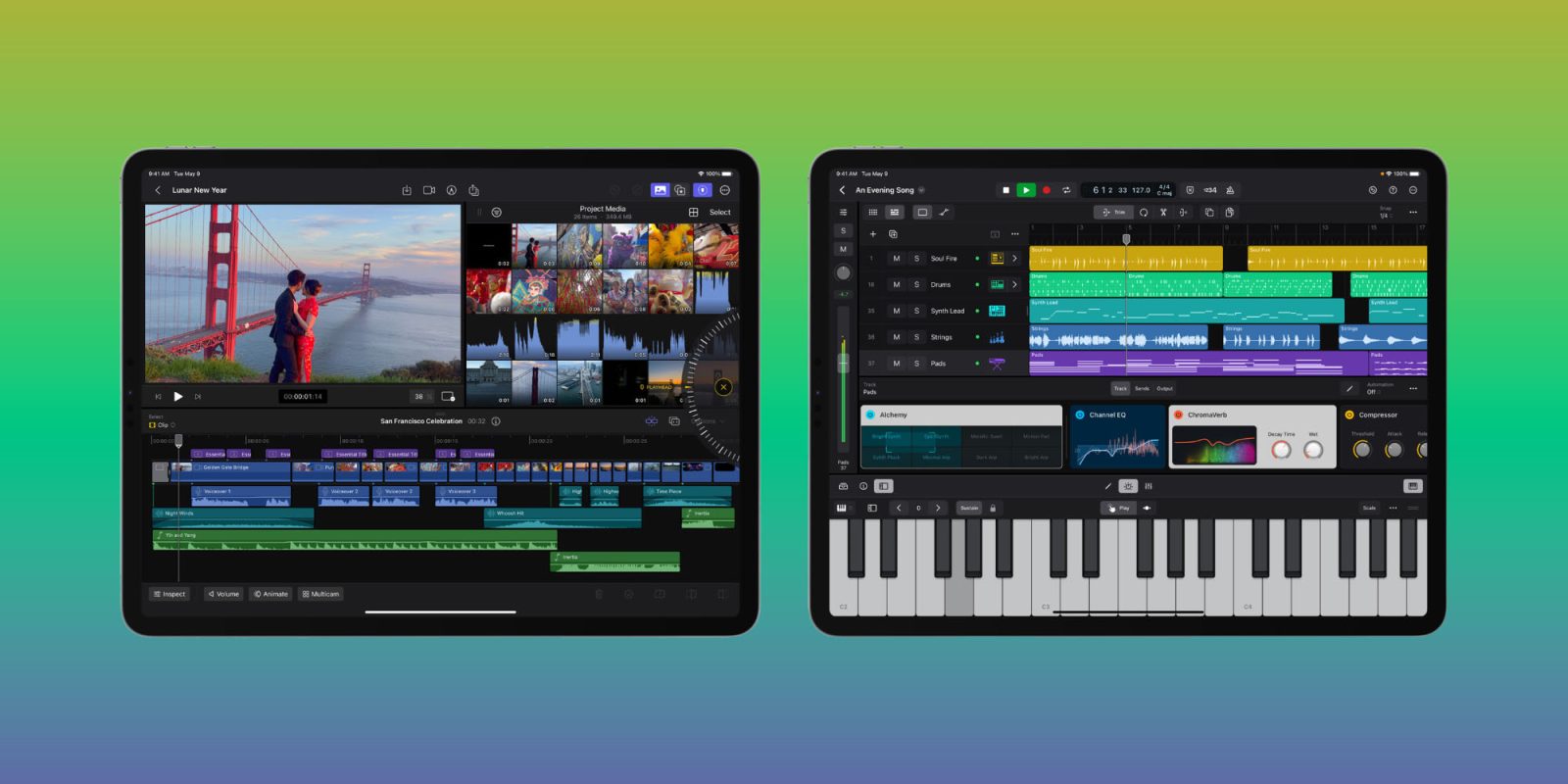
It’s noteworthy that Final Cut Pro 11 is the first release that isn’t a 10.x release since Apple dropped the ‘X’ from its name back in 2020. Apple also released an update to Final Cut Pro for iPad, version 2.1, and an update for Final Cut Camera. These updates come hot on the heels of Logic Pro 11.1, which also released today, and features several significant enhancements for pro creatives.
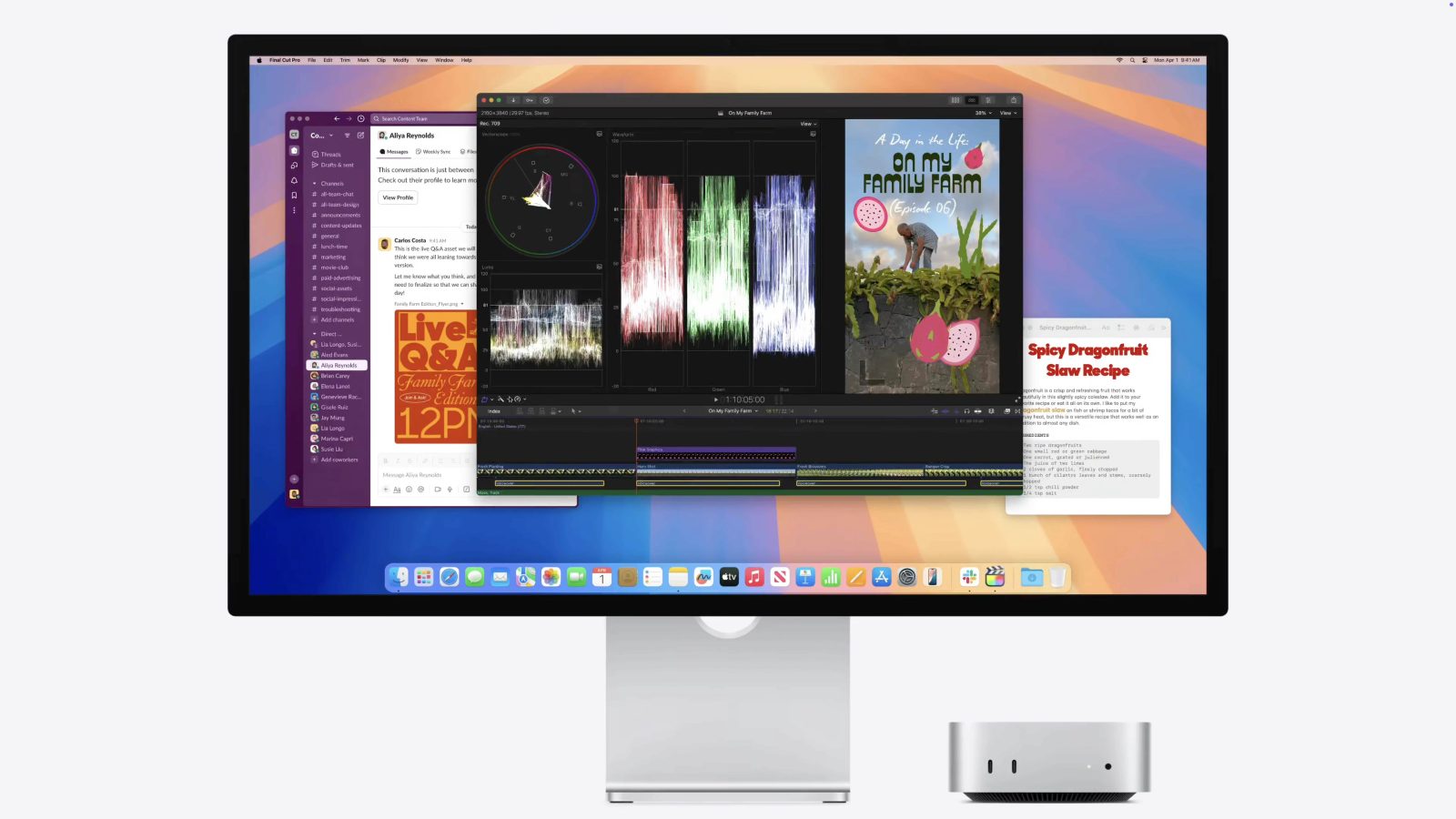
Apple’s Mac mini reveal video, which highlighted all of the merits of its diminutive new M4-powered beast, also gave us a first look at the upcoming version of Final Cut Pro. As noted by Shloka Kini, product manager for Mac mini, the update will include a new built-in ability to transcribe audio to captions, handy for transcribing voiceovers to captions for sharing on the web.
Apple has released a pair of new videos today on its YouTube channel. Both focus on the recent additions to its Final Cut Pro and Final Cut Camera apps. Each video walks through the new features and makes the case for users to use Final Cut as their full-process video production suite.
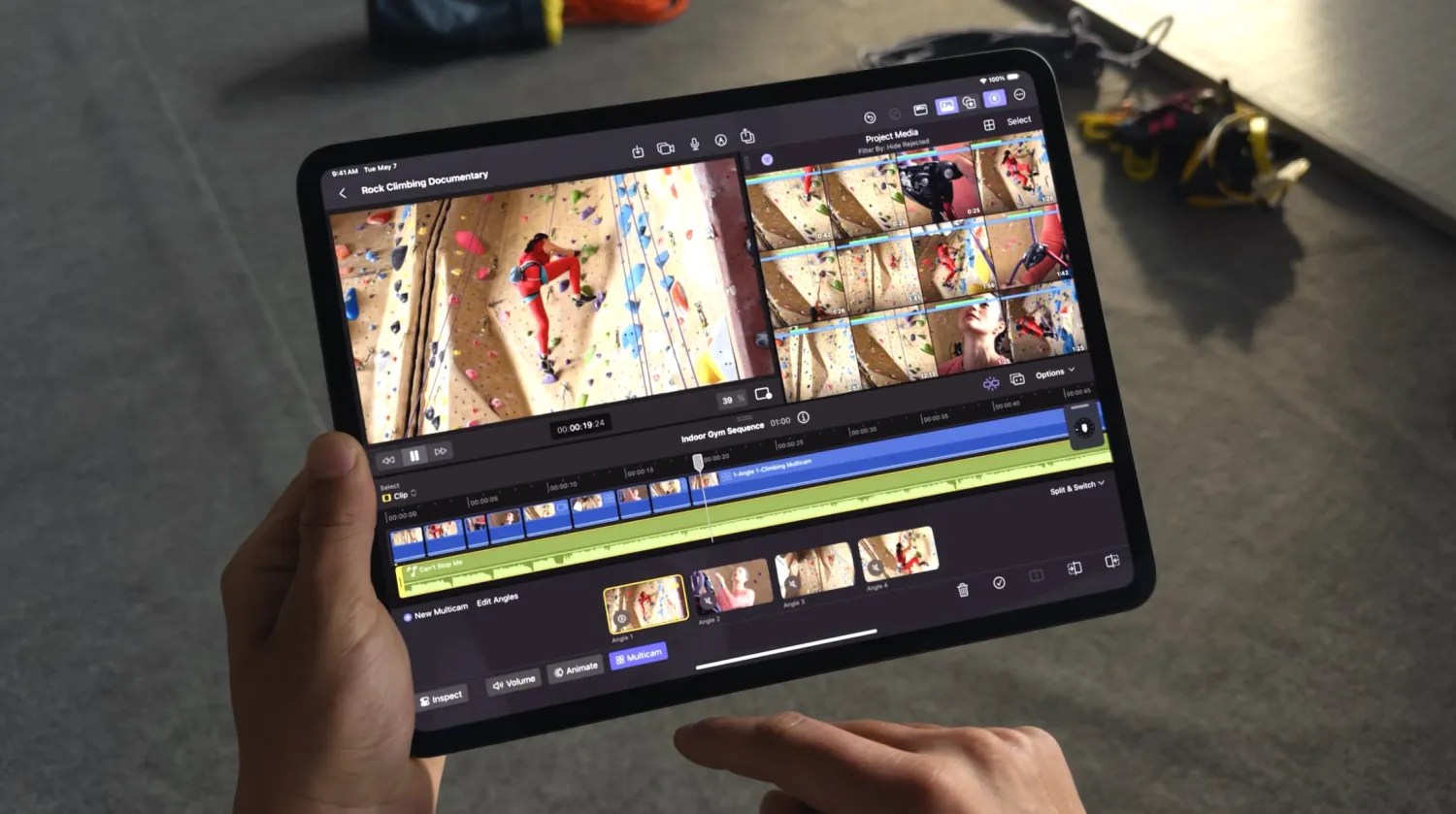
Apple on Tuesday announced new iPads at its “Let Loose” event, but the company also took the opportunity to unveil a major update coming to Final Cut Pro for iPad. However, what the company didn’t mention at the event is that there’s also an update coming to the Mac version of Final Cut, which will introduce new AI-based features.
As promised, Apple has released major new versions of Final Cut Pro before the end of the month, with Final Cut Pro 10.7 now available for Mac and version 1.3 now available for iPad. Both platforms gain new features that users will find beneficial, headlined by a long-desired automatic timeline scrolling feature with real-time waveform updates.
If you already own Final Cut Pro for Mac, today’s 10.7 update is free. The iPad version, which is available for a $4.99 monthly subscription, is also available for download today. We’ll be conducting a full video walkthrough of the new features on our YouTube channel, so be sure to subscribe. In the meantime, take a look at the release notes inside.
A few weeks ago, I attended the Final Cut Pro Creative Summit – the first such event since 2019 – which included an invite to Apple Park. While visiting its campus, the next version of Final Cut Pro was revealed for the first time. Apple pre-announced its forthcoming update to Final Cut Pro for Mac, version 10.7, noting that it will be released later this month, presumably sometime this week if that timeline sticks.
The update includes one key feature that many Final Cut Pro enthusiasts have been wanting for well over a decade, along with several other enhancements that will help users stay organized and potentially speed up H.264 and HEVC exports. Personally speaking, I’m pumped to finally have these features, but as always, there will be a contingent that feels like Apple needs to do more…
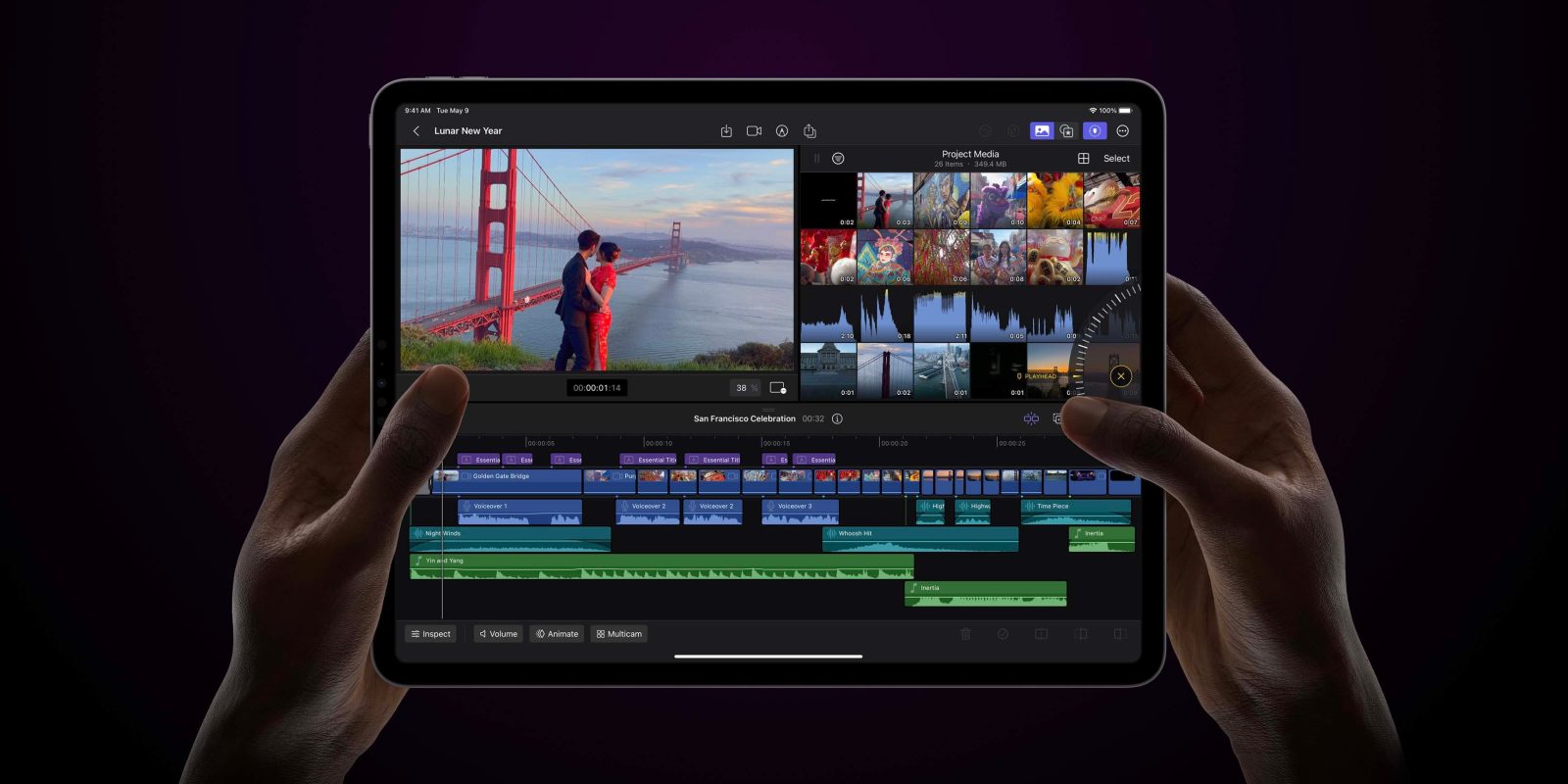
Following an update to Logic Pro, Apple’s audio engineering app, the company has now announced updates to Final Cut Pro for Mac and iPad. The new version of Apple’s professional video editor comes with new features, including an improved Object Tracker on macOS and voiceover recording on iPadOS. Read on as we detail everything new with the update.
Apple is releasing the iPhone 15 Pro on Friday, and with it comes new pro-grade video capture features. Ahead of the launch, Apple has released updates to Final Cut Pro on the Mac and iPad that ensure compatibility with the new phones.
As an iPad Pro first user, I dreamed about the day Apple would give us Final Cut Pro for iPadOS. Then, seemingly out of nowhere, Apple drops Final Cut Pro for iPad with a press release. We got a few rumors about it and then a week later it was out for anyone to download. It even brought a one-month free trial. But now I am wondering: Are people actually still using it?
iPad has been around for 13 years, but it wasn’t until 2015 that Apple began to push it as a computer replacement with the launch of the first iPad Pro. Even now that iPads run on the same powerful chips as Macs, the software is still an issue. This week, Apple finally released Final Cut Pro and Logic Pro for the iPad – two highly anticipated apps for professionals. While this is a step in the right direction, these apps highlight the limitations of iPadOS.
Along with Apple launching Final Cut Pro and Logic Pro for iPad today, we’ve got the first reviews from those who have been testing out the apps ahead of their release. Early feedback says Final Cut Pro comes with a number of compromises and leaves a lot of room for growth while Logic Pro is more fully baked at launch and is ready to serve as a “great digital audio workstation.”
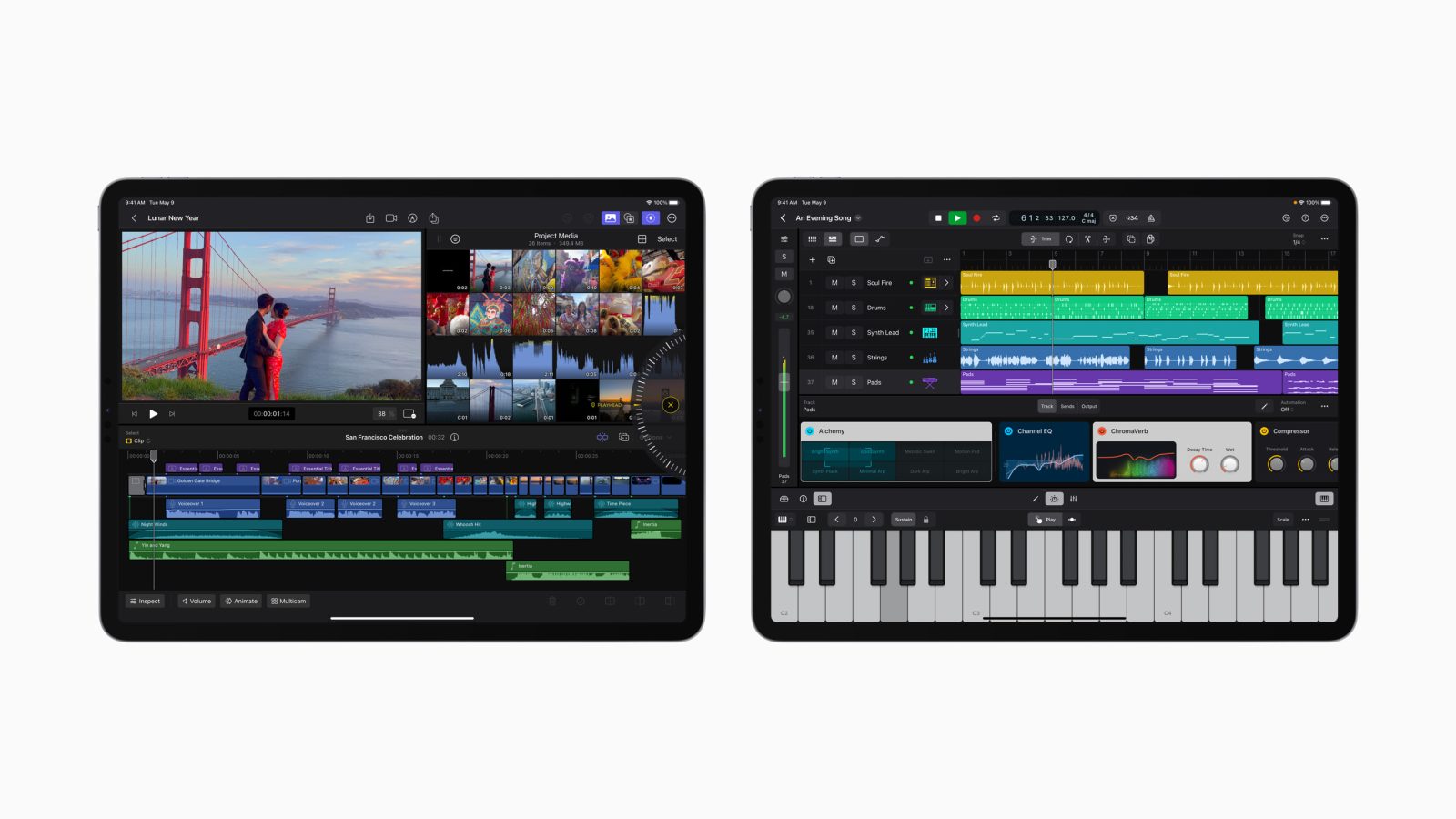
Apple this morning released Final Cut Pro and Logic Pro for iPad, marking the first time the company’s professional software comes to iPadOS users. Now the company is also rolling out updates to the macOS versions of these apps, which come with new features and support for projects created in the iPad apps.
Apple announced earlier this month that it would be bringing its professional creative software for filmmakers and musicians to its tablets for the first time. Now Final Cut Pro and Logic Pro are officially available for iPad. Read on for all the details including what iPads are compatible with the apps, free trial details, pricing, and more.
Apple today announced the existence of Final Cut Pro for iPad, something that iPad users have been wanting for years. On May 23, Apple will finally release Final Cut Pro for its popular tablet, and it will arrive with a familiar yet brand-new interface that’s specifically designed for touch. In addition, Final Cut Pro for iPad will feature a new pro camera mode, which may give us a sneak peek of what to expect natively with upcoming iOS 17 pro camera features.
Now that Final Cut Pro and Logic Pro for iPad are official, let’s talk about pricing. These apps coming out on a random day in May is surprising. Subscription pricing? Not so much. Nevertheless, pricing for these long overdue apps is interesting when you consider their Mac counterparts and the Apple One bundle.
Final Cut Pro – as well as Logic Pro – is officially coming to iPad with a touch-based UI. Read on for Final Cut Pro iPad compatibility, its capabilities, pricing, release date, and more.
Mic drop moment for pro apps team at Apple this morning. Apple just announced that Final Cut Pro and Logic Pro are officially and finally coming to iPad. Final Cut Pro is Apple’s professional video editing software that has been exclusive to Mac before now. The same is true for Logic Pro, Apple’s professional audio editing software for Mac. Both apps will land on the iPad later this month.
Apple has released the latest version of Final Cut Pro, version 10.6.2. The FCP update includes two primary new features – Duplicate Detection and Voice Isolation. Duplicate Detection is a feature that will be much appreciated for those editing long-form content and documentaries, while Voice Isolation wields machine learning to help isolate voice frequencies.
Final Cut Pro 10.6.2 and updates to its companion apps – Motion and Compressor – are now available for download on the Mac App Store right now.
If you’re looking to step up your social media presence in your videos, then look no further than the FCP Social Mega Pack from Pixel Film Studios. This bundle includes over 600 social media tools spanning 18 different categories across Final Cut Pro titles, generators, and transitions.
The Social Mega Pack contains a bevy of tools for Final Cut Pro Users, such as the ability to simulate a custom iMessage conversation. Watch our hands-on video walkthrough for a look at some of the Mega Pack’s handy animated icons, emojis, follow screens, end screens, and more.