Jeff is the head of video content production for 9to5. He joined 9to5Mac in 2016, producing videos, walkthroughs, how-tos, written tutorials, and reviews. He takes pride in explaining things simply, clearly, and concisely. Jeff’s videos have been watched hundreds of millions of times by people seeking to learn more about today’s tech. Subscribe to 9to5Mac on YouTube to catch Jeff’s latest videos.
iOS Decoded is Jeff’s flagship video series that breaks down what’s new in iOS betas, including behind-the-scenes deep dives into undiscovered features and exclusive details on the iOS roadmap.
Jeff also produces a weekly podcast, alongside co-host Fernando Silva, entitled 9to5Mac Overtime. A video-first podcast, 9to5Mac Overtime airs weekly on our YouTube channel, but can also be enjoyed in audio form via Apple Podcasts, or your podcast app of choice.
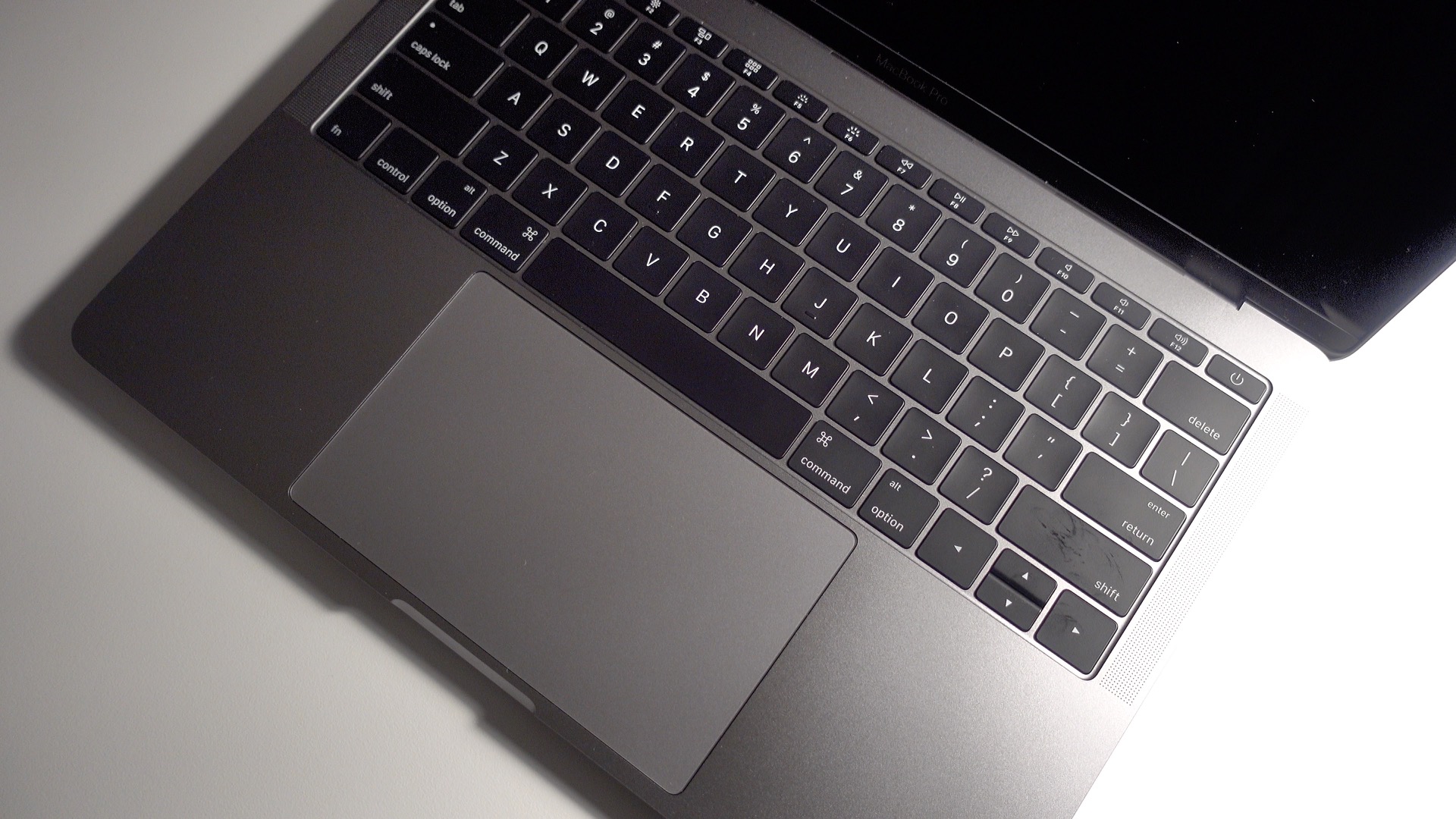
I’ve spent a considerable amount of time with both the 13-inch MacBook Pro with Touch Bar, and the 13-inch MacBook Pro that features standard function keys. The machines share some noteworthy differences, but there are numerous similarities as well.
One unfortunate similarity is the fact that the three-finger drag trackpad gesture doesn’t work like it should. In other words, if you’re having a problem with the three-finger drag gesture on your shiny new MacBook Pro, it’s not just you. Expand Expanding Close
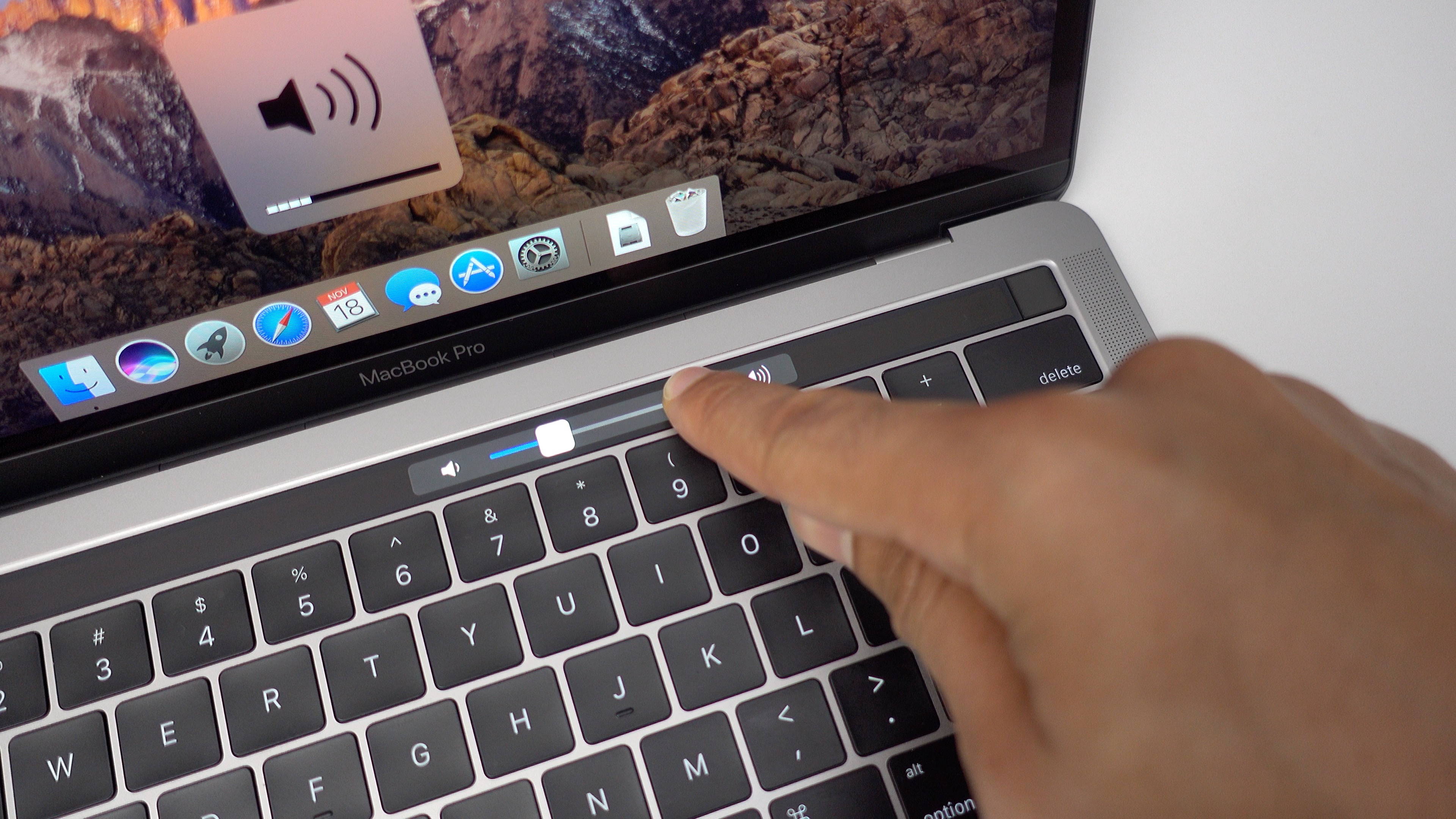
The Touch Bar is the flagship feature for the new MacBook Pro. It’s a small touch surface that offers dynamically changing content based on the current app you’re using.
The Touch bar is simple to use, but it’s somewhat deeper than it may appear at first. In this walkthrough video, we’ll discuss 15 tips and tricks for the new MacBook Pro Touch Bar to help you get started. Expand Expanding Close
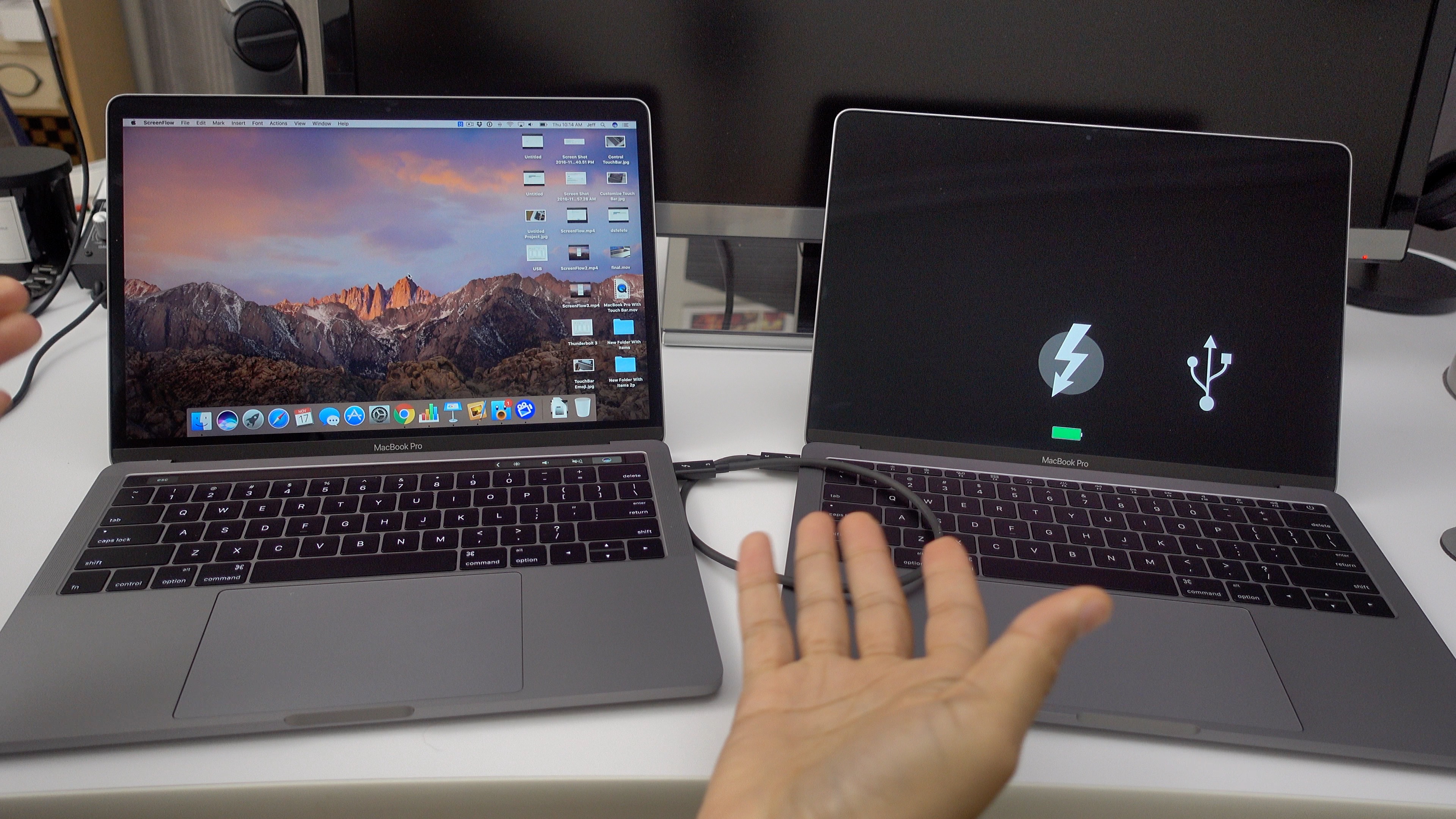
Target Disk Mode isn’t a new technology, but the fact that you can now transfer files using Thunderbolt 3 is new. Target Disk Mode allows you to quickly share files between two MacBook Pros using Thunderbolt 3. Watch our video walk-through as we guide you through the process step-by-step. Expand Expanding Close
After going hands-on with the Late-2016 13-inch MacBook Pro sans Touch Bar, I was finally able to spend some significant hands-on time with the real MacBook Pro for this generation, the Touch Bar-equipped version.
Outside of a few obvious differences, the MacBook Pro with Touch Bar shares the same form factor and design as the version without Apple’s fancy new input method. Therefore, I’m going to avoid rehashing topics that I’ve already covered, such as in-depth impressions of the keyboard, trackpad, display, build quality, etc. If you want a hands-on synopsis of the overall design of the Late-2016 MacBook Pro, then be sure to read our original hands-on post.
These impressions will focus on the areas that differentiate the Touch Bar-equipped MacBook Pro from the entry-level model. It is here where you’ll find my hands-on impressions of the Touch Bar, Touch ID, faster processors, additional USB-C ports, and more. Have a look at our full video walkthrough for all of the details. Expand Expanding Close
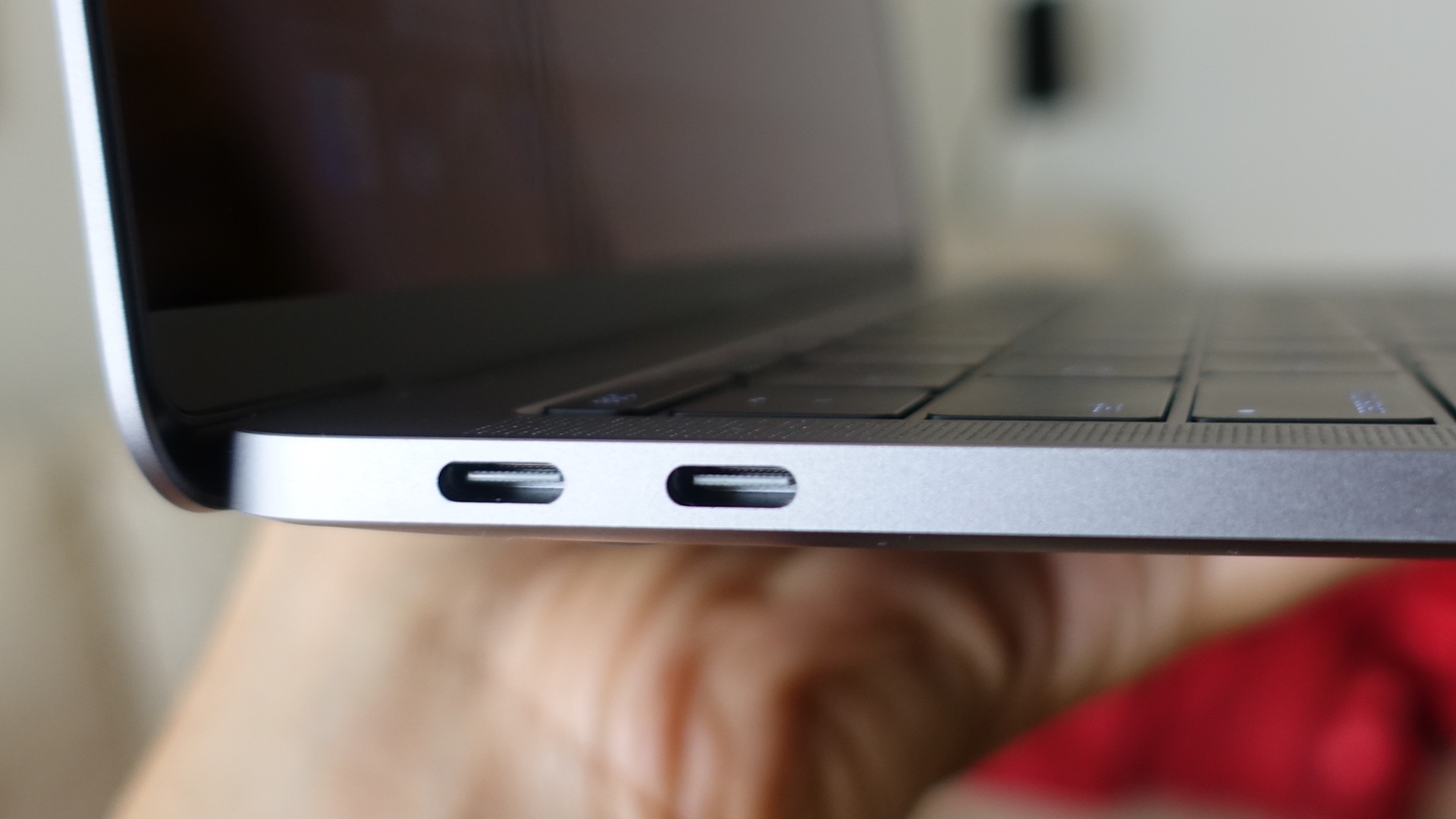
The Late 2016 MacBook Pro lacks many of the convenient ports that we’ve seen on previous MacBook releases. But if there’s a silver lining to be found, it’s that the USB-C ports featured on the new machines are super-versatile.
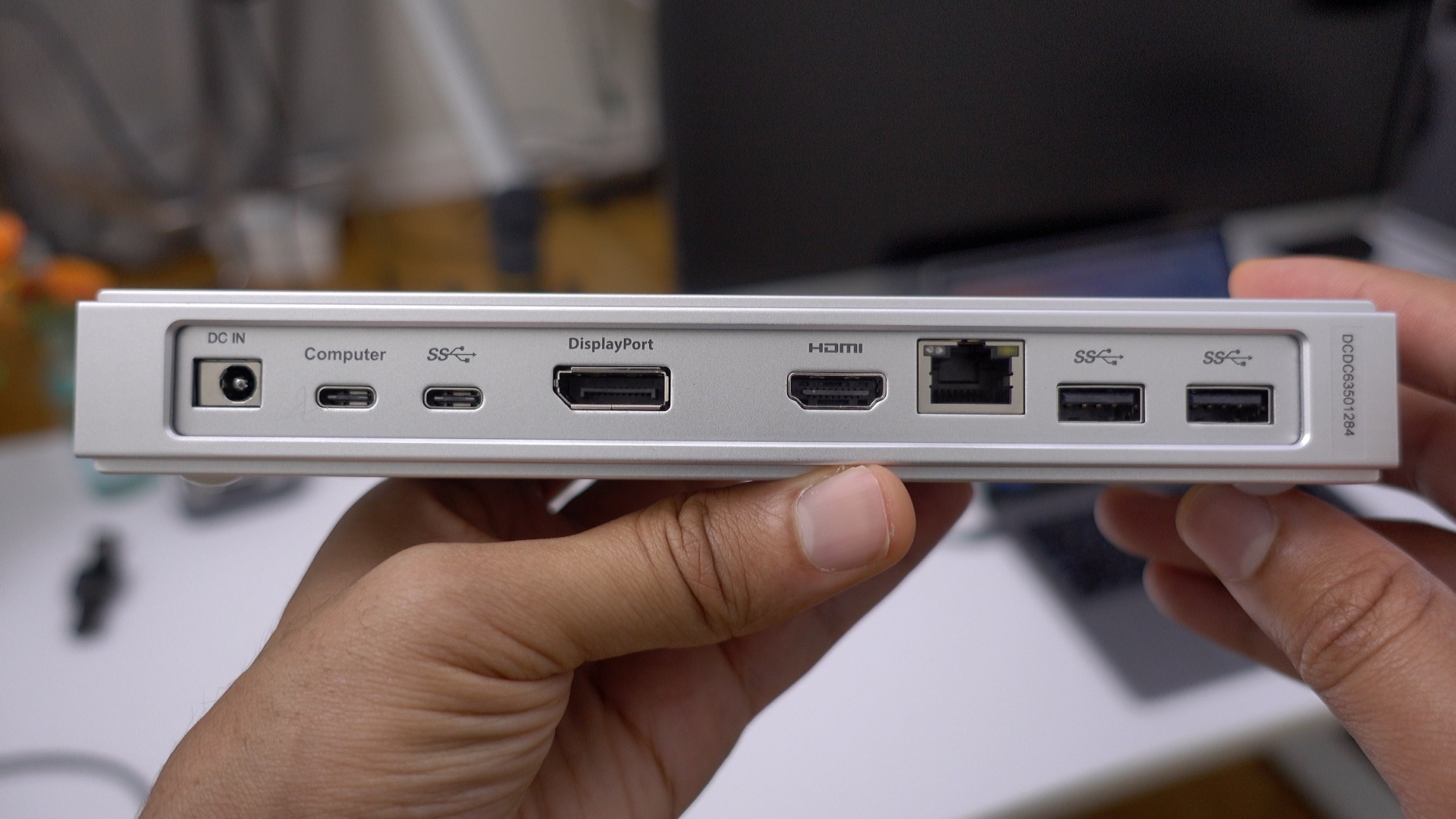
With a single USB-C cable, for instance, you can tap into CalDigit’s USB-C Dock, which gains you instant access to multiple legacy USB-A ports, Gigabit Ethernet, HDMI 2.0, DisplayPort 1.2, an extra USB-C port, and an additional 3.5mm headphone jack along with a microphone jack.
In addition, the unit is able to charge a MacBook up to 60W. That means that the dock should do fine charging the smaller 13″ MacBook Pro at full speed, but will take a bit longer charging the 15″ MacBook Pro that ships with a larger power adapter.
CalDigit’s USB-C Dock isn’t a perfect device, but it does a pretty good job of turning the new MacBook Pro into a desktop-worthy machine, if you can put up with the compromises you’ll have to make in order to use it. Have a look at our hands-on video walkthrough for the details. Expand Expanding Close
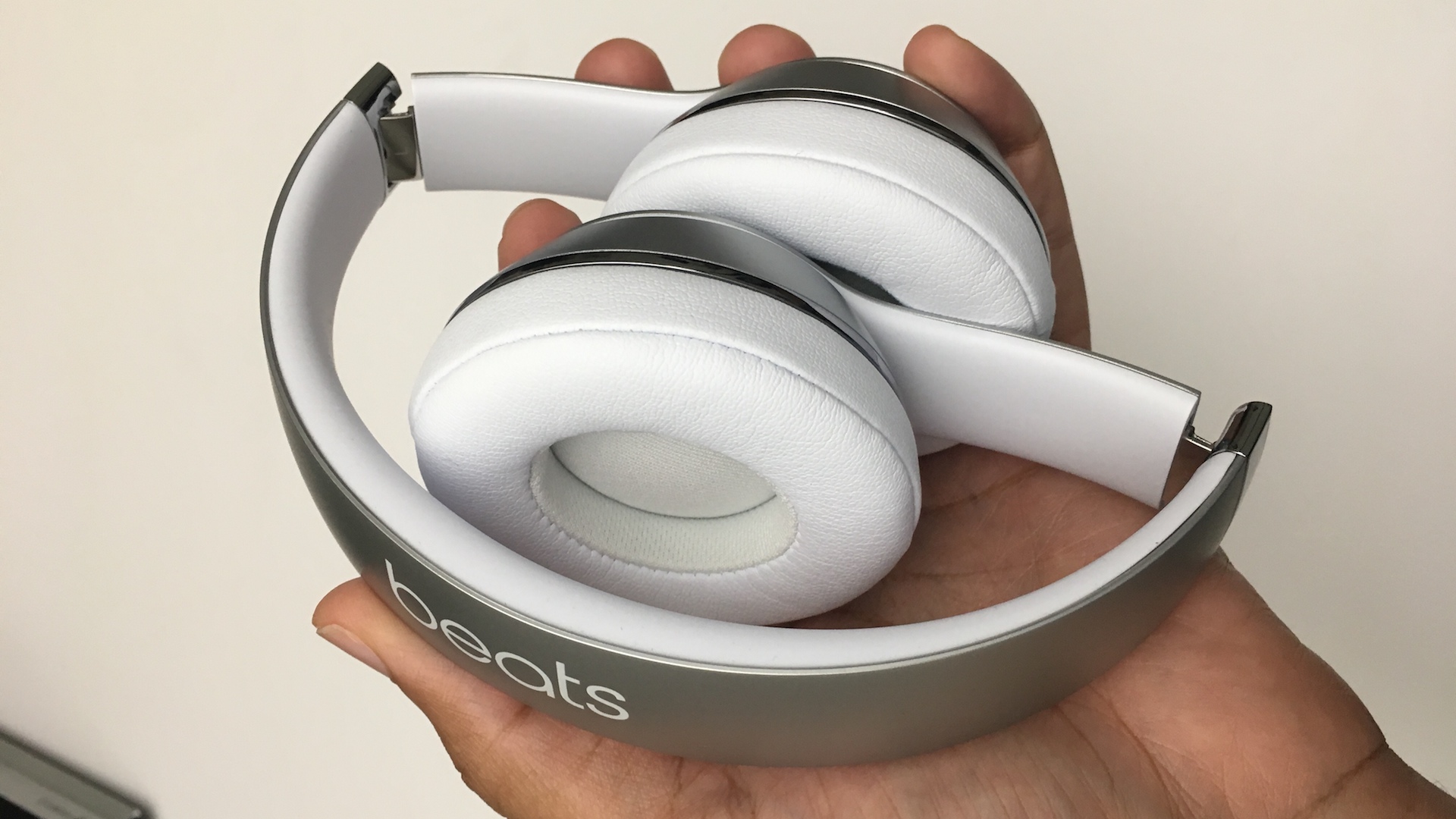
I’m a pretty big fan of Apple’s recently-launched Beats Solo3 Wireless headphones. The on-ear headphones, which we reviewed back in September, have a high upside for convenience, sound and style. Now that the headphones are widely available in stores, Apple has issued a new advertisement to highlight the advantages of the Beats-branded cans…and Amazon might have another pricing mistake on their hands dropping the price by a whopping $80, something Apple never does with just released products.
The MacBook Pro lacks many traditional external connection options, such as an SD Card reader or an HDMI port. In the place of all of those legacy ports resides two or more USB-C ports. USB-C is an uber-versatile form factor that will ultimately offer tons of flexibility in the future when it comes to external connections, but at this early stage in the game, the pickings are somewhat slim.
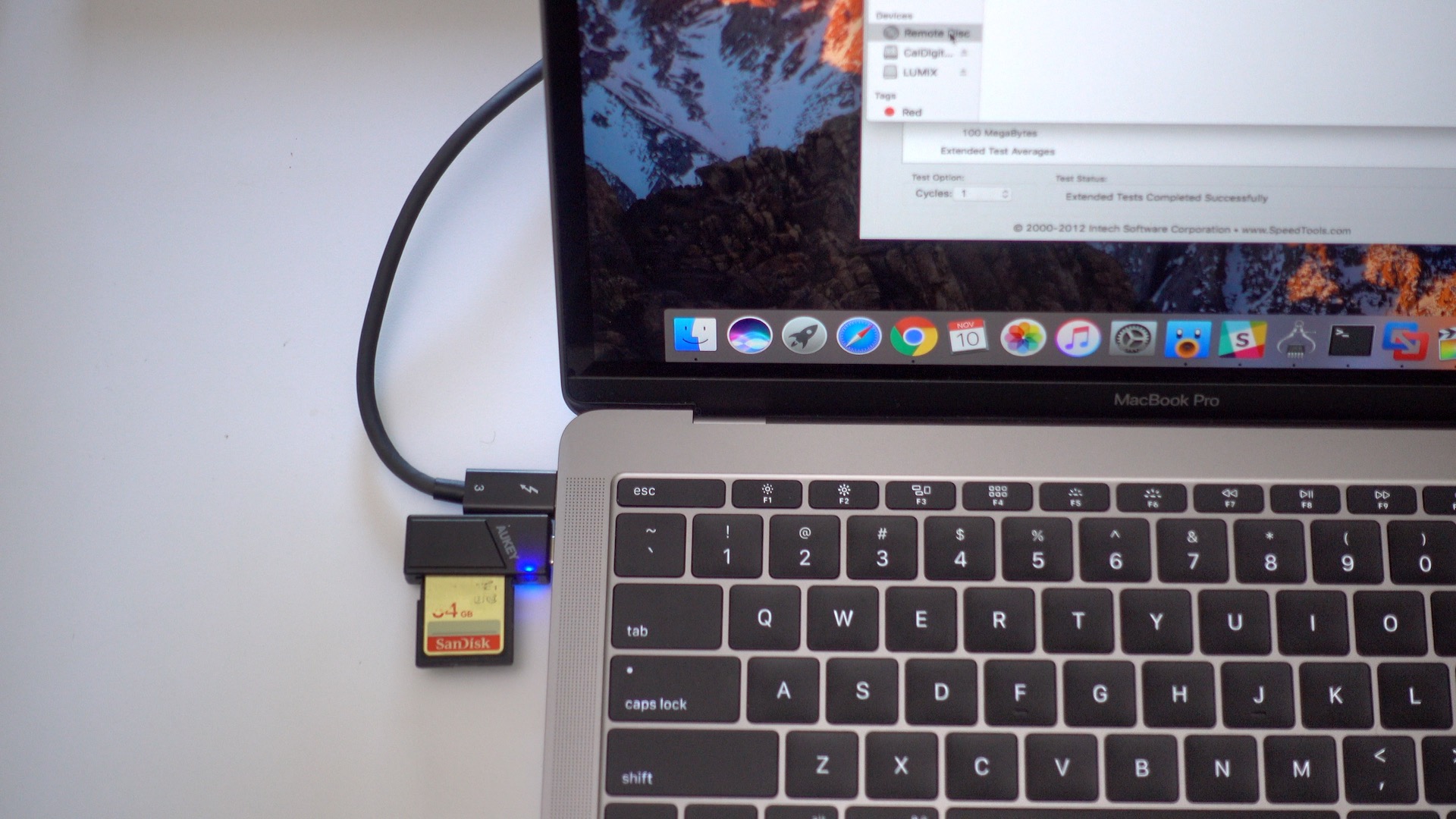
One of the major outcries that we’ve heard with regard to the new MacBook Pro centers around the lack of a built-in SD Card reader. It’s a valid complaint, as SD Cards are central to the workflows of many creatives who use Macs.
Aukey, who has produced several USB-C-oriented adapters already, offers a helping hand with its new USB 3.0 compatible Type-C Card Reader. This tiny, inexpensive, $9.99 adapter not only offers quick SD Card connectivity via USB-C, but features a slot for microSD Cards as well.
Should you consider it? Have a look at our hands-on video walkthrough for more details. Expand Expanding Close
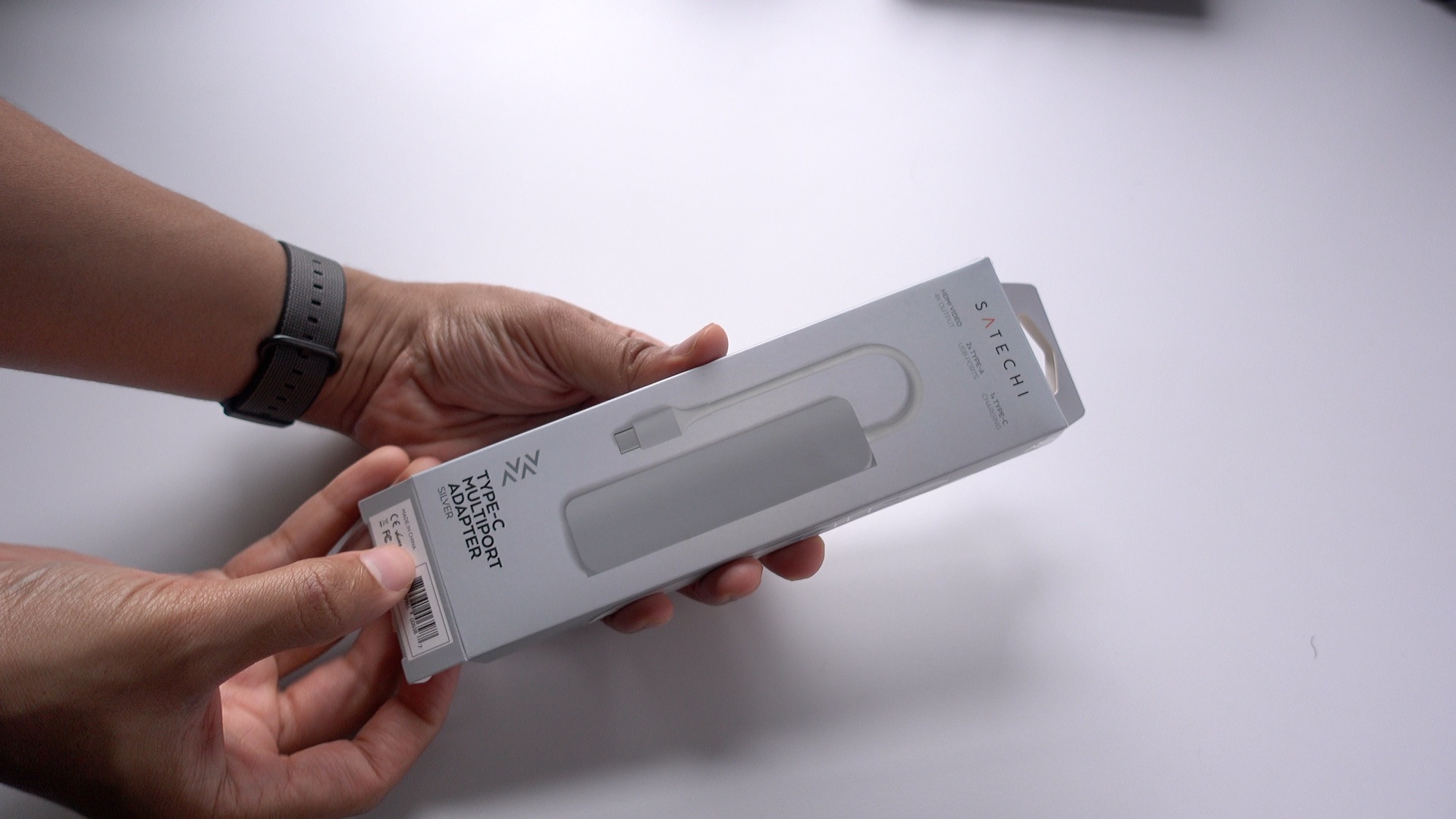
Satechi is well-known for producing Mac-centric hardware, so it’s no surprise that the company has made several USB-C accessories, including a handy multiport adapter. This particular adapter, which is similar in stature to a pack of chewing gum, features two USB-A ports, HDMI, and a USB-C pass-through for charging. Should new MacBook Pro owners consider this little accessory? Expand Expanding Close
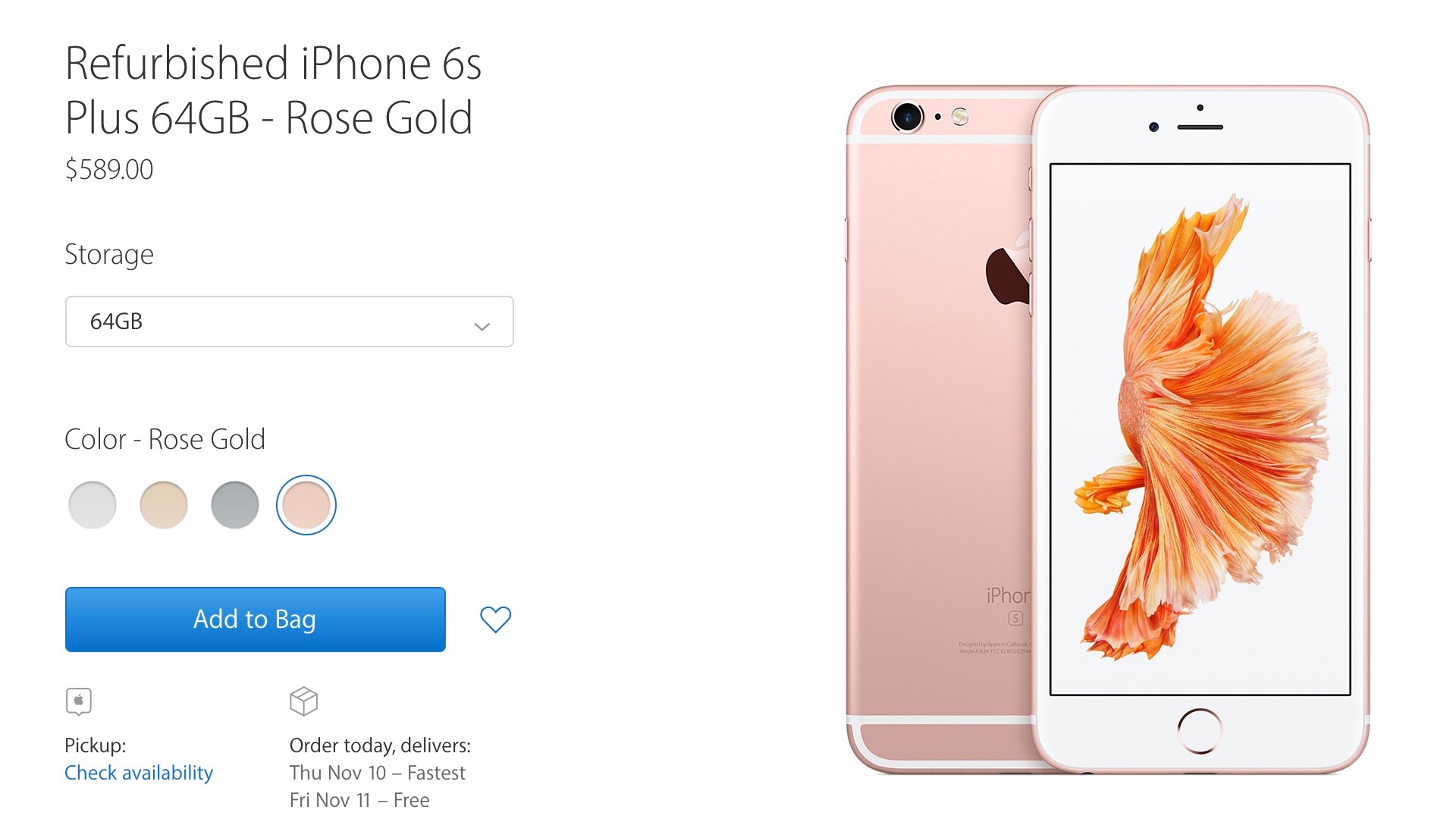
Up until now, Apple has never sold refurbished iPhones on its online store. You could get a refurbished Mac, iPad, or even a niche device like an AirPort Extreme, but never an iPhone. Apple typically used its refurbished iPhone inventory as repair/replacements for or offloaded them to 3rd party resellers. That has seemingly changed today, as Apple is offering the iPhone 6s and iPhone 6s Plus in its refurb store. Expand Expanding Close
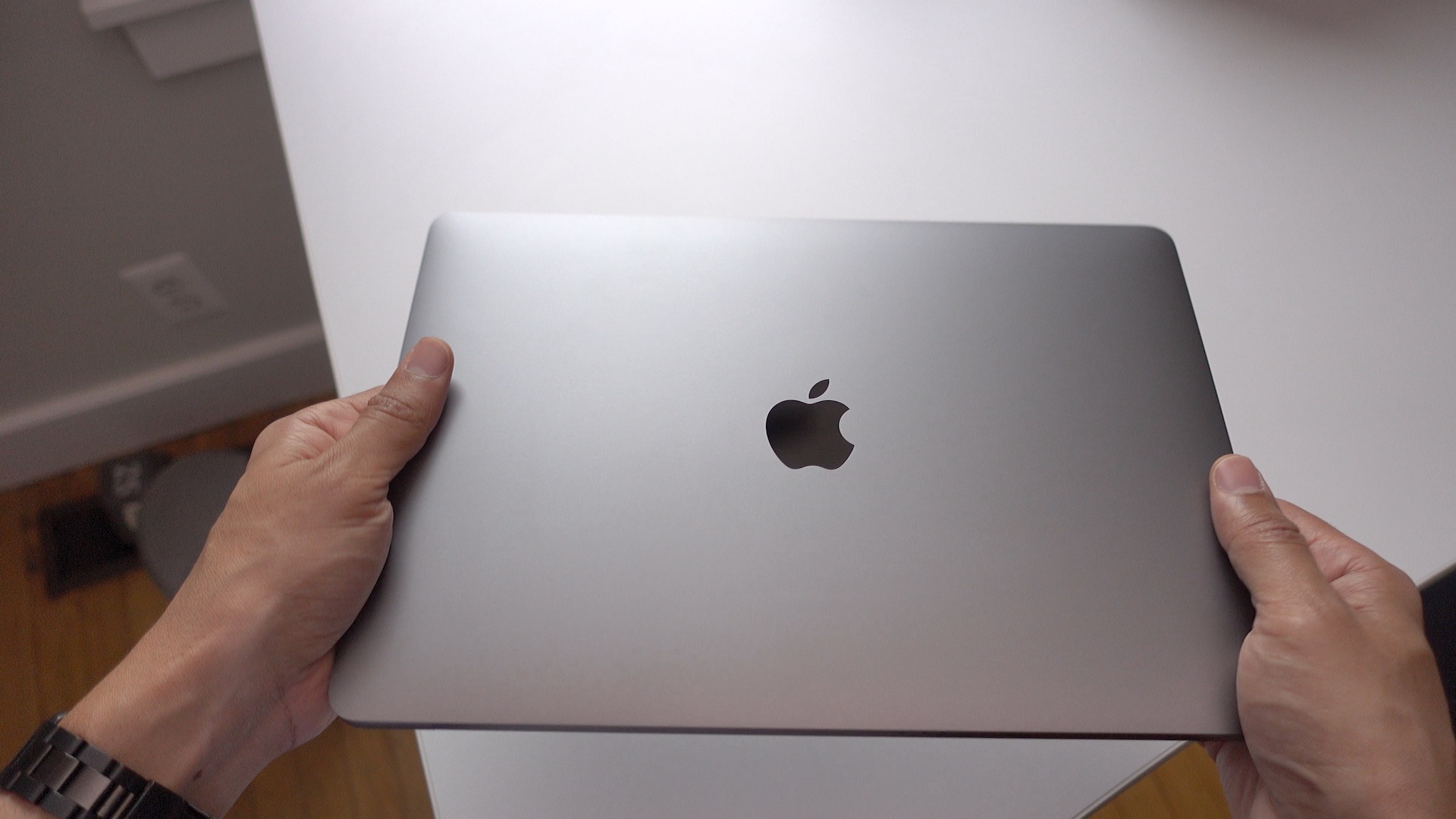
While we wait for the so-called real MacBook Pro to arrive, we wanted to take some time to explore the entry level 13-inch model that’s already available in stores. Despite its lack of Apple’s flagship Touch Bar and Touch ID features, there’s a whole lot that’s changed with the Late 2016 MacBook Pro refresh.
Have a look at our hands-on video walkthrough as we step you through many of the changes and features, and tell you who might be wise to consider this machine. Expand Expanding Close
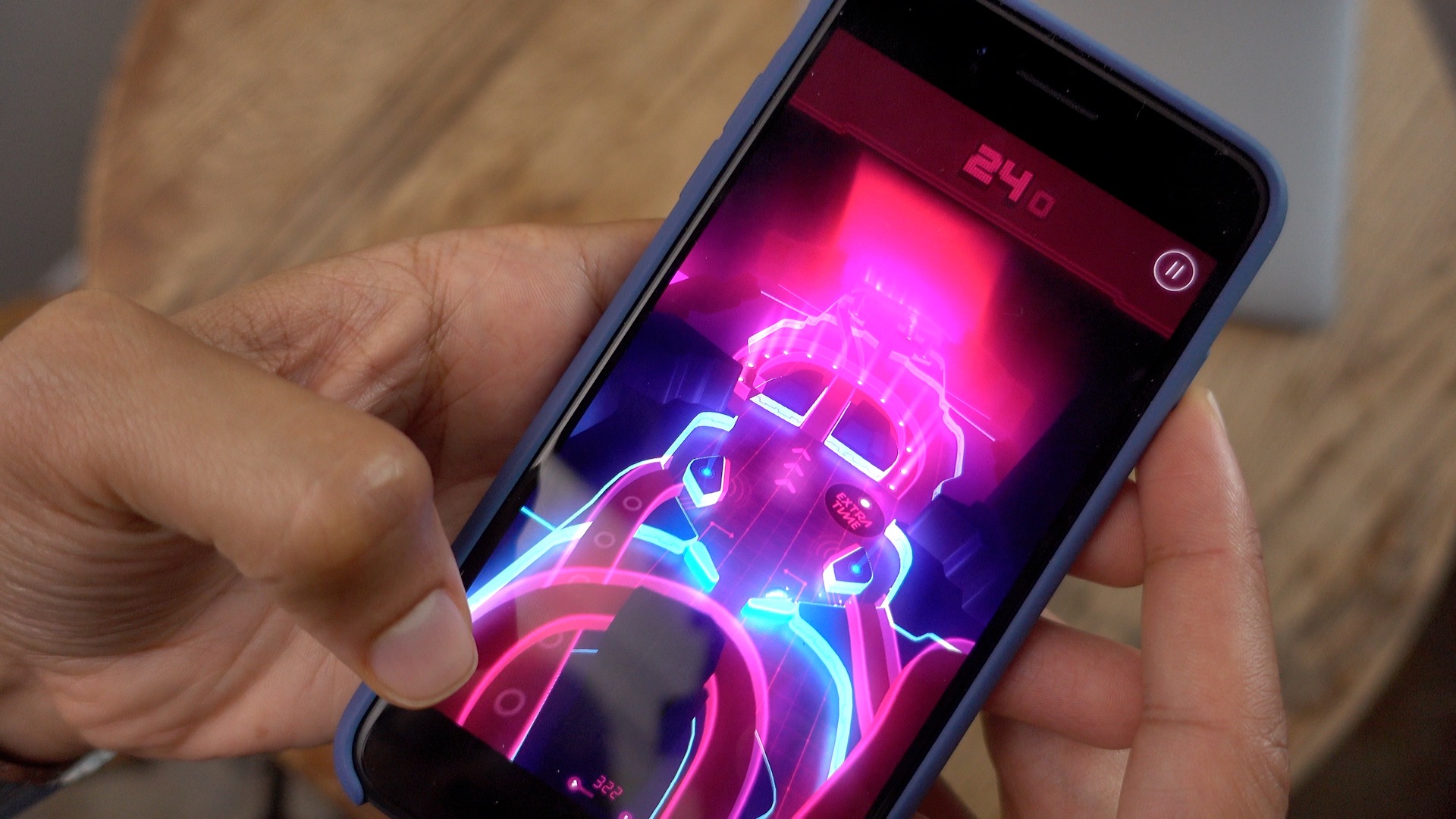
Need a few apps to keep you occupied this weekend? You’ll definitely want to check out the latest edition of Friday 5. Inside you’ll find a stylish new Pinball game, a writing app that’s great for putting together long-form projects, and a multi-platform podcast app that helps keep you up to date with all of your favorite shows. Expand Expanding Close
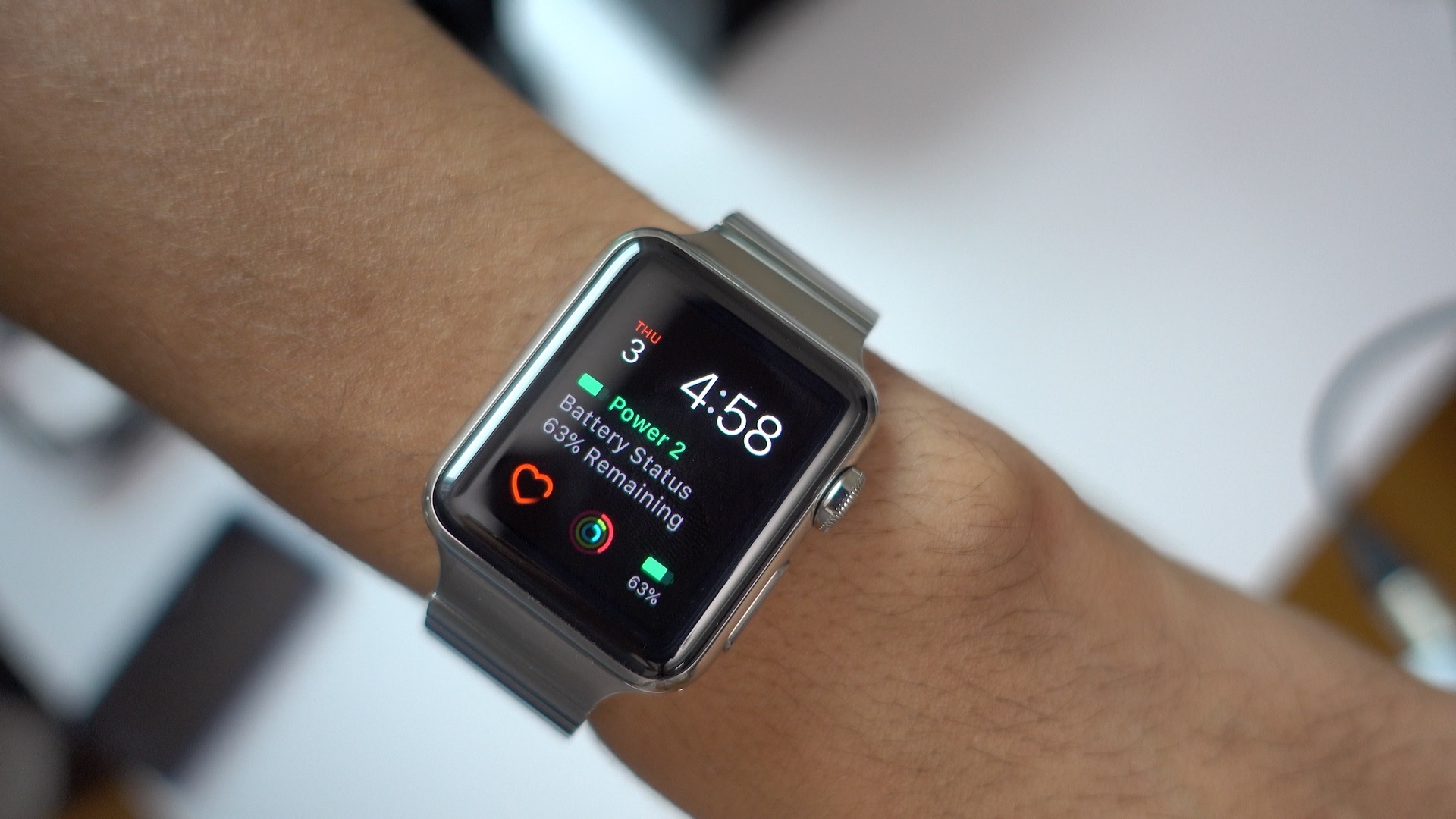
Power 2 is a brand new Apple Watch app that adds a handy iPhone battery life complication to the watch face. The app’s battery complication allows you to monitor the status of the paired iPhone’s battery without pulling it out of your pocket or purse.
While the original Power was based on glances, Power 2 is all about complications. The app also brings a new Time Travel-based battery life prediction function to the table. By enabling Time Travel and moving the Digital Crown, users gain access to an estimate of what iPhone battery life might be in the future. Expand Expanding Close
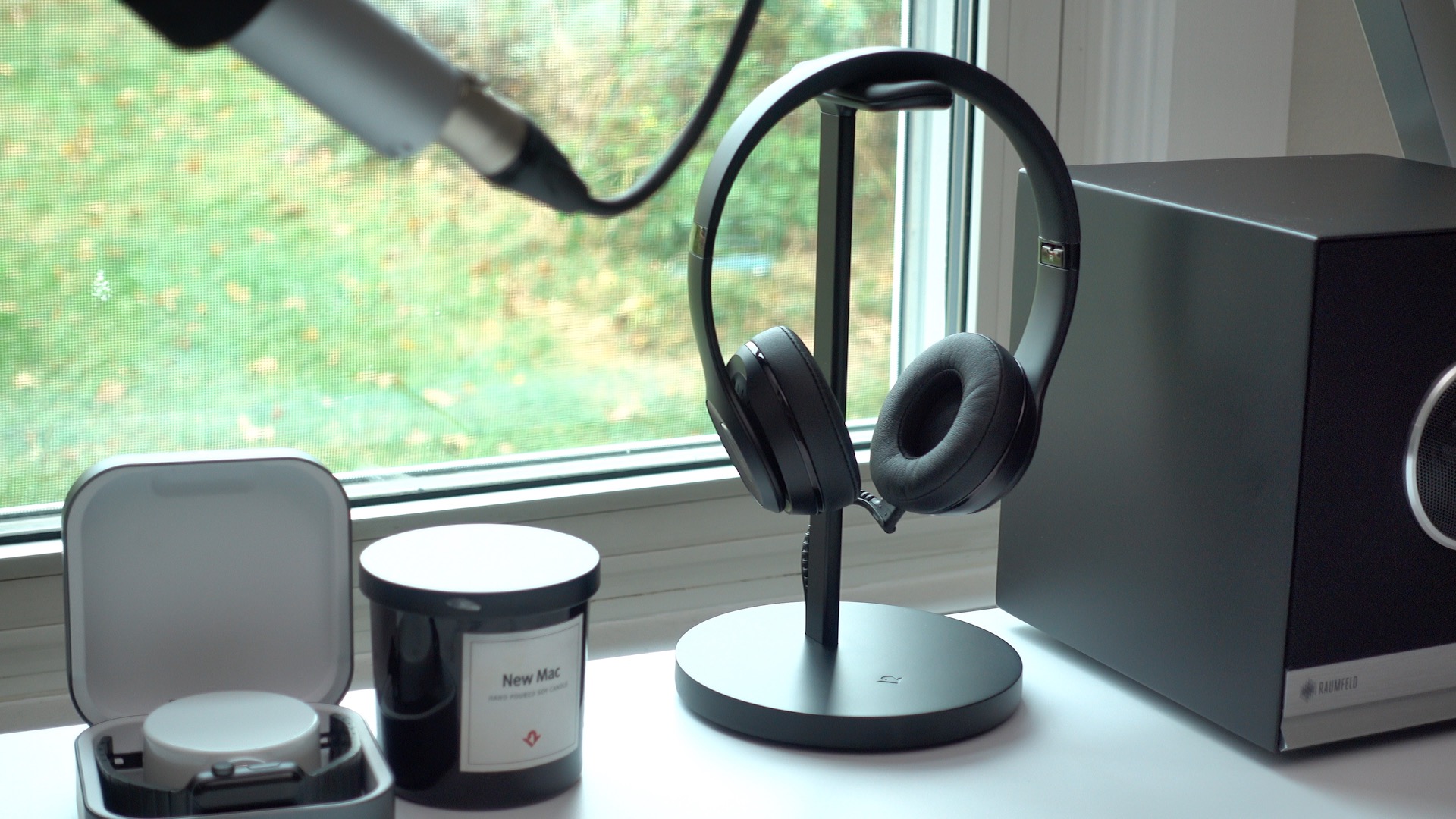
This week Twelve South launched its new Fermata headphone charging stand. The stand, which is geared towards wireless headphones, features an integrated power cable to easily facilitate recharging. Have a look at our hands-on video walkthrough as we unbox, setup and showcase Fermata’s features. Expand Expanding Close
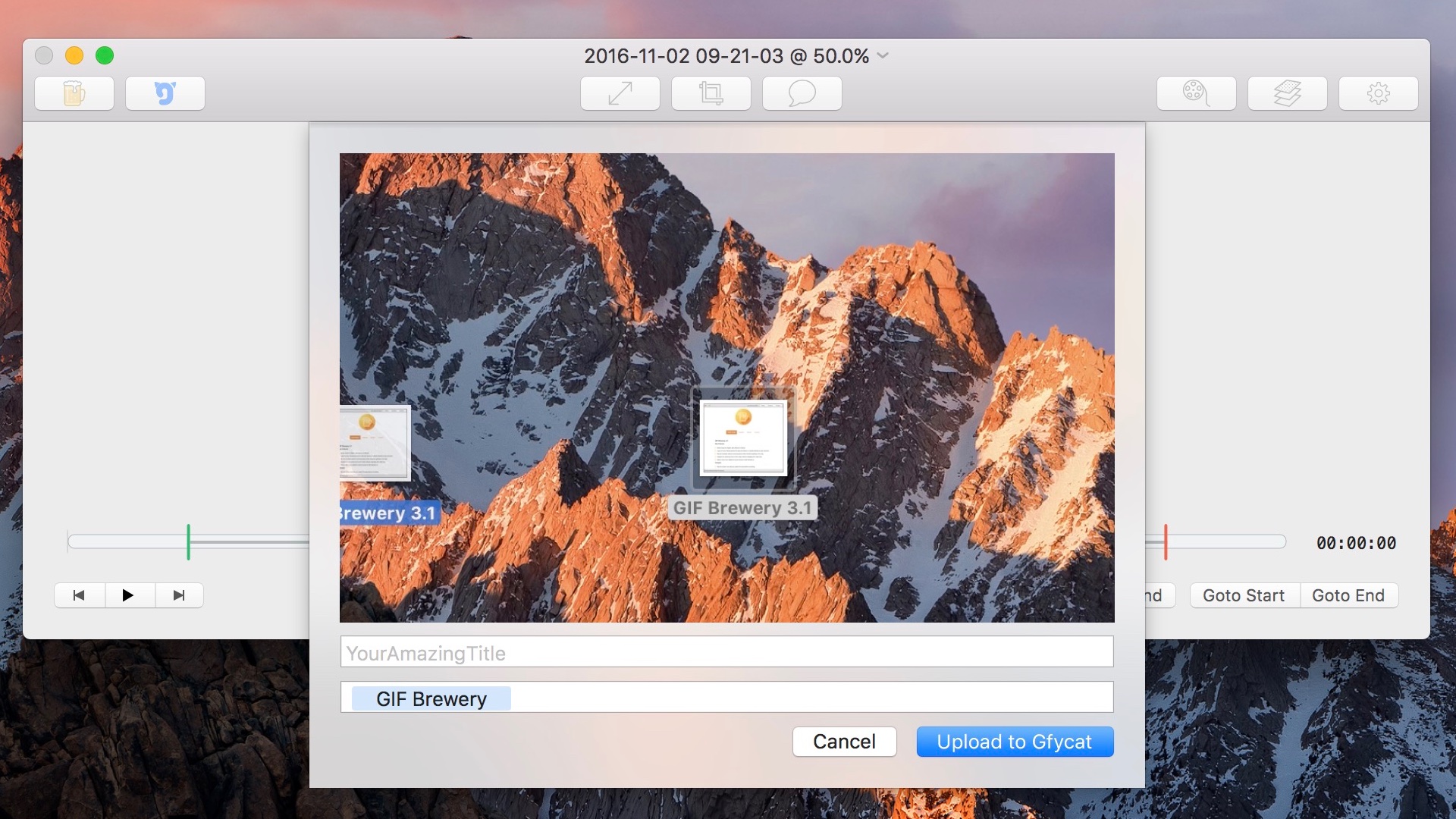
GIF Brewery, the outstanding GIF creation app for macOS, has been acquired by Gfycat, the rapidly-growing short video platform.
The app will remain a Mac-exclusive, and will stay on the Mac App Store, although it will now be offered for free instead of the previous $4.99 asking price.
The updated app, which is now being marketed as GIF Brewery by Gfycat, features Gfycat integration, which allows users to easily upload and share GIFs using the short video sharing service. Expand Expanding Close
When I first learned that the new MacBook Pro had no SD Card slot, like many creators, I was a little perturbed. The reason is that SD Cards have long been the fastest way to transfer media from cameras to our computers.
But now that the new MacBook Pros have no built-in SD Card reader, it means that creators will have to rely on an external USB-C to SD Card dongle, like this one. These dongles are cheap, small, and easy to carry around, so at the end of the day it’s not an outright dealbreaker, but the fact that I have to remember to always carry one with me presents somewhat of an inconvenience.
That said, we shouldn’t be mad at Apple for this. Camera companies have had years to innovate in this area, and have simply failed to do so. It’s the camera companies that we should be upset with, not Apple. Expand Expanding Close
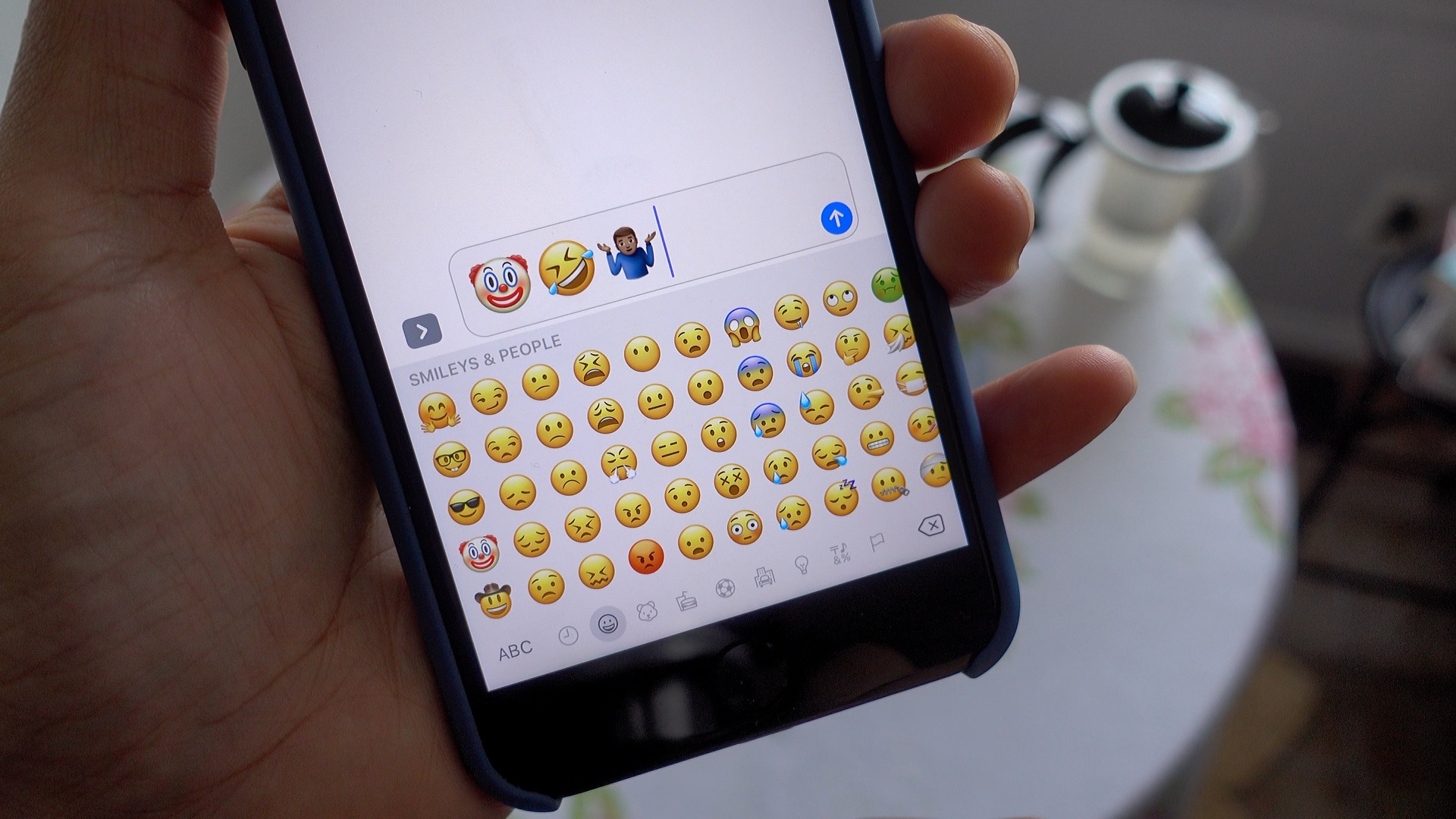
iOS 10.2 beta 1 brings some significant new changes to iOS 10. Headlined by over 70 new Unicode 9 emoji, the update is now available to iOS developers. A public beta version was just released as well. Have a look at 14 of the new features and changes in this brief hands-on video walkthrough. Expand Expanding Close
I’m still putting the (new) Late 2016 MacBook Pro (without the Touch Bar) through a variety of tests, but I just had to point out this SSD benchmark test that I ran using my favorite disk benchmarking utility, QuickBench. The results show, as Apple has claimed, that the SSD inside this machine is crazy fast. Expand Expanding Close
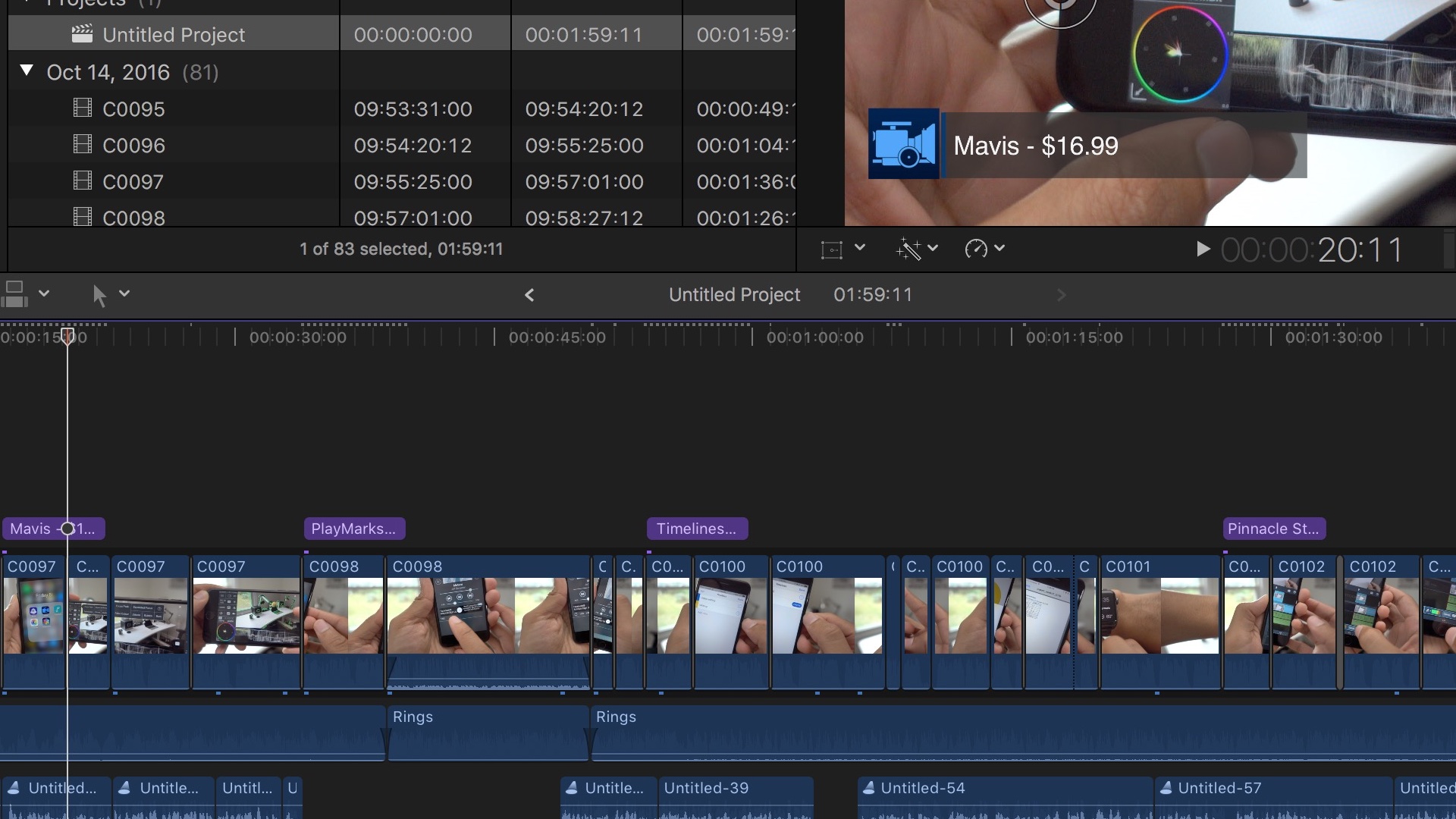
Final Cut Pro X 10.3 was released on Thursday, and although I haven’t had much time to play with it, it’s immediately apparent that this is a huge update. In fact, I think Apple did itself a disservice by labeling this a dot release instead of just calling it Final Cut Pro version 11.0.
The addition of Touch Bar support for the new MacBook Pros was the headlining feature of Thursday’s announcement, but it’s all of the other enhancements that make Final Cut Pro X 10.3 the most noteworthy upgrade to Apple’s trackless NLE since the original release over five years ago. Expand Expanding Close
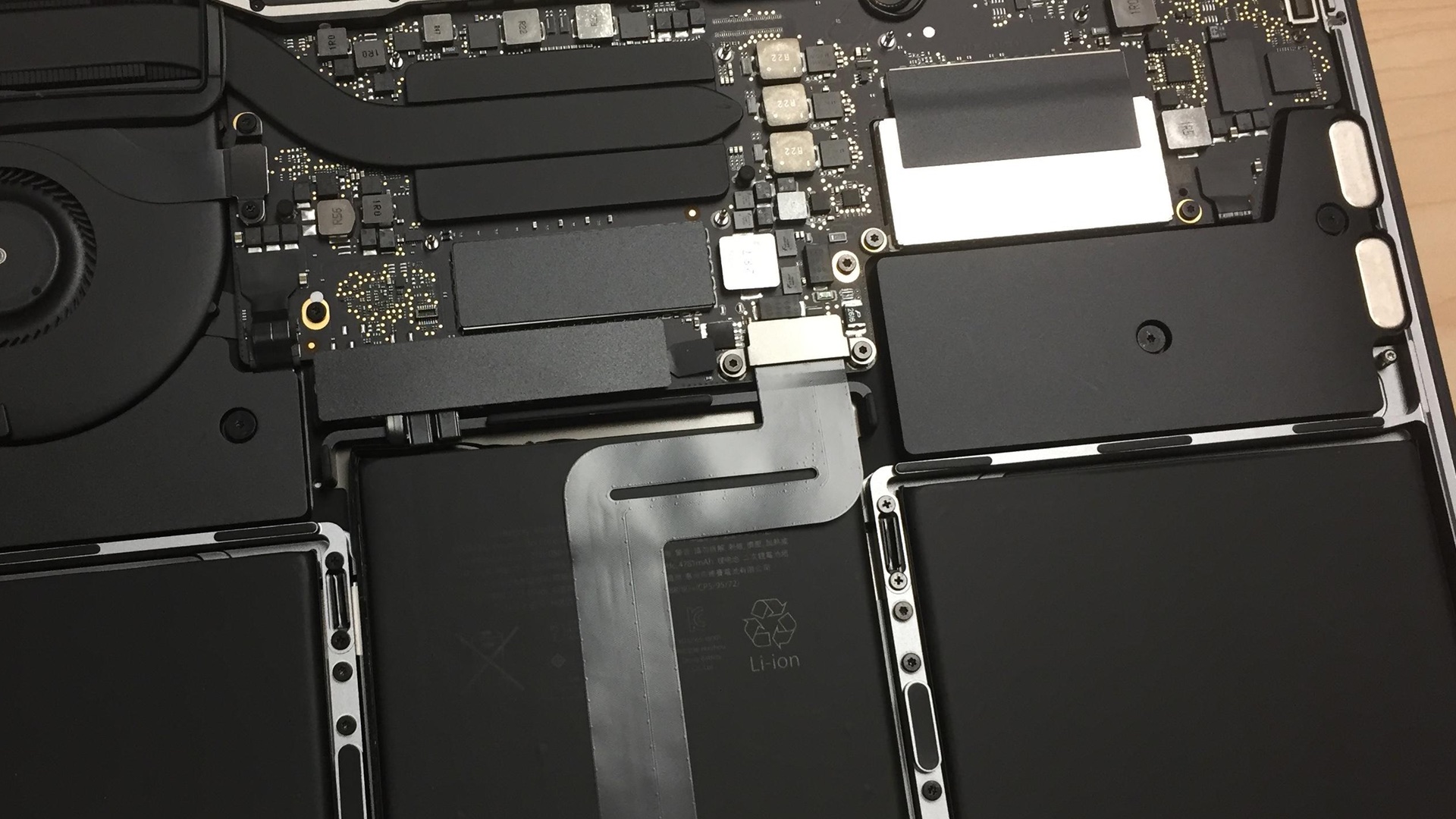
Good news for those of you who are interested in performing aftermarket SSD upgrades on the entry-level 13″ MacBook Pro — the SSD is removable, which may allow it to facilitate future upgrades. The find was first noted by OWC, who’s in the business of providing third-party upgrades for Mac hardware. Expand Expanding Close
Up until now, iOS developers have been unable to distribute promo codes for in-app purchases, but Apple is now allowing developers to issue in-app purchase promo codes via iTunes Connect. Expand Expanding Close
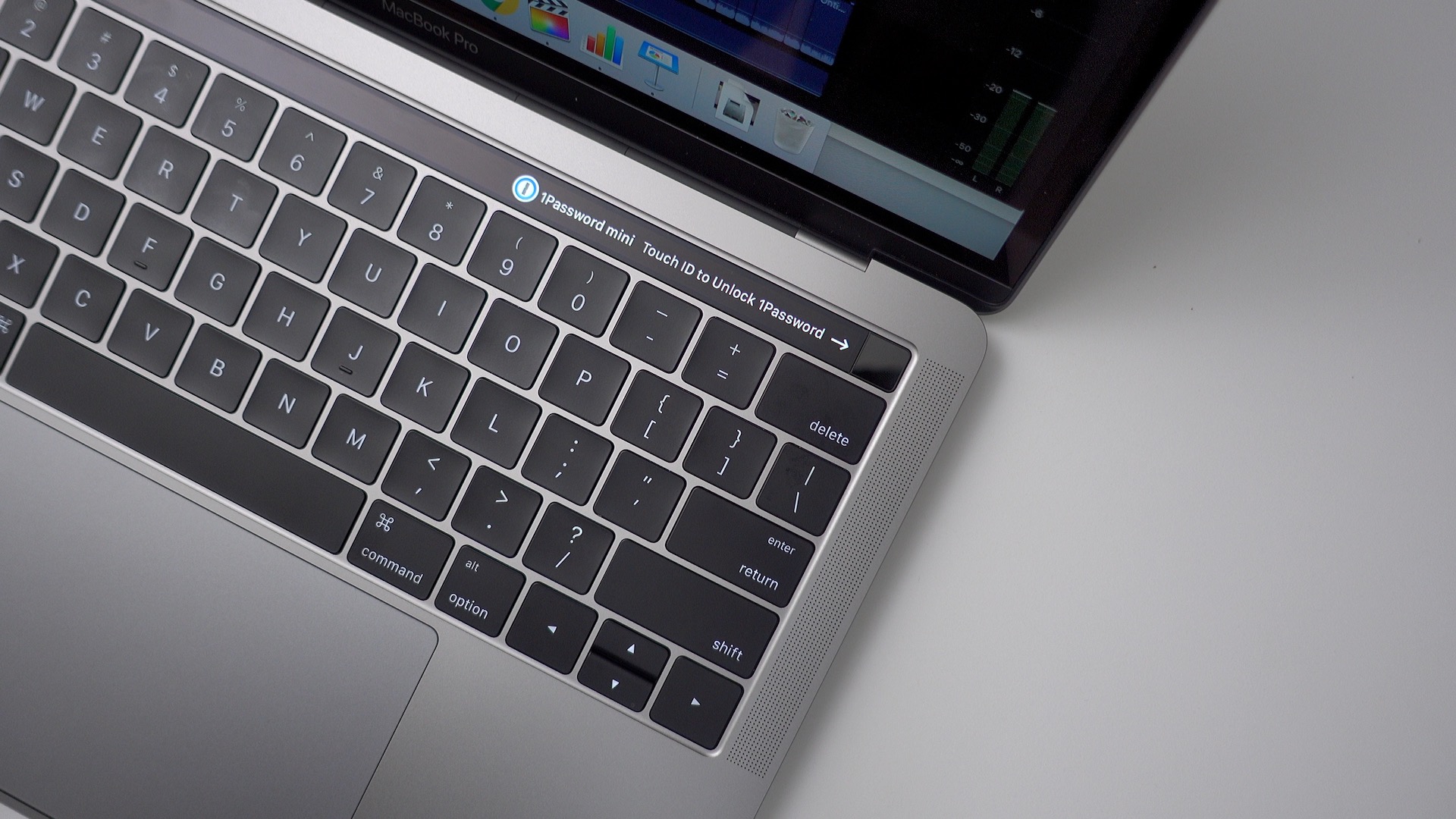
One of the biggest reasons to upgrade to the new MacBook Pro is for Touch ID. As was revealed during yesterday’s MacBook Pro event, Touch ID will be available to third-party Mac app developers. AgileBits, creator of 1Password for Mac and iOS, has wasted no time and is currently working on implementing Touch ID support into its highly-respected password management app.
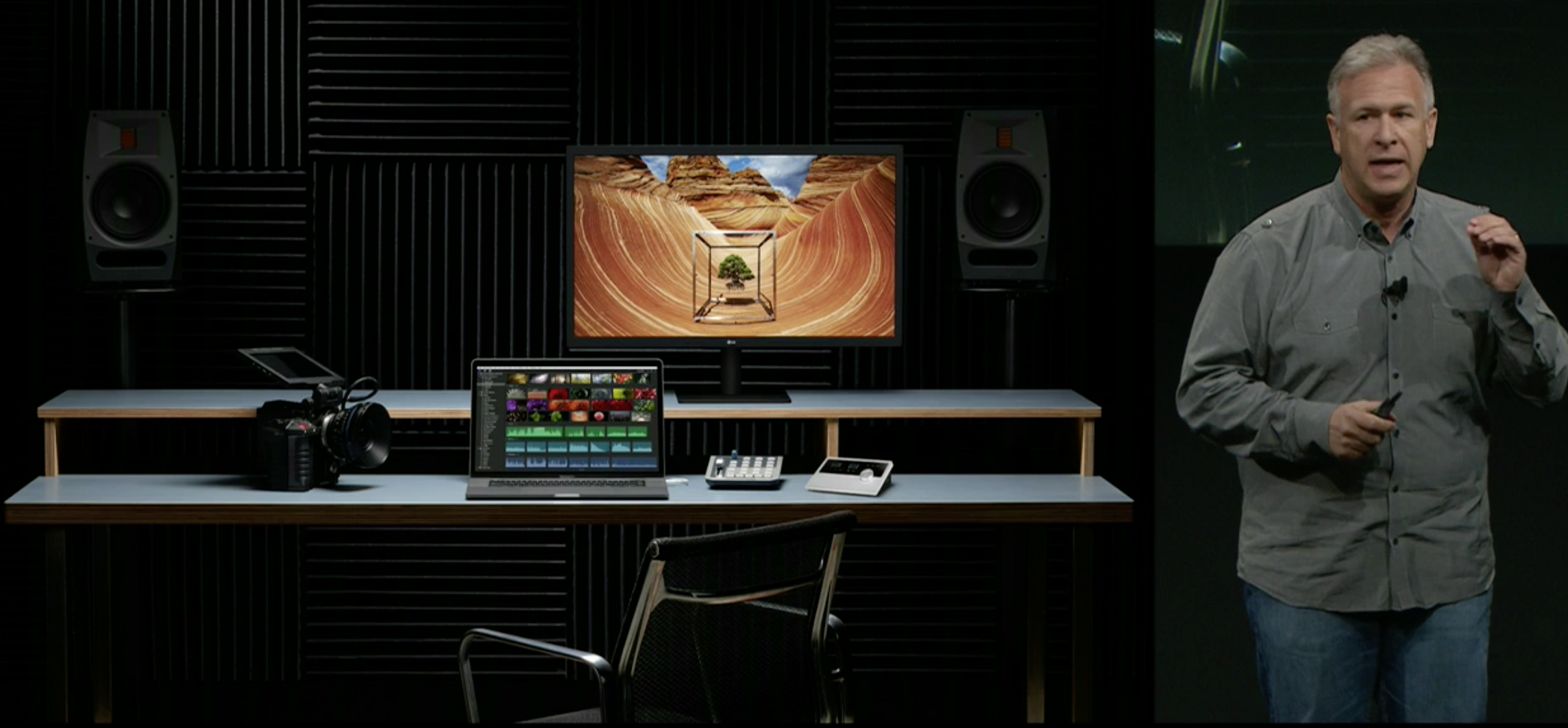
If you’re holding out for an Apple-branded 4K or 5K standalone display, you should probably stop waiting. Apple is reportedly out of the standalone display business for good, according to The Verge’s Nilay Patel… Expand Expanding Close
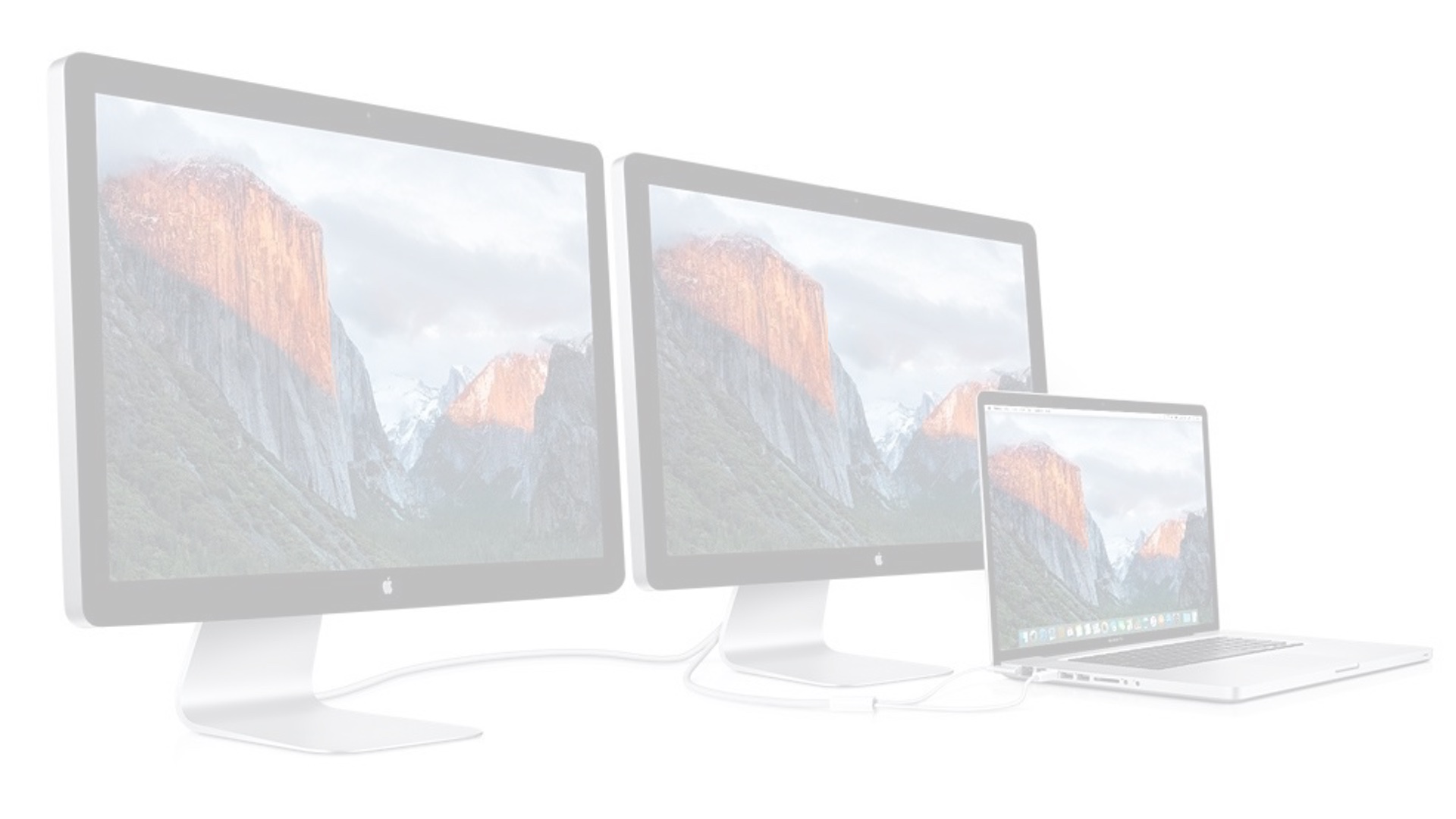
If you like to run multiple external displays at the same time, then you’re going to love the new MacBook Pros. The 15″ MacBook Pro supports a whopping four external 4K displays at the same time. If you prefer to use 5K displays, you’ll be happy to know that the 15″ MacBook Pro supports dual simultaneously 5K displays. Expand Expanding Close