Author

Avatar for Jeff Benjamin

Jeff Benjamin

Jeff Benjamin

Jeff is the head of video content production for 9to5. He joined 9to5Mac in 2016, producing videos, walkthroughs, how-tos, written tutorials, and reviews. He takes pride in explaining things simply, clearly, and concisely. Jeff’s videos have been watched hundreds of millions of times by people seeking to learn more about today’s tech. Subscribe to 9to5Mac on YouTube to catch Jeff’s latest videos.

iOS Decoded is Jeff’s flagship video series that breaks down what’s new in iOS betas, including behind-the-scenes deep dives into undiscovered features and exclusive details on the iOS roadmap. 

Jeff also produces a weekly podcast, alongside co-host Fernando Silva, entitled 9to5Mac Overtime. A video-first podcast, 9to5Mac Overtime airs weekly on our YouTube channel, but can also be enjoyed in audio form via Apple Podcasts, or your podcast app of choice.

Have a tip or exclusive? Connect with Jeff!

Connect with Jeff Benjamin

App Store shifts to updating ‘Best New Apps’ more often under Phil Schiller’s leadership, calls it place ‘to visit every day’

Site default logo image

App Store

Signs of change are beginning to surface on the App Store after December 17th’s notable leadership changes involving Apple’s Worldwide Marketing SVP Phil Schiller. That move happened after growing discontent from Mac App Store developers, who noted communication breakdowns and overall frustration with the direction that the Mac App Store was headed in.

Schiller is now in charge of all App Stores, taking over responsibilities from Eddy Cue, which most prominently include the iOS App Store and the Mac App Store.

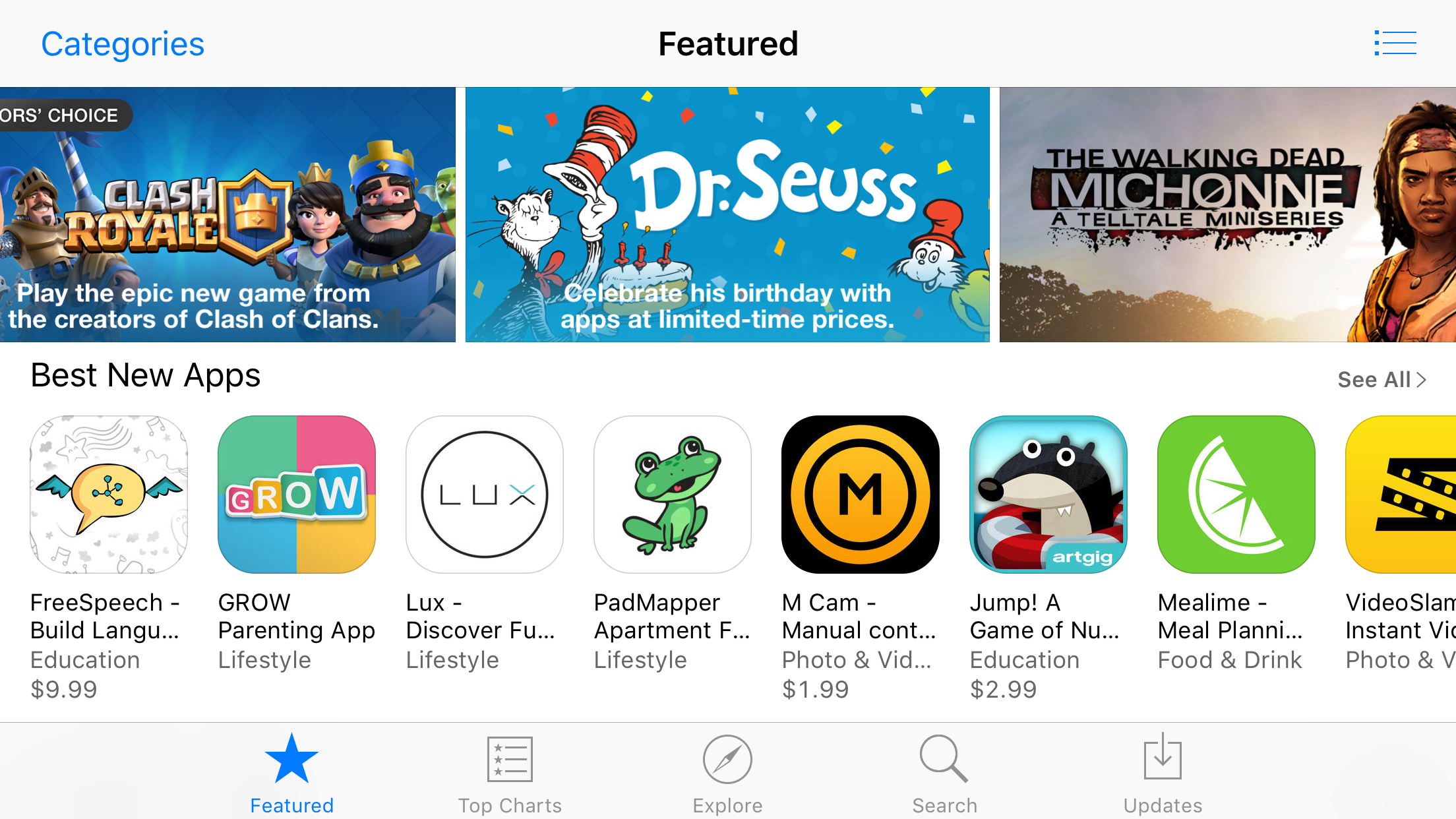
It’s been less than three months since the move occurred, but we’re already beginning to see a change in the way the App Store operates. For example, we’re now seeing more regular updates of the Best New Apps section at the top of the App Store’s Featured page. In a tweet today, Schiller acknowledged the changes and indicated that more changes were on the way.

Expand
Expanding
Close

How-To: Easily move items to full screen apps with Mission Control

Site default logo image

Easily move files to full screen apps using Mission Control

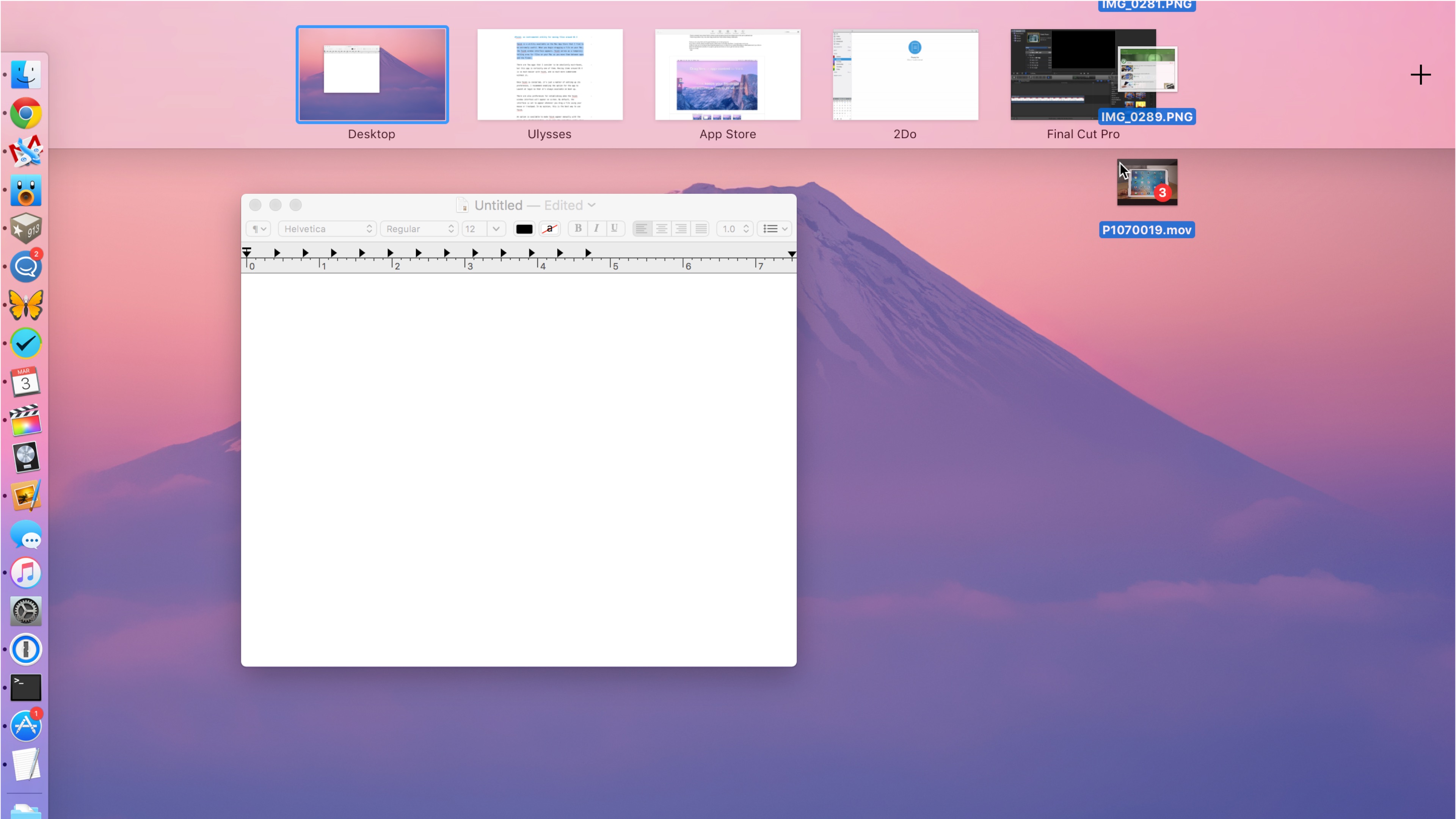
Mission Control is a great feature found in OS X that can simplify the process of moving items between full screen apps when combined with Hot Corners. Hot Corners, a feature that I talked about in my 10 getting started tips for new OS X users, allows you to place your mouse pointer in one of the four corners of your Mac’s screen to invoke a specific response.

When combining the power of Hot Corners with Mission Control, you can easily move items to and from full screen apps. Have a look at our video tutorial inside for the details.
Expand
Expanding
Close

State of jailbreak: March 2016 [Video]

Site default logo image

State of Jailbreak March 2016

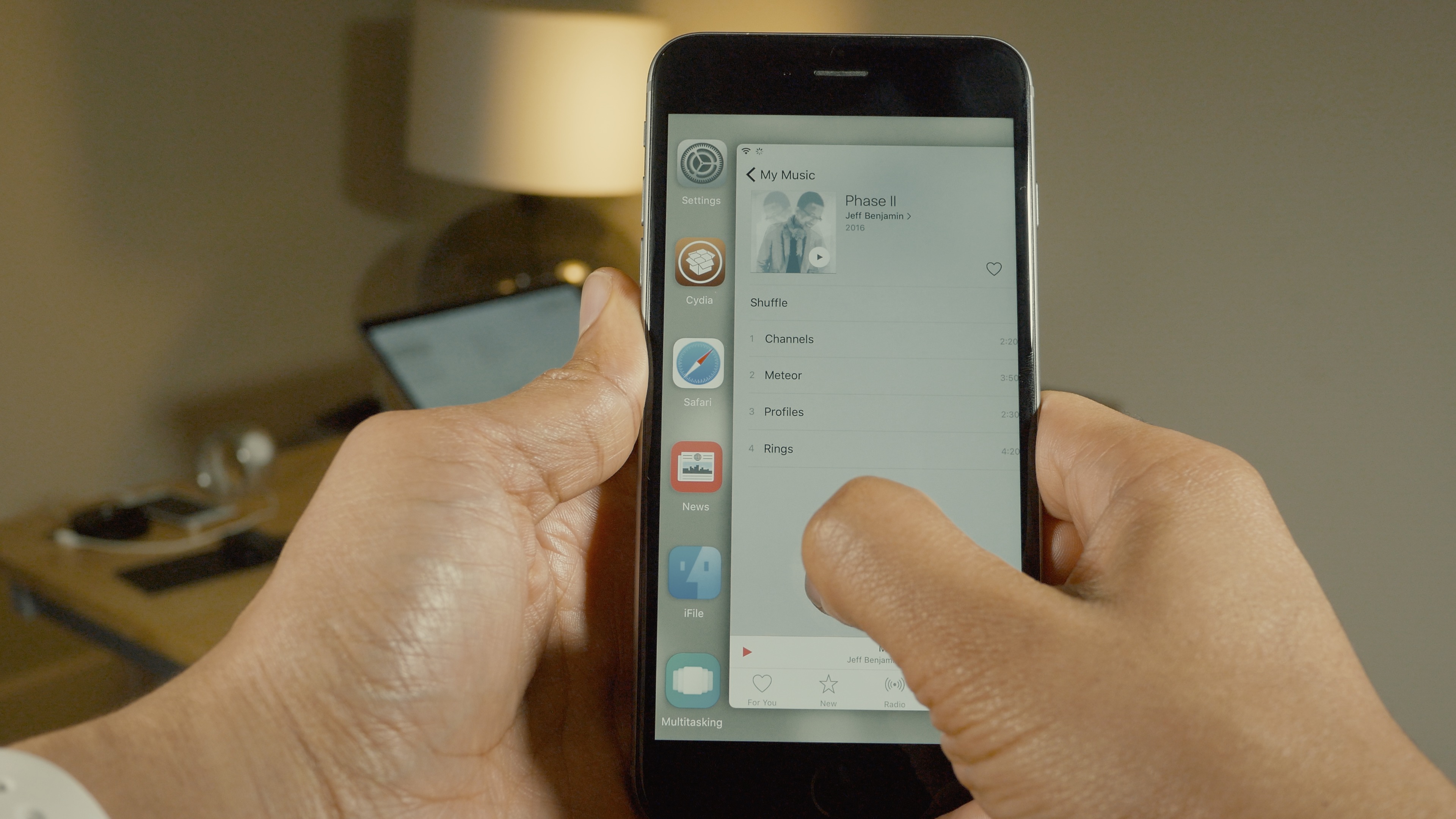
It’s been a long time since we’ve seen a new jailbreak release hit the scene publicly. Sure, we’ve seen teased images of jailbreaks from some well-known hackers within the community, but the last publicly available jailbreak tool was shared back in October 2015. Since then, iOS has been updated several times, and Apple has closed the signing window for iOS 9.0.2, the last firmware susceptible to a publicly released jailbreak tool.

Even though it’s been quite a while since we’ve seen a jailbreak, that doesn’t necessarily mean things have slowed down on the community side of fence. In fact, many new jailbreak tweaks continue to land on Cydia every single month. We also now have tools like Extensify that allow us to tweak some of our favorite App Store apps on non-jailbroken iPhones. Yes, jailbreaking has hit a bit of a lull, but developers and community enthusiasts continue to contribute on a regular basis.
Expand
Expanding
Close

GIF Brewery 3 brings a polished animated GIF-creating experience to the Mac

Site default logo image

GIF Brewery Animated GIF

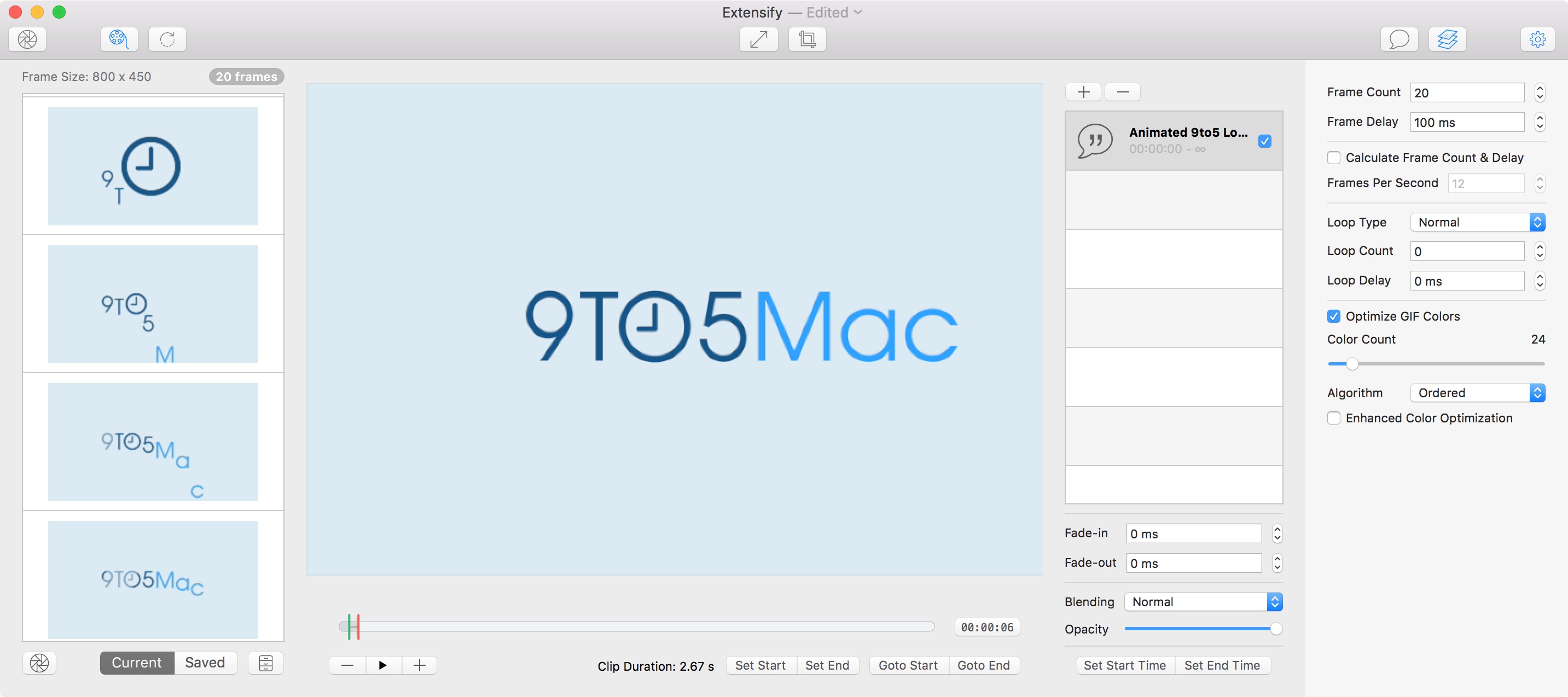
GIF Brewery has long been my go to app for creating high-quality GIF animations on the Mac. It’s always been relatively easy to use, yet features powerful enough options for serious GIF-creators.

With GIF Brewery 3, several notable new features have been added to the mix, including the ability to record video directly in app via your Mac’s screen, FaceTime camera, or even iOS devices. This update turns GIF Brewery into an end-to-end solution for creating GIF animations directly from your iPhone’s screen or other media, which can be extremely handy for things like tutorials and memes.
Expand
Expanding
Close

Extensify: a simple and easy-to-use tweak store for non-jailbroken iPhones [Video]

Site default logo image

Extensify

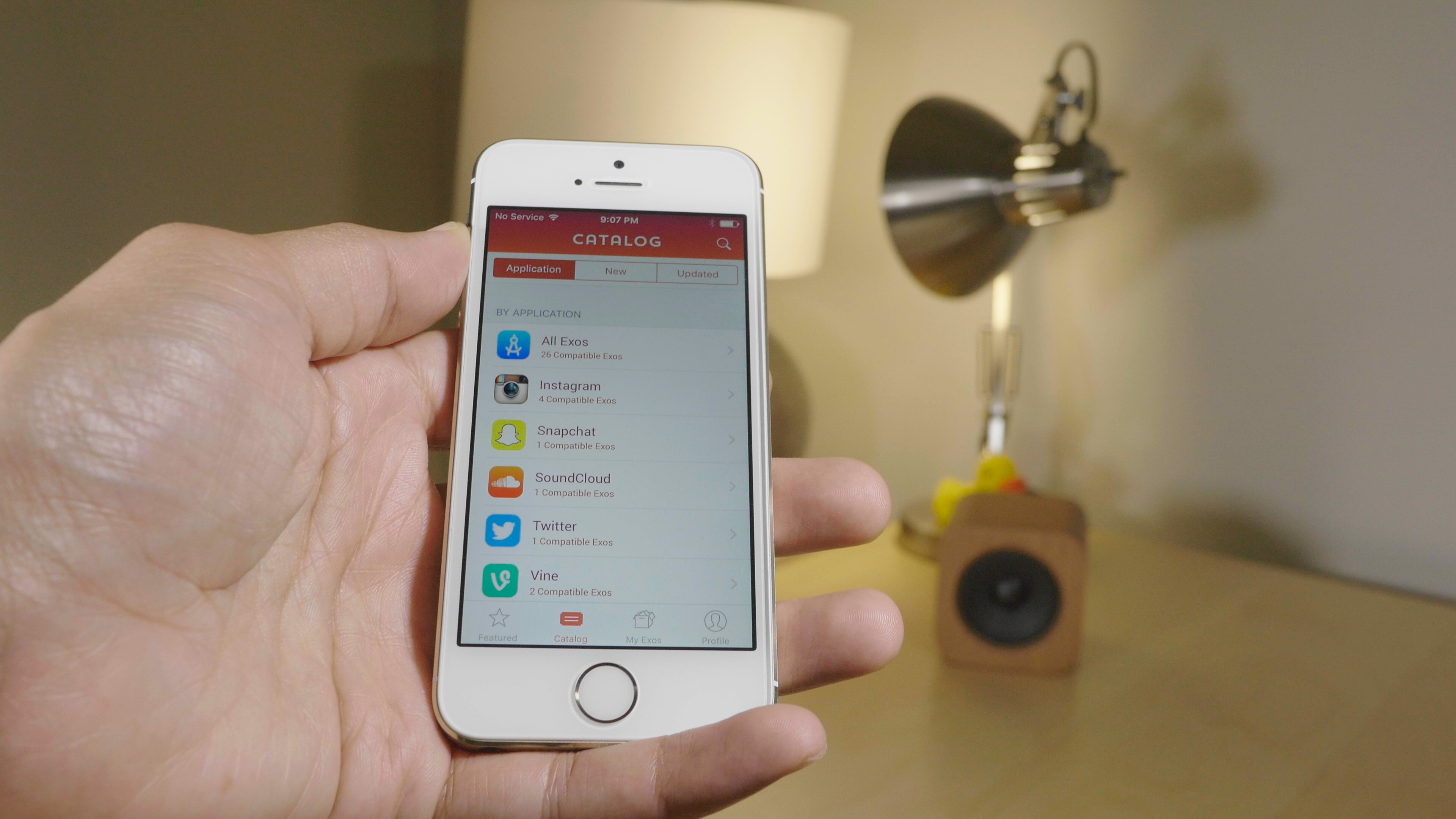
Extensify is a highly anticipated app release from developers Majd Alfhaily and Kevin Ko that’s been in the works for quite some time. This weekend it will finally be launched as a part of a limited rollout.

Extensify is best described as a tweak store that allows you to change the properties of App Store apps. Unlike tweaks that require your iPhone to be jailbroken, Extensify works without needing a jailbreak. This is made possible by Apple’s decision to allow users to sideload iOS apps. Have a look at our hands-on video walkthrough inside for more details.
Expand
Expanding
Close

How-To: Make Gmail the default mail app in Safari, Chrome, and Firefox on Mac

Site default logo image

Gmail Default mail app

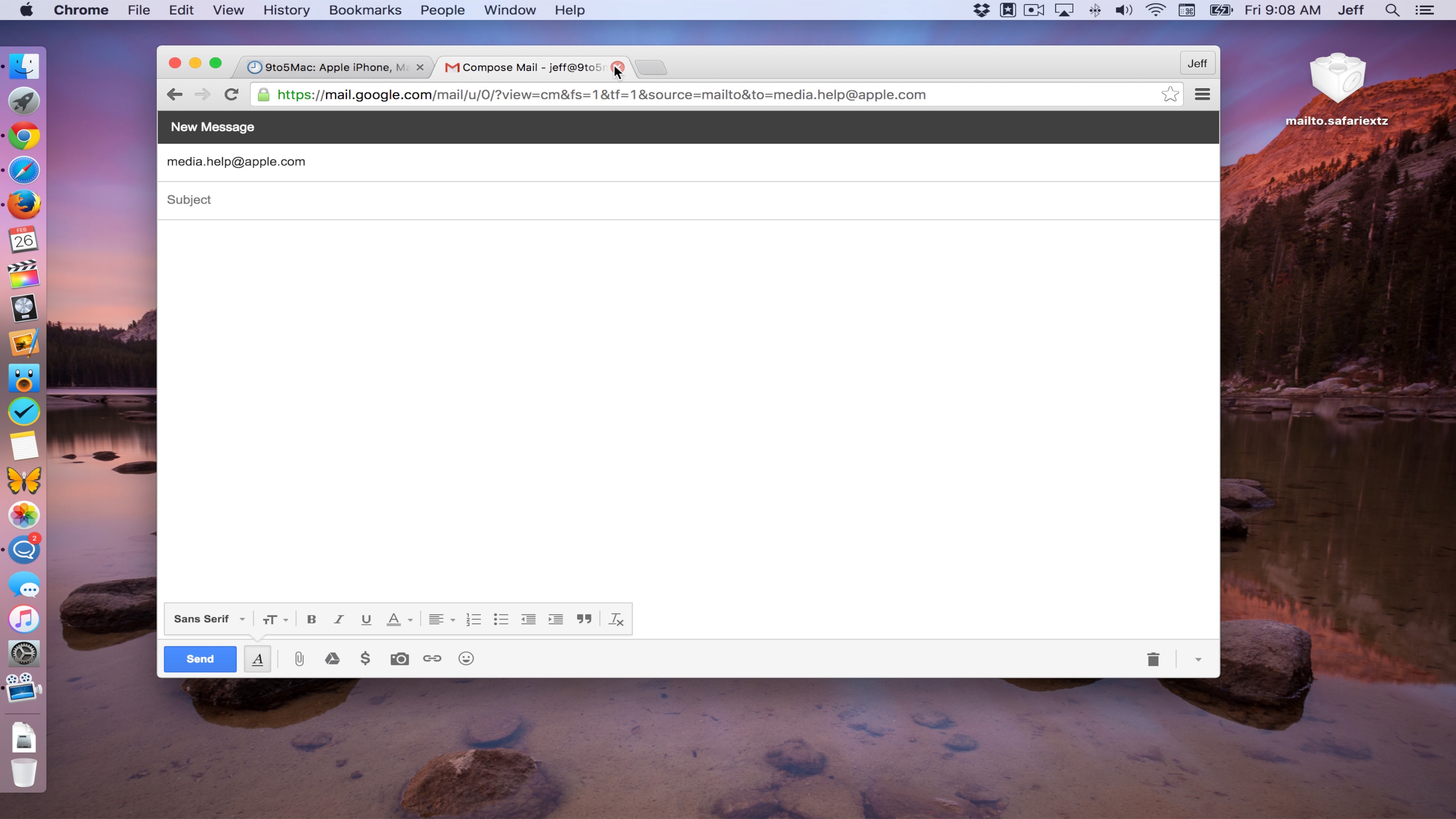
I’ve never been a fan of the stock Mail app in OS X, so I generally find myself relying on Gmail inside of Chrome for all of my email needs. In fact, I don’t have any email accounts configured inside of the stock Mail app at all. With this in mind, I always get frustrated when I inadvertently click a mailto link inside of a browser window. Doing so forces the Mail app, which is set as the default mail client in OS X, to open without purpose.

Wouldn’t it be nice if you could configure Gmail to play the role of the default mail client inside your browser of choice? In this video tutorial, I’ll show you how easy it is to configure Chrome, Safari, and even Firefox to use Gmail as the default mail client.
Expand
Expanding
Close

How-To: 50 getting started tips for new Spark users

Site default logo image

50 Spark Tips

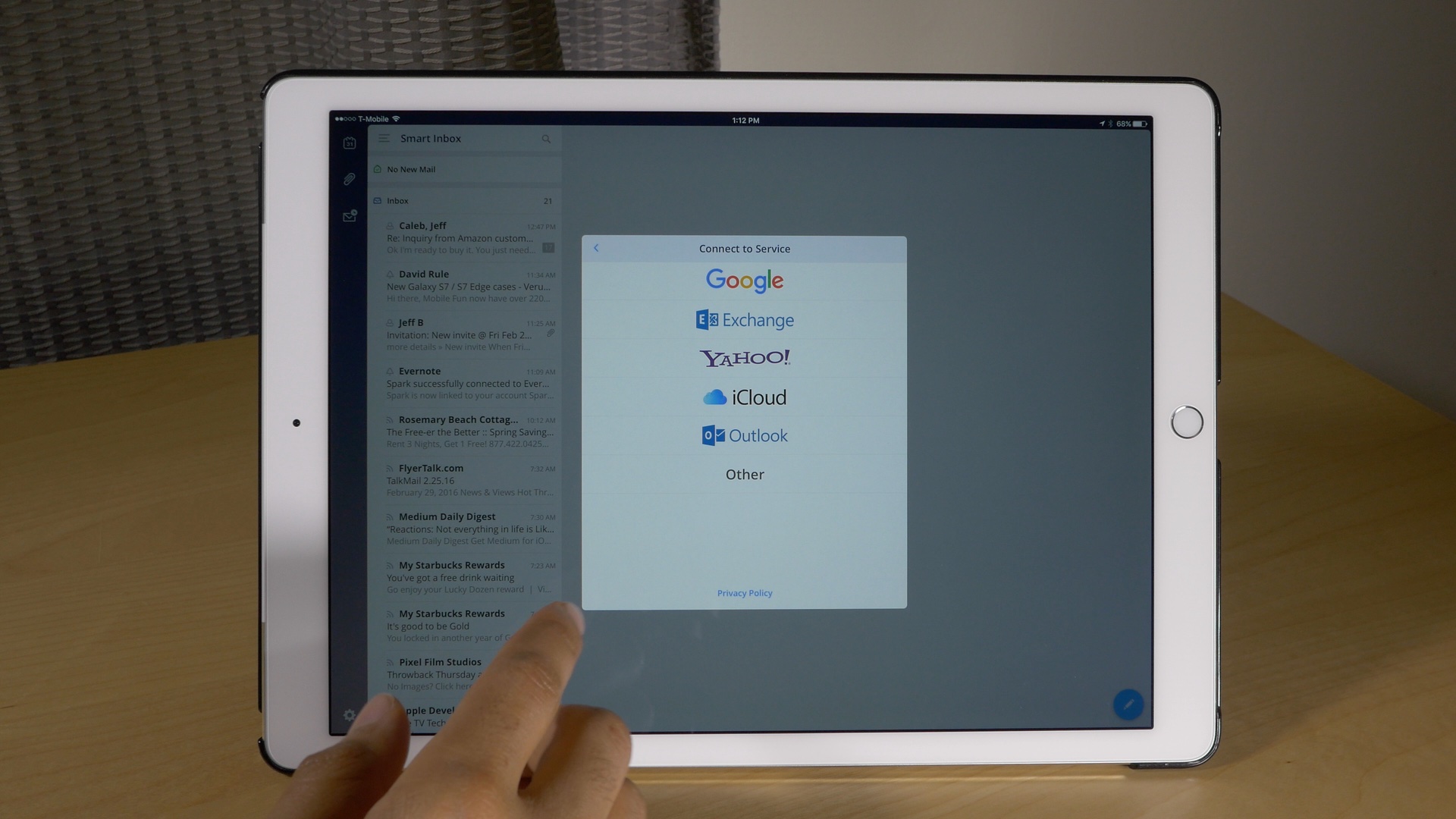
As we told you about earlier, Readdle has released the highly anticipated update to its Spark email client for iOS. Spark 1.6 adds support for the iPad, including iPad Pro, syncing of settings and accounts, and watchOS 2 support among other things. Needless to say, it’s a major update that vaults it clear to the top of third-party email offerings on iOS.

But what if you’ve been holding out and have just now decided to give Spark a chance? If that’s the case, then you should definitely check out this breakdown of 50 different tips for new Spark users. Like I always say, even if you’re a veteran user, chances are you may still learn a thing or two.
Expand
Expanding
Close

Spark updated with iPad support, account and settings syncing, and watchOS 2 support

Site default logo image

Spark Email Starter Guide How-to

Readdle’s popular Spark email app for iOS just received the biggest update of its young existence. The timing of such an update couldn’t have been better with the unfortunate demise of Mailbox — a once beloved email app that’s scheduled to shut down tomorrow, February 26th.

Prior to today’s update, Spark was well-liked, but the lack of iPad support made it difficult for some to adopt it as a full time client. Now that iPad support, and several other new features have arrived, Spark feels as if it’s now ready for prime time. Should you consider adopting Spark as a part of your email workflow?
Expand
Expanding
Close

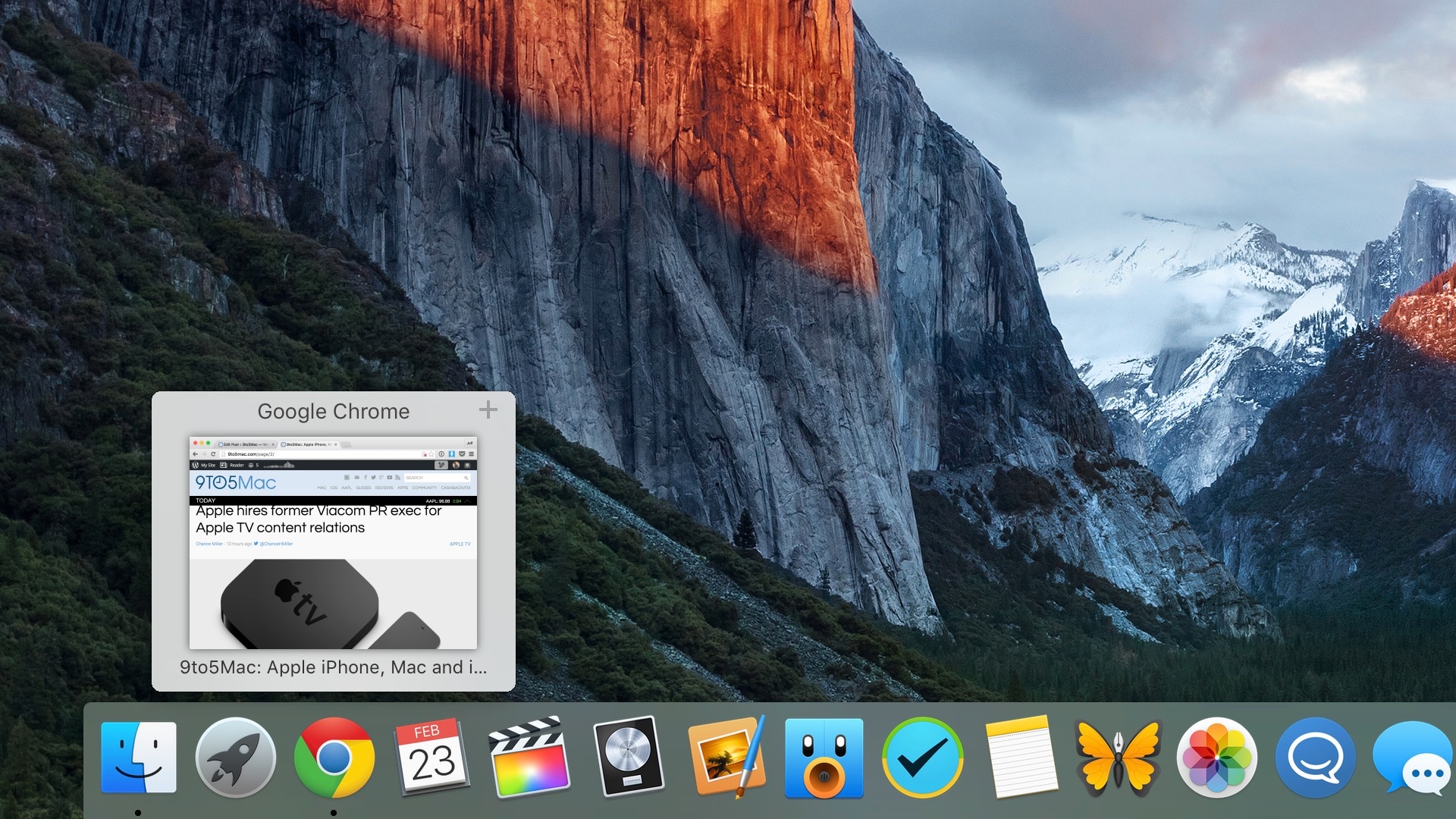
How-To: Display window previews for apps in the OS X Dock

Site default logo image

HyperDock Preview Window

Yesterday, I presented a list of 10 different tips that I thought any new Mac owner should know. As stated in that walkthrough, I don’t consider every recommendation on the list to be an absolute must-follow for new Mac users. There are a few items on the list, however, that are staples in my opinion.

For example, I would hate it if every minimized window on OS X occupied its own space on the Dock. For that reason, I rush to enable the “Minimize window into application icon” option (found in System Preferences → Dock) after every new install. But enabling such a feature comes with its own caveat — it’s hard to know exactly what’s behind an app icon on the Dock once you’ve minimized its respective windows. Thankfully, there’s a handy Mac utility that allows you to preview app windows by hovering over icons in the Dock.
Expand
Expanding
Close

Site default logo image

YouTube app updated for iPad Pro; still lacks support for Split View and Picture in Picture

iPad Pro YouTube

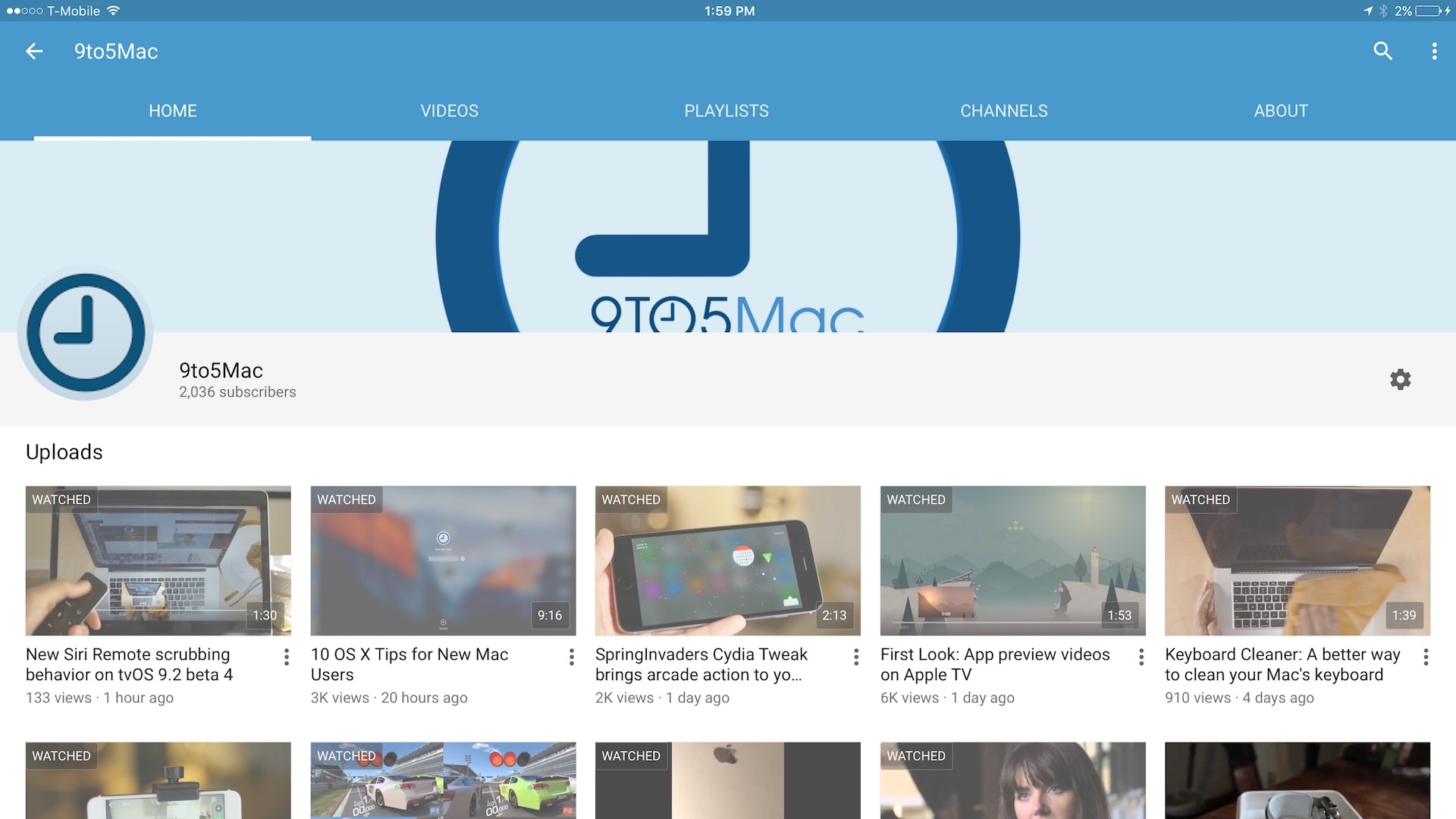
Today Google pushed a long-awaited update to its YouTube app, which adds support for the iPad Pro. As you might imagine, the additional resolution makes the app look much more at home on Apple’s super-sized tablet than before. Unfortunately, outside of a few additional bug fixes, no other big features made the cut for today’s update. In other words, support for key features like Split View, which makes it possible to enjoy true side-by-side multitasking, and Picture and Picture mode are still missing in action.


Expand
Expanding
Close

How-To: 10 getting started tips for new Mac users [Video]

Site default logo image

Setting Up Your Mac Tips for the First Time

As someone who reinstalls macOS several times a year, I’ve gotten into a habit of powering through the initial setup process without thinking much about it. Today, I’d like to share 10 of my favorite initial setup tips with new Mac users. But even if you’re a long-time Mac user, you may still find a helpful gem or two within this how-to.
Expand
Expanding
Close

Jailbreak How-To: Play a Space Invaders-inspired game right from your iPhone’s SpringBoard

Site default logo image

SpringInvaders

SpringInvaders is a $0.99 jailbreak tweak for jailbroken iPhones that just launched today. It’s very obvious that the game gets its inspiration from Space Invaders, the classic arcade title. Instead of taking out aliens, however, gamers are tasked with shooting down enemy ships that turn out to be modified versions of the app icons installed on your iPhone.

Your own ship is moved from side to side using the iPhone’s accelerometer, and a tap on the screen causes your ship to shoot tiny app icon bullets at enemies. Have a look at our video walkthrough to see SpringInvaders in action.

Expand
Expanding
Close

A first look at app preview videos on Apple TV [Video]

Site default logo image

Apple TV Preview Video Alto's Adventure

Last Wednesday, Apple made it possible for developers to create and add app preview videos to their Apple TV apps. Apple is making a concerted effort to improve the App Store experience for its customers and developers, and this is just the latest step in that direction.

App preview videos have been available on iOS devices since iOS 8, but tvOS titles have been restricted to static preview images up until now. App preview videos allow customers to see an app in action, making it easier to discern how a particular app or game works prior to making a purchase or download.
Expand
Expanding
Close

How-To: Take better videos with your iPhone using FiLMiC Pro [Video]

Site default logo image

FiLMiC Hero

The stock Camera app found in iOS is decent enough. It’s great for the casual shooting of photos and videos, and more importantly, it’s easy to use and almost always works.

But just like there are dedicated photo apps for improving the quality of your photography, the same thing is true for videographers. If you’re looking to improve your iPhone or iPad videography skills, then look no further than FiLMiC Pro, a $9.99 universal app.

Expand
Expanding
Close

Hands-on: Real Racing 3 with split-screen multiplayer lands on the new Apple TV [Video]

Site default logo image

Real Racing 3 Apple TV

Real Racing 3 has been around for several years on iOS, but yesterday’s update marked its debut appearance on tvOS and the fourth generation Apple TV. This isn’t the first time that the Real Racing franchise has been associated with Apple’s set top box, as previous versions allowed you to use AirPlay to stream races to the Apple TV while using an iOS device as a controller. Check out our hands-on video with the new racer below.


Expand
Expanding
Close