Tim Cook celebrates Apple’s ‘50 Years of Thinking Different’ in new letter


iPhone 16 is almost here. Following the start of pre-orders last week, the new iPhones will hit stores tomorrow, September 20. And to celebrate the launch, Apple has made its iconic Fifth Avenue store in New York glow in the colors of Apple Intelligence.
Expand Expanding Close
September is always Apple’s most packed month for product launches. This year, the iPhone 16 and 16 Pro, Apple Watch Series 10, and AirPods 4 were joined by key software updates like iOS 18, macOS Sequoia, visionOS 2, and more. But October is coming, and Apple has plenty more announcements and product launches to make. Here’s what’s coming next.
Expand Expanding Close
9to5Mac Security Bite is exclusively brought to you by Mosyle, the only Apple Unified Platform. Making Apple devices work-ready and enterprise-safe is all we do. Our unique integrated approach to management and security combines state-of-the-art Apple-specific security solutions for fully automated Hardening & Compliance, Next Generation EDR, AI-powered Zero Trust, and exclusive Privilege Management with the most powerful and modern Apple MDM on the market. The result is a totally automated Apple Unified Platform currently trusted by over 45,000 organizations to make millions of Apple devices work-ready with no effort and at an affordable cost. Request your EXTENDED TRIAL today and understand why Mosyle is everything you need to work with Apple.
On Monday, Apple released its latest iteration of Mac’s operating system, macOS Sequoia. The new update introduced tighter control over app permissions and an overhaul to Gatekeeper, among other features. However, according to TechCrunch, it now appears to be disrupting security tools made by CrowdStrike, SentinelOne, and Microsoft. Social media users are also reporting connection failures with third-party VPNs.
Update (10/2): Thursday’s release of macOS 15.0.1 fixes the underlying networking issues that plagued certain security software in the initial release of macOS 15.
Expand Expanding Close
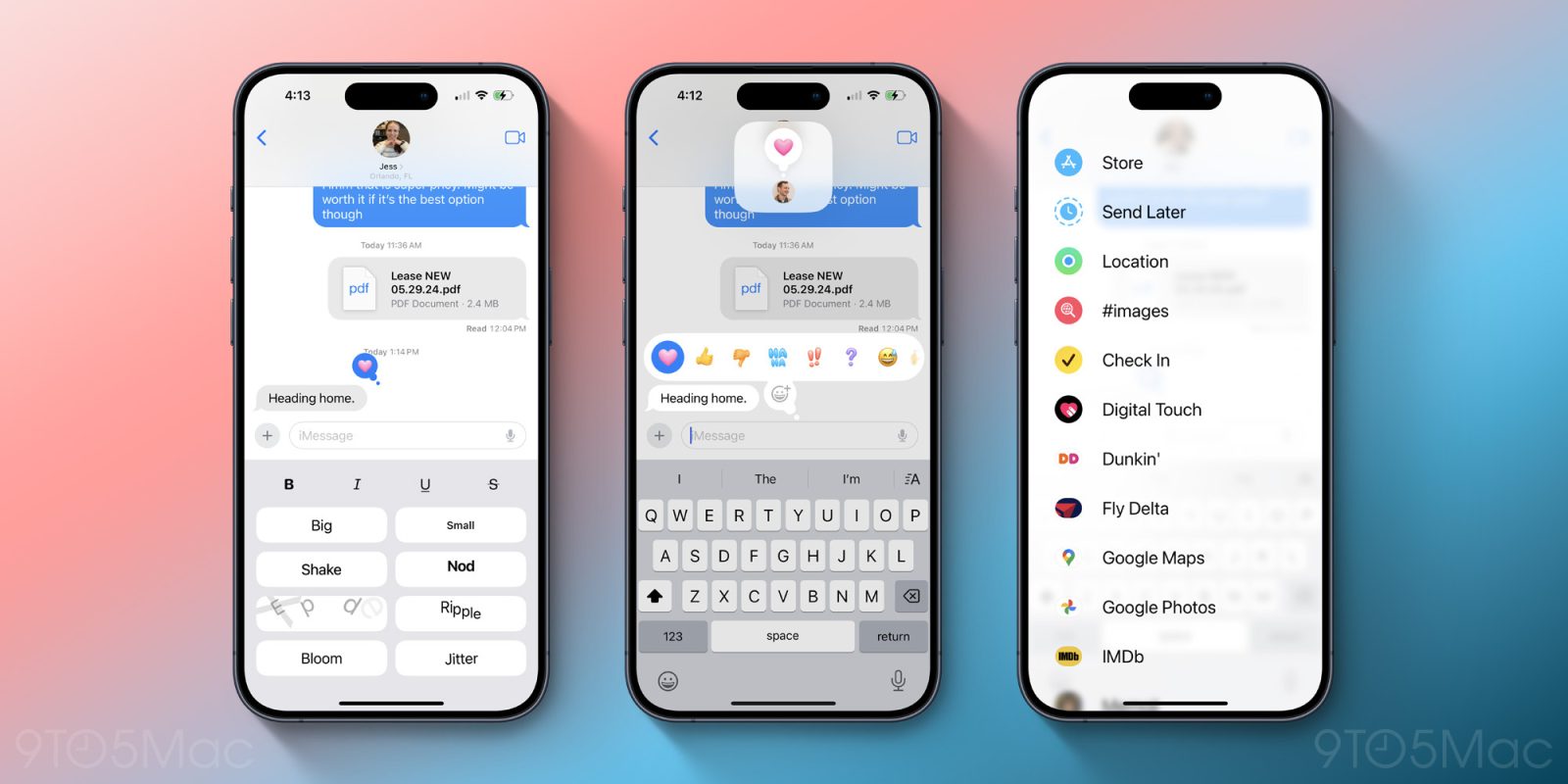
Apple has some major upgrades to the Messages app in the just-released iOS 18, iPadOS 18, and macOS Sequoia. Messages adds new tapback options, message scheduling, text formatting with bold and italics, new effects, RCS support, and more. Here’s everything that’s new in Messages on iOS 18.
Expand Expanding Close
iOS 18, macOS Sequoia, watchOS 11 and tvOS 18 are finally out for public consumption. Benjamin and Chance go through some of their favorite features from this OS cycle, and initial impressions on how the changes are being received. Plus, they react to the iPhone 16 and Apple Watch Series 10 reviews that dropped this week.
And in Happy Hour Plus, we anticipate how the average consumer will vote with their wallets this fall, amid some reports that claim the iPhone 16 is underperforming. Subscribe at 9to5mac.com/join.

Listen to a recap of the top stories of the day from 9to5Mac. 9to5Mac Daily is available on iTunes and Apple’s Podcasts app, Stitcher, TuneIn, Google Play, or through our dedicated RSS feed for Overcast and other podcast players.
Sponsored by Torras: your iPhone experience with the TORRAS Ostand 360° Spin Case and the new Ostand 360. Protect your device, enhance your productivity, and enjoy unmatched convenience and style. Get yours today and experience the next level of phone protection and functionality.

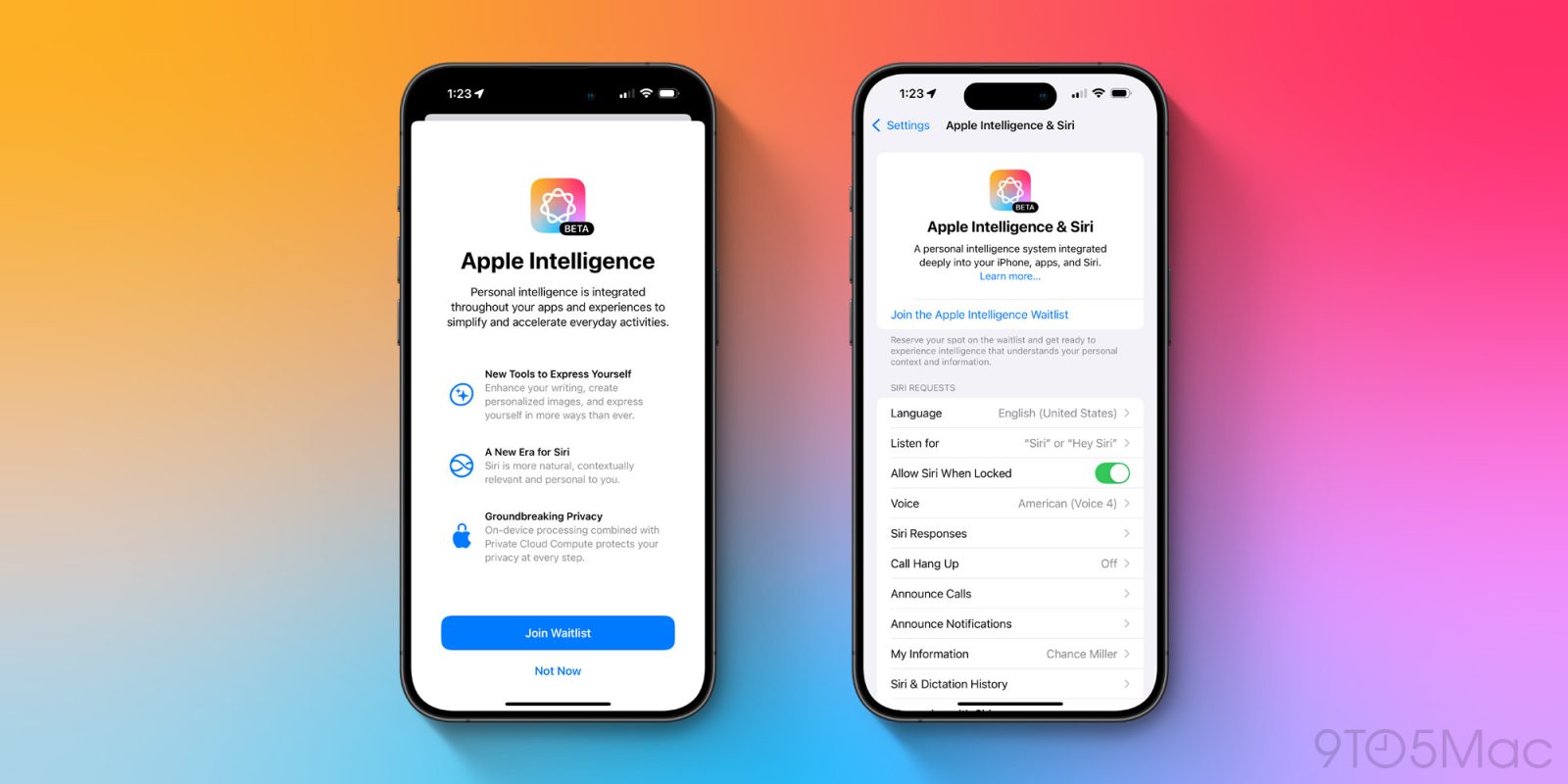
Apple released a very early preview of Apple Intelligence to developers at the end of July with the first iOS 18.1 beta. Now the to-be-released update is available for public testers. Here’s how to install iOS 18.1 beta for free and test out Apple Intelligence.
Expand Expanding Close
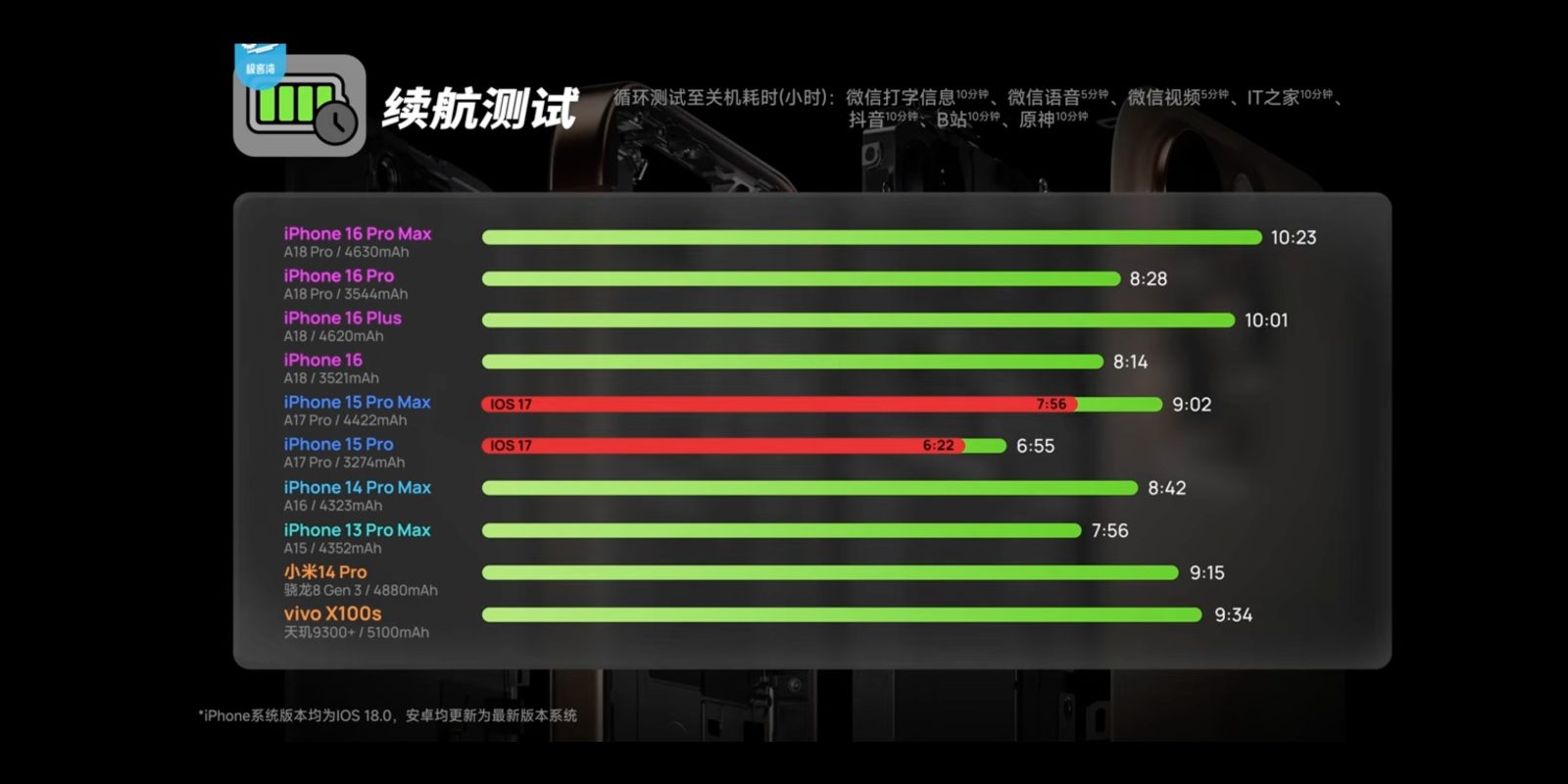
As part of his iPhone 16 coverage, Chinese blogger Geekerwan did a battery test of the new flagships, comparing all the iPhone 16 models to the iPhone 15 Pro, iPhone 15 Pro Max and some Chinese Android flagships.
Mirroring other testers’ findings, the iPhone 16 Pro Max set new records for battery longevity, easily clearing 10 hours of life in his test. But what’s perhaps more interesting is that the 15 Pro Max actually gained an hour of extra battery life running iOS 18, compared to when the test was conducted on the same phones running iOS 17. The 15 Pro also saw proportional improvements …
Expand Expanding Close
Tomorrow Apple celebrates its most biggest product launches of the year as the iPhone 16, Apple Watch Series 10, and AirPods 4 arrive in stores. The company still has plenty yet to announce for this year though. And today, a key analyst reports on some Apple products to expect in early 2025: the M4 MacBook Air and base model iPad.
Expand Expanding Close
Today Apple released public beta 1 for iOS 18.1, iPadOS 18.1, and macOS Sequoia 15.1. These updates bring Apple Intelligence to the public for the first time—but there’s a catch. Once you install beta 1, you won’t have Apple Intelligence features right away. Instead, assuming you have a compatible device, Apple has implemented a waitlist system to grant access to its AI features.
Expand Expanding Close
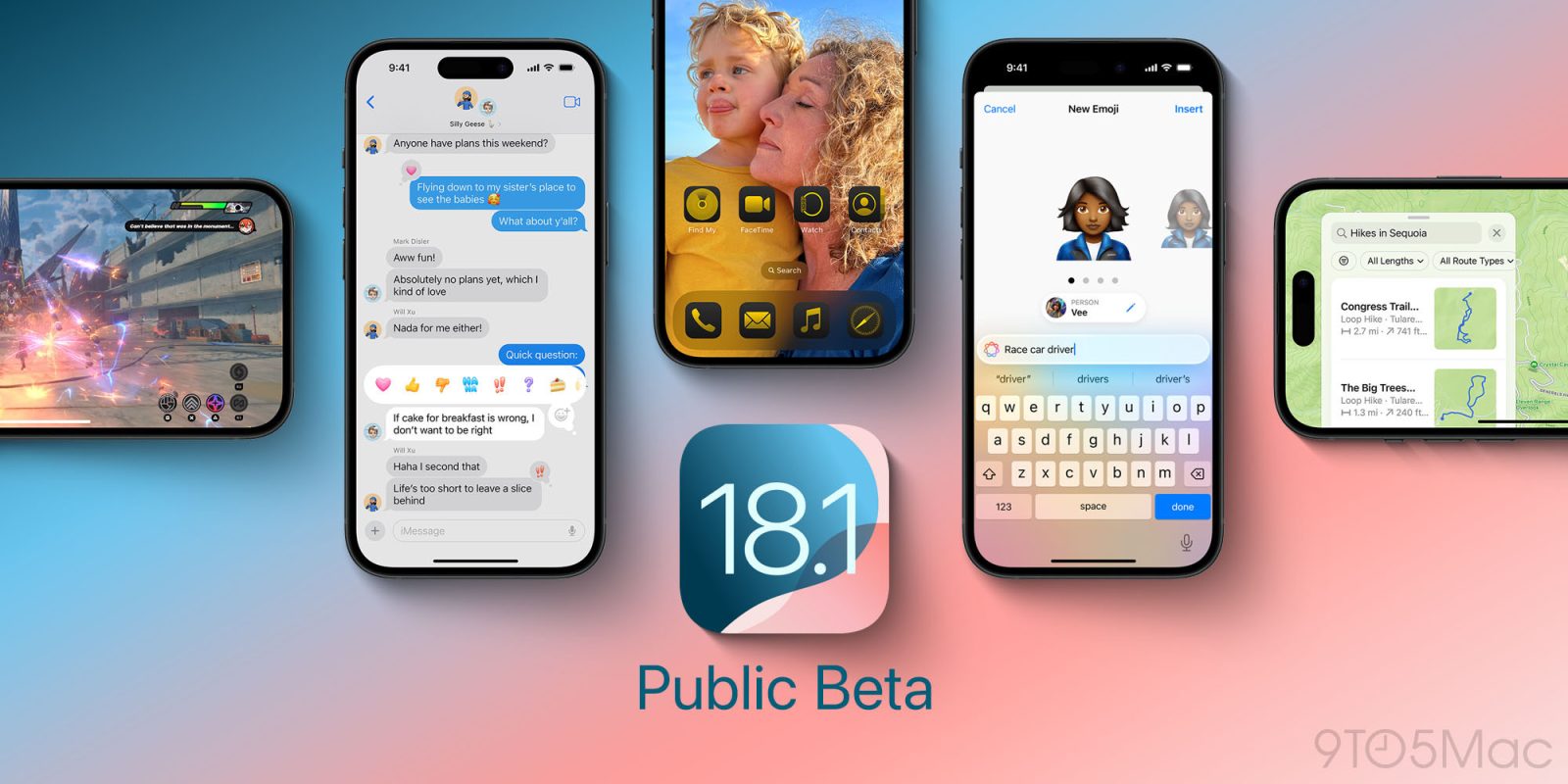
Today Apple has released the first public beta for iOS 18.1, the forthcoming software update that will bring Apple Intelligence features to compatible devices. Here are all the new features to expect.
Expand Expanding Close
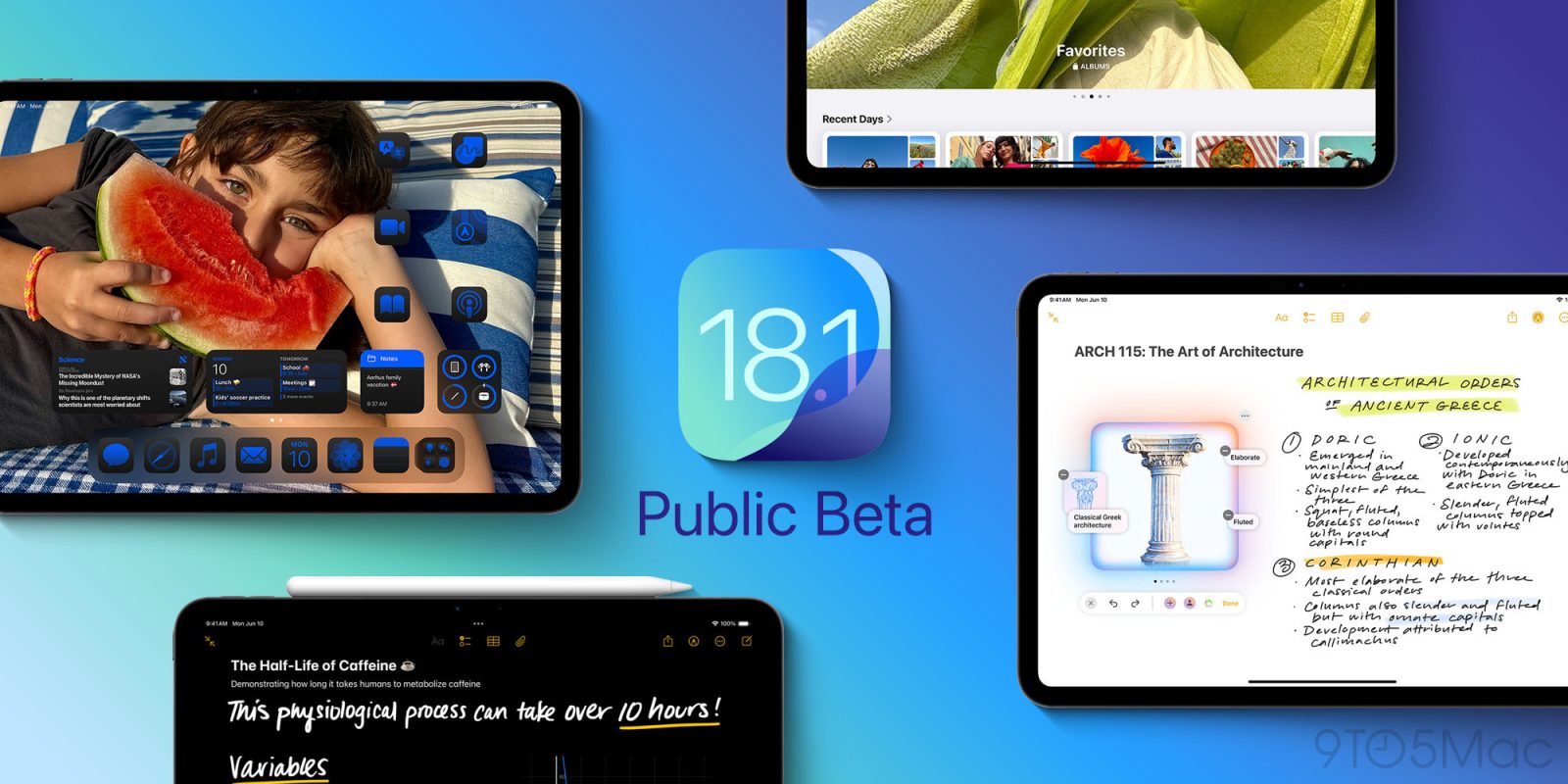
Today Apple has released public beta 1 for its next big OS updates. iPadOS 18.1, macOS Sequoia 15.1, and more can now be installed by a wide array of new users. And if you’re running an M1 device or later, that means you get Apple Intelligence support. Here are the new features arriving in this first beta.
Expand Expanding Close
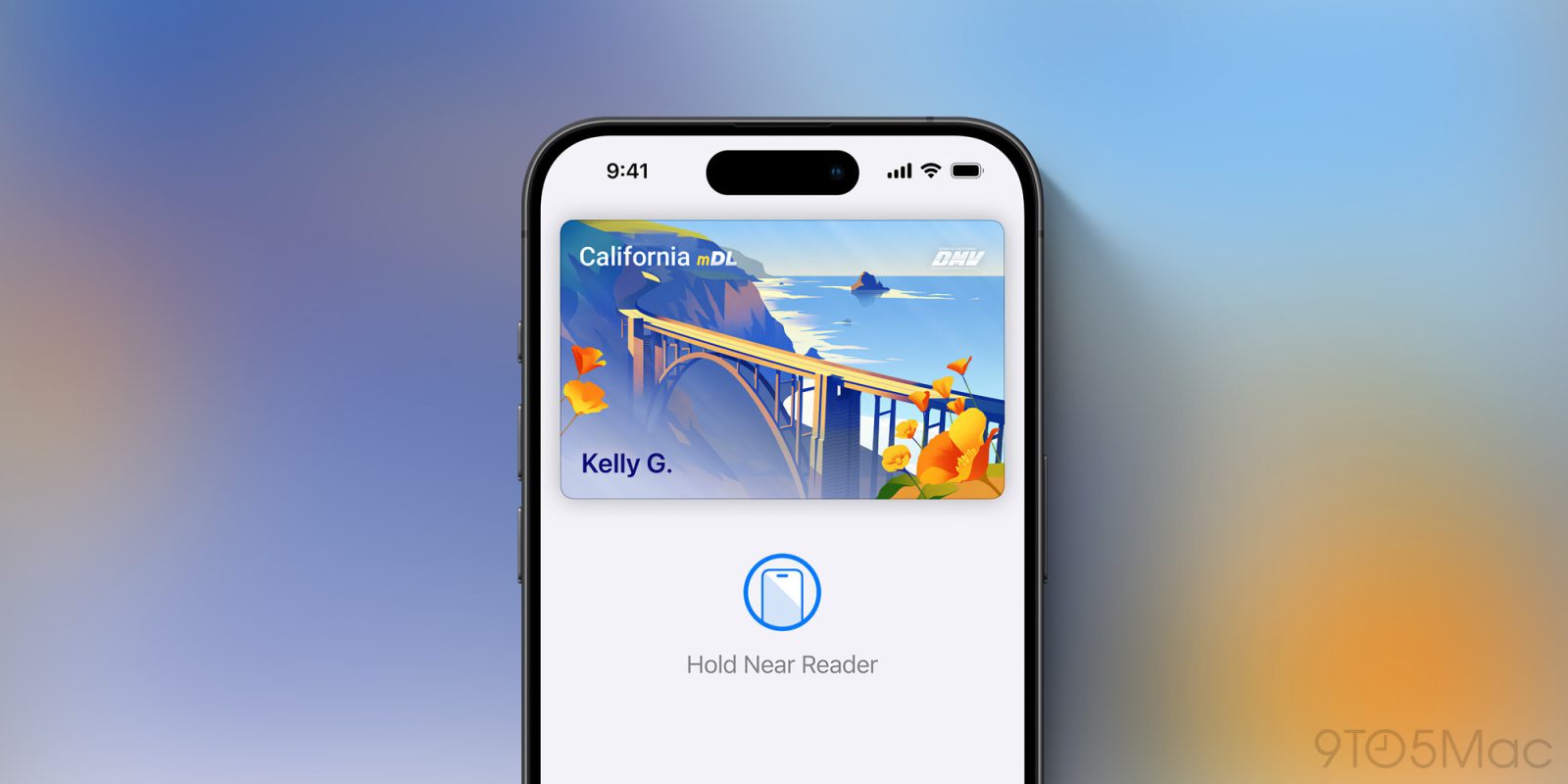
After announcing its plans last month, Apple is now formally rolling out support for adding IDs to Apple Wallet in California.
Additionally, the company has announced that Montana, New Mexico, and West Virginia have now committed to supporting IDs in Wallet. The feature will also come to Japan, which has signed on to bring “My Number Card” to Apple Wallet. This will mark the first international expansion of the feature.
Expand Expanding Close
WhatsApp last year introduced Channels, a new one-way way to send text, photos, videos, and stickers to multiple people at once. Following an update that brought voice messages and polls to Channels, the feature is now getting an advanced search by category.
Expand Expanding Close
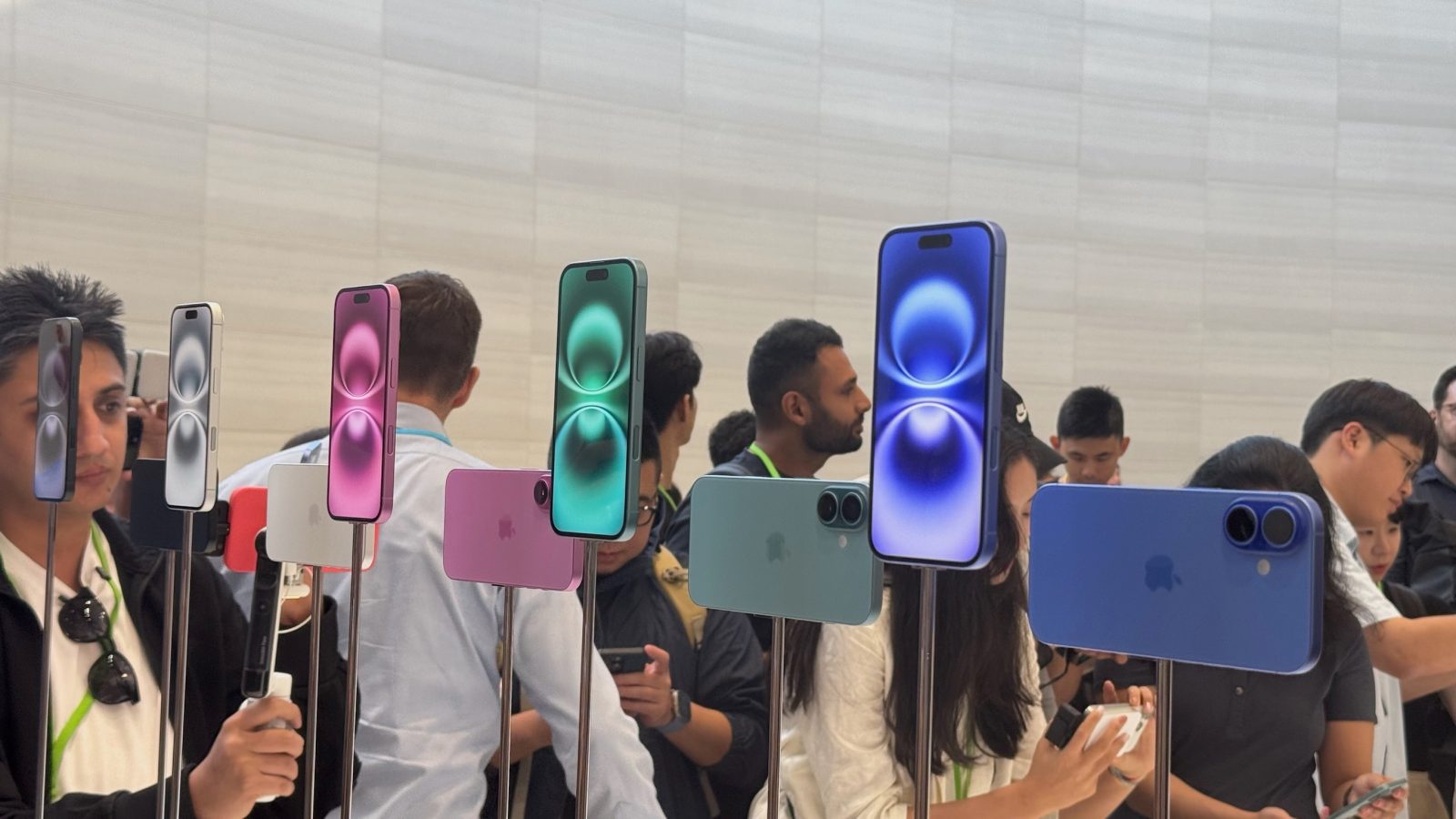
Ahead of the first pre-orders arriving tomorrow, a Brazilian regulatory agency has revealed the exact details of iPhone 16 battery capacities. The numbers show an increase in battery capacity across the board, with the iPhone 16 Pro benefiting the most.
Expand Expanding Close
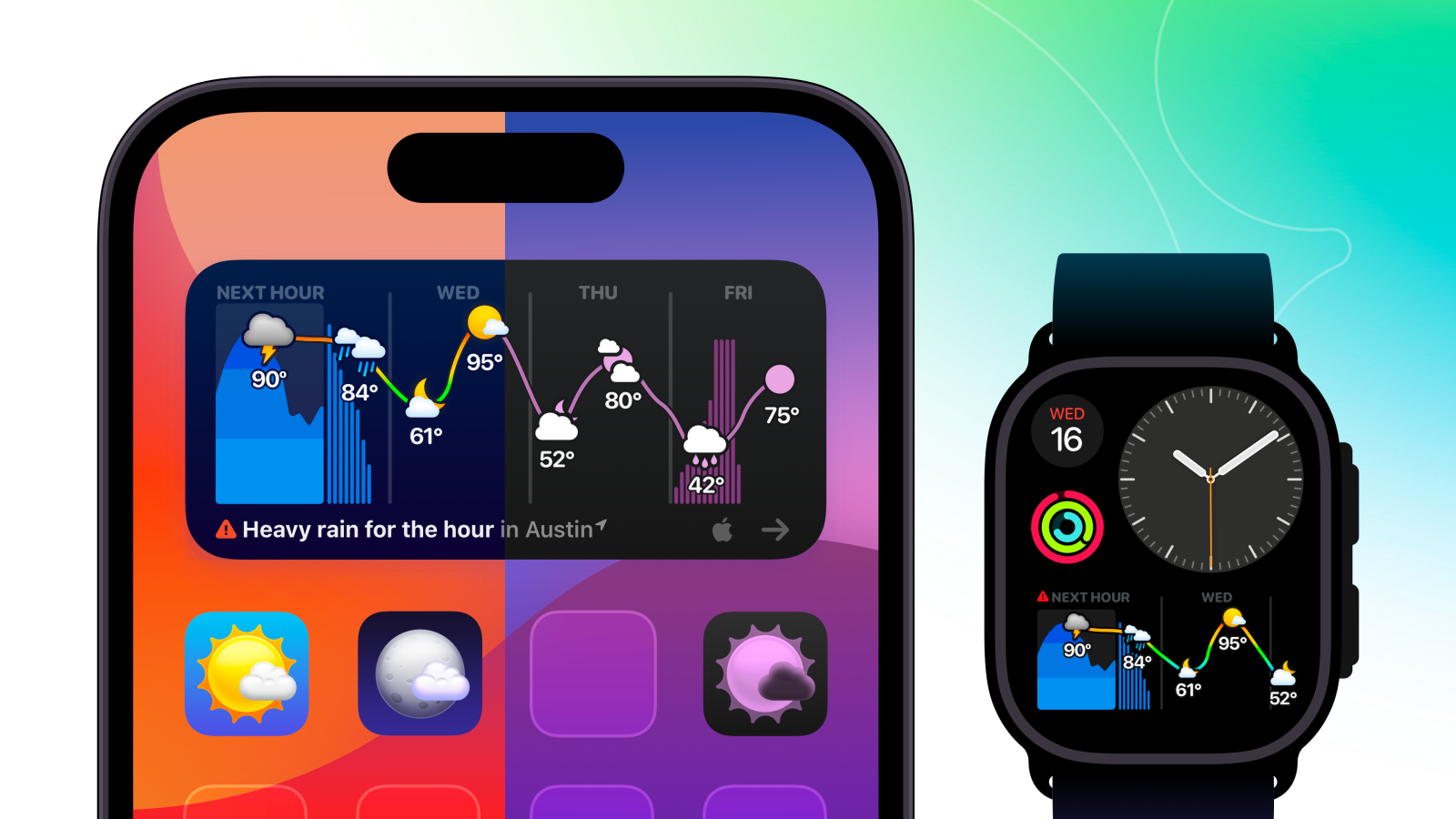
While interactive widgets were a headlining feature of iOS 17, you might not realize just how interactive new widgets can be. Weather Up 3 is here to change that. The latest version is also optimized for Home screen personalization with iOS 18 theming features.
The all-new version packs weather data for days – plus all the weather info you need to know right now – into a single super widget.
Expand Expanding Close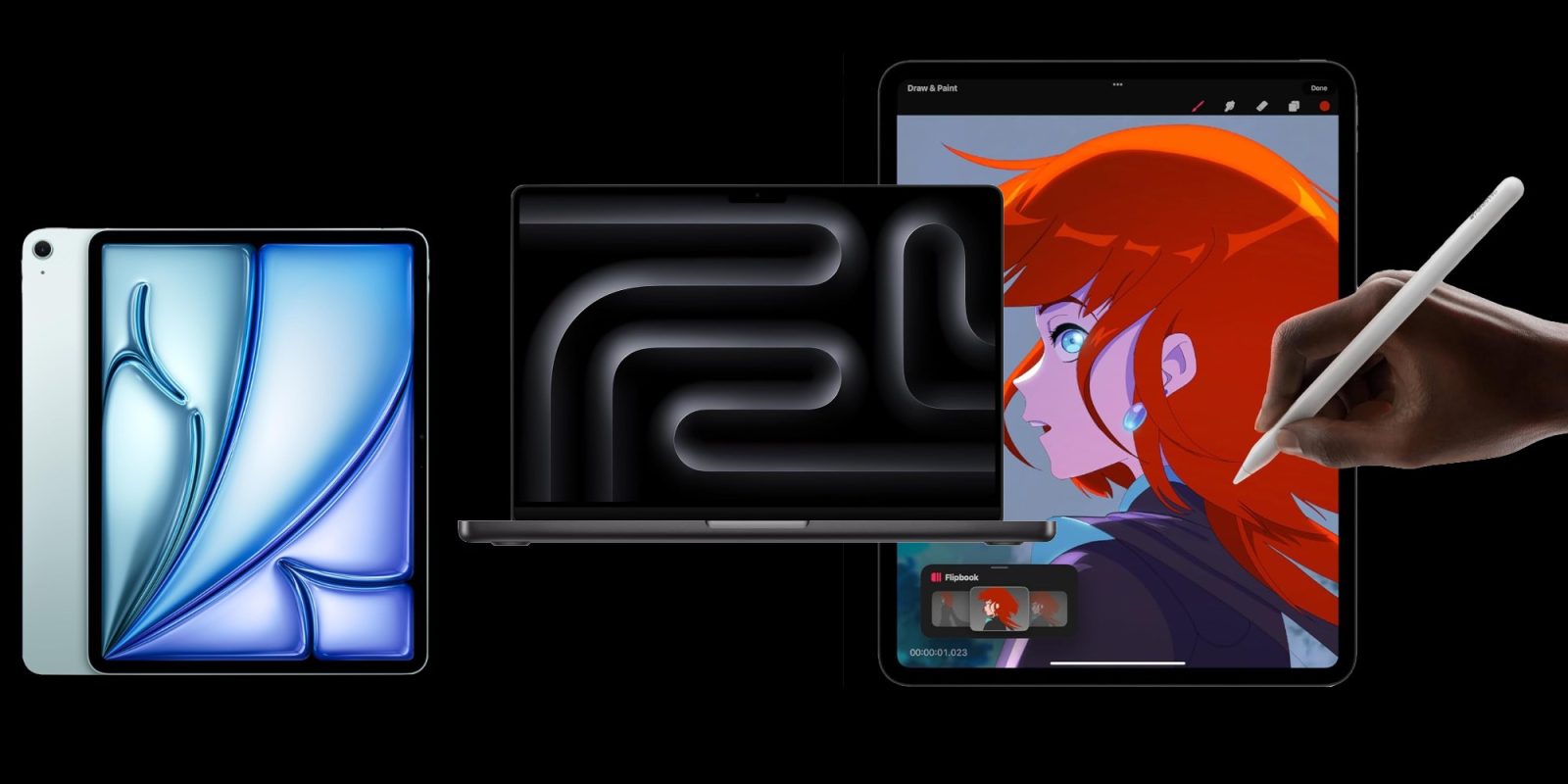

Make sure you dive into our roundup of the best iPhone 16 case deals before delivery day tomorrow as well as this collection of our favorite wall chargers to hit that max up to 45W USB-C charging, but for now it’s on to the deals. We have straight $500 cash discounts on the 16-inch M3 Pro MacBook Pro joined by some of the lowest prices yet on Apple’s new mid-range 256GB 11-inch M2 iPad Air starting from $630. From there, we move over to the Apple Pencil Pro back down at $115, a big-time price drop on the OG Apple Watch Ultra at $350 less than the Ultra 2. All of that and much more awaits down below.
Expand Expanding Close
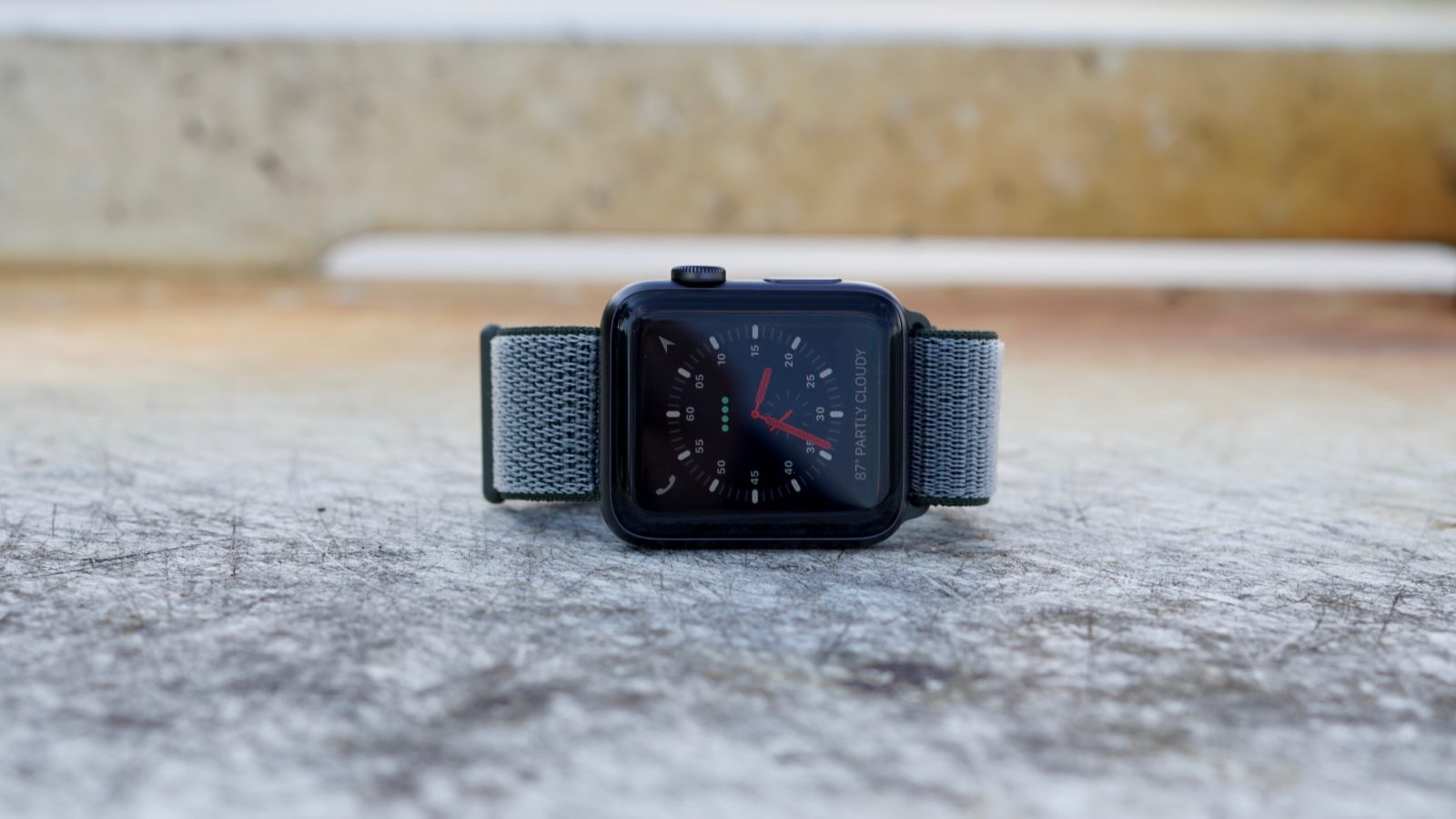
It’s not just the Siri face that’s gone in watchOS 11. Apple has discontinued the analog Chronograph, Explorer, and Numerals watch faces as well.
Expand Expanding Close
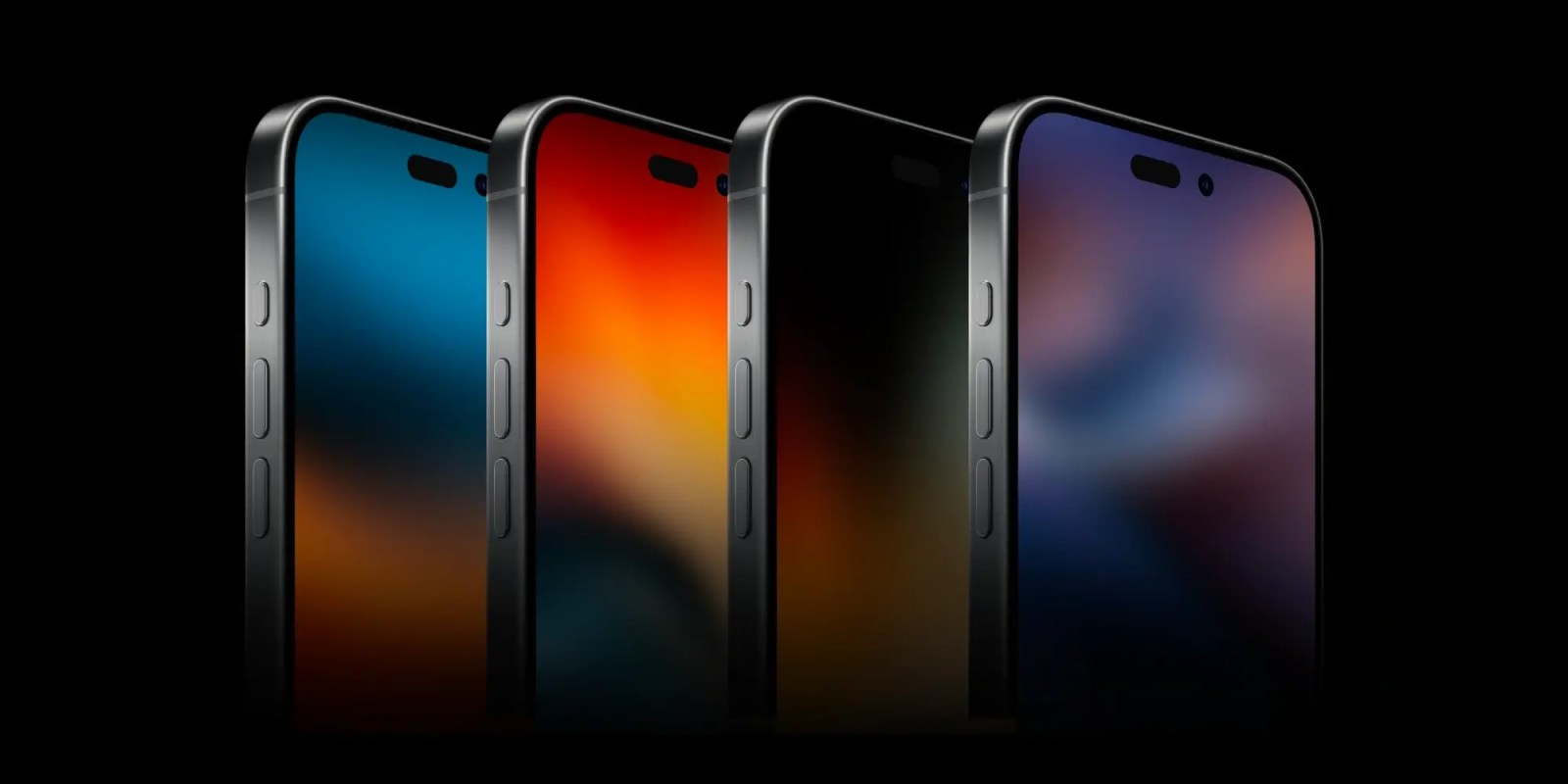
Apple has been working for years on its own in-house 5G and Wi-Fi chips. Now, 2025 looks like the year we’ll see the first fruits of those investments. A new Digitimes report indicates Apple aims to debut its new Wi-Fi chip in at least one iPad in 2025, while the 5G modem will launch with the iPhone SE 4.
Expand Expanding Close
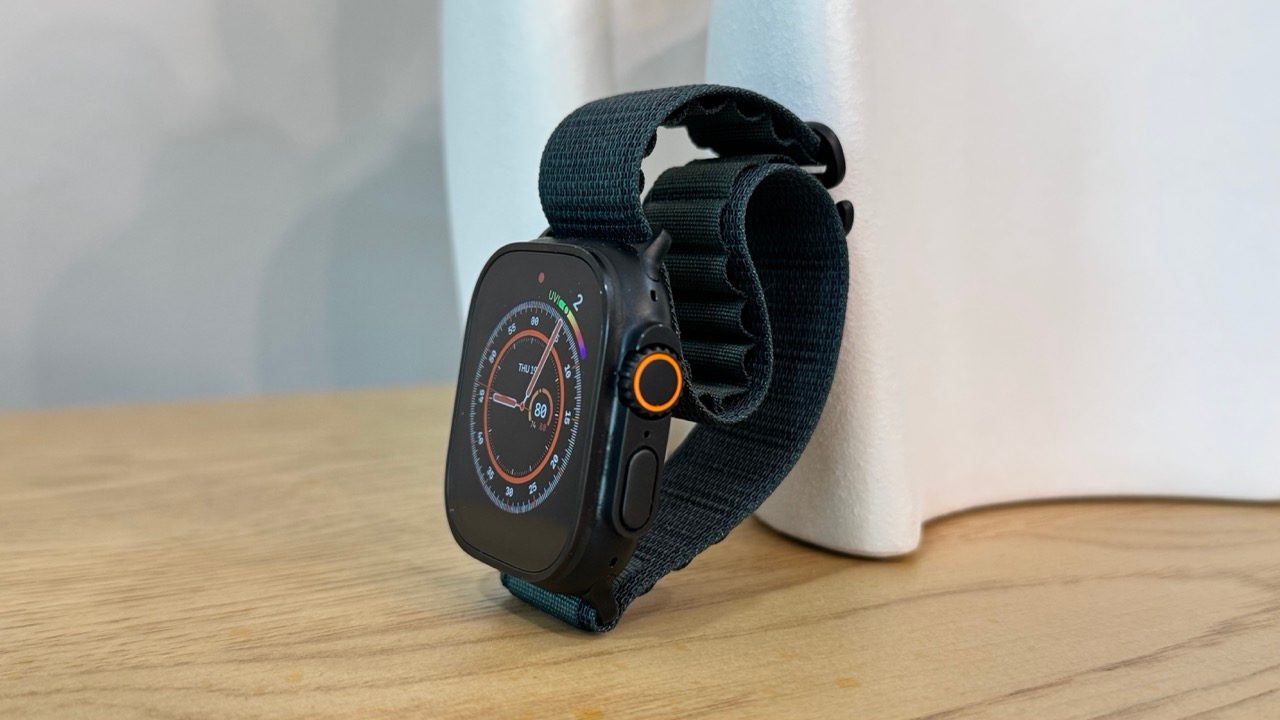
Apple has added the one missing feature to the Apple Watch Ultra 2 this year: a black titanium option. Here’s how the black titanium Apple Watch Ultra 2 looks in the wild.
Expand Expanding Close
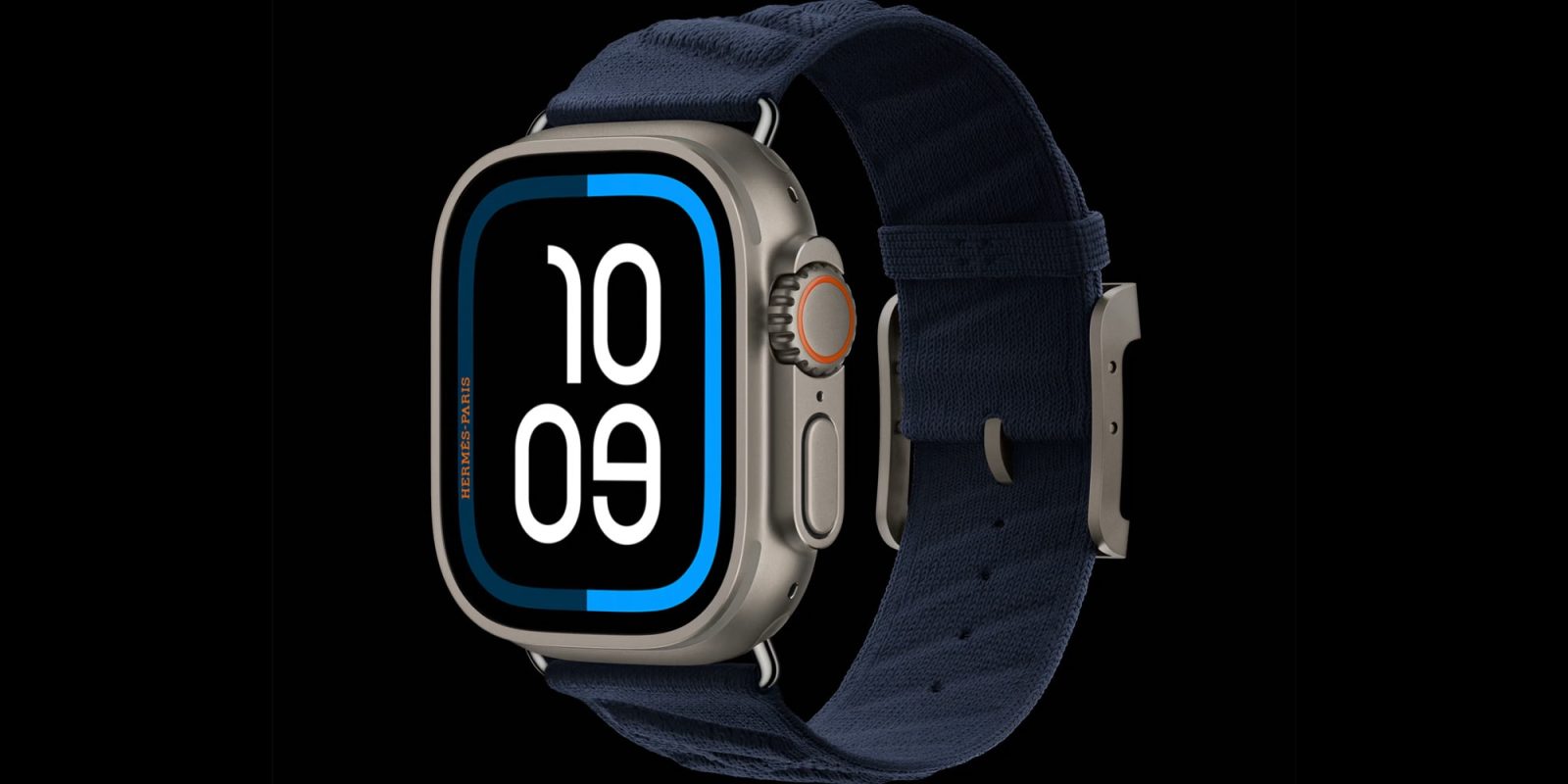
TV remotes are notorious for getting lost. Or for being just out of reach, right at the moment you’ve settled into a comfortable seat and don’t want to get up. Wouldn’t it be nice if you could control your TV from a device that’s always strapped to your wrist? The Apple Watch has long offered a Remote app, but in watchOS 11 that app got upgraded into a full TV remote replacement.
Expand Expanding Close

Last year, Apple introduced its brand new Journal App alongside its iOS 17.2 update. It was a very basic app with one real function: inputting journal entries in chronological order. While customers welcomed the new free app, many pretty basic features were missing. There was no search functionality, no password protection, and no additional insights that could be seen. Just one continuous feed for your journal entries. But, it looks as though Apple listened to our feedback and added a few new features to the iOS 18 version of the Journal App. Here are all the changes you can use today!
Expand Expanding Close
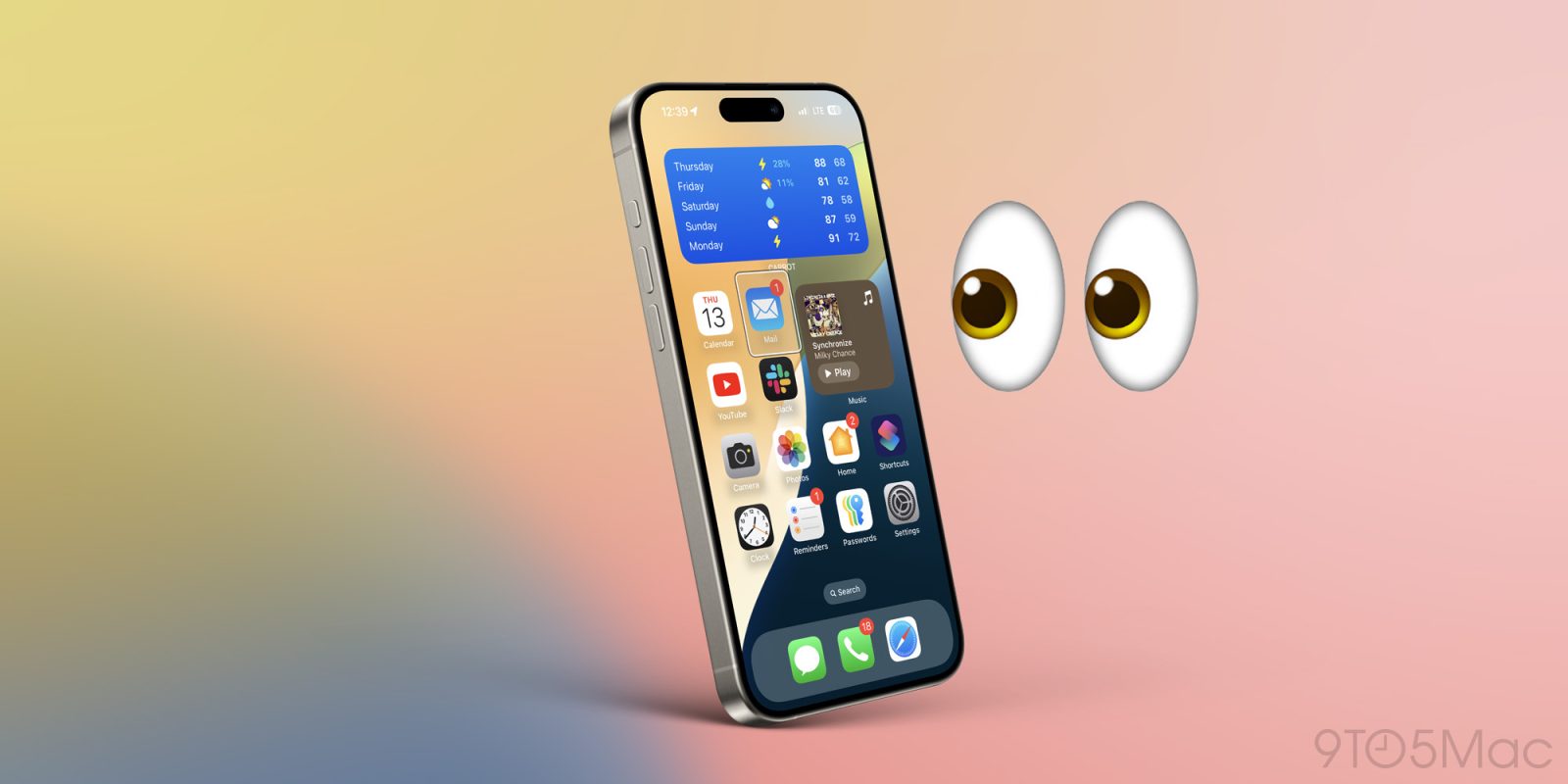
iOS 18 includes several new accessibility features for iPhone with the headlining one being the ability to control the smartphone with just your eyes. Whether you have an accessibility need or just want to tinker with the new feature, here’s how to turn on iPhone Eye Tracking in iOS 18.
Expand Expanding Close

An Apple TV+ Oprah Winfrey biodoc won’t be shown after all, despite the fact that Oscar-winning filmmaker Kevin Macdonald completed filming.
A new report says that Winfrey refunded the sum Apple paid her for the project in order to prevent it from being aired …
Expand Expanding Close