Tim Cook celebrates Apple’s ‘50 Years of Thinking Different’ in new letter


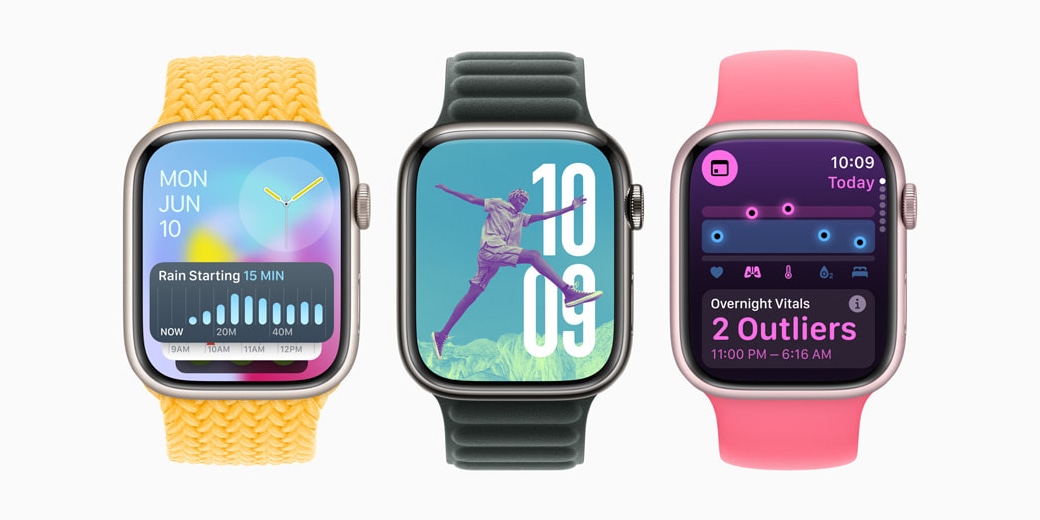
Apple radically redesigned watchOS last year, marking one of the biggest design shifts since the inception of Apple Watch. With watchOS 10, Apple made two key changes to how you navigate your Apple Watch that I never really loved, and there’s still no option to change them in watchOS 11.
Expand Expanding Close

Apple on Monday released iOS 18 to the public, and one of the new features is support for Rich Communications Services, or RCS, in the Messages app. However, RCS support must be enabled by each carrier, and a page on Apple’s website lists which carriers already provide RCS support on the iPhone.
Expand Expanding Close
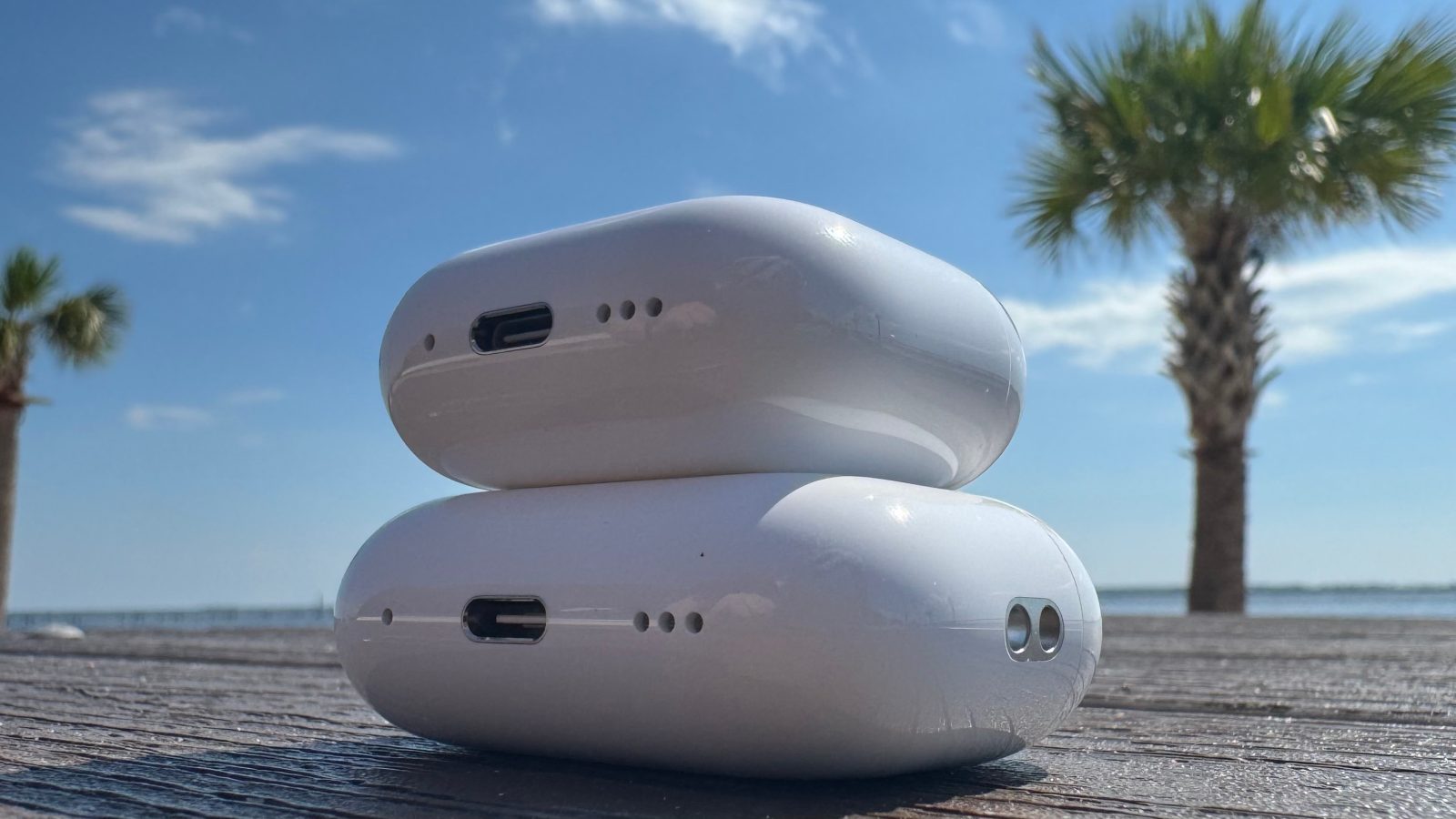
I’ve been an AirPods user since 2016, and an AirPods Pro user since 2019. In-ear tips are a better fit for my ears, and Active Noise Cancellation and Transparency modes define the modern AirPods experience for me.
For some, however, in-ear tips are a non-starter. For others, the $249 retail price is a tall order for a pair of earbuds. Apple addresses both cost and design with the all-new AirPods 4.
Expand Expanding Close
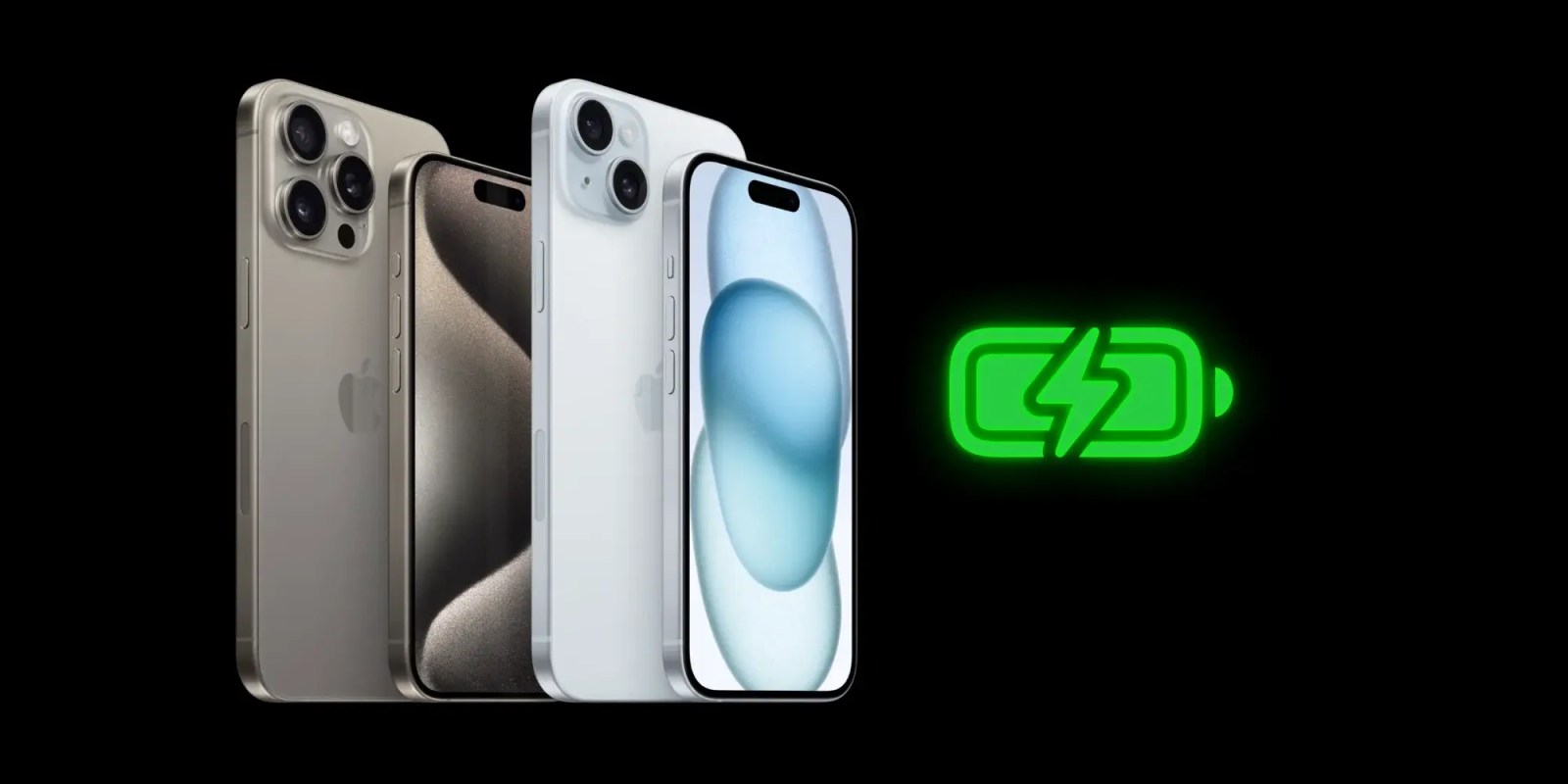
iOS 18 includes a couple of notable changes to iPhone battery health and charging settings. Apple has added more charging limit settings for iPhone 15 users, along with information about when you’re using a slow charger.
Expand Expanding Close

Meta announced Monday that it has banned RT and other Russian state media outlets from its platforms, including Facebook, Instagram, Threads, and WhatsApp, among others, citing ‘foreign interference activity’ in the US presidential election.
Expand Expanding Close
As reported back in June, iOS 18 and tvOS 18 add an option that finally lets users choose an Apple TV or HomePod as their preferred Home Hub to control HomeKit and Matter accessories remotely. These updates are now available to the public, but choosing a preferred Home Hub can be a bit tricky.
Expand Expanding Close
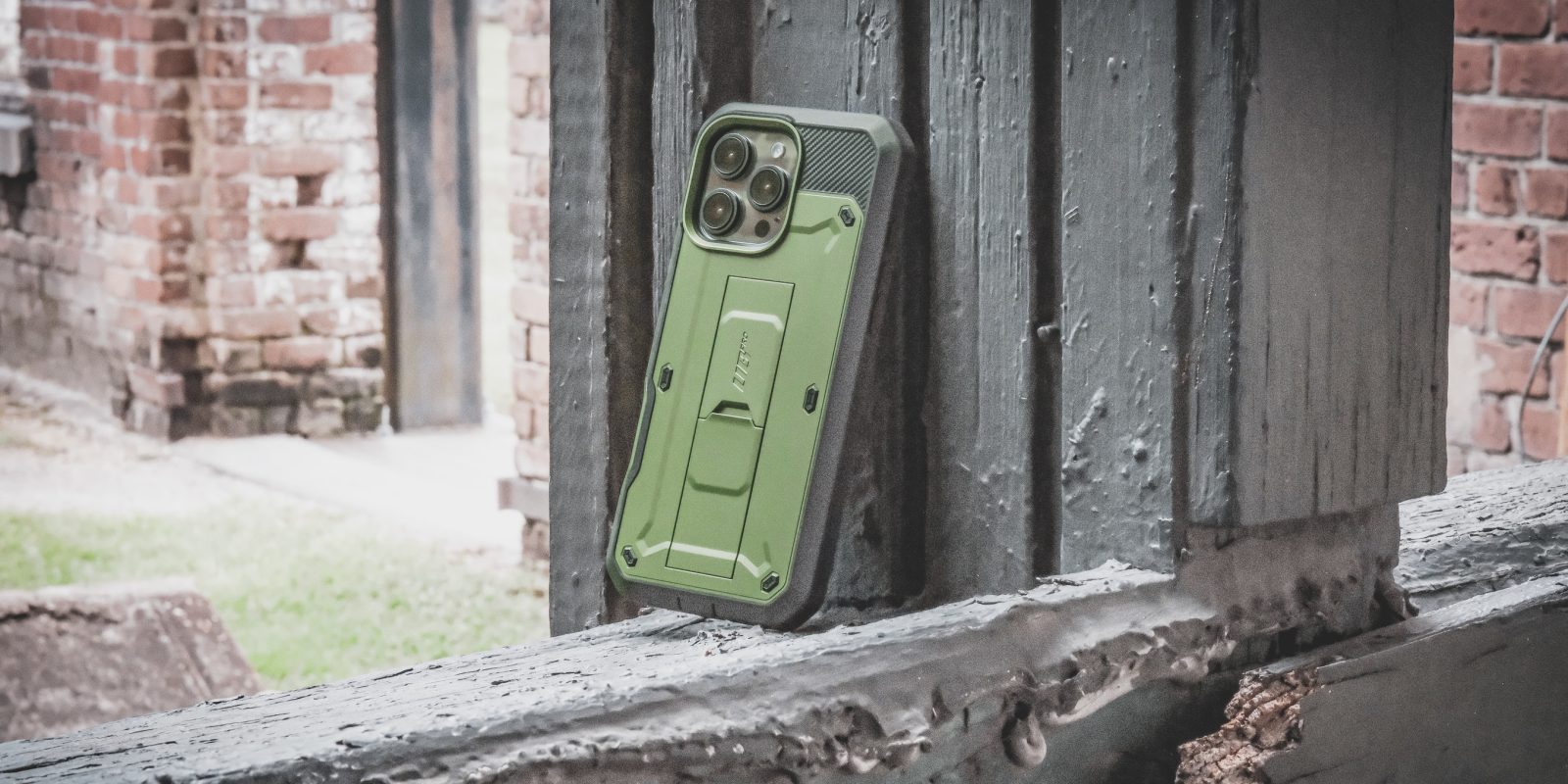
Apple has just announced the new iPhone 16 lineup, and as you prepare to make your preorder, you want to make sure you also have a great case to go with it, to keep your new phone pristine. Trusted phone case makers SUPCASE and I-Blason are ready, with a brand new lineup of rugged cases offering 360-degree protection for your iPhone 16, iPhone 16 Plus, iPhone 16 Pro or iPhone 16 Pro Max. These new cases are some of the only ones to feature protection for the iPhone’s new camera control button with 46 pure copper conductors that allow you to still utilize all of the new camera button’s capacitive touch, pressure and sliding gestures.
i-Blason has the 2-part Armorbox case, and its flexible Halo Mag case on offer. SUPCASE has the Unicorn Beetle range, with Unicorn Beetle PRO, Unicorn Beetle PRO Mag, Unicorn Beetle MAG, Unicorn Beetle GRIP and Unicorn Beetle Mag XT options. Here’s a closer look at these great cases for your new phone …
Expand Expanding Close

The experience of using iPhone apps on the iPad isn’t exactly great, but things got better with Stage Manager, since apps not optimized for iPhone can run in floating windows on the screen. But with iPadOS 18, Apple has made a small but important change to improve the use of iPhone apps on the iPad, and it’s all about emoji.
Expand Expanding Close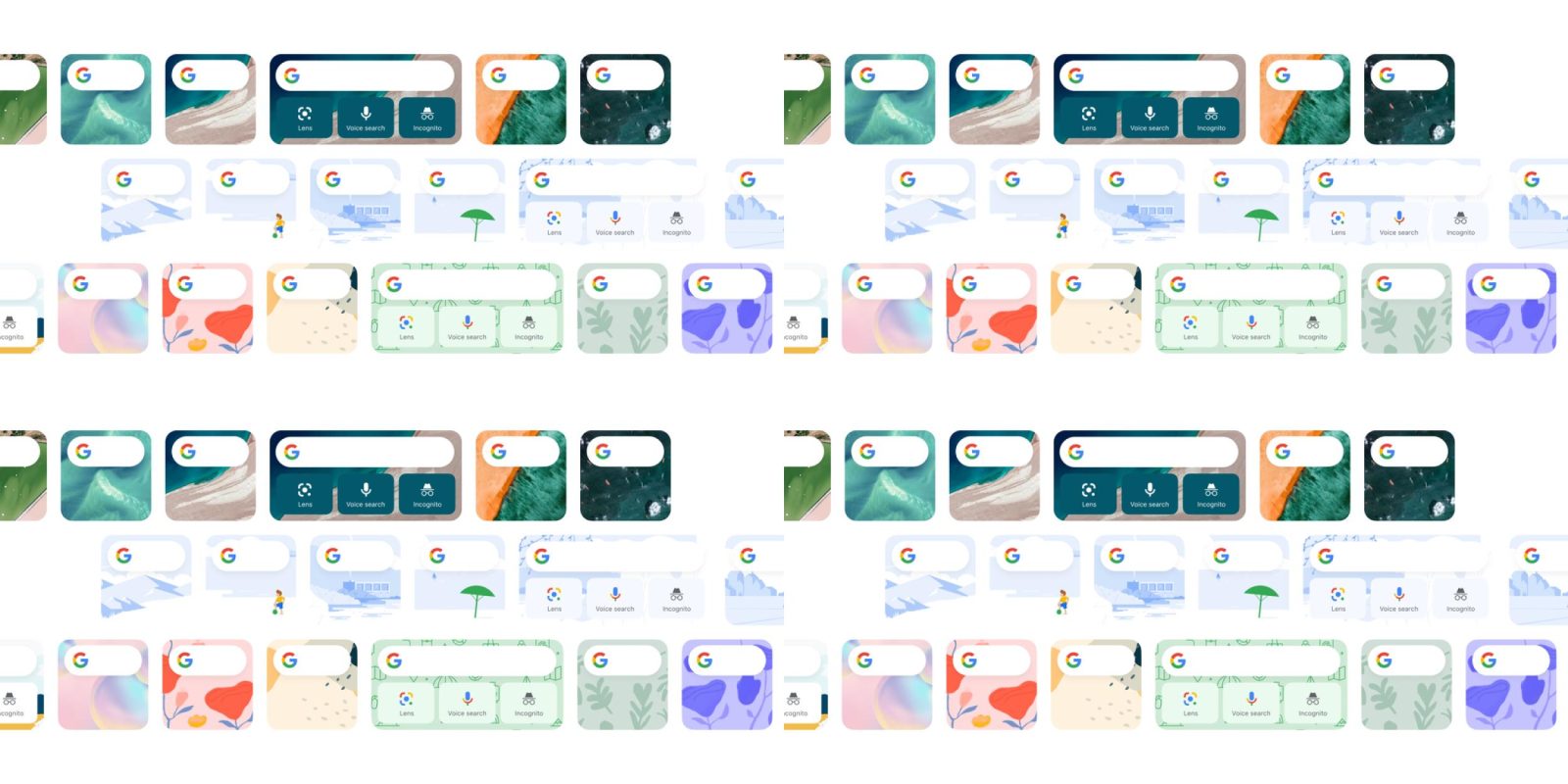

The Search widget offered by the Google app on iPhone and iPad now offers customizable shortcuts, including to Gemini.
Read More
If you’re still running an Intel-powered Mac, you’ll have at least one more year of macOS support. macOS Sequoia runs on the same Macs as macOS Sonoma, but as usual, there are some caveats about specific features supported on Intel machines.
Now that macOS Sequoia is available to everyone, here’s what you need to know.
Expand Expanding Close
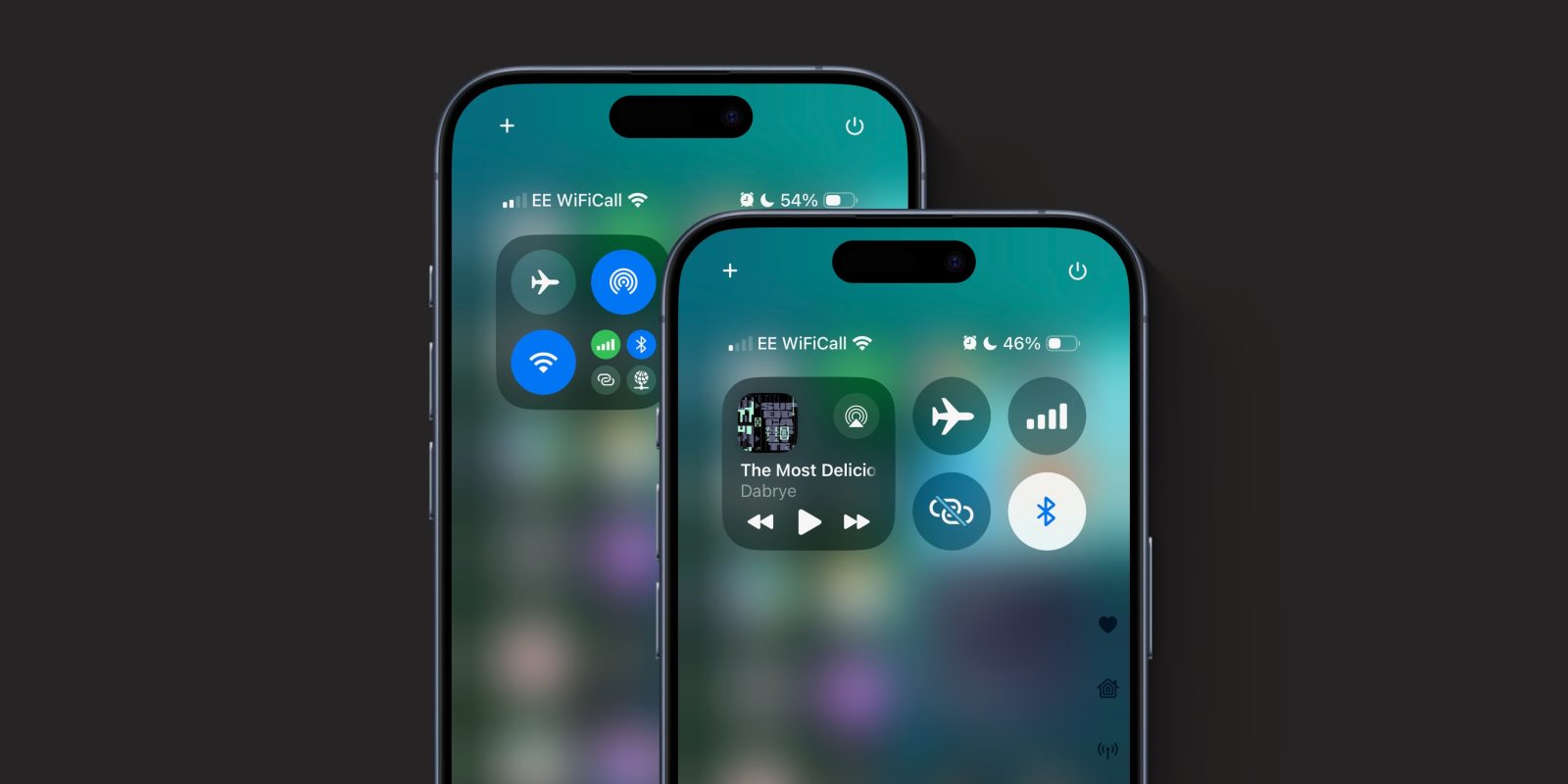
iOS 18 brings a big change to Control Center on your iPhone. With iOS 18, Control Center has a bunch of new controls and now flows over multiple pages. This includes changes to the Connectivity widget, which puts the Bluetooth toggle behind a second tap.
By default, to access Bluetooth settings, you must first tap on the corner of the 2×2 widget to open a full-screen group of toggles. You can then change Bluetooth. However, if you want a Bluetooth toggle available at the top level, toggleable with a single tap just like iOS 17, you can add it back yourself. Here’s how.
Expand Expanding Close
Listen to a recap of the top stories of the day from 9to5Mac. 9to5Mac Daily is available on iTunes and Apple’s Podcasts app, Stitcher, TuneIn, Google Play, or through our dedicated RSS feed for Overcast and other podcast players.
Sponsored by Torras: your iPhone experience with the TORRAS Ostand 360° Spin Case and the new Ostand 360. Protect your device, enhance your productivity, and enjoy unmatched convenience and style. Get yours today and experience the next level of phone protection and functionality.

A long-requested feature for Android users switching to iPhone is the addition of T9 dialling. This is a shortcut to dialling phone numbers from your address book, by typing in letters on the keypad.
For instance, to call John you’d press 5 6 4 (for J O H). On many Samsung and other Android phones, this would search for the closest alphabetical match to a person’s name in your contacts. iPhone has not had this feature … until now with iOS 18.
Expand Expanding Close
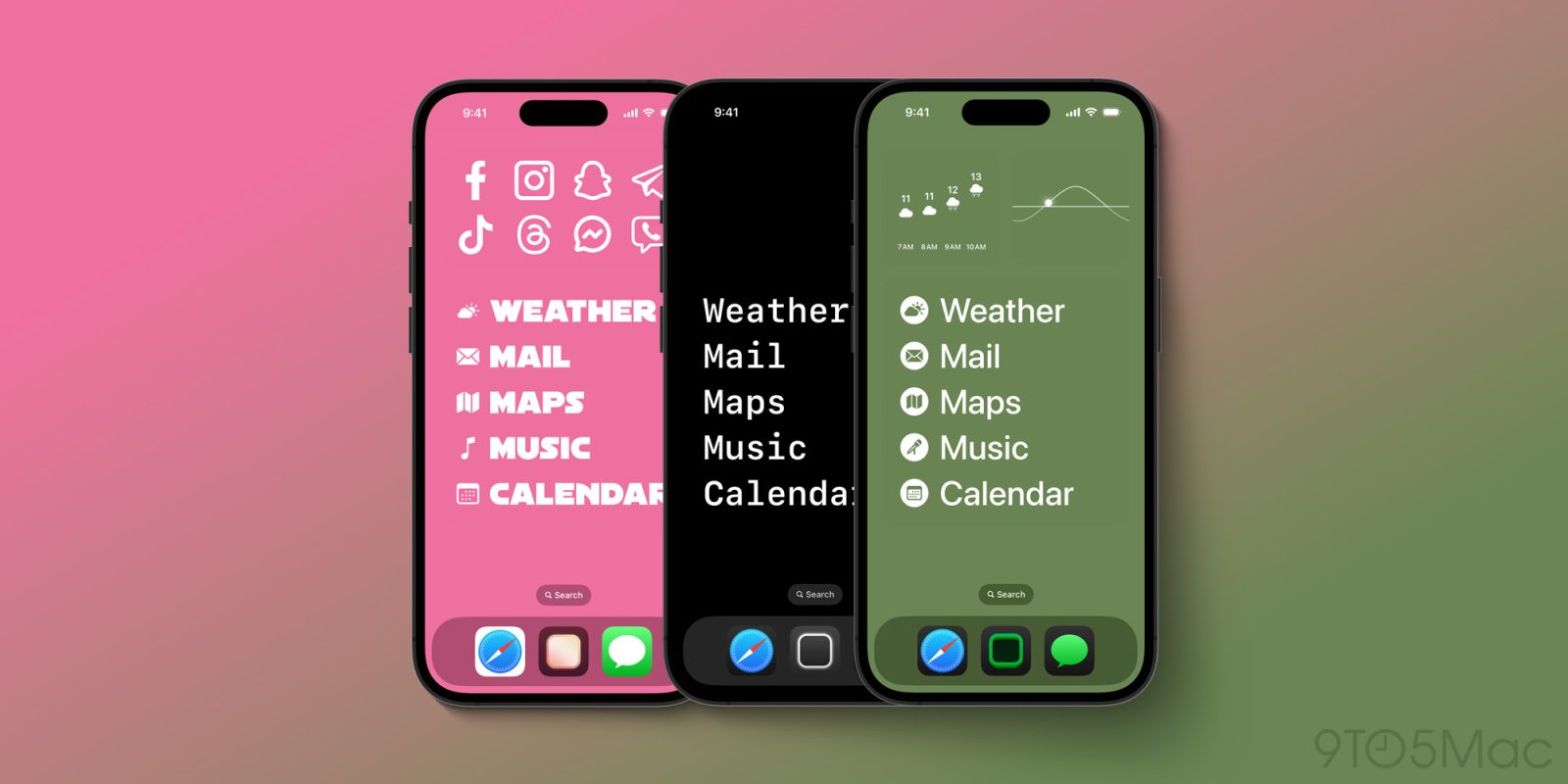
Widgetsmith, everyone’s favorite aesthetic app, is getting a big update today to take advantage of iOS 18. As detailed in a blog post, Widgetsmith 7 “takes device customization to all-new levels.” The update focuses on new customizable Actions that can be added to the Control Center, Lock Screen, and Home Screen.
Expand Expanding Close
With watchOS 11, Apple Watch users will get a bunch of new features, including health and fitness improvements, Live Activities, the Translate app, and new watch faces. But the watchOS 11 update also comes with another new feature that wasn’t explicitly mentioned by Apple, and that’s the ability to change the default ringtone.
Expand Expanding Close
iOS 18 is rolling out today with RCS to improve the Android-iPhone messaging experience, but support is not yet enabled for all carriers, including Google Fi Wireless.
Read More
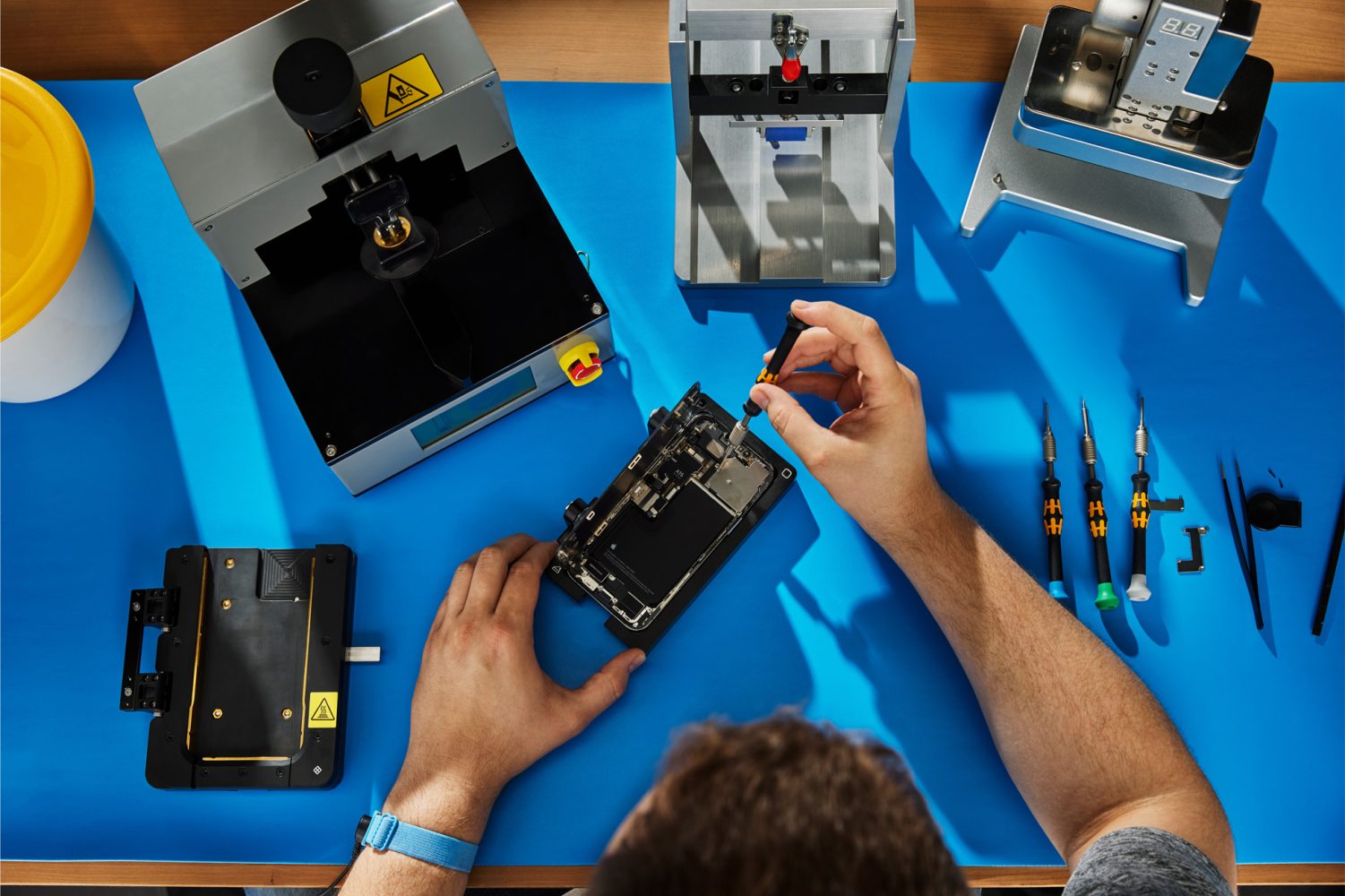
iOS 18 is rolling out to iPhone users, and it includes an all-new Repair Assistant feature. This feature allows iPhone users and repair professionals to configure new and used Apple parts on device. Here’s what this change will mean for millions of iPhone users…
Expand Expanding Close
macOS Sequoia has officially launched with new features and improvements such as window tiling, iPhone Mirroring, the new Password app, and more. But under the hood, Apple delivered a staggering amount of patched bugs/vulnerabilities to Mac users. These are the 76 security patches that come with the first public release of macOS 15 Sequoia.
Expand Expanding Close
Apple’s big new iPhone software update is here. iOS 18 was released today with a stacked list of new features. But the age-old question with new software is back again: will the update make your iPhone slower? Here’s what you should know.
Expand Expanding Close
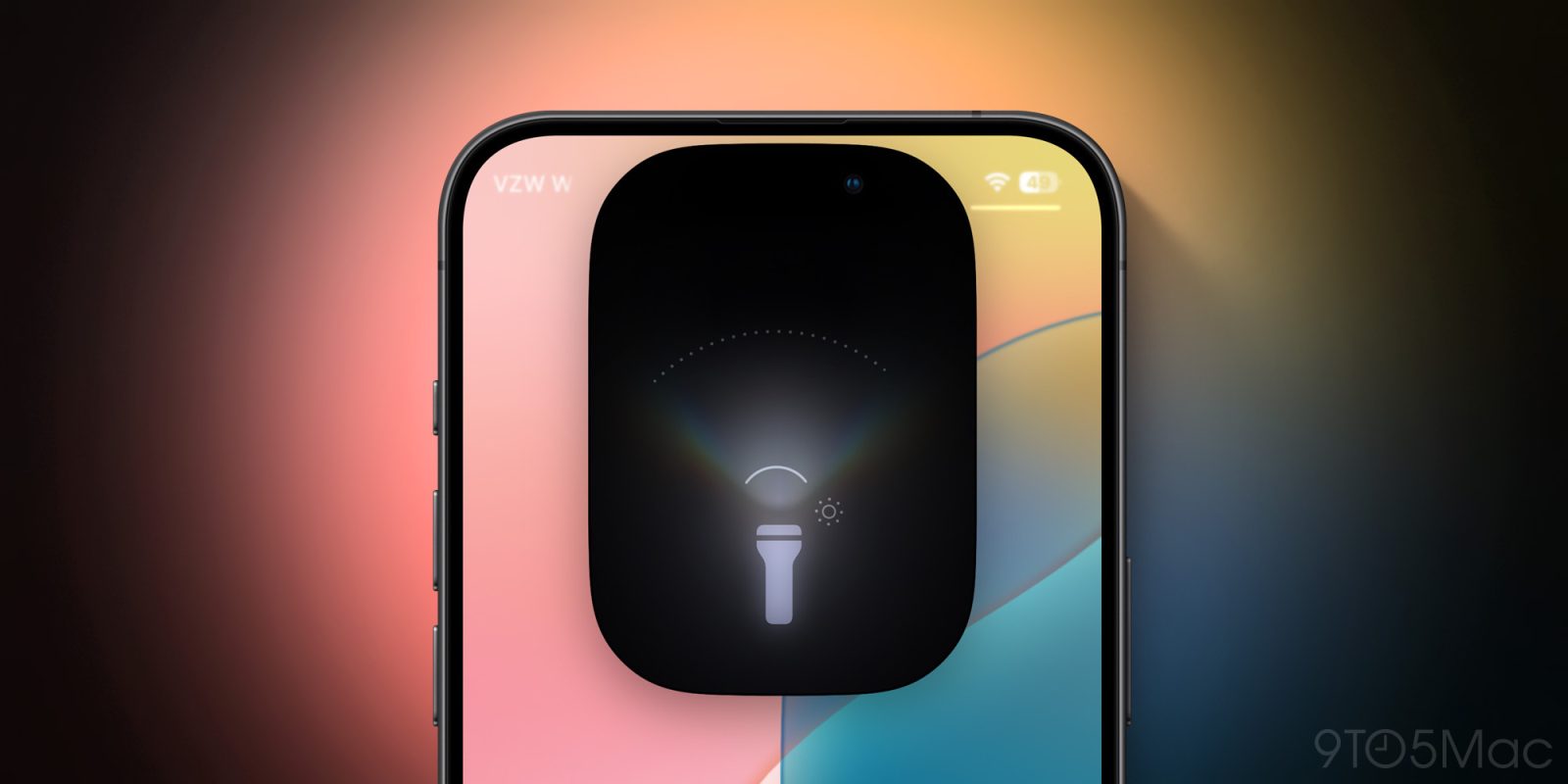
Apple is known for its impressive attention to detail and a simple but important iPhone feature has received some of that love. Here’s how the all-new iPhone flashlight in iOS 18 works with the Dynamic Island and new functionality.
Expand Expanding Close
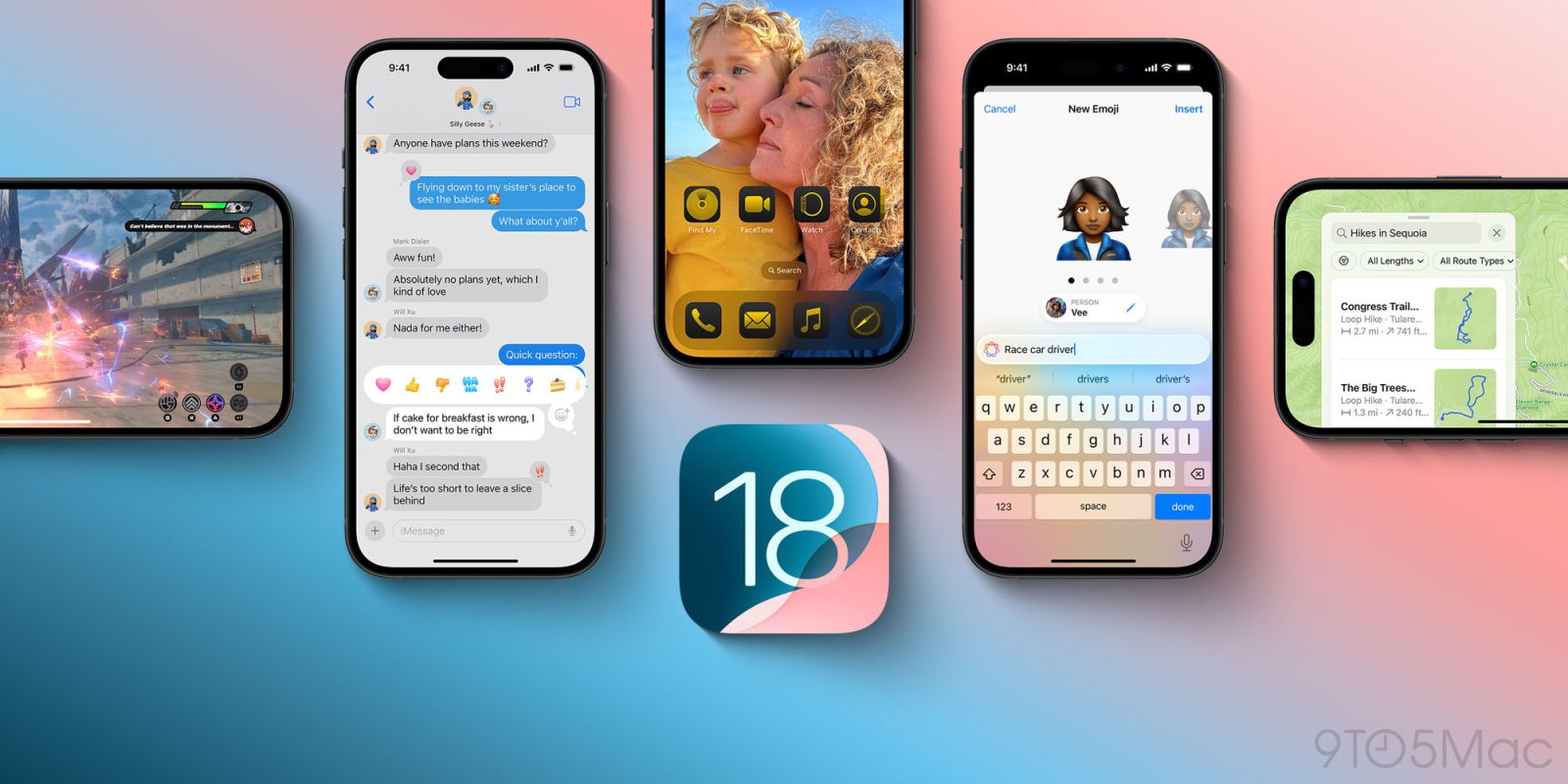
iOS 18 is here for all users with lots of new features and changes – including more customization than ever. Here’s how to install iOS 18 on your iPhone including some tips and tricks to make the process smooth and worry-free.
Expand Expanding Close
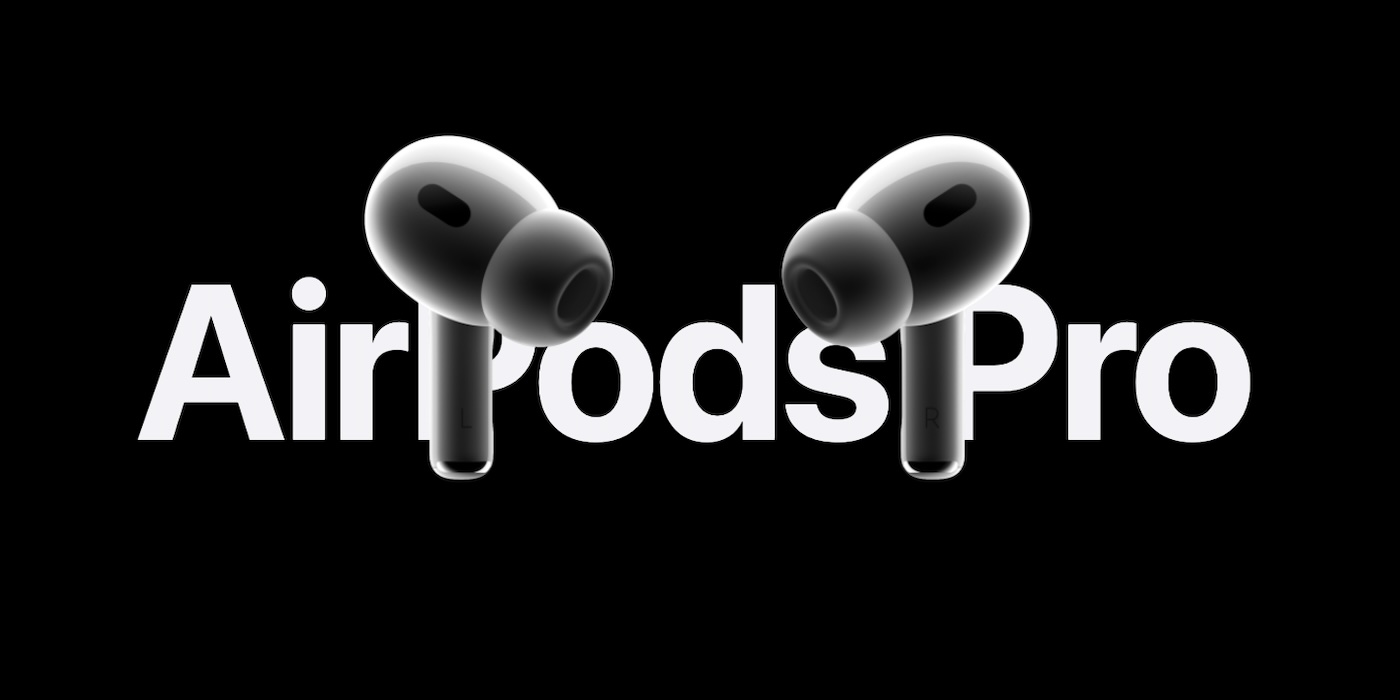
Some seriously impressive new health-related features are coming to AirPods Pro 2. The customer reach of these features will be especially great for the same reason Apple Watch impacts so many lives.
Expand Expanding Close
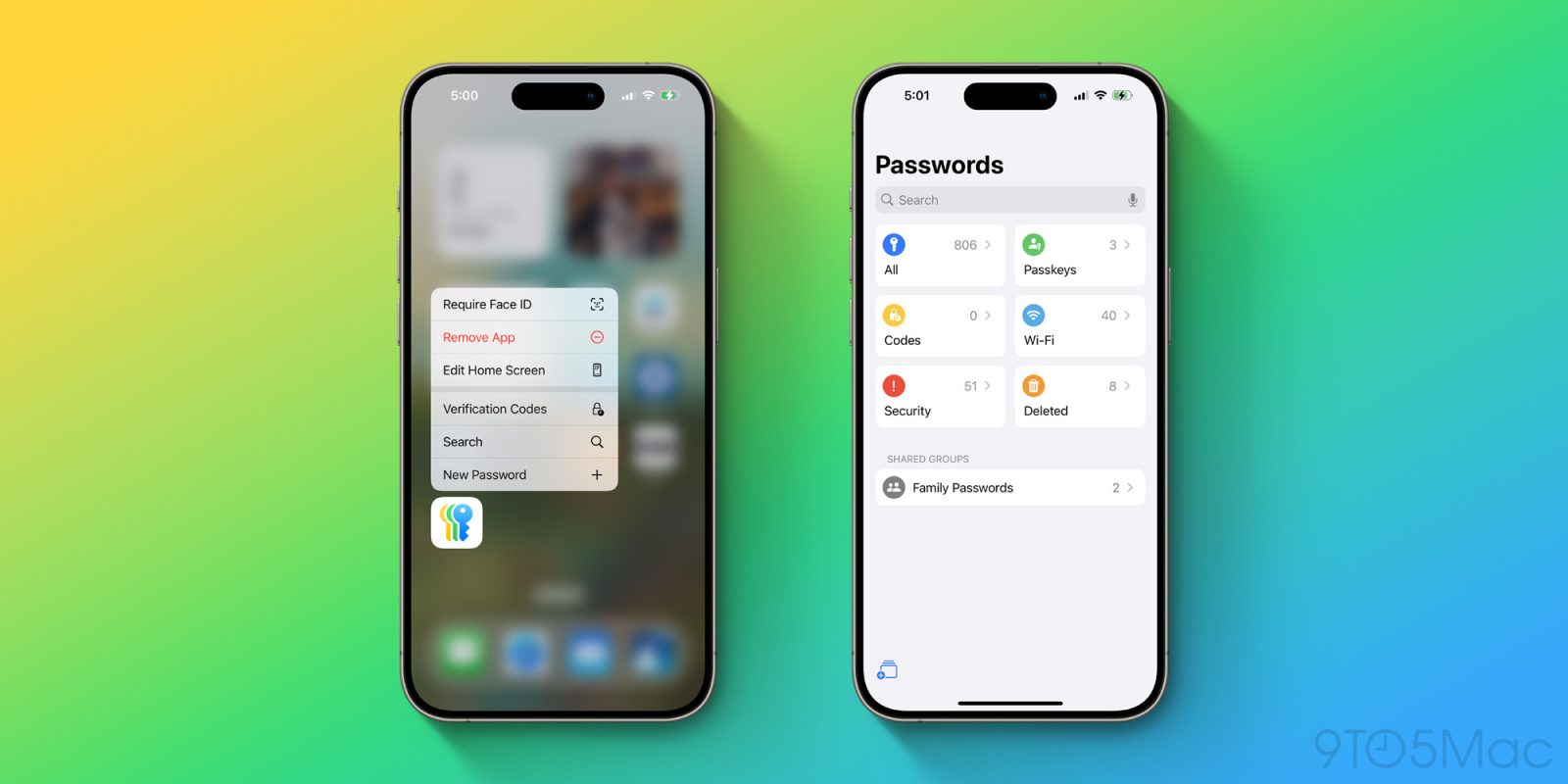
iOS 18 is a huge release for iPhone users. It brings major improvements to system apps like Photos, Messages, Notes, and more. The update also introduces a brand new app: Passwords, which makes password management on Apple devices easier than ever. Here’s a look at everything that iOS 18’s new Passwords app can do.
Expand Expanding Close
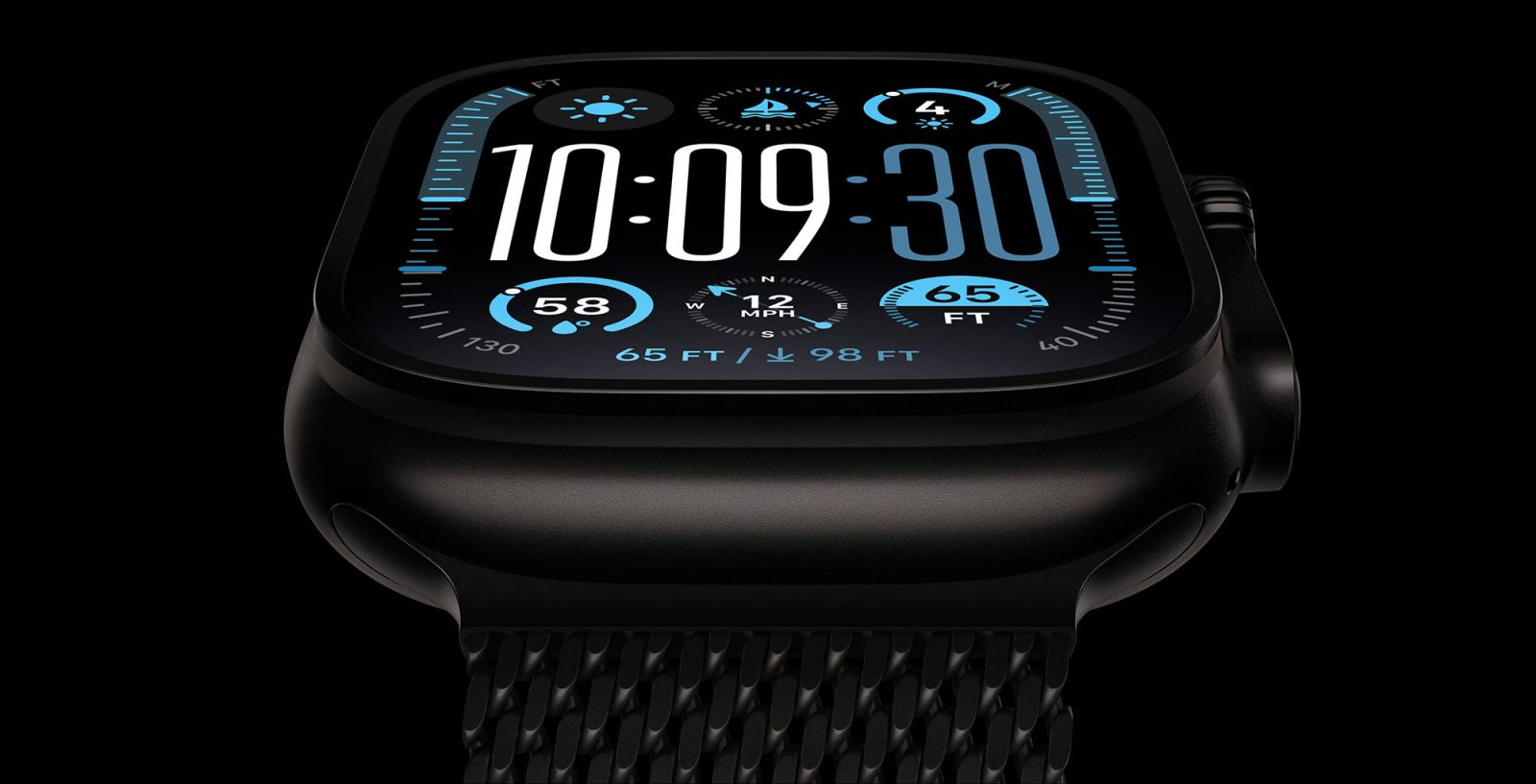
We’re going into the third year of Apple Watch Ultra, and a free software update just made the product even better. watchOS 11 changes the way the Action button works, making it more functional in different scenarios.
Expand Expanding Close