Author

Avatar for Jeff Benjamin

Jeff Benjamin

Jeff Benjamin

Jeff is the head of video content production for 9to5. He joined 9to5Mac in 2016, producing videos, walkthroughs, how-tos, written tutorials, and reviews. He takes pride in explaining things simply, clearly, and concisely. Jeff’s videos have been watched hundreds of millions of times by people seeking to learn more about today’s tech. Subscribe to 9to5Mac on YouTube to catch Jeff’s latest videos.

iOS Decoded is Jeff’s flagship video series that breaks down what’s new in iOS betas, including behind-the-scenes deep dives into undiscovered features and exclusive details on the iOS roadmap. 

Jeff also produces a weekly podcast, alongside co-host Fernando Silva, entitled 9to5Mac Overtime. A video-first podcast, 9to5Mac Overtime airs weekly on our YouTube channel, but can also be enjoyed in audio form via Apple Podcasts, or your podcast app of choice.

Have a tip or exclusive? Connect with Jeff!

Connect with Jeff Benjamin

Site default logo image

Giveaway: SteelSeries Apex M800 Mechanical Keyboard

SteelSeries Keyboard Giveaway

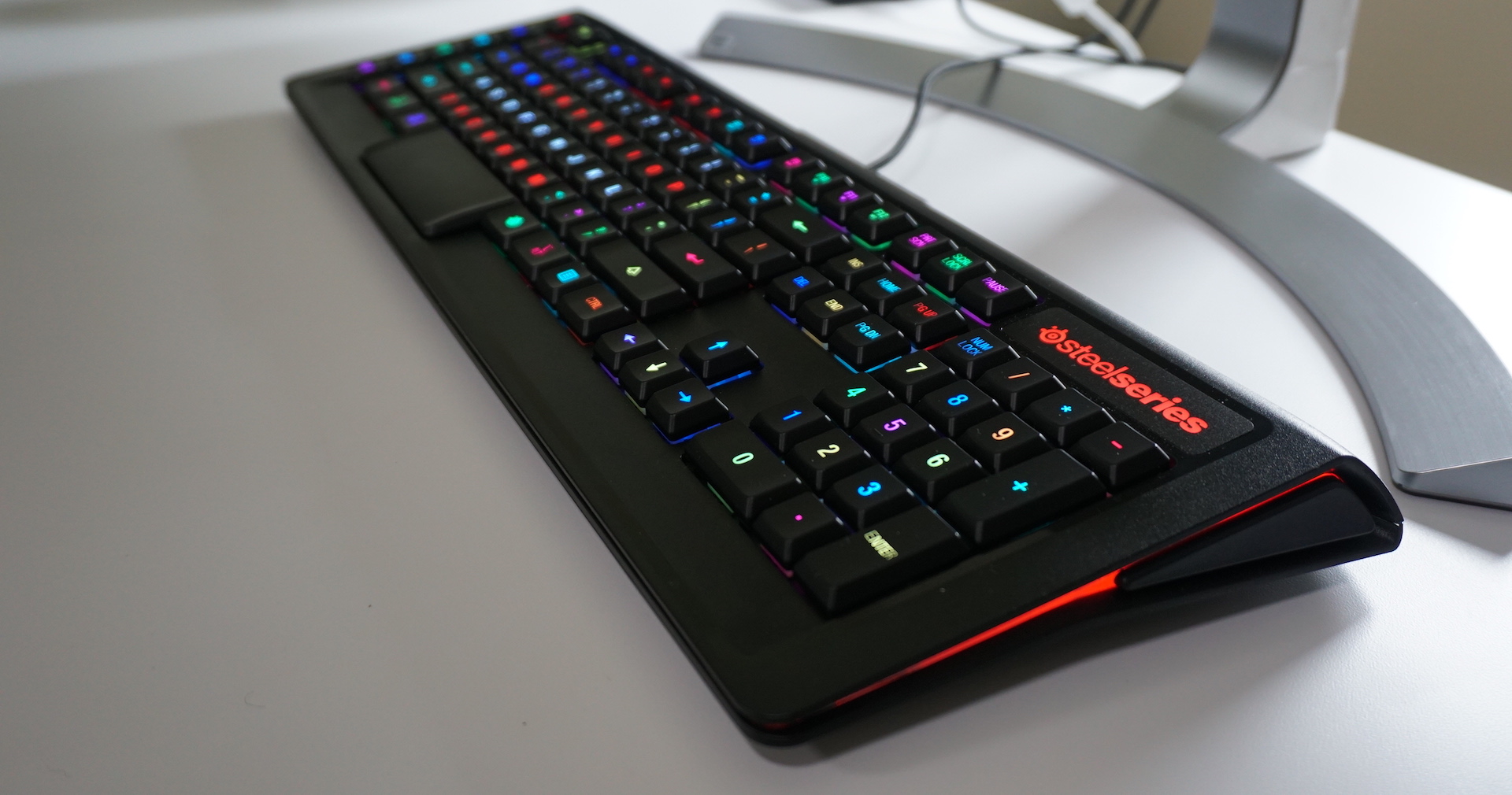
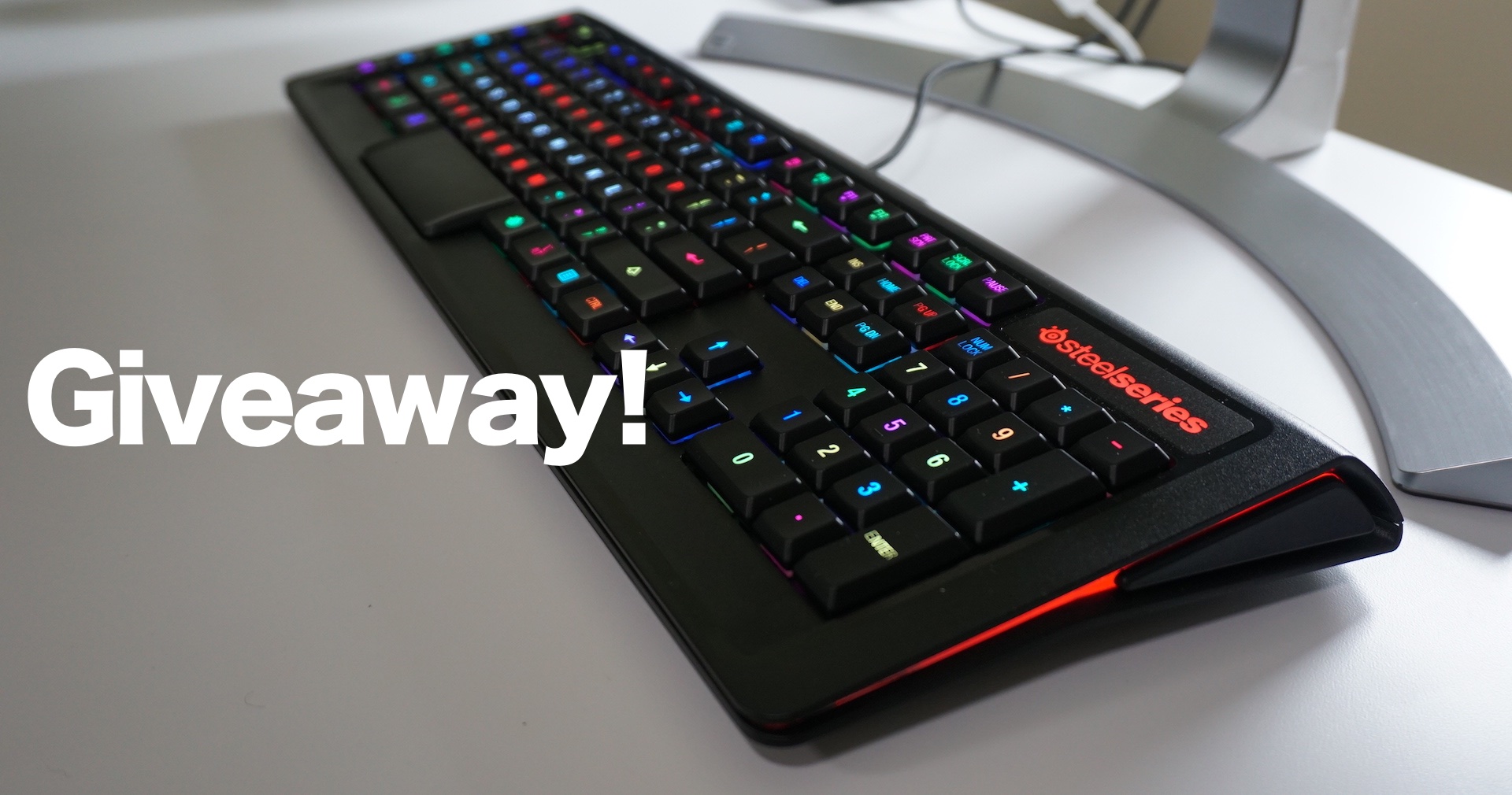
Last week, we reviewed the SteelSeries Apex M800 Mechanical Keyboard. The review was largely positive, citing the keyboard’s Mac-centric keycaps, individual LED lights and tactile key switches.

The SteelSeries Apex M800 is one of the more unique keyboards that we’ve tried, as each individual key can be customized with key bindings and LEDs. With SteelSeries’ Engine 3 software, customization is only a few clicks away.

We’re giving away this $170 keyboard to one of our fabulous readers. Check inside to learn how to win.
Expand
Expanding
Close

How-To: Create an Apple Music playlist preview widget

Site default logo image

Apple Music Playlist Preview Widget

If you’re an Apple Music subscriber, Apple makes it easy to create an embeddable playlist preview widget via its Apple Music website. All it takes is the share URL from the playlist of your choice, and the widget generator does the rest of the heavy lifting.

The widget is limited to 30-second previews of all of the songs included in the selected playlist. At the bottom of the widget, you’ll find a link to Apple Music, where playlist listeners who aren’t yet subscribers can sign up for a free 3-month trial subscription.
Expand
Expanding
Close
Site default logo image

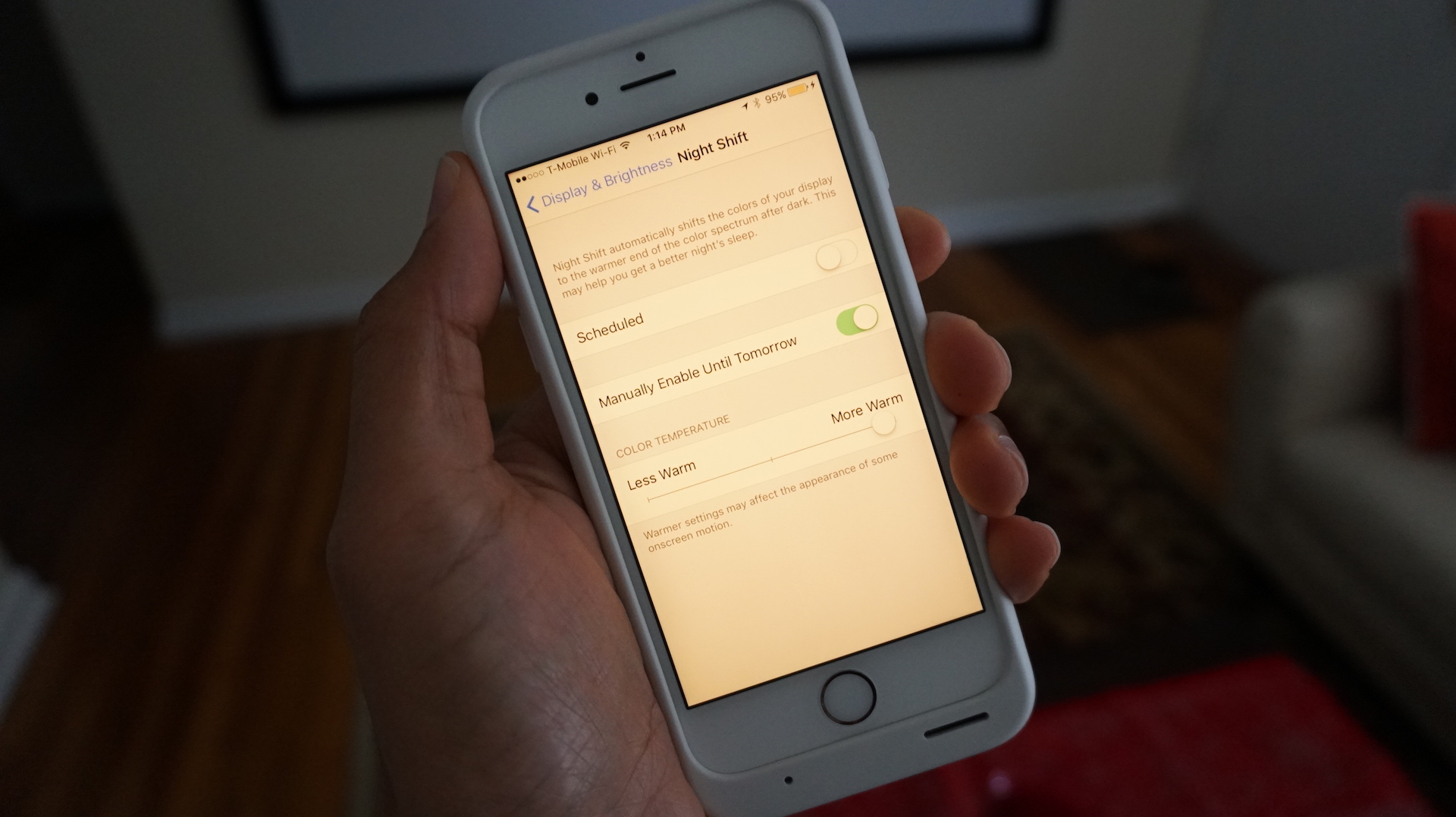
iOS 9.3.2 beta 2 once again lets users enable Low Power Mode and Night Shift simultaneously

Low Power Mode Night Shift iOS 9.3.2 beta 2

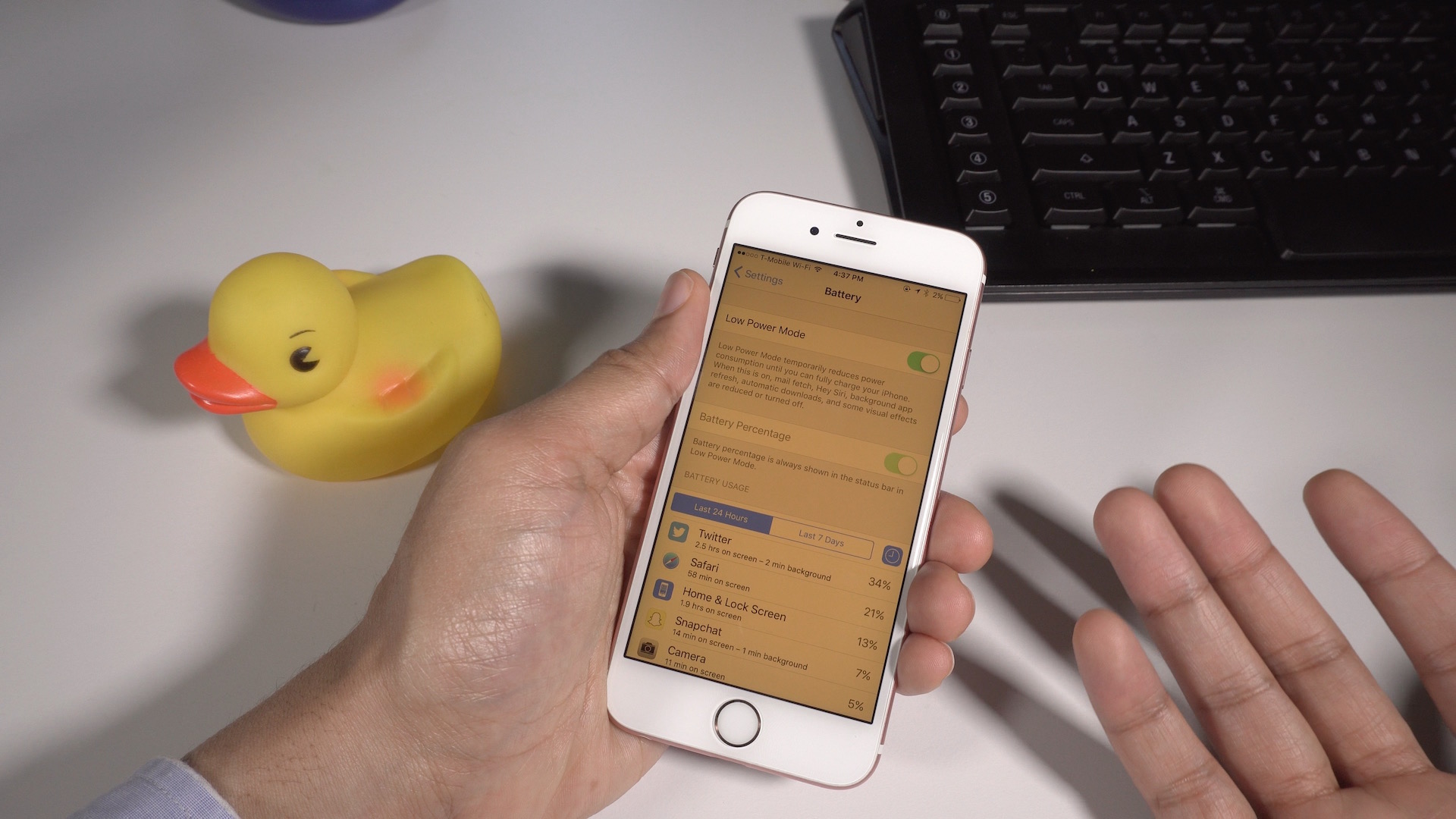
Apple’s new iOS 9.3.2 beta 2, which just shipped to developers a few minutes ago, lets users once again easily enable Low Power Mode and Night Shift at the same time. With each previous release, Apple seemed as if it was tightening the reigns on the ability to use both features together, which forced users to resort to tricks. Now, with the latest 9.3.2 beta 2, the two features can once again exist in relative harmony.
Expand
Expanding
Close
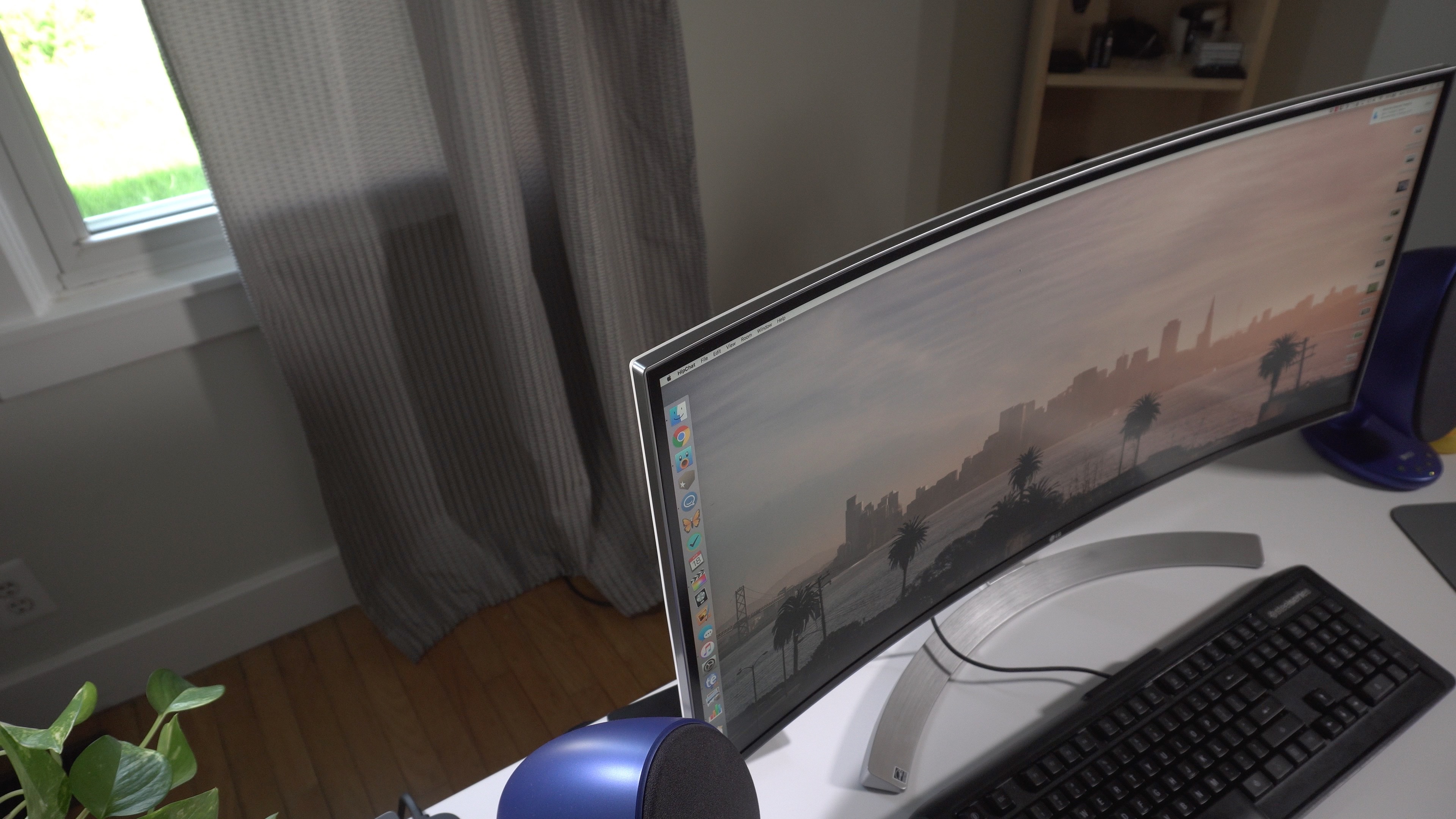
Review: LG’s 34″ UltraWide curved monitor is great for movies and video editing workflows

LG UltraWide Review Hero

As someone who uses timeline-based apps such as Logic Pro X and Final Cut Pro X on a regular basis, horizontal display real estate is incredibly important to me. When it comes to editing video and audio, the bigger the monitor the better.

With the recent popularity of extra-wide 21:9 monitors, I’ve come to understand that width can make a major difference in managing timeline-based editing workflows as well. The extra horizontal real estate is also a nice option for watching movies shot with a 2.39:1 aspect ratio.

With this in mind, I’ve been looking forward to going hands-on with a 21:9 display. LG’s 34UC98 UltraWide IPS monitor is not only extremely wide at 3440 x 1440, but it’s curved as well. How does this new display fit into my workflow? Does having a so-called UltraWide display make a difference? 
Expand
Expanding
Close

Lacie, Promise, and CalDigit introduce new Thunderbolt 3-enabled hardware at NAB 2016

Site default logo image

LaCie_12big Environmental_HR

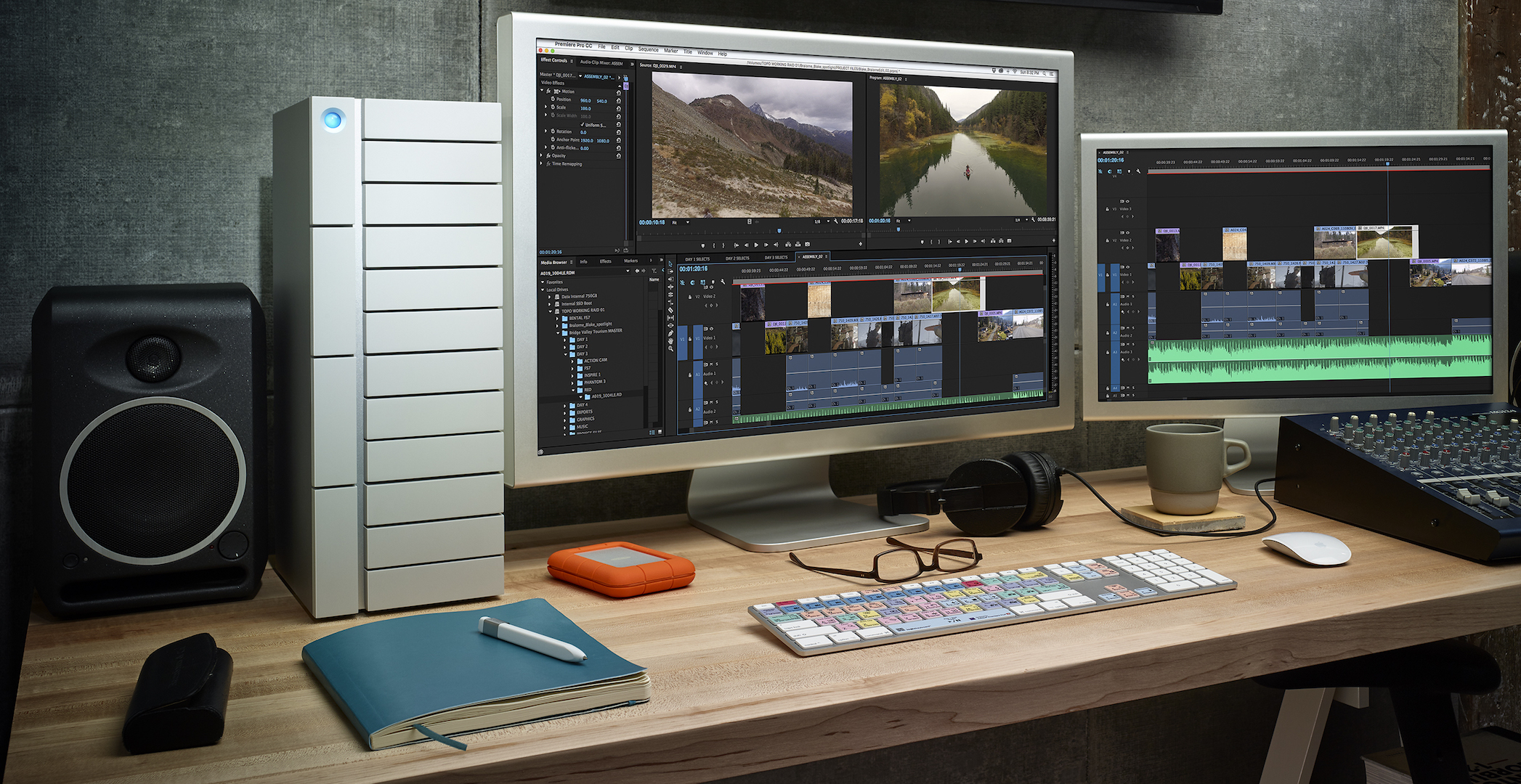
The National Association of Broadcaster’s trade show in Las Vegas is in full swing, and several prominent hardware makers have unveiled new Thunderbolt 3-equipped tools. Although there are no current products in Apple’s lineup that support Thunderbolt 3, it’s widely assumed that such hardware, made possible by Intel’s Skylake microarchitecture, is in the pipeline.

The folks over at Lacie, Promise, and CalDigit have all revealed new Thunderbolt 3 products at NAB 2016, bringing high bandwidth and high-capacity storage solutions to market.


Expand
Expanding
Close
SongShift lets you import Spotify playlists into Apple Music with incredible ease

SongShift Hero

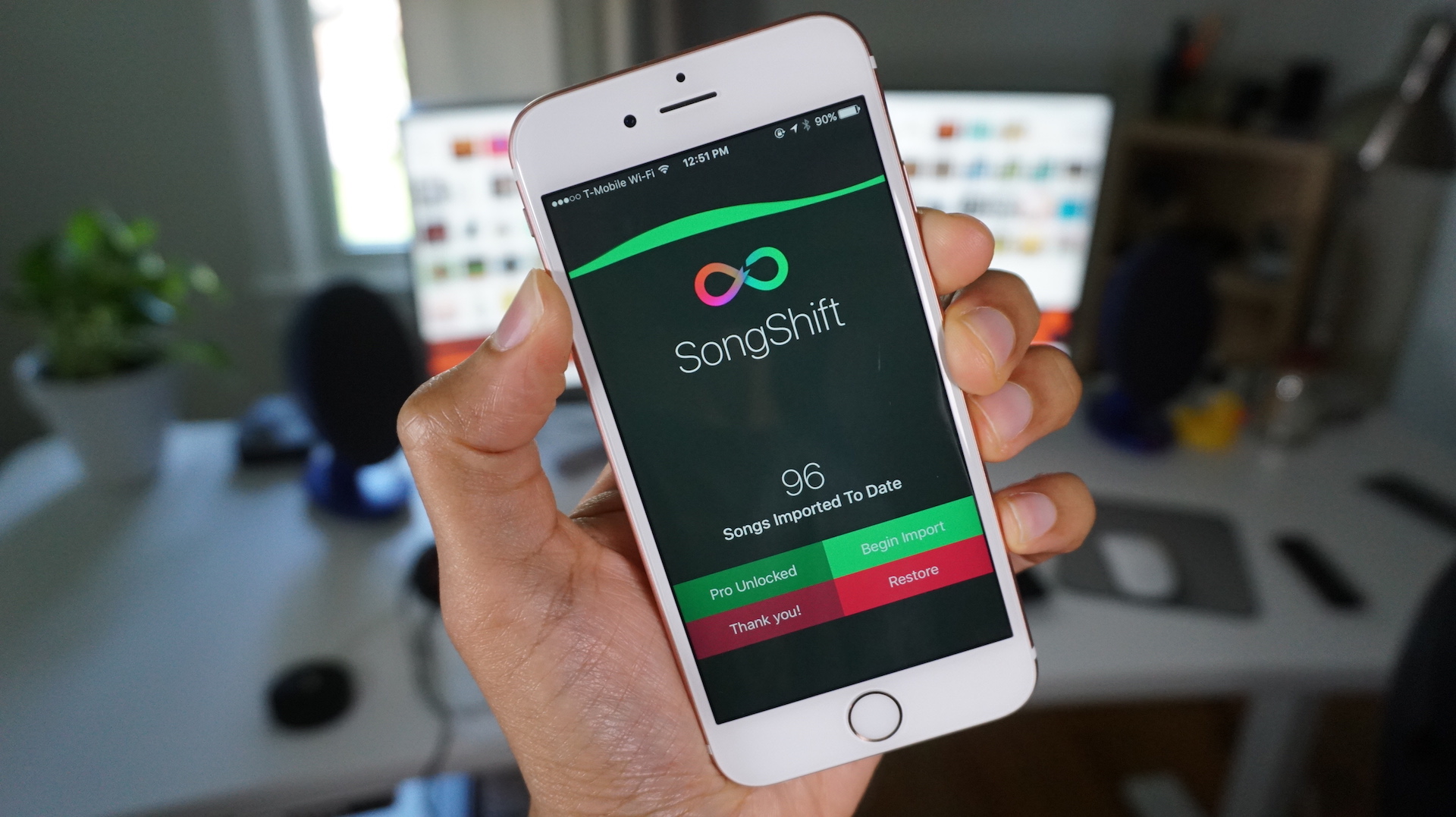
SongShift is a just-released app that lets Spotify users import playlists directly into Apple Music. In the past, there have been some roundabout ways to accomplish that task, but SongShift is one of the first apps that takes advantage of a new iOS 9.3 provision that makes it possible for third-party apps to access Apple Music.


Expand
Expanding
Close

How-To: Quickly switch between audio input and output options on OS X [Video]

Site default logo image

Mac Sound Output

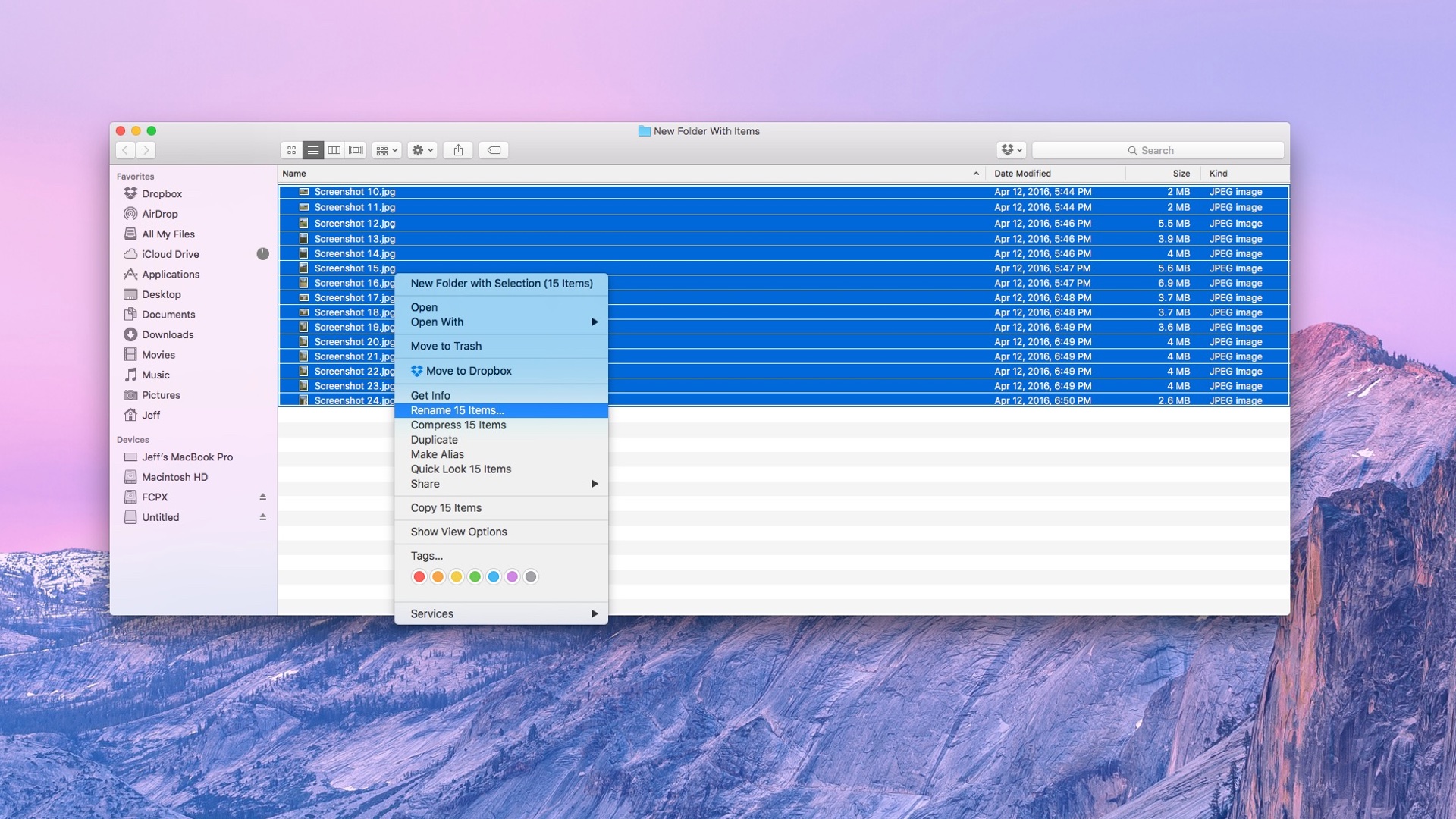
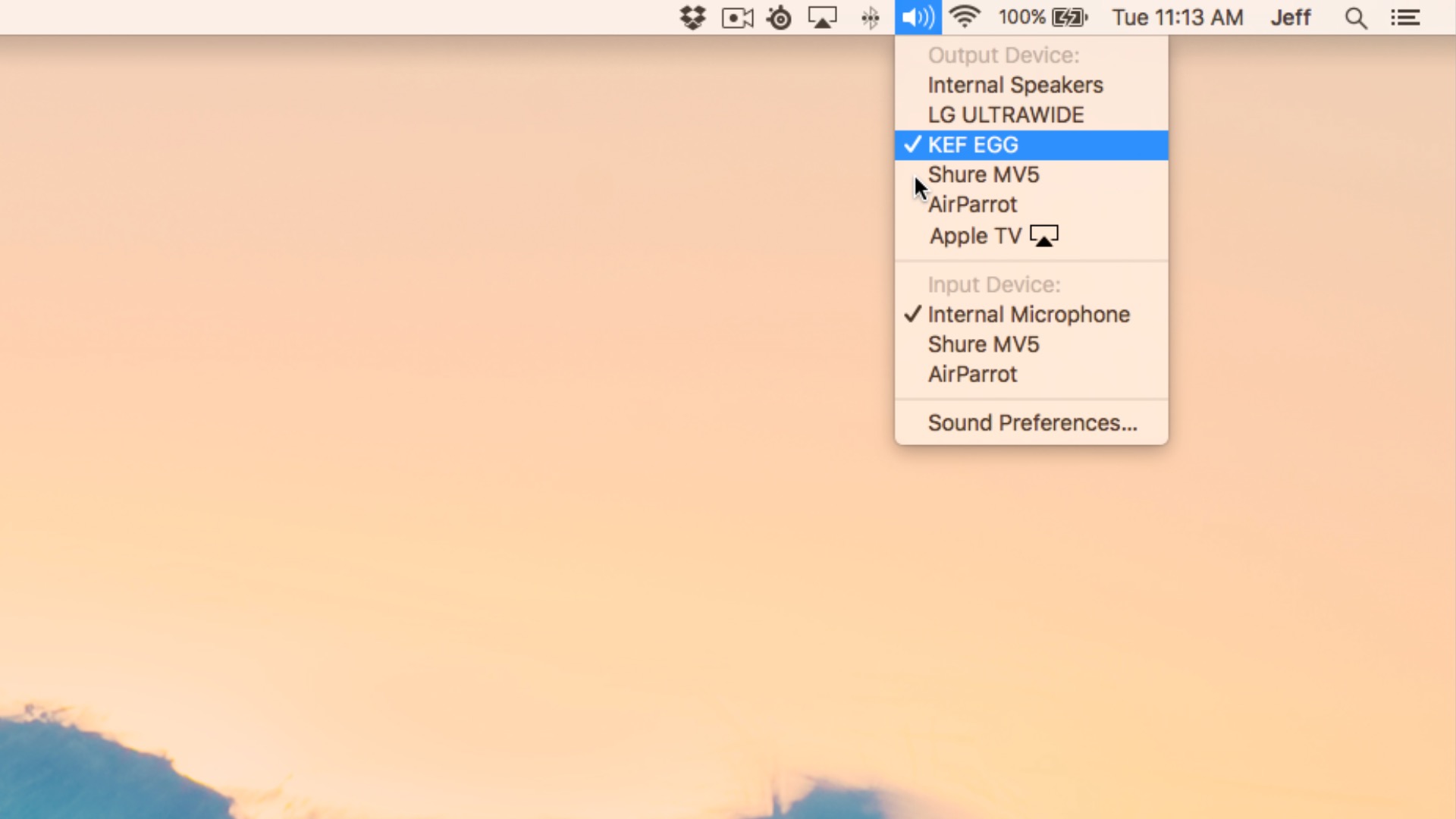
If you have multiple audio inputs or outputs connected to your Mac, then you’re probably aware that you can visit System Preferences to manage and switch between interfaces at will. But wouldn’t it be nice if there was a quicker way to switch to a set of speakers or a microphone without venturing all the way into the Sound panel of System Preferences? In this post, we’ll share with you a handy shortcut that we use every day to do just that.
Expand
Expanding
Close
The HTC 10 is the first Android device to ship with native AirPlay audio streaming support

Site default logo image

HTC 10 Rear 2

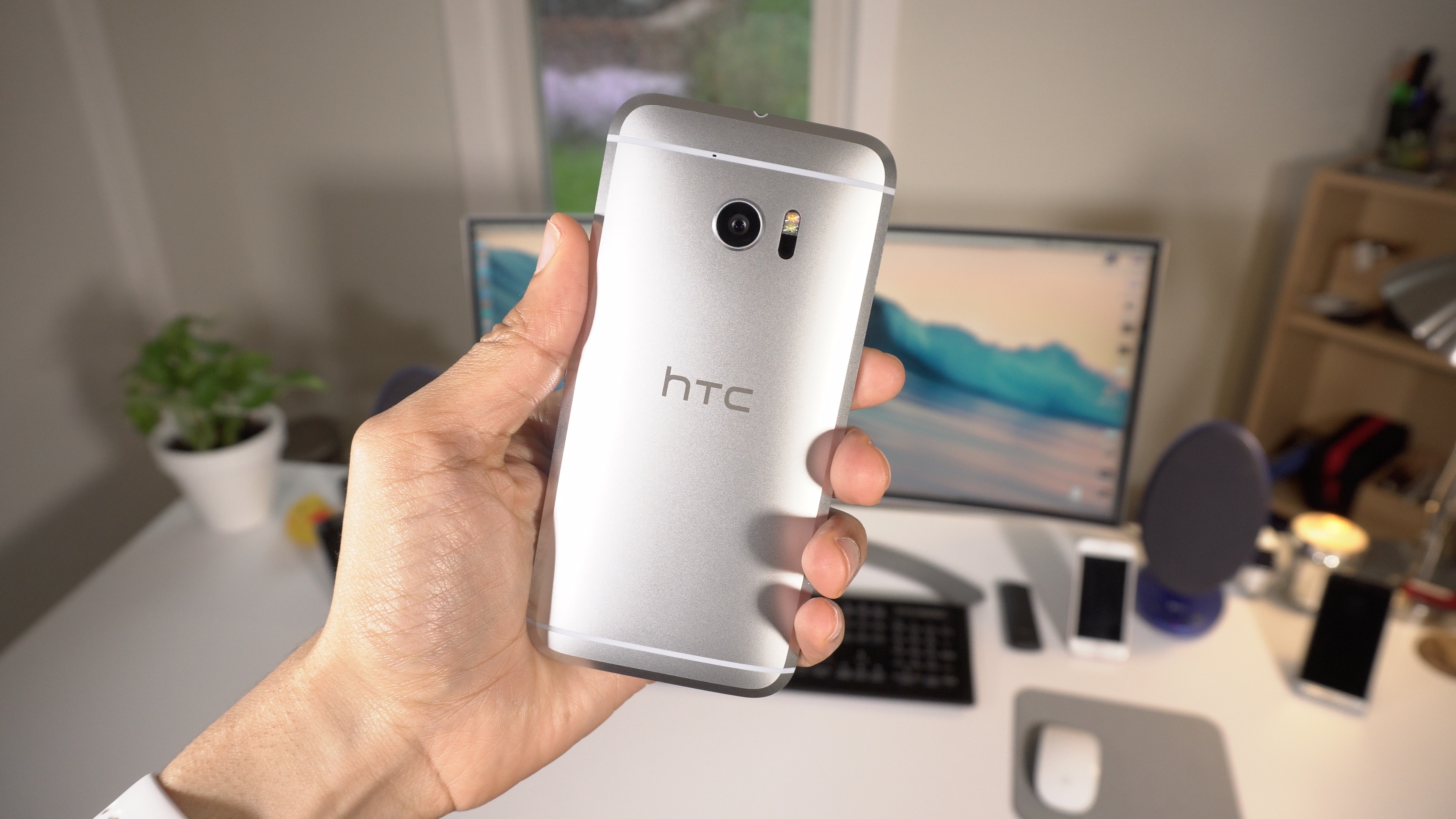
Android has featured the ability to stream to AirPlay devices like the Apple TV by means of third-party utilities for some time now, but no Android device has ever shipped with native AirPlay support in tow. That’s all changed with the announcement of the HTC 10, the first device to ship with native AirPlay support.


Expand
Expanding
Close
How-To: Enable Night Shift and Low Power Mode at the same time on iOS 9.3.1

Site default logo image

Night Shift + Low Power Mode Again

When Apple released iOS 9.3.1, it removed the ability to keep Night Shift and Low Power Mode enabled simultaneously. The ability to turn on both features was already hidden and only possible by using Siri, but the iOS 9.3.1 update made it so that Siri would disable one of them before enabling another.

We’ve found a workaround that once again allows you to use both modes at once. It’s not as easy as it once was, but it’s still fairly straightforward for those of you who desire to use Low Power Mode and Night Shift mode at the same time.
Expand
Expanding
Close
How-To: Backup and restore SMS and iMessages on a clean iOS install

Site default logo image

Backup SMS Messages

Have you noticed that virtually every aspect of the personal information on our iPhones can be restored individually via iCloud? Things like photos, mail, contacts, calendars, Safari bookmarks, and notes can all be individually recovered on a fresh install of iOS.

The one thing that sticks out like a sore thumb is text messages and iMessages. Sure, it’s possible to restore text messages if you’re willing to backup and restore the entire contents of your iPhone, but what if you wish to perform a fresh install of iOS and then restore messages?

Fortunately, backing up and restoring SMS texts and iMessages on an individual basis is possible, as long as you’re willing to take some time to follow our step-by-step guide.


Expand
Expanding
Close
Review: SteelSeries Apex M800 mechanical keyboard with individual key LED illumination

Site default logo image

SteelSeries Apex M800

SteelSeries is well known around Apple circles for its iOS and Apple TV gaming controllers, but the company specializes in other gaming-related hardware ventures as well, such as mice, headsets and keyboards.

After browsing SteelSeries’ site to find some information on its popular Nimbus controller, I stumbled upon its keyboard line. Anyone that knows me understands that I have a special affinity for mechanical keyboards, and that’s exactly what I found on the SteelSeries website.

The Danish hardware manufacturer’s marquee mechanical keyboard, the SteelSeries Apex M800, is not your ordinary mechanical keyboard. It’s a fully customizable, gaming-centric experience that lets you assign an overwhelming variety of functionality and colors to individual keys. While the Apex M800 ships configured for Windows, it’s fully compatible with the Mac, and even comes with OS X key cap replacements.
Expand
Expanding
Close
Apple fixes Siri passcode bypass flaw and Night Shift + Low Power Mode trick

Site default logo image

Passcode

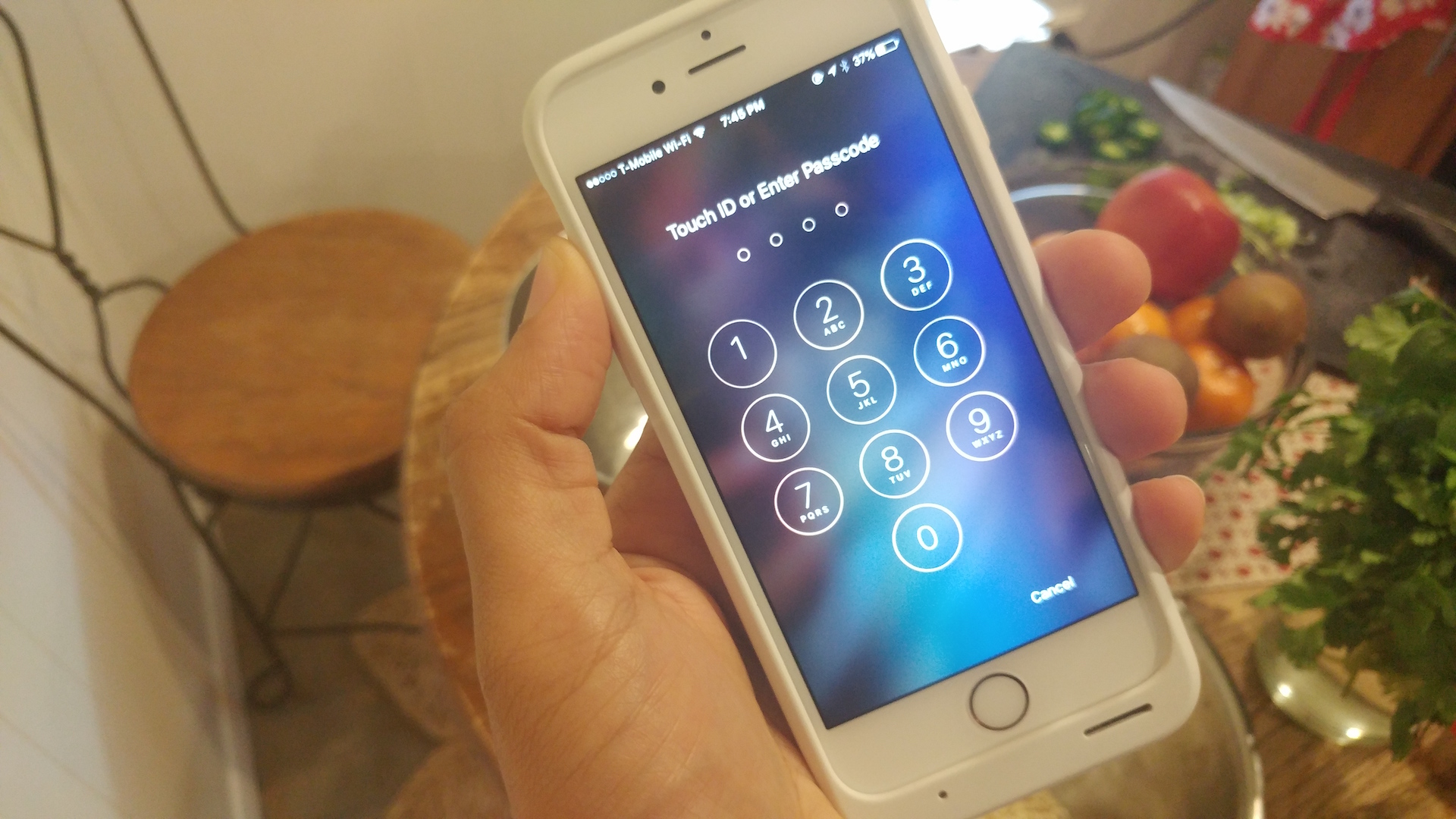
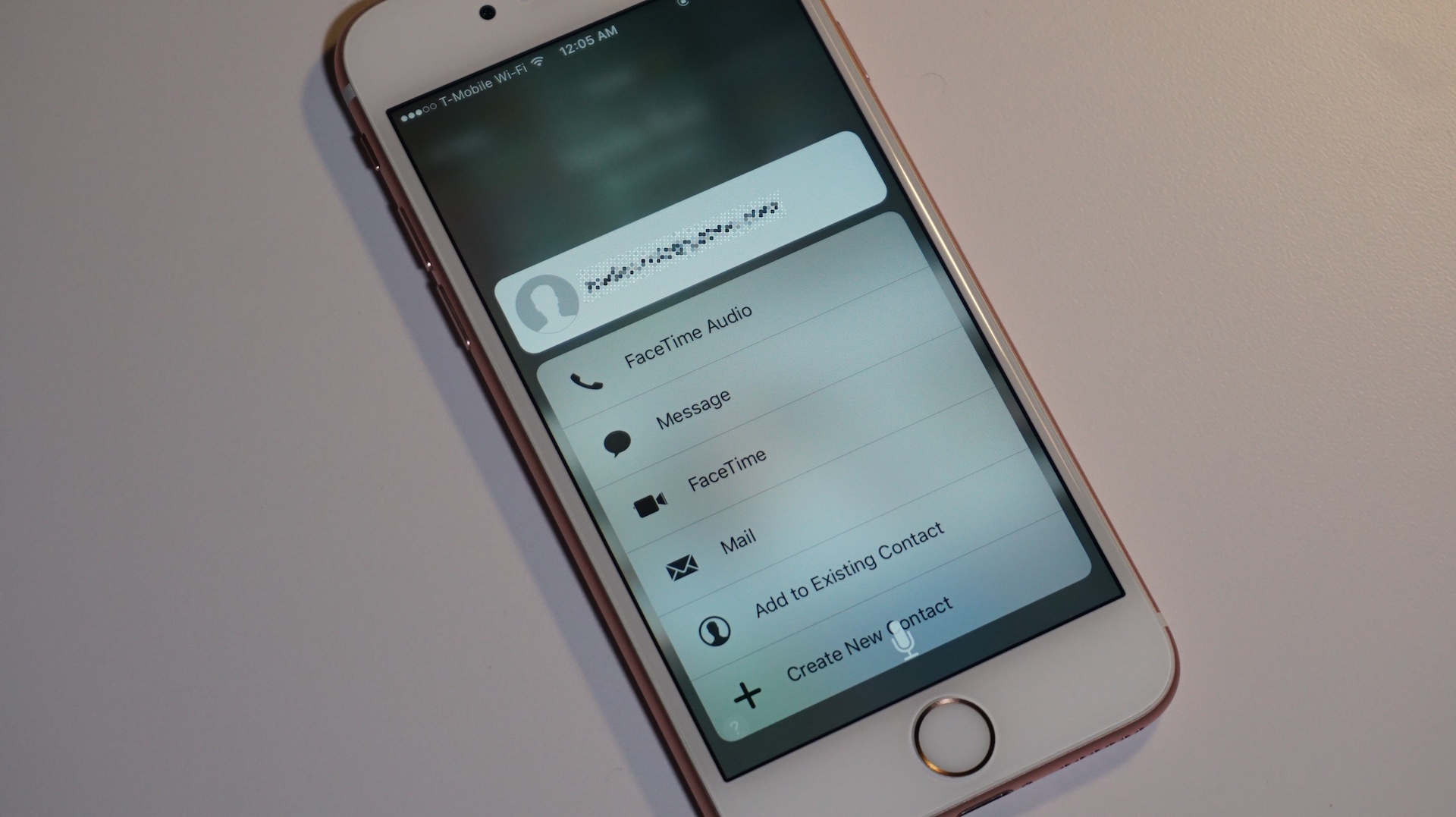
Early this morning, we told you about a new iPhone 6s passcode bypass vulnerability that allowed handlers to access photos and contact details without needing to verify with a passcode or Touch ID. The Lock screen vulnerability was made possible by Siri, and let users bypass the security provided by the Lock screen passcode and/or Touch ID.

If there’s a positive spin to put on such a vulnerability, it’s that fixes can be implemented server side without the need for an iOS update. Apple today has fixed the passcode bypass method by forcing Siri to request your Lock screen passcode whenever a user tries to search Twitter via Siri while at a secured Lock screen
Expand
Expanding
Close
New iPhone 6s passcode bypass lets handlers access Photos and Contacts; here’s how to protect yourself

Site default logo image

Twitter Siri passcode bypass

A new iPhone 6s/6s Plus passcode bypass flaw is making its rounds on the internet today, and it’s similar to flaws we’ve seen in the past on iOS. Don’t be overly alarmed, though, as the odds of this happening to you are slim. Besides, if you are concerned, there are some bonafide ways to go about protecting yourself.
Expand
Expanding
Close

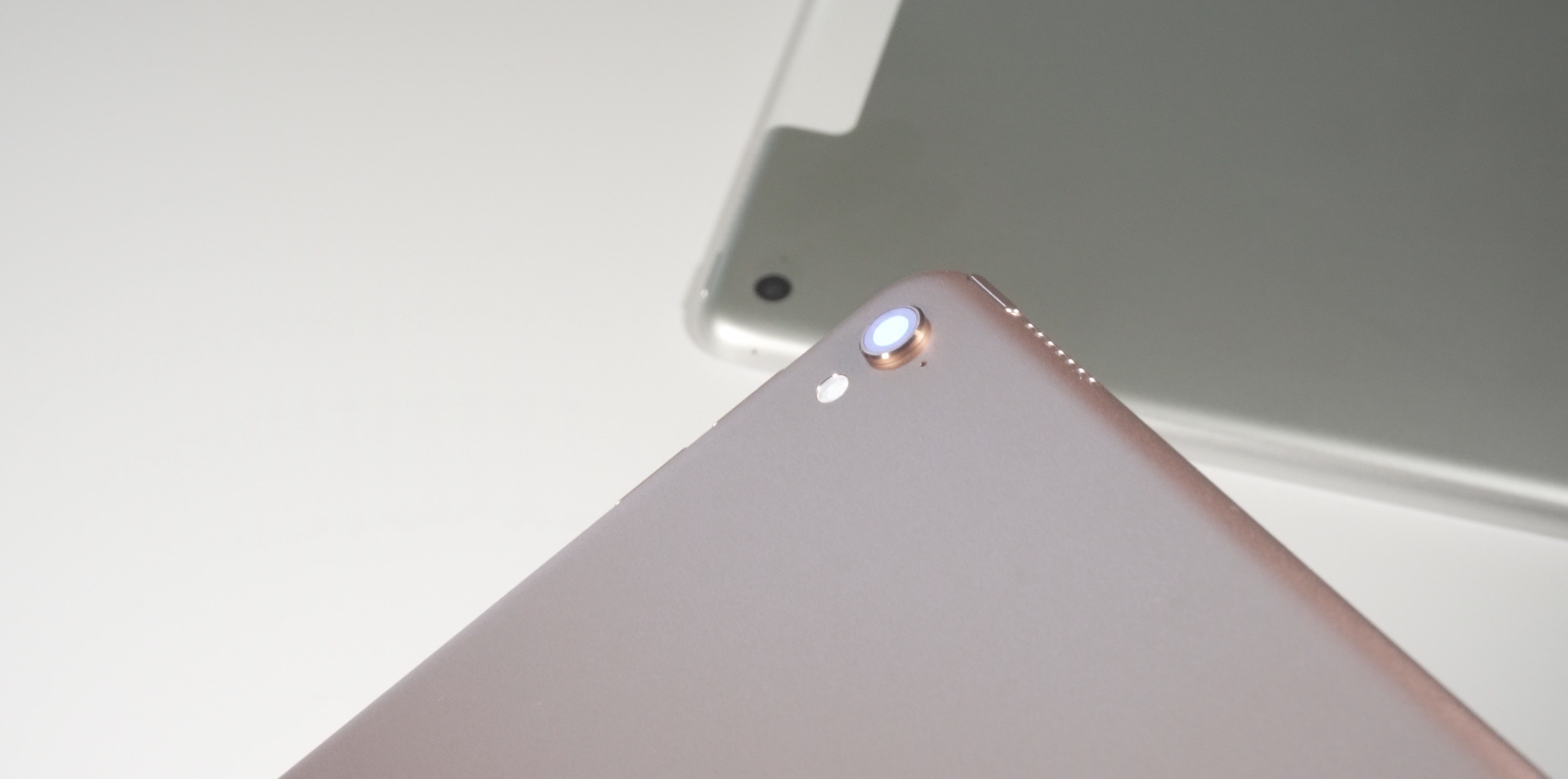
Top new 9.7″ iPad Pro features + a few not-so-great features [Video]

Site default logo image

iPad Pro Top Features Camera Bump

The 9.7″ iPad Pro is an interesting new device. Fitting squarely between the 12.9″ iPad Pro and the 9.7″ iPad Air 2, it can be difficult to determine what the device actually is. Is it an “iPad Air 3″ or is it an iPad Pro mini? Well, to be honest, it’s a little bit of both.

The new iPad Pro will feel very familiar to current iPad Air 2 owners. For those of you that already own a 12.9” iPad Pro, the smaller version might feel like a downgrade in some ways. Certainly, it’s a downgrade in the most obvious area — size. But in other ways, primarily camera capability, it’s a huge upgrade.

Of course, iPad Air 2 owners who are envious of the iPad Pro’s ability to use the Apple Pencil have a definite reason to eye the 9.7″ Pro. The new iPad Pro also works with Apple’s new smaller Smart Keyboard accessory. In other words, there’s a lot to consider when it comes to the 9.7″ iPad Pro. Have a look at some of our favorite new features, along with a few of the disappointments that we encountered.
Expand
Expanding
Close

How to get a free year of MLB.TV Premium if you’re a T-Mobile customer, a $109.99 value

T-Mobile MLB.TV Premium Free

T-Mobile may not have the wireless coverage fidelity that bigger providers like AT&T and Verizon possess, but no one can argue that it isn’t trying to do everything in its power to stand out in other ways. Between April 3rd and April 10th, T-Mobile customers can sign up for a free year of MLB.TV Premium service, a $109.99 value, that features live games for the entire 2016 MLB season.


Expand
Expanding
Close

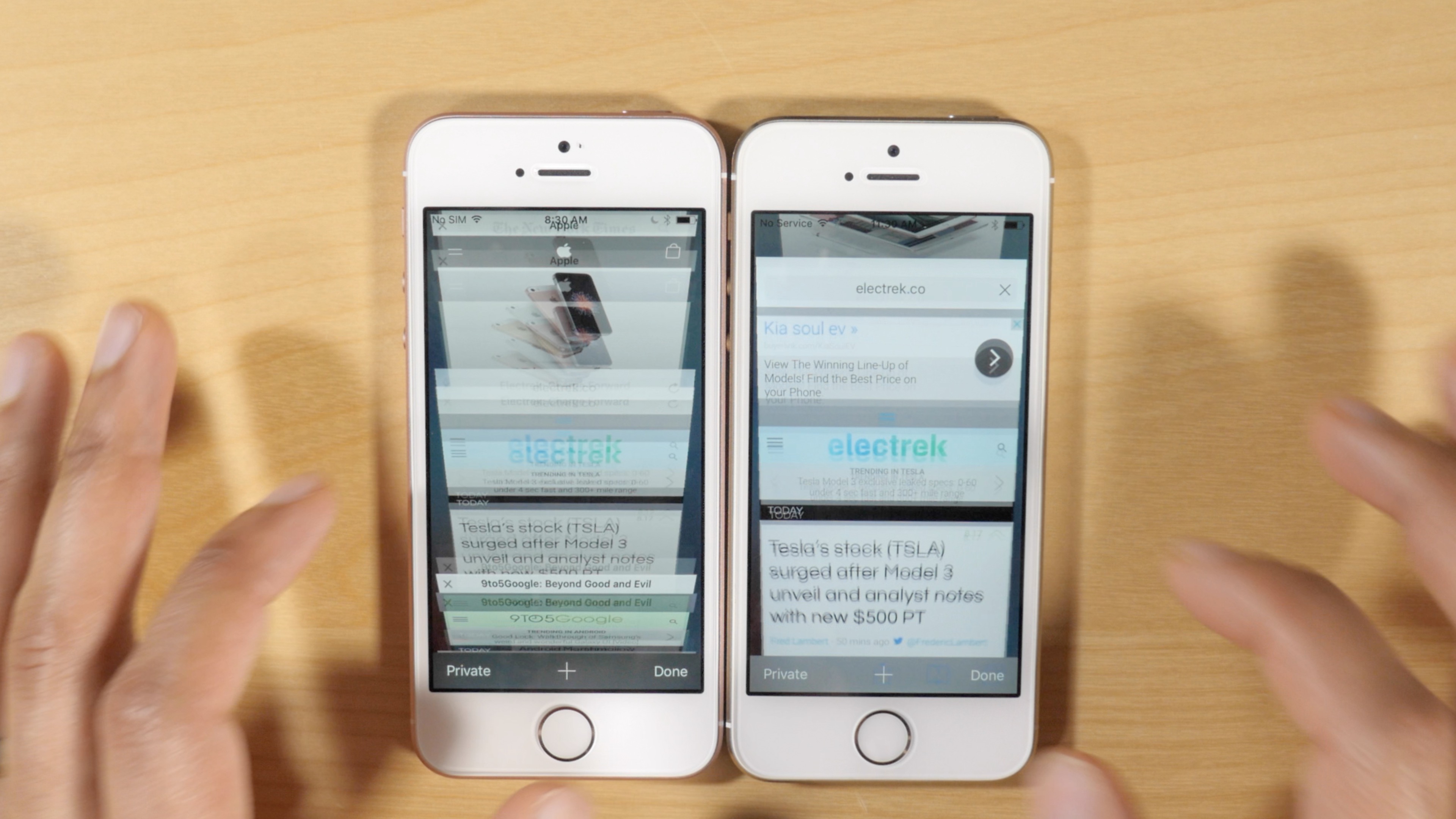
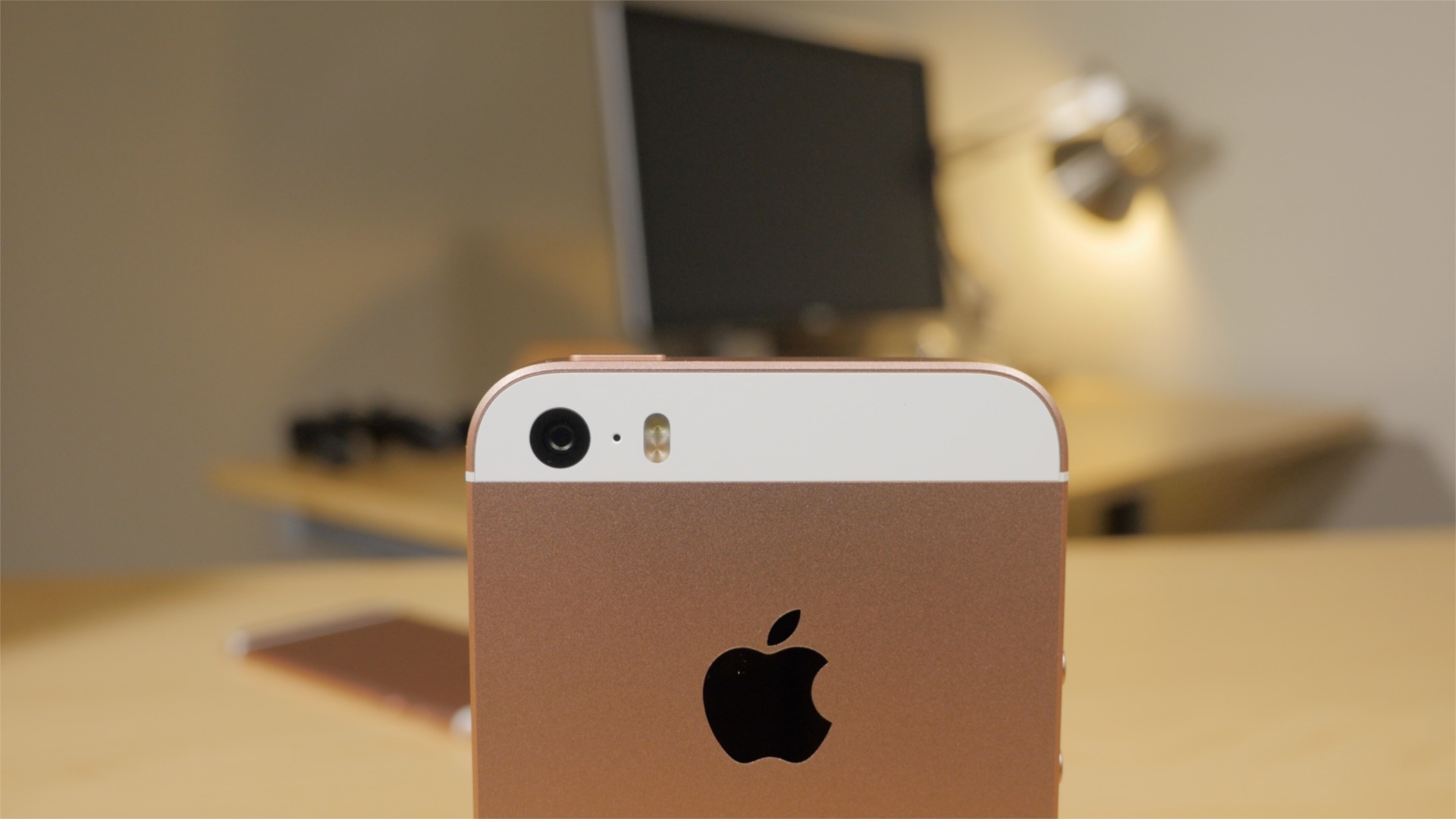
iPhone 5s vs iPhone SE: As expected, 2GB RAM makes a big difference [Video]

Site default logo image

iPhone SE vs iPhone 5s RAM

The iPhone SE is here, and we’ve given your our initial impressions as well as a look at some of the device’s top features. Now it’s time to talk more about the key differences that differentiate the iPhone 5s from the iPhone SE.

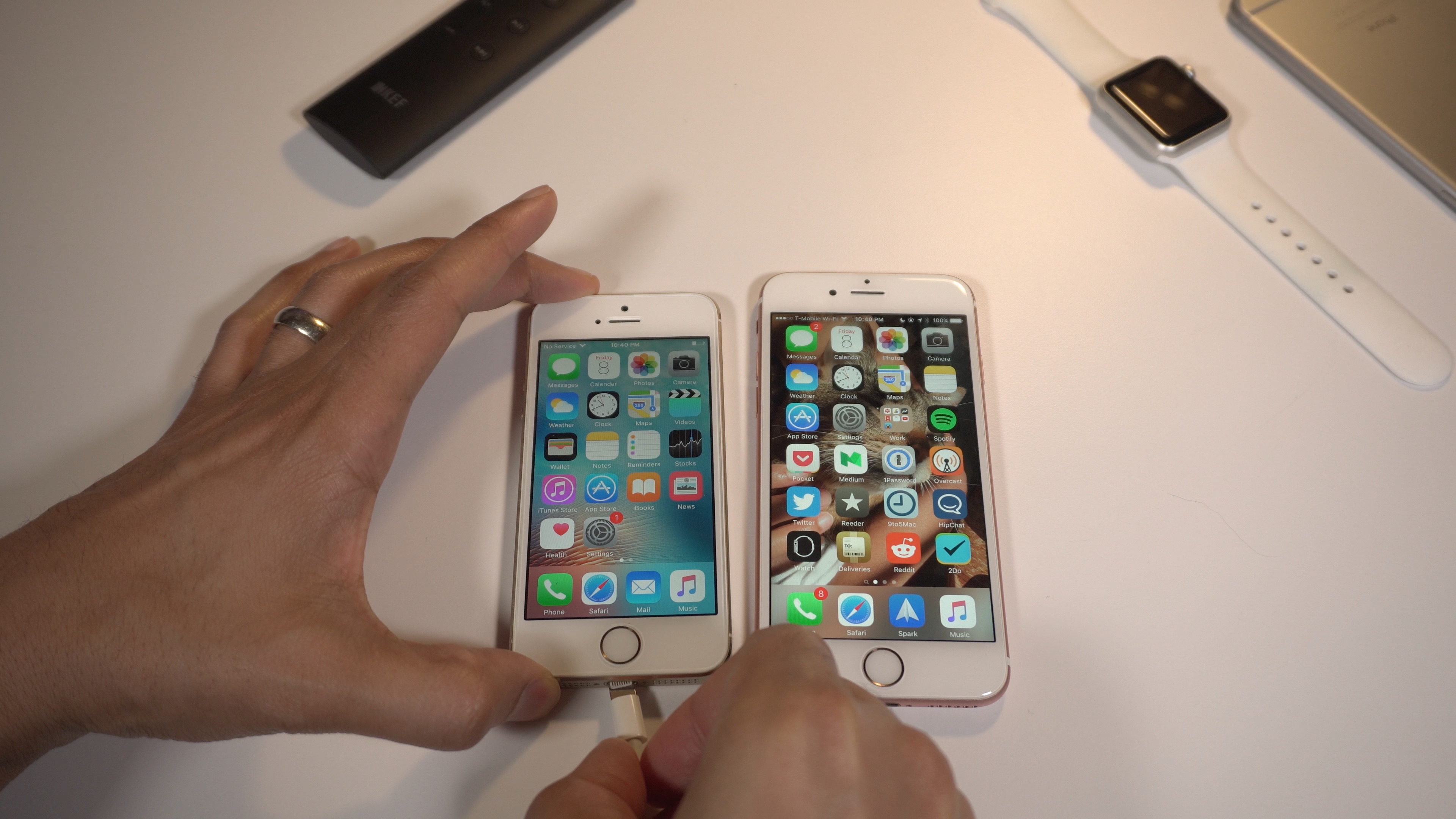
The one key difference that Apple likes to keep under the radar is the amount of RAM included in its mobile devices. It’s ironic, because this is arguably one of the biggest changes between the iPhone 5s and iPhone SE, and it makes a noticeable difference in day to day usage. Watch our video, and see for yourself.
Expand
Expanding
Close

iPhone 6s vs iPhone SE iSight quick camera comparison

Site default logo image

iPhone SE vs 6s 4k

In theory, photos taken with an iPhone SE or an iPhone 6s should generally look the same, but we wanted to briefly pit both devices head-to-head just to make sure. Both phones sport the exact same iSight camera specs, although the iPhone 6s does have a camera bump where the iPhone SE does not. In this post we showcase several photos and a couple of videos from both the iPhone 6s and the iPhone SE.
Expand
Expanding
Close

Top 15 new iPhone SE features + 5 not-so-good features [Video]

Site default logo image

iPhone SE Review

Today is the official release day for the iPhone SE, and I was fortunate enough to be able to pick up my unit early this morning. For those of you who will likewise acquire an iPhone SE in the near future, or for those of you who are still unsure about a purchase, have a look at our hands-on video that touches on the top 15 iPhone SE features. We also have a brief look at some of the downsides of the iPhone SE for those wanting a balanced look at the latest new iPhone.
Expand
Expanding
Close

Site default logo image

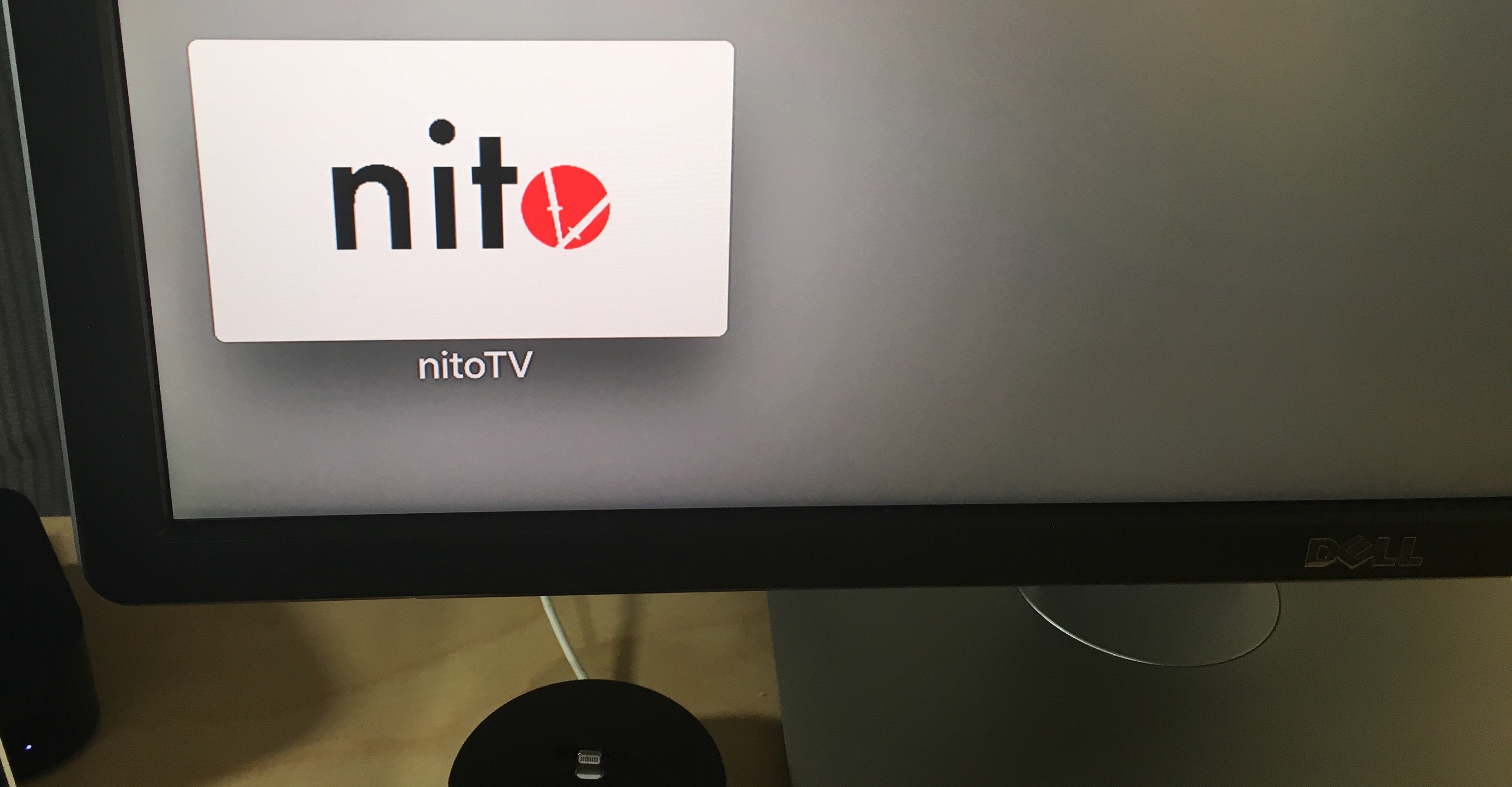
How-To: Install NitoTV on a jailbroken Apple TV 4

NitoTV Apple TV 4

If you have a jailbroken Apple TV 4, and are wondering what you can do with it, then look no further than Kevin Bradley’s NitoTV 1.0. The just-released utility is an all-in-one tool for those of you who have jailbroken their Apple TV 4. NitoTV 1.0 lets you install packages, and is sort of like the Cydia equivalent for tvOS. Check out the full how-to guide inside.
Expand
Expanding
Close

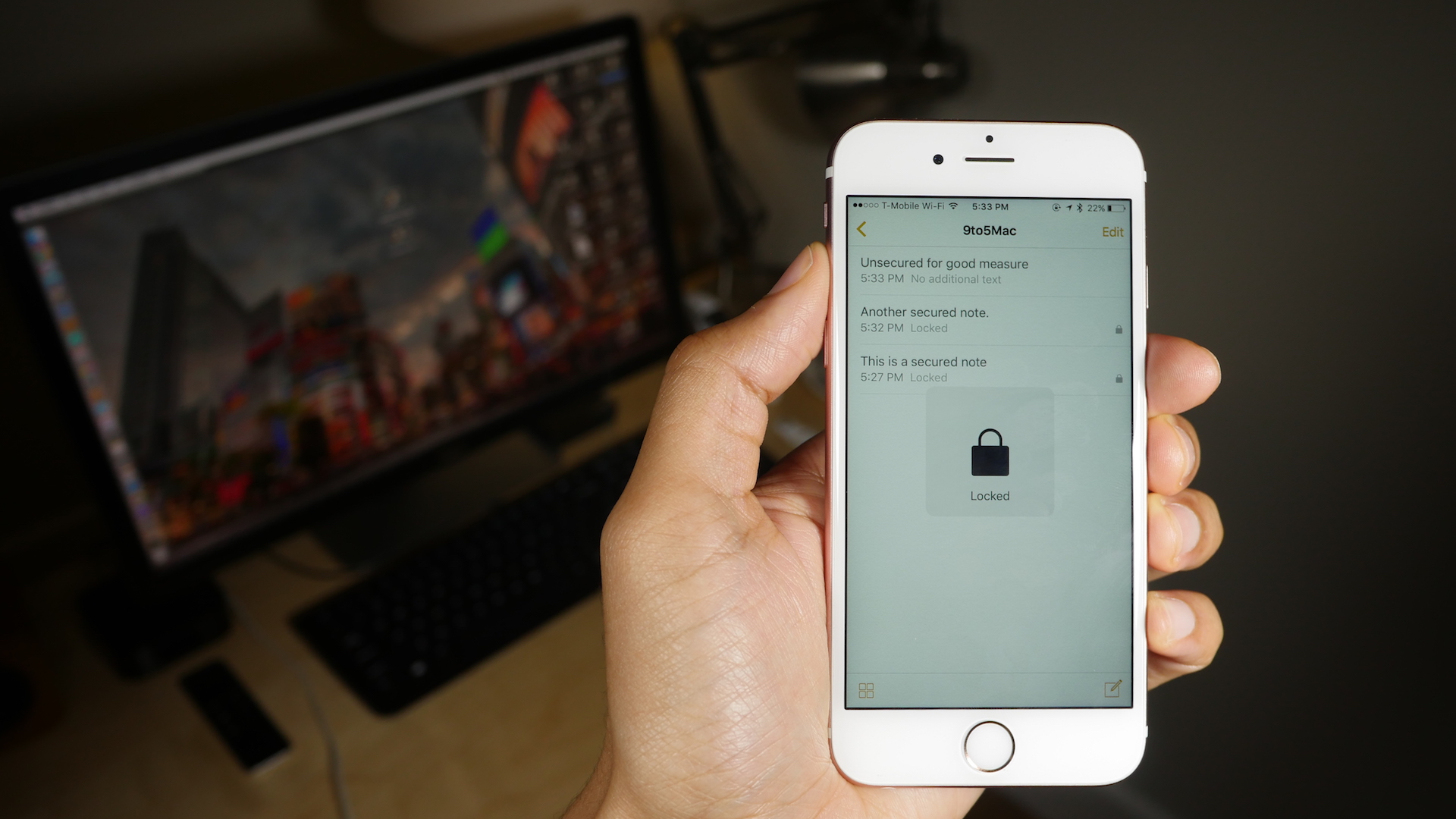
How-To: Set up and use password-protected Notes on iOS 9.3 [Video]

How to secure notes in iOS 9.3

Along with Night Shift mode, having the ability to password-protect notes in the default Notes app is one of the big new features in iOS 9.3. Individual notes within the Notes app can now be secured with a password, and Touch ID users can gain even faster access to password-protected notes.

Securing notes in iOS 9.3 is a simple exercise on the surface, but it’s not always entirely straightforward. Have a look at our full video walkthrough and tutorial for all of the details.
Expand
Expanding
Close

Site default logo image

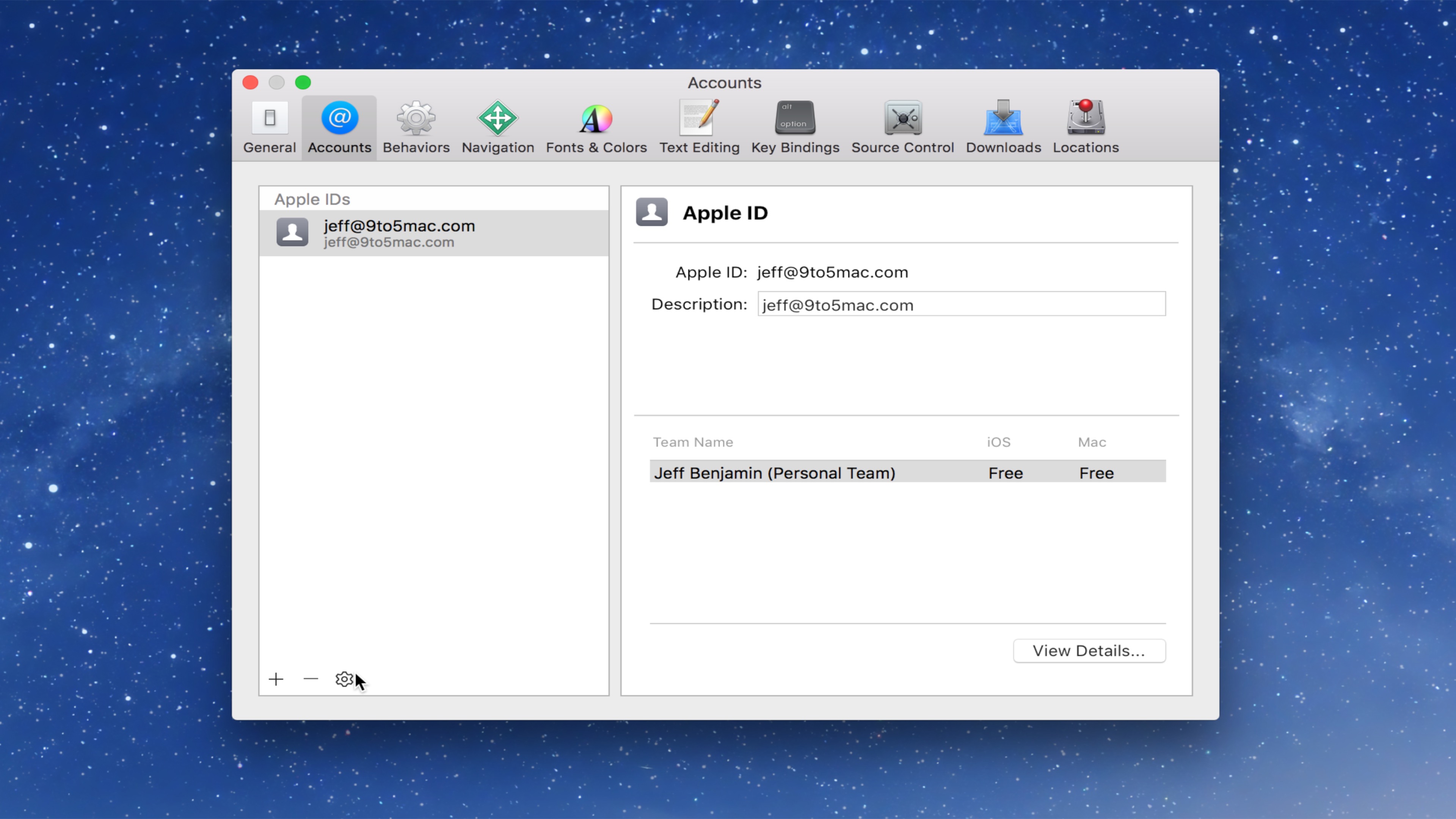
How-To: Create a free Apple developer account for sideloading apps

Xcode Free Apple Developer Account

Starting with Xcode 7, Apple made it possible to sideload apps on the iPhone, iPad, and Apple TV using a free Apple ID. Although a paid developer account is still required to deploy apps to the App Store, users wishing to sideload open source apps on a personal device can do so with relative ease. In this post, we’ll show you how easy it is to create a free Apple developer account for sideloading apps using Xcode.
Expand
Expanding
Close

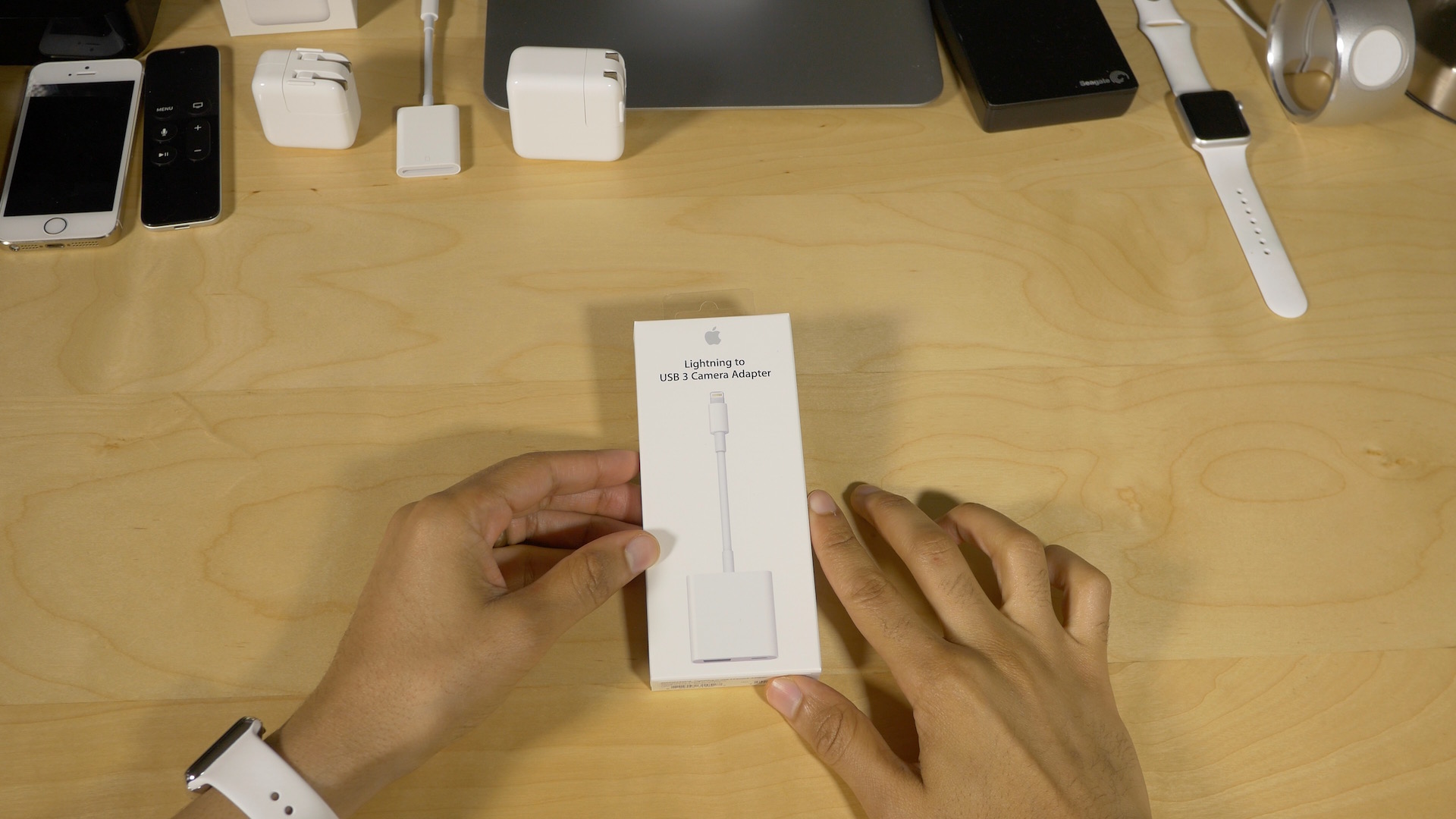
Review: Lightning to USB 3 Camera Adapter – a podcaster’s best friend

Site default logo image

Lightning to USB 3 Camera Adapter

In addition to Apple’s newly released USB-C to Lightning Cable, which allows for faster iPad Pro charging, Apple also released a new Lightning to USB 3 Camera Adapter. This new $39.00 adapter is geared towards allowing users to easily transfer photos and videos from digital cameras to the iPad Pro.

But it’s no secret that this adapter has other talents, such as being able to power USB microphones for applications like podcasting, song recording, and voiceovers. Apple says that you can also connect USB accessories like hubs, Ethernet adapters, MIDI interfaces, flash readers, and more.

12.9″ iPad Pro owners received an added bonus as well, that being able to take advantage of the iPad Pro’s USB 3 transfer speeds. All of this considered, is the Lightning to USB 3 Camera Adapter a worthwhile investment?
Expand
Expanding
Close