Numerous, a dashboard app for tracking a wide range of numbers, is an iOS app gem in terms of taking advantage of Apple technologies and one of my favorite lesser known apps for that reason. Today a new version of Numerous is being released adding new channels including a Tesla channel for Model S owners as well as a Google Sheets channel for tracking numbers from spreadsheets… Expand Expanding Close
Facebook is out with a useful update to its Messenger app for iPhone and iPad today adding an action extension for sharing content from other apps on iOS 8. This adds the ability to have deep Facebook Messenger integration with other apps including Safari and Photos just like Apple’s own Messages app.
Once enabled, you can do things like share images and videos from the Photos app or links from Safari directly to your contacts on Facebook Messenger without having to jump back and forth between apps. Facebook Messenger version 22.0 is rolling out now on the App Store.
WordPress’s mobile blogging app for iPhone and iPad also received a new update bringing the experience closer to that on the desktop … Expand Expanding Close
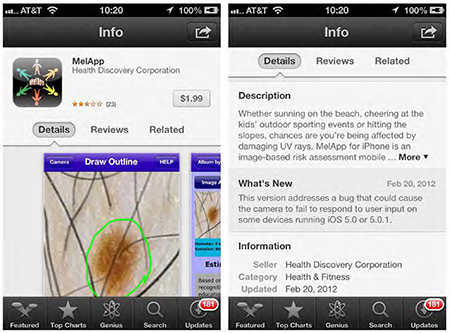
The FTC is fining the creators of two different smartphone apps, both of which were previously available as paid apps on the App Store, for falsely claiming to detect symptoms of melanoma. The two apps, MelApp and Mole Detective, have long been removed from the App Store (although a version of Mole Detective remains on Google Play for $4.99), and Apple appears to have cracked down on similar apps that were available on the store as recently as early 2014.
The Federal Trade Commission has challenged marketers for deceptively claiming their mobile apps could detect symptoms of melanoma, even in its early stages. In two separate cases, marketers of MelApp and Mole Detective have agreed to settlements that bar them from continuing to make such unsupported claims. The agency is pursuing charges against two additional marketers of Mole Detective who did not agree to settle.
It’s not the first and it likely won’t be the last time app makers face scrutiny from government officials over health care claims as fitness becomes more of a focus on mobile devices and companion wearables. As recently as November, the FTC was said to be pressing Apple on how it plans to use sensitive health related data collected from its upcoming Apple Watch launching in April.
Audio software developer Camel Audio announced in January that it would be shutting down for good and removing its software from sale, but no one knew quite why. However, it now appears that the company has been acquired by Apple.
Today Camel Audio updated some of its corporate information, including its address and directors, as listed on the UK government’s Companies House website. The new address is 100 New Bridge Street in London, which also happens to be the address of Apple’s UK offices.
Tweetbot for iPhone 3.5.2 has been released today to support the native videos introduced by Twitter recently. The update allows users to play back the clips recorded and shared natively in the official Twitter app. Today’s new build also adds improvements to how the app handle’s GIFs shared using the pic.twitter.com service and fixes a variety of bugs.
The developers have also promised “exciting updates” coming to the app soon. You can get Tweetbot for iPhone for $4.99 on the iOS App Store.
What’s New in Version 3.5.2:
We’ve got some exciting updates coming up over the next few months. Stay tuned…
– Support for viewing Twitter videos
– Better support for Twitter GIFs
– Various bug fixes
Google just announced that its new YouTube Kids app is available for both iOS and Android devices starting today. The new app for kids is the first of its kind for Google, but the launch follows reports that Google was preparing kid-friendly versions of YouTube, Chrome, Search and other apps. Expand Expanding Close
Tapbots, the developers behind the popular third party Twitter app Tweetbot, is out today with a major new version of their advanced calculator app Calcbot. As the ‘bot’ theme implies, Calcbot approaches the stock calculator experience and applies character through animations and sounds while delivering more function than the out-of-the-box calculator from Apple.
The completely new version follows the debut of Calcbot for Mac last fall and includes support for quick iCloud sync between the Mac and iOS versions. While the new version of Calcbot is free, an in-app purchase unlocks additional features including what was previously a separate app called Convertbot. Expand Expanding Close
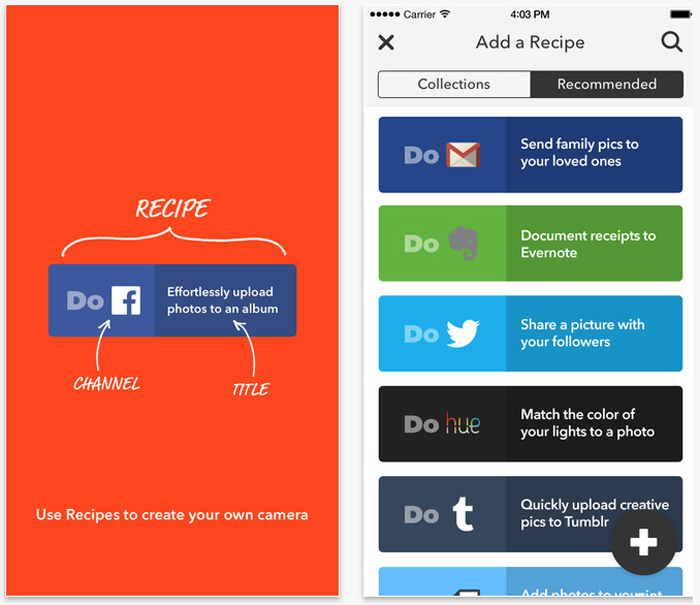
I’m a huge fan of IFTTT, the iOS app (and web app) that allows you to do really clever things completely automatically, just by creating or downloading an ‘if this then that’ rule–which IFTTT calls a ‘recipe.’ For example, if you’d like to save a copy of a photo anytime you are tagged on Facebook, there’s a recipe for that. Want to switch on a WEMO-controlled light when the sun goes down, there’s a recipe for that too. Pretty much anything you might want to automate has an existing recipe–and if it doesn’t, you can create your own.
But while IFTTT is incredibly powerful, the developers found that some people found it so overwhelming they didn’t know where to start. The company has now addressed that by creating three cut-down apps, each of which can perform only three functions: Do Button (geared for controlling hardware), Do Camera (to automatically post, share or save photos) and Do Note (to quickly write something and save it as a note, make it a calendar entry, tweet it and so on) … Expand Expanding Close
Southwest Airlines has updated its mobile app with support for Apple’s Passbook, allowing users to quickly access their boarding passes from the lock screen when boarding a flight. The Passbook card also presents critical information about a passenger’s flight, including departure time and gate, and flight number.
The new version of the app also includes fixes for issues reported by users. It’s available now from the App Store for free.
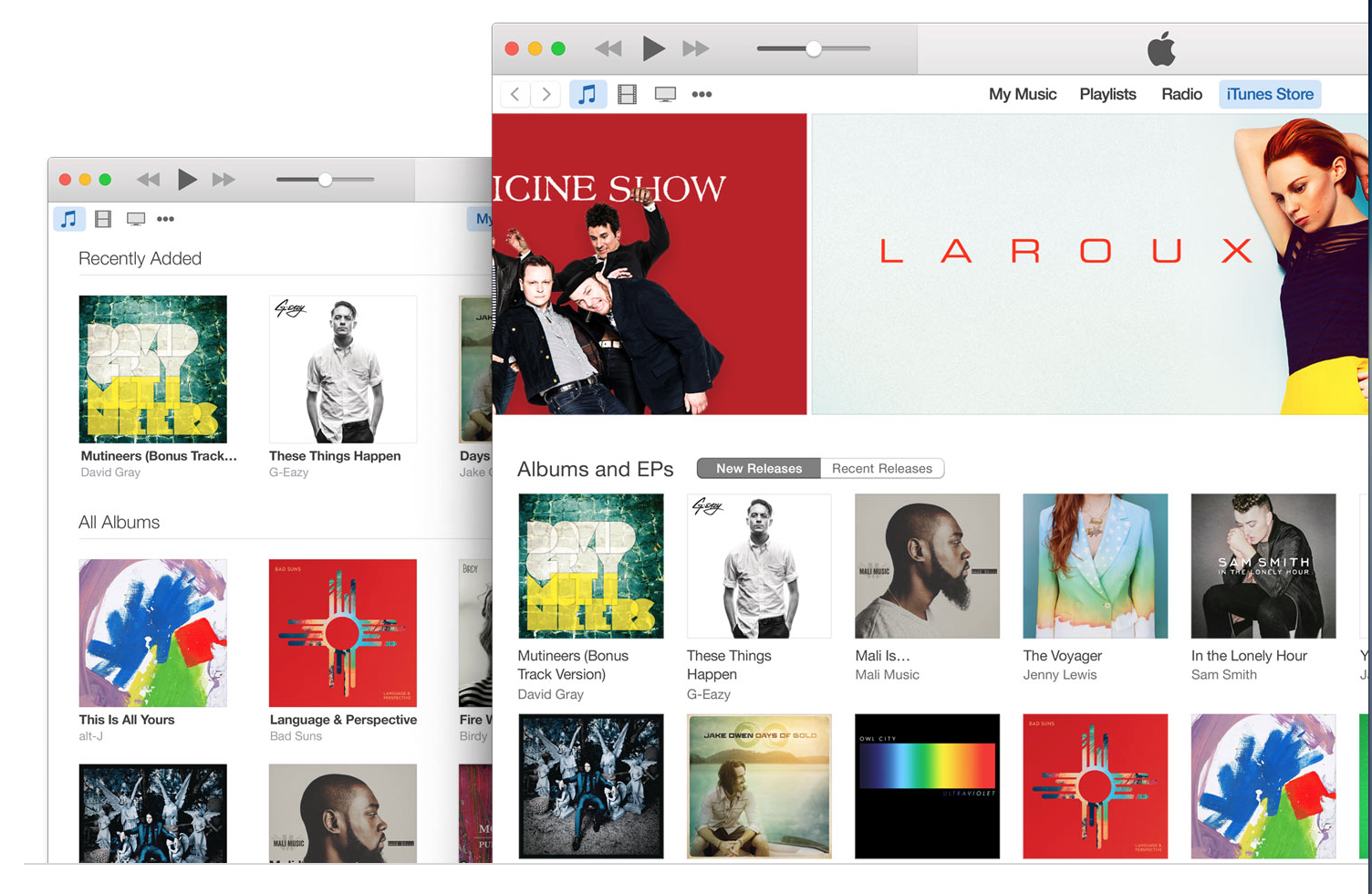
After releasing iTunes 12.1 in January adding a Notification Center widget for OS X Yosemite users on the Mac, Apple has released a minor update to iTunes 12.1 specifically for Windows users.
According to the release notes, iTunes 12.1.1 addresses an issue that caused audio playback to glitch while also improving syncing between Outlook and iPhones and iPads. Apple also says the update “improves compatibility with screen readers.”
The latest version is rolling out now so iTunes users on Windows should be able to update soon.
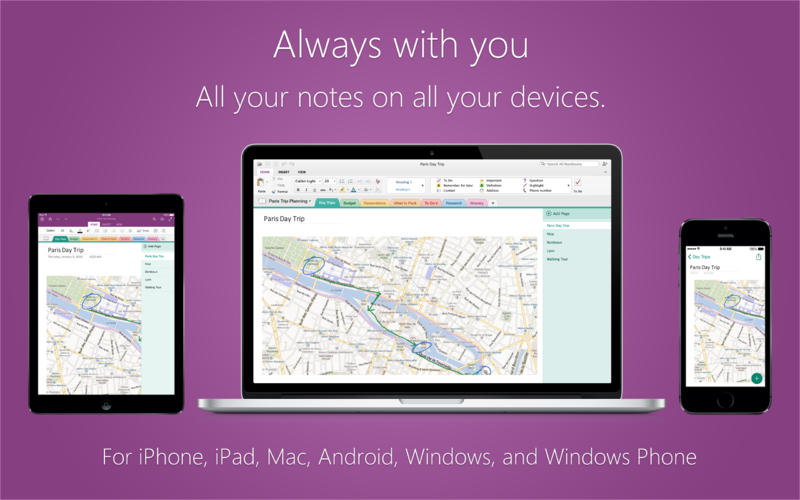
OneNote, Microsoft’s cross-platform application for taking and organizing notes, received a useful update on the Mac adding support for OCR, or optical character recognition. OneNote version 15.7.1, which is rolling out on the Mac App Store now, adds the ability to scan images from OneDrive notebooks for text.
Once OneNote’s OCR system has ran, you can actually copy the text and save it to your notes just like if it were a editable text file from the start. Searching images for text is currently possible for new images added to OneDrive notebooks, but a future version will make text search possible on existing images as well.
The update also includes the ability to toggle viewing authors and closing the window without quitting the app. Microsoft also added support for iCloud Drive on its iOS versions of Office yesterday. Full release notes below:
NBC has followed in ABC’s footsteps and released an update for its iOS app that introduces live streaming of the network’s content directly to an iPhone or iPad. Similarly to ABC’s offering, the feature is only available in a few select cable markets that this time and requires a subscription to a cable or satellite partner.
Using the coupon code ULTRAMAC5 at checkout, 9to5 readers can get an extra $5 discount over at Specials.9to5Toys.com to buy the whole bundle for $39.99 – that’s 91% off from the $470 retail price.
Every app’s latest version is included, none of which has ever been in a bundle before (except AfterShot Pro 2). In fact, 6 of the apps cost more by themselves than the whole bundle does!
Here’s what’s in the goodie bag:
ScreenFlow 5 ($99.99) – The best screen recording tool for Mac. Version 5 was released in October and has never been in a bundle before.
Things 2 ($49) – Award-winning task management app that’s never been in a bundle before.
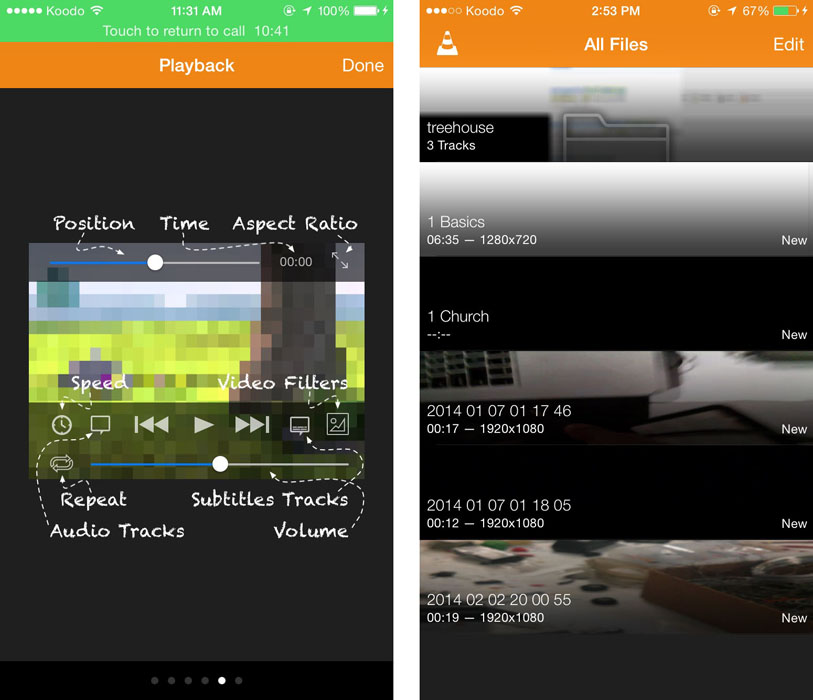
Chromecast support in VLC will allow users to stream their stored media to their TVs from supported devices, including iPhones, iPads, and Macs. Android devices and computers running Windows are also expected to get the upgrade.
VideoLan, the development company behind VLC, hasn’t announced the availability date for version 3.0 yet. You can grab the current version of the iOS app from the iTunes App Store.
Google this afternoon has begun rolling out a major update to the Play Music app on iOS. The update packs a handful of new features and enhancements, including a totally refreshed Material Design interface, and for the first time, an iPad optimized interface, as well.
Dropbox for iPhone and iPad users is getting a lot more powerful today as the latest version includes a new action extension for iOS 8. This allows you to save information from various apps to Dropbox on iOS without having to open the cloud-syncing app. Expand Expanding Close
Google acquired the popular email client Sparrow back in 2012 and announced that the entire team would be joining Google to work on Gmail. Since that acquisition, Sparrow apps received only a handful of updates and have been seemingly neglected in favor of Google’s new Inbox initiative. Over the past few days, however, Sparrow appears to have received the final nail in its coffin as it has been removed from both the Mac App Store and iOS App Store (via TechCrunch).
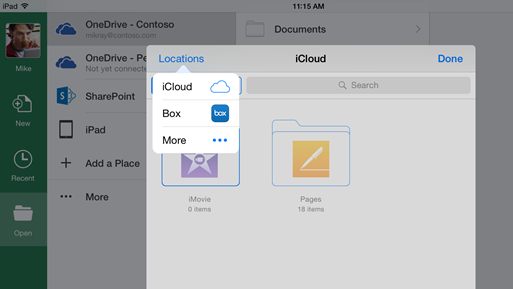
Microsoft is today rolling out an update to its Office apps for iOS devices bringing the ability to save to iCloud and tap into storage from other services across all three apps. Expand Expanding Close
The VLC for iOS app–a favorite media player for many–has returned to the App Store in some countries and is expected to be available for all shortly. Some existing US users (us included!) are also reporting on Reddit being able to update to the latest version (2.4.1) if they have the previous version from before it was removed.
The app has something of a checkered history in the App Store, first removed from the store way back in 2011 after a licensing dispute; the original open-source developers claiming that the App Store terms were incompatible with the GNU Public License for the code. The app finally returned in 2013 before disappearing once more last September … Expand Expanding Close
Nike today released a long-awaited update to its FuelBand app for iPhone users with the fitness tracking FuelBand wearable adding support for sharing NikeFuel points with Apple’s Health app on iOS 8. The update also adds support for motion tracking right from the iPhone for iPhone 5s users and up and no longer requires a Nike FuelBand to use.
The new version uses HealthKit, a framework introduced with iOS 8, to let Nike’s FuelBand app share data easily and with your permission to Apple’s built-in Health app and other apps that integrate with HealthKit. NikeFuel, the fitness company’s metric for tracking movement throughout the day, is featured as a supported fitness metric in Apple’s own Health app. Expand Expanding Close
Apple has started enforcing a long-ignored rule in its App Store guidelines regarding what kinds of content can appear in app metadata. According to rule 3.6 in the guidelines document:
Apps with App icons, screenshots, and previews that do not adhere to the 4+ age rating will be rejected
This rule has been mostly unenforced since the App Store launched, but according to a new report from Pocket Gamer, some app developers are starting to see their apps rejected for depictions of violence in their screenshots.
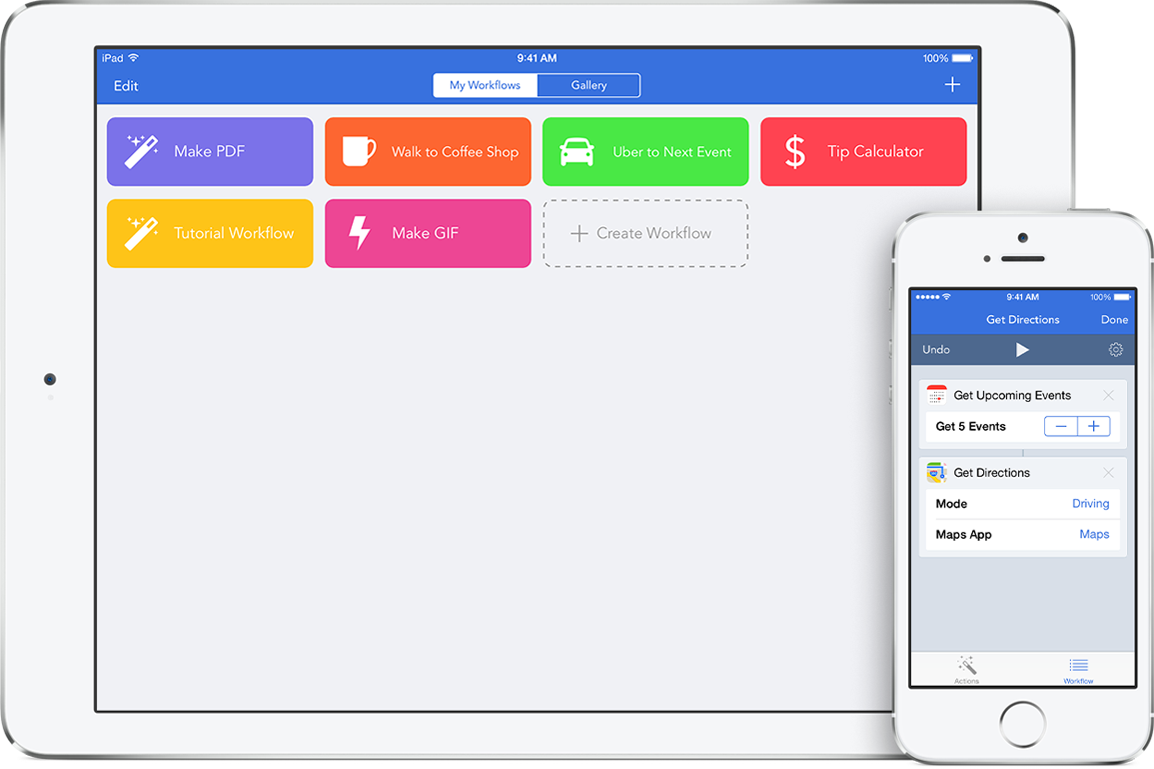
Leveraging the power of iOS 8 extensions and new system customization options, Workflow debuted on the iPhone and iPad last year bringing a powerful automation app to users. Today the team behind Workflow is releasing version 1.1, which adds support for over 5o new actions in addition to including new features and updating some existing actions. Check out the latest from Workflow for iOS below: Expand Expanding Close