HomeKit

See All Stories

HomeKit is Apple's home automation framework that lets you control connected accessories from your iPhone, iPad, Apple Watch, HomePod, and Siri.
Your home at your command.

What is HomeKit / Apple Home?

Along with several other new APIs for developers, Apple announced HomeKit in June 2014, which allows all home automation accessories/devices to work together in harmony with iOS. The API allows home automation developers to centralize all home automation without needing separate apps to access each device’s specific features. These devices include locks, lights, cameras, doors, thermostats, plugs, switches, and more.

HomeKit allows for secure pairing with devices and the ability to control individual devices. It also makes it possible to group several home automation devices into scenes that allow for easier control of any automation device in specific situations. One of the coolest features available with HomeKit is the ability to control any home automation accessory with Siri based on certain commands or scenes previously configured with these devices.

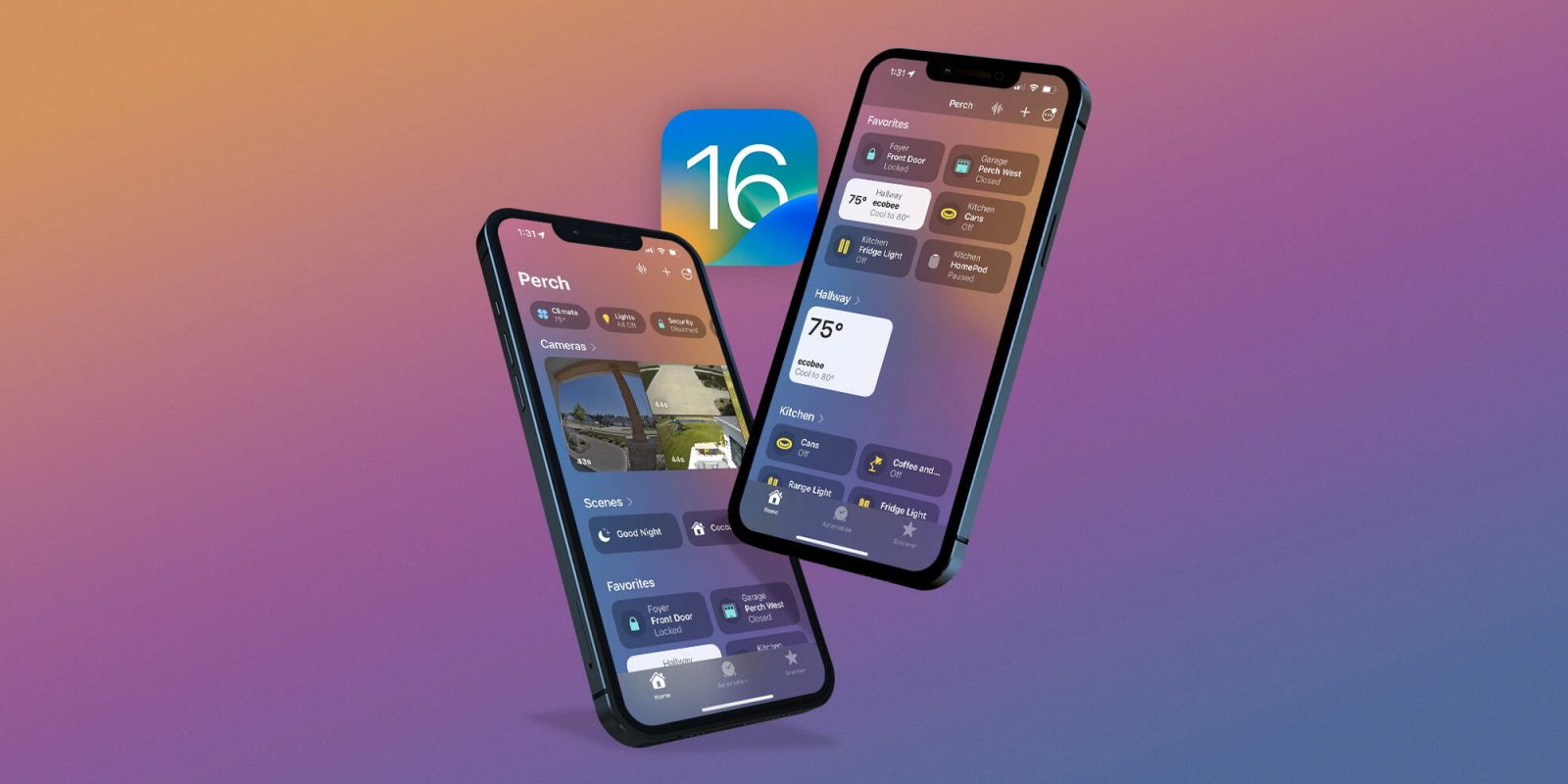
In 2016, Apple introduced a new Home app that came with a modern look, relatively easy-to-use controls, and access to accessories and scenes from anywhere on iOS 10. Apple’s new built-in Home app arrived on the iPhone’s Home screen, plus you can access a ton of functions from the Lock screen or anywhere on iOS from the new Control Center once you have a HomeKit accessory set up.

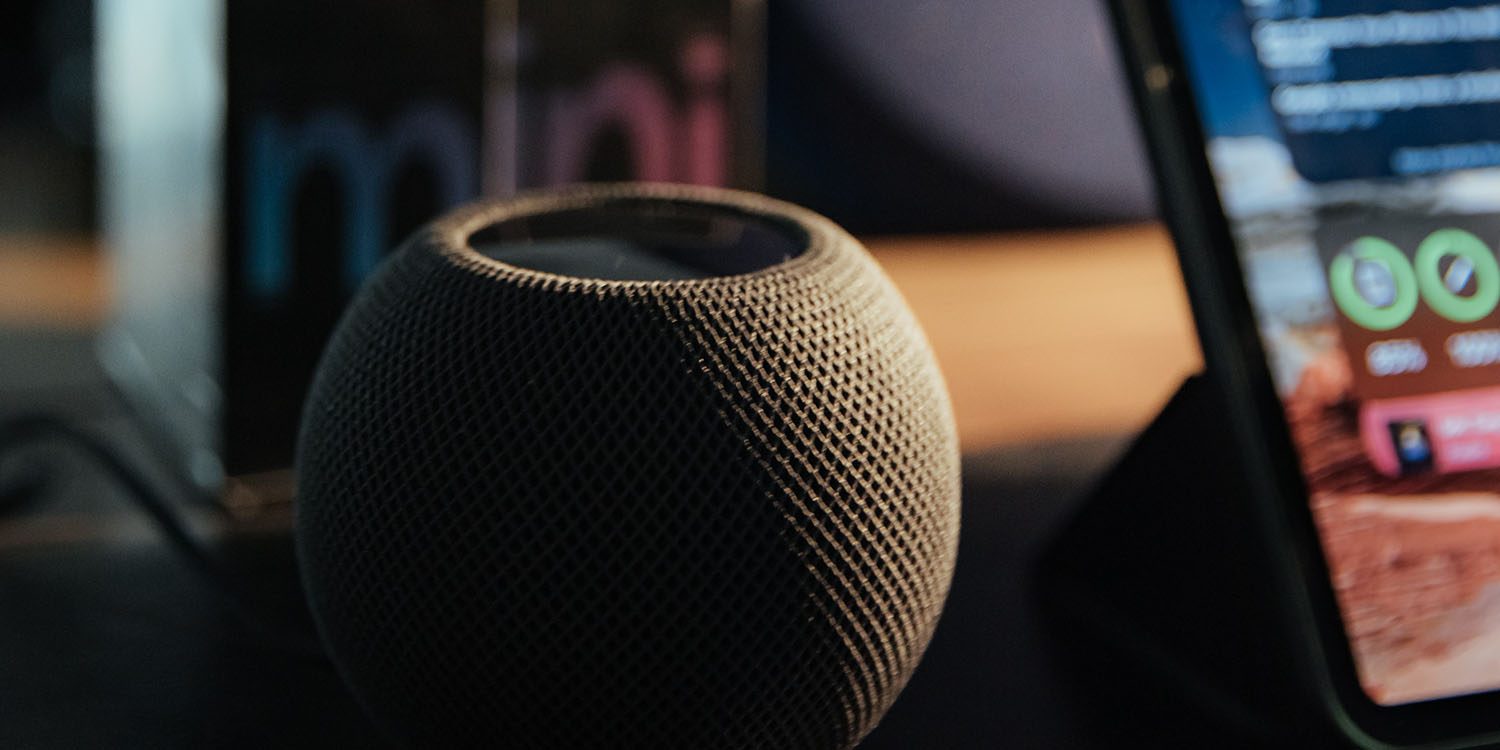
In 2018, Apple released the HomePod. It was a way to interact with your connected home devices through Siri using a standalone device.

In 2020, Apple announced that tvOS 14 would gain access to the Home app. iOS 14 is also bringing improvement to the Home app UI.

HomeKit Secure Video
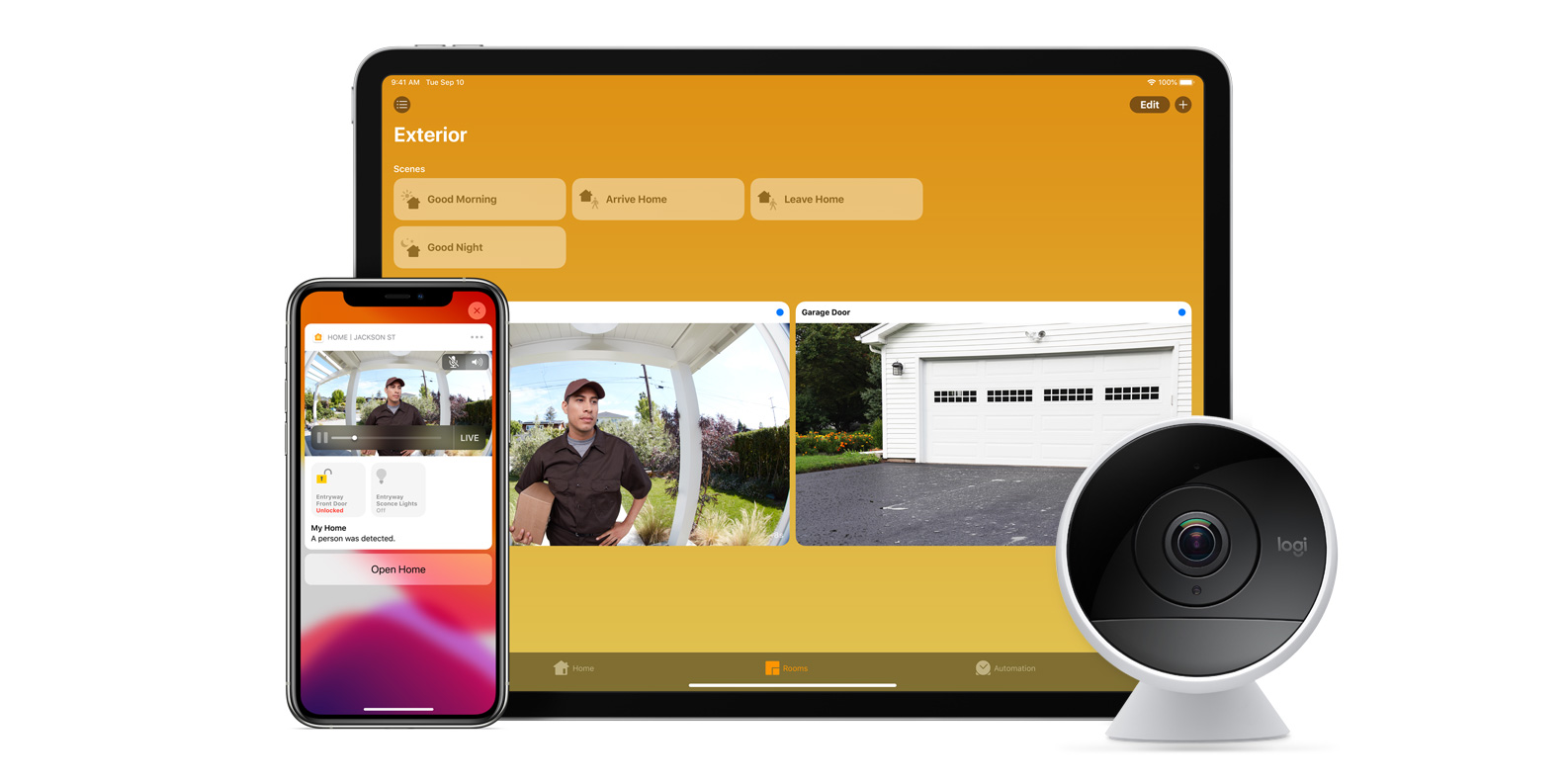
With iOS 13, Apple announced HomeKit Secure Video.

Footage from home security cameras contains your most personal and sensitive data. With HomeKit Secure Video, activity detected by supported cameras is privately analyzed by your home hub using on‑device intelligence to determine if people, pets, or cars are present. When important activity is detected, you and anyone you share your Home app with will receive a rich notification that lets you view the clip right from the Lock Screen. Recorded video is available to view for ten days from the Home app. It’s securely stored for free in supported iCloud accounts and doesn’t count against your storage limit.

While the rollout has been slow, Logitech, Arlo, Netatmo, and Eufy are among the early standouts. With recent privacy issues with Ring, HomeKit Secure Video is likely to continue to grow in popularity. One key benefit with Secure Video is that it works with your existing iCloud storage (200GB and up plan), so you don’t have an extra monthly fee for storage.

HomeKit Router
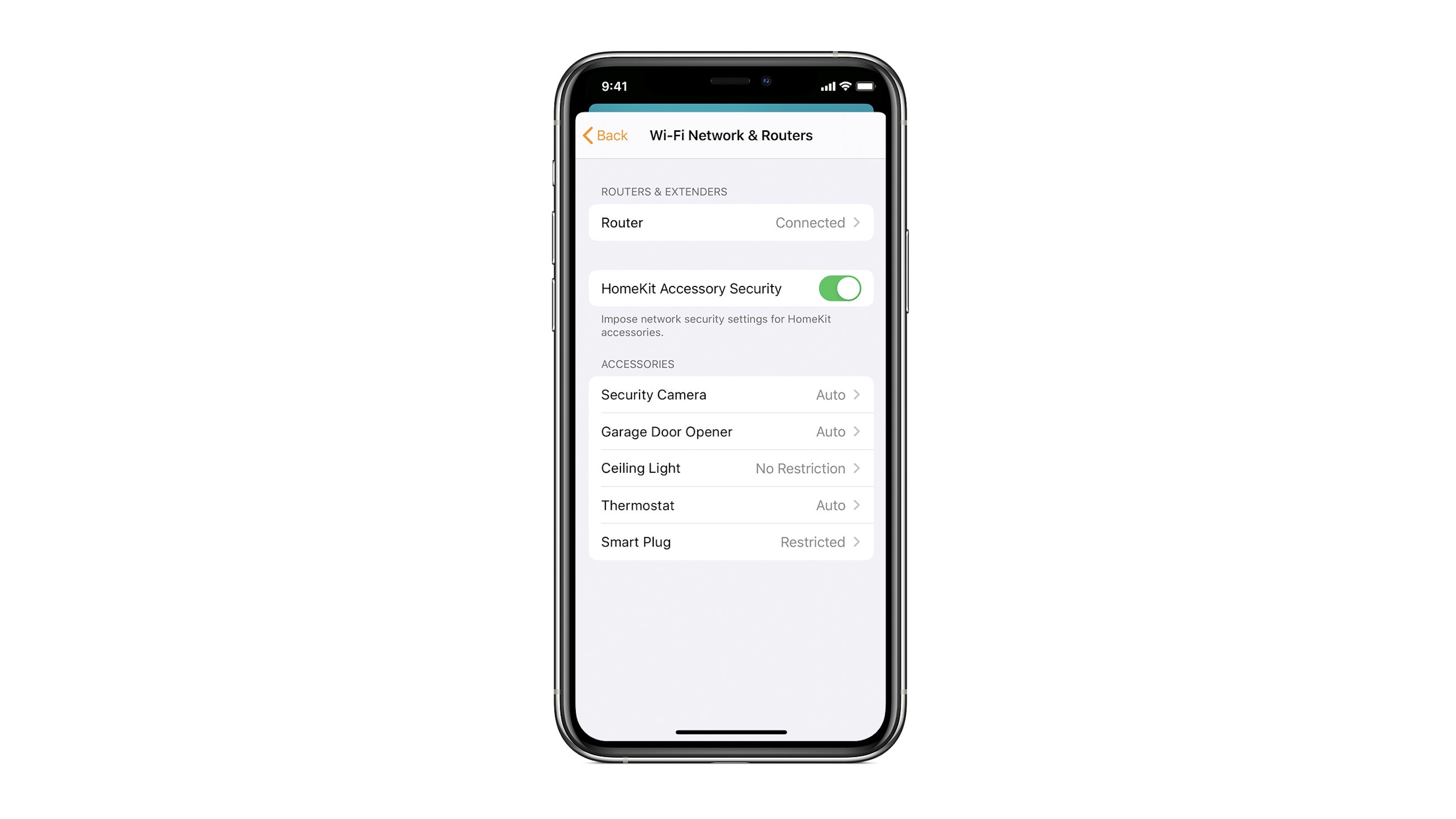
HomeKit Router was also announced with iOS 13, but it wasn’t released until early 2020. The idea behind the feature is you can give granular control to smart home enabled devices to control where on the internet they can reach.

eero was the first company to roll out support in for HomeKit Router.

With Apple HomeKit, eero gives you even more protection of your HomeKit accessories and an easy way to manage what they are allowed to communicate with in your home and through the internet.

There are three levels of security Apple offers for accessories paired with HomeKit routers:

  • Restrict to Home: Most secure. Your accessory can interact only with HomeKit through your Apple devices. The accessory won’t connect to the Internet or any local devices, so any third-party services, like firmware updates, might be blocked.
  • Automatic: Default security. Your accessory can communicate with HomeKit and connections recommended by its manufacturer.
  • No Restriction: Least secure. This setting bypasses the secure router and allows your accessory to interact with any device in your network or Internet-based service.

How Do You Use HomeKit?
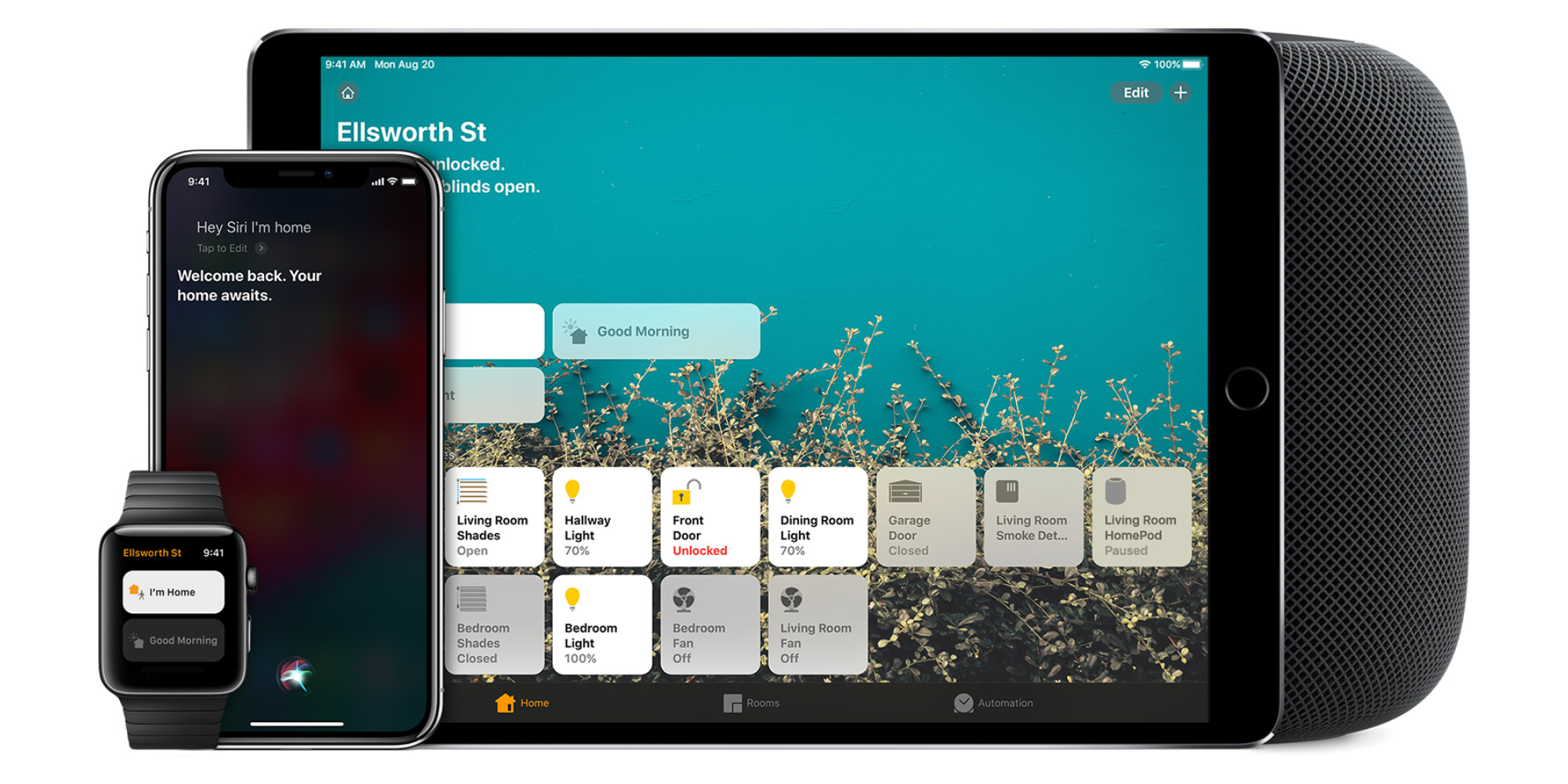
Homekit app

HomeKit devices can be controlled from iPad, iPhone, Mac, Apple Watch, and HomePod. A 4th generation Apple TV (or newer) is an essential Apple smart home device as it acts as a bridge over iCloud to allow access to your devices when away from home.

9to5Mac’s Bradley Chambers does a regular column about the “Apple Home” lifestyle in his HomeKit Weekly column.

HomeKit Weekly: Nanoleaf Essentials A19 is a great HomeKit Bulb with Thread support

Nanoleaf Essentials A19

The world of smart home lighting is getting more and more crowded. HomeKit-enabled products are popping up left and right, but that’s not always a bad thing. There are plenty of great options out there now, and Nanoleaf is one of them. Today, we’ll be looking at the newest addition to their lineup: the Nanoleaf Essentials A19 Smart Bulb! If you only read one thing about this review, know this: It’s one of the only HomeKit bulbs with Thread support.

Expand Expanding Close

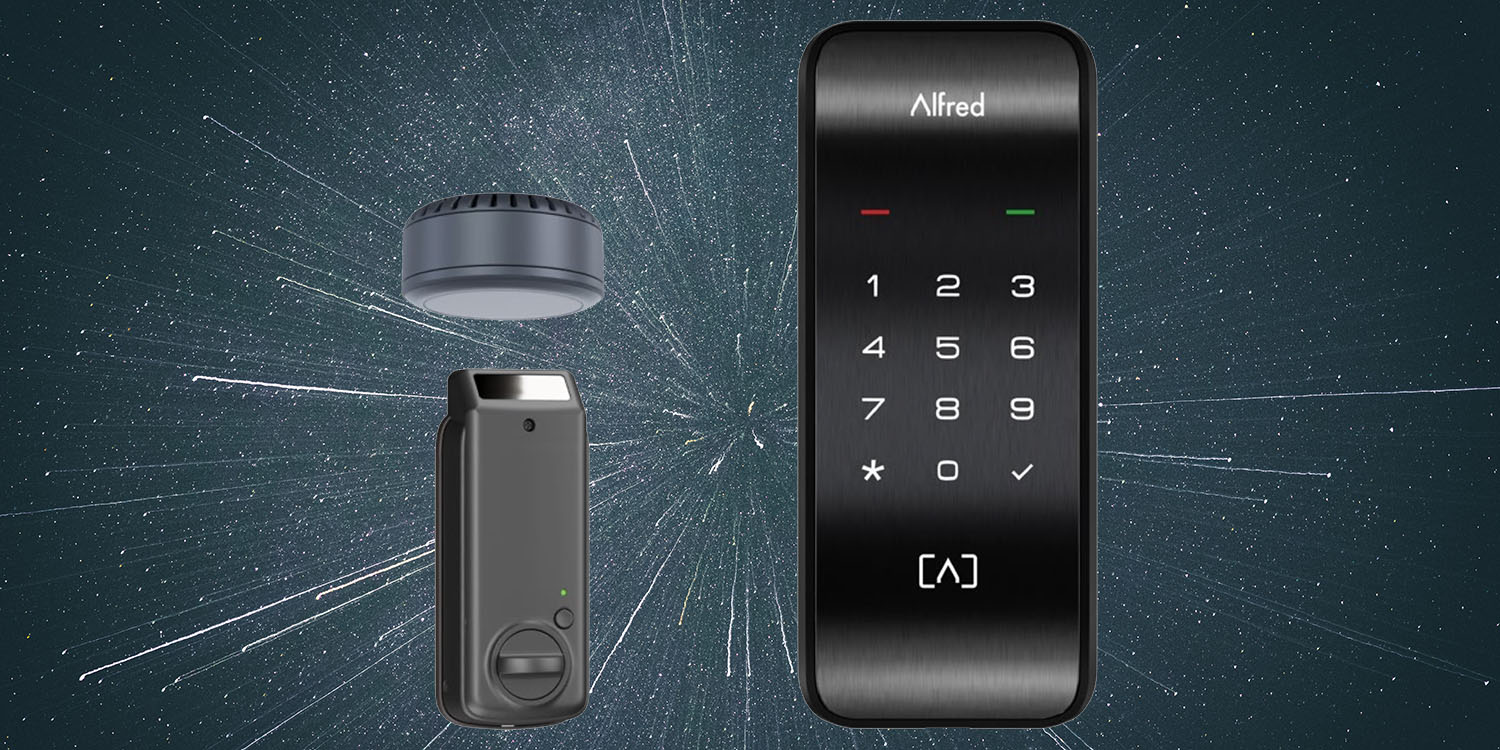
Long-range wireless charging a reality in new smart-lock – using infrared

Long-range wireless charging | Alfred infrared-powered smart lock

Long-range wireless power has been a long-term dream, where a single charger in a single location in our home, can beam power to all of our portable devices. That simply isn’t possible given existing technologies, but smart lock company Alfred has now turned one small part of the dream into reality.

However, rather than use RF energy – which has been the main approach to date – the company has instead turned to infrared …

Expand Expanding Close

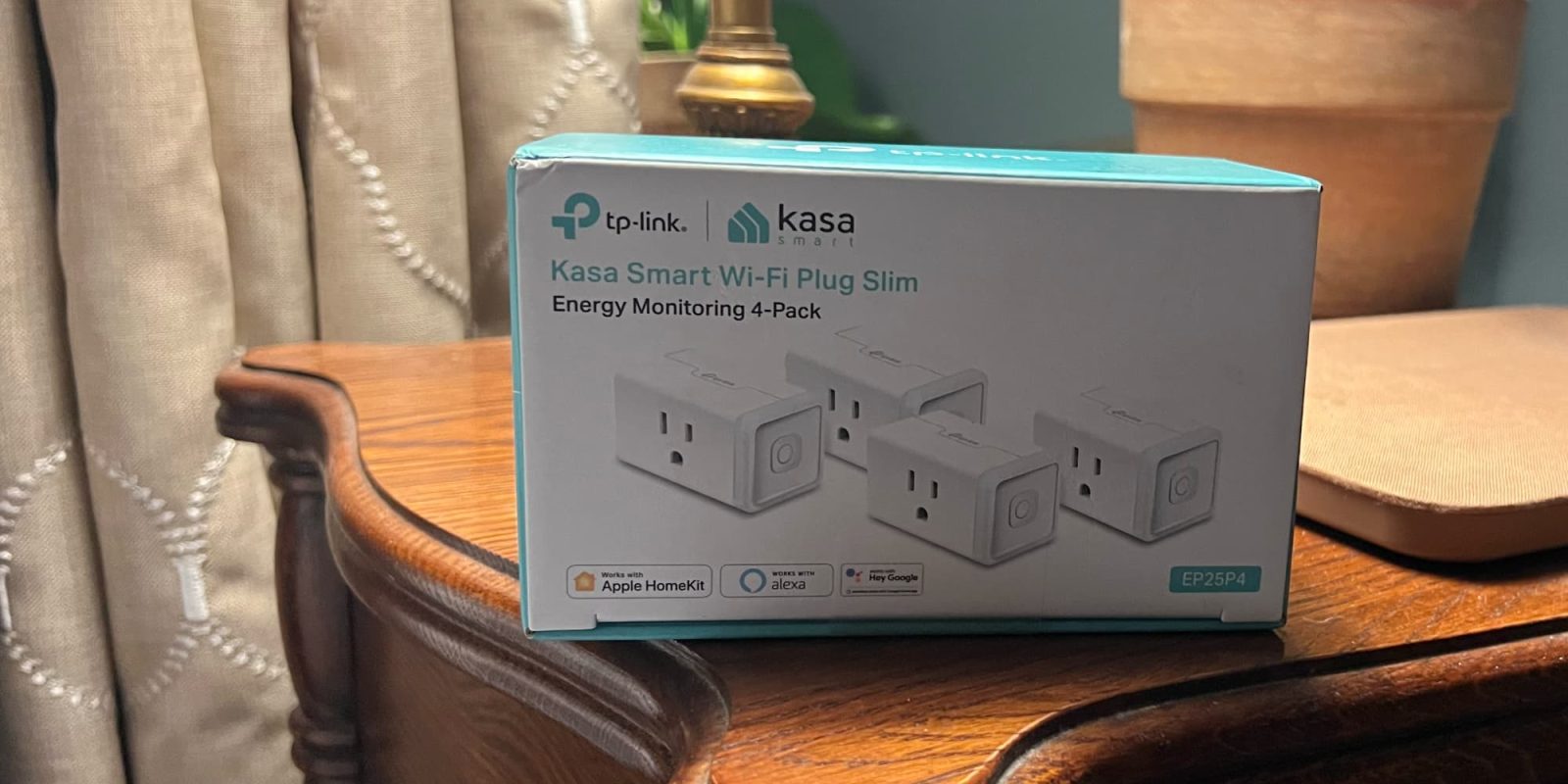
HomeKit Weekly: TP-Link Kasa Smart Plug Mini is a great value for HomeKit smart plugs

TP-Link smart plug

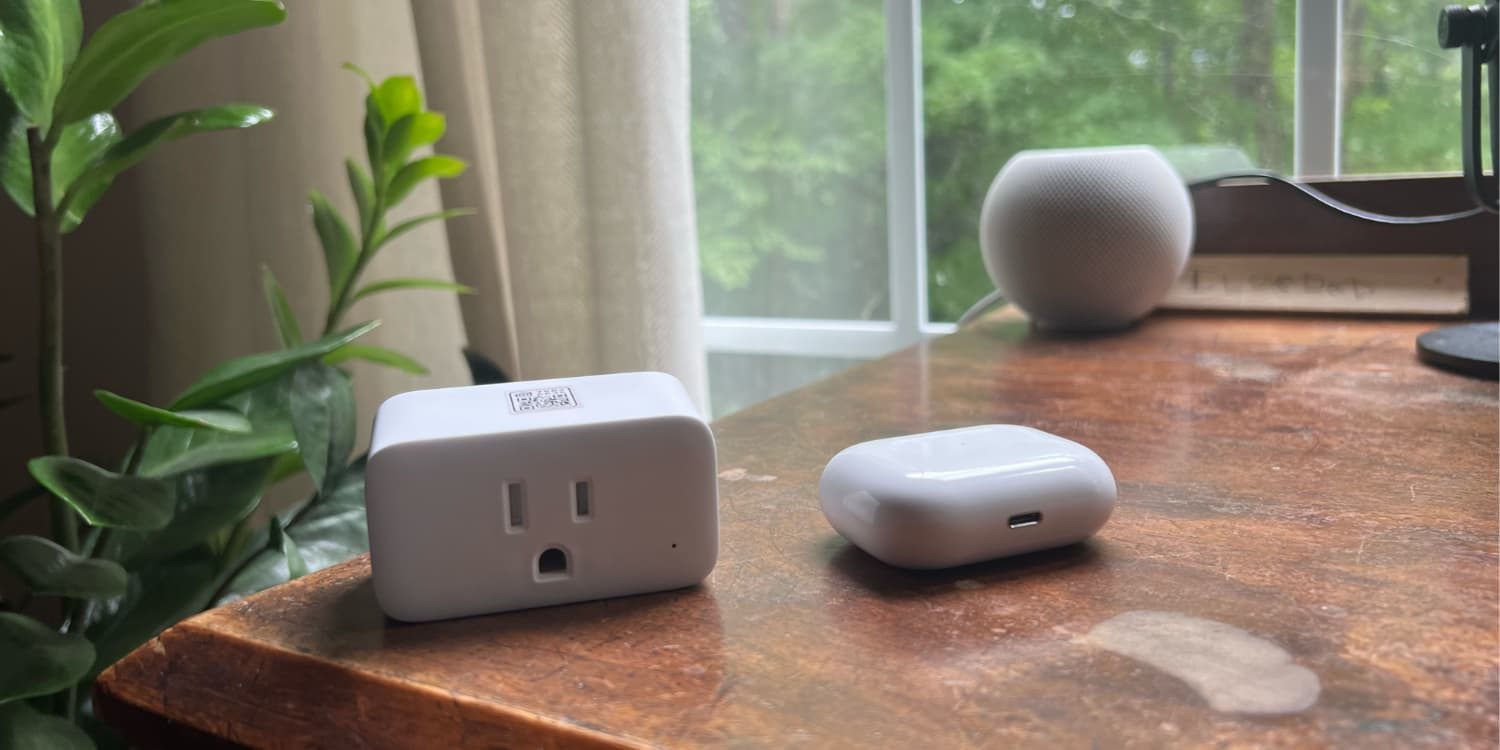
Smart plugs are easy to use and a great way to make your home smarter. But what if you’re looking for something that is not as expensive? There are many brands of smart plugs out there, including TP-Link Kasa Smart Plug Mini. This is one of the best values on the market when it comes to HomeKit compatible smart plugs. Not only does this plug have a low price, but it’s also compact enough that it will not block other outlets when placed next to each other. Let’s take a look at the HomeKit edition of the TP-Link Smart Plug Mini.

Expand Expanding Close

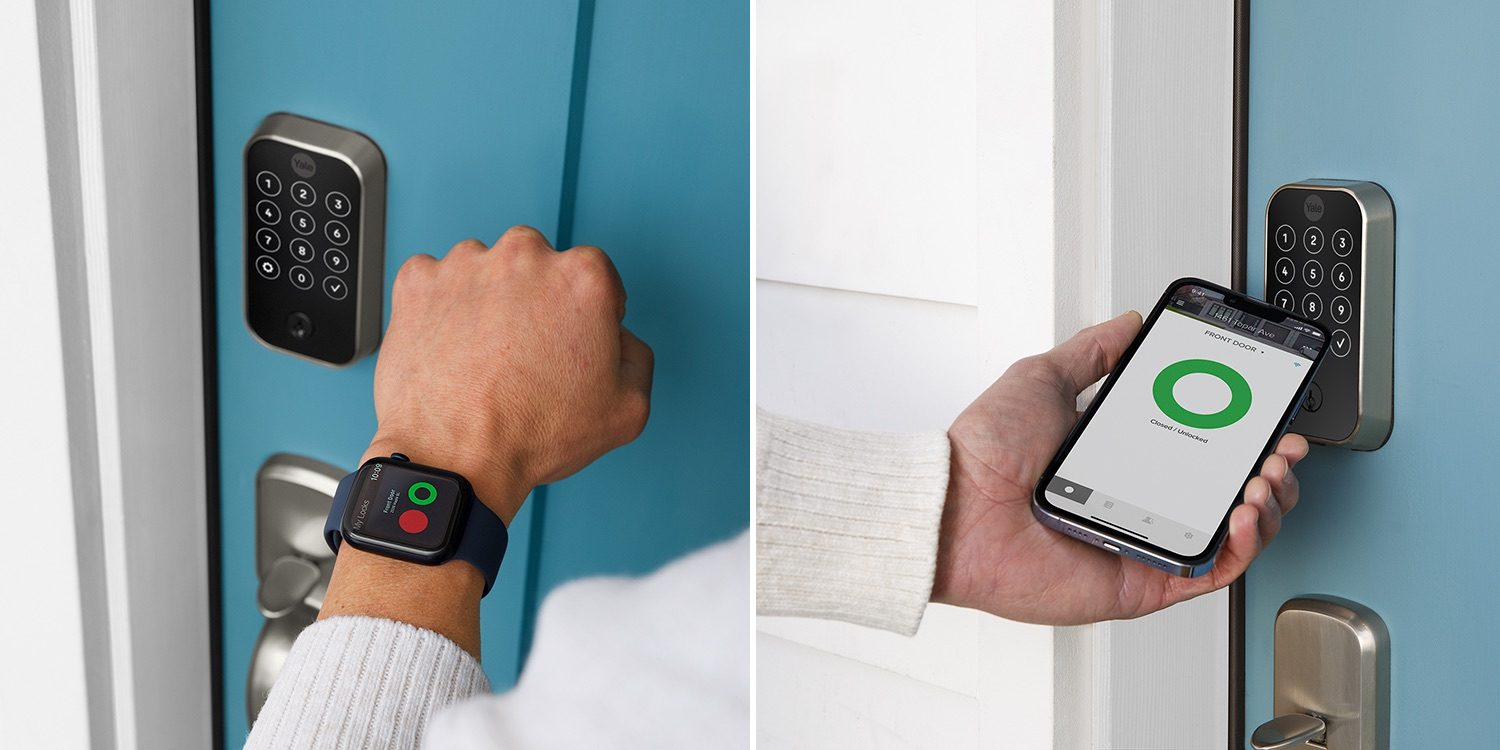
Matter-compatible smart locks on the way: Yale Assure 2 range; upgrades possible after purchase

Matter-compatible smart locks

Yale has announced that it will launch a new range of Matter-compatible smart locks in the fall – which are upgraded versions of its existing Assure Lock range. Matter support is likely to be added some time after the initial launch.

You’ll be able to open two of the models with your voice, iPhone, Apple Watch, keypad code, or physical key; the other two models lack the physical key slot …

Expand Expanding Close

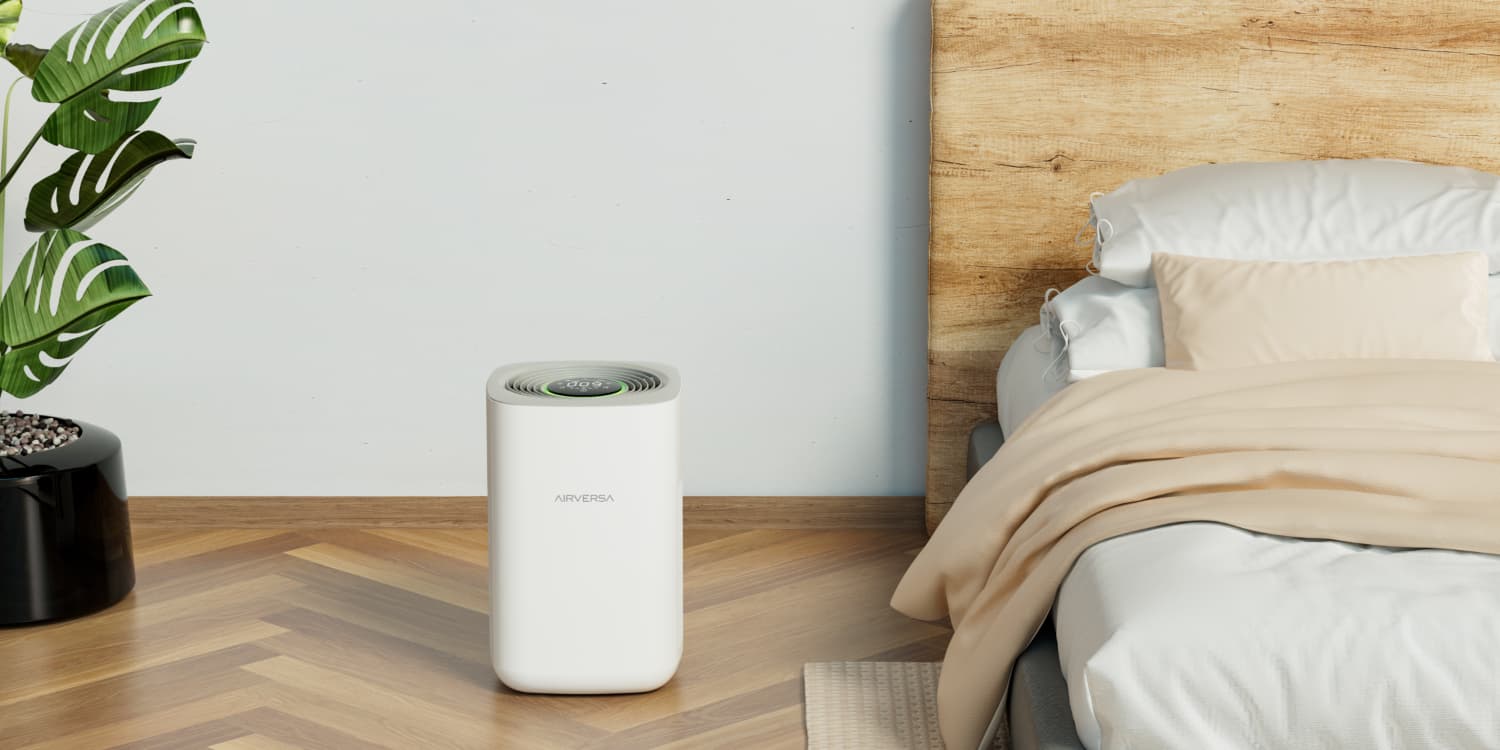
HomeKit Weekly: Airversa Purelle brings Thread support to Air Purifiers in a compact form factor

HomeKit Air Purifier

Thread continues to be the theme of HomeKit in 2022, with it becoming a key future-proofing checkbox I am looking for with all new HomeKit products. Currently, there’s only one HomeKit-enabled air purifier with Thread, and that is the Airversa Air Purifier. I’ve had it in place for a few weeks, and it’s quickly become my favorite HomeKit-enabled air purifier.

Expand Expanding Close

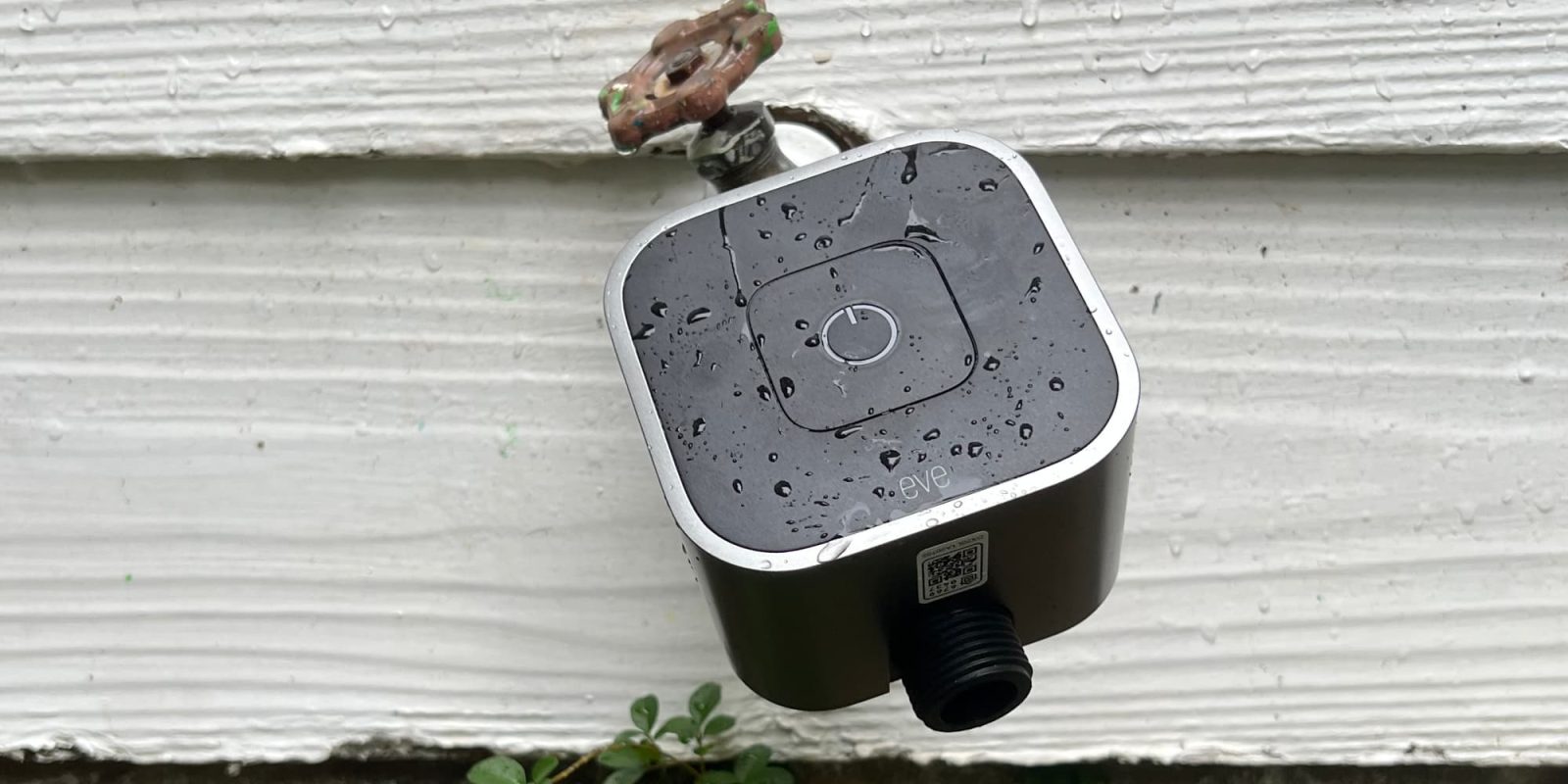
HomeKit Weekly: Eve Aqua with Thread is a low-budget way to convert a traditional sprinkler into a smart one

Eve Aqua

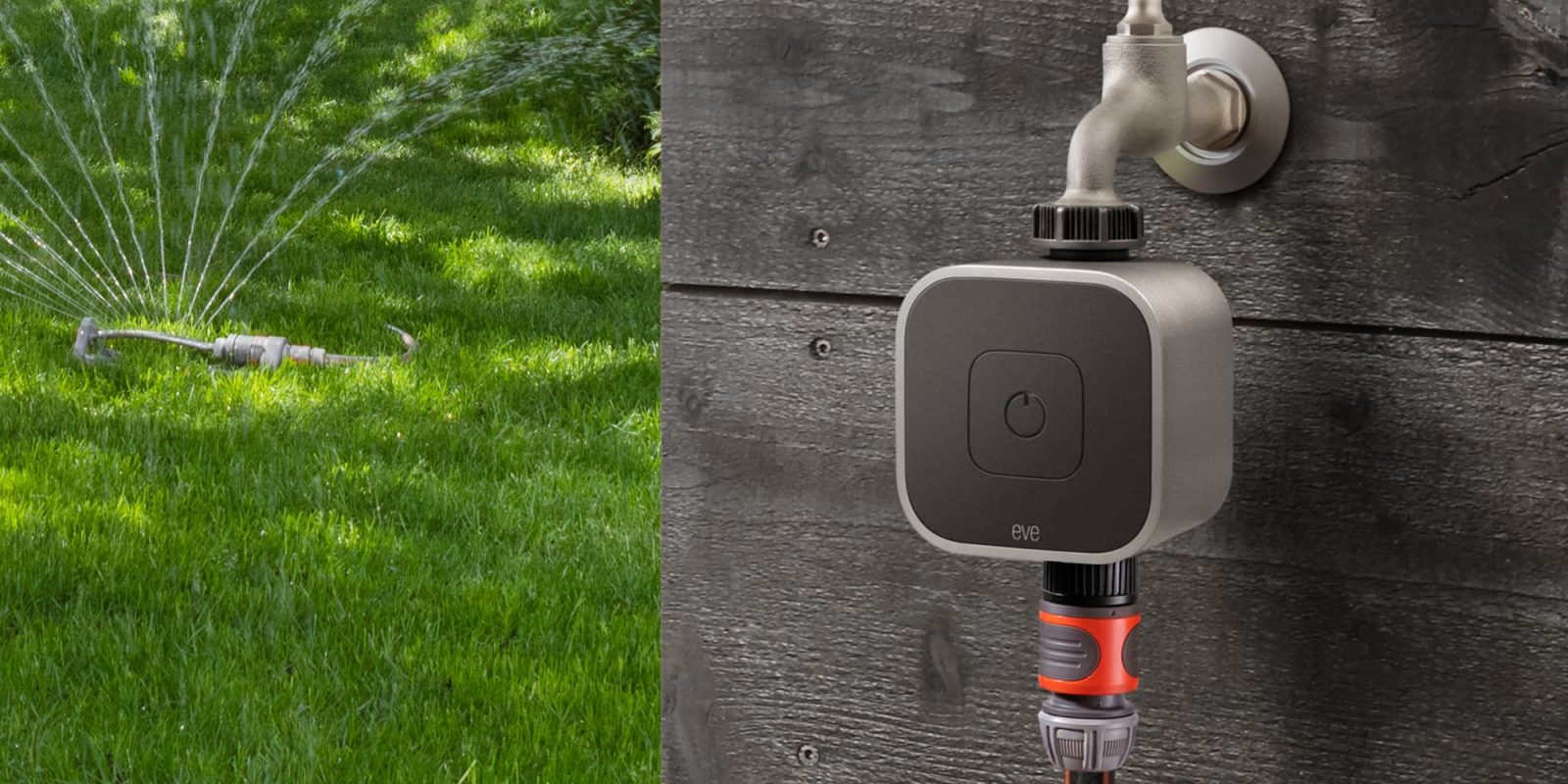
A few weeks ago, Eve announced the brand-new Eve Aqua with Thread. While Thread alone is a welcome upgrade for a device that is going to be farther away from Wi-Fi than most other HomeKit devices, it also received a nice overall build upgrade that is worth an upgrade if you’re an owner of the previous model.

Expand Expanding Close

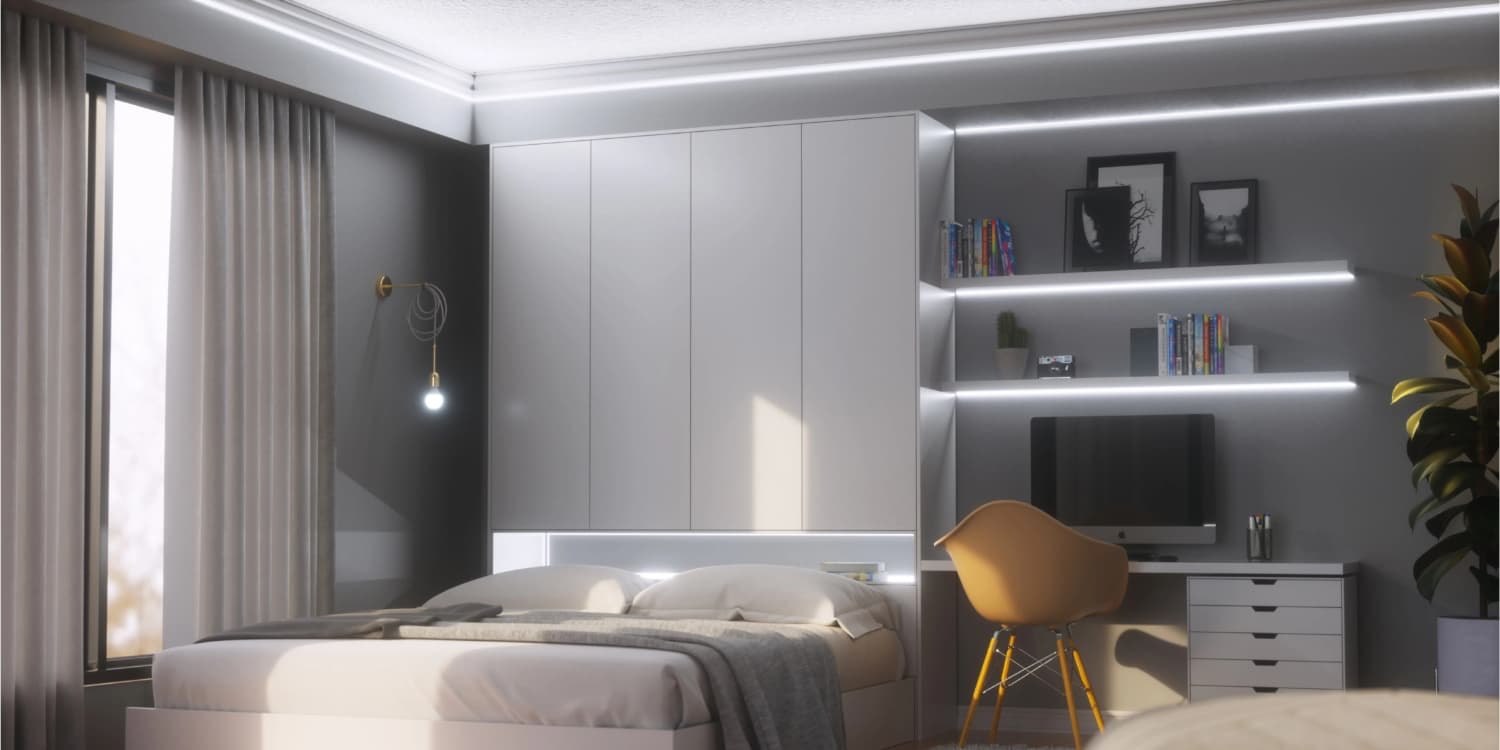
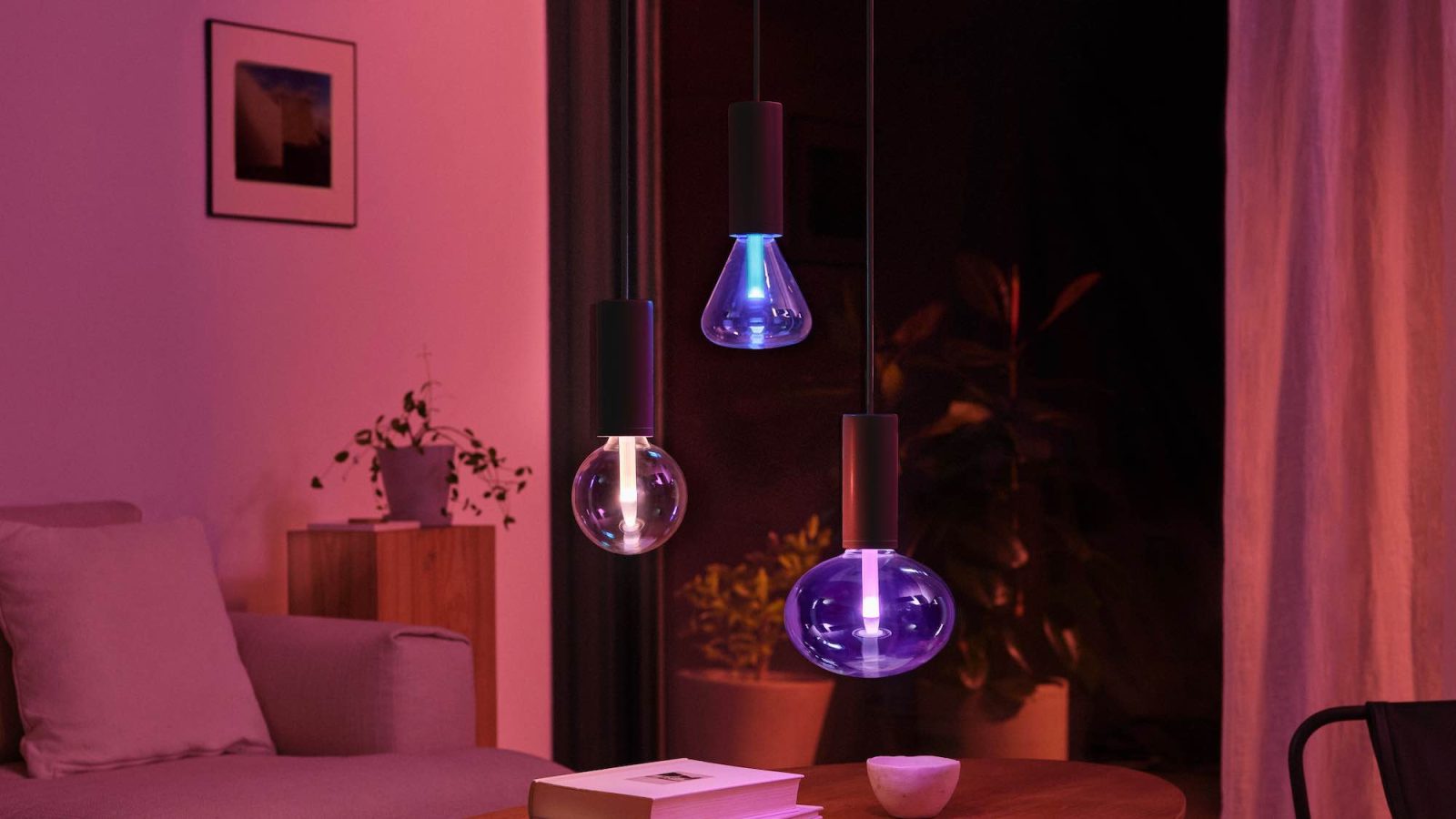
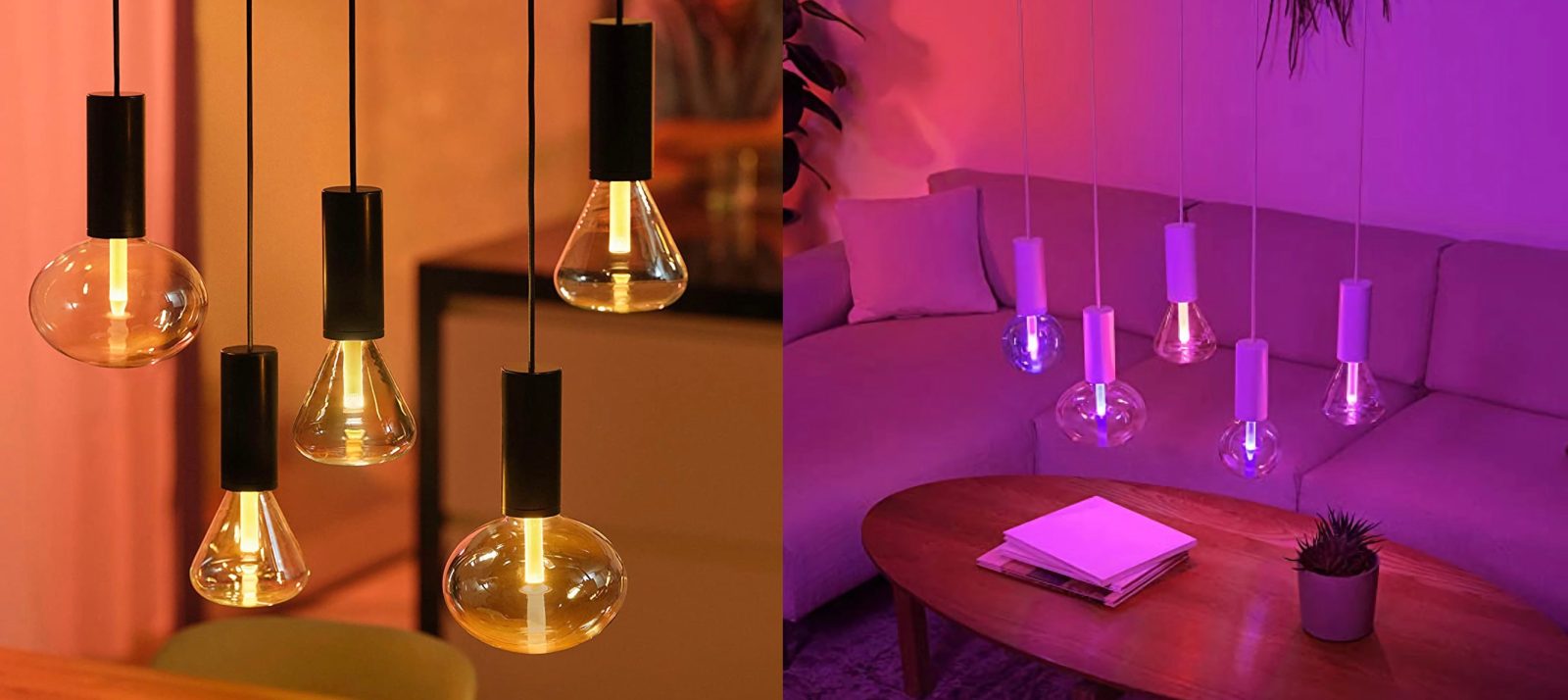
New Philips Hue ‘Lightguide’ bulbs leak with clever glowstick-style design

Philips Hue smart lights

Philips Hue is set to expand its lineup of HomeKit-capable accessories, at least according to the latest leak. The company appears to be prepping three new smart lights that it brands as “Philips Hue Lightguide” and are described as offering “unique shapes to match your style.” While they look incredibly sleek, they’ll come with a high price tag.

Expand Expanding Close

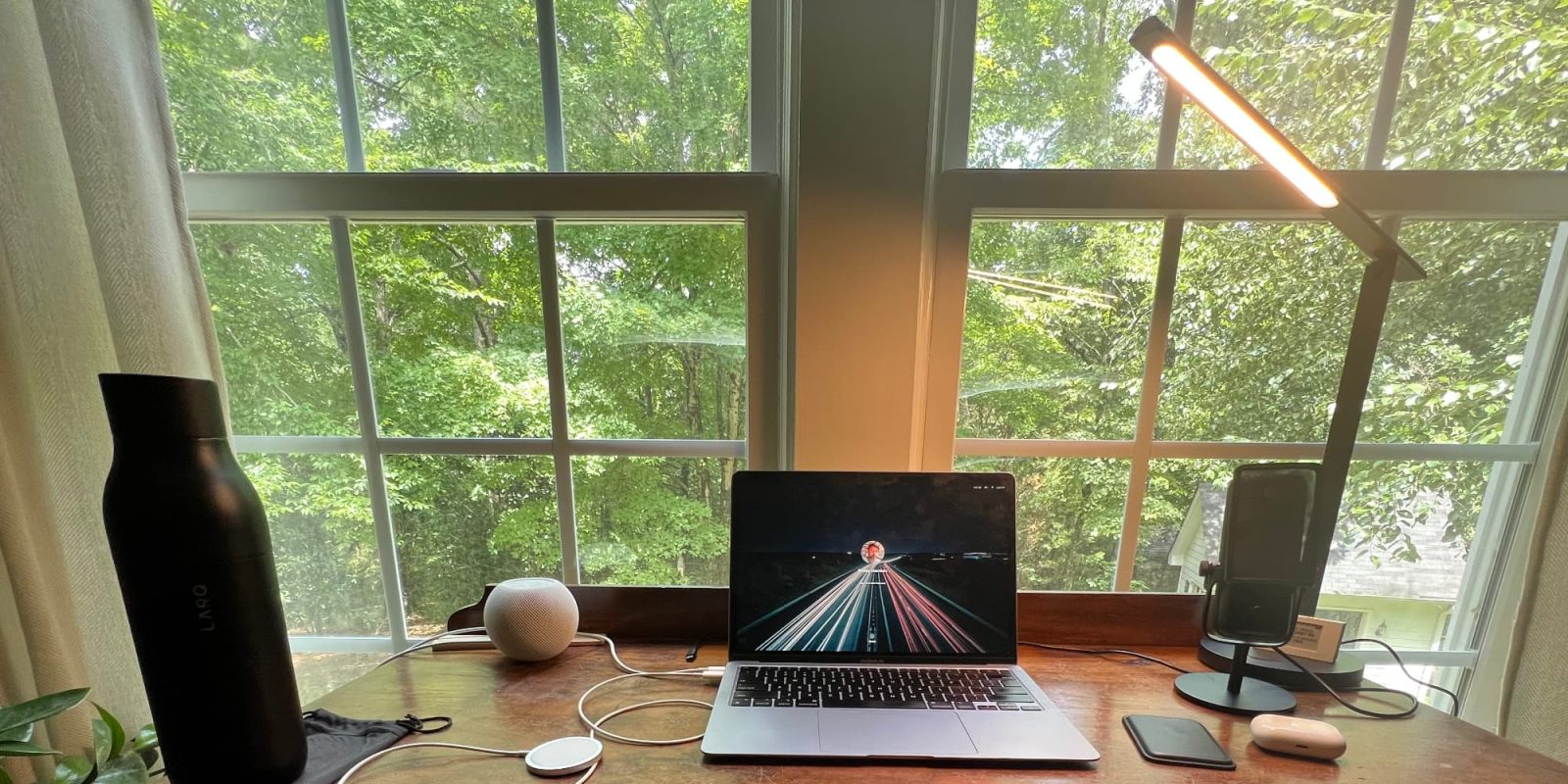
HomeKit Weekly: Meross desk lamp improves video meeting quality with a flexible arm, has HomeKit automation support

Meross desk lamp

Improving your video meeting quality might include upgrading your webcam, but it most definitely should include upgrading your desk lighting. If you want a budget upgrade that works with HomeKit, you’ll want to check out the Meross desk lamp. With a flexible arm for adjusting the lighting on your face, it makes for a simple way to improve the overall quality while keeping it simple on your desk setup.

Expand Expanding Close

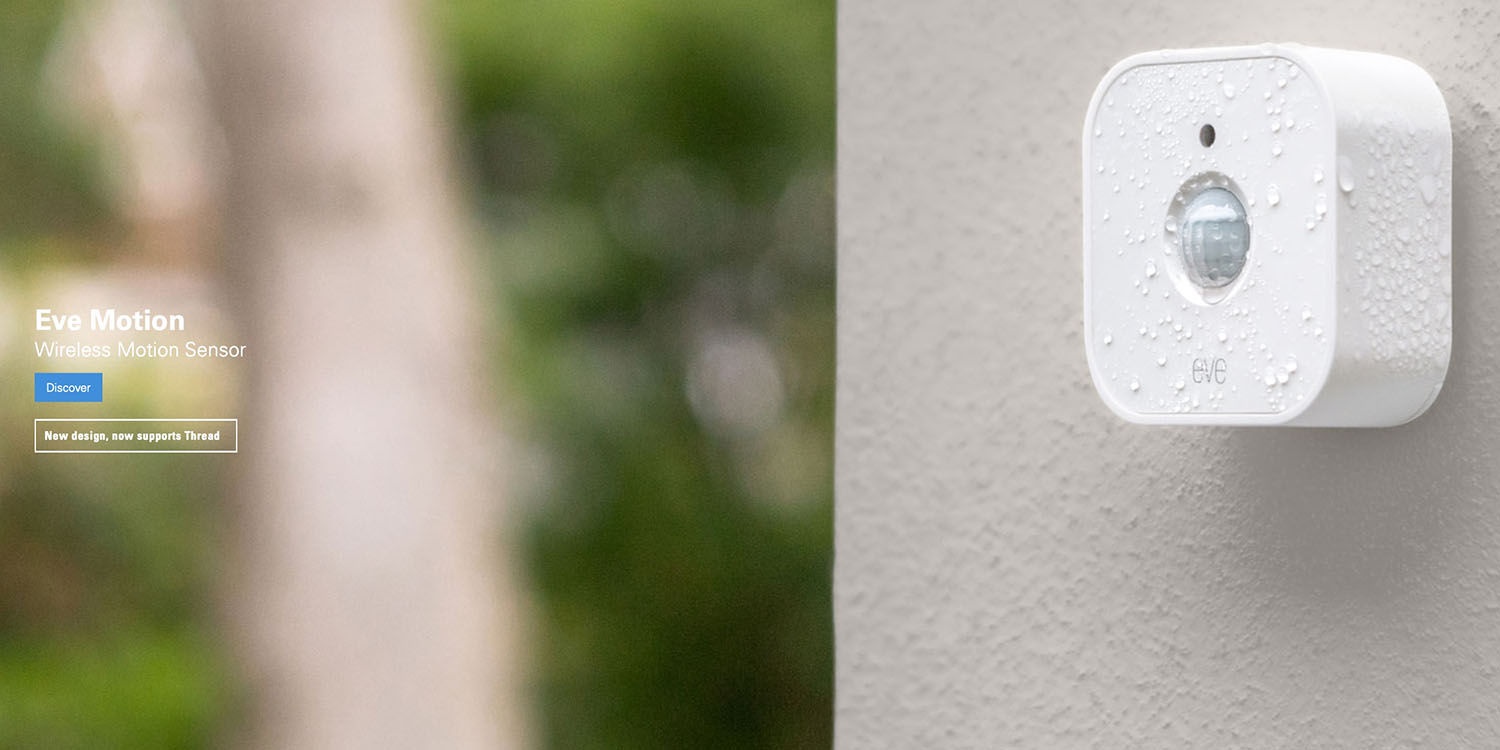
HomeKit Weekly: Upgraded Eve Motion sets the standard for HomeKit motion sensors with Thread support and IPX3 waterproofing

Eve Motion

As a company, Eve has built their business on HomeKit. There’s no Eve Cloud. There’s no support for Google Assistant or Amazon Alexa. It’s all HomeKit. The Eve app for iPhone is a nice Home app replacement. With its new motion sensor, the Eve Motion, Eve continues to be a great option for privacy-focused smart home enthusiasts who want to future-proof their homes. The new Eve Motion supports Thread, can be installed indoors or outdoors, and works without the need for a secondary hub.

Expand Expanding Close

HomeKit Weekly: Fibaro Multi-Sensor is your swiss army knife for HomeKit automations

Fibaro Multi Sensor

A whole subset of HomeKit device categories often goes under notice. When you think about smart home devices, you will generally think about cameras, lights, speakers, or a switch. The real genius of a smart home is when things can happen without you even thinking about them. There’s a device that I recently picked up that I think might end up being one of my favorite HomeKit devices. This week, I am looking at the Fibaro Multi-Sensor Motion Sensor for HomeKit

Expand Expanding Close

HomeKit Weekly: SwitchBot releases its first HomeKit product with the SwitchBot Plug Mini

SwitchBot Plug Mini

For those new to smart home automation, there’s no easier way to get started than with a smart outlet adaptor. When I got my first smart home product back in 2013, a Belkin Wemo for my Christmas tree was the first product I used. Today, smart outlets have remained the best use case for novice uses, but they’ve gotten more reliable and much smaller. I recently tried out the brand-new SwitchBot Plug Mini with HomeKit support.

Expand Expanding Close

HomeKit Weekly: Eve Cam can double as an outdoor camera through a window thanks to flexible mounting options

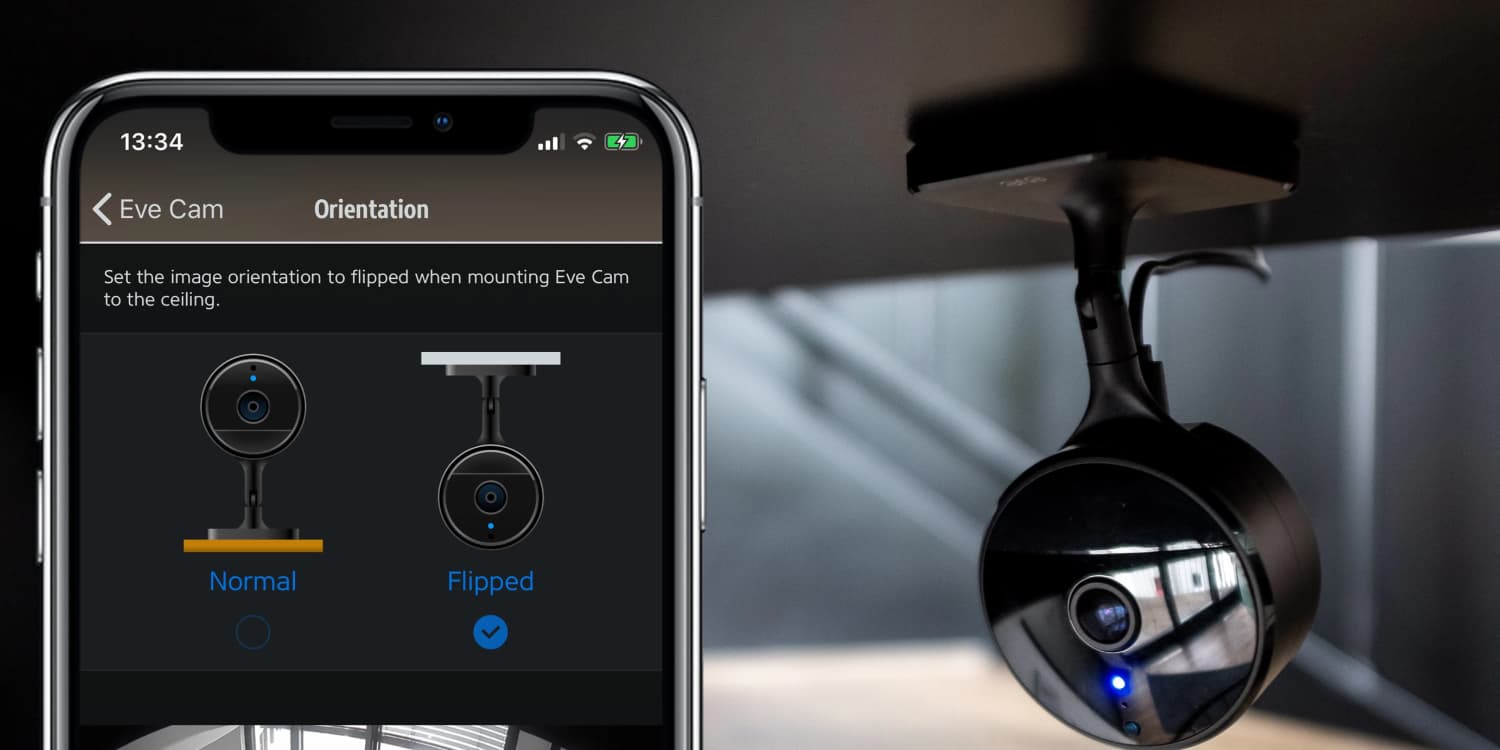
In our temporary living situation, I am without my normal HomeKit setup, so I’ve had to rethink what HomeKit products I want to reconfigure. I took this time as an opportunity to completely delete my HomeKit Home setup so I can start fresh in my new house. As someone that grew up in the Windows XP era where you reinstalled the OS once a year, old habits are hard to break. As I was culling the large box of all my HomeKit products, I came across my trusty Eve Cam, and I realized it had a flexible use case I hadn’t considered until now.

Expand Expanding Close

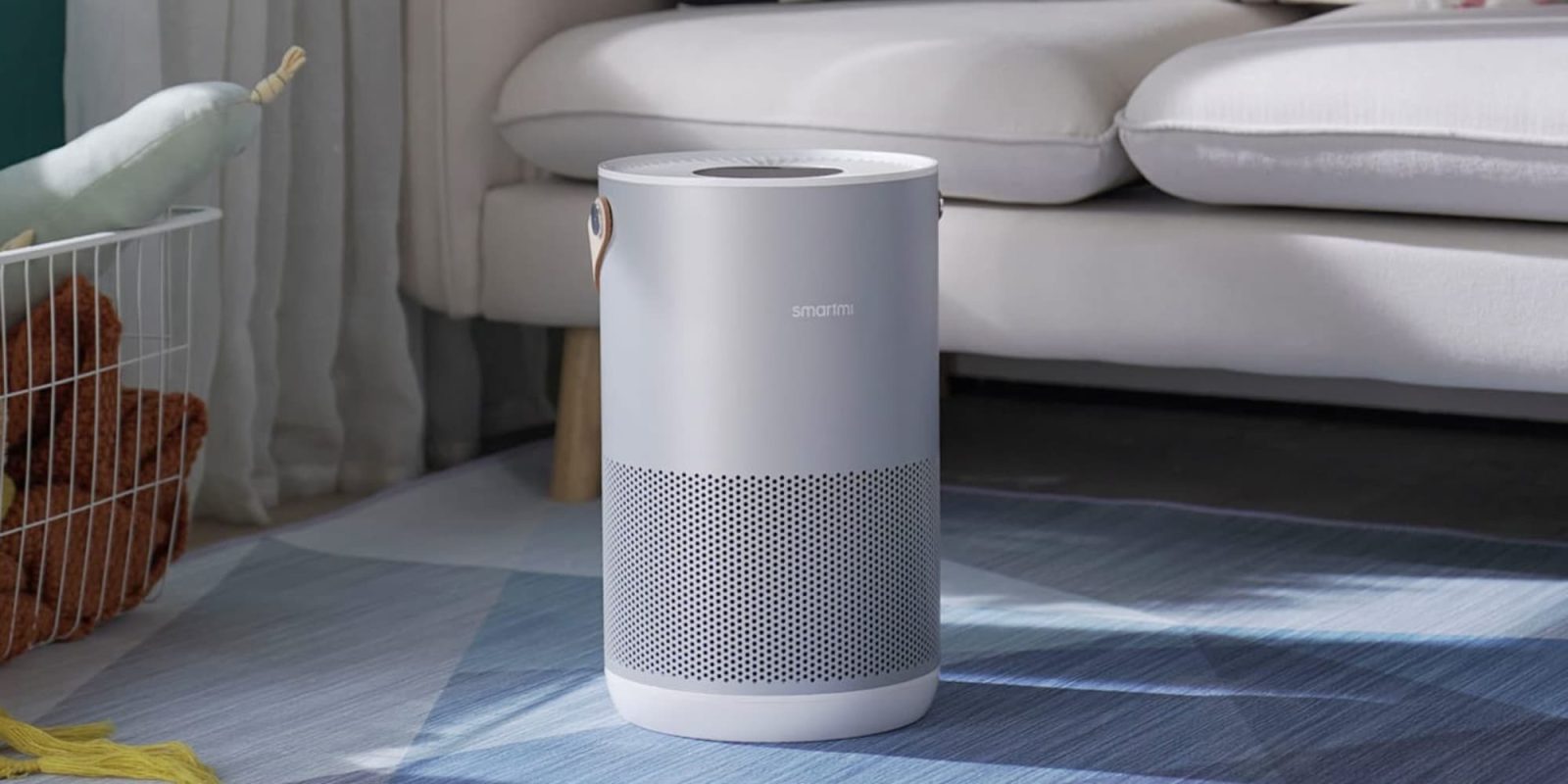
HomeKit Weekly: smartmi Air Purifier packs a premium design with a compact form factor and HomeKit connectivity

smartmi Air Purifier

Air Purifiers are one of the lesser-known and used HomeKit categories. There are only a handful of devices on the market, but I find them really beneficial and an ideal picture of how HomeKit can work with other devices in your home. If you’re looking for the best-looking air purifier on the market with HomeKit support, you’ll want to look at the smartmi Air Purifier. Read on to read my entire review.

Expand Expanding Close

HomeKit-compatible Eve motion sensor v2 gets Thread support and ambient light sensor

Eve motion sensor shown attached to exterior wall

A new version of the Eve motion sensor has been launched, with support for the Apple-backed Thread protocol which enables smart home devices to easily communicate with each other.

The Eve Motion also gets an ambient light sensor, which is exposed to HomeKit so can be used to directly trigger actions, with or without motion.

Expand Expanding Close