iOS

See All Stories

The world’s most advanced mobile operating system

iOS is Apple’s mobile operating system that runs on iPhone, iPad, and iPod touch. Historically, Apple releases a new iOS version once a year, the current version is iOS 13.

In 2007, Steve Jobs introduced the iPhone and iPhone OS. During the event, Jobs referred to the operating system as OS X because it shared a similar Unix core compared to the Mac. When Apple launched the iPhone SDK a year later, they officially changed the name to iPhone OS.

In the summer of 2008, Apple added the App Store to iPhone OS with version 2.0, and this set the stage for the “app economy” that we still enjoy to this day.

Version 3.0 was released in 2009, and it included copy/paste, MMS support, Spotlight, mobile tethering, and push notifications for 3rd party apps.

In version 4, Apple finally renamed iPhone OS to iOS (with the iPad sharing the same software). The major features were multitasking and FaceTime.

iOS 5.0 introduced Notification Center, iMessage, Siri, and iCloud.

iOS 6.0 removes Google Maps in favor of Apple Maps and added the Passbook app (now known as Wallet).

Version 7.0 brought a dramatic redesign of iOS with a new font, flatter icons, a and new Photos app. The redesign was led by Jony Ive.

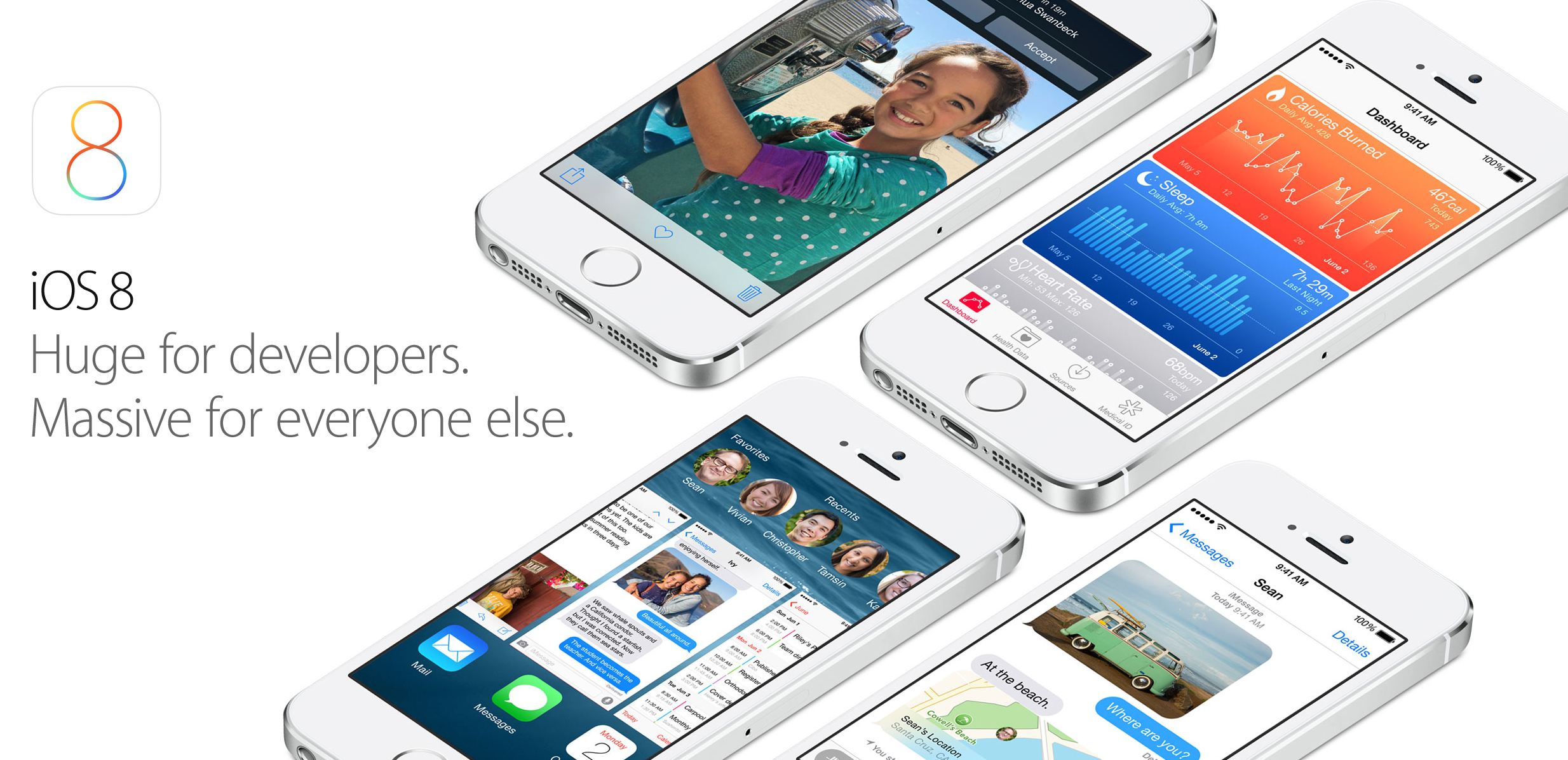
Version iOS 8.0, Apple finally allowed third-party keyboards and the ability to share files from different apps.

Version 9.0 included Apple Maps, an overhauled Notes app, and multitasking for iPad.

Version 10.0 included an SDK for Siri, Maps, and iMessages.

Version 11.0 included a new iPad Dock, Customizable Control center, drag and drop on iPad, and the Files app with third-party integration.

Version 12.0 added Screen Time features for managing your time on devices, the Shortcuts app, ARKit 2.0, and Memoji.

iOS 13 added Dark Mode, swipe-style typing, a redesigned share sheet, made app downloads 50% smaller, 2x faster app launch speed, Memoji Stickers and Memoji Makeup, HomeKit-enabled routers and HomeKit Secure Video, a new “Sign in with Apple” option for logging into third-party services, all-new Apple Maps, and much more.

Compatible Devices with iOS 13

  • iPhone 11
  • iPhone 11 Pro
  • iPhone 11 Pro Max
  • iPhone XS
  • iPhone XS Max
  • iPhone XR
  • iPhone X
  • iPhone 8
  • iPhone 8 Plus
  • iPhone 7
  • iPhone 7 Plus
  • iPhone 6s
  • iPhone 6s Plus
  • iPhone SE
  • iPod touch (7th generation)
Site default logo image

Cannes Lions Festival app will use iBeacons to let attendees network

Like it did for SXSW, Tribeca Film Festival, and the Olympic Games, event app platform Eventbase will be in charge of rolling out iBeacons at the upcoming Cannes Lions 2014 Festival that will provide attendees with unique features via the event’s official iOS app. This time around, rather than speeding up check-ins or interactive audience features, the company is allowing attendees to network with an “Around Me” feature in the event’s app that displays nearby attendees using iBeacons. The festival is the same one that Apple’s Jony Ive and Bono will appear at on June 21 for a rare interview about the (RED) charity organization.

The feature will integrate with LinkedIn profiles and allow attendees to send messages and connect instantly if they’ve opted in. The app will also be sending out other targeted notifications using iBeacons:

Eventbase co-founder Jeff Sinclair says the Cannes Lions app combines the power of iBeacon technology with tight LinkedIn integration to allow attendees to see who is around them, read their profile and immediately reach out to them through the app… “We’re excited to be pioneering the use of iBeacon technology for attendee-to-attendee networking,” says Sinclair. “The ability to find out more about the people around you and instantly connect has the potential to transform the event experience entirely.” Eventbase is partnering with mobile relationship management platform Urban Airship to deliver highly targeted and relevant messages via iBeacon-triggered push notifications to attendees during the event, including those visiting the festival’s Mobile Marketing Association (MMA) Tent — a showcase for mobile, creativity and marketing innovation.

Last week Apple introduced some new features that it hopes will improve the iBeacon experience including indoor mapping features coming for developers in iOS 8. The company explained the new indoor navigation and indoor positioning features will make for an even richer iBeacon experience by allowing, for example, event spaces to guide users to iBeacon-powered exhibits using the indoor location features.

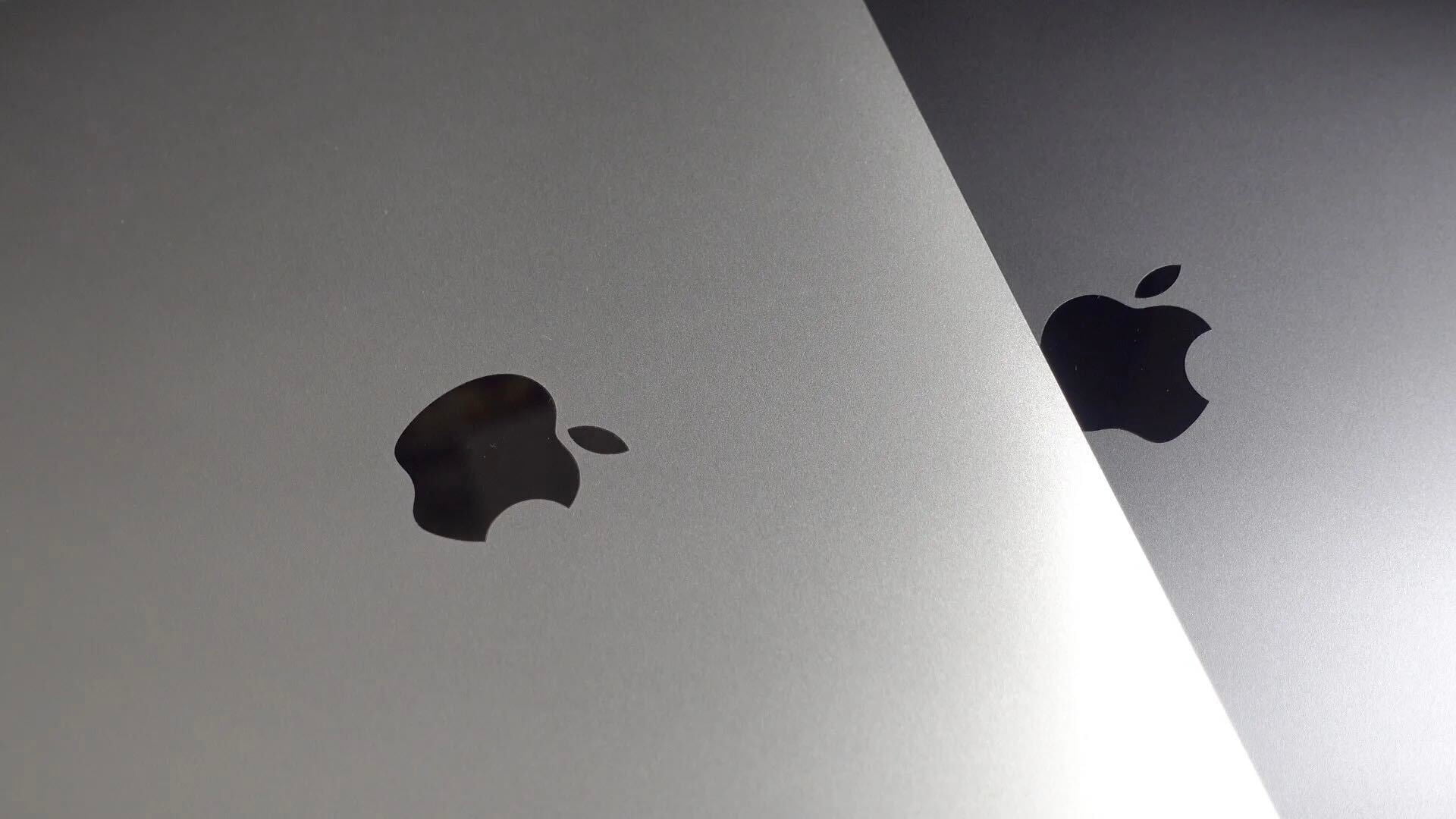
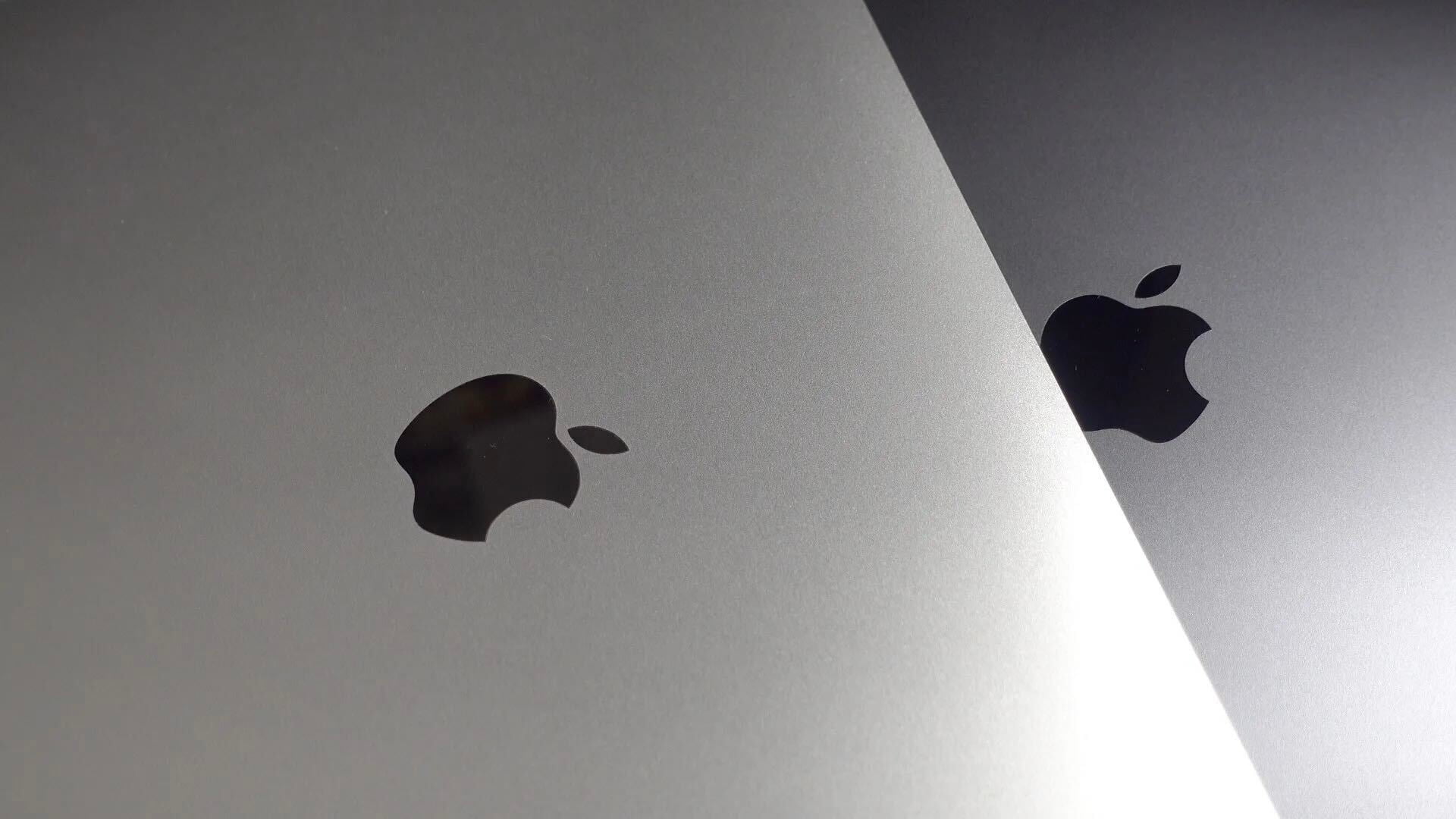
New iPad Air with same design, 8MP rear camera, and more efficient A8 chip enters production this month

Site default logo image

Apple is reportedly set to begin production of its next-generation iPad Air this month with display components going into mass production in the middle of this month and components such as the processor and camera sensors going into production next month. The design of the sixth-generation full sized iPad will mimic that of the current model and the display resolution will stay at 2048 x 1536, according to ETNews.

The new iPad Air will sport a more advanced A8 processor, which sources previously noted focuses on efficiency and battery performance for the iPhone (likely for the iPad too):


Expand
Expanding
Close

More pictures of the iPhone 6’s front and back appear online as Apple ramps production

Site default logo image

On Weibo, user dreamerJimmy has posted more shots of the supposed iPhone 6 design, which has shown up in photos time and time again in recent weeks. The new images are of reasonable quality, though and indicate how the larger phone would compare physically with the current iPhone 5s. The user has a good reputation for leaks, posting accurate images of the iPhone 5 and iPhone 5c months before their unveiling.

In the first image, the much thinner bezels of the supposed new device can be clearly seen, to maximise the screen space on the front side. The distance between the Home Button and the display has also been shortened.


Expand
Expanding
Close

Site default logo image

Skype removed from App Store ahead of major 5.0 update

You may have noticed Skype for iPhone/iPod touch disappear from the App Store in select markets today. Skype tells us that the reason is preparations for the upcoming 5.0 update. Here’s the statement:

We have removed the Skype for iPhone app from the Apple iTunes store in some markets, as we begin rolling out the latest version. Skype 5.0 for iPhone will soon be available worldwide for download – in the meantime, you can learn about the great new features coming with the new version here.

The new version should officially launch in the coming days. You can find all the details about the completely revamped design and improving chatting in our preview from yesterday. 


Expand
Expanding
Close

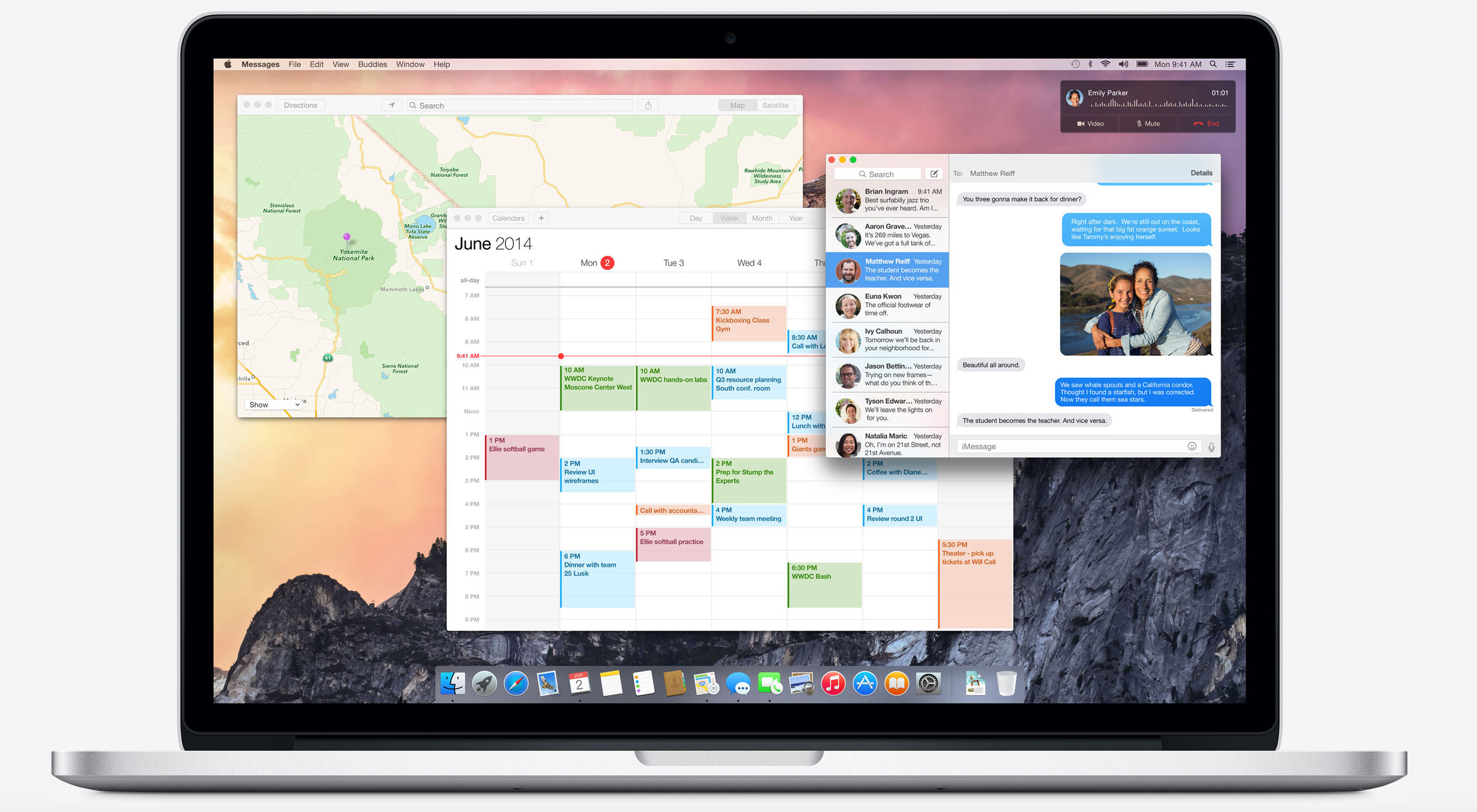
Apple considered ditching iconic Apple Menu for Control Center in OS X Yosemite

Site default logo image

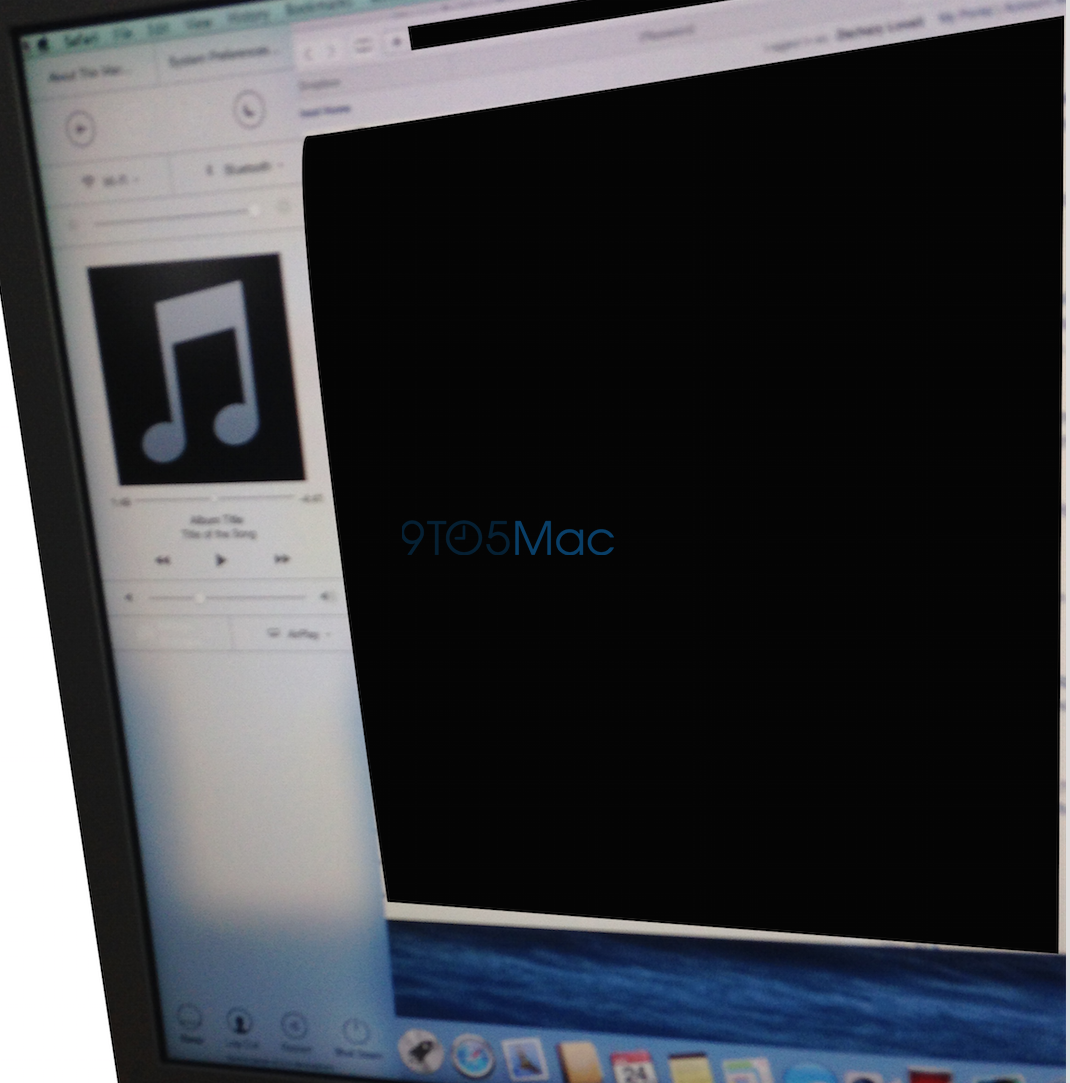
In addition to the comprehensive redesign, OS X Yosemite could have made a significant change to how the Mac operating system functioned since it originally shipped just over thirty years ago. The above image from a source shows a March build of OS X Yosemite that featured a Control Center panel. The panel did not end up shipping in the first beta of Yosemite and was not announced on the WWDC stage last week, but Apple definitely considered including it.

In fact, developers have located numerous code strings in the first Yosemite build that confirms Apple’s testing of an OS X variant of Control Center:


Expand
Expanding
Close

Ringly introduces new iPhone-connected smart ring

Site default logo image

New startup Ringly seeks to help solve a problem that many busy women have: missing important phone calls, texts or notifications because they cannot hear their phone go off in their purse, or find the phone quickly enough to get to it. Personally, I’ve run into this problem several times.

Ringly’s solution looks like an ordinary fashionable ring, but is actually a high-tech smart ring that can notify users of incoming messages, notifications, phone calls, and more.


Expand
Expanding
Close

Hidden iOS 8 assets confirm Apple working on Maps feature to find your parked car

Site default logo image


Back in September we reported that Apple was developing a feature to help users find their parked cars for its in-house Maps app. While that feature wasn’t officially debuted during WWDC last week, new icons found inside the Maps application indicate that the feature was in development at some point and is likely still be worked on.

As we originally noted:

Sources say that Apple is testing a tool for its Maps app that, with the M7 chip, could analyze when your car is parked. When you park your car, the iPhone will register the car’s location. Now when you return to the parking lot, your iPhone will be able to help you assist with finding your car since it knows the vehicle’s location.


Expand
Expanding
Close

iOS 8 code shows iPad split-screen, Maps transit in the works; Health interface changed late in development

Site default logo image

In the several months leading up to Apple’s 2014 Worldwide Developers Conference, we reported on several features on tap for iOS 8, the new iPhone, iPad, and iPod touch operating system, and OS X Yosemite. Many of the features we reported on were announced last week: improved messaging, revamped notifications, various user-interface enhancements, indoor mappingiCloud improvements for end-users and developers, Shazam in Siri, Voice Memos improvements, the redesigned Mac interface, multi-resolution mode for Xcode app testing, and of course, health-tracking integration. But some of the reporting did not become official last week. Namely, the Healthbook name, various improvements to Apple’s controversial mapping software, and a split-screen iPad multitasking mode.

Let’s go through each feature one-by-one.


Expand
Expanding
Close

New lock screen bypass discovered in iOS 7, allows access in 5 seconds under certain circumstances (Update: Resolved)

Update 6/30: It appears iOS 7.1.2 has resolved the issue: A state management issue existed in the handling of the telephony state while in Airplane Mode. This issue was addressed through improved state management while in Airplane Mode.

A new lock screen bypass has been discovered in iOS 7 that allows anyone to skip the default authentication method. The shocking part about this bypass is that it can be done in under five seconds. This isn’t the first time that lock screen security on iOS has been compromised, but this does require very specific conditions in place in order to work.


Expand
Expanding
Close

Skype for iPhone gets ground-up redesign; top designer talks future iPad & iOS 8 updates

Site default logo image

A few years ago, Skype was the rockstar of the messaging world, but now with smartphones and mobile messaging apps like WhatsApp, Facebook Messenger, and iMessage, Skype’s iPhone feature-set and application have begun to stagnate. However, the Skype development team has not been standing still. The Microsoft-owned company is revealing today that it is nearing the launch of a completely revamped Skype application for the iPhone and iPod touch. I met with lead Skype designer Guilherme Schneider last week for an exclusive preview and an interview regarding the new software, and the application certainly seems impressive…


Expand
Expanding
Close

Site default logo image

SteelSeries announces full-sized Made-for-iPhone/iPad bluetooth game controller

We previously reviewed the first Made-for-iPhone/iPad “Stratus” controller launched by SteelSeries and today the company announced a full-sized version with the introduction of Stratus XL:

The Stratus XL Wireless Gaming Controller features a console-style layout with a pressure-sensitive directional pad (D-pad), 4 pressure-sensitive action buttons along with a total of 4 shoulder buttons – 2 pressure-sensitive top shoulder buttons and 2 analog trigger bottom shoulder buttons. In addition to dual analog sticks, Stratus XL includes a dedicated pairing button to connect to iOS devices via Bluetooth and a convenient on/off switch to save on power. The Stratus XL will deliver an estimated 40 hours of gameplay with two standard AA batteries; a battery life indicator is located on the underside of the device.

The controller also includes red LED indicator lights that show up to 4 controllers connected to a single device for multiplayer.

The Stratus XL controller is coming later this year but there is no word on pricing yet. Here’s to hoping the larger size improves on some of the issues we had with the last controller. You can see a size comparison of the two controllers to the right.

Site default logo image

iOS 8 randomizes MAC address while scanning WiFi, blocks marketers tracking you

One iOS 8 feature Apple hasn’t talked about much is its ability to randomize the device’s MAC address while scanning for WiFi networks.

In iOS 8, Wi-Fi scanning behavior has changed to use random,locally administered MAC addresses… The MAC address used for Wi-Fi scans may not always be the devices real (universal) address… Once the iOS device is done scanning it will give the real MAC ID.

This appears to be a security and privacy precaution as marketing and analytics companies routinely use this unique identifier to collect data about nearby devices scanning for WiFi networks. The New York Times published a story last year about a similar experiment at Nordstrom and several marketing companies selling data to retailers and more use the same method of picking up the MAC address from devices scanning for WiFi networks. One of those companies, Euclid Analytics, explains how it currently uses the MAC address of iPhones to help clients. While it notes “the MAC address does not disclose the device owner’s real-world identity nor any other personal data,” it also uses the data it collects to help clients “improve store layouts, determine timing for promotions and sales, measure the effects of advertising, and set staffing levels and store hours.” 

These marketing companies do the same for Samsung and Android devices, which also do not currently automatically randomize the MAC address, but it looks like Apple might put an end to that with iOS 8.

More on why public transit directions got lost in iOS 8 Apple Maps

Site default logo image

TechCrunch is out with a story today with details on why some of the mapping features originally scheduled for iOS 8 didn’t make the cut at Apple’s WWDC keynote last week. The report quotes a few sources close to the mapping teams that say most of the improvements originally planned for iOS 8 weren’t finished on time due to talent departures and internal politics:

Why didn’t they appear? One tipster says it was a personnel issue: “Many developers left the company, no map improvements planned for iOS 8 release were finished in time. Mostly it was failure of project managers and engineering project managers, tasks were very badly planned, developers had to switch multiple times from project to project.”… It’s a take that is both contested and corroborated by our other source. “I would say that planning, project management and internal politics issues were a much more significant contributor to the failure to complete projects than developers leaving the group,” the source said.

We reported leading up to WWDC that the transit directions in iOS 8 might be pushed back to instead focus on other priorities.

While the TechCrunch report doesn’t mention any names, we do know that the mapping team has lost a few key people recently. Back in March, reports popped up that Cathy Edwards, who happened to be in charge of Maps Quality after joining Apple through the company’s acquisition of Chomp, was leaving the company. The reason behind Cathy’s departure was unknown at the time, but we’ve learned from sources that disagreements with employees on the Maps team working under Edwards and an opposition to her management style lead to problems on the Maps team and ultimately her leaving in April. Apple also lost key Maps team member Jared Waldman from Placebase who worked as Head of Geo at Apple Maps until late last year. In addition, we’ve heard from former employees of the mapping team that recently left the company due to issues with Edwards and management of the Maps team. 
Expand
Expanding
Close

New high-res shots of likely iPhone 6 ultra-thin metal frame surface

Site default logo image

Some new shots of a purported iPhone 6 metal chassis have appeared on the web today. The images line up with previously leaked iPhone 6 design schematics, a blurry picture of a frame, dummy models, cases, and manufacturing components. Shots of the sides below:


Expand
Expanding
Close

Check out iOS 8’s Time-lapse camera mode in action (Video)

As shown in our recent top hidden features article, iOS 8 has a new built-in time-lapse camera mode. This feature will allow you to explore the world of time-lapse photography and capture stunning visuals. This is definitely a nifty little feature, but thanks to a new video posted by YouTuber iTwe4kz, we now have a good look at what this mode is capable of on an iPhone 5s.


Expand
Expanding
Close

OS X Yosemite introduces iMessage screen sharing, FaceTime Audio conference calls with iOS 8

Site default logo image

Apple has made a few new changes to its first-party voice and text services in the newest versions of its mobile and desktop operating systems. Some users are reporting that iOS 8 now features the ability to create conference FaceTime Audio calls. Previously FaceTime audio calls could only be made from one user to another, but now you can add additional users to a call in progress.

OS X Yosemite sports a new addition to its iMessage capabilities. While screen sharing has always been possible over alternative services like AIM, Apple now allows you to use the built-in screen sharing feature in the Messages app over an iMessage account. Unfortunately the feature seems to be broken in the first Yosemite beta, but it is expected to be functional by the time the software ships.


Expand
Expanding
Close

Report corroborates Apple planning to announce new wearable product in October

Site default logo image

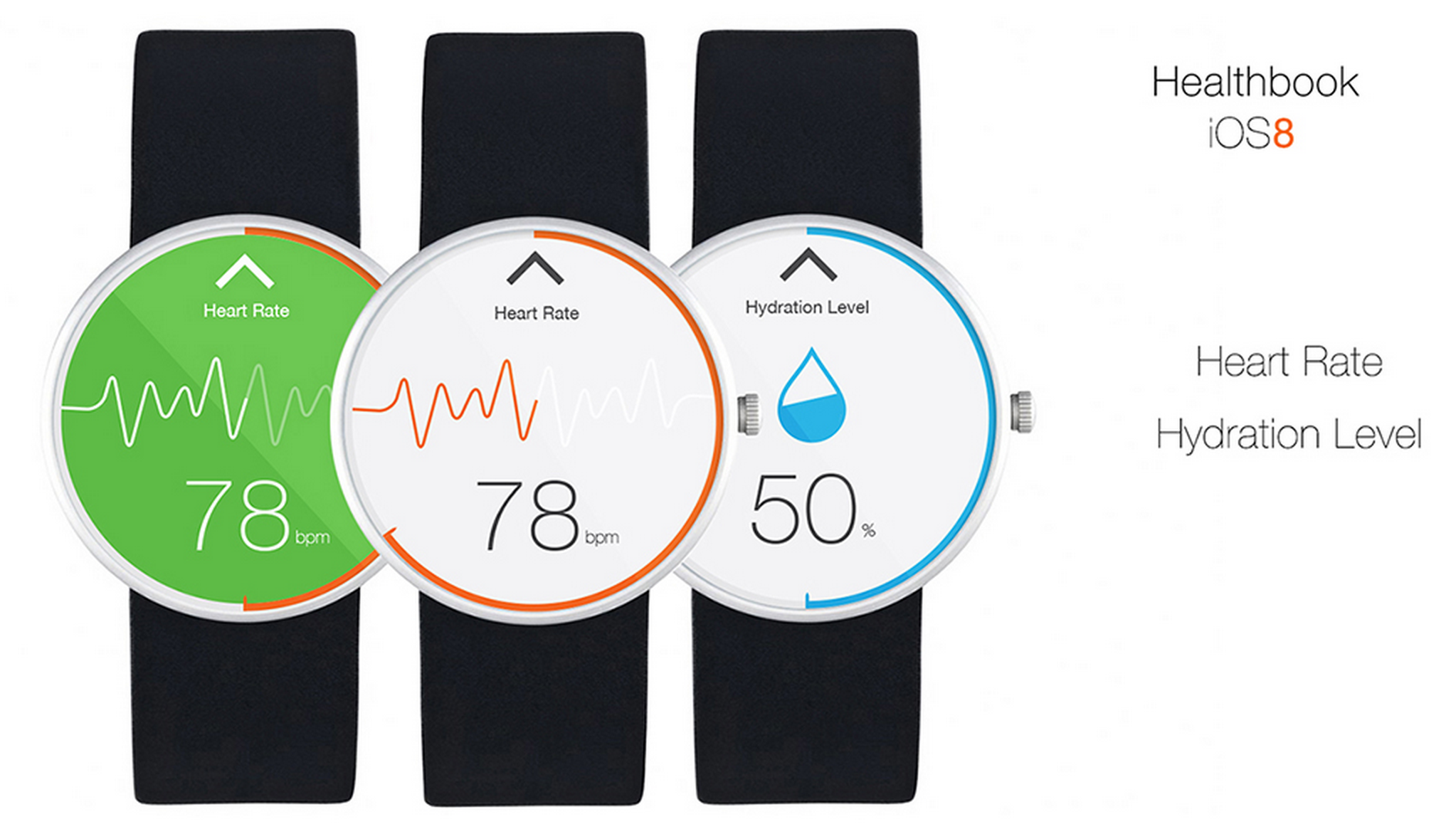
One of many iWatch concepts.

Re/code’s John Paczkowski is reporting that Apple is set to announce its new wearable product in October, according to sources familiar with Apple’s plans. The site says that the watch will take full advantage of HealthKit and Health, Apple’s fitness and health management app introduced in iOS 8.


Expand
Expanding
Close

Site default logo image

Easter egg in icons for Swift files features ‘Here’s to the crazy ones’ from Think Different campaign

In a throwback to Apple’s Think Different campaign, the icon used by OS X for Swift files, Apple’s new programming language. Swift documents have the file extension ‘.swift’.

The code seen in the icon makes reference to the iconic speech, with functions named ‘heresToTheCrazyOnes’ and ‘villify(troubleMaker: NSObject)’. The code also generates collections of ‘misfits’, ‘rebels’ and ‘troublemakers’.


Expand
Expanding
Close

HealthKit supports some Bluetooth products natively, lets accessory makers skip app development

Site default logo image

Withings Wireless Blood Pressure Monitor

Apple’s new HealthKit platform and Health app for iOS 8 acts as a central location for users to store and share health data from third-party apps, but Apple is also supporting some Bluetooth accessories natively in the Health app. That means that some accessory manufacturers will be able to skip the process of developing a companion app for their product and instead allow HealthKit to automatically connect to and control the device itself. 
Expand
Expanding
Close

Site default logo image

Safari in iOS 8 uses camera to scan and enter credit card info

In iOS 8, Apple has a new feature in Safari that allows users to scan a credit card with the device’s camera rather than manually entering the number when making a purchase online.

When entering a credit card number into a form online to, for example, make a purchase, Safari already allowed users to quickly select credit cards stored in its Passwords & AutoFill settings. You can still do that, but in iOS 8 you’ll now also have the option to select “Scan Credit Card” and snap a picture of the card. Apple then uses optical character recognition of sorts to input the number into the text field in Safari. There’s also a way to scan and save cards using the camera directly from within the Passwords & AutoFill settings.

Website developers don’t have to do anything to enable the feature, as Safari appears to automatically detect when a credit card number is being requested and presents the option to scan above the keypad.

Safari received some other updates announced this week at WWDC too, including a redesign in OS X Yosemite on the Mac, and highly requested features on iOS like the ability to request a desktop site and a tab view for iPad.

Site default logo image

Apple refurbished store offering limited time iPad pricing, get an iPad mini for as low as $219

From 9to5Toys.com:

The official online Apple Refurbished Store has dropped the prices of several iPad models. A 16GB iPad mini can now be had for just $219 shipped, which is a fresh $30 dip from the most recent refurb price and a savings of $80 compared to retail. All Apple refurbished products are backed by a 1-year warranty and “include a brand new battery and outer shell.” You can also opt to buy AppleCare+ if you are the ultra cautious-type.

Other special prices include a 16GB iPad 4th gen. WiFi for $299, and a 16GB iPad 2 WiFi for $249. Jump on these deals quickly because the product pages warn that these are special limited time prices, and we have always found Apple refurbished quantities to be extremely limited.

If you must buy a new unit then we recommend getting in on this deal for just $240. Target is also giving away free gift cards with the purchase of an iPad.

You can find the current best deals on iPad accessories from Logitech, ZAGG, Lifeproof and even discounted iTunes gift cards in today’s 9to5Toys Lunch Break.