iOS

See All Stories

The world’s most advanced mobile operating system

iOS is Apple’s mobile operating system that runs on iPhone, iPad, and iPod touch. Historically, Apple releases a new iOS version once a year, the current version is iOS 13.

In 2007, Steve Jobs introduced the iPhone and iPhone OS. During the event, Jobs referred to the operating system as OS X because it shared a similar Unix core compared to the Mac. When Apple launched the iPhone SDK a year later, they officially changed the name to iPhone OS.

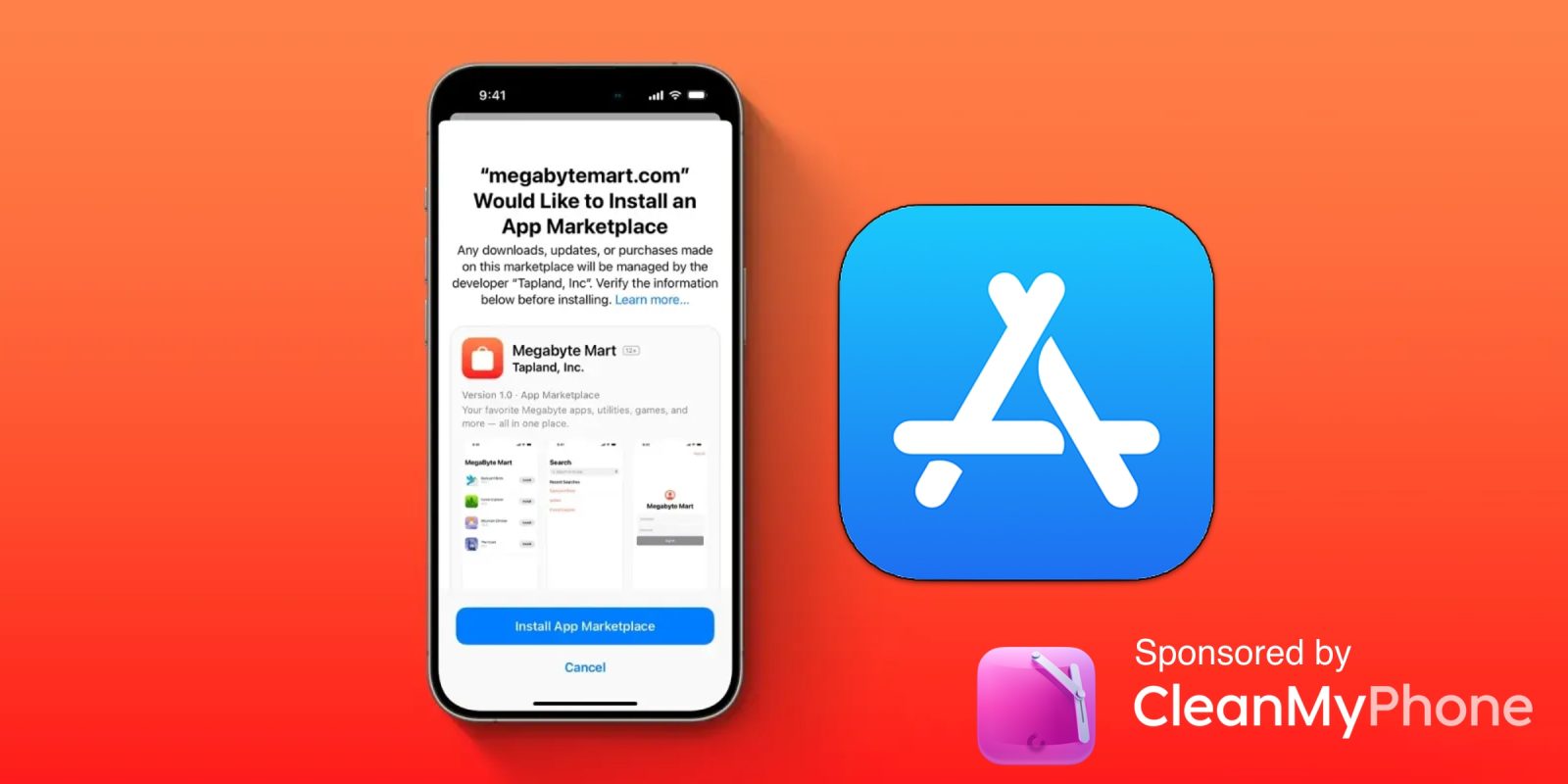
In the summer of 2008, Apple added the App Store to iPhone OS with version 2.0, and this set the stage for the “app economy” that we still enjoy to this day.

Version 3.0 was released in 2009, and it included copy/paste, MMS support, Spotlight, mobile tethering, and push notifications for 3rd party apps.

In version 4, Apple finally renamed iPhone OS to iOS (with the iPad sharing the same software). The major features were multitasking and FaceTime.

iOS 5.0 introduced Notification Center, iMessage, Siri, and iCloud.

iOS 6.0 removes Google Maps in favor of Apple Maps and added the Passbook app (now known as Wallet).

Version 7.0 brought a dramatic redesign of iOS with a new font, flatter icons, a and new Photos app. The redesign was led by Jony Ive.

Version iOS 8.0, Apple finally allowed third-party keyboards and the ability to share files from different apps.

Version 9.0 included Apple Maps, an overhauled Notes app, and multitasking for iPad.

Version 10.0 included an SDK for Siri, Maps, and iMessages.

Version 11.0 included a new iPad Dock, Customizable Control center, drag and drop on iPad, and the Files app with third-party integration.

Version 12.0 added Screen Time features for managing your time on devices, the Shortcuts app, ARKit 2.0, and Memoji.

iOS 13 added Dark Mode, swipe-style typing, a redesigned share sheet, made app downloads 50% smaller, 2x faster app launch speed, Memoji Stickers and Memoji Makeup, HomeKit-enabled routers and HomeKit Secure Video, a new “Sign in with Apple” option for logging into third-party services, all-new Apple Maps, and much more.

Compatible Devices with iOS 13

  • iPhone 11
  • iPhone 11 Pro
  • iPhone 11 Pro Max
  • iPhone XS
  • iPhone XS Max
  • iPhone XR
  • iPhone X
  • iPhone 8
  • iPhone 8 Plus
  • iPhone 7
  • iPhone 7 Plus
  • iPhone 6s
  • iPhone 6s Plus
  • iPhone SE
  • iPod touch (7th generation)
Feature request: iPhone jiggle mode is still criminally bad UI which desperately needs a fix

iPhone jiggle mode | It's awful, please fix it

You know something’s bad when you’re about to write a feature request and then realise you already did do, more than a year go. Some 18 months after I asked Apple to fix the awful iPhone jiggle mode, nothing has changed, so consider this my renewed plea.

It was travel which brought it to mind last time, while this time around it was just doing a small rejig of my Home screen to remove a couple of apps I use less frequently, replacing them with ones I now use more often …

Expand Expanding Close

Poll: Is the Apple Card still worth it in 2023? [Video]

The Apple Card has been out since August 2019, meaning I have had this card for almost four years now. The Apple Card was one of the first credit cards that I was ever approved for. I remember really wanting it purely for the titanium and the cool Apple Wallet integration (which goes to show how much I knew about credit cards back then). But in those four years, I have used it in various settings for different categories and gotten some great value from it. But in 2023, the credit card scene has become extremely competitive, so how does the Apple Card hold up as a zero annual fee card compared to the competition? And is it still worth it to get?

Expand Expanding Close

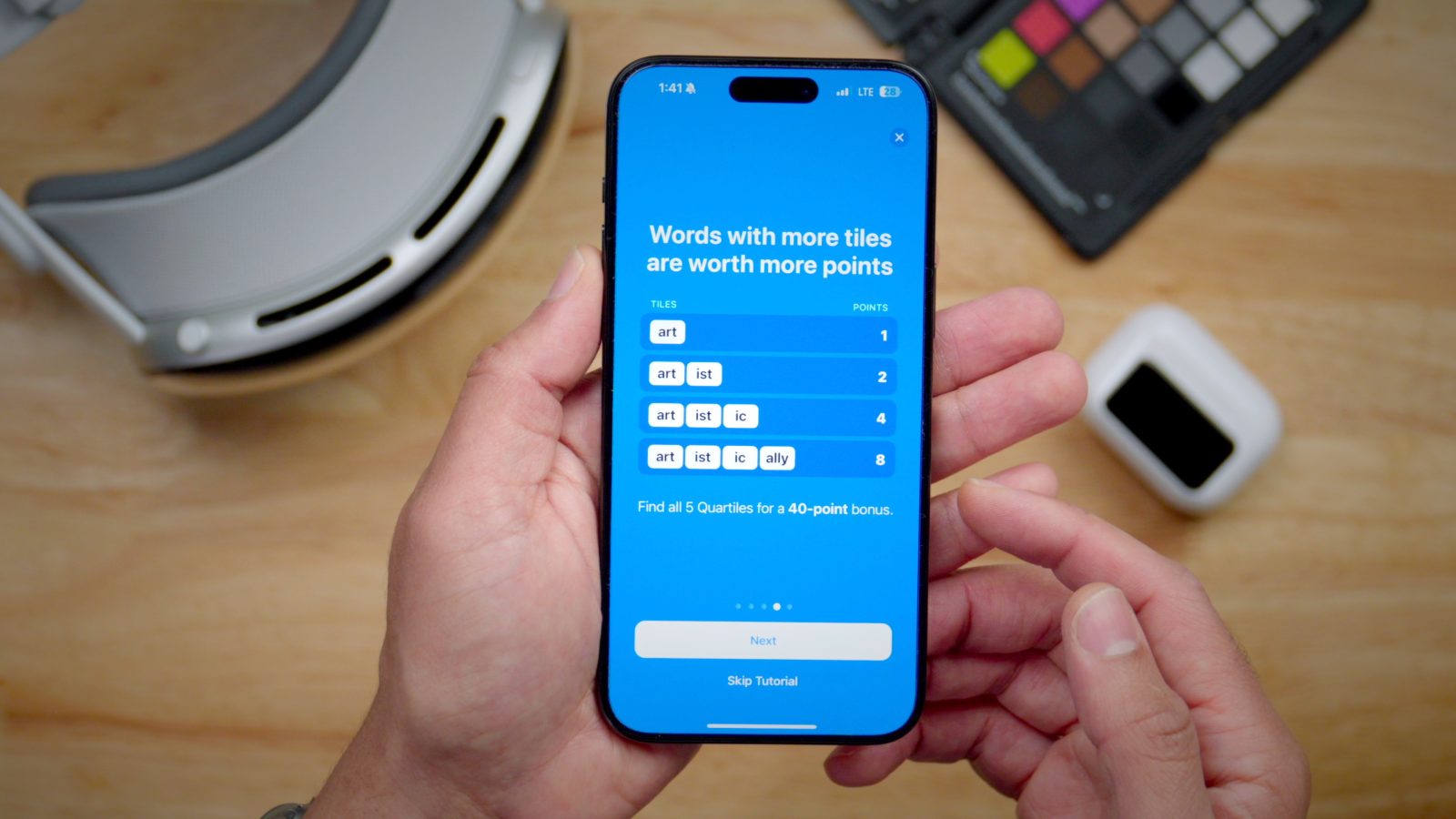
SmartGym for iOS and Apple Watch gets major update with 74 new exercises, Routine Progress, more

The popular fitness tracking app and Apple Editors’ Choice award-winner SmartGym for iPhone, iPad, Mac, and Apple Watch is out with a big update today. The release expands its database of exercises to almost 700, there’s a new Routine Progress feature, Apple Watch gets a number of upgrades, there’s a fresh history system, and more.

Expand Expanding Close

iPhone App Store rolling out new ad format, visible on Today tab without scrolling

Apple today announced it is officially rolling out a new ad format for the App Store. The new Today tab format is more compact than the previous full-height card design but is viewable immediately upon opening the tab on the iPhone. The previous design required the user to scroll down the page to see it.

A nonsponsored slot continues to take the first position, but the ad placement is now always above the fold. The new format also allows Apple to make it easier for advertisers to submit campaigns and get approved more quickly.

Expand Expanding Close
Lumen metabolic analyzer update

Lumen metabolic analyzer gets precise fat and carb burn results with iOS update

Lumen, the pocket-sized device that measures your metabolism to help you achieve health and fitness goals has received a new update. The iOS-connected device with Apple Health support now offers granular results to show you the exact percentage of fat and carbs your body is burning plus new healthy combo meal suggestions that line up with your personalized nutrition plan.

Expand Expanding Close

watchOS 10 shows how Dark Mode on iPhone and Mac should work

Dark Mode on iPhone, iPad, and Mac is fairly flexible. You can toggle it on or off from Control Center or Settings, automatically switch based on time of day, or use local sunrise and sunset time to switch.

There’s one method for invoking dark mode that’s still missing, however, and watchOS 10 on the Apple Watch Ultra shows how it could work.

Expand Expanding Close

Hands-on: ‘AirCard’ puts Apple’s Find My tech into an NFC-enabled digital business card

Since Apple released the AirTag, companies have been flying to create cases, lanyards, keychains, and so many other accessories. For the most part, these accessories work. I have one on my luggage, one on my dog’s collar, and another on my keychain, but there has been one solution missing: the wallet tracker. The biggest issue, at least for me, is that the AirTag is thick compared to credit cards, so when you put it in your wallet, there is a huge and ugly bulge.

Expand Expanding Close

Game Widgets for iPhone makes it easy to discover and track your favorite releases

Game Widgets

Following up on the popular Nintendo Switch companion app Switch Buddy, indie developer Filip Němeček has released his latest app to let you track video game releases for any platform. Game Buddy offers a nice experience to discover new titles plus three handy widgets in multiple sizes to keep track of upcoming video game launches.

Expand Expanding Close