Author

Avatar for Jeff Benjamin

Jeff Benjamin

Jeff Benjamin

Jeff is the head of video content production for 9to5. He joined 9to5Mac in 2016, producing videos, walkthroughs, how-tos, written tutorials, and reviews. He takes pride in explaining things simply, clearly, and concisely. Jeff’s videos have been watched hundreds of millions of times by people seeking to learn more about today’s tech. Subscribe to 9to5Mac on YouTube to catch Jeff’s latest videos.

iOS Decoded is Jeff’s flagship video series that breaks down what’s new in iOS betas, including behind-the-scenes deep dives into undiscovered features and exclusive details on the iOS roadmap. 

Jeff also produces a weekly podcast, alongside co-host Fernando Silva, entitled 9to5Mac Overtime. A video-first podcast, 9to5Mac Overtime airs weekly on our YouTube channel, but can also be enjoyed in audio form via Apple Podcasts, or your podcast app of choice.

Have a tip or exclusive? Connect with Jeff!

Connect with Jeff Benjamin

Friday 5: ScreenFlow 7 adds dark mode, custom hotkeys, Intel Quick Sync support, and more [Video]

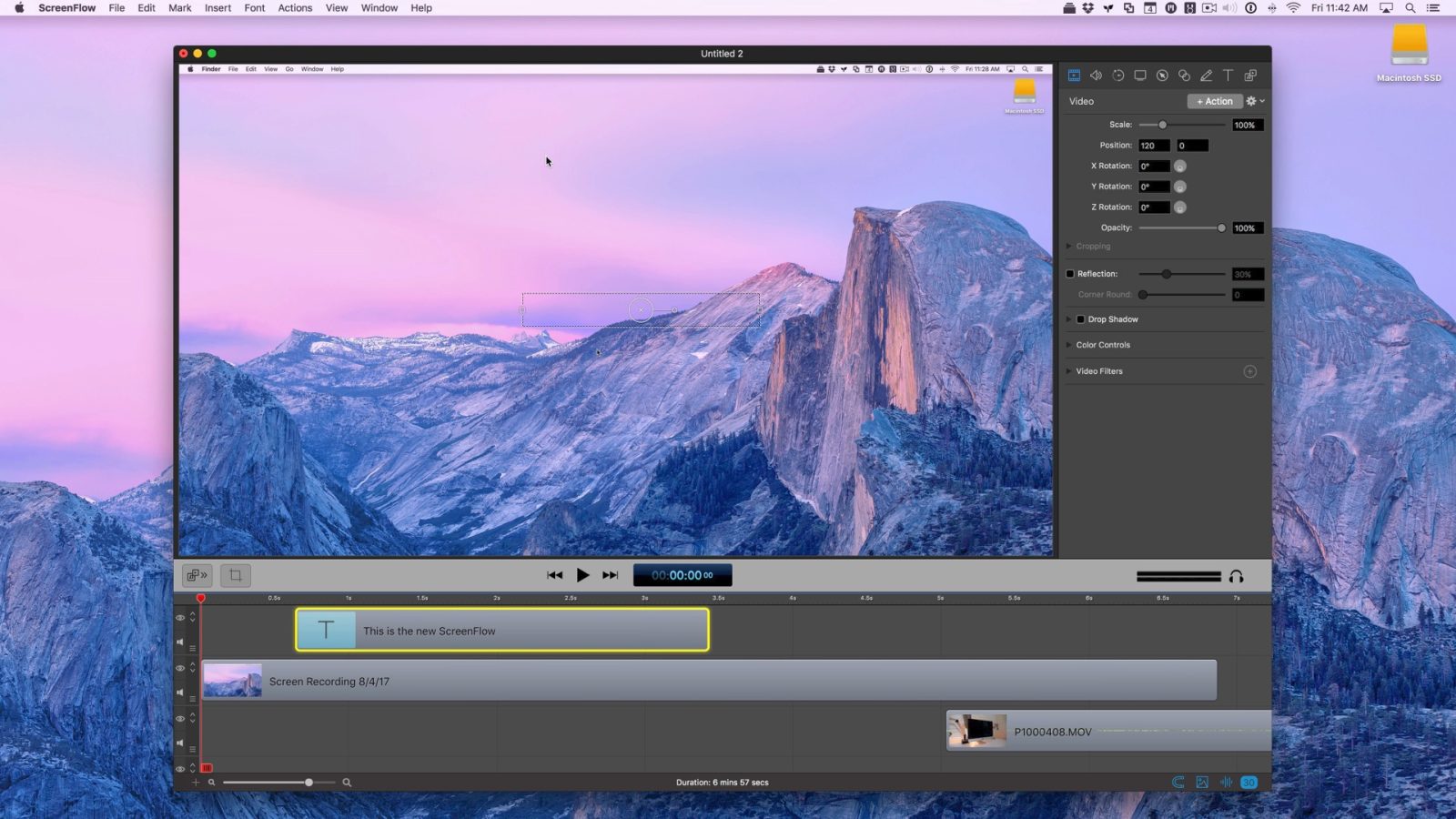
In this week’s edition of Friday 5, we take a look at ScreenFlow 7 — a major update to the previous version of the popular screen recording and editing app. ScreenFlow 7 features brand new export options, a newly-implemented dark mode interface, support for custom hotkey mapping, and much more. Have a look at five of my favorite new features found in this major ScreenFlow update.
Expand
Expanding
Close
How to create a bootable macOS High Sierra USB install drive [Video]

If you want the ability to perform a fresh and clean install of macOS High Sierra, then you should consider creating a bootable macOS High Sierra USB install drive. Not only will this walkthrough work for the macOS High Sierra beta, but it will also work for the final public release once available. In the following video tutorial, we’ll show you how.


Expand
Expanding
Close
Hands-on: The entry-level Mid-2017 5K iMac is a great deal with room for future growth [Video]

For $1799, the entry-level 5K iMac is a very good deal for anyone looking for a powerful machine that can be upgraded to some extent. Of course, when it comes to an all-in-one machine like the iMac, the term “upgrade” is used loosely, but it’s still fairly remarkable how much headroom you can garner from Apple’s entry-level 27-inch 5K machine.

In this hands-on post and video walkthrough, we’ll consider several reasons why the base-model 5K iMac is such a compelling proposition for those in need of a new Mac. In fact, it’s arguably the best deal in Macs that Apple currently offers.
Expand
Expanding
Close
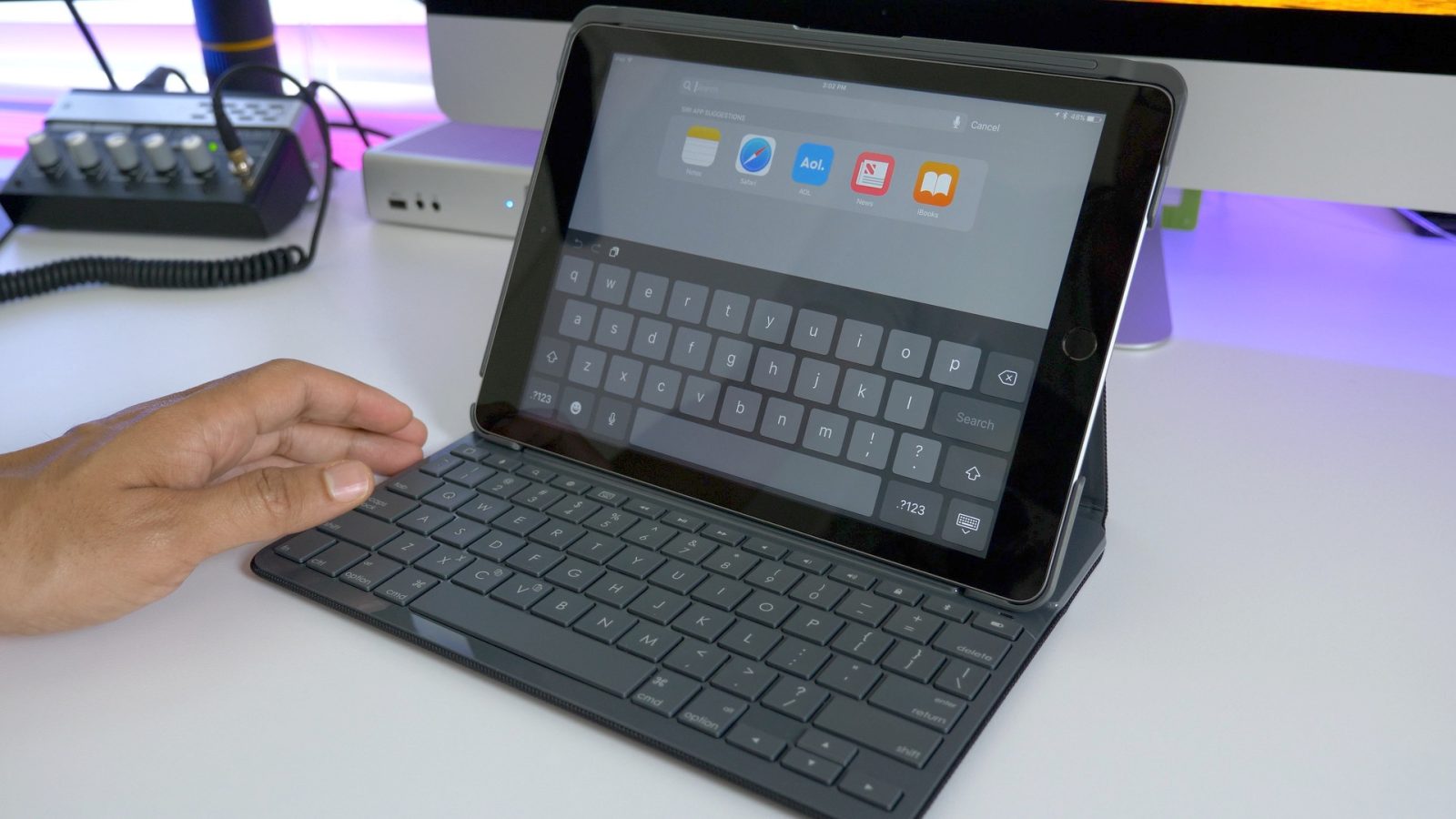
Hands-on: Logitech’s Slim Folio keyboard case for 2017 iPad never needs to be recharged [Video]

I understand that the new iPad Pro is the darling of the moment, but I wanted to take some time to provide readers with an update on one of the $329 9.7-inch iPad’s standout accessories. The Logitech Slim Folio keyboard case, which features four years of battery life, recently landed in my mailbox, affording me the opportunity to take it for a test drive. Watch our hands-on video walkthrough for a brief look at one of Logitech’s latest iPad accessories.
Expand
Expanding
Close
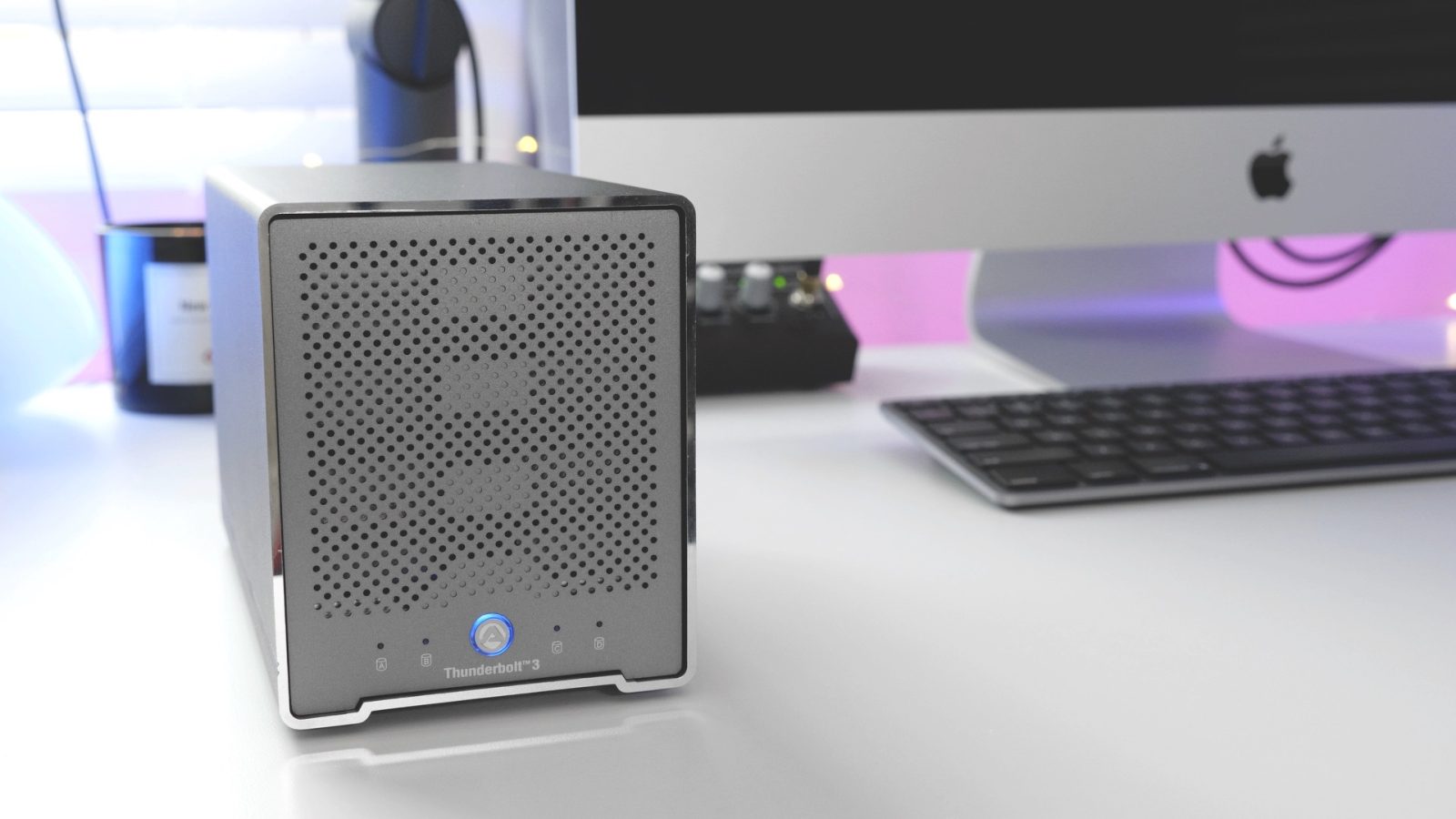
Hands-on: Akitio’s portable 4-Bay Thunderbolt 3 external storage solution turbo-charges your Mac [Video]

Last year I went hands-on with a few Akitio Thunderbolt 3-enabled drive enclosures for 9to5Mac, but none of the previous enclosures came with out-of-the-box support for macOS. Instead, users had to rely on a hack in order to enable support for these enclosures, due to the fact that macOS wasn’t compatible with the Thunderbolt 3 chipsets being used.

In today’s world, things are a bit different. Much of the Thunderbolt 3 hardware shipping today is no longer “Windows only”, which is a great thing for recent MacBook Pro and Mid-2017 iMac hardware with Thunderbolt 3 I/O capabilities.

Akitio’s Thunder3 Quad Mini is one such example of Thunderbolt 3-enabled hardware made with the Mac in mind. This four-bay enclosure comes with two Thunderbolt 3 ports in a small aluminum enclosure that supports passive cooling for noiseless operation. In other words, it’s a quiet enclosure that’s perfect for RAID 0 SSD setups for maximum speed. Have a look at our hands-on video walkthrough for more details.
Expand
Expanding
Close
What’s new in iOS 11 beta 4? Hands-on with 20+ features and changes [Video]

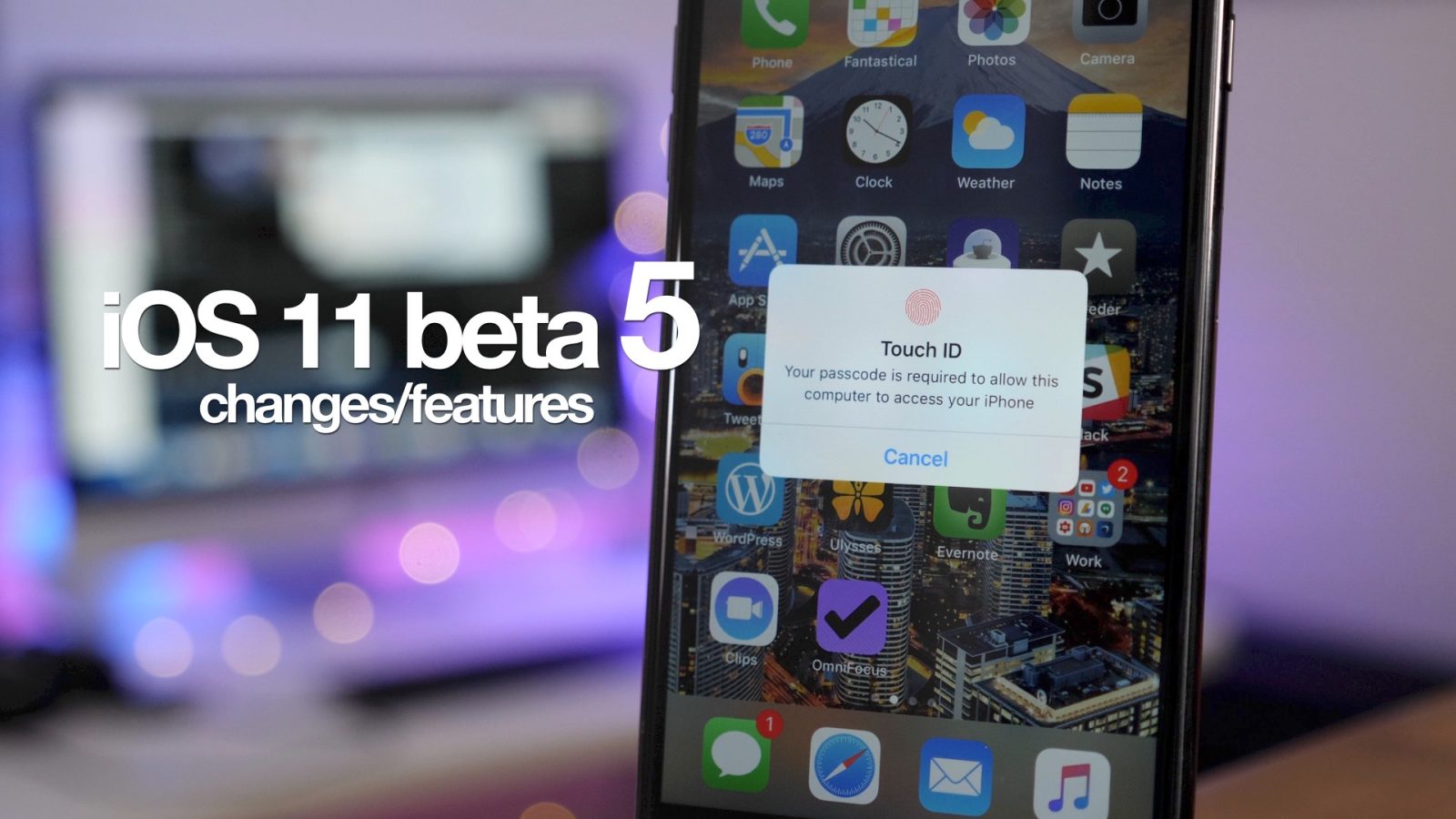
iOS 11 beta 4 has been released to developers, and it includes quite a few changes in tow. New Home screen app icons for Contacts and Notes are included, along with the ability to open apps via Lock screen notifications with Touch ID authentication. Have a look at our full video walkthrough, as we step through more than 20 new changes found in the latest iOS 11 beta.
Expand
Expanding
Close
Friday 5: Apple’s Clips update adds a much-needed infusion of new content and features [Video]

As we noted yesterday, a major update to Apple’s Clips app was released, and it brings several noteworthy features to the table. The update includes animated Disney stickers featuring Micky and Minnie, along with Pixar assets from Toy Story and Inside Out.

Clips is a solid app for editing short videos on iOS, and the 1.1 update makes it even better. It’s why we’ve decided to make this free-to-download app our Friday 5 app of the week.


Expand
Expanding
Close
How to assign iOS 11’s Smart Invert ‘dark mode’ to the Home button

As our own Jordan Kahn brought out in a previous post, iOS 11’s new Smart Invert Colors feature is the closest thing we’ve seen to a so-called ‘dark mode’ in iOS thus far. It’s not perfect, but its ability to avoid inverting images and other types of content in certain apps is a step in the right direction.

The main issue with enabling Smart Invert Colors is that you have to dig deep into the Settings app in order to do so. Instead, have a brief look at how to enable a handy triple-click Home button shortcut to instantly toggle the Smart Invert Colors feature on a whim.
Expand
Expanding
Close

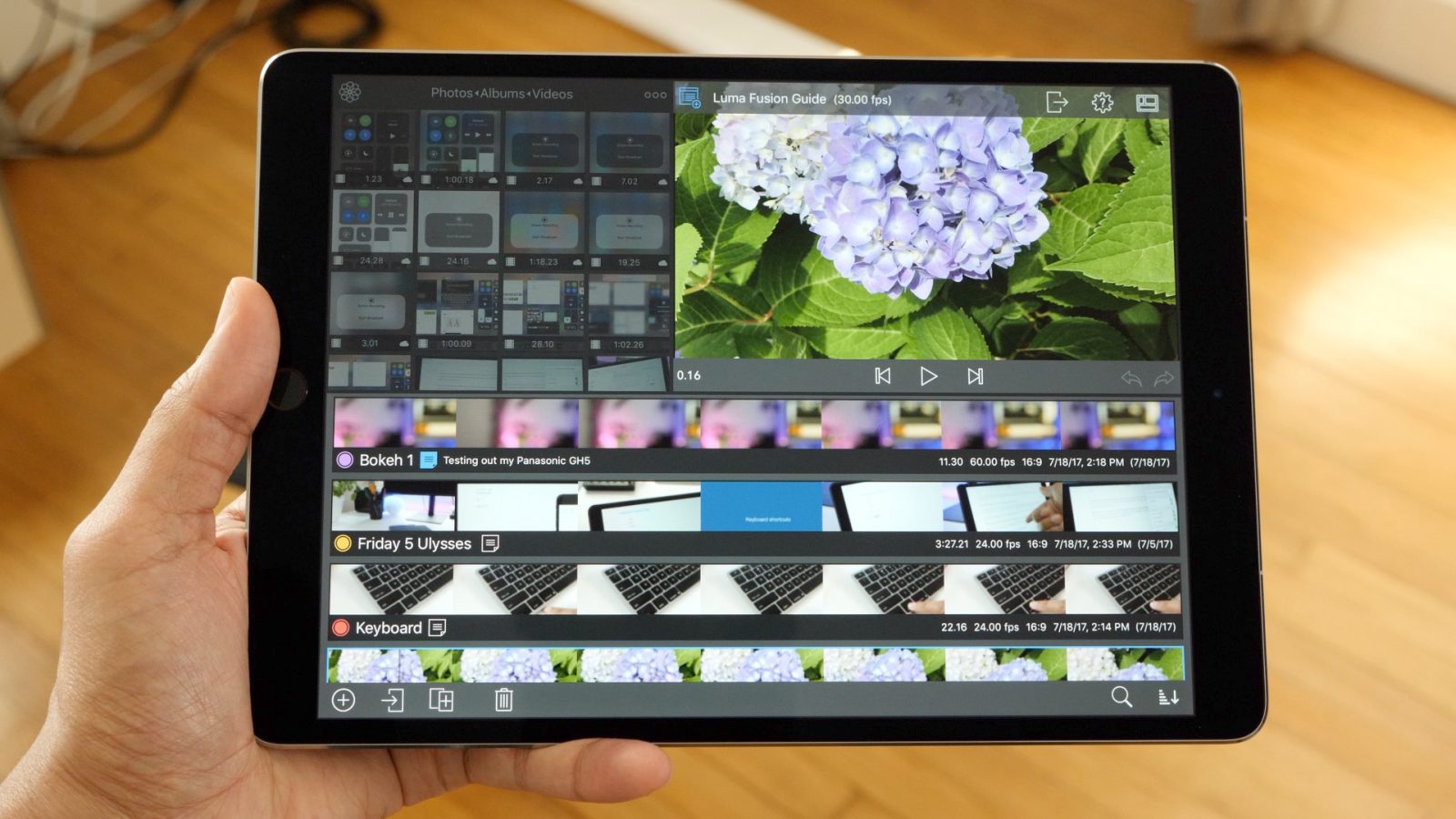
LumaFusion video editing guide part 1: Basic project features [Video]

I’ve been wanting to do a series on iPad video editing for some time, and I feel that time is right with the maturation of LumaFusion into a powerful app for editing videos on iOS. LumaFusion, as I’ve stated in the past, is the most comprehensive video editing tool available on the platform, and should be the choice for anyone who’s seriously into editing videos via iPad on a recurring basis.

In this initial walkthrough, I step through many of the basic project settings in LumaFusion. This includes creating a new project, adjusting basic preferences, renaming, duplicating, deleting projects, and so on.

By the end of this tutorial, you should have a firm grasp on how to use projects in LumaFusion, which will adequately prepare you to tackle other basic areas of the app, including managing the timeline and source viewer. We’ll be back soon with additional LumaFusion tutorials, with the goal of eventually establishing a full comprehensive video-driven guide to the app.
Expand
Expanding
Close

YouTuber upgrades base-model 5K iMac with seventh-gen Intel Core i7 processor, 64 GB of RAM, and more [Video]

iMacs can’t be upgraded, right? Tell that to YouTuber Quinn Nelson, better known around the Interwebs as SnazzyQ. Nelson performed some intense surgery on his less than-a-few-weeks-old, $1,799 base-model Mid 2017 5K iMac. The result? He came away with a machine that performs better in some respects than the most expensive ($5,299 before tax) iMac you can currently buy.
Expand
Expanding
Close

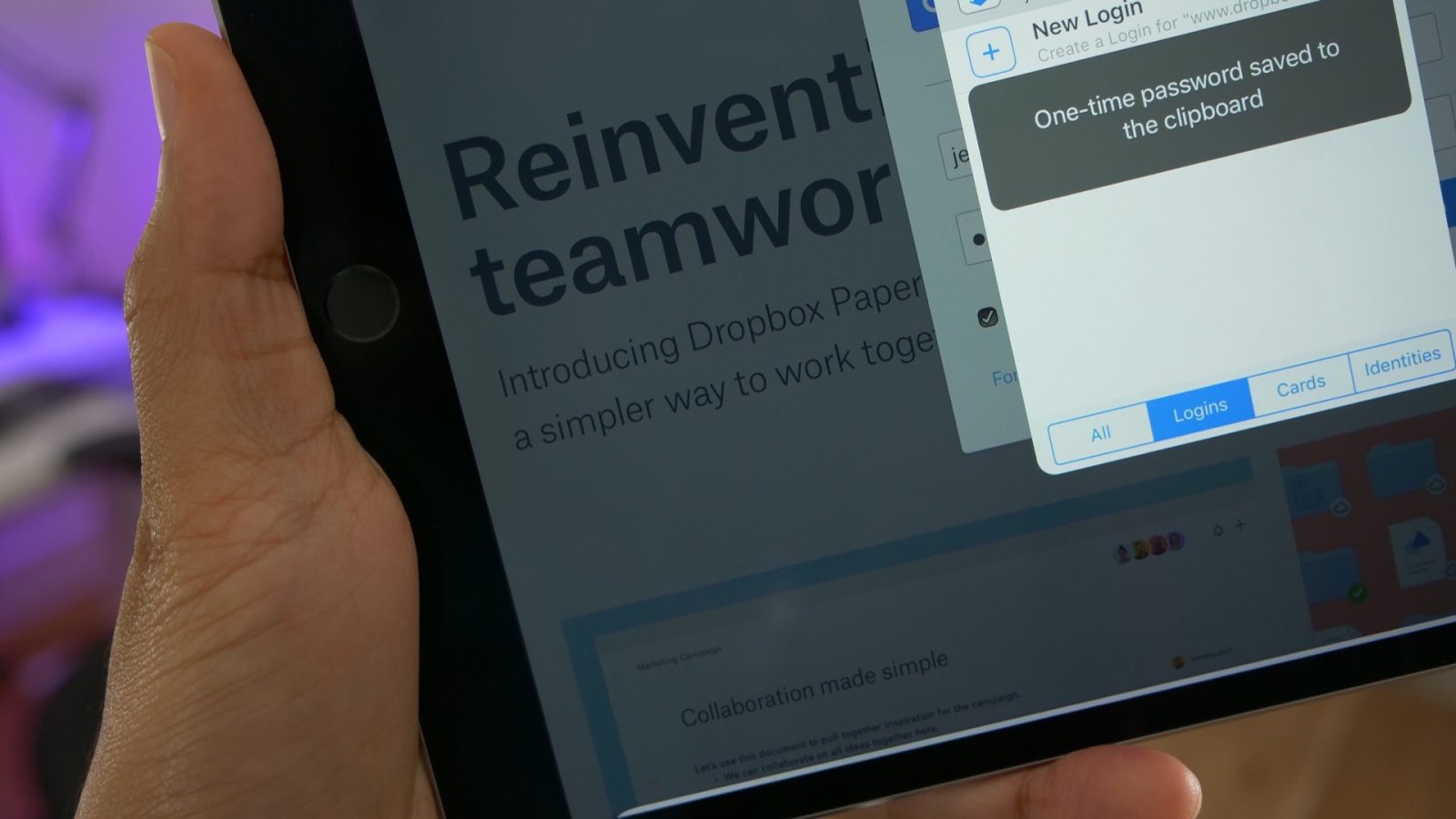
1Password version 6.8 for iOS auto-copies one-time passwords to save time

AgileBits has released the latest version of 1Password for iOS, and it includes a new feature that will serve as a major convenience for anyone who uses the app to manage two-factor one-time passwords. As of version 6.8, which AgileBits has codenamed ‘The Picnic Edition’, one-time passwords will now auto-copy to the clipboard whenever you use auto-fill.
Expand
Expanding
Close

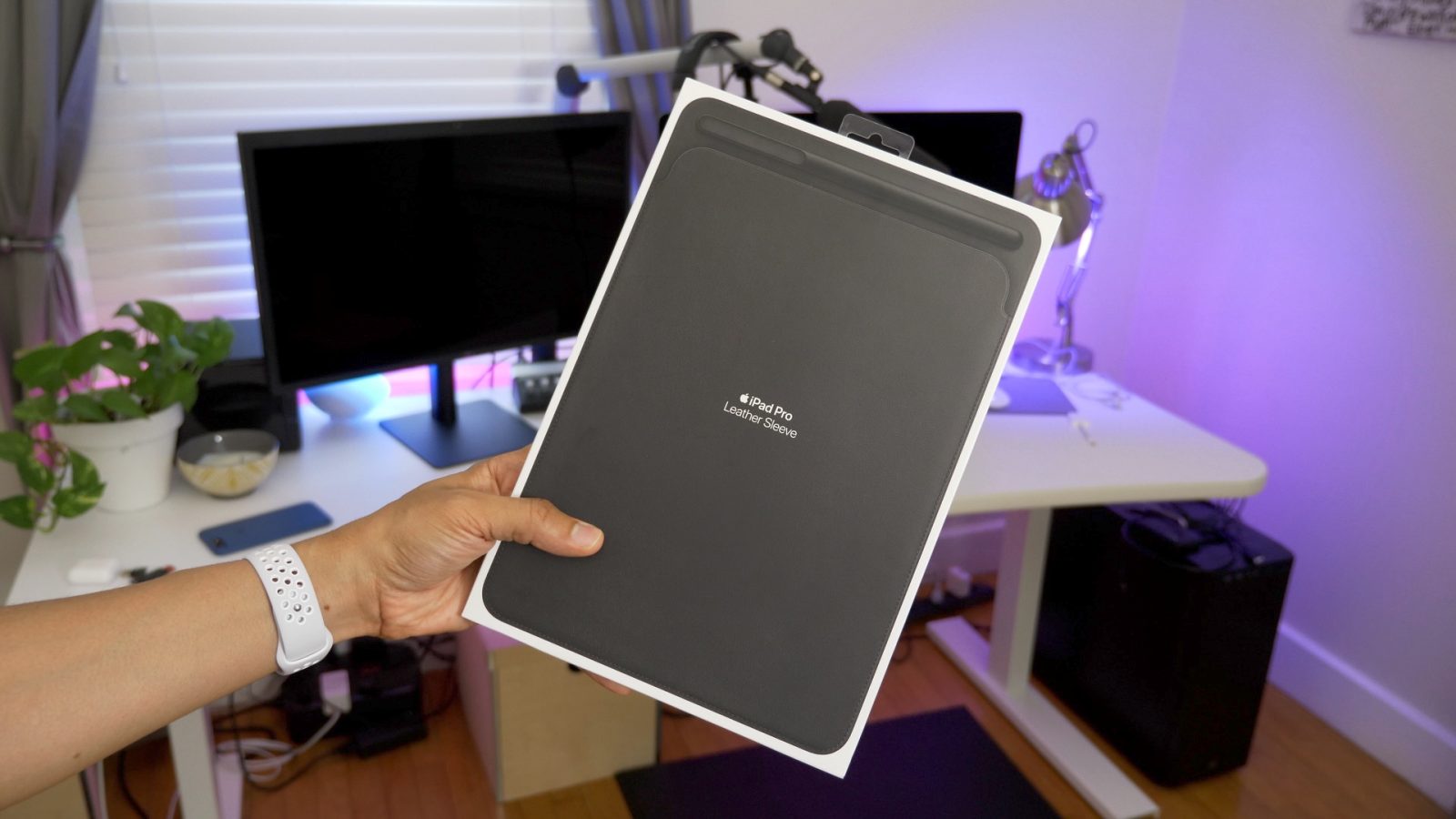
Hands-on: Apple’s Leather Sleeve – a luxury storage solution for iPad Pro [Video]

The iPad Pro Leather Sleeve is an accessory that’s made for iPad Pro owners who use an Apple Pencil. The sleeve, with a price of $129 for the 10.5-inch model and $159 for the 12.9-inch model, is made out of leather and is available in four colors.

Considering its price tag, the Leather Sleeve is what I would call a luxury accessory. There are other options that provide similar protection at a much cheaper price, but for those of you who demand a high-quality Apple-branded product, the Leather Sleeve makes for an interesting option.
Expand
Expanding
Close

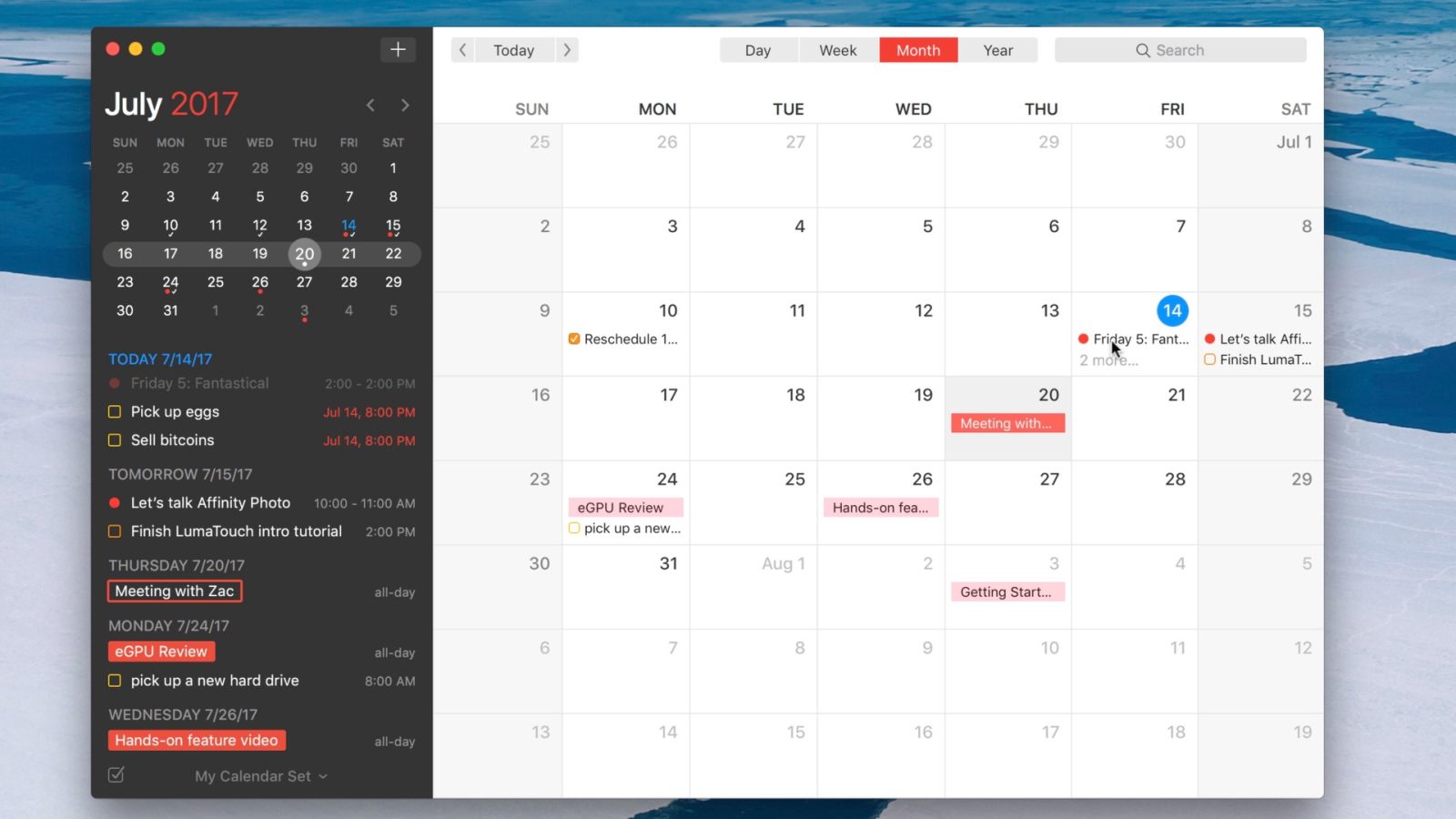
Friday 5: Fantastical 2 – a better way to manage calendars and reminders on your Mac [Video]

When not using Apple’s built-in default option, Fantastical has long been my go to Calendar app on macOS. The app was just recently updated to version 2.4, a major feature upgrade encompassing things like attachment support, advanced undo/redo, travel time, and more.

But it’s not just the latest upgrades that make this app a worthy default Calendar app replacement. Have a look at five of my favorite Fantastical 2 features in this week’s edition of Friday 5 for more details.
Expand
Expanding
Close

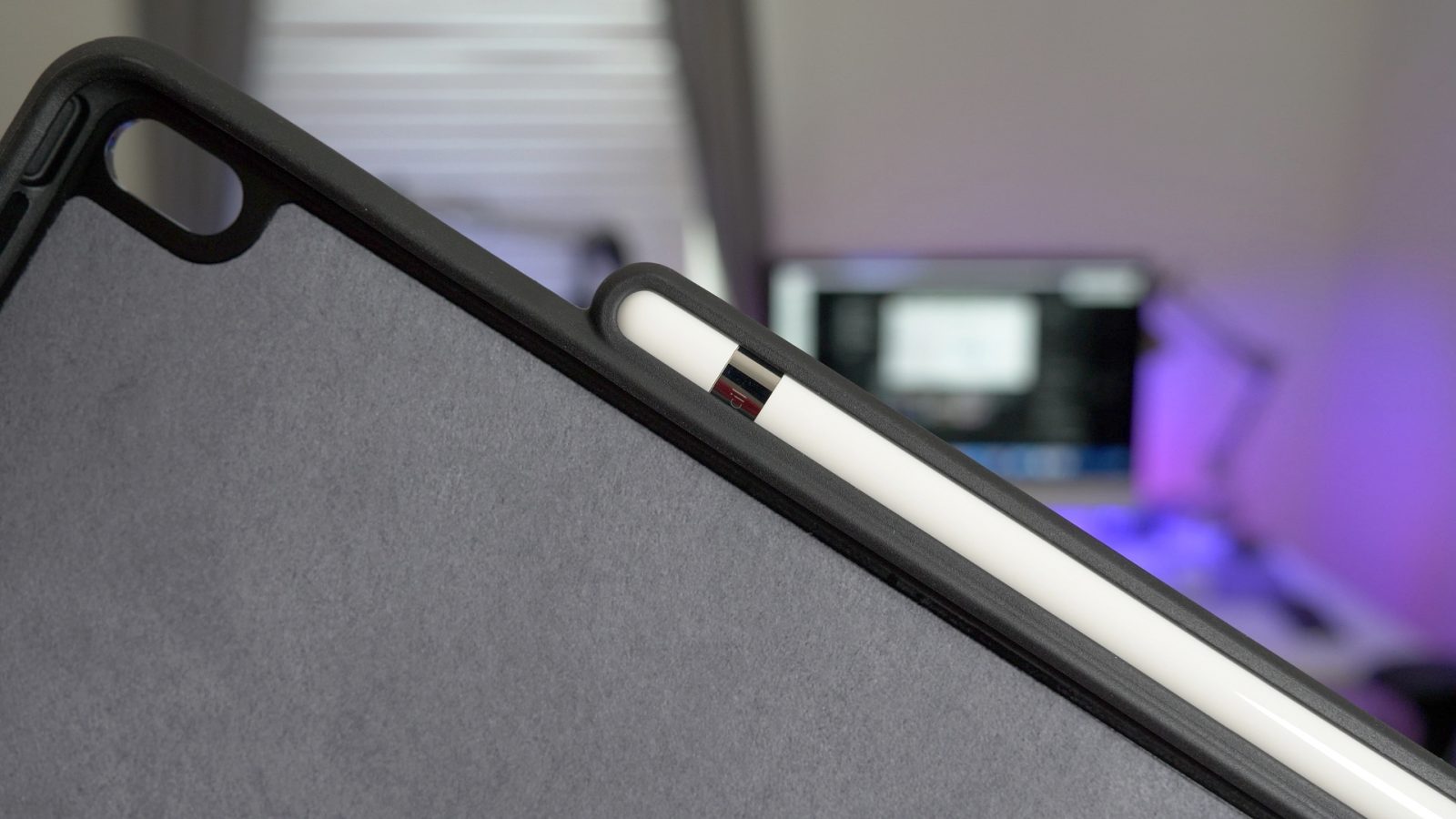
Hands-on: Khomo’s 10.5-inch iPad Pro case with built-in Apple Pencil holder [Video]

If you’re a 10.5-inch iPad Pro user who regularly uses a Smart Keyboard, then Khomo’s iPad Pro + Smart Cover companion case should definitely be on your radar. It’s a case that compliments either the Smart Cover or Smart Keyboard, providing rear iPad Pro protection that Apple doesn’t currently offer.

If, however, you’re in search of a full case with a built-in Apple Pencil holder, then Khomo has another solid sub-$20 offering for you. Have a look at our hands-on video walkthrough for all of the details.
Expand
Expanding
Close

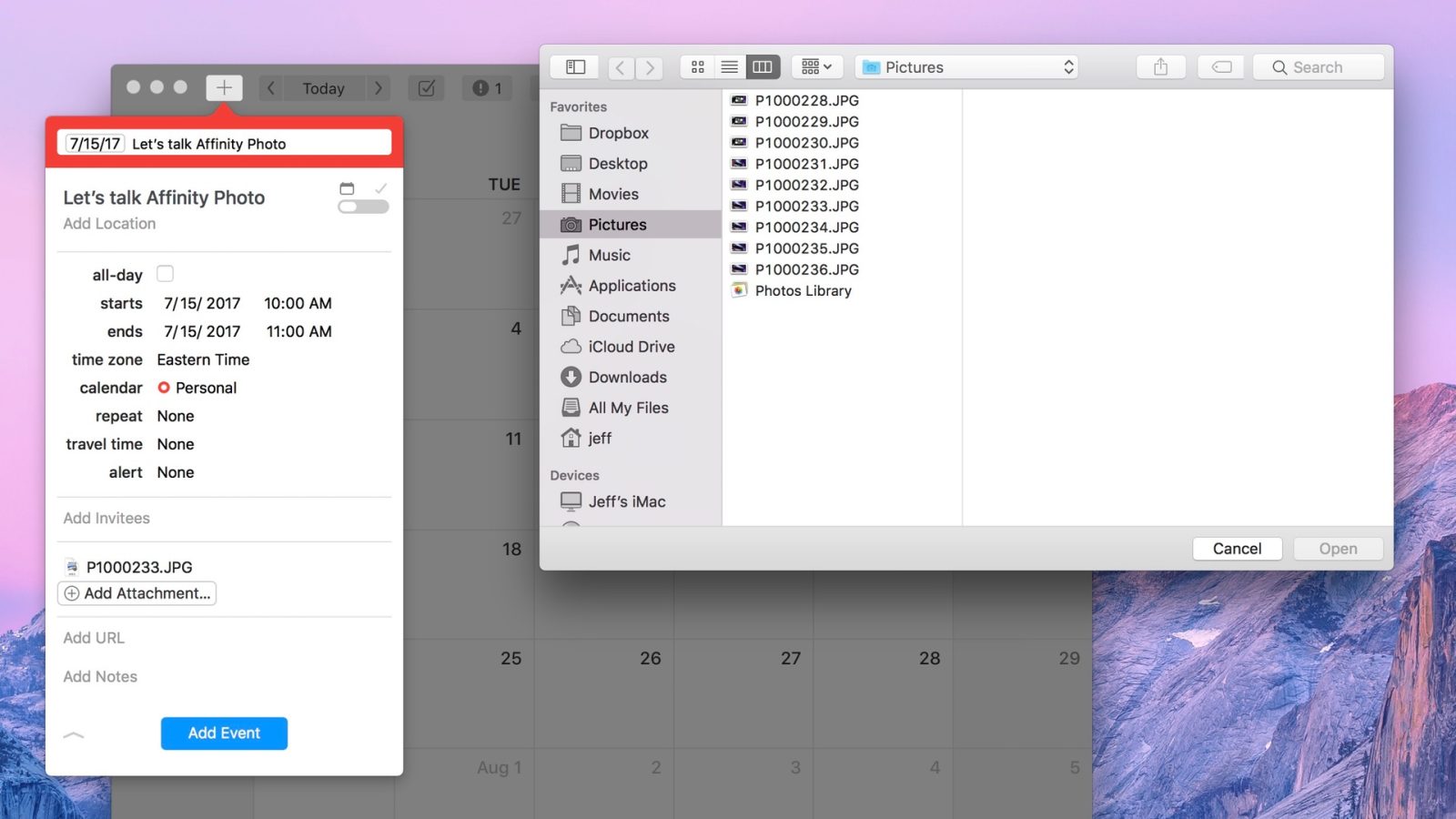
Fantastical 2.4 for Mac brings lots of new features and improvements to the popular calendar app

Fantastical 2, the popular calendar app from developer, Flexibits, has received a big update for the Mac. Version 2.4, which just landed on the Mac App Store, brings several notable new features to the fore.

Users will be happy to learn that you can now add attachments directly to iCloud and Exchange calendar events on the Mac. The update also lends the ability to add travel time to events, letting you receive notifications that correspond to the amount of time it will take to reach the event location.

Have a look at the full change log inside, which highlights the biggest Fantastical update since version 2 launched back in 2015.
Expand
Expanding
Close

Hands-on: Khomo’s 10.5-inch iPad Pro rear case – a perfect Smart Keyboard companion [Video]

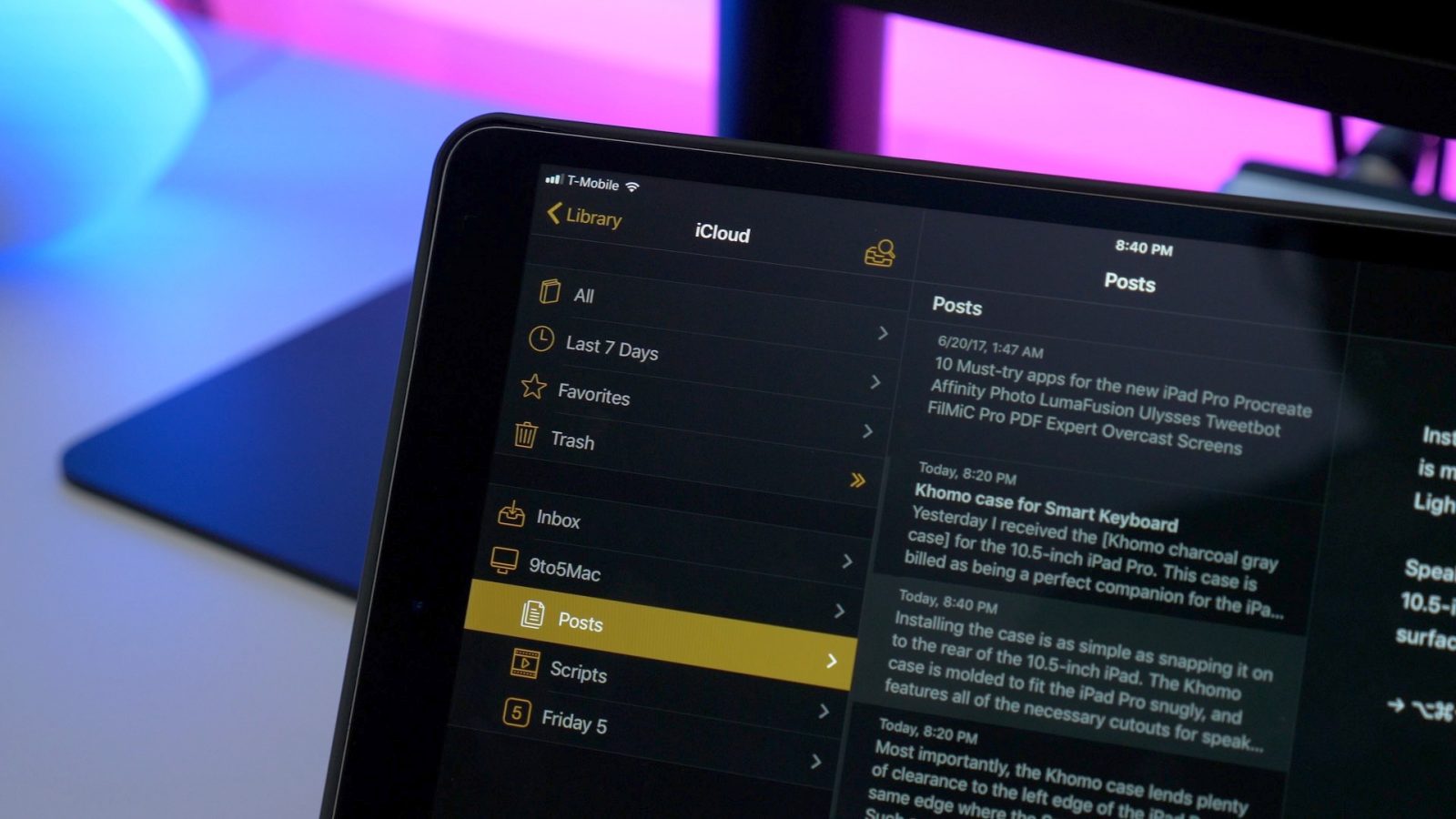
Last week I received the Khomo charcoal gray case for the 10.5-inch iPad Pro. This case is billed as being a perfect companion case for the iPad Pro + Smart Keyboard. Because Apple has decided not to sell a companion rear case for either the Smart Cover or Smart Keyboard, users are essentially forced to go the third-party route if they desire to protect the rear of their iPad Pro.

The good news is that there are some really good third-party options available. We already covered one such option, an all-in-one solution that can be had for less than $20. But for those of us that gravitate towards the Smart Keyboard, a rear case that’s specifically designed to complement Apple’s front cover protection is required.

As you’ll see from my hands on video walkthrough, the Khomo case is one of the best Smart Keyboard companion options that you can buy right now. Not only is it an excellent fit, but its color and texture match the Smart Keyboard almost perfectly.
Expand
Expanding
Close

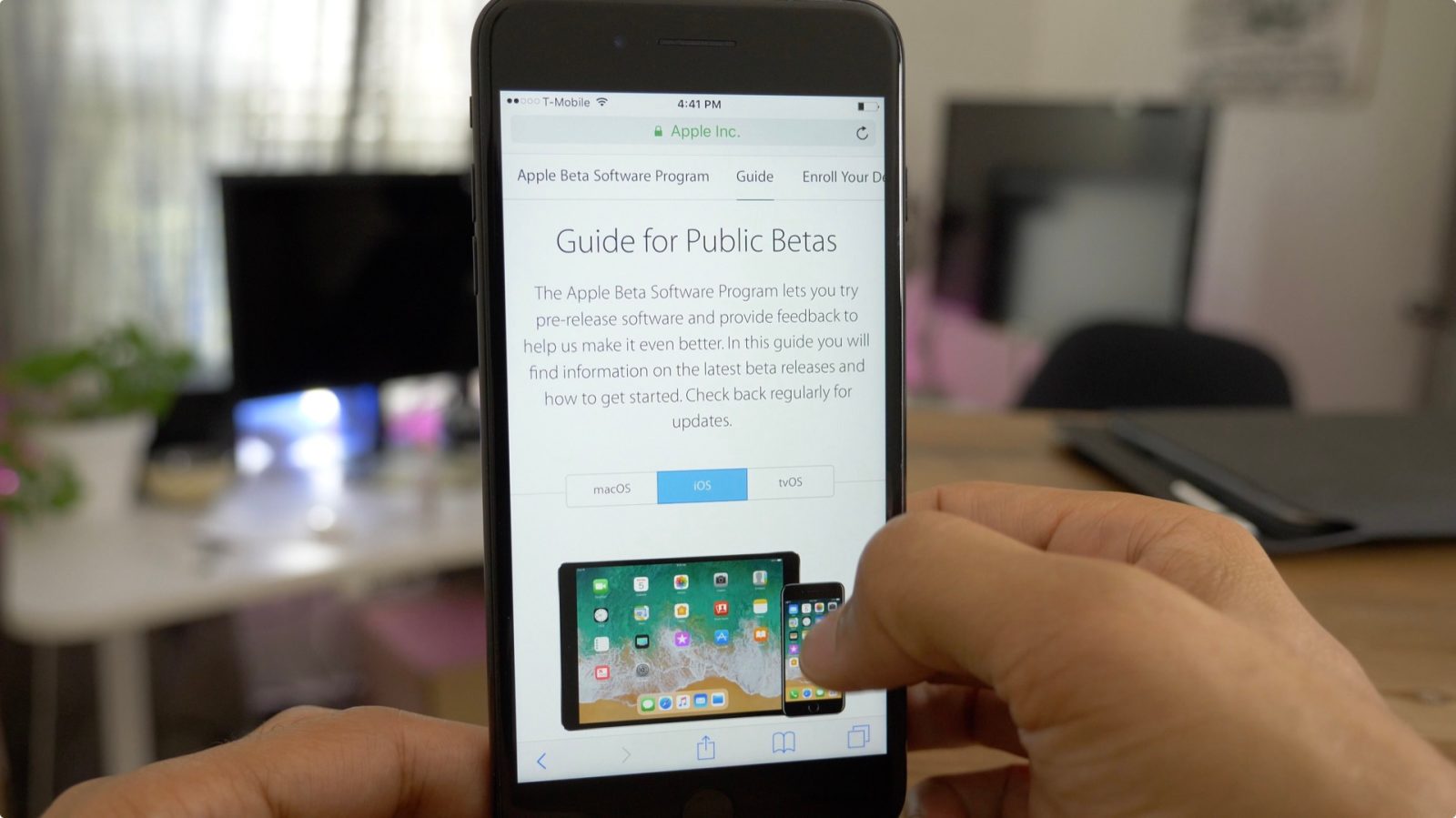
What’s new in iOS 11 beta 3? Hands-on with 20+ features and changes [Video]

iOS 11 beta 3 just landed yesterday, and we’ve got a hands-on look at the highly-anticipated release. The update brings a variety of changes and improvements, including the ability to force close apps on iPad using a swipe up gesture, folder support in the Dock, and more. Have a look at our hands-on walkthrough video inside as we step through some of the latest changes and features.
Expand
Expanding
Close

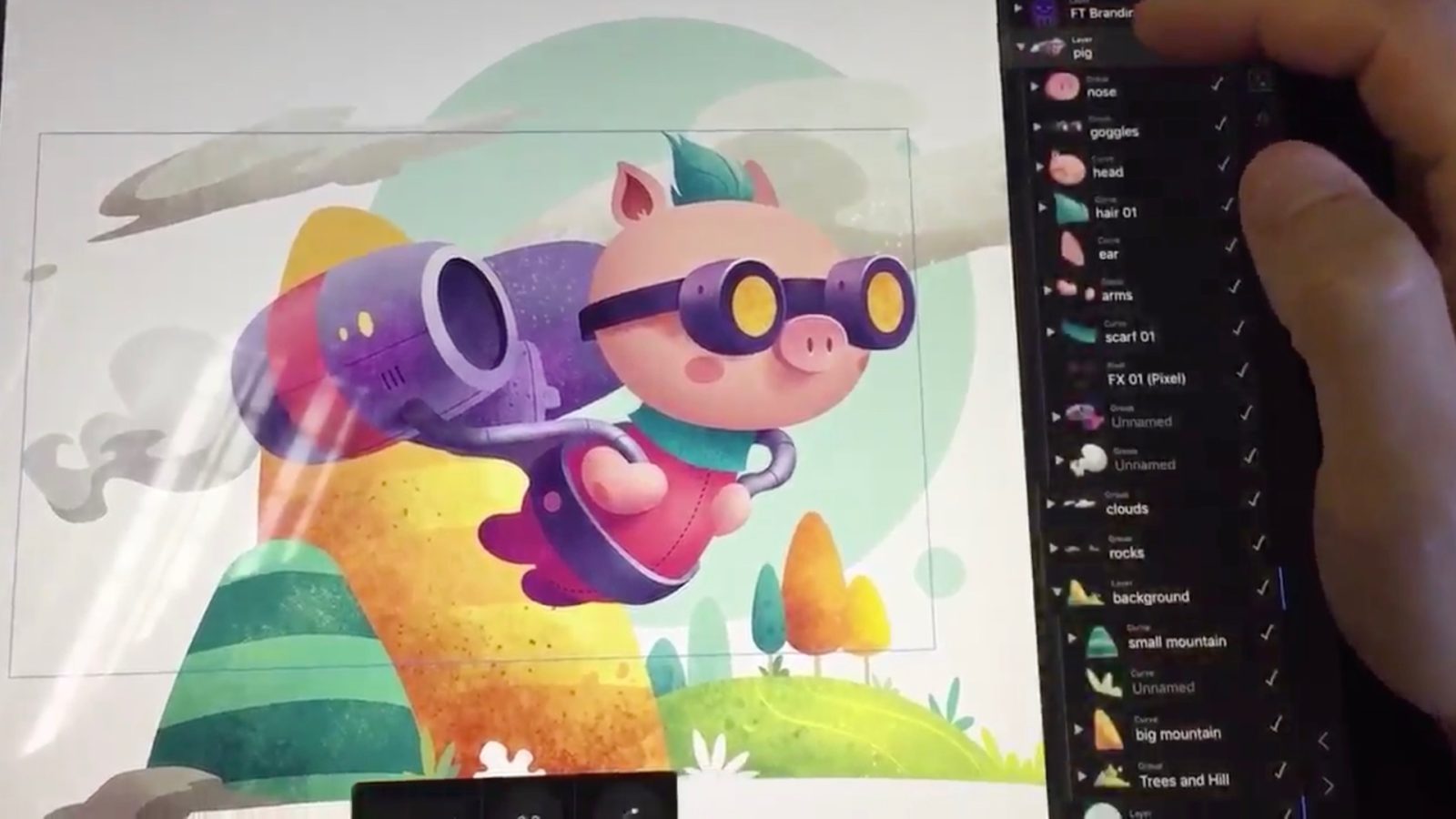
Affinity Photo gets big update headlined by resolution support for 10.5-inch iPad Pro, and portrait mode

Serif’s Affinity Photo for iPad received its first big update today, headlined by its support for native resolution on the 10.5-inch iPad Pro. The iPad-only release, which now clocks in at version 1.6.3, brings many new changes and features to the popular image editing app. Have a look at the full change log inside for the entire summation of the updates.
Expand
Expanding
Close

The Smart Keyboard makes the 10.5-inch iPad Pro a better device [Video]

I’ve used a few third-party keyboards with the iPad Pro in the past, but for some strange reason I’ve never opted to give Apple’s very-own Smart Keyboard a fair shake. In hindsight, that was a huge miscalculation on my part, as I’m quickly learning since I received the 10.5-inch iPad Pro with Smart Keyboard in tow.

It’s now my opinion that you should strongly consider pairing the 10.5-inch iPad Pro with the Smart Keyboard, because it fundamentally changes the device for the better. It’s not perfect, but the amount of convenience that it brings to the table makes it highly worth considering. Have a look at our video commentary for 15 reasons why I think the Smart Keyboard is a must-have iPad Pro accessory.
Expand
Expanding
Close

New video provides a hands-on look at Apple Watch restore process using iBus tool

The iBus, a tool that we previously discussed, allows users to connect to the Apple Watch maintenance port for interfacing with iTunes on a Mac. MFC, its creator, says that the iBUS is the first such tool in existence. In the following hands-on video, @alixrezax walks through the Apple Watch restore process from start to finish using the iBus. It’s one of the first hands-on step-by-step looks at the tool in usage that we’ve seen.
Expand
Expanding
Close