Author

Avatar for Jeff Benjamin

Jeff Benjamin

Jeff Benjamin

Jeff is the head of video content production for 9to5. He joined 9to5Mac in 2016, producing videos, walkthroughs, how-tos, written tutorials, and reviews. He takes pride in explaining things simply, clearly, and concisely. Jeff’s videos have been watched hundreds of millions of times by people seeking to learn more about today’s tech. Subscribe to 9to5Mac on YouTube to catch Jeff’s latest videos.

iOS Decoded is Jeff’s flagship video series that breaks down what’s new in iOS betas, including behind-the-scenes deep dives into undiscovered features and exclusive details on the iOS roadmap. 

Jeff also produces a weekly podcast, alongside co-host Fernando Silva, entitled 9to5Mac Overtime. A video-first podcast, 9to5Mac Overtime airs weekly on our YouTube channel, but can also be enjoyed in audio form via Apple Podcasts, or your podcast app of choice.

Have a tip or exclusive? Connect with Jeff!

Connect with Jeff Benjamin

Hands-on with Akitio’s new Thunderbolt 3 storage enclosures [Video]

Site default logo image

akitio-thunder3-duo-pro-quad-review-displayport-thunderbolt-3-connected

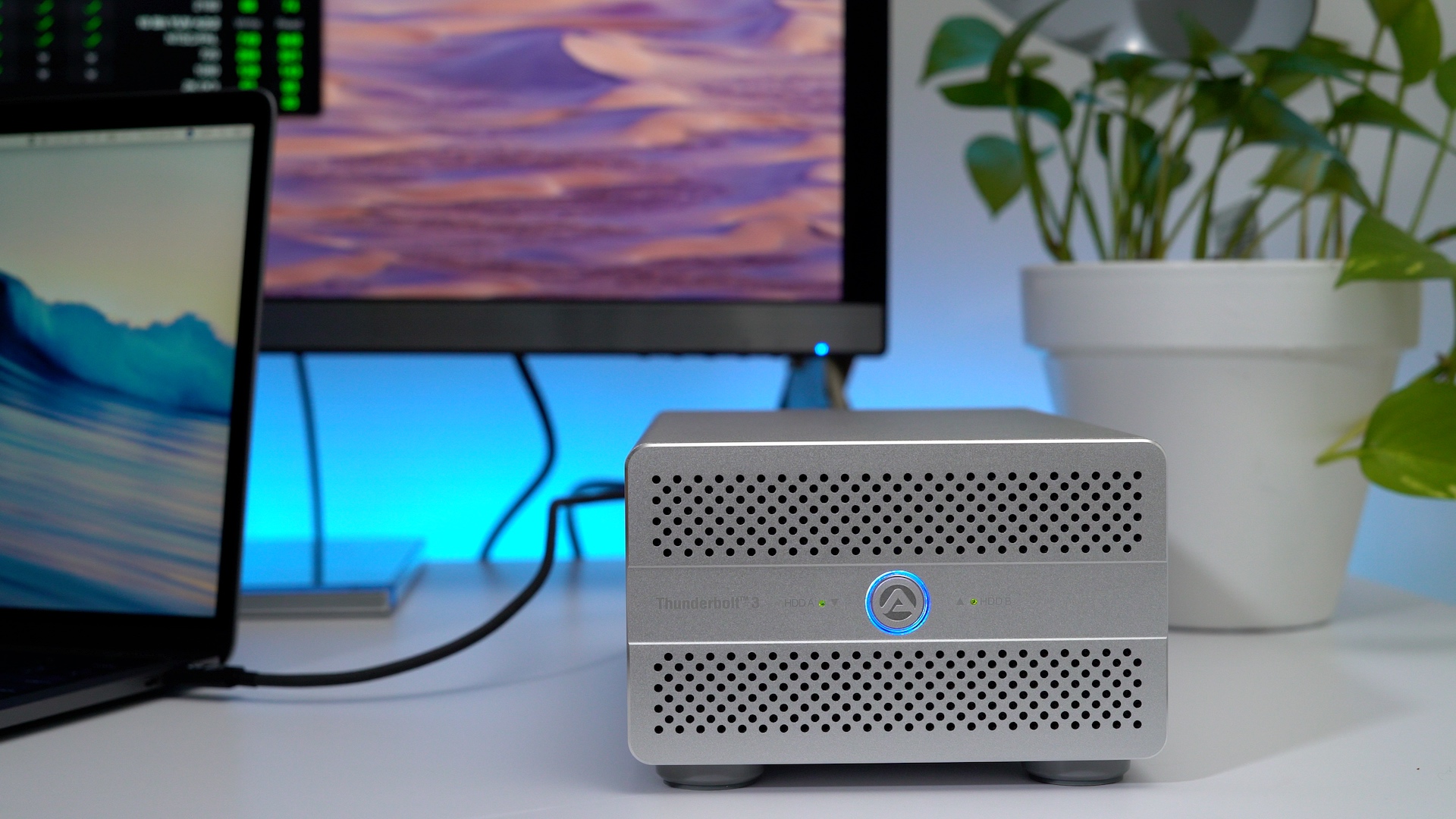
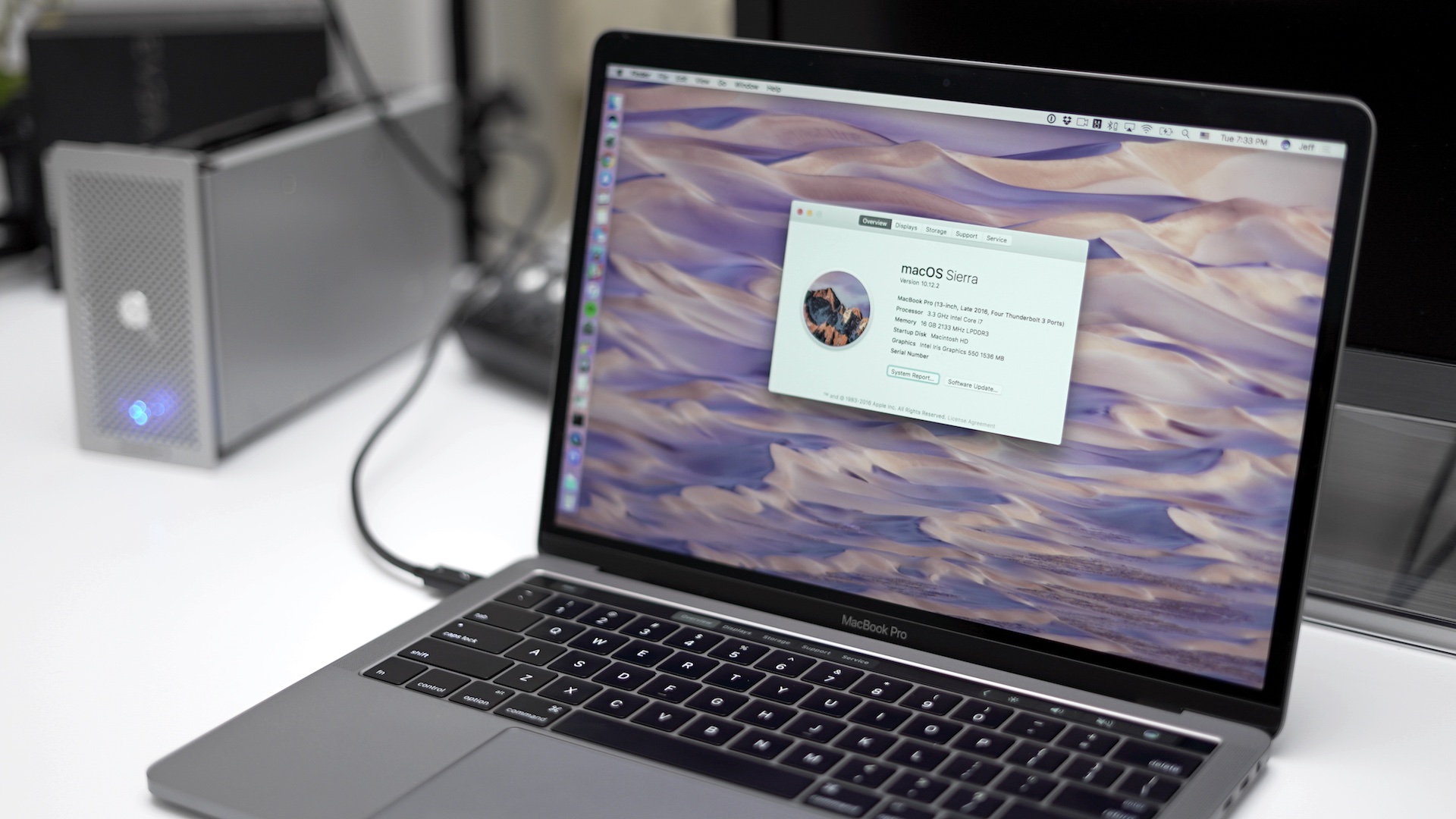
I’ve been testing two new Thunderbolt 3-enabled storage enclosures from the fine folks at Akitio. The Thunder3 Duo Pro is a hardware RAID-enabled enclosure that can accommodate two 2.5- or 3.5-inch drives. The Thunder3 Quad is an enclosure that supports up to four 2.5- or 3.5-inch drives. The Quad lacks a hardware RAID controller, but you can use utilize software RAID at the OS level.

Both enclosures feature dual Thunderbolt 3 ports, which allow the devices to be daisy-chained, and both feature DisplayPort connectivity for supporting external 4K displays at 60Hz without needlessly occupying the adjacent Thunderbolt 3 port.

In this hands-on video, we unbox both enclosures, and mate them with 550MB/s SATA-III solid state drives. What we found was impressive speed when paired with the latest MacBook Pro.
Expand
Expanding
Close

Hands-on: Glyph’s Atom SSD is a good choice for MacBook and MacBook Pro-owning creatives [Video]

Site default logo image

glyph-atom-ssd

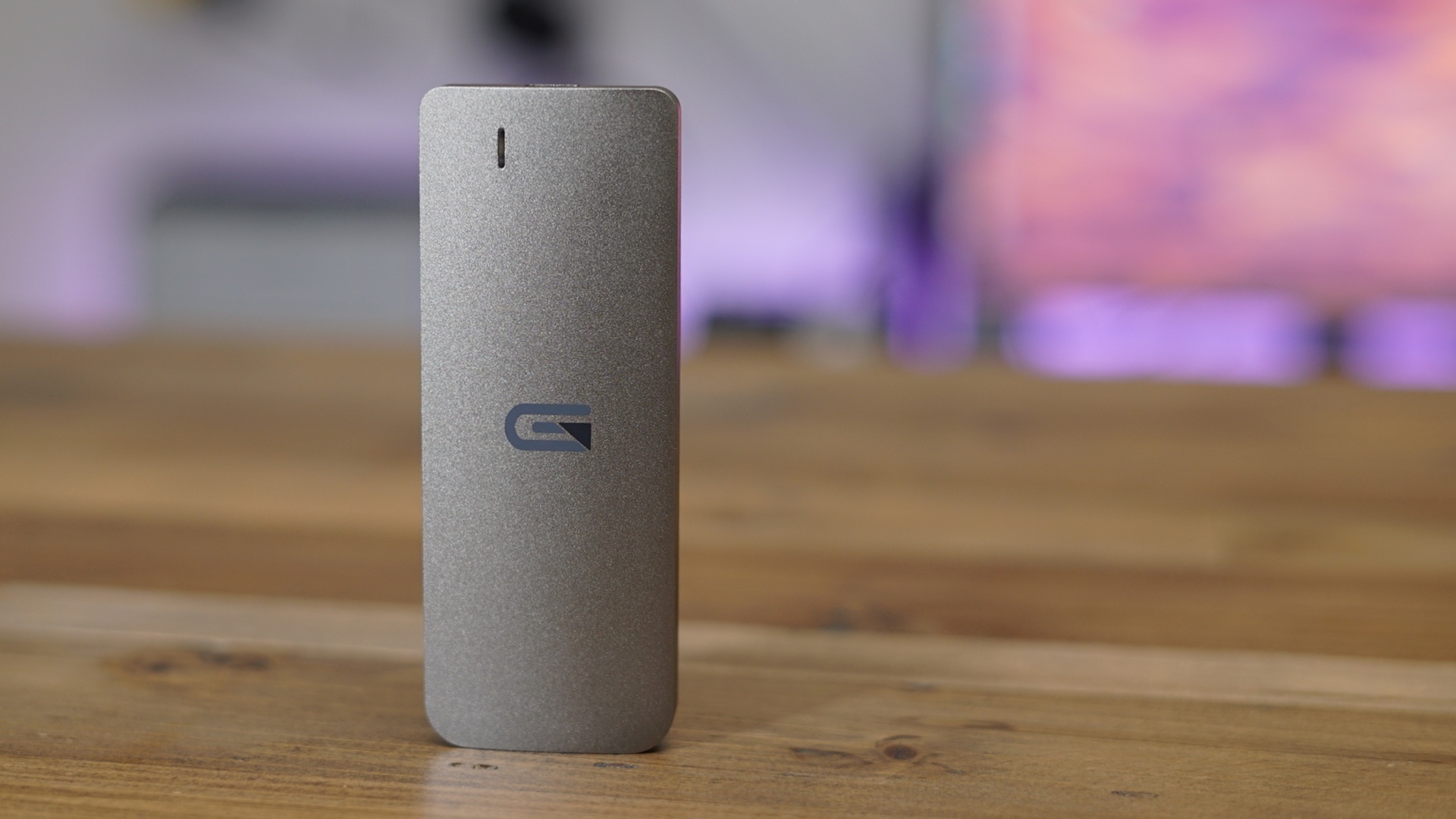
As a full time Final Cut Pro X user, I’m always on the lookout for things that can make my editing workflow easier. One such product that fits that description is the Atom SSD from Glyph.

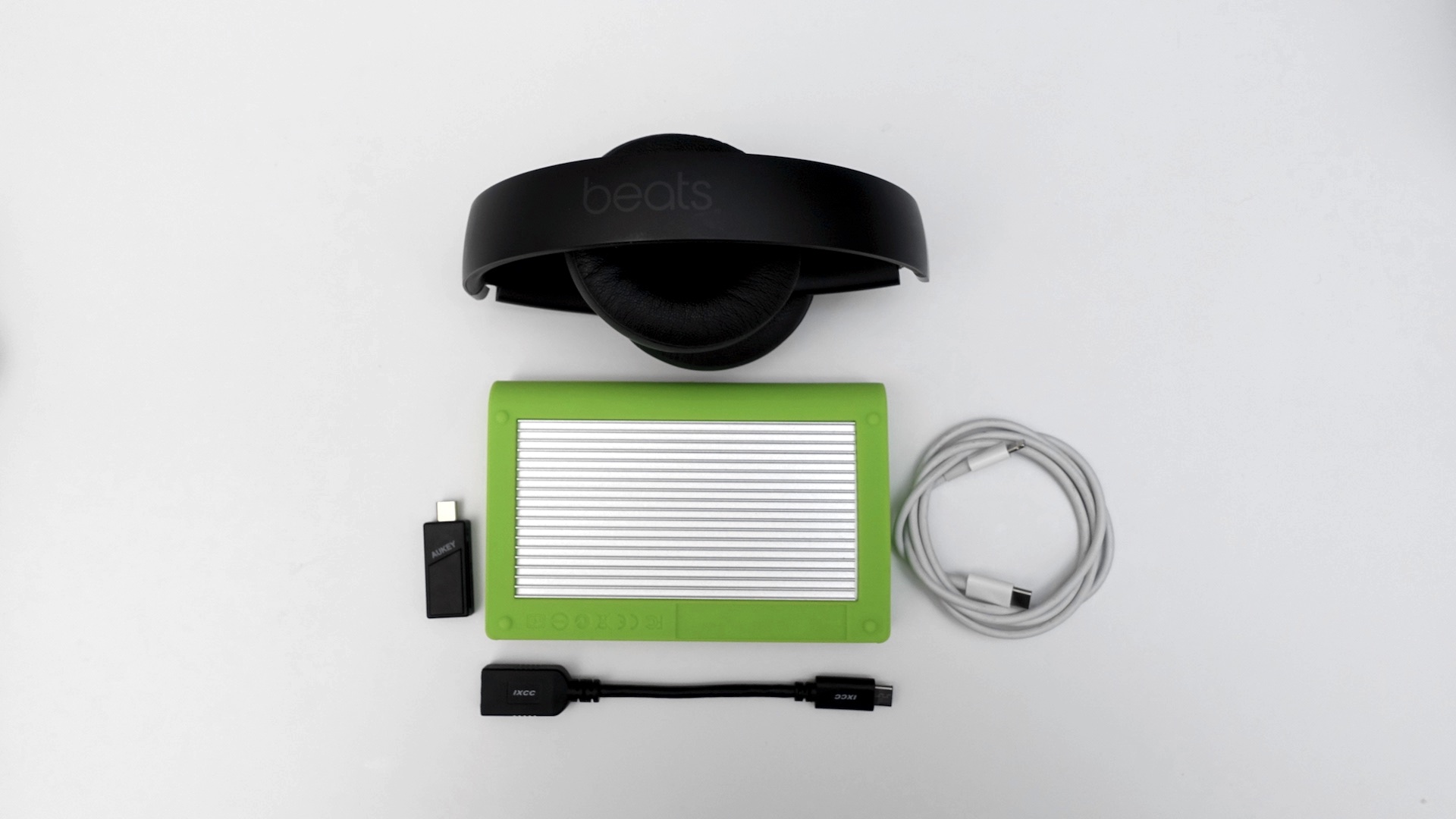
The USB-C-enabled 1TB Atom SSD lends ample storage space to the MacBook Pro in a small, portable form factor. More importantly, the unit is plenty fast for transferring the large files that are common to video editing workflows.

Thanks to its portable size and fast transfer rates, it’s a solid way to add additional storage to the 12-inch MacBook or the MacBook Pro, especially while away from your home or office. Have a look at our hands-on video walkthrough as we take the Atom SSD for a spin.


Expand
Expanding
Close

AirPods: Top Features – Was it worth the wait? [Video]

Site default logo image

airpods-top-features

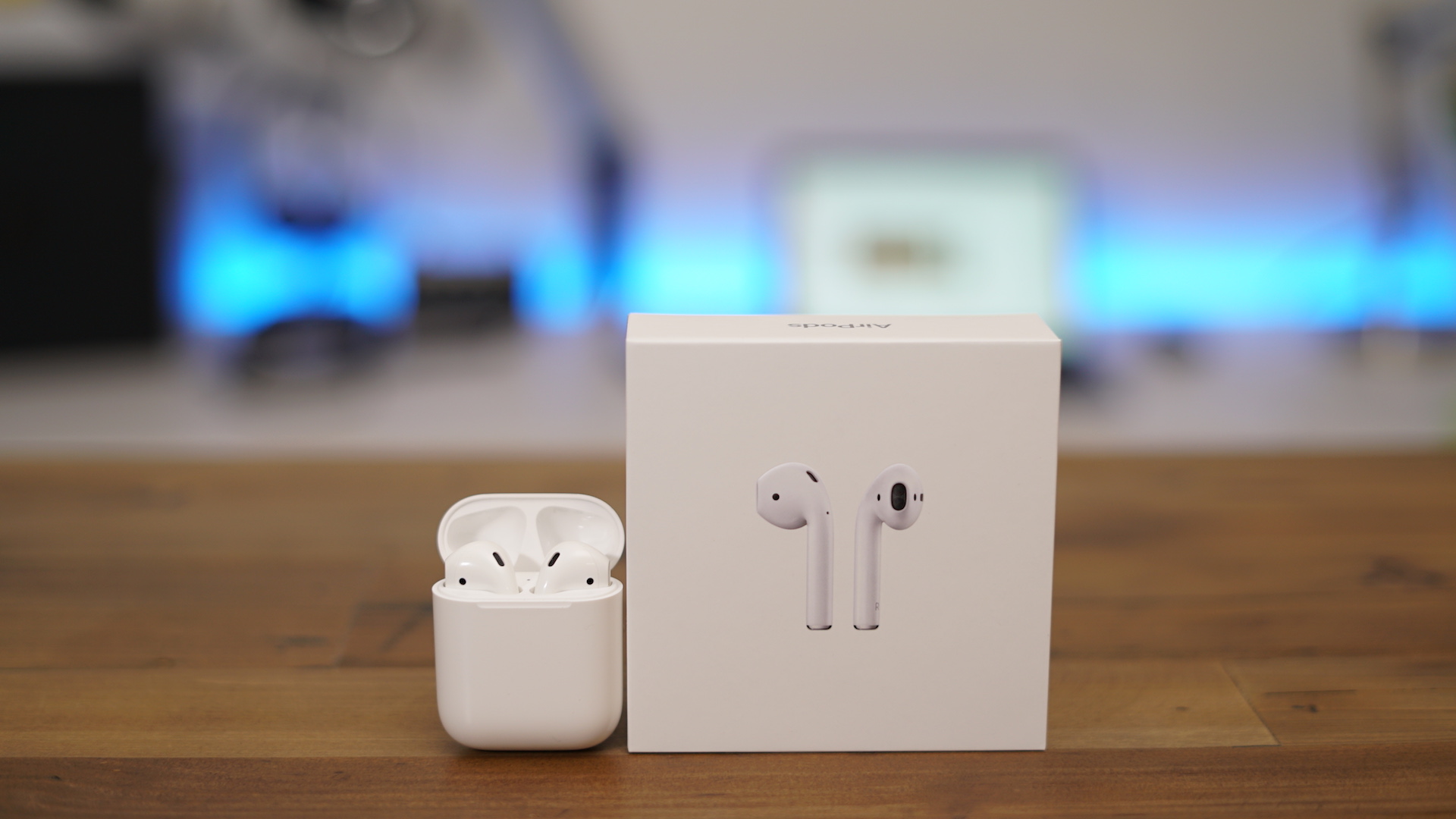
After unexpectedly receiving my AirPods two days earlier than the scheduled delivery date, I’ve been enjoying them for the last few hours. The AirPods, which were first unveiled back at Apple’s iPhone 7 event in early September, endured a delay, but still managed to ship before the end of the 2016.

Our own Benjamin Mayo has already written a hands-on AirPods first impressios post, so I thought I’d put together a post that highlights some of the top features for Apple’s groundbreaking wireless earbuds. Watch our hands-on video walkthrough inside for the full rundown.
Expand
Expanding
Close

DaVinci Resolve gains impressive Touch Bar support in latest update

Site default logo image

davinci-resolve-studio-touch-bar-macbook-pro

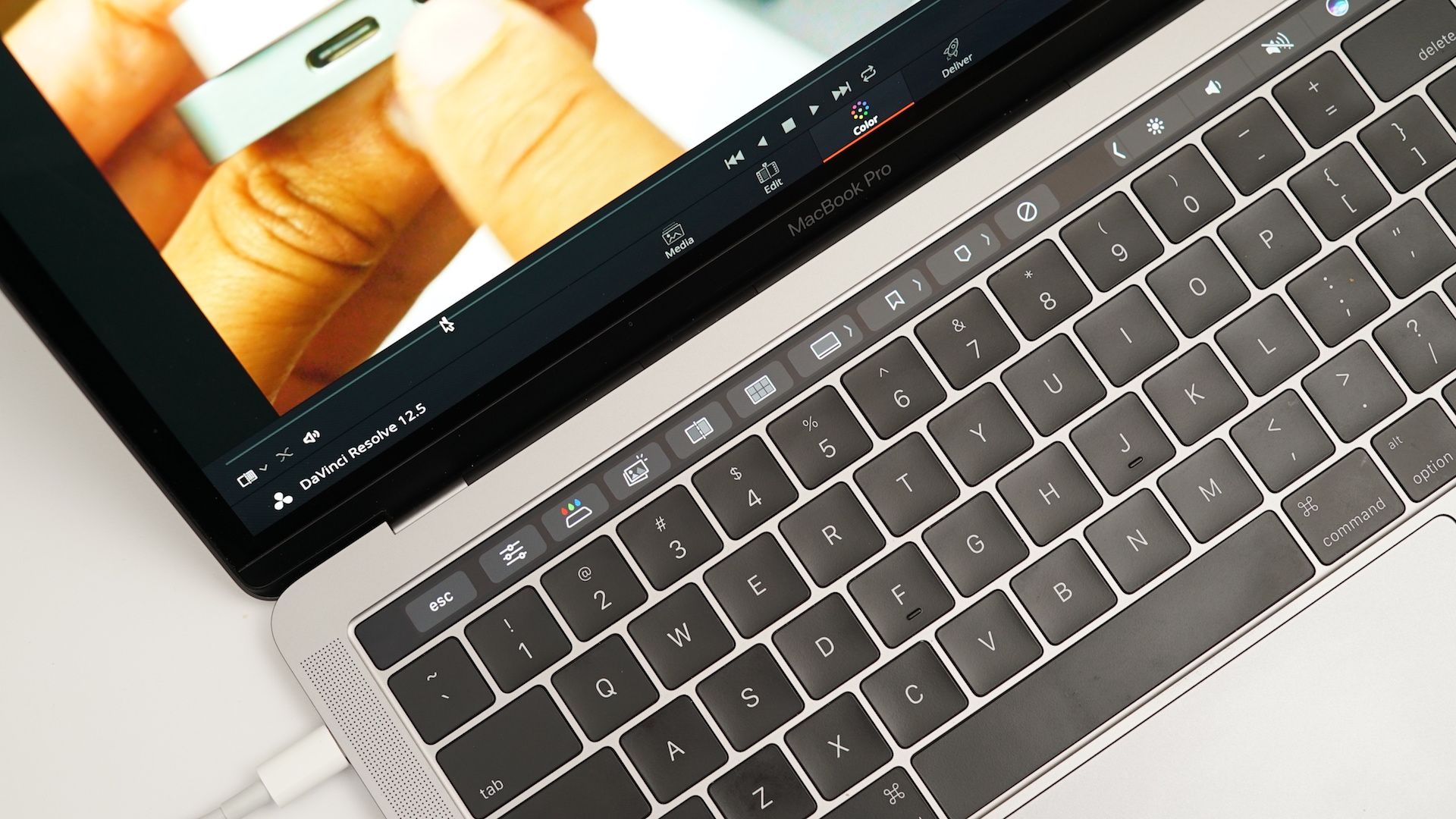
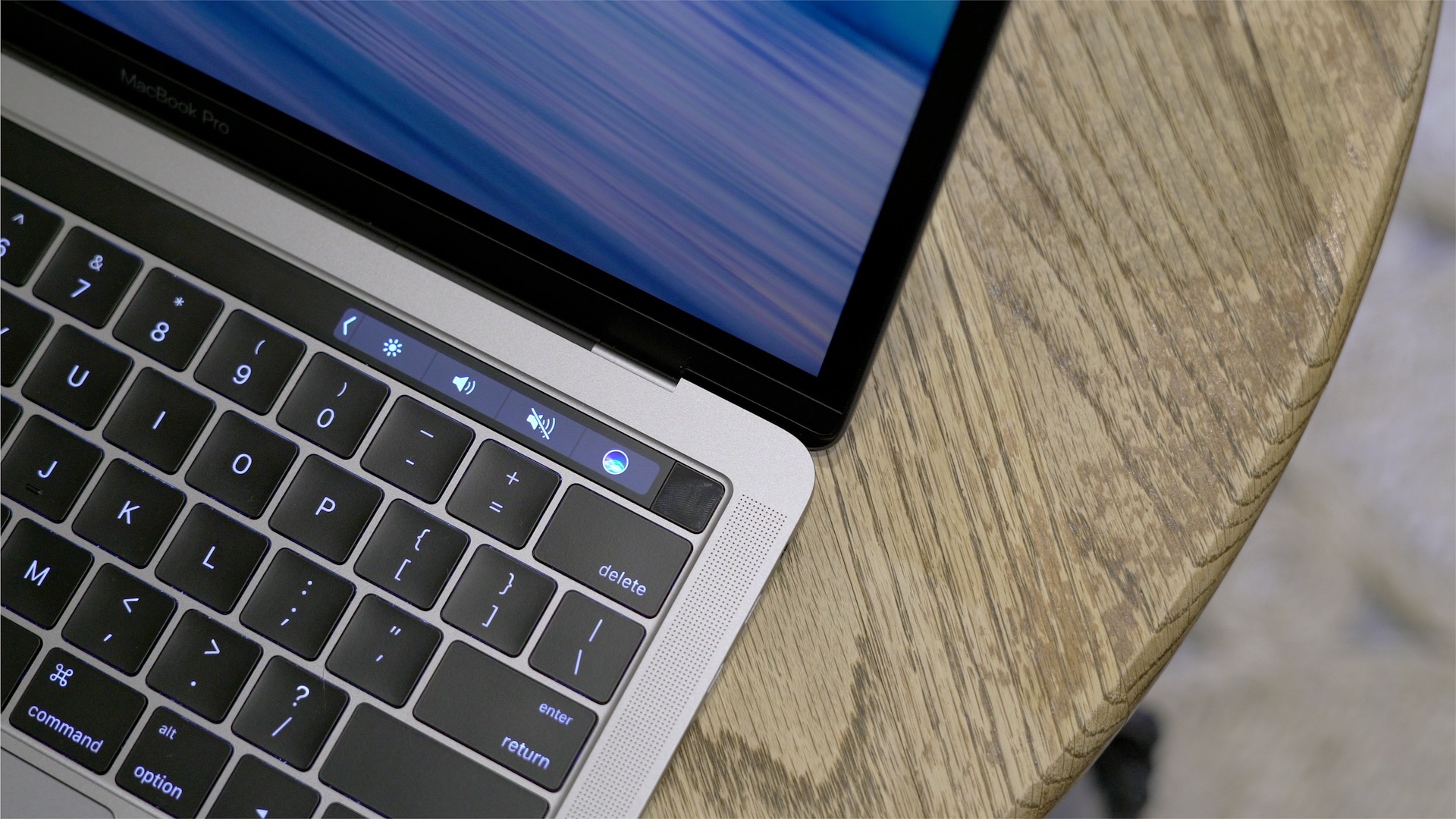
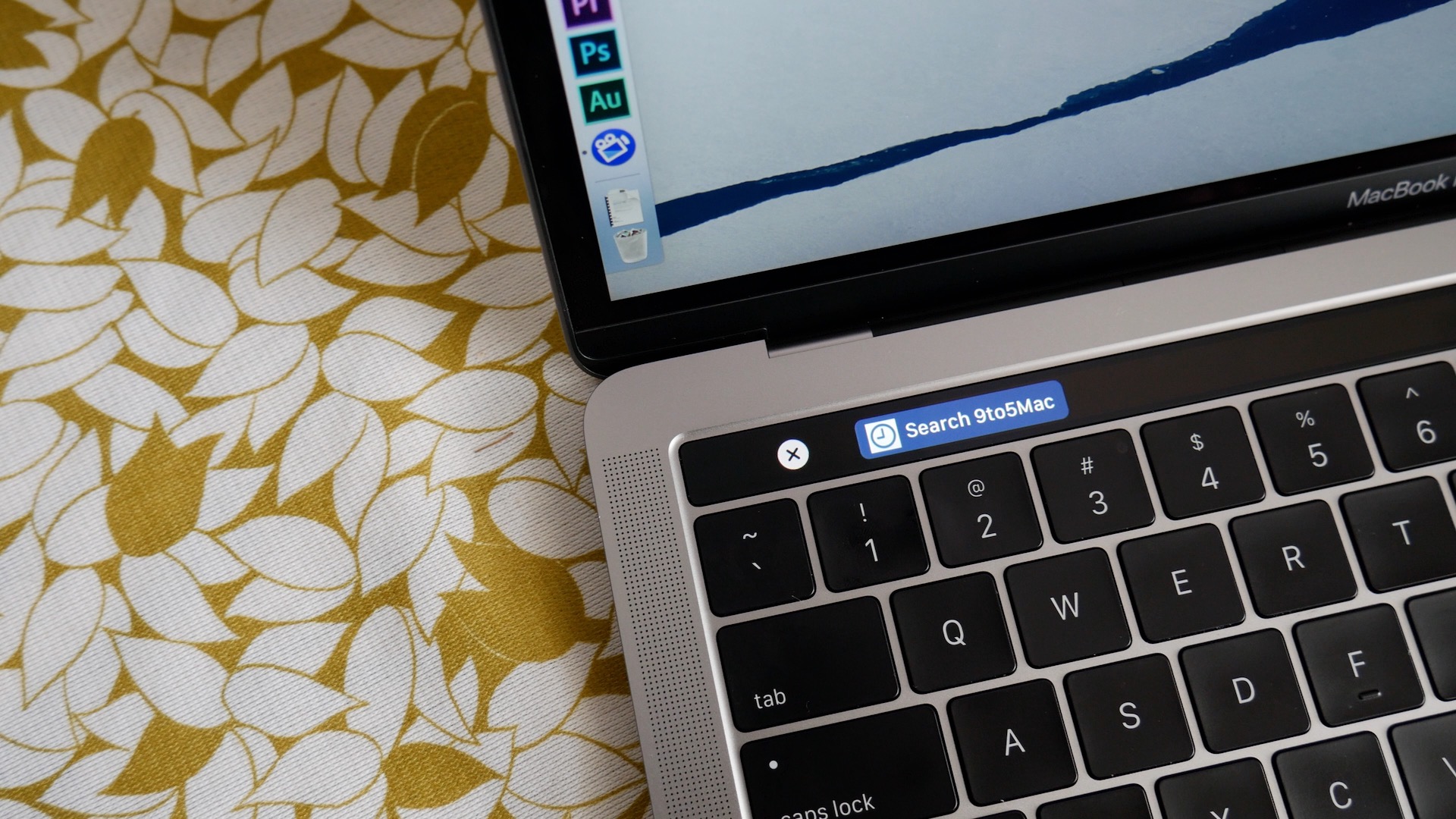
Blackmagic Design’s DaVinci Resolve and DaVinci Resolve Studio both received recent updates that implement support for the Touch Bar on the new MacBook Pro. The professional non-linear editor is popular among videographers for its immersive color correction features.

While Apple’s flagship Final Cut Pro X received Touch Bar support back in October, DaVinci Resolve’s December 14th update brings one of the most impressive Touch Bar support implementations that I’ve seen thus far.
Expand
Expanding
Close

Evernote’s privacy policy allows its employees to read your notes, and you can’t opt out – but it’s a little more complicated than that [Update]

Site default logo image

evernote-banner

Not interested in potentially sharing the content of your Evernote notes with the company’s employees? Then your only option will be to leave the service, because you can’t opt out. Although it appears that this particular policy has already been in place for some time, an upcoming January update to the privacy policy has shed additional light on the issue.
Expand
Expanding
Close

Apple’s Luke Tristram demonstrates in-depth Final Cut Pro 10.3 workflow at LACPUG [Video]

Site default logo image

luke-tristam-apple-final-cut-pro-x-10-3-lafcug

Back in April of 2011, Final Cut Pro X was previewed at the Los Angeles Creative Pro User Group meeting, or LAFCUG, which occurred during NAB2011. This preview happened several months prior to the official debut of Final Cut Pro X later that summer, which was a drastic departure from the previous Final Cut Pro 7.

Final Cut Pro X has evolved immensely since its debut release, reacquiring many of the features that were dropped from Final Cut Pro 7, and adding a ton of additional features along the way. The latest version of the app, version 10.3, is arguably the biggest update of the software since its debut.

During a November, 2016 LAFCUG meeting, just after the announcement and subsequent release of Final Cut Pro 10.3, Apple representatives demonstrated the latest version of the video editing software in a much more in-depth fashion than what we saw on stage during the product’s October release in Cupertino.
Expand
Expanding
Close

Hands-on with macOS 10.12.2 [Video]

Site default logo image

whats-new-in-macos-10-12-2

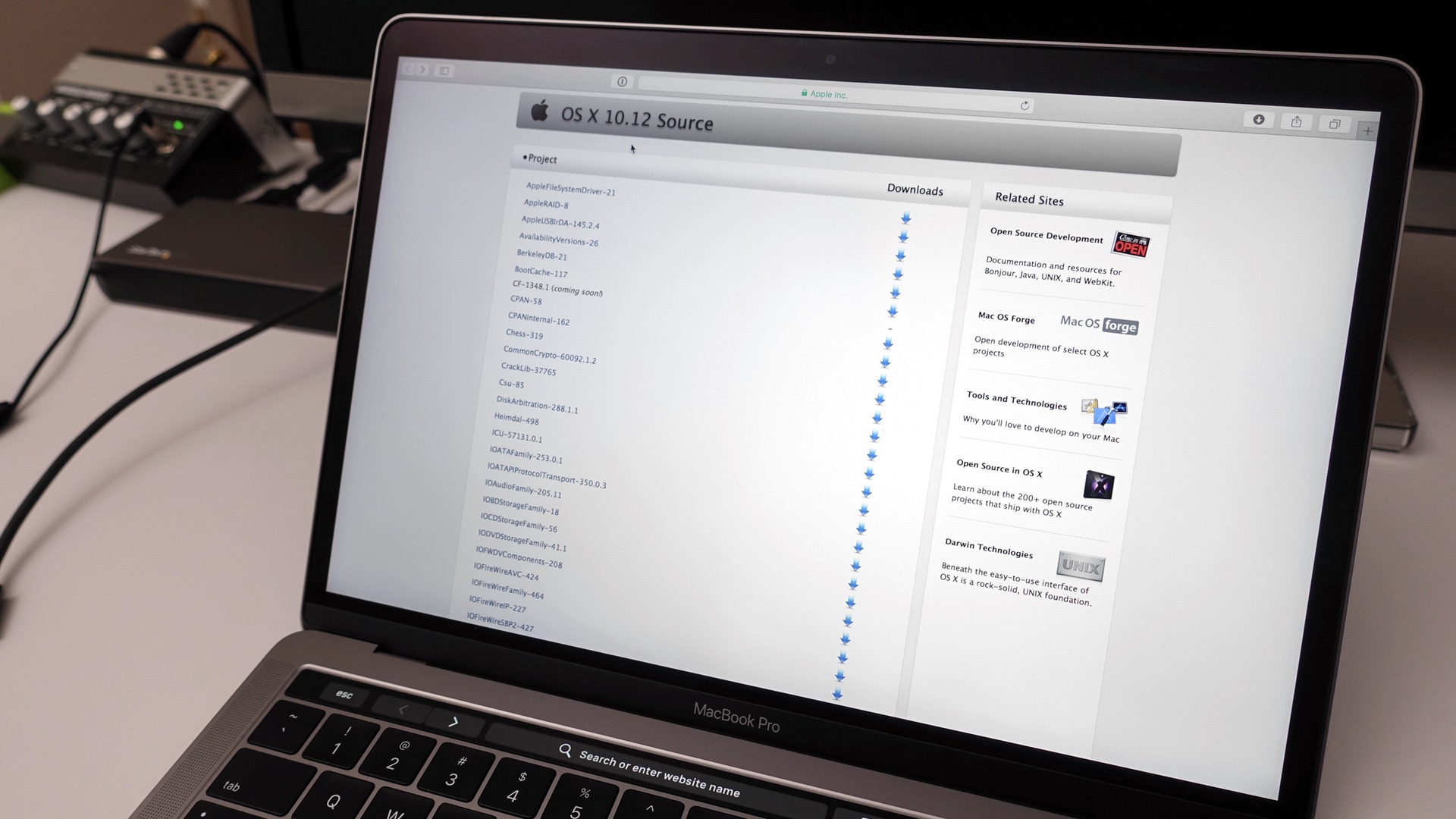
macOS 10.12.2 was released to the public earlier today, and in this post we’ll take a hands-on look at some of the release’s most notable features.

First and foremost, everyone should update to macOS 10.12.2 for the stability features alone, especially if you’re a new MacBook Pro user. But there are a couple of additional new features that users may be happy to find as well.
Expand
Expanding
Close

Site default logo image

Tip: How to quickly access System Preferences using the Option key and Touch Bar / function row [Video]

touch-bar-shortcut-system-preferences-option-key

We’ve covered the usefulness of the Option (⌥) modifier key in macOS plenty of times in the past, but we’d like to remind you about its usefulness in the wake of the new Touch Bar-enabled MacBook Pro. By using the Option key while pressing one of the Touch Bar’s Control Strip shortcuts, users can access System Preferences with ease.

Of course, this same functionality is available on non-Touch Bar Macs, but with the versatility of the MacBook Pro’s Touch Bar, we figured it was worth mentioning again. Have a look at our brief hands-on video to see it in action.


Expand
Expanding
Close

Mario-creator Shigeru Miyamoto talks about working with Apple ahead of Super Mario Run launch

Site default logo image

shigeru-miyamoto

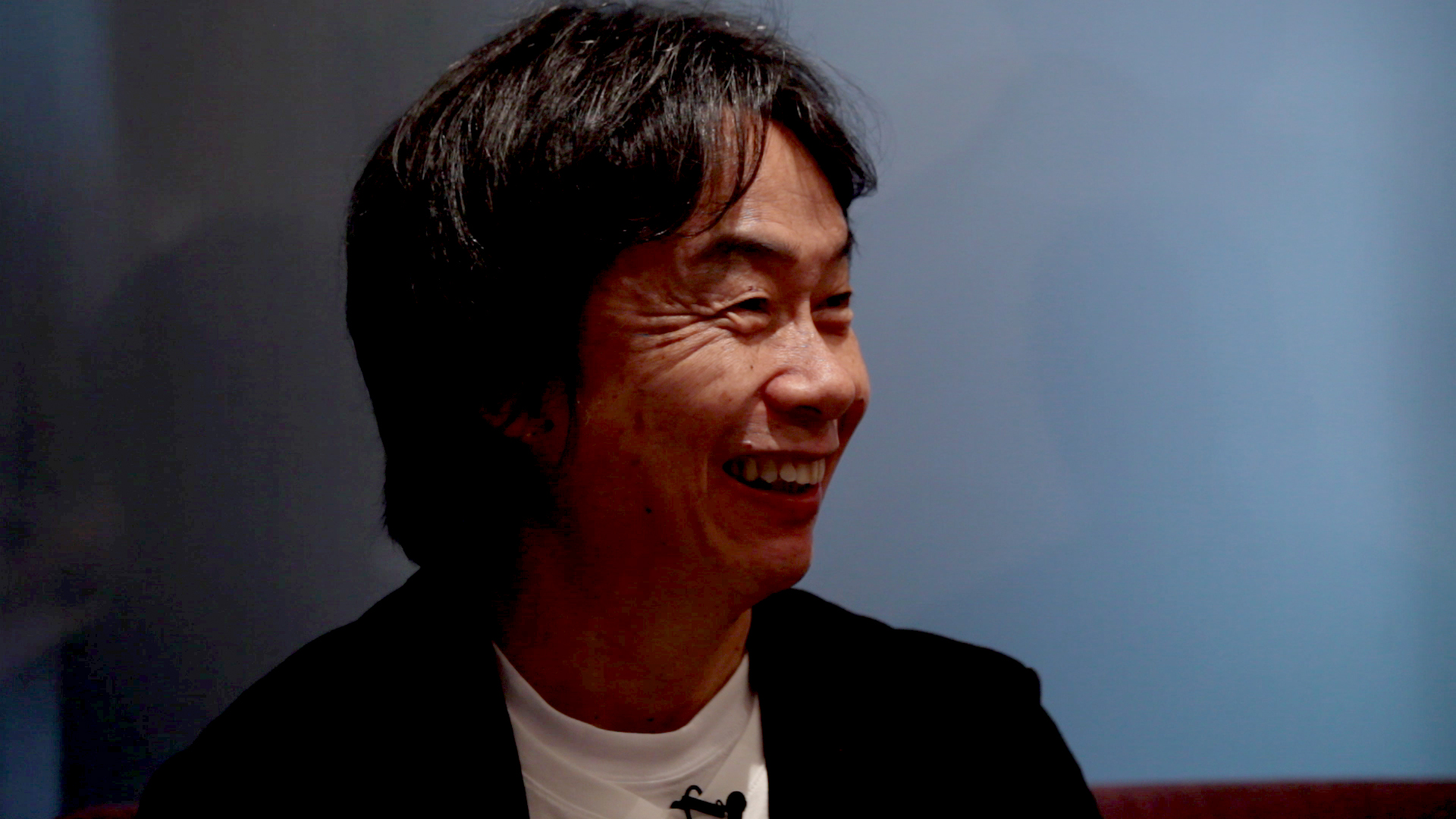
In a recent interview with Wenner Media’s Glixel, Mario-creator Shigeru Miyamoto opens up about the creative development process, working with Apple, and the upcoming Super Mario Run for iOS. Miyamoto describes approaching Apple on the idea for the game, and working with Cupertino leadership that was willing to listen.


Expand
Expanding
Close

13-inch Touch Bar MacBook Pro gets just over 8 hours battery life in Apple’s own iTunes movie playback test, how to test yours [Video]

Site default logo image

battery-life-13-inch-macbook-pro

I tested my MacBook Pro using a stringent version of Apple’s own iTunes movie playback test that the company uses in its official battery tests. I found that under more stringent conditions, the 13-inch MacBook Pro will last a hair over 8 hours, but likely less in more realistic scenarios.

Have a look at the test results in our hands-on video, along with a walkthrough on how to perform an accurate iTunes movie playback test on your MacBook Pro.


Expand
Expanding
Close

Hands-on: HyperDrive Thunderbolt 3 USB-C Hub might be the ultimate MacBook Pro dongle [Video]

Site default logo image

hyperdrive-tb3-macbook-pro-hub-01

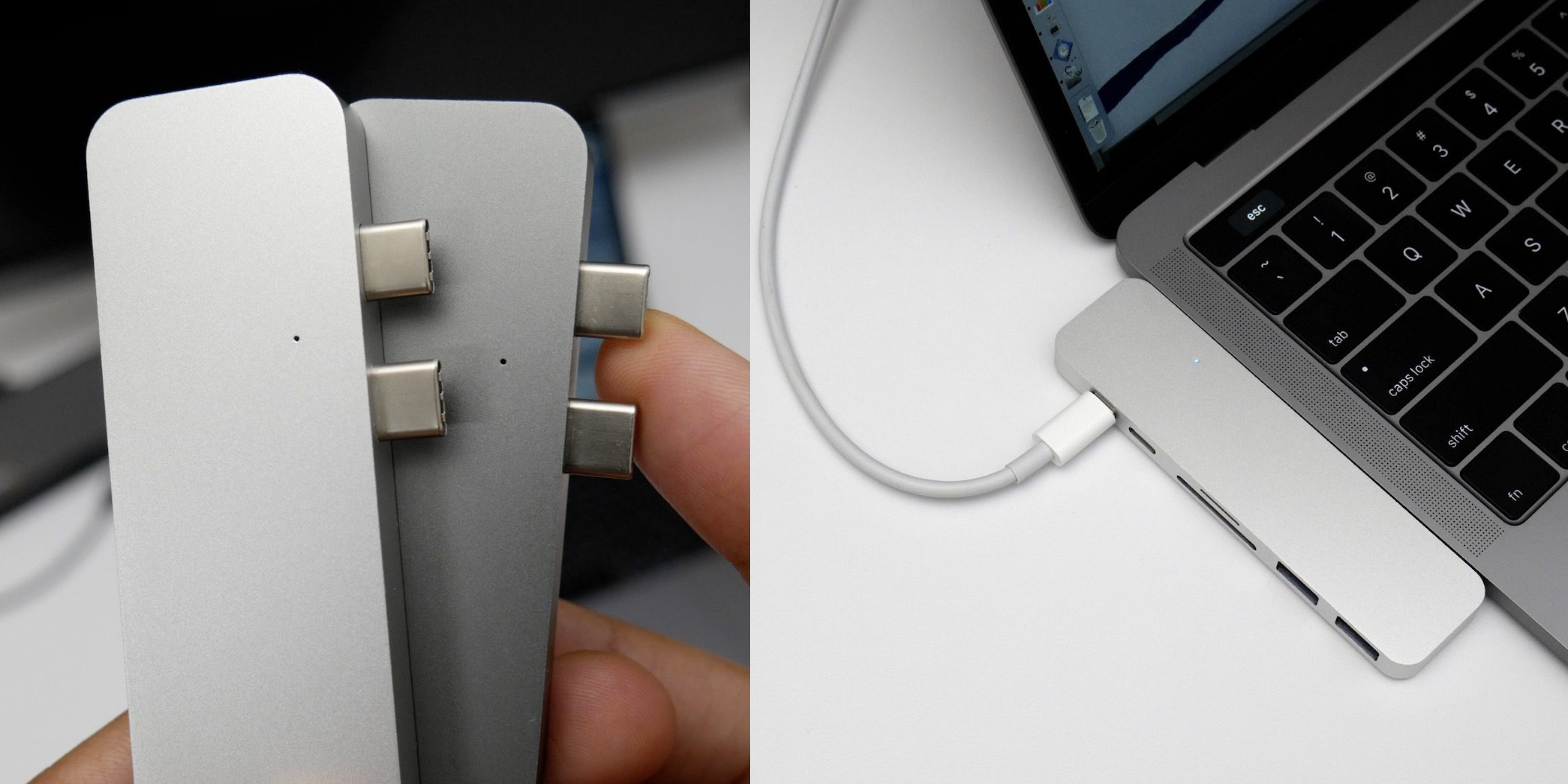
The HyperDrive is a compact USB-C hub that adds some much needed port-diversification to the 2016 MacBook Pro. While it may look similar to some already existing USB-C hubs out there, the HyperDrive is Thunderbolt 3-enabled, and supports the new MacBook Pro only, as it connects to two of the machine’s USB-C ports simultaneously.

The hub adds all sorts of ports to the otherwise barren MacBook Pro. You’ll find two USB-A ports for USB 3.0 connectivity, an SD Card and microSD card reader, HDMI output, a Thunderbolt 3 port and a USB-C (gen 1) port.

Hyper just launched a Kickstarter campaign for the HyperDrive today, but I’ve already been testing out a few almost-finished, fully-functioning prototypes, and it seems promising. Have a look at our video walkthrough for a brief hands-on look at the HyperDrive in action.
Expand
Expanding
Close

Hands-on: Creating a custom Touch Bar button using BetterTouchTool [Video]

Site default logo image

bettertouchtool-touch-bar-support

As Chance noted last night, an alpha version of BetterTouchTool was released yesterday with support for the MacBook Pro’s Touch Bar. Being an alpha release, you can expect to find bugs, but I decided to go hands-on with the update to see how the Touch Bar implementation worked.

What I found was a seriously impressive tool that will allow users to have a ridiculous amount of fine-grained control at their fingertips. Have a look at our brief video walkthrough inside to see the customizable Touch Bar controls in action.
Expand
Expanding
Close

Hands-on: Monowear stainless steel, leather, nylon, and ceramic Apple Watch bands [Video]

Site default logo image

monowear-stainless-steel-link-bracelet

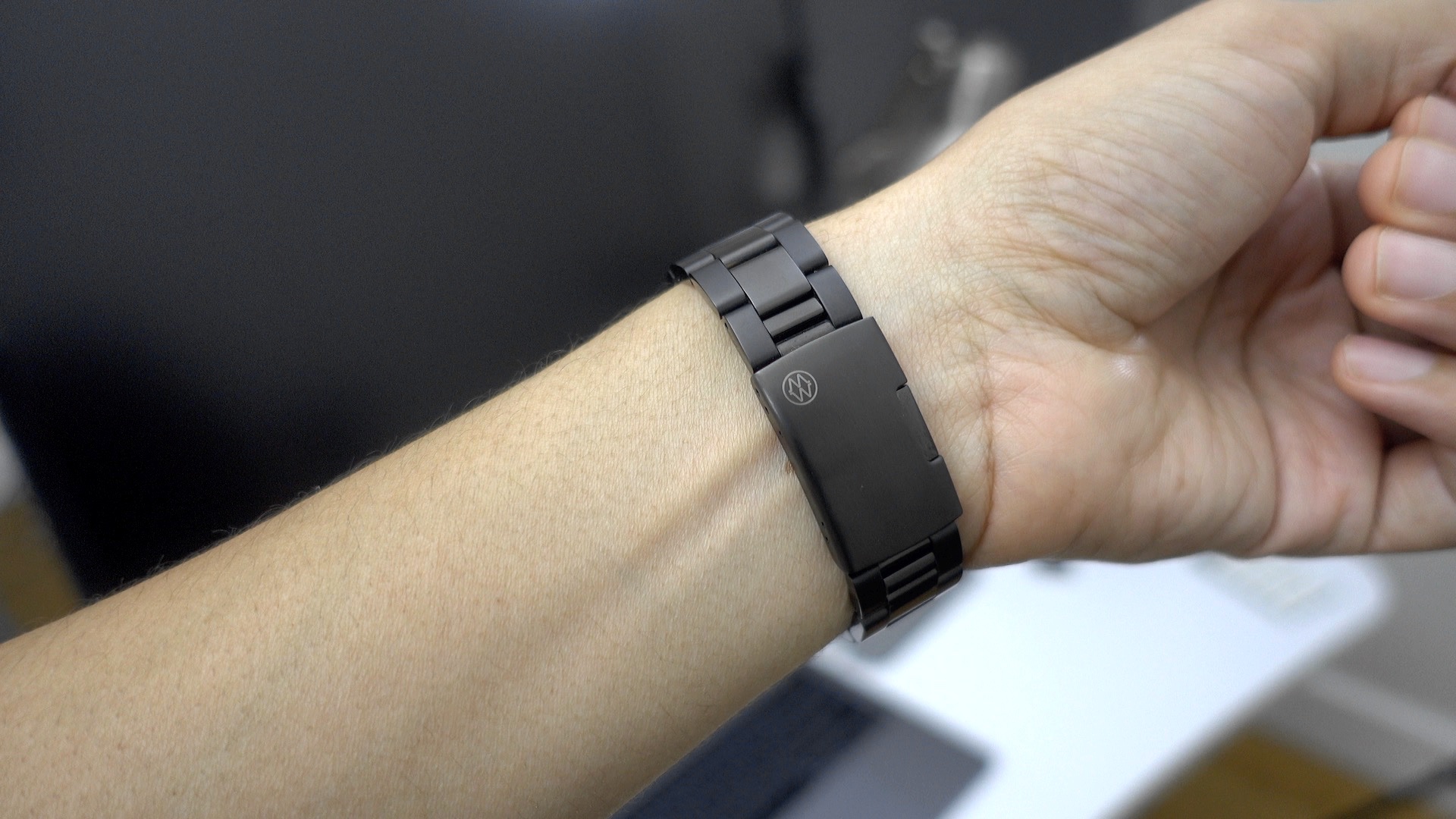
If you took advantage of one of the many recent Apple Watch deals over at 9to5Toys, then you may find yourself in the market for a new band or two. There are many third-party band options available for the Apple Watch, but I’ve always enjoyed some of the offerings from Monowear.

If you’re looking for a stylish third-party Apple Watch band option, then check out our hands-on video featuring Monowear’s metal, leather, nylon active, and ceramic bands.
Expand
Expanding
Close

Shure MV88: a solid Lightning-enabled microphone for on-the-go recording [Video]

Site default logo image

shure-mv88-afro

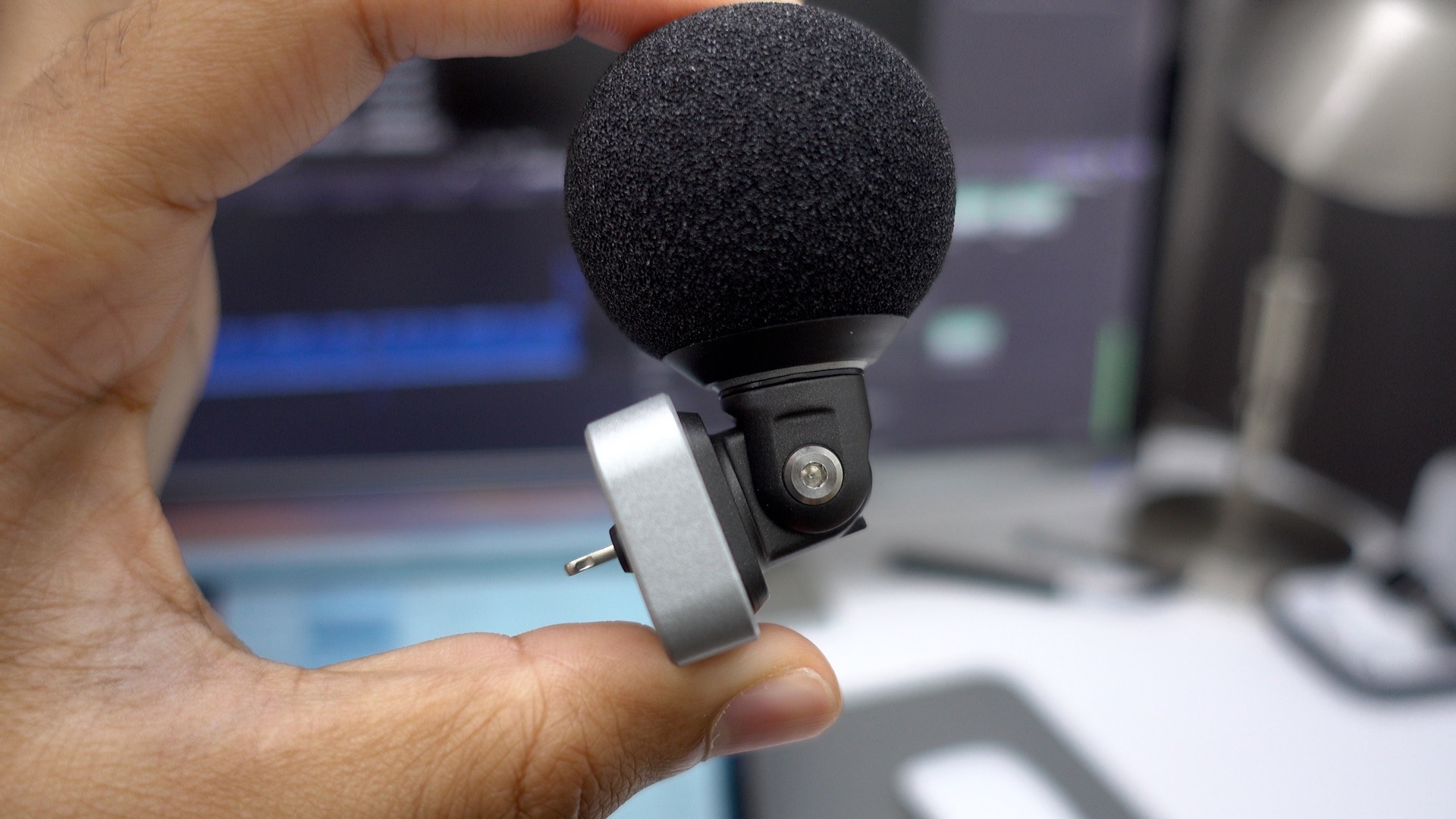
If you want to record audio via your iPhone while on the go, you basically have two choices: you can use your iPhone’s on-board microphone, or you can use an external microphone. For anyone who’s compared the difference in sound quality, the decision is a no brainer. You’ll get significantly better sound quality by opting for an external microphone like the Shure MV88 ($150 on Amazon). Check out our video walkthrough for a brief look at some of the details.
Expand
Expanding
Close

Hands-on: TouchSwitcher brings fast app switching to the MacBook Pro Touch Bar [Video]

Site default logo image

touchswitcher-macbook-pro-touchbar-app

A new MacBook Pro Touch Bar-oriented app called TouchSwitcher is now available for free download. The app’s premise is simple: it allows you to quickly bring to focus any running app via a tap of the app’s icon displayed in the Touch Bar.

There are some inherent downsides to consider when using TouchSwitcher, but it’s nonetheless very interesting to see when running on a new MacBook Pro. Have a look at our brief hands-on video to see it in action.
Expand
Expanding
Close

How to enable unsupported Thunderbolt 3 devices on the MacBook Pro using ‘TB3 Enabler’ hack

Site default logo image

startech-dock-03

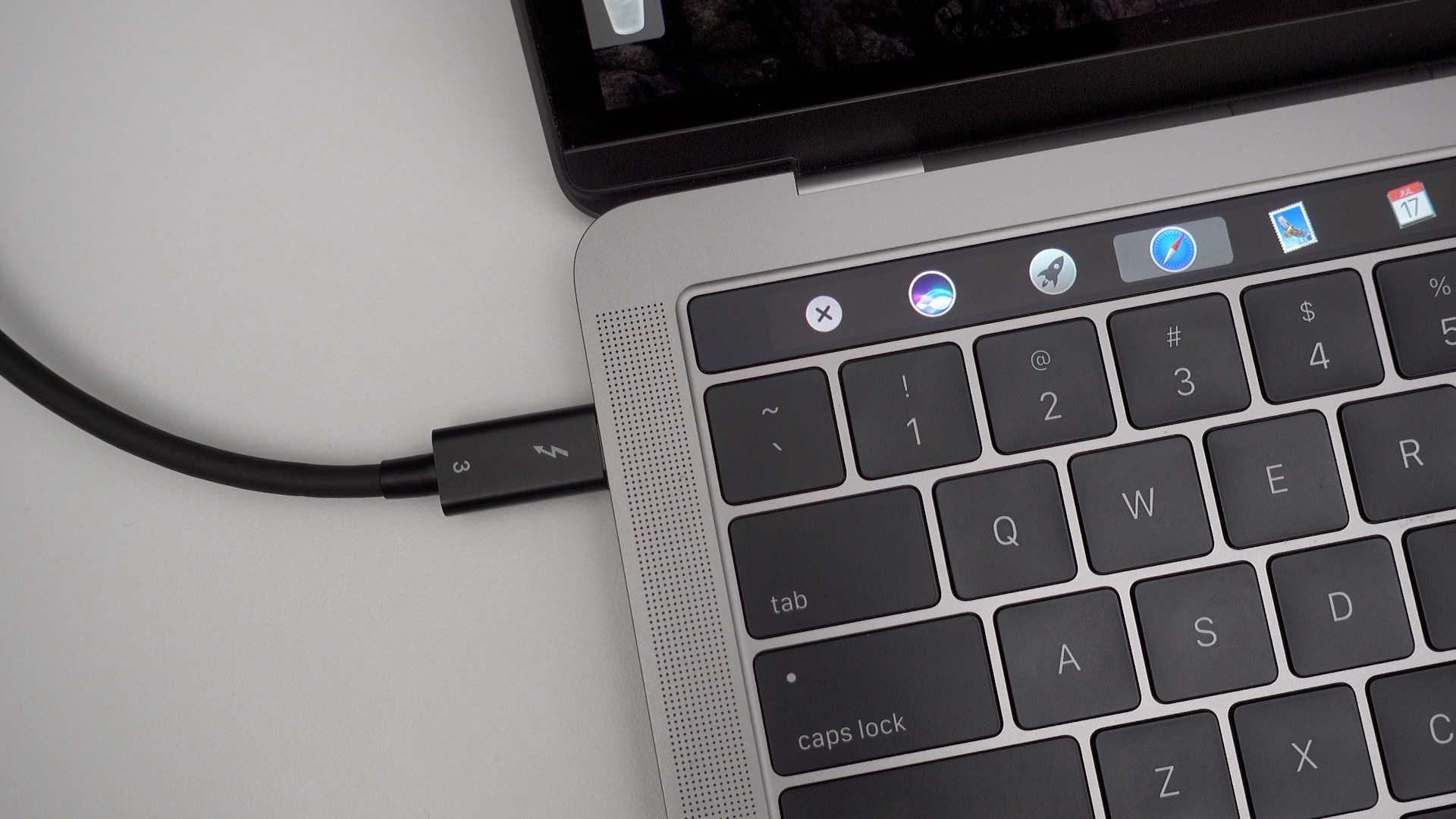
TB3 enabler is a brand new hack from Khaos Tian that enables unsupported Thunderbolt 3 devices on the latest MacBook Pro.

As explained by Tian, Apple impedes support for some categories of Thunderbolt 3 devices by implementing a software block. TB3 enabler allows users to bypass that software block, enabling access to previously unsupported Thunderbolt 3 devices.
Expand
Expanding
Close
It’s not just you, there’s definitely a problem with the three-finger drag gesture on the new MacBook Pro

Site default logo image

macbook-pro-trackpad

I’ve spent a considerable amount of time with both the 13-inch MacBook Pro with Touch Bar, and the 13-inch MacBook Pro that features standard function keys. The machines share some noteworthy differences, but there are numerous similarities as well.

One unfortunate similarity is the fact that the three-finger drag trackpad gesture doesn’t work like it should. In other words, if you’re having a problem with the three-finger drag gesture on your shiny new MacBook Pro, it’s not just you.
Expand
Expanding
Close