Author

Avatar for Parker Ortolani

Parker Ortolani

parkerortolani

Parker Ortolani is a marketing strategist and product designer based in New York. In addition to contributing to 9to5mac, he is the Associate Director of Product Development at Penske Media. Previously, Parker worked on The Verge and Polygon at Vox Media and spent many years cultivating a consumer products program at BuzzFeed. A longtime reader, Parker is excited to share his product concepts and thoughts with the 9to5mac audience.

Follow him on X @parkerortolani or on Bluesky @parkerortolani.com

Connect with Parker Ortolani

Just for fun: What if Apple had made Mac OS-based smartphones, tablets, and watches in the ‘90s?

I often wonder what things would have looked like at Apple if major events hadn’t occurred. Lately, I’ve been thinking a lot about classic Mac OS and old-school small gadgets. So naturally, the question arose: “What if Apple kept making Newtons and what if they ran Mac OS?” Well, if you’re now wondering the same thing, keep on reading.

Expand Expanding Close

Developer re-creates Safari’s Snow Leopard design with new browser for macOS Big Sur

OldOS developer Zane Kleinberg is back with an all-new app, this time for the Mac. Zane has re-created Safari from Mac OS X Snow Leopard for Big Sur and Monterey. The new app looks identical to the original and is free to download from Zane’s Github page. If you really hate the new design in macOS Monterey, this is the app for you!

Expand Expanding Close

Concept: Rethinking Safari in iOS 15 with the same core design principles and goals

Apple’s newest Safari design in iOS 15 has been controversial, to say the least. It’s a complete overhaul of one of the iPhone’s most popular apps that follows entirely different design philosophies. Countless folks, including myself, have tried to come up with ways to “fix” the new design and make it more familiar and comfortable to use. This is my latest try. What I wanted to do was to follow the same principles and aim for the same goal. A mobile browser that’s easy to use in one hand and one that makes switching between sites on the fly a breeze.

Expand Expanding Close

First episode of Ted Lasso season 2 now available to stream on Apple TV+

The first episode of the second season of Apple’s hit comedy Ted Lasso is now available to stream on Apple TV+. This episode is titled “Goodbye Earl.” You can watch the new season on any of your devices that support the Apple TV app or website. If you haven’t already watched the first season of Ted Lasso, you should catch up before watching this new episode.

Expand Expanding Close

Apple releases new AirTag loops and keyring through its Amazon storefront

Apple has strangely added several new colors of their AirTag accessories to its Amazon storefront, but not to the Apple online store. There are two new colors of the standard AirTag loop – capri blue and pink citrus. We previously saw these unreleased colors appear on eBay in May. The company has also introduced a new shade of yellow for the leather key ring and leather loop, Meyer lemon.

Expand Expanding Close

Celebrate the debut of Ted Lasso season 2 later this week with these iPhone wallpapers

This Friday, the long-anticipated second season of Apple’s hit show Ted Lasso finally debuts. Apple’s been celebrating the new season with special Today at Apple sessions, in-store stickers, and a stellar blue carpet event. We’ve put together some fun new wallpapers for your iPhone to celebrate. Check them out and download your favorites below!

Expand Expanding Close

Microsoft is bringing Windows to a web browser, and it will work on iPad and the Mac

Today, Microsoft unveiled a new service called Windows 365, and it makes it possible for users to run a full version of Windows in a web browser on any device. The new service is only available for businesses at first, but given Microsoft’s emphasis on cloud platforms, it is highly likely that it will become available for consumers at some point in the future. Microsoft is offering Windows 365 for businesses of all sizes, whether you are a one-person show or a giant organization. The best part? You can run Windows 365 on an iPad in addition to a Mac.

Expand Expanding Close

Opinion: With advances in Apple Silicon, it’s time to think about reviving the 12-inch MacBook size

A few weeks ago, Apple officially classified the original 12-inch MacBook from 2015 as “vintage.” This comes as Apple drops support for the machine with this fall’s release of macOS Monterey. Fortunately, Apple actually released three other variations of the machine between 2016 and 2018 before officially discontinuing it in 2019. Two years after Apple stopped selling the 12-inch MacBook, I’m still heartbroken that the machine fell victim to consumers’ undying love for the MacBook Air. With Apple Silicon and M1, it’s time to think about bringing it back.

Expand Expanding Close

Apple releases new colors for AirTag leather key ring and leather loop

airtag-anti-stalking

In addition to the new MagSafe Battery Pack for iPhone 12, Apple has also released two new colors for the AirTag leather key ring and the AirTag leather loop. Both are now available in California poppy and forest green. The leather key rings are priced at $35 while the the leather loops are priced at $39. You can purchase them now from Apple.com.

Expand Expanding Close

Check out these beautiful iPhone wallpapers inspired by the 7th generation iPod nano

Basic Apple Guy has just released a collection of beautiful new wallpapers for iPhone, iPad, and the Mac inspired by one of the designs included with the 7th generation iPod nano. The 7th generation iPod nano was originally released in 2012 and saw two very small refreshes over the course of its life. The new wallpapers come in 13 different varieties representing colors from 2012, 2013, and 2015.

Expand Expanding Close

‘iDOS’ app lets you install Windows 3.1 on your iPad — here’s how to do it

iDOS

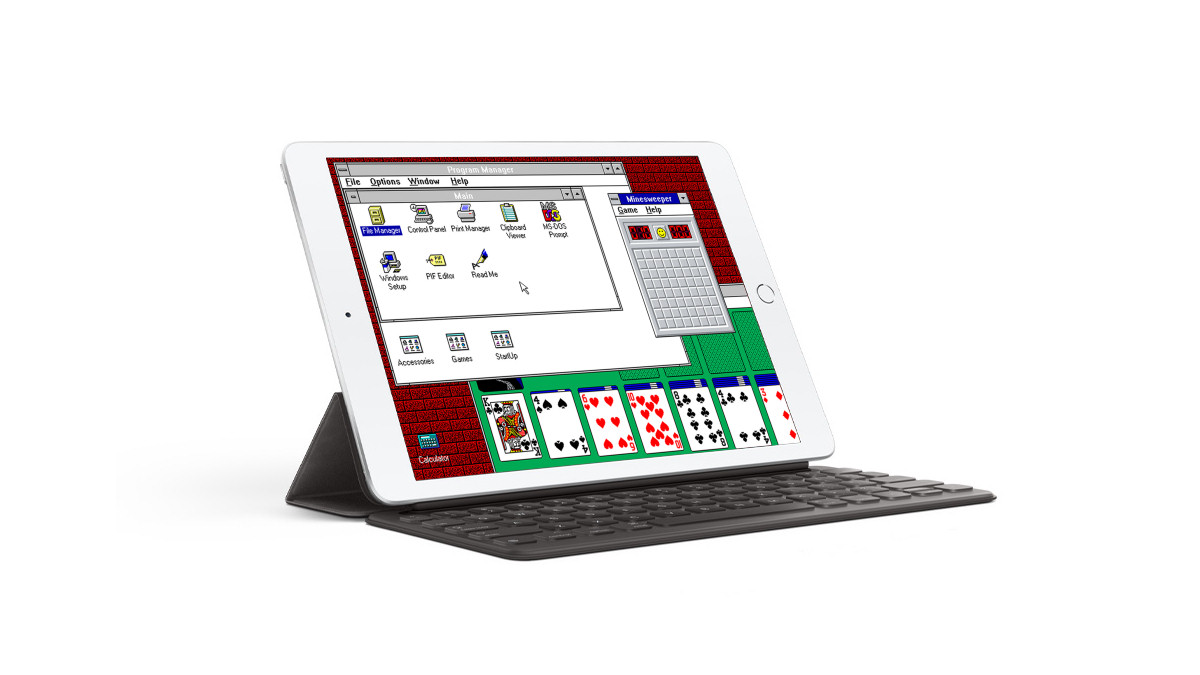
Fast Company tech editor Harry McCracken has figured out a way to install a classic version of Windows, version 3.1 to be exact, on the iPad. Using an app called iDOS, you can install the traditional desktop environment with support for third-party applications on an iPad. How-to Geek‘s Benj Edwards has put together a step-by-step guide on how to get Windows 3.1 up and running on your iPad using iDOS.

Expand Expanding Close

Digital Inception: Here’s how to run Android, Chrome OS, and Windows on your Mac

Lots of folks like to think of the Mac as just another product in Apple’s precious walled garden, but many don’t know that you can actually run virtually any operating system on a Mac with a little bit of work. It’s fairly easy to get the three biggest platforms that aren’t made by Apple up and running on a Mac, even at the same time. Here’s how to do it.

Expand Expanding Close

Review: Google’s Pixel Buds A-Series are an excellent value at $99, but should you use them with an iPhone?

Using the Google Pixel Buds A-Series with the iPhone has been a better experience than I expected, but it’s not as good as using AirPods. That should be expected given the fact that they are made by Apple’s biggest competitor. But Google’s Pixel Buds A are excellent wireless earbuds with great fit and decent sound. Long story short, they are an impeccable value over the standard AirPods even if you have to make some compromises. 

Expand Expanding Close

‘OldOS’ developer launches new website that gives classic macOS widgets a new life

The same developer behind the now incredibly popular “OldOS” TestFlight app for iPhone, Zane Kleinberg, is back with a new tool that lets you use classic macOS widgets through a web browser. Kleinberg explained how classic macOS widgets, first introduced in Tiger, were made entirely out of HTML, CSS, and JavaScript. This enabled him to revive several old Apple-designed widgets, including calculator, world clock, unit converter, stickies, and the tile puzzle.

Expand Expanding Close

Hands-on: Apple’s new limited-edition international watch bands are a gorgeous way to show your love of country

Earlier this week, Apple introduced the new International Collection of Apple Watch bands designed to celebrate the Summer Olympics. There are 22 bands in total, available for all sizes of Apple Watch. Each band is based on Apple’s sport loop but has unique country-specific designs. We’ve got our hands on a few of the new bands and want to show them off.

Expand Expanding Close

Windows 11 hands-on: A Mac user’s perspective on the new design and what Apple could learn

I’ve used a Mac my entire life, and it’s certainly no secret that I have a special affinity for Apple. But it’s important to keep an eye on the competition. All of these operating systems push each other forward. They keep each other on their toes. So when Microsoft unveiled Windows 11 with a specific emphasis on its refined design, I had to try it out. Here’s what I think after using it for a few hours.

Expand Expanding Close

14 years ago today, iPhone changed the world – relive the magical launch through this collection of photos, videos, and more

This post is best experienced in dark mode.

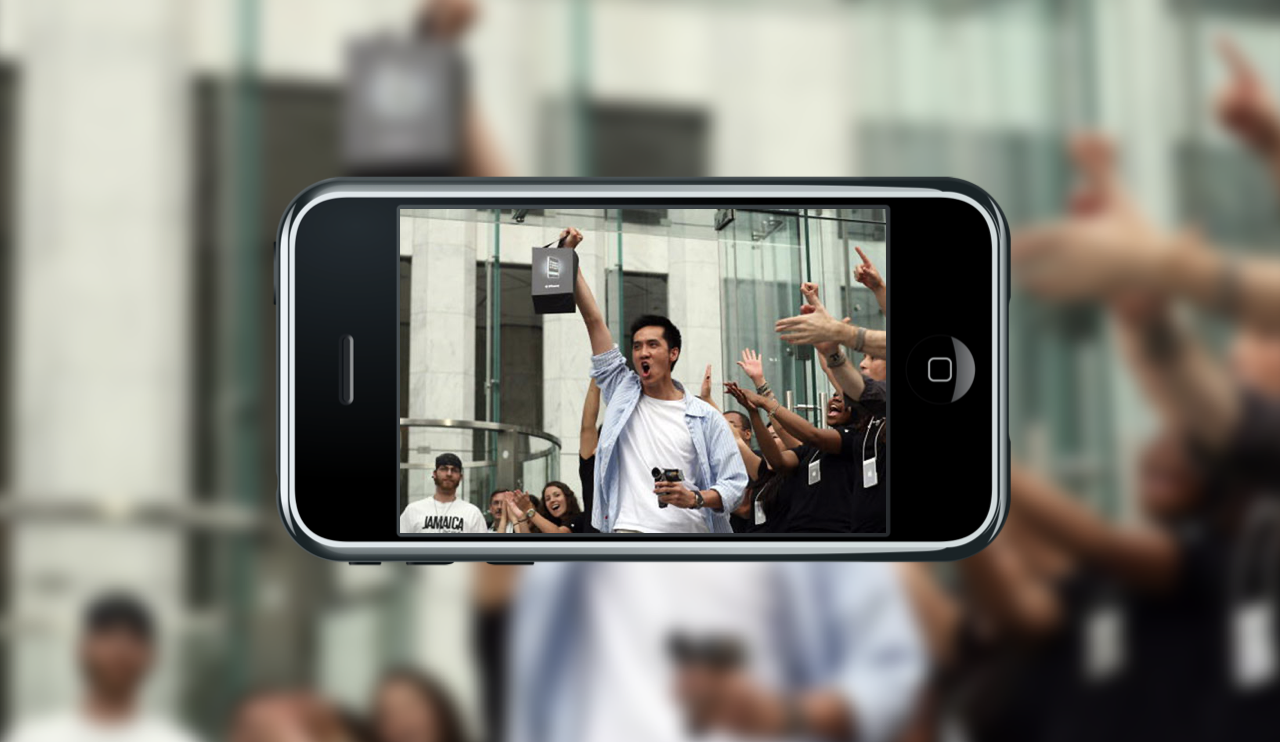
It’s hard to believe, but it’s been 14 years since Apple shipped the first iPhones. On this day in 2007, Apple Stores across the United States hosted the “iPhone World Premiere,” and life was never the same. Looking back on that day, it’s clear that it marked a turning point. It was the beginning of a revolution in basically every single industry.

Expand Expanding Close

Concept: How Apple could bring Safari’s new design to other built-in apps on the iPhone

Yesterday I published a piece about how Apple could address concerns about Safari’s new bottom bar centric design in iOS 15. Many folks are unhappy with the redesign, but some of us (me included) really like it. I spent some time figuring out different ways Apple could extend this new design language to other built-in apps on the iPhone. I narrowed it down to three distinct user interface components.

Expand Expanding Close

Concept: How Apple could address concerns about Safari’s new design on iPhone in iOS 15

One of the biggest updates in iOS 15 is the completely overhauled Safari. It’s been controversial, to say the least. We’ve heard from many users who are already fed up with the new design just a few weeks after using it in beta. And while some do seem to like the new design, there are still several ways that could make it more useable for the average person.

Expand Expanding Close

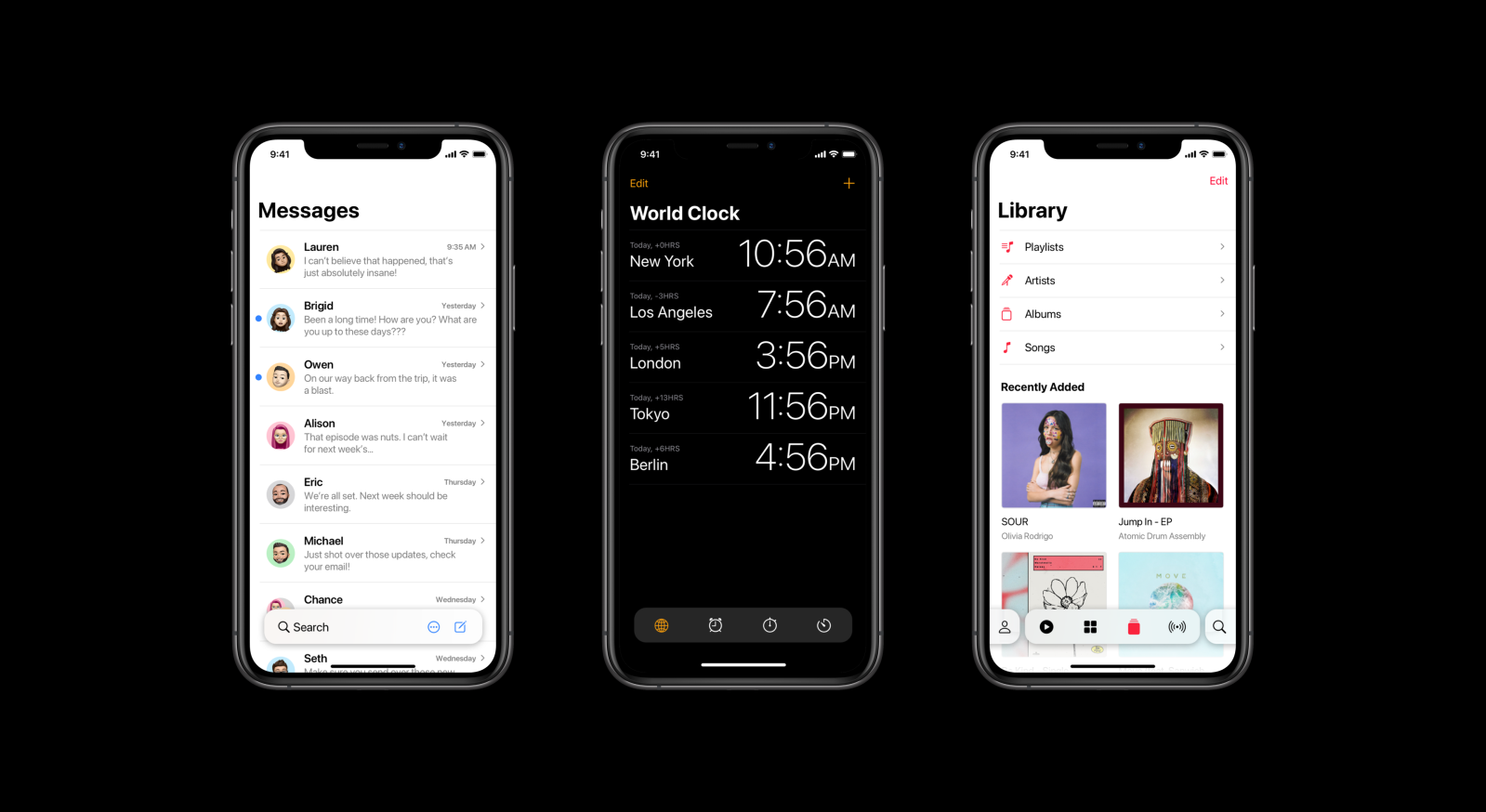
Concept Part 2: How iOS 16 should improve apps like Photos, Music, Watch, Clock, Calculator, and more

Earlier this week, we shared the first part of our iOS 16 concept and explained why we were publishing these ideas so far in advance, especially with the first iOS 15 beta just dropping. That first piece focused on changes to system components, while this piece focuses on individual apps and ties the two together. We looked at a few of Apple’s built-in apps that we believe could use some additional love, as well as ways for Apple to go after some of its biggest competitors.

Expand Expanding Close

Here’s how to bring back the old Safari tab bar in macOS Monterey beta – for now

How to install macOS Monterey

The new Safari design in macOS Monterey has been controversial, to say the least. The new design is radically different from previous versions of Safari, with features like color adaptivity, a dynamic url bar, and buttons crammed into a single three-dot list. Luckily, Twitter user Zhuowei Zhang has found a way to bring back the old design if you’re not happy with the new one.

Expand Expanding Close