Dropbox

See All Stories
Site default logo image

BlackBerry Messenger for iOS adds voice calls, one-touch file-sharing and more

Version 2.0 of BBM for iOS app now allows free voice calls to BBM contacts, as well as a range of other new features that include one-touch file-sharing, Dropbox integration, location-sharing, 50-person BBM groups and interest channels.

Today, we’re excited to be adding those great new features and more to BBM that users on iPhone, Android and BlackBerry** can enjoy. When the update becomes available later today, these new features will give you more ways to chat and share than ever before on BBM.

Voice calling is supported on both wifi and mobile data. Note that while voice calls don’t incur any direct charges, as with other forms of VoIP calling you’ll eat into any data allowance you have.

Full details of the new features from the BlackBerry blog below … 
Expand
Expanding
Close

Site default logo image

How to: Get Spotlight processes back under control when CPU usage goes crazy

If you’re finding that your Mac fans are running a lot more than they used to, you might want to check out whether a couple of Spotlight processes are consuming more than their fair share of CPU cycles.

Ever since the latest Mavericks update, I found that my MacBook Pro seemed to be running hot a lot of the time, with fans ramping up to high levels to cool it. Checking Activity Monitor didn’t seem to be shedding much light on things at first glance. The only two processes using an unusual amount of CPU were mds and mds_stores. These are two processes used by Spotlight when indexing, so I didn’t think too much of it – Spotlight has to do its indexing sometime, right?

But several checks later, these two processes seemed to be helping themselves to significant chunks of CPU on a regular basis, at which point I did some Googling.

I started by disabling Spotlight altogether to confirm that it was the culprit. To do this, I went into Terminal and entered:

sudo mdutil -a -i off

The fans spooled down and all was back to normal. Spotlight was indeed the culprit.

I briefly considered leaving Spotlight off until the next OS X update, but that proved too much of a pain. I keep my most-used apps in the dock, but everything else I habitually launch from Spotlight. CMD-space plus the first letter or two of the app is just too convenient to give up. So I did some more Googling – after switching Spotlight back on with:

sudo mdutil -a -i on

The first tip I found was here, where it suggested deleting the Spotlight database and forcing it to re-index. You can do this in Terminal again:

 sudo rm -rf /.Spotlight-V100/*

Top tip: set this going overnight, as the re-indexing takes a while.

This helped quite a bit, but the mds process still seemed a little greedy. More Googling led me to a suggestion to remove from Spotlight’s indexing any directories with frequently-changing content, especially those used for online backup. You can do this by going into System Preferences, clicking the Privacy tab and then drag-and-dropping onto it any directories you don’t want it to index.

I added my CrashPlan, MobileSync and Dropbox folders – three specific suggestions I’d found – and then for good measure added some others with frequently-changing content.

This did the trick: my fans stayed on low, and Activity Monitor showed the mds processes consuming only tiny amounts of CPU.

I’m not sure how general an issue this – hence making this an aside – but if you’re finding your Mac running hot, it may be worth checking out.

Site default logo image

VLC for iOS redesigned for iOS 7, now features Google Drive & Dropbox streaming, more

VLC released an update to its iOS app today introducing an iOS 7-friendly user interface as well as several handy features.

Users will welcome support for streaming media from both Dropbox and Google Drive; previously, VLC required content to be downloaded locally in its entirety before it could be viewed. This will greatly speed up media viewing. The update also features a list of other improvements including new gestures and more.

VLC for iOS is available for free on the App Store.

Site default logo image

CloudApp, Droplr both updated with new design, features on Mac

Popular (and competing) cloud sharing services CloudApp and Droplr both announced big updates to their Mac apps this week with new features and designs.

CloudApp 2.0 (seen above) now features thumbnail previews, the ability to share links before an upload is complete, Notification Center support, hot key support to open the menu bar popover, and a lot more
Expand
Expanding
Close

Review: StorySkeleton, an iPad story-planning app and Scrivener companion

Site default logo image

As you doubtless gathered from my recent Scrivener review, I’m a massive fan of the best Mac app I’ve ever used for creative writing. The TL;DR version is that I wouldn’t dream of attempting to write a novel in anything else. My only real grumble is that we’ve as yet seen no sign of the long-promised iPad version of the app.

I’ve used PlainText with a Dropbox sync as a way of working on Scrivener projects on my iPad, and that works well enough at the writing stage. At the planning, stage, though, I love the corkboard interface. I was thus really interested to see an iOS app that not only provides a very similar corkboard view, but which can export and import to and from Scrivener … 
Expand
Expanding
Close

Site default logo image

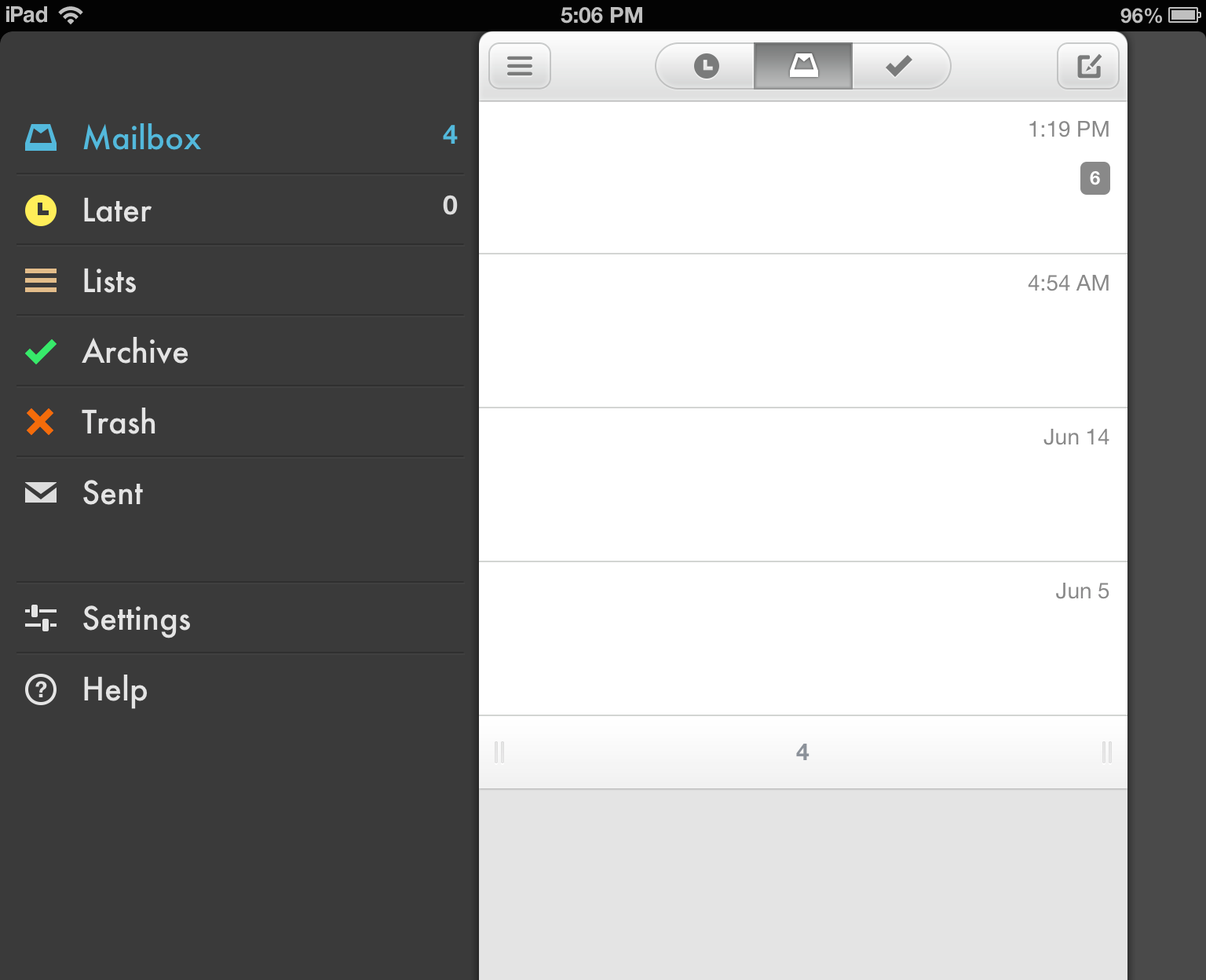
Dropbox-owned Mailbox email app finally gets iCloud, Yahoo Mail support

Mailbox, the popular email application owned by Dropbox, has finally received one of its most requested features: support for email accounts using Apple’s iCloud email service. Also in the mix with today’s update is support for Yahoo Mail. The app is yet to hit the App Store, but the company tells us that the app is propagating out to users today via the App Store. (Update: it’s live)


Expand
Expanding
Close

Macupdate’s $40 Winter Bundle: 12 apps incl. Anonymizer, Backblaze, Expandrive, much more

Site default logo image

From 9to5toys:

[youtube=http://www.youtube.com/watch?v=SKdcQtnKF54]

(note: 3 other bundles are currently running: Parallels 9 Adobe Photoshop CC $10 extended unti l Dec. 8th and Stack Social)

MacUpdate just launched their Winter Mac app bundle this morning. This bundle contains 10 apps + 2 bonus apps for early buyers. Together, the 12 apps are worth nearly $400 (or about $360 without the 2 bonus titles), but the bundle is priced at just $39.99.

The bundle includes:
Expand
Expanding
Close

Site default logo image

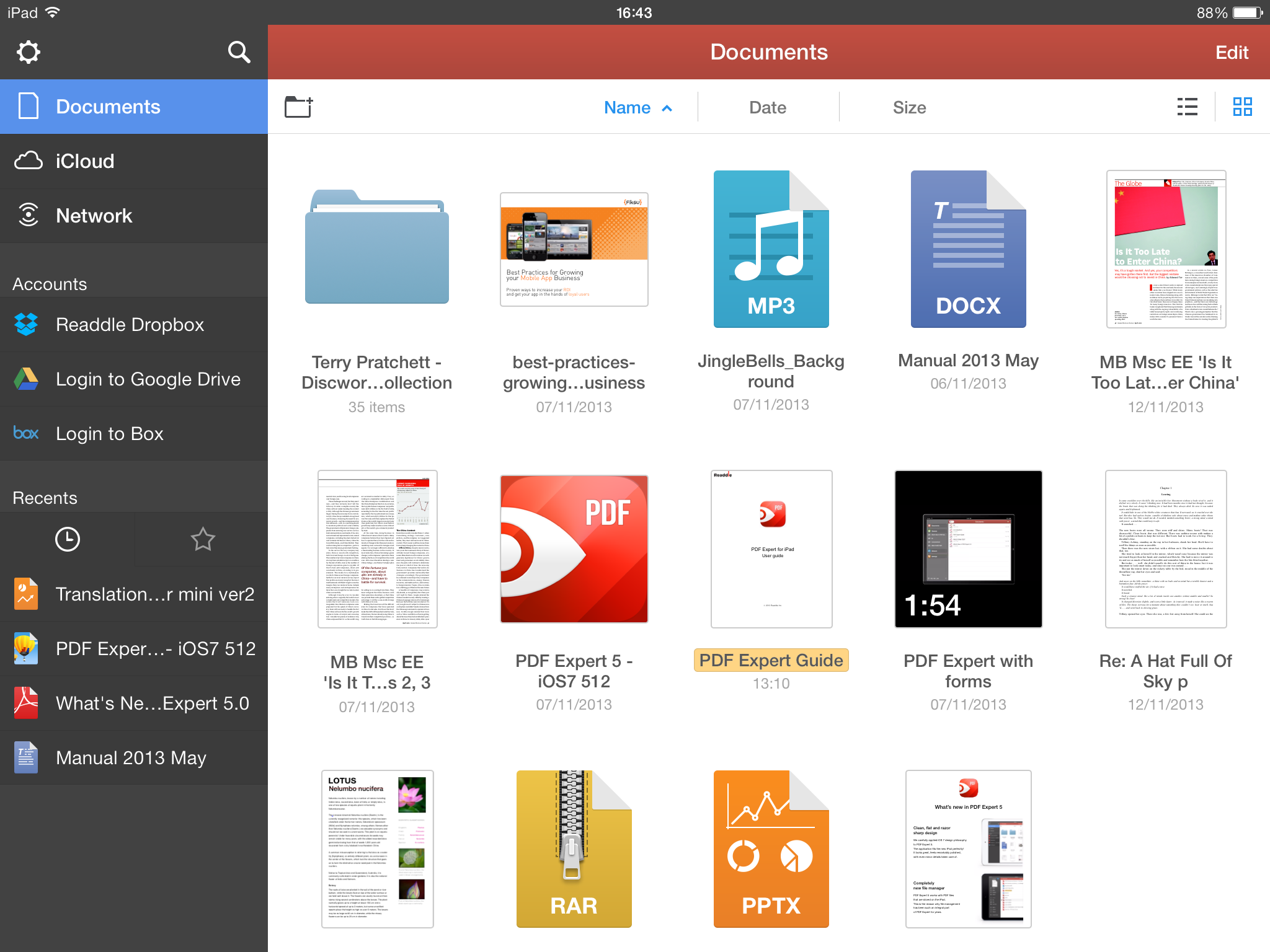
Dropbox updated with new design for iOS 7, AirDrop, and more

As first shown by 9to5Mac, Dropbox has updated its iOS app with an all-new design for iOS 7 and several new feature and improvements. The update brings a streamlined iPad interface, improvements to the sharing process, an updated PDF viewer, and AirDrop support on iOS 7 devices.

Version 3.0 also includes fixes for HTML rendering problems and a variety of crash bugs. Along with the bug fixes, users will find that the app is now faster at certain tasks.

The update is available free to all users on the iOS App Store. You can find the complete change log below.

What’s New in Version 3.0

• Beautiful new design for iOS 7
• Streamlined iPad experience: just tap on your files and photos to toggle fullscreen
• Improved sharing and exporting makes it easier than ever to send files to your favorite apps
• AirDrop support lets you send links and files in a snap
• Seamlessly save videos to your library
• Speed! Faster launch, photo loading, and video playback
• Vanquished our most common crashes
• Fixed bug that caused HTML to render as text
• Oodles of PDF viewing updates

Site default logo image

Boxie Dropbox iPhone app gains passcode lock, smart text selection & folder-by-folder sorting

Boxie, a new Dropbox client that was launched last week, is already receiving significant updates to make this an even more powerful alternative to the Dropbox app.

Boxie version 1.1 has a lot of behind-the-scenes improvements and optimizations. The update fixes issues with deleting items and offline access. It also adds support for more language including Spanish, Simplified Chinese, Dutch, German, and Portuguese. The new version introduces new error notifications when uploading items into a shared folder fails. It also adds automatic smart selection of text when renaming folders.

New folder-by-folder sorting options let Boxie remember your sorting settings for each folder rather than the app as a whole, allowing you to use customized views in each folder without having to change the view every time you change the folder. Last but not least is an important security setting that allows you to set a passcode to open Boxie, complete with customizable time interval settings and the ability to securely wipe local data.

If you have not tried Boxie yet, check out our in-depth review to learn more about all the features and benefits. Boxie is available in the App Store for $2.99.


Expand
Expanding
Close

Review: Boxie for iPhone makes Dropbox management even easier

Site default logo image

Many of us keep files in the cloud using services like Dropbox. While Dropbox has a decent iPhone app, there are quite a few features that it lacks. Boxie is an intuitive and beautiful new Dropbox client that aims to alleviate some of those issues. From the ability to view any file’s previous revisions and restore deleted files to the simple drag-and-drop file manager, Boxie has a ton of advantages over the official Dropbox app.


Expand
Expanding
Close

Is paid iCloud storage a good deal, or can you do better? Cloud storage roundup

Site default logo image

With former MobileMe customers losing their additional 20GB of free storage a couple of days ago, there are probably a bunch of new people eyeing the paid iCloud upgrade options and wondering whether or not to hand over their cash. So we thought it would be a useful to take a look at the other major cloud storage services out there, to see how they compare.

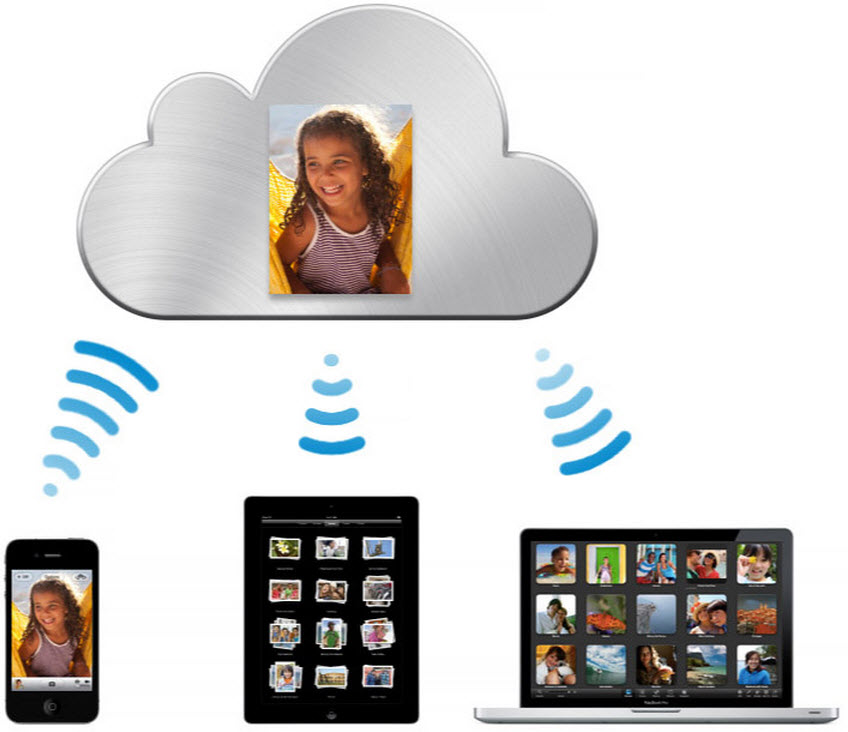
As none of them are trying to hide the filesystem in the way Apple does, they all essentially work in the same way: providing you with a virtual online drive that you treat just like a local folder. There are also OS X and iOS apps for each.

Let’s start with the obvious: if you want something that is totally integrated into both OS X and iOS, and which Just Works, then iCloud is king.

Although the 5GB you get free doesn’t sound like a lot, you actually get more than this in practice – because Apple doesn’t count the space used by any of your iTunes purchases (apps, music, movies/TV shows or books), nor does it count the 1000 most recent photos you get to store in Photostream. If most of the content you want to store came from Apple, and all you want to do additionally is sync your contacts, calendar, notes and so on, the free storage is probably all you need.

iCloud is also a seamless way to store documents if you use Apple’s own iWork software: Pages, Numbers and Keynote. By opting to save documents on iCloud, they are automatically available to you from your Mac(s), iPad and iPhone – as well as on the web.

But if you have a lot of documents, you can pretty soon start bumping up against that 5GB limit. Which is where iCloud’s costs and limitations start to show up … 
Expand
Expanding
Close

Site default logo image

Former MobileMe customers lose free iCloud upgrade, iCloud services stop working if over limit

After issuing two reminders to former MobileMe customers that they would lose their free iCloud upgrade from 5GB to 25GB, Apple today reduced the storage limits as planned. Customers who have more than 5GB, and who haven’t bought a paid storage plan, will find that iCloud is no longer working.

If you exceed your storage plan on September 30, 2013, iCloud Backup, Documents in the Cloud, and iCloud Mail will temporarily stop working. To continue using these iCloud features without interruption, reduce the amount of iCloud storage you are using or purchase a storage plan by September 30, 2013.

As we’ve previously advised, much of the iCloud storage is usually taken up by iCloud Backups which can be deleted through System Preferences > iCloud > Manage. Those who need more than the free 5GB offered by iCloud can also use Dropbox to store photos and files.

Site default logo image

Dropbox update gains Cloud.app-like screenshot and iPhoto uploader

A nice little upgrade today from Dropbox today has some new features we can all use. Firstly, Dropbox does a Cloud App clone where it uploads screenshots and pops a link into your clipboard for quick sharing purposes.

Starting today, all the screenshots you take can automatically be saved straight to your Dropbox. And on top of that, Dropbox will also create a link to your screenshot and copy it to your clipboard — so your picture’s instantly good to share.

Something more unique and useful perhaps is a simple iPhoto uploader.

As an added bonus for all you Mac users, today’s update also includes a nice little importer that copies your photos from iPhoto directly to your Dropbox.

Site default logo image

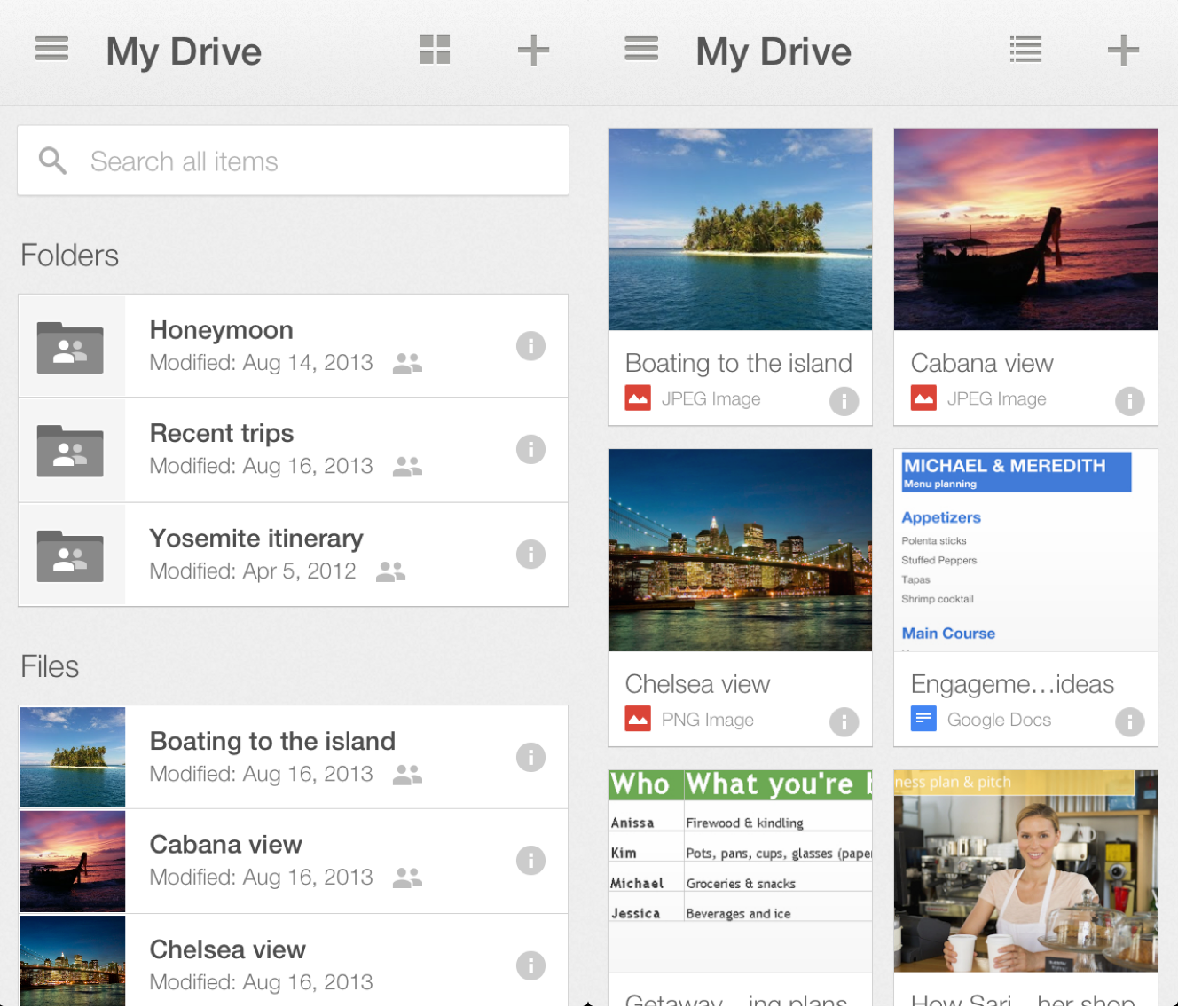
Google Drive revamped for iOS with improved previewing, file sorting, searching

Google has redesigned its Google Drive application for iPad, and iPhone, and iPod touch to appear more in-line with the designs of the company’s other apps on iOS. The new design focuses on improved previewing of files, and it also includes improved management and sorting of files.

Also new is improved landscape editing support, copying links to files, and the overall sharing of files with other people.

The update also brings an enhanced focus on searching through files:

And last, we brought search to the forefront of the app so you can find the exact file you’re looking for, whether you’re on a small iPhone or a larger iPad. And remember, Drive search recognizes objects in your images and text in scanned documents. So the next time you’re looking for photos of that trip to the Statue of Liberty, just enter the phrase “Statue of Liberty” and your photos will appear – voilà!

The update is available for free on the App Store.


Expand
Expanding
Close

Site default logo image

‘Ping’ brings iMessage-like functionality to email

iOS has seen its fair share of new email applications over the past few years. Most notably, Mailbox found itself overly popular and was eventually acquired by Dropbox. Now, a new mail app called Ping will take email another step forward by bringing in new features that are, by far, revolutionary.

The most notable feature is the iMessage-like responses: if you are emailing with another Ping user, it turns your email into a chat where each user can see when the other is typing and emails appear instantly.

The app also allows you to set custom notifications per contact, so you can know if you really need to dig into your mail app and respond quickly.

Ping will be launching September 18th, but you can reserve your spot today at PingApp.com. I’m betting this app will be much more successful than Apple’s Ping social network…

Ping reimagines email from the inside out with the following capabilities:

  • A smart, people-centric feed: Organize messages by people and groups of people, then everything else (subscriptions, newsletters, etc.) so messaging history with each person and group is in ongoing, contextual streams, like chat. Emails from the most important people and groups are in one feed so you can immediately see what matters most, while subscriptions, newsletters and marketing emails are automatically filtered into a separate workspace.
  • A playful, easy interface: Communicate in a natural, dynamic environment with rich media sharing (personal photos, Web photos, video), voice recording, video chat, doodling and the all bells and whistles that make chatting fun. By eschewing the formal, antiquated letter format, unnatural terms like “Best Regards” are no longer a part of conversations with your colleagues or friends.

And, for the utility-minded, Ping offers:

  • Super real-time responses: Receive emails the exact moment they come in, seconds before you would using any native mobile email app. Users can even see when another person is typing, as you would with iMessage or chat.
  • Better notifications: Stop checking your phone every time it buzzes. Assign custom notification alerts for different types of messages and contacts, and keep it in your pocket.
  • Instant access to shared media: See all recent attachments and documents within a conversation by flipping your phone to horizontal view.
  • Snooze: Hit the Couch button to save messages for later.
  • Quick search: Find friends or conversations instantly with a universal search bar.

By supporting real-time messaging, document and photo sharing, voice and video calls, and more, Ping brings it all together, eliminating the need to use multiple apps to stay in touch. Ping syncs with desktop emails so chats, documents and media are stored right in your cloud, not in a separate app that wipes out your history when you stop using it. Ping solves the fragmentation issues associated with many messaging apps because it’s an open platform and is not limited to communication within the app itself.

How-to: Setup and use Dropbox to manage and share photos, files

Site default logo image

Before Dropbox became popular, there was iDisk, which was Apple’s cloud storage system. iDisk allowed you to store documents, pictures, QuickTime files, and PDFs in one cloud-based “drive.” This was accessible on all of your Apple products as well as at me.com on a PC. It was practically like having your most important files in Finder on your computer – but everywhere.

Then iCloud came out. iCloud dropped support of iDisk, which meant there was no longer a way to access all of your files in a Finder-like cloud system. This paved the way for third party apps like Dropbox to become even more popular.

Dropbox is free. Dropbox works on any platform: Mac, Windows, iOS, Android, and Blackberry. Dropbox gives you 2GB of storage space for free and they offer incentives to increase your allocated amount of free storage space.

There are two different ways to set up Dropbox:


Expand
Expanding
Close

Site default logo image

9to5Toys Last Call: Gamer bundle $6, Powerbags $35&up, 40% off Logitech gear, free music/Dropbox storage/audiobooks, more

From 9to5Toys.com:

A large majority of the deals we cover each day come from a variety of ‘Daily Deal’ websites or are so popular that they don’t even last 24 hours. We know you can’t be at your computer every second, so we’re going to round up the best deals each day to make sure you have a fair shot at the deals you want. Be sure to follow 9to5Toys.com so you never miss a deal... Twitter, RSS Feed, Facebook, Google+.

Today’s Featured deals:

The Back To School Gamer Bundle 6 includes Intense Mac Games That Will Test Your Mind & Your Nerves. Includes: Square_terranconflicticon normally $16, X3: Terran Conflict Square_albionpreludeicon normally $10, X3: Albion Prelude Square_prideofnationsicon $10, Pride Of Nations Square_capitalism2icon $10, Capitalism 2 Square_heartsofironicon $15, Hearts Of Iron 2 Complete Square_flatout-2-1-icon $10, Flatout 2

Powerbag deals up to 80% off: 6000mAh Instant Messenger bag: $40, and more starting from just $35 shipped


Amazon Logitech Week: Save up to 40% on speaker systems, keyboards, gaming mice / headsets, more

Freebies:

Other great deals we love:

Site default logo image

1Password 4 for iOS goes on sale ahead of Dropbox API changes

AgileBits, the development team behind 1Password for iOS and Mac, announced today that due to an upcoming change in Dropbox’s API, Dropbox syncing in version 3 of the 1Password iOS client will no longer work as of September 1st. Because the old version of 1Password has been discontinued, it will not be updated to work with the new Dropbox API.

Instead, AgileBits is offering the new and improved 1Password 4 at $7.99 the lowest price to date. The sale will last until Friday, August 16th. Since 1Password 4 requires iOS 6, some customers may not be able to update to the latest version. If that’s the case, those users will be glad to know that 1Password 3 will still support Wi-Fi syncing with computers on the same network.

AgileBits has also published a new FAQ document to explain the changes and possible solutions.

Dropbox lets third-party devs sync app data w/ new API, now at 175M users

Site default logo image

Update: Mailbox just received the expected update with Dropbox integration for attachments.

Dropbox kicked off its developer conference in San Francisco today and with it came a few updates including new tools for devs and the announcement that the service now has 175 million users. That’s up about 75 million users from just last November.

The developer conference also included some announcements about new tools coming to let third-party app and website developers easier integrate Dropbox. The company is introducing a platform for developers that includes a new API called Datastores, allowing app devs to store and sync data from their apps across multiple devices and platforms. It’s something developers have been doing on their own for a while (for example 1Password), but now Dropbox is making easy for all:
Expand
Expanding
Close

Site default logo image

Dropbox for iOS updated with improved sharing options

Dropbox has updated their iPhone and iPad app to verion 2.3. The new version features enhanced sharing options, a swipe-to-show options panel for carrying out common actions, as well as the usual performance enhancements and general bug fixes.

What’s New in Version 2.3

• Easily share a link to a folder
• Swipe on any file to quickly share, move, delete, or favorite
• Select and share multiple photos with your family, friends, and other humans
• Bug fixes and other magical performance improvements to keep you happy

Site default logo image

Mailbox for iPad gains support for portrait orientation, bug fixes

Today, Mailbox for iPad has been updated with support for the iPad’s portrait orientation. In previous versions of the iPad app, email viewing, composing, and other functions were exclusive to landscape mode. Additionally, today’s 1.3.1 update brings unspecified bug fixes. Mailbox for iPad launched last month following the app’s March acquisition by Dropbox.


Expand
Expanding
Close

Wishlist: 10 things Apple should, but likely won’t, announce at WWDC 2013

Site default logo image

We’ve got a pretty good idea of what Apple intends to give us at WWDC. Even the things we’re not so sure about seem on the radar.

But what does Apple need to do long term to tighten up the ecosystem and bring some excitement back into its hardware, software and services? I’ve got a few things…


Expand
Expanding
Close