iCloud

See All Stories
iCloud

The best place for all your photos, files, and more.

iCloud was launched in 2011 as the successor to MobileMe and is Apple’s current cloud service that allows iOS and Mac users to save and synchronize information. Apple includes 5GB of iCloud storage for free with all accounts and has paid options starting at $0.99/month for 50GB.

https://www.youtube.com/watch?v=KTrO2wUxh0Q

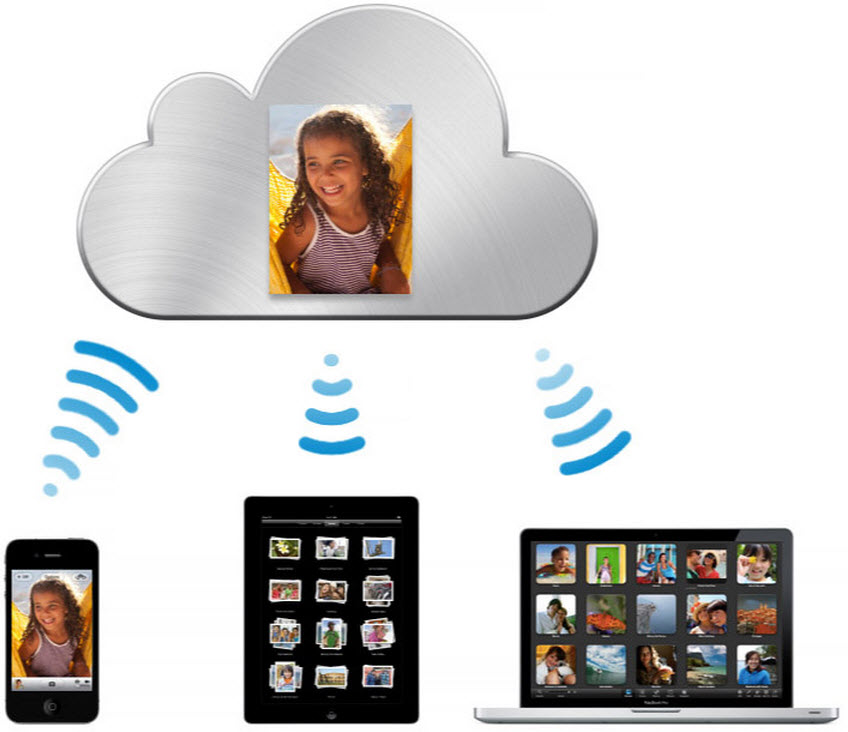
iCloud is built into every Apple device. That means all your stuff — photos, files, notes, and more — is safe, up to date, and available wherever you are. And it works automatically, so all you have to do is keep doing what you love. Everyone gets 5GB of free iCloud storage to start, and it’s easy to add more at any time.

What is iCloud?

iCloud solved a problem that we were facing in 2011. Originally, Apple pitched the Mac as the digital hub to our life. Our iPods (and then iPhones) would sync over a cable to transfer information. As we added iPads, it became a mess. Steve demoted the Mac back to just a device and made the “cloud” the center of our digital life. Using the service, users could sync all of their data over the air. As an example, a Keynote document edited on your Mac would automatically be up to date with the latest changes on your iPad or iPhone. iCloud also allowed you to back up your iOS device for an easy path to change devices without having to set everything up manually.

The problem with this original iCloud pitch is it didn’t cover all of our photos. We didn’t get that until iCloud Photos came in iOS 8. It didn’t cover iMessage, as that didn’t come until a few years ago with messages in the cloud. It didn’t cover all of our files, but only those in the iCloud folder stored inside of app folders. We didn’t get seamless syncing of files until Apple added Desktop and Document folder syncing a few years ago.

Over time, Apple has continued to add features to iCloud, and it’s turned out to be a really robust and reliable service. Users can sync files, photos, notes, reminders, and Safari bookmarks to their Mac, iPhone, iPad, and even Apple TV (photos).

iCloud Troubleshooting

If you’re having trouble using iCloud, you may want to make sure it isn’t affected by downtime. Check Apple’s iCloud Status page here.

How much does iCloud cost?

Pricing can change at anytime (view Apple’s latest pricing page), but here are the current rates for a few countries.

United States
50GB: $0.99
200GB: $2.99
2TB: $9.99

Canada 
50GB: $1.29
200GB: $3.99
2TB: $12.99

United Kingdom
50GB: £0.79
200GB: £2.49
2TB: £6.99

European Union
50GB: 0.99 €
200GB: 2.99 €
2TB: 9.99 €

Read below for all of our coverage

Site default logo image

iCloud Mail down for a small number of users

Apple’s system status page is showing that iCloud Mail is down for a small number of users. Apple says that the outage, which has lasted almost 18 hours, is currently affecting around 0.1 percent of users.

Users affected by the outage are seeing a ‘Cannot Get Mail: iCloud is currently unavailable’ message. There is as yet no word from Apple on when the service is expected to be restored.

No other iCloud services appear to be affected.

Apple China denies location tracking claims: we’re ‘deeply committed to protecting the privacy of all our customers’

Site default logo image

This past week, Chinese State TV called the iPhone a “national security concern” because of its location tracking capabilities. The iPhone’s operating system utilizes location for several applications, including Maps and Weather. iOS 7 also introduced a new feature that utilizes a customer’s location in order to provide improved traffic and route information. Now, Apple has quickly responded via a concrete and comprehensive message on its website for China. The message is advertised on the homepage, and is a direct response to the allegations from China State TV.

Apple denies the claims by stating that “privacy is built into [its] products and services from the earliest stages of design. We work tirelessly to deliver the most secure hardware and software in the world.” Apple also explains that it uses industry leading encryption to protect location data, and says that all location data is stored solely on the iPhone, not on Apple’s servers.

Apple goes on to, once again, explain that it does not work with government agencies to spy on its customers: “Apple has never worked with any government agency from any country to create a backdoor in any of our products or services. We have also never allowed access to our servers. And we never will. It’s something we feel very strongly about.” Apple goes on to list specific work it does for individual services in order to protect customer privacy.

On Maps:


Expand
Expanding
Close

Apple bolsters iOS 8 Health app with on-device steps, distance tracking & caffeine monitoring

Site default logo image

Apple has made significant enhancements to its upcoming Health application for iOS 8 in the latest beta of the new iPhone operating system. Most notably, the Health application can now utilize the iPhone’s own M7 motion tracking hardware for data sourcing.

The Health app’s Steps counter tab can now report steps without connecting to any third party applications or hardware devices. Because this feature likely uses the M7 processor, an iPhone 5s is required to get the steps data directly from the device…


Expand
Expanding
Close

iOS 8 beta 3 indicates iCloud Drive will also be accessible from iCloud.com

Site default logo image


iCloud Drive was first announced at WWDC. This feature is Apple’s new approach to iCloud file syncing, replacing Documents and Data. The new interface acts more like Dropbox, with one central folder containing all iCloud documents in one place. This gives more flexibility over the model used by iOS 7 and Mavericks, where iCloud documents are siloed within their own app’s containers.

At WWDC, Apple announced that iCloud Drive could be accessed from Mac, iOS devices or even PC’s (as shown by the iCloud Drive preview page). However, a new setup screen present in iOS 8 beta 3, released earlier today, shows that Apple is also planning to expose iCloud Drive on the web. Although people were surprised by native PC support, bringing iCloud Drive to the web enables even more flexibility, bridging any OS with a modern web browser.


Expand
Expanding
Close

Apple to wipe all CloudKit data on July 7th, including iCloud Photos, Drive & Mail Drop for iOS 8 and Yosemite

Site default logo image

Apple has just informed developers that it will be wiping all CloudKit-based data stores on July 7th. This includes iCloud Photo Library, Mail Drop and iCloud Drive. Apple warned developers that this might happen with the release of the first iOS beta and it is not uncommon for wipes to happen several times during iOS and OS X beta cycles.

Dear Developer,

We will be performing a server-side data wipe on all CloudKit public and private databases for iOS 8 beta and OS X Yosemite Developer Preview users on July 7, 2014. The following iCloud features will be affected: iCloud Drive, iCloud Photo Library, and Mail Drop.

Photos and videos stored in iCloud Photo Library will remain on their original iOS 8 devices and will upload to iCloud Photo Library again automatically. iCloud Drive can be re-enabled from Set up Assistant after upgrade. If you choose to store your documents in iCloud Drive, your Documents & Data will automatically be copied to iCloud Drive. iCloud Drive will not update across earlier seeds or operating systems. Attachments sent through Mail Drop will expire and need to be resent after you upgrade.

If you have any questions, visit the Apple Developer Forums.

Best regards,
Apple Developer Technical Support

Affected files for Mail Drop and iCloud Drive will not transfer across automatically on the release of the next beta seed. Photos and videos will automatically restore, however, as they are not deleted from local storage. It is likely that new seeds of iOS 8 and OS X Yosemite will follow this data wipe, as new seeds of these operating systems are already due.


Expand
Expanding
Close

Apple finally brings two-factor authentication to iCloud website (updated)

Site default logo image

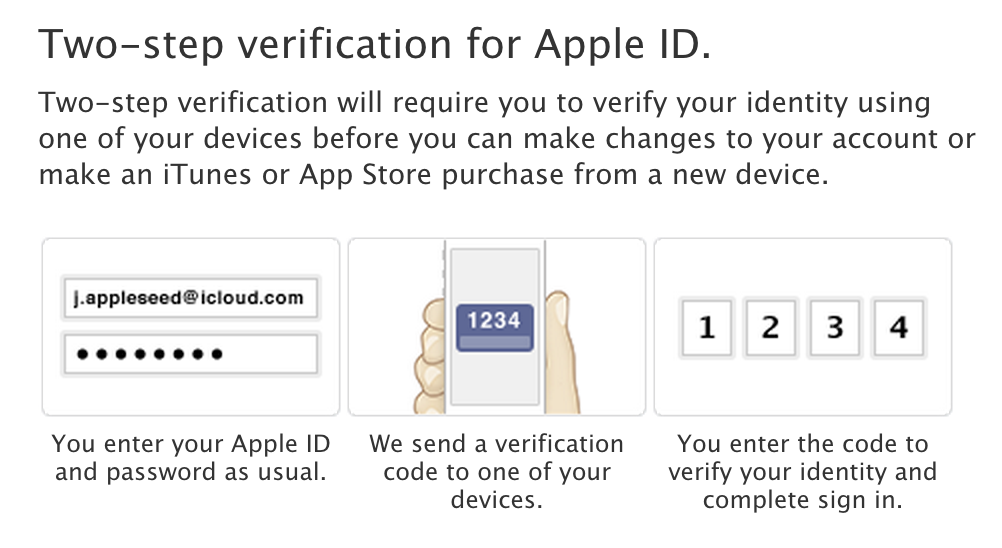
It appears Apple has started rolling out support for two-factor authentication on its iCloud.com website. The feature initially rolled out to the Apple ID management website in the United States and then in several other countries soon after.

Under the new setup on iCloud.com, users can only access Find My iPhone without verifying their identities. Mail, Contacts, and other “apps” require you to enter a passcode that can be texted to any phone number or sent to the Find My iPhone app on properly configured devices.


Expand
Expanding
Close

Apple to replace Aperture and iPhoto with Photos for OS X early next year

Site default logo image

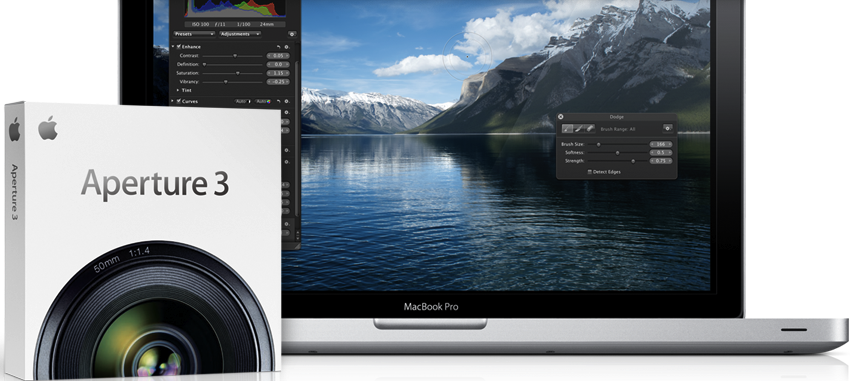
Apple has told 9to5Mac that that the company will be ceasing development of Aperture and iPhoto, offering Photos for OS X as a replacement, which was first shown at WWDC.

With the introduction of the new Photos app and iCloud Photo Library, enabling you to safely store all of your photos in iCloud and access them from anywhere, there will be no new development of Aperture. When Photos for OS X ships next year, users will be able to migrate their existing Aperture libraries to Photos for OS X.

Apple says libraries will be able to migrate across to the new application when the application ships. Apple is working with Adobe to offer a upgrade path to Lightroom. As noted by TechCrunch, Apple will offer a Yosemite compatibility update for Aperture, but otherwise development has ended.


Expand
Expanding
Close

Updated iWork for iCloud remembers the last document you worked on and more

Site default logo image

Apple updated the beta version of its Pages, Keynote, and Numbers for iCloud suite today with a few new features and improvements. Notably, each application will now remember the last document you opened and settings like which interface elements were enabled or disabled (such as alignment guides and the zoom setting).

The apps will also automatically suggest your most recently used nickname when editing shared documents, improved image masking, and keyboard shortcut hints in contextual menus. These changes—especially the ability to remember your document settings between launches—more closely mirrors the functionality of the desktop software.

You can try the updated web apps on the iCloud website. The full statement from Apple is below:


Expand
Expanding
Close

Microsoft improves OneDrive storage limits & pricing as competing iCloud Drive approaches

Site default logo image

Microsoft is making notable improvements to its storage offerings for its OneDrive cloud-based service. The company is announcing today that OneDrive storage at the free tier will be more than doubled, Office 365 storage will see a major increase, and that there will be storage price drops across the board. Here are the three main announcements in more detail:


Expand
Expanding
Close

Apple seeds iOS 8 beta 2 to developers alongside new Apple TV OS beta

Site default logo image

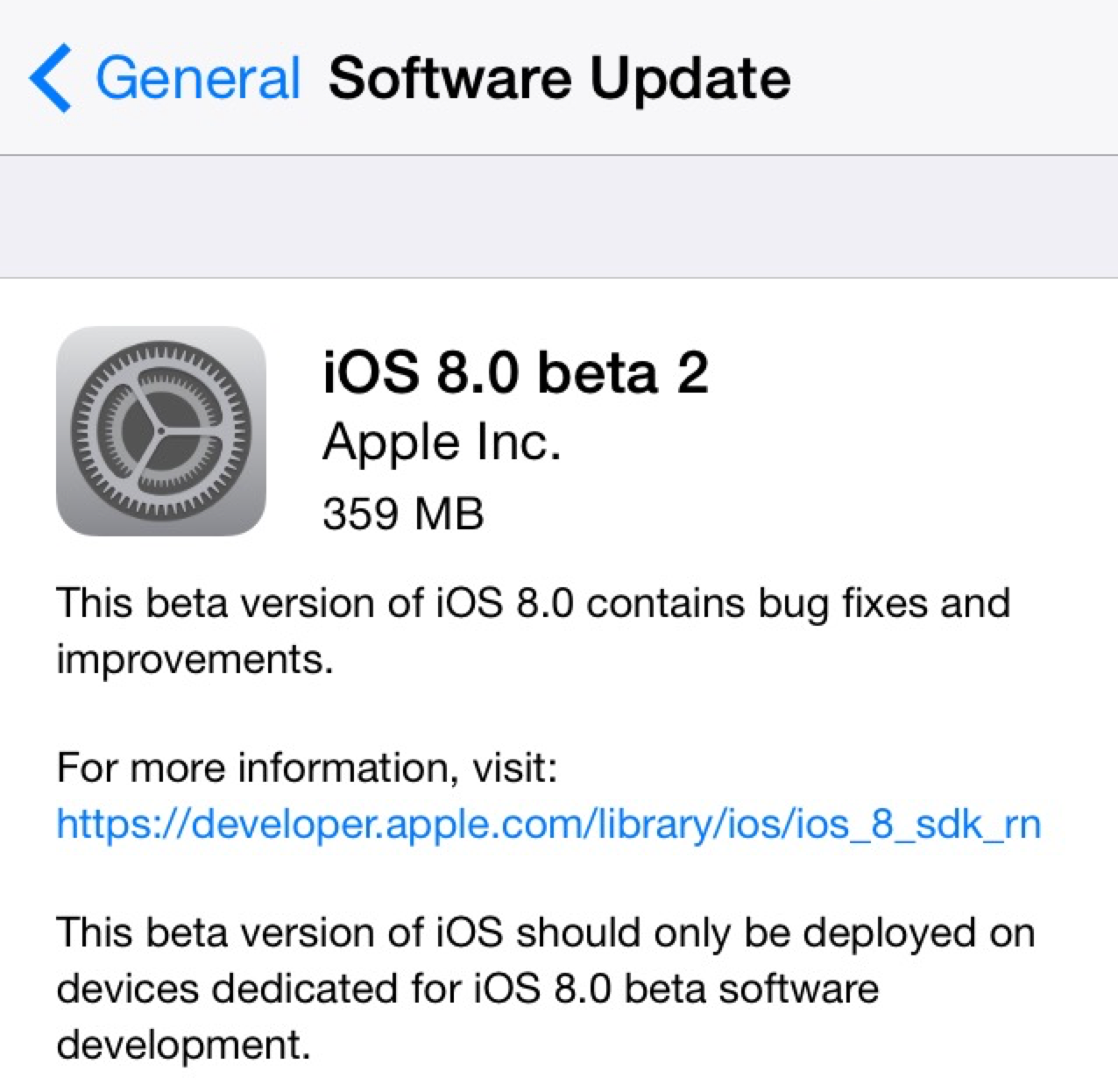
Two weeks following the 2014 Worldwide Developers Conference and the release of the first beta build of iOS 8 to developers, Apple has provided iOS 8 beta 2 to developers. The new release is available over-the-air in iOS 8’s Settings menu, and it’s available for supported iPhones, iPads, and iPod touches.

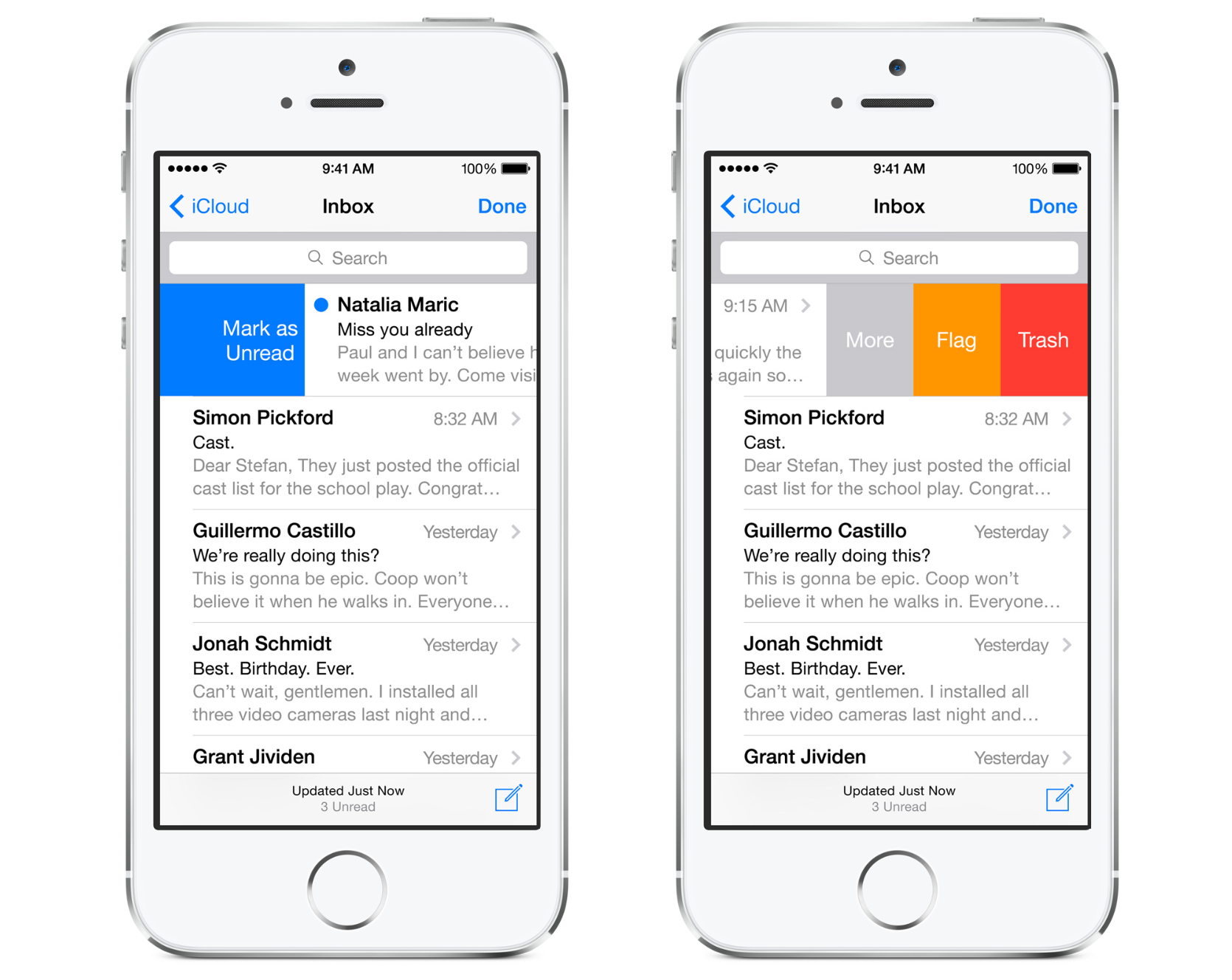
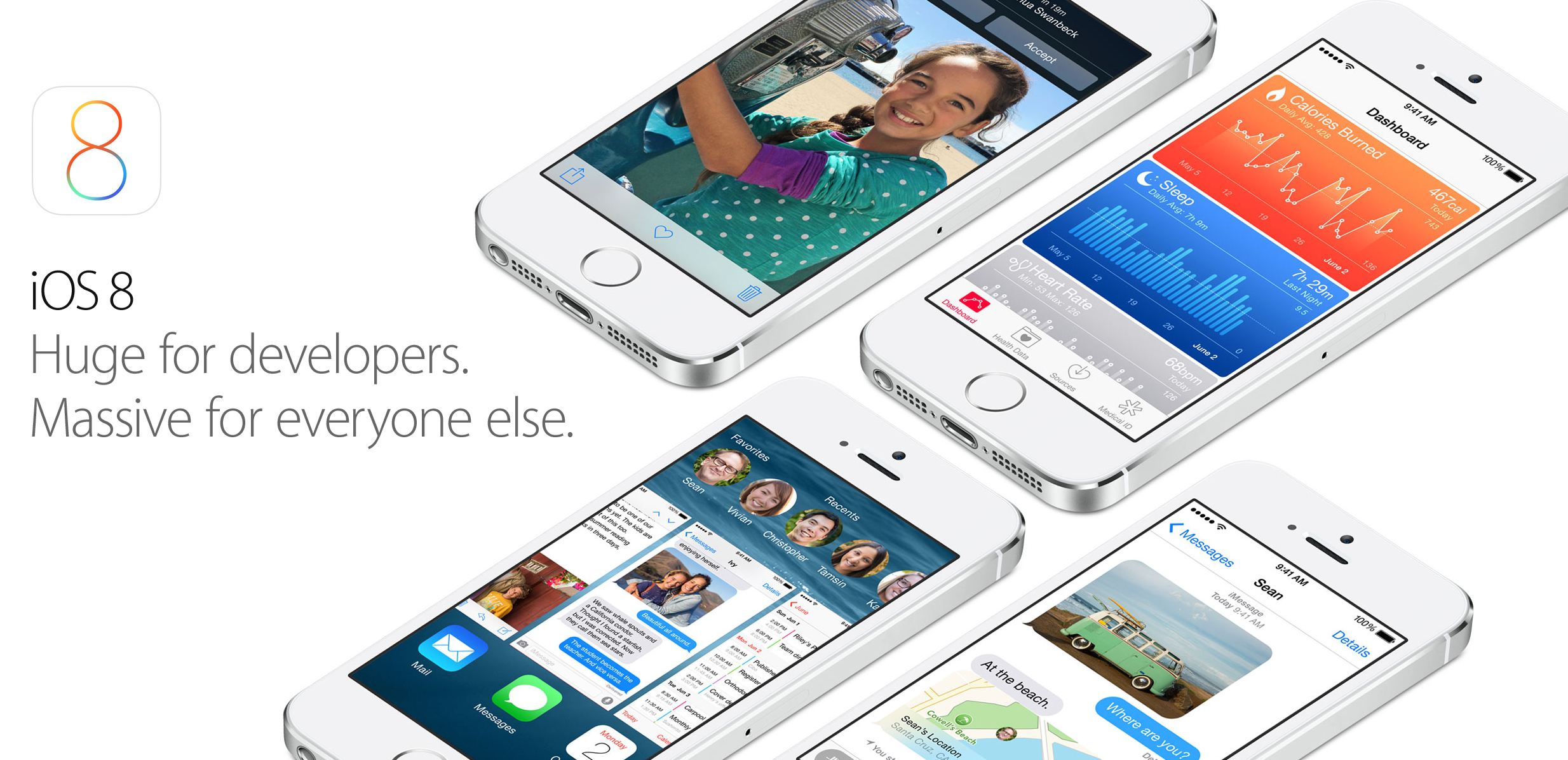
iOS 8 officially launches this fall and includes several new features for both consumers and developers alike. iOS Device users will experience a new Health app for integrating health and fitness data, improvements to Safari, enhanced Messages features, design tweaks in Mail, and significant changes to notifications, photo management, and the keyboard. Developers will now be able to create third-party keyboards, integrate the Touch ID fingerprint scanner into apps, and integrate third-party home automation products with iOS.

We’ll be updating this post (below) with new features in iOS 8 beta 2 as they are discovered, and you can share your findings with us via email at tips@9to5mac.com. 


Expand
Expanding
Close

Site default logo image

Apple considered buying Parse before building new CloudKit feature itself

In an extensive profile of Parse co-founder and Facebook executive Ilya Sukhar, The Information reveals that Apple considered purchasing the cloud services startup before Facebook:

Mr. Sukhar, a mobile programming prodigy, had already rejected offers from Apple and Dropbox, which were more interested in the company’s four talented founders than its business, according to people who were involved in the conversations. Facebook persuaded Mr. Sukhar and his colleagues that it had much bigger plans.

Apple’s interest in Parse is interesting because of the recently announced CloudKit feature for iOS 8. CloudKit, just like Parse, allows developers to leverage pre-designed and implemented servers to control the backend of applications. This makes the development team and process quicker and simpler for building iOS applications. It’s interesting to see that Apple decided to build a Parse competitor itself rather than move forward in acquiring the company (or another player in the area). The entire profile is well worth a read and it provides an interesting perspective as to how a start-up co-founder has been integrating his company into Facebook.


Expand
Expanding
Close

Apple: We’ll ‘soon’ begin encrypting iCloud email in transit between providers

Site default logo image

Following the publication of an NPR article detailing the security of major email services, Apple has informed the network that it is working on an update to its iCloud Mail service that encrypts emails in transit from other providers. As of right now, iCloud emails are solely encrypted in transit from one iCloud email account to another, but an email sent from iCloud to Gmail or Yahoo (as examples) or vice versa is not currently encrypted. This is what will change:

Apple encrypts e-mail from its customers to iCloud. However, Apple is one of the few global email providers based in the U.S. that is not encrypting any of its customers’ email in transit between providers. After we published, the company told us this would soon change. This affects users of me.com and mac.com email addresses.

The enhancement will come into effect “soon,” but Apple is not more specific than that on the timeframe. While the quote above oddly does not specify icloud.com addresses, that newer Apple email domain likely falls into the same category as me.com and mac.com. The lack of end-to-end iCloud Mail encryption with Gmail, for example, is shown on Google’s data protection transparency website:


Expand
Expanding
Close

iOS 8 lets apps access Safari AutoFill credentials for quick & easy login

Site default logo image

In iOS 8, Apple is making the process of logging into apps a much smoother experience by allowing native iOS apps to access usernames and passwords stored in Safari. The new feature, which works by letting iOS apps tap into Safari’s AutoFill & Passwords feature, will allow users to login to apps with a simple tap rather than having to type login info. Imagine your username and password are stored in Safari’s AutoFill for Facebook, for example. When launching the native Facebook iOS app, the feature will let users select from passwords stored in Safari to quickly login (as pictured above with Apple’s demo “Shiny” app).
Expand
Expanding
Close

iOS 8 code shows iPad split-screen, Maps transit in the works; Health interface changed late in development

Site default logo image

In the several months leading up to Apple’s 2014 Worldwide Developers Conference, we reported on several features on tap for iOS 8, the new iPhone, iPad, and iPod touch operating system, and OS X Yosemite. Many of the features we reported on were announced last week: improved messaging, revamped notifications, various user-interface enhancements, indoor mappingiCloud improvements for end-users and developers, Shazam in Siri, Voice Memos improvements, the redesigned Mac interface, multi-resolution mode for Xcode app testing, and of course, health-tracking integration. But some of the reporting did not become official last week. Namely, the Healthbook name, various improvements to Apple’s controversial mapping software, and a split-screen iPad multitasking mode.

Let’s go through each feature one-by-one.


Expand
Expanding
Close

New high-res shots of likely iPhone 6 ultra-thin metal frame surface

Site default logo image

Some new shots of a purported iPhone 6 metal chassis have appeared on the web today. The images line up with previously leaked iPhone 6 design schematics, a blurry picture of a frame, dummy models, cases, and manufacturing components. Shots of the sides below:


Expand
Expanding
Close

iCloud Drive enables non-Mac App Store apps to use iCloud document storage

Site default logo image

Prior to OS X Yosemite and Apple’s new iCloud Drive announced on Monday, Mac developers were explicitly required to succumb to the restraints of the Mac App Store to allow their customers to use iCloud file storage within their apps.

Now with the introduction of iCloud Drive, which gives users much clearer access to content stored in iCloud, developers can distribute their apps outside of the Mac App Store and trust that their users can opt to use iCloud for document storage as if they were sold in the Mac App Store…
Expand
Expanding
Close

Opinion: Has Apple finally promoted iCloud from a hobby to a serious service?

Site default logo image

I wrote a piece last month arguing that it was time for Apple to up its iCloud game, showing that the company is serious about cloud storage by focusing more on fast, reliable syncing, and by matching the functionality, storage capacities, and pricing of Google Drive.

In the WWDC keynote, Apple did exactly that. MobileMe may not, in Steve Jobs’ words, have been Apple’s finest hour, but it did at least include iDisk – an online drive we could access directly to store anything we liked – not just documents created in Apple’s own apps. It’s been a long time coming, but iDisk is finally back in the form of iCloud Drive.

The new iCloud pricing, too, looks set to be exactly what I asked for – comparable to Google Drive… 
Expand
Expanding
Close

Polls: What are your first impressions of iOS 8 and Yosemite?

Site default logo image

Now you’ve had a chance to catch up on our coverage of the main new features of iOS 8 and OS X Yosemite, and seen our hands-on videos (iOS 8 overview, OS X Yosemite overviewiOS 8 Spotlight and iOS 8 interactive notifications), we’d like to hear your first impressions of each.

Whether you’re blown away by all the new features, disappointed by things you wanted but didn’t get, or just a bit underwhelmed, here’s your chance to let us know.

We’ve summarized the features Apple has chosen to highlight, and there are separate polls for each platform … 
Expand
Expanding
Close

Gallery: First look at iOS 8 with Health app, Notification Center widgets, and more

Site default logo image

Earlier today Apple announced the next version of its iOS software, iOS 8, during the WWDC keynote today. Below you’ll find a gallery of all the new bells and whistles in the latest operating system. If you’ve got some screenshots you’d like to send us, you can send them to tips@9to5mac.com.

The new software includes features like iOS-to-Mac continuity, quick-reply for first- and third-party apps, a new predictive text keyboard, changes to the Mail appHealthKit framework and Health app, Family Sharing features, new Photos cloud storage, an updated iCloud pricing scheme, new commands for Siri, App Store changes including beta distribution, a Touch ID API, third-party keyboards, new iCloud management and development features, a home automation framework, and even support for a brand new programming language.


Expand
Expanding
Close

Site default logo image

Apple announces new iCloud pricing: 5GB free, 20GB for $1/month, 200GB for $4/month, up to 1TB

Apple just announced new iCloud pricing coming soon to compliment a ton of new cloud features unveiled for iOS 8 and OS X Yosemite today.

The new pricing starts with the same free 5GB for all users and introduces a new 20GB for $1/month tier as well as a 200GB for $4/month tier. Currently Apple offers 5GB for free and charges $20.00 for an extra 10GB, $40 for an extra 20GB, or $100 for 50GB per month.

Apple didn’t say exactly when it would be flipping the switch on the new prices, but it did confirm that tiers up to 1TB will be available under its new pricing scheme.

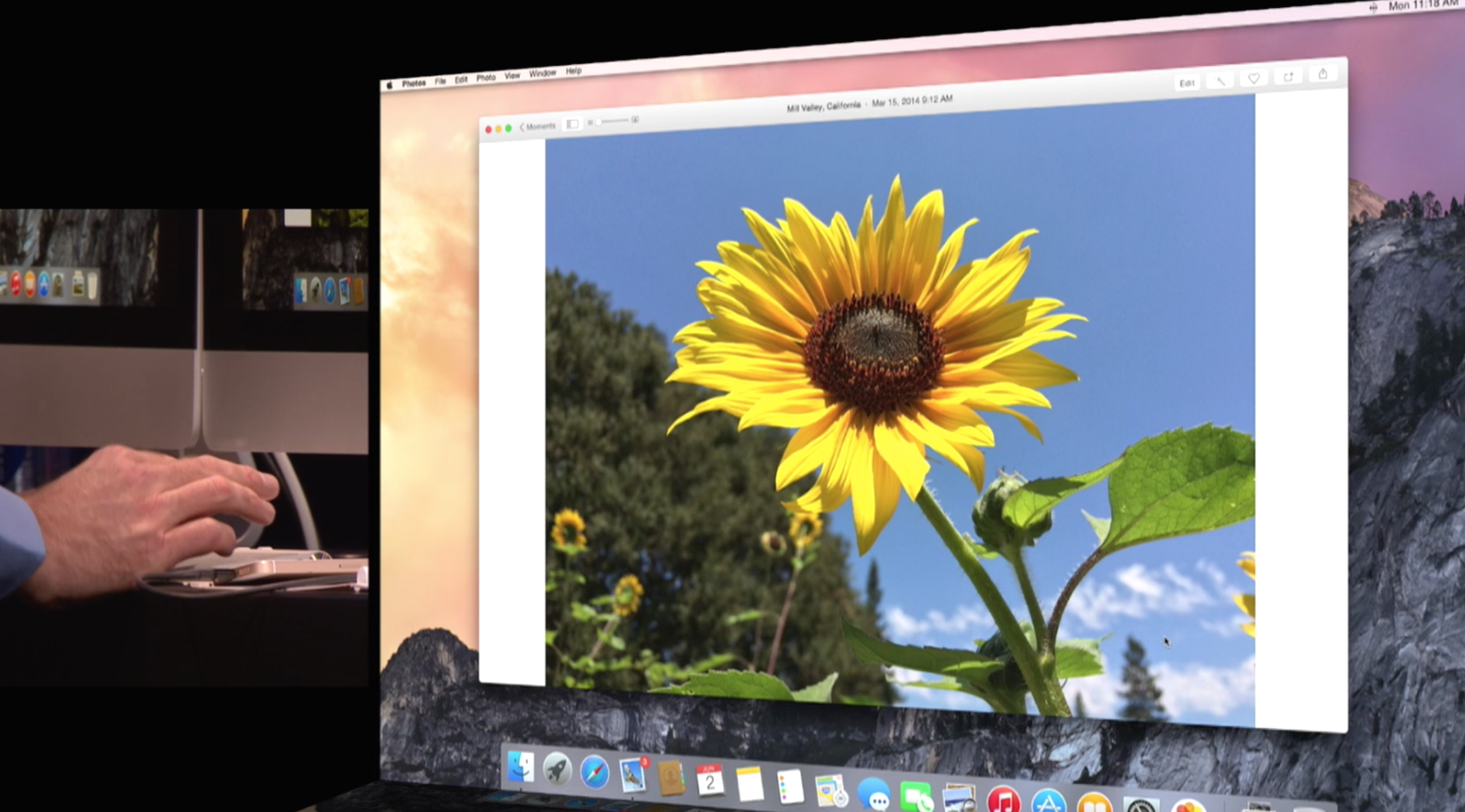
Apple now stores ‘every photo you take on all of your devices’ with new Photos app

Site default logo image

With iOS 8, Apple will now backup of all your photos. The limitations of Photo Stream seem to have gone away. Apple will now store all of your photos in iCloud, regardless of what device you take them on. iPhones and iPads can view these entire libraries, without having to download them to local storage. The photos stream in as you scroll.

Storage is only limited by your iCloud Storage. Apple has announced new cheaper storage plans to go along with the new philosophy.

Apple is also adding a whole host of color and other editing features into the Photos app. This includes things like color correction, brightness, cropping and more. These edits automatically sync across devices.


Apple improving cross-platform integration between iOS and OS X, cross-platform AirDrop, Handoff, instant hotspot and more

Site default logo image

Apple wants users to be able to smoothly move between their Macs and iOS devices. AirDrop now interoperates between Mac and iOS devices. However, it goes further. Handoff allows you to send a document from your Mac to your iOS device, just by being in close proximity to each other.

The Mac also notices when an iOS device is nearby for Personal Hotspot. The phone appears in the WiFi menu, shown above, and with one-click the phone connects to the Mac and the devices start tethering.


Expand
Expanding
Close

WWDC 2014 Roundup: Enhanced iOS 8, redesigned OS X 10.10, new hardware (plus fresh details)

Site default logo image

Despite Apple CEO Tim Cook teasing that Apple would introduce new products “across 2014,” so far this year the company has simply released a cheaper version of the iPhone 5c in select markets, marginally faster MacBook Airs, and the 2012 fourth-generation iPad at a lower price.

But on Monday, June 2nd, Apple will make major announcements that will indicate the immediate future of its two major platforms: iOS and OS X. The Cupertino company will share details behind the changes in iOS 8, a redesigned Mac operating system, and perhaps even new hardware.

Over the past several months, we have exclusively reported the majority of the news to expect next week and you can find our extensive roundup (along with new details) below:


Expand
Expanding
Close