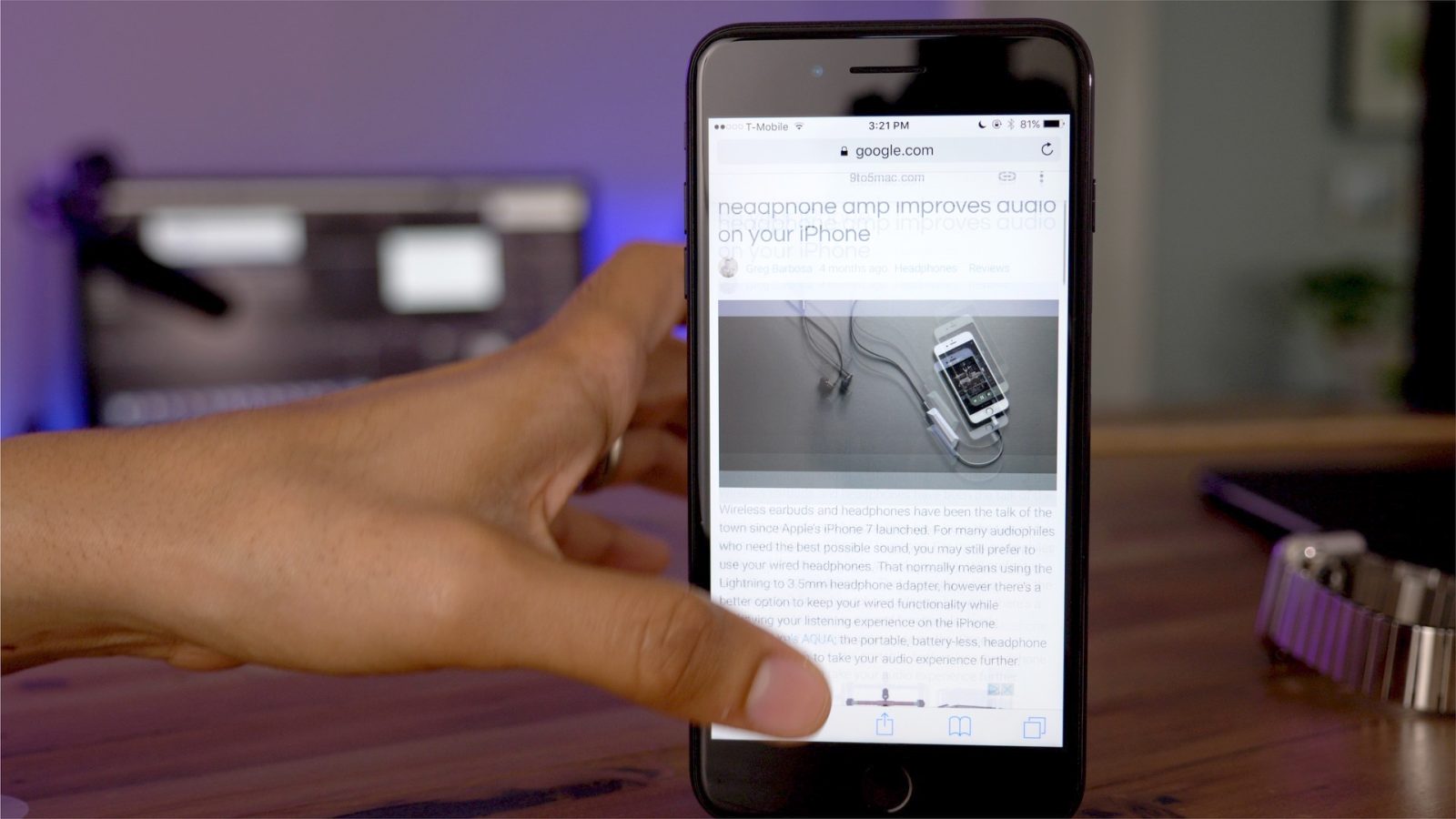
Spotify’s web player no longer supports Safari. Attempting to use the web player leads to the above message, prompting Mac users to use the desktop app instead …
Google’s Accelerated Mobile Pages (AMP) may have been sold to users on the basis of faster-loading webpages, but the company’s underlying motivation is to lock publishers into Google’s ad network. For users, it makes it harder to see which site you’re being taken to, and trickier to share links to specific pages.
Apple is now addressing the second issue in iOS 11 by having Safari convert AMP links back into the original URLs when shared …
Along with releasing beta updates for iOS, macOS, and tvOS today, Apple has updated its Safari Extensions webpage. The redesign includes a prominent link to the extensions available in the Mac App Store, and also features the ability to install extensions from the webpage with a single click.
Apple has released its updated Safari Technology Preview 33 for macOS Sierra and High Sierra today. The preview browser is specifically designed for developers to get an upcoming look at the new web technologies that macOS and iOS will eventually receive.
DirecTV Now, a live-TV streaming service that piggybacks on AT&T’s television services, is one of the ways that cable cord-cutters can still access their favorite shows online. Now, without any official notice as of this writing, customers visiting the site on Safari and Internet Explorer are being told to download Google Chrome as other browsers will no longer be supported after June…
A noteworthy change is headed to a mobile Safari browser near you. The inertia scrolling properties currently used within mobile Safari will be updated to be faster and more consistent with other apps, including Apple-made apps, in iOS.
Currently Safari features slower inertia scrolling properties, something that the browser has featured since its inception back in 2007. Google’s Accelerated Mobile Pages Project (AMP), which seeks to speed up web page access times by providing a stripped down version of HTML, features different scroll inertia due to inconsistencies in the way Safari is currently designed.
In a future Safari update, its scrolling behavior will be changed to be more in line with scrolling performance throughout the rest of iOS, effectively reducing the rate of scroll deceleration. Expand Expanding Close
Earlier this year, Apple proposed a new GPU on the Web Community Group to work towards more powerful graphics on the web. The WebGPU standard Apple proposed is much more object-oriented than WebGPU and allows developers to create and store objects that represent state. Additionally, it allows for objects that can process a broader set of commands. This reduces the work needed to perform during a drawing operation.
Now, Apple has shared a WebGPU prototype and demos to show developers what the new standard is capable of…
Security researches competing at the annual Pwn2own conference yesterday uncovered two zero-day vulnerabilities in Safari. Two teams successfully exploited the bugs they found to achieve root access to macOS, while a third attempt failed.
Eleven teams are competing for a total $1M prize pot, with three of the ten attempts to date targeting Safari …
A report shared earlier today by Elcomsoft’s CEO Vladimir Katalov claimed your iCloud account may have been storing more Safari history than it should, pointing to a database of “deleted” browsing history that could be extracted in plain text to reveal URLs. But the data is outdated and we’ve learned from sources that the problem has been fixed for the majority of users for almost a year and for the rest quickly after the issue was discovered.
Apple’s WebKit team today proposed a new Community Group to discuss the future of 3D graphics on the web. In a blog post on the WebKit blog, Apple’s Dean Jackson wrote about the company’s proposal to develop a standard API that exposes modern GPU features.
Apple’s WebKit team today proposed a new Community Group at the W3C to discuss the future of 3D graphics on the Web, and to develop a standard API that exposes modern GPU features including low-level graphics and general purpose computation.
W3C Community Groups allow all to freely participate, and we invite browser engineers, GPU hardware vendors, software developers and the Web community to join us.
A common concern with the Touch Bar on Apple’s new MacBook Pro is that it may just be gimmicky and not actually useful. Function keys and keyboard shortcuts may make you efficient, but Touch Bar customization can put elements like on-screen Safari controls right on your keyboard.
Touch Bar for me has been a way to discover functionality within apps, and Safari’s customization lets you personalize what you want to access. Below we’ll look at how you can use Safari Touch Bar customization to improve your own workflow on macOS.
A recent discussion on Reddit has brought to light the news that YouTube no longer has the 4K video playback option when using Safari. The change may have come after a long ago announcement that YouTube began encoding uploaded videos into VP9. The change seems to affect recently uploaded videos, and thus so far only seen on the main YouTube site and not within embeds.
Security conference organizer Vangelis has tweeted that a joint team of Pangu and JH hackers have successfully claimed the maximum $100,000 prize on offer at the PWNFEST event for finding a Safari exploit that gave them root access on macOS Sierra …
Mobile Safari is the primary way that the majority of people access the Internet on their iPhones and iPads, but are you getting the most out of Apple’s default browser? While it’s quite likely that most of you will be familiar with many of these tips, there’s a good chance that you’ll learn at least one or two new things by watching the included video walkthrough. Expand Expanding Close
macOS Sierra now supports video picture-in-picture just like the iPad for Safari and iTunes. You can pop out a video from the web into a floating overlay that stays on top of other windows and snaps to corners or anywhere on your display when you hold Option.
It’s a really nice feature when it’s available, but a lot of websites do not yet expose a PIP button. Luckily, Developer Arno Appenzeller has released a free Safari extension that enables PIP for Safari, Netflix and more video services. Here’s how to use it:
iOS 10 includes a lot of new flagship features, from iMessage apps to a Siri SDK, as well as a lot of small tweaks and enhancements. The WebKit blog is highlighting one of these small feature changes, which makes watching animated GIFs on the web way better with iOS 10.
A lot of GIFs today are actually encoded as videos as GIF itself is a very bad format for animated content despite its popularity. However, Apple has imposed many restrictions on how videos behave in iPhone Safari such as requiring user interaction for playback to start until now. Up until iOS 9, many websites displayed GIFs as <video> elements but were held back by the limitations Apple enforced. With iOS 10, silent videos can now autoplay in the page, perfect for animated GIFs …
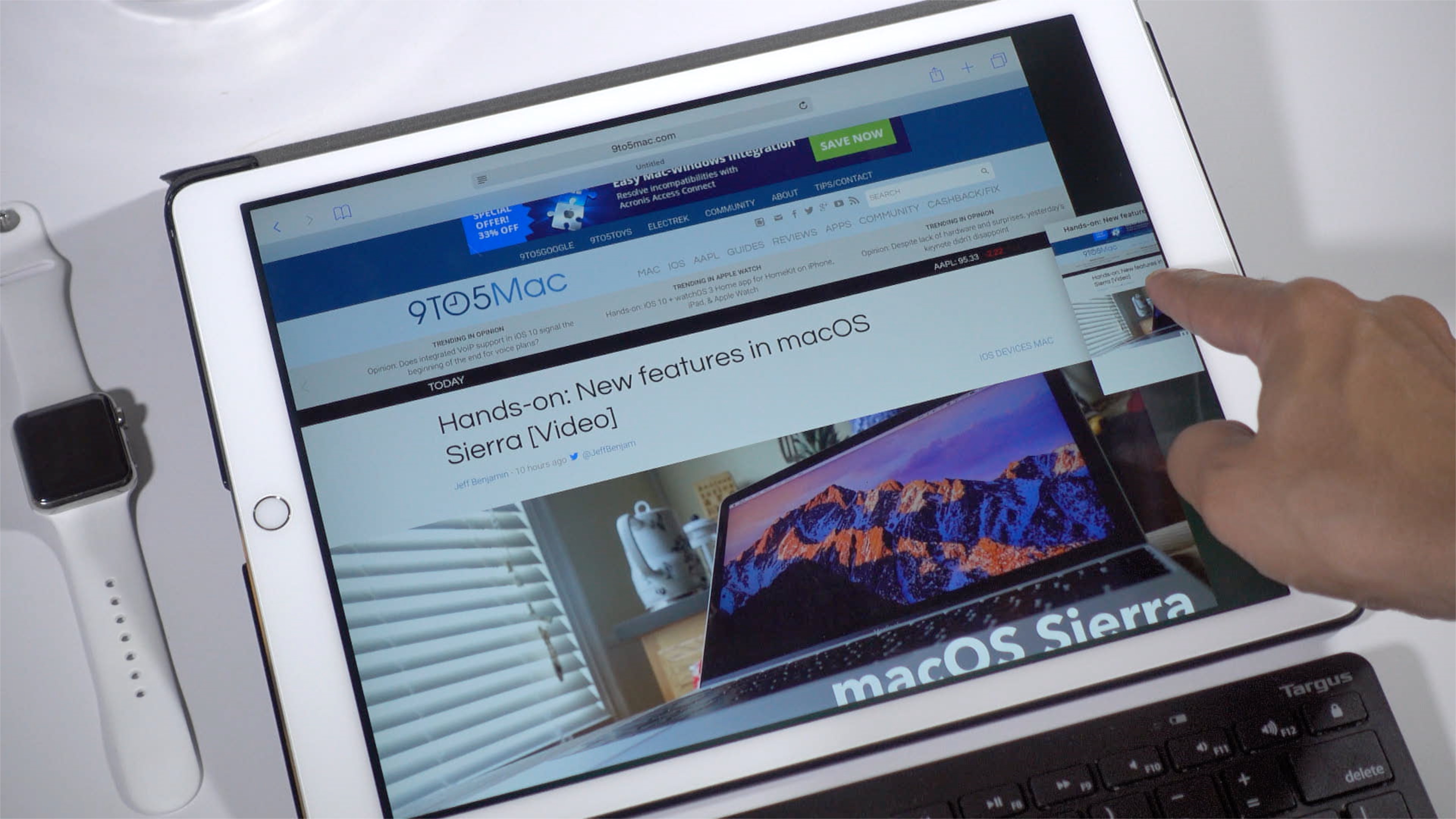
iOS 10 makes it possible to view two Safari windows side-by-side on the iPad via a feature called Safari split-view. It’s similar to the standard Split View between separate apps, but there are some differences to consider as well. In the following video walkthrough, we’ll show you how to use Safari split-view, and highlight some of its notable features. Expand Expanding Close
It’s now possible to open an unlimited number of tabs in iOS 10’s Safari browser. With that in mind, it would be quite tedious to have to close each tab one-by-one, and fortunately Apple realizes this.
In iOS 10, users now have the option of closing all open Safari tabs in one fell swoop. To do so, simply tap and hold the tab button, and you’ll be prompted to close all open tabs at once. Expand Expanding Close
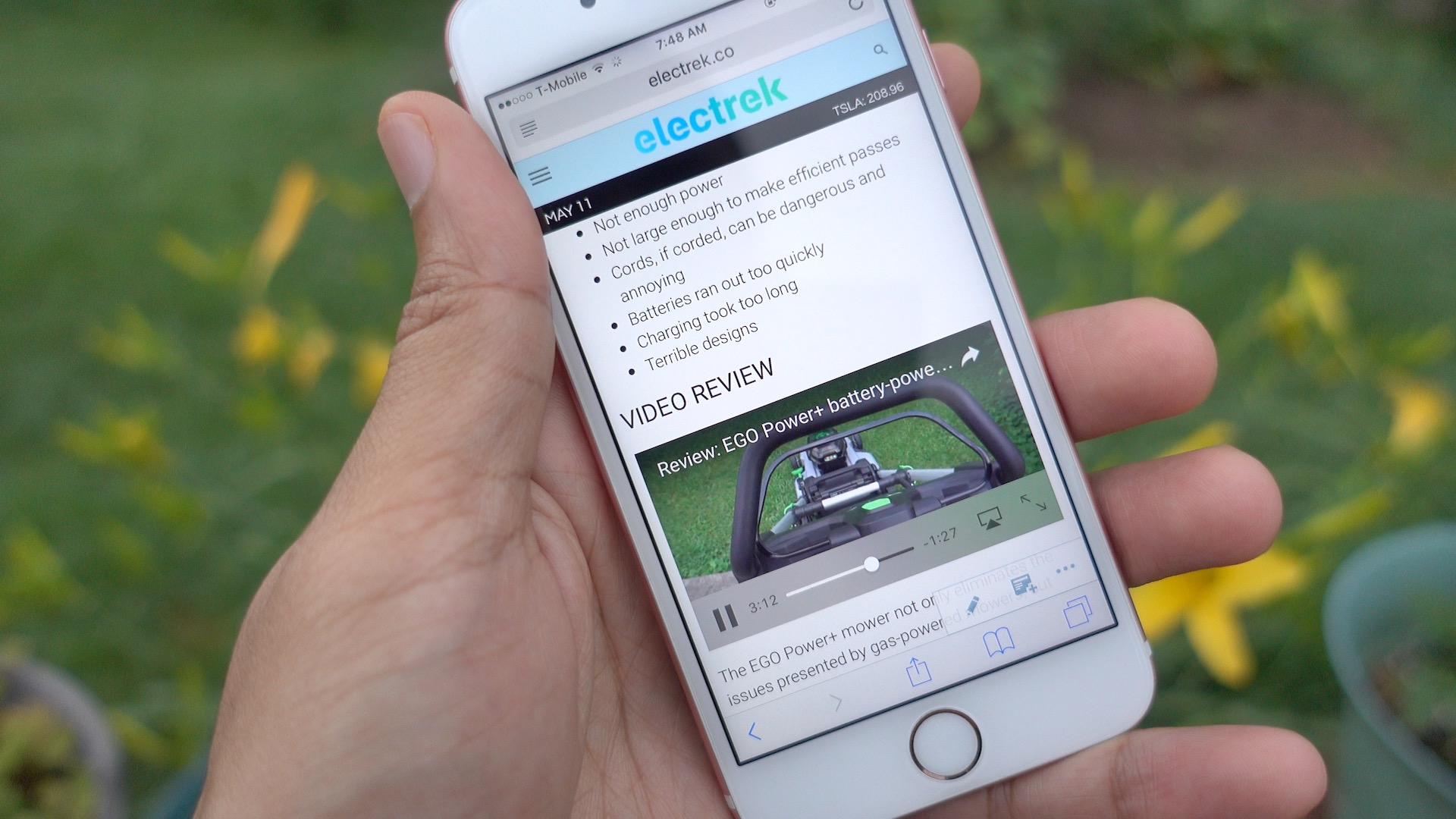
One of the great things about watching video on an iPad is that content can be played inline in Safari. In other words, users can watch videos within Safari without being forced into a full screen video view.
Such functionality has been available in limited fashion on the iPhone. For example, the News app has been capable of playing videos inline since iOS 9.3.
Safari has changed the way it handles bookmarks and open tabs over the last few versions, which has required me to slightly adjust my workflow each time. The change in behavior is small but one I’ve noticed.
Bookmark folders in Safari on the Mac have an ‘Open in New Tabs’ option that when clicked opens each saved website in its own tab using a single Safari window. A couple of versions back, this button would replace all open tabs with just the bookmarked websites in that folder.
Apple has released the fourth update to Safari Technology Preview today with fixes in connecting to the 1Password extension and watching videos on Netflix. The update primarily focuses on general bug fixes including networking, media, JavaScript, CSS, web APIs, Web Inspector, rendering, and accessibility. Safari Technology Preview is available as a download through the Apple Developer Center and subsequent updates will be received through the Mac App Store.
Apple has released its first update and second release to its Safari Technology Preview browser. The browser puts an emphasis on releasing stable, technology preview ready builds. With updates coming every two weeks, Apple is showing a commitment to bringing stability to developers on the cutting edge of web technologies.
The iPhone SE is here, and we’ve given your our initial impressions as well as a look at some of the device’s top features. Now it’s time to talk more about the key differences that differentiate the iPhone 5s from the iPhone SE.
The one key difference that Apple likes to keep under the radar is the amount of RAM included in its mobile devices. It’s ironic, because this is arguably one of the biggest changes between the iPhone 5s and iPhone SE, and it makes a noticeable difference in day to day usage. Watch our video, and see for yourself. Expand Expanding Close
Apple today announced a new browser, sort of. It’s called Safari Technology Preview and its meant for developers to be able to test and experiment with future web technologies and upcoming features. This is similar to Google Chrome Canary, which allows developers to play with in-development web technologies ahead of official releases. The app even comes complete with a new purple icon.