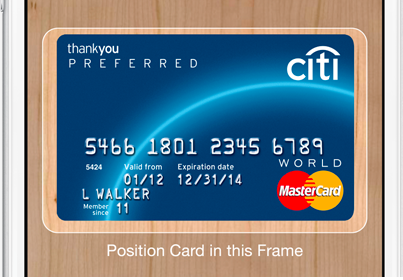
With iOS 7, Apple added a new feature in iBooks, iTunes and the App Store that allowed users to scan iTunes gift cards with the device’s camera rather than manually entering the string of characters on the back of the card. Now in iOS 8, you can use the device’s camera to scan and enter credit card information.
To add your credit card for purchases open up Settings and tap on Safari.
App developer Craig Hockenberry has published an article today titled “in-app browsers considered harmful” warning both devs and users of security issues related to apps that take advantage of the feature. “Would it surprise you to know that every one of those apps could eavesdrop on your typing? Even when it’s in a secure login screen with a password field?” Expand Expanding Close
In his letter on privacy shared last week, Apple CEO Tim Cook contrasted the business model of Apple against that of its competitors while strongly taking a shot at Google, Gmail, and Android without actually naming the company and services. The infinitely entertaining executive chairman of Google and former Apple board member Eric Schmidt was recently asked by ABC News about Cook’s open letter on the company and privacy.
In short, Schmidt, who is making the media rounds to promote his upcoming bookHow Google Works, said Cook’s description of Google and privacy is incorrect, which you would expect from the Google chairman. But his first shot at debunking Cook’s claim was sort of out of left field (okay, as you also might expect): Expand Expanding Close
Apple has just released Safari 7.1 to all users of OS X Mavericks following several beta releases in recent weeks. The update adds DuckDuckGo as a default search engine option, which was also just added to Apple’s mobile version of Safari alongside iOS 8. The update also includes a security improvement for Yahoo search engine users: Apple says Yahoo searches from the search field are now encrypted.
In addition, Apple notes the release improves Reader and AutoFill compatibility with websites.
Early reviews confirm that the iPhone 6 Plus has the same 1GB RAM as the iPhone 6. It had been suggested by some that the 5.5-inch model might have a higher spec, with 2GB RAM.
They reveal that both models of the iPhone 6 have identical specs bar the display, battery and optical stabilisation in the camera of the larger model (the 4.7-inch model having only electronic stabilisation) … Expand Expanding Close
Apple has released yet another beta build of the upcoming OS X Mavericks 10.9.5 update. The current build number on today’s release is 13F24, while the previously build released to developers for testing came in at 13F18. Apple continues to ask developers to test USB, USB Smart Cards, Safari, Graphics, and Thunderbolt integration with 10.9.5. The update is available for developers running the previous 10.9.5 seed via Software Update in the Mac App Store.
Apple has released new beta builds of two coming versions of its Safari browser, versions 7.1 and 6.2. The two updates will be available for Mavericks and Mountain Lion users later this year, presumably. The update will introduce updates to the WebKit engine, including support for IndexedDB, Javascript Promies, and new CSS capabilities.
A new report from Asian site TechNews.tw claims information from the Apply supply chain points to the next generation iPad Air doubling up on RAM from 1GB to 2GB. The additional memory would benefit system performance, especially during multitasking, when more memory-intesive tasks like browsing multiple websites in Safari and using other apps requires more RAM to function smoothly.
Apple today has released new versions of Safari for OS X Lion/Mountain Lion and OS X Mavericks that address security and WebKit issues. The Safari 6.1.6 update for the older versions of OS X and Safari 7.0.6 update for the latest OS X are available in Software Update on the Mac App Store. Here are the release notes from Apple’s support page:
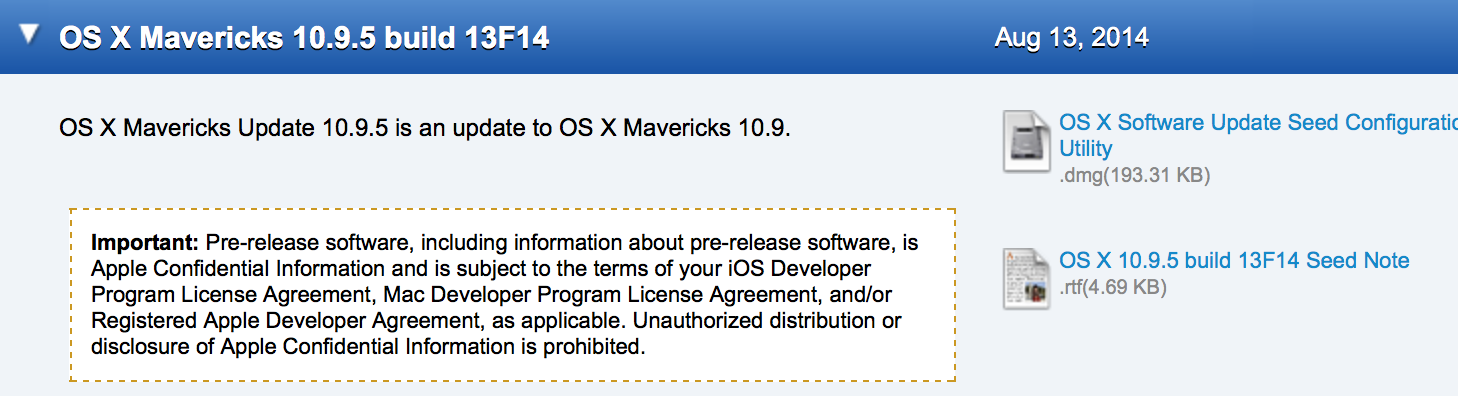
Apple today has provided developers with a new beta of the upcoming OS X Mavericks 10.9.5 release. Today’s build number is 13F14, which is two builds newer than last week’s 13F12 build. Apple has asked developers to continue testing USB, USB Smart Cards, Safari, Graphics, and Thunderbolt integration with 10.9.5. The update is available for developers running the previous 10.9.5 seed via Software Update in the Mac App Store.
Fastest way to get into the content. Other highly-rated unofficial free iOS apps have hurdles to access the content. Either downloading some content, or just simply not being able to dive right in to it. That doesn’t happen with the official app.
You can edit with this app, unlike other unofficial apps. And you can do it logged out, if you choose.
Wikipedia Zero for developing and emerging countries. If you’re on one of the participating operators, you can use Wikipedia free of data charges.
Wikipedia also shared some other important features:
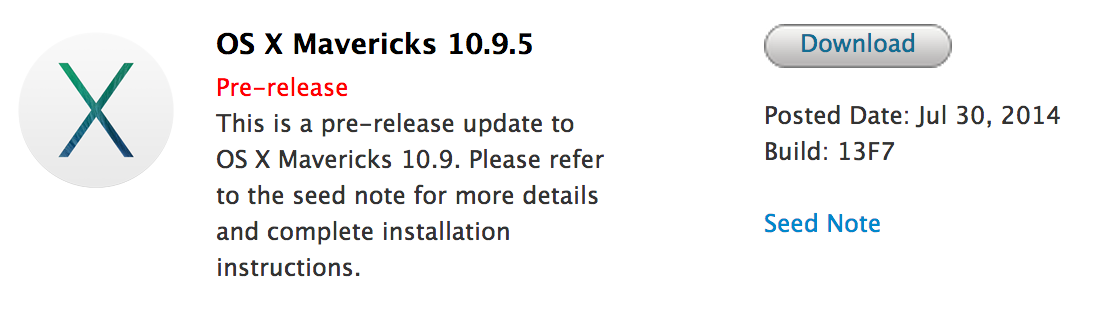
Apple today provided a few new seeds to developers. First on the list is the first beta build of the upcoming OS X 10.9.5. The build is labeled as 13F7, and it will likely come as the final update to OS X Mavericks, which will be succeeded by OS X Yosemite in October. The update is available for Mavericks users signed up for pre-release updates in the Software Update section in the Mac App Store.
It also now available on the official Developer Center. Apple asks developers to focus on Safari, USB, USB Smart Cards, and Graphics for this update…
Earlier this month Apple seeded the first beta versions of Safari 7.1 (for Mavericks) and 6.2 (for Mountain Lion) to developers. Tonight a second beta has been published. Interestingly, aside from the focus areas outlined with the previous beta, Apple is also requesting that developers taking this beta for a spin try out the password and credit card auto-fill feature.
The 7.1 and 6.2 updates are expected to be the last big updates to those specific versions of Apple’s browser before the release of OS X Yosemite, which ships with Safari 8. The 7.1/6.2 update features big changes to the WebKit engine and extensions systems built into Safari. You can find the full seed notes for this beta below:
Apple has released a new beta version of Safari to beta testers in the AppleSeed program and Mac developers. The new version for Mavericks is 7.1, while Moutain Lion users will see version 6.2. The update includes several upgrades to the WebKit engine that powers the browser.
According to the release notes, the changes include support for WebGL, IndexedDB, and JavaScript tweaks, among other things. There is also apparently a change to the way the app handles extensions, as the beta disables all installed add-ons by default and the notes request that developers check for any compatiblity issues.
Version 7.1 will likely be the last major update to Safari for Mavericks before the launch of OS X Yosemite, which will include the all-new Safari 8. The full seed notes for this beta are below:
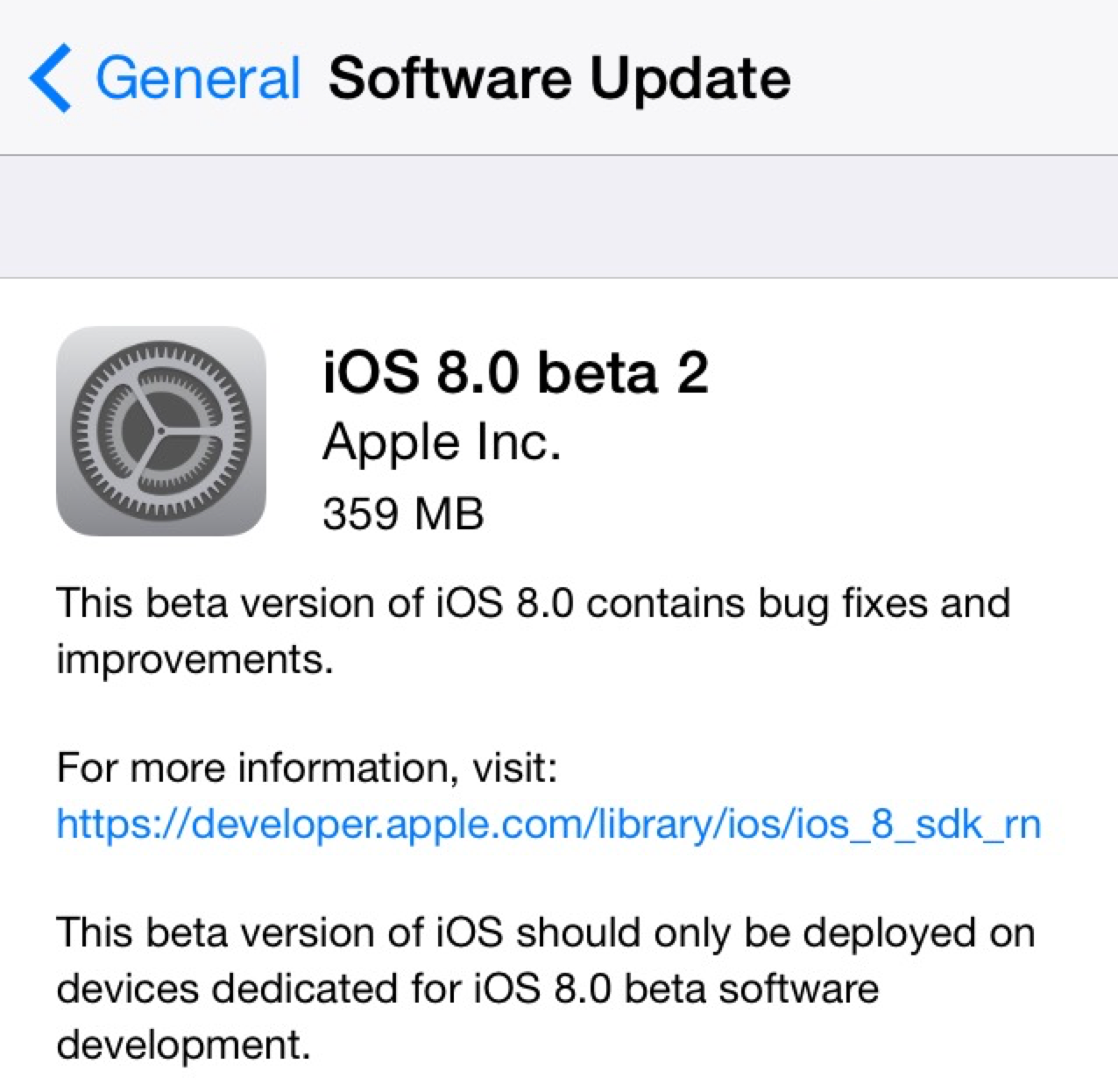
Two weeks following the 2014 Worldwide Developers Conference and the release of the first beta build of iOS 8 to developers, Apple has provided iOS 8 beta 2 to developers. The new release is available over-the-air in iOS 8’s Settings menu, and it’s available for supported iPhones, iPads, and iPod touches.
iOS 8 officially launches this fall and includes several new features for both consumers and developers alike. iOS Device users will experience a new Health app for integrating health and fitness data, improvements to Safari, enhanced Messages features, design tweaks in Mail, and significant changes to notifications, photo management, and the keyboard. Developers will now be able to create third-party keyboards, integrate the Touch ID fingerprint scanner into apps, and integrate third-party home automation products with iOS.
We’ll be updating this post (below) with new features in iOS 8 beta 2 as they are discovered, and you can share your findings with us via email at tips@9to5mac.com.
In iOS 8, Apple is making the process of logging into apps a much smoother experience by allowing native iOS apps to access usernames and passwords stored in Safari. The new feature, which works by letting iOS apps tap into Safari’s AutoFill & Passwords feature, will allow users to login to apps with a simple tap rather than having to type login info. Imagine your username and password are stored in Safari’s AutoFill for Facebook, for example. When launching the native Facebook iOS app, the feature will let users select from passwords stored in Safari to quickly login (as pictured above with Apple’s demo “Shiny” app). Expand Expanding Close
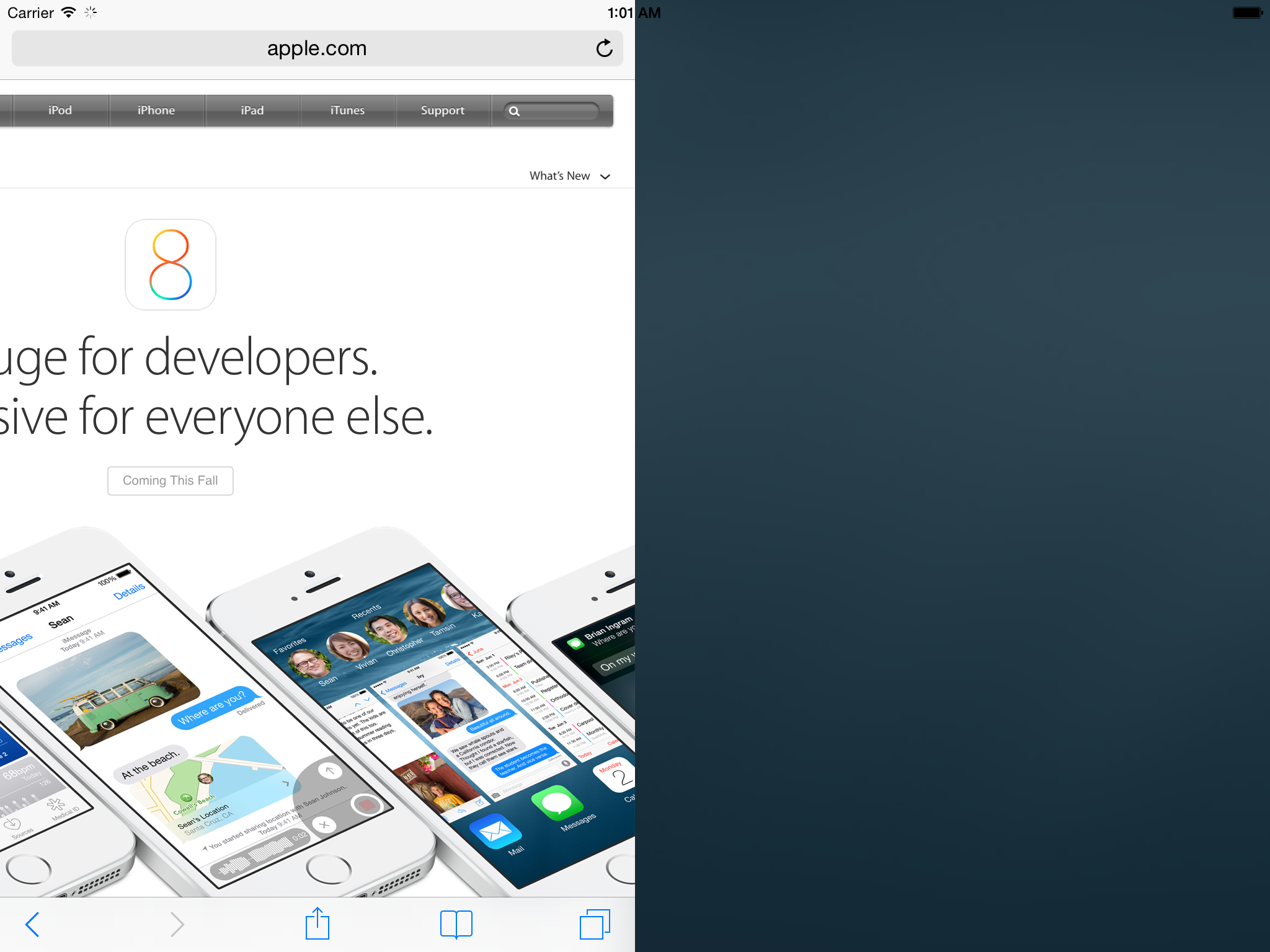
Now, developer Steven Troughton-Smith has dug further into the upcoming split-screen multitasking feature and has hacked the iOS 8 iPad Simulator to make the function partially work. As can be seen above, Safari is taking up half the display. The tweaking to the simulator is yet to completely unlock all functionality with two different apps running side by side, but this demonstrates that Apple has been definitely testing the feature internally.
Troughton-Smith has also put together a video showing the split-screen mode in action on the simulator. That video can be seen below:
In iOS 8, Apple has a new feature in Safari that allows users to scan a credit card with the device’s camera rather than manually entering the number when making a purchase online.
When entering a credit card number into a form online to, for example, make a purchase, Safari already allowed users to quickly select credit cards stored in its Passwords & AutoFill settings. You can still do that, but in iOS 8 you’ll now also have the option to select “Scan Credit Card” and snap a picture of the card. Apple then uses optical character recognition of sorts to input the number into the text field in Safari. There’s also a way to scan and save cards using the camera directly from within the Passwords & AutoFill settings.
Website developers don’t have to do anything to enable the feature, as Safari appears to automatically detect when a credit card number is being requested and presents the option to scan above the keypad.
When iOS 7 launched, developers discovered that their apps with built-in web browsers were unable to achieve the same level of JavaScript performance as the stock Safari app. This was because Apple restricted use of its improved Nitro JavaScript engine to its own app, leaving third-parties with a slower version.
As of iOS 8, however, it seems that decision has been reversed. All apps will now be able to use the same improved JavaScript engine that powers Safari. That means Google’s Chrome browser on iOS will now be just as quick as Safari, as will the pop-up browsers embedded in apps like Twitter and Facebook.
Whether you’re blown away by all the new features, disappointed by things you wanted but didn’t get, or just a bit underwhelmed, here’s your chance to let us know.
We’ve summarized the features Apple has chosen to highlight, and there are separate polls for each platform … Expand Expanding Close
WebKitAvailable for: OS X Lion v10.7.5, OS X Lion Server v10.7.5, OS X Mountain Lion v10.8.5, OS X Mavericks v10.9.3Impact: Visiting a maliciously crafted website may lead to an unexpected application termination or arbitrary code execution
Description: Multiple memory corruption issues existed in WebKit. These issues were addressed through improved memory handling.
Read Apple’s documentation on the latest version of Safari here.
Apple has seeded a new build (13D61) of the upcoming OS X 10.9.3 update to developers. The developer update comes just hours after Apple seeded a slightly newer build to its AppleCare team. 10.9.3 is expected to ship in the near future and features improved support for 4k monitors on newer MacBook pro models. The update also re-introduces the ability to sync contacts and calendar data to an iOS device from iTunes over a USB connection.
The update is accompanied by the very first seed of Safari 7.0.4. At the moment there are no details as to what’s new in the Safari update, aside from the typical performance updates and such. These updates don’t yet appear to be available for AppleSeed users.
Alongside the release of iOS 7.1.1 for iPhone, iPad, and iPod touch, Apple has released a security update for OS X.
Security Update 2014-002 is recommended for all users and improves the security of OS X. This update also includes Safari 7.0.3.
While the update does not seem as severe as the previous security update containing a major SSL fix, it is recommended that all users update to the most recent version of OS X. The security update also includes a minor update to Safari.
This update:
Fixes an issue that could cause the search and address field to load a webpage or send a search term before the return key is pressed
Improves credit card autofill compatibility with websites
Fixes an issue that could block receipt of push notifications from websites
Adds a preference to turn off push notification prompts from websites
Adds support for webpages with generic top-level domains
Strengthens Safari sandboxing
Fixes security issues, including several identified in recent security competitions
The update is available now on the Mac App Store. You can read more about the security update here and Safari 7.0.3 here.