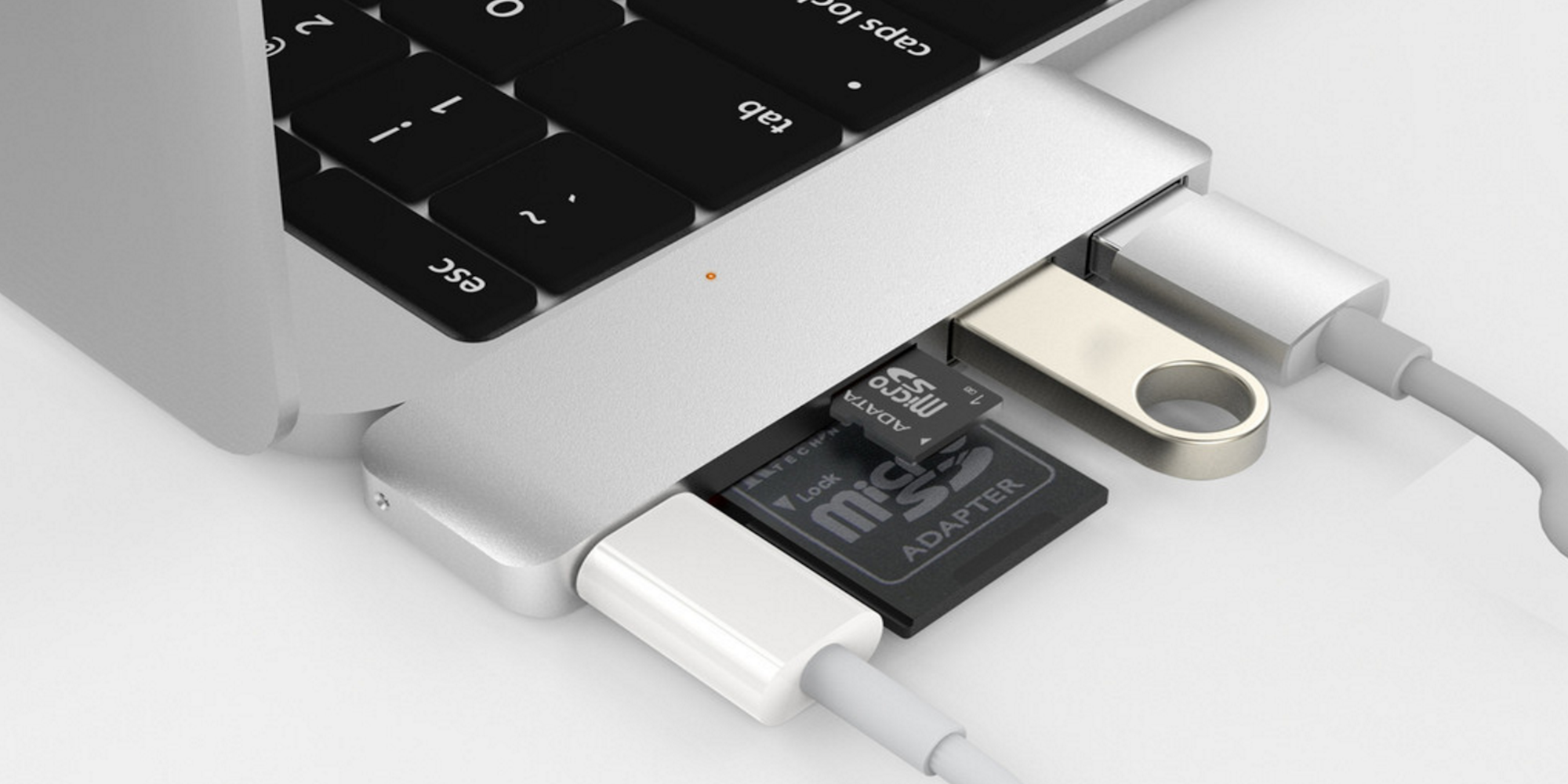
Apple’s new MacBook Pro is totally ready for a USB-C future, but some of your current accessories like printers and mics might not be so prepared. Printers, mics, audio equipment, and a lot of other common accessories use a boxy connector and standard USB to interface with your Mac.
Last night we received a report from Macotakara that the new MacBook Pros were still coming this month, despite a lack of any announcements from Apple. The reporting didn’t specify anything about the internal hardware specs, but did resurface the idea that MagSafe, Thunderbolt 2, and USB-A ports would be replaced.
The thing for me is this: Apple just dropped the headphone jack from the iPhone 7 and the reaction to that has been controversial to say the least. Apple explained that the move took courage and was needed to move from analog to digital, free up space in iPhones, and push wireless. There are no signs that this affected iPhone sales, but transitions are still hard.
Headphone jack aside, if new MacBook Pros fully replace USB-A with USB-C, are we in for the next episode in the same series? We’ve already seen this with the 12-inch Retina MacBook’s single USB-C port, but it’s worth considering what it could mean for MacBook Pro users if true.
After a lot of abuse, my MacBook Pro’s 85W MagSafe 2 adapter finally died last week. Often Apple adapters fray at joints and this one did to an insane degree but somehow it kept working for 3 years through tons of travel, work and even some fun.
So what to do? Typically I’d buy a new Apple Magsafe 2 adapter. But clearly Apple has some redesigned MacBook/Pro/Airs coming later this month and they will likely be charged via USB-C, at least in some cases. So that means I only need MagSafe to power this 2013 MacBook Pro for at least a few more weeks before it gets relegated to backup machine, kid’s computer or sold off when I get Apple’s new OLED/USB-C creation.
USB-C first debuted in Macs last year with the 12-inch Retina MacBook, and this fall even more Macs are expected to adopt the new standard port. While the MacBook is a lightweight machine (both physically and in terms of workload), MacBook Pro uses will expect wider functionality without adapters if USB-C replaces ports available on current hardware.
Add HDMI to the list of ports USB-C can now easily replace. The group behind the HDMI standard today shared that it’s now possible to connect HDMI and USB-C directly. Manufacturers will have to produce the cables, of course, but the new HDMI Alt Mode makes it possible. Previously, USB-C to HDMI required a dedicated adapter between cables.
Apple has supported USB 3.1 since 2015’s single-port MacBook release, but both it and the updated 2016 model feature the Gen 1 flavor of USB 3.1. Despite its name, USB 3.1 Gen 1 is basically rebranded USB 3.0, also known as SuperSpeed USB. That means that like USB 3.0, transfer speeds max out at 5 Gbps.
With the upcoming release of macOS Sierra, however, there are strong indications that rumored new Mac hardware will support faster USB 3.1 Gen 2 speeds. Expand Expanding Close
With Apple looking all but certain to be dropping the 3.5mm headphone socket in favor of audio via the Lightning socket of the iPhone 7, Intel backs the move to digital audio but suggests Apple is using the wrong connector, at least in its iOS devices.
The chipmaker has announced that it will be adding digital audio to the USB-C spec later this year, reports CNET, and that this will be ‘the right connector for audio’ …
As a MacBook owner, USB-C peripherals are still a little hard to come by, but the accessory situation has improved significantly over the past year. One of the latest USB-C-centric peripherals to hit the scenes is an external bus-powered hard drive from the folks over at G-Technology. If you’re looking for a way to quickly offload files to and from your MacBook, the G-Drive is a good option. Expand Expanding Close
If you own a MacBook, then chances are you’ll need some way to connect traditional USB devices and SD Cards. And what about connecting to external displays via HDMI, or to routers and hubs via Ethernet?
The MacBook, with its single USB-C port, is quite limited when it comes to connectivity, but an external adapter can help. Enter Minix’s NEO C USB-C Multiport Adapter. It features two USB 3 ports, an Ethernet port, HDMI port, SD Card slot, and a microSD slot. It also features a USB-C input for pass-through charging.
Is it a good choice for MacBook owners? Watch our hands-on video coverage for the details. Expand Expanding Close
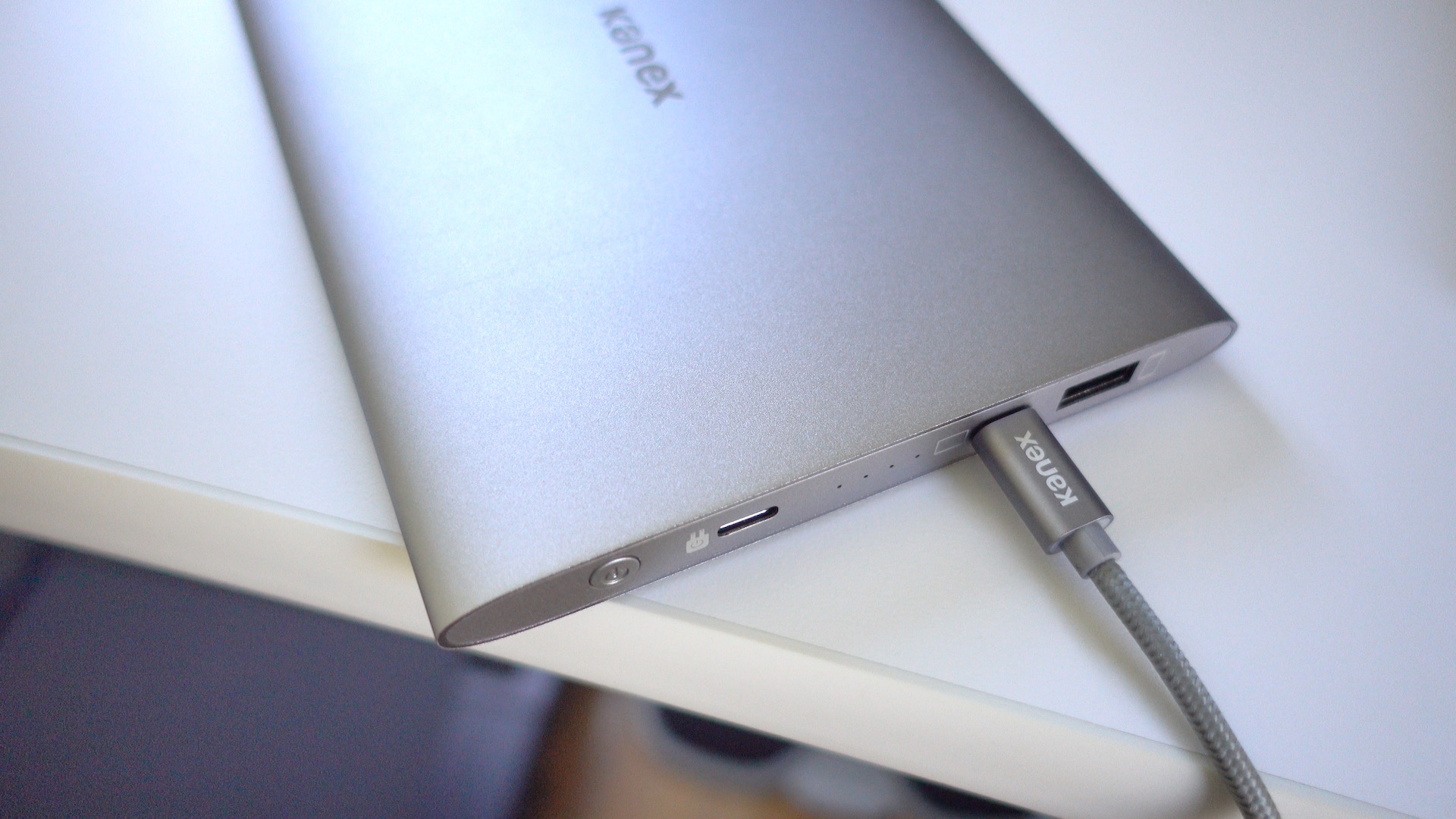
I wouldn’t normally describe a portable battery as being beautiful, but Kanex’s just-released $99 GoPower USB-C Portable Battery fits that description. Its aluminum body is like a mix of Apple’s space gray and silver colors, but it’ll look good when paired with any 12″ MacBook.
Good looks are nice, but the real world performance of a battery pack is crucial. How does Kanex’s offering stack up? Check out our hands-on impressions. Expand Expanding Close
A KGI analyst report from two weeks ago broke the news that a new Apple MacBook, due later in the year, would debut a new OLED touch screen technology above the keyboard that will replace the function row keys. A leaked shell of a MacBook days later seemed to at least confirm the report along with showing 2 USB-C ports on the sides and a huge touchpad. The MacBook OLED bar rumor has been a controversial one for us and many of you generating lots of opinions.
Shopping for USB-C accessories for your new MacBook? Beware that the USB-C landscape as far as accessories and compatibility with your Mac is an absolute mess.
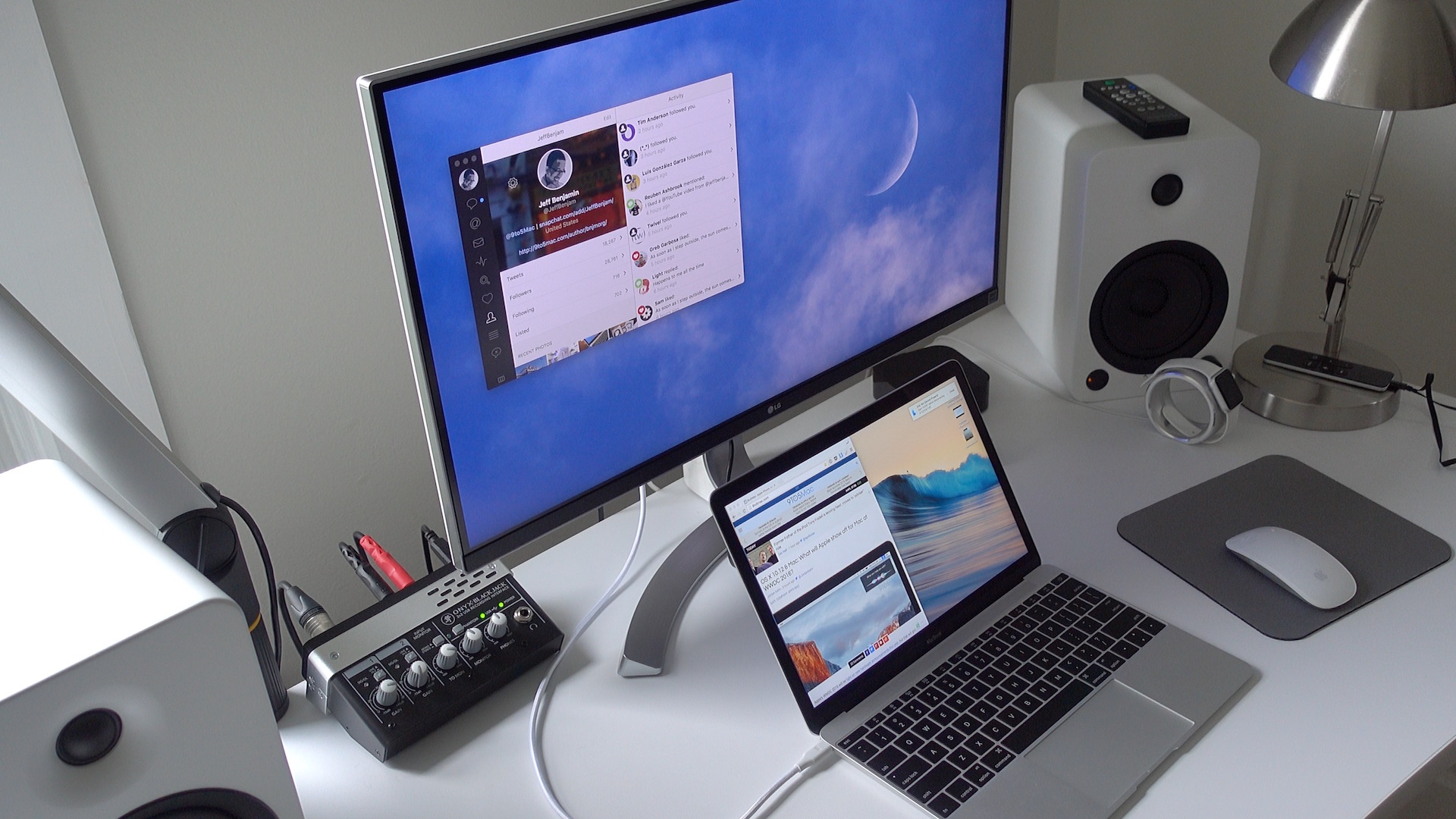
If you’re looking for a 4K display that can be paired with your 12″ MacBook via a single USB-C cable, then your options are fairly limited. It seems that LG is one of the few display makers that has such a monitor available for sale.
LG’s 27UD88-W is a 27″ USB-C-enabled display. Its USB-C port allows MacBook owners to connect a single cable to drive the display, charge the machine, and facilitate data transfer.
As I alluded to in my recent 2016 MacBook post, the 27UD88-W isn’t perfect, but it’s one of the only games in town if you desire a 4K monitor with USB-C connectivity in tow.
If you’re a MacBook owner, should you consider purchasing one? Have a look inside for the details. Expand Expanding Close
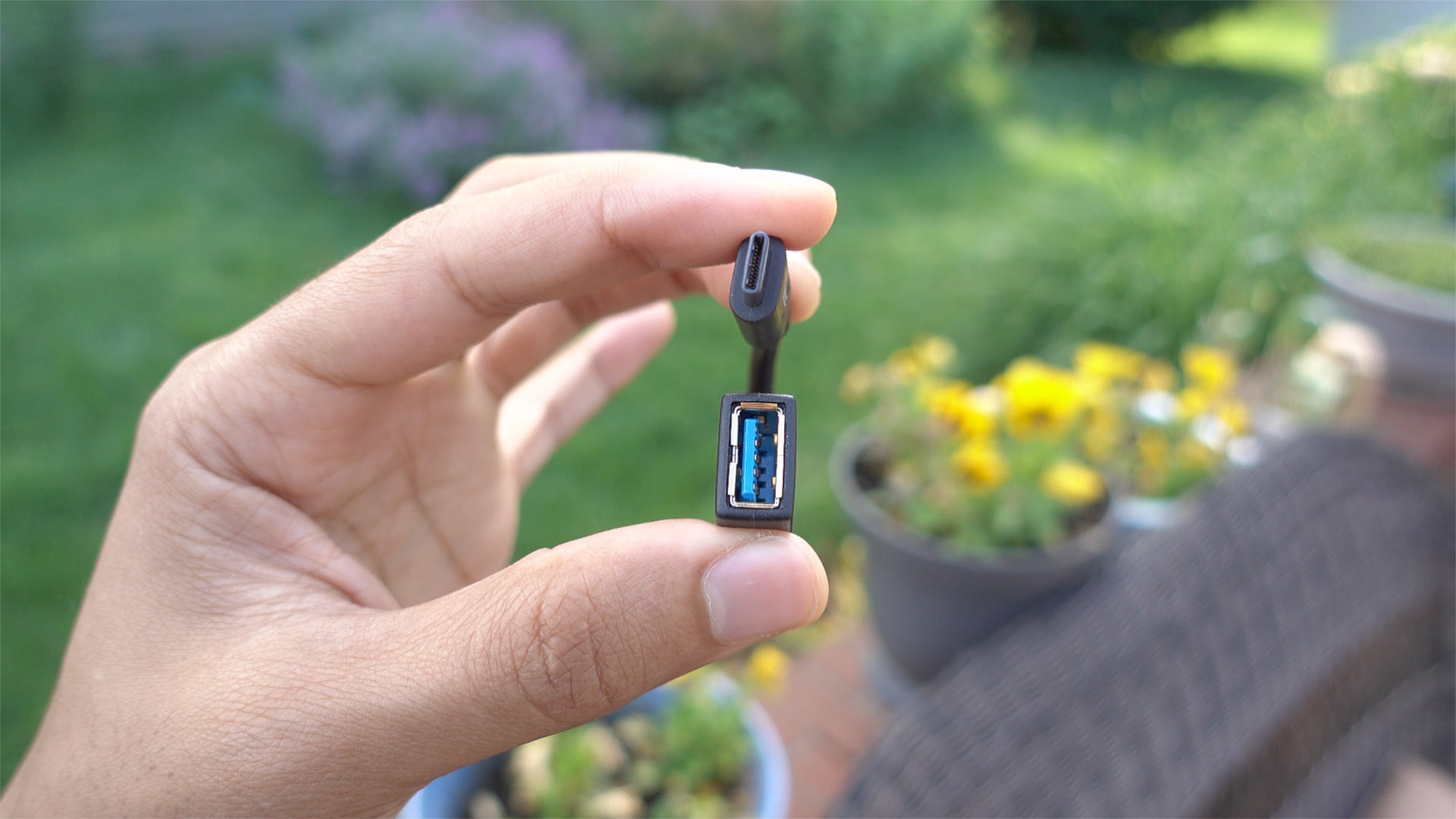
If you own a MacBook and you wish to interface with legacy USB-A connections, you have several options. Apple itself produces a USB-C to USB Adapter, and it’s available for around $19. There’s also no shortage of third-party options available on Amazon and other resellers.
As someone coming from a 15″ MacBook Pro with Retina display, adjusting to the smaller form-factor of the 12″ MacBook takes some getting used to. But as brought out in our post highlighting 10 favorite MacBook features, the effort is worth it.
I’ve been using the 2016 MacBook as my primary computer since last week, and I’ve learned a lot about this little machine during my hands-on time. If you’re thinking about purchasing a new MacBook, or if you already own one, consider these tips to get more out of this tiny wonder. Expand Expanding Close
Apple is widely rumored to be dropping the 3.5 mm headphone jack from the iPhone 7, instead favouring wireless Bluetooth or the Lightning port for connecting headphones. Intel is also keen to eliminate the 100 year old 3.5 mm jack, citing ‘industry singling a strong desire to move from analog to digital’ (via AnandTech).
However, Intel is pushing USB-C as the future of headphone audio cables. Intel believes USB-C will win out over 3.5mm as it has many modern-day benefits including the potential to add additional smart features to headphones in the future, that can pass data down the same USB-C cable.
The 12.9″ iPad Pro is a great productivity device, but unfortunately it ships with an inadequate 12W power adapter. This is the same charger commonly used with the smaller 9.7″ iPad line, and it’s much inadequate for a device as large and as power hungry as the 12.9″ iPad Pro.
I find that when using the iPad Pro at full brightness, it’s difficult to maintain your current charge, let alone gain battery life, when using the 12W charger. I’ve actually seen my iPad Pro lose battery life even when it was plugged in.
Needless to say, it’s pretty obvious that Apple should have included a beefier charger with the 12.9″ iPad Pro. Thankfully, as was revealed at this week’s iPhone SE event, an adequate solution is now here. If you’re an iPad Pro owner, should you invest in Apple’s new 29W capable USB-C to Lightning Cable? Expand Expanding Close
Apple today launched a new Lightning to USB-C cable that allows 12.9″ iPad Pro users to take advantage of faster charging afforded by its 29W USB-C Power Adapter. The cable, which comes in 1 meter and 2 meter varieties, is priced at $25 and $35 respectively.
Last week, Apple launched a USB-C cable replacement program, saying that some cables shipped with the 12-inch Retina MacBook were faulty. Thea faulty adapters would result in the MacBook not charging or charging unreliably. Now, the first MacBook customers have started receiving their replacement cables, according to a post on Reddit and Twitter. The user did not request the cable from Apple.
Apple has launched a replacement program for the USB-C cable that came bundled with 2015 Retina MacBook units, finding that some cables were faulty. Bad cables would result in the MacBook not charging, or charging unreliably when connected to a power adapter.
From Apple’s help site, affected customers can order a free replacement USB-C cable. Retina MacBook owners who provided a mailing address at product registration will be shipped a new cable automatically by the end of February … If you did not provide this information when buying the MacBook, visit Apple’s site to order a replacement cable instead …
With the new 12-inch MacBook sporting just a single USB Type-C port, an adapter to get back some USB ports and SD card slots will be necessary for a lot of users. With more and more devices adopting the standard, we’re seeing a lot of USB C accessories announced at CES 2016 this year, many of which are designed specifically with 12-inch MacBook users in mind. So, as we’ve already done for HomeKit and Apple Watch products, below we’re rounding up all of the USB Type-C products for MacBook announced at the show this week.
In addition to hubs, companies are also showing off new portable battery packs, cables, adapters, displays and more, all made possible thanks to USB-C and compatible with the new 12-inch MacBook.
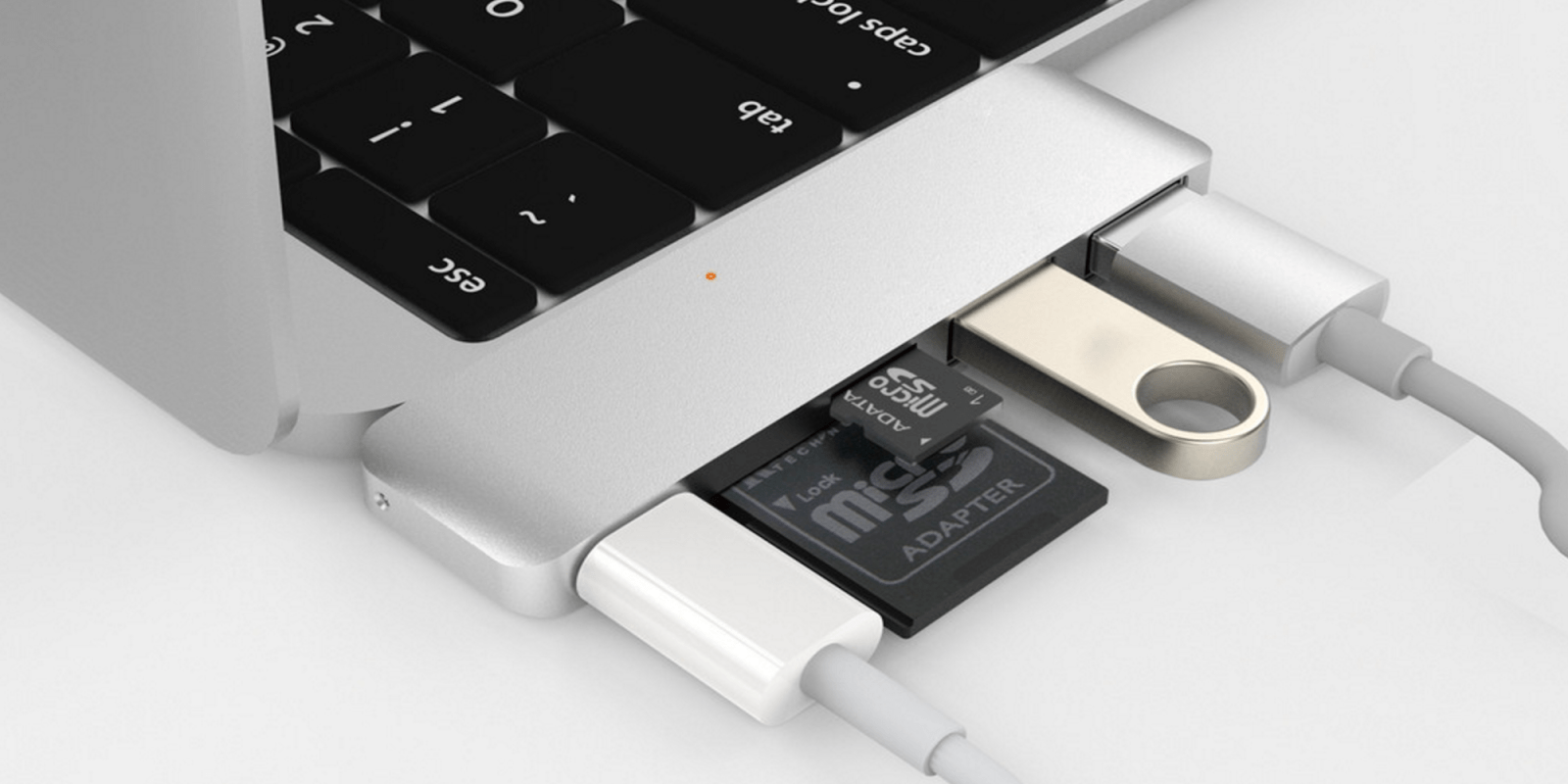
At CES 2016, Hyper is showing off both new and updated product lines, all of which are specifically designed with iPhone, iPad, and Mac users in mind. The highlights are a new USB-C hub for 12″ MacBook users, a USB 3.0 Lightning thumb drive, and a pair of slick Apple Watch accessories. Expand Expanding Close
Expanding upon earlier product lineups, Incipio today announced a number of 12″ MacBook-ready USB Type-C accessories and dockable offGRID series batteries for iPhone users. The USB-C accessories offer affordable ways to expand either the ports or charging capabilities of Apple’s Retina MacBook, while the offGRID options include compact, device-agnostic dockable batteries and a new iPhone 6/6s battery case…
Following its annual tradition, Seagate has announced a new collection of stylish, premium-priced drives in time for the 2016 CES, most now featuring USB-C and USB 3.1 connectors. Three of the drives carry Seagate’s LaCie branding; one is a handsome but Seagate-branded model.
The apparent flagship in the series is the LaCie Chromé ($1,100, shown above left), a 1TB SSD featuring a 10GB USB 3.1 interface with “up to 940MB/second speeds for intensive applications.” Described as “a trophy for tech connoisseurs,” Chromé is a Neil Poulton design that holds a boxy chrome SSD enclosure on an angle atop a circular pedestal. Additional models are discussed below…