iPhone 13: Features, release date, design, and more
The iPhone 13 is expected to come this fall. Here's what we know about new features, design changes, pricing, and more.

The iPhone 13 was announced on September 14 with a handful of new features. Year-over-year, the update brings design changes, camera improvements, and much more. Read on for our full roundup of everything you need to know about the iPhone 13, including naming details, the smaller notch, and more below.
Table of contents
What is the iPhone 13 called?
This year, the iPhone is continuing its increment upwards in terms of naming, with the iPhone 12 being succeeded by the iPhone 13.
iPhone 13 design and size

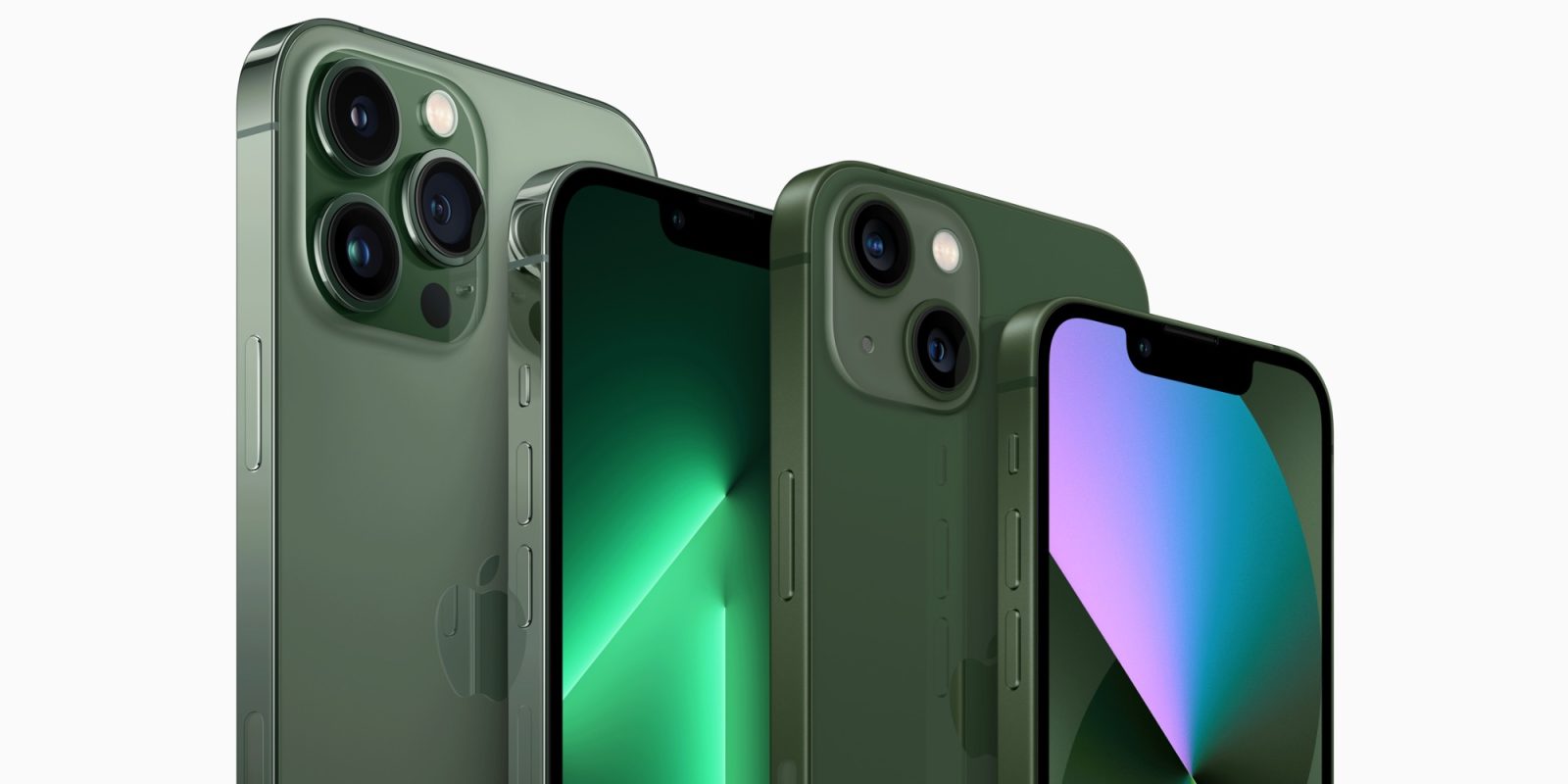
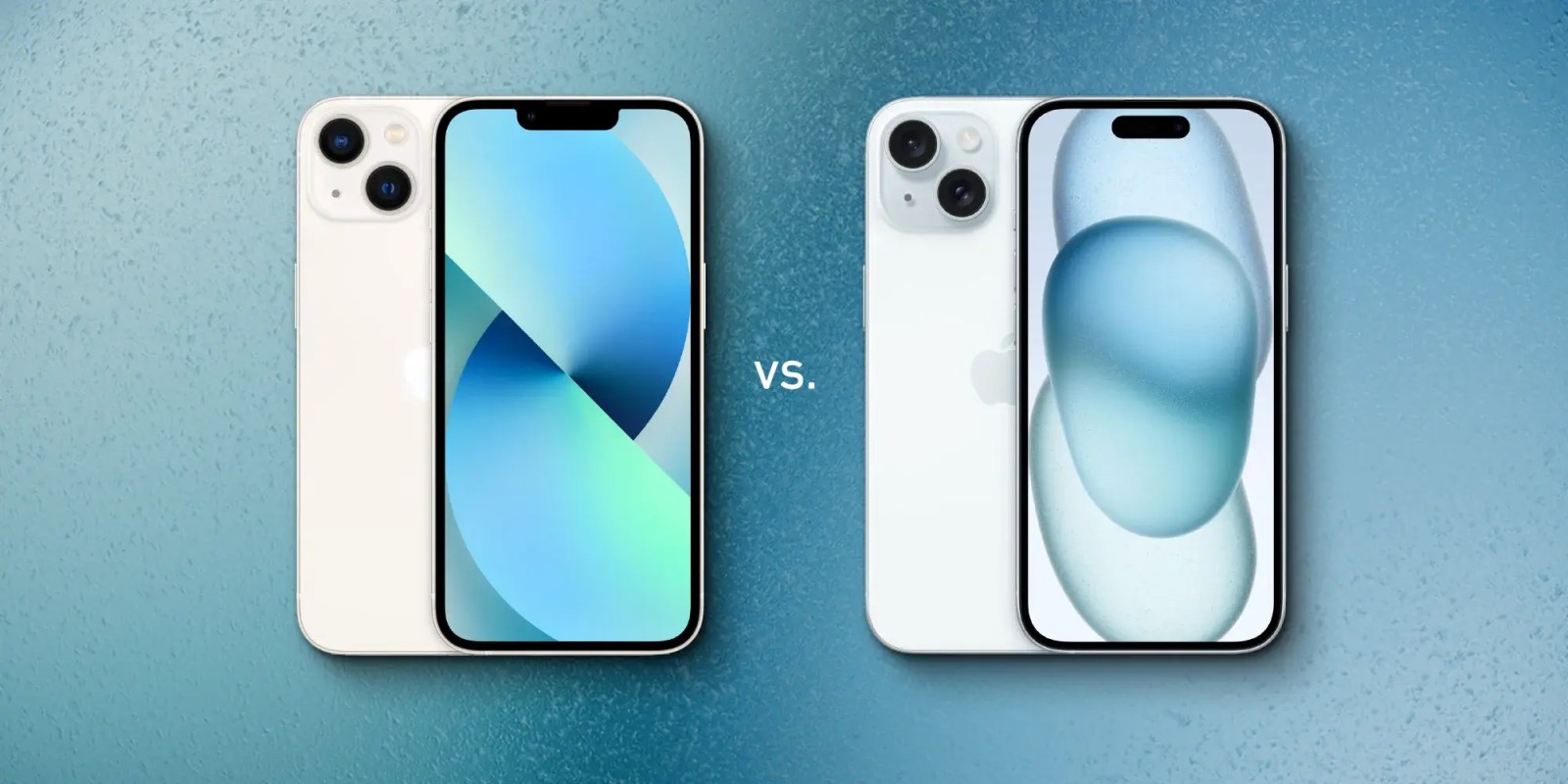
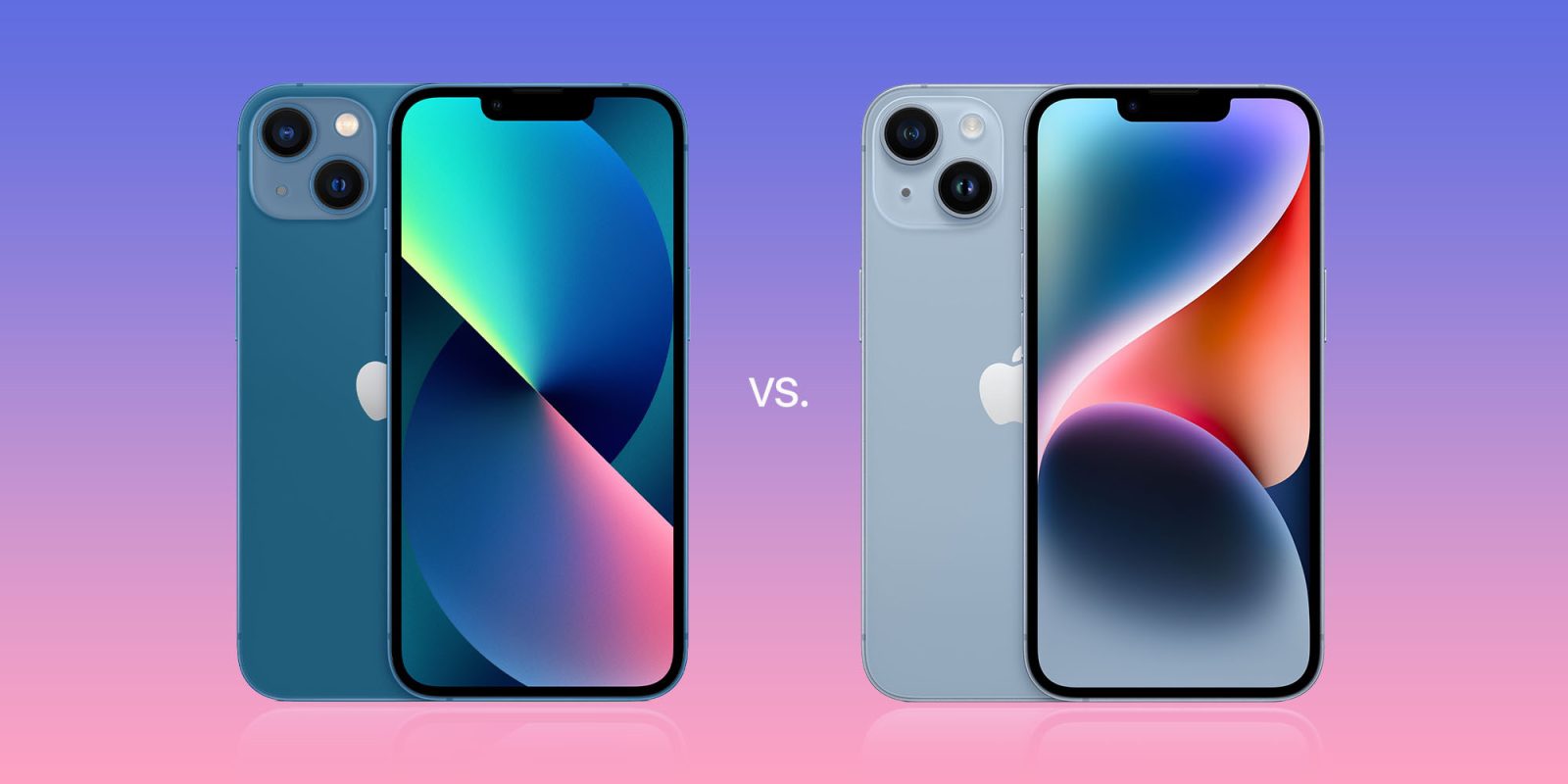
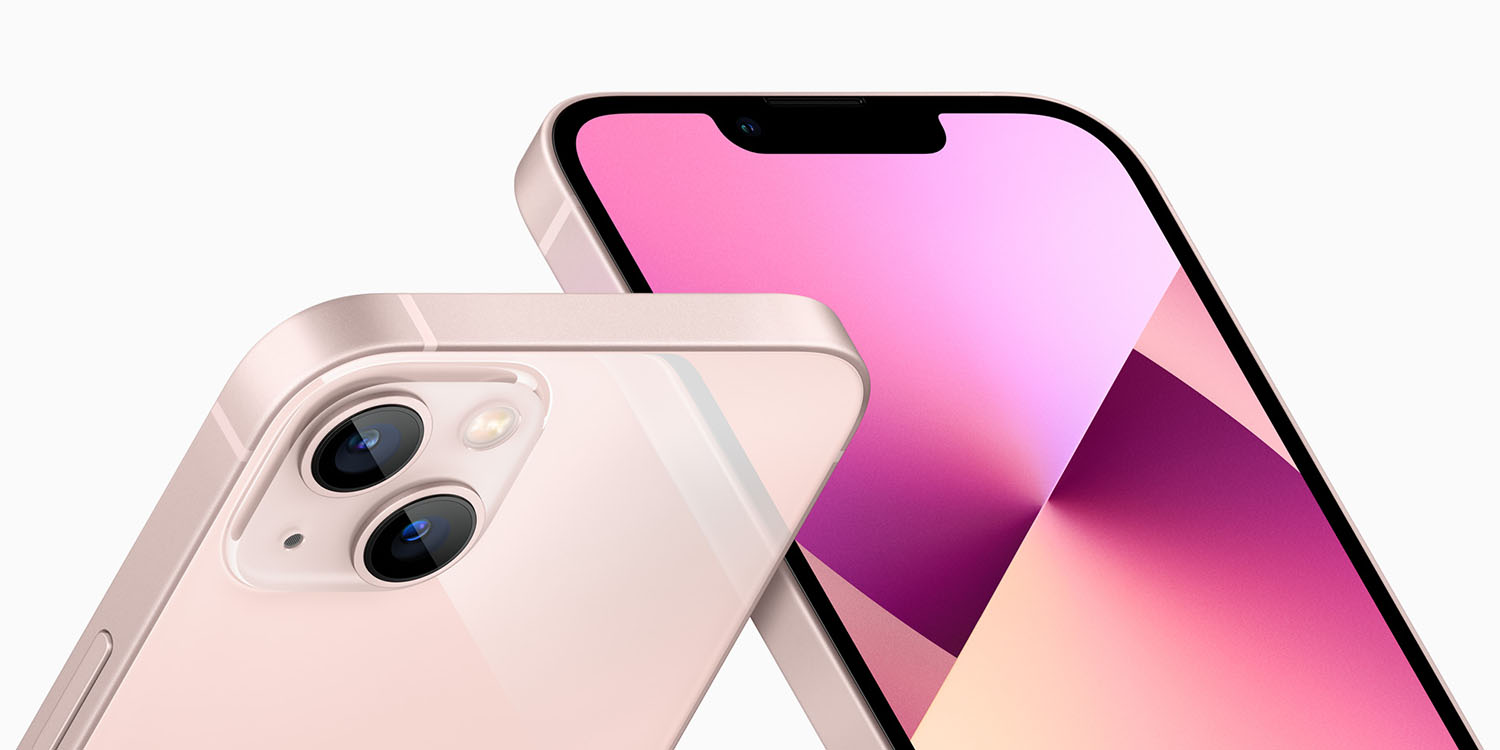
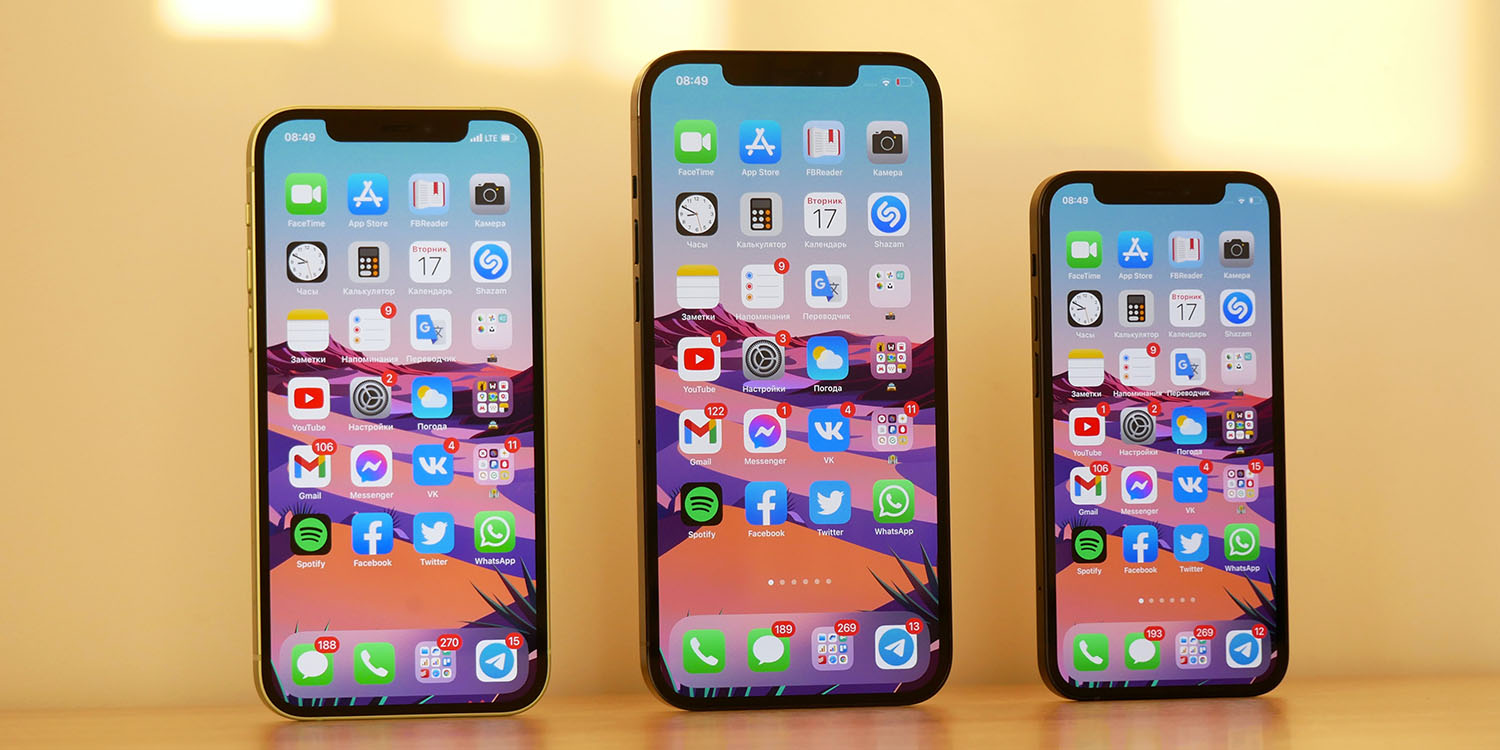
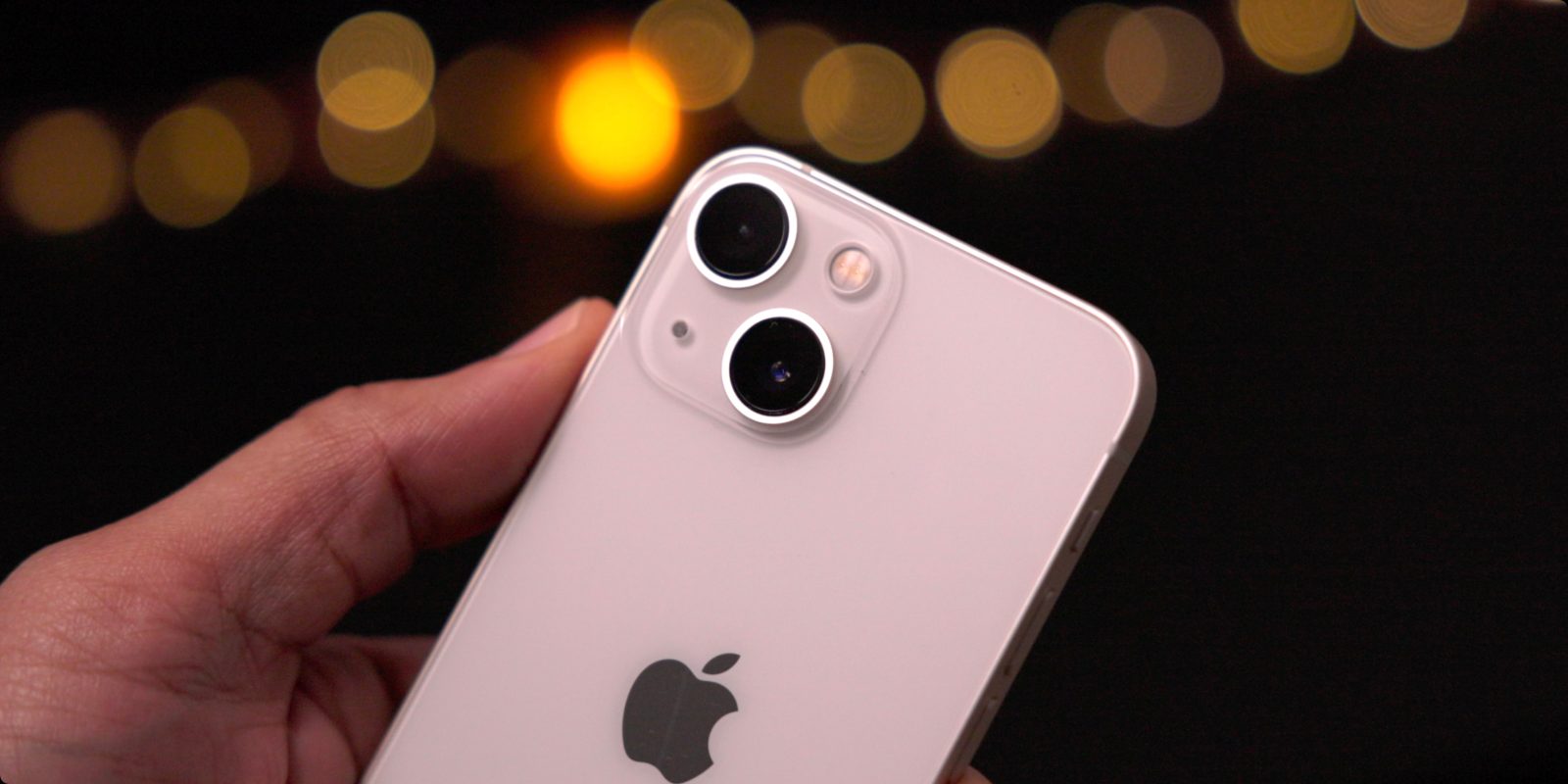
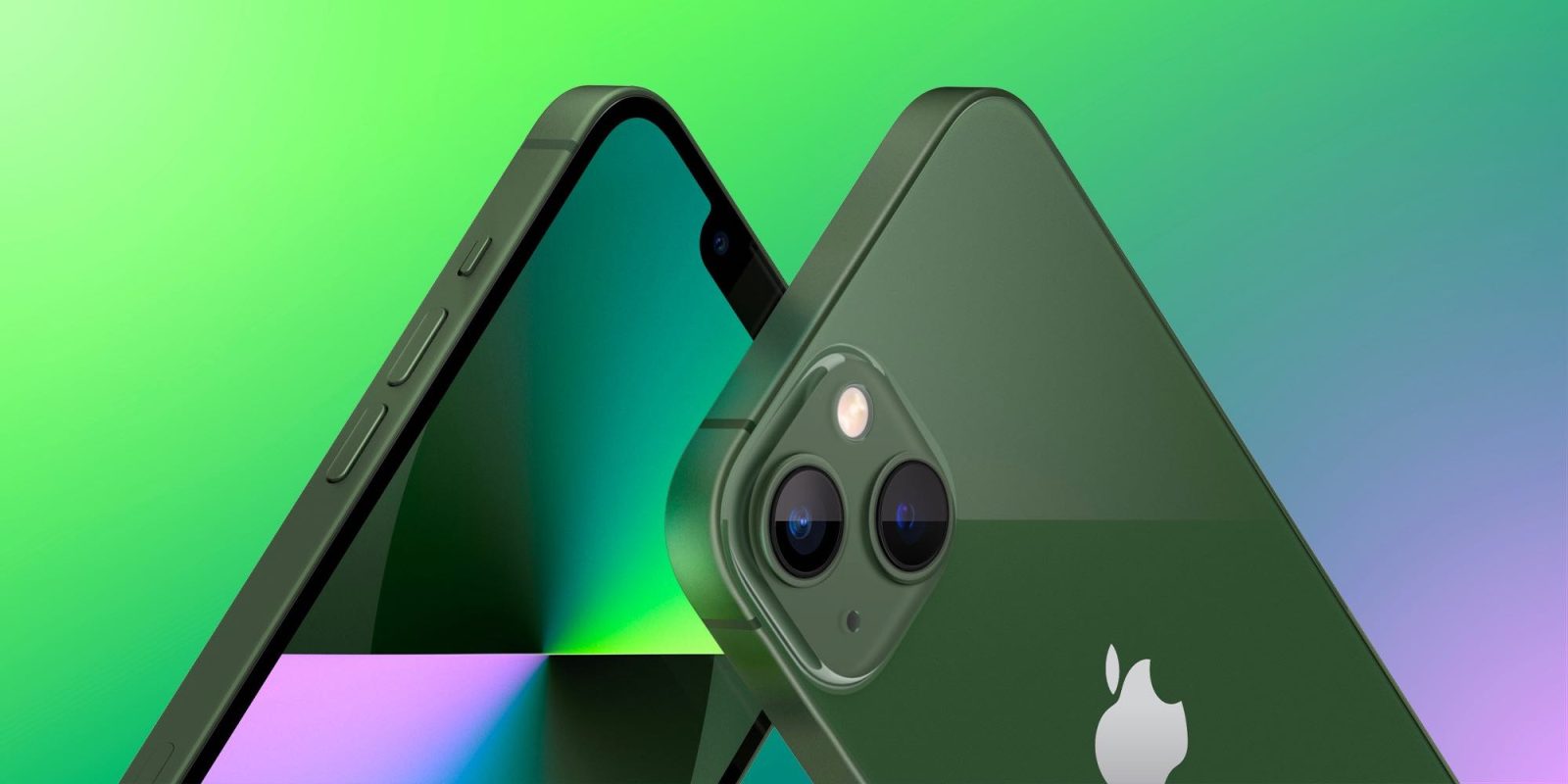
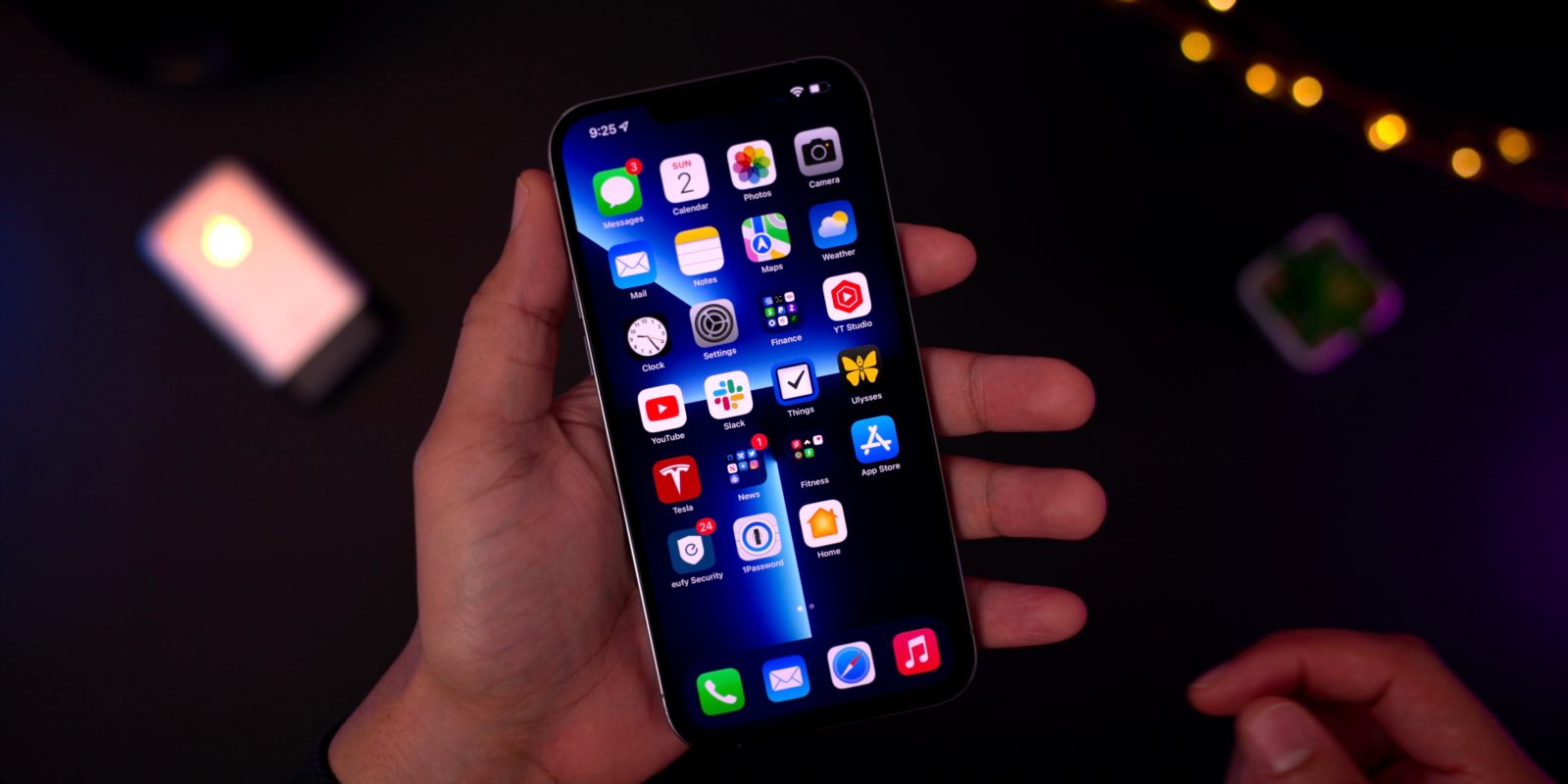
In terms of design, the 2021 iPhone lineup looks nearly identical to the existing iPhone 12, though slightly thicker and heavier to accommodate larger batteries. Apple has also shrunken the size of the notch by 20% in terms of width.
While the iPhone 12 mini has reportedly experienced weaker-than-expected demand than Apple had expected, the form factor sticks around for another year, with Apple officially introducing the iPhone 13 mini.
- One 2021 iPhone model with a 5.4-inch OLED display
- Two 2021 iPhone models with a 6.1-inch OLED displays
- One 2021 iPhone model with a 6.7-inch OLED display
Display
The iPhone 13 mini, iPhone 13, iPhone 13 Pro, and iPhone 13 Pro Max all feature OLED displays. This year, however, the Pro models have a notable distinction: a new ProMotion display technology.
The ProMotion display gives the iPhone 13 Pro and iPhone 13 Pro Max an adaptive refresh rate technology, allowing it to range from 10Hz to 120Hz based on what you’re doing.
Smaller notch
Finally, what about the notch? Every year, there is an expectation that the notch and Face ID cutout will get smaller, and it has finally happened with this year’s iPhone 13 lineup…sort of.
The iPhone 13 lineup features a notch that is around 20% smaller in terms of width, but is actually ever-so-slightly taller because Apple has relocated the earpiece speaker to the top bezel. Regardless, the overall appearance of the iPhone 13 will be sleeker as the total notch reduction is visually apparent.
Camera upgrades
Apple says that the iPhone 13 and iPhone 13 mini include a “massive leap in camera design” with a new Wide camera that gathers 47% more light for less noise and brighter images. Apple has also added sensor-shift optical image stabilization to the iPhone 13 Pro, iPhone 13, and iPhone 13 mini, a feature that was previously exclusive to the iPhone 12 Pro Max.
Apple says that this “stabilizes the sensor instead of the lens so shots are more steady, while the custom-designed Ultra-Wide camera with a new sensor captures images with more detail in the dark areas of photos and videos with less noise.”
The iPhone 13 also introduces a new Cinematic mode feature, which records videos of people, pets, and objects with a depth effect and automatic focus changes. This is similar to the Portrait mode feature that has been available for still images. Apple says that users can change the focus during and after capture, and adjust the level of bokeh in the Photos app and iMovie.
Apple is also introducing something it calls Photographic Styles, which it describes as customized preferences and filters that intelligently apply the right adjustments to different parts of the photo to ensure the important elements, like skin tones, are preserved.
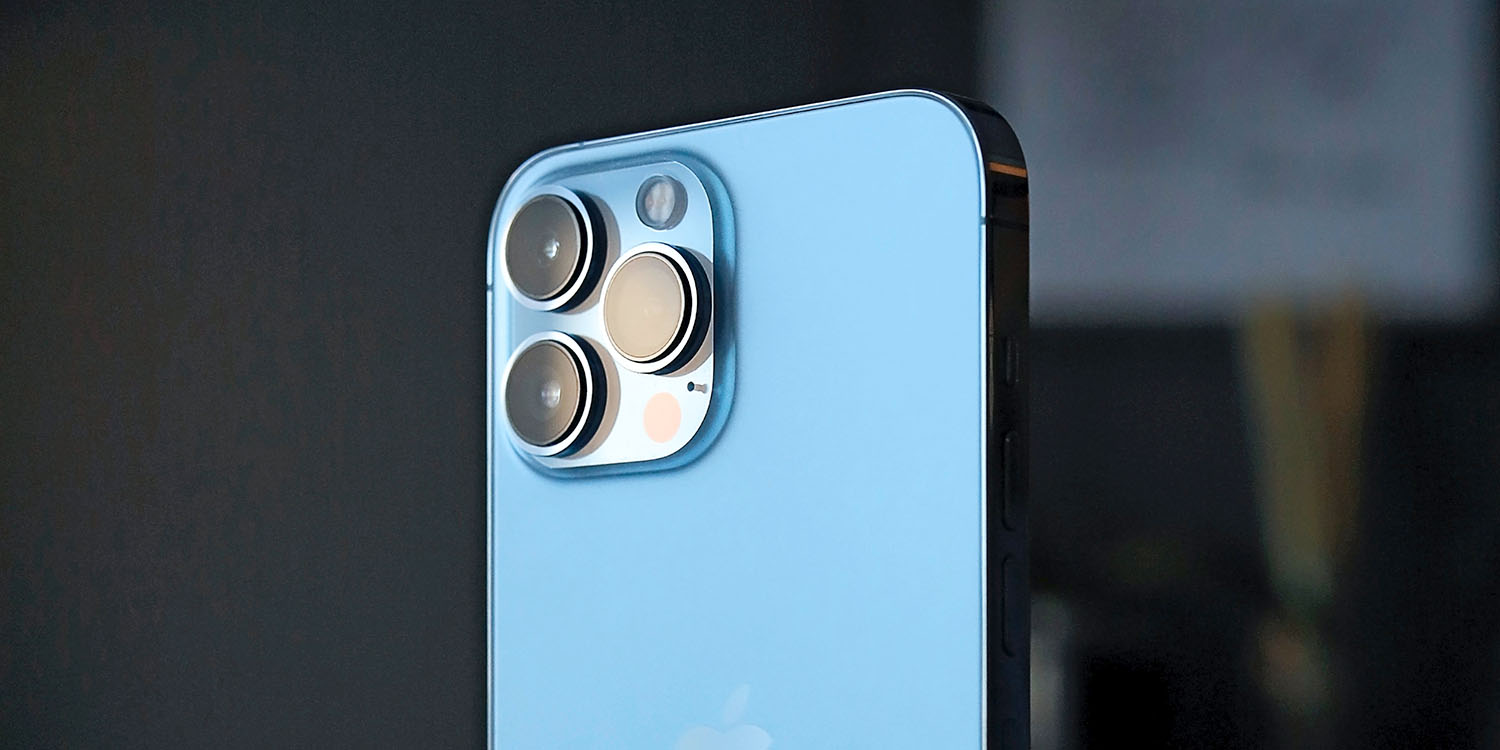
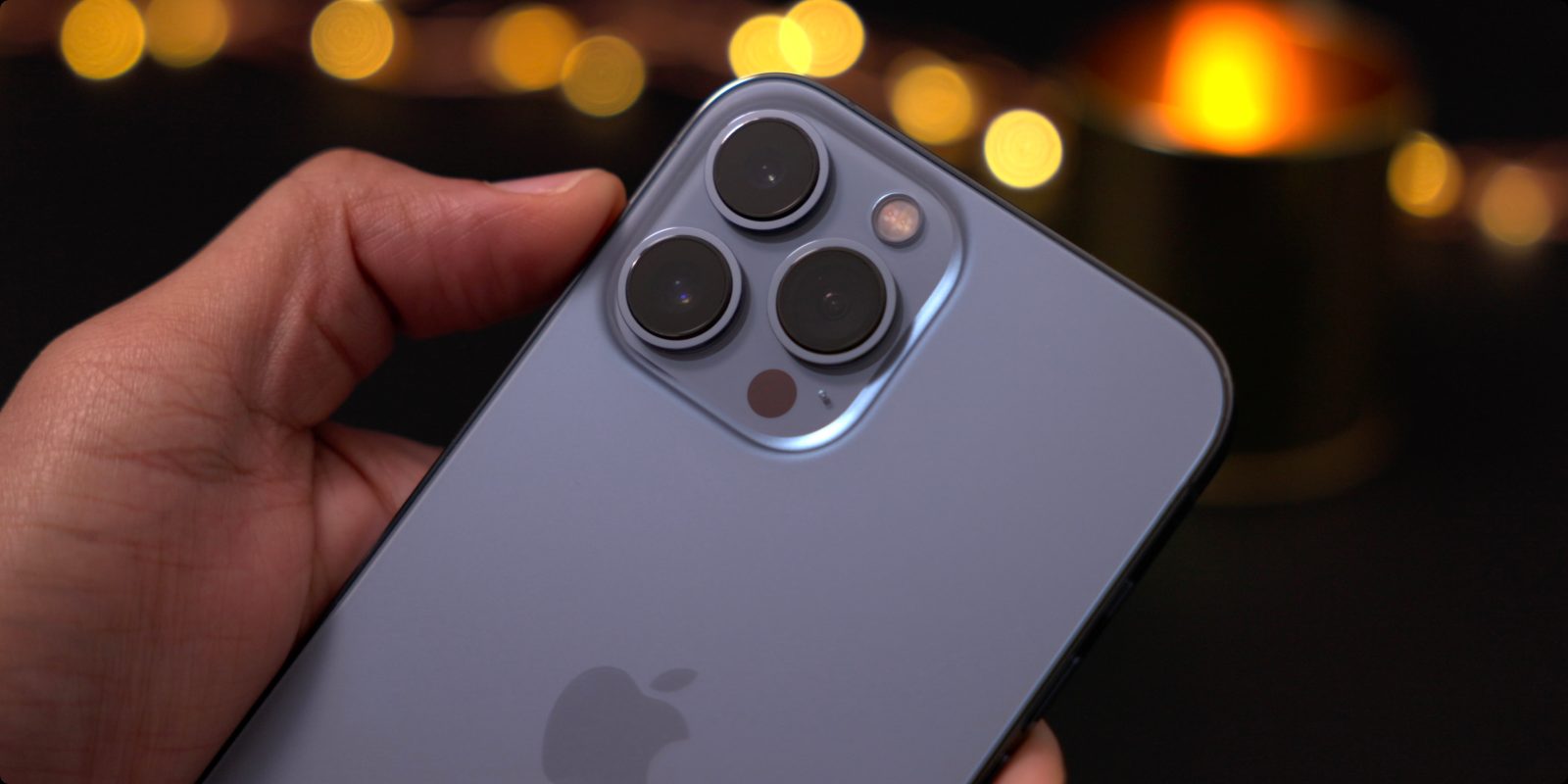
The iPhone 13 Pro and Pro Max do have their share of exclusive features. Both models feature an Ultra-Wide camera with a 92% boost in low light performance, f/1.8 aperture, auto-focus, and 6-element lens. The Wide camera packs an f/1.5 aperture and up to 2.2x improvement in low light performance. Finally, the telephoto camera includes a new 3x optical zoom sensor for the first time.
Other camera features include:
- Macro photography – Users can capture sharp, stunning images where objects appear larger than life, magnifying subjects with a minimum focus distance of 2 centimeters
- Smart HDR 4
- ProRes video recording
- Night mode for all three cameras
A15 Bionic processor
The iPhone 13 lineup is powered by Apple’s newest A15 Bionic processor, but more details on performance improvements compared to the iPhone 12 are unclear as of now.
Connectivity
While rumors had indicated that Apple was exploring low-earth-orbit satellite commutation technology for the iPhone 13, this did not actually come to fruition. Rumors had also suggested mmWave 5G support would expand to new countries outside of the United States, but this also did not happen.
Best iPhone charging accessories:
- Native Union Drop 10W Qi Charger
- Anker 30W USB-C wall charger
- USB-C to Lightning cable
- Lightning to 3.5mm headphone adapter or cable
Storage options
For the iPhone 13 mini and iPhone 13, Apple has doubled the base storage configuration from 64GB to 128GB. This means the iPhone 13 is available in 128GB, 256GB, and 512GB configurations.
The iPhone 13 Pro and iPhone 13 Pro Max are available in storage configurations of 128GB, 256GB, 512GB, and 1TB options.
Larger batteries
Battery life on the iPhone 12 took a hit due to 5G adoption and other changes. This year, Apple is touting significant battery life improvements with the iPhone 13 versus the iPhone 12.
Apple has reportedly adopting new space-saving designs inside the iPhone 13 such as integrating the SIM card slot with the mainboard, reducing the front optical modules’ thickness, and more. This frees up internal space for larger batteries.
According to Apple, you can expect the following battery life improvements this year:
- iPhone 13 mini will last 1.5 hours longer than the iPhone 12 mini
- iPhone 13 will last 2.5 hours longer than the iPhone 12
- iPhone 13 Pro will last 1.5 hours longer than the iPhone 12 Pro
- iPhone 13 Pro Max will last 2.5 hours longer than the iPhone 12 Pro Max
Check out our full breakdown of iPhone 13 battery life details here for more information.
Colors
With the iPhone 13 features the same design as the iPhone 12, Apple has redesigned the color options to help entice upgraders.
iPhone 13 and iPhone 13 mini colors:
- Pink
- Midnight
- Blue
- Starlight
- Red
iPhone 13 Pro and iPhone 13 Pro Max colors:
- Gold
- Graphite
- Sierra blue
- Silver
Release date: When will iPhone 13 come out?
The iPhone 12 launched later than usual due to delays caused by the COVID-19 pandemic. The iPhone 12 launch was also staggered, with Apple releasing the iPhone 12 and iPhone 12 Pro first, followed by the iPhone 12 mini and iPhone 12 Pro max a month later.
This year, however, things are back to normal: the iPhone 13, iPhone 13 mini, iPhone 13 Pro, and iPhone 13 Pro Max will each be available for pre-order on September 17 and the first orders will arrive on September 24.
Price: How much will iPhone 13 cost?
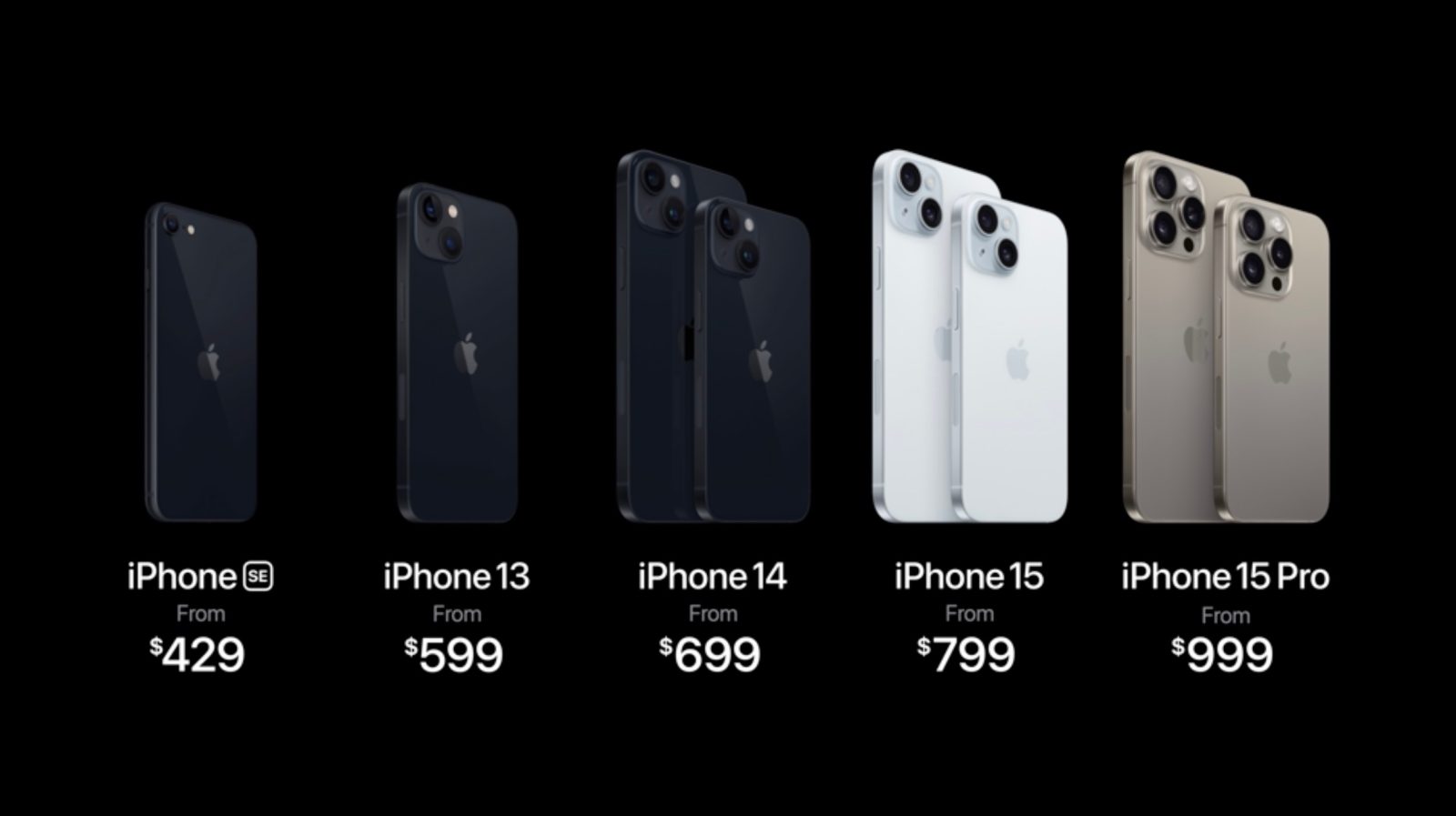
Apple has also maintained the same pricing for the iPhone 13 as the iPhone 12:
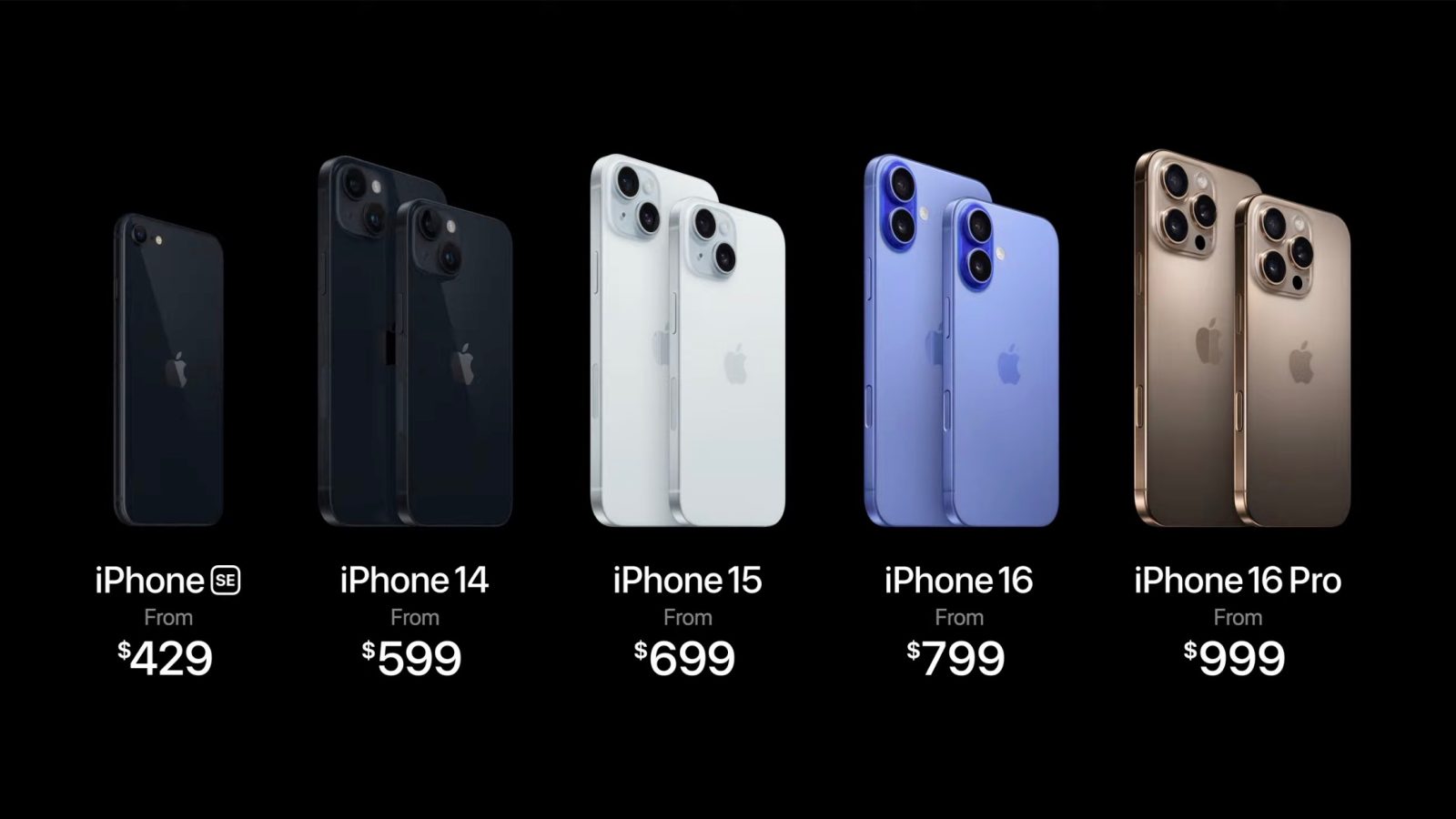
- iPhone 13 mini: $699
- iPhone 13: $799
- iPhone 13 Pro: $999
- iPhone 13 Pro Max: $1099
Wrap up
The iPhone 13 isn’t a major upgrade compared to the iPhone 12, but there are still multiple quality of life improvements. The design has remained largely the same, but expanded camera features, drastic battery life improvements, and more still represent notable
The rumor mill certainly indicates that there are a variety of potential changes in store for the so-called iPhone 14 next year, but for now, the iPhone 13 is the best of the best.