Jeff is the head of video content production for 9to5. He joined 9to5Mac in 2016, producing videos, walkthroughs, how-tos, written tutorials, and reviews. He takes pride in explaining things simply, clearly, and concisely. Jeff’s videos have been watched hundreds of millions of times by people seeking to learn more about today’s tech. Subscribe to 9to5Mac on YouTube to catch Jeff’s latest videos.
iOS Decoded is Jeff’s flagship video series that breaks down what’s new in iOS betas, including behind-the-scenes deep dives into undiscovered features and exclusive details on the iOS roadmap.
Jeff also produces a weekly podcast, alongside co-host Fernando Silva, entitled 9to5Mac Overtime. A video-first podcast, 9to5Mac Overtime airs weekly on our YouTube channel, but can also be enjoyed in audio form via Apple Podcasts, or your podcast app of choice.
As we reported earlier, Apple has just released watchOS 4.1 beta 1 to developers, which brings the promised LTE music streaming to the Series 3 Apple Watch with LTE.
WatchOS 4.1 contains three notable features: First and foremost, the updated Music app allows access to your entire iCloud Music Library. This means that you’ll no longer have to sync songs in order to play them directly on your Apple Watch. It also means that you can use Siri to directly request playback of any song from Apple’s vast collection of 40 million tracks. Have a look at our hands-on video as we take Apple Watch music streaming for a test drive. Expand Expanding Close
The iPhone 8, and iPhone 8 Plus are officially on sale, and we were able to score both new smartphones early last Friday morning (read Jordan’s full review).
This launch felt a little different from past iPhone launches, simply because the highly-anticipated iPhone X looms large on the horizon. I’ve asked lots of people, and many of them have stated that they are waiting for Apple’s OLED-enabled, diminished-bezel flagship model.
But just because the iPhone X is coming later this year doesn’t automatically mean that you should ignore the iPhone 8. Apple’s brand new flagship smartphone shares a lot of the same design characteristics as the iPhone 6, 6s, and 7, but it also shares some of the same technical power that’s found inside the iPhone X. In this hands-on video unboxing and walkthrough, we consider some of the iPhone 8’s best new features. Expand Expanding Close
It’s happening. If you were early enough to get in on day-one delivery for the iPhone 8 and iPhone 8 Plus, Apple Watch Series 3 with LTE, and the Apple TV 4K, then you’ve probably begun receiving shipment notifications from Apple. Expand Expanding Close
When the iPhone X launches later this year, the usual silicone and leather cases will launch alongside it. But a new type of case, one that Apple is calling the iPhone X Leather Folio, provides an interesting new way to protect your iPhone. Expand Expanding Close
Like we do with every major Apple event, we’ve condensed the keynote to an easily digestible format that allows you to view all of the important announcements in quick fashion. Watch the less-than-12-minute condensed version of the iPhone X keynote inside. Expand Expanding Close
tvOS 11 firmware for the upcoming Apple TV 4K appears to be out in the wild ahead of the anticipated unveil tomorrow during Apple’s keynote at the Steve Jobs Theater in Cupertino, CA. Here is a first look at the device’s 4K-enabled default screensaver. Expand Expanding Close
We’re still digging through the new iOS 11 GM firmware, and we’ve unearthed what we believe is the new LTE Apple Watch Series 3 that will be announced on Tuesday. The new Apple Watch makes a brief appearance in the Watch app sporting a red-accented digital crown, a signal meter, and complications that further hint at wireless LTE connectivity. Expand Expanding Close
We’re only a few days from Apple’s big fall iPhone event, but the big news tonight is the leaked iOS 11 GM firmware that we received this evening. The iOS 11 GM firmware, which should be pushed next week to developers, includes several brand new wallpapers, three exclusive to the upcoming iPhone, including seven sure-to-be-popular retro-styled versions and an all-black wallpaper fit for OLED displays. Have a look at all of the new wallpapers inside… Expand Expanding Close
When the news broke that Ulysses was moving from a one-time payment strategy to a subscription-only strategy, the reaction was unsurprisingly polarized. Many people empathized with how hard it is for developers to make a living with the modern realities of software development, while others were less forgiving and vowed to vote with their wallets.
Being that it’s my number one favorite writing app on iOS and Mac, I’ve personally decided to stick with Ulysses, taking advantage of its discounted subscription rate for existing customers. That said, I understand that subscriptions are not for everyone, and there will be a point in most of our lives where piling on subscription after subscription proves to be unsustainable from a financial perspective.
In this week’s Friday 5, I discuss five more of my favorite universal writing apps for iOS. To qualify for this list, each app must feature a one-time purchase and no additional subscription fees. These apps also support Family Sharing, and as of this writing, feature no additional in-app purchases. Have a look at our video walkthrough inside for a brief hands-on look. Expand Expanding Close
We’re just weeks away from the official launch of iOS 11, and after covering literally hundreds of features over the past few months during iOS 11’s beta phase, it’s time to begin focusing on the features that will make an immediate impact on day-to-day usage.
Over the next few weeks, we’ll break down some of our favorite new features included in iOS 11. One outstanding example of such a feature is the revamped iPad dock in iOS 11. Have a look at our hands-on video walkthrough inside to see what makes the new and improved dock so special. Expand Expanding Close
Final Cut Pro X is by far my most used app on the Mac, as I use it to produce a large swath of the content on our YouTube channel. As a long-time proponent of Apple’s flagship NLE, I’d like to use this week’s edition of Friday 5 to share some of my favorite Final Cut Pro X tips for those of you who use the app to create content for YouTube. Watch our hands-on video for a brief look at five handy tips.
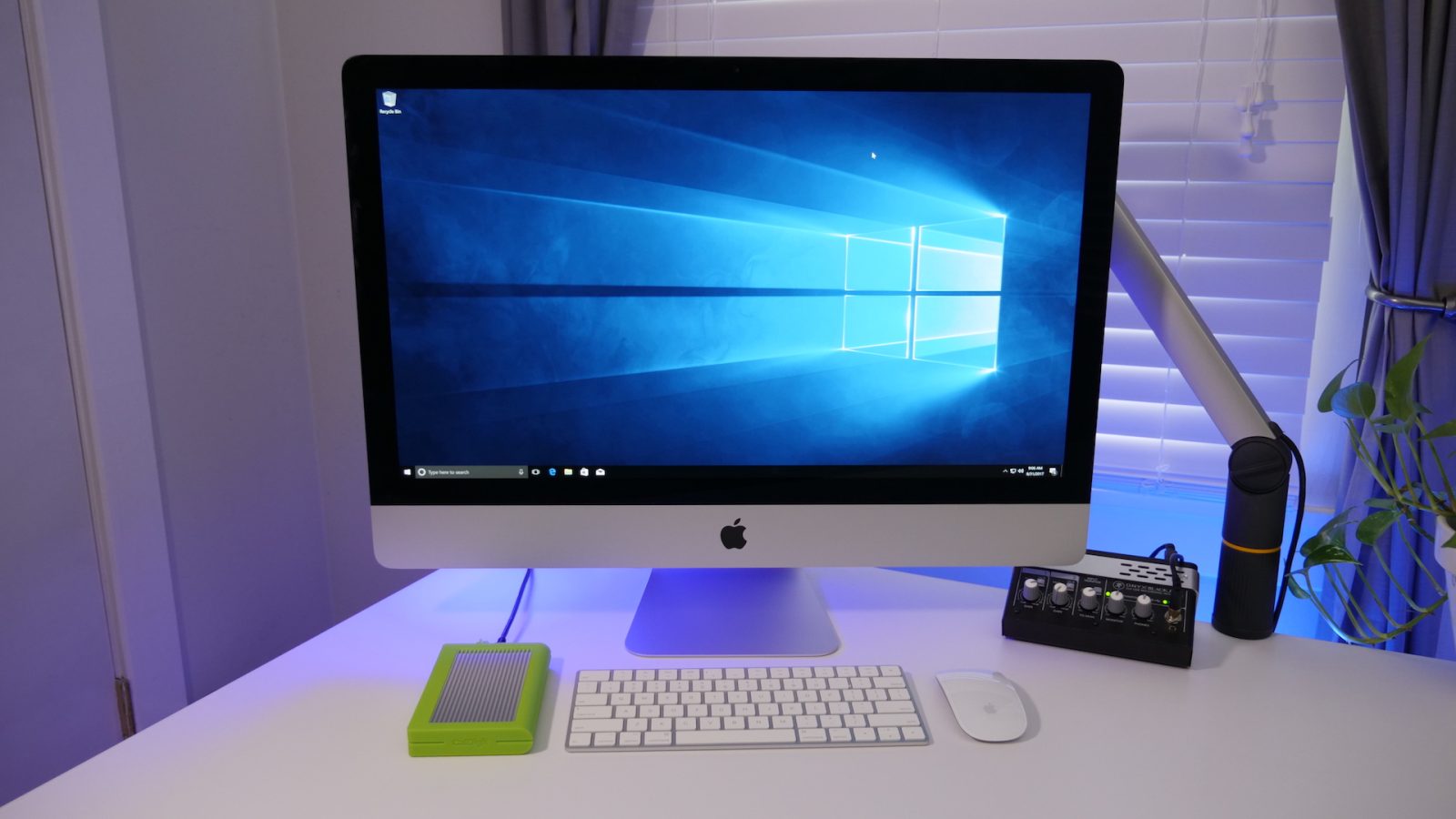
Ever since I wrote about installing Windows 10 on a Mac earlier this year, I’ve received tons of questions about installing Windows 10 on an external drive using Boot Camp drivers. The truth is, this is a workaround using Windows To Go, and the process for doing so is a bit more in-depth than it is for installing proper Boot Camp on your Mac’s internal disk, but it’s still very easy to do, and only takes about 30-40 minutes.
In this hands-on step-by-step walkthrough, we show you how to install Windows 10 on your Mac using an external drive. Watch our video inside to see how. Expand Expanding Close
I’ve been using the Smart Keyboard + iPad Pro combination since the updated versions launched a couple of months ago. This combination has outright replaced my MacBook Pro for work on the go, but I still use a 5K iMac as my main work machine while in the office.
As an iMac owner who wields a Matias Wireless Aluminum Keyboard, the Magic Keyboard that came with the 5K iMac has remained tucked away in its original box up until recently. Since it was collecting dust in the closet, I decided that I should give the Magic Keyboard + iPad Pro combination a try to see how I liked it. Is it better than the Smart Keyboard? Here are a few of my observations. Expand Expanding Close
YouTube TV just became available in my area last week, which allowed me to take it for a test drive for the first time. What I found was a service that, although definitely not perfect, has plenty of potential. In this week’s edition of Friday 5, I showcase some of the app’s best features.
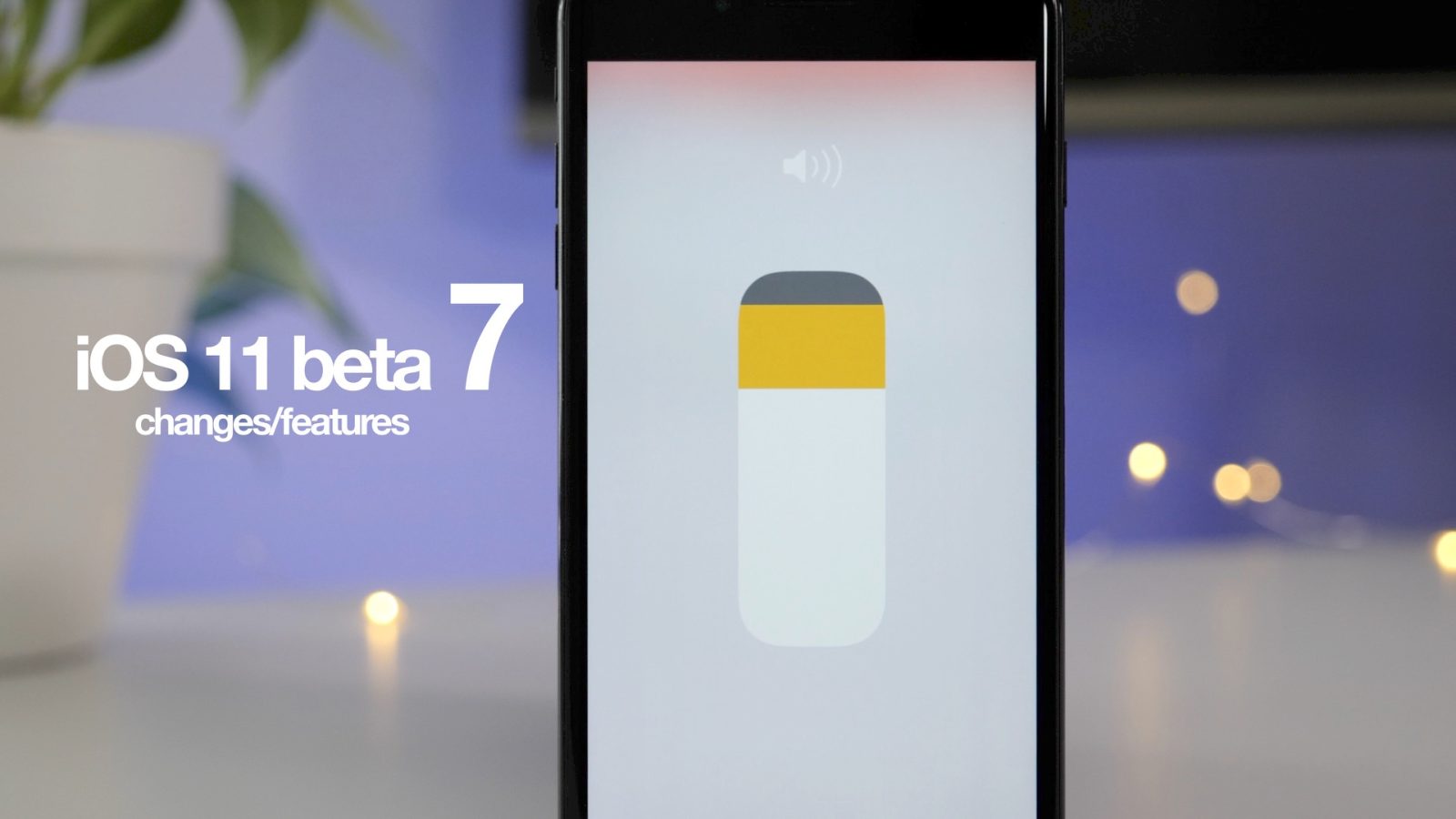
iOS 11 beta 7 was released earlier today to developers, and as we get closer to the GM release, there are less and less readily apparent changes present. Despite this, there are a handful of differences to be found in this latest beta. Have a look at our hands-on video walkthrough for the details. Expand Expanding Close
Affinity Photo developer, Serif, is continuing to add big enhancements to the iPad version of its professional photo editing app. Version 1.6.4 of Affinity Photo for iPad, which comes not long after the app’s first big update, brings some compelling new features to the table for photo editing enthusiasts. Expand Expanding Close
When you think of Hackintosh build, you may generally think of an Intel-powered rig in a big and bulky PC enclosure. That’s not the case for friend of the site Dom Esposito’s build, which took over a month to put together. His Ryzen-powered Hackintosh is neatly nestled inside of a custom Power Mac G5 case, providing a unique take on a Hackintosh build both on the inside and outside. Expand Expanding Close
Samsung just released the follow-up to its T3 line of portable, external SSDs. Sticking with the same nomenclature of the previous T1 and T3 drives, Samsung’s new T5 external SSDs include USB 3.1 Gen 2 support, making it the fastest T-series drive yet. With an included USB-C to USB-C cable, the T5 makes a great companion for recent MacBooks or MacBook Pros, or even the newest iMac models.
If you edit videos, photos, or just need a small and compact external storage solution, then Samsung’s diminutive T5 drive may be a worthy solution. It provides speeds that are normally associated with internal SATA SSDs in a compact, external form factor. Have a look at our hands-on video walkthrough inside for more details. Expand Expanding Close
Taiwanese-based Quanta Computer, an integral part of Apple’s supply chain as a maker of MacBooks and the Apple Watch, is ramping up to begin producing the Apple Watch Series 3, according to Chinese news outlet Economic Daily. Expected to launch later this year, the report notes that Quanta has entered the final testing phase for the Apple Watch Series 3 and is on the cusp of mass production. Expand Expanding Close
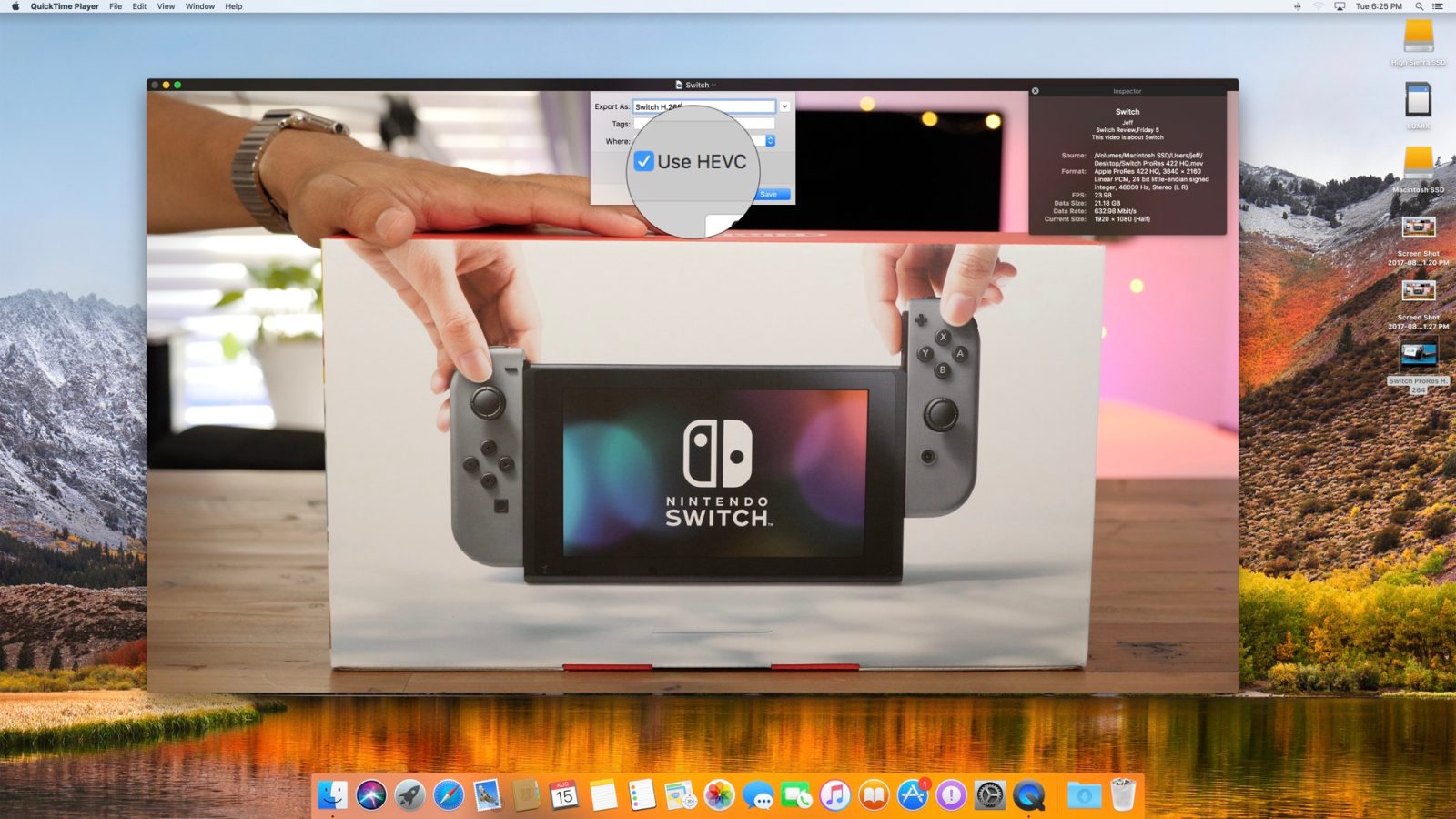
Upcoming support of the HEVC (High Efficiency Video Coding ) codec in macOS High Sierra and iOS 11 will help to improve file efficiency of high quality video files. With an added emphasis on high quality 4K content in upcoming Apple hardware and software, the deployment of such technology is occurring at an ideal time. Expand Expanding Close
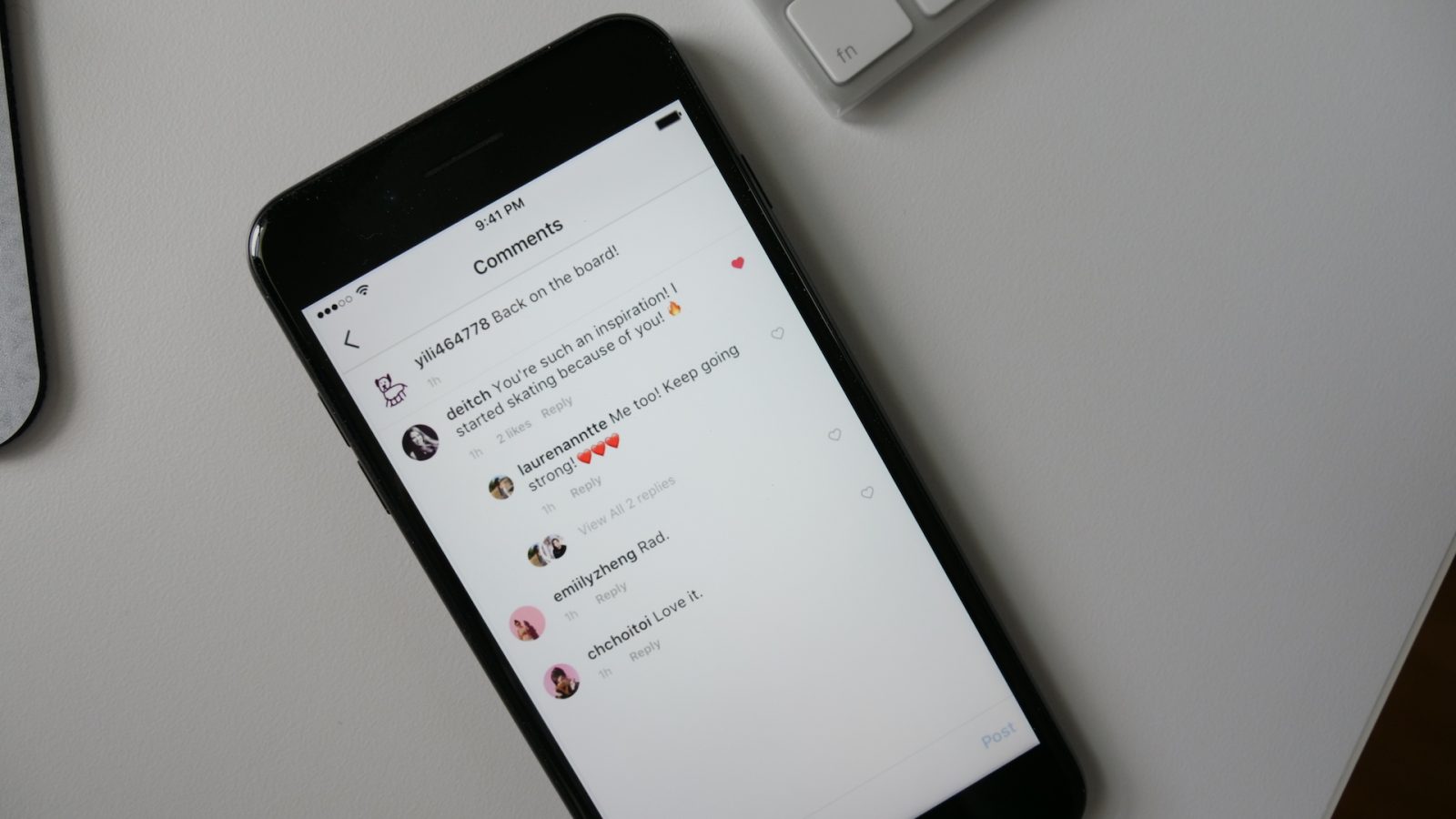
Today Instagram unveiled support for threaded comments on its popular social media platform. The introduction of comment threads follows in the footsteps of parent-company platform Facebook, making it easier to track and follow conversations related to the photos and videos posted on the service. Expand Expanding Close
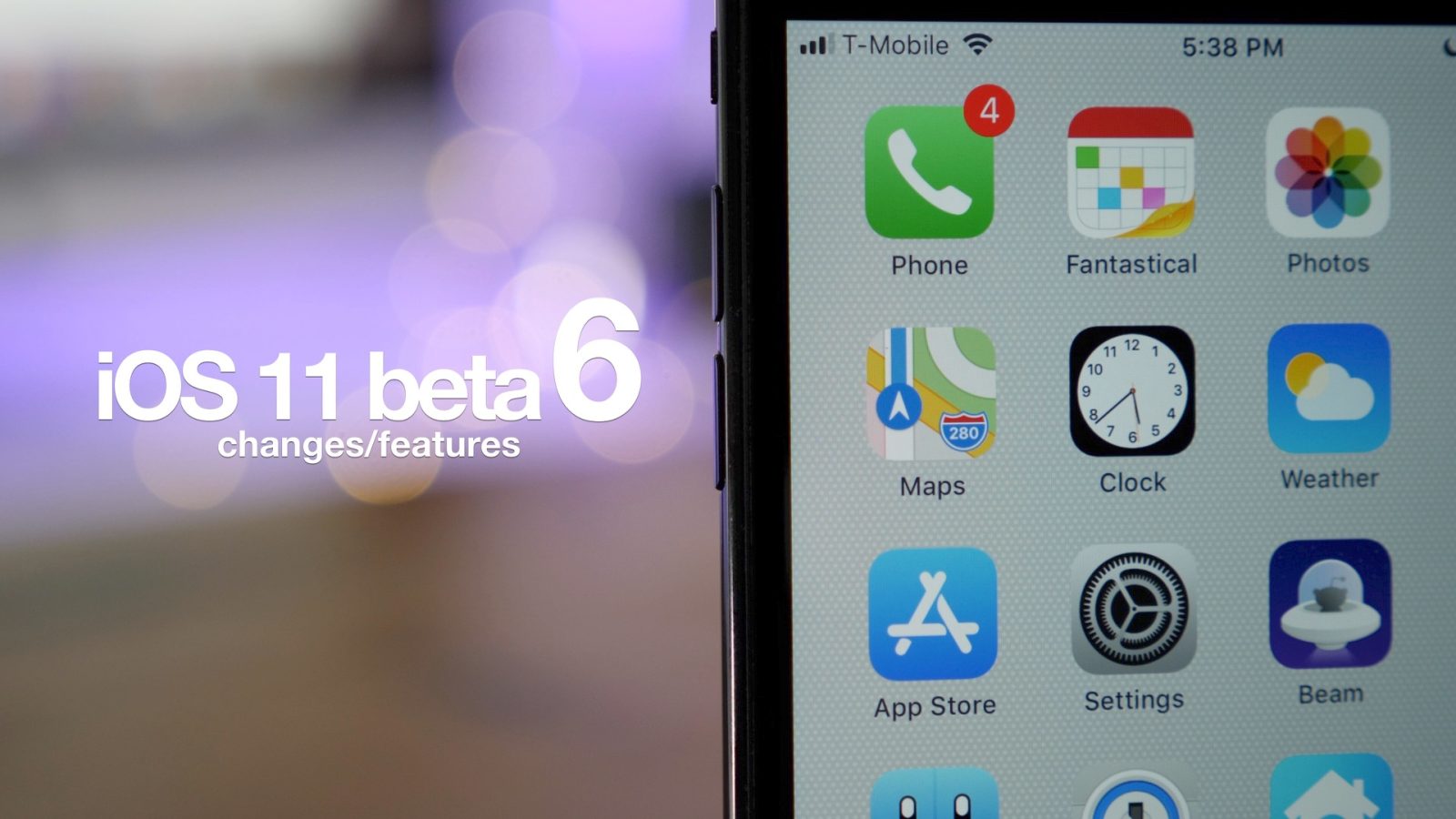
Earlier today Apple released iOS 11 beta 6 to developers, and like previous beta iterations, it comes with several new updates and changes. The most obvious change is found in a new controversial App Store icon update, along with an update to the Apple Maps icon that highlights the company’s new Apple Park campus. Have a look at our video inside for a brief hands-on walkthrough. Expand Expanding Close