Jeff is the head of video content production for 9to5. He joined 9to5Mac in 2016, producing videos, walkthroughs, how-tos, written tutorials, and reviews. He takes pride in explaining things simply, clearly, and concisely. Jeff’s videos have been watched hundreds of millions of times by people seeking to learn more about today’s tech. Subscribe to 9to5Mac on YouTube to catch Jeff’s latest videos.
iOS Decoded is Jeff’s flagship video series that breaks down what’s new in iOS betas, including behind-the-scenes deep dives into undiscovered features and exclusive details on the iOS roadmap.
Jeff also produces a weekly podcast, alongside co-host Fernando Silva, entitled 9to5Mac Overtime. A video-first podcast, 9to5Mac Overtime airs weekly on our YouTube channel, but can also be enjoyed in audio form via Apple Podcasts, or your podcast app of choice.
As most of you all know, I’ve been a big proponent of the 12″ MacBook. I purchased the m5-equipped 512 GB version back in the spring, and I’ve been mostly a fan since acquiring it.
But with the arrival of the new entry-level 13″ MacBook Pro, the one devoid of Apple’s splashy new Touch Bar, the arguments for purchasing a 12″ MacBook just got a lot more hard to come by. Expand Expanding Close
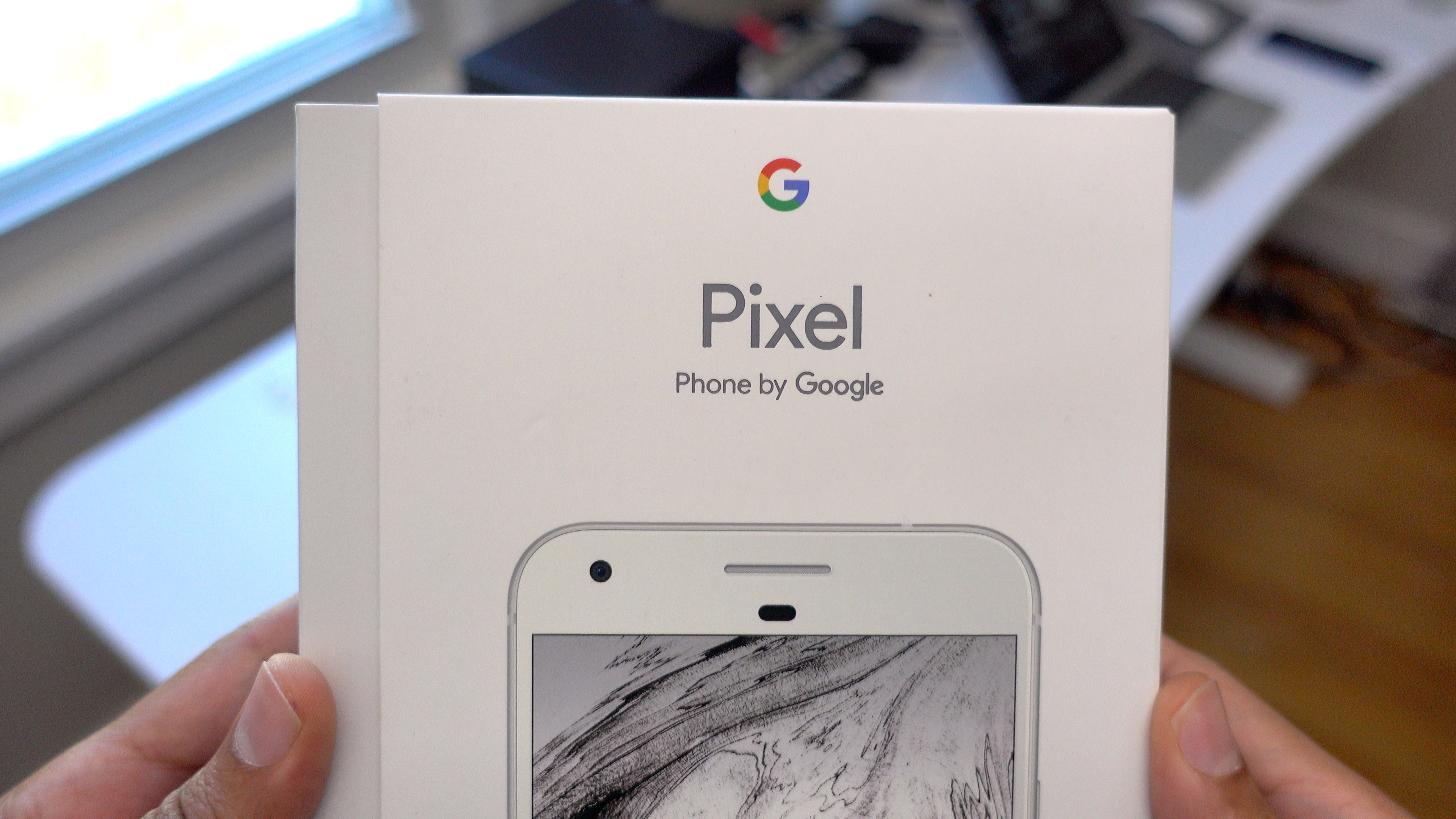
Google’s new flagship Pixel XL phone landed in my hands early Monday morning, and I’ve been taking it for a test drive ever since. I’m obviously someone who prefers Apple devices over Google devices, but this phone is so fascinating that I just had to try it.
I should note that this isn’t a review — if you want a review you should definitely check out Stephen’s review over at 9to5Google — these are first impressions from an iPhone fan. Considering that the Pixel is the first real Google-branded smartphone, one that’s obviously meant to go toe-to-toe with Apple’s best offerings, I felt obligated to try it out. Here’s a brief look at a dozen of my initial thoughts. Expand Expanding Close
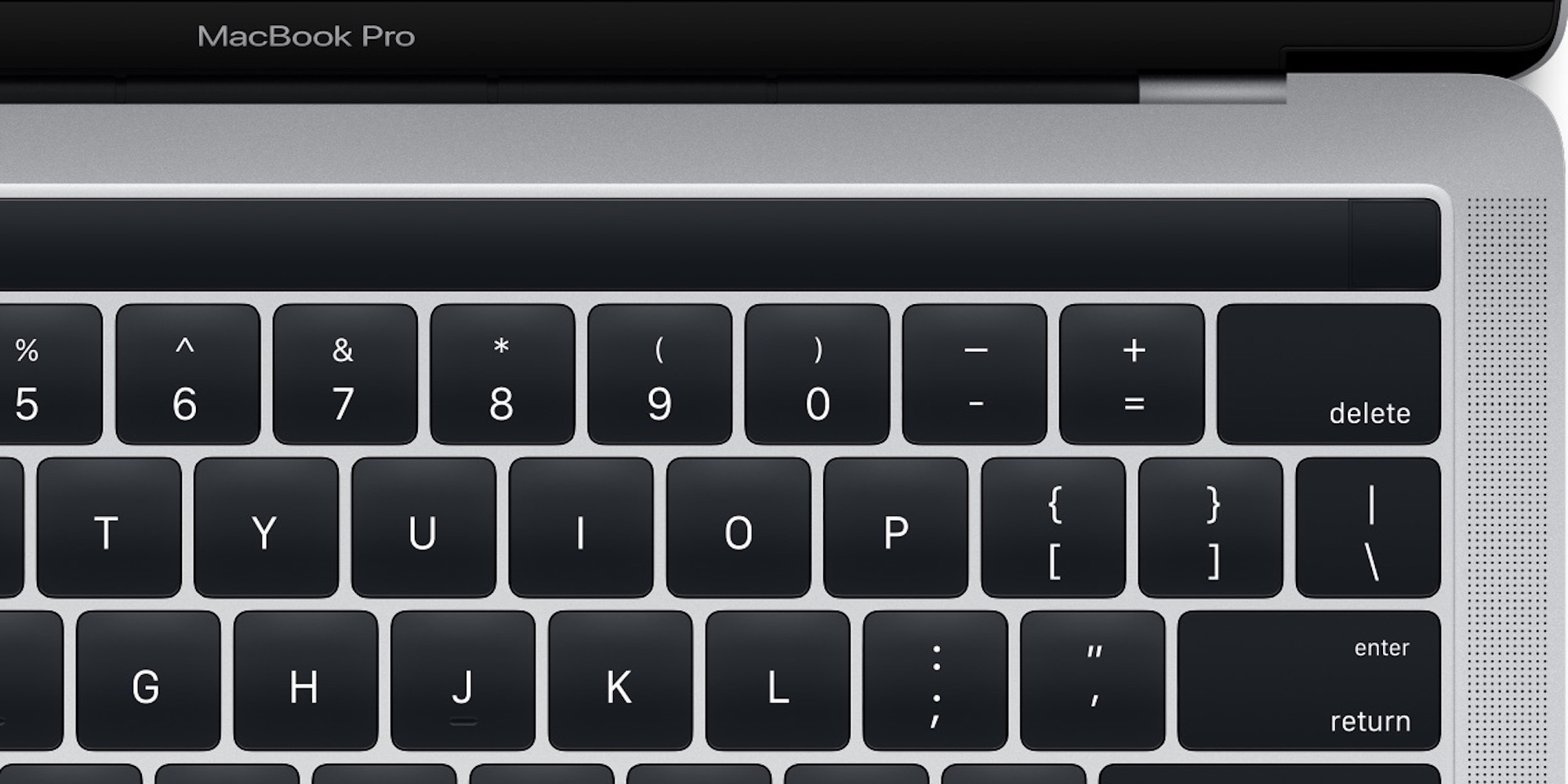
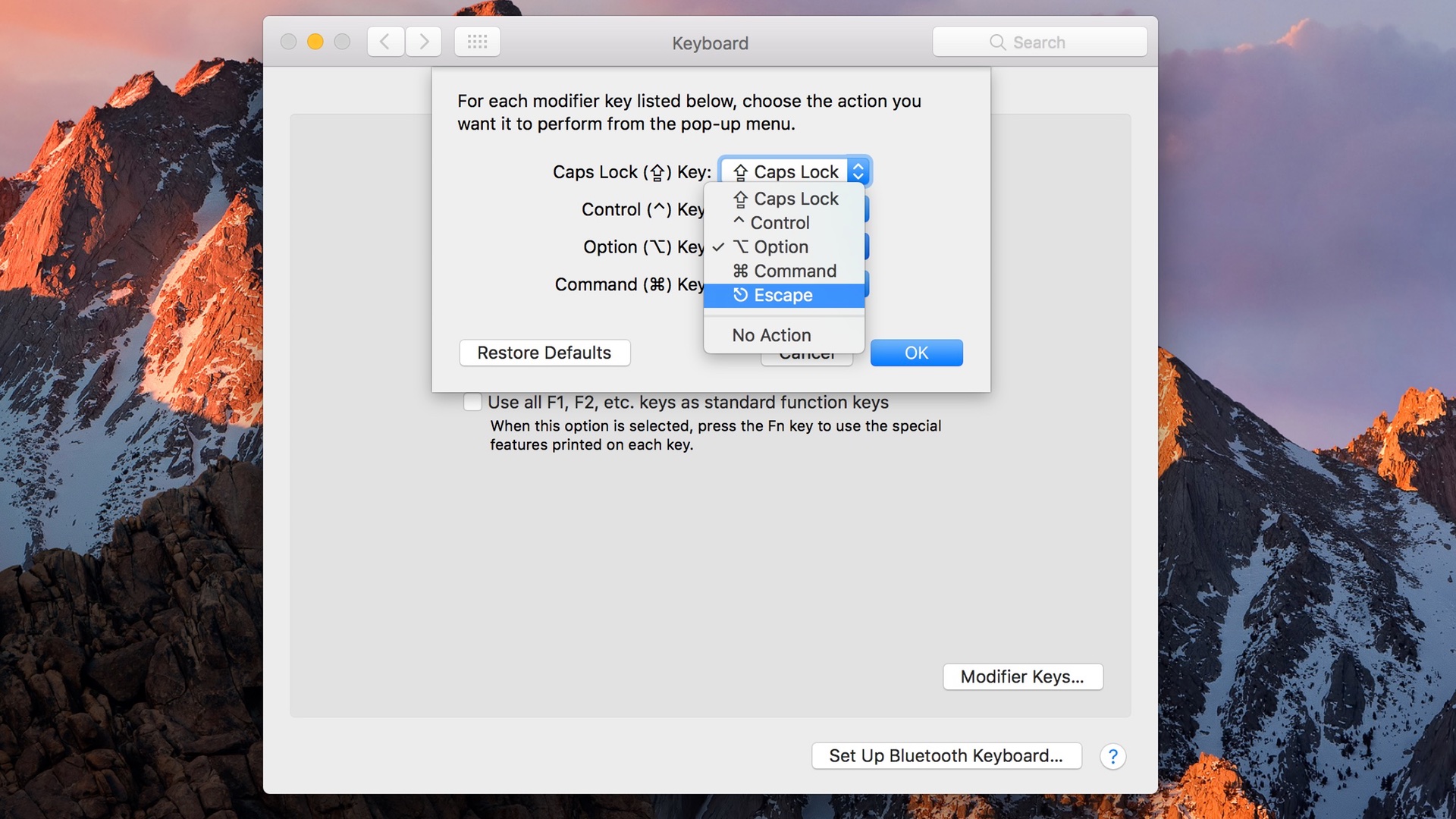
After seeing the leaks for the upcoming MacBook Pro, many people have wondered how their workflows might be hindered by the removal of the hardware Escape key. While it’s very likely that an Escape key will be able to be mapped to the OLED Magic Toolbar, macOS Sierra contains another handy provision for those of you who still prefer to use a dedicated hardware key.
Yesterday’s release of macOS Sierra has given us the first look at the new MacBook Pro sporting the long-rumored Magic Toolbar. The image, which is buried within the file structure of macOS Sierra 10.12.1 release, relates directly to the Touch ID functionality embedded within the function-row-replacing strip. Expand Expanding Close
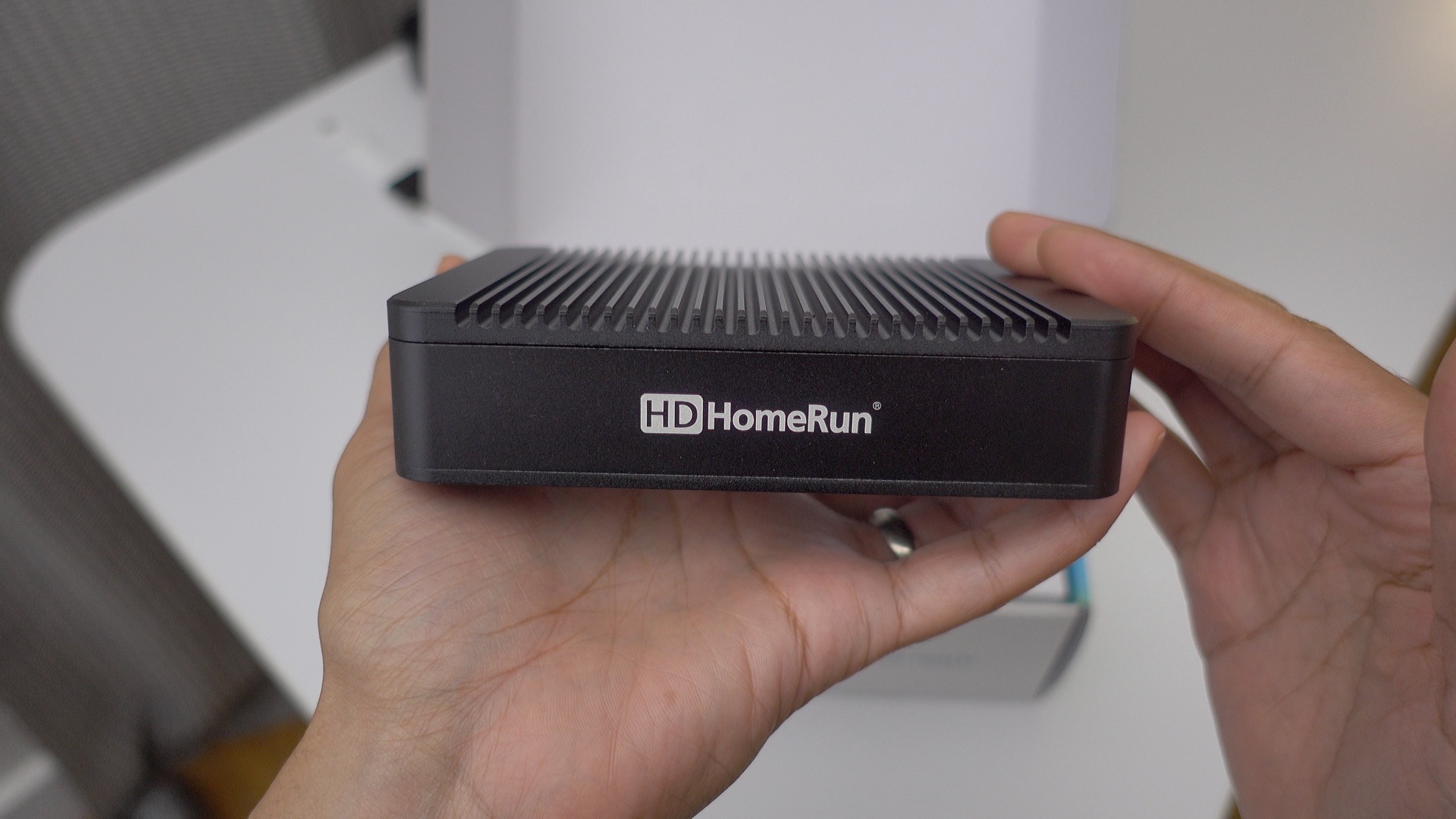
We’ve covered the Channels app for Apple TV and iOS several times this year, and have come to the conclusion that it’s a great companion app for cord-cutters. But to take advantage of the greatness that is Channels, you’ll need a special hardware device from the folks over at SiliconDust. Enter the company’s newly redesigned HDHomeRun Extend.
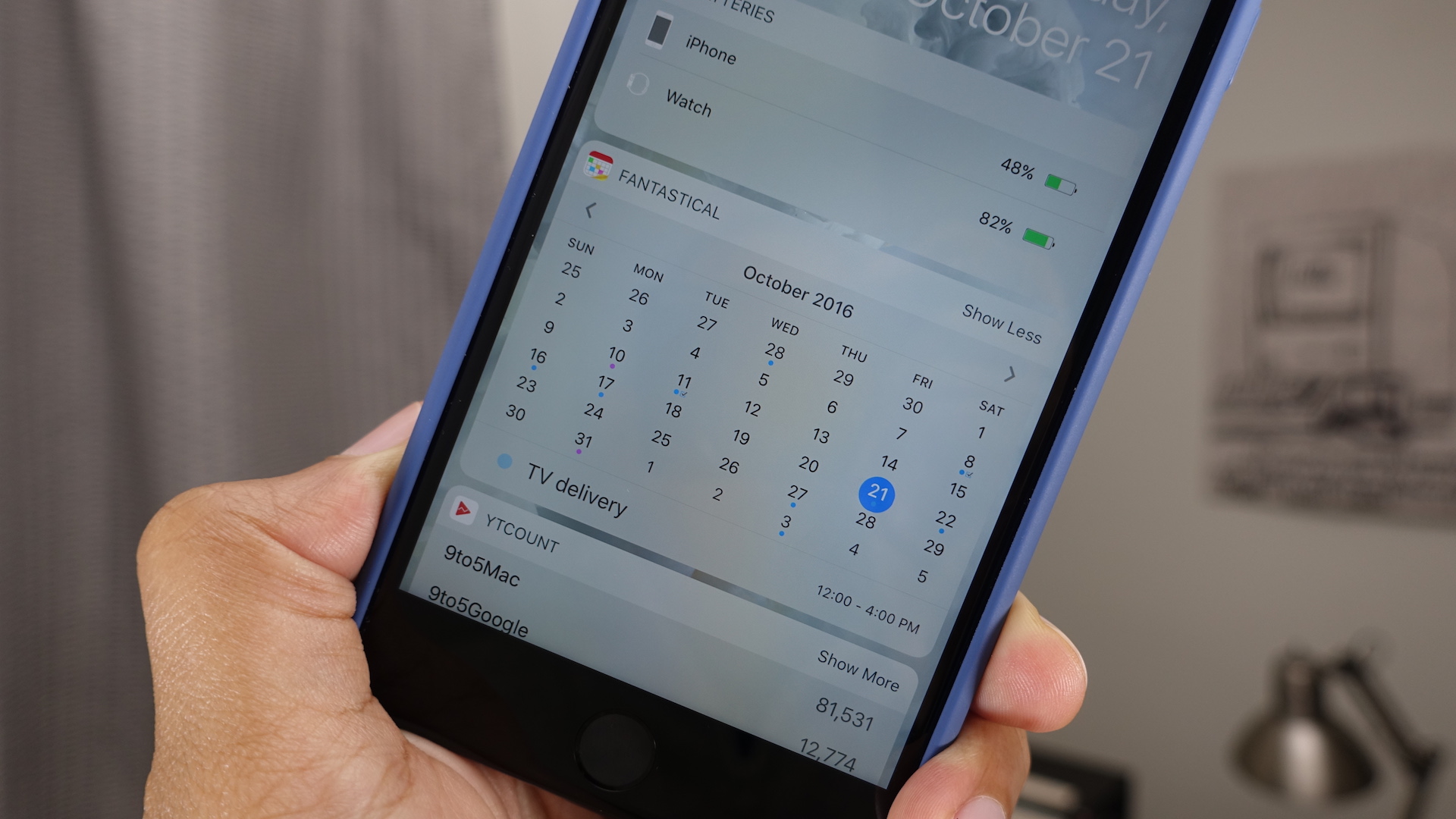
After being disappointed with the implementation of widgets in earlier versions of iOS, I wasn’t sure how useful I’d find iOS 10-centric widgets. But after using iOS 10 for the last few months, I can say for sure that widgets are now more useful than they’ve ever been. Here’s a brief look at five widget-bearing apps worth considering this weekend. Expand Expanding Close
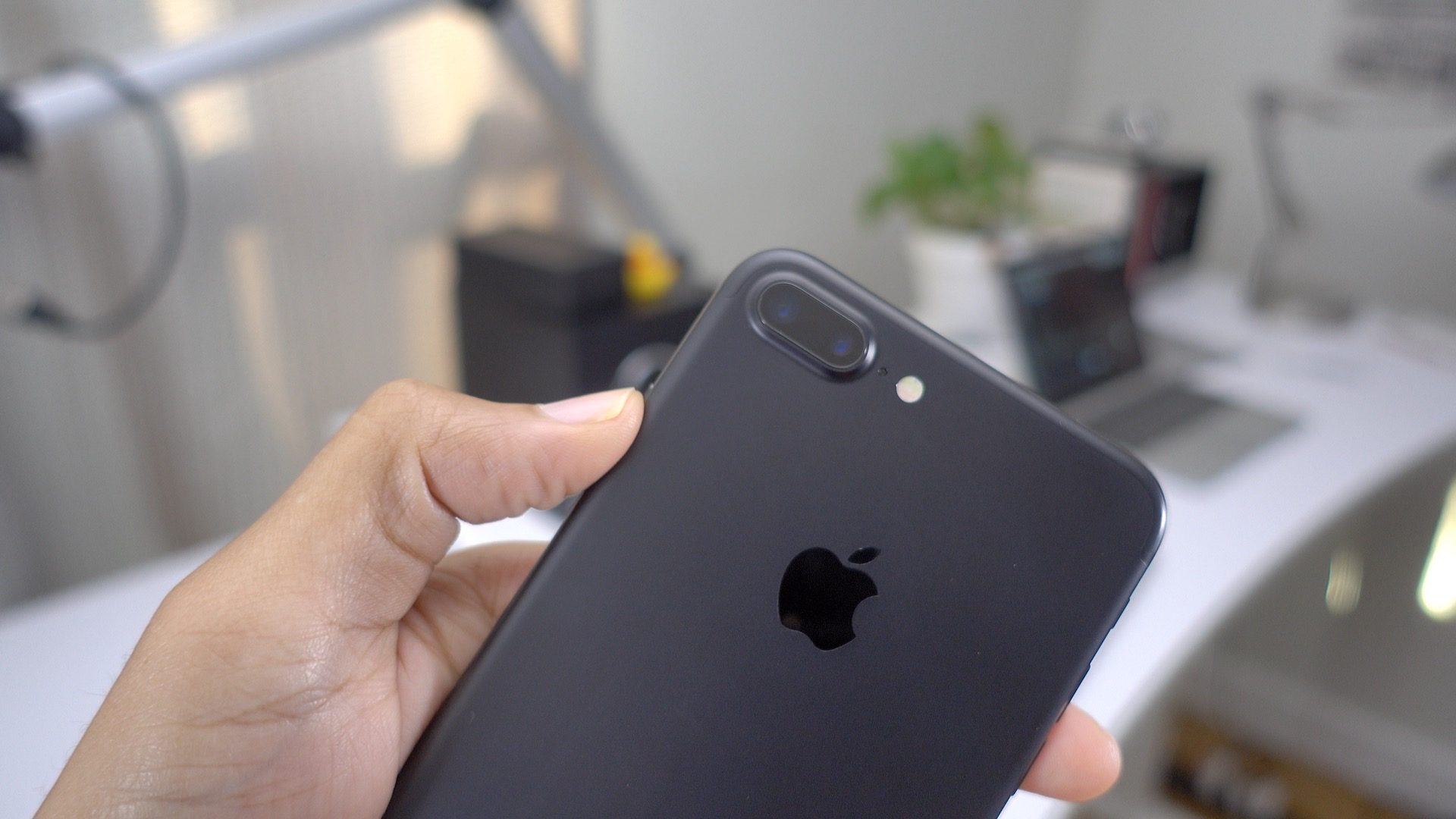
In this latest iPhone generation, Apple has brought to market two iPhone 7 variants: the GSM/WCDMA/LTE with Intel modem version, and the GSM/CDMA/WCDMA/TD-SCDMA/LTE version with Qualcomm hardware. A new report is highlighting the first performance differences between the iPhone 7 featuring Intel’s modem hardware compared to the iPhone 7 featuring Qualcomm modem hardware.
The report from Cellular Insights finds that iPhone 7’s equipped with Qualcomm’s MDM9645M modem, which powers the (A1660, A1661) Verizon, Sprint, and SIM-free models, features better cellular performance than the (A1778, A1784) Intel version. Not only that, but the Qualcomm version’s ability to take advantage of Ultra HD Voice has been disabled as well according to the report. Expand Expanding Close
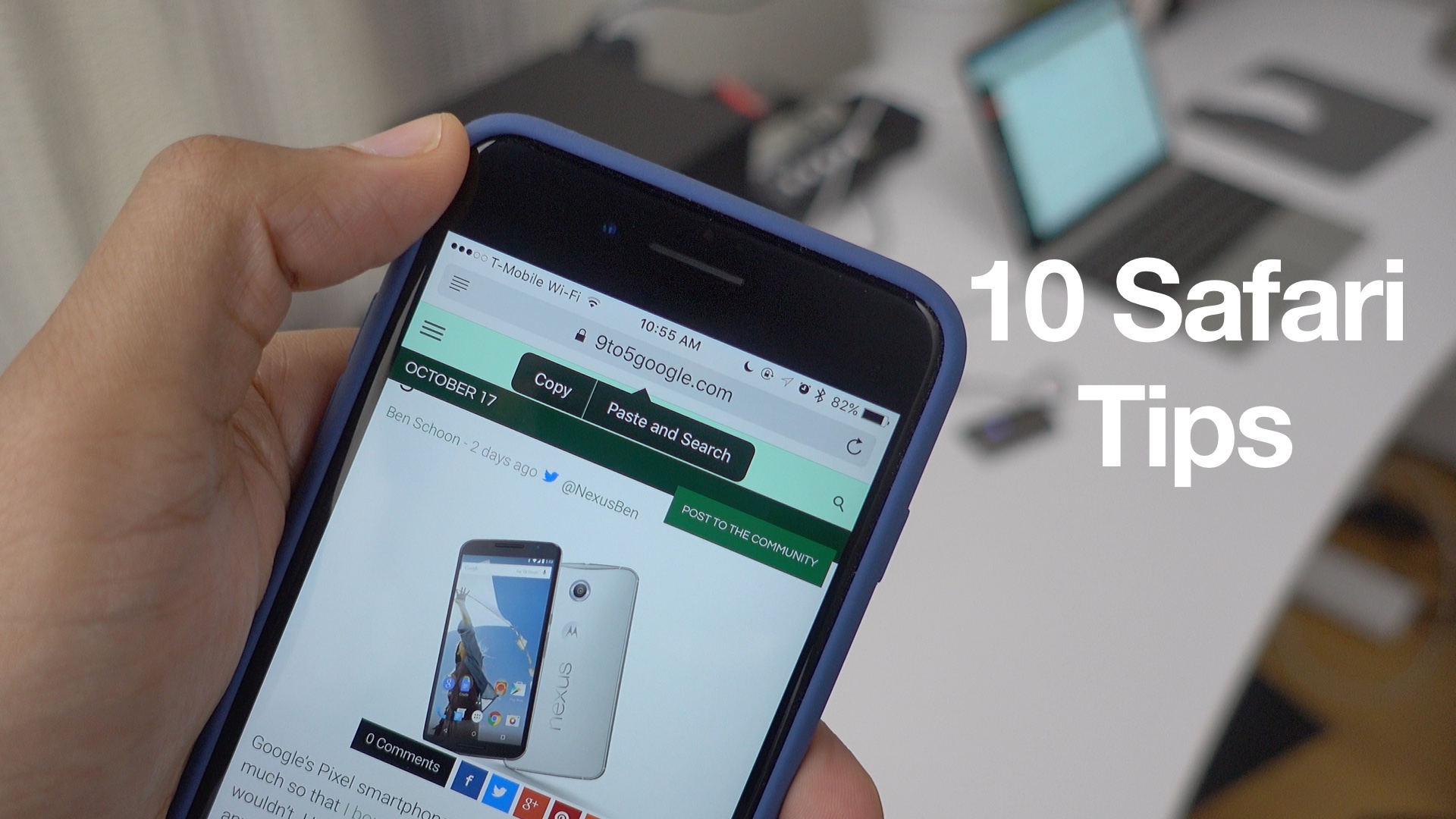
Mobile Safari is the primary way that the majority of people access the Internet on their iPhones and iPads, but are you getting the most out of Apple’s default browser? While it’s quite likely that most of you will be familiar with many of these tips, there’s a good chance that you’ll learn at least one or two new things by watching the included video walkthrough. Expand Expanding Close
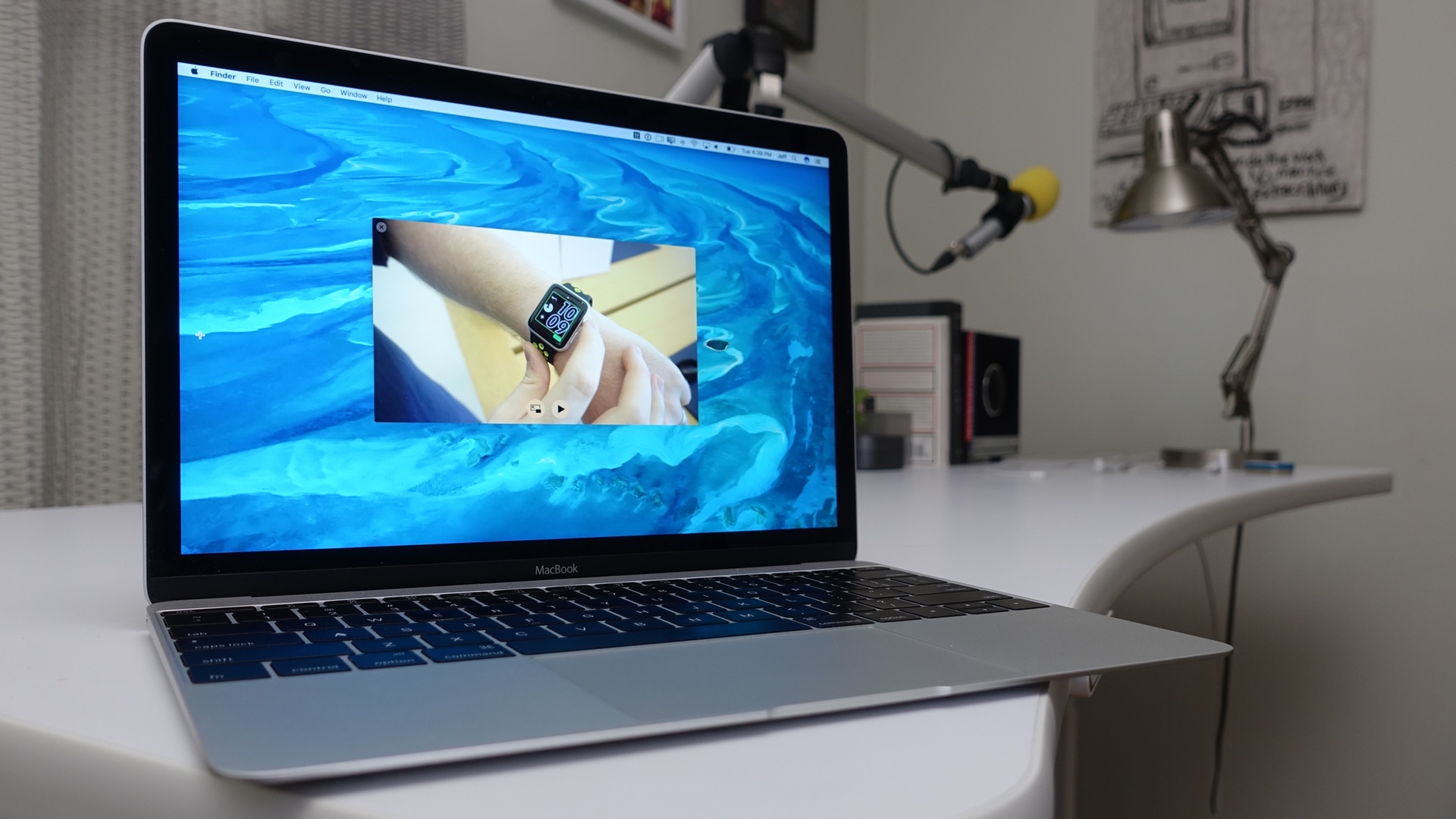
By default, Picture-in-Picture videos on macOS Sierra are docked in one of the four corners of your Mac’s display. If you try to move the window elsewhere, it will quickly snap back to one of the four default corners. This is very similar to how Picture-in-Picture mode works on the iPad.
But it’s also possible to dock videos anywhere on your display by using a handy keyboard combination. Watch our brief hands-on video for the quick how-to. Expand Expanding Close
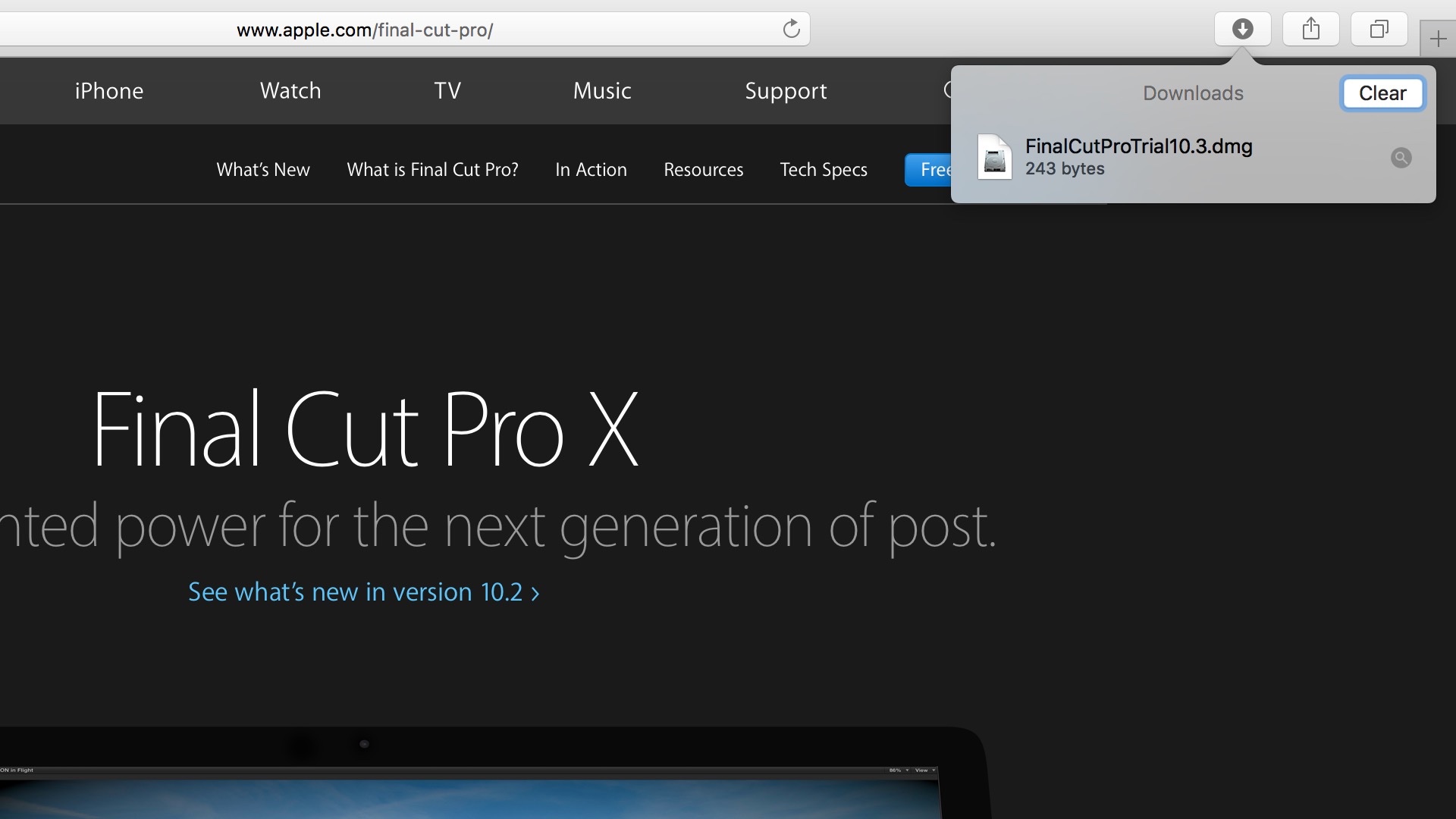
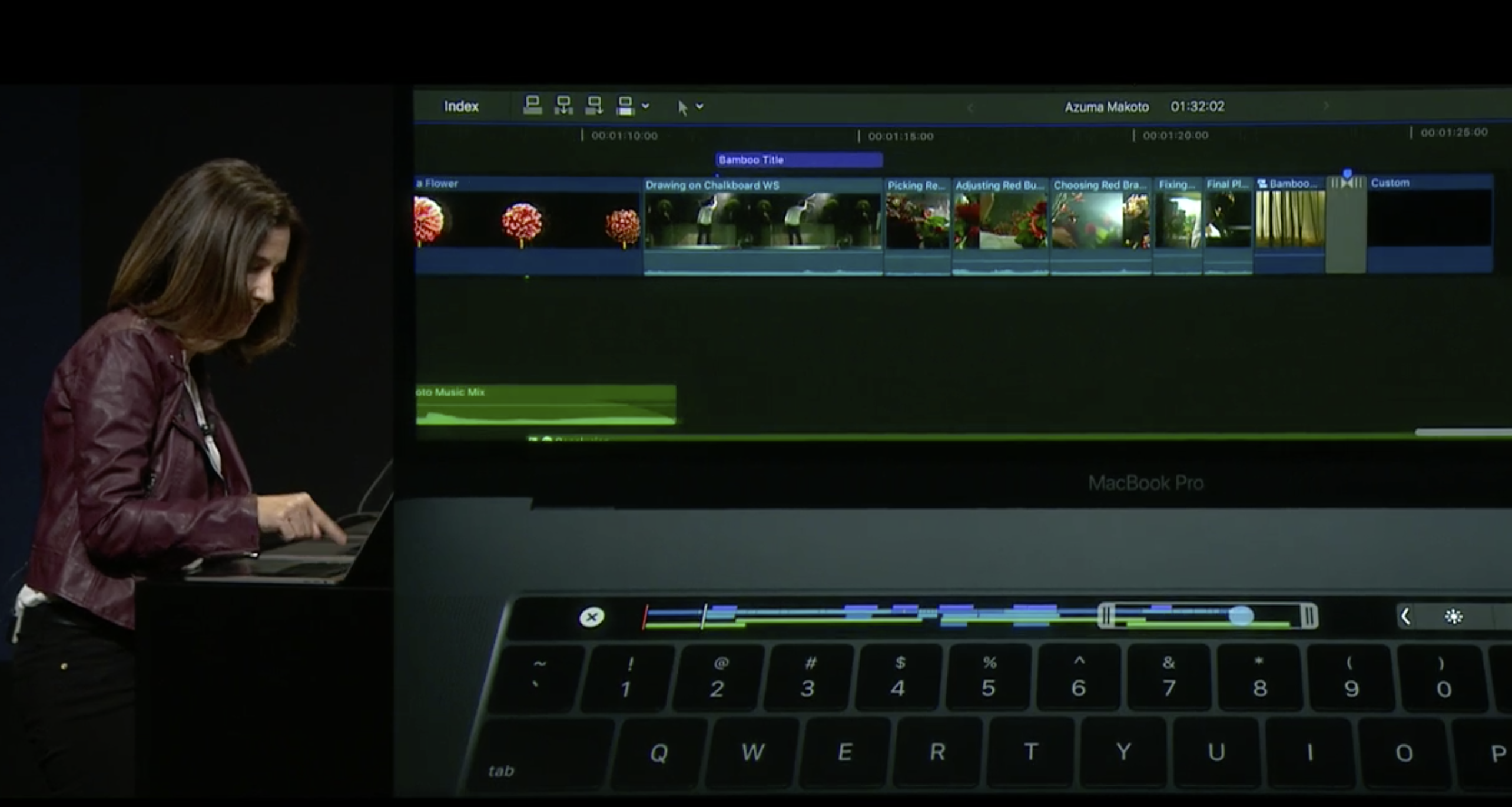
It’s been months since Apple’s pro video app Final Cut Pro X received an update, but if the trial version is anything to go by, then an update may be right around the corner. Expand Expanding Close
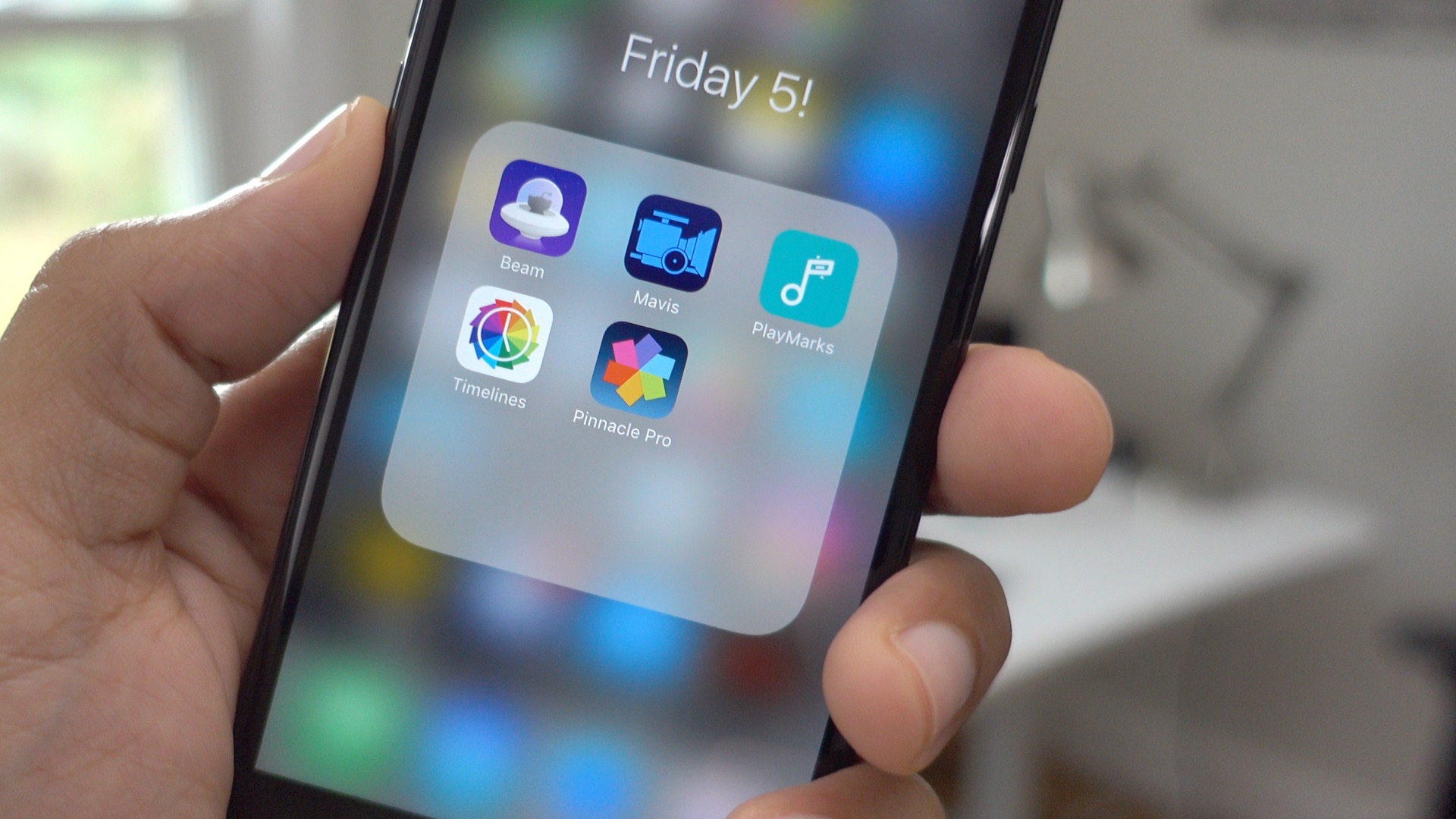
Welcome to the first edition of Friday 5. This is a feature post that I plan on airing regularly to briefly highlight five apps each week. These don’t necessarily have to be new apps or popular apps, but are releases that contain at least one notable feature that I’d like to highlight.
In this week’s edition, you’ll find a video editing app that’s great for voiceovers, a filmmaking app that’s exceptional at focusing, and a Reddit app that features handy 3D Touch quick action shortcuts to your favorite subreddits. Expand Expanding Close
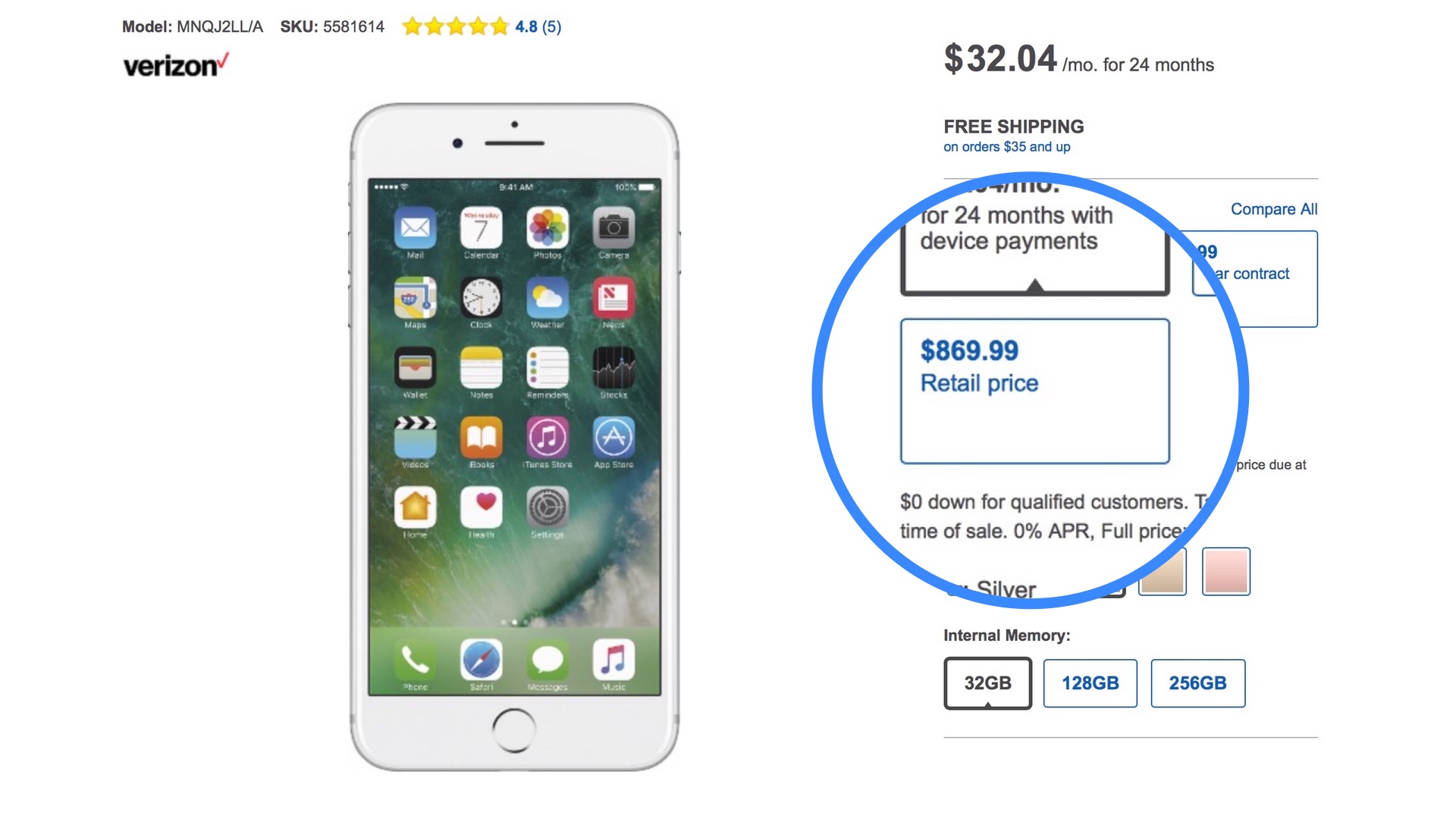
If you’re looking to buy an iPhone 7 for full price, then you may want to stick to the Apple Store route. That’s because Best Buy is charging $50 more for the iPhone 7 and $100 more for the iPhone 7 Plus. With the iPhone 7 readily available at local Apple Stores and online, even in the once elusive Jet Black variety, it makes little sense to pay such a premium for an unlocked iPhone at full price. Expand Expanding Close
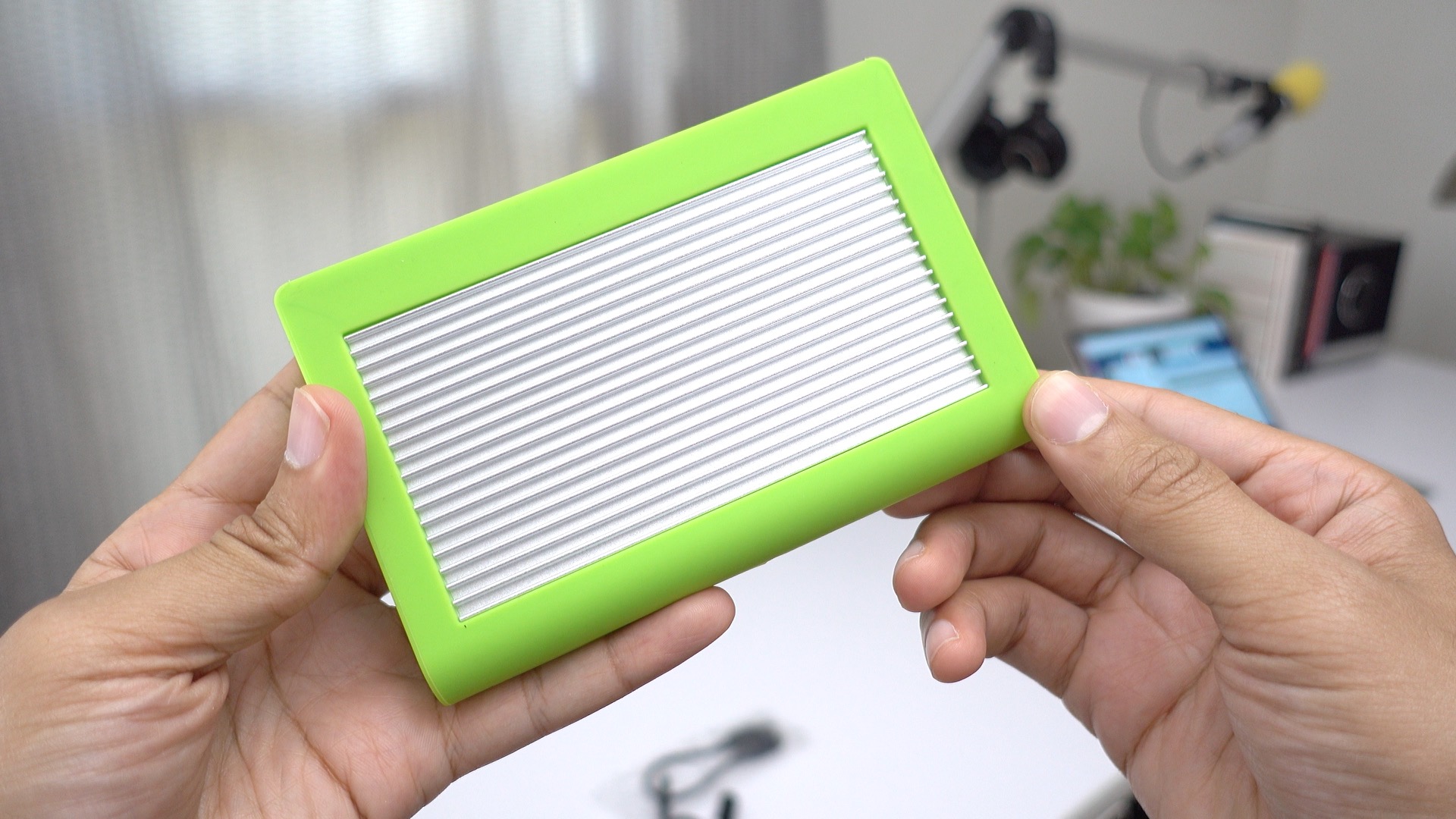
I’m always on the lookout for new USB-C-equipped MacBook accessories, especially external drives, because space is at such a premium on these diminutive machines. CalDigit’s Tuff line of 2.5-inch external USB-C portable drives fit the bill. Not only do these drives add a significant amount of space to your MacBook, but they’re bus-powered, meaning that you only need a single USB-C cable to enjoy its benefits.
Tim Cook is currently on a business trip to Japan, and during the visit he made sure to meet with Nintendo executives, including Mario-creator Shigeru Miyamoto. Apple and Nintendo shocked the gaming world when Miyamoto made a surprise appearance on stage during September’s iPhone 7 keynote. During the event, Miyamoto revealed Super Mario Run, the very first mobile phone game to star Nintendo’s most beloved franchise character in a full-fledged title. Expand Expanding Close
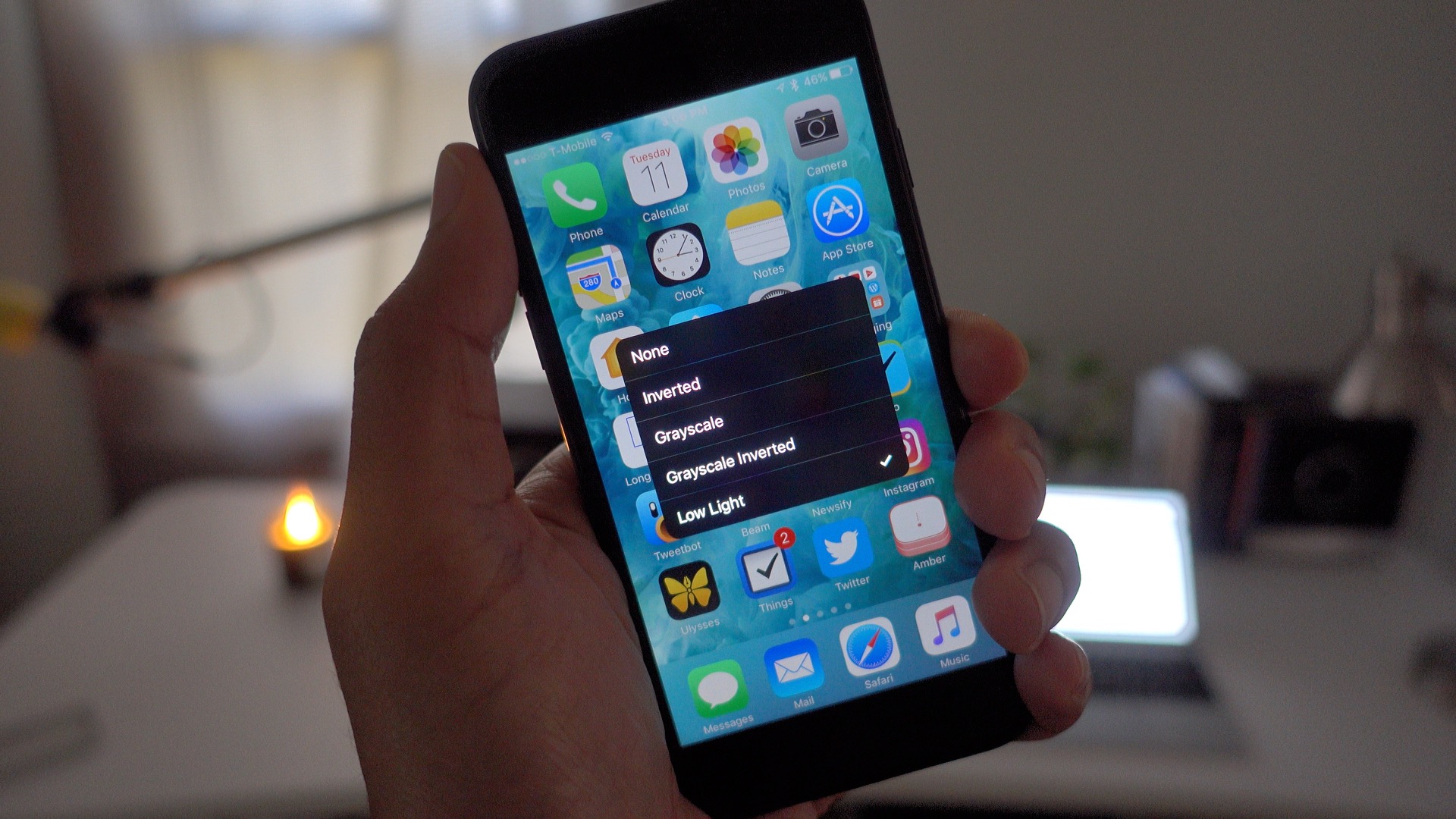
There’s still no dark mode in iOS, but if you find yourself regularly navigating your iPhone while in a dark environment, then you’ll appreciate the ability to enable a low light filter to darken the screen beyond normal brightness levels.
In a previous tutorial, we showed you how to map the low light filter to a triple-click of the Home button. While having such a shortcut is convenient, it slows down Home button response time when using the normal double-click function.
In the following brief tutorial, we’ll show you how to map low light filter access to a three-finger triple-tap instead. While not as convenient, the benefit is that this method won’t interfere with normal Home button functionality. Expand Expanding Close
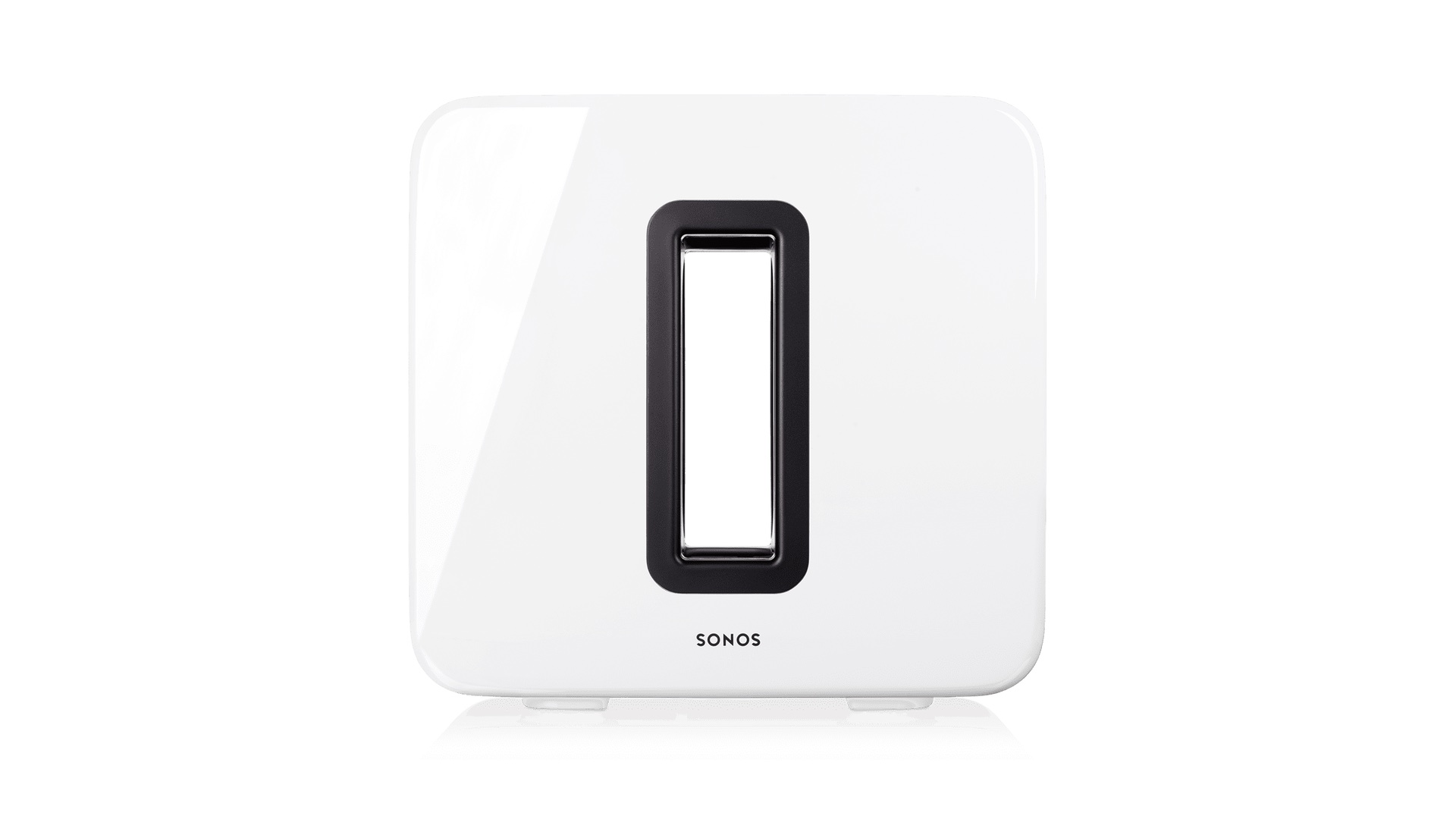
Sonos offers wireless speakers in its Play series in either black or white, but up until now, those wishing to add soul-shaking low end sound to their configuration could only buy a Sonos wireless Sub in one color: black. Today Sonos is making white Sub units available for preorder, with shipments set to begin on October 25th. If you own a white Play:1, 3, or 5, then it’s now possible to add deep low-end sound with a color-matched dedicated wireless Sonos subwoofer. Expand Expanding Close
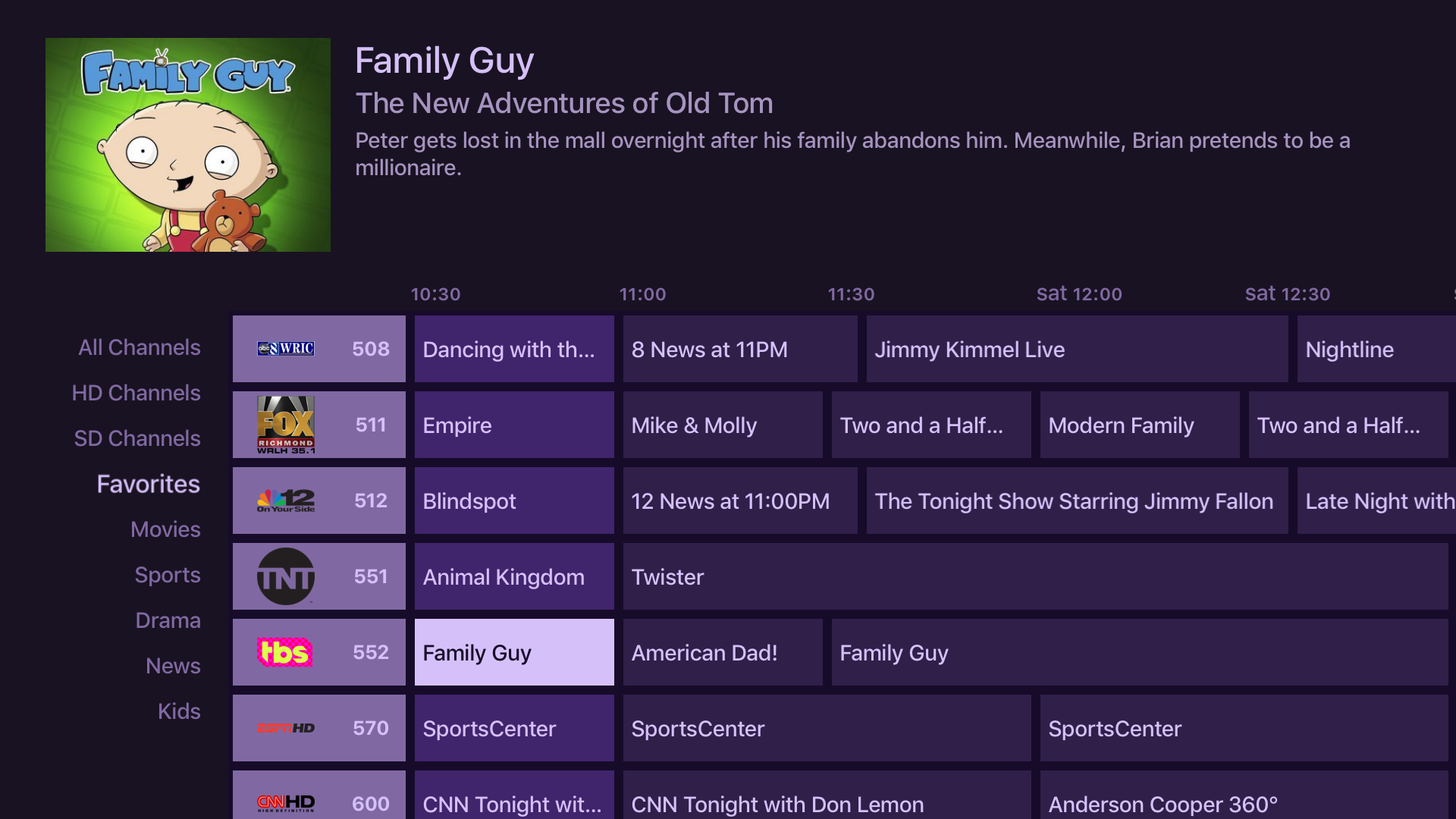
After the successful debut of the iOS version of its app, Fancy Bits has released a major update to its Channels app for Apple TV. This update, version 2.0, brings Channels for Apple TV more in line with the iOS version. It means that you now get both channel grid and channel guide support within the app, bringing it more in line with traditional set top boxes provided by cable companies.
Channels is an app that allows you to use an HDHomeRun device to stream local over-the-air (OTA) programing, or cable programming (using an HDHomeRun Prime) to your Apple TV or iOS device. This makes Channels the perfect app for cord-cutters, or for people who don’t want to deal with the cable company’s horrific set top box interface.
With the release of version 2.0, Channels will essentially turn your Apple TV into a device that’s capable of replacing the traditional cable box in some circumstances.
Back in August I reviewed the Raumfeld One M Wireless Speaker and I was thoroughly impressed by the sound emanating from such a compact speaker. The One M featured a 5-driver 2-way stereo speaker solution that came bundled with its own built-in down-firing subwoofer. The result was nothing less than impressive.
Yet, single speaker solutions have inherent limitations when it comes to things like stereo separation. That’s where the step-up Raumfeld Stereo Cubes make their presence felt. The Stereo Cubes, which generally sell for around $699, are much pricier than the Raumfeld One M, but delivers noticeably richer sound with great stereo separation. Expand Expanding Close
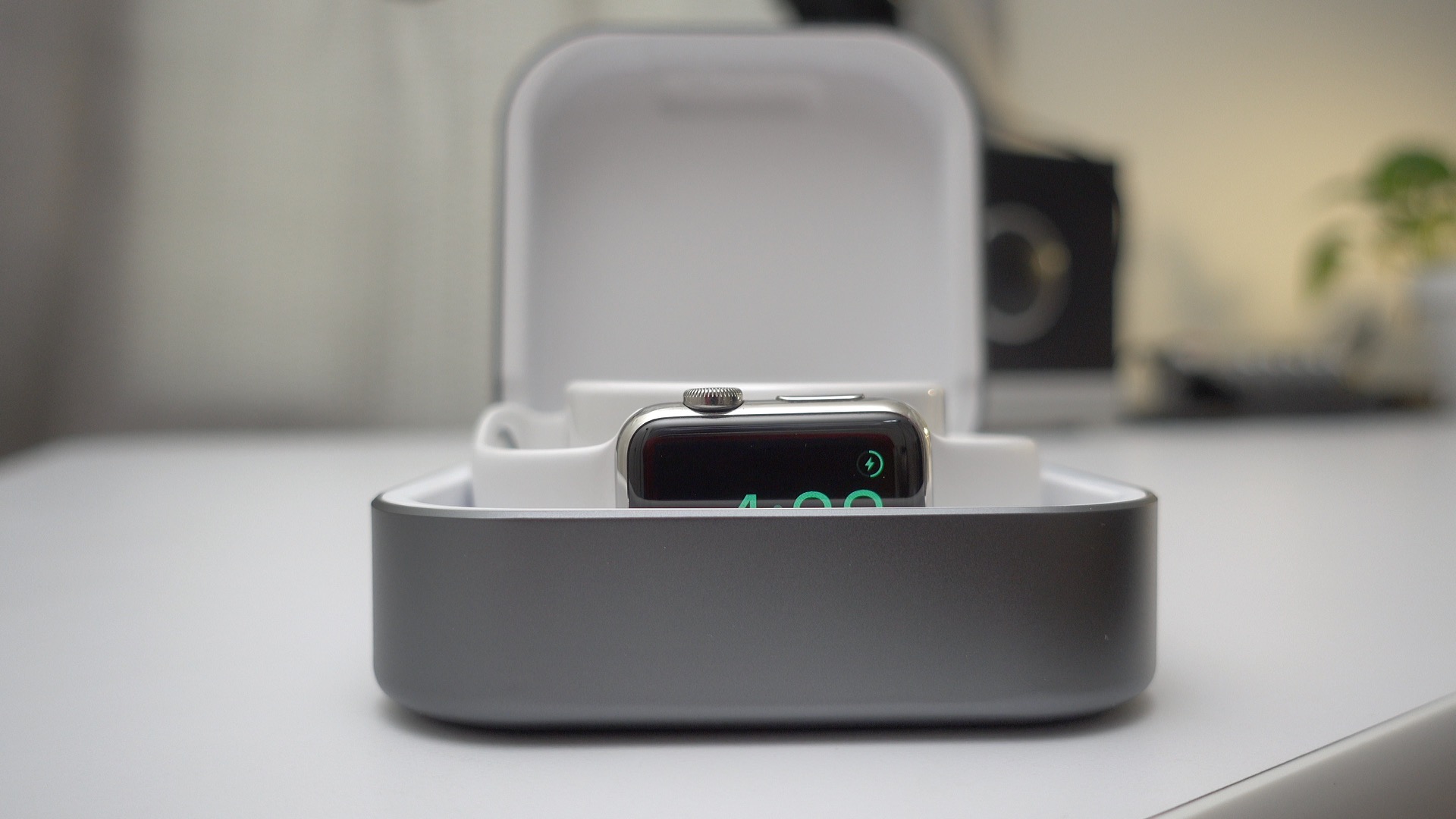
With the recent release of new hardware, I’ve been in search of a better Apple Watch charging and storage solution. There’s no shortage of watch-compatible docks, but the Amber Watchcase Power Bank by ClearGrass is far and away one of my favorites. Have a look at our hands-on video walkthrough to see why this might be the best Apple Watch charging and storage solution yet. Expand Expanding Close
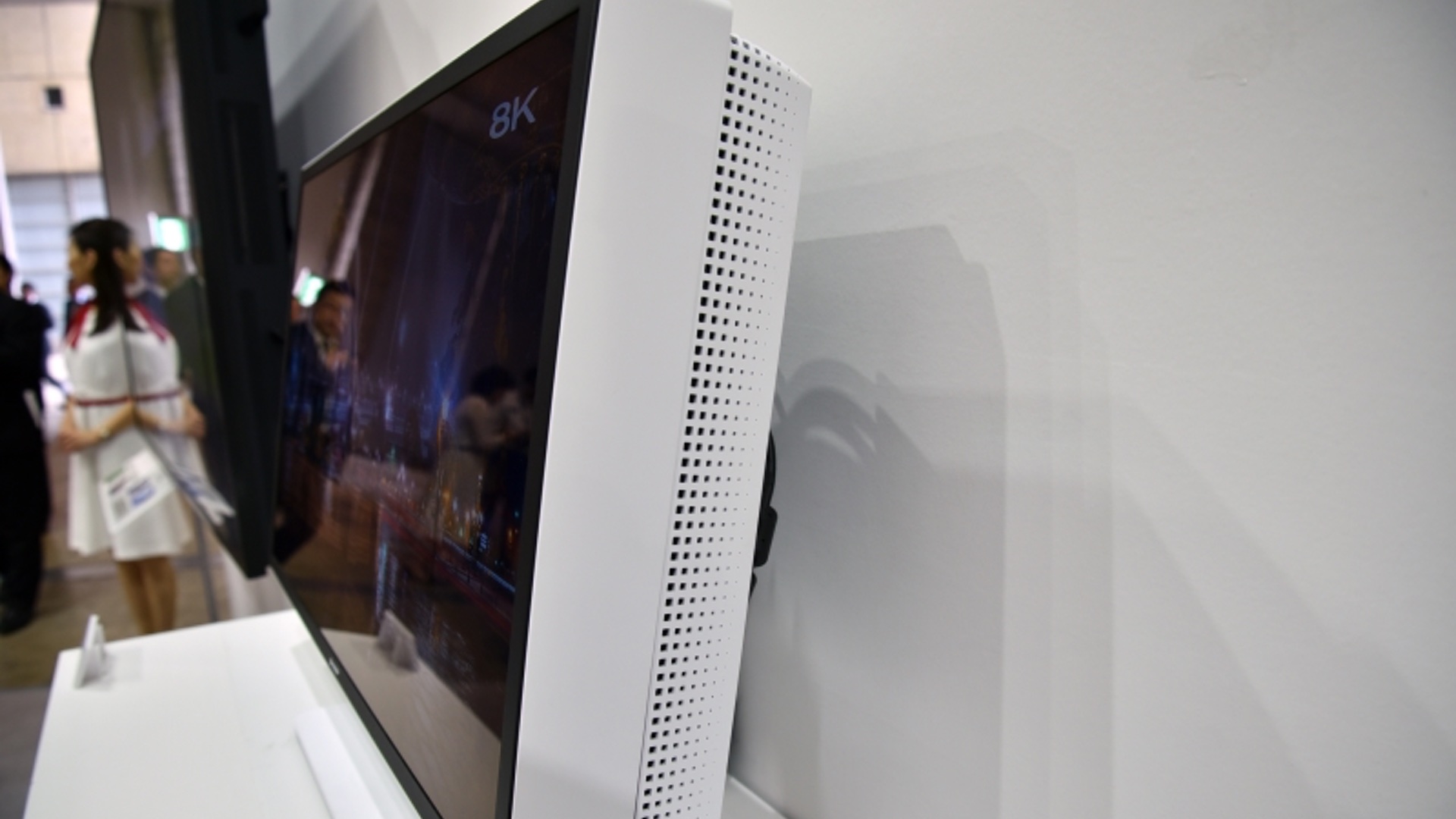
Foxconn-owned Sharp has unveiled a new monster of an IPS display panel at CEATEC Japan 2016. The display, which comes in at 27-inches, boasts 8K resolution, and insane 7,680-by-4,320 pixel ratio with pixel density that rivals modern smartphones.
I’ve long-admired the smell of new Apple hardware. I understand that not everyone gets it, but for those who do, it’s a distinct smell that can be instantly recognized.
I first encountered this smell upon purchasing my first ever Apple product – a mid-2000’s Mac mini – and I’ve been hooked ever since. It’s not that I go around smelling Apple boxes, but the scent evokes fond memories of my first Mac experience.
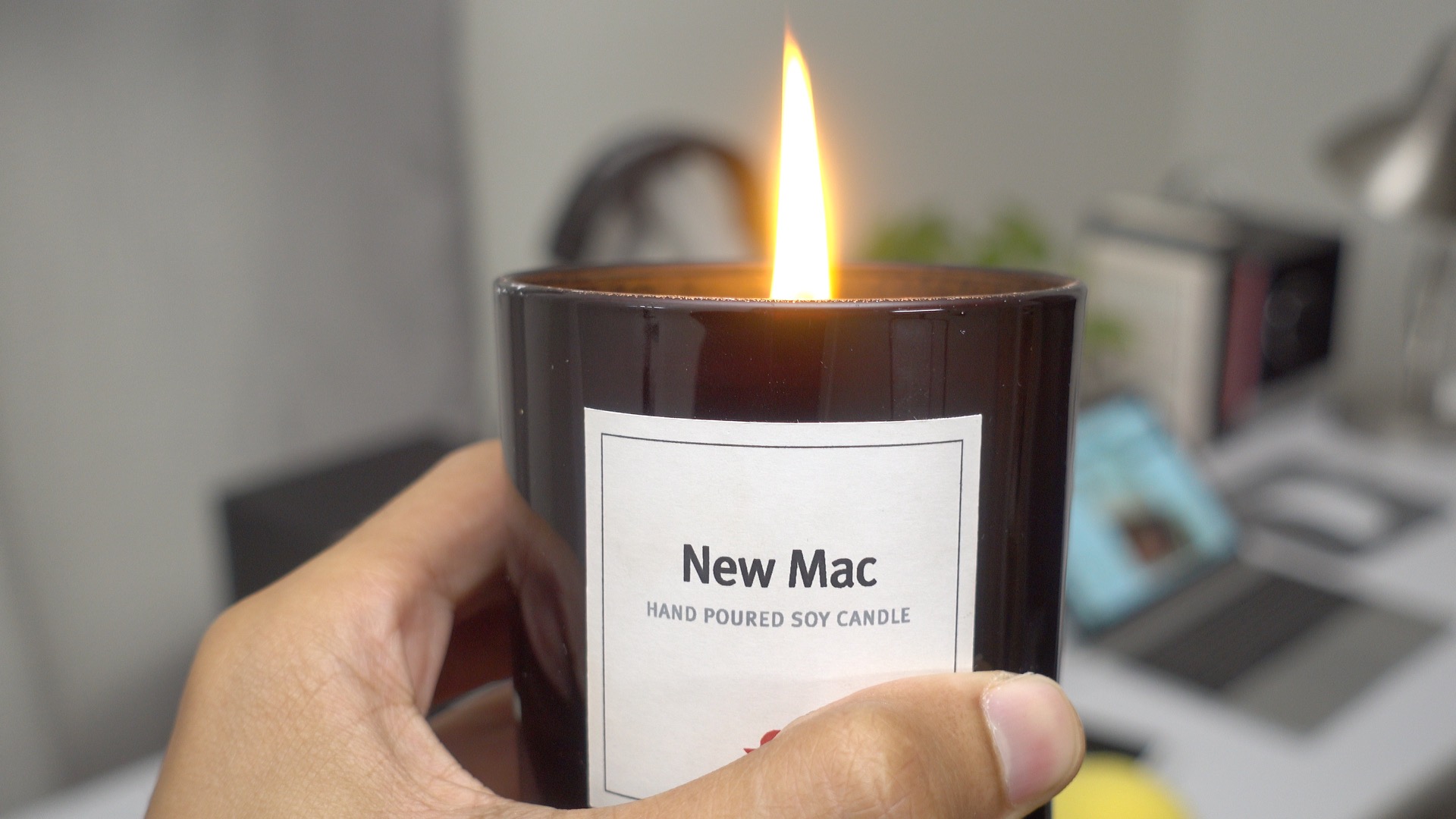
So when the Apple accessory makers over Twelve South introduced a new Mac-inspired candle, I was intrigued, as those of you who are reading this no doubt are as well. Does Twelve South’s New Mac candle really smell like a freshly opened piece of “Designed by Apple in California?” Expand Expanding Close
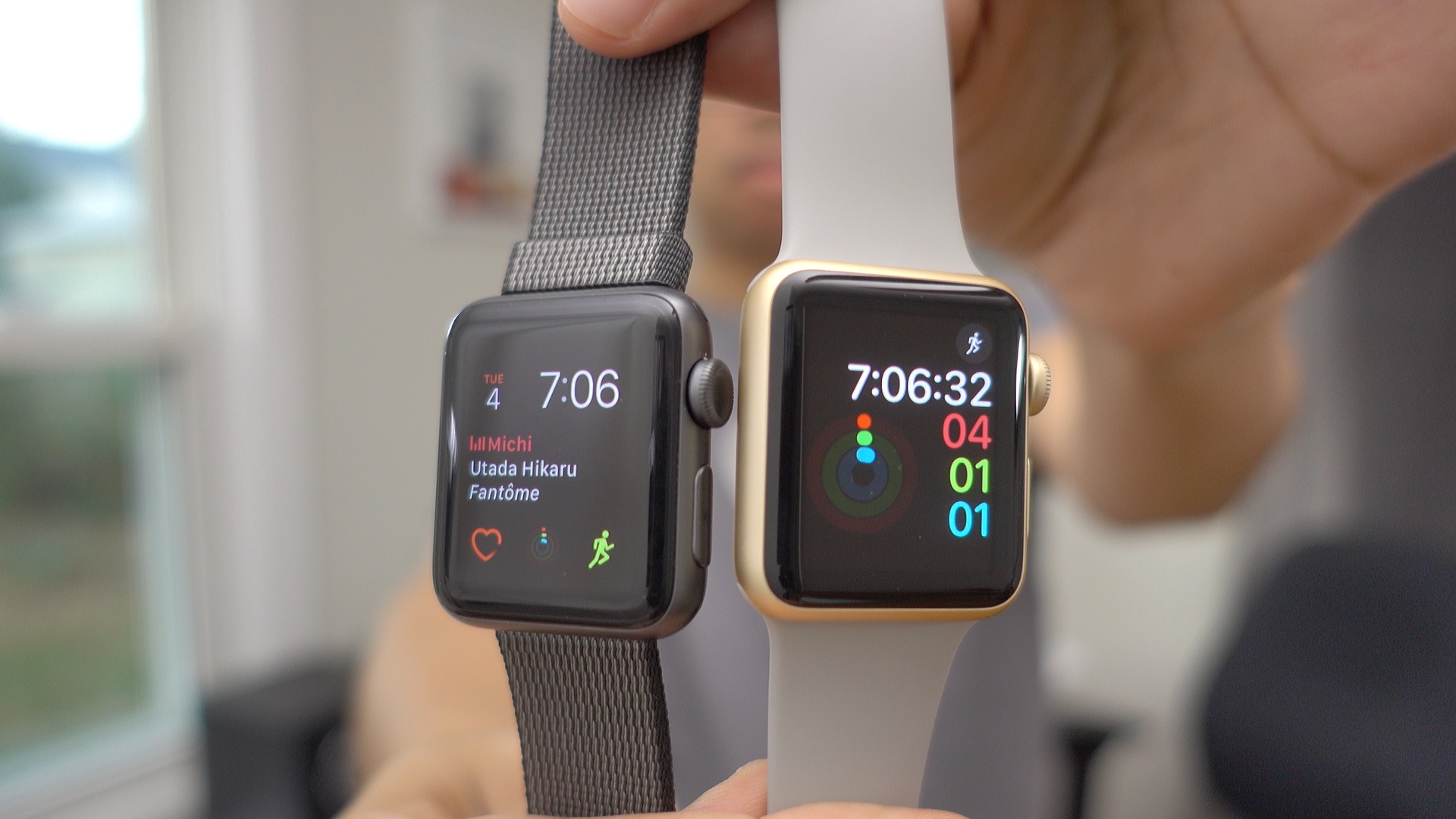
There seems to be a bit of confusion about the differences between the Apple Watch Series 1 and Series 2. To be sure, there are several differences between the two. We addressed these in our previous Apple Watch walkthrough, but speed isn’t among those differences.
The point is, if you’re just looking for a faster, more agile Apple Watch, then you’ll be happy with any of the watches that you can currently buy from Apple. The company has discontinued the original, notoriously slow Apple Watch (Series 0), so anything you purchase in store or online will be one of the new, faster models. Expand Expanding Close



 After
After