Adobe today announced a pretty solid Black Friday deal. Adobe initially launched the Photoshop Photography Program in September to support the needs and workflow of photographers who use CS3 or later. Now, for a limited time, Adobe it is extending this offer to ALL photographers for $9.99/month as an annual subscription – valid from Nov. 20 (9:00 a.m. PST) through Dec. 2, 2013 (11:59 p.m. PST) on Adobe.com… Expand Expanding Close
PayPal is releasing an updated iPhone app today that on top of introducing a redesign for iOS 7 also introduces a few new features.
You’ll notice a number of UI tweaks in the new app and a redesign that fits in with the look and feel of iOS 7, but you’ll also now be able to withdraw money from your PayPal balance to your bank account within the Wallet tab. Also new is the ability to pay by scanning QR and bar codes a select retail partners:
Paying just got even easier! Scan a QR or bar code to pay at select merchants
In addition, version 5.2 of PayPal for iPhone includes the ability to choose your home screen for fast access to the features you use most.
What’s New in Version 5.2
5.2
• Need to withdraw some cash from your PayPal balance to your bank? You can do that in your Wallet
• Check out our new iOS7 look and feel
• Paying just got even easier! Scan a QR or bar code to pay at select merchants
• Choose your start screen for fast access to the info you need
• We’re still hard at work finding and fixing bugs
We’re always listening, so please send comments, suggestions, and any words of encouragement to mobile-apps@paypal.com.
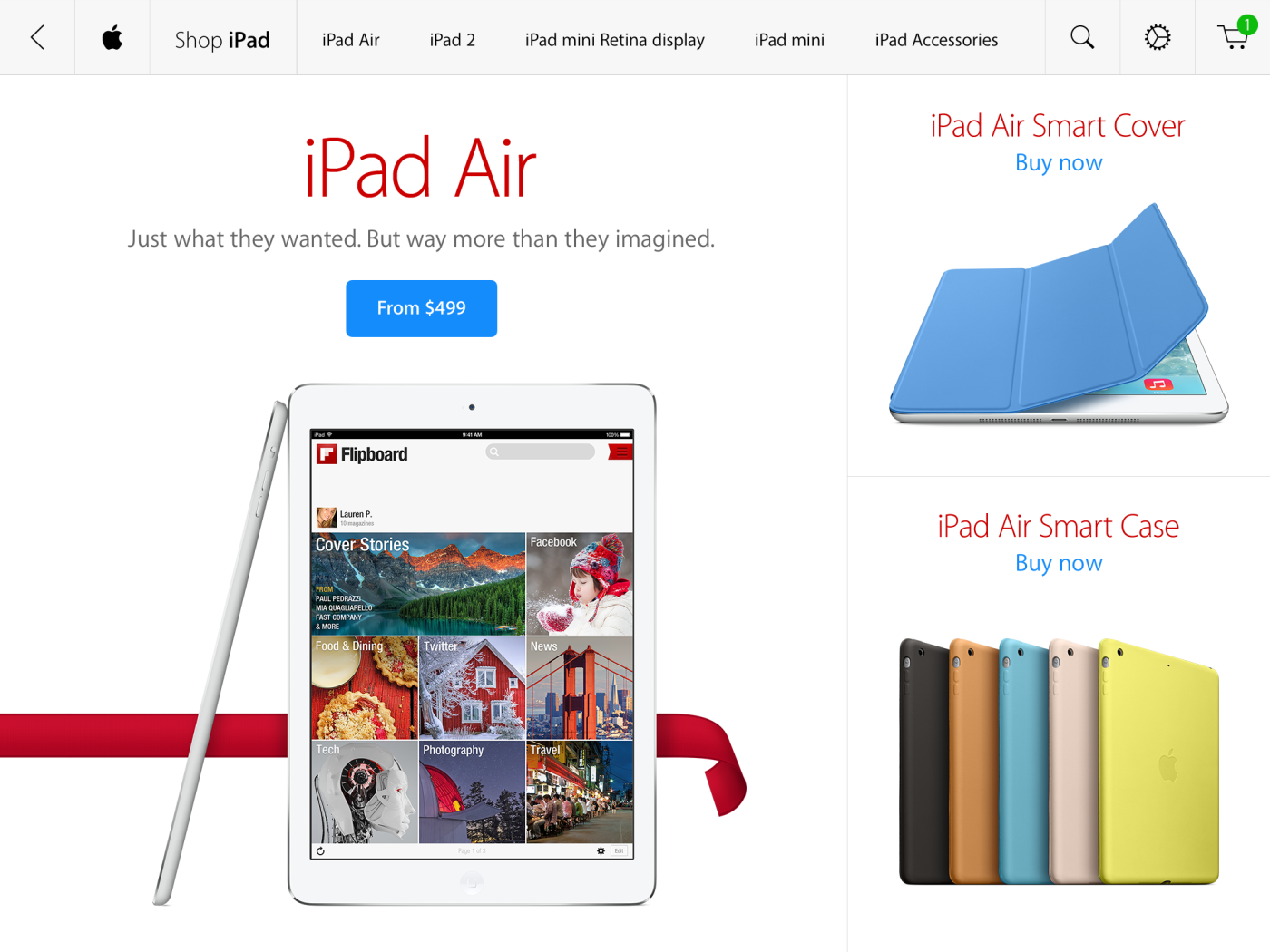
For the first time, Apple has released an Apple Store app optimised for the iPad, via TechCrunch. The app uses the now-standard iOS 7 colour scheme and design elements, focusing on white space and text. The app is a separate download to the iPhone app, but offers all the same functionality you would expect, although some of the location-based features for retail are absent due to the different use cases of the devices.
Imagery is the focus — Apple is trading heavily on its beautiful Retina-display equipped iPads to show of its store products.
The 90s brought with it a plethora of culture and fun (myself included) from breakthrough Nintendo handheld video games to pop music and weird boy bands (like Britney Spears and N*SYNC). We recently witnessed N*SYNC reunite, but something else from the 90s needed modernizing: Tamagotchi, the digital pet you fed and loved as a kid.
That’s where Hatch steps in… err, hatches… right on your iPhone!
In a collaborative effort between Impending and Realmac Software, who last teamed up to deliver Clear, the two studios deliver on what is an absolutely adorable and lovable game for the iPhone. Check out my complete hands-on review of the long-anticipated Hatch (and lots of entertaining photos) below: Expand Expanding Close
Microsoft has released its companion iOS app for the new Xbox One console today, according to Engadget. A similar app has existed for the Xbox 360 for some time now, but owners of the newest Microsoft console will need to use the app released today.
The app allows Xbox One users to control their Xbox remotely using their iOS device, enhance their gaming and media-viewing experience with second screen functionality, and access many Xbox Live features such as messaging, achievements, and more.
Xbox One SmartGlass is the perfect companion app for your Xbox One, both in your living room and on the go. Connect and control your Xbox One. Stay connected with the games and gamers you like. And add a new dimension to your console entertainment with the mobile device you already own.
In the living room:
•Navigate your Xbox One console using your device’s keyboard and touch
•Control your media and set top box with the SmartGlass remote control
•Browse the web on your TV using your mobile device
•Enhance what you are watching or playing with SmartGlass companions
•Increase performance with faster connections and reliability
In the living room and on the go:
•Search, browse, and pin content to play on your Xbox One console
•Track achievements, get game help, message friends, and watch game clips
Developers that are using Google’s Maps APIs to build iOS apps will be pleased with Google’s latest update to its Google Maps SDK for iOS today. Version 1.6 of the SDK brings one notable new feature for developers that are transitioning their apps to iOS 7’s new 64 bit architecture available for devices running Apple’s new A7 processor.
The SDK now fully supports 64-bit architectures with both the 32 and 64 bit binaries built into a single updated GoogleMaps framework. Google notes that “The correct binary will be selected by Xcode based on your build settings.”
Version 1.6 of the new Google Maps SDK for iOS also includes a few other new features including enhanced marker opacity and min/max zoom settings. A full list of what’s new and fixed is below:
The Google Maps SDK for iOS now supports 64-bit architectures. Both 32 and 64 bit binaries are built into the single GoogleMaps framework. The correct binary will be selected by Xcode based on your build settings. For instructions on building 64-bit applications, please refer to Apple’s 64-bit transition guide. (Issue 5806)
Changed some instances of CGFloat to either a float or double where it was more appropriate.
Added the ability to restrict min and max zoom on GMSMapView. (Issue 5882)
Added opacity on GMSTileLayer and GMSMarker.
Core Animation on GMSMapView now requires model values to be set
Resolved issues:
Info windows and tappable regions now rotate correctly with markers. (Issue 5896, Issue 5969)
Padding on a GMSMapView is no longer clamped to its bounds (useful if setting padding on an initially zero-sized map). (Issue 5864)
Copyright information now animates when changing GMSMapView size or padding.
Info windows are removed if their GMSMarker is removed from a GMSMapView. (Issue 5856)
My Location dot uses the last known location information when enabled. (Issue 5590)
Resolved two rare race conditions that were causing crashes. (Issue 5795)
Resolved an issue where retain cycles were causing memory leaks on GMSMapView and GMSPanoramaView.
Today Twitter has announced they will be updating their official app for iOS, making it easier to discover what is happening on the microblogging network. The update adds new search filters that allow you to quickly navigate to specific people and Tweets. The filters also allow you to toggle between all relevant Tweets and only the most popular “top Tweets.”
Filters will also allow you to filter by different media types, such as photos and videos. There’s also an option to see Tweets only from the people you follow. The update includes includes a new timeline in the Discover tab that makes it easier to see what’s currently trending. This trending timeline will show topics that are associated with nearby events and TV shows.
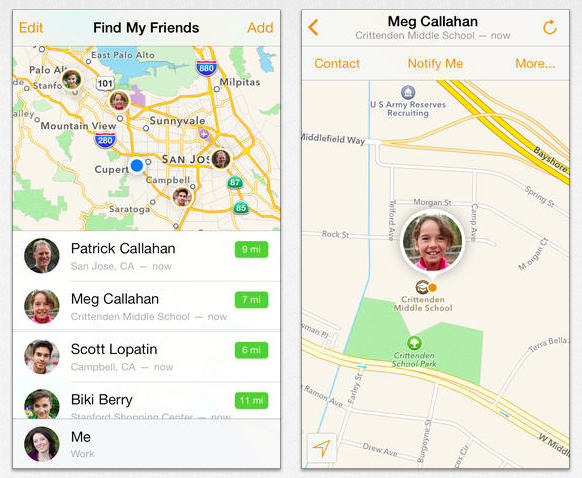
Apple has finally updated one of the last of its apps holding out for iOS 7: Find My Friends.
The social app stood out the most on iOS 7 with its leather stitching and real life paper map theme, but rest assured Apple has redesigned it with iOS 7 in mind.
The new update features transparency, lots of white space, and feels much lighter (which is refreshing if that’s your style). It also abandons the tab bar UI for a single view with sub menus. Expand Expanding Close
The Yahoo Mail app for iPhone and iPad gets a small but nice update today. For anyone that uses the app, the inability to swipe left or right through messages, something you can do in most other popular mail apps, has been quite an annoyance. Today that changes with version 2.0.3 getting the functionality when viewing emails on iPhone and in full-screen mode on the iPad.
The update also includes stability enhancements and bug fixes.
What’s New in Version 2.0.3
– Easily swipe through messages: Swipe left and right to page through messages when reading messages on the iPhone and in full-screen mode on the iPad
– Bug fixes and stability improvements
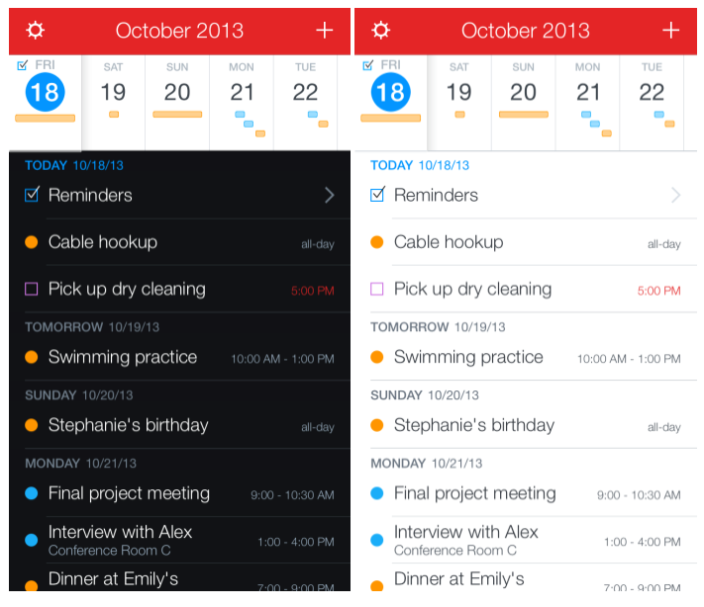
After a rather successful launch (it was #1 in the App Store for quite a while), Flexibits has updated Fantastical 2 for iPhone with a number of small but notable improvements.
Most notably, Fantastical alerts now come with a notification tone. New options for assigning the app icon badge are available as well.
If you haven’t already tried it out, you can pick up Fantastical 2 on sale for $2.99 in the App Store (regular $4.99) and read our full review here. Fantastical 2.0.1 is a free update to existing customers and available now. (Full change log below.) Expand Expanding Close
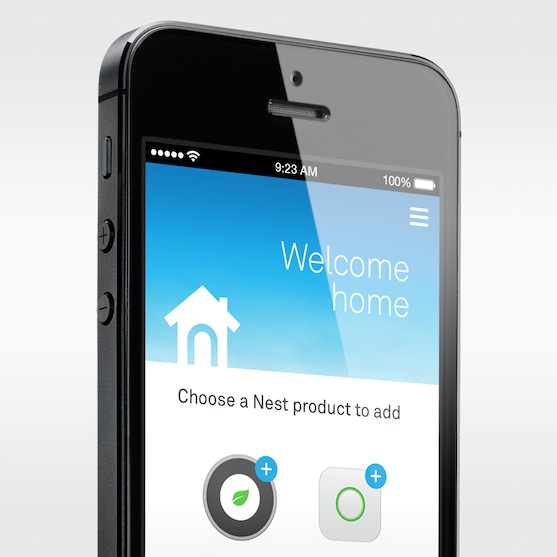
The Nest Learning Thermostat and its companion iPhone app are receiving up new updates soon, according to a post on the Nest blog. The updated app will get a full makeover, including easier access to certain settings and functions of the Nest thermostat. Also included in the new app is support for the Nest Protect smoke detector.
The app’s new interface will make it easier to check or set the status of your Nest thermostat.
Pretty much everything you need to know is there at first glance:
The temperature outdoors, visible on the top left.
The weather, now with animated clouds, shimmering blue skies or swirls of snow.
A big button that lets you instantly switch between home and away. No more tilting your phone into landscape mode to set Away manually.
The temperature you’ve set on your Nest Thermostat. If it’s not currently heating or cooling, the thermostat icon will be black. As heat or AC turns on, it’ll turn orange or blue.
An icon representing all the Nest Protects in your home. If everything’s ok, you’ll see a green ring. If you’re getting a Heads-Up or Emergency Alarm, the ring will change color to yellow or red.
The update will also introduce new features for the Nest Protect:
Every alarm in your home will be listed by room name, and you’ll be able to quickly scan to see if everything’s ok.
You’ll see basic status—green, yellow or red—for both smoke and carbon monoxide.
“Last update” indicates the last time your Nest Protect connected to Wi-Fi, reporting the status of its batteries and sensors. Assuming there’s no emergency, this happens every half hour in a wired Nest Protect and, to save power, every 24 hours in a battery-powered Nest Protect. If there’s a Heads-Up or an emergency, Nest Protect immediately connects to Wi-Fi to update its status and send you a message in the app.
“Last manual test” refers to the last time you manually tested Nest Protect by pushing the Nest button. We recommend testing monthly—it can be a regular fire drill with your family.
“Battery life” just tells you if you have to replace your batteries or not.
Finally, the thermostat itself will be getting a few enhancements via an automatic software update. The new software includes features such as “quiet time” mode, changes to its heating algorithm to help keep energy costs down during the winter, and more.
Quiet Time is a brand new 4.0 feature that allows you to set times when noisy stand-alone humidifiers and dehumidifiers won’t turn on, regardless of the humidity. That can keep the house quiet in critical moments, like your kid’s afternoon nap.
Heat Pump Balance is getting an upgrade, making Balanced and Comfort settings more efficient and using multiple stages of heat for pre-heating.
Your Nest Thermostat is now smarter about when to switch between fuel types in dual-fuel systems in order to better protect your system and provide more consistent heating.
Your Nest Protect and Nest Thermostat can now connect to improve the Auto-Away algorithm and shut down your heating system if there’s a CO emergency.
The updated app will be rolling out in the iTunes Store in the next few days. The software update on the thermostat will be applied automatically.
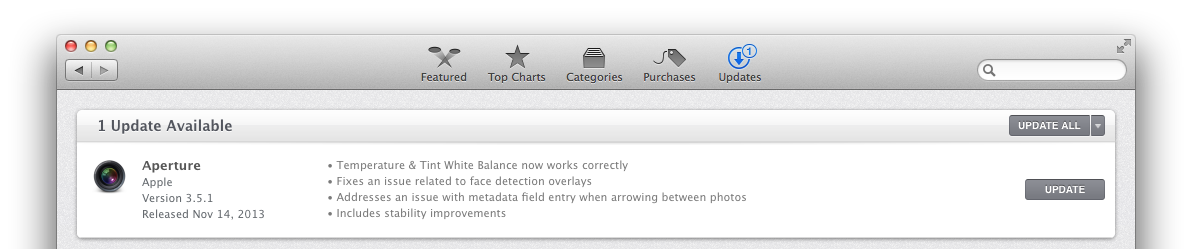
Apple has published an update for Aperture that fixes a few issues with the app. Version 3.5.1 includes fixes for issues with Temperature & Tint White Balance, face-detection overlays, and the metadata field when switching between photos with the arrow keys. The update also fixes stability issues.
• Temperature & Tint White Balance now works correctly
• Fixes an issue related to face detection overlays
• Addresses an issue with metadata field entry when arrowing between photos
• Includes stability improvements
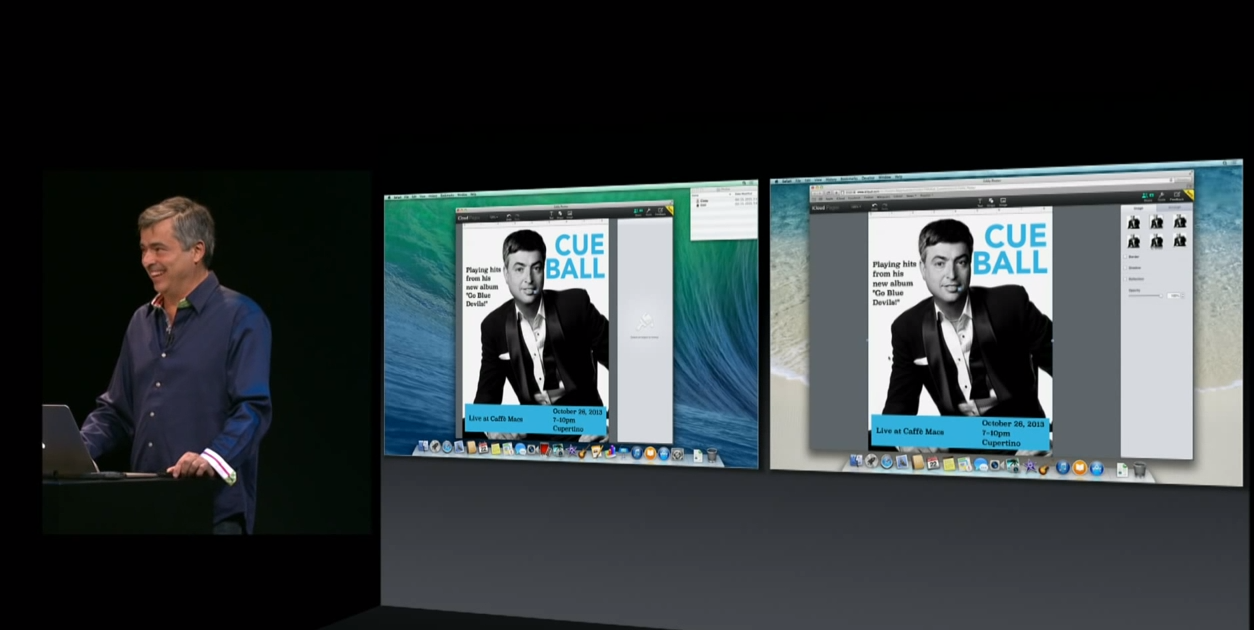
Back at Apple’s October 22nd iPad Air event, the company also unveiled an update to its iWork for iCloud online productivity suite beta that included new real-time collaboration features, easier sharing, and more. The ability to collaborate went live initially, but today Apple is rolling a handful of other new features to the Pages, Numbers, and Keynote iWork for iCloud apps.
New features going live today include a new list to view all collaborators currently working on a project, as well as “cursors and selections” for each person editing a document, presentation, or spreadsheet. Apple also notes that you can now “Instantly jump to a collaborator’s cursor by clicking their name in the collaborator list.”
In addition, all apps today receive new folders to organize files, the ability to print from the Tools menu, and the Keynote app gets right-click to skip slides.
You can check out the new features in the Numbers, Pages, and Keynote app on iCloud.com now. Full list of what’s new below: Expand Expanding Close
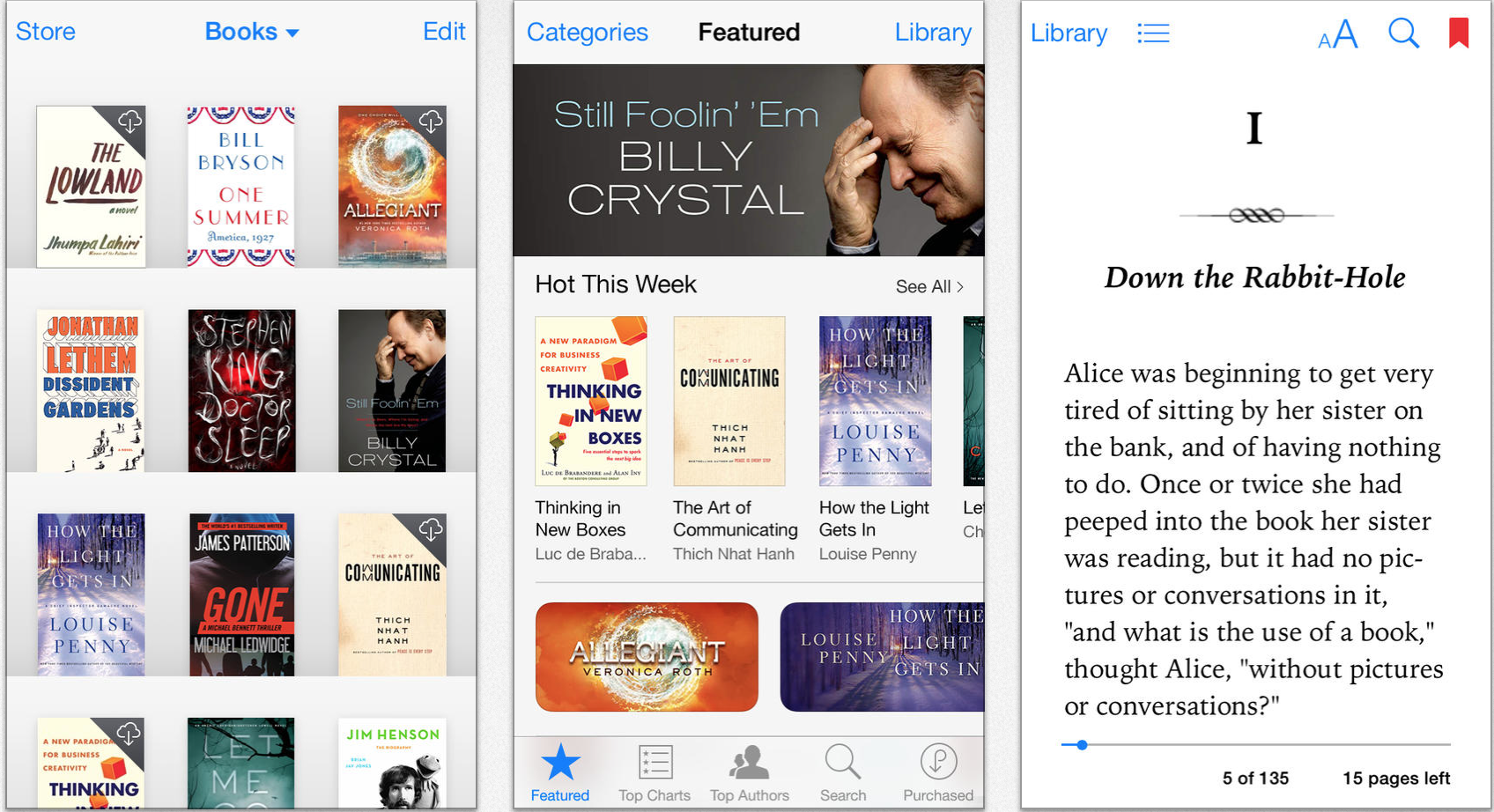
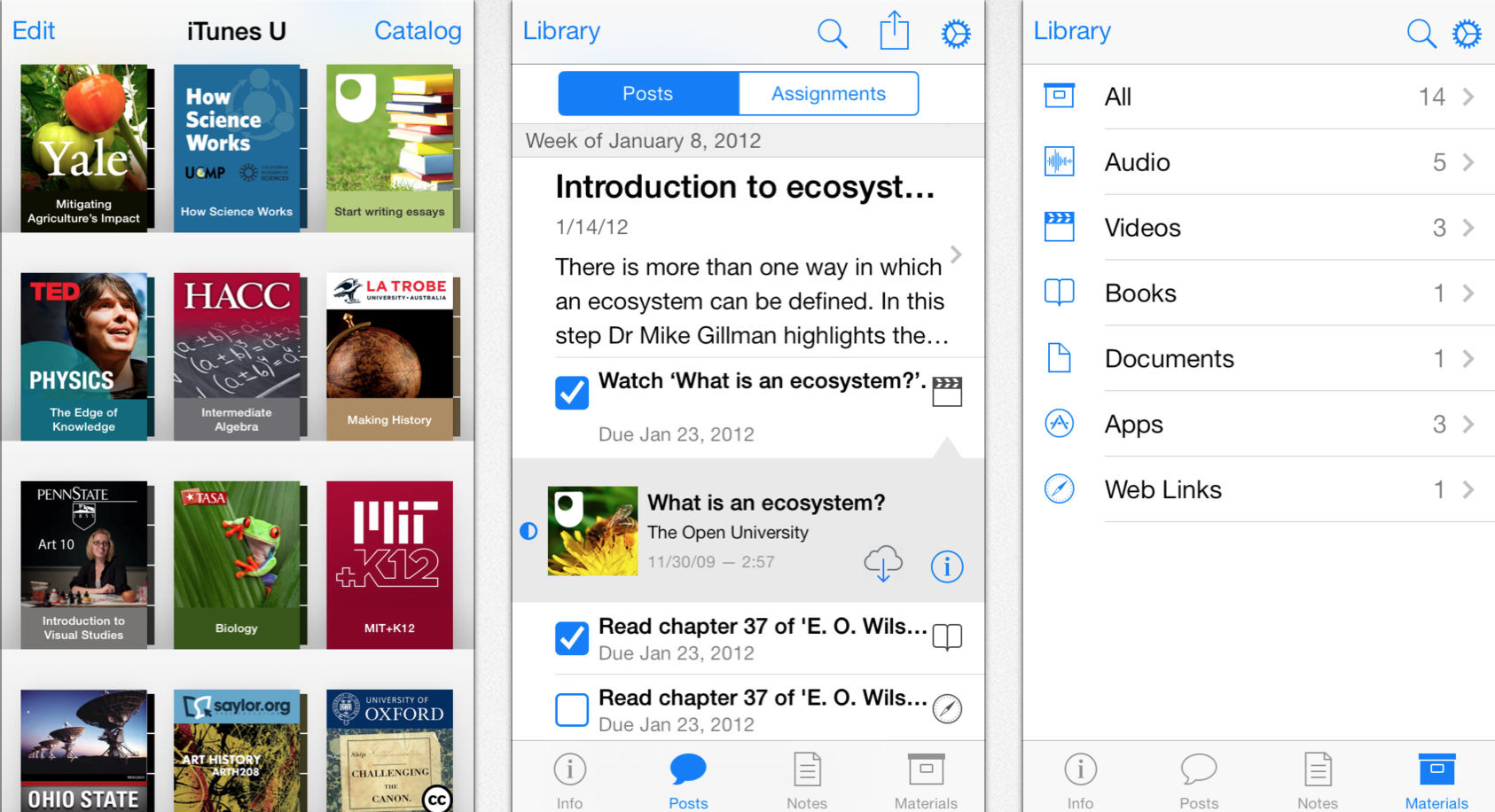
Following redesigns of many of its other applications, Apple has completely redesigned its iBooks application for iOS 7. The new iPhone, iPad, and iPod touch app follows the design aesthetic of the bundled Newsstand application, and also includes a completely redesigned iBookstore. The free update is available via the App Store now. For fans of the page curl effect in iBooks, you will be happy to know that it has not been removed.
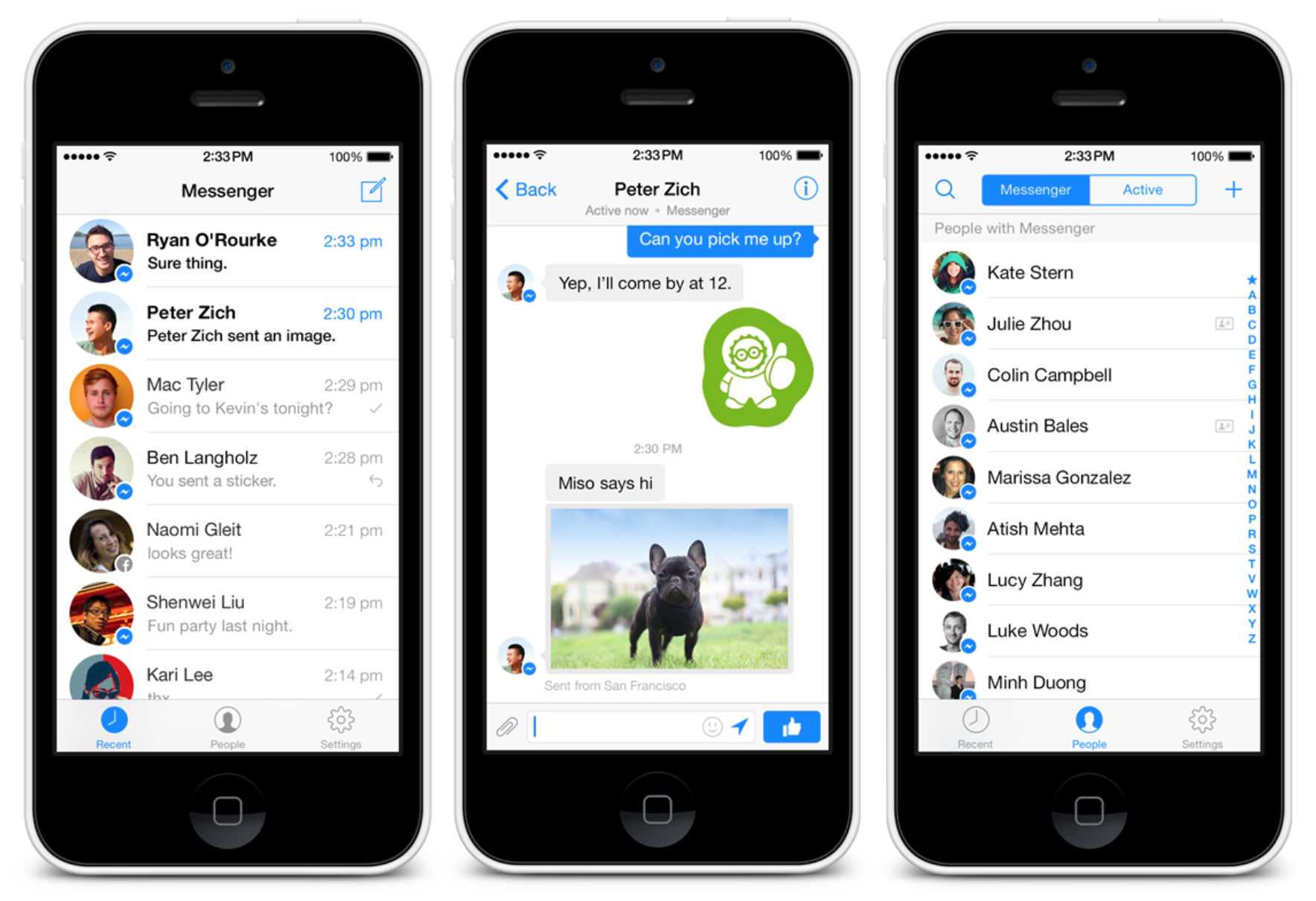
Update:The app is out… though BBM for iPad is (unsurprisingly?) just the iPhone app working stretched. Although the stretched iPhone app has always been available for cellular iPads, today’s update brings the app to wi-fi only models of the iPad and iPods.
Google today is releasing a pretty big update to its Gmail app that on top of introducing tweaked visuals for iOS 7 also includes a handful of new features for iPad.
The iPhone app appears to have received a few tweaks including a slightly redesigned side navigation bar, but the majority of the UI changes are most noticeable in the iPad app. It receives a slimmed down navigation bar on the left that lets users switch between accounts and inboxes in landscape view, as well as new full-screen moss for messages in portrait an composing new emails. Google also says the updated iPad app includes “better scrolling.”
If you hold your iPad in landscape mode, you’ll immediately notice the new left hand navigation bar, which allows you to quickly switch between inbox categories, or between multiple accounts, with a single tap. To help you get through your email faster, you’ll also see a new message counter for each category.
Version 2.7182 of the Gmail iOS app is available on the App Store now.
What’s New in Version 2.7182
iPhone & iPad: Visual update for iOS 7
iPad: Major Update
– New navigation bar to switch between categories and accounts in landscape
– Full screen view of your messages in portrait
– Better scrolling
– Compose new messages in full screen
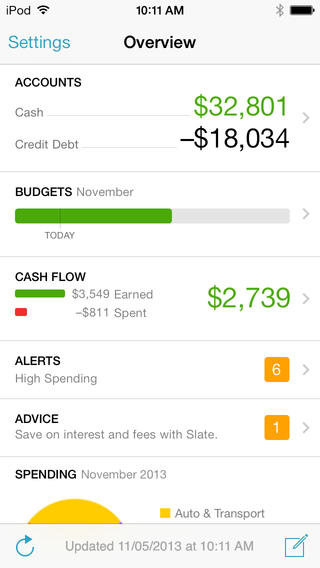
The Mint mobile app is rarely updated with new features, but it’s not like it has been abandoned — it receives maintenance updates every few months. Today, though, Mint has pushed version 2.7 to the App Store which does bring more than just bug fixes.
YouTube Capture, which is essentially a dedicated video camera app by Google, delivered version 2.0 today bringing with it an iOS-7 friendly user interface and new features for editing what you record. Getting started is made easier now with support for Google’s single sign-in across its iOS apps; alternatively, you can use the app without logging in sans YouTube sharing. Expand Expanding Close
Taking advantage of a new technology introduced in iOS 7, eBay for iPhone has integrated sharing support for AirDrop in the latest update to its app.
AirDrop sharing allows you to share content you are viewing with others around you without your friends having to search the app or click any links. eBay also integrated Pinterest board sharing in its new version.
Customers in the US and UK now have the option to pickup purchases at local retailers as well.
Download or update the latest version eBay for iPhone for free on the App Store.
Popular Twitter client Tweetbot 3 has received an expected 3.1 update with many enhancements. In our review of the application, we noted that it has a great new interface over Tweetbot 2, but it lacked a couple of features from the older version: the ability to adjust the text size independently of iOS’s new system-wide text size setting, lists in the central timeline view, and a right swipe gesture. All three of those features have returned in Tweetbot 3.1, and the new right-swipe gesture can be set to quickly reply to, favorite, or retweet a Tweet…
Twitterrific 5 received a nice update for iPhone, iPad, and iPod touch tonight bringing a new user profile layout and pull-to-refresh animation as well as performance improvements.
Seriously, I think the Iconfactory undersold the major speed increase in the latest version of Twitterrific 5. Check out the full change log below.
Twitterrific 5 is a universal app (meaning you can buy it once and use it on iPhone, iPad, and iPod touch) for $2.99 in the App Store. The update is available for free for existing customers.
Popular scientific calculator app PCalc was updated today with new features including 64-bit support for the iPhone 5s and new iPads. The updated app also includes a new nighttime theme on iOS 7 called “Samurai Night” that can automatically switch on when it’s dark.
Version 3.1 of PCalc for iPhone and iPad also includes a long list of other new features and fixes:
What’s New in Version 3.1
Added 64-bit support for the iPhone 5s and new iPads.
Added a new darker iOS 7 theme, “Samurai Night”.
Added an option to automatically switch to “Samurai Night” when it’s dark outside.
Added an accounting mode that automatically enters a decimal point and rounds the display to two decimal places.
Added an option to make the text on the keys bold.
Added new commands to the user functions and conversions.
Now display dark menus on an iPhone when using a dark theme.
Now disable the deg / rad buttons when not in decimal mode.
Now support touch typing using VoiceOver.
Fixed a problem adjusting sliders using VoiceOver.
Fixed a problem displaying the tape and registers in certain themes.
Fixed a problem hiding the status bar.
Fixed a problem with double-height status bars.
Fixed the sorting in the “Density” section of the conversions.