Latest

1Password for macOS now supports Touch ID, Touch Bar on new MacBook Pros

Site default logo image

1password-mac-touch-id

1Password for macOS is already one of the best password management apps on the market, and the latest update includes features for new MacBook Pros before the new notebooks even hit stores.

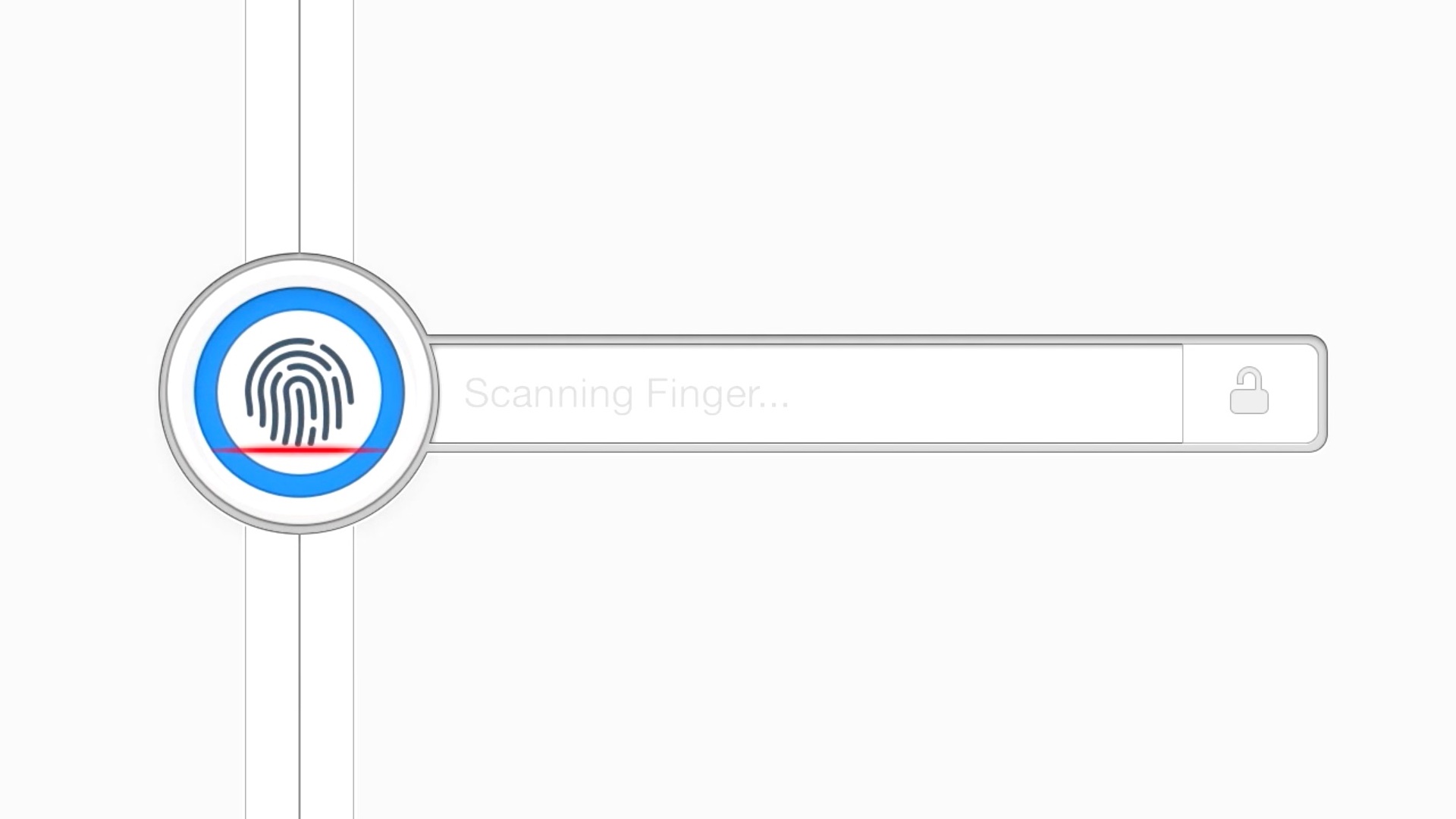
1Password delivers Touch Bar support for interacting with the password manager using the new Retina OLED display that replaces the traditional function key row, and Touch ID support makes it possible to unlock 1Password using your fingerprint on new MacBook Pros.

Expand
Expanding
Close

Instagram confirms live video functionality coming, but isn’t saying when

instagram

With live video streaming now a standard feature on platforms like Facebook, Twitter and YouTube, it was only a matter of time before Instagram joined in. CEO Kevin Systrom has now told the Financial Times (via Engadget) that it will be adding live streaming to the app.

Live is really exciting for us. I think it can enhance what we’re doing. If I’m trying to strengthen relationships with someone I love, them streaming video to me live would be an amazing way to be closer to them.

The feature first leaked on Russian site T Journal when a reader noticed a non-functional icon appearing in an update, seemingly by mistake …


Expand
Expanding
Close

2 Awesome Mac bundles: $20 each, 60 apps, choose wisely! (PDF Expert, RapidWeaver, Crossover, more)

Site default logo image

early-bf-mac-bundle

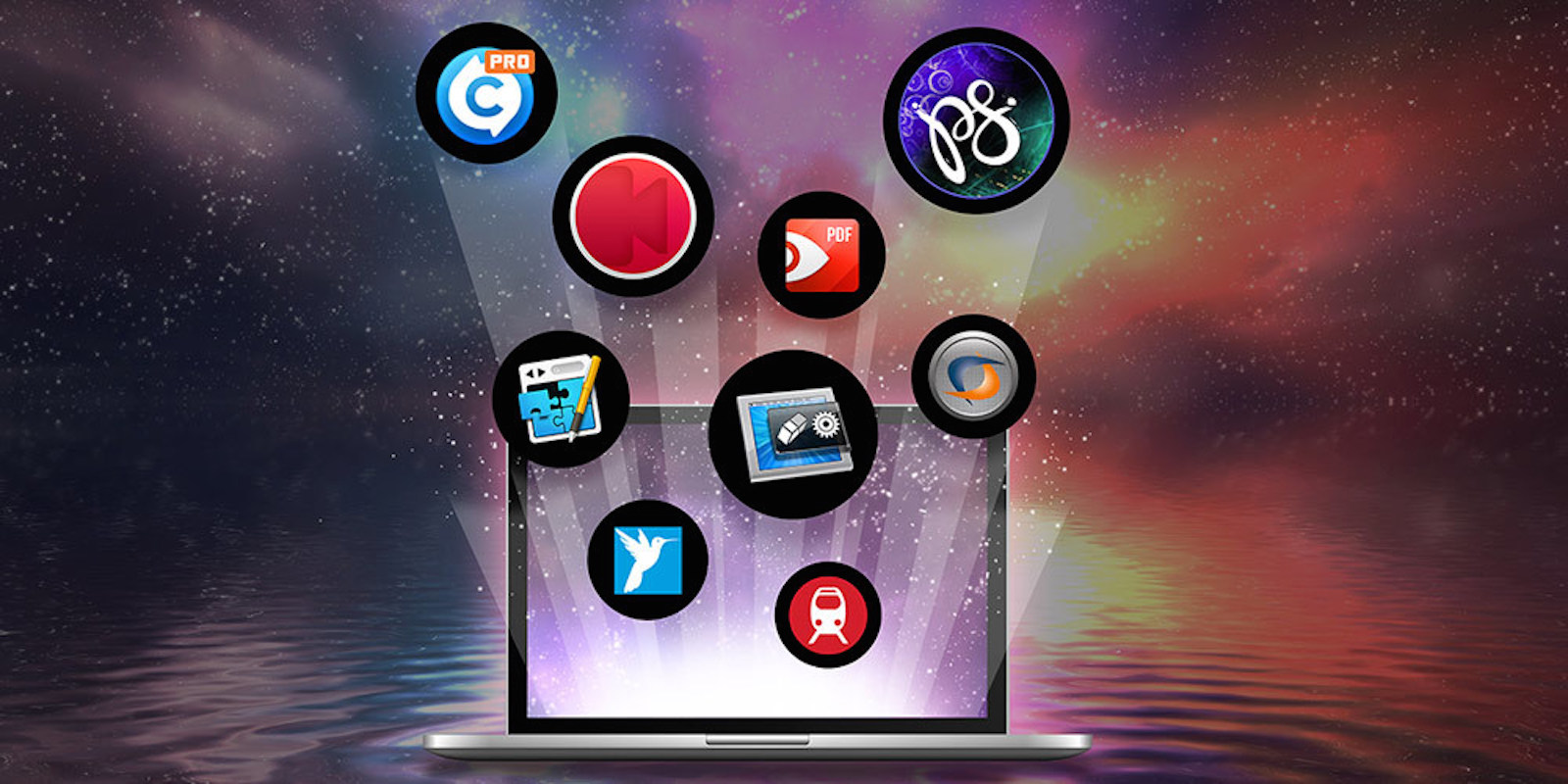
There are still two weeks to go until Black Friday, but 9to5Toys Specials is already offering some amazing deals. Today, we’re highlighting the Black Friday Mac Bundle 2.0, featuring nine apps worth nearly $380 altogether. For a limited time pick up these nine utility Mac apps for just $20:

  1. PDF Expert 2.0 for Mac (Orig. $59.99) — Edit text, add links, sign and annotate documents with this App Store award winner.
  2. Call Recorder for FaceTime (Orig. $29.95) — Record interviews and podcasts in crystal-clear HD.
  3. MainMenu Pro 3 (Orig. $19.99) — Keep your Mac running smoothly with scheduled maintenance scripts, and access extra settings.
  4. TripMode (Orig. $7.99) — Control and track data usage during mobile tethering.
  5. AfterShot 3 (Orig. $39.99) — Harness powerful RAW editing features and view images at speed.
  6. ParticleShop (Orig. $49.99) — Add extra style to your photos with 11 creative brushes.
  7. Total Video Converter Pro for Mac (Orig. $29.99) — Convert and burn videos at original quality in 250 formats.
  8. RapidWeaver 7 (Orig. $99) — Create beautiful, custom, SEO-optimized websites without any code.
  9. CrossOver 15 for Mac (Orig. $39.95) — Run Windows apps on your Mac at native speed, no Bootcamp necessary.

Want a bigger selection of different apps?  Bundlehunt lets you choose any 10 apps out of a 50 Mac app selection offered for the same $20 purchase price.

Frankly you can’t go wrong with either, or both – some of these apps retail for much more than the $20 bundle price. Even better, 9to5Rewards is giving away one of these bundles each to someone anywhere in the world sharing this post on Twitter and Facebook…
Expand
Expanding
Close

ROME: Total War for iPad now available in the App Store for $9.99, a faithful port of the original title

rome-total-war-ipad-2

As announced on Monday, ROME: Total War is now available as an iPad game, priced at $9.99 in the App Store. For those unfamiliar with the franchise, ROME: Total War is considered by critics as one of the best PC strategy games. The makers of the iPad version have ported the entire game, ‘without compromise’, to the tablet.

In the game, players move from a strategic 2D map to a 3D battlefield environment. You direct troops like calvary, infantry and artillery to overcome the opponent – often recreating real historic battles. The scale of the game is massive, with thousands of onscreen units fighting simultaneously. I played the game ahead of its official release and was quite impressed …


Expand
Expanding
Close

PayPal for iOS updated with Siri SDK integration, send and request money using your voice

paypal-send-money

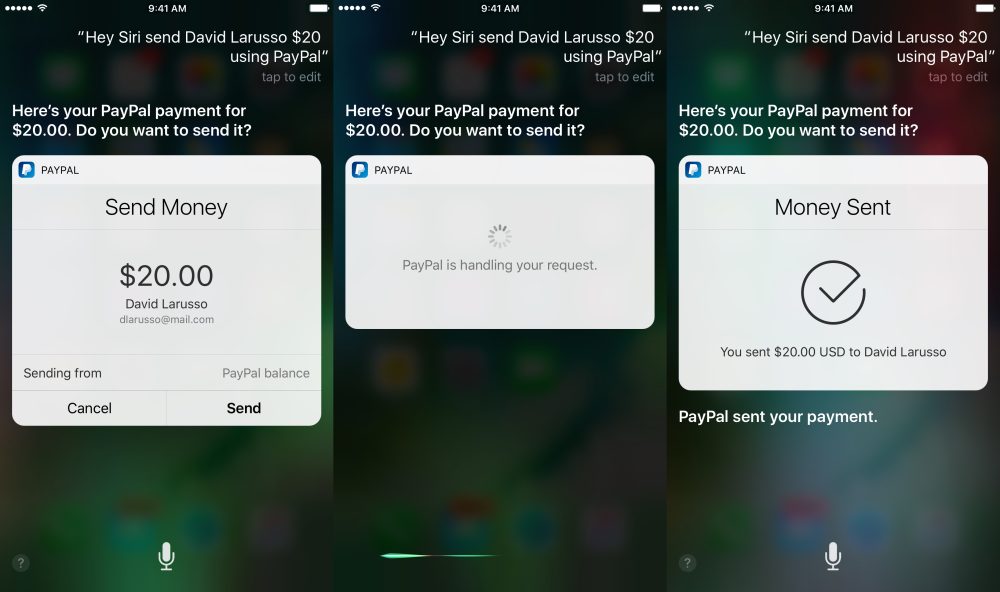
With iOS 10, Apple added the ability for six categories of application to integrate with the iOS personal assistant, Siri. One of these groups was mobile payments. The PayPal app for iOS has now been updated with this integration, so you can use natural language voice queries to send and receive money.

Using your contact address book, queries like ‘Hey Siri send David $20 using PayPal’ will bring up a confirmation sheet in the Siri conversation with one button to confirm.


Expand
Expanding
Close

Companies can now pay to send advertisements to users via Facebook Messenger

Site default logo image

screen-shot-2016-11-08-at-6-30-57-pm

Facebook’s chatbot efforts haven’t gone unnoticed, but now the company is preparing a new capability that will likely be met with some criticism from users. Facebook’s vice president of messaging products David Marcus announced at Web Summit 2016 in Dublin that the company is preparing to allow companies to advertise directly to users via Messenger (via CNET).


Expand
Expanding
Close

Opinion: No SD Card slot? It’s the camera companies you should be upset with, not Apple

Site default logo image

macbook-pro-2-thunderbolt-ports

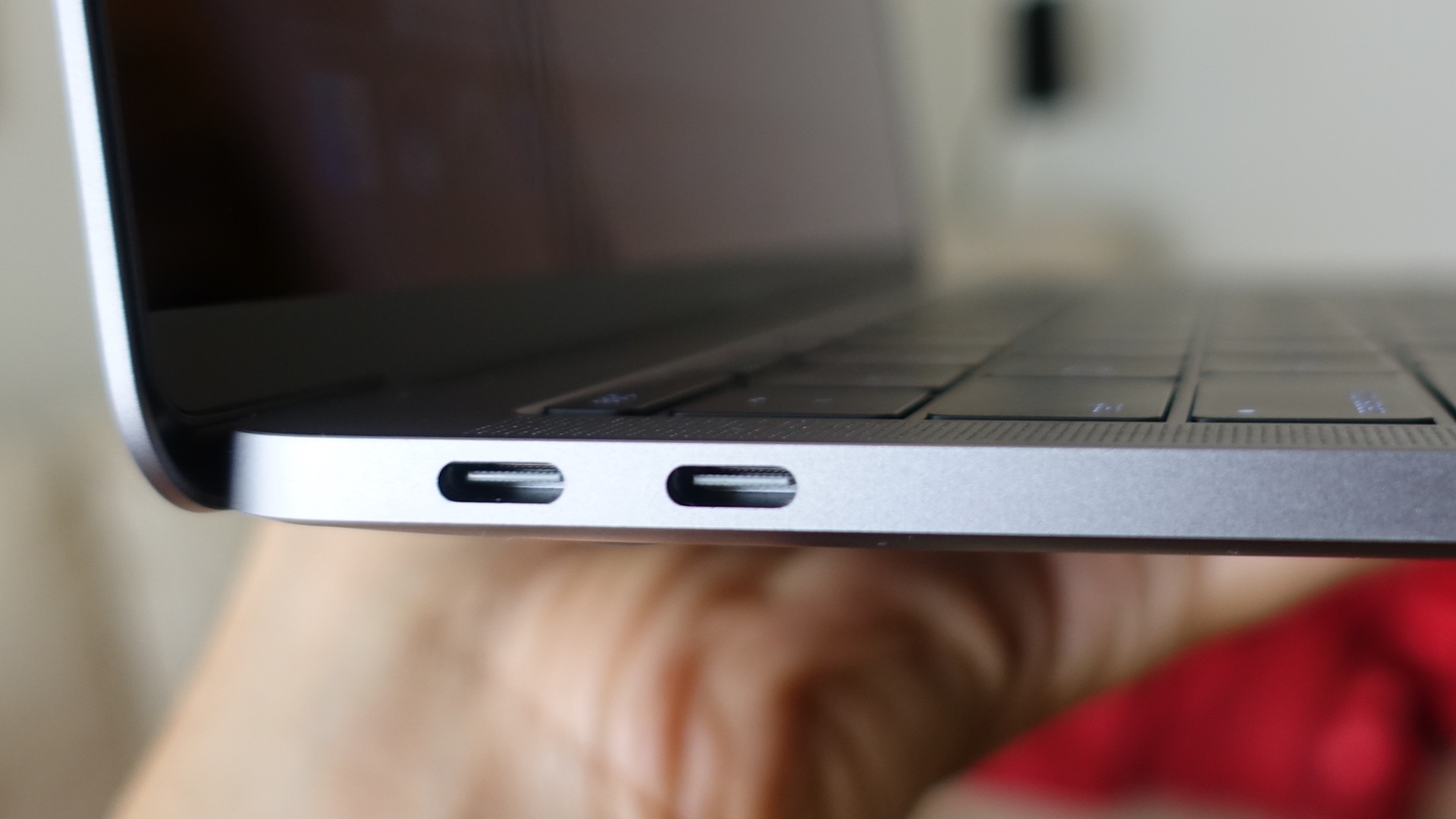
When I first learned that the new MacBook Pro had no SD Card slot, like many creators, I was a little perturbed. The reason is that SD Cards have long been the fastest way to transfer media from cameras to our computers.

But now that the new MacBook Pros have no built-in SD Card reader, it means that creators will have to rely on an external USB-C to SD Card dongle, like this one. These dongles are cheap, small, and easy to carry around, so at the end of the day it’s not an outright dealbreaker, but the fact that I have to remember to always carry one with me presents somewhat of an inconvenience.

That said, we shouldn’t be mad at Apple for this. Camera companies have had years to innovate in this area, and have simply failed to do so. It’s the camera companies that we should be upset with, not Apple.
Expand
Expanding
Close

Instant crime alert app Vigilante removed from App Store after concerns expressed

screen-shot-2016-11-02-at-11-29-12

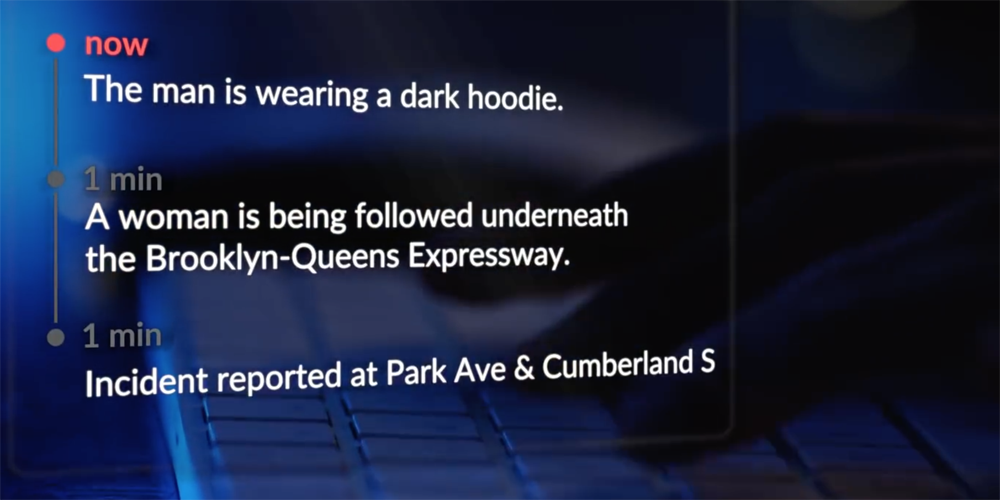
When you launch an app designed to alert you the moment a crime is reported in your immediate vicinity, you’re asking for trouble if you name it Vigilante, as app developer Sp0n quickly discovered.

The app is designed to allow people to report crimes, and for anyone close by to receive an instant alert. Less than a week after it went live in New York, Apple has pulled it from the App Store …


Expand
Expanding
Close

Apple releases iOS 10.1.1 for iPhone and iPad, fixes bug with missing Health data

iphone7

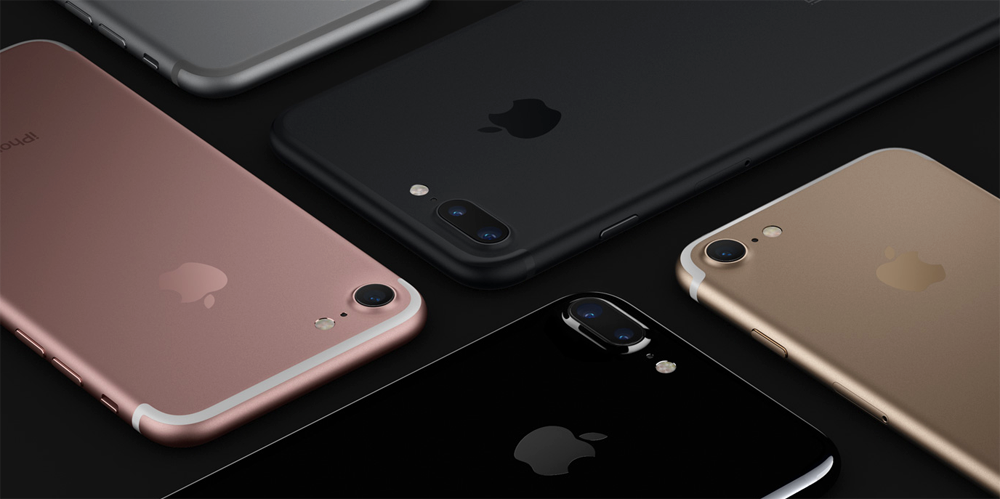
Apple has released iOS 10.1.1 for iPhones and iPad, less than a week since the iOS 10.1 update which included iPhone 7 Portrait Mode. The bug fixes a specific issue with the Health app, where data was not showing for some users. There may also be improvements to other niggling issues, which are alluded to (“bugs”, plural) but only the Health fix is explicitly referenced in the release notes.


Expand
Expanding
Close

Delta app lets you track your bag’s location in real-ish time via RFID tags

delta

I usually travel hand-baggage only as it saves time on arrival and removes the stress of wondering whether your luggage will arrive, but if you can’t avoid hold baggage, Delta now lets you keep an eye on it via its Fly Delta app.

Delta started attaching RFID tags to bags back in April, but at that stage it was purely for use by the airline itself. It’s now making that same data available to customers, so you can see whether your bag made it onto the plane and then track it all the way to the carousel on arrival …


Expand
Expanding
Close

Google Maps for iOS updated with food delivery service integration, plus codes, more

Site default logo image

img_0271

Google today is rolling out an update to Google Maps on iOS that bumps the app to version 4.24 and brings a few useful new features for users. Now, users can more quickly order food from their favorite restaurants, as well as easily add photos of places from directly within the app and find plus codes for locations around the world.


Expand
Expanding
Close
Friday 5: Focus peaking on the iPhone with Mavis & four other unique apps to check out this weekend [Video]

Site default logo image

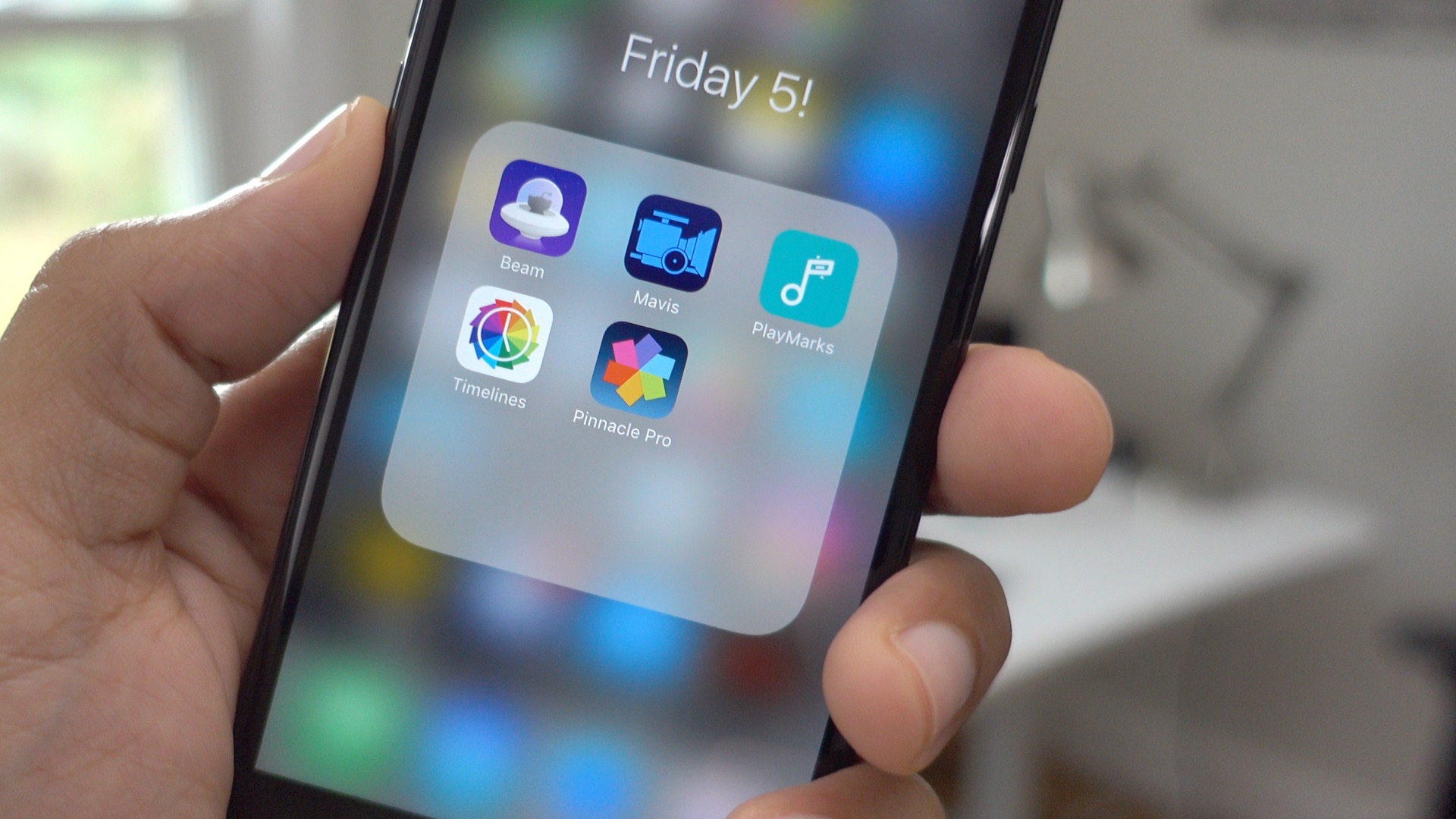
friday-5-mavis-playmarks-pinnacle-studio-timelines-beam

Welcome to the first edition of Friday 5. This is a feature post that I plan on airing regularly to briefly highlight five apps each week. These don’t necessarily have to be new apps or popular apps, but are releases that contain at least one notable feature that I’d like to highlight.

In this week’s edition, you’ll find a video editing app that’s great for voiceovers, a filmmaking app that’s exceptional at focusing, and a Reddit app that features handy 3D Touch quick action shortcuts to your favorite subreddits.
Expand
Expanding
Close
PSA: Security vulnerability discovered, update your Experian and myFICO Mobile iOS apps ASAP

Site default logo image

iphone-7-home-button-explained

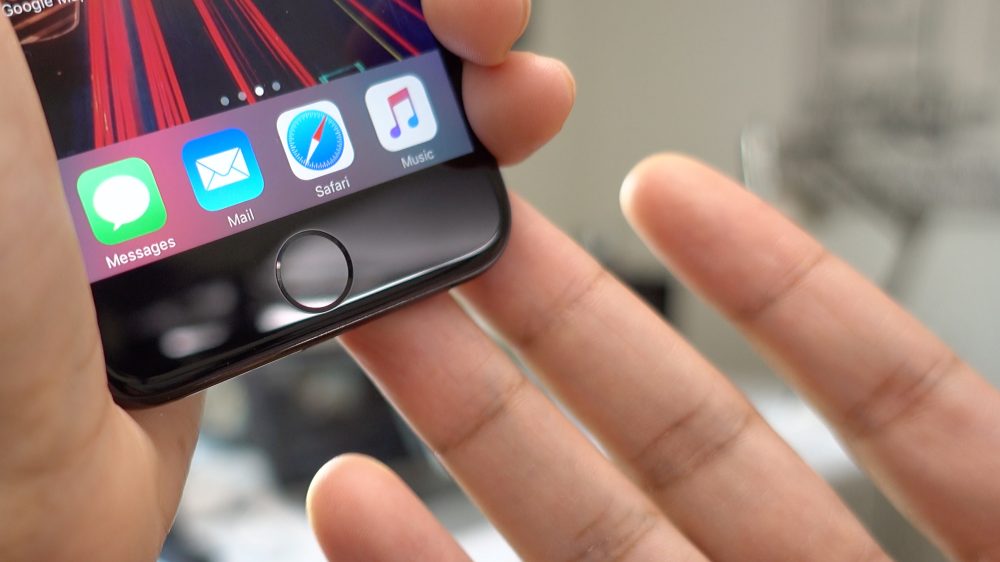
If you’re not one to use iOS’ automatic updates feature, make sure to grab the latest updates for Experian – Free Credit Report and myFICO Mobile. A security vulnerability discovered by Verify.ly shows that attackers would have been able to intercept user login credentials on older versions of the clients. After having disclosed the vulnerabilities to both companies, it appears that the security holes have been fixed appropriately.


Expand
Expanding
Close
Site default logo image

Dropbox for iOS now has an iMessage app and picture-in-picture playback, Split View coming soon

Dropbox iOS 10

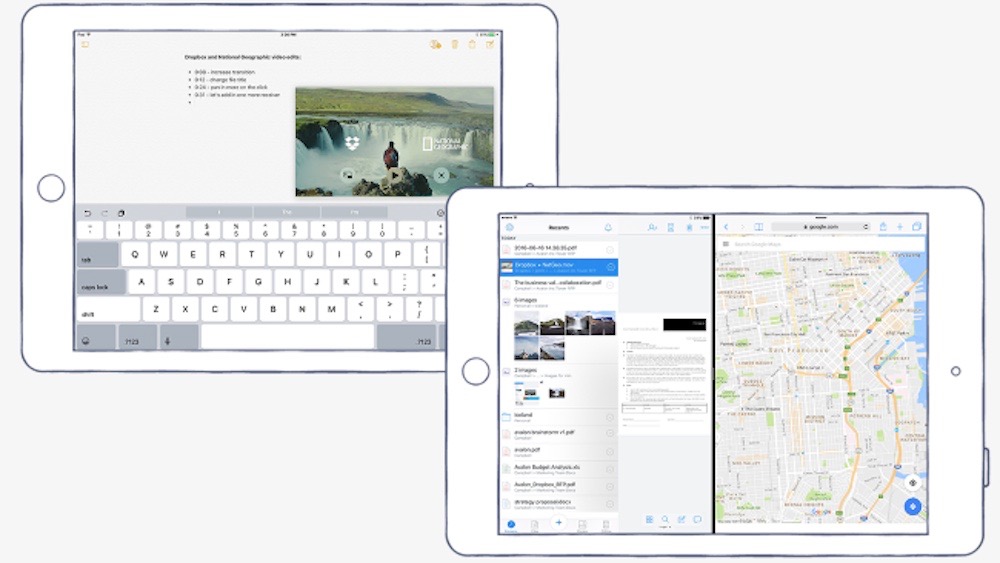
Dropbox announced today that it will soon deliver a highly requested feature to its iOS app: Split View support. This will let iPad users run Dropbox side-by-side with other Split View apps without switching between apps. While Split View is coming soon, Dropbox has loads of new features in the latest version for iOS 10 that are coming out today.


Expand
Expanding
Close

Free AI-powered photo editing app Prisma now supports video too

prisma

We were impressed by AI-powered photo editing app Prisma when it launched in July, and more so when it added offline access to most filters, but the app has now gone even further. The latest version of the app now supports video too – though it is limited to short clips of up to 15 seconds.

We’re excited to bring you a new way of self-expression. You can now turn your memories into moving artworks using unique video styles!

Pick a file from gallery or shoot up to 15 seconds of video through the Prisma camera to add an artist’s touch to it. The processing is done locally. No Internet connection is needed. You just need an iPhone 6 or later with iOS 10 …


Expand
Expanding
Close

Duolingo’s latest iOS app lets you learn languages by chatting with AI bots

duolingo

The best way to practice your language skills is through conversation; easy if you live in the country concerned, or are surrounded by those who speak the language, not so easy otherwise. This is the problem Duolingo has set out to solve with the latest update to its language-learning app.

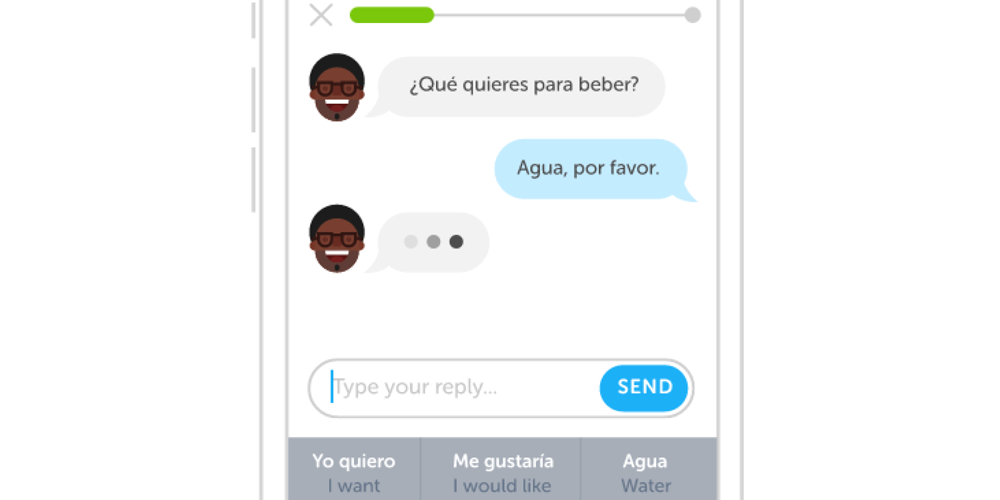
Duolingo’s iOS app now allows you to have text chats with AI bots. The bots will converse with you in the form of three different ‘personalities,’ and will help you out with suggestions if you’re struggling to reply …


Expand
Expanding
Close