Apple Watch
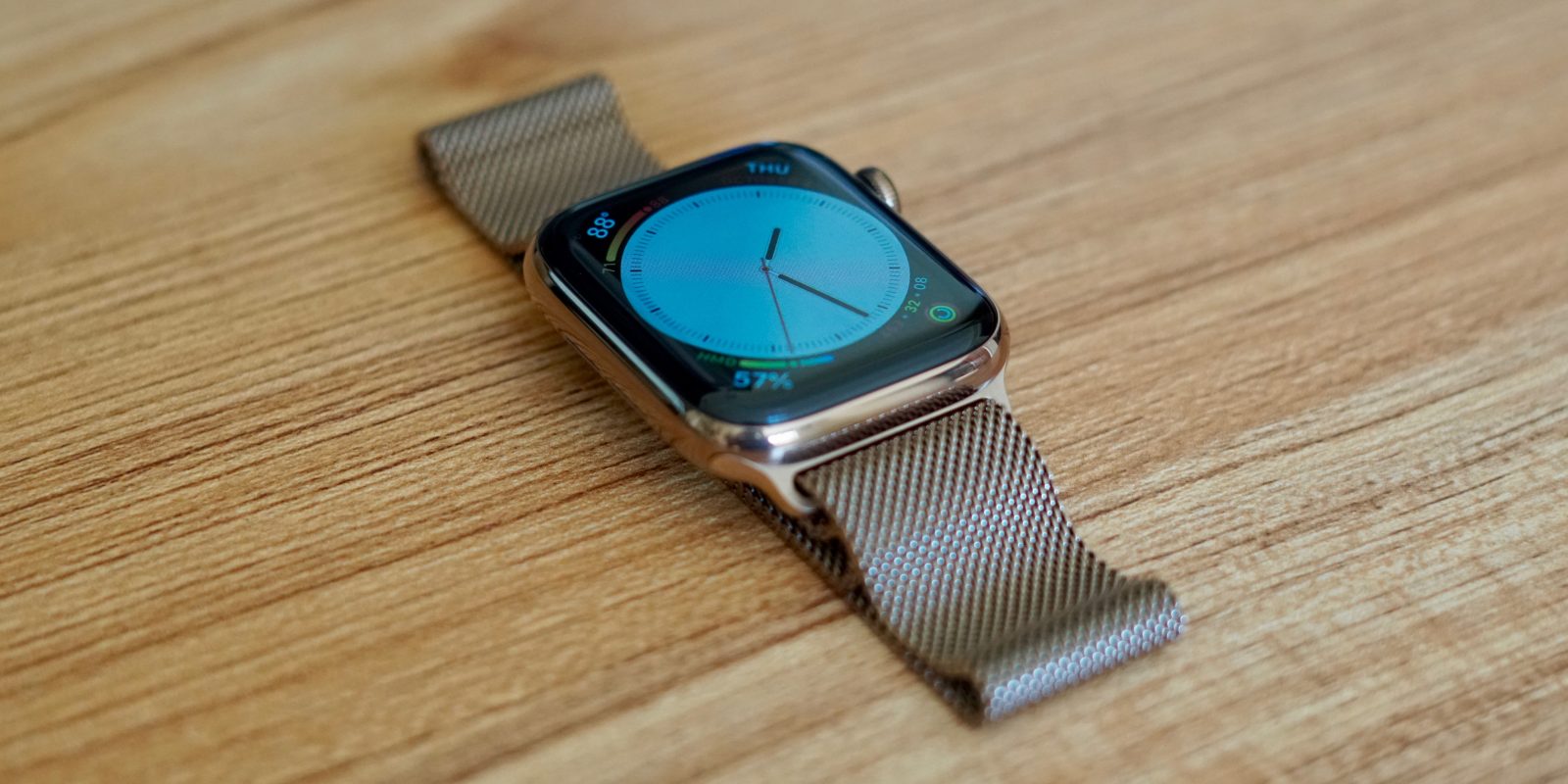
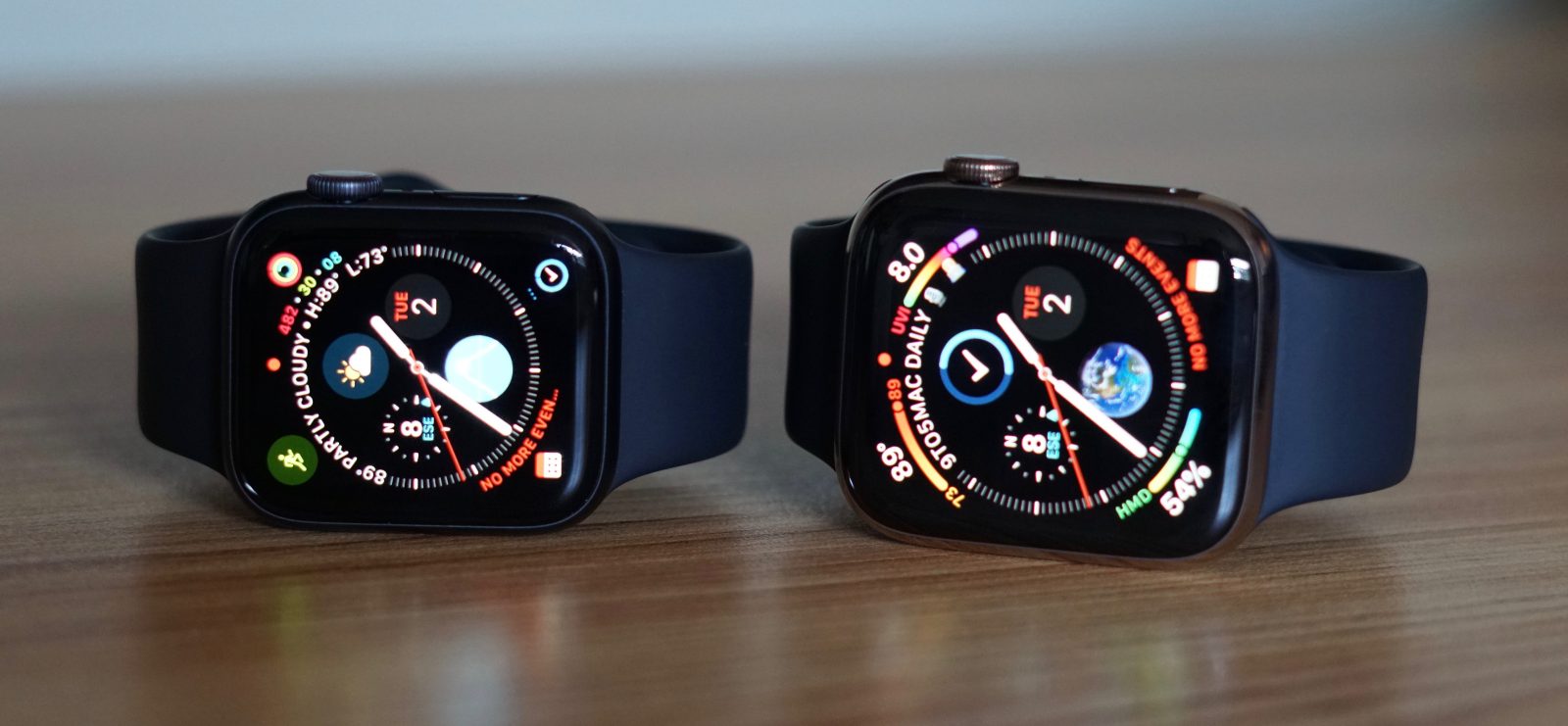
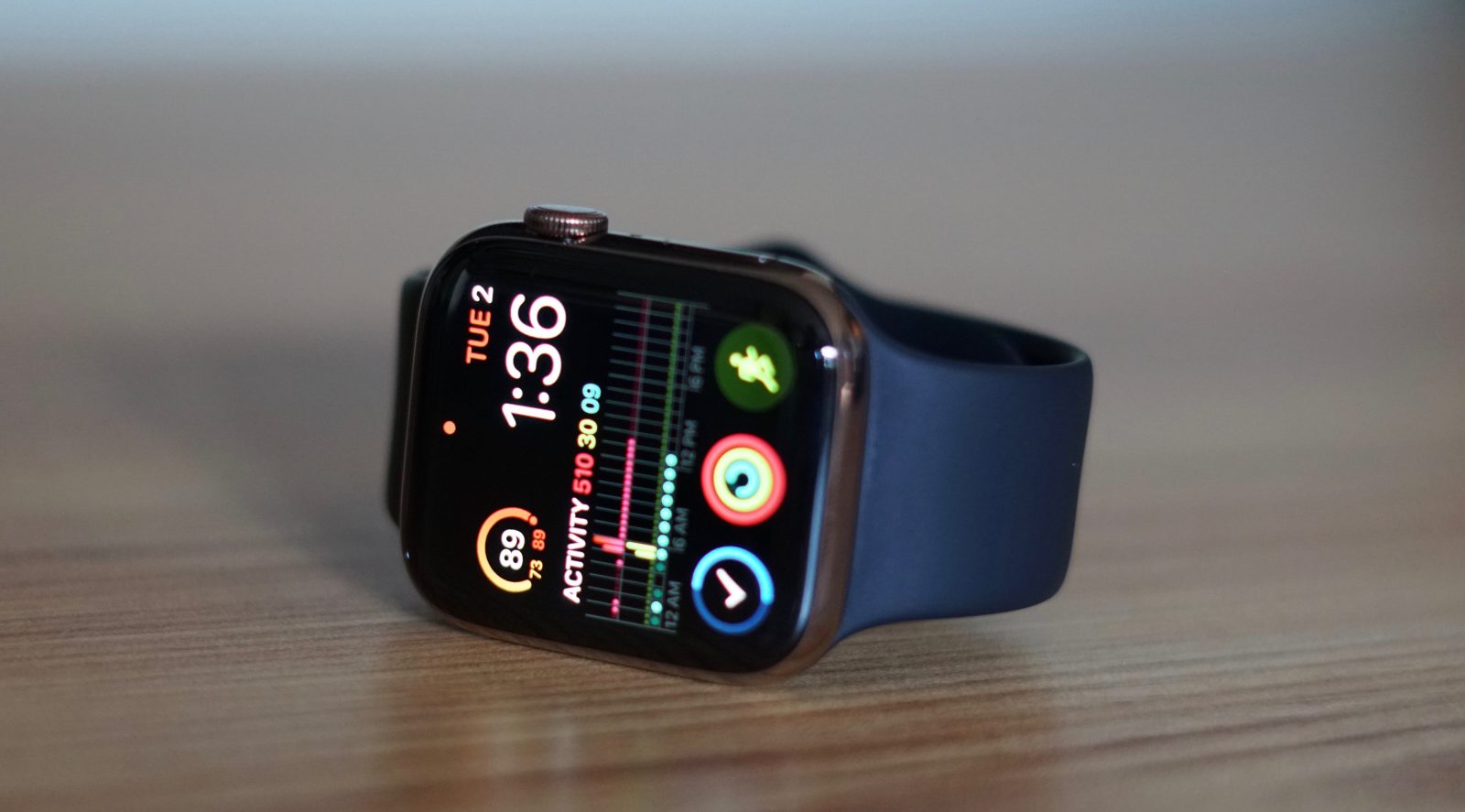
Apple Watch is Apple's wearable is designed to help you stay active, motivated, and connected. It runs watchOS, and it comes in 40mm and 44mm size options.

Table of contents
History
The original Apple Watch (later called Series 0) was released on April 24, 2015, after years of rumors. While there was a lot of initial hype around it, the third-party watchOS apps were slow to launch due to API limitations. Native apps were available in watchOS 2. The original watch came in 38mm and 42mm sizes.
The Series 2 Watch was released on September 16th, 2016 along with a Series 1 Watch. The Series 2 included the S2 chip, built-in GPS, and water-proof construction. The Series 1 included the S2, but lacked GPS and waterproofing.
The Series 3 Watch was released on September 22, 2017, and it included an LTE option and the S3 chip. The Series 4 Watch was released on September 21, 2018. New hardware included the S4 Chip, Electrical heart sensor w/ ECG app, and larger display (40mm and 44mm sizes).
Apple Watch Series 5 was announced during Apple’s fall event on September 10, 2019. Customers were able to purchase the device later that day, and it was released on September 20. The headline feature for this model was the wearable’s always-on display. The new display always shows the time and complications and is also the first from the company to include a built-in compass.
Apple launched international emergency services to every cellular model. Series 5 also brought back ceramic white, and new natural brush and space black titanium models.
Apple Watch Series 6 was unveiled on September 15, 2020 at the “Time Flies” event alongside the more affordable SE and new iPad Air. New features of the Series 6 include blood oxygen monitoring, new watch colors, faster S6 chip, new watch faces, and more.
Apple Watch features
Apple Watch is designed to help you stay active, motivated, and connected. The newest versions are Series 6 and SE while Apple still sells Series 3 as the most affordable option.
Features include:
- Heart rate monitoring (all models)
- Including high, low, and irregular heart rate notifications
- ECG readings (Series 4 and later)
- Blood oxygen monitoring (Series 6)
- Workout tracking, Activity Rings, competitions, and awards
- Works with Apple Fitness+
- Sleep tracking (with watchOS 7)
- GPS and GPS + Cellular models
- Always-on display (Series 5 & 6)
- Water-resistant to 50 meters
- Emergency SOS and fall detection
- Phone calls and Messages
- Music, Podcasts, and more
- Third-party apps available through App Store built into watchOS
watchOS
watchOS is the dedicated software that runs on Apple Watch. The current version is watchOS 7 that was released in fall 2020 and is compatible with Series 3 and later.
watchOS 7 brought new features like native sleep tracking, Family Setup, watch face sharing, new workout tracking types, cycling directions in maps, and automatic handwashing reminders.
Apple Fitness+ support and new cardio fitness notifications came with watchOS 7.2 And watchOS 7.4 is coming with the exciting new Apple Watch unlock for iPhone feature.
Current Apple Watch lineup
For all the latest deals on Apple Watch, bands, and accessories, check out 9to5Toys.com.
Subscribe to 9to5Mac Watch Time to get a bi-weekly discussion around Apple Watch and the future of the product.
Subscribe: Apple Podcasts | Spotify | Overcast