iCloud

See All Stories
iCloud

The best place for all your photos, files, and more.

iCloud was launched in 2011 as the successor to MobileMe and is Apple’s current cloud service that allows iOS and Mac users to save and synchronize information. Apple includes 5GB of iCloud storage for free with all accounts and has paid options starting at $0.99/month for 50GB.

https://www.youtube.com/watch?v=KTrO2wUxh0Q

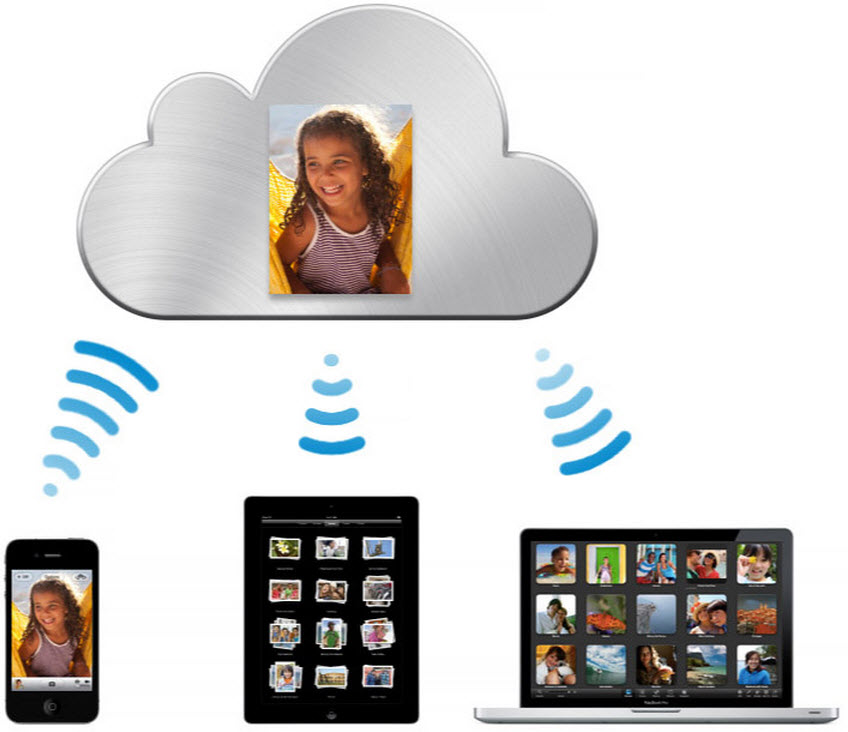
iCloud is built into every Apple device. That means all your stuff — photos, files, notes, and more — is safe, up to date, and available wherever you are. And it works automatically, so all you have to do is keep doing what you love. Everyone gets 5GB of free iCloud storage to start, and it’s easy to add more at any time.

What is iCloud?

iCloud solved a problem that we were facing in 2011. Originally, Apple pitched the Mac as the digital hub to our life. Our iPods (and then iPhones) would sync over a cable to transfer information. As we added iPads, it became a mess. Steve demoted the Mac back to just a device and made the “cloud” the center of our digital life. Using the service, users could sync all of their data over the air. As an example, a Keynote document edited on your Mac would automatically be up to date with the latest changes on your iPad or iPhone. iCloud also allowed you to back up your iOS device for an easy path to change devices without having to set everything up manually.

The problem with this original iCloud pitch is it didn’t cover all of our photos. We didn’t get that until iCloud Photos came in iOS 8. It didn’t cover iMessage, as that didn’t come until a few years ago with messages in the cloud. It didn’t cover all of our files, but only those in the iCloud folder stored inside of app folders. We didn’t get seamless syncing of files until Apple added Desktop and Document folder syncing a few years ago.

Over time, Apple has continued to add features to iCloud, and it’s turned out to be a really robust and reliable service. Users can sync files, photos, notes, reminders, and Safari bookmarks to their Mac, iPhone, iPad, and even Apple TV (photos).

iCloud Troubleshooting

If you’re having trouble using iCloud, you may want to make sure it isn’t affected by downtime. Check Apple’s iCloud Status page here.

How much does iCloud cost?

Pricing can change at anytime (view Apple’s latest pricing page), but here are the current rates for a few countries.

United States
50GB: $0.99
200GB: $2.99
2TB: $9.99

Canada 
50GB: $1.29
200GB: $3.99
2TB: $12.99

United Kingdom
50GB: £0.79
200GB: £2.49
2TB: £6.99

European Union
50GB: 0.99 €
200GB: 2.99 €
2TB: 9.99 €

Read below for all of our coverage

Site default logo image

Former MobileMe customers lose free iCloud upgrade, iCloud services stop working if over limit

After issuing two reminders to former MobileMe customers that they would lose their free iCloud upgrade from 5GB to 25GB, Apple today reduced the storage limits as planned. Customers who have more than 5GB, and who haven’t bought a paid storage plan, will find that iCloud is no longer working.

If you exceed your storage plan on September 30, 2013, iCloud Backup, Documents in the Cloud, and iCloud Mail will temporarily stop working. To continue using these iCloud features without interruption, reduce the amount of iCloud storage you are using or purchase a storage plan by September 30, 2013.

As we’ve previously advised, much of the iCloud storage is usually taken up by iCloud Backups which can be deleted through System Preferences > iCloud > Manage. Those who need more than the free 5GB offered by iCloud can also use Dropbox to store photos and files.

Pixelmator pushes 2.2.1 update, modernizes file format for significant performance gains

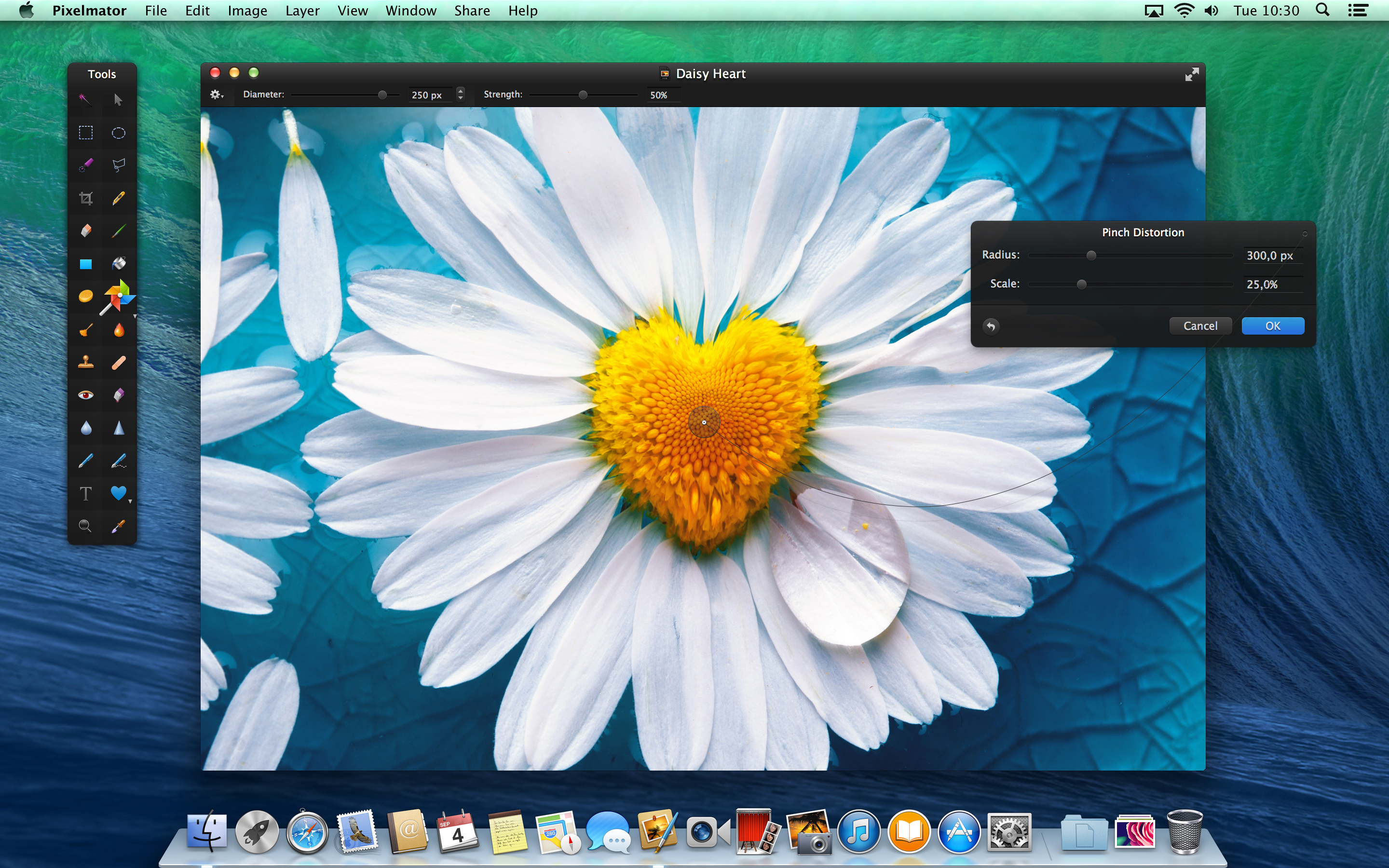
Pixelmator has pushed a point update to the Mac App Store. Despite its minor bump in version number, the update brings a lot of helpful changes. The timing is ‘intriguing’, as it coincides with Adobe’s announcement of a new version of Photoshop Elements from this morning.

Pixelmator quotes a 2x performance improvement when saving documents, as a result of a move to a new file format. For instance, when saving to iCloud, Pixelmator can now push small deltas of what has changed between saves, rather than saving the entire image every time. This speed up is noticeable in use, with projects saving nearly instantaneously on a Retina Macbook Pro.


Expand
Expanding
Close

Site default logo image

Farewell Windows Safari, as Apple excludes its homegrown browser from iCloud bookmark sync

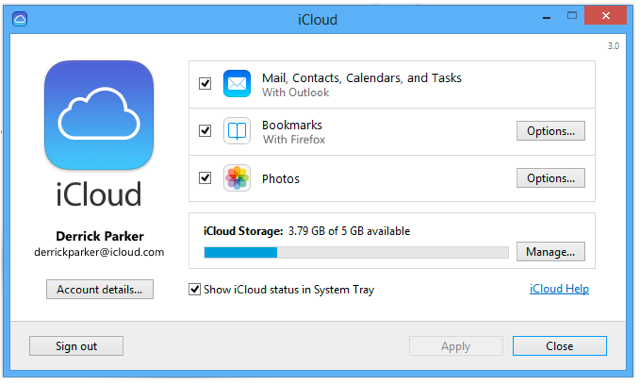
We knew that Apple’s attempt to expand Safari’s reach into the Windows population was at an end when the company stopped updating the Windows version a year ago, but the browser has now been erased from history as Apple’s bookmark sync tool drops support for it. iCloud Control Panel 3.0 for Windows, released yesterday, supports only Internet Explorer, Firefox and Chrome.

iCloud keeps mail, contacts, and calendars up to date between your iPhone, iPad, iPod touch, Mac, and Windows PC, and lets you share calendars and task lists.

iCloud also keeps your Internet Explorer, Firefox, or Google Chrome bookmarks on Windows in sync with your Safari bookmarks on iPhone, iPad, iPod touch, and Mac.

On OS X, however, Apple is keep to ensure we don’t use anything else. The iCloud Bookmarks extension for Chrome, allowing bookmark syncing with Safari, works only on the Windows version of Chrome. C’mon, Apple, make us want to use your software by making it better than anyone else’s, not by this kind of move …

Why Touch ID is bigger news than any of us appreciated

Site default logo image

Touch ID is far, far more important than most people have realised – the core message behind a Quora post by the CEO of a card payment service. We can expect to learn far more “in the next few months, and that’s likely to eventually include both Touch ID Macs and use of the fingerprint system for mobile payments.

In the torrent of the billions of words already written about Touch ID very, very few people have really understood just how revolutionary this really is.  Apple not only has developed one of the most accurate mass produced biometric security devices, they have also solved critical problems with how the data from this device will be encrypted, stored and secured.

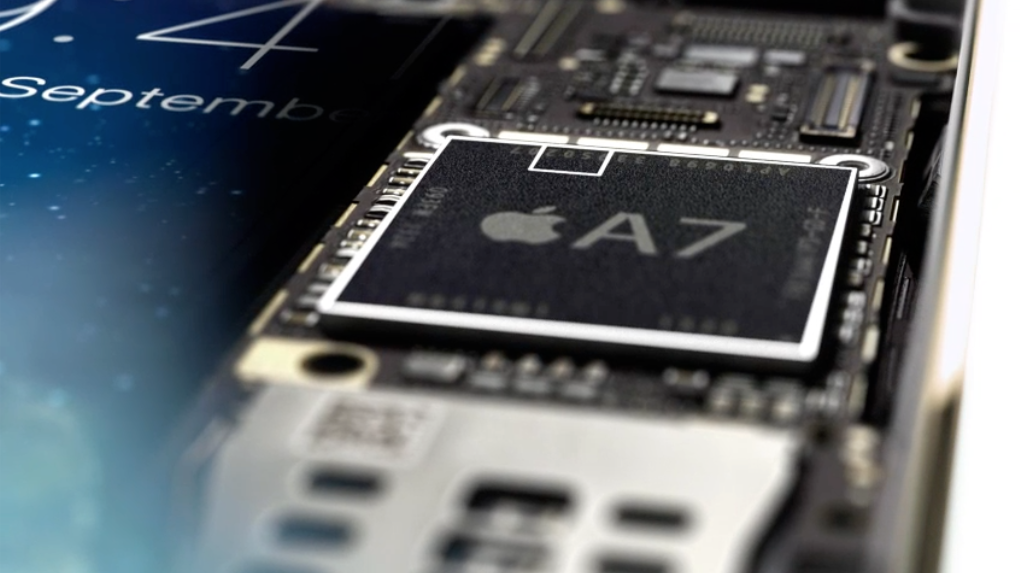
Brian Roemmele, CEO of 1st American Card Service, said that Apple’s attempt to solve the problem of how to develop a truly secure access system goes all the way back to a patent application in 2008, but it was only through the A7 chip – specifically created by ARM with mobile payment security in mind – that the company finally had a gold-standard solution. And its applications will go far beyond iPhone unlock and iTunes purchases … 
Expand
Expanding
Close

Tim Cook: Apple will sell its 700 millionth iOS device by next month

Site default logo image

Today at Apple’s iPhone event today in Cupertino, CEO Tim Cook kicked things off with the usual company updates since last checking in. After talking briefly about its iTunes festival and its latest expansion to the Stanford, CA retail store, Cook mentioned that Apple will hit 700 million iOS devices sold by next month. That’s up 100 million devices in just a few months since Apple announced back in June that it hit the 600 million device mark.

Cook also provided some numbers on the iTunes festival noting that the event is now in its seventh year and reaches 100+ countries  with live streams. He also said that around 20M people applied for tickets.

Site default logo image

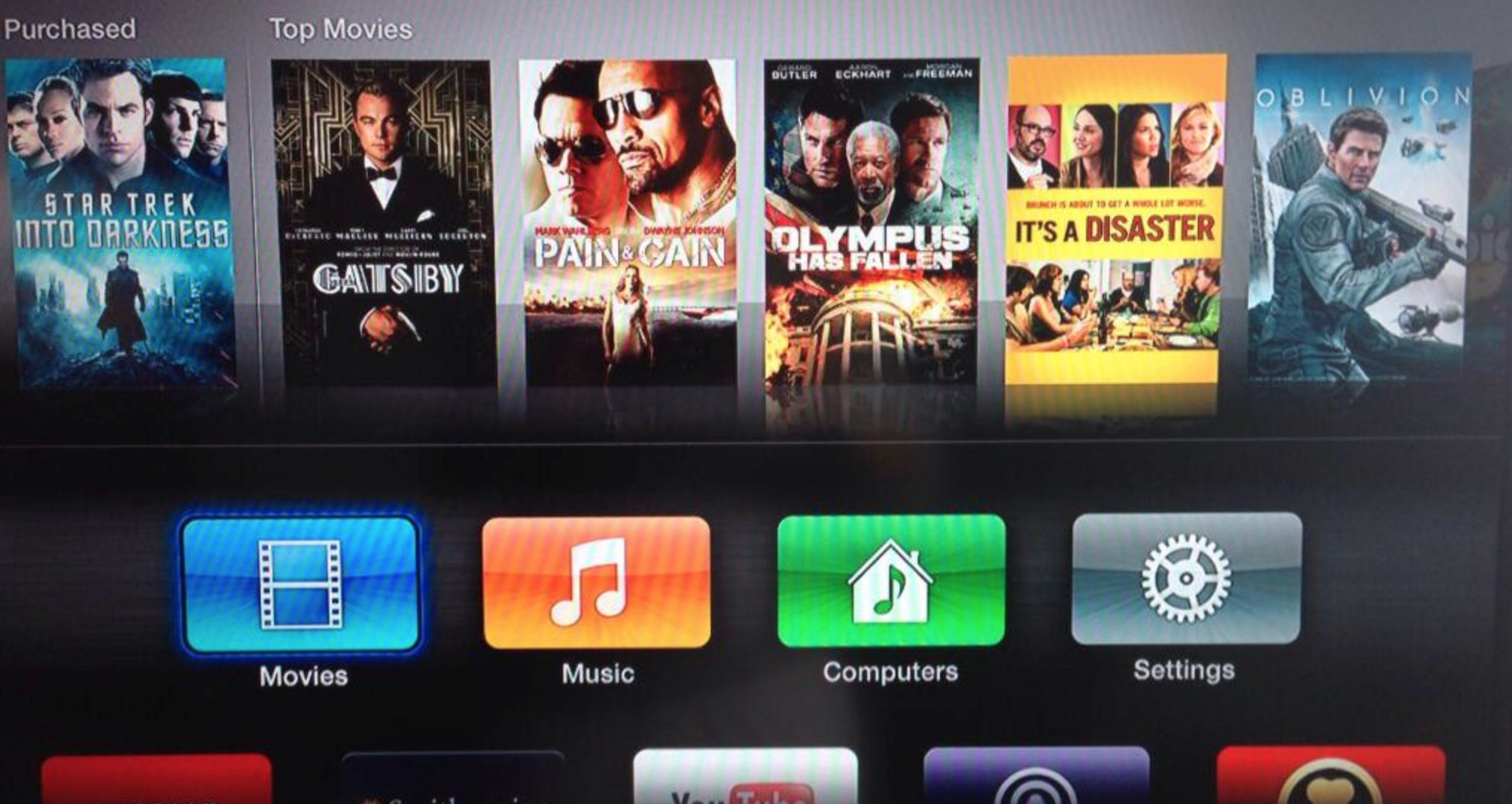
TV Shows seeing outage for some on Apple TV, iTunes Store (update: back)

We’re receiving multiple reports from readers indicating that the TV Shows feature on Apple TV and on iTunes on Mac in the United States is seeing an outage. So, it’s not just you. Apple is yet to comment on the downtime on its official status page.

https://twitter.com/cmm6501/status/373129216117575680

https://twitter.com/HarleyQuinn7123/status/372927860270698496

https://twitter.com/jasonsandmeyer/status/373130575118630912

Update: We’re getting reports that TV shows are starting to come back for some users. 


Expand
Expanding
Close

How-to: Setup and use Dropbox to manage and share photos, files

Site default logo image

Before Dropbox became popular, there was iDisk, which was Apple’s cloud storage system. iDisk allowed you to store documents, pictures, QuickTime files, and PDFs in one cloud-based “drive.” This was accessible on all of your Apple products as well as at me.com on a PC. It was practically like having your most important files in Finder on your computer – but everywhere.

Then iCloud came out. iCloud dropped support of iDisk, which meant there was no longer a way to access all of your files in a Finder-like cloud system. This paved the way for third party apps like Dropbox to become even more popular.

Dropbox is free. Dropbox works on any platform: Mac, Windows, iOS, Android, and Blackberry. Dropbox gives you 2GB of storage space for free and they offer incentives to increase your allocated amount of free storage space.

There are two different ways to set up Dropbox:


Expand
Expanding
Close

Site default logo image

Apple opens iWork for iCloud beta to all users ahead of expected public release this fall

After first announcing its new iWork for iCloud productivity suite back in June at WWDC, Apple has been slowly rolling out access to more people ahead of a public beta release scheduled for this fall. It first extended the privilege to developers, then Apple employees, and in July started sending out invites to select non-developers. Today, several tips note that Apple now appears to be letting in anyone with an Apple ID despite not sending out invites or officially announcing a public beta. We’ve confirmed access to the beta on a non-developer account, but let us know in the comments if you’re unable to get in.

Following the unveiling of the new iWork for iCloud suite, we speculated that Apple could possibly move to make its other iWork suite of apps on iOS and Mac available for free. Our thinking: it’s hard to imagine Apple allowing users to create documents for free on iCloud but not seamlessly transfer from iOS to Mac without having to throw down $30 for the three iOS apps. Adding even more weight to that theory, Apple was briefly showing the apps listed alongside the collection of free Apple apps that it presents most users with when launching the App Store on their iOS device for the first time.

Apple previously announced it was planning on releasing a public beta for iWork for iCloud this fall but perhaps is opening the beta today to help beta test the apps among a larger group of users ahead of an official announcement. Apple is expected to unveil new iPhones at an event next month on Sept. 10, and there is a possibility we’ll hear more about iWork for iCloud alongside details for Mavericks and possibly the new Mac Pro.

Botched Find my iPhone update only allows developers to log in [Update: fixed]

Site default logo image

Update: Apple confirmed on its iCloud status page that Find my iPhone is back to normal:

The Find my iPhone iOS app has been updated with a new iOS 7-style icon while the rest of the UI remains the same. This icon is the same as the one found on the updated beta.icloud.com website:

However, many are noting that you cannot log in to the new Find my iPhone app without having a developer account:
Expand
Expanding
Close

iOS 7 beta 6 rolls out, 13.5MB update fixes issues with iTunes in the Cloud

Site default logo image

Apple just released the 6th release of iOS 7 for iPhone, iPad and iPod touch. The small 13.5MB update is available via Software Update and contains the usual bugfixes and improvements.

The update comes a week after the previous update and just hours after a report pegged the Beta 6 update for next week. The focus of the small update appears to be on an emergency issue with iTunes in the Cloud which requires a workaround.

This update addresses an issue with iTunes in the Cloud, where some purchases may download or play unexpected items. If you have any devices running previous versions of iOS 7 beta, you must:
1. Install iOS 7 beta 6
2. Install the ResetMusicAndVideosLibraries configuration profile
3. From Settings > Music, tap the Reset Media Library button
4. Restart the device

Notice something else new? Head down south to the comments.
Expand
Expanding
Close

Roundtable: What we think Apple has planned for its September 10th event

Site default logo image

With the rumored September 10th Apple keynote just weeks away, the rumor mill is in high gear and, as per usual, expectations will be soaring higher than ever as the date nears. For some products, a refresh or introduction is all but confirmed. For others, there only exists speculation or mere wishful thinking for even a mention at the keynote. Below you’ll find the opinions of some 9to5Mac staffers.
Expand
Expanding
Close

Site default logo image

Apple looking to hire iCloud mail engineer to build new anti-spam/abuse system

Apple today posted a job listing on its website seeking a software engineer to help “implement new mail anti-abuse infrastructure” for iCloud mail services. The candidate will join Apple’s iCloud team and must have experience with mail and spam systems/architecture, so it appears Apple is looking to cut down on the amount of spam that iCloud users receive.

Consider joining a small team writing the software which provides mail services to iCloud customers. We are looking for an extremely capable engineer who has a strong background in building high-performance, scalable and extensible systems. In this highly visible position, the successful candidate will both further develop existing mail systems while collaborating with cross-functional engineering teams to define and implement new mail anti-abuse systems.

There have been some hiccups with Apple’s iCloud mail service in the past (apart from frequent iCloud service outages), including a problem with the service’s automated spam filters that caused legitimate emails to be sent to spam. Apple does have a way for users to report spam and set up filters with iCloud mail, but complaints of users frustrated with spam have continued.
Expand
Expanding
Close

Site default logo image

Apple reminding former MobileMe subscribers that complimentary storage upgrade ends September 30

Former subscribers of MobileMe, the $99/year iCloud predecessor, received 20 GB complimentary storage upgrades when making the switch to iCloud. Apple additionally extended this upgrade until September 30, 2013. Now, Apple is reminding those users, via email, that the complimentary storage will come to an end shortly:

As a thank you for being a former MobileMe member, you received a 20 GB complimentary storage upgrade when you moved to iCloud. Your upgrade expires on September 30, 2013.

When it expires, your iCloud storage will be automatically adjusted to the free 5 GB plan. Note that you are currently using xx.xx GB of storage. If you exceed your storage plan on September 30, 2013, iCloud Backup, Documents in the Cloud, and iCloud Mail will temporarily stop working.

To continue using these iCloud features without interruption, reduce the amount of iCloud storage you are using or purchase a storage plan by September 30, 2013.

For more information, see this article.

As our own Benjamin Mayo notes, this will probably be a busy day for Apple’s support representatives as they work with the customers who are over the 5 GB free storage size. Much of the iCloud storage is usually taken up by iCloud Backups which can be deleted through System Preferences > iCloud > Manage…

Thanks, Jeffery!

How-to: Safely delete an iCloud account from your Mac or iOS device

Site default logo image

This is the first entry in our new, weekly how-to’s column. Check back every Saturday for a new how-to:

First off, before we begin and actually discuss how to safely delete an iCloud account, we should discuss the different scenarios as to why you might need to delete your iCloud account off of your devices.

  1. If you are using the same Apple ID as a family member for iCloud, several different outcomes could result from this.  Odds are that your content got merged, and all of your personal information is mixed together. You are both getting frustrated that your contacts are disappearing because you each delete and re-add them and iCloud pushes the changes to both of you. You also might be getting each other’s iMessages and FaceTime calls. Or one of you is using and enjoying the features and benefits of iCloud whereas the other isn’t and is missing out on features like Backup to iCloud and Find my Device.
  2. The email address associated with the Apple ID you are using for iCloud is no longer a valid, active email address. In that case, you’ll need to change the email address associated with your Apple ID, which I will be discussing in next week’s article.

On an iOS Device, go into the Settings app and scroll down until you see iCloud. To delete the iCloud account from the device, just press the big red “Delete Account” button. To do this on a Mac, go into System Preferences and choose iCloud, the press the “Sign Out” button…


Expand
Expanding
Close

iWork, iLife appear in iOS 7 free downloads screen, corroborates Apple apps going free theory

Site default logo image

We reported previously on the possibility of Apple making its iWork suite, and possibly its other premium content creation apps, available for free alongside iOS 7 and the launch of new iWork for iCloud web apps. It would make a lot of sense given it’s hard to imagine Apple allowing users to create documents for free on iCloud but not seamlessly transfer from iOS to Mac without having to throw down $30 for the three iOS apps. Today we get a little hint from the latest iOS 7 beta that Apple might actually be considering making the apps free this fall (via @nielskorte & iFun).

The screenshot above shows the screen that Apple presents most users with when launching the App Store on their iOS device for the first time. Curiously, on iOS 7 beta 3, the recommended free apps screen includes Apple’s iWork suite in addition to other paid apps such as Garageband, iMovie, and iPhoto. In the past, Apple has only included free apps in the pop up such as iBooks, iTunes U, and Podcasts. This could signal Apple has plans to offer its premium apps for free in the future…


Expand
Expanding
Close

Does iWork for iCloud mean native iWork Mac and iOS apps will become free services?

Site default logo image

Apple presents itself as a company that ships hardware, software, and services that integrate together elegantly. While Apple makes the majority of its money from its hardware, Apple makes use of its free, popular internet services and software to sell their hardware. For example, the iLife suite of Mac apps that are included for free with new Mac purchases is a common reason that people choose to buy a Mac. On the iOS side, Apple offers free services like iCloud, iBooks, iMessage, Game Center, and later this year, iTunes Radio.

But on both the Mac and iOS Device side, one particular Apple service has stuck out as being a paid offering: Apple’s iWork suite that includes the Pages word processor, Numbers spreadsheet maker, and Keynote presentation creator. For years, Apple has sold iWork for Mac as a bundled suite, but with the Mac App Store, the company split the three programs into separate $19.99 downloads. On the iPad, iPhone, and iPod touch side, the three apps are distinct $9.99 downloads. Apple, thus far, has kept iWork as a premium priced suite, but this fall, the company will introduce a free tier: iWork for iCloud…


Expand
Expanding
Close

Site default logo image

Overview of iWork for iCloud beta [video]

One of Apple’s unsung announcements from its WWDC keynote on Monday was iWork for iCloud, a full, complete solution for editing and syncing documents in the cloud. iWork for iCloud, which will be going head to head with Google Drive, is already extremely polished and well done, even as a developer beta.

While fully updated iOS and Mac apps will be arriving later in the year, the web versions of the apps are available privately today.

In the above video, we walk you through the beta interface of iWork for iCloud, as it appears in Safari.

Apple announces improvements to Notifications for Mac with quick reply, iOS push notifications, and more

Site default logo image

Today at Apple’s WWDC keynote, Apple took some time to announce some improvements to Notifications, as we expected. The majority of the improvements that Apple has demoed so far include new features for Notifications on the Mac coming in the just announced OS X Mavericks, such as quick replies, the ability to receive iOS push notifications, and lock screen access.

Apple showed off a new quick reply feature for Notifications on the Mac that will allow users to mouse over a notification and quickly reply from a dialog that pops depending on the app. Not only can you reply to messages to respond to FaceTime calls, for example, you will also be able to perform other actions with the quick reply Notifications such as quickly deleting emails.

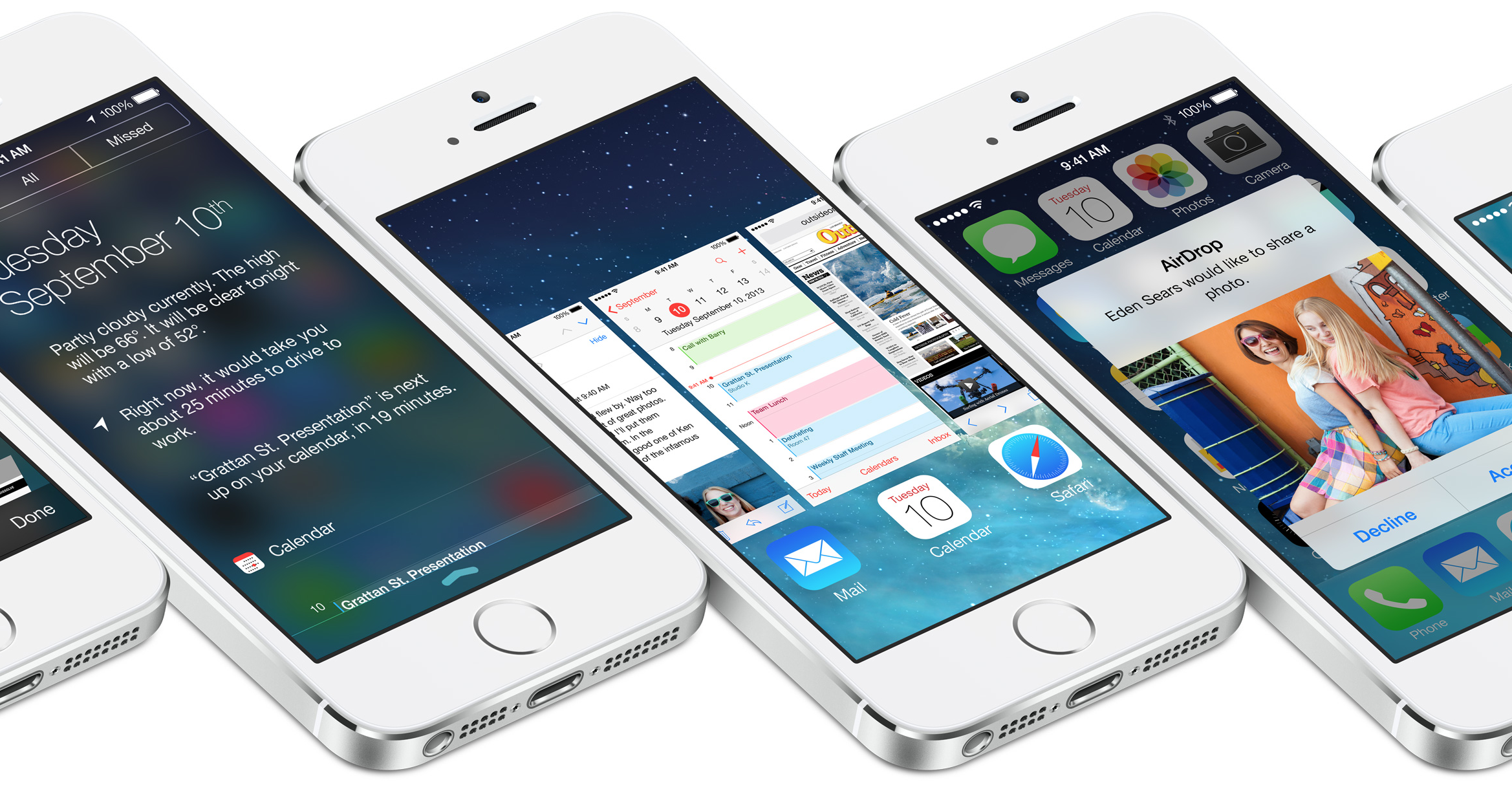
Another feature that we saw today during Apple’s keynote is the ability to receive iOS push notifications right on your Mac for apps installed on your iPhone and iPad. These are a few of the updates we were expecting from Apple today, but we’ll have to wait to see if they fixed the other half of the problem during its iOS 7 portion of today’s presentation but Apple also showed off a redesigned Notification center for iOS including lock screen access and new tabs (pictured below).

Additionally, Apple showed off the ability to view Notifications directly from the lock screen in OS X Mavericks.

Update:  As we expected, Apple also announced that Notification Sync will be coming in iOS 7, but didn’t show off any specifics.

Expand
Expanding
Close

Tim Cook talks numbers at Apple’s WWDC 2013 keynote: 407 retail stores, 575M accounts, 10B paid to devs, 900k apps, more

Site default logo image

Live on stage at Apple’s WWDC keynote presentation this morning, CEO Tim Cook has opened things up with the usual updates on some of the company’s core businesses and accomplishments over the past year. Sharing numbers on how its products have been selling and outpacing the competition has become somewhat of a tradition for Apple keynote addresses. Below you’ll find a roundup of the stats that Cook shared today including info on retail stores, iPhones and more:

-6 Million registered developers, 1.5M in last year

-WWDC sold out in 71 seconds

-1m daily visitors at Apple retail

-Millions of customers come for personal training

-407 stores in 14 countries

-50 billion apps

-900,000 apps (93% downloaded each month)

-375k iPad apps

-575,000,000 store accounts (more accounts with credit cards than any store online)

-paid developers 10 billion (3 times more than all other mobile platforms combined)
Expand
Expanding
Close

Wishlist: 10 things Apple should, but likely won’t, announce at WWDC 2013

Site default logo image

We’ve got a pretty good idea of what Apple intends to give us at WWDC. Even the things we’re not so sure about seem on the radar.

But what does Apple need to do long term to tighten up the ecosystem and bring some excitement back into its hardware, software and services? I’ve got a few things…


Expand
Expanding
Close