iOS 14: Download, new features, and compatibility

See All Stories

iOS 14 was released on September 16th, 2020. New features include a new home screen design, widgets, picture in picture, and more.

During its WWDC 2020 keynote, Apple announced iOS 14 for iPhone and iPod touch. The update brings a variety of new features and changes.

Features: What features does iOS 14 bring?

iOS 14 was a pretty substantial update, bringing many changes to the fundamental iOS experience that weren’t seen since as early as iOS 7. This update, most notably, brought the addition of the App Library, which gives you a one-stop spot for all your apps. This was coupled with widgets, which for the first time gave app developers a way to present rich data like weather cards or music shortcuts directly on the home screen. The update also brought picture-in-picture to the iPhone, adding a feature that was a mainstay to the iPad experience to the mobile handset.

App Library

iOS 14 adds a new App Library view for organizing all of your apps. Apps are automatically organized in the App Library, and you don’t have to keep all of the icons on your actual home screen view. There is also a new list view as well as features for sorting applications based on usage and more.

Widgets

iOS 14 adds widgets to the home screen of the iPhone and iPad for the first time. Widgets are more data-rich than ever and come in a variety of sizes. Apps move out of the way automatically to make room for the widgets. You access these widgets through the “Widget Gallery,” with multiple different sizing options.

Site default logo image

Picture in Picture on iPhone

iOS 14 also provides support for picture in picture, works very similar to the iPad experience. Meanwhile, Siri has a new interface that does not overtake the entire screen.

Site default logo image

Translate App

A new translate app in iOS 14 is designed for conversations and works completely offline. All you have to do is tap on the microphone icon and the app will translate to your chosen language. There will be 11 languages supported at launch.

Site default logo image

App Clips

iOS 14 also adds a new App Clip feature to easily access applications quickly without downloading the full version from the App Store.

“Small part of an app that is quick and easy to access,” Federighi explains.

Launch an app with a single tap and pay and log in with Apple Pay and Sign in with Apple.

New iMessage Features
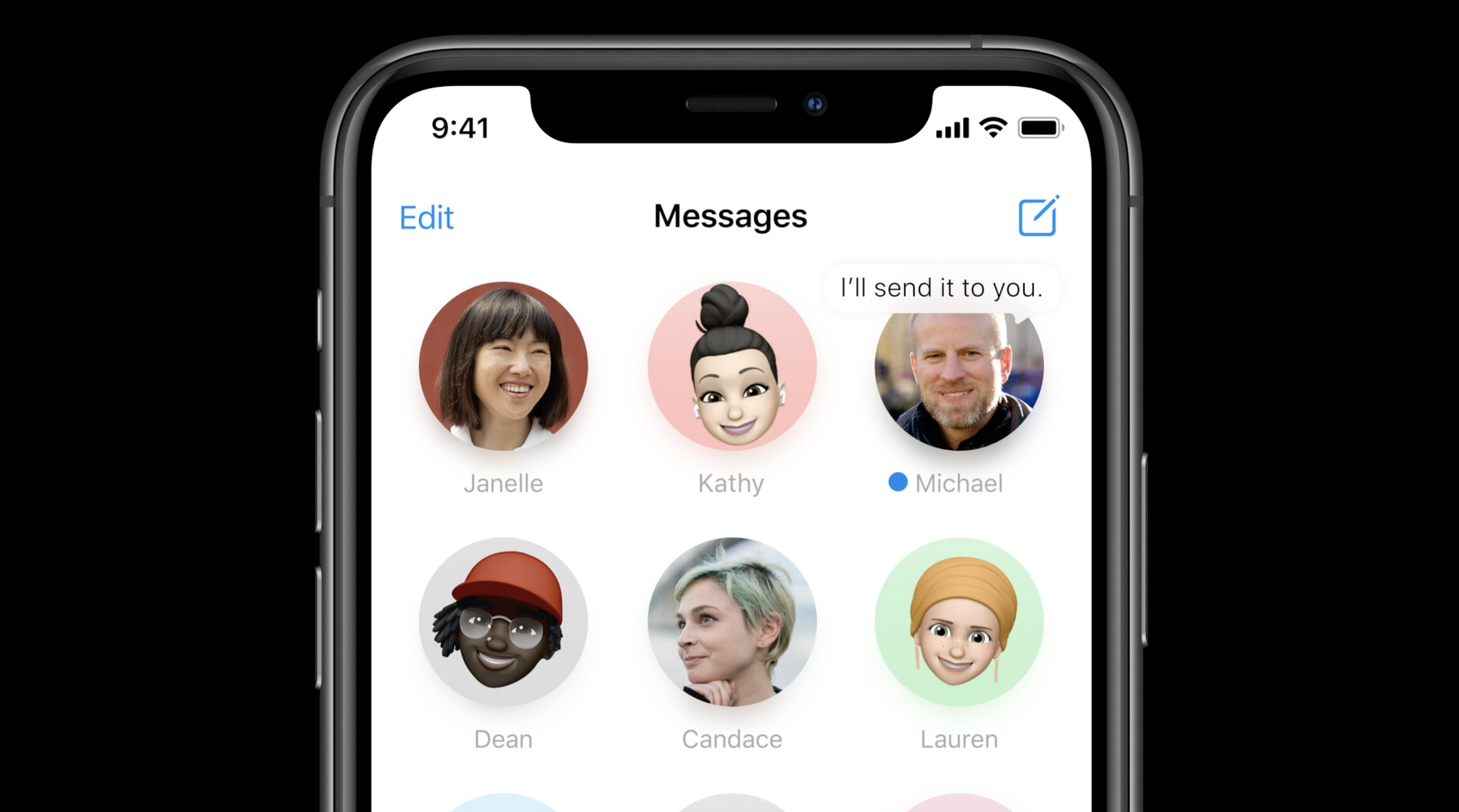
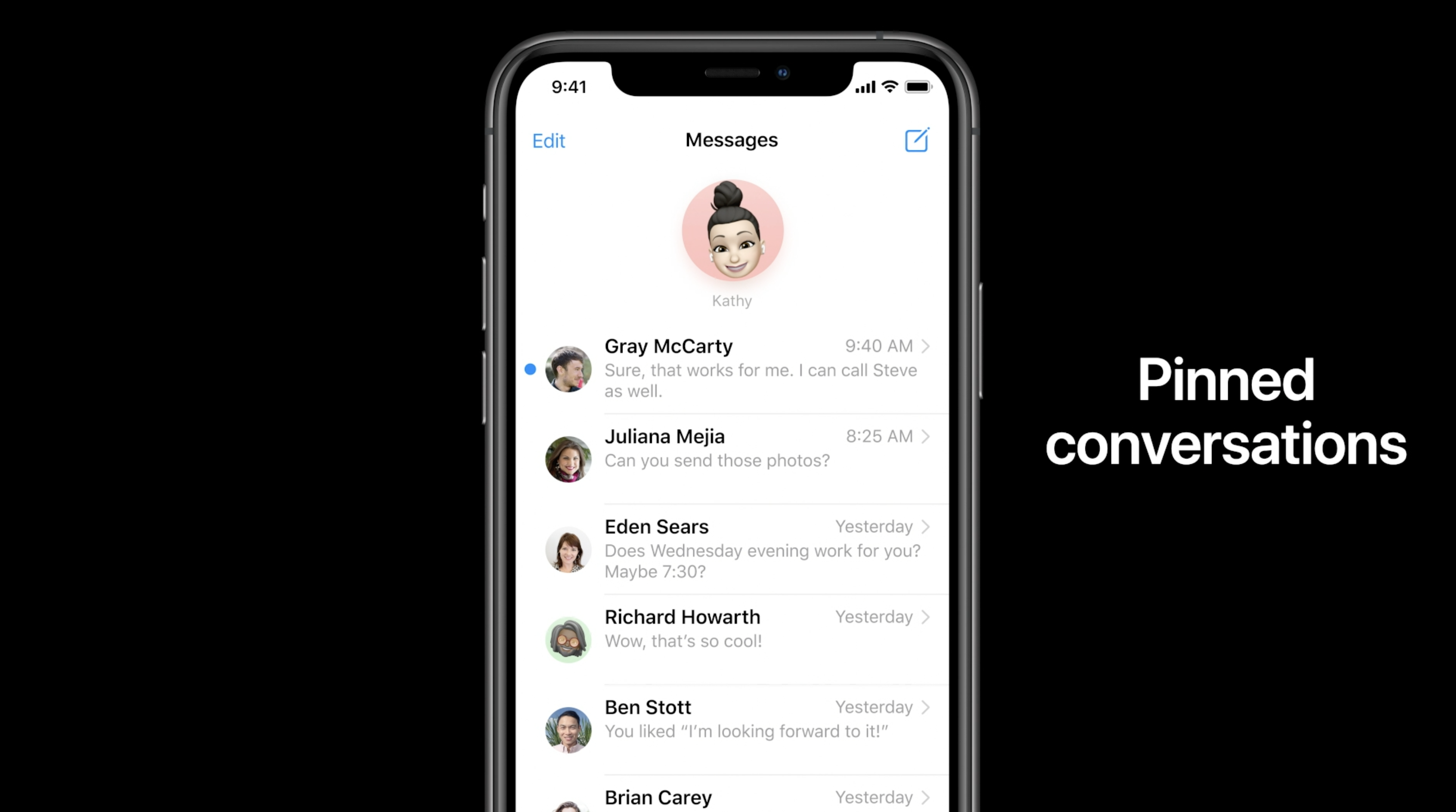
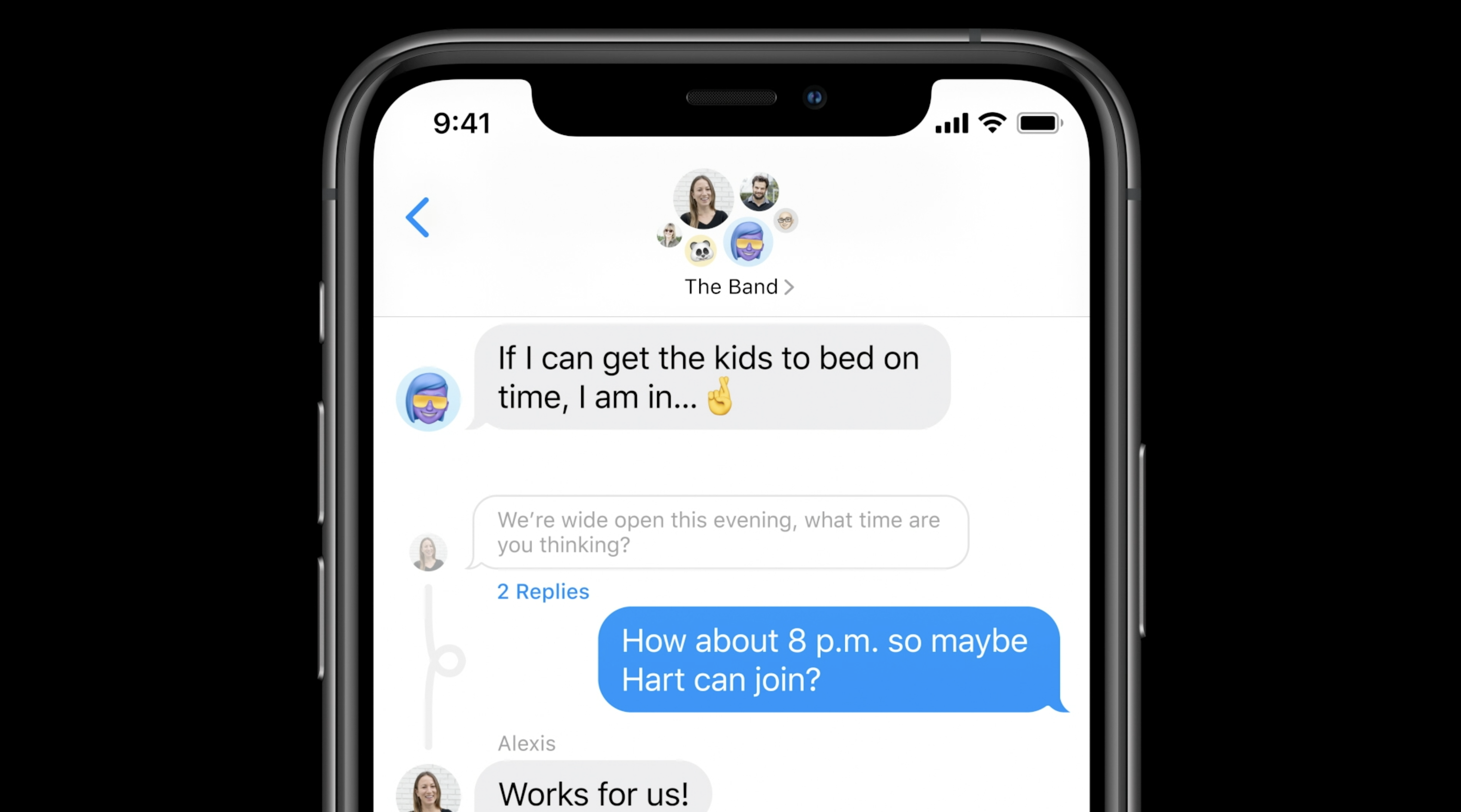
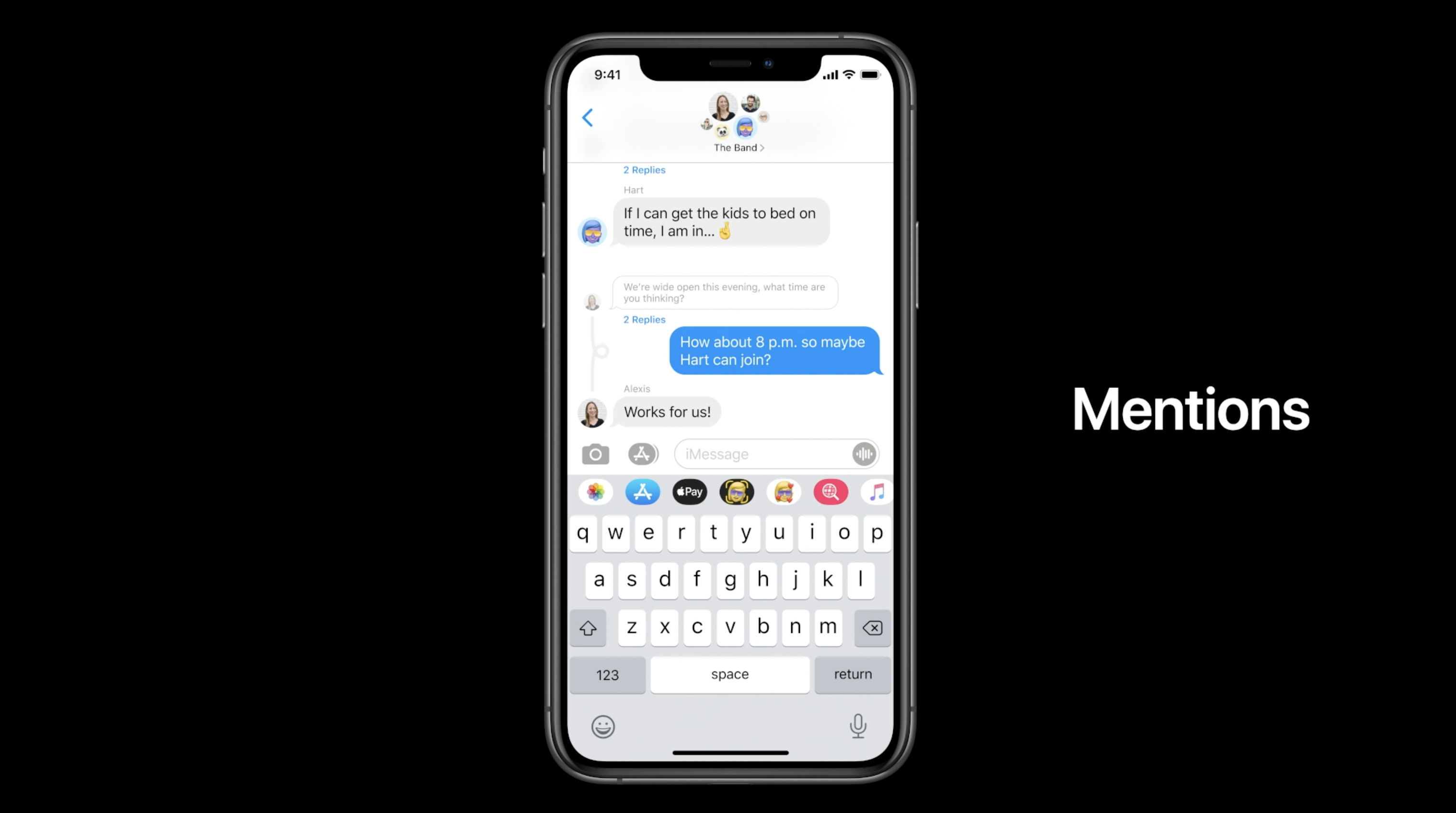
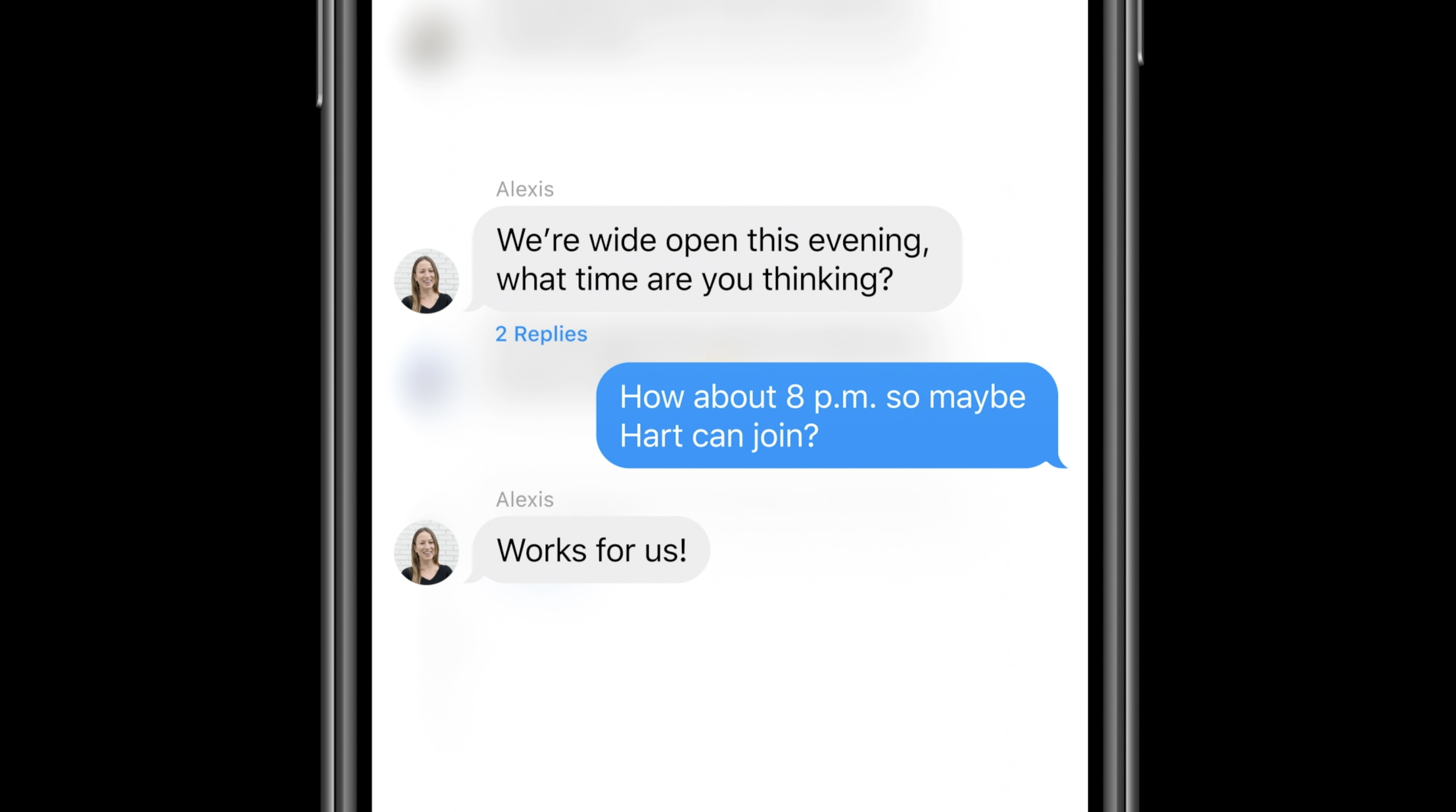
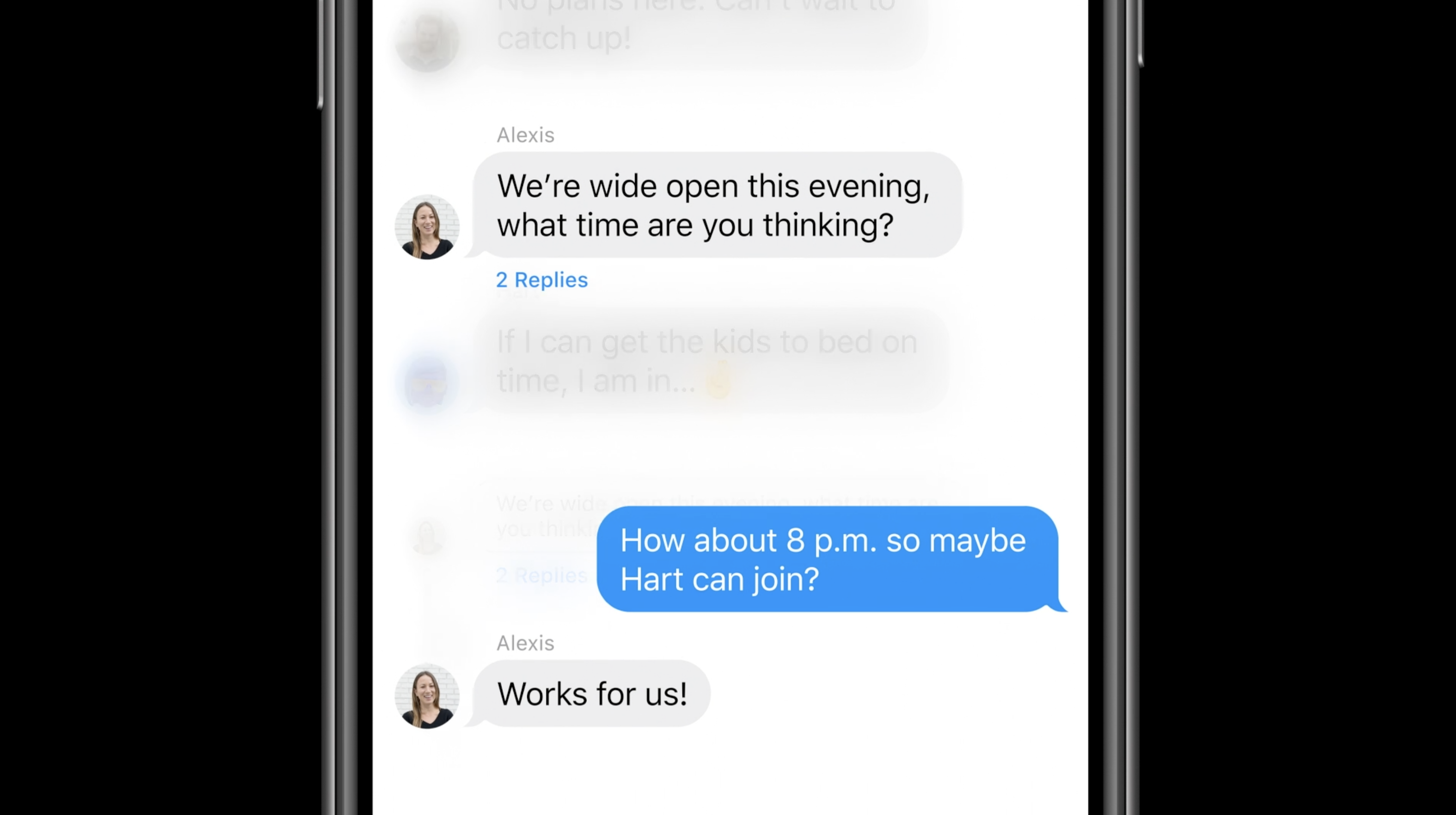
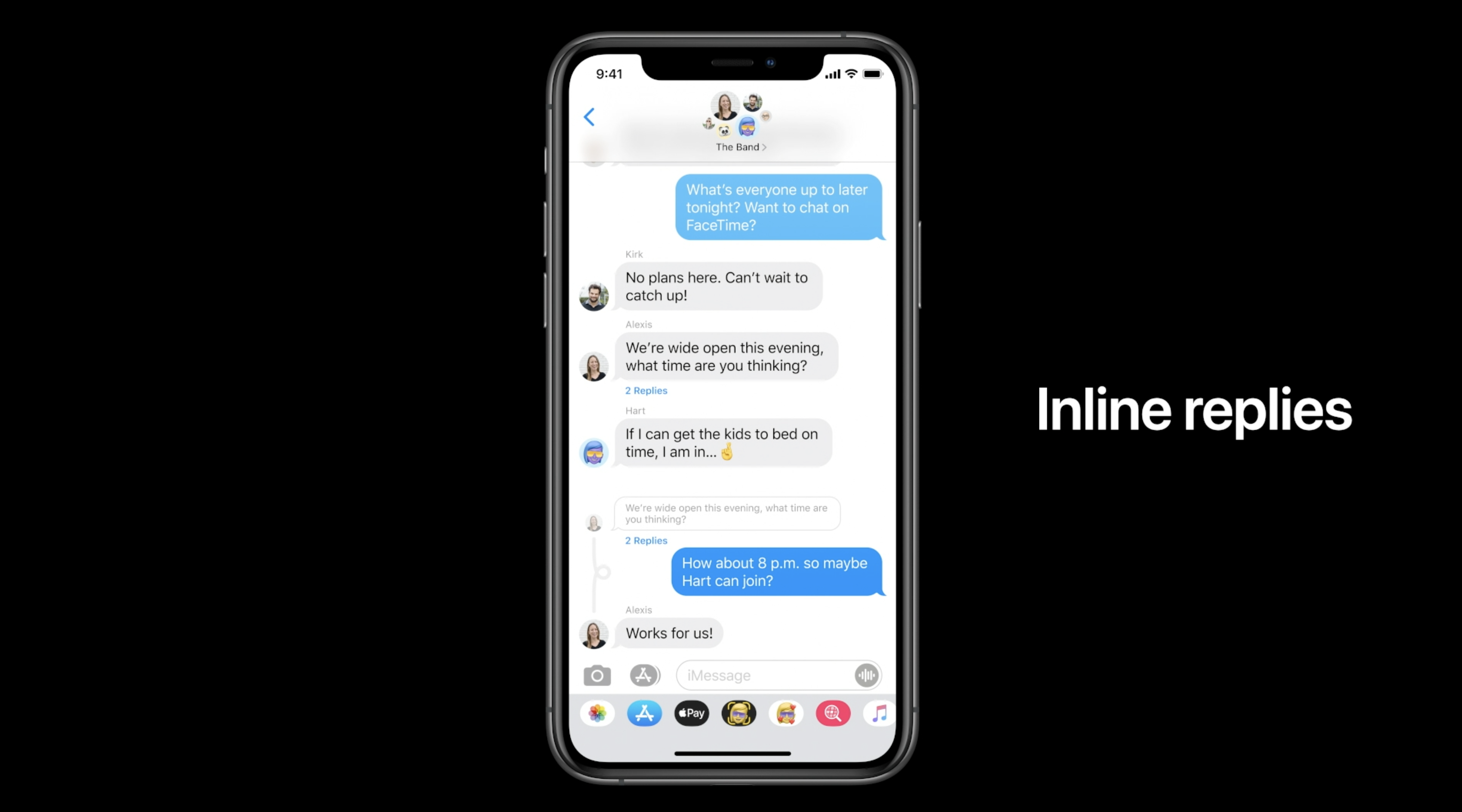
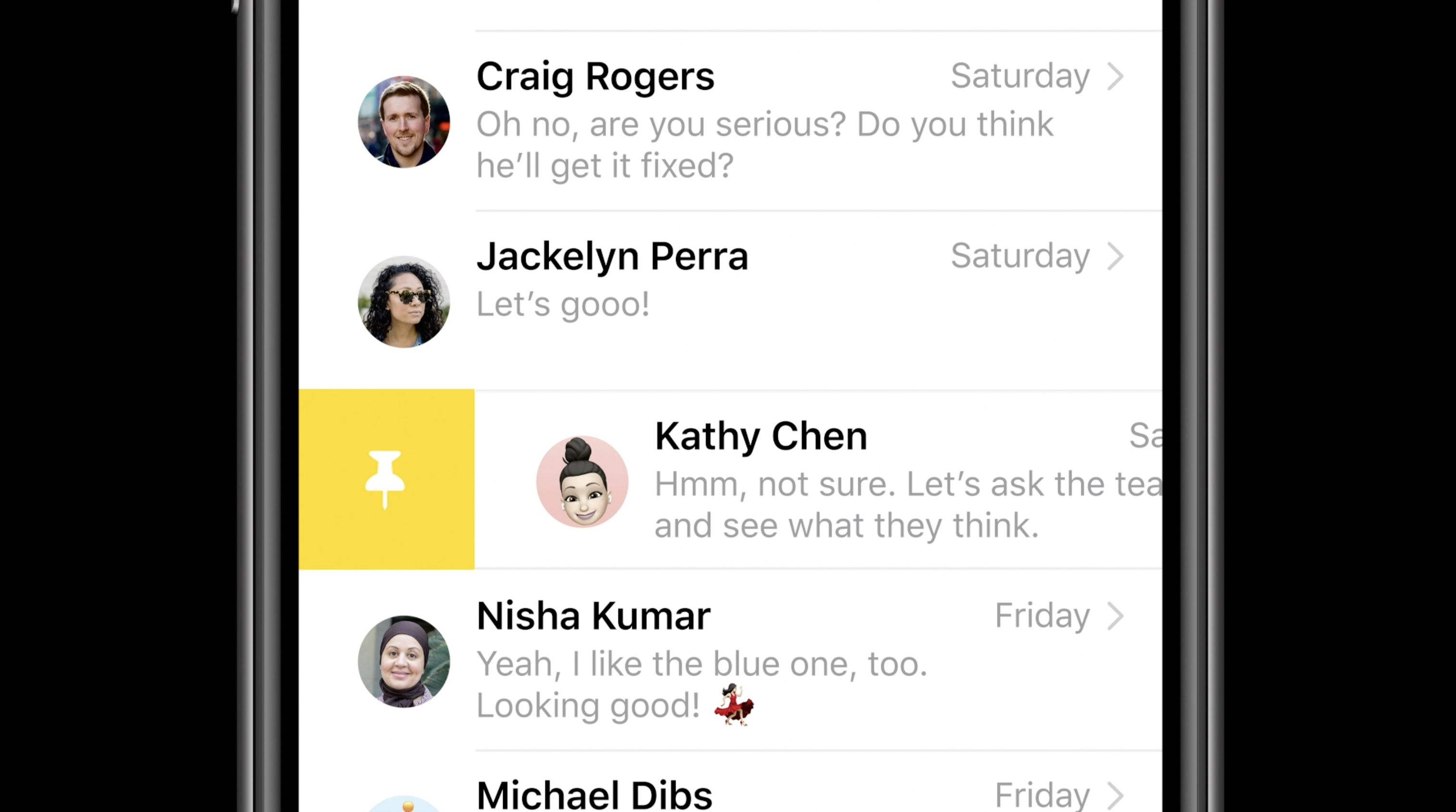
For iMessage, Apple is adding new Memoji accessories (including a new face mask Memoji) as well as pinned messages. New features for group iMessages as well: in-line replies, mentions.

Real-Time Headphone Audio Alerts

You can measure headphone audio levels in real-time with a new option in Control Center. This new feature has a similar interface to the Apple Watch Noise app, which measures the audio levels of the environment instead of headphones.

Site default logo image

QR code payments

9to5Mac reported exclusively that Apple is working on QR code payments for iOS 14.

References found in the iOS 14 code reveal that Apple is working on a new method for letting users make payments with Apple Pay by scanning a QR Code or traditional barcode with the iPhone camera.

This information wasn’t announced at WWDC, so it’s possible it won’t launch with the first version of iOS 14 and could come later in the year.

Leaked passwords

Site default logo image

Leaked passwords are when you use the same password across multiple websites and one of them gets hacked. iCloud keychain is going to build in a feature to alert you about leaked passwords.

With iOS 14, Apple offers a new “Security Recommendations” menu that shows only your passwords that could put your accounts at risk for some reason. This includes passwords that are easy to guess and even those that may have leaked on the web.

Voice Memos

Apple is also updating the Voice Memos app with iPhone and macOS Big Sur. The most exciting feature this year is the new Enhance Recording functionality. The Enhance Recording feature reduces background noise and room reverberation with a single tap. Once you create a recording, you’ll see a small icon similar to the Auto adjustment feature in the Photos app. Details on exactly how this feature works are unclear, but Apple is heavily promoting the simplicity of the process.

Compatible devices: Which devices work with iOS 14?

Apple says that iOS 14 can run on the iPhone 6s and later, which is the exact same compatibility as iOS 13. Here’s the full list:

  • iPhone 11
  • iPhone 11 Pro
  • iPhone 11 Pro Max
  • iPhone XS
  • iPhone XS Max
  • iPhone XR
  • iPhone X
  • iPhone 8
  • iPhone 8 Plus
  • iPhone 7
  • iPhone 7 Plus
  • iPhone 6s
  • iPhone 6s Plus
  • iPhone SE (1st generation)
  • iPhone SE (2nd generation)
  • iPod touch (7th generation)

Release date: When did iOS 14 come out?

iOS was released on September 16th, 2020

When will Apple release iOS 14 to everyone? This year’s schedule is tricky to predict [U]

iOS 14 release

iOS 14 is currently in beta testing with developers and public beta users, with Apple having released the sixth beta just last week. While beta testing is moving along nicely, and Apple recently switched from a biweekly schedule to a weekly schedule for releases, there is quite a bit of uncertainty about when Apple plans to release iOS 14 to everyone.

Update September 1: As part of a wide-ranging report on Apple’s 2020 roadmap, Bloomberg reports that iOS 14 is still scheduled for release in September, despite the iPhone 12 delays.

Expand Expanding Close

Here’s how iOS 14’s new App Clips feature will work

App Clips is one of the main features of iOS 14, as it allows users to download a smaller version of an app to do a specific task. Although it was presented at WWDC 2020, some users and developers may have wondered how it will work since App Clips were not available until iOS 14 beta 5. Read on as we explain how the feature will work on iOS 14 when it is officially available to the public.

Expand Expanding Close

Facebook again criticizes iOS 14 privacy changes, warns of drastic effect on advertising industry

Facebook continues to warn advertisers about the effects of the privacy and tracking changes that Apple has planned for iOS 14. While a pair of earlier reports indicated Facebook’s concerns, the company has now published a blog post detailing how advertisers will be affected by iOS 14’s new anti-tracking features.

Expand Expanding Close

Users can now create Shortcuts to switch accounts on Apple TV with iOS 14 and tvOS 14

Apple announced some great new features for the Shortcuts app with iOS 14, including new trigger types, an Apple Watch app, and a redesigned interface for the iPad. Today, with the sixth beta release of iOS 14, Apple has added a new option in the Shortcuts app that allows Apple TV users to easily switch accounts on tvOS 14.

Expand Expanding Close

iOS 14 lets users grant approximate location access for apps that don’t require exact GPS tracking

An iOS 14 feature that has gone a bit under the radar is the Precise Location toggle for Location Services. This new toggle gives the user more control over which apps can access your current location, and to what granularity.

Before iOS 14, you could grant an app access to your location whilst using the app, or always. However, if location access was allowed, the app would always get an exact coordinate. A lot of apps don’t actually need such precise location information, and iOS 14 offers that flexibility, including asking the user upfront in the permissions dialog.

Expand Expanding Close

Making The Grade: When should IT departments release iOS 14 and macOS Big Sur for their device inventory?

macOS Big Sur

Most tech communities spend the summer working through the iOS and macOS betas ahead of the fall releases. For something that’s been happening for the last few years, it feels like fall software releases have been part of our lives for decades. As fun as these updates are for general consumers, they can be a significant source of stress for IT departments. As you work through these beta updates to verify compatibility, you’ll want to plan how you will roll out these updates to your inventory. If you are wondering when to install iOS 14, read on to here my testing plans.
Expand
Expanding
Close

Hands-on: iOS 14 beta 4 changes and features – the TV widget lives [Video]

As we inch closer to iOS 14 GM release, we can expect less new features and changes in each beta release, and more focus on stability and refinement. That’s not to say that there won’t be any new changes found in this and forthcoming beta releases, however. Watch our hands-on video walkthrough as we explore a handful of iOS 14 beta 4 changes and features.

Expand Expanding Close

Apple releases iPadOS 14 and iOS 14 beta 4 to developers

Apple today will release the fourth betas of iOS 14 and iPadOS 14 to developers. Today’s release of iOS 14 beta 4 comes two weeks after the release of beta 3, which included new features such as new Clock app widgets, Apple Music changes, and more. Today’s update will continue to make refinements to iOS 14 for iPhone and iPad users.

Update: iOS 14 beta is now rolling out to registered developers.

Expand Expanding Close

Apple details guidelines for web browsers and email clients with new default app option on iOS 14

We have already provided an early look at how you’ll be able to change default apps on iOS 14, although Apple itself hasn’t disclosed details about this new feature. This week, however, the company has shared the documentation of the new API with more details on how it will work and the guidelines that developers need to follow.

Expand Expanding Close

Hands-on: Top iOS 14 sleeper features [Video]

The iOS 14 beta comes with no shortage of high profile changes and features, but there are also quite a few hidden elements that help make up our list of the top iOS 14 sleeper features.

Needless to day, iOS 14 is loaded with tons of big standout features like the compact call interface, App Library, and Widgets, but there are many hidden iOS 14 features that deserve recognition as well. In this hands-on video walkthrough, we’ll explore 10 of our favorite iOS 14 sleeper features.
Expand
Expanding
Close

iOS 14 Diary: My iPadOS 14 review is more positive than I thought it would be

iPadOS 14 review

This piece, my iPadOS 14 review as of public beta 3, changed as I wrote it. What I expected to write as the final part of my iOS 14 Diary is that it’s all a bit underwhelming.

In a sense, I still think that. Apple’s keynote presentation was full of pizzaz, while the reality is much more prosaic. iPadOS 14 is very much an incremental update rather than a revolutionary one, and I still think Apple is a very long way short of taking full advantage of the capabilities of the hardware.

But as I mapped out the changes I like, I realized that though they may be individually rather small, most of them make a surprisingly big difference. Take all of them into account, and I think it’s a solid and welcome update, with five notable upgrades…


Expand
Expanding
Close