macOS

See All Stories

This app lets you download full macOS Big Sur installer pkgs with one click

If you’re looking for a way to easily download the installer pkg of recent and future macOS software releases, a new app from Scripting OS X will let you do just that. “Download Full Installer” is a new app from Armin Briegel that lists the full macOS Big Sur and later installer pkgs available from Apple’s software update catalogs.

Expand Expanding Close

First macOS Monterey beta now available for developers with Universal Control, Shortcuts, SharePlay, more

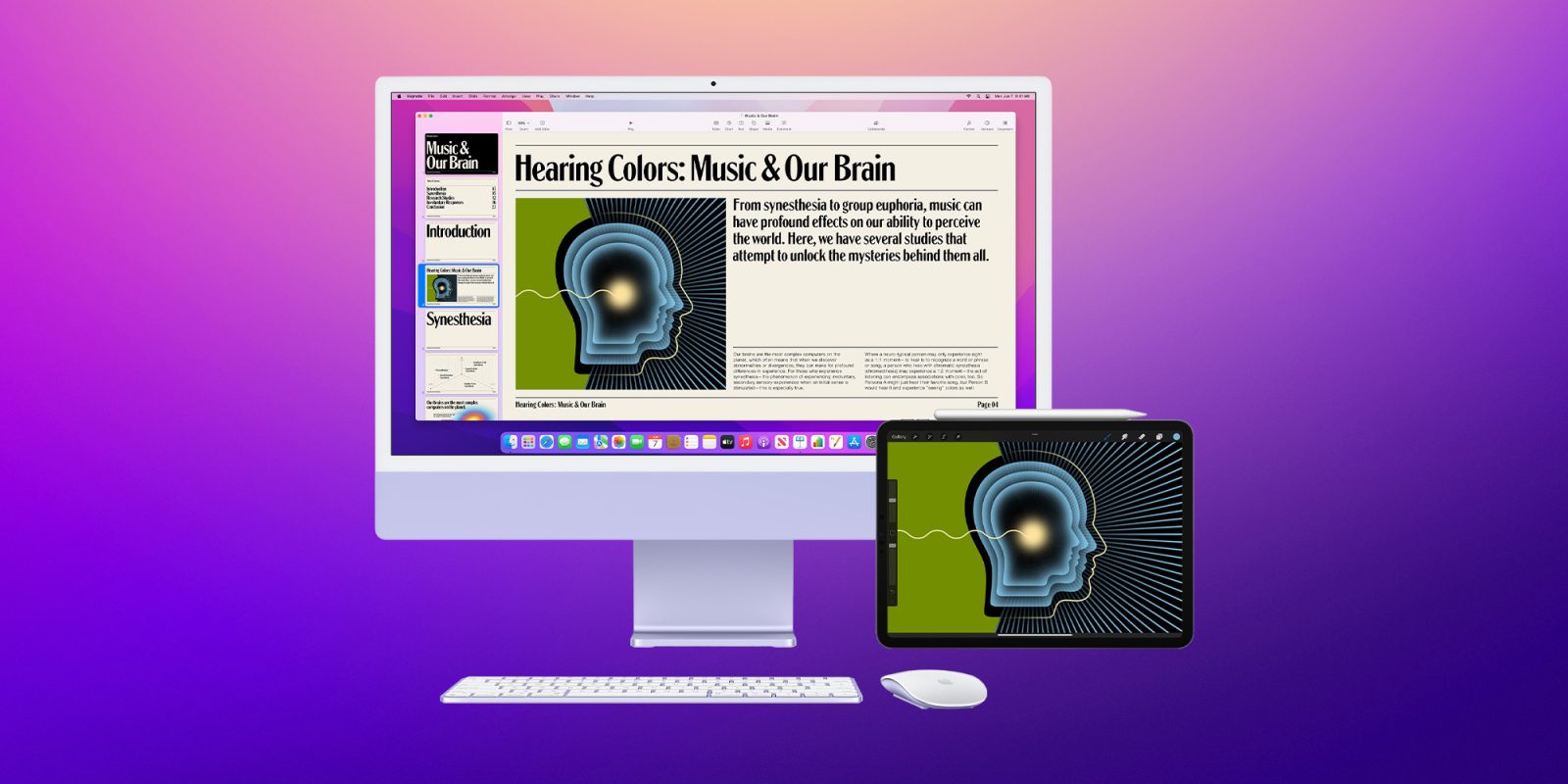
Following Apple debuting its new Mac software at the WWDC keynote today, the company has released the first beta of macOS 12 Monterey for developers. The new software includes a host of new features including Universal Control, FaceTime’s SharePlay, AirPlay to Mac, Focus mode, the Shortcuts app, and much more.

Expand Expanding Close

Apple trademarks hint that macOS 12 could be called ‘Mammoth’ or ‘Monterey’

With every new major version of macOS comes a new codename. Since 2013, versions of macOS have been named after beautiful places in California. So far, we’ve had: Mavericks, Yosemite, El Capitan, Sierra, High Sierra, Mojave, Catalina, and Big Sur. It’s fun to speculate what upcoming versions might be called, but Apple has quietly and consistently left a trail of breadcrumbs that make it easier to decipher what a release could be named. Over the past year, Apple has renewed and abandoned a few trademarks that might hint at what macOS 12 will be called.

Expand Expanding Close

PCalc for Mac gets robust button layout editor to easily build your perfect calculator

The popular PCalc calculator app has received a great update for Mac today. The latest version brings a full-on button layout editor to create the exact calculator you want on your Mac – including customization of the menu bar widget. Other new changes include widget layouts available to use in the main app, the ability to resize button layouts, and more.

Expand Expanding Close

‘Freezeframe’ is a new Mac app coming later this year that lets you intelligently save and share workspaces

Today, a team of designers and developers unveiled an incredible new Mac app dubbed “Freezeframe” that lets you save different workspaces for later. The app essentially takes a snapshot in time of your windows and tabs and lets you return to them through a handy menu bar icon. It’s like Mission Control on steroids.

Expand Expanding Close

Hands-on: macOS 11.3 beta 1 changes and features [Video]

Yesterday Apple released a huge new macOS Big Sur 11.3 developer beta to Mac users. The update brings some long-awaited new features to the table, such as the ability to set a HomePod stereo pair as the global default sound output option. In addition, the beta adds changes already implemented in the earlier release of iOS 14.5 beta for iOS devices, such as a new Made For You section in the Music app, and updates to sorting options in the Reminders app. Watch our hands-on video walkthrough as we showcase macOS 11.3 beta 1 changes and features.

Expand Expanding Close

macOS Big Sur 11.3 beta brings new Support menu with details on warranty coverage and AppleCare

Apple today released the first beta of macOS Big Sur 11.3 to developers, which comes with some of the new features of iOS 14.5 beta and also with general improvements. However, 9to5Mac has found that the upcoming macOS Big Sur update also brings a new Support menu with more details on Apple’s 1-year limited warranty coverage and AppleCare.

Expand Expanding Close

Instapaper makes Catalyst leap to Mac with Dark Mode, full screen view, keyboard shortcuts

Instapaper for Mac app

Popular read-it-later service Instapaper expanding from its iPhone and iPad app and starting today is available on Mac thanks to Catalyst. The macOS version comes with all the Instapaper favorite features from iOS like Dark Mode and specific Mac features like full screen view, keyboard shortcuts, and more

Expand Expanding Close