Jeff is the head of video content production for 9to5. He joined 9to5Mac in 2016, producing videos, walkthroughs, how-tos, written tutorials, and reviews. He takes pride in explaining things simply, clearly, and concisely. Jeff’s videos have been watched hundreds of millions of times by people seeking to learn more about today’s tech. Subscribe to 9to5Mac on YouTube to catch Jeff’s latest videos.
iOS Decoded is Jeff’s flagship video series that breaks down what’s new in iOS betas, including behind-the-scenes deep dives into undiscovered features and exclusive details on the iOS roadmap.
Jeff also produces a weekly podcast, alongside co-host Fernando Silva, entitled 9to5Mac Overtime. A video-first podcast, 9to5Mac Overtime airs weekly on our YouTube channel, but can also be enjoyed in audio form via Apple Podcasts, or your podcast app of choice.
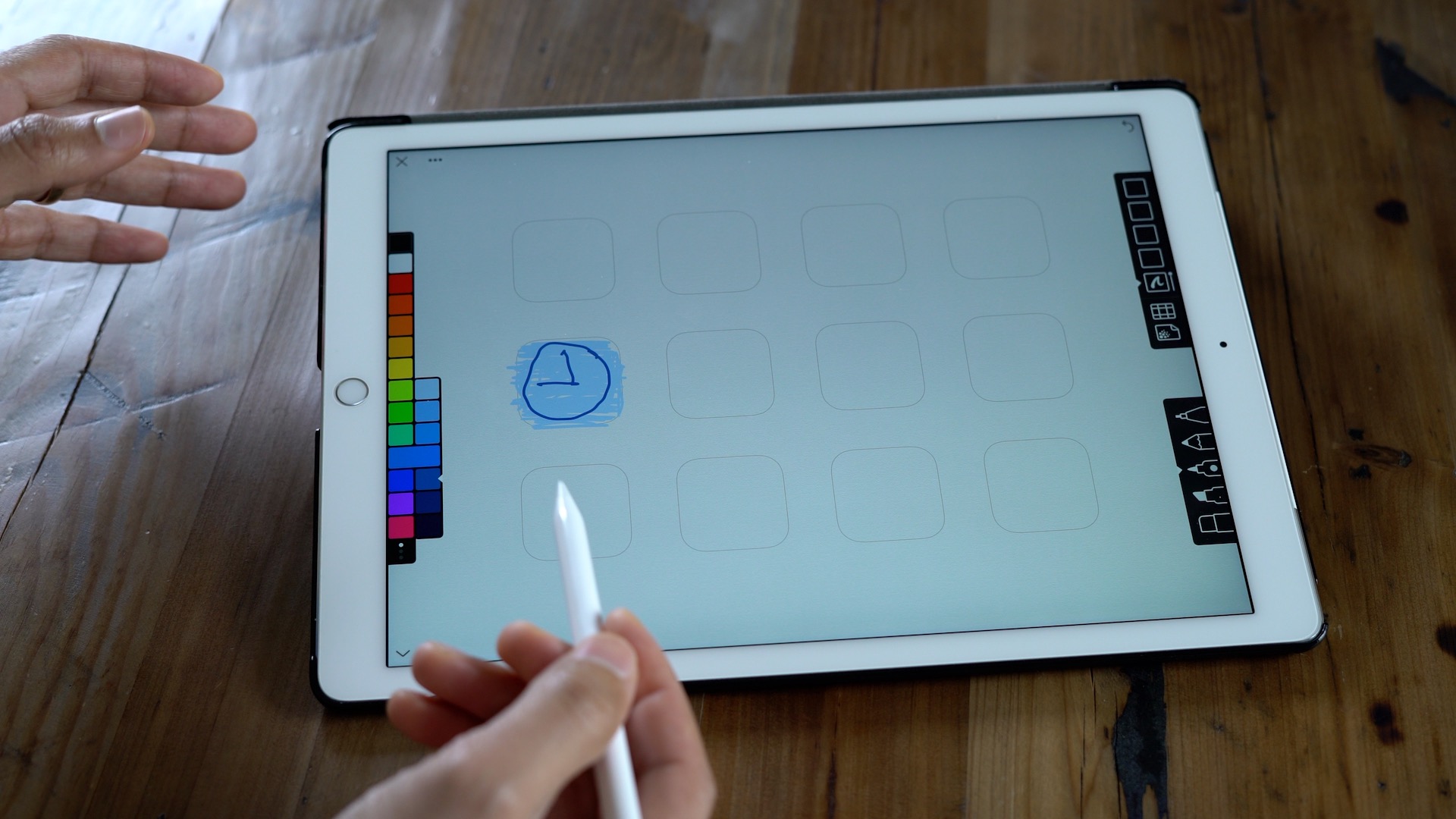
Looking for a few apps to keep you entertained this weekend? Then have a look at the latest edition of Friday 5. Inside, we discuss Linea — a brand new sketch app with Apple Pencil support. We also talk about Moonlight, an app that lets you stream NVIDIA GameStream-compatible games to an iOS device. Those, and three additional apps are on the docket for this week’s edition of Friday 5. Have a look at our brief hands-on video inside for the full rundown. Expand Expanding Close
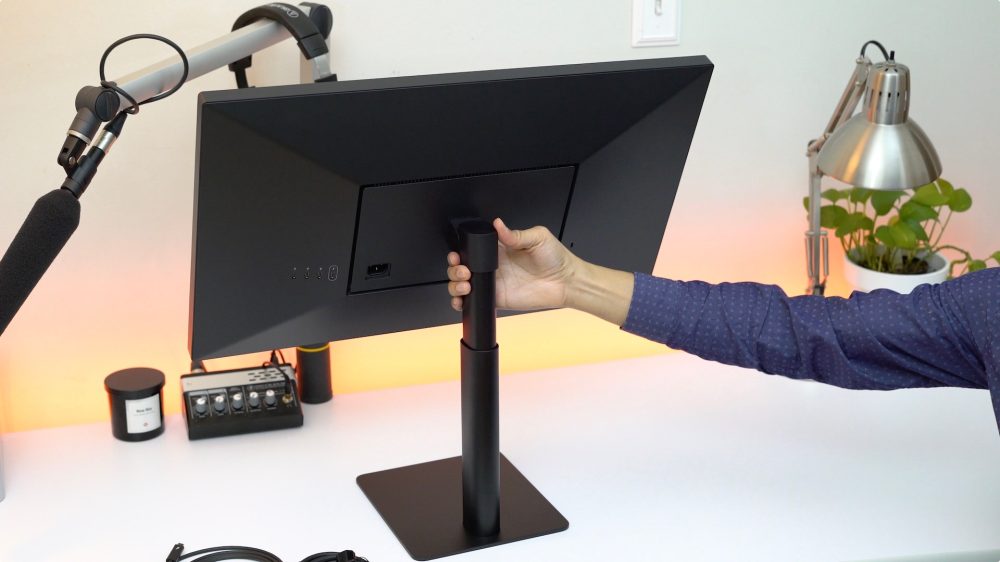
One of the perks of using an LG UltraFine Display is its integration with macOS. Instead of a cumbersome, off-putting on-screen display setup, you can control the brightness and volume of the LG UltraFine 4K or 5K Display directly from your Mac.
Controlling the display’s volume using a Touch Bar shortcut on the MacBook Pro is simple and straightforward, but what if you wish to control the display’s brightness from the Touch Bar as well? Expand Expanding Close
As we showed you in our step-by-step tutorial, creating a Boot Camp partition on your Mac to install Windows is easy. The tedious part of the installation is taking Windows through its initial setup process, and configuring it to your liking.
The configuration portion of the install process — initial setup, installing drivers, and downloading needed applications — can take a significant amount of time, so it’s worth backing up your Boot Camp installation after you have it configured to your liking. By doing so, you can easily restore a snapshot of Windows in mere minutes.
Watch our hands-on video walkthrough, as we show you how to back up and restore a Boot Camp Windows partition using Winclone Basic for macOS. Expand Expanding Close
Apple just released the first developer beta for watchOS 3.2, and we’ve spent some hands-on time with the release to observe the new features. The biggest feature, as alluded to in our initial post about today’s beta, is the presence of a new Theater Mode. In this brief hands-on video walkthrough, we take the new Apple Watch Theater Mode for a test spin. Expand Expanding Close
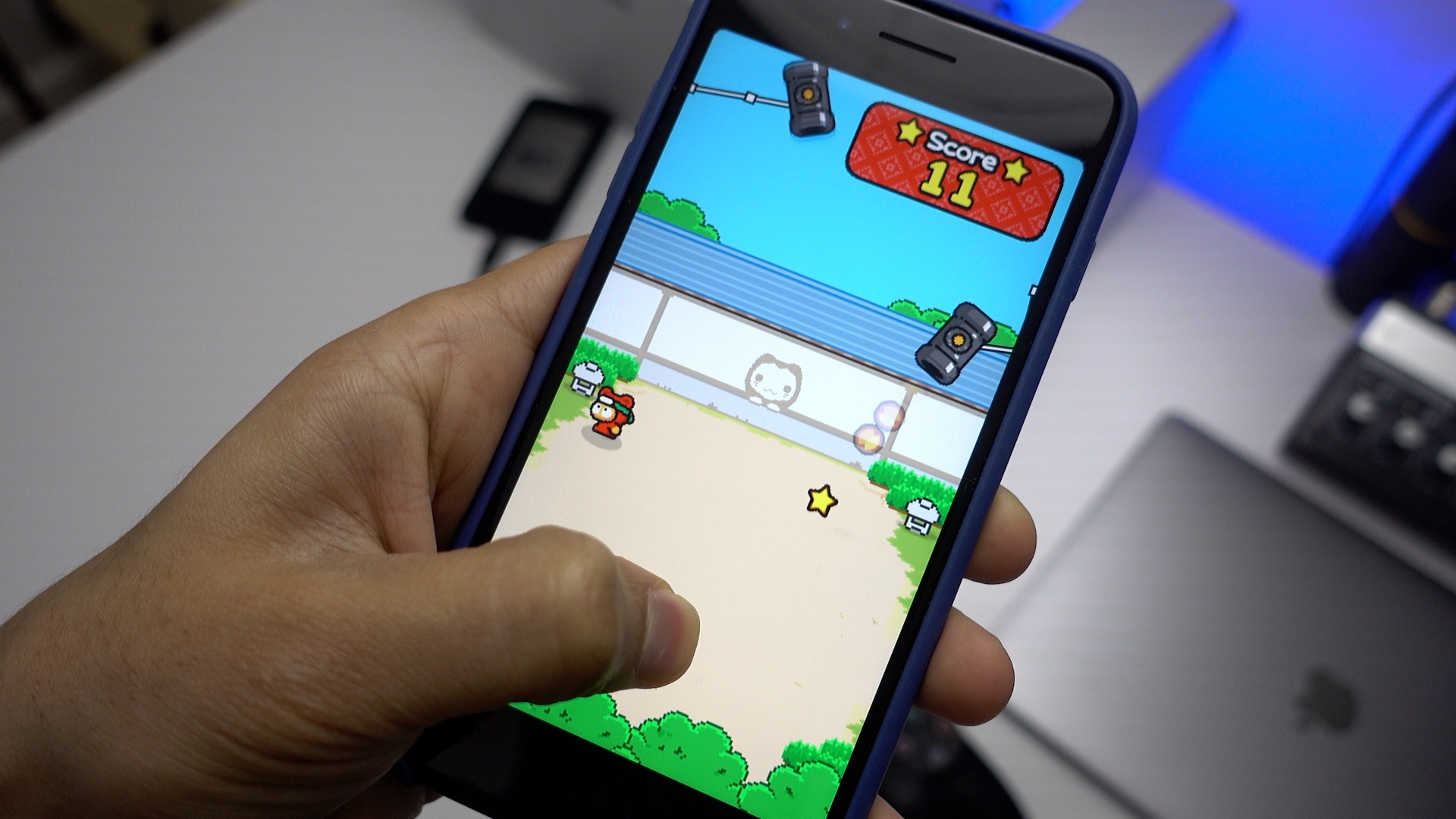
In search of a few apps to keep you occupied this weekend? Then you’ll want to check out the latest edition of Friday 5. Inside you’ll find a major GarageBand update, a new game from the creator of Flappy Bird, an awesome iOS imaging app that’s currently on sale, and more. Watch our brief hands-on video for additional details. Expand Expanding Close
While they’ve existed before the most recent MacBook Pro, the surge of interest in external GPUs is largely thanks to the implementation of Thunderbolt 3 in the latest Mac hardware. As we’ve shown in a previous post, an eGPU can make a significant performance difference, turning an otherwise graphically pedestrian MacBook Pro into a competent gaming machine.
In our previous tutorial, we showed you how to wield an AMD RX 480 in macOS. While that solution yielded definite benefits, it was also hindered by difficulties caused by macOS itself.
It should come as no surprise that the setup process and support with Windows is, in some ways, quite a bit better than using an eGPU with macOS. That’s not to say that you should run out and buy a Windows laptop if you want to play the latest games requiring a more powerful GPU. Instead, you can utilize a Boot Camp installation, and turn your MacBook Pro into a 1080p gaming machine.
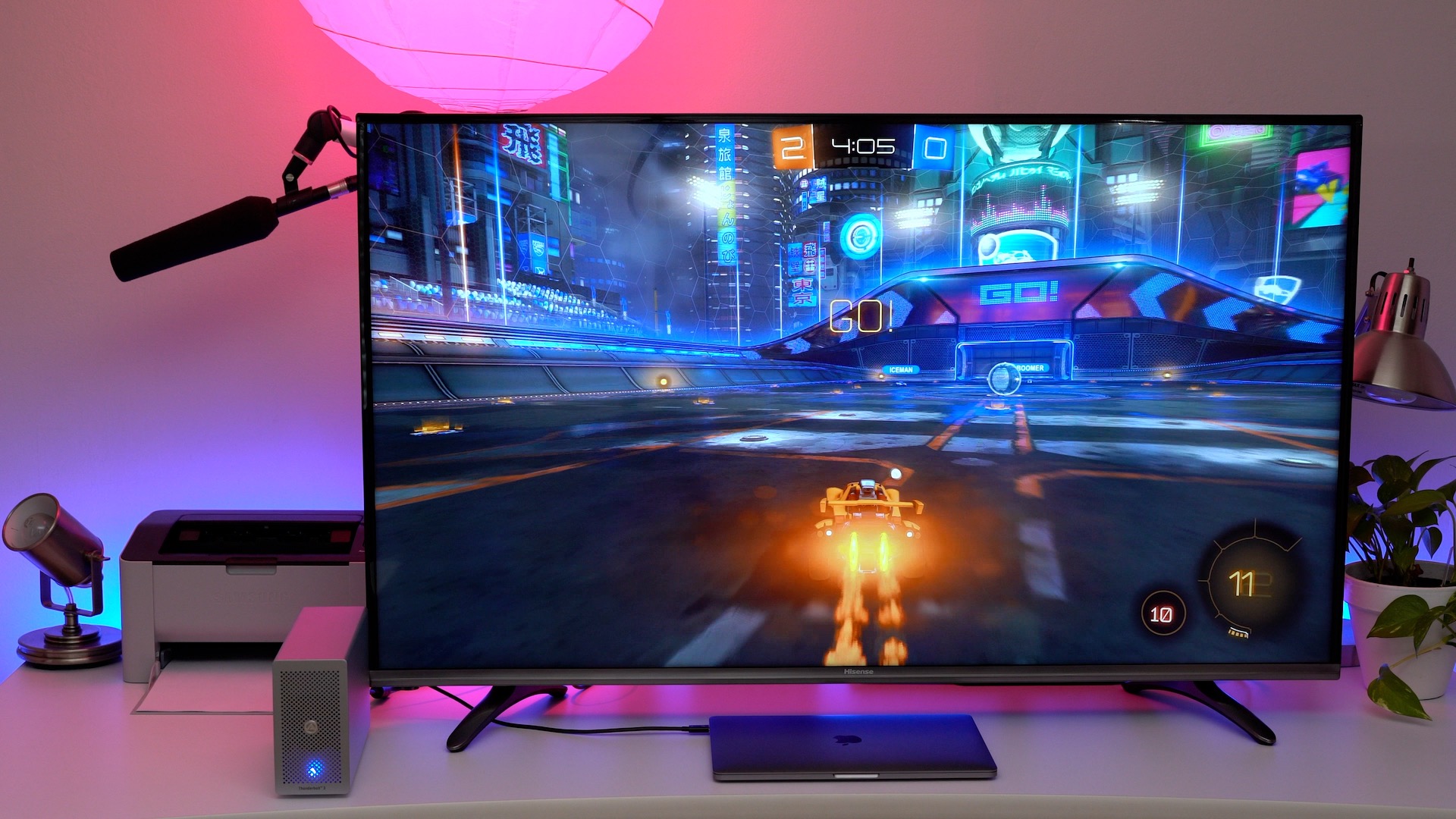
The now-available $249 Akitio Thunder3 is much smaller than the larger Akitio Node, so it takes up a smaller footprint on your desk. The setup also lets you tap into the power of the GPU right from your MacBook Pro’s built-in display, no external display required. Watch our full walkthrough, as we showcase this simple and compact eGPU solution on video. Expand Expanding Close
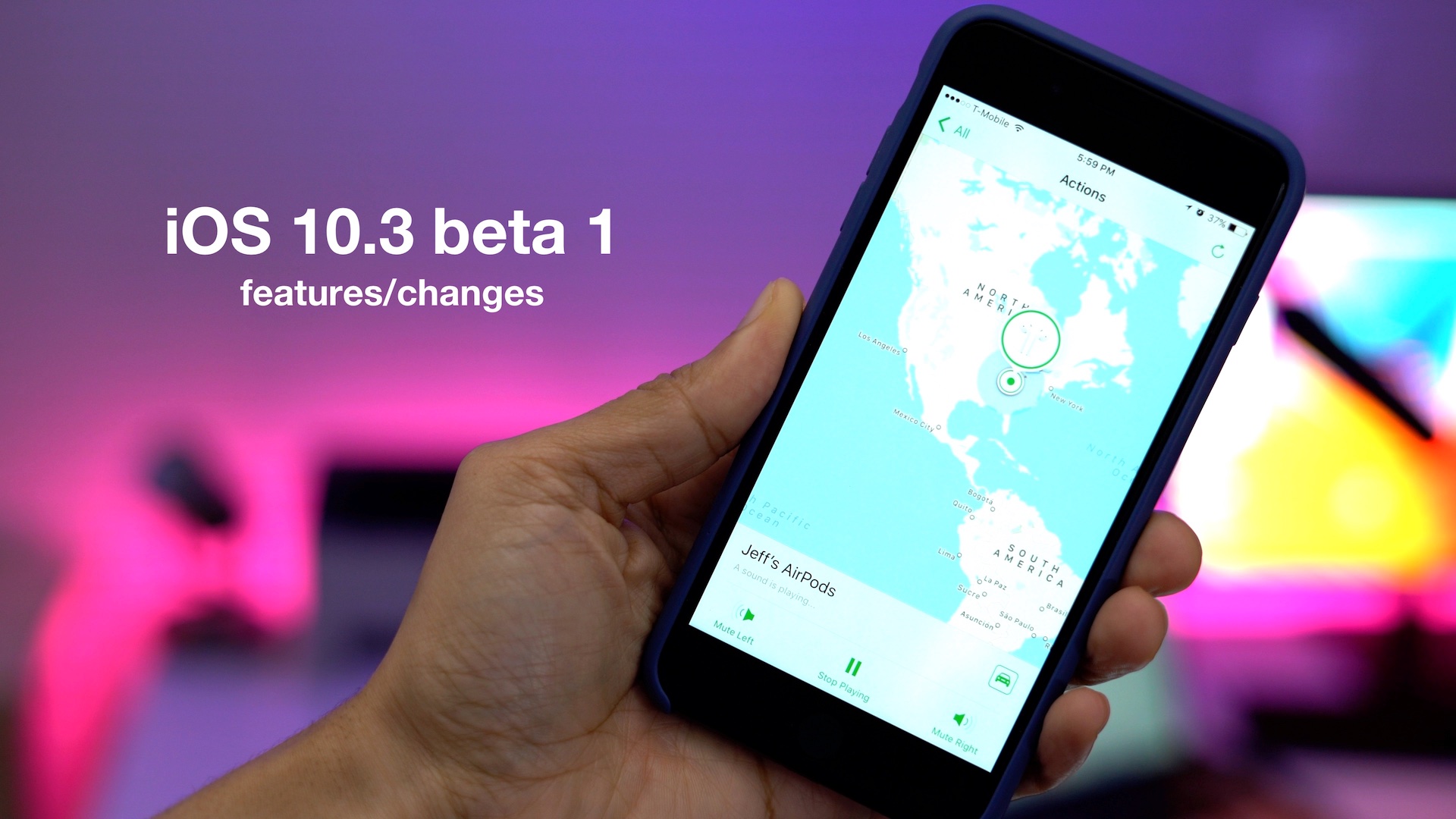
As we noted earlier, Apple has released iOS 10.3 beta 1 to developers. The update brings several new features to the table, including Find My AirPods for helping to keep track of Apple’s recently-released and highly popular AirPods. But that’s not all that’s new in iOS 10.3. In this hands-on video walkthrough, we’ll step through some of the other new additions. Expand Expanding Close
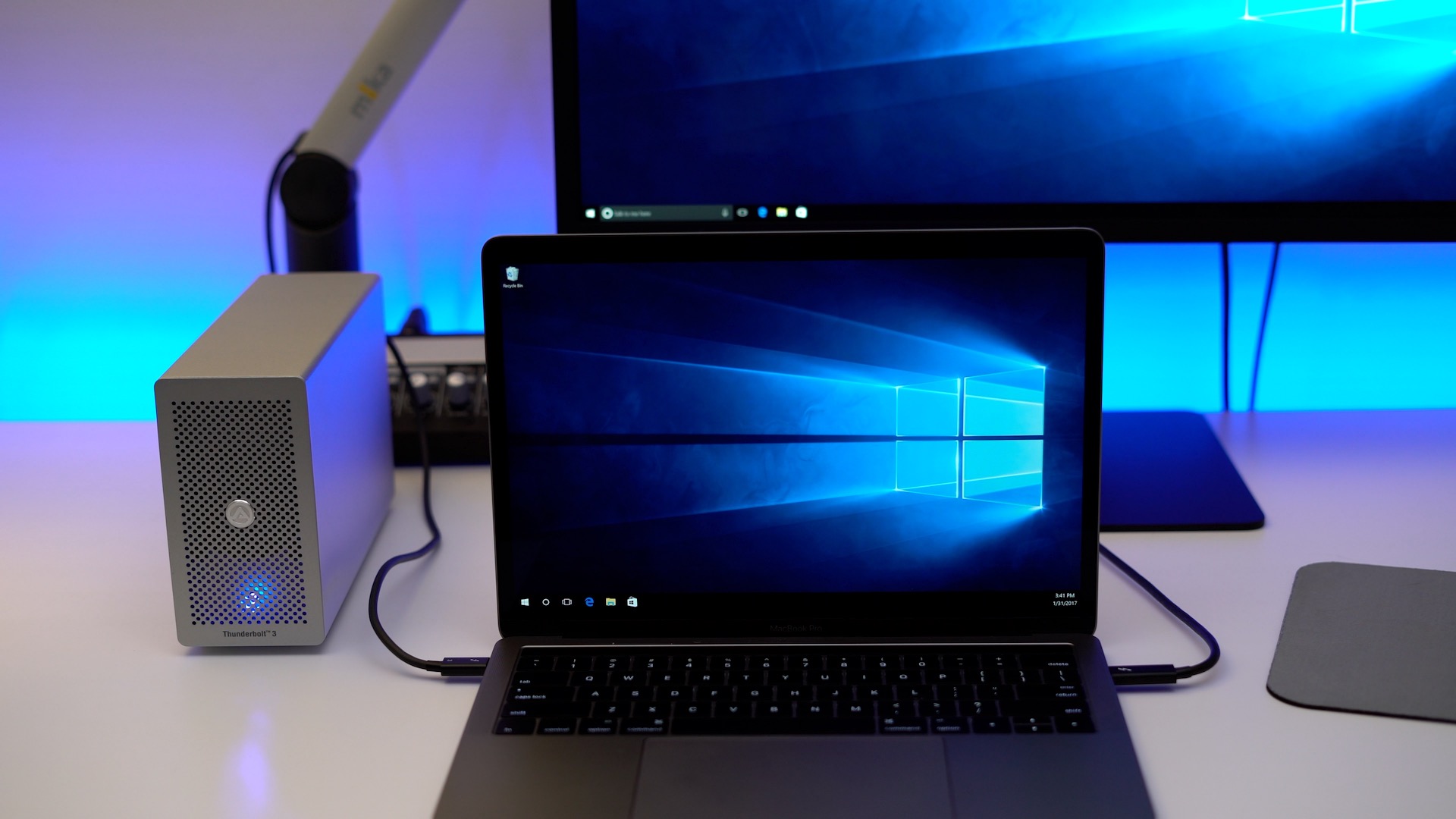
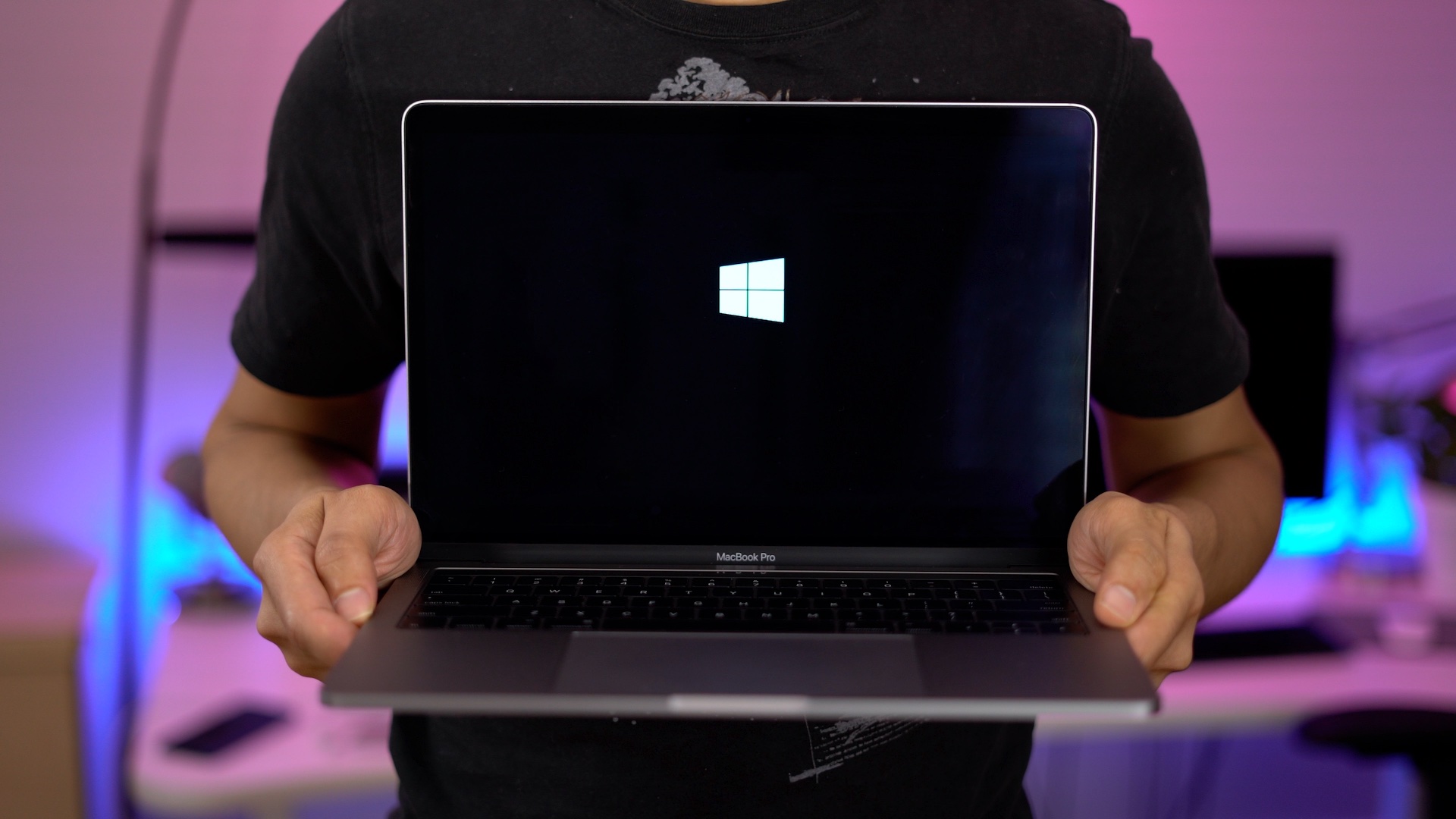
If you’re interested in installing Windows 10 on your Mac’s internal drive, you can easily do so by means of Microsoft’s Windows 10 ISO download and the macOS Boot Camp Assistant. The installation can be a little time consuming, but it is by no means difficult. Check out our full video walkthrough inside for the details. Expand Expanding Close
I’ve been a big fan of Philips Hue lights since the very first Hue Starter Kit was released back in 2012. I’ve been using that same initial set of bulbs ever since then, and have been largely happy with the experience.
Thanks to the success of that initial release, Philips has added many more Hue products to the lineup. It also produced a new second-generation HomeKit-enabled Bridge, which allows you to control your Hue lights directly from Siri or via the Home app features found in iOS 10.
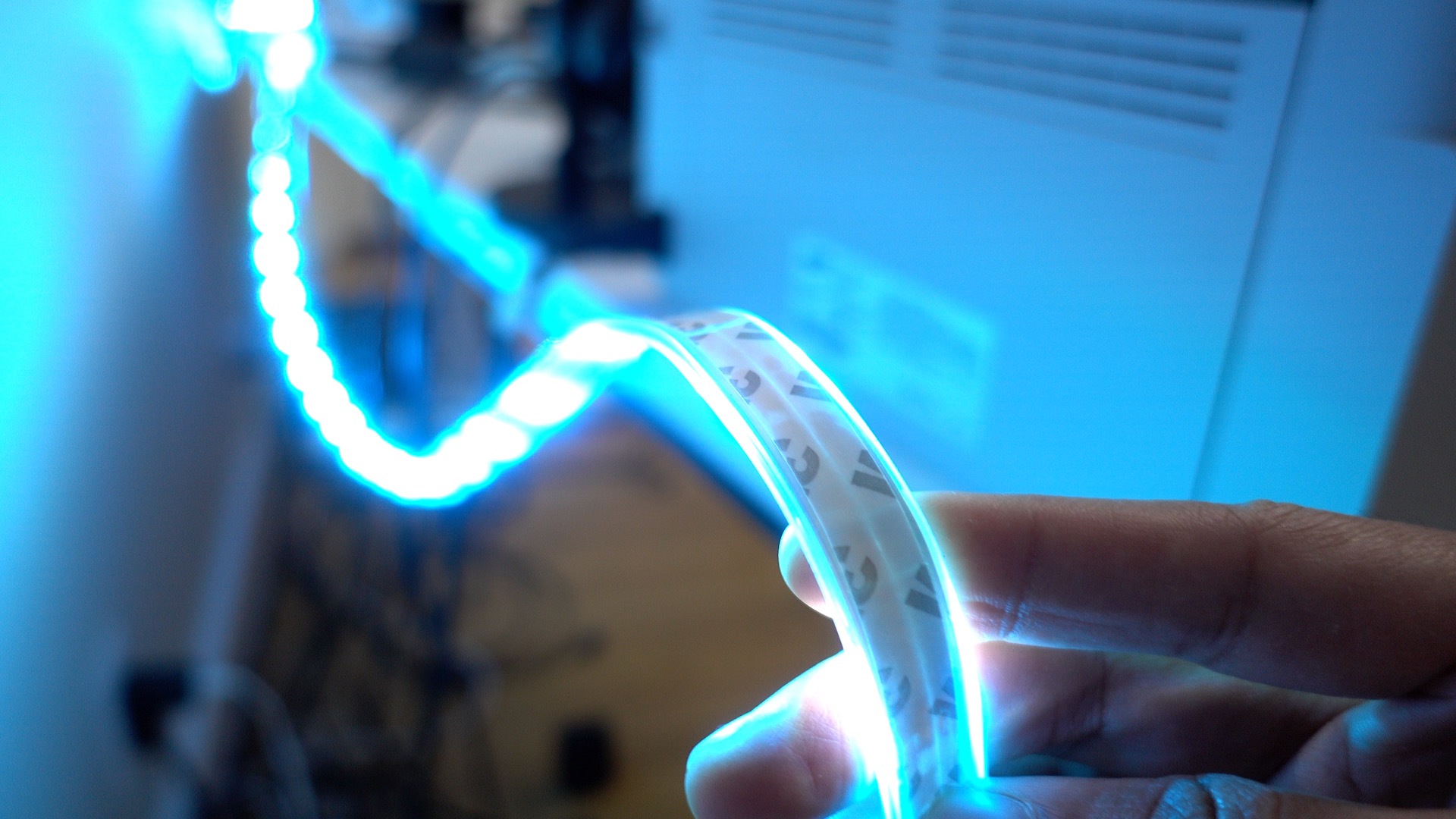
But there’s one particular Hue product that I see utilized more than any other, and that’s Philips’ Hue Lightstrip. You’ve likely seen the $90 Lightstrip utilized in photos or on YouTube videos, and that’s because they’re a wonderful way to make practically any environment more interesting with minimal effort. Expand Expanding Close
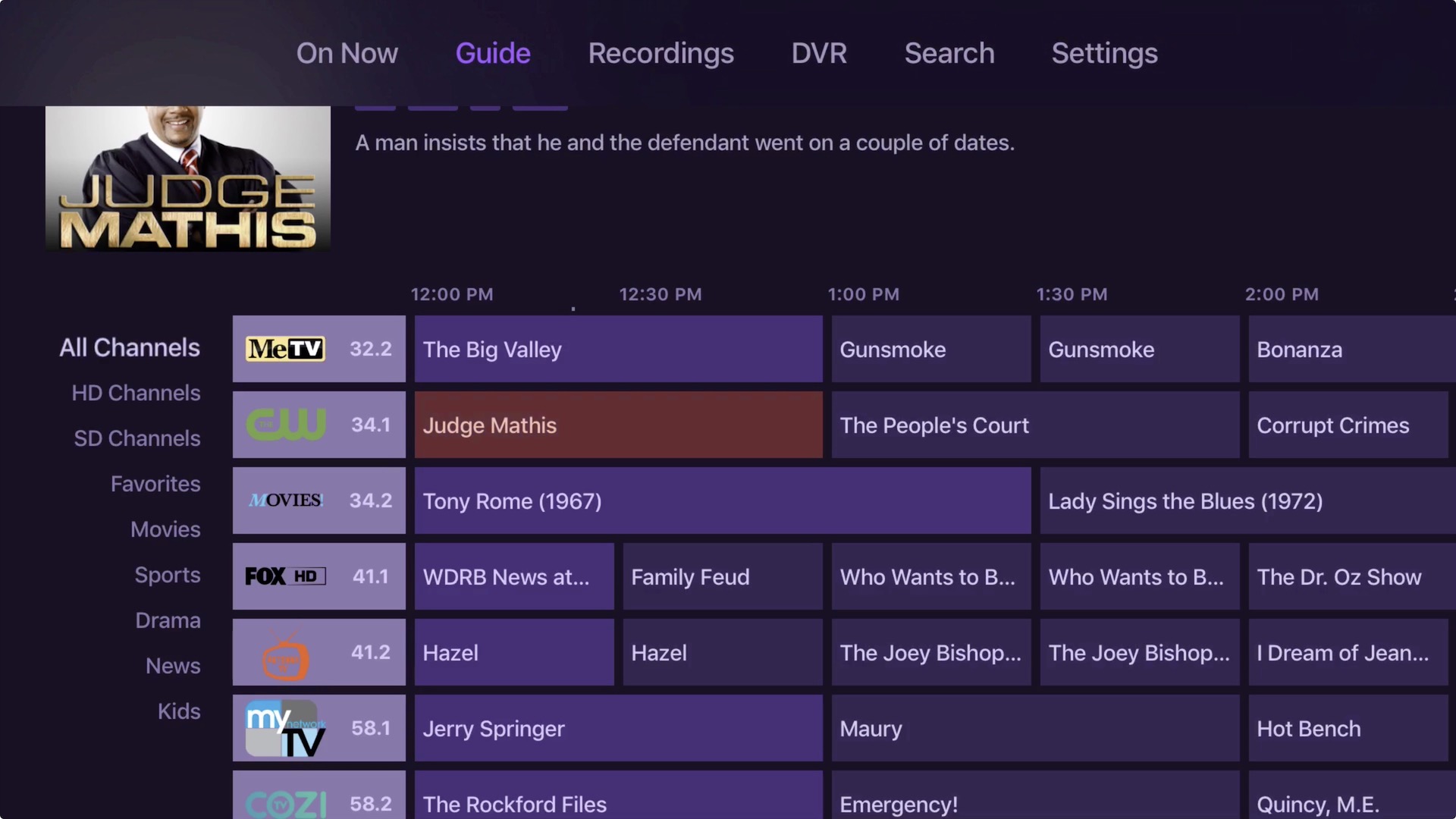
Channels, an app that we’ve covered several times in the past, allows users to stream live local television to an Apple TV or iOS device via a handy guide interface. The app works in harmony with an HD HomeRun box to receive over-the-air terrestrial television or cable TV depending on the box you purchase.
After the successful launch of the iOS version of the app and Channels 2.0 for the Apple TV, developer Fancy Bits’ next project involves integrating a subscription-based DVR service directly into the Channels app for Apple TV.
The DVR service, which will require a subscription, is currently in beta. By tapping into a NAS solution like the Synology DS916+, users can record live television, and schedule recordings directly from the Channels tvOS interface. Have a look at our video walkthrough as we take the service for a test drive. Expand Expanding Close
The 2016 MacBook Pro has endured criticism for its lack of I/O ports, but what that it does have — two or four Thunderbolt 3 ports based on your configuration — has lots of potential. For example, it’s now possible to connect an external GPU (eGPU) box via Thunderbolt 3 and tap into the power offered by a full-sized graphics card.
In this hands-on post, we’re going to showcase how to power the 13-inch 2016 MacBook Pro with an eGPU using Sapphire’s AMD RX 480. The RX 480 is modestly-priced GPU with a decent amount of power that’s good enough for 1080p gaming. The connection is made possible by means of the Akitio Node — an external GPU box with an embedded 400W power supply, and enough room inside for a full sized card like the RX 480.
The nice folks at Akitio provided us with an early unit for testing with macOS. Unlike Akitio’s other Thunderbolt 3-enabled enclosures, the Node features the newer Texas Instruments TI83 controller and is immediately recognized in macOS. While that makes for one less hurdle to clear, there are still lots of factors to consider before taking the eGPU plunge.
As you’ll see in this post, the setup takes some effort to get right, but it’s fairly simple to get working if you follow the steps correctly. If you’re a Mac gamer or video editor, then the benefits are very apparent, especially if you’re using a MacBook Pro with an integrated Intel Iris GPU like the 13-inch 2016 model. Have a look at our full hands-on video walkthrough for our step-by-step guide through the setup process. Expand Expanding Close
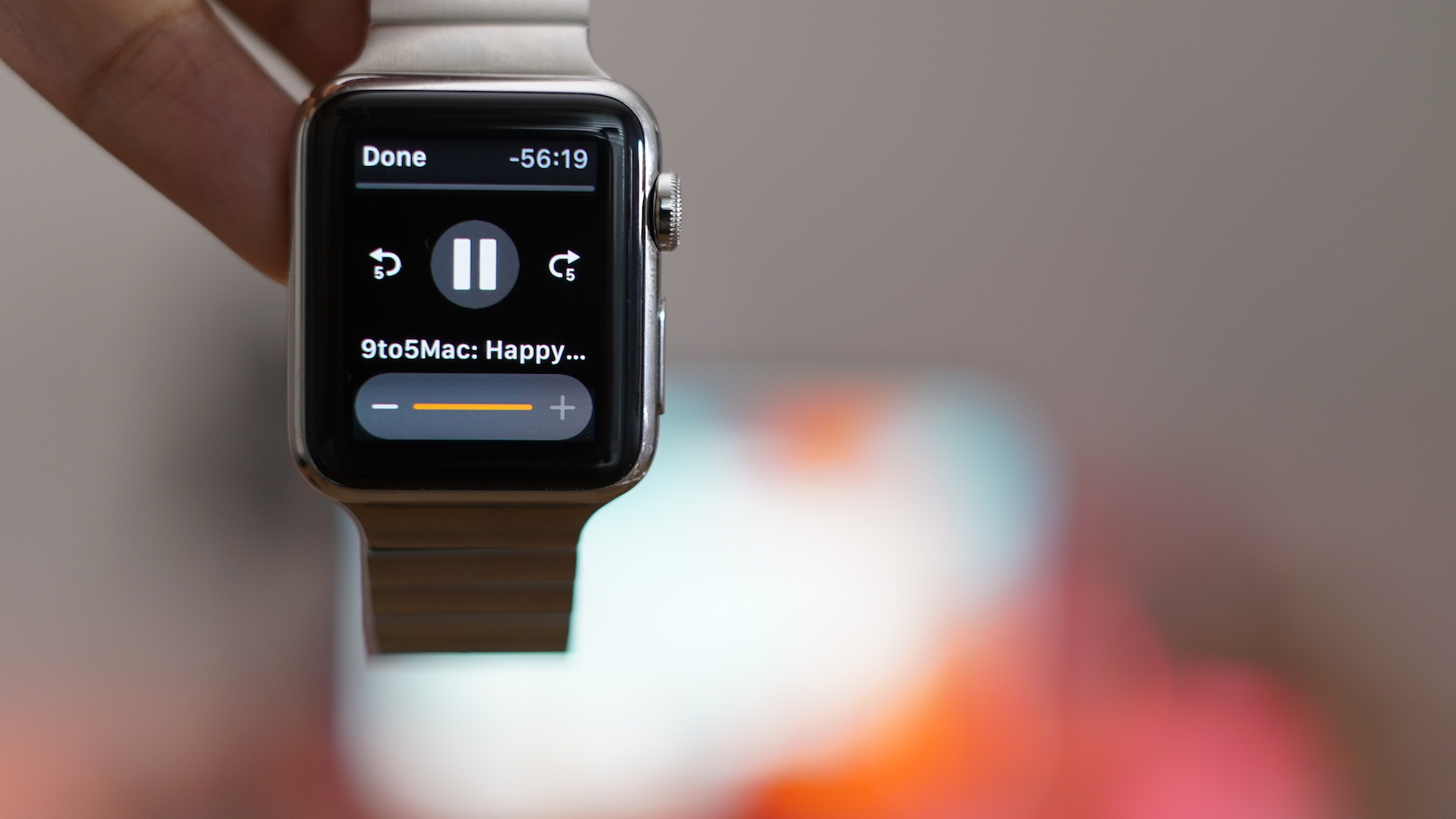
WatchPlayer is a free app that allows you to transfer full podcast episodes to the Apple Watch for offline playback. That means you can leave the house without your iPhone and listen to your favorite shows while on-the-go.
The app isn’t the prettiest from a design perspective and podcast file transfers to the Apple Watch are slow, but it’s one of the easiest ways to play podcast episodes on the Apple Watch without an iPhone. The app even affords the ability to listen to your favorite episodes directly from the Apple Watch speaker — no headphones required. Have a look at our hands-on video walkthrough inside for more details.
Filmic Pro has long been my go-to app for shooting anything but the most frivolous content on my iPhone. It’s an app that affords a level of control over the filming process that’s unlike anything we’ve seen from an iOS app. If you’re serious about filmmaking with your iPhone, then it’s a no-brainer to have Filmic Pro as part of your repertoire. To illustrate the sheer amount of features contained within the app, we created a video that covered its basic concepts, and it was over 13 minutes long.
Filmic has recently been working hard on the next big version of its app. The forthcoming update will introduce a new log mode that allows filmmakers to shoot videos with a flat picture profile containing additional stops of dynamic range. This is the type of feature that’s normally reserved for more expensive standalone cameras, but it will soon be available to iPhone users. Expand Expanding Close
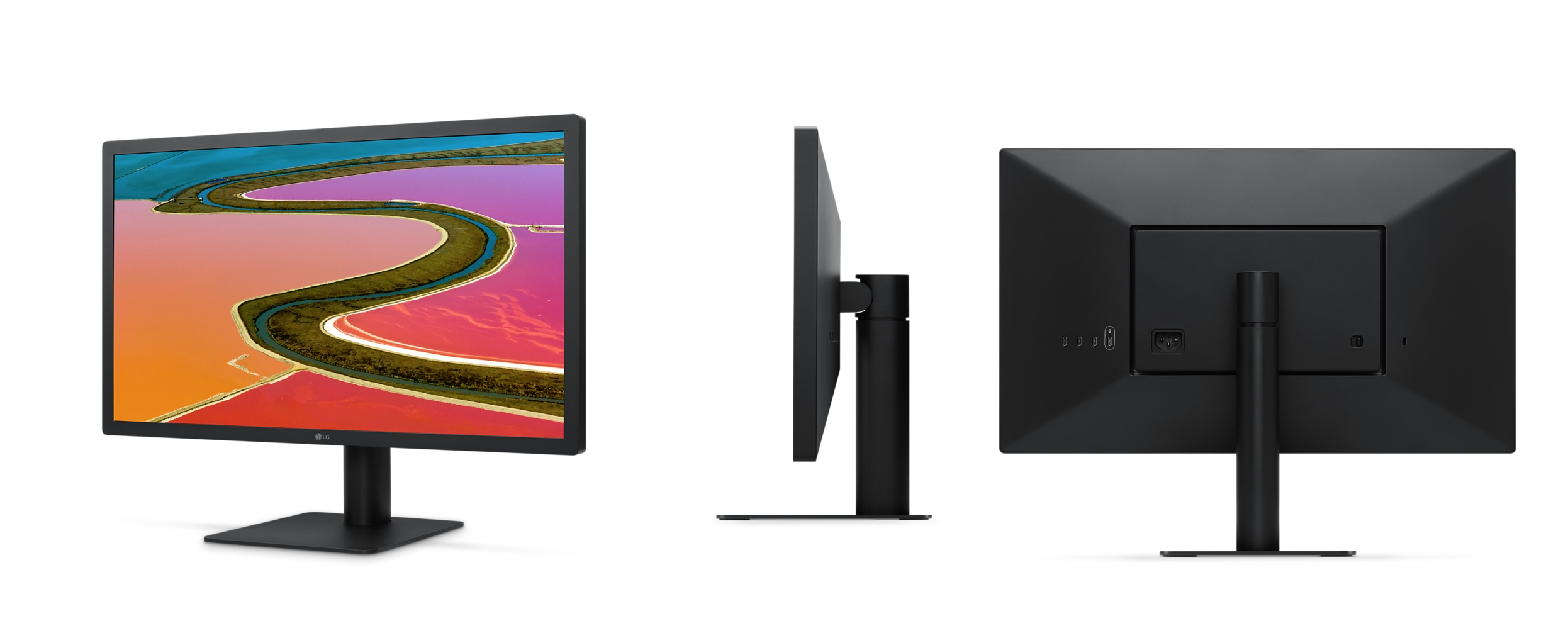
LG’s UltraFine 5K Display is here, and while it tops the 4K model in virtually every statistic, there are some scenarios where you might consider buying two 21.5-inch 4K displays instead of a single 5K display.
That means that you can get two 4K models for $1048, or only $74 more than a single 5K display. Despite the 4K version’s noted shortcomings — lack of a camera, microphone, Thunderbolt 3, 10-bit color, etc. — this may be a viable option if it happens to meet your needs. Expand Expanding Close
As an LG UltraFine 5K Display owner, I’ve been using my MacBook Pro in closed-clamshell mode for the last week. Closed-clamshell mode allows me to drive an external display with the MacBook’s lid closed.
While such a setup looks neat and takes up less desk real estate, there are a few downsides involved. The most obvious downside is that you lose the MacBook Pro’s screen. But for new MacBook Pro owners, losing the Touch Bar might be the bigger downside of the two.
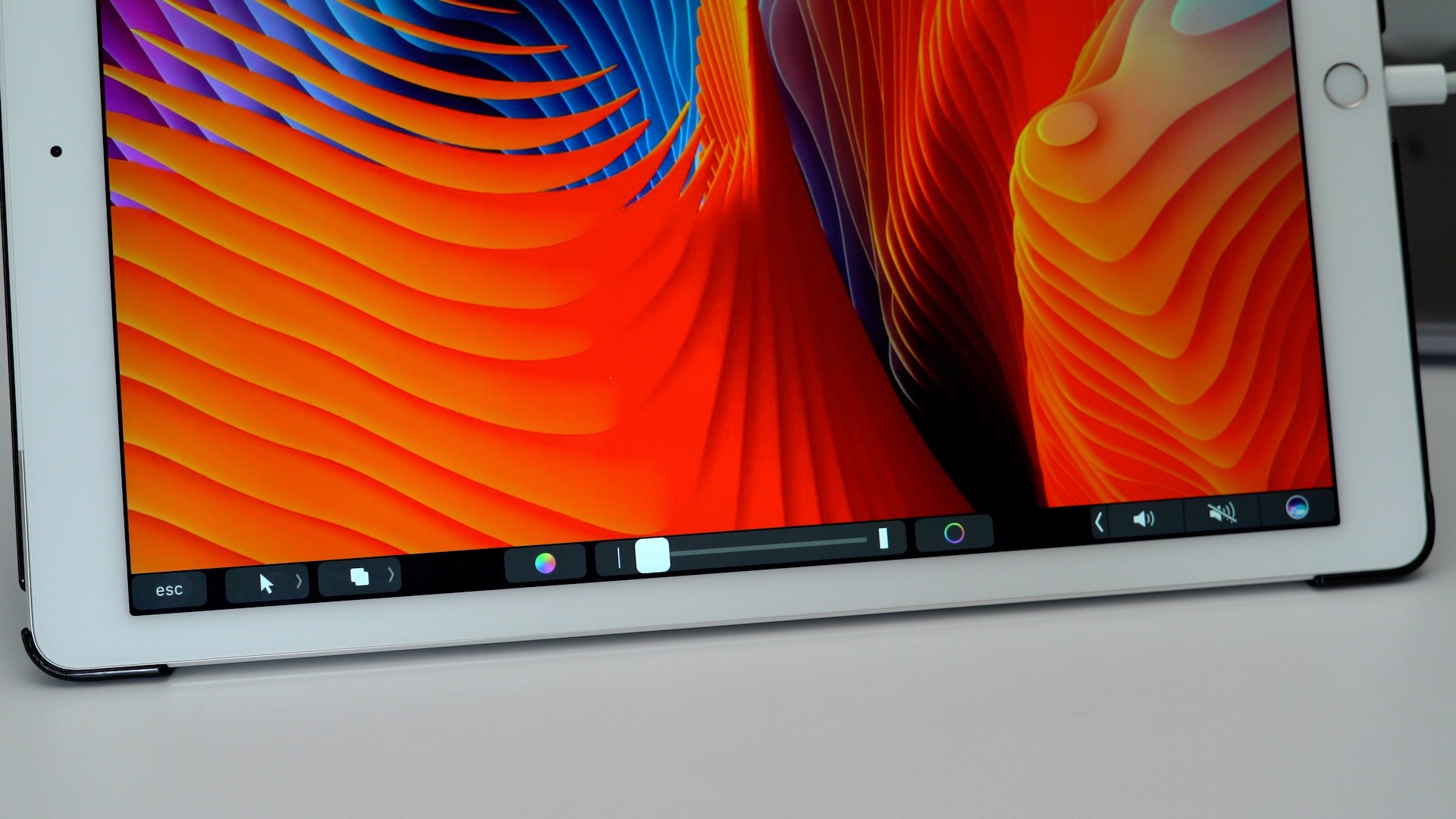
If you’re an iPad owner, there is a decent solution to this problem. You can use your iPad as an external Touch Bar by using Duet, a $9.99 app on the App Store. As originally mentioned on FCP.co, Duet allows you to use an iOS device as an external display, and its most recent update adds Touch Bar support. This makes the app a viable solution for those wishing to employ closed-clamshell mode on the latest MacBook Pro, and for those with older Mac hardware without the Touch Bar. Watch our brief hands-on video to see how it works in action. Expand Expanding Close
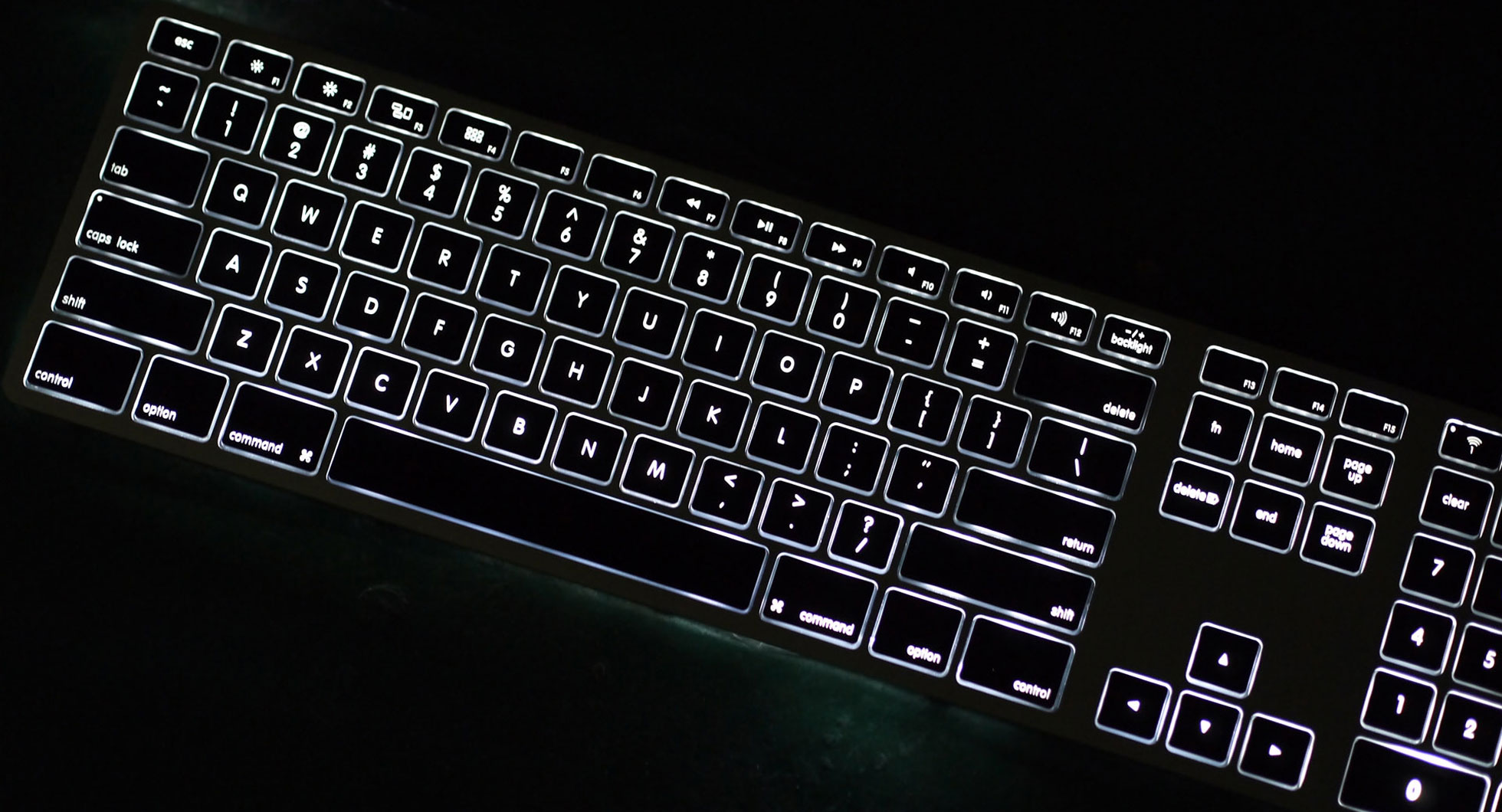
Keyboard maker Matias announced a new backlit version of its Mac-centric Wireless Aluminum Keyboard during CES yesterday. The keyboard, which will be available in Silver and Space Gray colors, builds on the company’s impressive and already-available Wireless Aluminum Keyboard. Expand Expanding Close
Panasonic’s recently-announced GH5 mirrorless camera checks off a lot of boxes: internal 10-bit 4:2:2 recording, dual SD Card slots, 4K @ 60p, in body 5-axis image stabilization, and much more. The camera, which is now available for preorder on B&H or Amazon, is a ridiculously-impressive unit that we can’t wait to get our hands on.
And one of the camera’s more unheralded new features is something that will appeal majorly to MacBook owners. Instead of a slow USB 2.0 connection via a USB mini port, Panasonic is including USB 3.1 gen 1 via a USB Type-C port. Expand Expanding Close
If you’re a new MacBook Pro owner, then perhaps you’ve considered using external storage to increase storage capacity. After all, the MacBook Pro is limited by relatively small internal storage drives, although you can now go up to 2TB (at a $1,200-$1,400 premium) with 15-inch build-to-order options.
That said, I think most professional creatives will be interested in adopting some form of external storage to use with the new MacBook Pro. Of course, there are tons of external drive options on the market, ranging from standard hard drives, to solid state drives. Even if these drives feature USB-A connectors, they can be quickly adapted to work with USB-C.
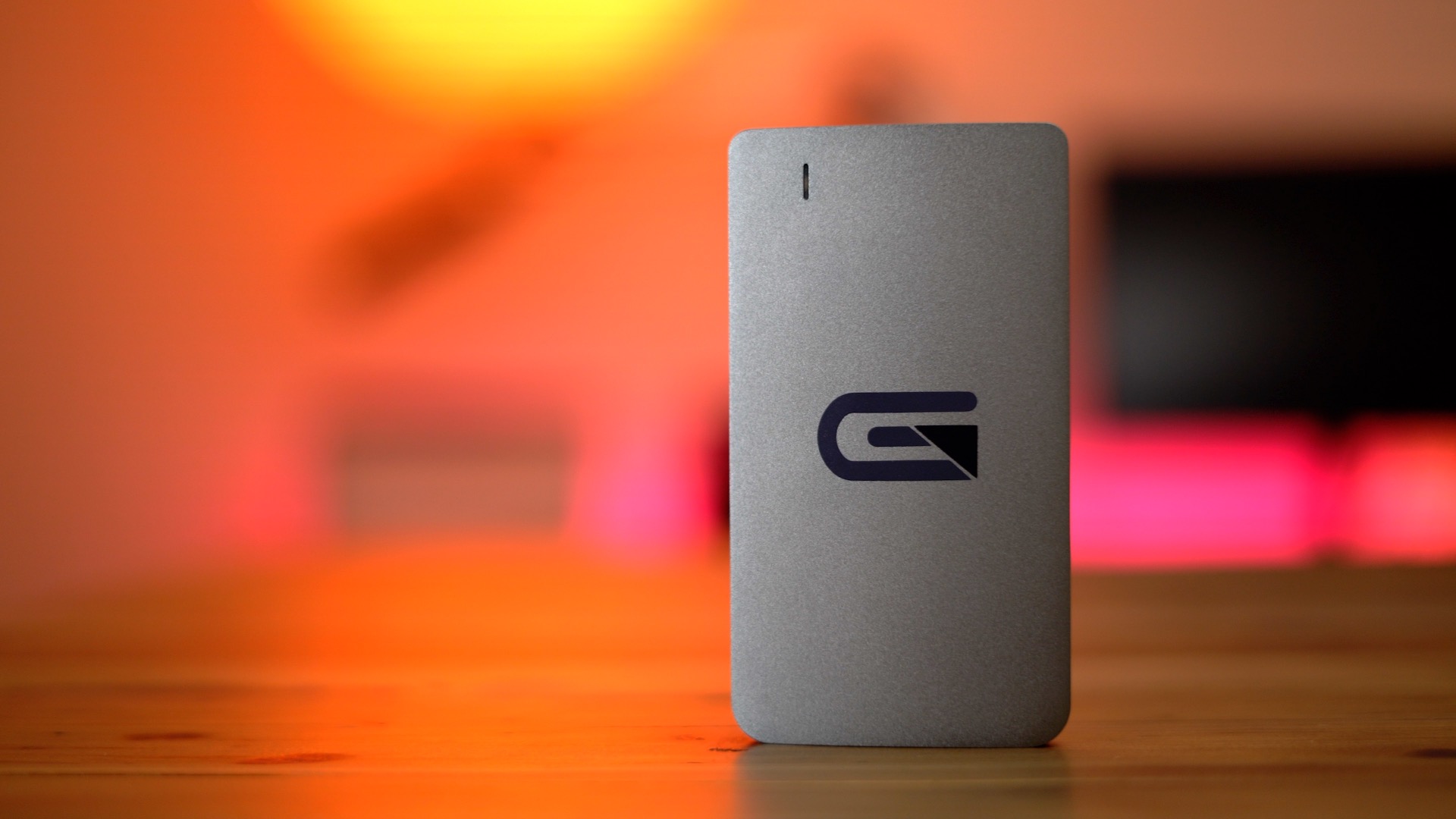
But the Atom SSD line from Glyph is an extremely attractive choice for new MacBook Pro owners. Not only does it feature excellent build quality and out-of-the-box USB-C to USB-C connectivity, it also takes advantage of USB 3.1 gen 2, which not many external drives can lay claim to at this point.
We previously went hands-on with the standard 1TB Atom SSD, but I recently got my hands on the RAID version, which truly takes advantage of the speeds afforded by the 2016 MacBook Pro. Have a look at our hands-on video walkthrough for the details. Expand Expanding Close
The LG UltraFine Display’s 5K screen is something to behold, but the Video Electronics Standards Association, better known as VESA, announced its early certification program for interfaces using the DisplayPort standard that can drive 8K video resolution. Not to be outdone, the HDMI Forum also today announced HDMI spec 2.1, which can drive 8K resolutions as well.
While the promise of 8K and higher sounds interesting, it’s a relatively long way off in the mainstream consumer space. However, there are some more practical applications that DisplayPort’s High Bit Rate 3 (HBR3) will allow for, which might be of special interest to MacBook users. Expand Expanding Close
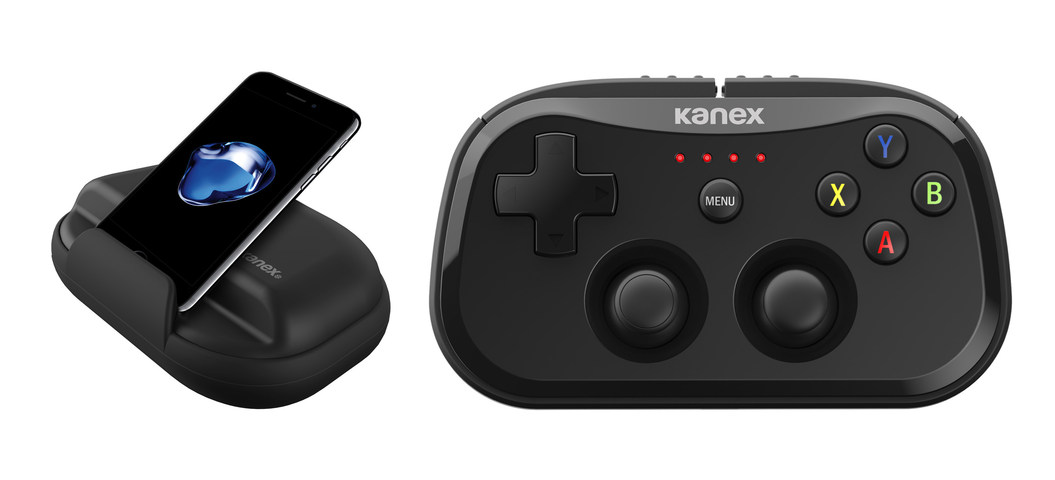
Today at CES 2017, Kanex announced its new GoPlay Series of portable wireless game controllers for iOS and tvOS. The first release in the series, the GoPlay SideKick, is a pocket-sized wireless gaming controller that works with the iPhone, iPad, and Apple TV. Expand Expanding Close
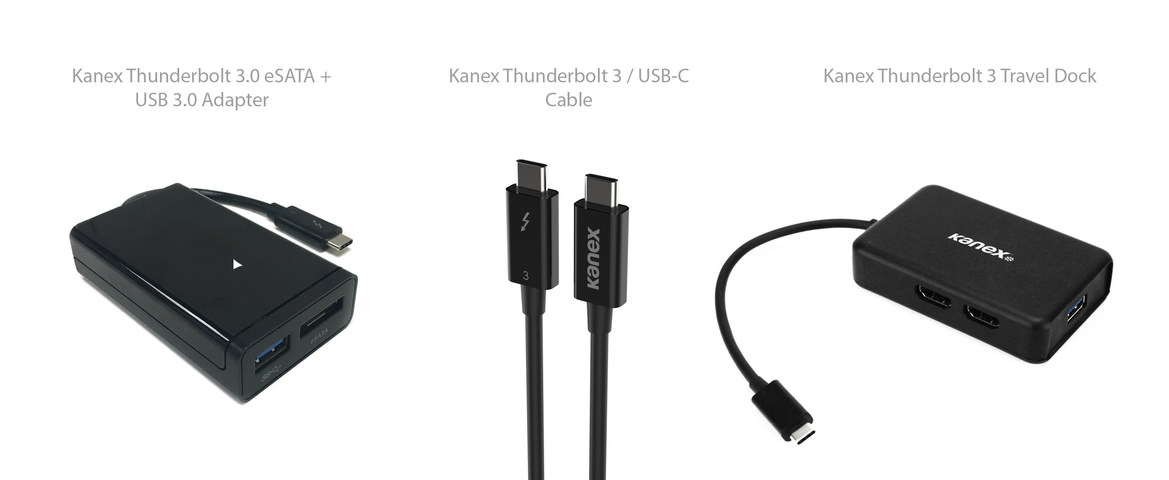
Apple peripheral maker Kanex has launched three new Thunderbolt 3 products that will surely be of interest to new MacBook Pro owners. The products, just announced at CES 2017 in Las Vegas, include a Thunderbolt 3-enabled eSATA+USB Adapter, a Thunderbolt 3 cable, and a Thunderbolt 3 Travel Dock. Expand Expanding Close
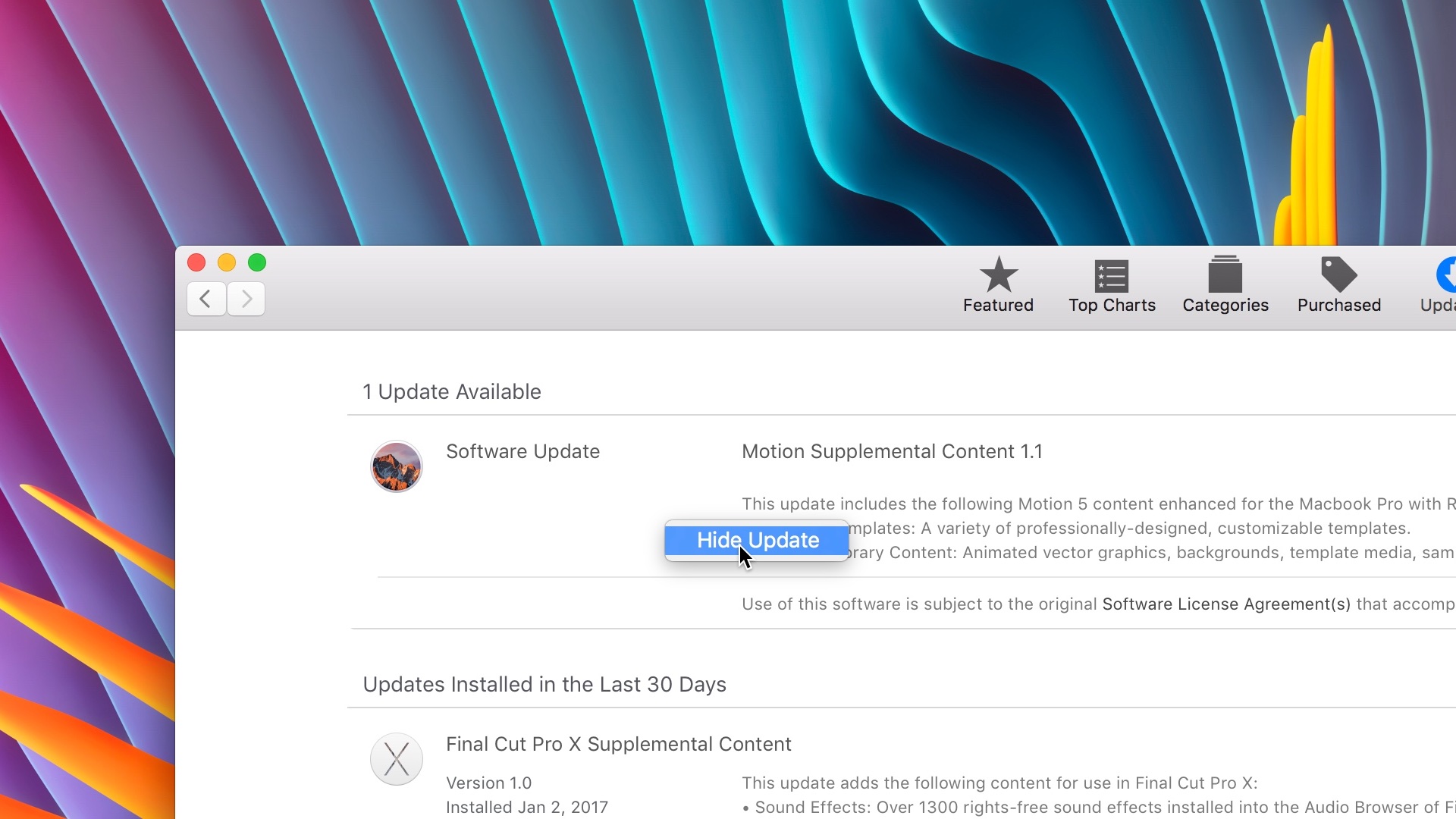
Have you ever wanted to hide a particular app update on the Mac App Store? I often do so with some of the supplemental content provided by Apple Motion and Final Cut Pro X. In this brief tutorial, I’ll show you how to quickly hide app updates, and how to bring back hidden updates just as fast. Expand Expanding Close
LG’s UltraFine 5K Displays are slowly making their way into the hands of customers, and as such, there are still quite a few lingering questions about the units. We’ve already posted an in-depth hands-on video walkthrough, but in this post we’ll answer some of the most frequently asked questions that we’ve encountered thus far. Expand Expanding Close
The LG UltraFine 5K Display is Apple’s answer to MacBook Pro customers who wish to connect their notebooks to an external display with a single cable. After reportedly getting out of the standalone monitor business, LG’s offerings, which are available in 4K and 5K varieties, might be the next best option.
The fact that you can connect a single Thunderbolt 3 cable from your MacBook to the LG UltraFine 5K Display is quite compelling. Not only will this provide display output, but it will also deliver the necessary power (up to 85W) to keep your MacBook Pro — 13- or 15-inch variety — charged.
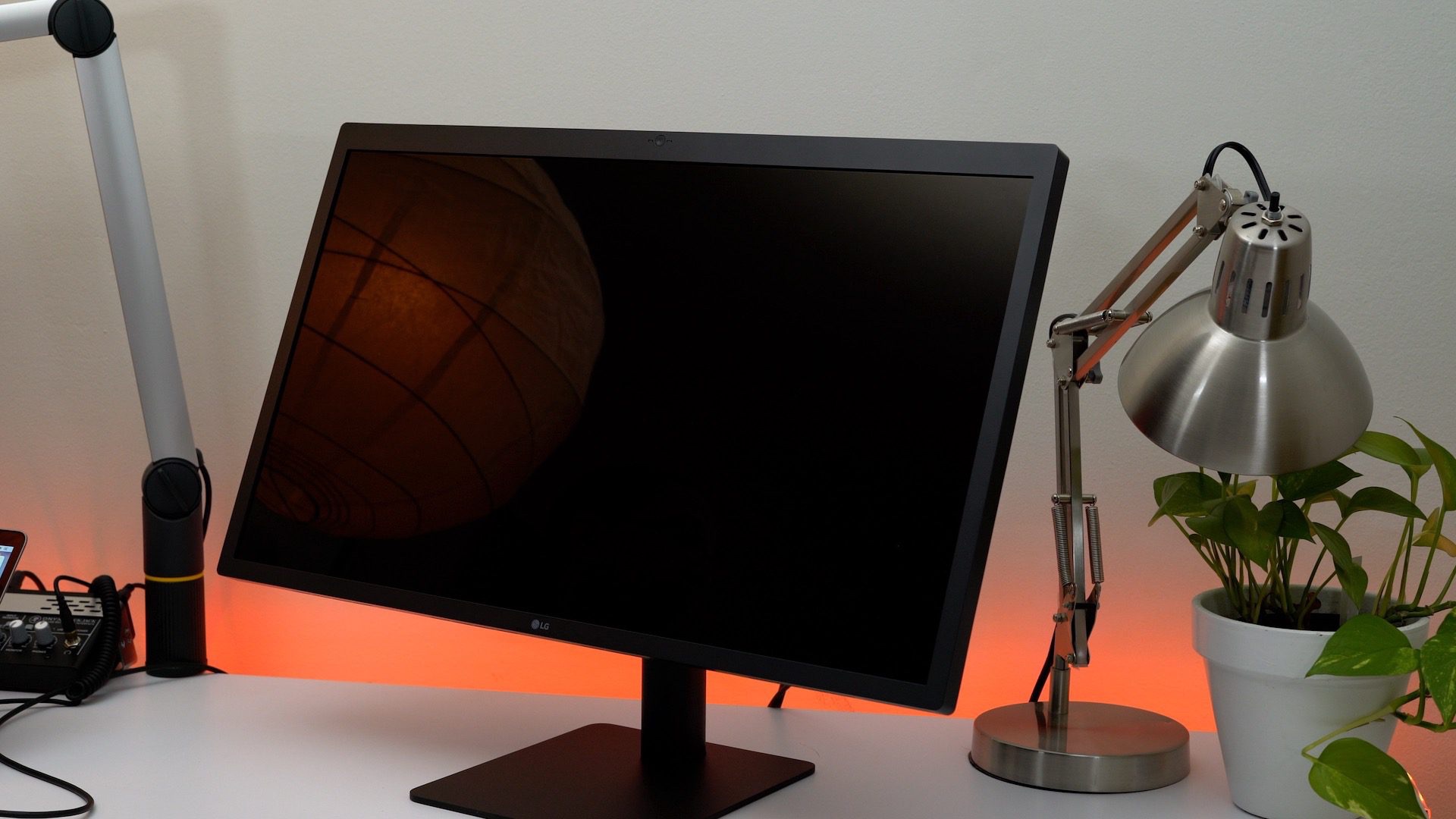
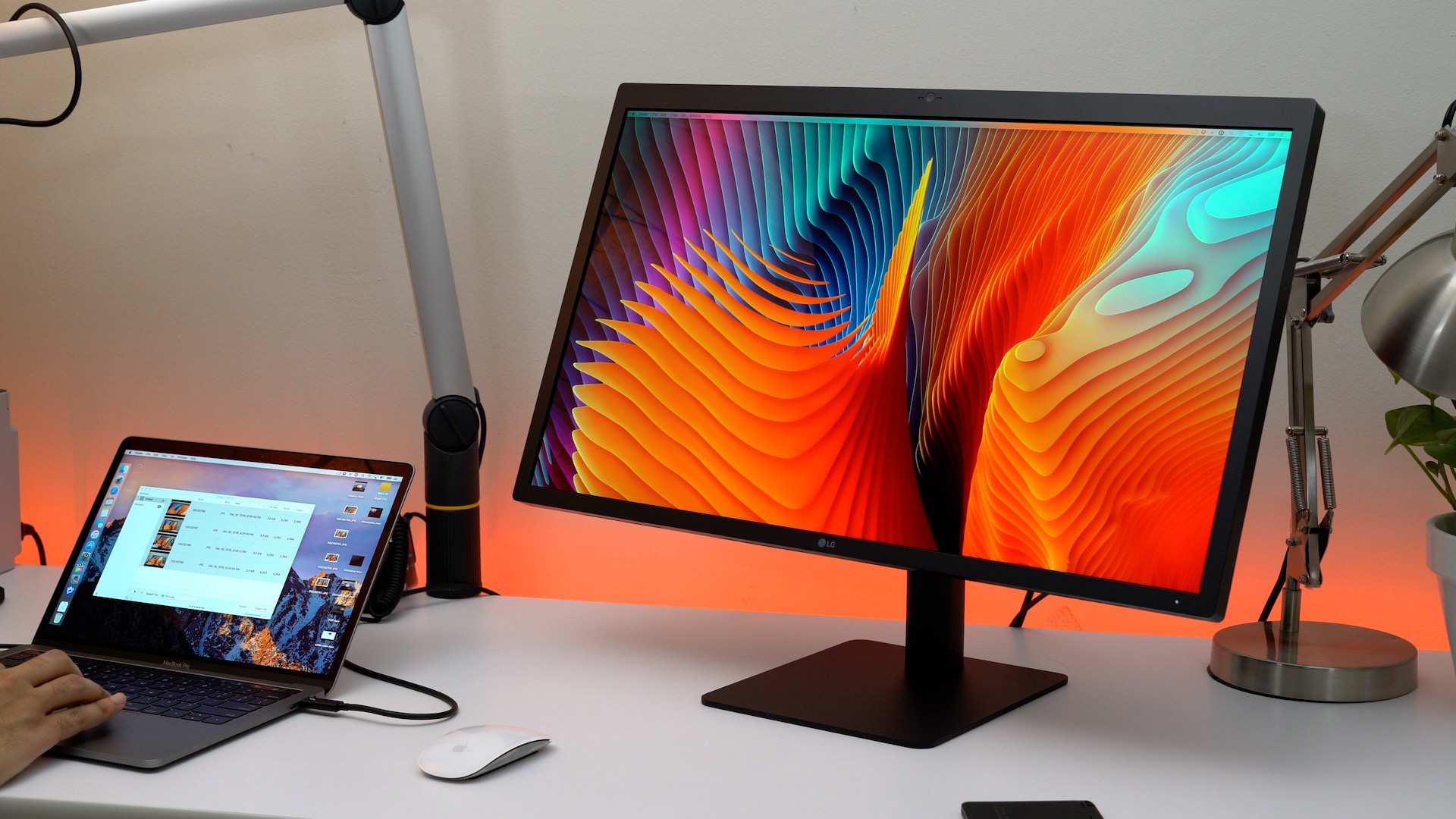
We recently got our hands on the LG UltraFine 5K Display. Is it a good choice for MacBook Pro owners? Watch our hands-on video walkthrough inside to learn more. Expand Expanding Close