iOS 14: Download, new features, and compatibility

See All Stories

iOS 14 was released on September 16th, 2020. New features include a new home screen design, widgets, picture in picture, and more.

During its WWDC 2020 keynote, Apple announced iOS 14 for iPhone and iPod touch. The update brings a variety of new features and changes.

Features: What features does iOS 14 bring?

iOS 14 was a pretty substantial update, bringing many changes to the fundamental iOS experience that weren’t seen since as early as iOS 7. This update, most notably, brought the addition of the App Library, which gives you a one-stop spot for all your apps. This was coupled with widgets, which for the first time gave app developers a way to present rich data like weather cards or music shortcuts directly on the home screen. The update also brought picture-in-picture to the iPhone, adding a feature that was a mainstay to the iPad experience to the mobile handset.

App Library

iOS 14 adds a new App Library view for organizing all of your apps. Apps are automatically organized in the App Library, and you don’t have to keep all of the icons on your actual home screen view. There is also a new list view as well as features for sorting applications based on usage and more.

Widgets

iOS 14 adds widgets to the home screen of the iPhone and iPad for the first time. Widgets are more data-rich than ever and come in a variety of sizes. Apps move out of the way automatically to make room for the widgets. You access these widgets through the “Widget Gallery,” with multiple different sizing options.

Site default logo image

Picture in Picture on iPhone

iOS 14 also provides support for picture in picture, works very similar to the iPad experience. Meanwhile, Siri has a new interface that does not overtake the entire screen.

Site default logo image

Translate App

A new translate app in iOS 14 is designed for conversations and works completely offline. All you have to do is tap on the microphone icon and the app will translate to your chosen language. There will be 11 languages supported at launch.

Site default logo image

App Clips

iOS 14 also adds a new App Clip feature to easily access applications quickly without downloading the full version from the App Store.

“Small part of an app that is quick and easy to access,” Federighi explains.

Launch an app with a single tap and pay and log in with Apple Pay and Sign in with Apple.

New iMessage Features
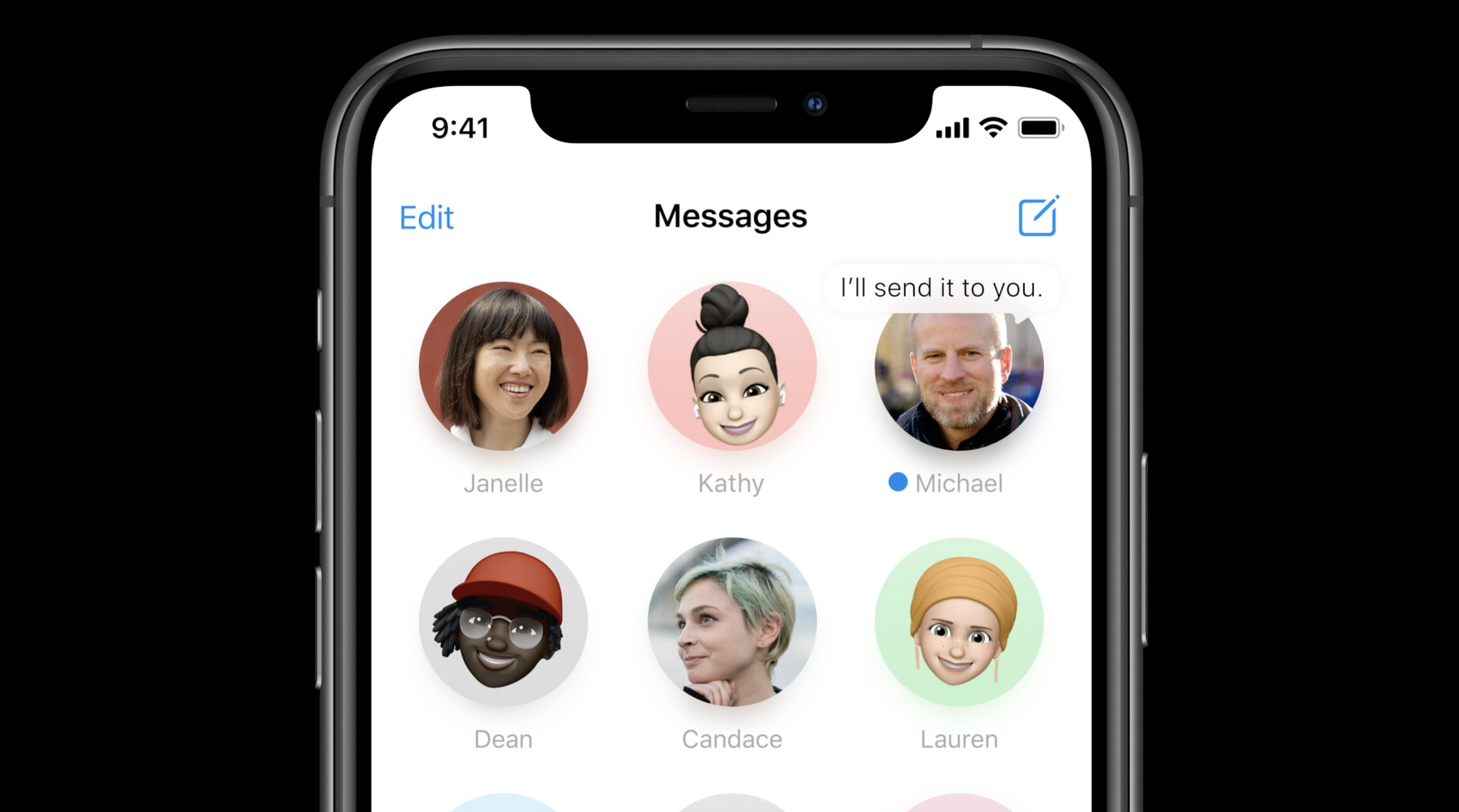
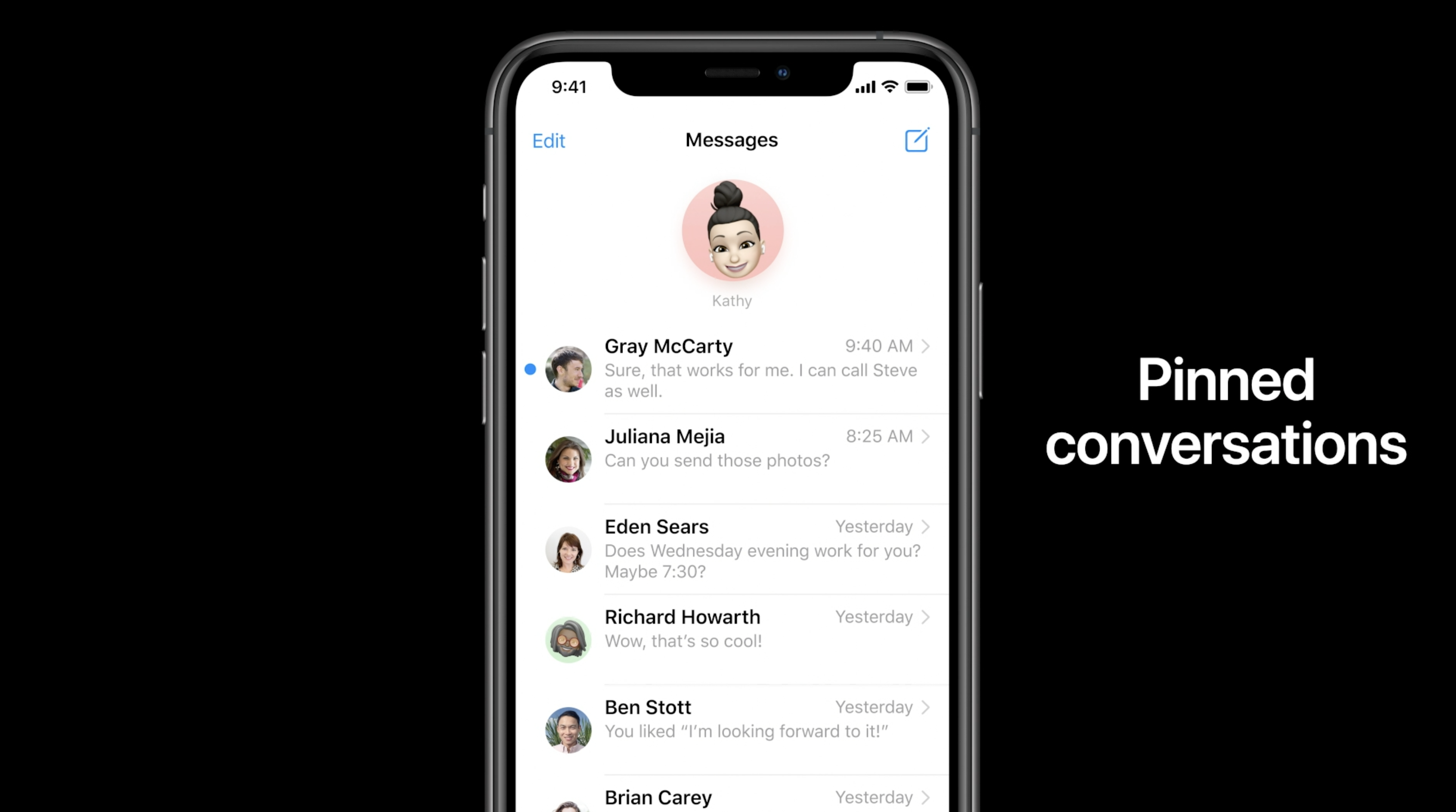
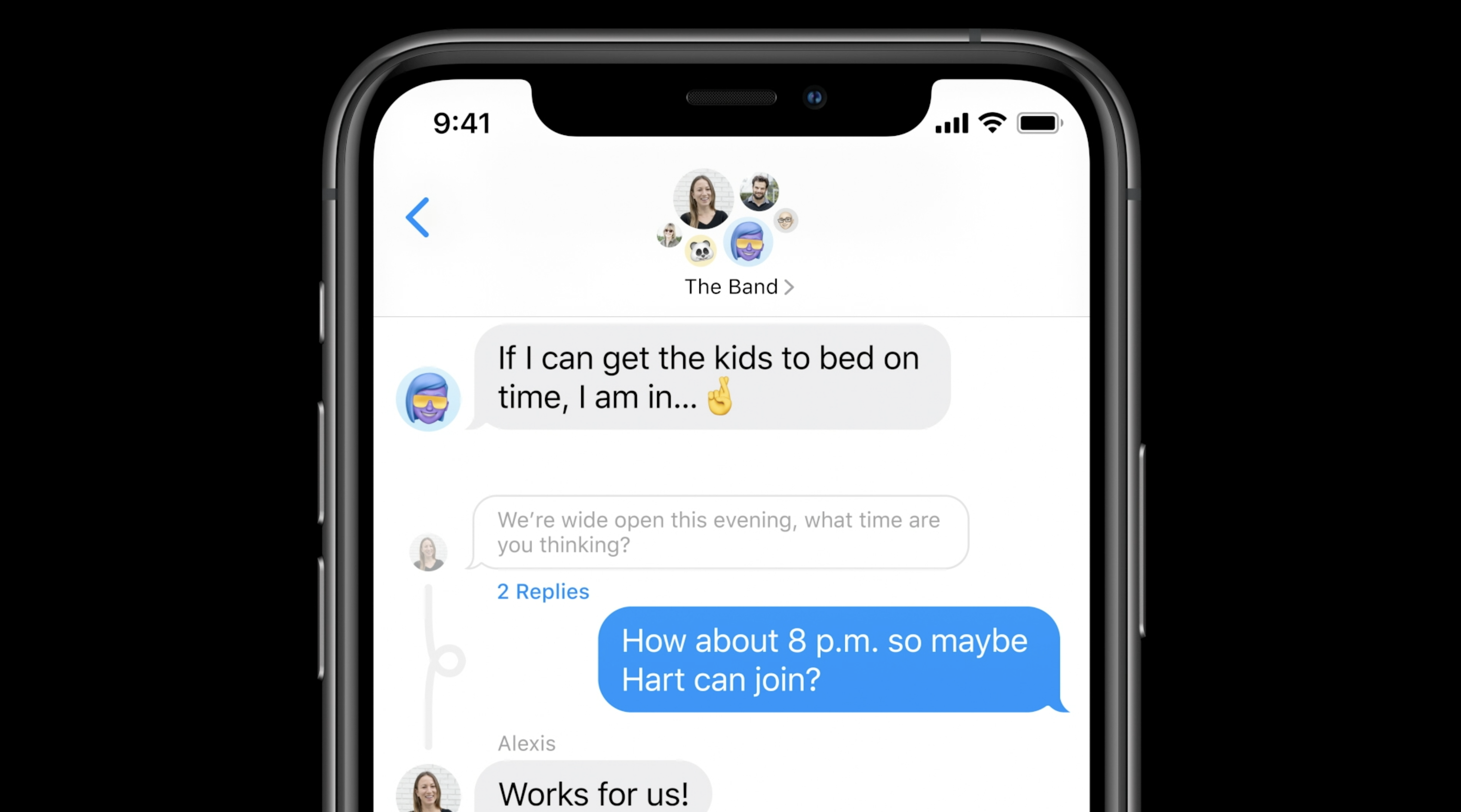
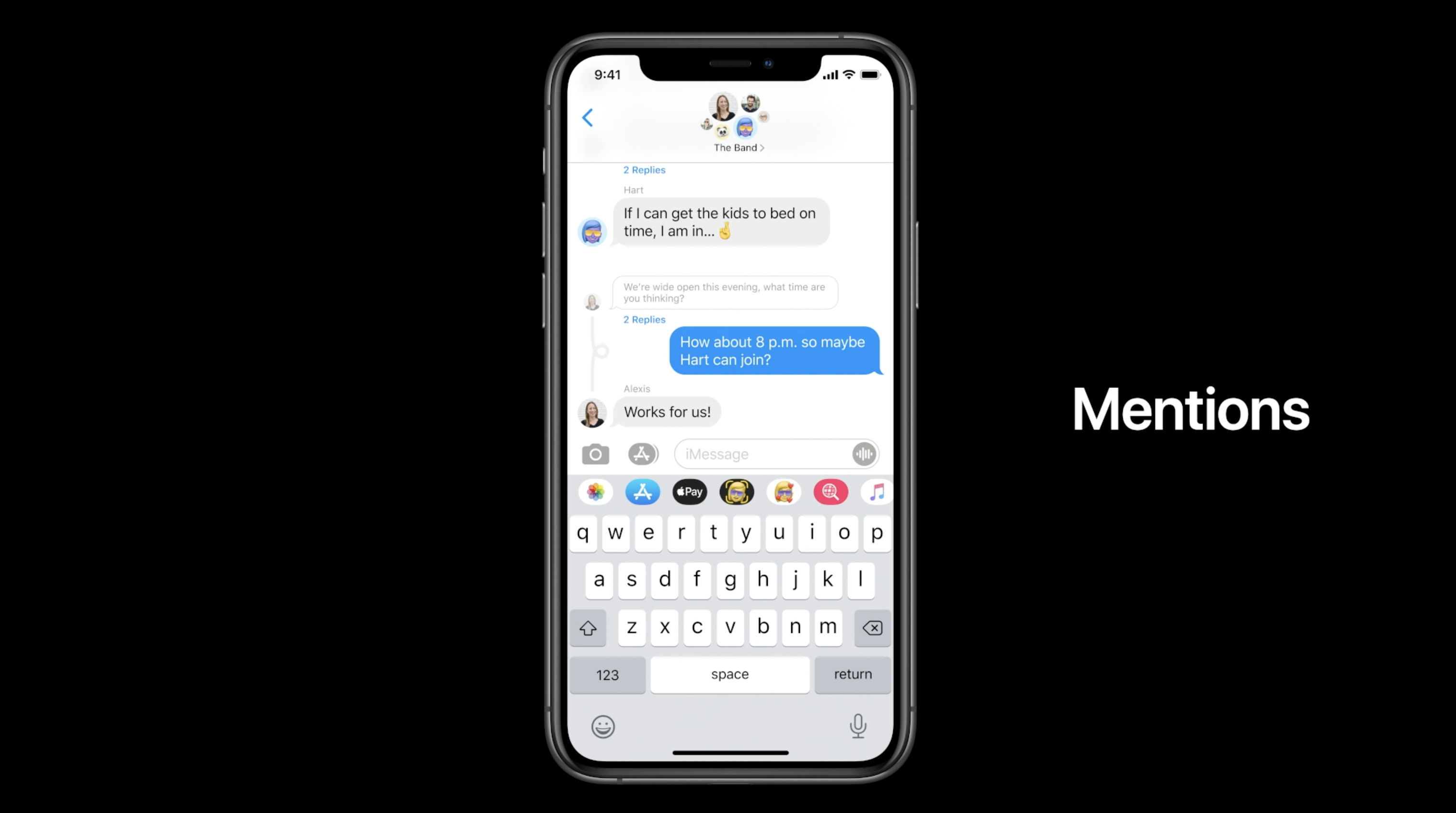
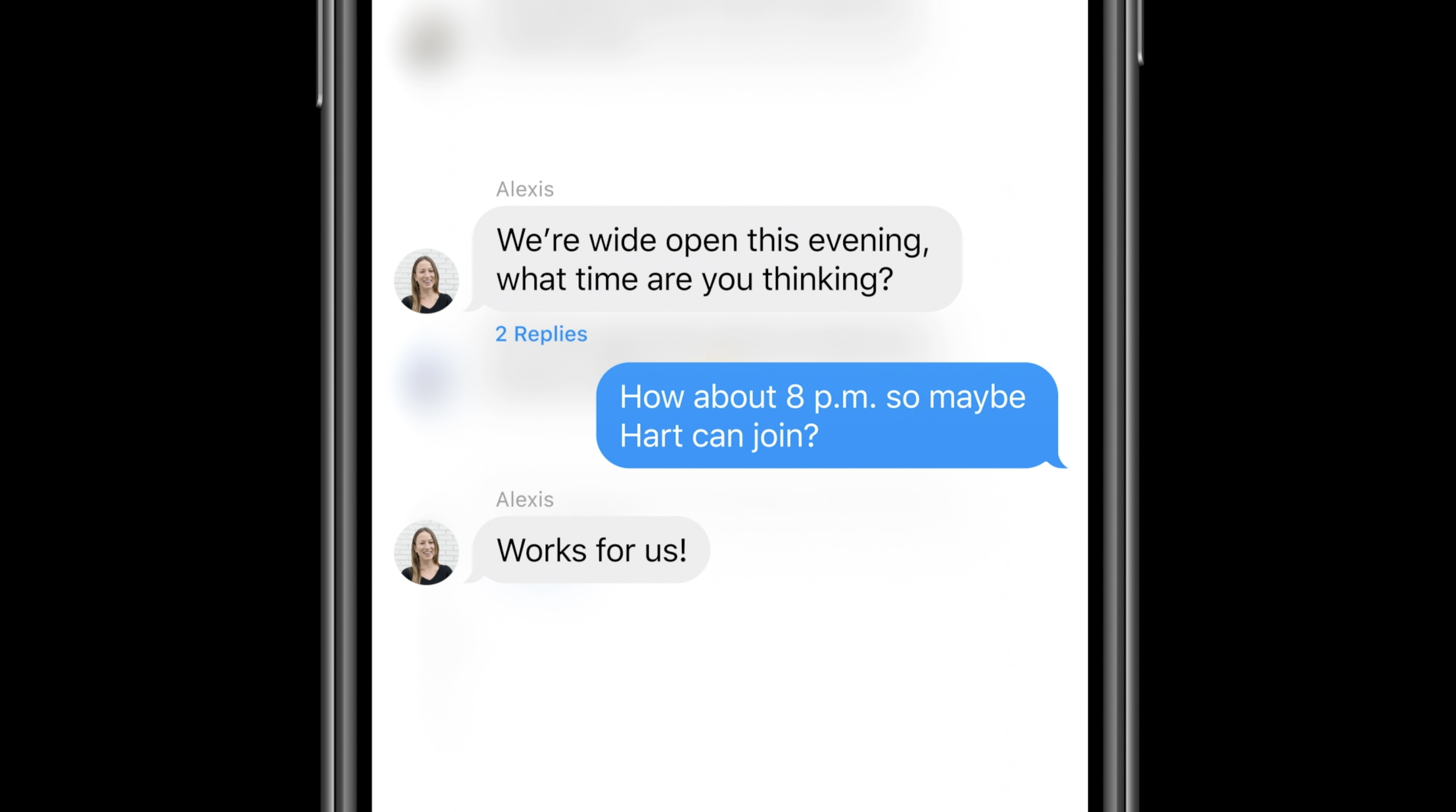
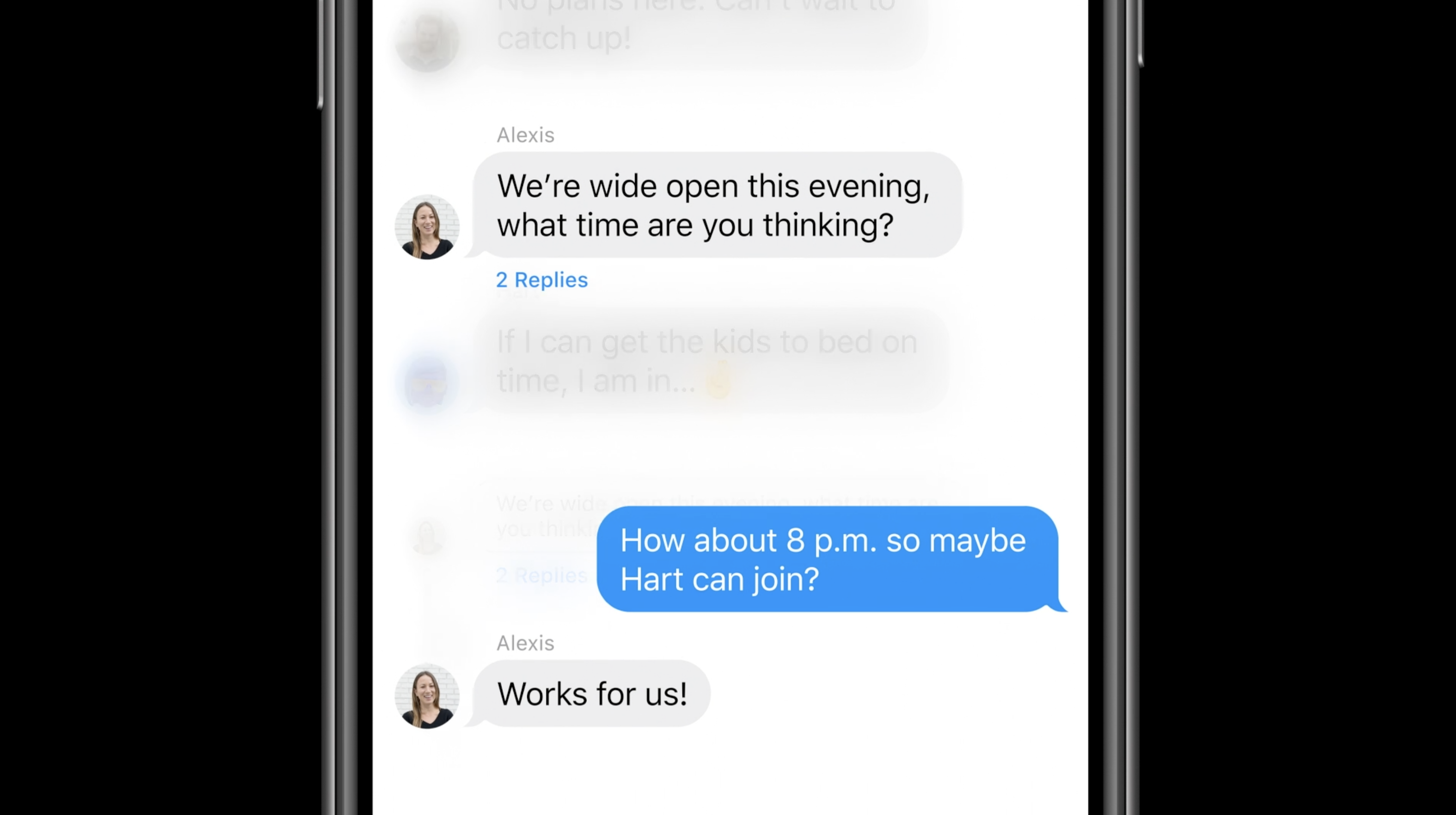
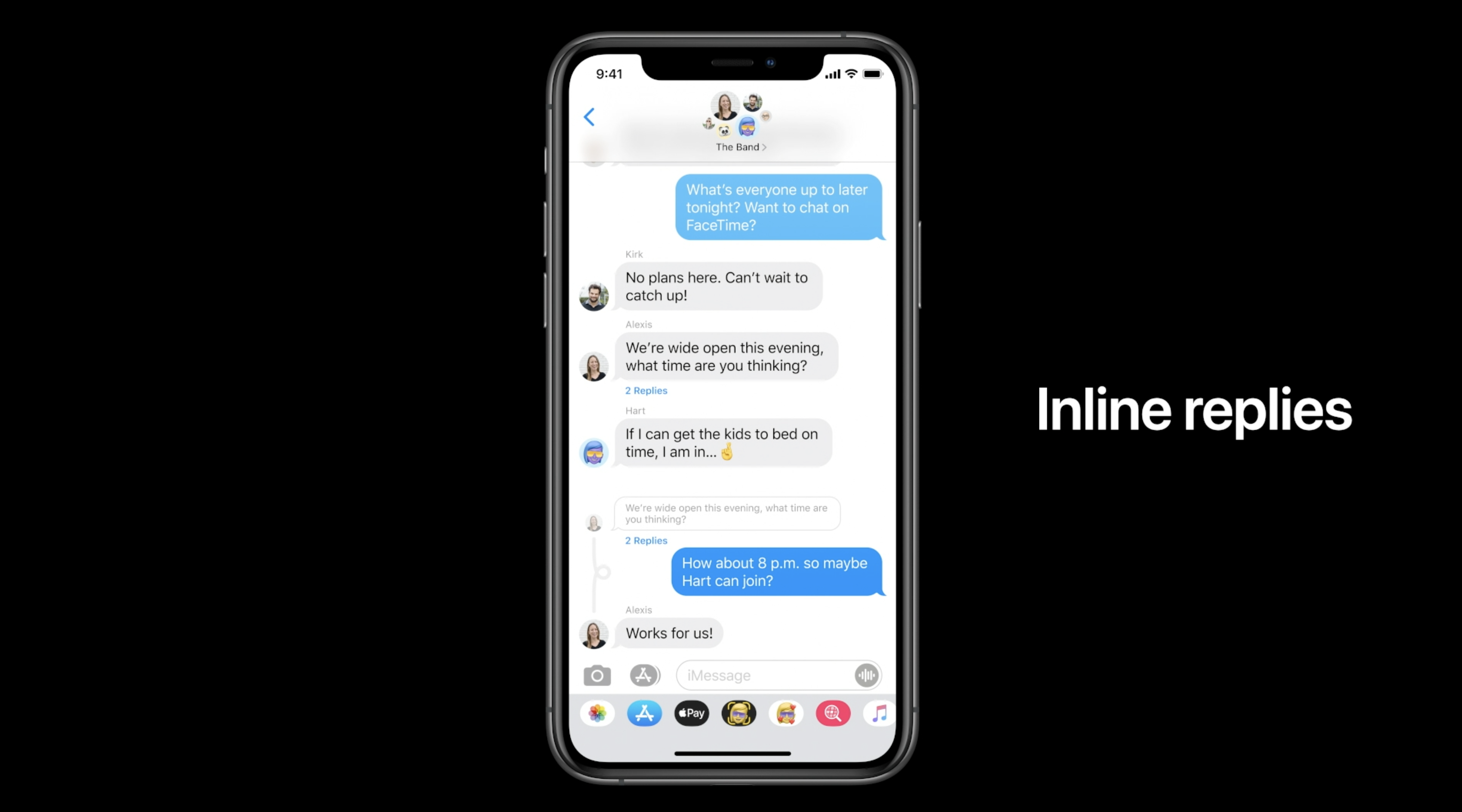
For iMessage, Apple is adding new Memoji accessories (including a new face mask Memoji) as well as pinned messages. New features for group iMessages as well: in-line replies, mentions.

Real-Time Headphone Audio Alerts

You can measure headphone audio levels in real-time with a new option in Control Center. This new feature has a similar interface to the Apple Watch Noise app, which measures the audio levels of the environment instead of headphones.

Site default logo image

QR code payments

9to5Mac reported exclusively that Apple is working on QR code payments for iOS 14.

References found in the iOS 14 code reveal that Apple is working on a new method for letting users make payments with Apple Pay by scanning a QR Code or traditional barcode with the iPhone camera.

This information wasn’t announced at WWDC, so it’s possible it won’t launch with the first version of iOS 14 and could come later in the year.

Leaked passwords

Site default logo image

Leaked passwords are when you use the same password across multiple websites and one of them gets hacked. iCloud keychain is going to build in a feature to alert you about leaked passwords.

With iOS 14, Apple offers a new “Security Recommendations” menu that shows only your passwords that could put your accounts at risk for some reason. This includes passwords that are easy to guess and even those that may have leaked on the web.

Voice Memos

Apple is also updating the Voice Memos app with iPhone and macOS Big Sur. The most exciting feature this year is the new Enhance Recording functionality. The Enhance Recording feature reduces background noise and room reverberation with a single tap. Once you create a recording, you’ll see a small icon similar to the Auto adjustment feature in the Photos app. Details on exactly how this feature works are unclear, but Apple is heavily promoting the simplicity of the process.

Compatible devices: Which devices work with iOS 14?

Apple says that iOS 14 can run on the iPhone 6s and later, which is the exact same compatibility as iOS 13. Here’s the full list:

  • iPhone 11
  • iPhone 11 Pro
  • iPhone 11 Pro Max
  • iPhone XS
  • iPhone XS Max
  • iPhone XR
  • iPhone X
  • iPhone 8
  • iPhone 8 Plus
  • iPhone 7
  • iPhone 7 Plus
  • iPhone 6s
  • iPhone 6s Plus
  • iPhone SE (1st generation)
  • iPhone SE (2nd generation)
  • iPod touch (7th generation)

Release date: When did iOS 14 come out?

iOS was released on September 16th, 2020

Hands-on with 250+ iOS 14 beta features and changes [Video]

I’ve been testing out the iOS 14 beta for the last week, and I’ve been impressed by its relative stability and the vast amount of features packed inside. The sheer ridiculous amount of changes and features aside, I’m most impressed by the number of quality of life improvements found in iOS 14.

In our first hands-on iOS 14 video, we’ll step through over 250 changes and features, including all of the aforementioned QOL improvements such as Picture in Picture, Widgets, App Library, Compact call interface, and more.


Expand
Expanding
Close

iPhone 12 video recording may support 4K at 240fps, up from 60fps in iPhone 11

4K at 240fps

A new video from Filip Koroy aka EverythingApplePro suggests that at least some iPhone 12 models may support new video recording modes: 4K at 120fps and 4K at 240fps. With the iPhone 11 Pro, 4K video recording is limited to 60fps, with 240fps only available in 1080p.

Support for the hi-res slow-motion formats was found in the iOS 14 beta code, and backed by developer and Twitter leaker Max Weinbach, who also cites an Apple source confirming that these formats are being internally tested by Apple …


Expand
Expanding
Close

Apple adds APFS encrypted drive support to iOS 14 and APFS Time Machine backups to macOS Big Sur

Apple didn’t say much about what’s new in the Files app with iOS 14 and iPadOS 14 during the WWDC 2020 keynote — maybe because not much has changed. But there’s an important new feature that brings iPhone and iPad one step closer to the Mac when we talk about file management, and that’s APFS encrypted drive support.


Expand
Expanding
Close

Marques Brownlee podcast with Craig Federighi: new keynote format, widgets on iPad, Siri UI, iOS-ification of macOS

Marques Brownlee podcast

Following on from John Gruber’s video podcast with Craig Federighi and Greg Joswiak, a Marques Brownlee podcast is next in line, talking through iOS 14, iPadOS 14, and macOS Big Sur with Federighi.

I’ve only had time to listen to parts of it so far, but it’s definitely an interesting discussion. Brownlee starts by sharing my view that the pre-recorded keynote format worked really well, and asking whether this might be a permanent change …


Expand
Expanding
Close

iOS 14 can automatically redirect web links to Apple News+ for premium articles

One of the best parts of the Apple News+ subscription is the inclusion of newspapers like The Wall Street Journal. For $9.99 per month, you can access almost all Wall Street Journal content, in addition to the magazines and digital publications. However, accessing those articles is a bit tricky. A new feature in iOS 14 makes it easier for people to take full advantage of their News+ subscription.


Expand
Expanding
Close

Craig Federighi and Greg Joswiak join John Gruber to discuss iOS 14, macOS Big Sur redesign, ARM Macs and more

Traditionally at WWDC, Apple blogger John Gruber hosts a live edition of the Talk Show podcast, usually featuring one or more Apple executives for an interview on the week’s announcements. Obviously, an in-person wasn’t possible this year. Instead, Apple SVP Craig Federighi and Greg Joswiak join John Gruber for a video conversation.

Topics include the transition from Intel CPUs to Apple SoC’s for future Macs, the new macOS Big Sur visual design, SwiftUI, and more.


Expand
Expanding
Close

iOS 14 and tvOS 14 bring all-new Game Center, expanded Xbox and Playstation controller capabilities

Game Center, one of Apple’s less talked about platform components is getting an all-new design this year with a focus on finding games and playing with friends. Other details in WWDC game development talks this year include leveraging the new game controller advancements, how to offer users the ability to share clips from games, and more.


Expand
Expanding
Close

Comment: This week’s keynote quietly tackled five of Apple’s antitrust issues

iOS 14 addresses five of Apple's antitrust issues

I recently suggested that Apple’s antitrust issues aren’t going to go away, and that the company should start taking action to address them. With iOS 14, Apple is doing exactly that.

The company didn’t pitch things like that, of course, but we got five announcements that directly tackle some of the antitrust claims facing it…


Expand
Expanding
Close

iOS 14 clipboard notifications are annoying, but developer adoption of a new API will improve the experience

Apple has added a new banner alert to iOS 14 that lets users know if an app is pasting from the clipboard and therefore able to read the clipboard’s contents. This is part of iOS 14’s privacy controls, and follows an investigation from Mysk earlier this year that drew attention to the issue.

In the current iOS beta seed, this alert appears anytime a paste operation happens. This sounds fine in principle. However, many popular apps check the clipboard proactively to do some smart action. For instance, the Reddit client Apollo checks the clipboard to see if the user has copied a Reddit link, and offer to take them right to it in the app. This means that the banner appears every time the app is launched…


Expand
Expanding
Close

App Clips just the start

App Clips could be just the start of a new approach enabled by 5G iPhones

One of the iOS 14 features Apple highlighted in its new-format WWDC keynote was App Clips: a really quick way to download just enough of an app to carry out a specific task, like paying for a car parking space.

An interesting take by PC Mag suggests that the feature is just the first step into a new approach made possible by the 5G iPhones we’ll be getting later this year …


Expand
Expanding
Close

What’s new in the Apple Music app for iOS 14: Listen Now tab, endless autoplay, iPad redesign

iOS 14 brings major new features like the home screen updates, widgets, new privacy controls, and updates to features like Siri and HomeKit. But Apple has also taken the time to work on some pretty big feature improvements for many of its core apps.

One of these is the Music app. Apple continues to aggressively compete against Spotify in the streaming music race, and iOS 14 takes that one step further. Here’s what’s new in Music for iOS 14.


Expand
Expanding
Close

iOS 14: Apple details WidgetKit for developers with focus on glanceability not ‘mini-apps’

Apple details WidgetKit

One of the biggest changes to iOS 14 is the new home screen widgets and third-party integration with the new feature will unlock lots of great potential. In a WWDC talk today, Apple has detailed WidgetKit including sharing what the focus and experience should be like and that widgets should not be designed as “mini-apps.”


Expand
Expanding
Close

iOS 14: Apple keyboard finally adds emoji search

With iOS 14, Apple has finally added an emoji search field to the stock keyboard. Although the UI is still a bit wacky in the initial iOS 14 developer beta, the functionality does work. Now, when you tap on the emoji button in the bottom left of the keyboard, there is a new search field above the row of emoji.

You can then type in a keyword like ‘happy’ and see a strip of emojis that match the corresponding search text. You can then tap on the emoji to insert them into the text you are typing.


Expand
Expanding
Close