iOS is Apple’s mobile operating system that runs on iPhone, iPad, and iPod touch. Historically, Apple releases a new iOS version once a year, the current version is iOS 13.
In 2007, Steve Jobs introduced the iPhone and iPhone OS. During the event, Jobs referred to the operating system as OS X because it shared a similar Unix core compared to the Mac. When Apple launched the iPhone SDK a year later, they officially changed the name to iPhone OS.
In the summer of 2008, Apple added the App Store to iPhone OS with version 2.0, and this set the stage for the “app economy” that we still enjoy to this day.
Version 3.0 was released in 2009, and it included copy/paste, MMS support, Spotlight, mobile tethering, and push notifications for 3rd party apps.
In version 4, Apple finally renamed iPhone OS to iOS (with the iPad sharing the same software). The major features were multitasking and FaceTime.
iOS 5.0 introduced Notification Center, iMessage, Siri, and iCloud.
iOS 6.0 removes Google Maps in favor of Apple Maps and added the Passbook app (now known as Wallet).
Version 7.0 brought a dramatic redesign of iOS with a new font, flatter icons, a and new Photos app. The redesign was led by Jony Ive.
Version iOS 8.0, Apple finally allowed third-party keyboards and the ability to share files from different apps.
Version 9.0 included Apple Maps, an overhauled Notes app, and multitasking for iPad.
Version 10.0 included an SDK for Siri, Maps, and iMessages.
Version 11.0 included a new iPad Dock, Customizable Control center, drag and drop on iPad, and the Files app with third-party integration.
Version 12.0 added Screen Time features for managing your time on devices, the Shortcuts app, ARKit 2.0, and Memoji.
iOS 13 added Dark Mode, swipe-style typing, a redesigned share sheet, made app downloads 50% smaller, 2x faster app launch speed, Memoji Stickers and Memoji Makeup, HomeKit-enabled routers and HomeKit Secure Video, a new “Sign in with Apple” option for logging into third-party services, all-new Apple Maps, and much more.
Spotlight Search will gain some useful features in iOS 8 thanks to Spotlight Suggestions. Normally, I’d dismiss a something related to Spotlight Search, but after a bit of testing it seems that this new iOS 8 feature could be very handy.
Spotlight Suggestions will provide you with predictive search results that are pulled from the web. In order to use this feature, all you’ll need to do is pull down from the home screen to access Spotlight Search and begin typing. As you would expect, search results related to items on your iOS device appear, but that’s not where the fun ends…
At first glance, you may not notice anything different about the Messages app in iOS 8, but there is definitely a lot more going on when compared to iOS 7. Within the Messages app, Apple added several features including Tap to Talk which allows you to quickly record an audio/video message to send and playback inline within the app and the ability to quick reply to incoming messges.
Along with that, there’s a new Details tab that contains several useful features like an attachment gallery, Do Not Disturb (per message thread), and location sharing abilities. Check out our hands-on video with the new Messages app to get a first look at all of new feature you can expect when iOS 8 is released later this year.
It’s been a long time coming, but Apple has finally implemented useful notification features in iOS 8. Interactive notifications are essentially Apple’s version of quick reply (or quick actions) that will be available for a wide variety of apps when iOS 8 is released. We’ve had some time to explore the beta version today and put together a quick video to show off iOS 8’s new notification features.
One big change for Apple with the unveiling of OS X Yosemite today is Bing web searches in the completely revamped Spotlight feature. Spotlight, which allows users to look up anything locally on their Mac as well as perform web searches, received a redesigned user experience in Yosemite, but it might have also received a switch to Bing from Google search.
To be fair, the “web search” feature of spotlight prior to Yosemite actually just defaults to the default search engine in your browser of choice. If that happens to be Safari or Chrome like it is for most users, that meant Spotlight would typically send users to a Google search results page if they hadn’t changed their default preference. Now, Apple is listing Bing searches– but not Google– as a feature of Spotlight regardless of the default option (pictured above). We’ve yet to confirm that Bing is the only web search option for Spotlight in OS X Yosemite, as we’ve not yet been able to get the new Spotlight web search feature to work properly in the first beta.
While Spotlight is going to use Bing, Apple’s revamped search bar in Safari still uses Google as does iOS 8. Its easy to imagine Apple is only continuing to use Google search in Safari due to contractual agreements, but it’s harder to imagine it just decided to use Bing for Spotlight with no plans to possibly use it in its other products down the road. Expand Expanding Close
Earlier today we pointed out that Apple quietly announced WiFi calling would arrive in iOS 8 despite not actually talking about the feature on stage. Now, T-Mobile has confirmed that it will soon enable the experience for iPhone users on its network when iOS 8 is released later this year: Expand Expanding Close
Although the feature is very temperamental in the first beta, it clearly leads the way to a future with a much more diverse lineup of screen resolutions. This allows developers to test for future iOS devices that do not exist today — such as 4.7 inch and 5.5 inch iPhones for example.
Earlier today Apple announced the next version of its iOS software, iOS 8, during the WWDC keynote today. Below you’ll find a gallery of all the new bells and whistles in the latest operating system. If you’ve got some screenshots you’d like to send us, you can send them to tips@9to5mac.com.
There’s a lot of new features coming in iOS 8 that you might have missed during Apple’s presentation today. Apple briefly flashed the slide pictured above and in it listed a bunch of new features that it didn’t talk about in length or at all during its keynote. Some of them include a “Tips app”, panorama on iPad, WiFi calling, FaceTime call waiting, rich text editing in Notes, iBooks preinstalled, and accessibility improvements like multi-device support for MFi hearing aids and the ability to exit Guided Access mode using TouchID. Expand Expanding Close
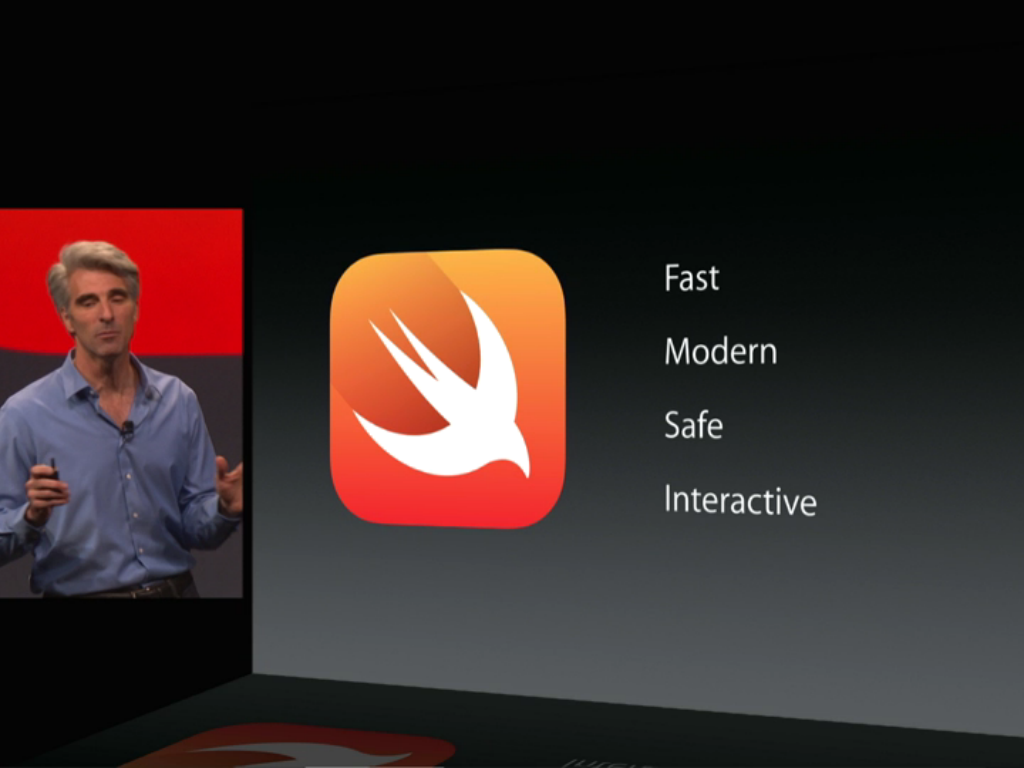
Apple has introduced a brand new programming language alongside a brand new version of Xcode.
Swift is a big deal for developers. The language includes loads of features third-party developers have been asking for. It sits alongside Objective-C and C, meaning developers can interchange between languages in the same project.
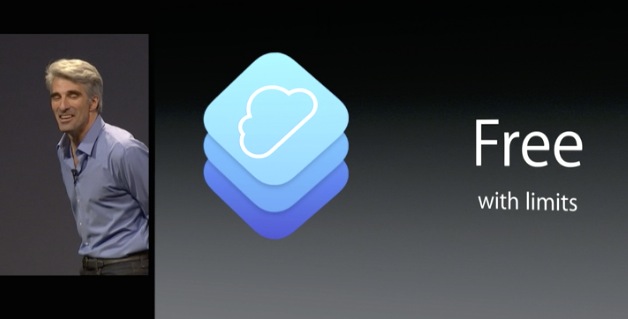
Apple has announced CloudKit, a new way for developers to create cloud apps. Apple takes responsibility for the server-side elements of apps. This leaves developers with a greatly simplified client-side development experience.
Apple has just announced at WWDC 2014 that as part of its iOS 8 extensions capability, users will be able to install systemwide keyboards, such as the popular Swype system. The keyboards will run in a secure sandbox and not have access to anything except text input, though they can ask for permission to use the network in order to provide more features.
These keyboards can be installed through third-party apps on the updated App Store.
Apple just announced during its WWDC keynote that it’s opening up its Touch ID fingerprint sensor on the iPhone to third-party app developers. Apple showed off the personal finance management app Mint (pictured above) using the Touch ID feature to allow users to login instead of using the keyboard to enter a password. Previously Apple limited this feature to its own App Store and iTunes purchases as well as unlocking the device itself.
Apple also shared some stats on Touch ID noting that it has improved security by getting a much higher number of users using a passcode to protect their device: Expand Expanding Close
As expected, Apple has announced new Siri features for its iOS 8 mobile operating system, including the ability to analyze and identify songs automatically with recognition powered by Shazam. You can also purchase iTunes content directly from Siri, and dictate text in 22 new languages.
Also included is a feature that recently hit the iPhone through a jailbreak tweak that allows you to summon the iPhone’s assistant by saying “Hey, Siri.”
Alongside a whole of other changes to the App Store, Apple is integrating TestFlight. This allows developers to do seamless beta-testing for free. There are also a whole host of ‘extensions’ apps can access, enabling integration into share sheets, Notification Center widgets and more.
Apple is heavily stressing that this is the biggest developer release since the App Store was announced.
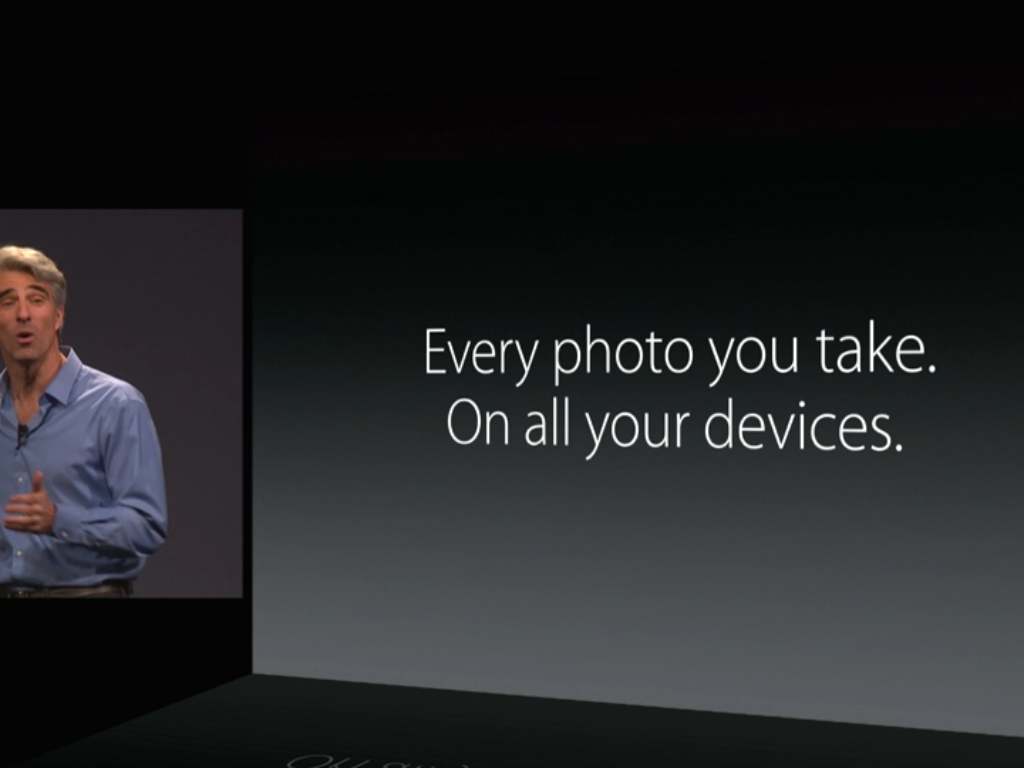
With iOS 8, Apple will now backup of all your photos. The limitations of Photo Stream seem to have gone away. Apple will now store all of your photos in iCloud, regardless of what device you take them on. iPhones and iPads can view these entire libraries, without having to download them to local storage. The photos stream in as you scroll.
Storage is only limited by your iCloud Storage. Apple has announced new cheaper storage plans to go along with the new philosophy.
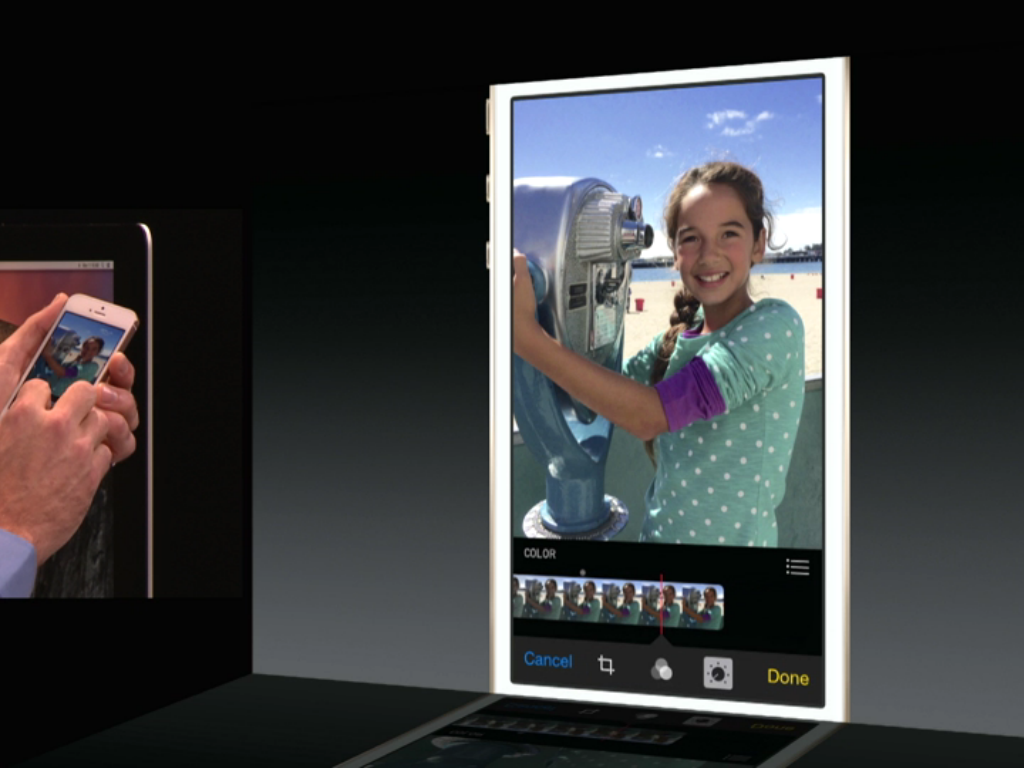
Apple is also adding a whole host of color and other editing features into the Photos app. This includes things like color correction, brightness, cropping and more. These edits automatically sync across devices.
Apple debuted a new Family Sharing feature during its WWDC keynote today. The feature allows family members who use the same credit card to also share a variety of other information, including iTunes purchases, photos and photo streams, location, reminders, calendars, and more.
One incredibly useful feature for parents included with this update is the ability to approve (or disapprove) purchases by minors. When a child in the family sharing account attempts to make a purchase, a notification will be sent to a parent asking them to approve the purchase. Parents will be able to review the item being purchased and decide whether or not to allow the charge.
Apple announced iOS 8 today during its Worldwide Developer Conference, including several new features for its default Mail client. Among those new features were new gestures for quickly handling messages by swiping. Swiping from left to right allows you to mark a message as unread, while swiping right-to-left presents options for deleting or archive messages and more.
The app also now intelligently detects invitations and other potential calendar events and presents a banner at the top of the message that offers to create that event auotmatically. New features have been added to the compose screen as well, allowing users to swipe down on a draft to quickly dismiss it, access their other mail, and return to the draft with a few taps.
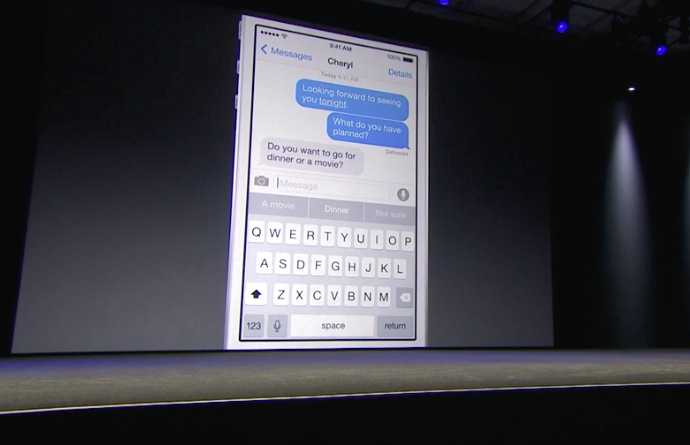
Apple is building on what it has learnt with the iOS autocorrect system to offer predictive word suggestions directly in the keyboard. QuickType supports many languages, including English, Chinese, British English and Spanish.
QuickType is contextually relevant, per contact. Some contacts get informal word suggestions, whereas serious conversations get more serious suggestions.
Apple used an example of a question; ‘Shall we get a movie or dinner?’. QuickType realised the context and offered suggestions for ‘dinner’ and ‘movie’ directly in the keyboard.
iOS 8 includes interactive notifications. Users can now perform additional actions right from the notification itself. For instance, Apple demoed quick reply for text messages. A notification comes is in, and with a tap you can start replying.
Similarly, for calendar events, accept and reject buttons appear right in the notification. This means users don’t have to go into other apps or enter Notification Center to perform simple actions.
In addition to announcing new integration between iOS and Mac OS X with AirDrop support and its new Handoff feature, Apple announced today that it’s bringing SMS and phone calls to the Mac. That means that you can now have your SMS text messages and phone calls from your iPhone arrive as notifications on your Mac. Users will be able to respond to messages and even use the Mac as a speaker phone in order to complete a phone call. Previously iOS users only had access to iMessage messages and FaceTime on the Mac. Expand Expanding Close
Apple wants users to be able to smoothly move between their Macs and iOS devices. AirDrop now interoperates between Mac and iOS devices. However, it goes further. Handoff allows you to send a document from your Mac to your iOS device, just by being in close proximity to each other.
The Mac also notices when an iOS device is nearby for Personal Hotspot. The phone appears in the WiFi menu, shown above, and with one-click the phone connects to the Mac and the devices start tethering.
The code shows that this is a new addition for OS X 10.10 and iOS 8.
Slightly ahead of the keynote later today, Apple has pushed some of its new APIs for developers into the open-source channels. The class in question is a new view that appears to replace the current iOS and OS X WebKit implementations, which enables apps to show webpages and other content inline.
The new framework seems to indicate a focus on cross-platform API compatibility, between iOS and OS X. The leaked framework seems to be fully feature-compatible across platforms. This differs to the situation today, where developers must use the ‘WebView’ class for OS X and ‘UIWebView’ for iOS. This should help developers write more reusable code.
Seth Weintraub|8:33Apple Store still up….what does it all mean? Head South to the comments to discuss.
Someone forgot to take the AppleStore down…unless Apple got some new 1990’s technology that doesn’t require the store to go down for updates—
Seth Weintraub (@llsethj) June 02, 2014
Mark Gurman|8:07We are just under two hours away from the kickoff WWDC keynote, and here’s the latest news: there are cars situated inside Moscone West. This likely indicates that some significant CarPlay announcements are in-store for today. Also, some OS X 10.10 and iOS 8 APIs for developers are already appearing on some open source WebKit files.
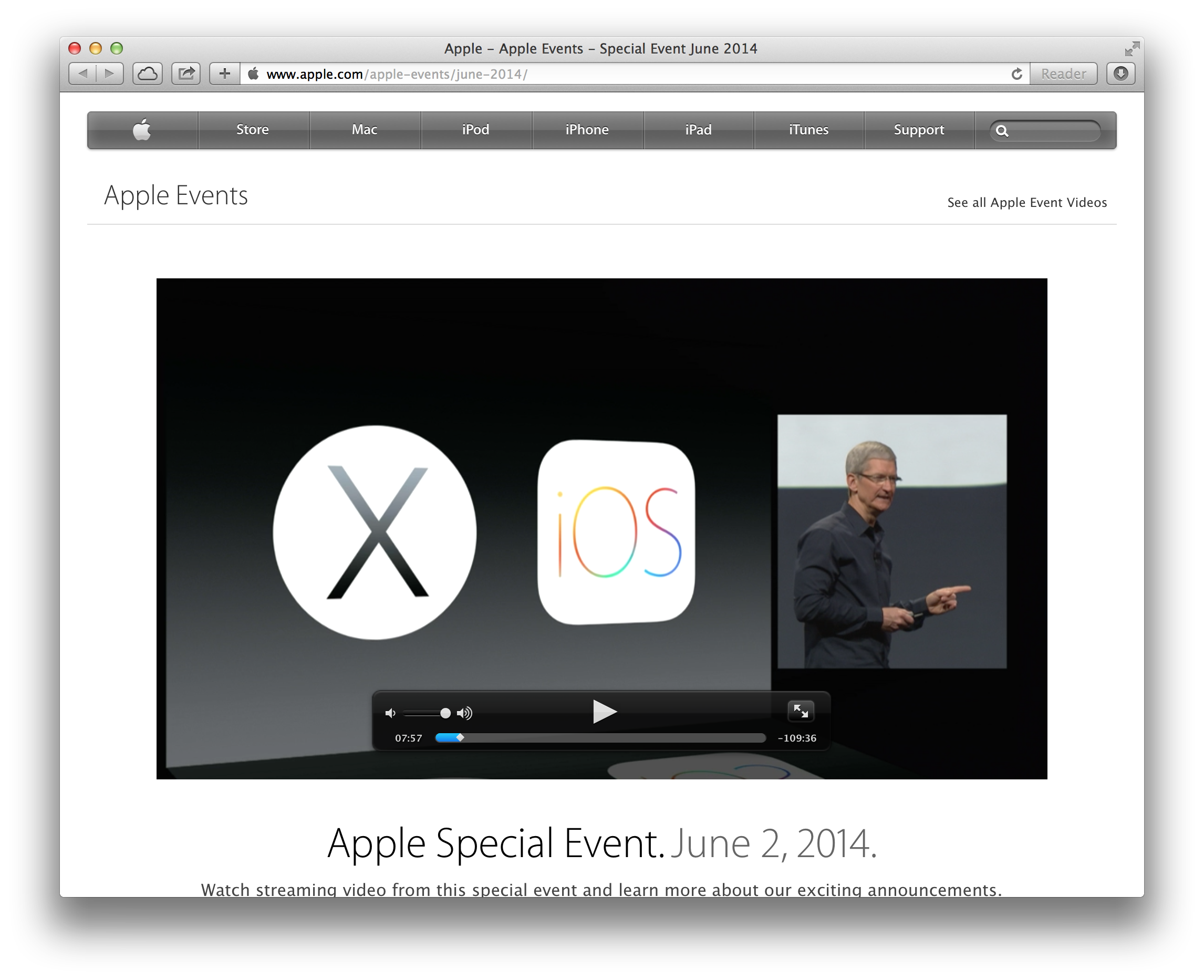
We’re approximately two hours away from Apple’s major WWDC 2014 keynote address, and we’ll be providing live blogging and analysis of the event as it proceeds. We’re expecting Apple to discuss updates to iOS and OS X 10.10, with the former seeing enhancements across the system and the latter receiving a complete redesign to bring the software in line with the iOS 7 design aesthetic. You can catch our full analysis and live updates from the conference below: