iOS 26.2’s new Reminders feature is exactly what I’ve wanted for years
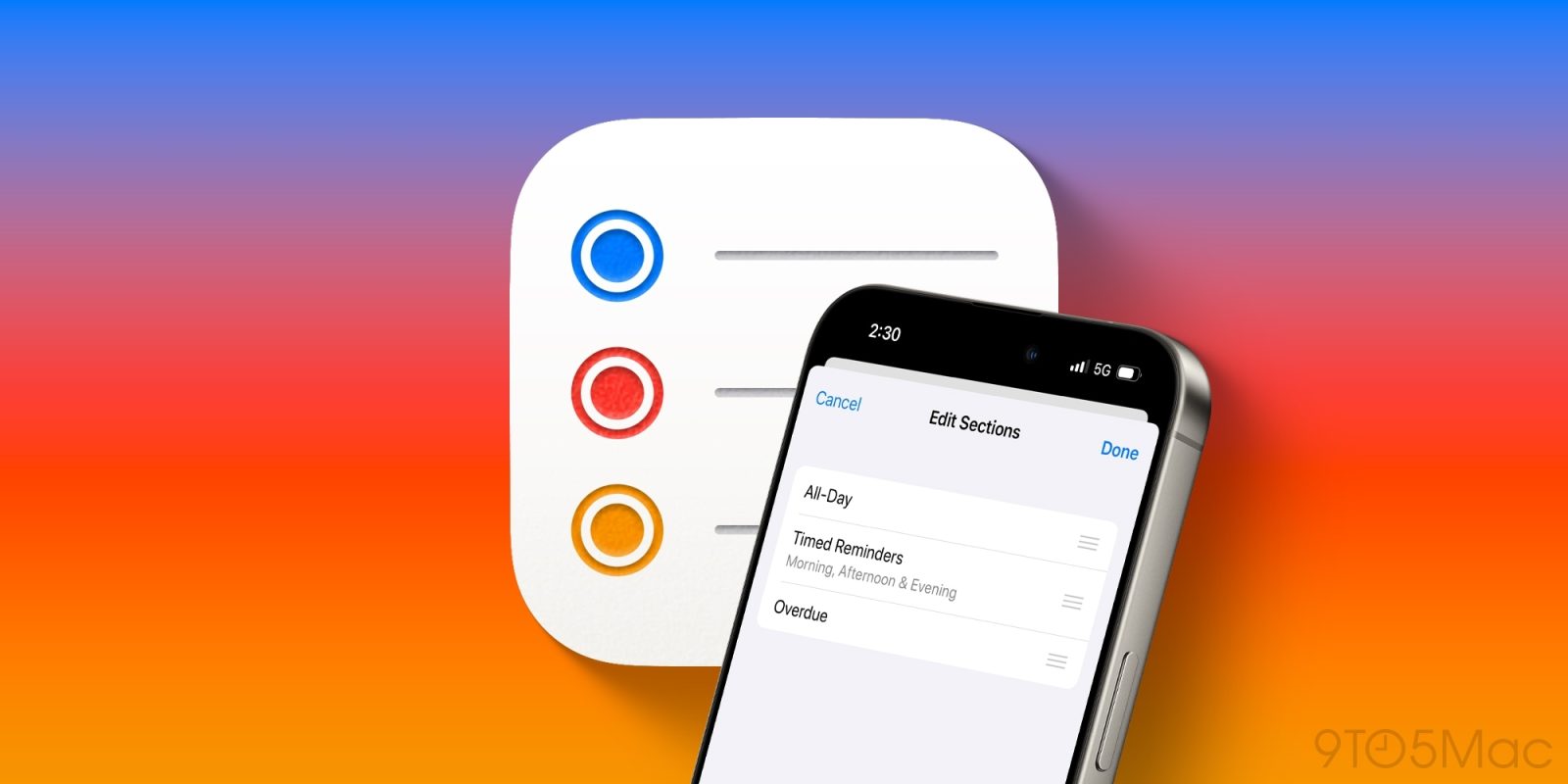
iOS 26.2 beta 1 arrived yesterday with a lot of changes, one of which is a new Reminders app feature that I’ve been wanting for years.
Expand Expanding Close
iOS 26.2 beta 1 arrived yesterday with a lot of changes, one of which is a new Reminders app feature that I’ve been wanting for years.
Expand Expanding Close
Apple’s Reminders app got a fresh Liquid Glass look in iOS 26, plus a handful of other new features. One standout addition enables you to create new reminders faster than ever, here’s how it works.
Expand Expanding Close
iOS 26 brought a lot of big changes to how the iPhone software looks and feels, along with fresh updates for system apps like Notes, Maps, Photos, and more. Apple’s Reminders app has a variety of new features too, here’s everything new for Reminders in iOS 26.
Expand Expanding Close
Despite macOS going through a couple major redesigns over the past couple years with Big Sur in 2020 and now Tahoe in 2025, there’s still one app that includes a very old looking interface that predates these redesigns: Apple Reminders.
Expand Expanding Close
Apple’s Reminders app is one of many system apps getting new features in iOS 26. Among the handful of improvements coming to Reminders, there’s a powerful new tool for organizing your tasks.
Expand Expanding Close
Apple’s Reminders app has become a powerful task manager in recent years, and there’s one highly versatile feature that helps me stay sane when my to-do list grows out of control: Smart Lists.
Expand Expanding Close
I used to change up task managers often, always looking for a new app that could make keeping up with todos just a little bit better. But for years now I’ve stuck with Apple’s Reminders app, and a tiny new iOS 18 feature has turned out to make a big difference for me.
Expand Expanding Close
After years going mostly unchanged, Apple’s Calendar app has started improving quickly over the last few months. And there’s one recent feature in particular that I’ve long wanted, and it’s made a big difference for me: integrating Reminders with the Calendar app.
Expand Expanding Close
Apple’s Reminders app has steadily grown from a basic list tool into a versatile task manager, including with its recent iOS 18 feature upgrades. Here are seven power user features worth checking out.
Expand Expanding Close
Today DoorDash announced a variety of new features and improvements timed for the holiday season. One such change: a new integration with Apple’s Reminders app.
Expand Expanding Close
iOS 18 is one of the biggest software updates ever for the iPhone. The forthcoming Apple Intelligence features are the headliner, but there are also powerful new customization tools and big changes to the apps you rely on every day, like Photos, Messages, and Notes. A key productivity tool being improved is the Reminders app, which includes a variety of new features in iOS 18.
Expand Expanding Close
Apple’s Calendar and Reminders apps have long been core pillars of the company’s productivity offerings on the iPhone, Mac, and more. In iOS 18, Apple is supercharging these tools by integrating them—optionally—into one interface.
Now, you can view and manage all your reminders right alongside your calendar events inside the iOS 18 Calendar app.
Expand Expanding Close
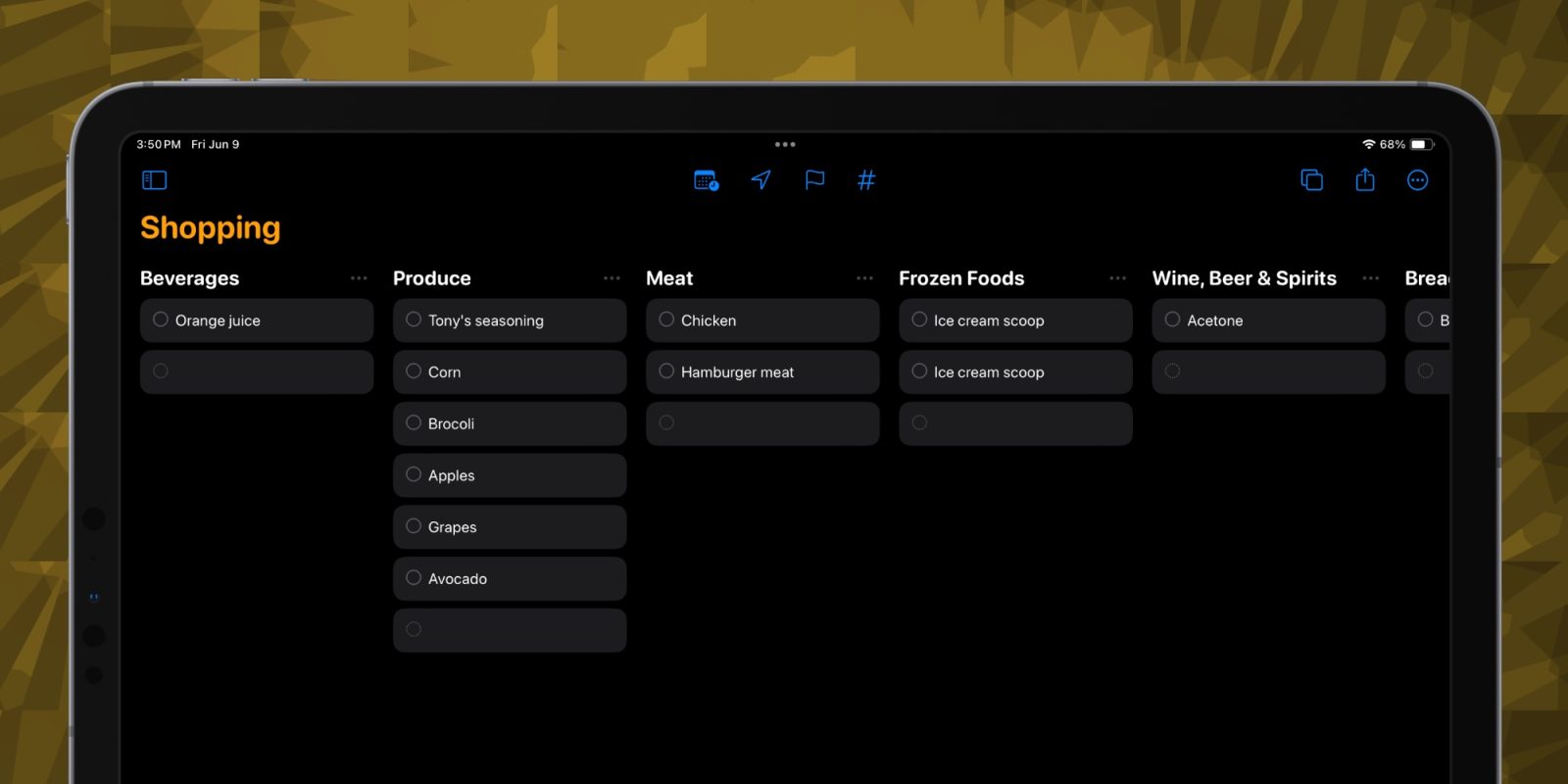
Reminders has been my one true shopping list since it landed on the iPhone in iOS 5. In iOS 17, the app fully embraces that part of its identity.
Expand Expanding Close
The Reminders app is a fantastic tool developed by Apple that is free and easy to use. Underutilized by many, this app can be a game changer for those looking for help in the organization department. Through iCloud’s capabilities, you can use the Reminders app across Apple Watch, iPhone, iPad, and Mac.
Here are some tips on how to better use one of Apple’s popular organization tools.
Expand Expanding Close
Along with the other changes Reminders received with iOS 13, iPadOS 13, and macOS Catalina, there’s a useful new way to get a nudge about a reminder you’ve set when using the Messages app. Follow along for how to use the “Remind when messaging” feature on iPhone, iPad, and Mac.
The Reminders app for iPhone, iPad, and Mac got a big upgrade with iOS 13, iPadOS 13, and macOS Catalina. One of the handy new features is the option to create nested to-dos (and lists, too). Follow along for how to make subtasks and sublists with Reminders on iPhone, iPad, and Mac with the latest software.
I made the decision a few weeks ago to install the beta of macOS Catalina. It’s still pretty buggy, but since I enjoy testing out new features (and writing about them), I am willing to deal with the crashes and incompatibility throughout the summer. One of the biggest surprises for me has been the changes in the Reminders app. Over the years, I used several to-do/GTD/project management/task apps. From Kindless GTD, Omnifocus, Things, and Todoist, I’ve used a lot of them. I’ve always looked at the Reminders app with interest, though. It’s hard to beat the advantages of a built in-app. With macOS Catalina and iOS 13, the Reminders app is finally ready to take its place alongside the rest of the task apps on the Apple ecosystem.
I’m a big fan of the “Getting Things Done” methodology from David Allen. I’ve been following it for most of my professional career, and I attribute it to being able to stay organized and on task with my full-time job and writing here at 9to5Mac. With that being said, I don’t put everything in my GTD app. There are a lot of items like grocery lists, home repair plans, or even simple weekend tasks that end up in a list app. I want it to be easy to add to, easy to mark off, easy to organize, and simply get out of the way. It’s the heaviness of my GTD app that allows my simple list app to be light. I’ve tried a bunch of apps, so here’s my round-up of the best list apps for iPhone.
Expand
Expanding
Close
Apple’s Reminders app is decent if you want to quickly form a list for later. One of the more hidden functions of the app is when you’re done with the list and no longer need it. Follow along to learn how to delete lists in Reminders on your iPhone or iPad.
Apple’s Reminders app is one of their apps that has the most potential in my opinion. While it didn’t receive much of an update with the announcements of iOS 12 and macOS Mojave, I believe that with some additional features, it could become the go-to GTD/task/productivity system for most people.

Waze, the popular Google-owned mapping app with a focus on community-based features, is today adding a new feature called “Planned Drives” for iOS users.

Today Google Calendar for both Android and iOS gains a handy new Reminders feature that works alongside the app’s to-dos feature.
With the Reminders feature, users will be able to keep track of to-do lists across Google platforms including Inbox, Google Keep, Google Now, and Calendar.
Here’s how the new reminders work:
You might already create calendar entries to remind you to call the doctor or pick up groceries on the way home. But while those entries come and go, Reminders stick with you over time so you can track them until they are actually done. If a Reminder isn’t completed, it will appear at the top of your Calendar the next day. And the next. When you do finally call the doctor or pick up those necessities, just swipe the Reminder away … and you’re onto the next to-do.
And since the reminders work across Google apps, you can create them from Inbox, Google Keep, Calendar, and even using Google Now voice commands: “Ok Google, remind me to buy birthday candles.”
The new Reminders feature for Calendar on Android and iOS is rolling out this week. Google says it will come to the web apps in the near future. The updated Google Calendar app for iOS also adds 3D Touch to create events or reminders.

Last month the popular Waze navigation app on iPhone got a major update with a new design and improvements to reporting traffic issues and sharing arrival times with others. Now Waze is out with its next new version which brings 3D Touch shortcuts to the Home screen icon for iPhone 6s and 6s Plus users. Firmly press on the updated icon to quickly look up an address, share your location with other users, or get directions to your work or home address from your current location. Waze also says the update includes the usual bug fixes and improvements.
Fantastical already features 3D Touch shortcuts from its Home screen icon, and today the calendar and reminders app is adding more 3D Touch features for iPhone 6s and 6s Plus users…
Expand
Expanding
Close

Google today announced that it’s bringing its Google Keep note taking app to iPhone and iPad for the first time after originally releasing only for web and Android users a couple years back.
Expand
Expanding
Close