Author

Avatar for Jeff Benjamin

Jeff Benjamin

Jeff Benjamin

Jeff is the head of video content production for 9to5. He joined 9to5Mac in 2016, producing videos, walkthroughs, how-tos, written tutorials, and reviews. He takes pride in explaining things simply, clearly, and concisely. Jeff’s videos have been watched hundreds of millions of times by people seeking to learn more about today’s tech. Subscribe to 9to5Mac on YouTube to catch Jeff’s latest videos.

iOS Decoded is Jeff’s flagship video series that breaks down what’s new in iOS betas, including behind-the-scenes deep dives into undiscovered features and exclusive details on the iOS roadmap. 

Jeff also produces a weekly podcast, alongside co-host Fernando Silva, entitled 9to5Mac Overtime. A video-first podcast, 9to5Mac Overtime airs weekly on our YouTube channel, but can also be enjoyed in audio form via Apple Podcasts, or your podcast app of choice.

Have a tip or exclusive? Connect with Jeff!

Connect with Jeff Benjamin

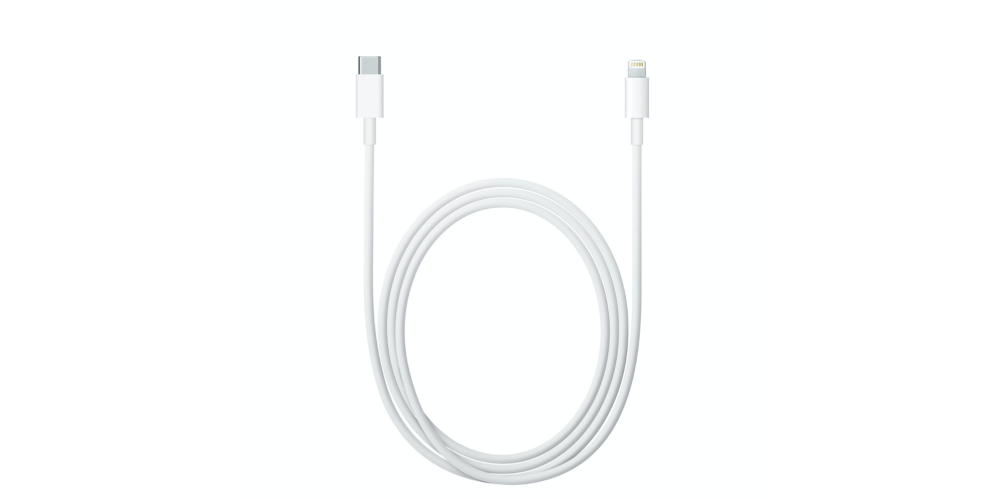
Review: USB-C to Lightning Cable + 29W Power Adapter is what should have shipped with the 12.9″ iPad Pro

Site default logo image

USB-C Lightning iPad Pro

The 12.9″ iPad Pro is a great productivity device, but unfortunately it ships with an inadequate 12W power adapter. This is the same charger commonly used with the smaller 9.7″ iPad line, and it’s much inadequate for a device as large and as power hungry as the 12.9″ iPad Pro.

I find that when using the iPad Pro at full brightness, it’s difficult to maintain your current charge, let alone gain battery life, when using the 12W charger. I’ve actually seen my iPad Pro lose battery life even when it was plugged in.

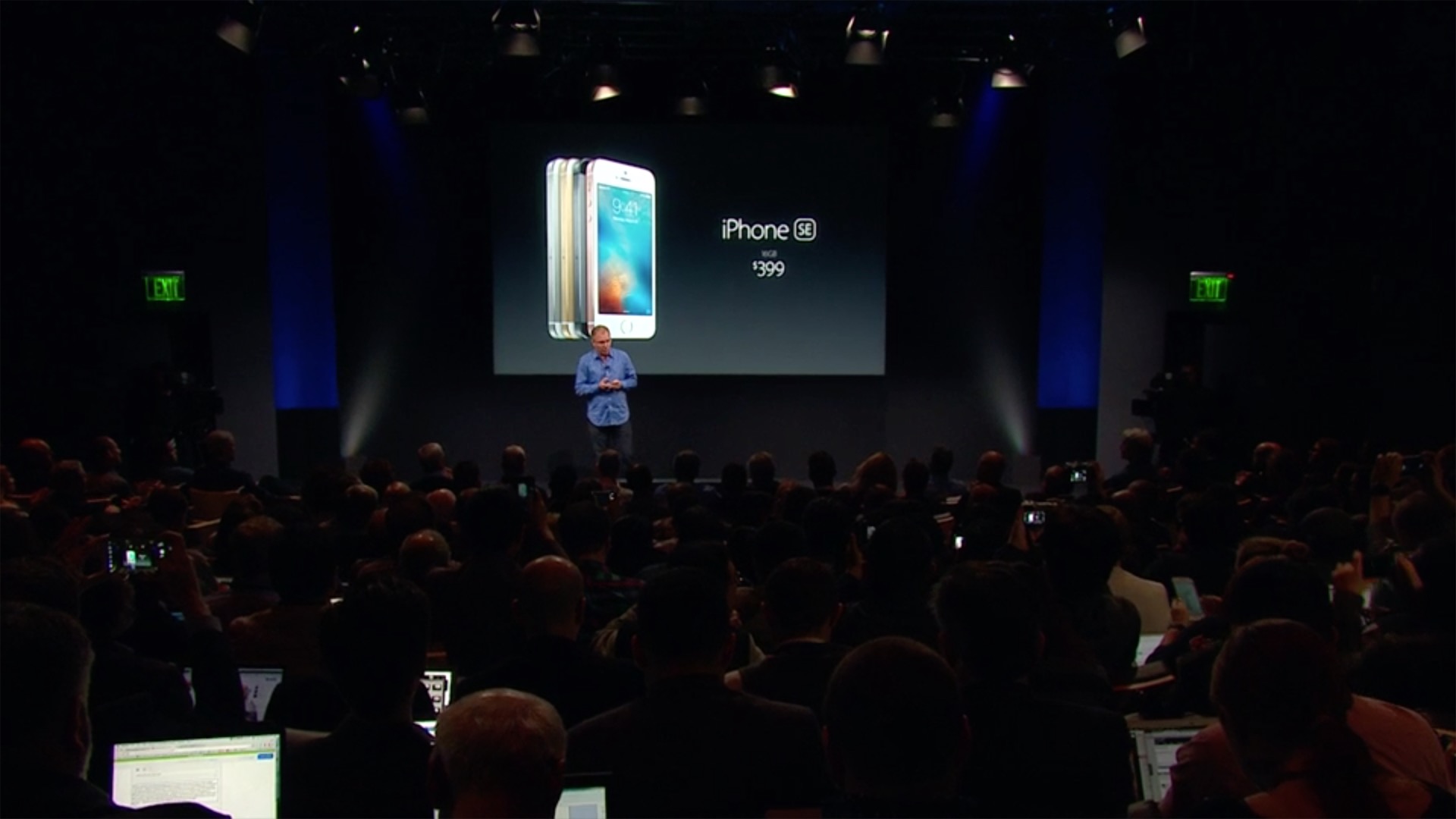
Needless to say, it’s pretty obvious that Apple should have included a beefier charger with the 12.9″ iPad Pro. Thankfully, as was revealed at this week’s iPhone SE event, an adequate solution is now here. If you’re an iPad Pro owner, should you invest in Apple’s new 29W capable USB-C to Lightning Cable?
Expand
Expanding
Close
How-To: Create and use app folders on Apple TV with tvOS 9.2 [Video]

Site default logo image

How to create folders on Apple TV tvOS 9.2

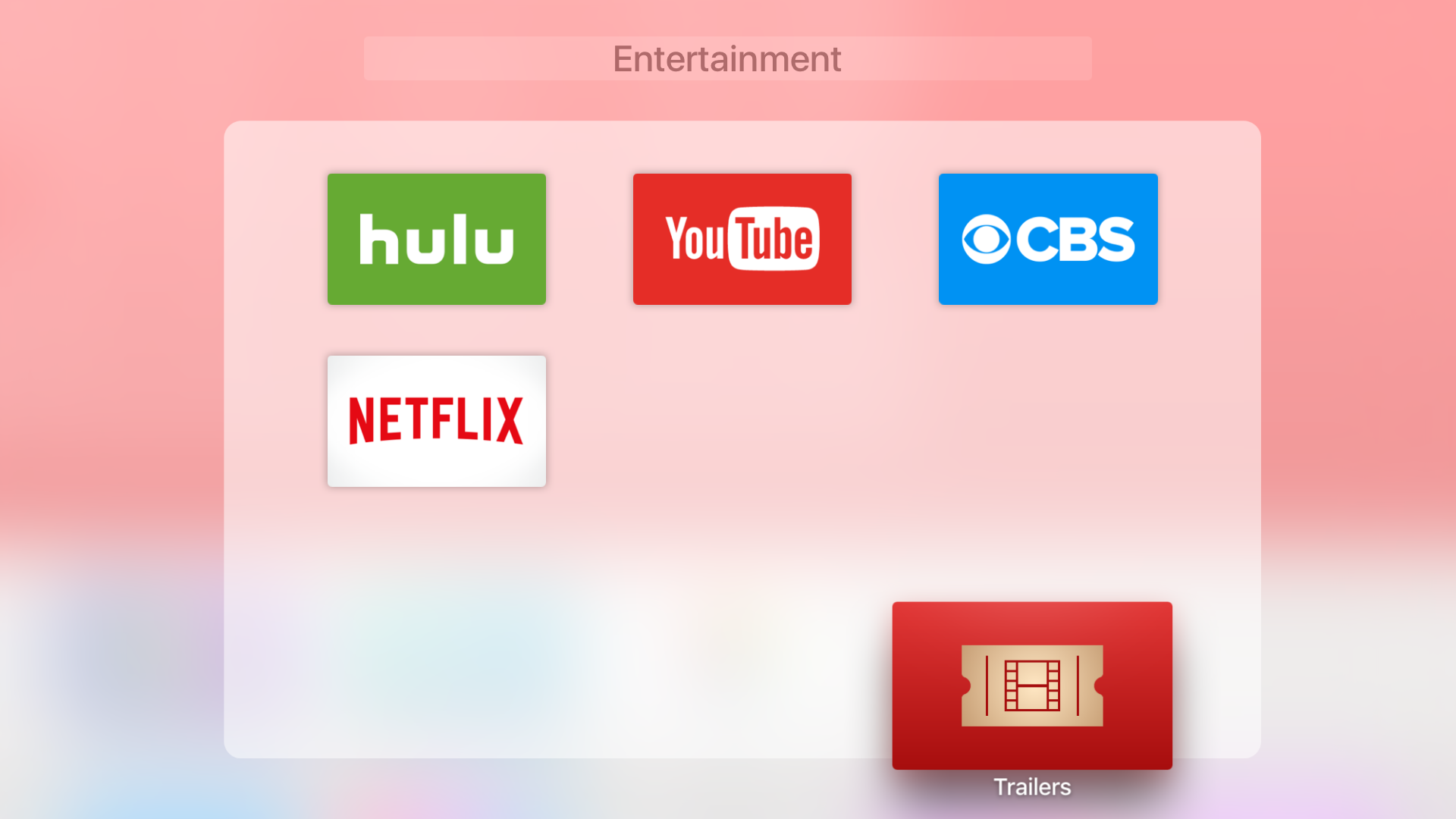
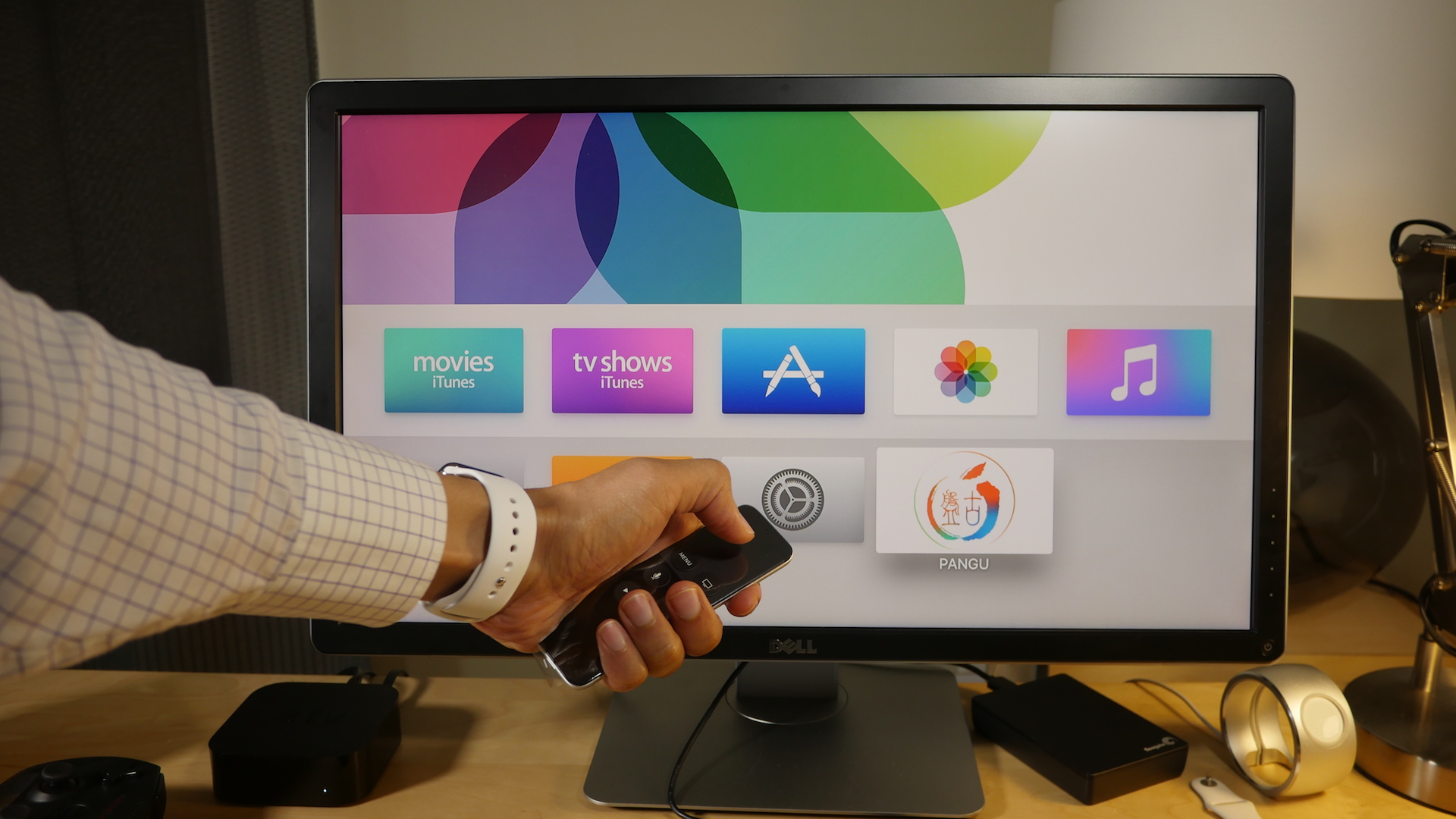
The ability to create Home screen folders on the Apple TV is one of the biggest new features to appear in the recent tvOS 9.2 update. On previous versions of tvOS, apps couldn’t be organized in folders, which made for a cumbersome experience for those with lots of apps.

If you’re an iOS user, then using folders on the Apple TV will be a largely familiar experience. In this post, we’ll show you how to create folders, move apps in and out of folders, rename folders, and more.
Expand
Expanding
Close
How-To: Jailbreak the Apple TV 4 using Pangu 1.0 for free

Site default logo image

Apple TV 4 Jailbreak Pangu 1.0

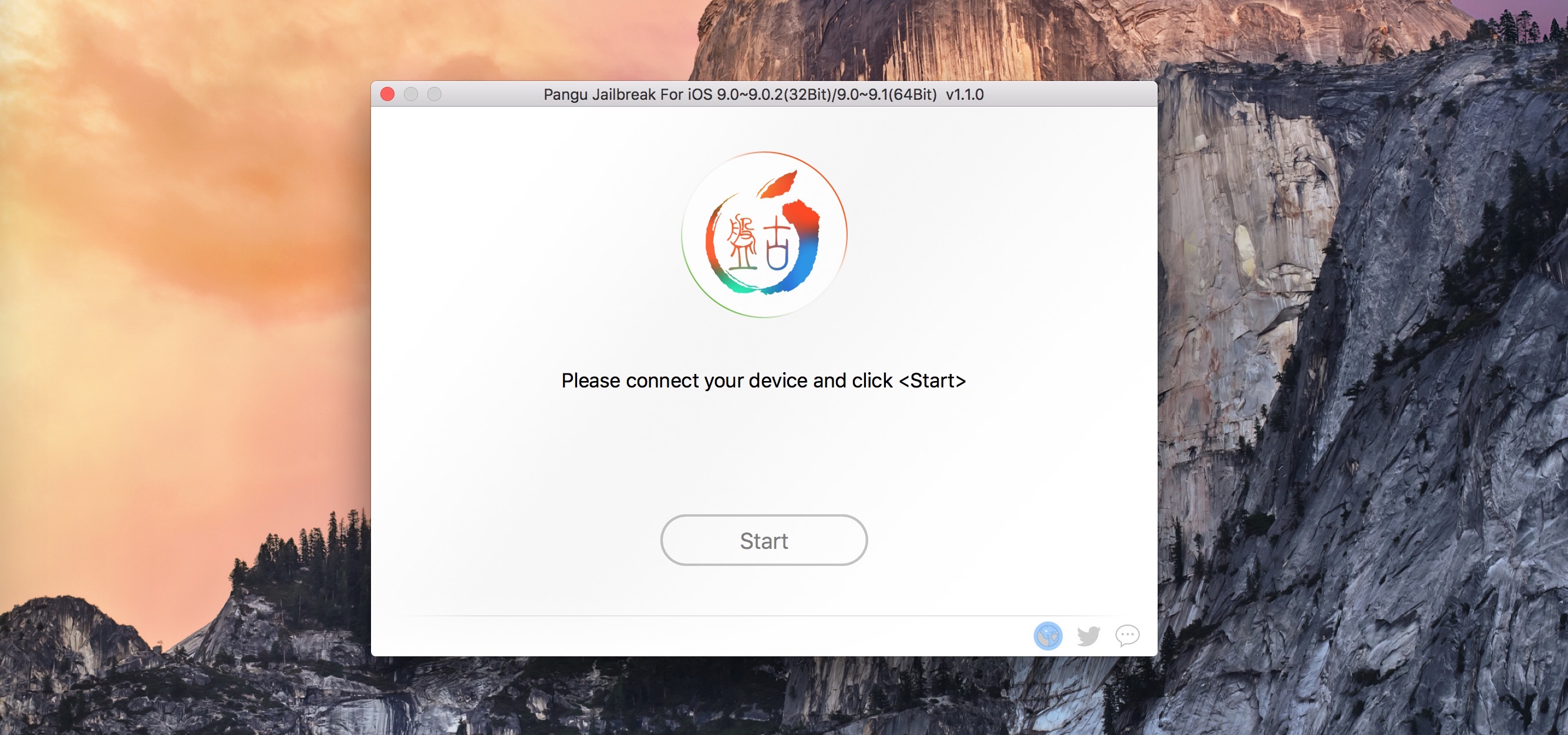
As we noted earlier, the Pangu team has released a jailbreak for the Apple TV 4. This jailbreak allows Apple TV 4 owners running tvOS 9.0 and 9.0.1 to jailbreak their devices.

Although it is possible to jailbreak the Apple TV with a paid developer account, it’s also possible to do so with a free account as well. In this tutorial, we’ll show you step by step how to jailbreak the Apple TV 4. Watch our video walkthrough inside to see how.
Expand
Expanding
Close
Pangu releases Apple TV 4 jailbreak for units running tvOS 9.0 and 9.0.1

Site default logo image

Pangu Jailbreak Apple TV

As promised, Pangu has released a jailbreak for the 4th generation Apple TV. This jailbreak, a first for the Apple TV 4, is capable of jailbreaking units running tvOS 9.0 and tvOS 9.0.1.

If you have an Apple TV that’s running a later version of tvOS, there is unfortunately no way to downgrade back to jailbreak-eligible versions. Instead, you can use our handy guide in order to find an eligible Apple TV at your local brick and mortar retail store. We’ll be sure to follow up with a full guide that shows you how to jailbreak the Apple TV 4.
Expand
Expanding
Close

How-To: Set up and use Night Shift mode on iPhone and iPad [Video]

Site default logo image

Night Shift Tutorial

iOS 9.3’s headlining new feature is called Night Shift mode. By adjusting the color temperature of your iPhone or iPad’s display, Night Shift mode makes using your iOS device at night and in dark settings easier on your eyes.

Research has shown that by reducing the blue light emitted from a backlit display, it can become easier to fall asleep at night. Apple was very careful in its wording during yesterday’s iPhone SE event, letting us know that not everyone would enjoy similar results. That said, I’ve personally had good experience with like-minded utilities. In this tutorial, I’ll show you how to get started with Night Shift on iOS 9.3.
Expand
Expanding
Close
DeskConnect file transfer app updated with share extension, 3D Touch support, and more

Site default logo image

DeskConnect

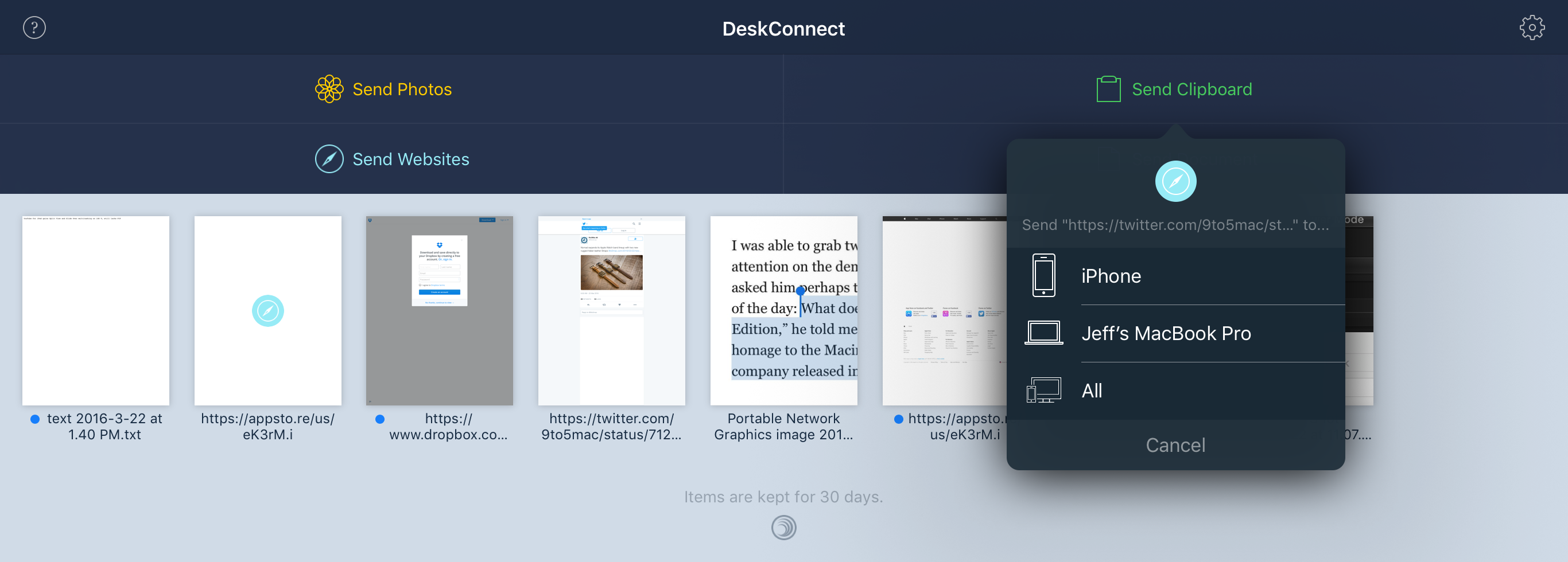
DeskConnect is a file transfer app from the makers of Workflow. It allows you to easily share files between your iPhone, iPad and Mac. DeskConnect isn’t an app that will replace a service like Dropbox or even iCloud, because it was designed solely with file transfers in mind.

We reviewed the initial version of DeskConnect back in 2013. Since then, a lot has changed — iOS has gained inter-app communication via handy share extensions, iCloud Drive has made it easier to move and manipulate files across a variety of storage solutions, and AirDrop can now easily transfer files between iOS devices and Macs.

In 2016, where does a new version of DeskConnect fit in? Does AirDrop make it redundant? Have a look at our overview for the details.
Expand
Expanding
Close
How-To: Use Night Shift and Low Power Mode at the same time on iOS 9.3 [Video]

Site default logo image

Night Shift and Low Power Mode iOS 9.3

There are tons of new features included with yesterday’s release of iOS 9.3, and Night Shift — the new feature that automatically adjusts the screen’s color temperature to reduce blue light — is arguably its best new addition.

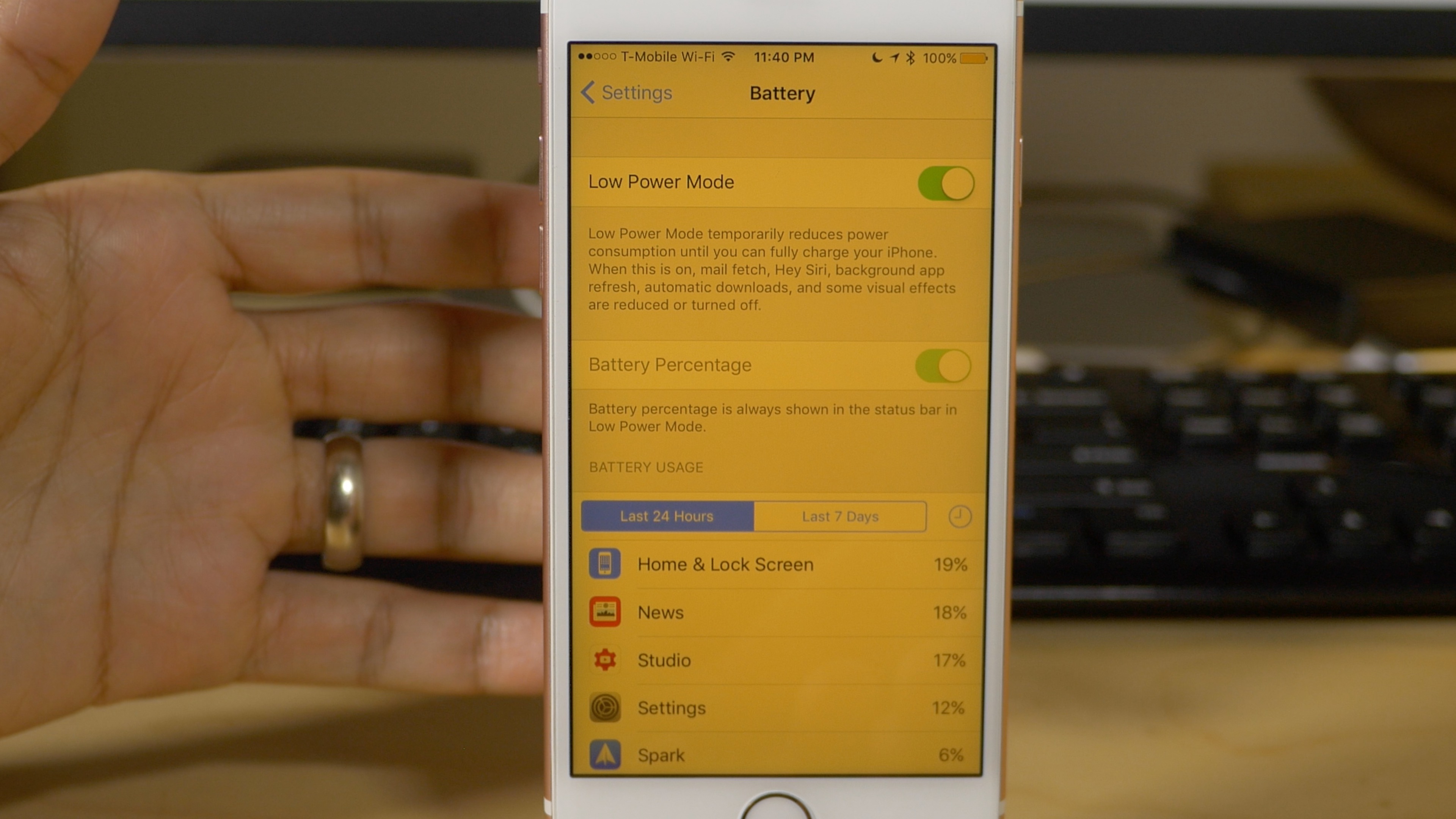
Unfortunately, Night Shift is automatically disabled when you enable Low Power Mode on your iPhone. Thanks to a clever workaround, however, it’s possible to use Night Shift in combination with Low Power Mode. In the brief tutorial that follows, we’ll show you how.
Expand
Expanding
Close
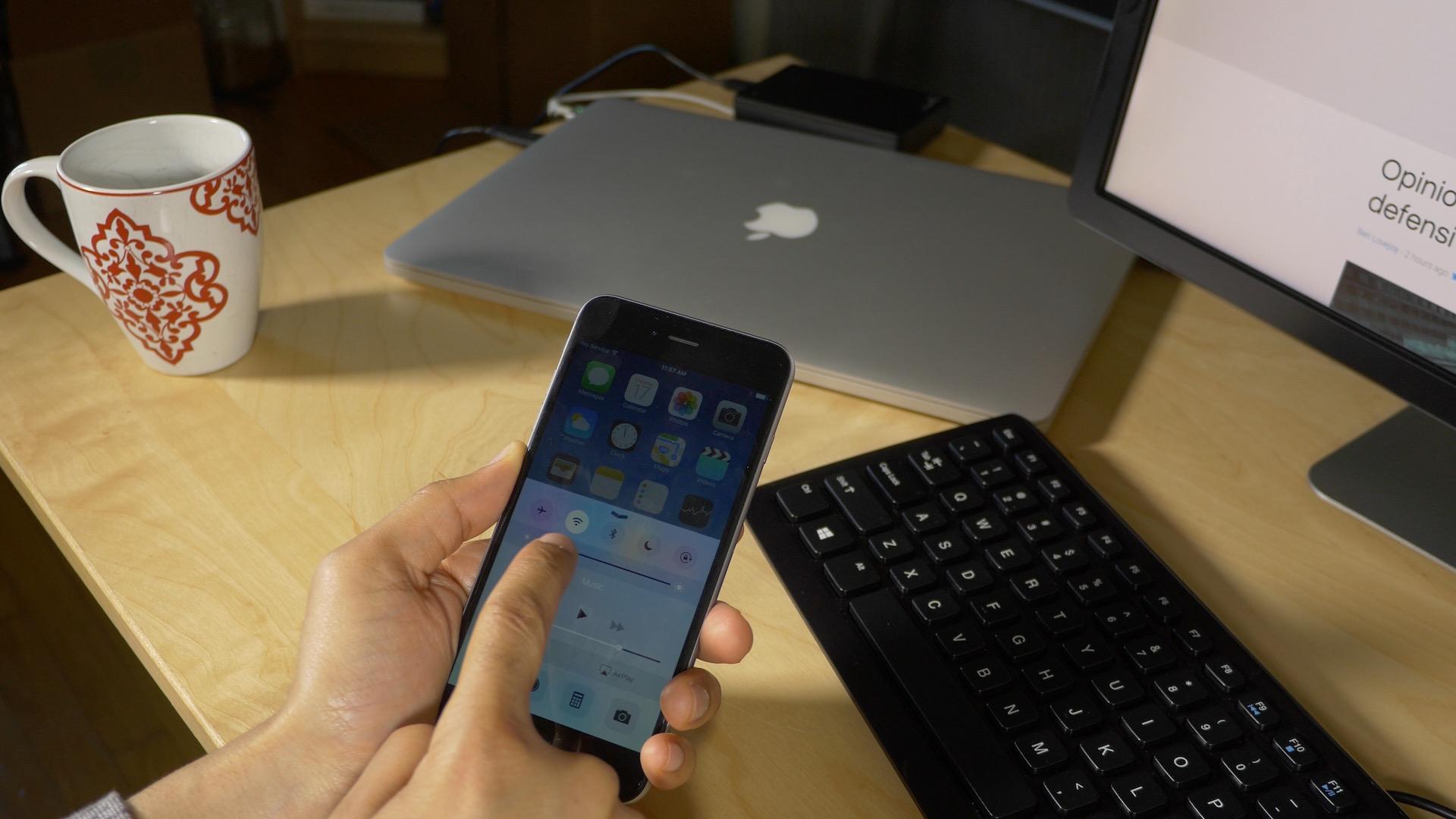
How-To: Reduce iPhone screen brightness beyond what’s possible in Control Center or Display & Brightness settings

Site default logo image

Reduce Screen Brightness No Jailbreak Required

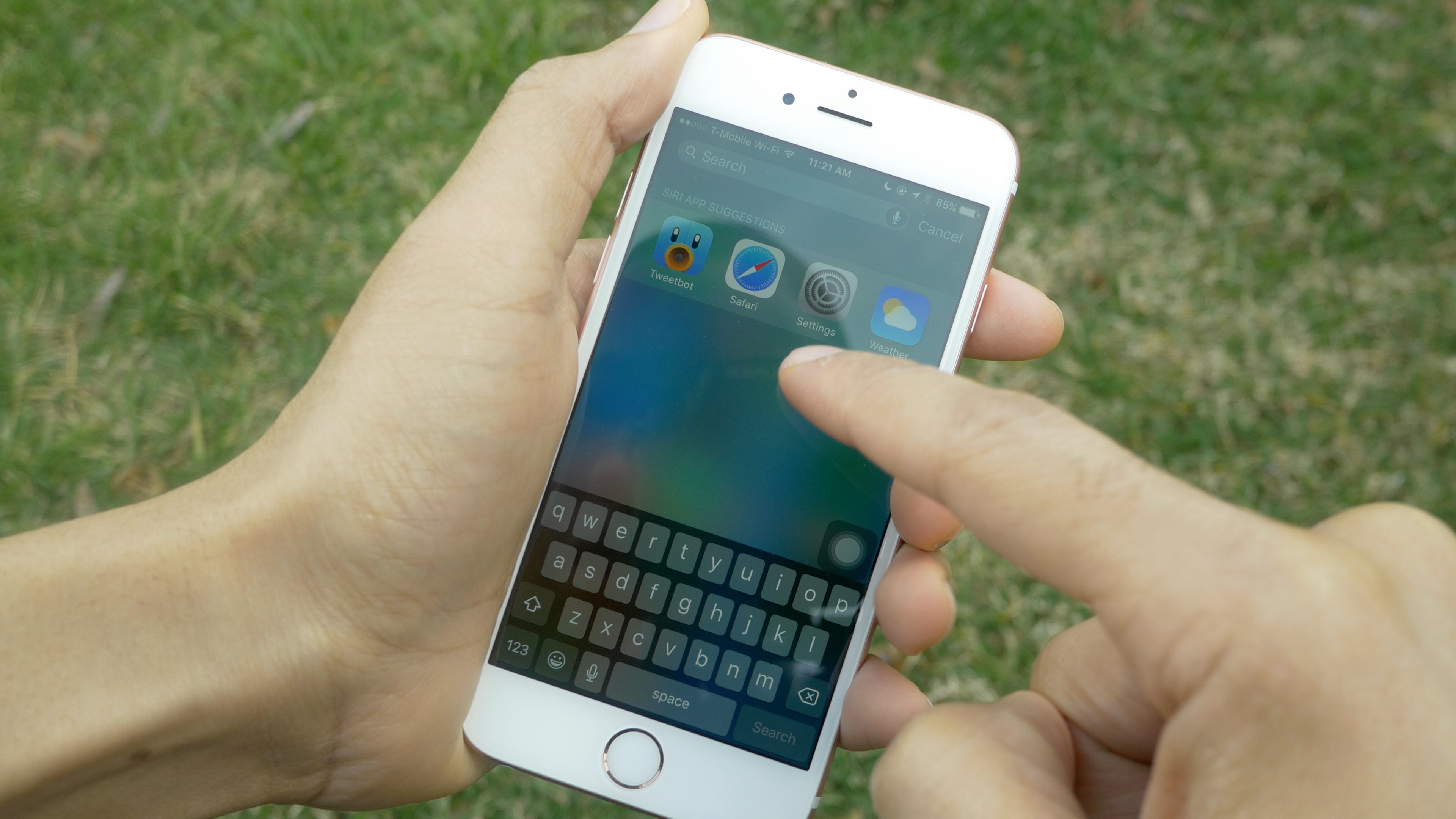
My iPhone 6s is not jailbroken, but there are still a couple of tricks that I employ that make it closer to that of a jailbroken phone. For example, getting rid of animations — a feat normally reserved for users willing to jailbreak — is now available to all iOS 9 users via the handy SpringBoard animations glitch.

Another trick, one that I haven’t been shy about sharing in the past, involves reducing iPhone screen brightness beyond levels that are possible with the standard brightness slider controls. Like the animations glitch, this too uses iOS’ deep accessibility features to pull off the job. If you’re someone who likes to use an iPhone or iPad at night, then your eyes will thank you for this trick.
Expand
Expanding
Close
How-To: Remap Windows keyboards to match the Mac keyboard layout

Site default logo image

Windows keyboard remap mac

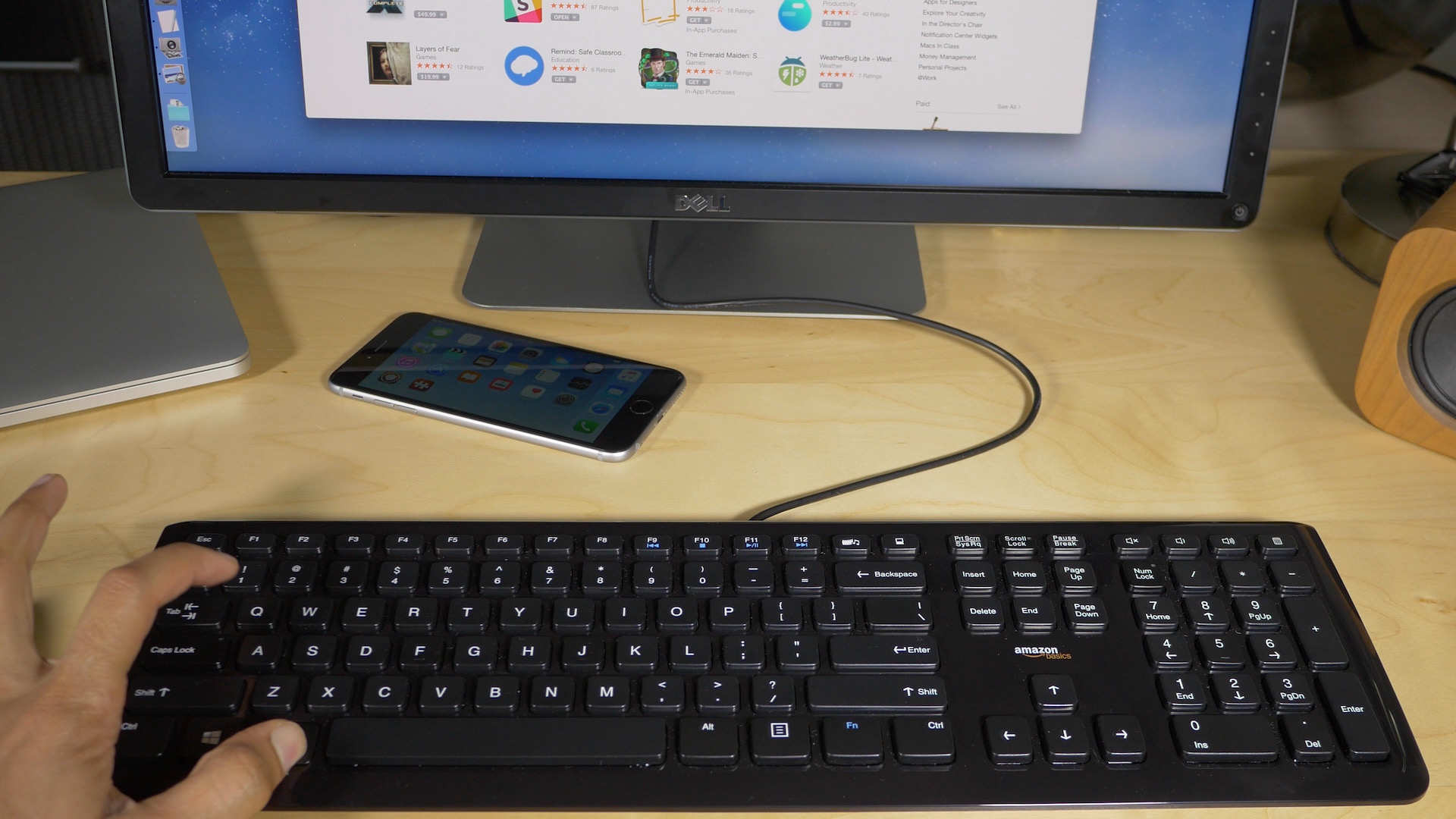
Over the last few days I’ve been finding myself using a keyboard designed for Windows users on my Mac. The reason behind such a change was that my MacBook Pro’s keyboard was causing wrist pain. The shallow key travel of the MacBook’s keyboard is partly to blame.

I just so happened to have an AmazonBasics wired keyboard available thanks to my recent Hackintosh build, so I decided to use it with my Mac. Immediately, I could sense relief in my wrists, but because this was a keyboard designed for Windows and not for Mac, the switch presented a whole new problem.
Expand
Expanding
Close
Hands-on: Sonic the Hedgehog for Apple TV [Video]

Site default logo image

Sonic the Hedgehog Apple TV

Sega today released an update to its classic gaming title Sonic the Hedgehog. The update brings Apple TV support to the table, adding more value to the universal app.

Those of you who’ve already purchased Sonic the Hedgehog on iOS will therefore be able to enjoy the game on the 4th generation Apple TV free of charge. Everyone else will need to pony up $2.99 for the privilege of playing the classic game, but your money goes a long way, as it’s playable on the iPad, iPhone, iPod touch, and Apple TV.
Expand
Expanding
Close

Hands-on: Miitomo, Nintendo’s first iOS game

Miitomo iPhone

Update: The Miitomo app is now available on the U.S. App Store.

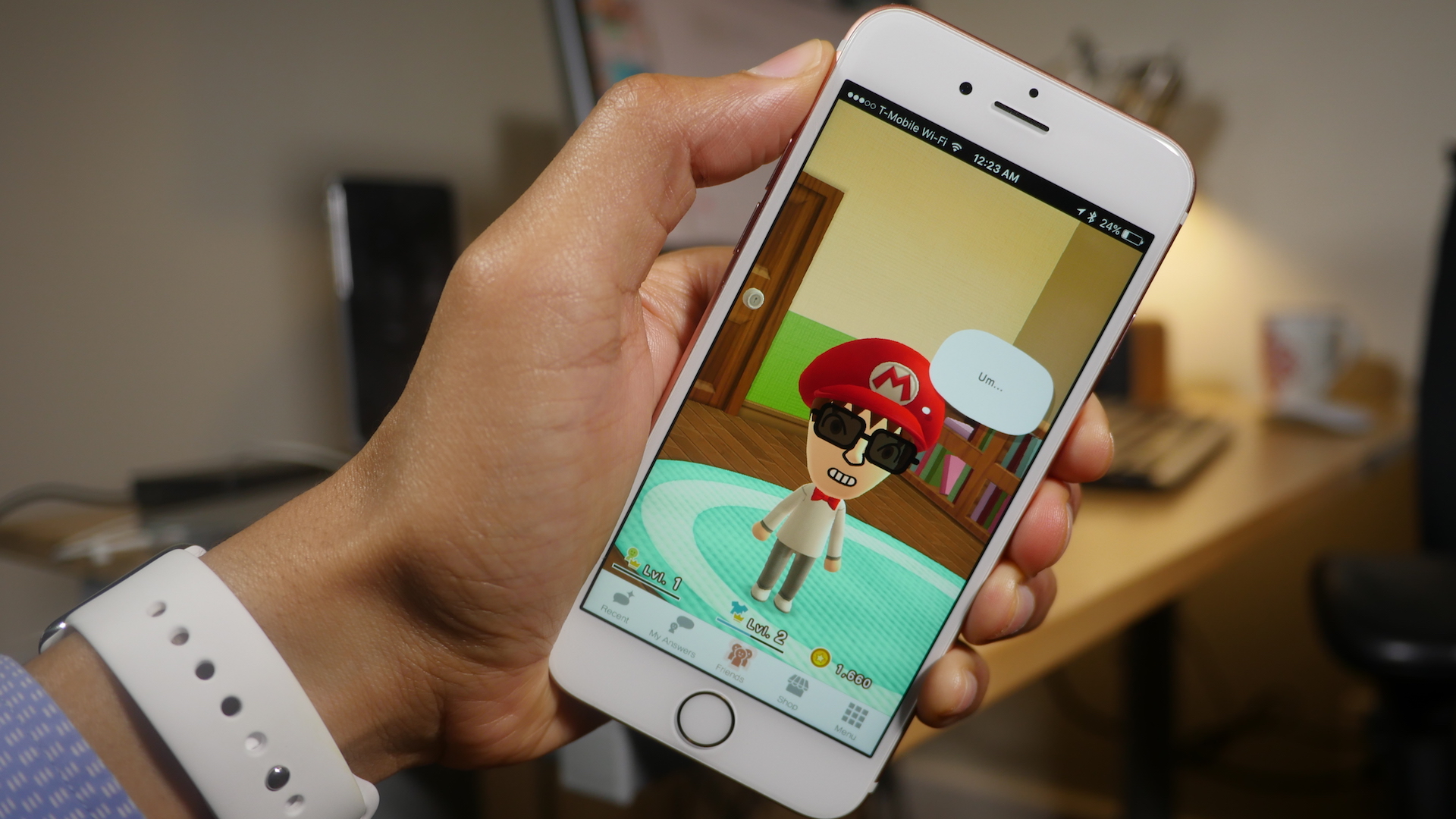
Thanks to my Japanese App Store account, this morning I was able to go hands-on with Nintendo’s first real venture into the App Store. The game, Miitomo, doesn’t feature a household name like Mario, Donkey Kong, or even Kirby, but the release feels very much like a Nintendo title.


Expand
Expanding
Close

Building a (sub-$1000) Hackintosh that meets the Oculus Rift hardware requirements – Part II

Site default logo image

Create OS X Boot DIsk

In part I of our Hackintosh tutorial, we discussed our choice of hardware and the reasons behind those decisions. The main goal was to create a machine that had enough power to meet the Oculus Rift hardware requirements.

In this follow-up tutorial, we’ll show you the entire software install process needed for completing the build. Watch our 18+ minute step-by-step tutorial and witness this Hackintosh come to life.
Expand
Expanding
Close

How-To: Prepare for the Apple TV 4 jailbreak

Site default logo image

Apple TV 4 Serial 9.0.x

Last week, it was revealed that an Apple TV 4 jailbreak is scheduled to be released in the very near future. That’s great, but the news comes with an asterisk: the jailbreak will only work with devices running tvOS 9.0 or 9.0.1. If you’ve updated to tvOS 9.1, 9.1.1 or any of the new betas releases, there’s no way to downgrade back to 9.0 or 9.0.1.

Thankfully, there are still plenty of fourth generation Apple TVs available in the wild that come installed with one of the first two versions of tvOS. In fact, in preparation for the upcoming jailbreak, I was able to easily purchase a new Apple TV running tvOS 9.0. 
Expand
Expanding
Close

AirParrot Remote lets you remotely control AirParrot 2 from your iPad or iPhone

Site default logo image

AirParrot Remote Hero Shot

AirParrot 2, the popular Mac utility that lets you wirelessly broadcast content from your desktop, now has an iOS companion. The app, appropriately entitled AirParrot Remote, lets users control nearly every facet of AirParrot 2 from any iOS device sharing the same Wi-Fi network.

If you’re familiar with the look of AirParrot 2 on Mac, then you’ll feel right at home with AirParrot Remote, as they look strikingly similar. Watch our video demonstration for a look at some of the things that AirParrot Remote can do.

Expand
Expanding
Close

Building a (sub-$1000) Hackintosh that meets the Oculus Rift hardware requirements – Part I

Site default logo image

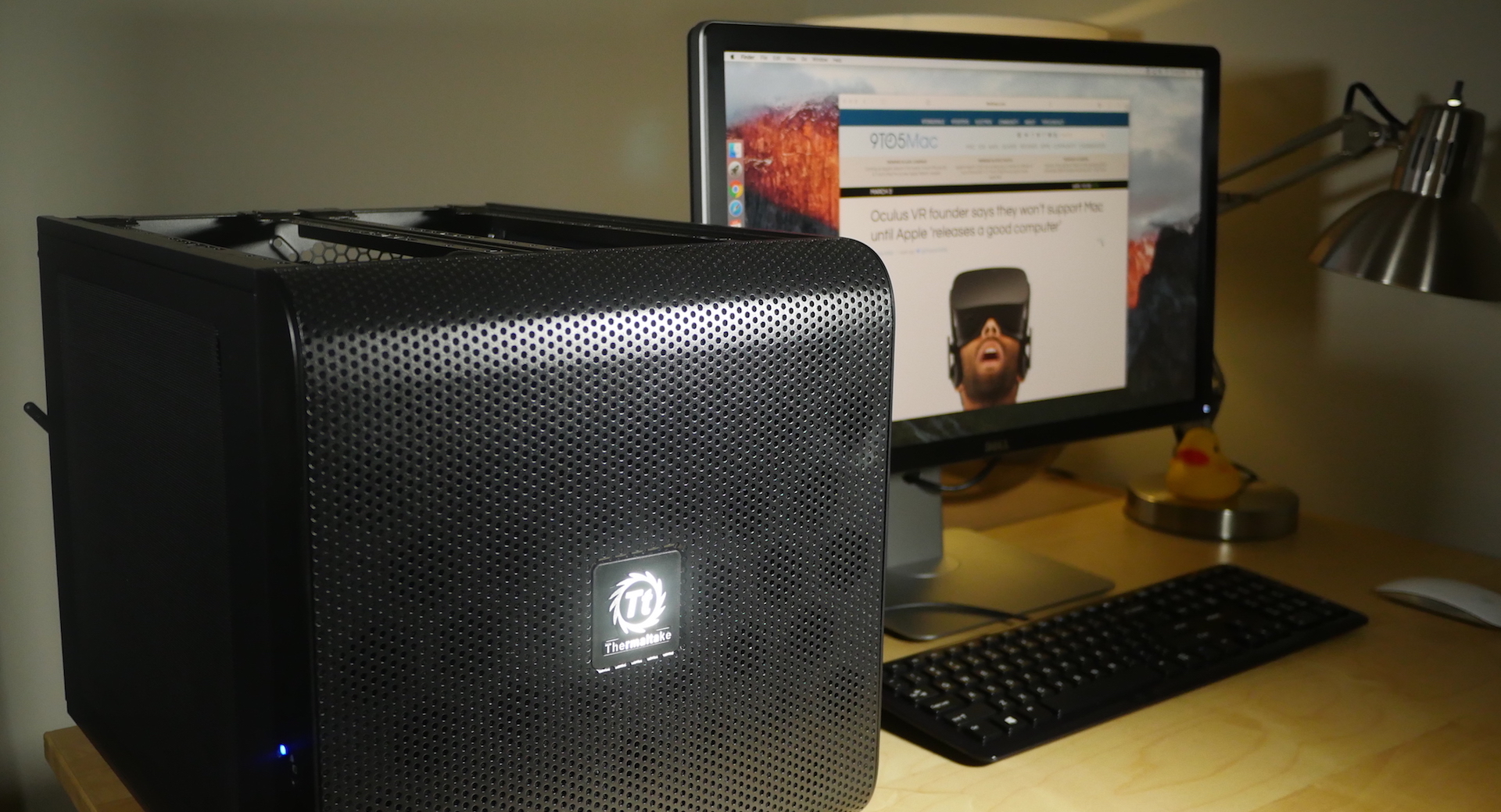
Hackintosh OS X Oculus

Back at the beginning of March, Oculus CEO Palmer Luckey made controversial statements about Apple’s hardware, specifically the inability of any Mac in Apple’s entire lineup of computers to handle the graphics needs of the upcoming Oculus Rift. At one point in time, Oculus had support for OS X in the pipeline; in fact previous Rift dev kits supported Macs. As time went on, however, it was decided that the Oculus Rift would be Windows-only, at least initially.

It’s with Luckey’s comments, and the lack of initial OS X support in mind, that I’ve decided to put together a Hackintosh machine that meets the minimum requirements outlined by Oculus, yet can still run OS X. In theory, this machine could support the Oculus Rift if the necessary software was made available for OS X. It can run the Rift now if you install a Windows partition on it…
Expand
Expanding
Close

Pangu releases a jailbreak for iOS 9.1, Apple TV 4 jailbreak coming soon

Site default logo image

Pangu Jailbreak iOS 9

Out of seemingly nowhere, the Pangu hacking team has released an update to its jailbreak tool for devices running iOS 9.1. The tool, which is available for both Mac and Windows, allows users to jailbreak the iPad, iPhone and iPod touch. More interestingly, the same team is promising to release a jailbreak for the 4th generation Apple TV next week.

Expand
Expanding
Close

OWC introduces Aura PCIe flash storage upgrades for late model MacBook Pros and MacBook Airs

Site default logo image

Aura Pro SSD MacBook Upgrade

Today, aftermarket Mac upgrade specialists OWC announced that the long-awaited PCIe flash storage upgrades for late model Mac laptops are now available. MacBook Pro, as far back as the Late-2013 product cycle, and MacBook Air, as far back as the Mid-2013 product cycle, are eligible to upgrade. Upgrades include a 480GB or a 1TB PCIe-based flash storage solution.

Considering that many of these Macs shipped with anemic 128GB or 256GB SSDs, this can be considered a major upgrade. For instance, with MacBook Airs that featured 128GB of flash storage space, a 1TB upgrade equals 8x the storage space, a significant increase in eligible storage.
Expand
Expanding
Close

How-To: Disable iOS SpringBoard animations and make your Home screen feel faster [Video]

Site default logo image

Disable iOS 9 SpringBoard Animations

One of the things that makes iOS special is its SpringBoard animations. The animations help orient the user around iOS using 3D space.

But not everyone is a fan of iOS’ animations — some for purely aesthetic reasons and others for health reasons. With this in mind, Apple has provided a way to reduce the animations using the Reduce Motion switch found in the Accessibility settings. Even with that option available, some wish to take the reduction of animations even further and disable them altogether.

Up until now, many of the available options for disabling animations relied on jailbreaking. But a new iOS glitch found by a redditor makes it possible to completely get rid of SpringBoard animations until you reboot your iPhone. Watch our step-by-step video walkthrough inside to see how.
Expand
Expanding
Close

Yoink: A great utility for moving files around OS X [Video]

Site default logo image

Yoink

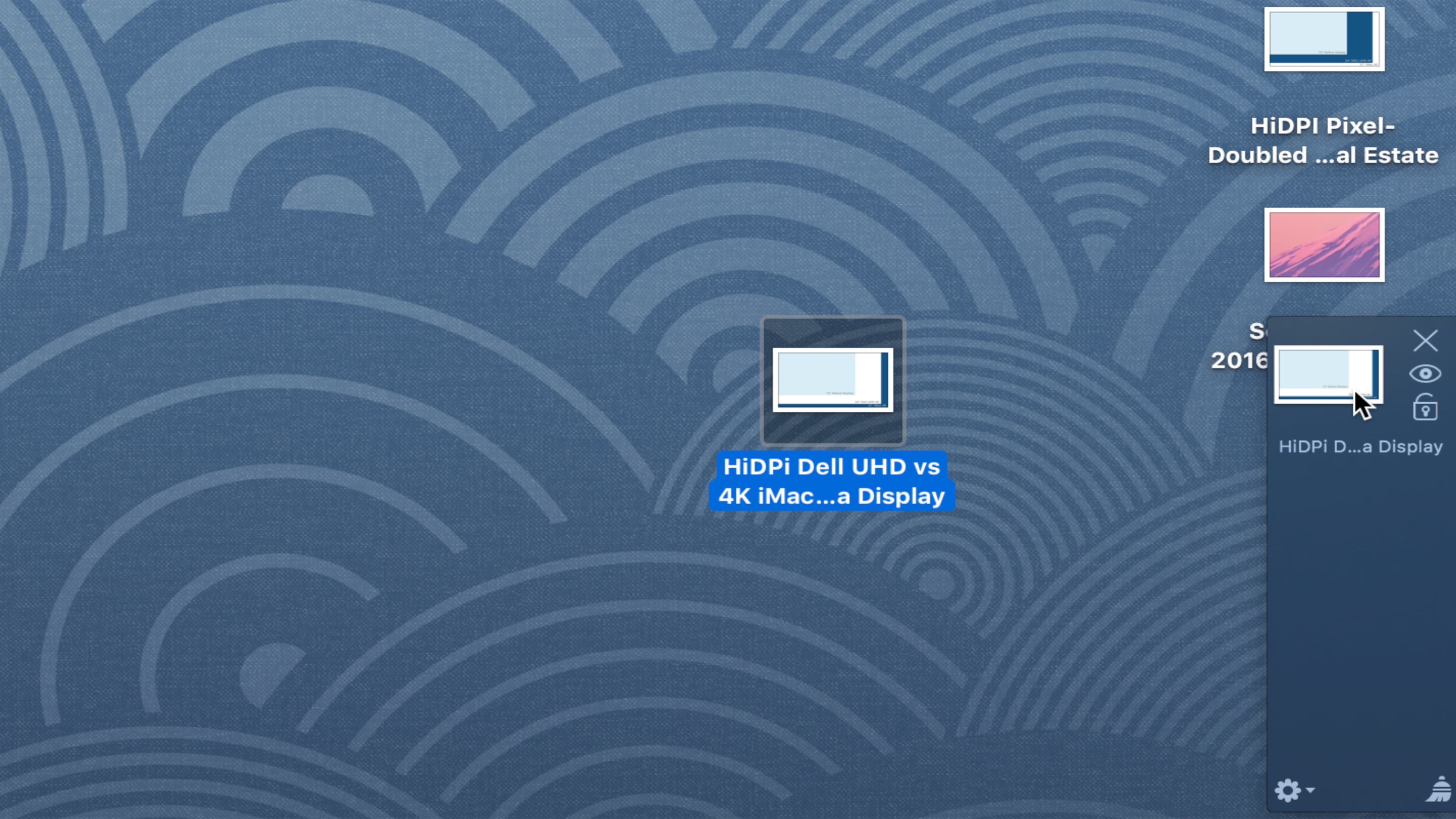
Yoink is a utility available on the Mac App Store that I find to be extremely useful. When you begin dragging a file on a Mac with Yoink installed, the utility’s interface appears on the side of the screen. Yoink serves as a temporary holding area for files on your Mac as you move them between apps, folders, and wherever else in the Finder.

There are few apps that I consider to be must-haves on OS X, but Yoink is certainly one of them. Moving files around the Mac is easier with Yoink installed, especially if you make the most of using full screen apps. Watch our video walkthrough inside to see how.
Expand
Expanding
Close

How-To: Stop the ‘Open this page in YouTube’ prompt when visiting YouTube in Safari on iOS

Site default logo image

Open this page in YouTube Fix

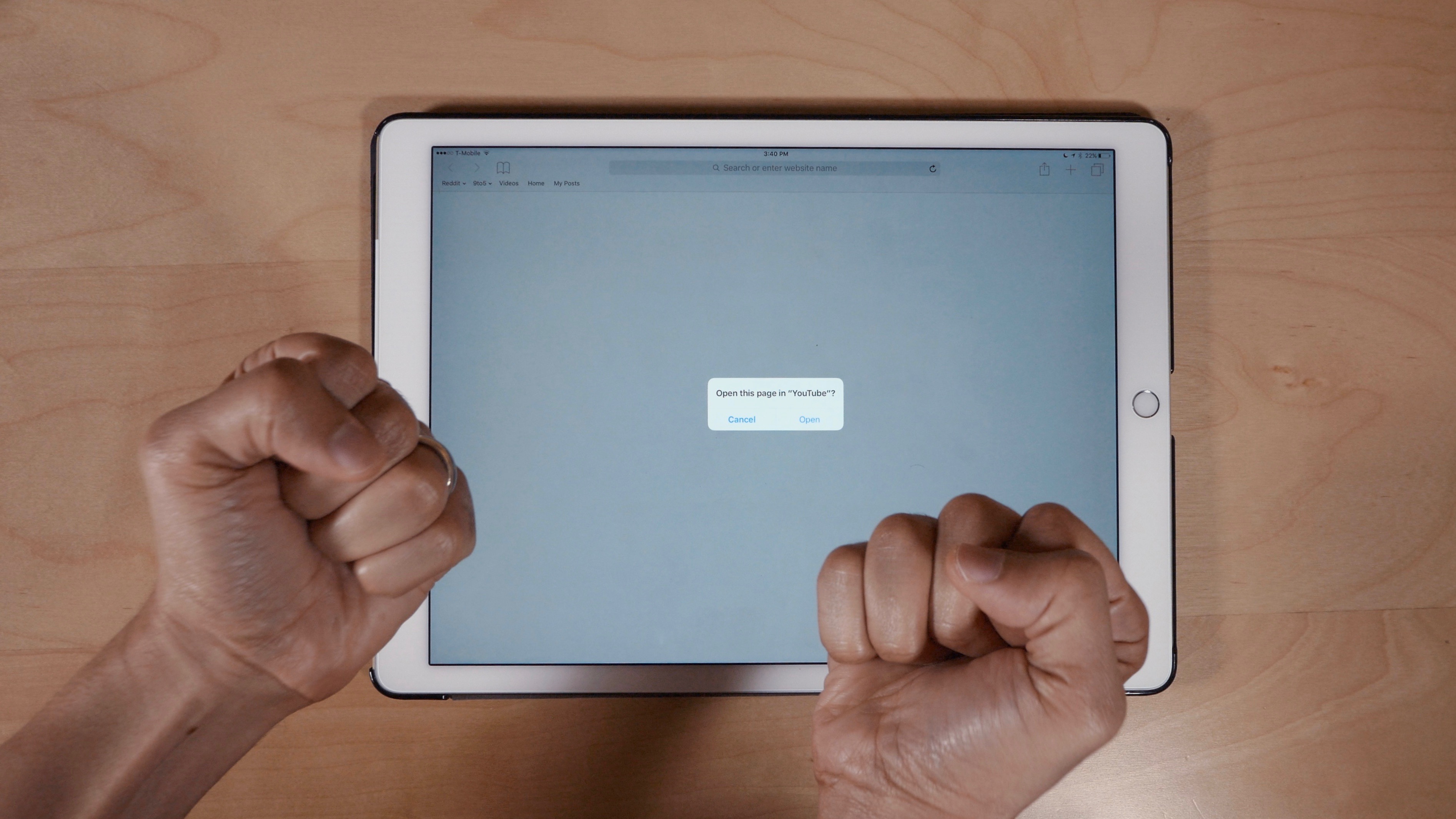
If you have the YouTube app installed on your phone, then you’ve likely run into the dreaded ‘Open this page in “YouTube”?’ message when visiting YouTube in Safari. While it’s understandable that Google would like you to view content via its official app, it starts to get annoying after encountering the message for the umpteenth time.

One surefire way to eliminate the prompt is to uninstall the YouTube app altogether, but that’s a bit on the extreme side of things. Fortunately, there is a way to easily bypass the request, as we’ll show you inside.
Expand
Expanding
Close

Final Cut Pro X: Getting started with Library management and organization [Video]

Site default logo image

Final Cut Pro X Timeline Image

Final Cut Pro X has gone through a lot of changes since it first debuted as a reboot back in 2011. Since then, the app has grown up significantly, but it’s been able to retain its relatively low barrier to entry in the process. Final Cut Pro X is remarkably simple to learn, but it has a fairly high ceiling for growth.

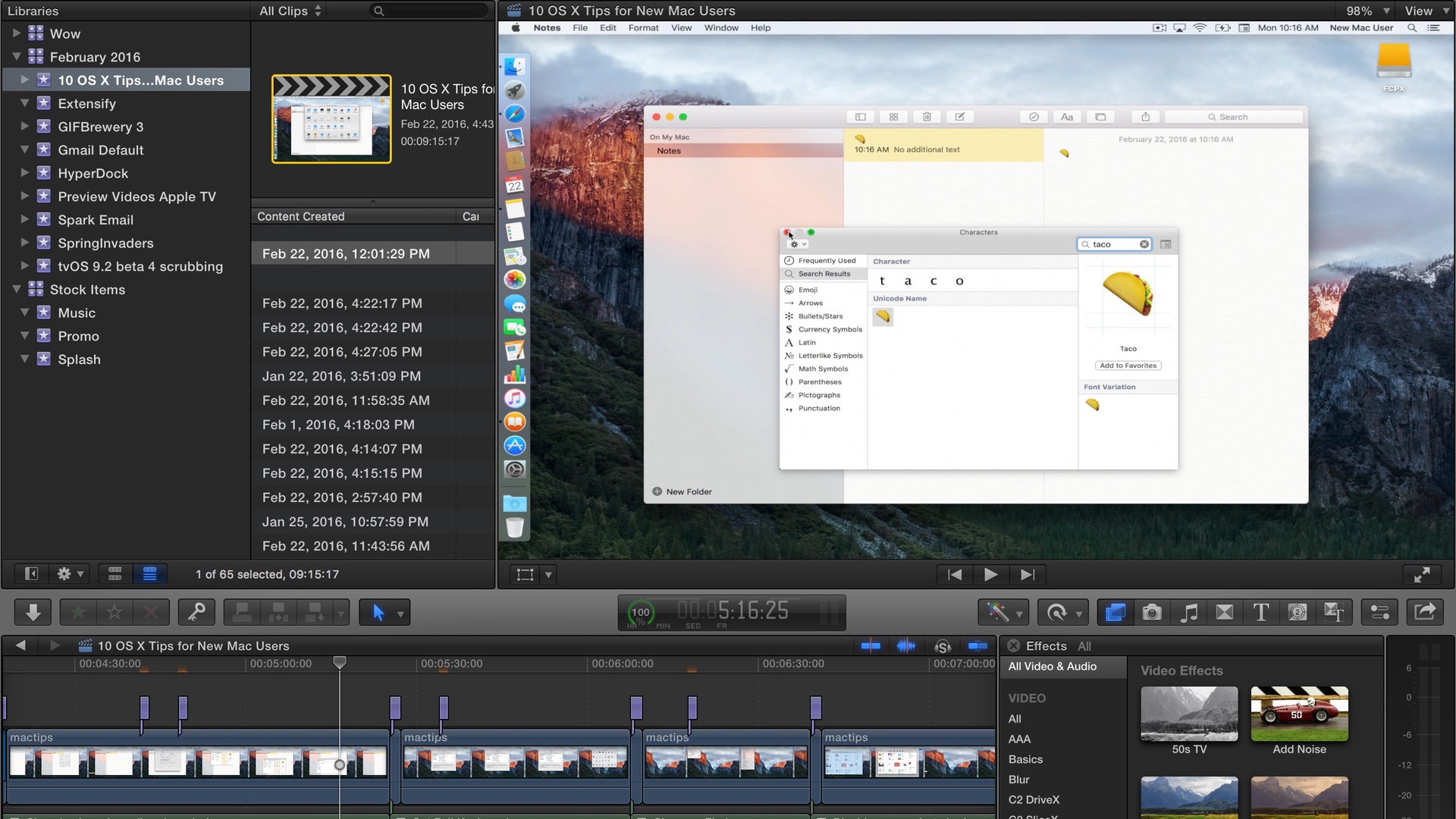
In this initial tutorial, I’m going to cover some of the basics about one of the fundamental aspects of Final Cut Pro X: library management. Knowing how Libraries are created and what they contain is extremely important. It’s one of the first steps in really getting to know Final Cut Pro X.
Expand
Expanding
Close

Site default logo image

YouTube Creator Studio updated with the ability to watch videos directly in app

9to5Mac YouTube Channel

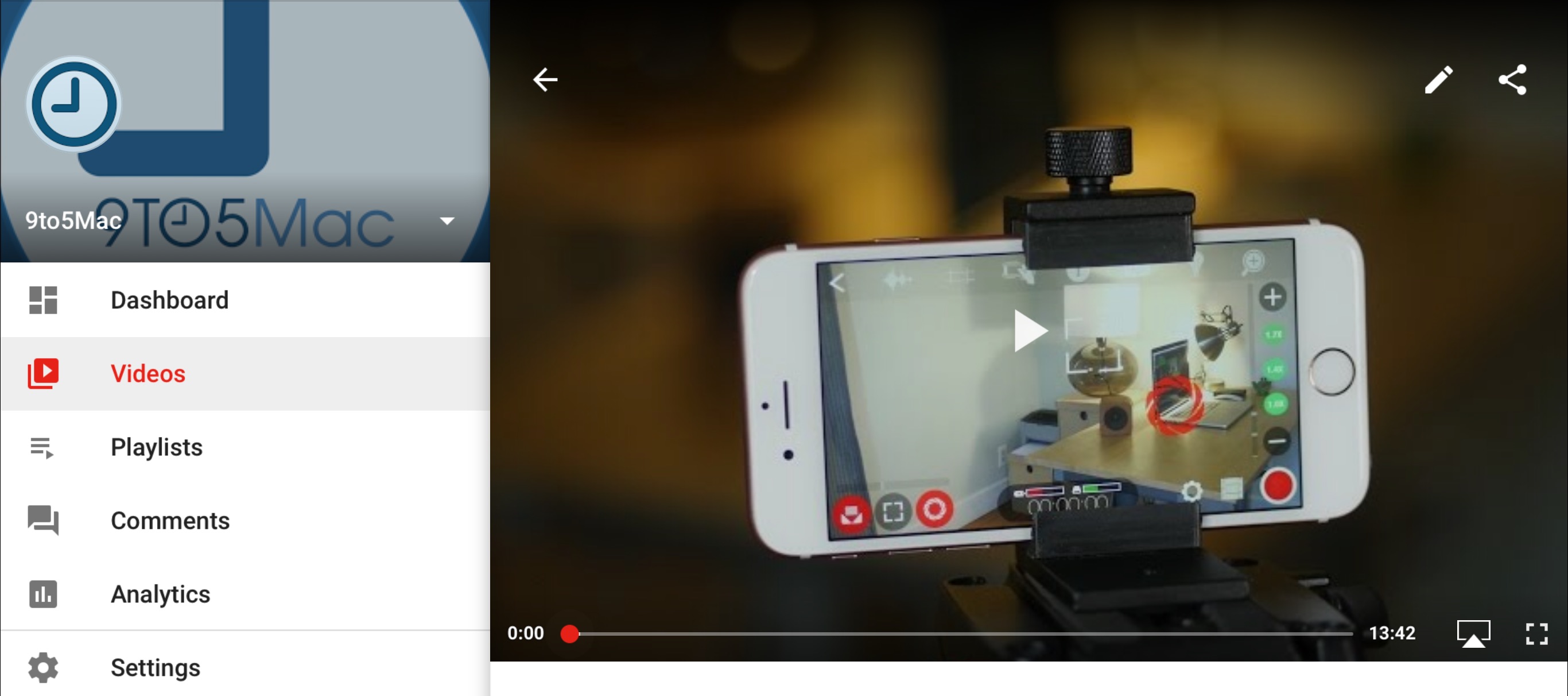
Great news for content creators wishing to manage their YouTube videos on the go. YouTube Creator Studio, the mobile app version of YouTube’s Creator Studio platform for managing video content, has received a notable update.

The 1.7.93 update, released today, now allows users to watch videos directly inside of the Creator Studio app. In previous versions of Creator Studio, users were forced to open the YouTube app or a Safari browser to watch their content.
Expand
Expanding
Close