iOS 14: Download, new features, and compatibility

See All Stories

iOS 14 was released on September 16th, 2020. New features include a new home screen design, widgets, picture in picture, and more.

During its WWDC 2020 keynote, Apple announced iOS 14 for iPhone and iPod touch. The update brings a variety of new features and changes.

Features: What features does iOS 14 bring?

iOS 14 was a pretty substantial update, bringing many changes to the fundamental iOS experience that weren’t seen since as early as iOS 7. This update, most notably, brought the addition of the App Library, which gives you a one-stop spot for all your apps. This was coupled with widgets, which for the first time gave app developers a way to present rich data like weather cards or music shortcuts directly on the home screen. The update also brought picture-in-picture to the iPhone, adding a feature that was a mainstay to the iPad experience to the mobile handset.

App Library

iOS 14 adds a new App Library view for organizing all of your apps. Apps are automatically organized in the App Library, and you don’t have to keep all of the icons on your actual home screen view. There is also a new list view as well as features for sorting applications based on usage and more.

Widgets

iOS 14 adds widgets to the home screen of the iPhone and iPad for the first time. Widgets are more data-rich than ever and come in a variety of sizes. Apps move out of the way automatically to make room for the widgets. You access these widgets through the “Widget Gallery,” with multiple different sizing options.

Site default logo image

Picture in Picture on iPhone

iOS 14 also provides support for picture in picture, works very similar to the iPad experience. Meanwhile, Siri has a new interface that does not overtake the entire screen.

Site default logo image

Translate App

A new translate app in iOS 14 is designed for conversations and works completely offline. All you have to do is tap on the microphone icon and the app will translate to your chosen language. There will be 11 languages supported at launch.

Site default logo image

App Clips

iOS 14 also adds a new App Clip feature to easily access applications quickly without downloading the full version from the App Store.

“Small part of an app that is quick and easy to access,” Federighi explains.

Launch an app with a single tap and pay and log in with Apple Pay and Sign in with Apple.

New iMessage Features
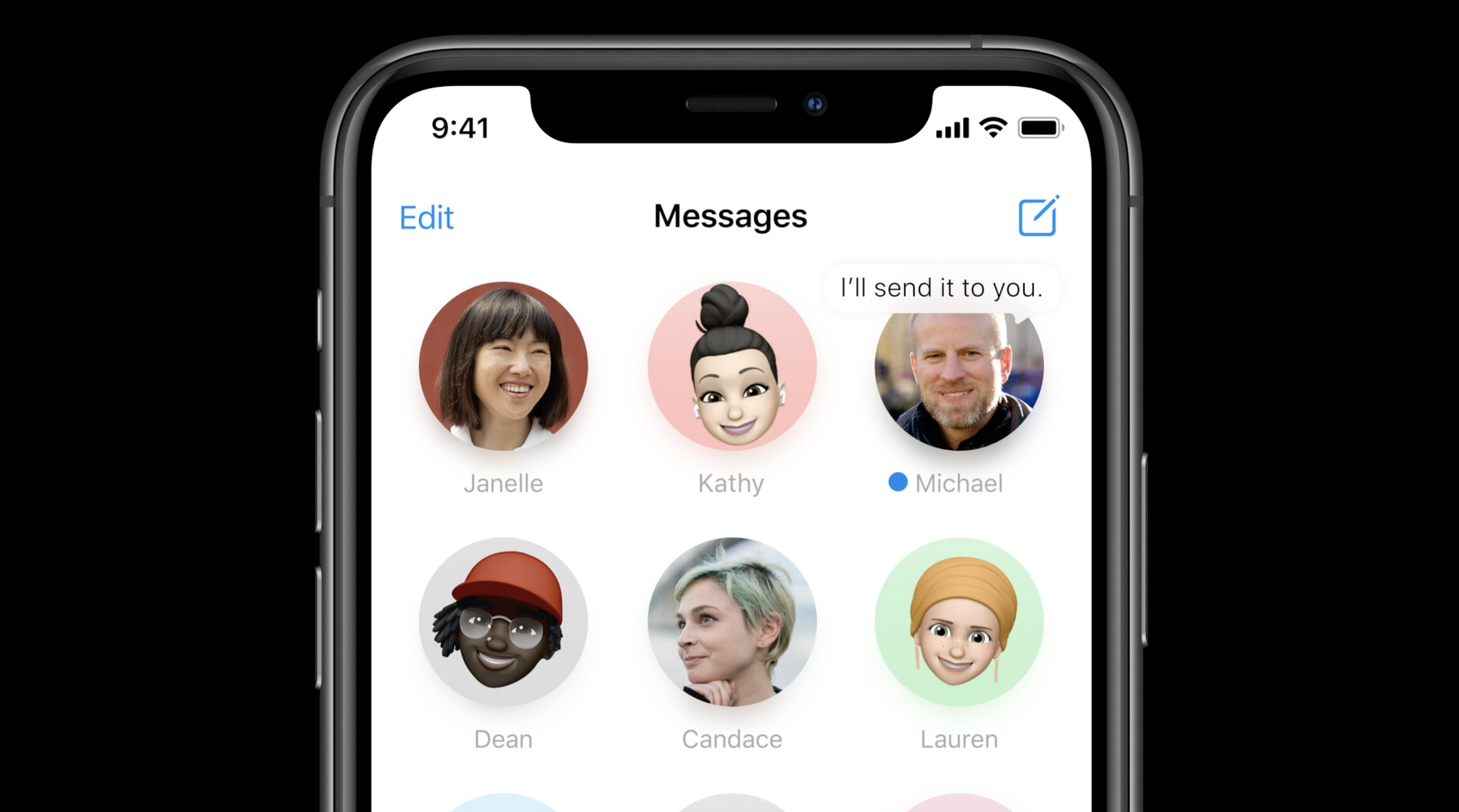
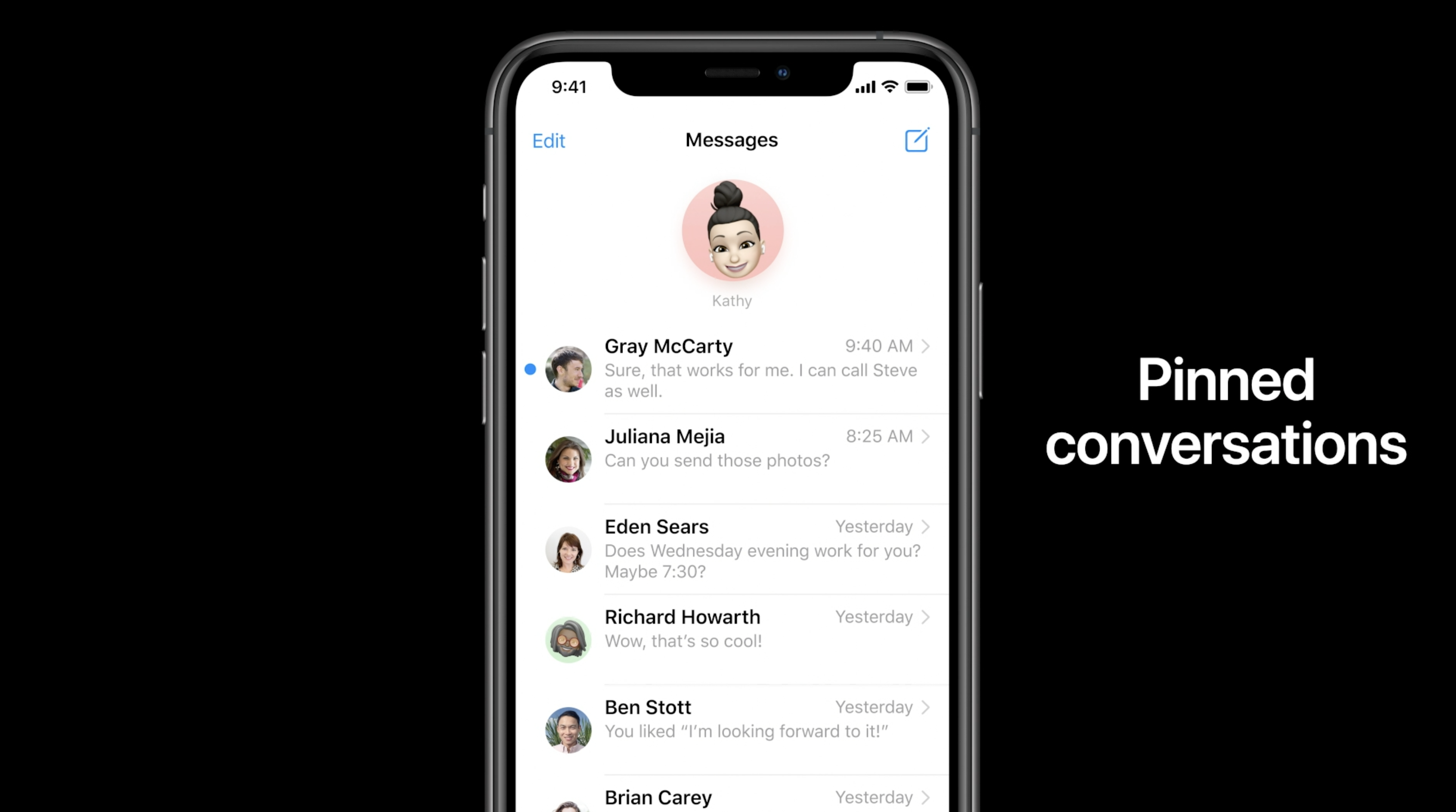
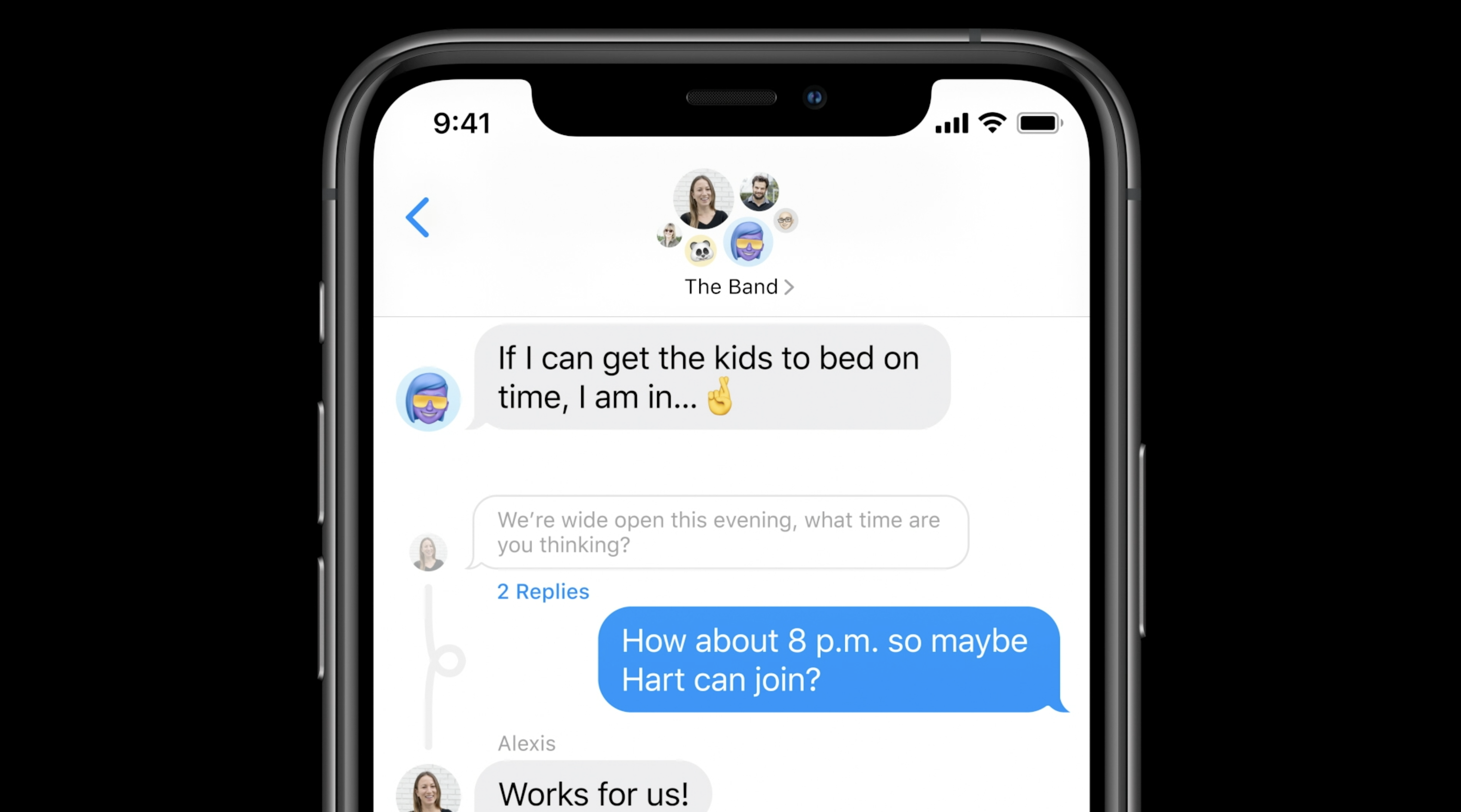
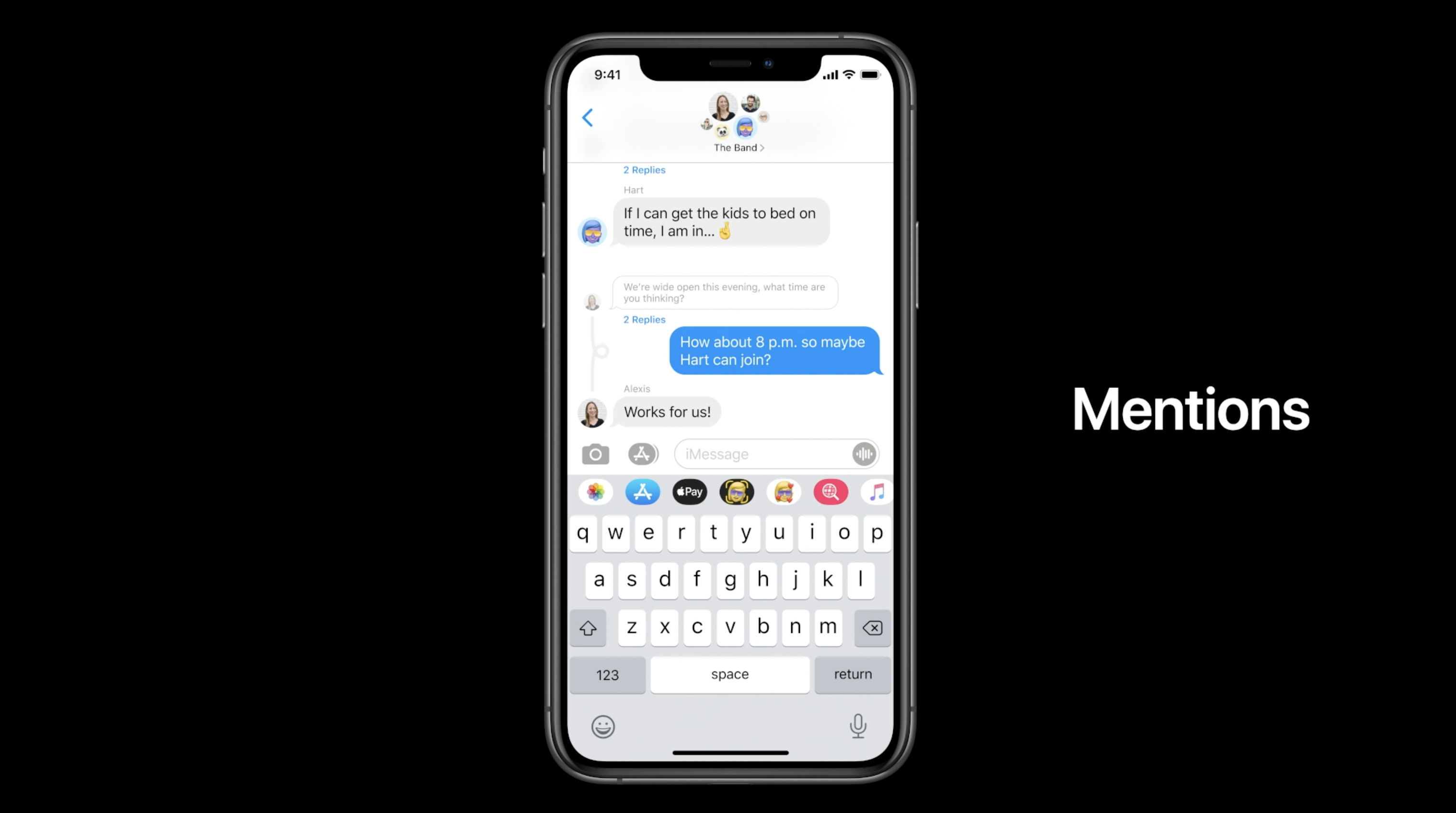
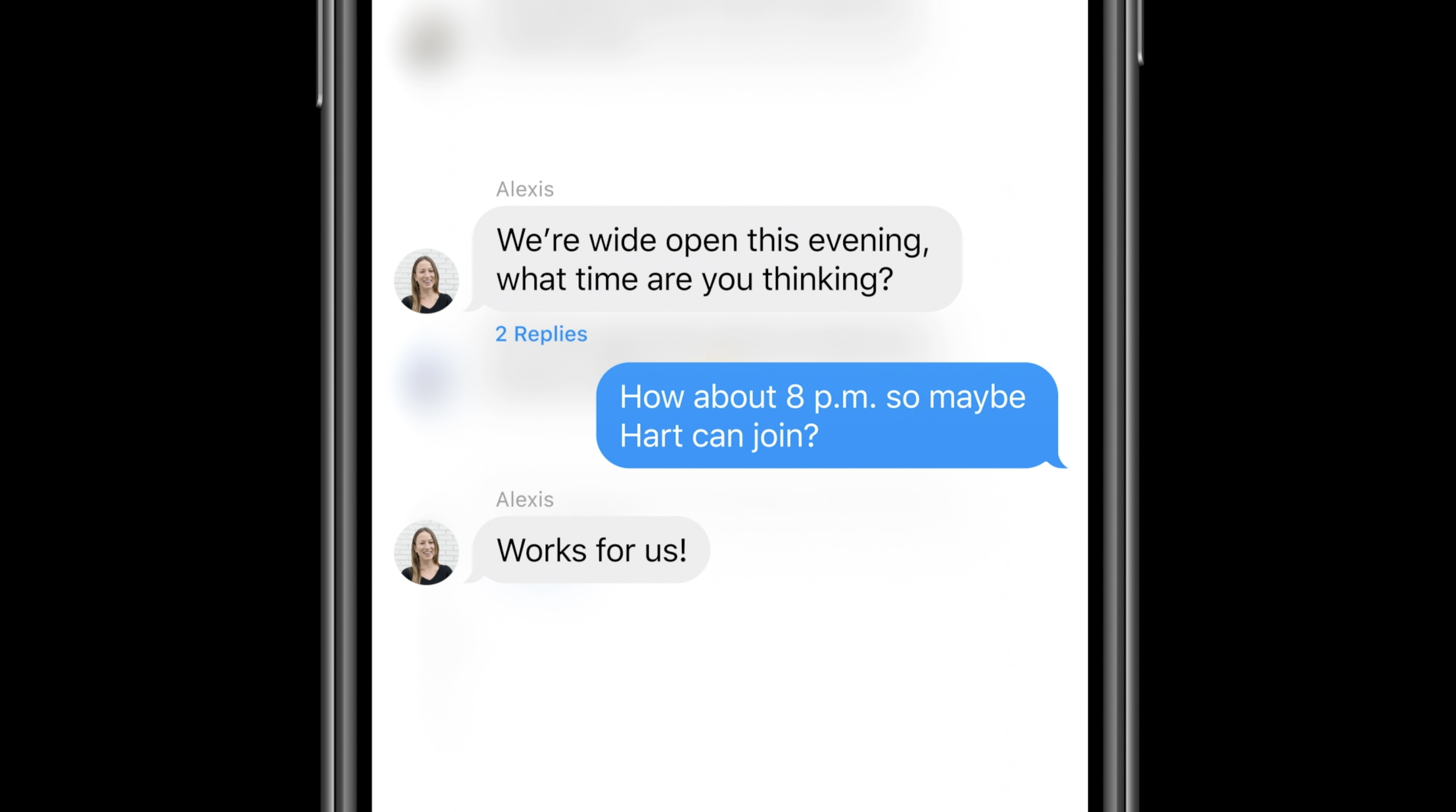
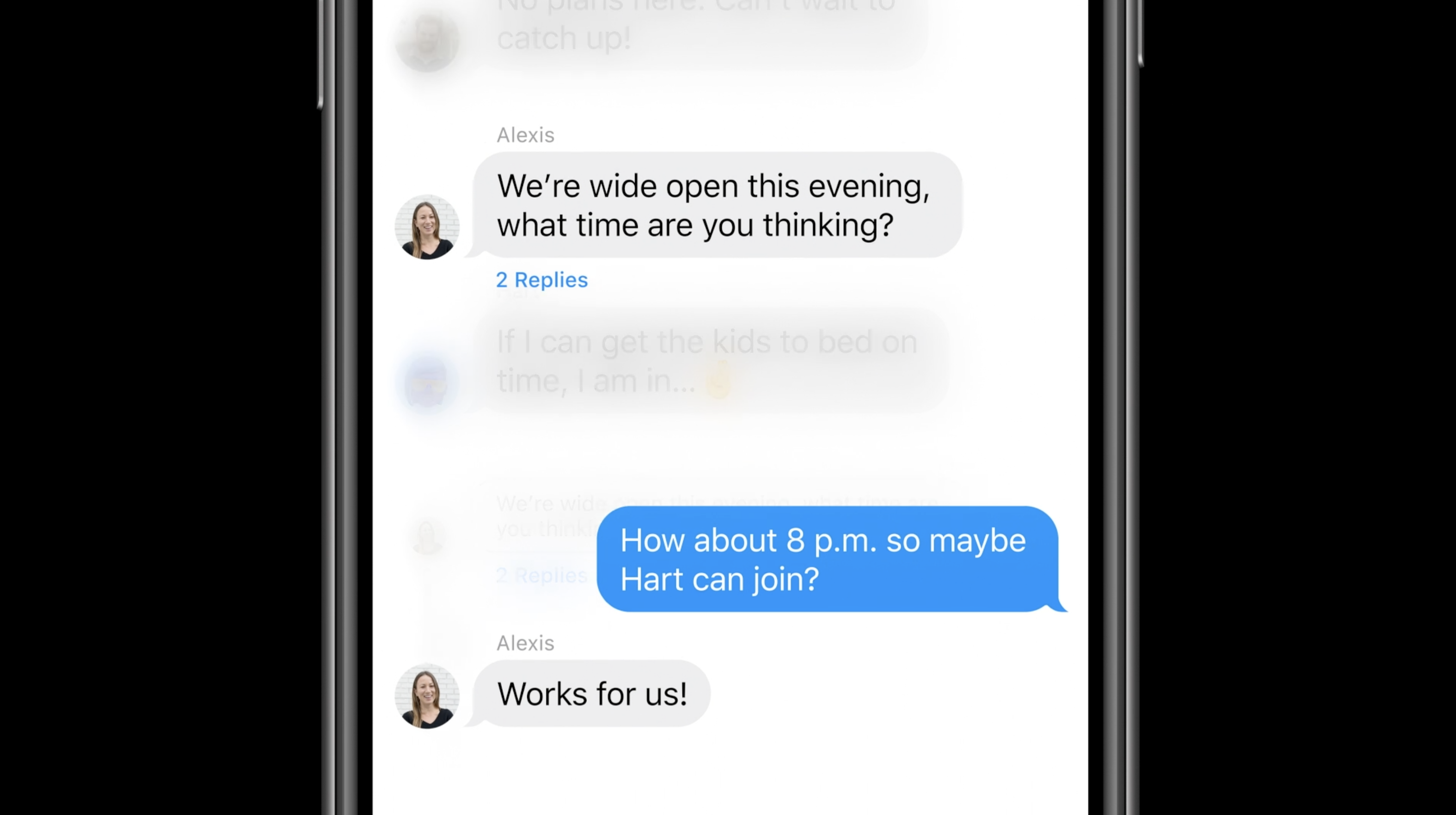
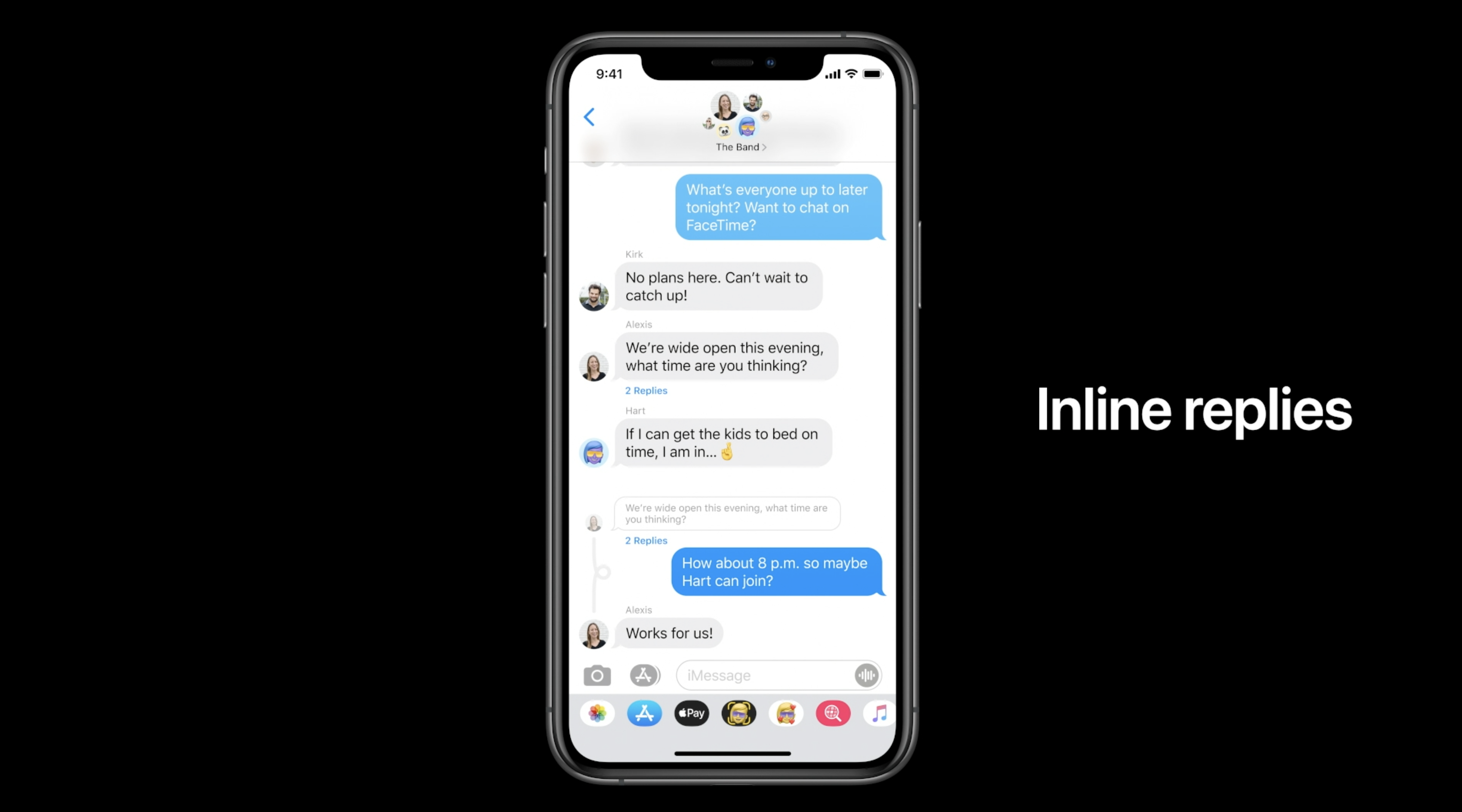
For iMessage, Apple is adding new Memoji accessories (including a new face mask Memoji) as well as pinned messages. New features for group iMessages as well: in-line replies, mentions.

Real-Time Headphone Audio Alerts

You can measure headphone audio levels in real-time with a new option in Control Center. This new feature has a similar interface to the Apple Watch Noise app, which measures the audio levels of the environment instead of headphones.

Site default logo image

QR code payments

9to5Mac reported exclusively that Apple is working on QR code payments for iOS 14.

References found in the iOS 14 code reveal that Apple is working on a new method for letting users make payments with Apple Pay by scanning a QR Code or traditional barcode with the iPhone camera.

This information wasn’t announced at WWDC, so it’s possible it won’t launch with the first version of iOS 14 and could come later in the year.

Leaked passwords

Site default logo image

Leaked passwords are when you use the same password across multiple websites and one of them gets hacked. iCloud keychain is going to build in a feature to alert you about leaked passwords.

With iOS 14, Apple offers a new “Security Recommendations” menu that shows only your passwords that could put your accounts at risk for some reason. This includes passwords that are easy to guess and even those that may have leaked on the web.

Voice Memos

Apple is also updating the Voice Memos app with iPhone and macOS Big Sur. The most exciting feature this year is the new Enhance Recording functionality. The Enhance Recording feature reduces background noise and room reverberation with a single tap. Once you create a recording, you’ll see a small icon similar to the Auto adjustment feature in the Photos app. Details on exactly how this feature works are unclear, but Apple is heavily promoting the simplicity of the process.

Compatible devices: Which devices work with iOS 14?

Apple says that iOS 14 can run on the iPhone 6s and later, which is the exact same compatibility as iOS 13. Here’s the full list:

  • iPhone 11
  • iPhone 11 Pro
  • iPhone 11 Pro Max
  • iPhone XS
  • iPhone XS Max
  • iPhone XR
  • iPhone X
  • iPhone 8
  • iPhone 8 Plus
  • iPhone 7
  • iPhone 7 Plus
  • iPhone 6s
  • iPhone 6s Plus
  • iPhone SE (1st generation)
  • iPhone SE (2nd generation)
  • iPod touch (7th generation)

Release date: When did iOS 14 come out?

iOS was released on September 16th, 2020

macOS 10.16 Big Sur compatible Macs

Apple adds developer option to share in-app purchases and subscriptions via Family Sharing

During the WWDC Keynote, Apple announced macOS Big Sur with several new changes to the UI, Control Center on macOS for the first time, revamped Safari, modern notifications, and widgets. They’ve also added a new developer option to enable the sharing of in-app purchases and subscriptions across Family Sharing.


Expand
Expanding
Close

iOS 14 features new non-intrusive incoming phone call notification UI

As part of the iOS 14 fanfare, Apple has finally updated the appearance of incoming calls on iPhone and iPad. Previously, incoming calls would take over the screen and interrupt what you were doing. Now, they appear as simple banners that come down from the top of the screen like a normal notification alert.

The phone call can be accepted with a simple tap on the green button, or declined with a tap of the red button. Stay tuned for our hands-on with iOS 14 as the betas drop imminently.


Expand
Expanding
Close

Rumored iOS 14 call recording feature only for internal debugging, likely not launching publicly

We’ve learned several details about iOS 14, which is expected to be officially announced this month at WWDC 2020. This week, however, an alleged iOS 14 screenshot that is floating on the web shows a new option for recording phone and FaceTime calls. While 9to5Mac was able to confirm that this feature does exist, we’ve heard from sources that it’s not intended to be made available to users.


Expand
Expanding
Close

Feature Request: How iOS 14 should take iPhone multitasking to the next level

I’m a longtime iPhone user, back when iOS was called “iPhone OS” and had no homescreen wallpaper or multitasking at all. In 2010, iOS 4 brought multitasking to the iPhone for the first time and it was a massive addition, but 10 years later, things haven’t evolved much since then in this aspect. So I think it’s time for Apple to finally take multitasking on iPhone to the next level.


Expand
Expanding
Close

Leaked iOS 14 screenshot shows new wallpaper settings, beta code reveals Home screen widgets

9to5Mac reported last month that Apple is working on a redesigned wallpaper settings panel for iOS, based on an early build of iOS 14, which includes images separated by categories and more. Now Twitter user DongleBookPro, who often shares some images of Apple’s internal products, has today posted screenshots that shows the new wallpaper settings panel from iOS 14 in action.


Expand
Expanding
Close

iOS 14 code reveals updated Activity rings for Apple Watch in upcoming kids mode on watchOS 7

9to5Mac exclusively reported earlier this month that iOS 14 and watchOS 7 will include a new SchoolTime mode and kid mode. The latter feature includes the ability for a parent to set up and manage an Apple Watch for a child with a single iPhone.

Each Apple Watch account is currently connected to a single iPhone’s Apple ID. This new mode will let a parent manage their child’s Apple Watch from the parent’s iPhone, and the child will not be required to own an iPhone to use the Apple Watch.

If this feature in development is completed and released this year, the Apple Watch will become much better for kids than ever before, but how will activity tracking work? Based on iOS 14 code obtained by 9to5Mac, we can now answer that question.


Expand
Expanding
Close

iOS 14 code reveals Apple working with BMW on futuristic ‘CarKey’ iPhone feature

BMW CarKey

9to5Mac reported exclusively in February that Apple is developing a new ‘CarKey’ feature that will let drivers replace physical key fobs with their iPhone. The new virtual key technology was first discovered in a beta version of iOS 13.4.

New evidence in iOS 14 code obtained by 9to5Mac reveals that Apple is working with BMW to likely be the first carmaker to support the futuristic iPhone feature. 9to5Mac received this non-denial statement from BMW when asked about their involvement:

Please understand that at this point we cannot confirm your request nor give you further details. We would like to refer you to our press release.

The informative press release referenced was published in December and refers to BMW’s efforts to adopt a new smartphone and watch Digital Key standard:


Expand
Expanding
Close

Mockups imagine what the leaked iOS 14 home screen changes will look like

As 9to5Mac reported on Tuesday, iOS 14 code indicates that Apple is working on changes to the iPhone home screen, including a new list view.

Instead of just the grid of app icons, there will be a new page or new mode so users can look at their apps in a top-to-bottom scrolling list. Now, some intrepid readers have made mockups of what that might look like.


Expand
Expanding
Close

iOS 14: Major accessibility features, Alipay Apple Pay, wallpaper app integration, more

iOS 14 wallpapers update third-parites-accessibility features, more

We’ve made a lot of discoveries about what’s ahead with iOS 14 and Apple’s upcoming hardware and there’s even more to unpack. With iOS 14 we’re expecting new wallpapers organization and the option for third-parties to integrate with Settings for custom wallpapers, some great new accessibility features, Alipay support in Apple Pay, and more.

Expand
Expanding
Close

Sophisticated mouse cursor support coming to iOS 14, new iPad Smart Keyboard models with trackpad

According to code seen by 9to5Mac, Apple is set to roll out rich system-wide support for mouse cursors with iOS 14. Apple added rudimentary compatibility with external mice in iOS 13 Accessibility settings, but iOS 14 (iPadOS 14) will make it mainstream.

The iOS 14 build also referenced two new Smart Keyboard models in development. More on mouse cursor support in iOS 14 after the break …


Expand
Expanding
Close