iOS

See All Stories

The world’s most advanced mobile operating system

iOS is Apple’s mobile operating system that runs on iPhone, iPad, and iPod touch. Historically, Apple releases a new iOS version once a year, the current version is iOS 13.

In 2007, Steve Jobs introduced the iPhone and iPhone OS. During the event, Jobs referred to the operating system as OS X because it shared a similar Unix core compared to the Mac. When Apple launched the iPhone SDK a year later, they officially changed the name to iPhone OS.

In the summer of 2008, Apple added the App Store to iPhone OS with version 2.0, and this set the stage for the “app economy” that we still enjoy to this day.

Version 3.0 was released in 2009, and it included copy/paste, MMS support, Spotlight, mobile tethering, and push notifications for 3rd party apps.

In version 4, Apple finally renamed iPhone OS to iOS (with the iPad sharing the same software). The major features were multitasking and FaceTime.

iOS 5.0 introduced Notification Center, iMessage, Siri, and iCloud.

iOS 6.0 removes Google Maps in favor of Apple Maps and added the Passbook app (now known as Wallet).

Version 7.0 brought a dramatic redesign of iOS with a new font, flatter icons, a and new Photos app. The redesign was led by Jony Ive.

Version iOS 8.0, Apple finally allowed third-party keyboards and the ability to share files from different apps.

Version 9.0 included Apple Maps, an overhauled Notes app, and multitasking for iPad.

Version 10.0 included an SDK for Siri, Maps, and iMessages.

Version 11.0 included a new iPad Dock, Customizable Control center, drag and drop on iPad, and the Files app with third-party integration.

Version 12.0 added Screen Time features for managing your time on devices, the Shortcuts app, ARKit 2.0, and Memoji.

iOS 13 added Dark Mode, swipe-style typing, a redesigned share sheet, made app downloads 50% smaller, 2x faster app launch speed, Memoji Stickers and Memoji Makeup, HomeKit-enabled routers and HomeKit Secure Video, a new “Sign in with Apple” option for logging into third-party services, all-new Apple Maps, and much more.

Compatible Devices with iOS 13

  • iPhone 11
  • iPhone 11 Pro
  • iPhone 11 Pro Max
  • iPhone XS
  • iPhone XS Max
  • iPhone XR
  • iPhone X
  • iPhone 8
  • iPhone 8 Plus
  • iPhone 7
  • iPhone 7 Plus
  • iPhone 6s
  • iPhone 6s Plus
  • iPhone SE
  • iPod touch (7th generation)
iBeacons in retail stores blowing up app usage, ad engagement

Site default logo image

One of the big debates regarding iBeacons, the tech that allows iOS apps to receive location-aware notifications over Bluetooth LE, is whether or not the experience will become intrusive for users. Imagine having your local grocery store’s app installed. Once the store has installed a few beacons, you could soon find yourself overcome with notifications as you walk around without ever even opening the app. You run the risk of users getting frustrated and potentially avoiding or deleting the app entirely. However, that hasn’t been the case when it comes to the iBeacons installed by inMarket in grocery stores across the country. It tells us app and ad engagement has skyrocketed since rolling out the platform:
Expand
Expanding
Close

Ahead of Apple’s HealthKit, WebMD app now tracks health & fitness data from connected accessories

Site default logo image

WebMD today launched “Healthy Target”, a feature within its iOS app that lets users track health data from a variety of sources like activity trackers, glucose meters, and other iPhone-connected health and fitness accessories. The feature lets users set goals, track habits, get easy to understand summaries of biometric data, and also provides progress reports and inspiration along the way. WebMD says the feature “will provide valuable assistance to individuals looking to manage chronic conditions like Type 2 diabetes and obesity, as well as to a broader audience interested in achieving their fitness goals or more generally living a healthier lifestyle.” The feature acts a lot like Apple’s new Health app, which is about to launch alongside its new HealthKit platform for developers this fall with iOS 8
Expand
Expanding
Close

Site default logo image

Bitcoin wallet apps returning to the App Store after Apple relaxes rules on virtual currency

After an App Store guideline change earlier this month, it seems that Bitcoin wallet apps are once again welcome on the platform, as noticed by Coindesk. The updated rules said that Apple would allow virtual currency apps if they do not violate any federal laws. Apps like eGift and are now available for download in the App Store.

Albeit merely a wrapper around a web app, Coin Pocket does indeed enable the exchange of Bitcoin from within the app itself. This would have not passed Apple approval just a few weeks prior, as Apple’s previous stance did not allow any app that allowed transfers to take place.


Expand
Expanding
Close

Father’s Day giveaway: Win one of 13 prizes including OtterBox, LifeProof cases, Bluetooth speakers, more

Update: Entries are now closed and we’ll be contacting the winners momentarily.

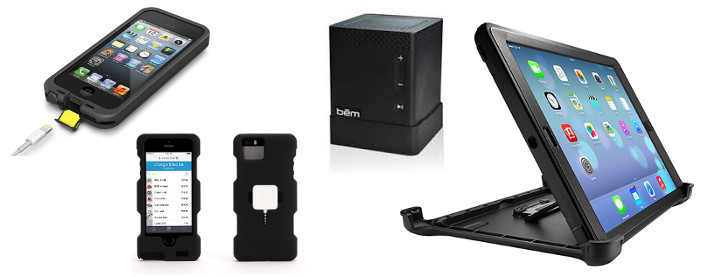
It’s Father’s day once again and to celebrate, we’re giving away a total of 13 products, including cases from OtterBox, LifeProof, and Griffin, as well as other prizes including some wireless Bluetooth speakers, a couple of iPhone speaker docks and more. Read on to learn how to enter…


Expand
Expanding
Close

Photos: Purported physical mockups of black and gold 5.5-inch iPhone 6s compared to 4.7-inch model

Site default logo image

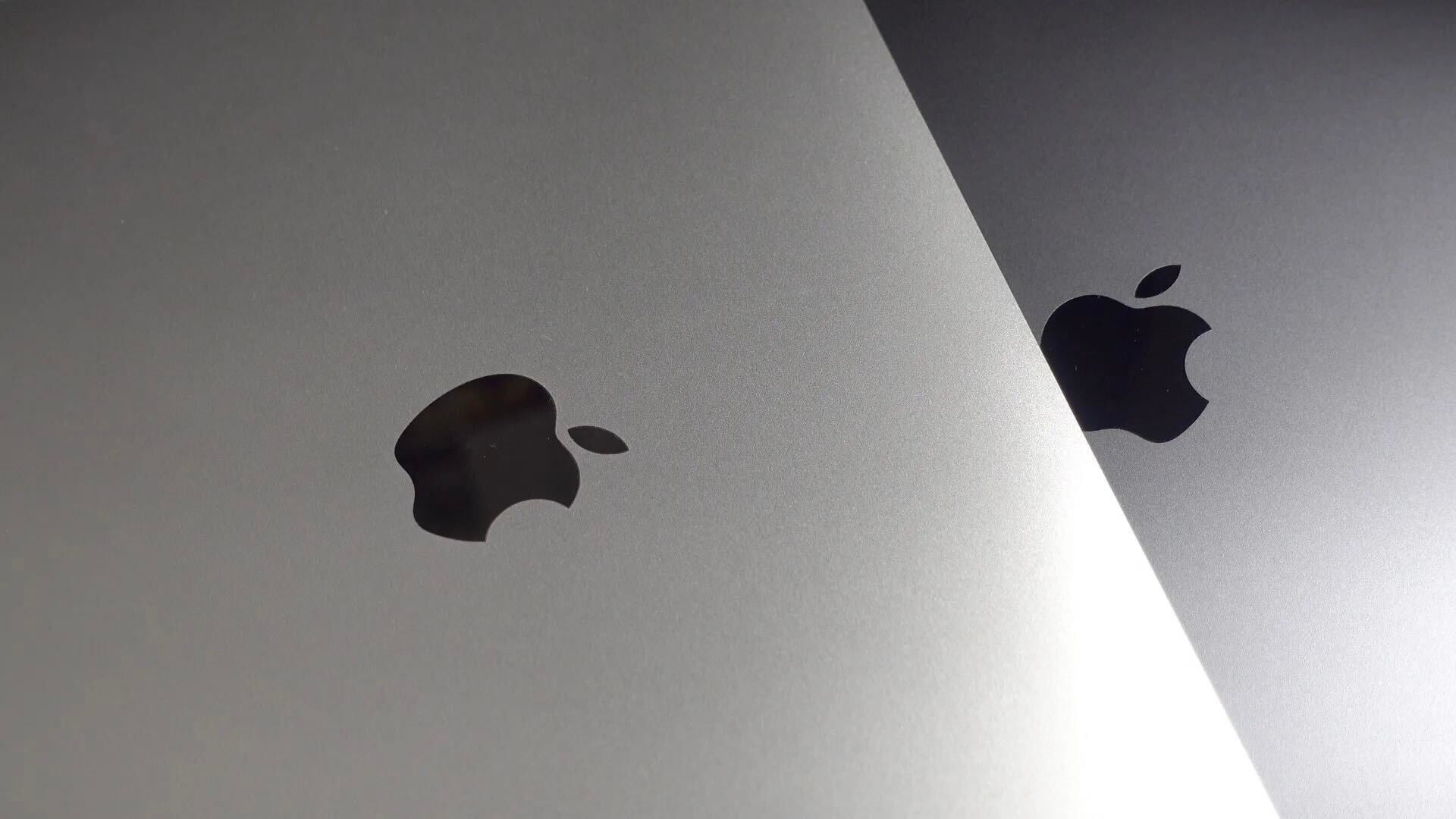
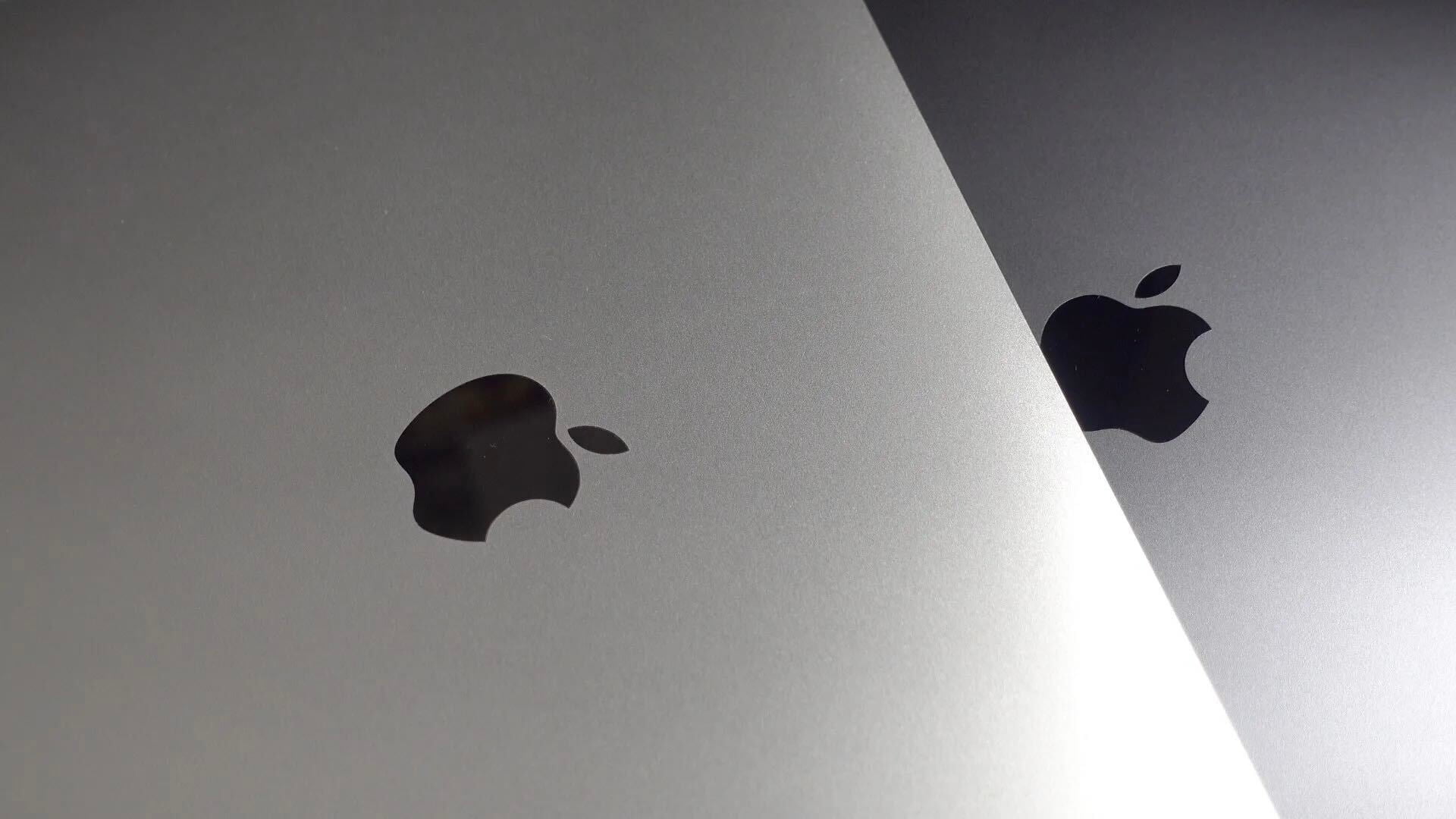
This fall, Apple is expected to unwrap two next-generation iPhones with larger displays: a 4.7-inch model and a 5.5-inch higher-end “phablet” variant. While the 4.7-inch model has had physical mockups floating around the web for the past few months, parts or shells for a 5.5-inch model have not been seen until now. Sonny Dickson has sent us photos of a 5.5-inch iPhone 6 physical “dummy” mockup in the Space Gray color (above and below), and he has posted photos of a white and gold model on Twitter:


Expand
Expanding
Close

How-to: Unofficial tool allows you to import iTunes and Rdio Playlists to Beats Music

Site default logo image

While Beats Music will soon be owned by Apple, the music service does not easily integrate with iTunes. For instance, there is no official Beats tool to link your iTunes library for streaming from Beats Music. However, an unofficial tool called Beats Importer is a temporary solution that seems to work well for adding iTunes and Rdio Playlists to your Beats Music library. We’ve compiled a tutorial for importing your iTunes Playlists to Beats Music, below:


Expand
Expanding
Close

iOS 8 lets apps access Safari AutoFill credentials for quick & easy login

Site default logo image

In iOS 8, Apple is making the process of logging into apps a much smoother experience by allowing native iOS apps to access usernames and passwords stored in Safari. The new feature, which works by letting iOS apps tap into Safari’s AutoFill & Passwords feature, will allow users to login to apps with a simple tap rather than having to type login info. Imagine your username and password are stored in Safari’s AutoFill for Facebook, for example. When launching the native Facebook iOS app, the feature will let users select from passwords stored in Safari to quickly login (as pictured above with Apple’s demo “Shiny” app).
Expand
Expanding
Close

Apple says some European iPhone USB adapters ‘may pose a safety risk’, announces free replacement program

Site default logo image

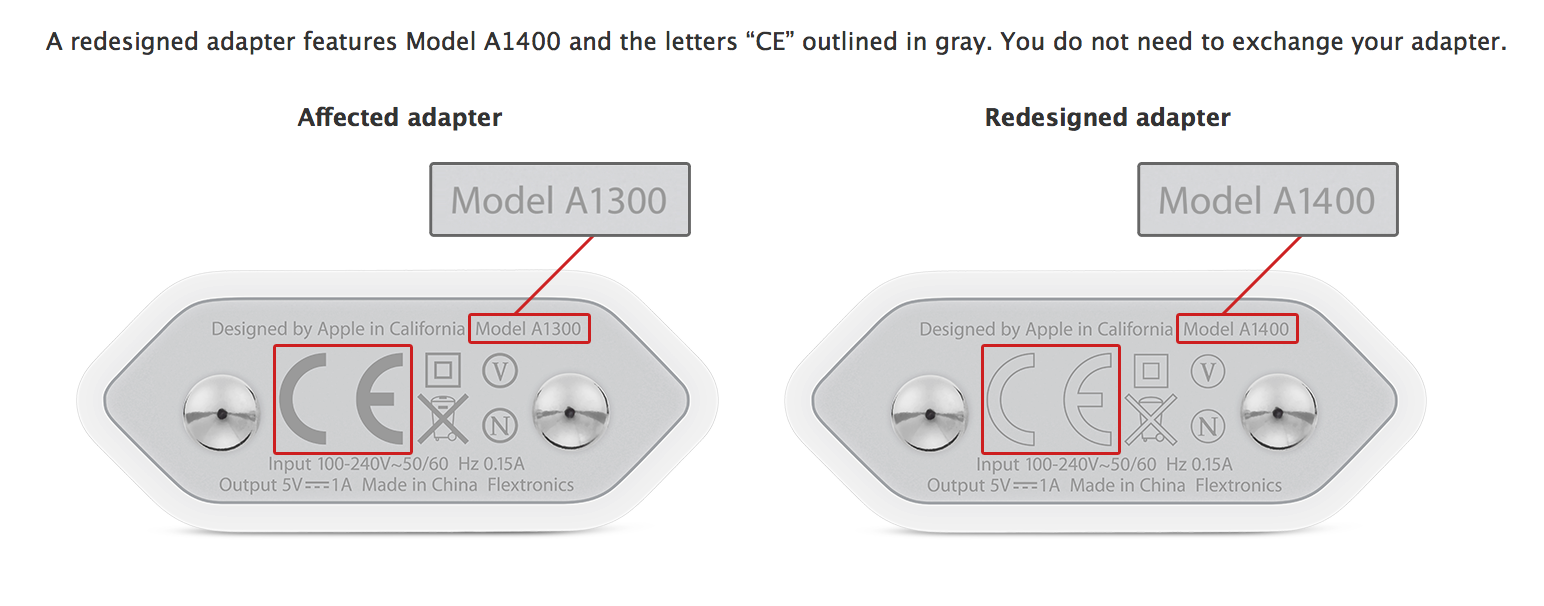
Apple has today announced a replacement program for some European iPhone USB adapters. The company says that it has identified that some USB adapters bundled with iPhones (as well as sold separately) may overheat and ‘pose a safety risk’. The adapter shipped with European models of the iPhone 3GS, iPhone 4 and iPhone 4s from October 2009 to September 2012.

Affected adapters feature the Model ‘A1300’ designation, found on the bottom of the unit as pictured above. Apple will replace the power adapters for free at its dedicated replacement portal website. A full country list is below.


Expand
Expanding
Close

iOS 8 builds in the technologies Apple needs for an iWatch

Site default logo image

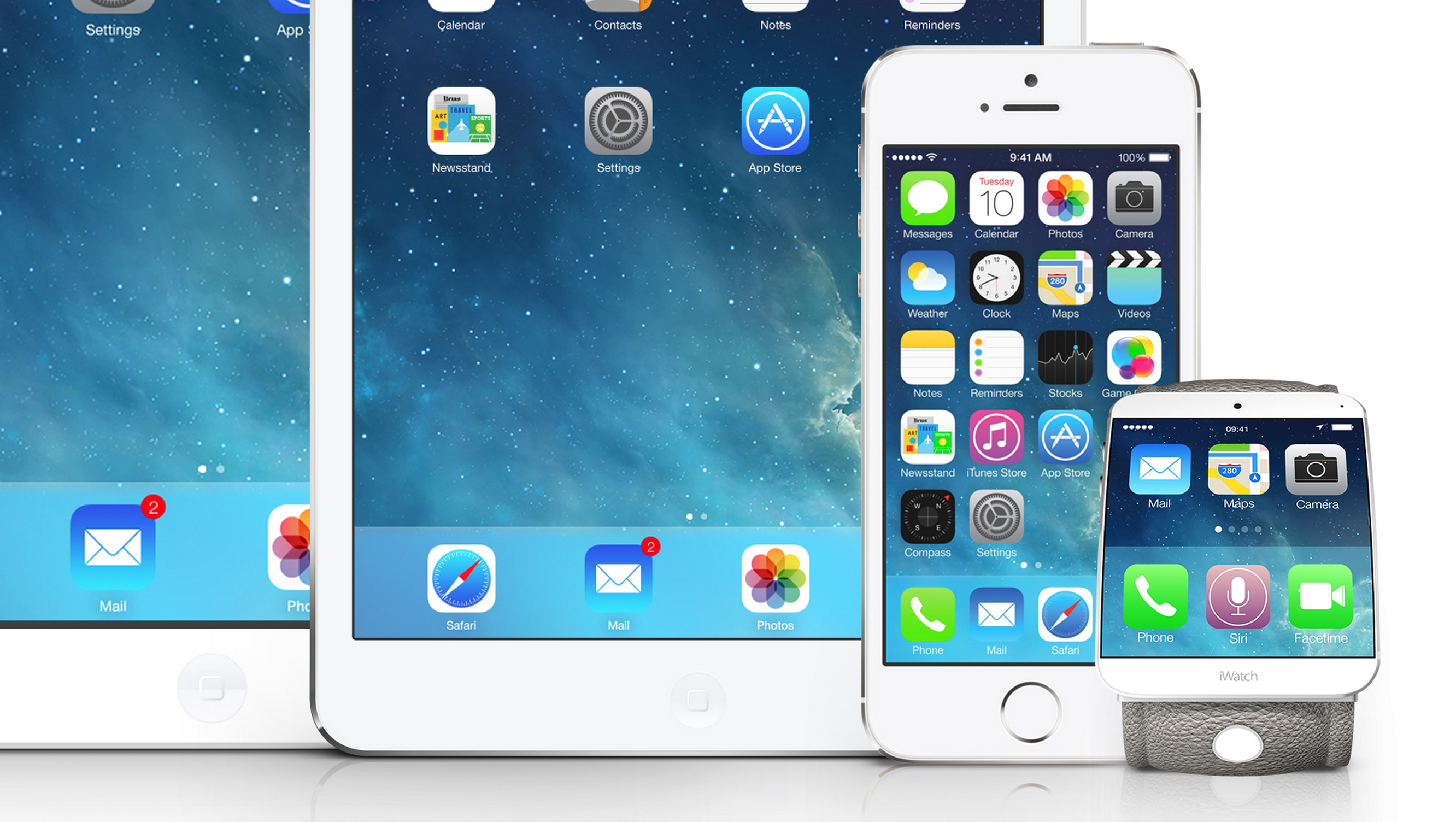
iOS 8 adds several important enhancements to the iPhone and iPad, such as improved notifications, health-tracking, and a more advanced camera application, but the new operating system’s most significant feature may be the groundwork technologies for a future Apple wearable device that integrates deeply with the iPhone.

No matter if it is called the “iWatch,” “iBand,” “iPod,” or something else entirely, a wrist-worn Apple wearable device will likely be announced in October, and the software it will run will set the scope of its capabilities. Besides the new functionality for the iPhone and iPad, iOS 8 includes many new wireless protocols, applications, and features that open the door to several capabilities for a wearable device.

Let’s take a look at how each major iOS 8 feature plays directly into Apple’s ambitions for a wearable computer, below.


Expand
Expanding
Close

Site default logo image

9to5Toys Last Call: Seiki 50″ 4K UHDTV $590, Blek for iOS $1, Lumsing 11000mAh 5-port charger $20, more

Be sure to follow 9to5Toys to keep up with the best gear and deals on the web: TwitterRSS FeedFacebookGoogle+ and Safari push notifications.

Today’s can’t miss deals:

Last Call updates:

Displays: Seiki 50″ 4K UHDTV 120Hz LED w/ Free BT Soundbar $590 (Reg. $1200), Samsung 40″ Smart LED $460 (Reg. $700)

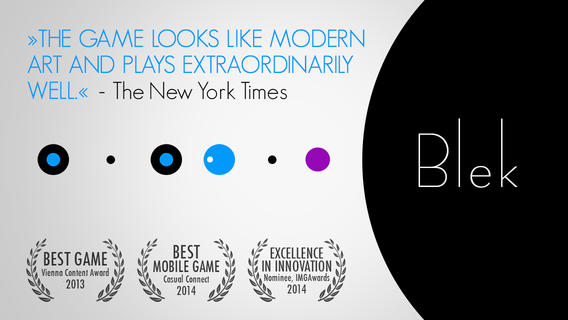
Games/Apps: Blek for iOS $1 (Reg. $3) Wii U 32GB Deluxe w/ Nintendo Land (refurb) $200, iOS freebies, more

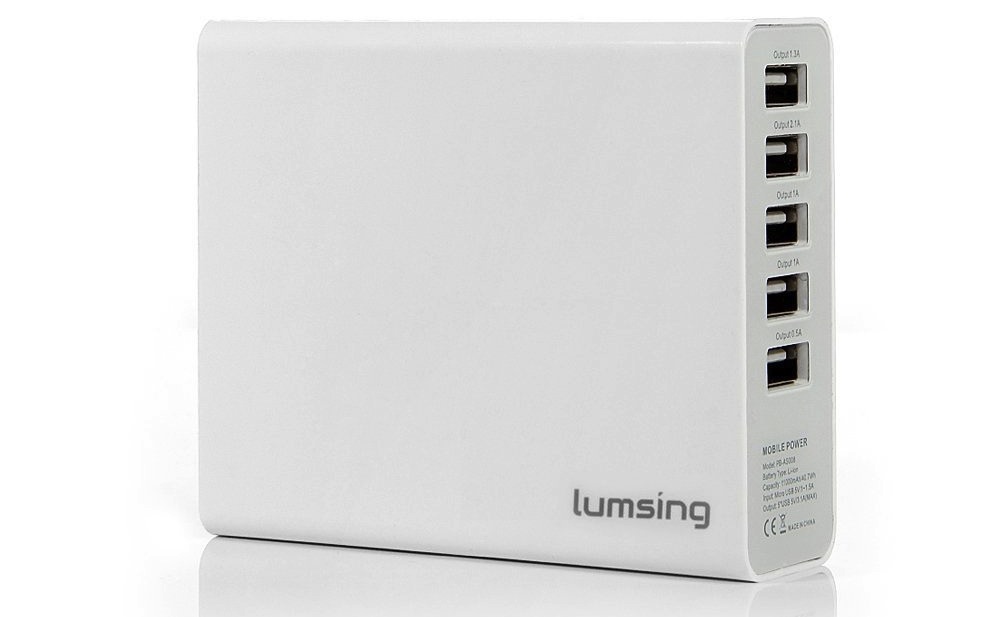
Lumsing 11000mAh 5 x USB External Battery Pack/Charger: $20 shipped (orig. $89)

Apple deals:

Other new deals:

More deals still alive:

New products/useful info:

Microsoft/Google/Android:


Apple’s App Store editorial team now curating seven additional categories in Europe

Site default logo image

(Before and after screenshots via The Guardian)

Just over a week ago at WWDC, Apple announced several changes and improvements coming to the App Store this fall with the public release of iOS 8 including new ways to navigate through the App Store as well as explore new apps. As The Guardian points out (via MacStories), App Store customers across Europe will notice improvements in the following categories: health, lifestyle, music, photo and video, productivity, and sports. Prior to the editorial expansion, every App Store category aside from education, games, food, kids, and Newsstand were populated solely by use of an algorithm of new and popular apps…
Expand
Expanding
Close

Site default logo image

Get your Role Play on with new Angry Birds ‘Epic’ from Rovio

[youtube=https://www.youtube.com/watch?v=NCs_1NCLo90]

Rovio today launched Angry Birds Epic for free in the iTunes App Store globally after a brief soft launch in New Zealand, Australia, and Canada.

Get ready for a bird-tastic FREE RPG adventure filled with “weapons” (whatever they could get ahold of), magic, bad guys and silly hats! Lead your feathery team into battle now – it’s going to be EPIC!

EPIC BATTLES! Turn-based battles between our heroic flock of warriors and those green snout-nosed scoundrels! It’s easy to play, but difficult to master!

EPIC WORLDS! Explore a fantasy Piggy Island with everything from tribal villages and frosty mountains to tropical beaches and mysterious caves!

EPIC CHARACTERS! Join Red, Chuck, Bomb and the other heroes as they face King Pig, Wiz Pig, Prince Porky and many more villains!

EPIC UPGRADES! Level up your characters, armor, weapons and potions to become a legendary hero ready to take on the mightiest pig warrior!

EPIC WEAPONS! Craft amazing battle-winning weapons like a wooden sword, frying pan or stick thingy with a sponge on top!

EPIC HUMOR! Plenty of offbeat humor and tons of quirky characters dressed in awesomely silly costumes – like a prickly cactus hat and a matching sword.

Phone Arena called it great for casual gamers but too simple and repetitive for hardcore gamers.

Overall, Angry Birds Epic is one of those must-try casual games. Chances are that hardcore gamers will find it too simple and shallow for their taste, but those who consider themselves casual gamers will surely love Rovio’s newest creation. The game is easy to learn, easy to play, and easy to put down when there’s more serious business to be done, which makes it a great choice for killing a few minutes while waiting for the bus. Although we wouldn’t mind spending an afternoon stashing loot, crafting weapons, and laying waste to those grunting green pigs. Best of all, we never had the feeling that we were being pushed towards buying extra in-game currency (which costs real money, by the way) so don’t be worried about IAPs spoiling your experience. The only thing you might be bothered by are the full-screen pop-up ads that appear from time to time.

Here’s the iPad split-screen app mode Apple is working on in iOS 8 (video)

Site default logo image

As we reported in May, Apple is working on a split-screen multitasking feature for iPad apps for a version of iOS 8. The feature, akin to the key productivity function on the Microsoft Surface, was not announced at WWDC last week, but code references to the feature have been found across the iOS 8 Software Development Kit.

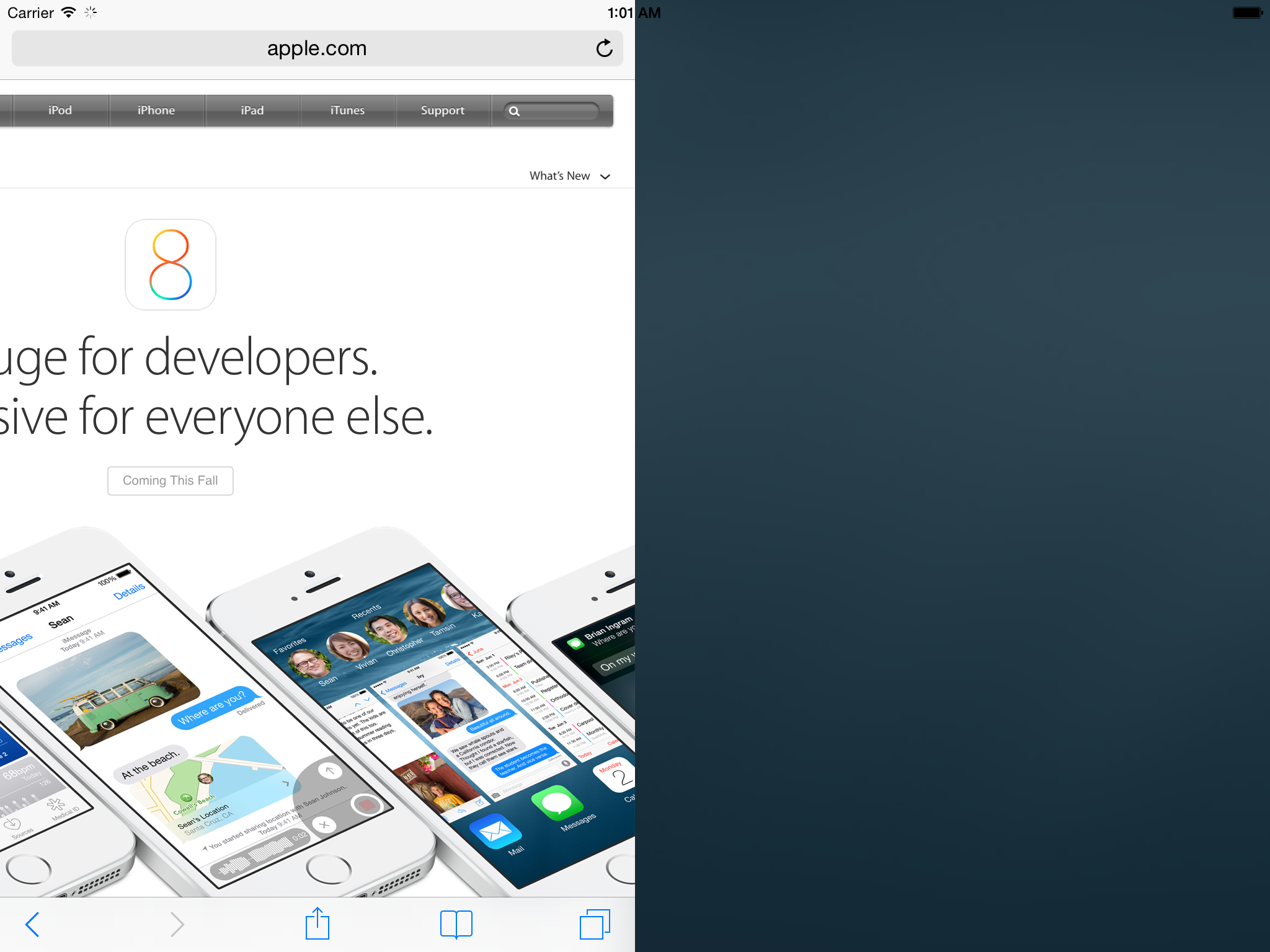
Now, developer Steven Troughton-Smith has dug further into the upcoming split-screen multitasking feature and has hacked the iOS 8 iPad Simulator to make the function partially work. As can be seen  above, Safari is taking up half the display. The tweaking to the simulator is yet to completely unlock all functionality with two different apps running side by side, but this demonstrates that Apple has been definitely testing the feature internally.

Troughton-Smith has also put together a video showing the split-screen mode in action on the simulator. That video can be seen below:


Expand
Expanding
Close

Site default logo image

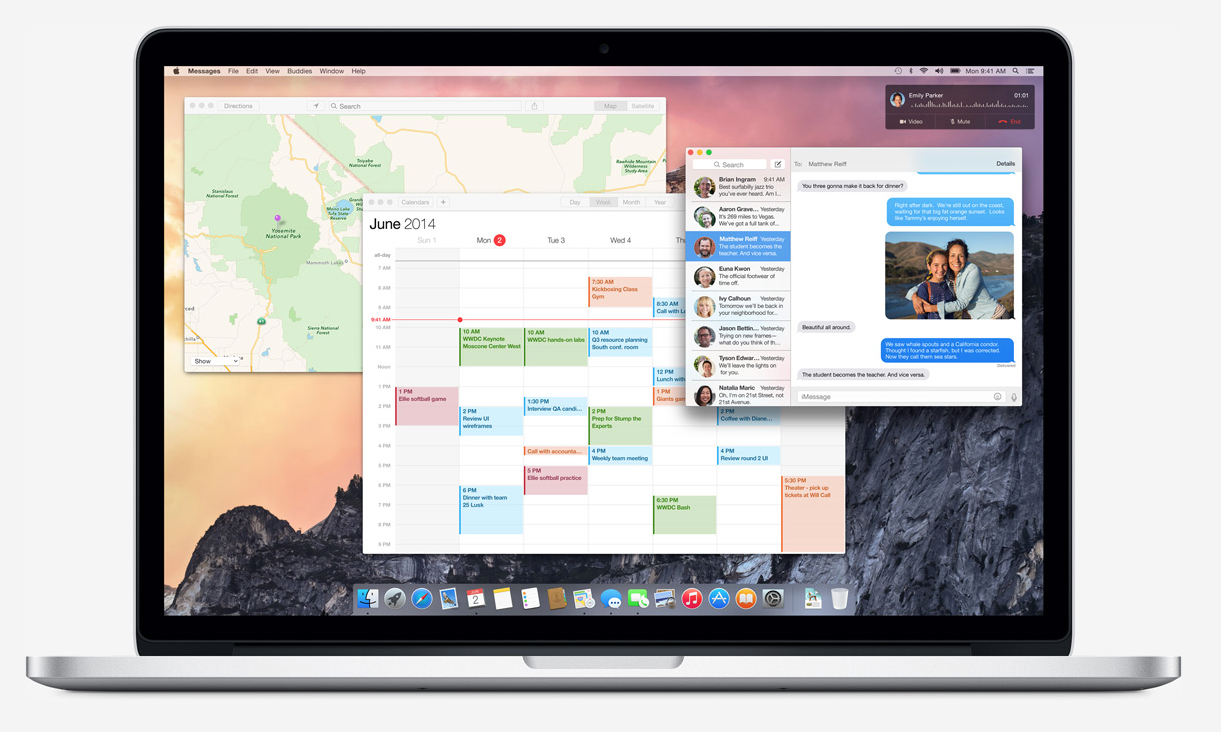
How some of your favorite Mac apps could look when OS X Yosemite launches

When OS X 10.10 Yosemite launches this fall, most of Apple’s first-party apps will look completely different. This means that many third-party apps will begin to look out of place. Zinx has compiled some mockups from Dribbble demonstrating how some popular apps could look when they are redesigned for Yosemite. Here’s a gallery of just a few:


Expand
Expanding
Close

Site default logo image

Flickr for iOS updated with new sharing options, support for tags, and better group support

Flickr updated its iOS app today to version 3.1.0. The update includes the ability to share albums on social networks like Twitter and Facebook, or through an email or SMS/iMessage. You can also add and edit tags and descriptions on your photos.

Finally, a few enhancements have been made to group support. Administrators can now invite photos to a group, and users can choose to get a notification when that happens. There are of course the usual “bug fixes” and “performance improvements” as well.


Expand
Expanding
Close

Site default logo image

Google Search iOS app adds World Cup Google Now cards ahead of event

Google has been adding StreetView, Maps, and new search features specifically for the upcoming 2014 FIFA World Cup, and today it brings new Google Now cards to the Google Search app for iOS. The new cards for the Google Now feature in the app will present the latest on World Cup news including “scorers, match statistics, group standings and more.”

Also new for this year’s tournament, you don’t even have to search to get updates on your favorite teams—just open Google Now. You’ll be given an option to start seeing cards with stats about each match that you can tap for more detail… Make sure you are signed in to Google, and have your Google Now turned on in your settings. Swipe up to see your Google Now cards and follow your favorite team!

The updated Google Search app for iOS is available on the App Store now.

Site default logo image

Cannes Lions Festival app will use iBeacons to let attendees network

Like it did for SXSW, Tribeca Film Festival, and the Olympic Games, event app platform Eventbase will be in charge of rolling out iBeacons at the upcoming Cannes Lions 2014 Festival that will provide attendees with unique features via the event’s official iOS app. This time around, rather than speeding up check-ins or interactive audience features, the company is allowing attendees to network with an “Around Me” feature in the event’s app that displays nearby attendees using iBeacons. The festival is the same one that Apple’s Jony Ive and Bono will appear at on June 21 for a rare interview about the (RED) charity organization.

The feature will integrate with LinkedIn profiles and allow attendees to send messages and connect instantly if they’ve opted in. The app will also be sending out other targeted notifications using iBeacons:

Eventbase co-founder Jeff Sinclair says the Cannes Lions app combines the power of iBeacon technology with tight LinkedIn integration to allow attendees to see who is around them, read their profile and immediately reach out to them through the app… “We’re excited to be pioneering the use of iBeacon technology for attendee-to-attendee networking,” says Sinclair. “The ability to find out more about the people around you and instantly connect has the potential to transform the event experience entirely.” Eventbase is partnering with mobile relationship management platform Urban Airship to deliver highly targeted and relevant messages via iBeacon-triggered push notifications to attendees during the event, including those visiting the festival’s Mobile Marketing Association (MMA) Tent — a showcase for mobile, creativity and marketing innovation.

Last week Apple introduced some new features that it hopes will improve the iBeacon experience including indoor mapping features coming for developers in iOS 8. The company explained the new indoor navigation and indoor positioning features will make for an even richer iBeacon experience by allowing, for example, event spaces to guide users to iBeacon-powered exhibits using the indoor location features.

New iPad Air with same design, 8MP rear camera, and more efficient A8 chip enters production this month

Site default logo image

Apple is reportedly set to begin production of its next-generation iPad Air this month with display components going into mass production in the middle of this month and components such as the processor and camera sensors going into production next month. The design of the sixth-generation full sized iPad will mimic that of the current model and the display resolution will stay at 2048 x 1536, according to ETNews.

The new iPad Air will sport a more advanced A8 processor, which sources previously noted focuses on efficiency and battery performance for the iPhone (likely for the iPad too):


Expand
Expanding
Close

More pictures of the iPhone 6’s front and back appear online as Apple ramps production

Site default logo image

On Weibo, user dreamerJimmy has posted more shots of the supposed iPhone 6 design, which has shown up in photos time and time again in recent weeks. The new images are of reasonable quality, though and indicate how the larger phone would compare physically with the current iPhone 5s. The user has a good reputation for leaks, posting accurate images of the iPhone 5 and iPhone 5c months before their unveiling.

In the first image, the much thinner bezels of the supposed new device can be clearly seen, to maximise the screen space on the front side. The distance between the Home Button and the display has also been shortened.


Expand
Expanding
Close

Site default logo image

Skype removed from App Store ahead of major 5.0 update

You may have noticed Skype for iPhone/iPod touch disappear from the App Store in select markets today. Skype tells us that the reason is preparations for the upcoming 5.0 update. Here’s the statement:

We have removed the Skype for iPhone app from the Apple iTunes store in some markets, as we begin rolling out the latest version. Skype 5.0 for iPhone will soon be available worldwide for download – in the meantime, you can learn about the great new features coming with the new version here.

The new version should officially launch in the coming days. You can find all the details about the completely revamped design and improving chatting in our preview from yesterday. 


Expand
Expanding
Close

Apple considered ditching iconic Apple Menu for Control Center in OS X Yosemite

Site default logo image

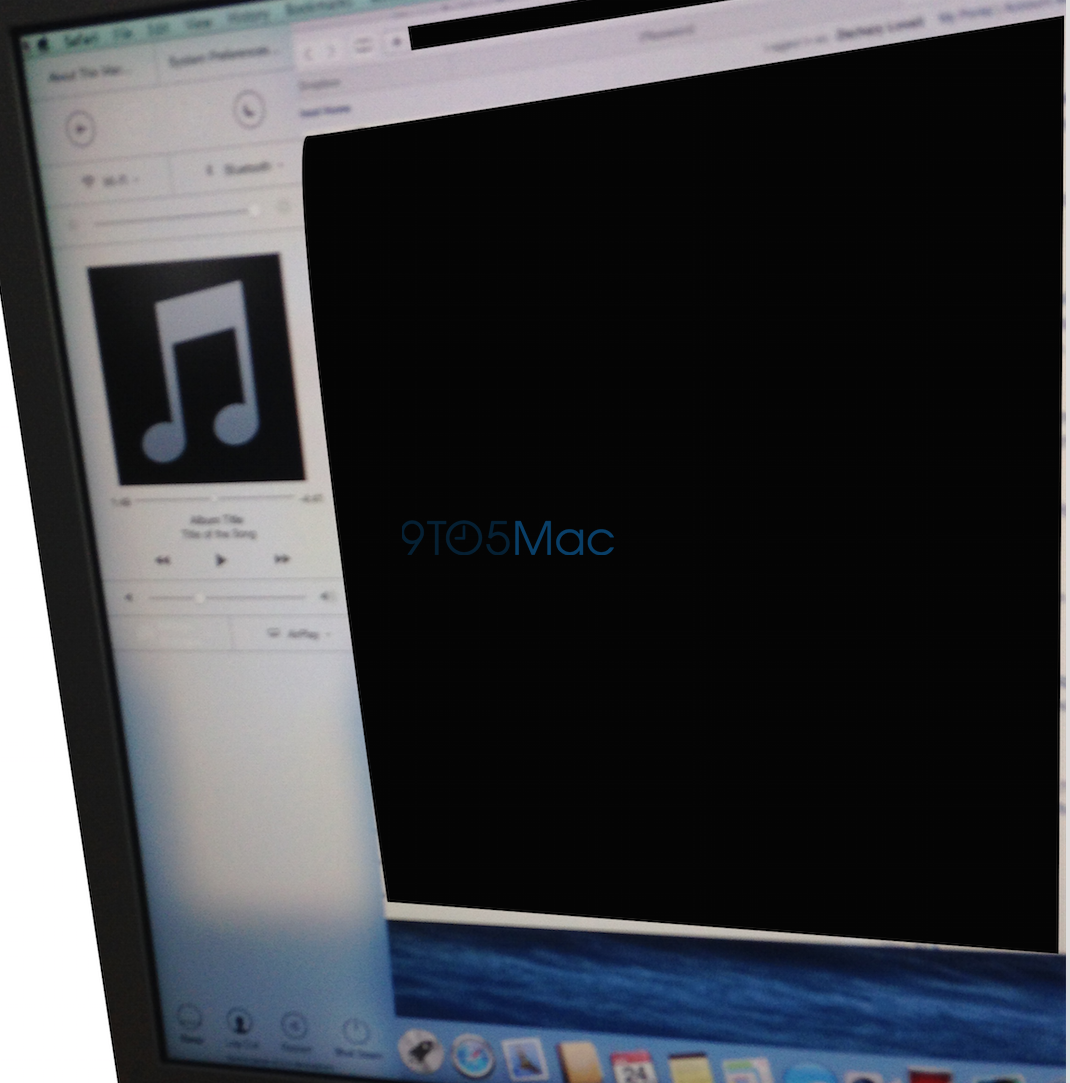
In addition to the comprehensive redesign, OS X Yosemite could have made a significant change to how the Mac operating system functioned since it originally shipped just over thirty years ago. The above image from a source shows a March build of OS X Yosemite that featured a Control Center panel. The panel did not end up shipping in the first beta of Yosemite and was not announced on the WWDC stage last week, but Apple definitely considered including it.

In fact, developers have located numerous code strings in the first Yosemite build that confirms Apple’s testing of an OS X variant of Control Center:


Expand
Expanding
Close

Ringly introduces new iPhone-connected smart ring

Site default logo image

New startup Ringly seeks to help solve a problem that many busy women have: missing important phone calls, texts or notifications because they cannot hear their phone go off in their purse, or find the phone quickly enough to get to it. Personally, I’ve run into this problem several times.

Ringly’s solution looks like an ordinary fashionable ring, but is actually a high-tech smart ring that can notify users of incoming messages, notifications, phone calls, and more.


Expand
Expanding
Close

Hidden iOS 8 assets confirm Apple working on Maps feature to find your parked car

Site default logo image


Back in September we reported that Apple was developing a feature to help users find their parked cars for its in-house Maps app. While that feature wasn’t officially debuted during WWDC last week, new icons found inside the Maps application indicate that the feature was in development at some point and is likely still be worked on.

As we originally noted:

Sources say that Apple is testing a tool for its Maps app that, with the M7 chip, could analyze when your car is parked. When you park your car, the iPhone will register the car’s location. Now when you return to the parking lot, your iPhone will be able to help you assist with finding your car since it knows the vehicle’s location.


Expand
Expanding
Close