Latest

Google Wallet for iOS can now send money to any contact using just a phone number

google wallet ios

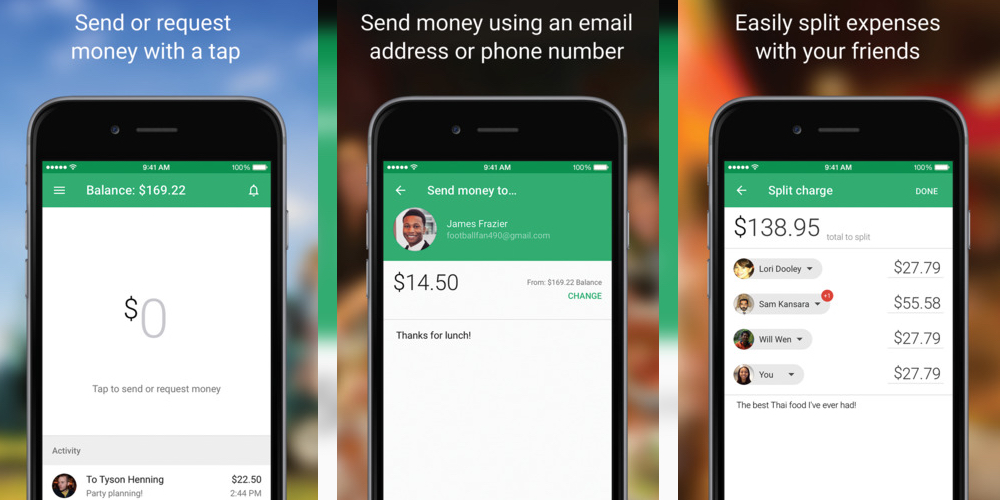
With the rise of contactless payment systems like Apple Pay and Android Pay, the Google Wallet app has needed to reinvent itself somewhat as a peer-to-peer payment system. With the latest update, it’s become a whole lot easier to send money to your friends, family and contacts.

From today, the updated app on both iOS and Android will let you send money to anyone on your contact list, even if you don’t have their email address. You can send money to them using their phone number, and it’s secure and fast.

When you send money to a phone number, the recipient gets a text message containing a secure link. Once they click on the link, they input their debit card details to claim the money and the funds are available in their bank account within a few minutes.

Before today, you could send money to contacts, but you could only do so by using an email address.

This is just one of several new features added to Google Wallet in recent weeks. It’s clear then that the company is working hard to make it a useful app, and one that isn’t made redundant by the arrival of Android Pay, or competitor payment systems like Apple Pay, Samsung Pay or *coughs* Walmart Pay. Those improvements include:

  • Improved contact suggestions, so you see the people you send money to most often first
  • A security feature that lets you lock the Google Wallet app with the tap of a button
  • The ability to link a second bank account

You can download the latest update for iPhone from the App Store for free. Apple is rumored to be developing its own peer-to-peer payment feature for Apple Pay in 2016.

Tumblr for iOS now supports sharing Live Photos & 3D Touch

Tumblr Live Photos

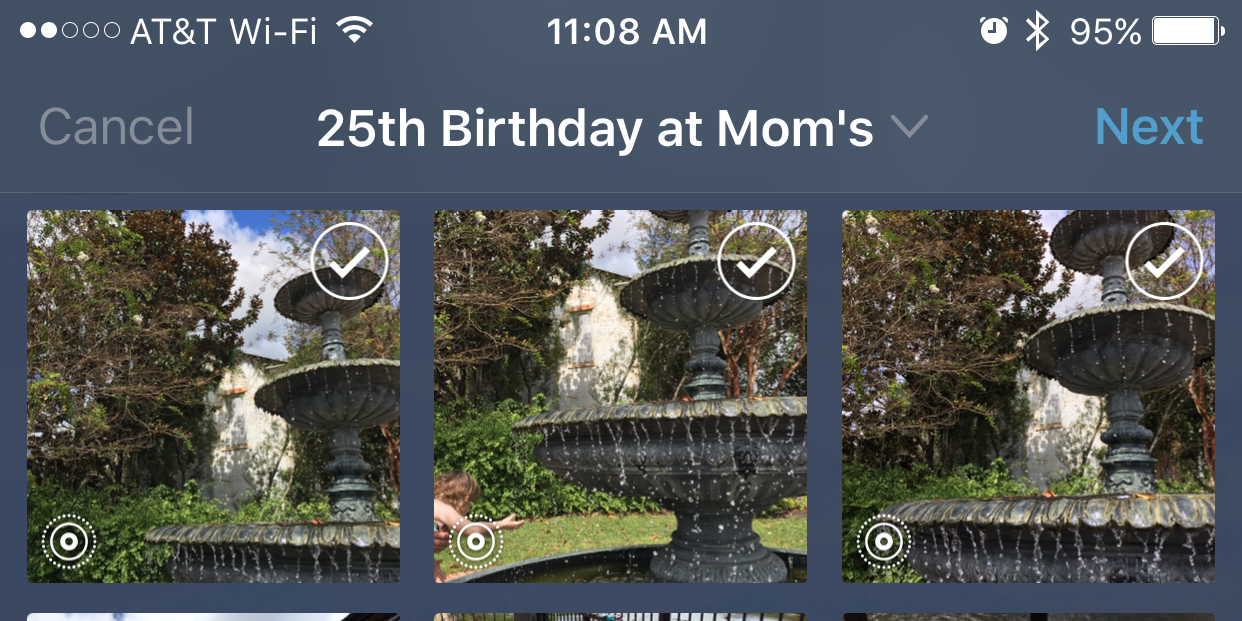
Apple has allowed developers to support sharing Live Photos in their own apps since iOS 9.1, and Tumblr appears to be the first major social network to take advantage of the new iPhone 6s and 6s Plus feature Tumblr 5.0 for iOS was released today and supports sharing the new animated photos, 3D Touch within the app, and a few other goodies.


Expand
Expanding
Close

Yahoo’s new Video Guide app offers universal search across streaming services

Yahoo-Video-Guide-app

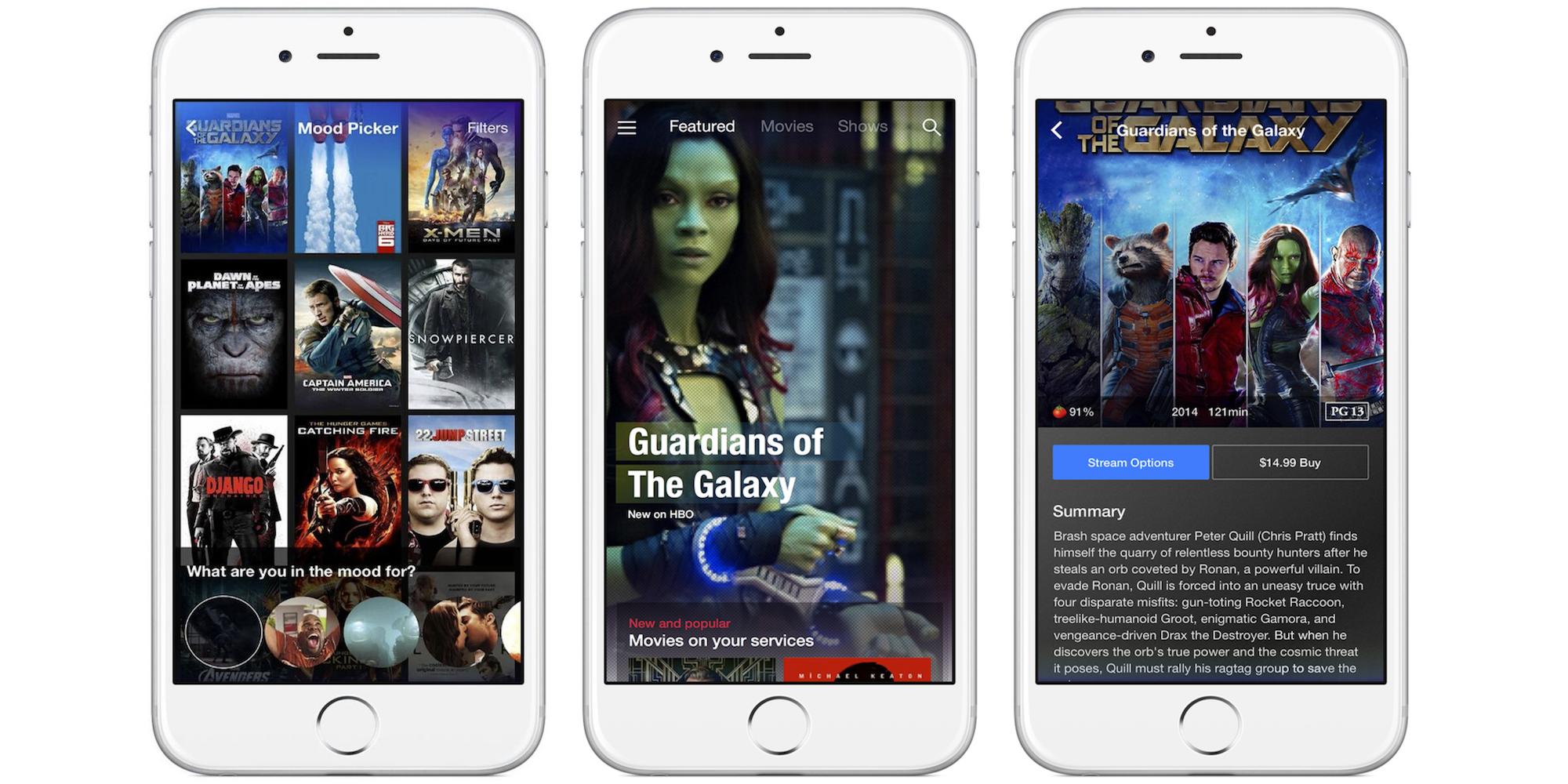
Yahoo today released a new “Yahoo Video Guide” app for mobile devices that acts as one central location for users to find content from across a long list of competitive video services and networks.

The app allows users to search from one place and then offers links to buy or start streaming the content in other apps like iTunes, Amazon, Netflix, HBO GO, and many others. So you’ll still need to be a subscriber, have the app downloaded, and or purchase the content once the Yahoo Video Guide app redirects you.

And while you can just search for something you’re looking for, the app also has a Mood Picker feature that lets users pick a from GIFs to search through curated lists. 

Yahoo of course has its own Yahoo Screen app for mobile devices, but it also links to content on iTunes, Amazon Video, Hulu, Netflix, HBO GO, ABC, FOX, CBS, NBC, Xfinity, YouTube, A&E, BET, Cartoon Network, Cinemax, Comedy Central, Disney, Food Network, and others. In total it says it’s promoting over 30 video services through the new Video Guide app.

The Yahoo Video Guide iPhone app is available to download for free on the U.S. App Store now.
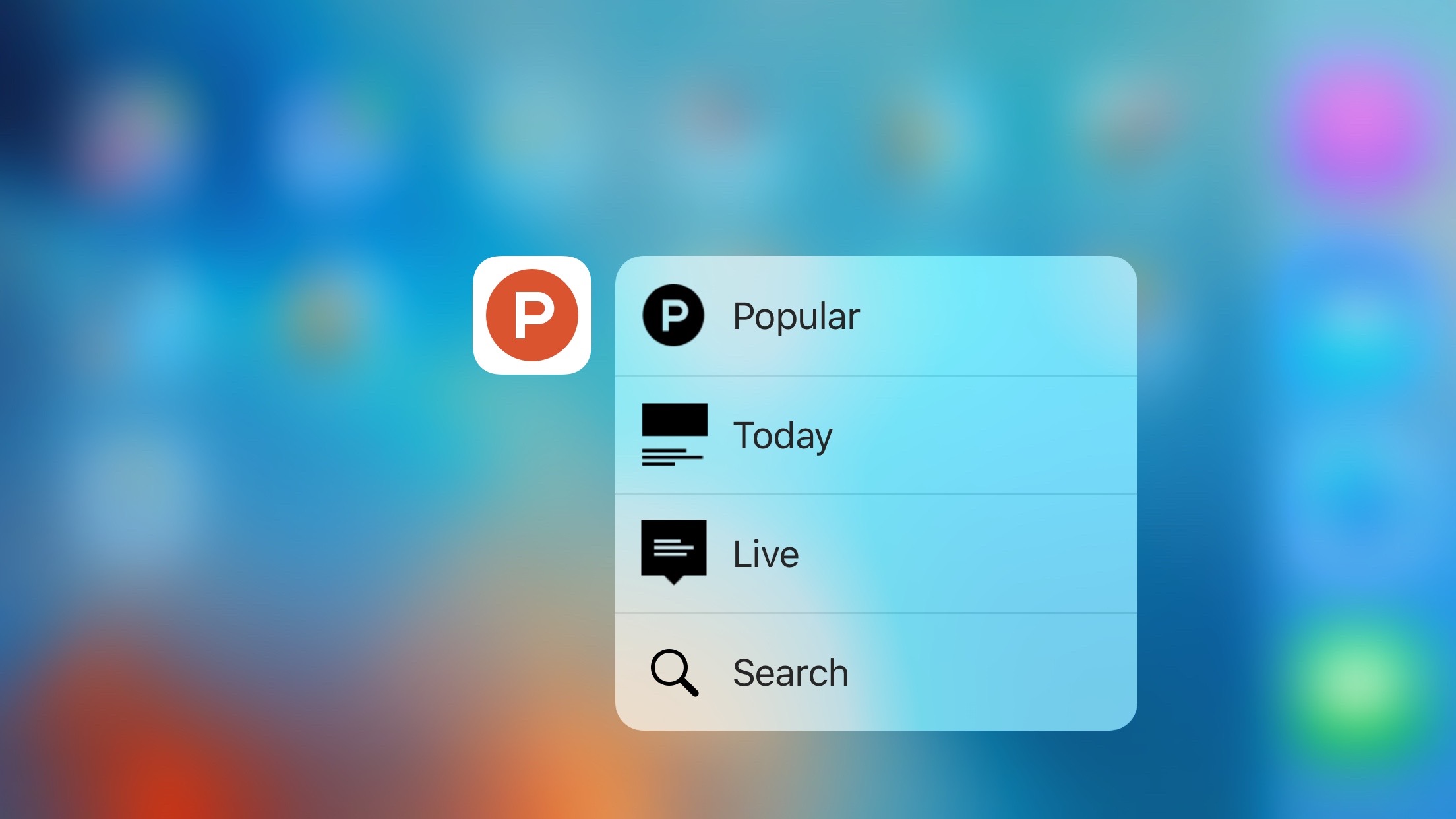
Product Hunt launches redesigned iPhone app with 3D Touch, podcast playback, better discovery, more

Product Hunt 2

Originally launched as a way to vote on new technology products, Product Hunt has since greatly expanded to include media like podcasts and books as well as games and other content. Product Hunt rolled out a visually refreshed home page a couple weeks back to reflect the evolution, and today the service is unveiling a redesigned iPhone app with new features to match…


Expand
Expanding
Close

Pixelmator for iPhone and iPad adds Apple Pencil integration, 3D Touch Peek and Pop, home screen quick actions, more

3-Pixelmator-on-iPad-Pro-Apple-Pencil-Support

Pixelmator for iPhone and iPad today received another big update with several milestone features for the mobile image editor. Perhaps most importantly, Pixelmator for iOS now fully integrates with iPad Pro and the Apple Pencil. This includes highly responsive brushes taking advantage of the Apple Pencil’s low latency drawing as well as palm rejection support. The Apple Pencil brushes adapt to pressure and tilt of the Apple Pencil accessory.

For the iPhone app, Pixelmator has added 3D Touch support throughout the application …


Expand
Expanding
Close

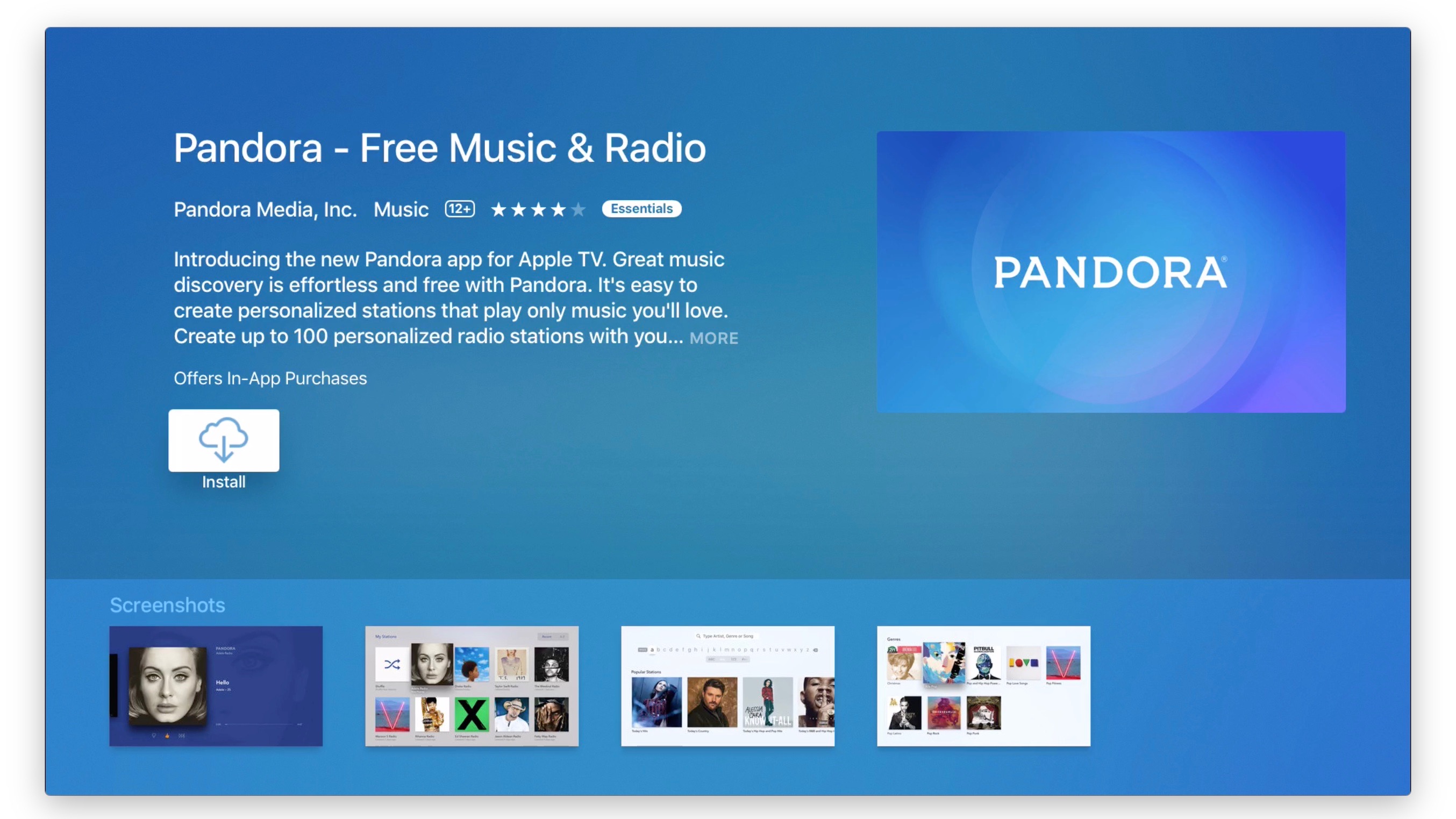
As Apple TVs streaming package seems delayed, Pandora Radio comes to tvOS

Pandora Radio Apple TV

There’s a lot happening around the new Apple TV in the news this week. Just yesterday Apple released the first feature update to the tvOS software with version 9.1, adding Siri support for Apple Music plus Apple’s Remote app now works for both navigating and text input. But recent reports claim Apple’s rumored web TV package has been stalled during the deal-making process between Apple and the content providers. And while the expected content bundle seems further off than what was previously expected, new content including Pandora Radio is continuing to launch on the new Apple TV…


Expand
Expanding
Close

Aurora HDR adds OS X Photos plug-in support, extreme noise reduction, free Pro bonuses

aurorahdr111

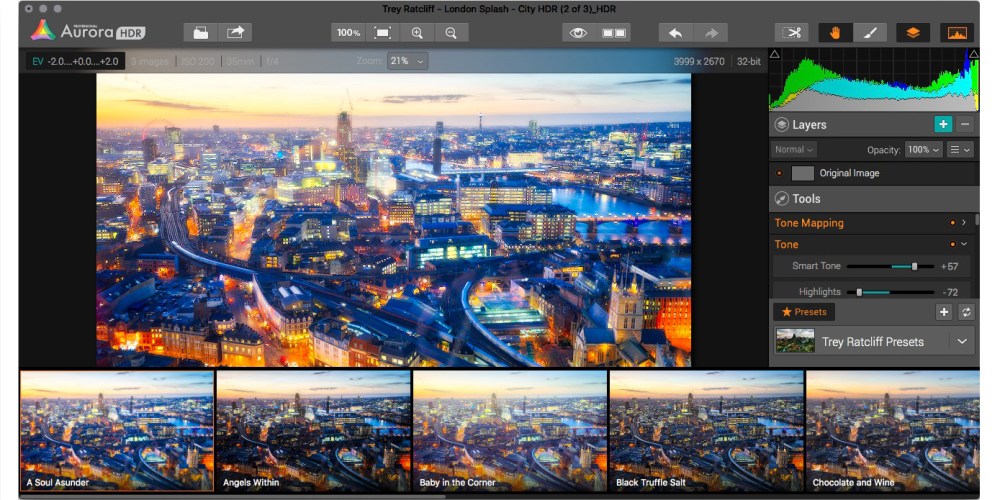
Aurora HDR, the Mac App Store Editors’ Choice-winning high-dynamic range (HDR) photography tool, is receiving significant updates ahead of the holidays. Released last month by Macphun and leading HDR photographer Trey Ratcliff, Aurora HDR automatically and intelligently merges multiple exposures of an image together, radically expanding details in light, shadowed, and colorful portions of the photo. It comes in basic (regularly $49.99) and Pro ($99) versions, the latter with a free trial.


Expand
Expanding
Close

djay Pro lands on the iPad with Split View, tons of keyboard shortcuts, 4 track support, much more

djay Pro

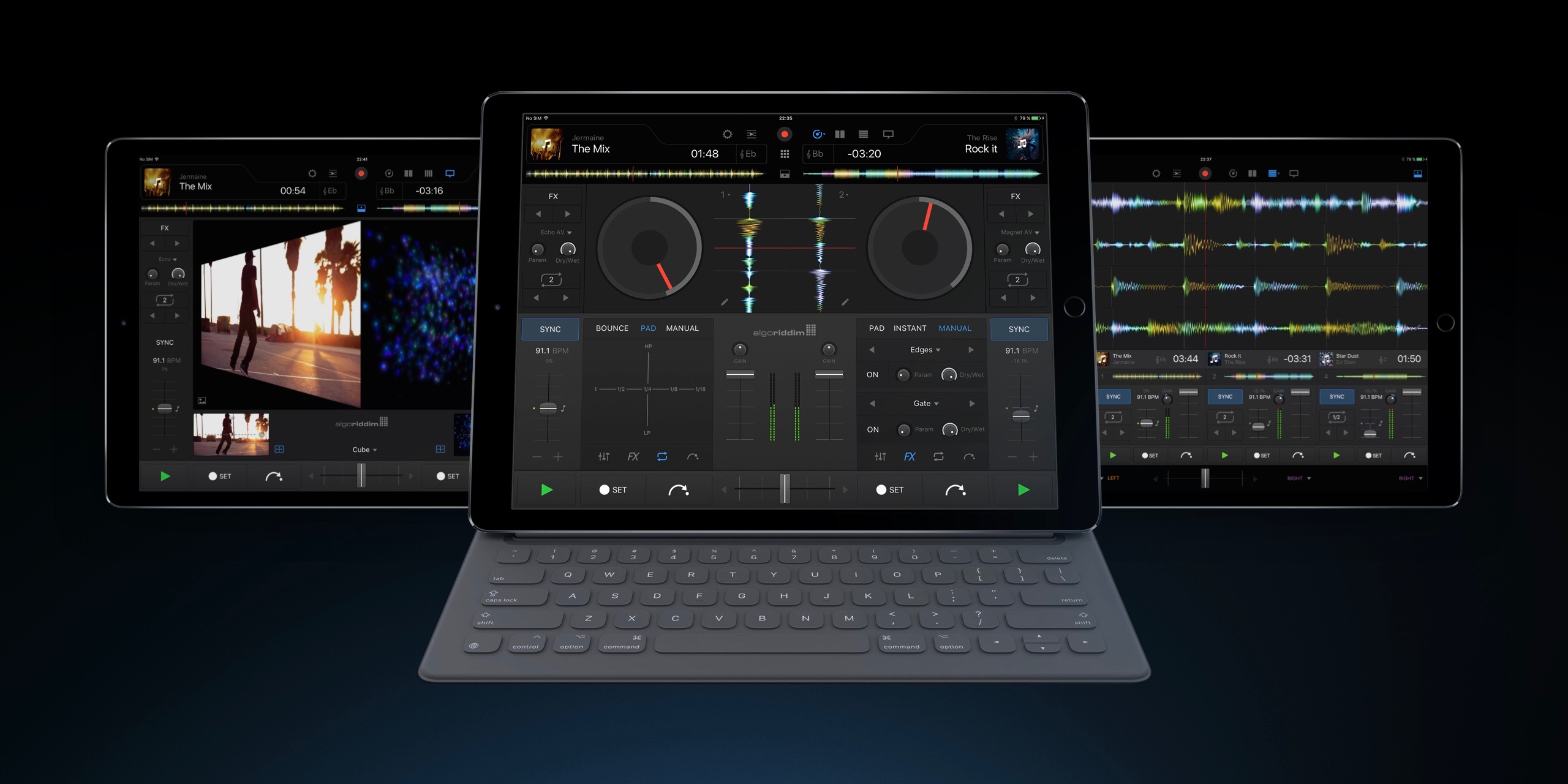
A year ago Algoriddim introduced djay Pro to Mac, the professional version of the company’s highly popular DJ software that ever beginners can love, and today djay Pro is coming to iPad. It’s a whole new app for the tablet with a super clean look, loads of new features, and a highly responsive design. That means features like Split View and Slide Over totally work, letting you mix in djay Pro and actually use a second app alongside it. And while djay Pro is one of the first pro class apps to hit the iPad Pro where it really shines, it’s fully available on newer iPads as well. Check it out:


Expand
Expanding
Close

Site default logo image

Deezer Music app gets CarPlay support for paid subscribers

Deezer-Carplay

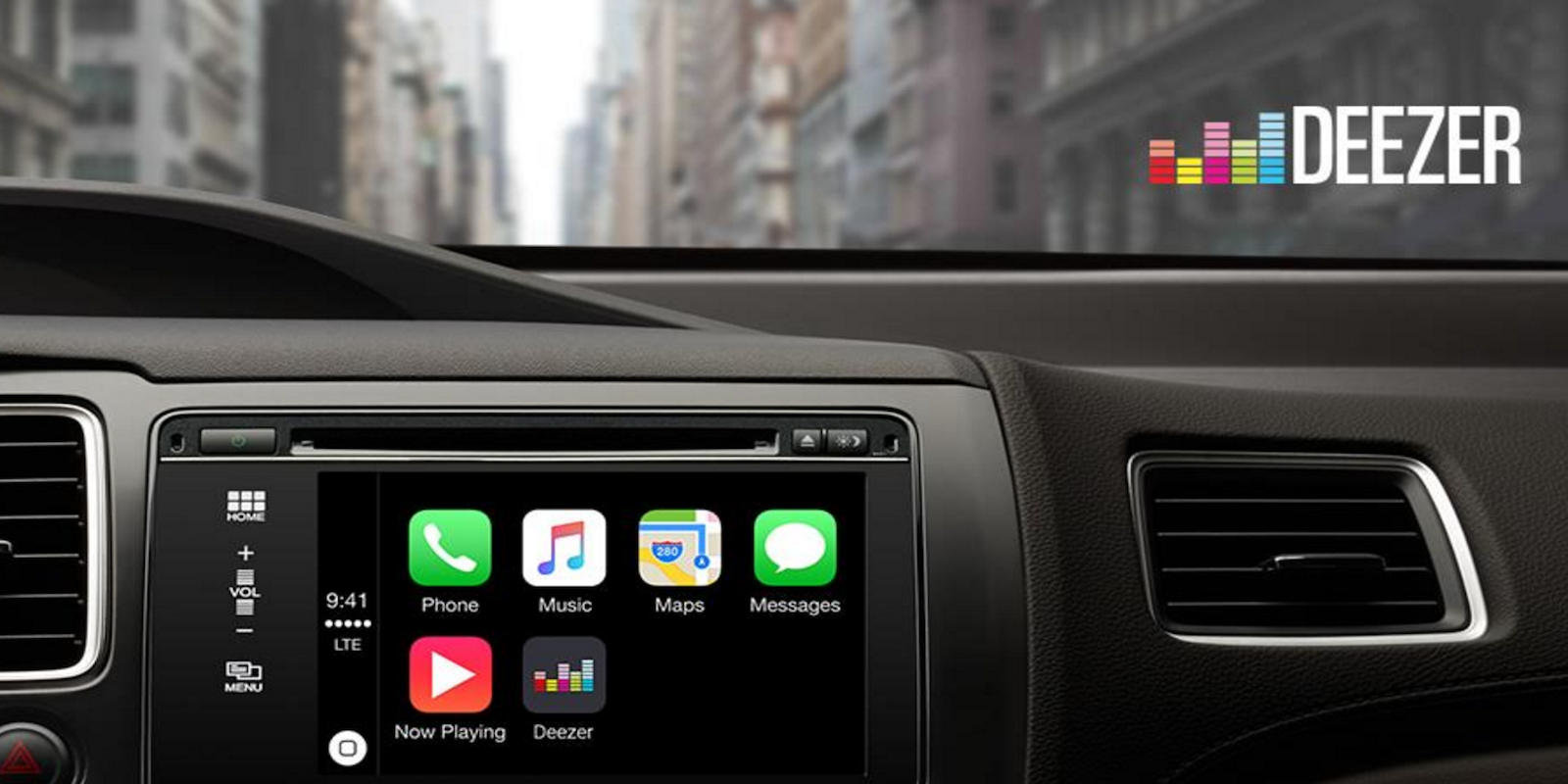
Deezer Music, the music streaming service with around six million subscribers, is today launching support for Apple’s CarPlay platform.

The service has both free, ad-supported and paid plans, but the CarPlay feature will be limited to its Premium+ and Elite subscribers. Premium+ is the company’s paid monthly plan that removes advertising and adds a few features, while Elite is an upgraded plan with high definition audio available only to Sonos users currently.

Some features you’ll find in the app for CarPlay include:

  • Listen to albums, playlists and tracks
  • Use Flow to discover new music or hear your favourites based on your individual
  • listening behaviour
  • Listen to one of Deezer’s many Mixes to suit your mood
  • Access your music in offline mode

Deezer has around 35 millions songs and 40,000 podcasts and it’s available in 180 countries. In the US the service is currently only available for Cricket Wireless subscribers, and Sonos and Bose customers.

The updated Deezer Music iOS app with CarPlay support should hit the App Store sometime today.

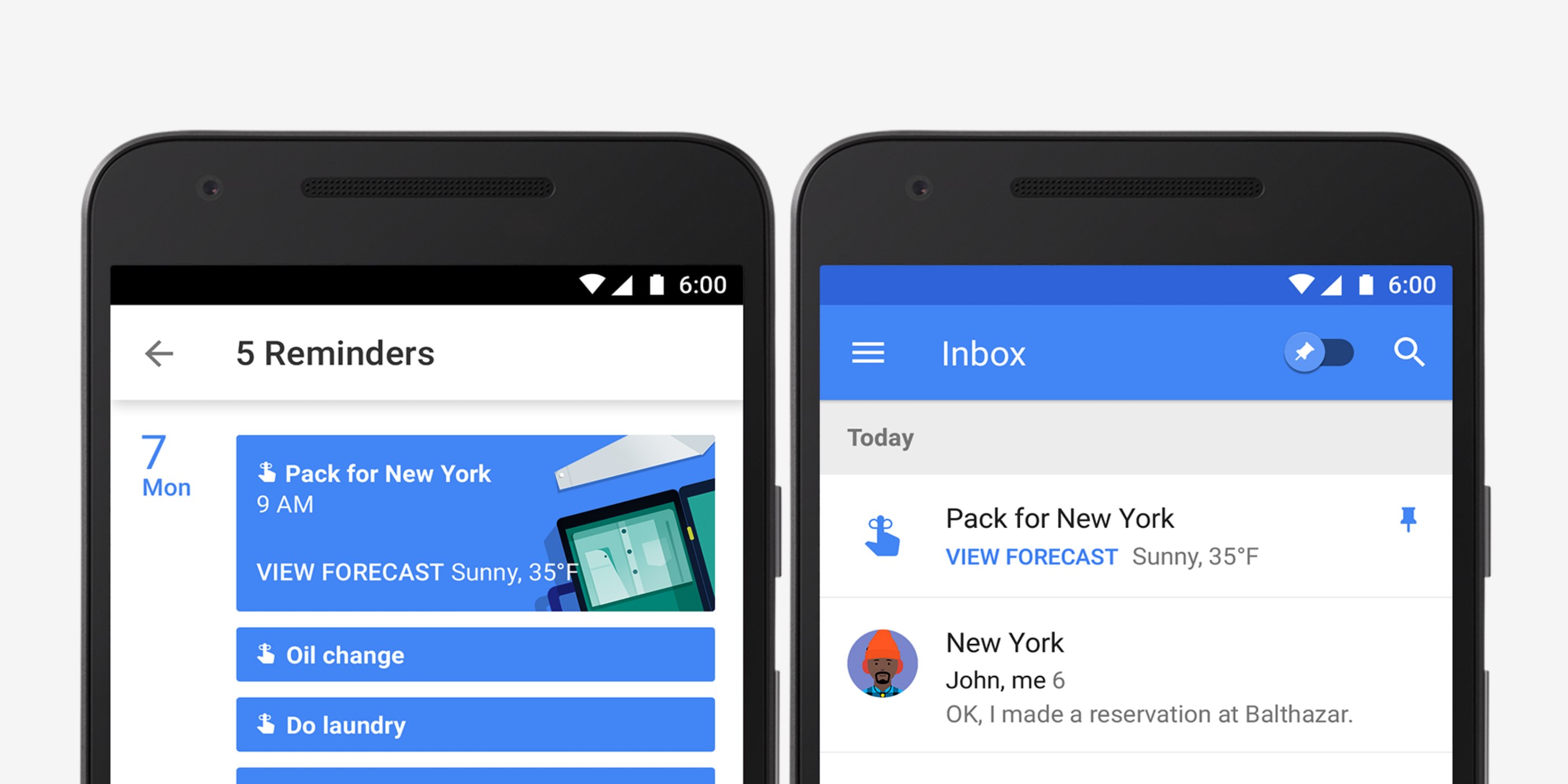
Google launches Reminders to bring to-dos into Calendar mobile apps

Google-reminders

Today Google Calendar for both Android and iOS gains a handy new Reminders feature that works alongside the app’s to-dos feature.

With the Reminders feature, users will be able to keep track of to-do lists across Google platforms including Inbox, Google Keep, Google Now, and Calendar.

Here’s how the new reminders work:

You might already create calendar entries to remind you to call the doctor or pick up groceries on the way home. But while those entries come and go, Reminders stick with you over time so you can track them until they are actually done. If a Reminder isn’t completed, it will appear at the top of your Calendar the next day. And the next. When you do finally call the doctor or pick up those necessities, just swipe the Reminder away … and you’re onto the next to-do.

And since the reminders work across Google apps, you can create them from Inbox, Google Keep, Calendar, and even using Google Now voice commands: “Ok Google, remind me to buy birthday candles.”

The new Reminders feature for Calendar on Android and iOS is rolling out this week. Google says it will come to the web apps in the near future. The updated Google Calendar app for iOS also adds 3D Touch to create events or reminders.

Site default logo image

Infuse video playback app makes its way to the new Apple TV

DlSI4J_U3QnCCUR-w4dMG4vixUivi4X6rQccxhRMUzU

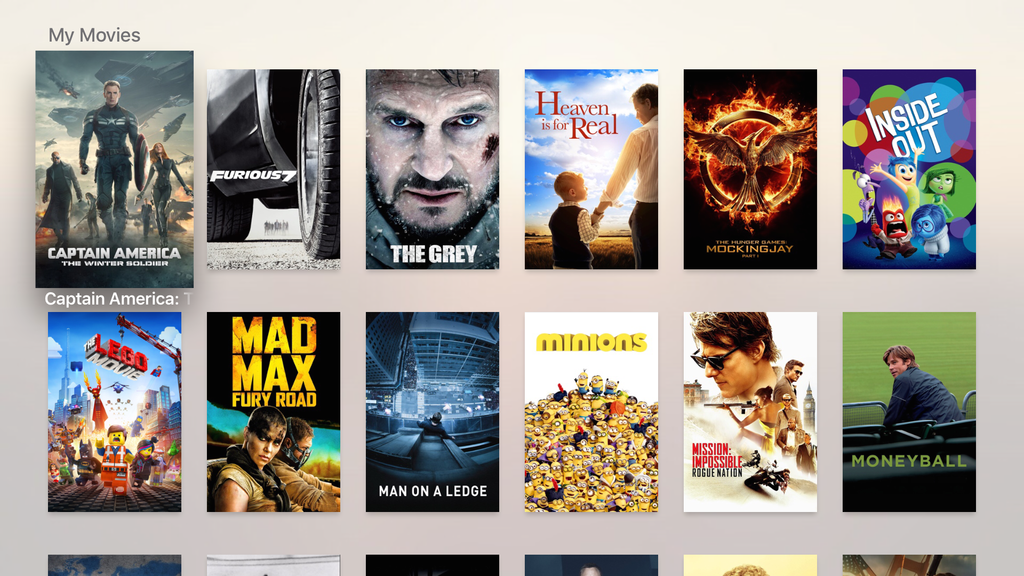
Infuse, a popular video library and playback application for the iPhone, iPad, and iPod touch, is making its way to tvOS on the new Apple TV today. As with its iOS counterpart, Infuse on the Apple TV will serve as a way for users to store multiple video file types in a single library.


Qj65AOH222nLmJmA1cqswb_Tvnv8qMLonutDMkpm4bU

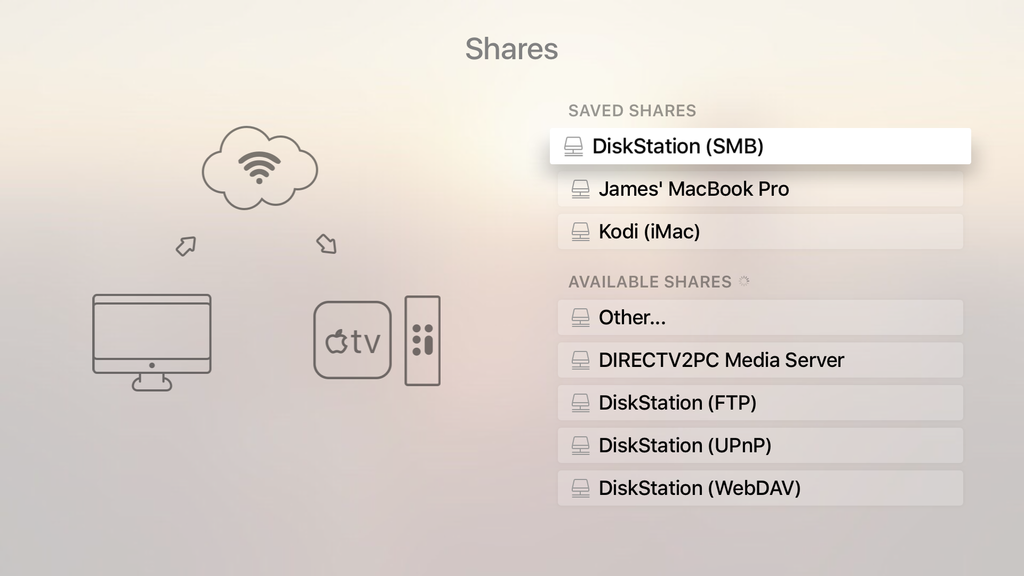
The application can stream video content from a computer, external wireless storage drives as well as apps like Plex, Kodi, and Servioo. This differentiating feature is handy for users who want a single view of all their video content stored across numerous devices and services.

Because the tvOS version of Infuse is tied to the iOS counterpart, the download is free for users of Infuse 3 on iOS devices. The tvOS version is labeled as Infuse 4.0, and the iOS client will be upgraded to the new version later this year, the developers tell us.

Infuse 4.0 on tvOS (and in the upcoming iOS version) adds automatically downloaded artwork and movie ratings, support for syncing how far along a user is into a video between devices, and support for downloadable subtitles.


Expand
Expanding
Close

Chrome for iOS adds 3D Touch shortcuts, better hardware keyboard support

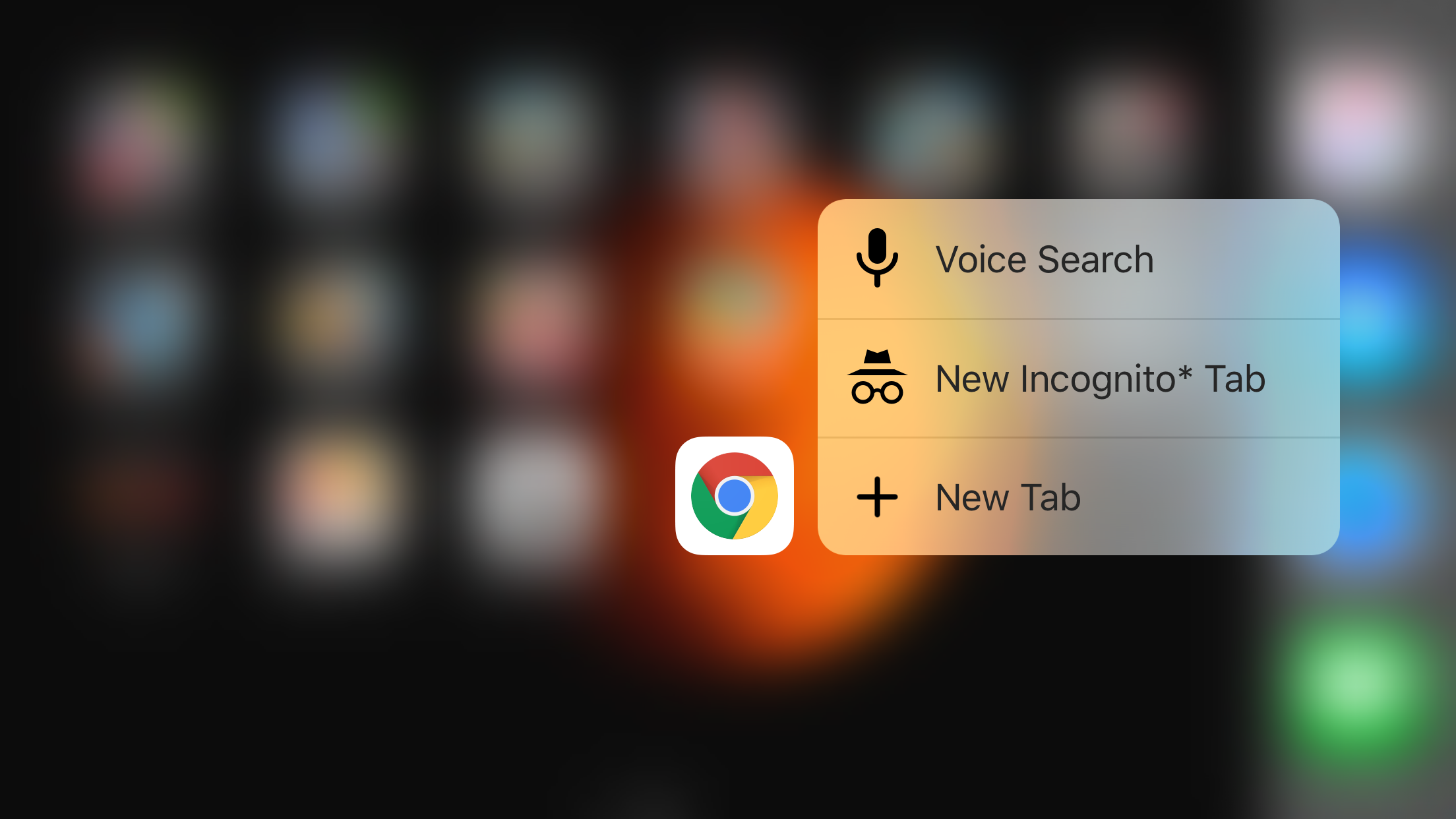
Chrome 3D Touch

A few weeks ago we noticed that Google has started testing pre-release versions of Chrome through Apple’s TestFlight beta distribution service, and today the version in testing then has been released to everyone through the App Store. The latest version of Chrome for iOS takes advantage of Apple’s new pressure sensitive iPhone 6s displays and offers even more hardware keyboard shortcuts that will benefit iPad users.
Expand
Expanding
Close

Google Hangouts now lets you reply on the Apple Watch; Twitch brings Whispers to iOS

hangouts-watch

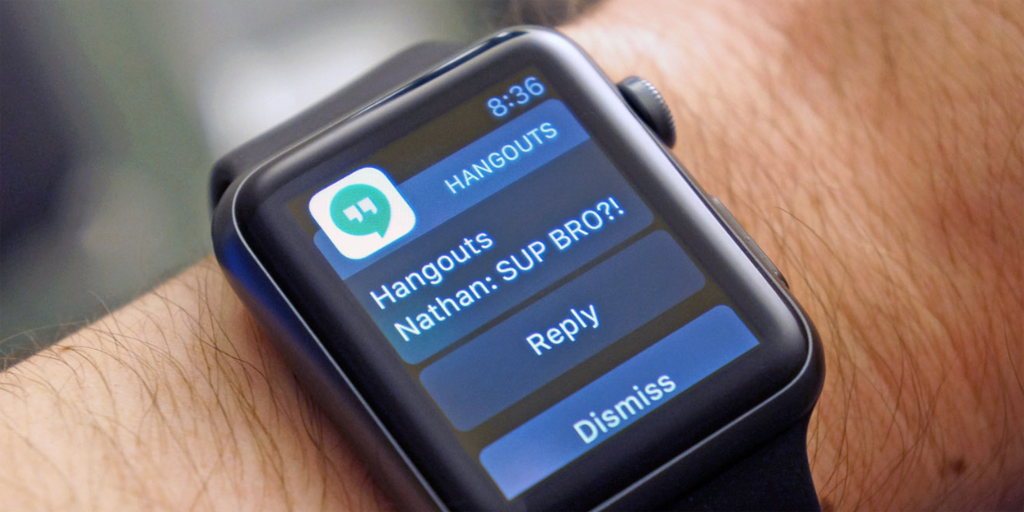
Google has updated its Hangout app to allow you to reply direct from the Notifications screen – and as Engadget noted, that also means you can now send replies from your Apple Watch. As usual with Watch apps, that means either choosing from a range of canned responses, or dictating a reply using Siri … 
Expand
Expanding
Close

Apple Music streaming is coming to Sonos speakers on December 15th

sonos-play-5-stereo

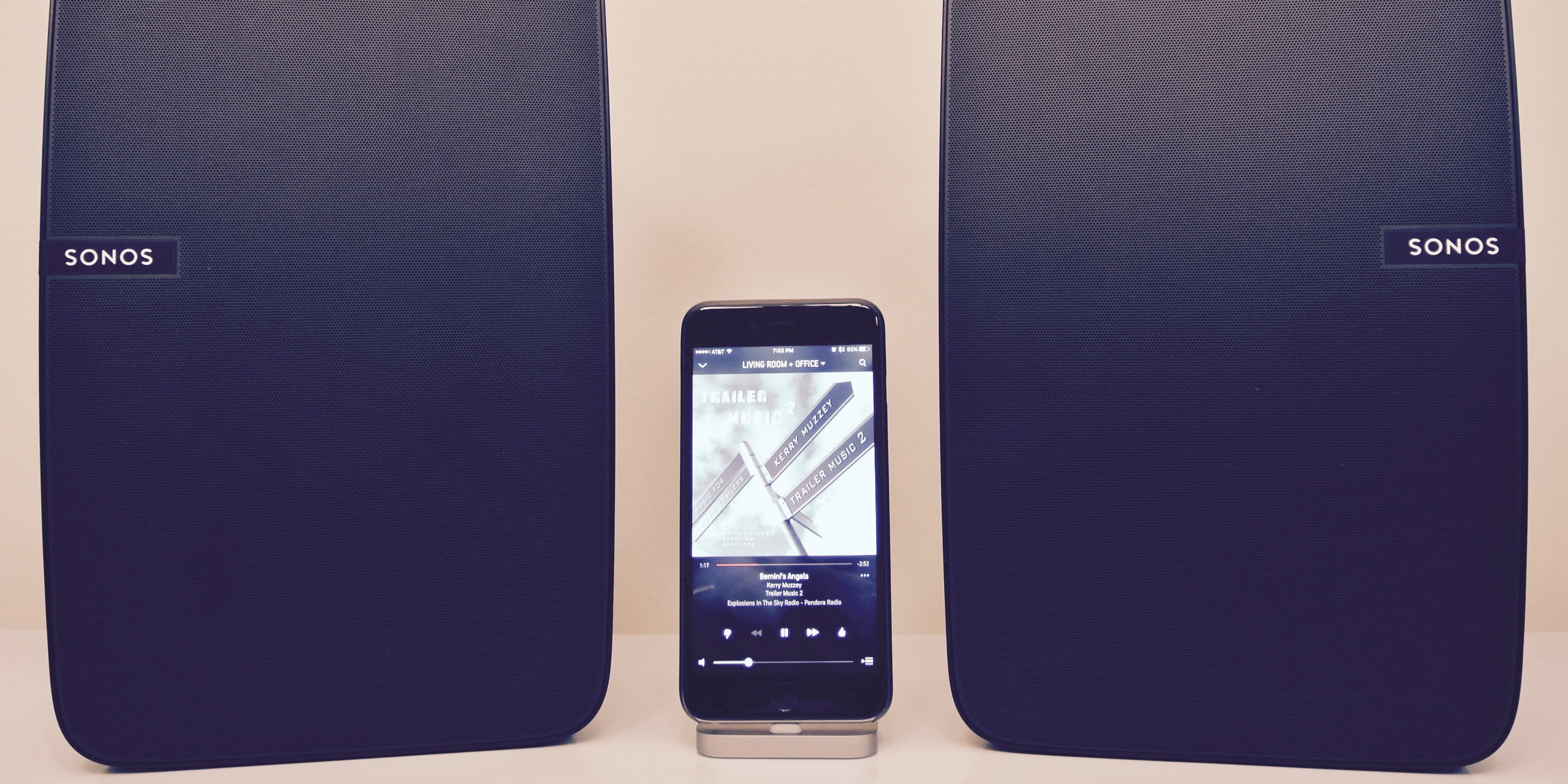
Sonos users rejoice: Apple Music support now has a date, December 15th. Sonos support for Apple Music fulfills a promise made by Apple in June to bring the subscription service to the connected speakers by the end of the year. Opening the Apple Music catalog for subscribers and free trial members makes brings a massive collection of content to Sonos speakers. If you’re looking to jump into the Sonos ecosystem, 9to5Toys recently highlighted an excellent Play:1 Starter Set deal for $349, which includes two Sonos Play:1 units (reg. $199 each). Sonos also offers a medium-packaged Play:3 ($299) and a larger, all-new Play:5 ($499, previewed here).
Expand
Expanding
Close

Apple award-winning iOS game Leo’s Fortune comes to the Mac (+ promo code giveaway)

screen800x500-2

Leo’s Fortune previously won an Apple Design Award for its game on iOS, thanks to its engaging gameplay and beautiful art style. Over the last year, it has become a smash hit across multiple platforms including iPhone, iPad, Android and more. Today, the same great game is now available in the Mac App Store for $6.99 accompanied by beautiful high-resolution textures.

Voyage through lush environments from mossy forests and arid deserts, to pirate cities and snowy mountains. Survive vicious traps and solve physics-based puzzles through 24 levels of treacherous adventure. Follow the trail of gold and uncover the truth behind Leo’s stolen fortune. Finish Leo’s Fortune to unlock Hard-core Mode: try to beat the whole game without dying to unlock a special prize! Compete with your Game Center friends to beat as many levels as you can in the fastest time possible.


Expand
Expanding
Close

Reeder 3 now available for iOS with iPad Pro optimization, 3D Touch & Split View support, more

Screen Shot 2015-11-24 at 7.33.51 PM

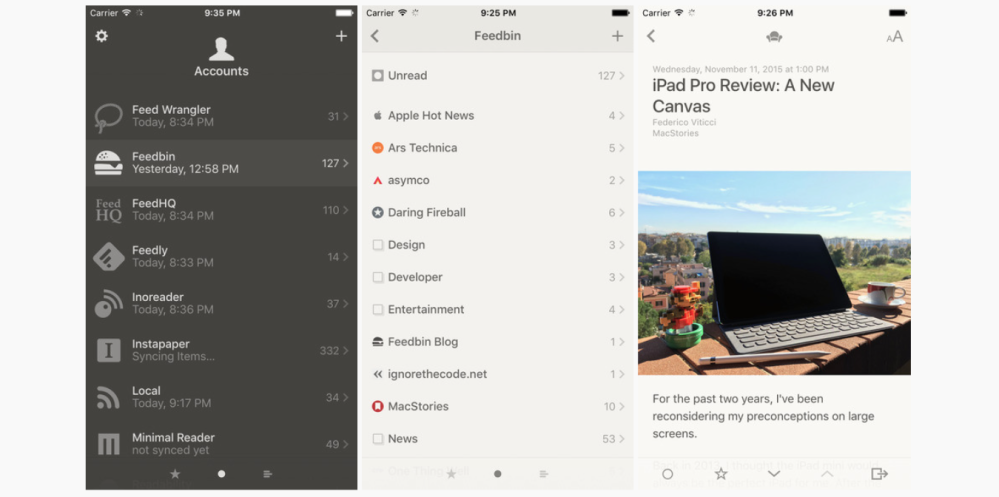
Popular RSS client Reeder has today released the third major iteration of its app on iOS. The availability of Reeder 3 for iOS follows the release of Reeder 3 for OS X back in September alongside the launch of El Capitan. Reeder 3 introduces a handful of new features and capabilities, including support for new services, interface tweaks, and more.

First off, the update adds support for using Instapaper as a sync service. Instapaper joins services like Feedbin, Feedly, and Feed Wrangler as services supported by Reeder. The update also introduces a Safari View Controller, meaning that you no longer have to exit the Reeder app itself to view links. Instead, they will open directly within the app, making for a much more seamless experience.

Reeder 3 also adds support for Split View multitasking for iOS 9 users, as well as support for iPad Pro. 3D Touch support is also now supported for iPhone 6s and iPhone 6s Plus users. You can now press harder on articles in the article list to preview them without actually tapping on them.

Various other interface tweaks have been made, as well. There are now font size options, unread and starred counts for smart folders, a new archive folder, font options for the article viewer, and more.

Below is the full changelog and Reeder 3 is available for free in the App Store now.
What’s New in Version 3.0

– Instapaper as a sync service
– Safari View Controller for in-app browsing
– iOS 9 split view support
– 3D Touch support for article previewing in the article list
– Support for iPad Pro
– List font size options
– Font options for the article viewer
– Updated UI
– Unread and starred counts for smart folders
– Hide smart folders in unread/starred view if there are no unread/starred items
– New “Archive” folder in “All items” view mode which only shows read items (no unread or starred)

Google Drive for iOS updated w/ 3D Touch support, Slide Over & Split View multitasking [Updated]

Screen Shot 2015-11-24 at 5.22.01 PM

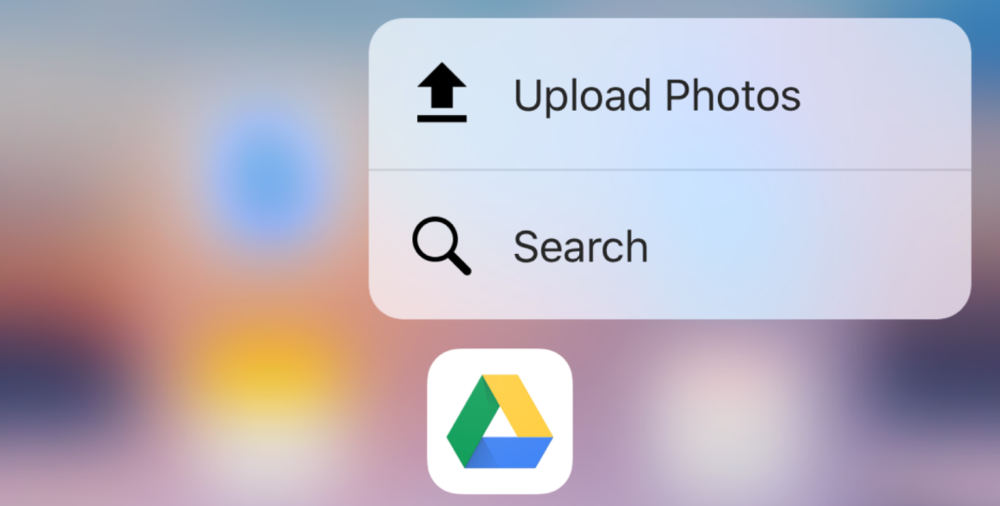
Google today has updated its Drive app on iOS with a handful of notable new features and enhancements. First off, today’s update to Drive, which bumps the app to version 4.4, adds 3D Touch support for iPhone 6s and iPhone 6s Plus users. Now, pushing with more pressure on the Drive app icon will bring up two options, one to quickly upload photos and another to quickly search the contents of your Drive.

Expand
Expanding
Close

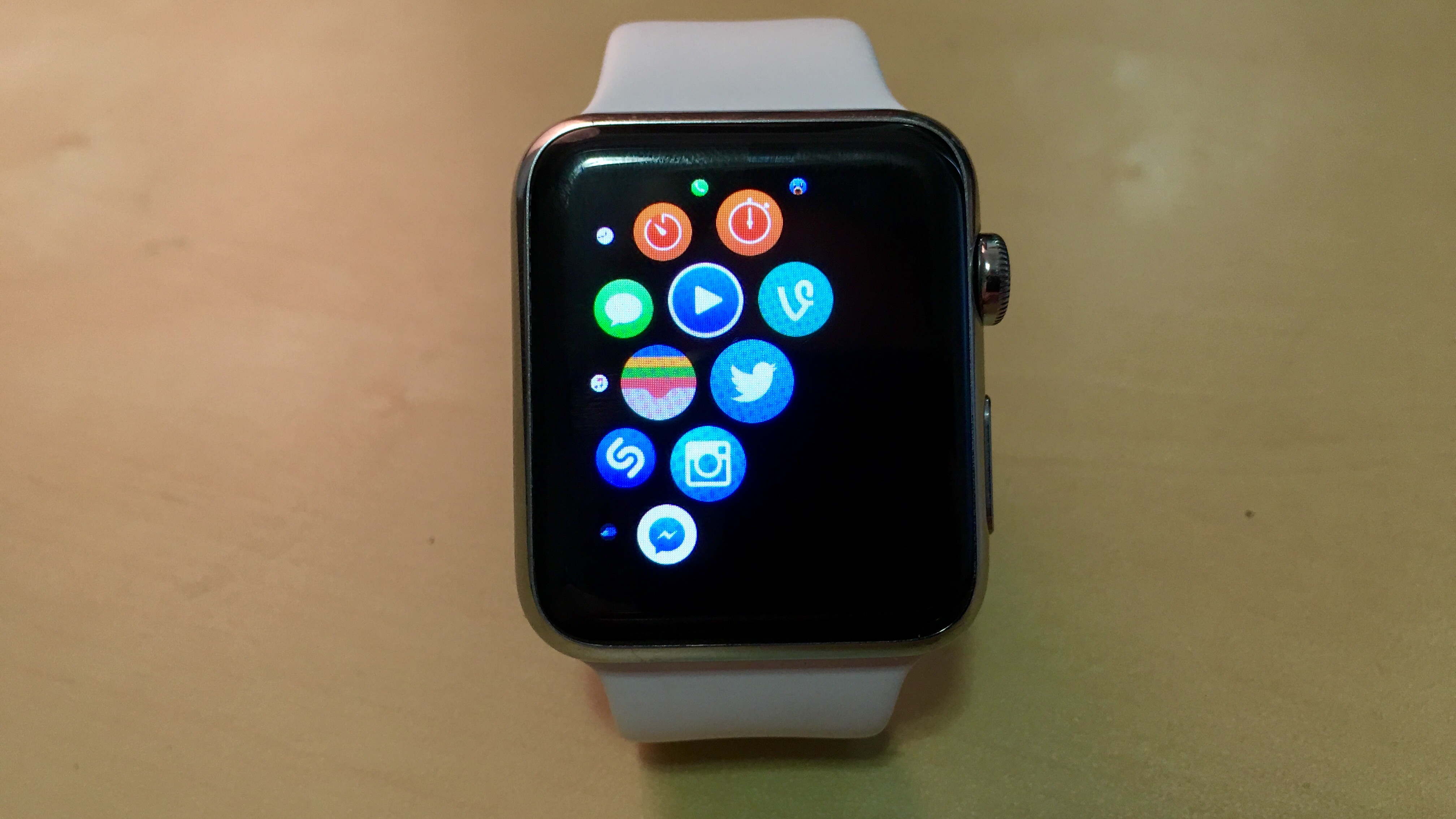
Vine comes to the Apple Watch with favorite videos and a complication

FullSizeRender 4

Twitter’s Vine today launched an application for the the Apple Watch, bringing the ability for Vine users to watch videos that interest them on their wrists. As noted in Vine’s announcement, the simplified Vine interface allows users to quickly watch videos from either the featured category or from their favorite Vine accounts. Of course, the application also allows users to like and Re-Vine clips from the Apple Watch. Notably, the application also includes a watch face complication so users who post videos to Vine can quickly measure their loops. In related news, Vine’s updated iPhone application now lets users more easily swipe between videos.


Expand
Expanding
Close

SwiftKey for iOS updated w/ new “Bubble Gum” keyboard theme, more

D5AO1zIP-8xEuW2wRYvTD-dB6Gy4kybzeguSolopsss

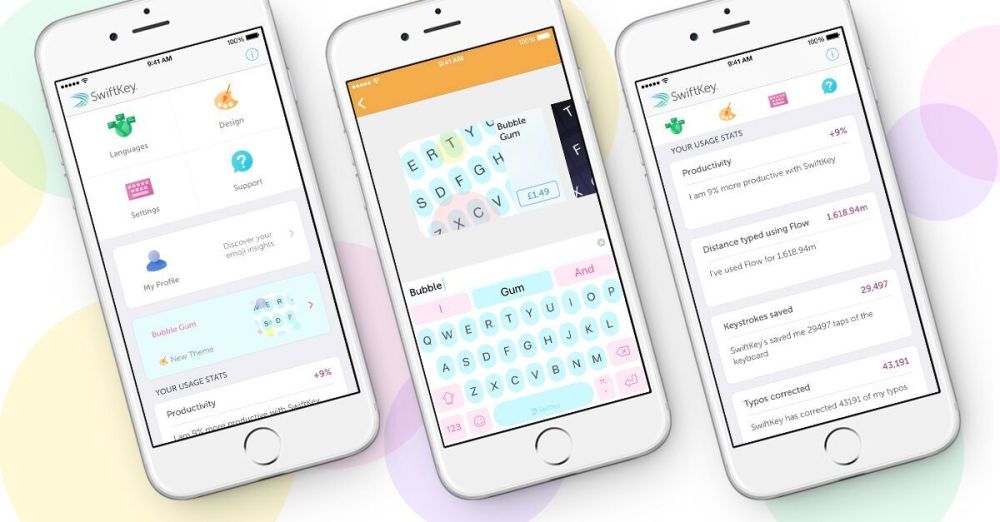
SwiftKey, the popular third-party keyboard app for iOS, has today been updated with a few changes and tweaks that users of the app will certainly welcome. First off, the update adds a new dynamic theme for the keyboard. Called “Bubble Gum,” this new keyboard design offers light blue keys with pink keys. Every time you tap on it, pick, blue, and yellow bubbles float behind the keyboard.

Bubble Gum is the second “dynamic theme” SwiftKey has introduced on iOS, following “Shooting Stars” earlier this year. “Bubble Gum” is available under the “Design” tab in the app for $1.99.

Today’s SwiftKey update also refreshes the settings screen interface with a completely new design. The company says it’s now “easier than ever” to find information like usage stats and change your keyboard theme.

See your typos float away with SwiftKey Keyboard for iPhone’s new Bubble Gum theme (plus more!)

Today’s update for SwiftKey for iPhone brings two new exciting changes to our iOS app: a new ‘Bubble Gum’ dynamic theme, and a big makeover to the settings menu within the SwiftKey app on your homescreen.

Bubble Gum is a light and airy theme with pale blue and pink keys. With each tap, pink, blue and yellow bubbles float behind the keyboard, and fall with real gravity depending on how the phone is tilted – give it a try! Bubble Gum joins Shooting Stars as our second dynamic theme on SwiftKey for iOS, you can grab it for $1.99 now under “Design” in the container app.

The settings menu, found in the SwiftKey app on your homescreen, has been completely redesigned with an updated new look. It’s now easier than ever before to find the setting you want and tune SwiftKey to exactly how you like it. You’ll find that your usage stats – showing you just how productive and quick SwiftKey is making you, also for bragging rights – are now on the home screen you can get your data fix faster than ever before.

 The latest version of SwiftKey for iOS is available now on the .

WordPress gets a Mac app alongside completely rebuilt, open-source WordPress.com

wordpress-macbook

Today online publishing platform WordPress, which powers approximately 25% of websites on the Internet (this site included), is getting a major redesign with a completely rebuilt wordpress.com and the introduction of a new Mac app. We’ve been getting a taste of the improvements incrementally over the last year, but today is the company’s official launch.
Expand
Expanding
Close