9to5Mac Reviews
All the products that the 9to5Mac team has reviewed.

All the products that the 9to5Mac team has reviewed.
All the products that the 9to5Mac team has reviewed.
All the products that the 9to5Mac team has reviewed.

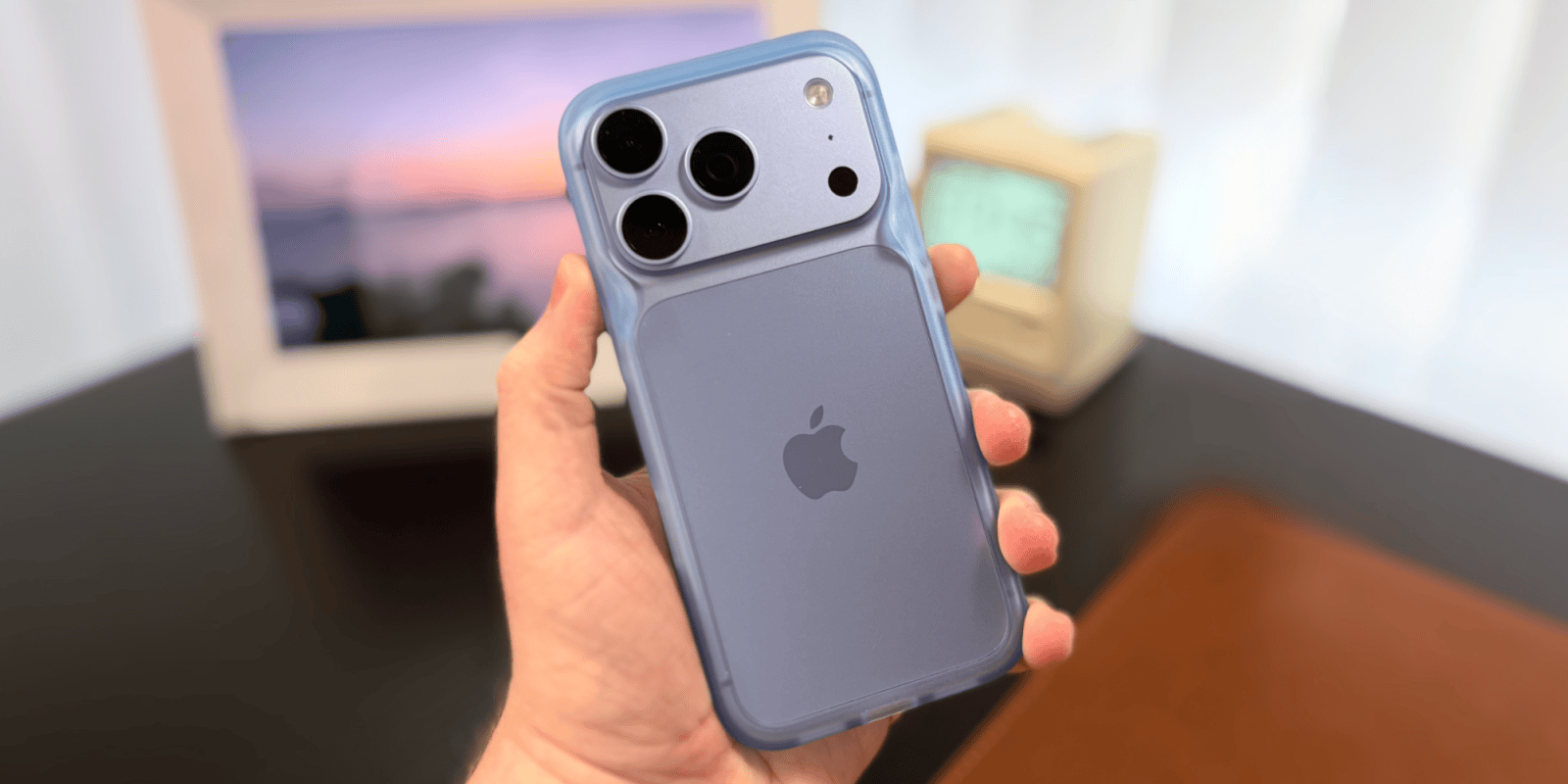
iPhone bumper cases have been a fan-favorite since the iPhone 4 bumpers, but options these days are few and far between. Rhinoshield offers a decent option for those wanting a minimal case.
Expand Expanding Close
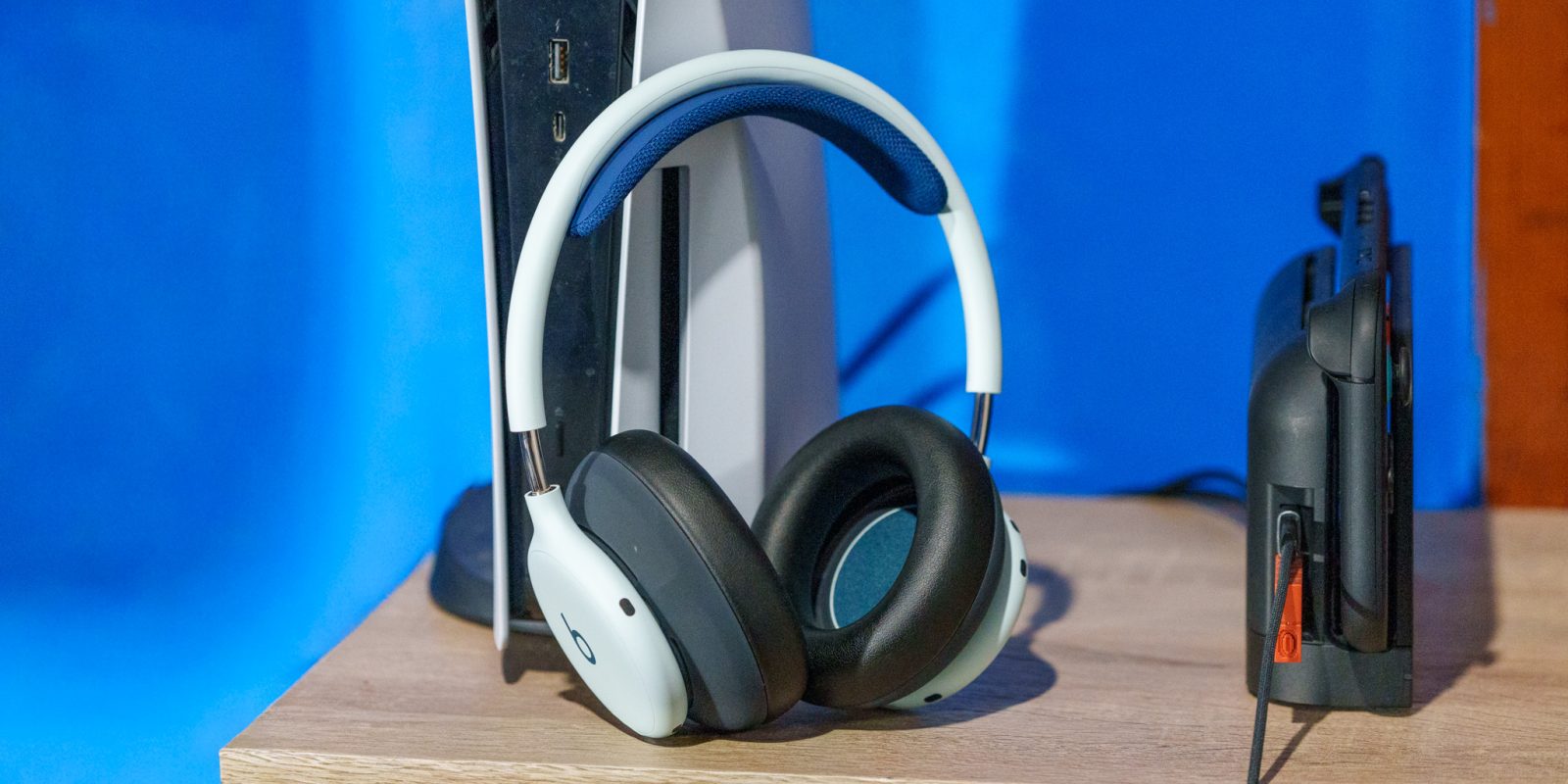
The highly anticipated Beats 360 are now available for purchase. After being teased prior to the World Cup, Apple’s latest pair of Beats headphones are now on the market. I got an early hands-on with them, and they’re quite an interesting product offering that I’ve thoroughly enjoyed using – though they have one key flaw: no wired connectivity, which will bother some more than others.
Expand Expanding Close
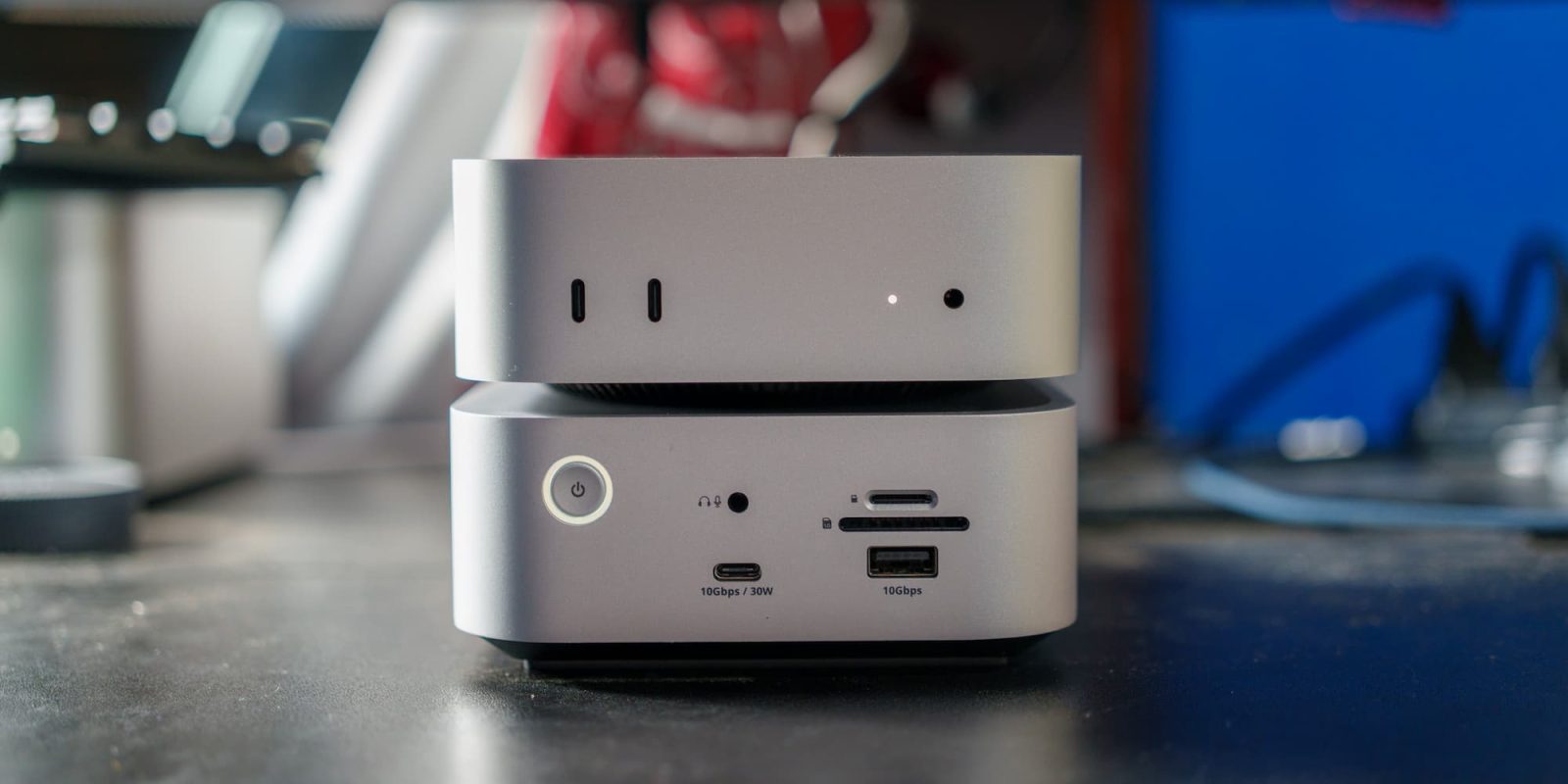
Apple just released a new Mac mini late last month, equipped with the new M6 and M5 Pro chips. If you’re looking for a perfect Thunderbolt 5 dock to pair with your new Mac mini (or your current M4/M4 Pro model) – Satechi has a great offering for you.
Expand Expanding Close
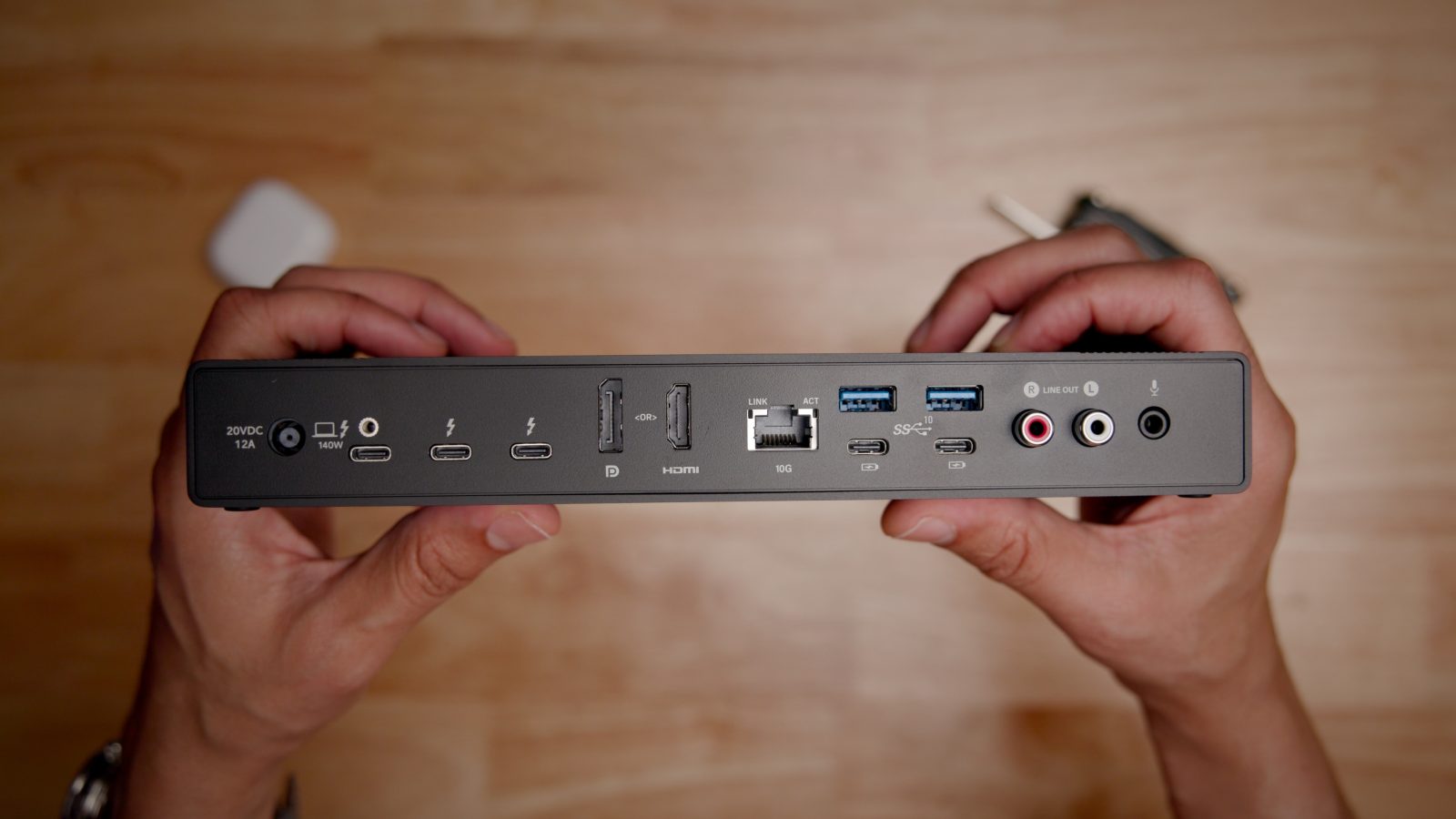
The Sonnet Echo 21 Thunderbolt 5 SuperDock, the follow-up to the similarly named Echo 20 Thunderbolt 4 SuperDock (review), lets you add tons of I/O to your Mac via a single Thunderbolt cable, and brings several noteworthy improvements for those looking to upgrade or future-proof their Mac setups.
Perfect for both laptops like the MacBook Pro, and desktop machines like the just-announced M5 Pro Mac mini, the Echo 21 SuperDock adds a vast array of I/O to these machines. Watch our full hands-on video walkthrough for the details, and be sure to subscribe to 9to5mac on YouTube for more.
Expand Expanding Close
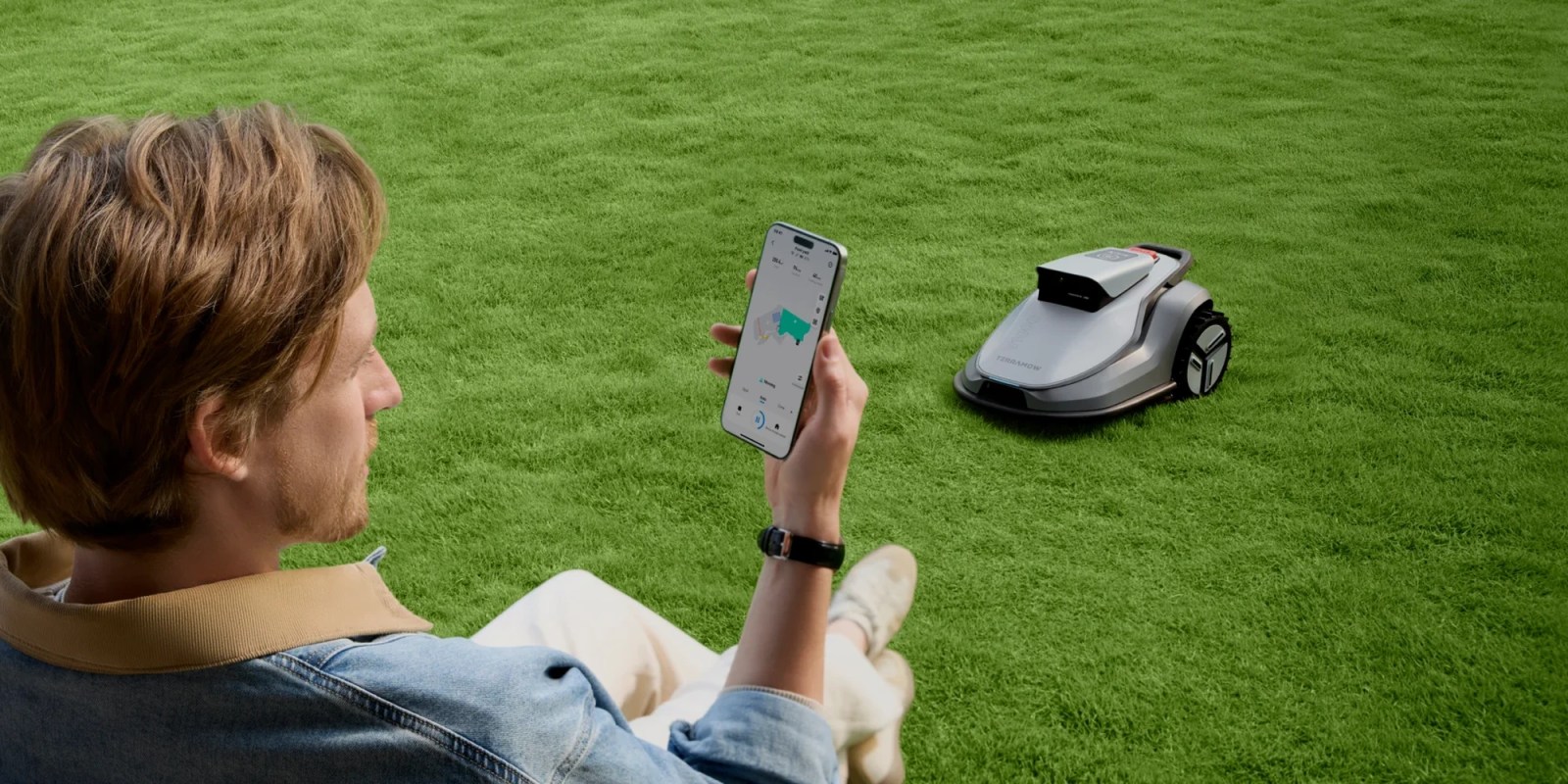
Earlier this year, I replaced my battery-powered push mower with an iPhone-controlled robot lawn mower. That machine creates a virtual map by letting you manually steer it around the perimeter of your yard. Once everything is configured, it takes over mowing duties on a schedule.
More recently, I’ve been testing another system called the TerraMow V1000. It takes a substantially different approach to navigation, and after several weeks of testing, I think it may be the more user-friendly option for a lot people.
Expand Expanding Close

If you use an Apple Watch with cardio equipment, GymKit should be on your radar. It’s the best way for Apple Watch and a fitness machine like a treadmill or elliptical to exchange workout data, producing more accurate measurements than either device can provide alone.
Apple introduced GymKit with watchOS 4 in 2017, but compatible equipment has remained surprisingly difficult to find. The good news is that, nearly a decade later, you no longer need to spend around $15,000 on a GymKit treadmill.
Instead, you can spend around $1,000 on an excellent home treadmill that works with Apple Watch. I’ve been testing the BowFlex T6 treadmill this summer, and its combination of GymKit support, approachable pricing, and dial controls makes it easy to recommend.
Expand Expanding Close
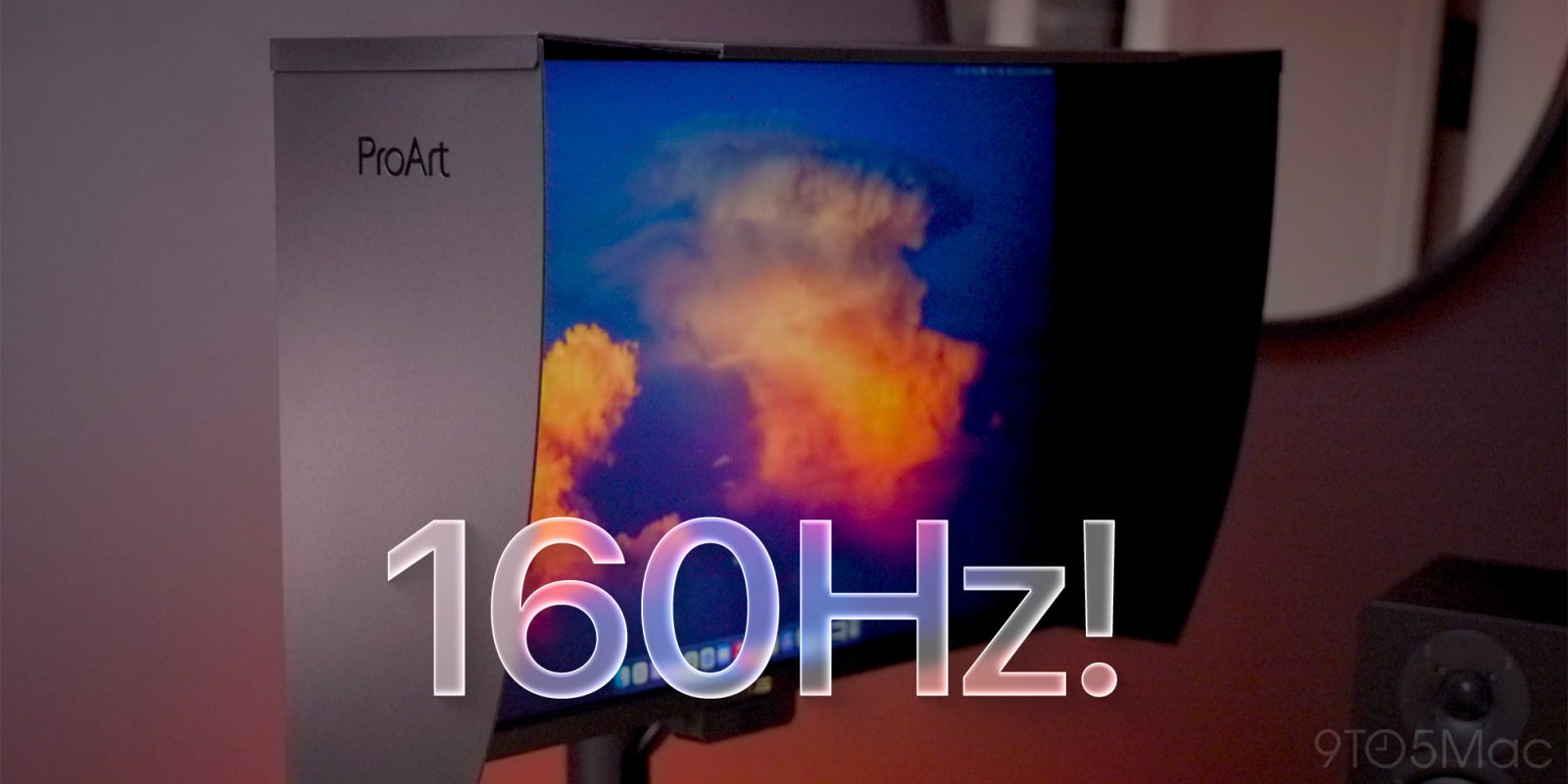
The Asus ProArt PA27UCGE is a 27-inch 4K display with a few tricks up its sleeve that set it apart from a crowded monitor market. It begins with its high frame rate support, up to 160Hz, which is great for fluid web browsing, gaming, and video editing. It also features an optional monitor hood to help mitigate ambient light, and a built-in motorized colorimeter for scheduled calibration.
We previously reviewed Asus’ 5K ProArt (review) and 6K ProArt Displays (review) and found both to be excellent options for Mac users looking for an affordable third-party option. Can we say the same about this 4K ProArt Display? Watch our hands-on video review for the details.
Expand Expanding Close

I’m a well-known grump when it comes to subscription apps, so when you find me endorsing a relatively expensive piece of hardware that requires an annual subscription for full functionality, then you know it has to be good.
2024 was a bit of an eventful year for me on the wearables front: after nine years of use, I ditched my Apple Watch in favor of dumb watches, and reinstated smart health and activity tracking by using the third-generation Oura Ring. I’ve recently upgraded to the latest 5th-gen model …
Expand Expanding Close
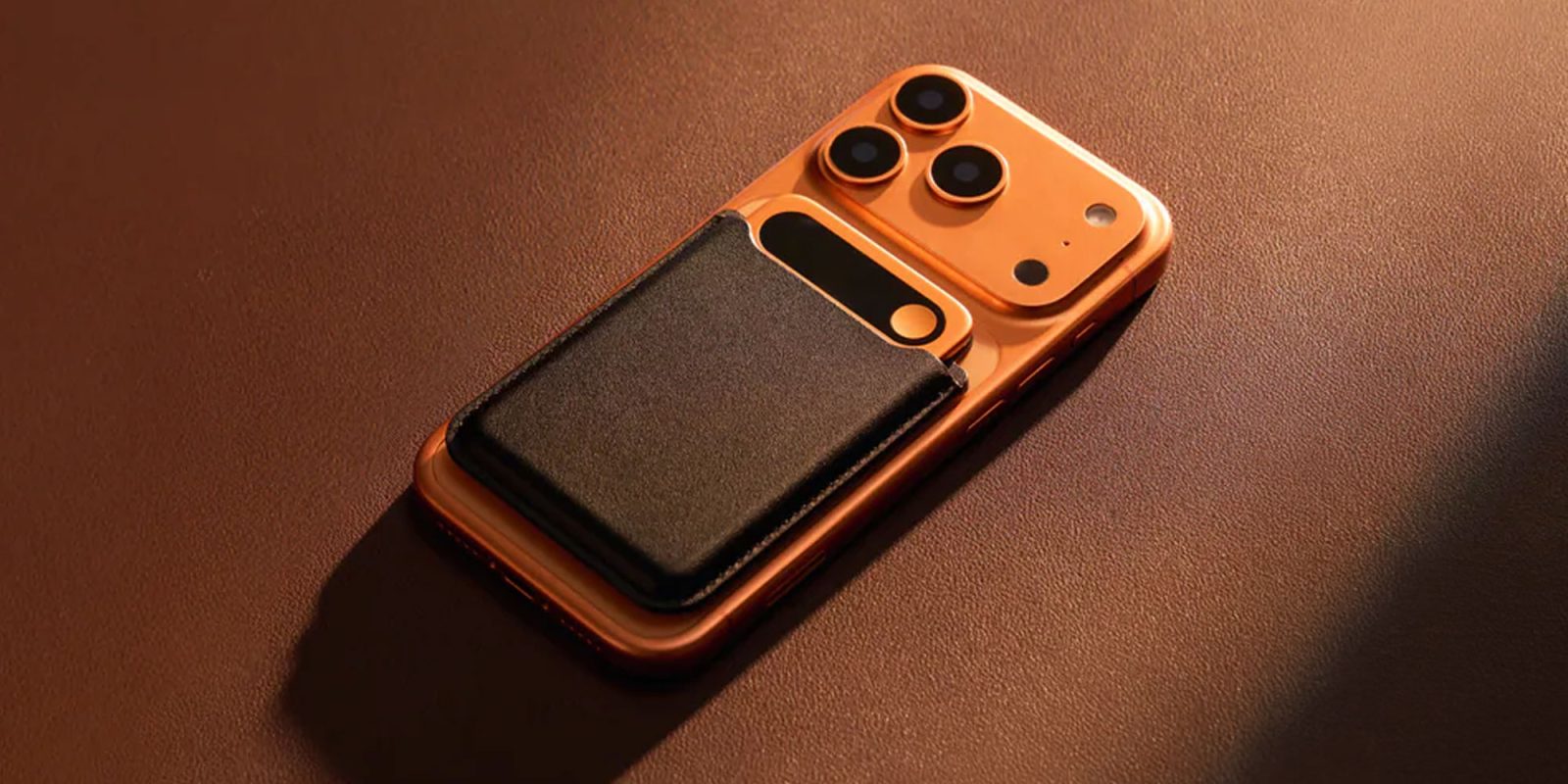
I spent the last month trying out the Comulytic Note Pro, a credit card-sized AI recording transcriber, summarizer, and all-around assistant. Here are my takeaways.
Expand Expanding Close

Update May 8: Anthbot M9 is currently 20% off on Amazon for the next few days, offering a big $180 discount off the regular price.
I haven’t mowed my lawn in over a month, but it’s manicured like a golf course. That’s because I switched from a push mower to a robot lawn mower that I manage from my iPhone. It’s the Anthbot M9, and it’s by far my favorite new piece of technology I’ve tried this year.
Expand Expanding Close
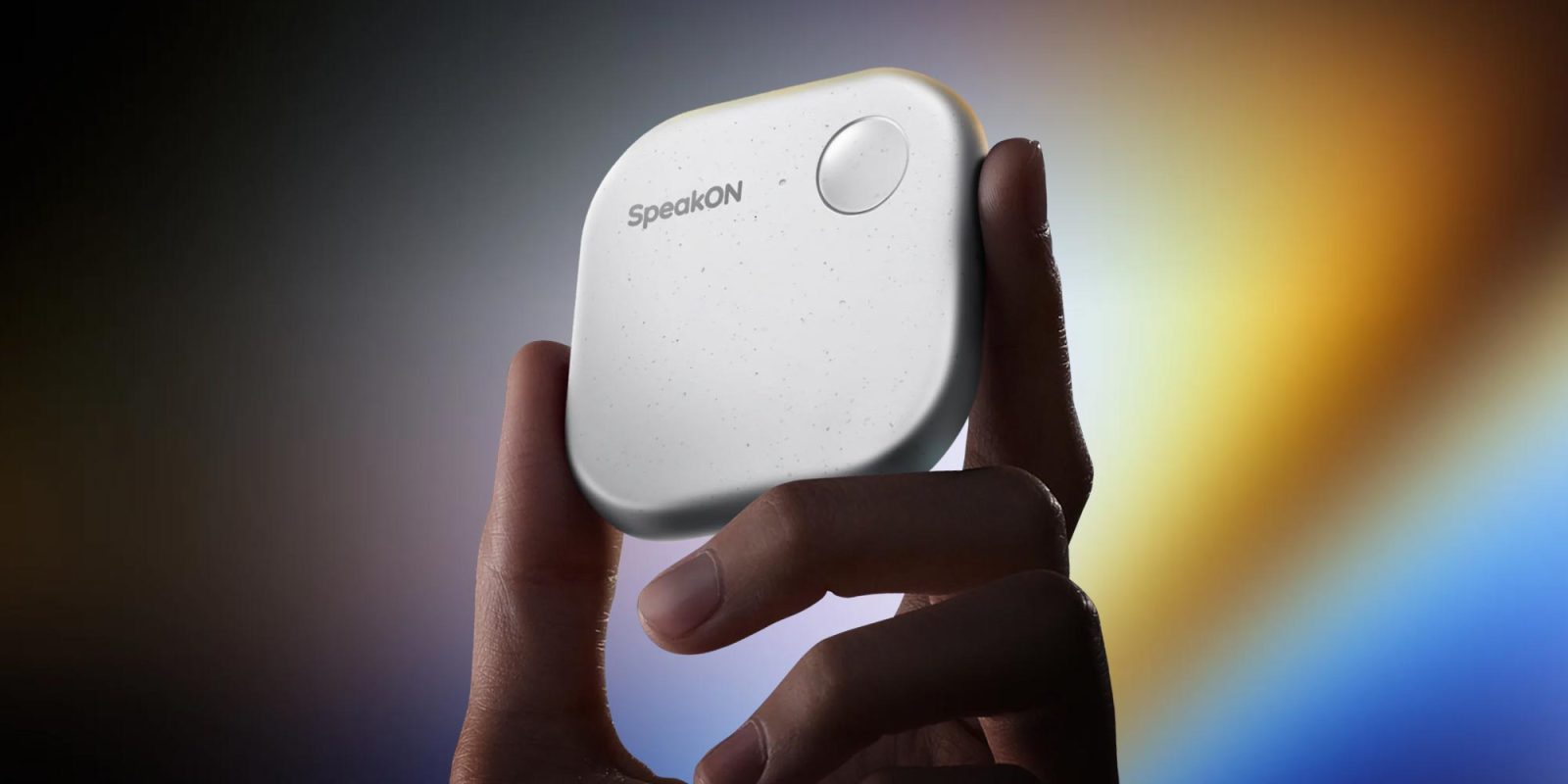
Over the past couple of weeks, I’ve had the opportunity to test SpeakON, a magnetic, AI-powered dictation accessory that snaps onto the back of the iPhone and refines transcriptions based on preset preferences. Here’s how it did.
Expand Expanding Close
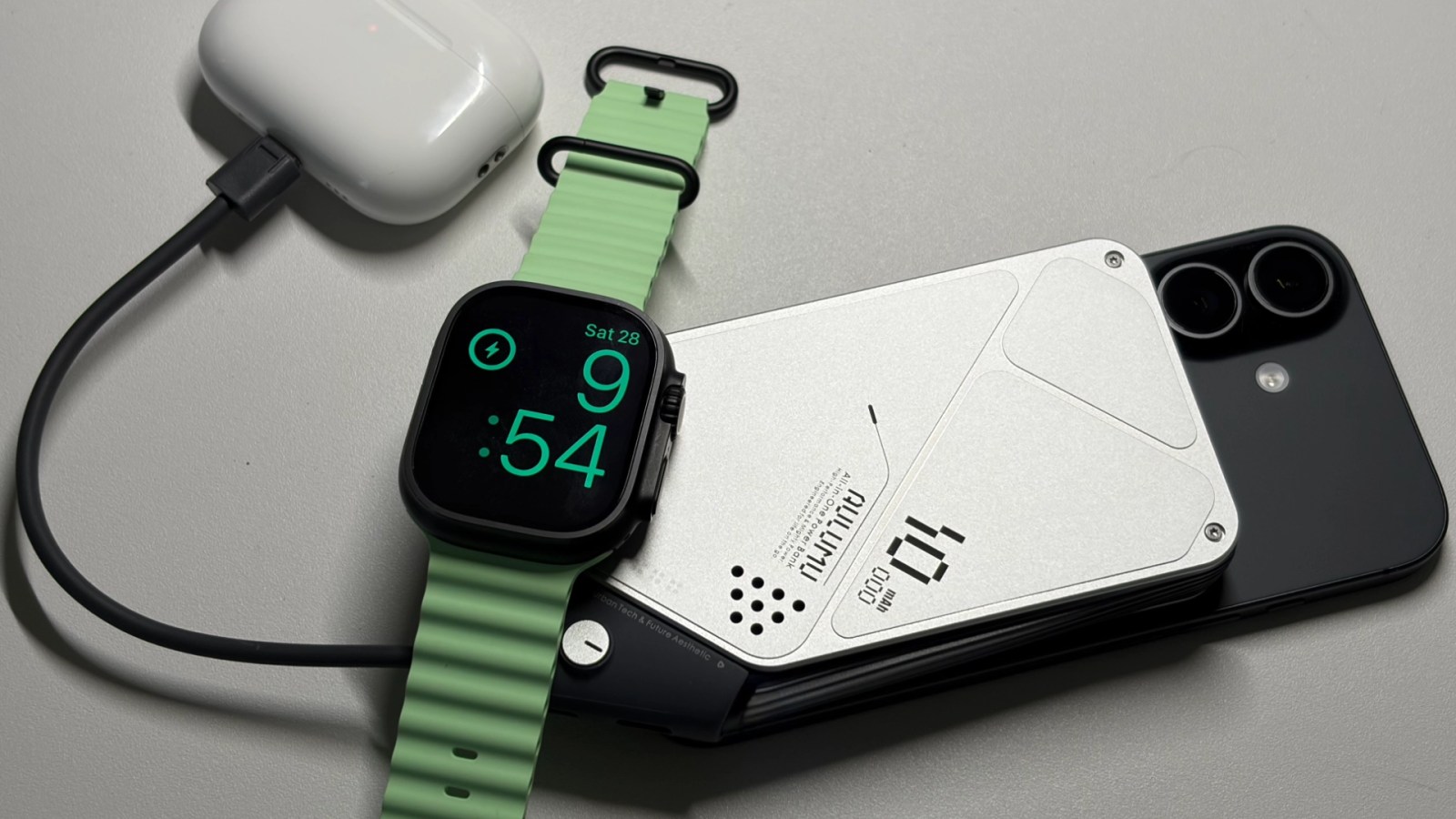
iPhone MagSafe battery packs are fantastic for extending device usage between charging sessions. While most solutions only work with compatible iPhones, the Aulumu M10 Multi-Charging Dual-Mag Power Bank is a high-capacity MagSafe battery pack that does the job of three distinct chargers.
Expand Expanding Close

What started life as a humble face monitor geared to watching video and playing games wherever you happen to be has now evolved into something drawing ever closer to a Mac-powered Vision Pro.
The Viture Luma Ultra it isn’t perfect, but it is the closest thing I’ve seen yet to what I’d ideally like from a future Apple Vision Air product …
Expand Expanding Close
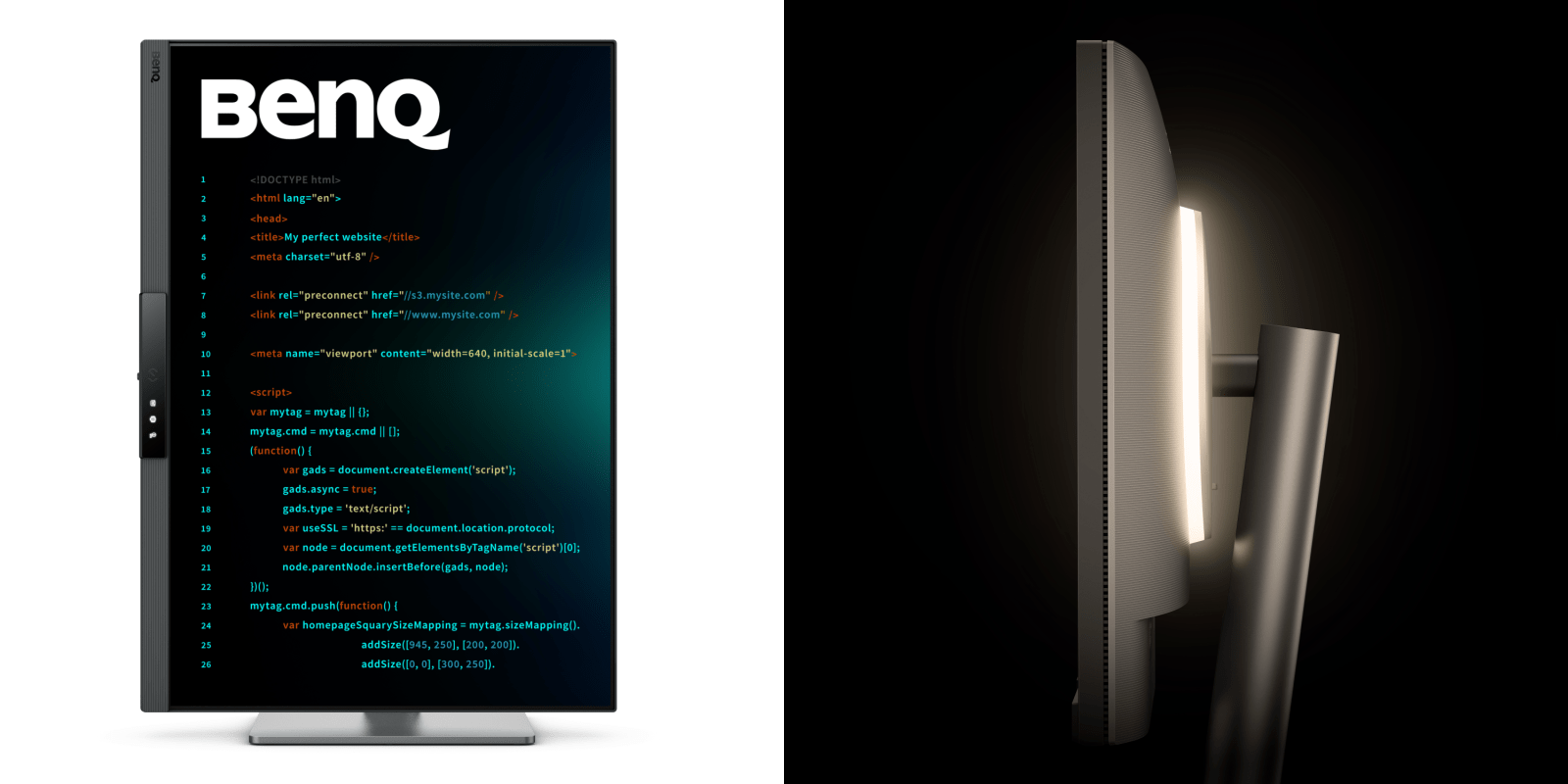
Last year, I spent some time testing BenQ’s 4K 32-inch Ergo Arm Programming Monitor with MoonHalo and found it especially easy on the eyes, comfort-wise. Now BenQ is back with a new take on the coder’s (or writer’s) ideal display. Two specs make the new BenQ RD280UG shine.
Expand Expanding Close
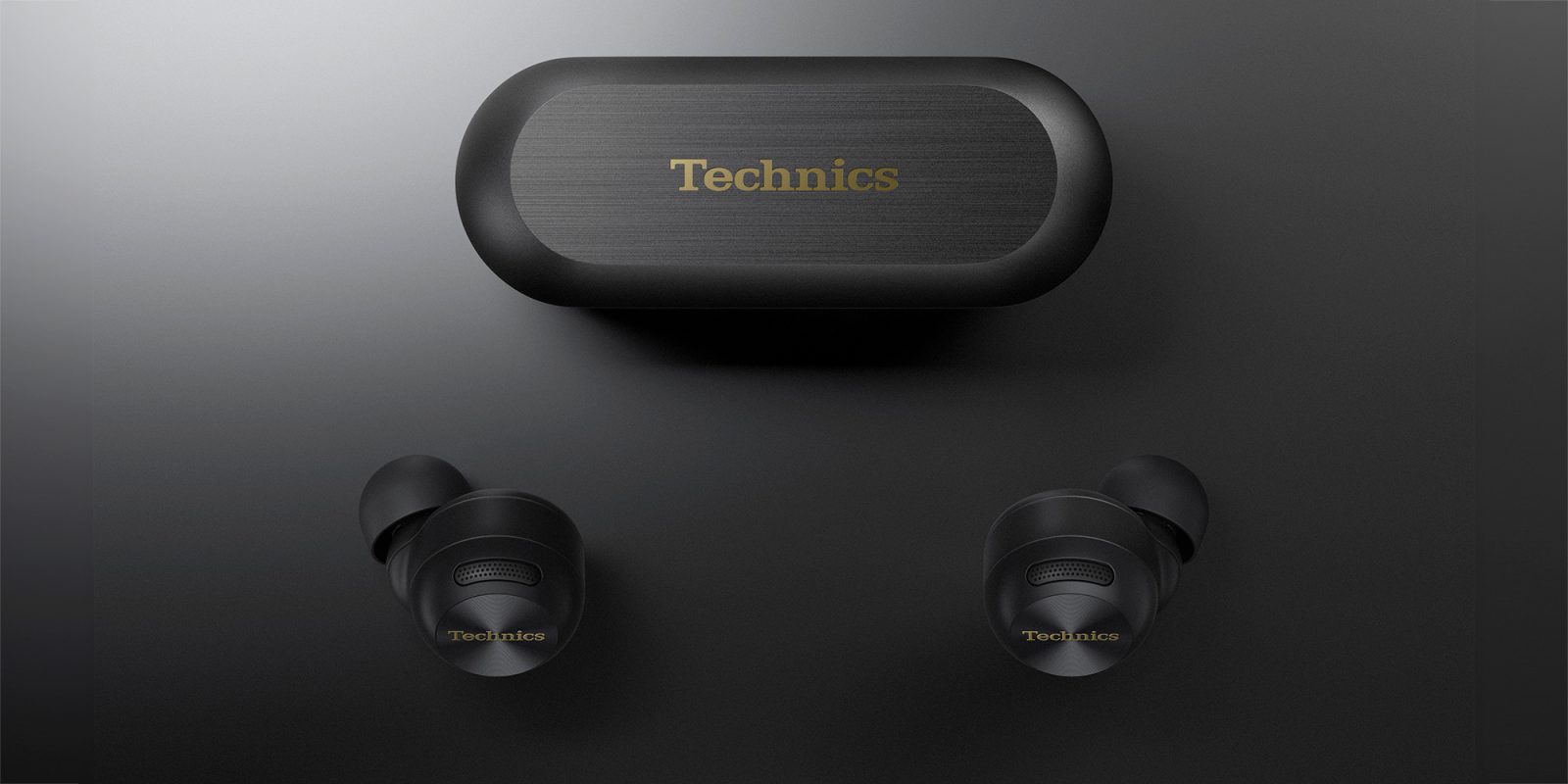
Music lovers with Apple kit have long been forced to choose between the sound quality available from the established audio players and the slickness of the AirPods approach to connectivity – but the Technics EAH-AZ100 in-ear headphones have mostly resolved this dilemma.
They not only deliver the best sound quality I’ve ever experienced with in-ear headphones, but also an Apple-like Just Works experience when switching between devices …
Expand Expanding Close
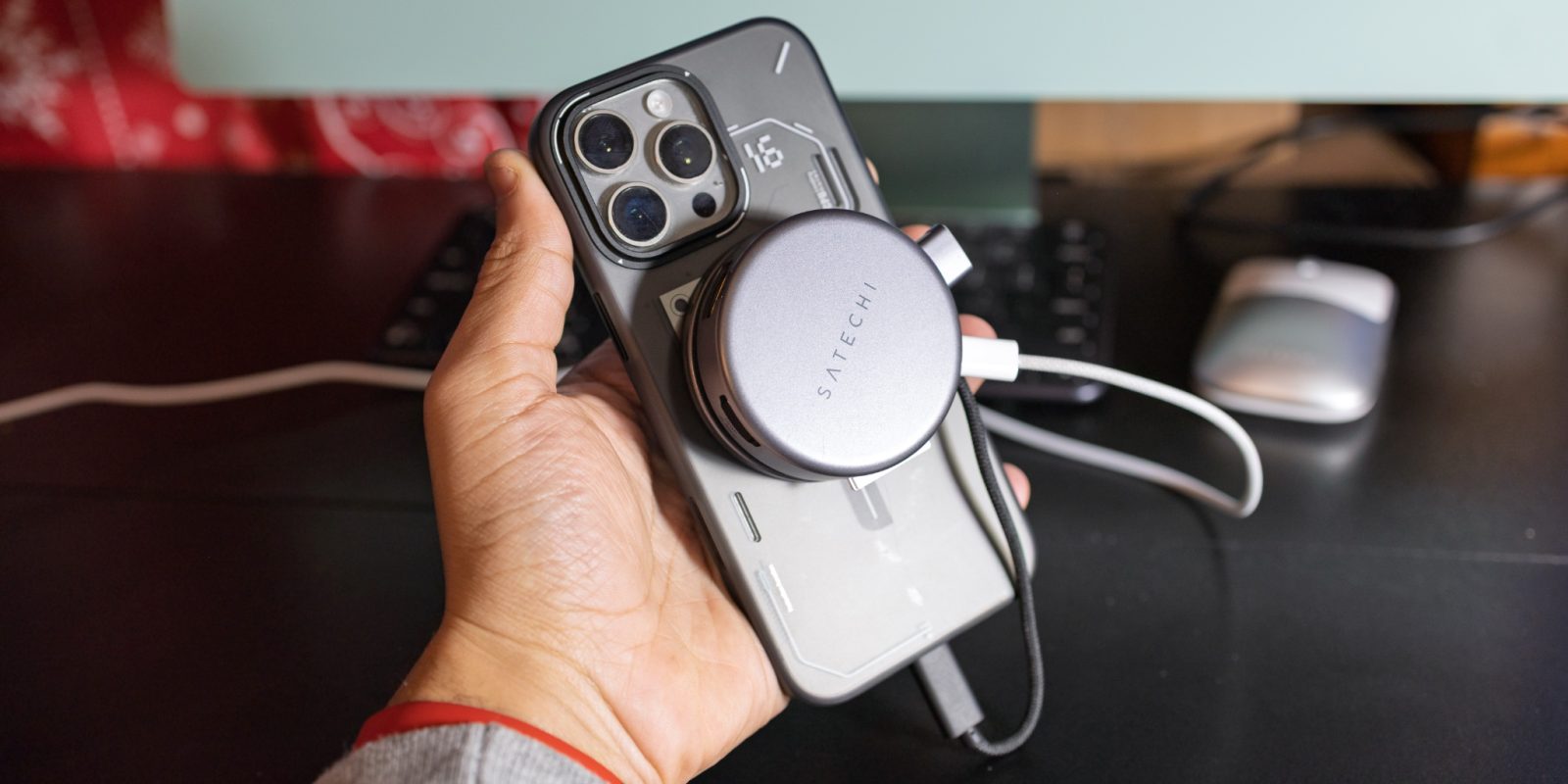
Late last year, Satechi released a new 7-in-1 USB-C hub for iPhone. It takes advantage of MagSafe and feels right at home on Apple devices. I’ve had the joy of testing it out for the past few days, and I have to say, it’s certainly a cool option if you think it suits you.
Expand Expanding Close

Philips Hue bulbs are one of the easiest ways to give your existing light fixtures smart home capabilities, including through Apple’s HomeKit platform. The problem with Philips Hue bulbs, however, is that whenever a wall light switch is flipped off, the smart lights become unresponsive.
The Lutron Aurora dimmer is a simple yet ingenious way to solve this problem, and it should be at the top of every smart home fan’s holiday wish list.
Expand Expanding Close

The Lowfree Flow84 is the latest episode in my on-again, off-again love affair with mechanical keyboards. I describe it as the mechanical keyboard Apple would make for a mix of good and bad reasons, but we’ll get to that! Update: There is a new version with touch sliders for volume and brightness – see the Pricing & conclusions section at the end.
It’s one of a relatively new breed of low-profile mechanical keyboards, something that would have seemed a contradiction in terms just a few years earlier …
Expand Expanding Close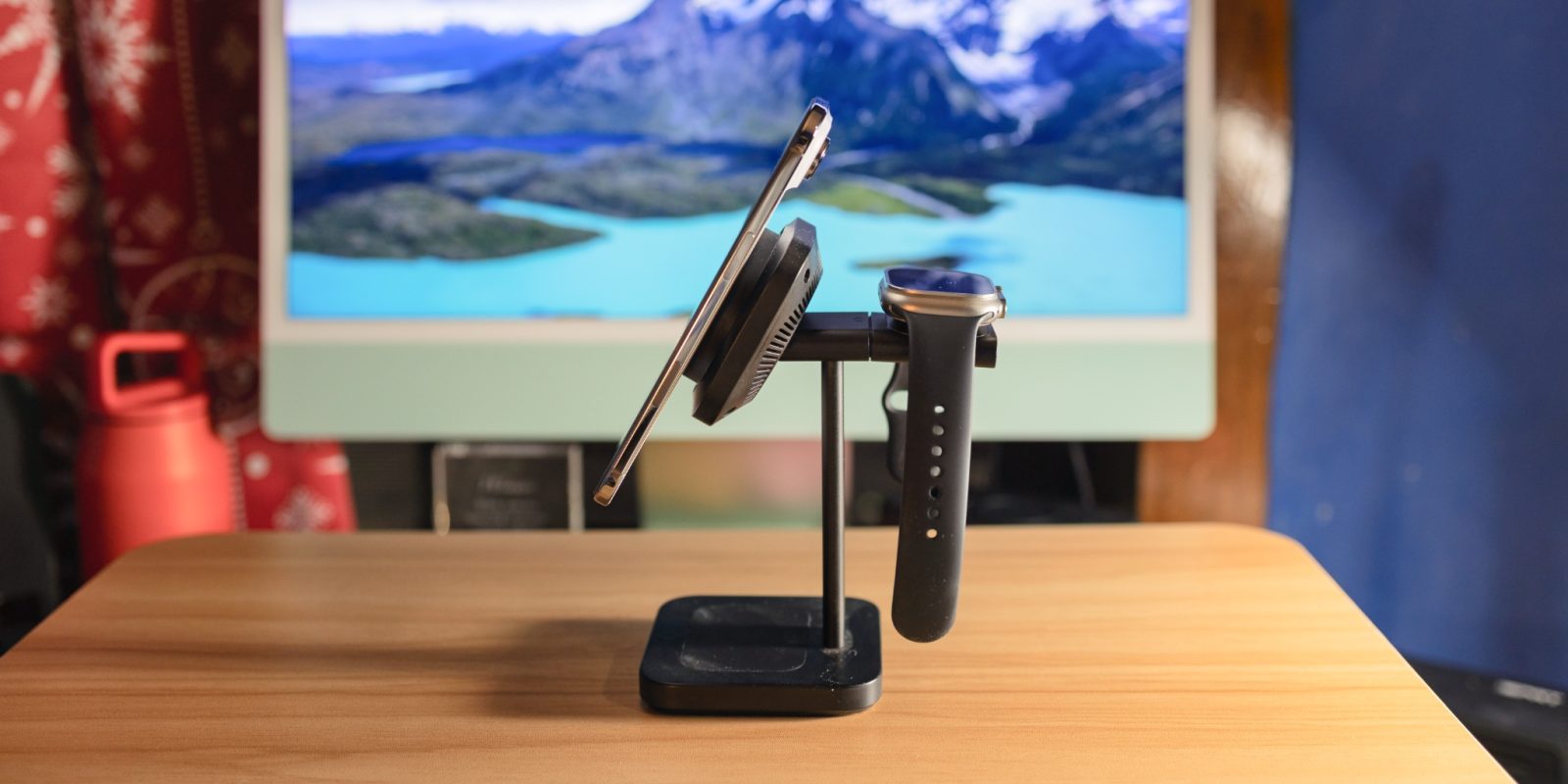
Last year, Apple opened up its MagSafe standard to the Wireless Power Consortium, allowing third party companies to officially utilize MagSafe – at up to 15W. Earlier this year, the standard expanded with Qi2.2, making 25W MagSafe charging available to third party manufacturers.
Many manufacturers have come to market with fantastic 25W Qi2.2 chargers, and this ESR model is one of them. For Black Friday, you can get this ESR 3-in-1 for just $89.99, making it one of the more affordable Qi2.2 options on the market.
Expand Expanding Close
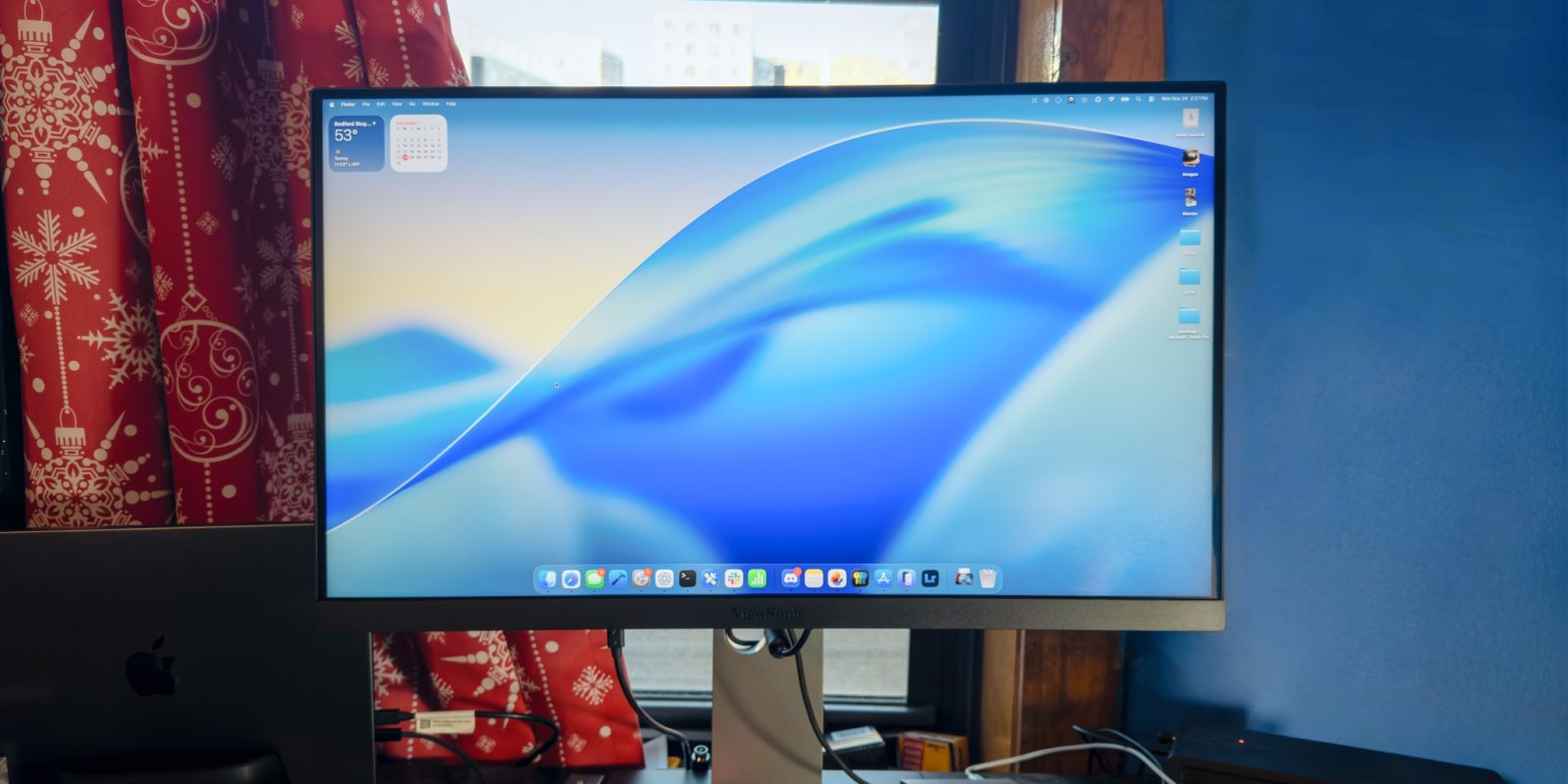
If you’re a Mac user looking for a solid external display that pairs nicely with your MacBook’s crisp retina display, you’ll know that finding one can be a challenge. Apple offers its Studio Display with a 27″ 5K retina display, but that costs $1599 just for the cheapest version with a basic stand. If you want a more versatile stand, the Studio Display will cost you $1999.
Luckily, a number of 27″ 5K monitors have been launching lately, many of which have been at more affordable price points than Apple’s Studio Display, while offering an incredibly comparable experience. One of them is the ViewSonic VP2788-5K, which I’ll be reviewing here today.
Expand Expanding Close

The iPhone’s Portrait mode uses computational photography to simulate the shallow depth of field of a digital SLR or mirrorless camera with a larger sensor. It’s evolved from a very crude tool into something which is now pretty convincing, but it’s still no substitute for the real thing.
There are some circumstances in which you can get genuine shallow-ish depth of field with an iPhone shot, but these are very limited as we’ll discuss. The Sandmarc 2x telephoto lens is a much more practical way to get true optical blurring when shooting portraits …
Expand Expanding Close
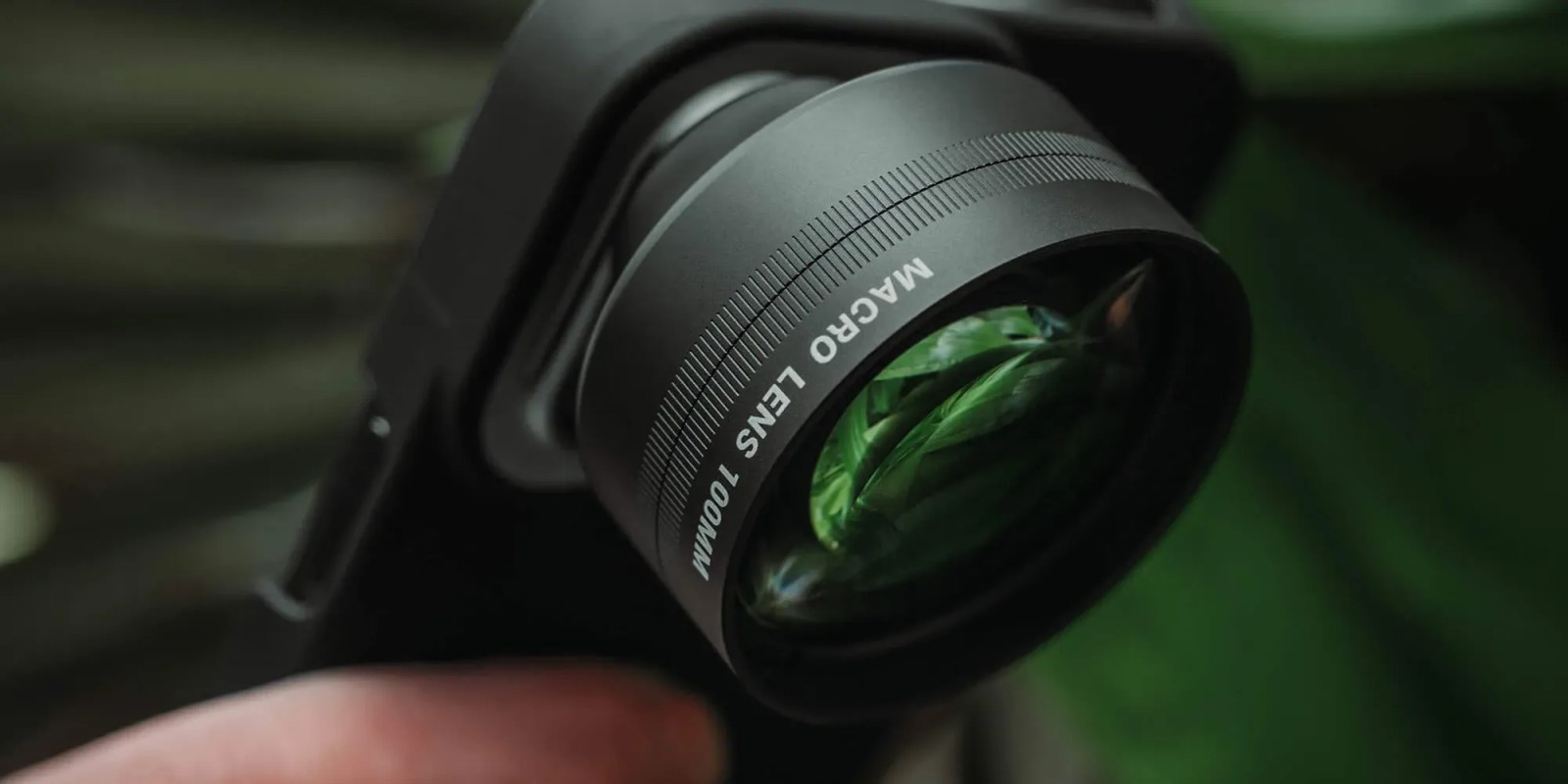
Back in 2021, Apple introduced a new iPhone camera capability in the form of a new macro lens option with the ultrawide camera. It was exclusive to the Pro models until last year when it was extended across the iPhone 16 and 17 range.
As a built-in feature, it’s pretty impressive, but it doesn’t come close to the razor-thin depth of field you get with a dedicated macro lens. But a $150 snap-on iPhone lens gives you something remarkably close to this …
Expand Expanding Close
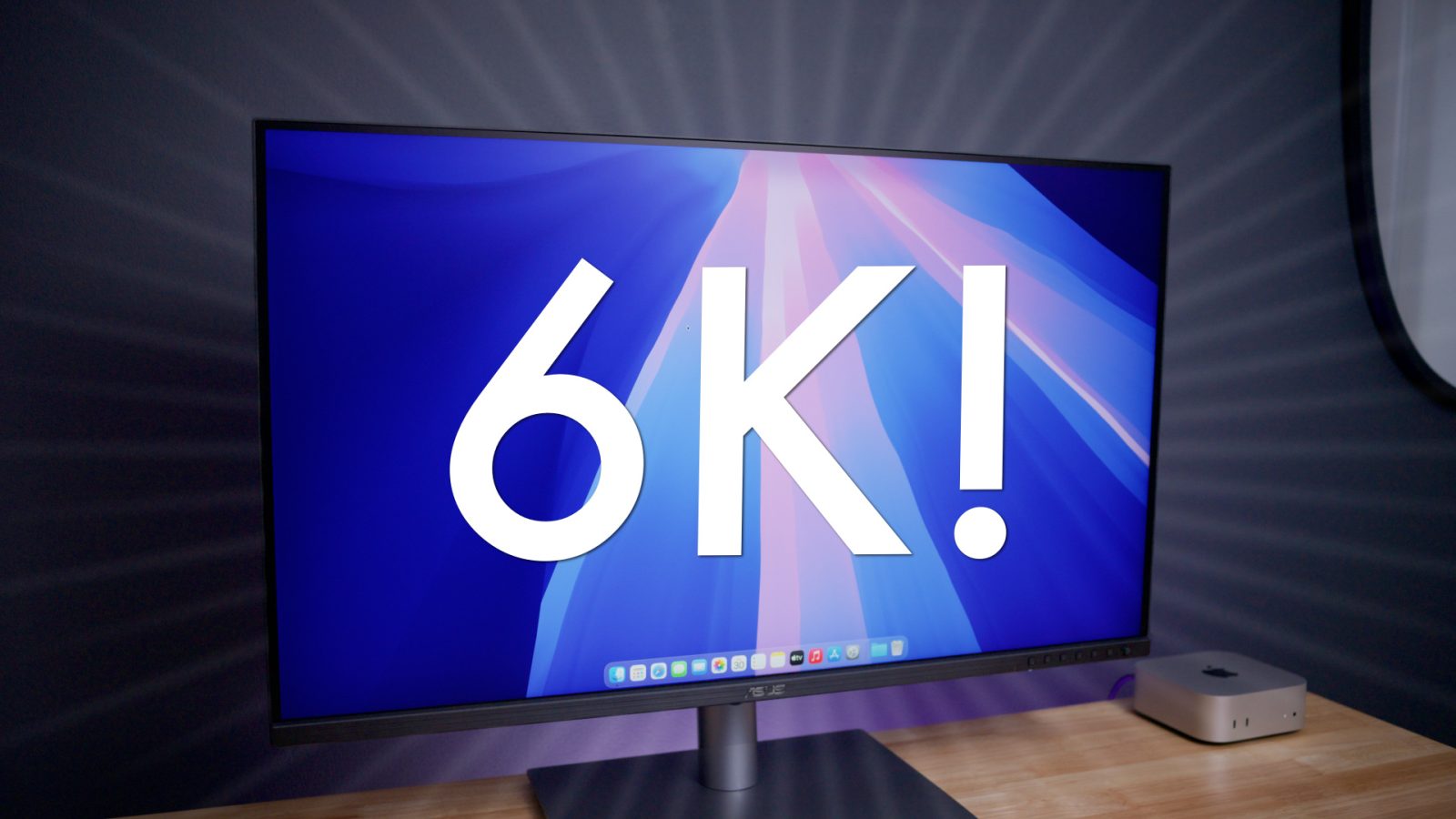
Asus has been on a roll of sorts with new display releases over the past few years, and it’s showing no sign of slowing down progress. One of the latest, and genuinely most exciting new releases is the $1300 Asus ProArt 6K Display, which offers an outstanding value for Mac users looking for something greater than 4K or 5K.
The $1300 Asus ProArt Display 6K PA32QCV features a native resolution of 6016 x 3384 within the confines of a 32-inch panel. For those keeping score at home, that’s the same 218 pixel density as Apple’s Pro Display XDR. Granted, the Pro Display XDR is in an entirely different league when it comes to display quality thanks to its 1600 nits of brightness, and 576 local dimming zones, but its base $4999 price tag (sans stand and matte texture) most definitely reflects this.
Asus has taken a decidedly more economical approach with its 6K display, providing the same amount of screen real estate as Apple’s monitor for less than a fourth the cost. But that doesn’t mean it sacrificed the ability to provide users with a display that performs admirably given its price. Watch our hands-on video review for the details, and be sure to subscribe to 9to5Mac on YouTube for more.
Expand Expanding Close
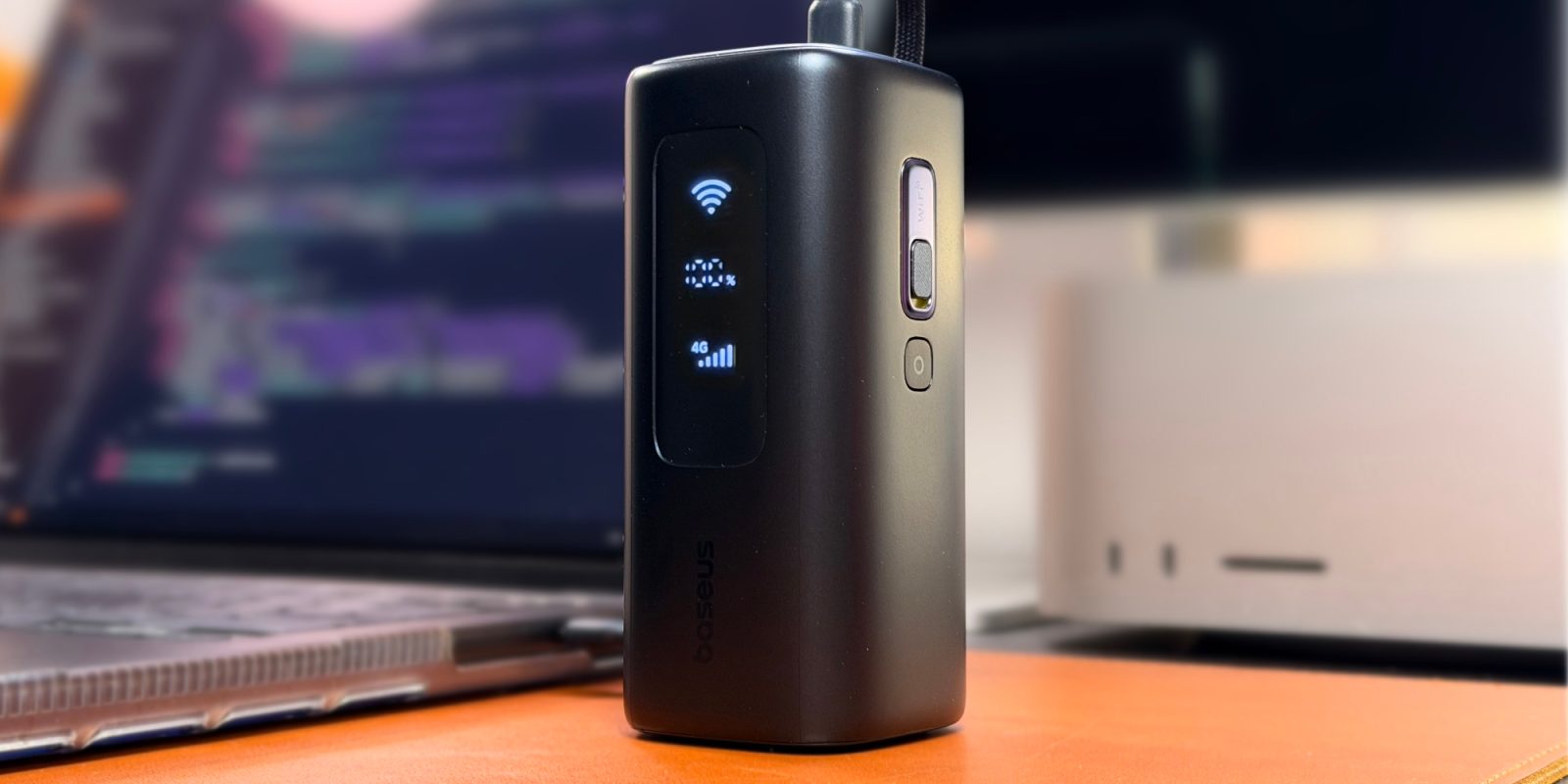
Baseus’ recently announced EnerGeek GX11 power bank is not only a great power bank, but it also doubles as a cellular hotspot.
Expand Expanding Close