Author

Avatar for Jeff Benjamin

Jeff Benjamin

Jeff Benjamin

Jeff is the head of video content production for 9to5. He joined 9to5Mac in 2016, producing videos, walkthroughs, how-tos, written tutorials, and reviews. He takes pride in explaining things simply, clearly, and concisely. Jeff’s videos have been watched hundreds of millions of times by people seeking to learn more about today’s tech. Subscribe to 9to5Mac on YouTube to catch Jeff’s latest videos.

iOS Decoded is Jeff’s flagship video series that breaks down what’s new in iOS betas, including behind-the-scenes deep dives into undiscovered features and exclusive details on the iOS roadmap. 

Jeff also produces a weekly podcast, alongside co-host Fernando Silva, entitled 9to5Mac Overtime. A video-first podcast, 9to5Mac Overtime airs weekly on our YouTube channel, but can also be enjoyed in audio form via Apple Podcasts, or your podcast app of choice.

Have a tip or exclusive? Connect with Jeff!

Connect with Jeff Benjamin

Friday 5: Halide – easy-to-use manual camera controls in a beautiful package [Video]

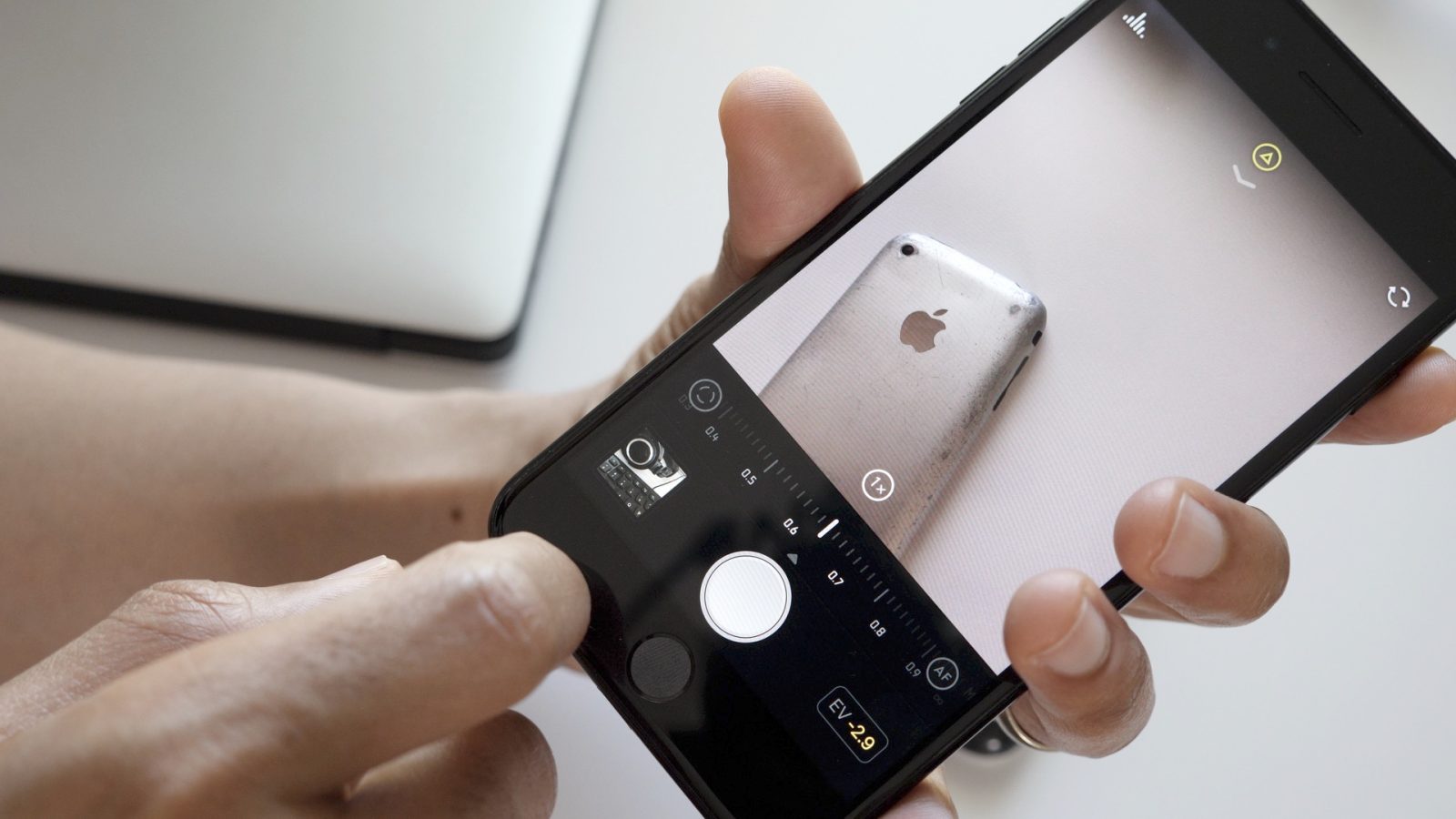
Halide is a recently released iOS camera app developed by former Twitter engineer, Ben Sandofsky, and former Apple designer, Sebastiaan de With. The app, with its focus on swipe gesture controls, is simple to use, but features depth thanks to its manual controls. Have a look at our hands-on video walkthrough to see why this $2.99 app (on sale) might be a good alternative option for the stock iOS camera app.
Expand
Expanding
Close

Hands-on: Elgato HD60 S – a solid video capture and live streaming companion [Video]

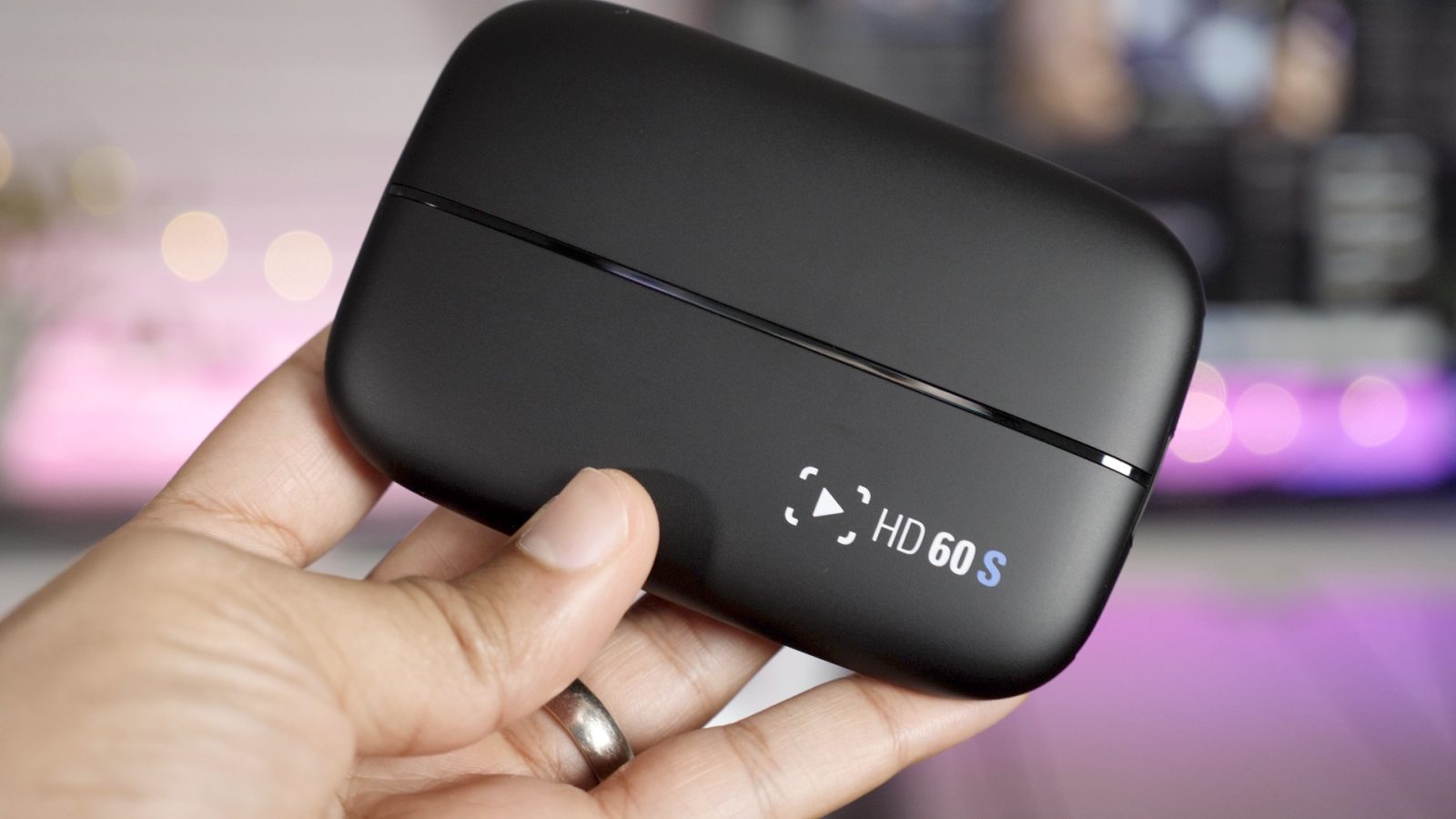
Working with video takes up a significant portion of my day-to-day schedule, and much of that is taken via a mirrorless camera like the Panasonic GH5. Yet, from time to time I find it necessary to capture direct feed video straight from source. In these situations, I’ve enjoyed using Elgato’s Game Capture HD60 S.

While the name ‘Game Capture’ may lead one to believe that the device is only relevant for gamers, it’s actually useful in a lot of different situations that may benefit Mac users. As an example, I used the Game Capture HD60 to capture UEFI BIOS footage for my Hackintosh builds, routing output straight from the video card.

But the Game Capture line of hardware is more than just a capture device; it can also be used to help facilitate live streams via Twitch, YouTube, and other services. Have a look at our hands-on unboxing and walkthrough of the $180 Game Capture HD60 S for more details.
Expand
Expanding
Close

Friday 5: Screens 4 brings new features to the Mac [Video]

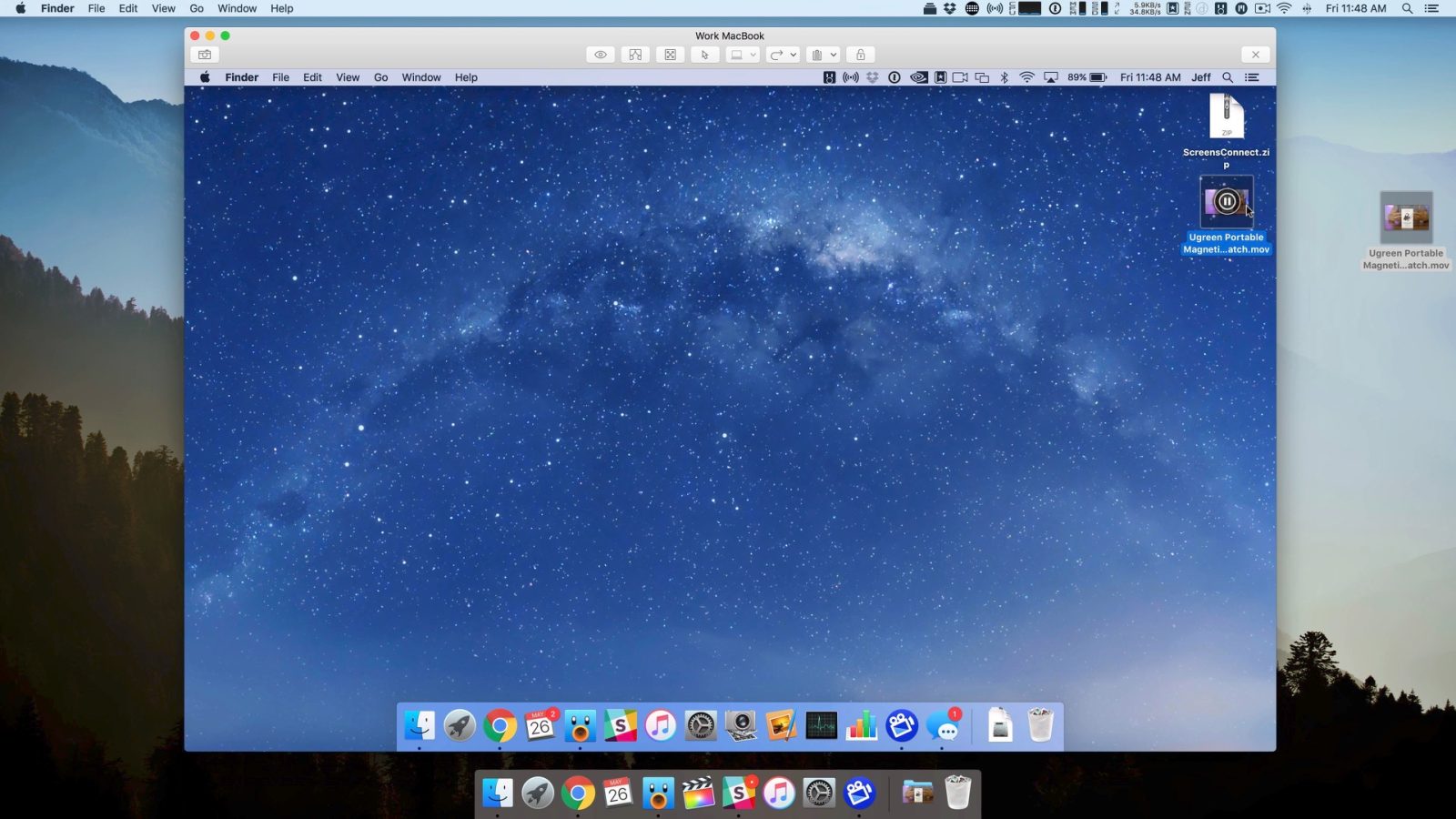
Although there are many solutions available to remotely connect to a Mac, Screens has long been my go to app for doing so. Edovia’s long-running app, available on both Mac and iOS, makes it extremely simple to connect back to your Mac, and forgoes the subscription business model for a one time payment model.

Screens 4, which just released for the Mac earlier this week, brings a bevy of new features to the table in an effort to make the app even easier to use. In this week’s Friday 5, we highlight a few of the new features that we especially appreciate.
Expand
Expanding
Close

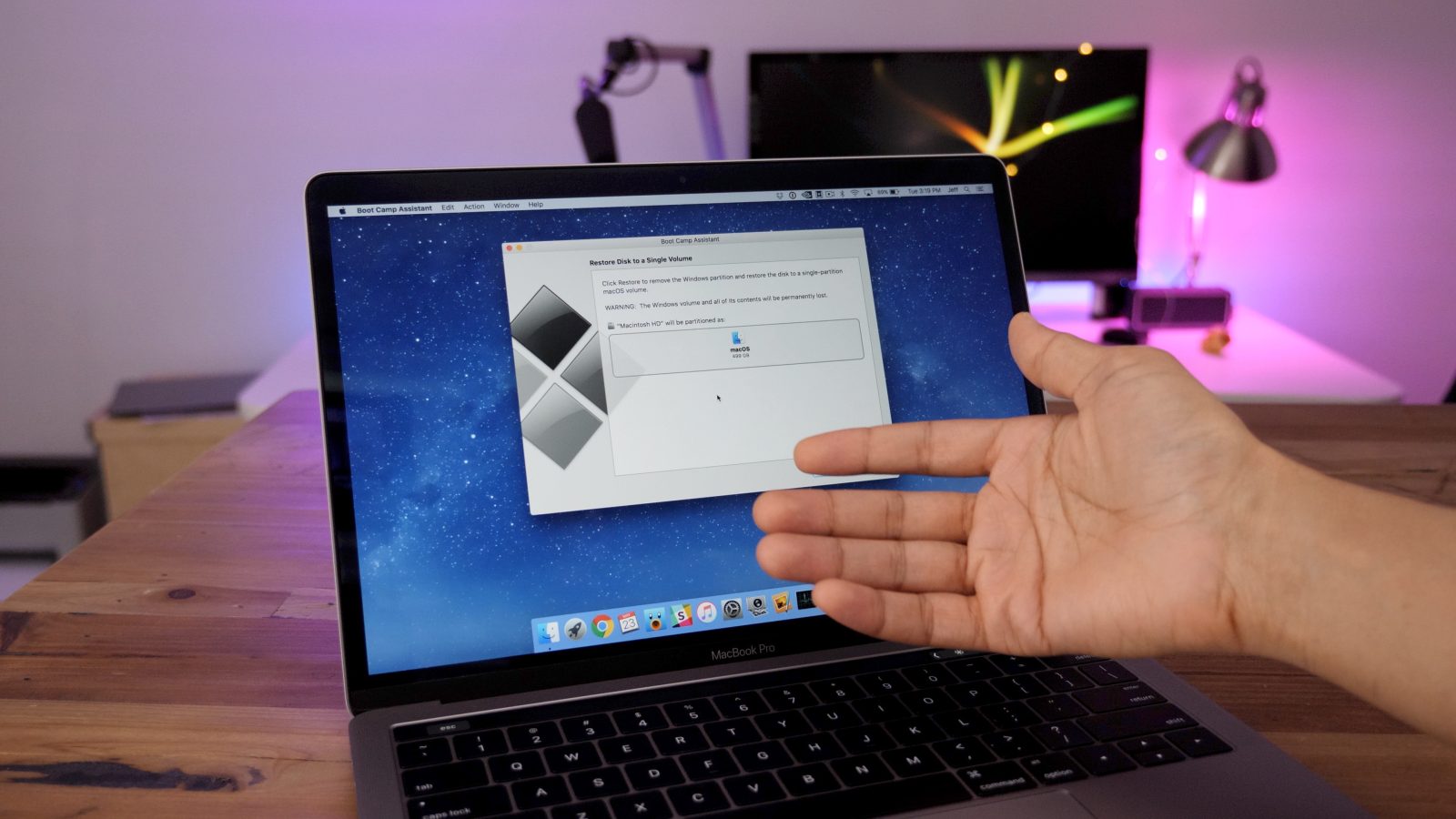
How to remove a Windows Boot Camp installation from your Mac [Video]

In a previous tutorial we showed you how to create a macOS Boot Camp partition for installing Windows 10 on a MacBook Pro. The process, while not difficult, can be slightly time consuming, especially if you have a slow Internet connection for downloading Windows 10.

Outside of the time it takes, another downside associated with creating a Boot Camp partition is that it can take up a significant amount of space on your primary drive. Since some Macs are fairly limited when it comes to internal storage space, having a large Boot Camp partition can make it tricky to manage storage space in macOS.

In this follow-up tutorial, we show you how to remove the Boot Camp partition from your Mac, which allows your primary macOS partition to reclaim its space. Unlike the Boot Camp creation + Windows 10 installation process, removing a Boot Camp partition couldn’t be easier. Watch our hands-on video walkthrough for the details.
Expand
Expanding
Close

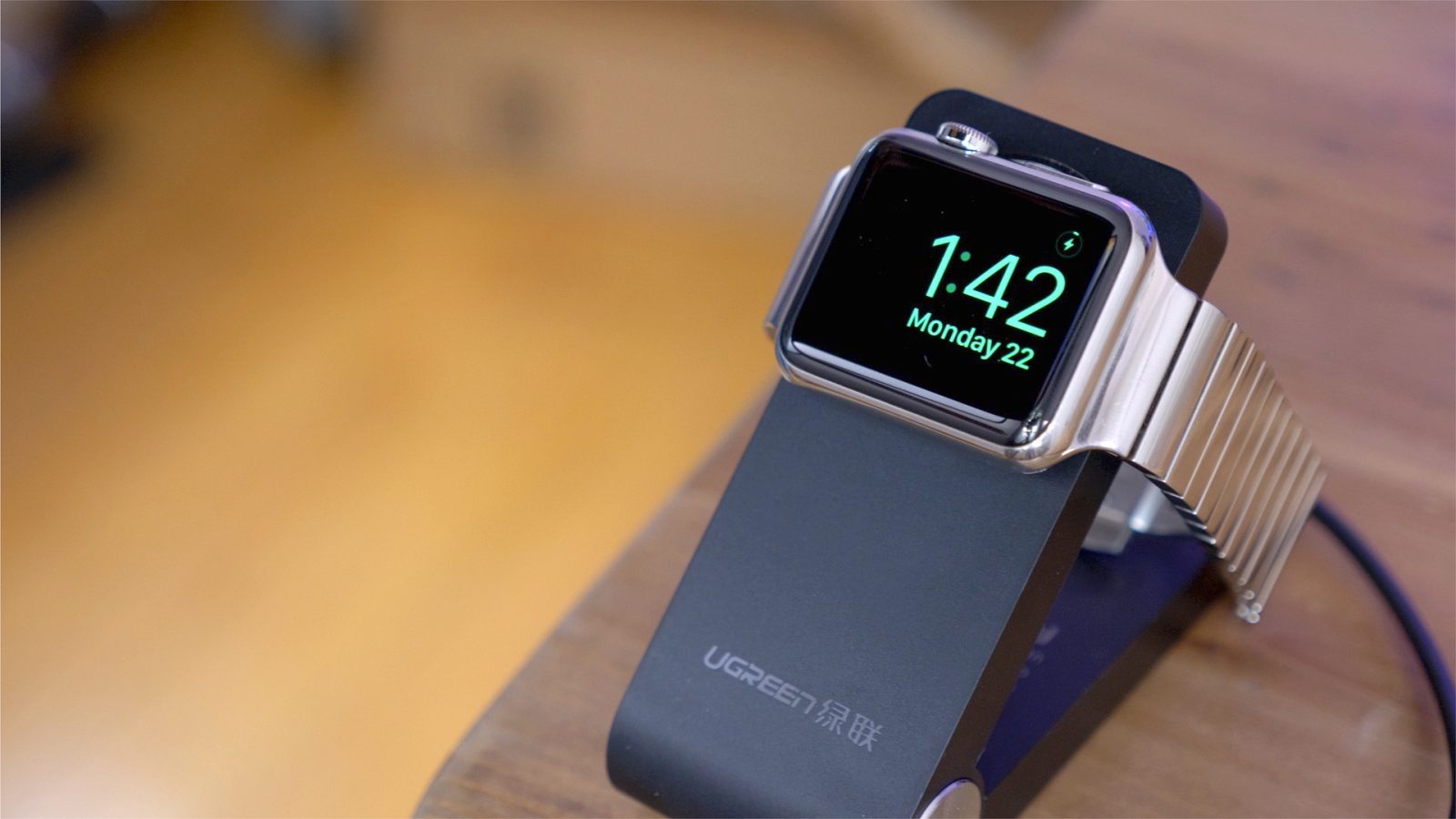
Hands-on: Ugreen Portable Magnetic Charging Stand for Apple Watch [Video]

The Portable Magnetic Charging Stand for Apple Watch is lengthy in name, but simple in purpose and execution. Ugreen’s latest Apple Watch accessory is a portable stand that can be adjusted to rest at a 45-degree angle to easily accommodate an Apple Watch with a closed-loop band installed.

Featuring an integrated magnetic inductive charging disk and built-in 4-foot USB cable, Ugreen’s $55 charger is ready to go out of the box, as long as you have access to a USB port that delivers the necessary power.
Expand
Expanding
Close

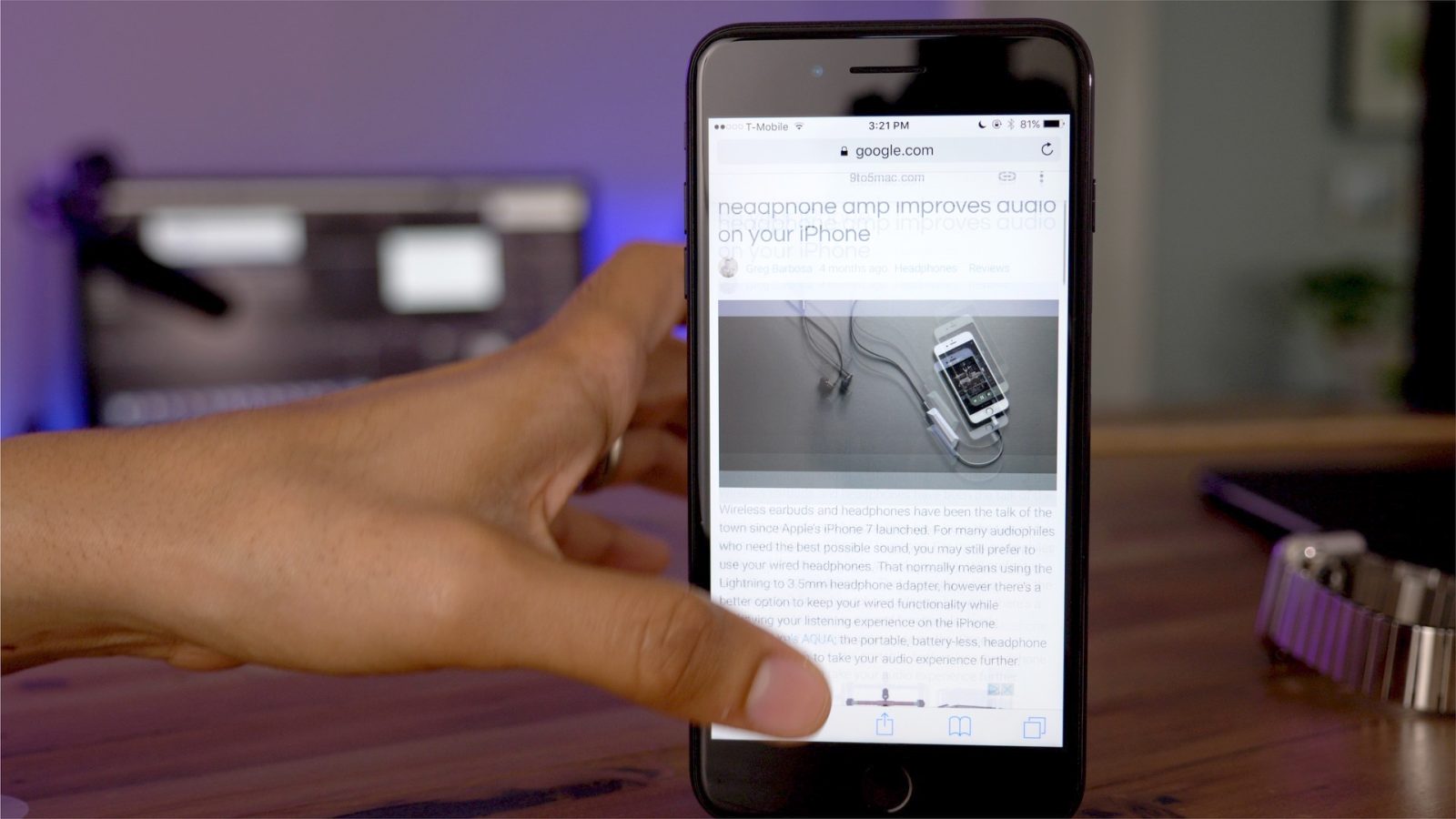
Scrolling in Safari will be updated to make it faster; more consistent with the rest of iOS [Video]

A noteworthy change is headed to a mobile Safari browser near you. The inertia scrolling properties currently used within mobile Safari will be updated to be faster and more consistent with other apps, including Apple-made apps, in iOS.

Currently Safari features slower inertia scrolling properties, something that the browser has featured since its inception back in 2007. Google’s Accelerated Mobile Pages Project (AMP), which seeks to speed up web page access times by providing a stripped down version of HTML, features different scroll inertia due to inconsistencies in the way Safari is currently designed.

In a future Safari update, its scrolling behavior will be changed to be more in line with scrolling performance throughout the rest of iOS, effectively reducing the rate of scroll deceleration.
Expand
Expanding
Close

Jailbreak developer hacks NFC on iPhone 6s to talk to NFC devices

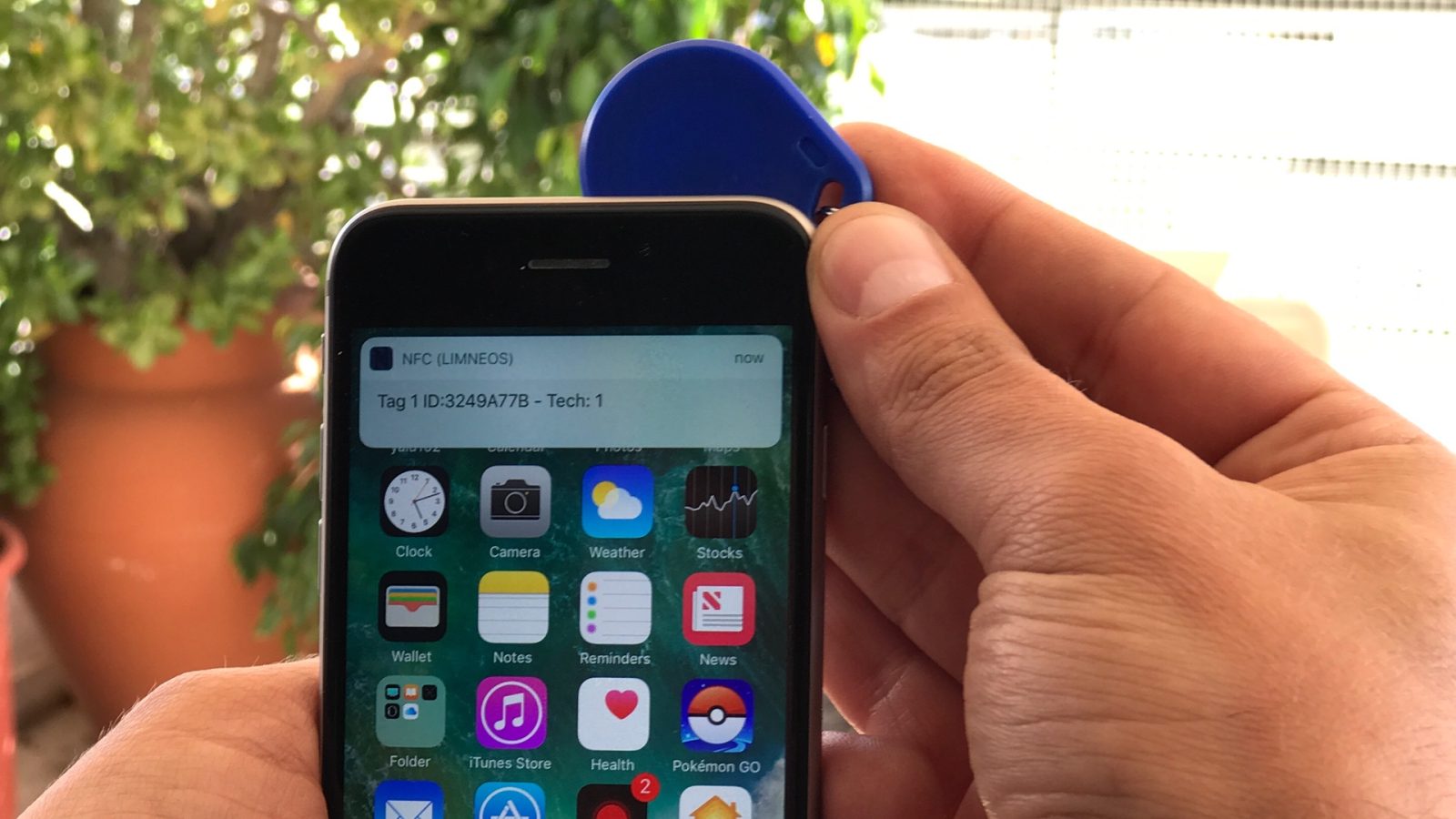
Jailbreak developer Elias Limneos has accomplished a feat with his jailbroken device that some are hoping will eventually be a standard feature on iPhones. He’s made it so that his jailbroken iPhone responds to NFC-enabled devices. Thus far, Limneos has tested his hack with NFC-enabled tags, but the proof of concept holds promise for jailbroken iPhone users.

Expand
Expanding
Close

Hands-on: Accell’s USB-C to HDMI 2.0 adapter connects the MacBook Pro to 4K displays @60Hz [Video]

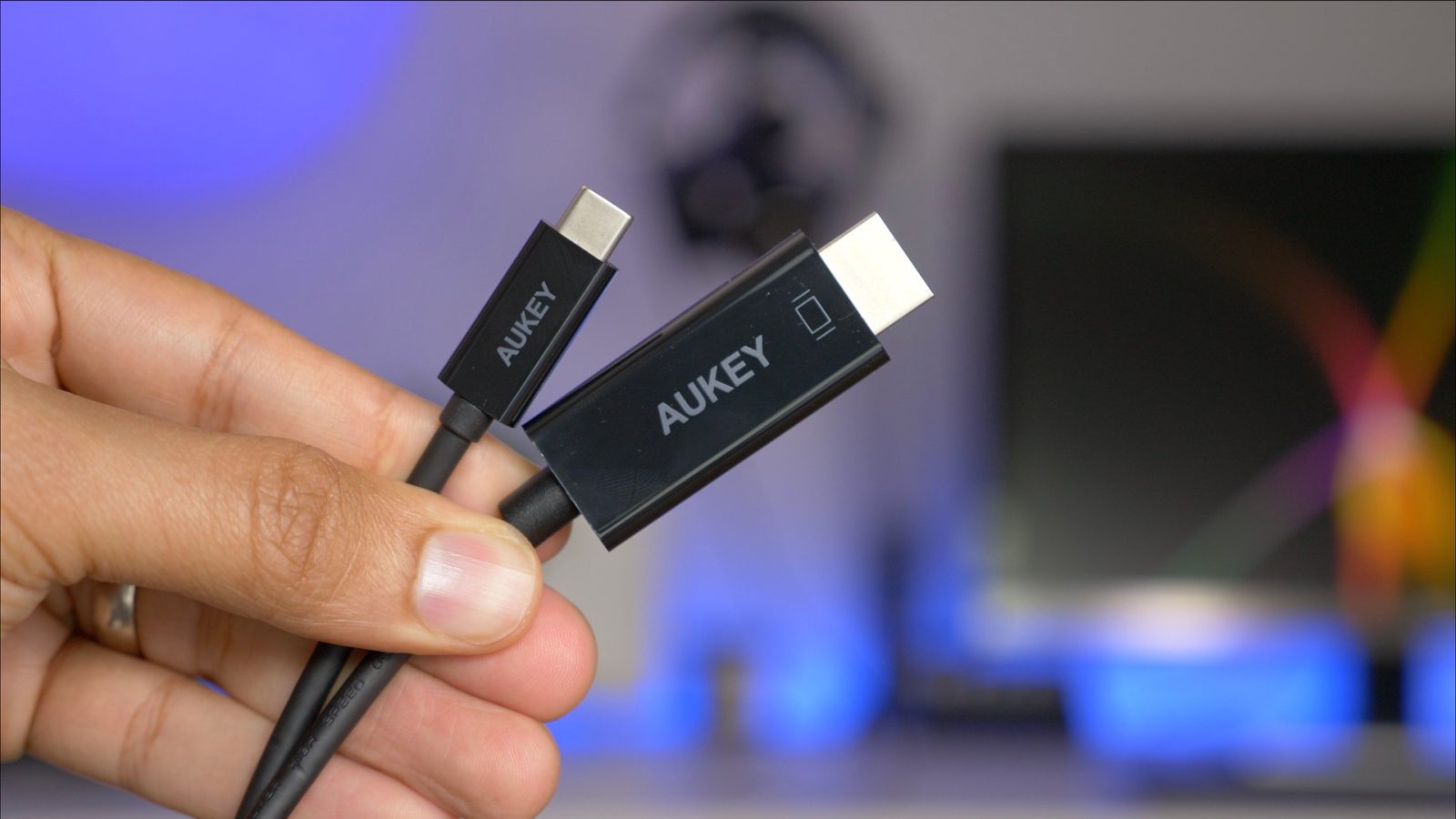
A few weeks ago we reviewed Aukey’s USB-C to HDMI Cable for the MacBook Pro. It worked, but since it featured HDMI 1.4, it only allowed for connecting to 4K displays at 30Hz max.

While such an adapter works well for watching movies with lesser refresh rates, 30Hz is not the ideal refresh rate for working on a computer monitor. Such a refresh rate can often lead to headaches and eyestrain, not to mention the choppiness and laggy cursor movement.

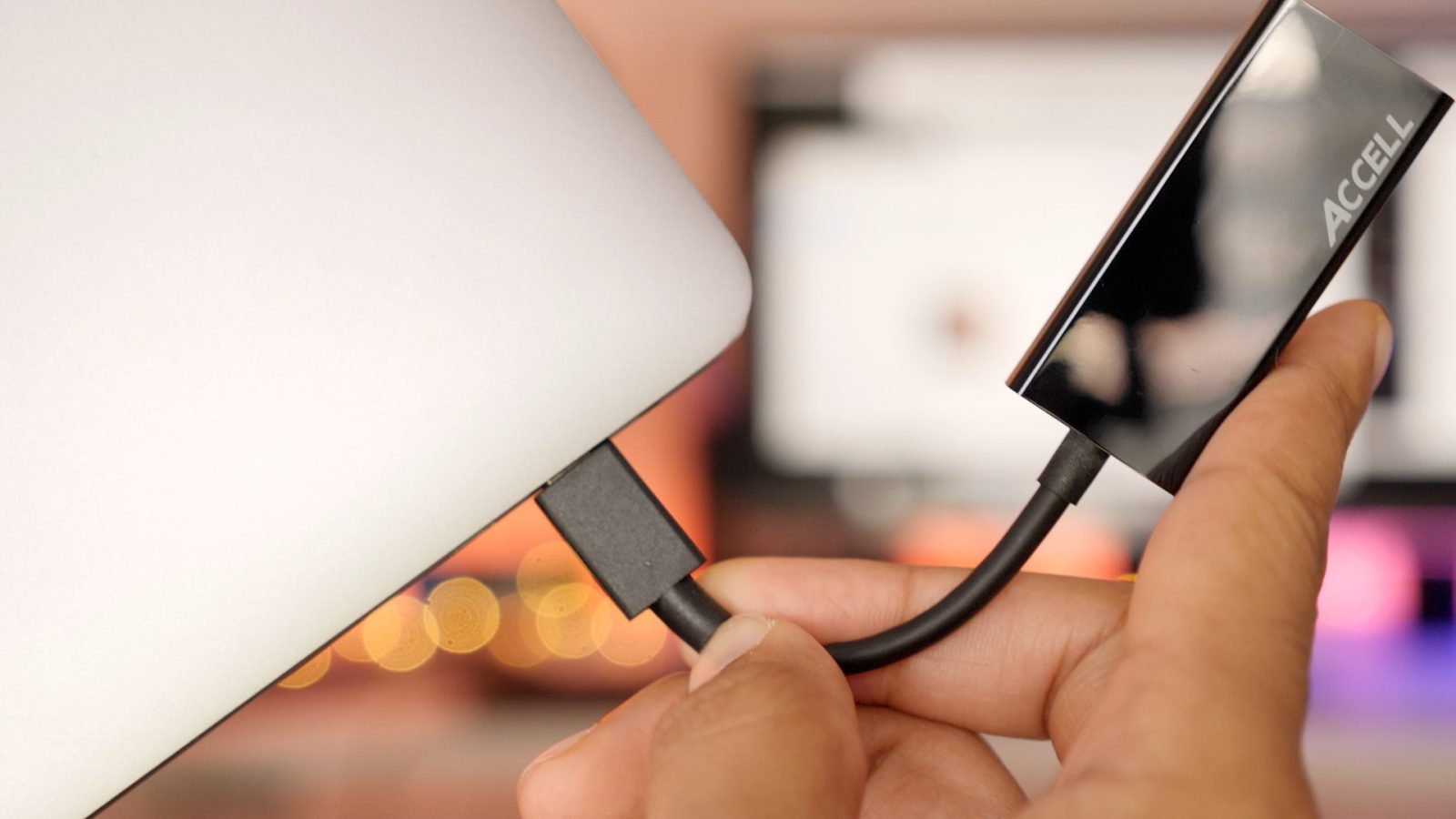
Accell’s new USB-C adapter promises to address this issue by including HDMI 2.0. How is this possible when USB-C only supports HDMI 1.4b? Watch our hands-on video inside for the details.
Expand
Expanding
Close

2017 iPad follow-up: still worth buying? [Video]

I’ve been using the 2017 9.7-inch iPad on a regular basis for the last month and a half, and I wanted to take the opportunity to follow-up on my original hands-on.

Almost all of my initial impressions have held up well over the last month or so. The iPad, at only $329 is still a fantastic deal for anyone looking to buy their first iPad, or upgrade from aging hardware without breaking the bank.
Expand
Expanding
Close

Hands-on: StarTech’s USB-C to SATA adapter makes for a great MacBook Pro accessory

I recently got my hands on the Atomos Ninja Inferno external recorder and monitor for my Panasonic GH5. This 7-inch monitor allows you to record 4K video directly to 2.5-inch SATA SSDs. It’s a wonderful tool for my video workflow, because it allows for extra long recording times, and fast data transfers to my Mac.

The only problem is that the external monitor doesn’t ship with the needed USB-enabled caddy for transferring data from the SSD to my MacBook Pro. Atomos sells a docking station, but it’s limited to USB-A connections.

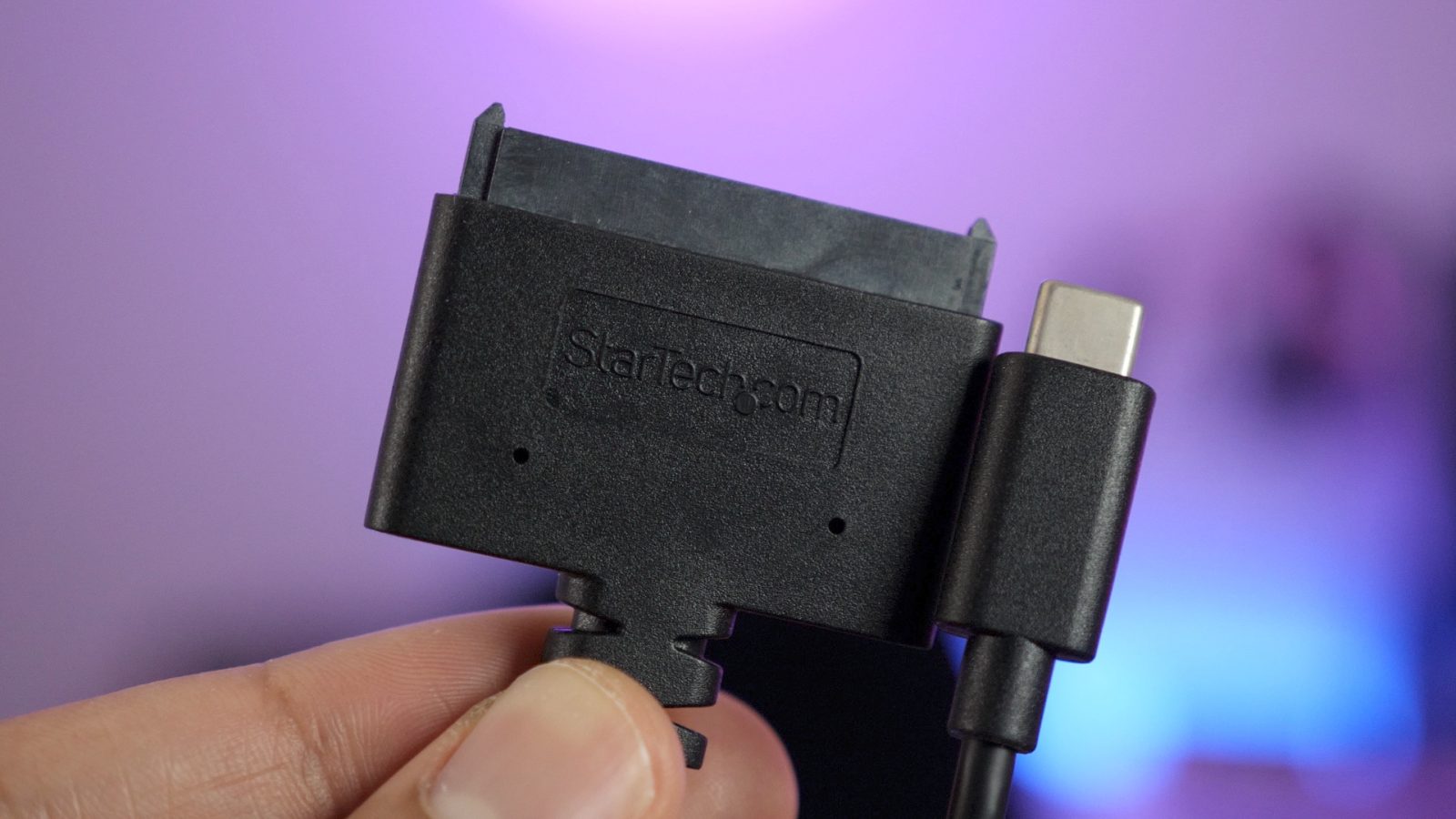
That’s where StarTech’s wonderful USB-C to SATA adapter comes in. This inexpensive adapter makes it super-easy to transfer data from a SATA-enabled SSD to the MacBook Pro via USB-C. Watch our hands-on video inside for the details.
Expand
Expanding
Close

Friday 5: Handy Mac utilities to check out this weekend [Video]

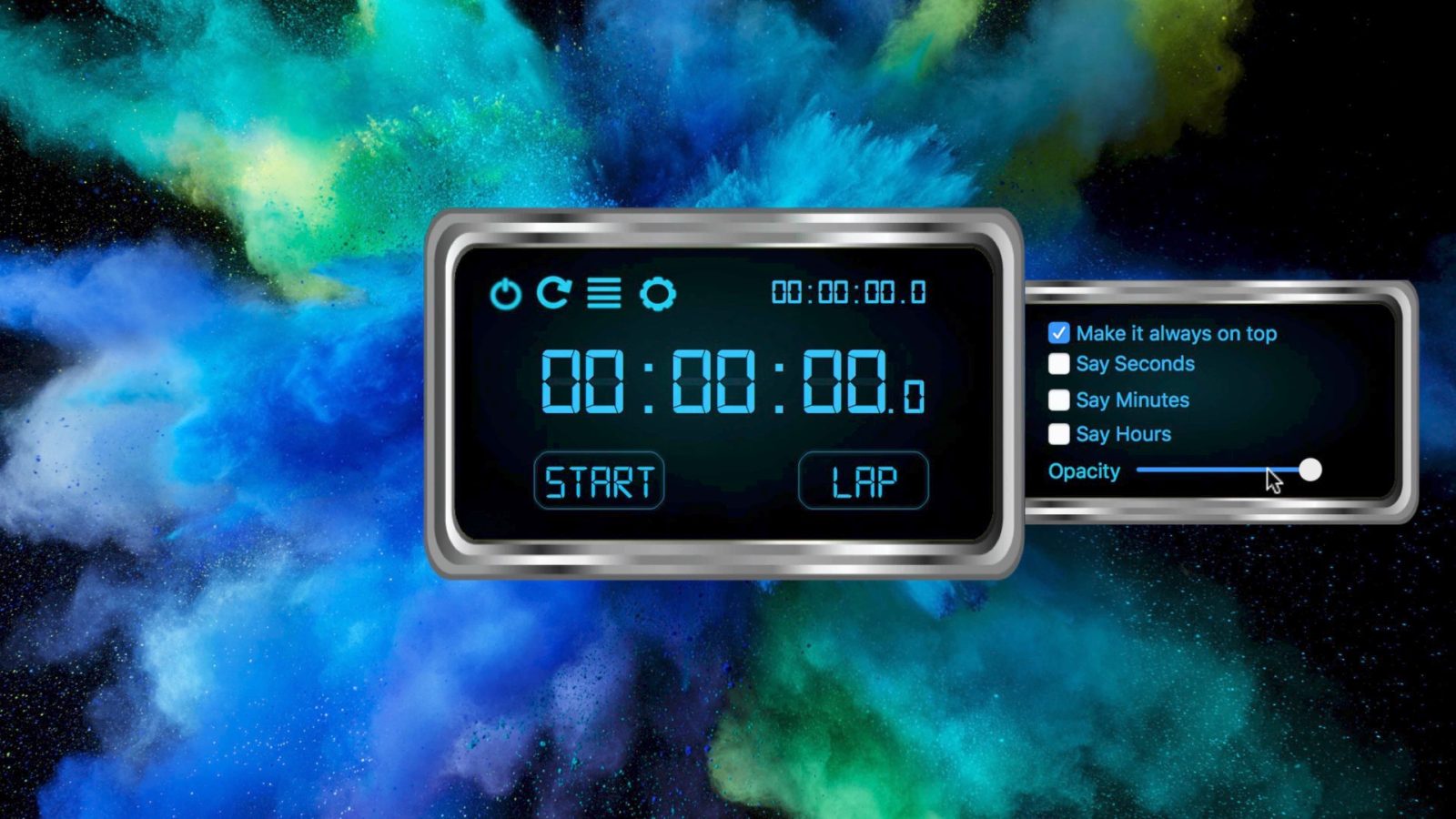
In this week’s edition of Friday 5, we have a look at a few handy Mac utilities that I use on a regular basis. Apps include SuperDuper, a long-available tool that lets you create reliable disk clones, and Intel Power Gadget, a handy way to monitor CPU performance on macOS. But it doesn’t stop there, have a look at our full list and video for a brief look at all of this week’s app selections.
Expand
Expanding
Close

Hackintosh: AMD or Nvidia for Final Cut Pro X? [Video]

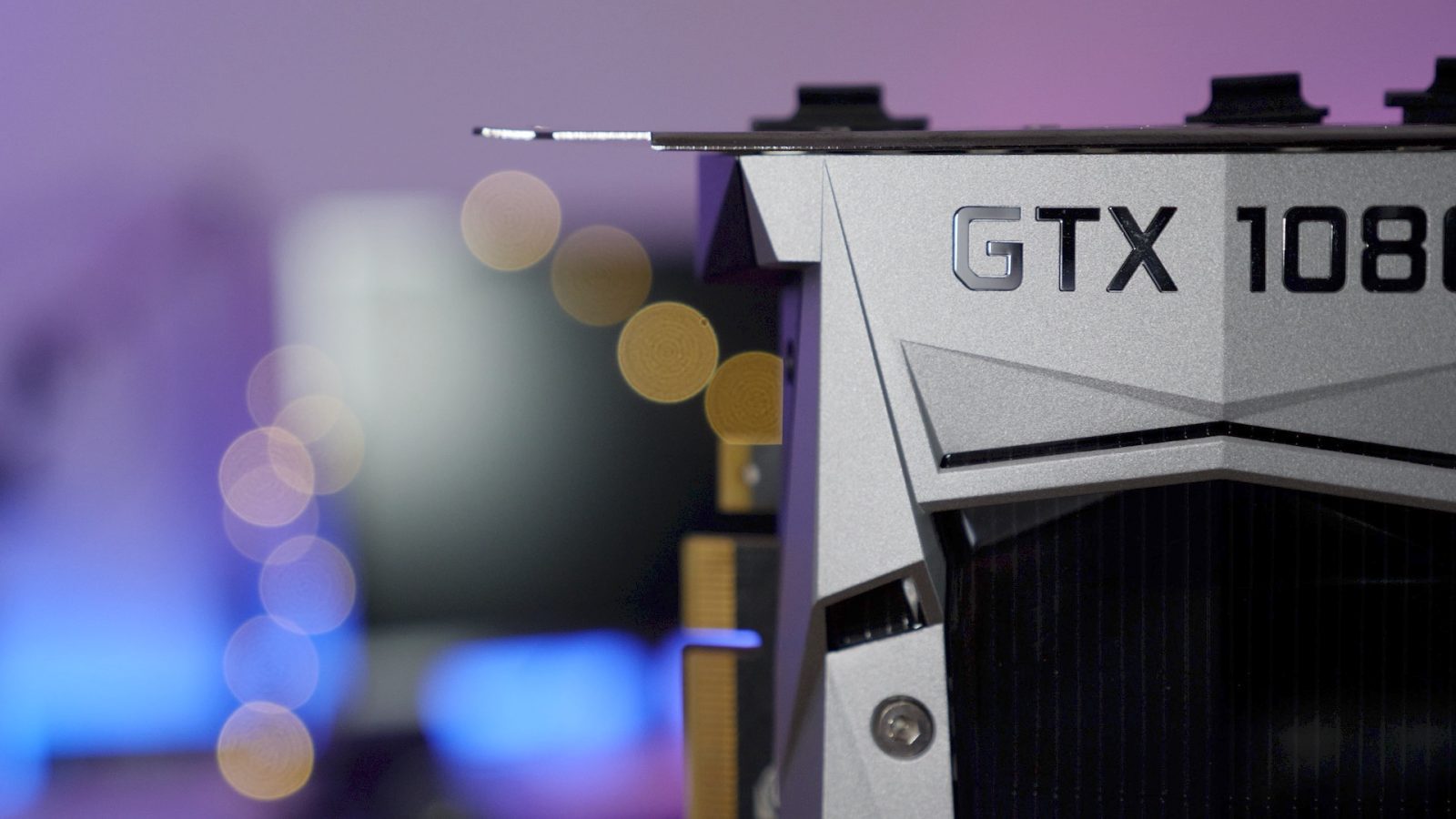
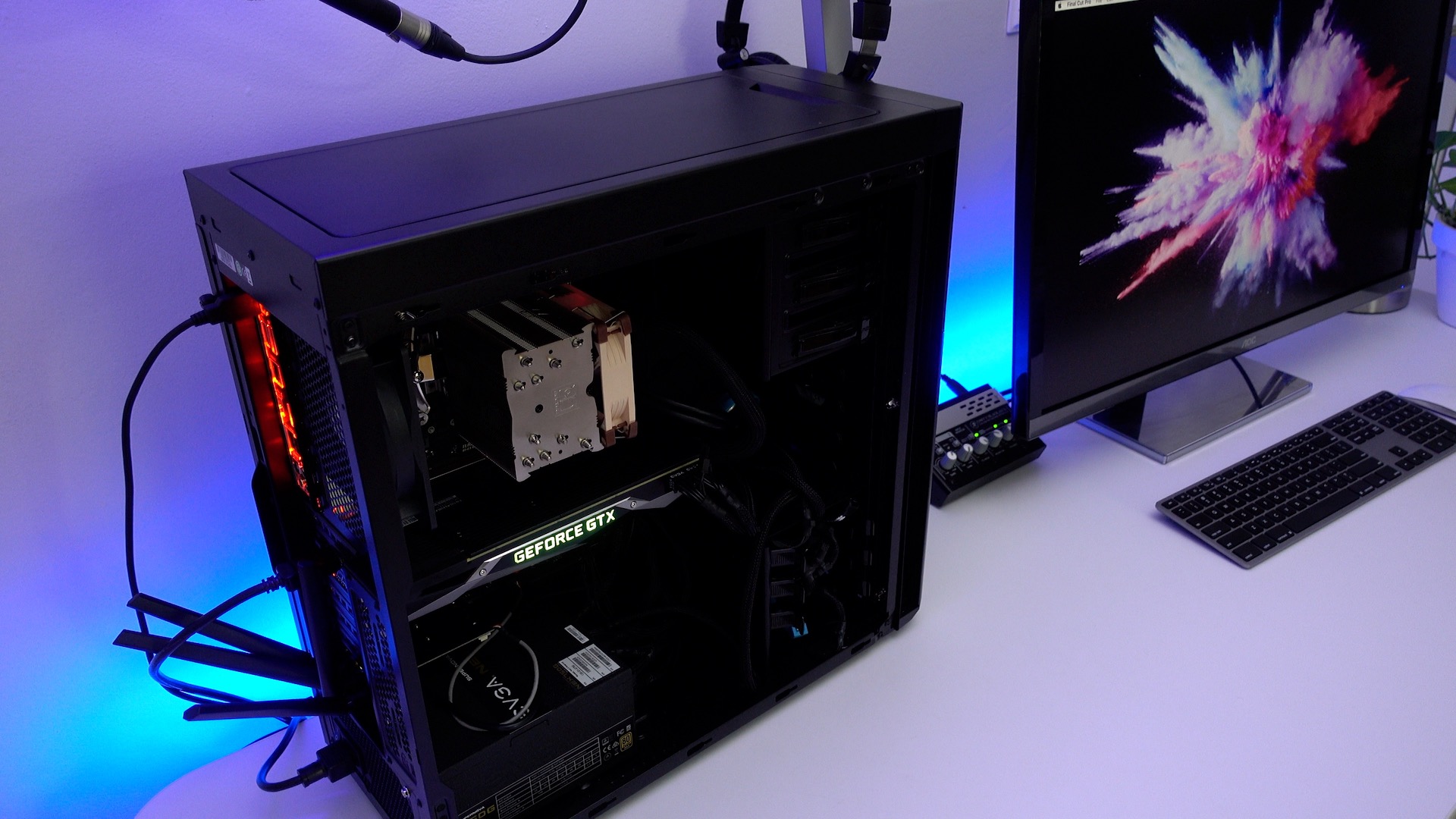
If you’re looking to build a Hackintosh that can serve as a competent Windows gaming rig on the side, then a build powered by an Nvidia GPU is a good choice. In our most recent Hackintosh build, we paired an Intel i7 6700k with Nvidia’s fastest gaming GPU, the 1080 Ti.

The results weren’t all that surprising. Performance was good in a macOS environment even when using Nvidia’s beta web drivers. Performance was a lot better, though, in a Windows environment, where Pascal GPUs can really thrive.

If you’re interested in building a Hackintosh solely for video editing, however, then an Nvidia-powered GPU option might not be the best choice. Sure, Nvidia GPUs with their CUDA cores are generally superior for editing in an Adobe workflow, but if you’re building a Hackintosh machine solely for video editing, chances are you’re interested in running Final Cut Pro X.


Expand
Expanding
Close

Hands-on: iOS-compatible LaMetric Time clock is like a status board for your desk [Video]

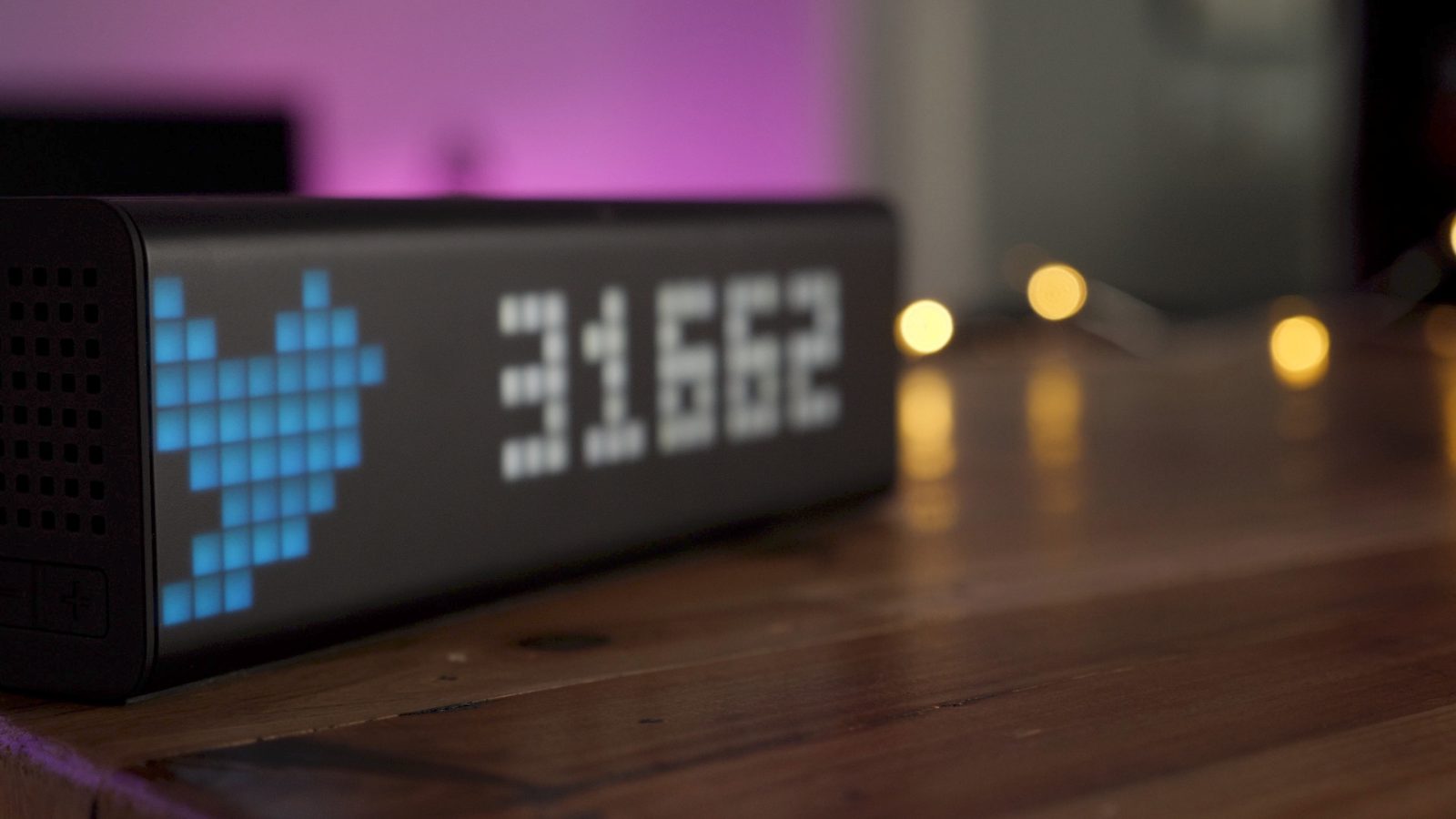
The LaMetric Time is a highly-customizable Wi-Fi-enabled clock that can be configured via its free iOS companion app. The app allows you to customize the clock face, and load apps for displaying personalized information — things like Twitter followers and realtime YouTube subscriber numbers, for example.

Although the LaMetric Time includes a clock, it’s more of a smart dashboard that can be fed information from a seemingly endless amount of Internet-connected sources. The device, which includes Bluetooth-enabled stereo speakers, makes for a good desktop companion that keeps you up to date with details on everything from Instagram followers to stock updates. Have a look at our hands-on video walkthrough for more details.
Expand
Expanding
Close

How-To: alter the macOS Dock autohide animation for a more responsive experience [Video]

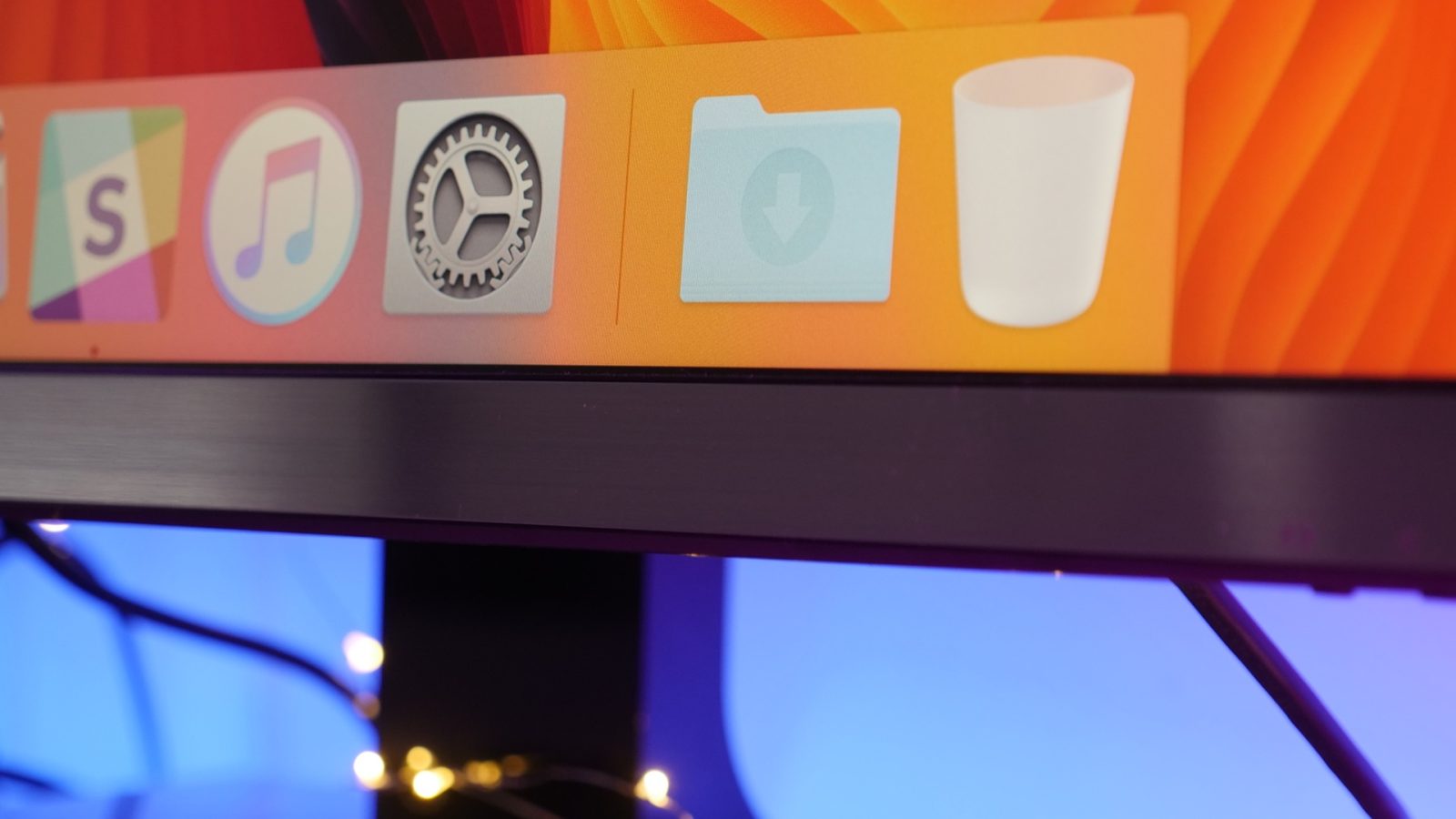
Full screen apps on macOS are great, because they automatically hide the dock and menu bar, providing users with maximum screen real estate for work. Yet, some apps, like those in Adobe’s Creative Cloud Suite, have yet to adopt proper full screen behavior in macOS.

When using apps that don’t allow proper full screen usage, hiding the Dock is a viable option for gaining additional screen real estate. Unfortunately, the Dock’s autohide feature comes bundled with an animation that results in a perceivable delay.

The animation is minimal and probably won’t bother most people, but I find it annoying. For this reason I use a simple terminal command to alter the autohide delay for the Dock. It’s one of the first things that I do on a new macOS installation.

Expand
Expanding
Close

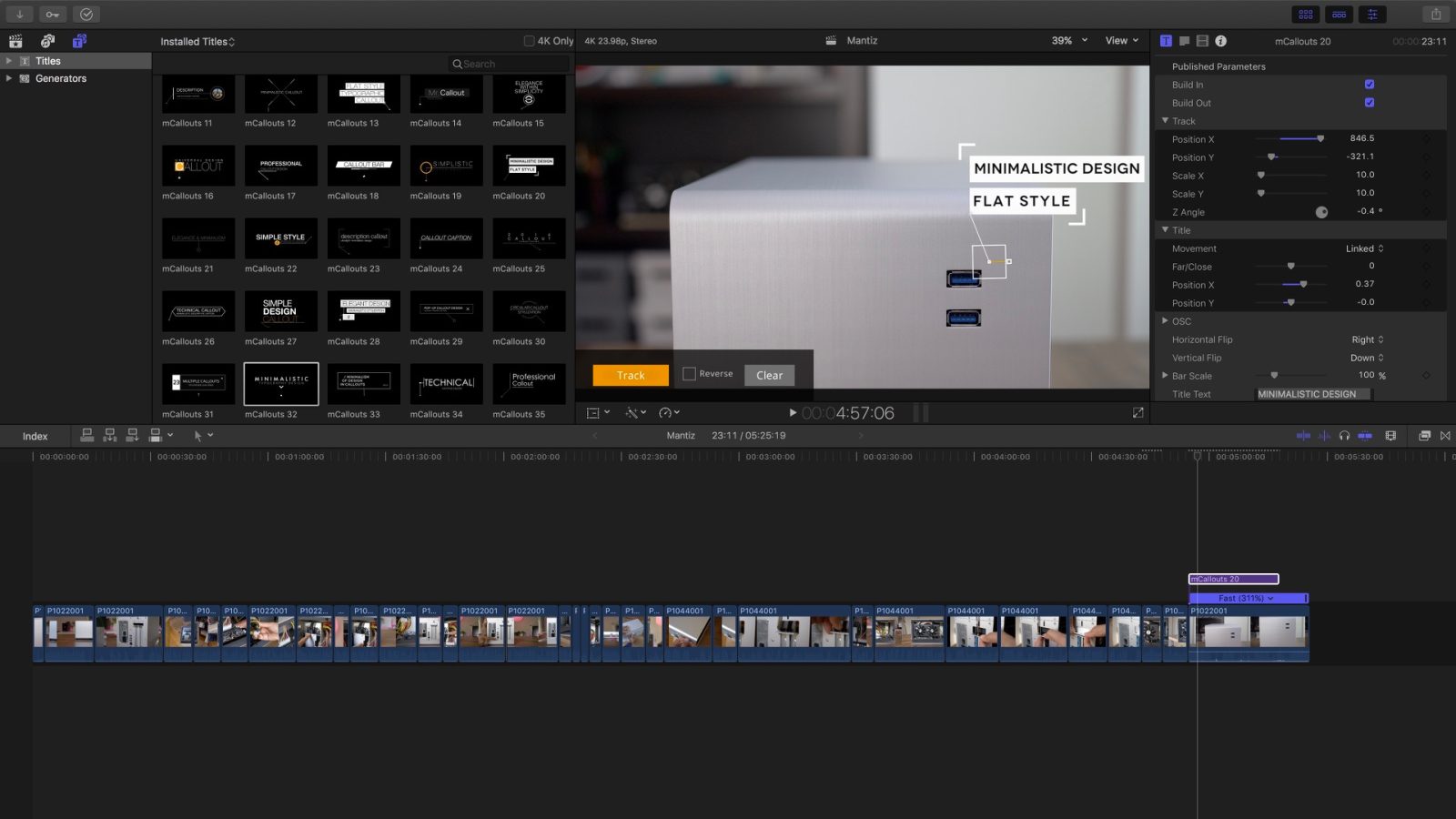
Final Cut Pro X: How to track objects using animated text callouts [Video]

If you’d like to add tracked text to Final Cut Pro X, there are many ways to go about doing so. For instance, I used to faux-track objects manually by using keyframes. Needless to say that was quite the tedious endeavor.

Tracking text is easier and much more accurate when using a plugin like MotionVFX’s mCallouts, which is powered by the excellent Mocha Tracking Technology from Imagineer Systems.

There are several packages in the mCallouts series, but each of them contain a heaping helping of callout styles that you can use to add tracked text to the objects in your Final Cut Pro X projects. In this brief hands-on video walkthrough, I’ll show you just how easy it is.
Expand
Expanding
Close

Hands-on: Mantiz Venus – a Thunderbolt 3 eGPU + docking station with 87W of USB Power Delivery [Video]

Mantiz’s Venus is an upcoming eGPU box and docking station for Thunderbolt 3-enabled laptops like the 2016 MacBook Pro. The Taiwanese-based company is working on bringing two eGPU boxes to market — the eccentric-looking Saturn, and the more subdued-looking Venus.

The friendly folks at Mantiz agreed to send over a Venus eGPU/docking station, allowing me to take it for a quick test drive when paired together with my 13-inch 2016 MacBook Pro. Featuring an all-aluminum outer shell with classic Mac Pro cheese grater-inspired perforated design, the Venus is one of the more attractive eGPU solutions that I’ve seen thus far. Have a look at our hands on video walkthrough inside for more details.
Expand
Expanding
Close

Logitech launches Slim Folio keyboard case with four-year battery life for new 2017 iPad

Apple’s recently released 5th-generation iPad is receiving a new third-party keyboard courtesy of Logitech. The Slim Folio is a Bluetooth-enabled keyboard that snaps onto the new 2017 9.7-inch iPad to enable more efficient typing.

But the most compelling thing about Logitech’s iPad keyboard case is its battery life. Thanks the implementation of power-sipping Bluetooth Low Energy, Logitech states that the unit’s coin cell batteries can last up to four years with two hours of daily usage. Depending on how you use your iPad, that could mean that you’ll never have to worry about the Slim Folio’s Keyboard for the lifetime of iPad ownership.
Expand
Expanding
Close

Building a GTX 1080 Ti-powered Hackintosh: Installing macOS Sierra step-by-step [Video]

Site default logo image


A few days ago we posted about the hardware used and performance benefits of my most recent Hackintosh build. In today’s tutorial, I’ll step through the entire install process in full unabridged detail.

While it might seem a bit daunting to go through the Hackintosh setup process for the first time, once you understand the basics, it’s not so difficult. Have a look at our hands-on video for more details.
Expand
Expanding
Close

Building a GTX 1080 Ti-powered Hackintosh: hardware and performance results [Video]

Site default logo image

In a previous article, posted shortly after Nvidia announced its new Pascal Mac drivers, I briefly discussed my plans to build a new Hackintosh. I’ve been planning and working on the machine for over a week, and I’m finally at the point where I can share the results of my journey.

This isn’t my first Hackintosh build, but it’s the first build where I decided to go about it without the assistance of the excellent tools over at tonymacx86. I’ve been long interested in building a Hackintosh using just the Clover EFI Bootloader, and that’s exactly what I did for this build.

Going about it this way allowed me to learn more about the process, and helped me to see that the entire premise, while tedious at times, is actually fairly straightforward. In this initial post, I’ll talk about some of my reasoning behind my hardware choices, and share some initial experiences and benchmark results.
Expand
Expanding
Close