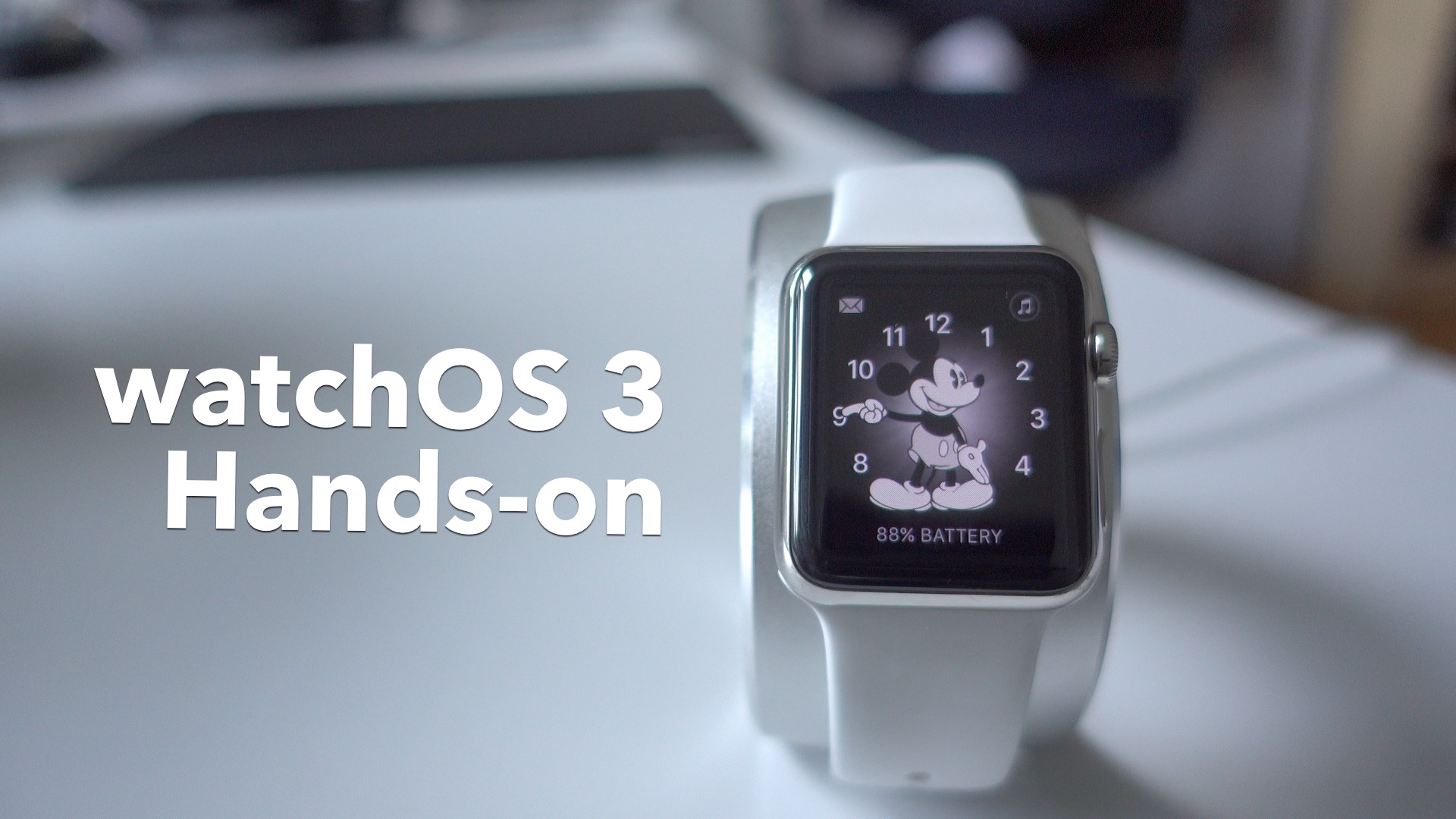
Like iOS 10, tvOS 10 and macOS Sierra, watchOS 3 is a major update that pushes Apple’s wearable platform forward. You’ll find that, even in this early beta, the experience is much better than previous versions of watchOS.

Jeff is the head of video content production for 9to5. He joined 9to5Mac in 2016, producing videos, walkthroughs, how-tos, written tutorials, and reviews. He takes pride in explaining things simply, clearly, and concisely. Jeff’s videos have been watched hundreds of millions of times by people seeking to learn more about today’s tech. Subscribe to 9to5Mac on YouTube to catch Jeff’s latest videos.
iOS Decoded is Jeff’s flagship video series that breaks down what’s new in iOS betas, including behind-the-scenes deep dives into undiscovered features and exclusive details on the iOS roadmap.
Jeff also produces a weekly podcast, alongside co-host Fernando Silva, entitled 9to5Mac Overtime. A video-first podcast, 9to5Mac Overtime airs weekly on our YouTube channel, but can also be enjoyed in audio form via Apple Podcasts, or your podcast app of choice.
Have a tip or exclusive? Connect with Jeff!


Like iOS 10, tvOS 10 and macOS Sierra, watchOS 3 is a major update that pushes Apple’s wearable platform forward. You’ll find that, even in this early beta, the experience is much better than previous versions of watchOS.
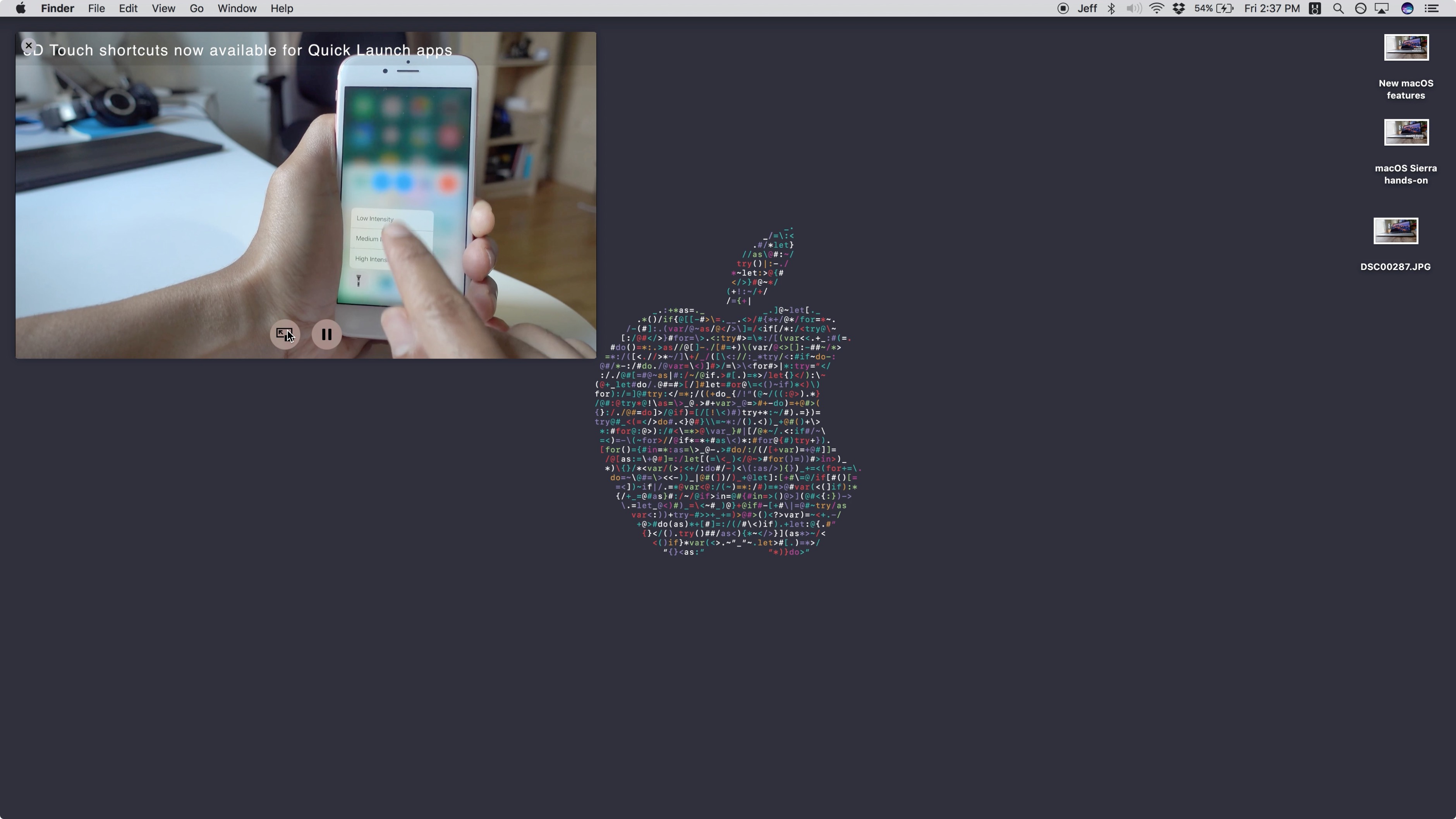
One of the big new features in macOS Sierra is the new iPad-inspired Picture-in-Picture mode for Safari. This allows users to detach a video from its player so that it’s always viewable across desktops and while using other apps.
Although YouTube’s player doesn’t make it readily apparent that its videos work with Picture-in-Picture, it’s quite easy to enable the handy feature for all of your favorite YouTube videos on Safari.
Expand
Expanding
Close
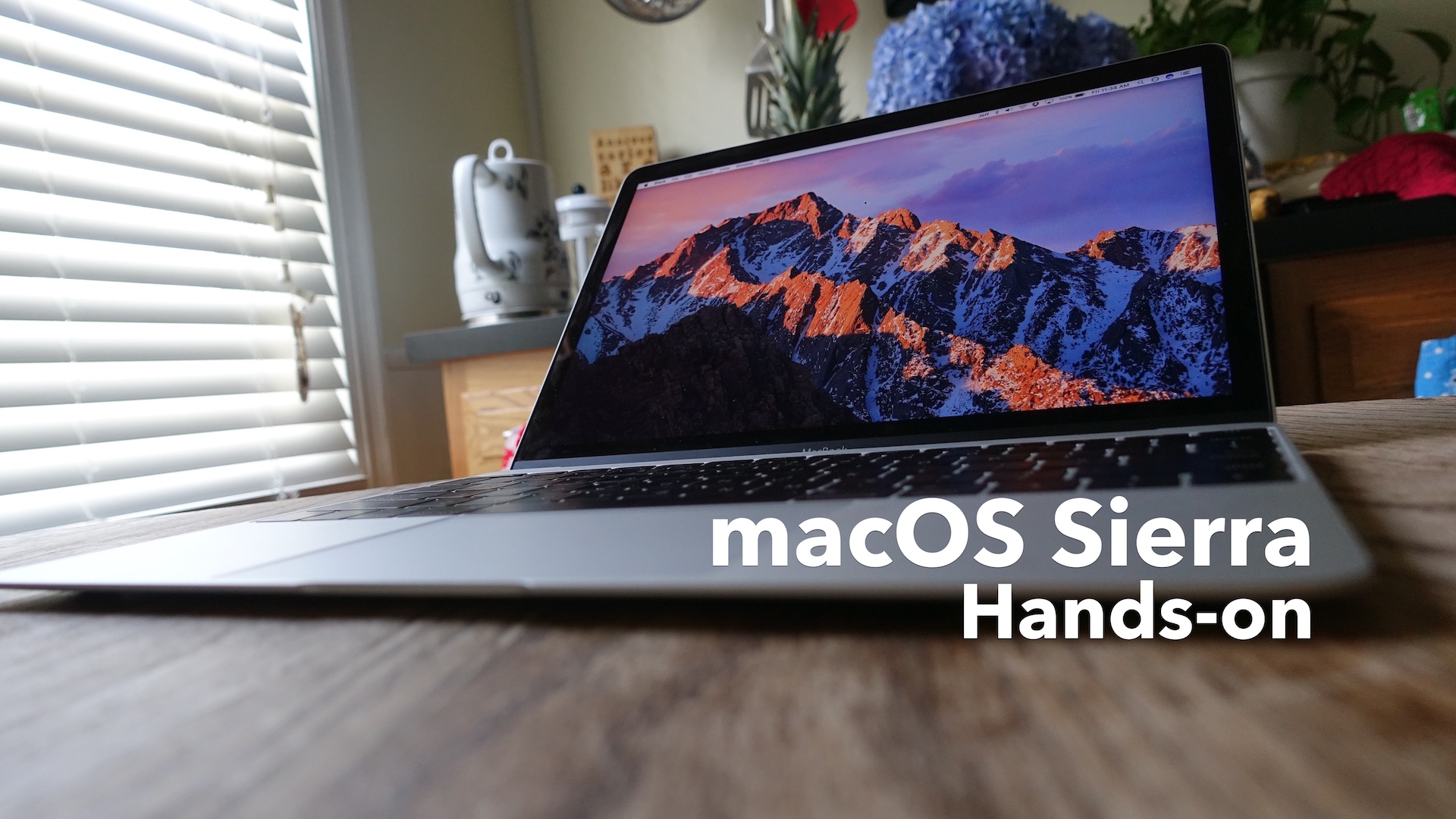
Although it hasn’t garnered the same level of excitement as iOS 10’s unveiling, there are quite a few compelling additions to be found in macOS Sierra. Along with a rebranded and more modern naming convention, macOS Sierra adds Siri, a Universal Clipboard for sharing clipboard contents between iOS and macOS, and many more underlying features.
Expand
Expanding
Close
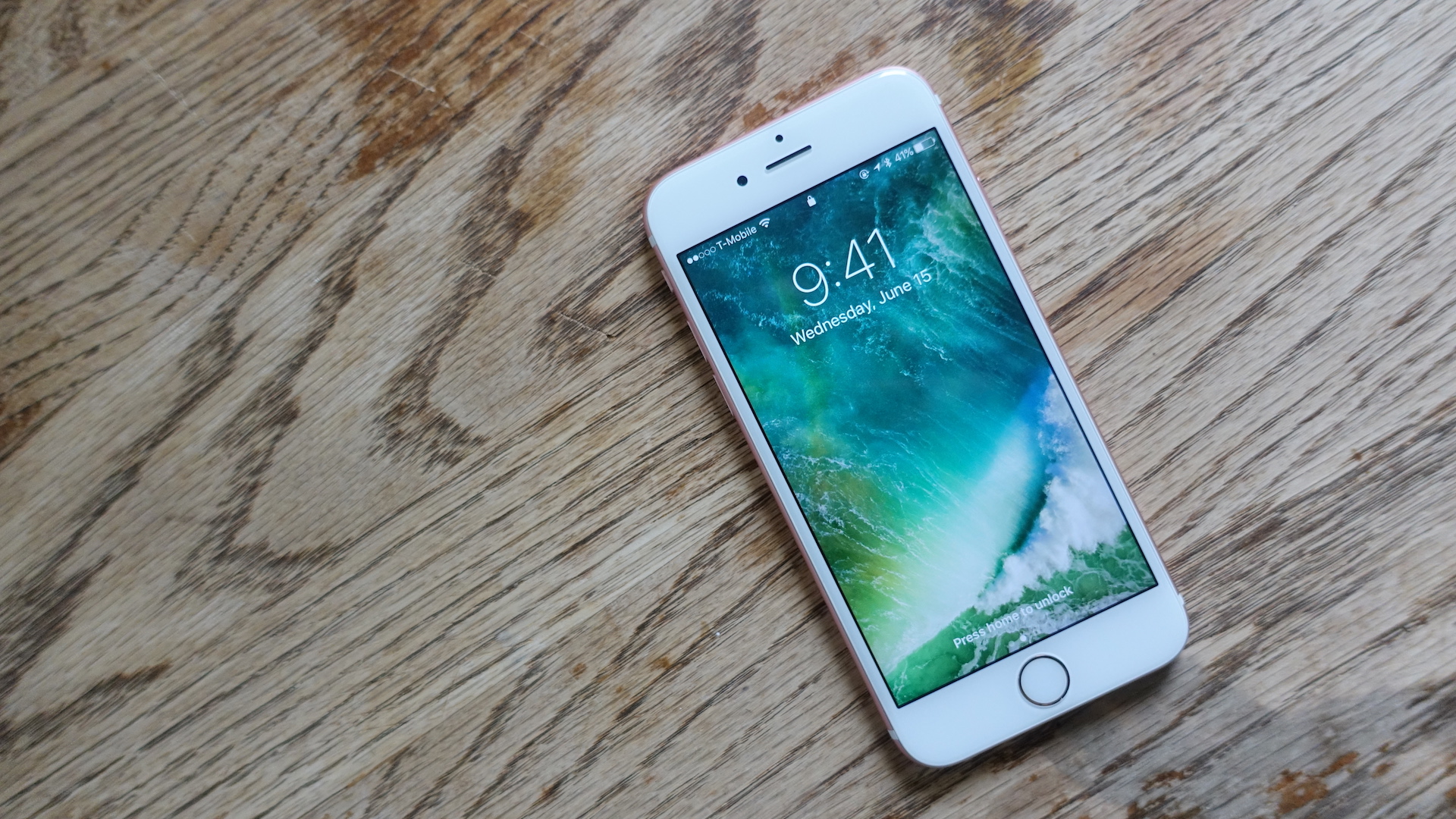
On Monday Apple unveiled the highly-anticipated software update for the iPhone and iPad. As expected, it’s a huge release that brings a bevy of new and exciting features to the table.
In the following video walkthrough, we take a look at 75 of the features and changes found in iOS 10. Some of the features covered are obvious changes, and some are more surprising.
Expand
Expanding
Close

It’s now possible to open an unlimited number of tabs in iOS 10’s Safari browser. With that in mind, it would be quite tedious to have to close each tab one-by-one, and fortunately Apple realizes this.
In iOS 10, users now have the option of closing all open Safari tabs in one fell swoop. To do so, simply tap and hold the tab button, and you’ll be prompted to close all open tabs at once.
Expand
Expanding
Close
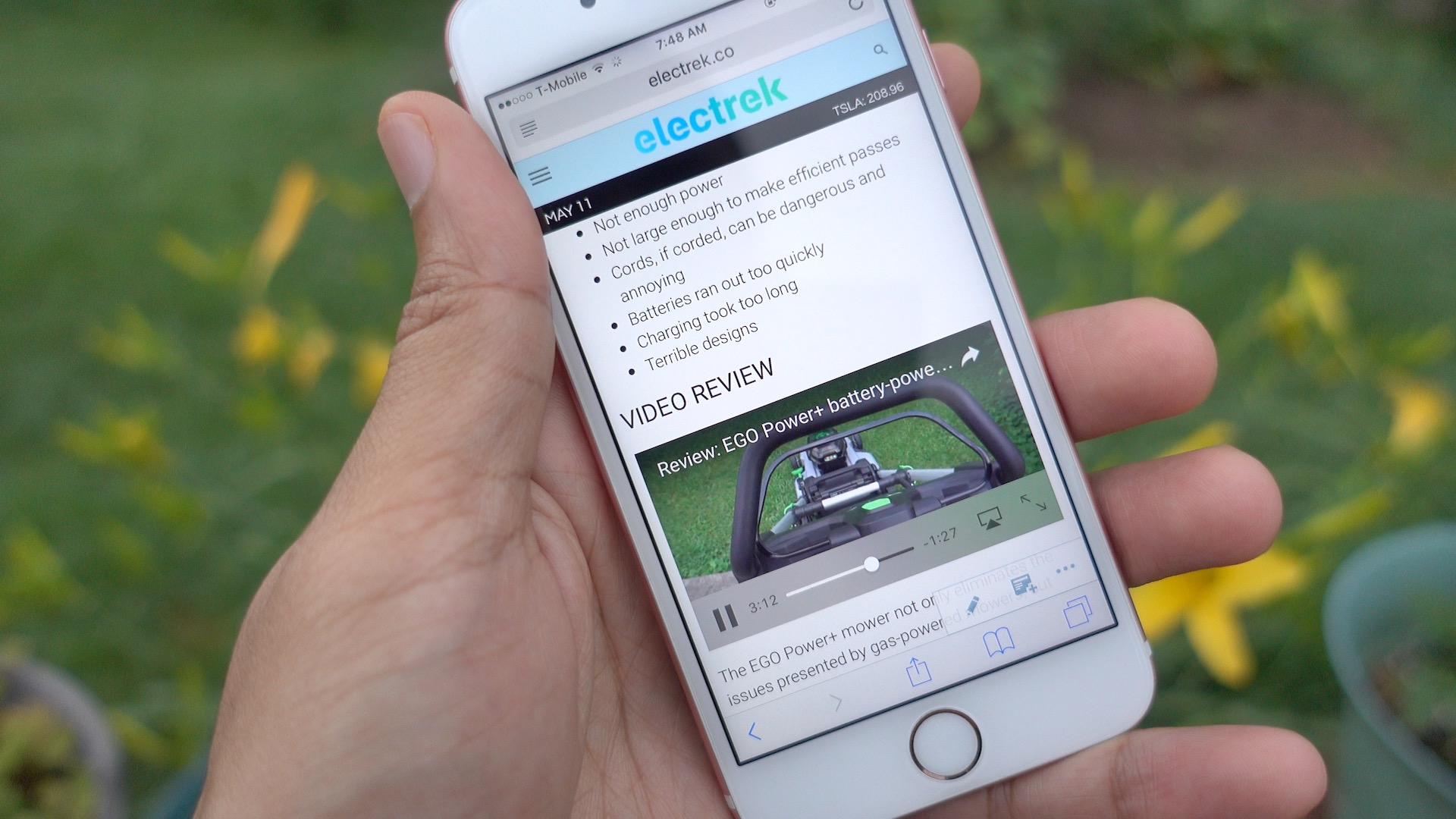
One of the great things about watching video on an iPad is that content can be played inline in Safari. In other words, users can watch videos within Safari without being forced into a full screen video view.
Such functionality has been available in limited fashion on the iPhone. For example, the News app has been capable of playing videos inline since iOS 9.3.
Of course, such playback ability was touted for the Messages app during Apple’s WWDC 2016 keynote, but with the introduction of the iOS 10 beta, inline playback has also been added to Safari on iPhone.
Expand
Expanding
Close
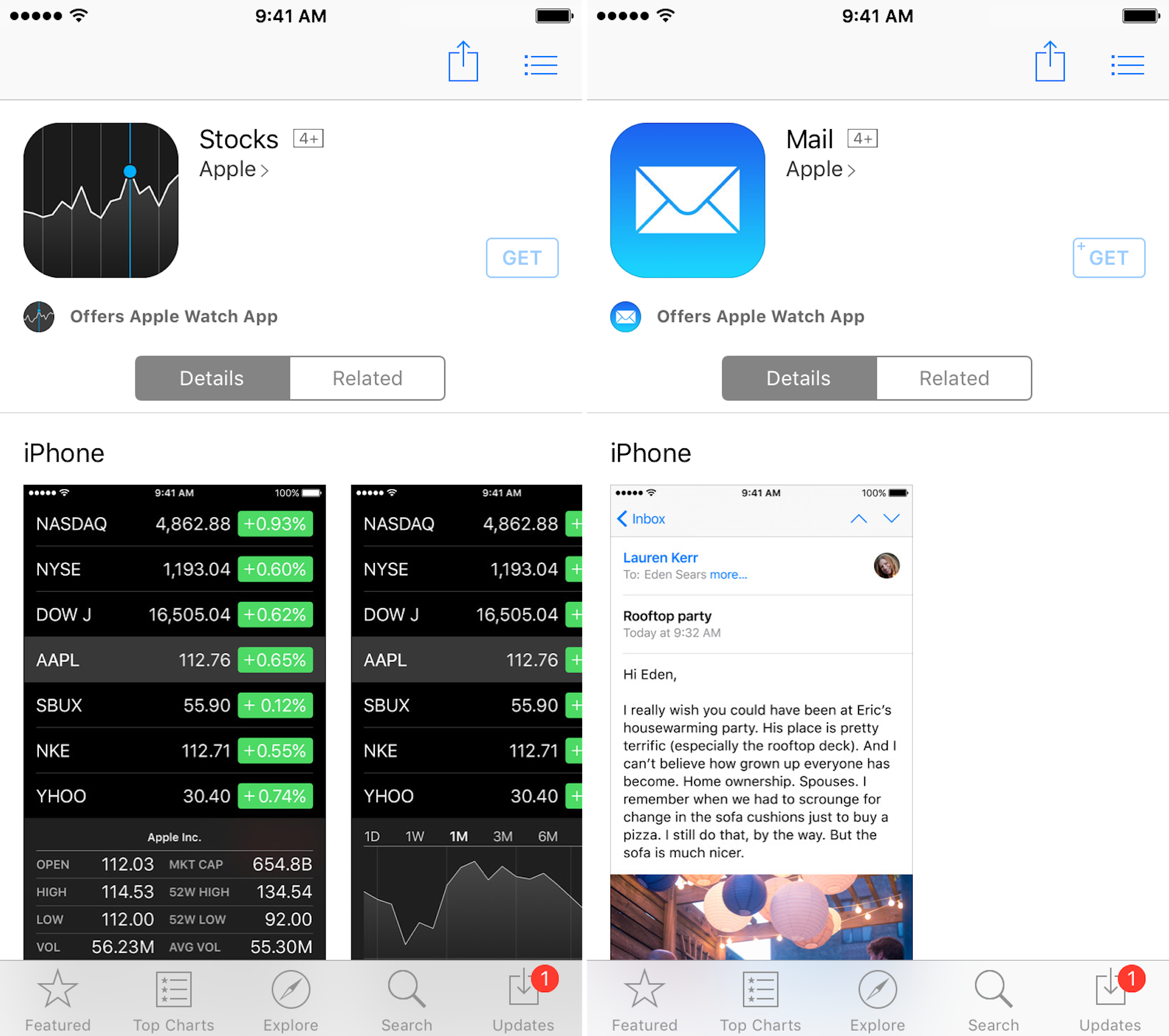
Big changes appear to be headed to iOS thanks to iOS 10. First party apps have begun appearing in the App Store, hinting at the strong possibility iOS users will be able to uninstall stock iOS apps. It also could potentially mean that users will be able to install and use third-party apps as default apps.
Expand
Expanding
Close
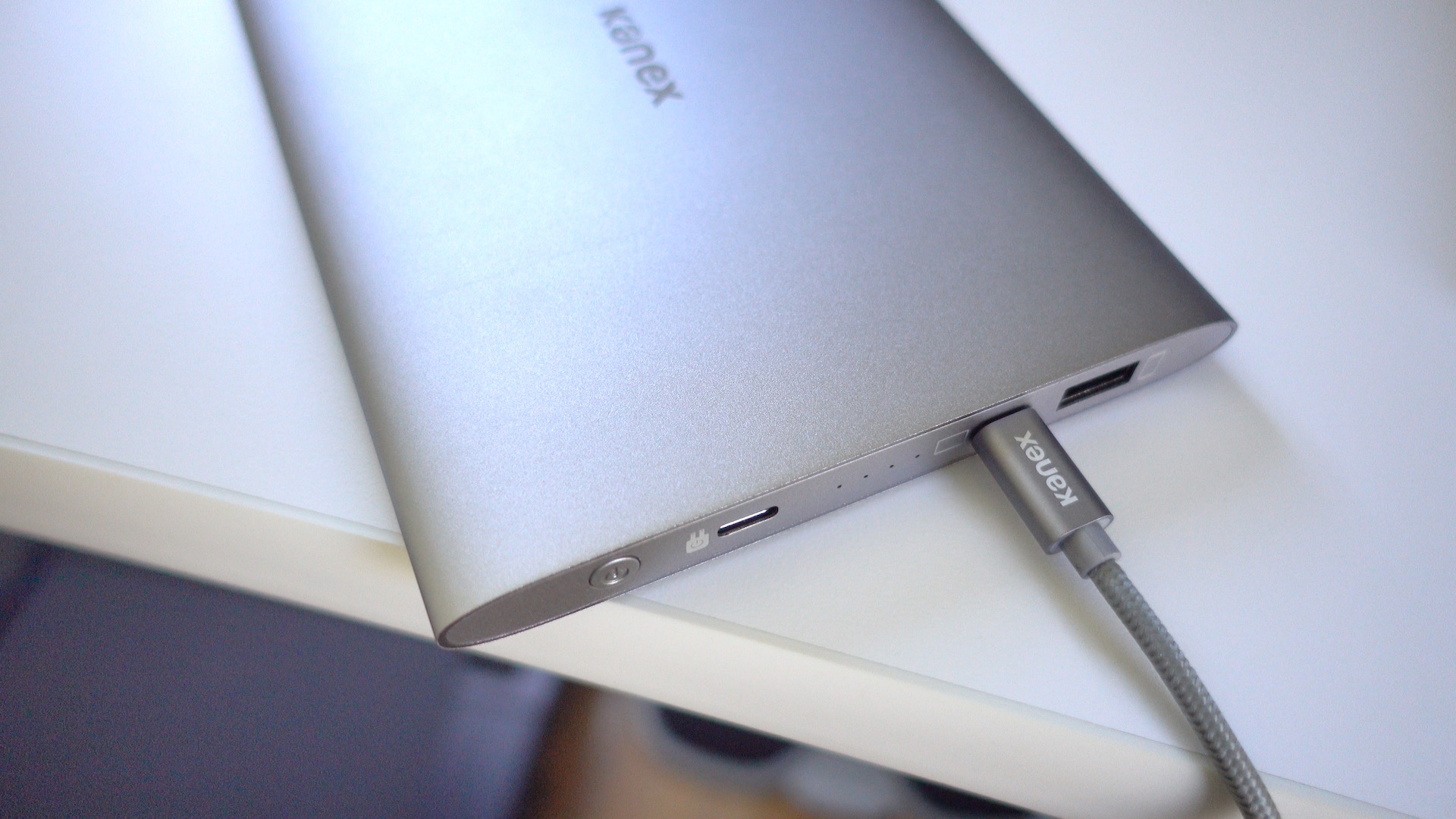
I wouldn’t normally describe a portable battery as being beautiful, but Kanex’s just-released $99 GoPower USB-C Portable Battery fits that description. Its aluminum body is like a mix of Apple’s space gray and silver colors, but it’ll look good when paired with any 12″ MacBook.
Good looks are nice, but the real world performance of a battery pack is crucial. How does Kanex’s offering stack up? Check out our hands-on impressions.
Expand
Expanding
Close

According to a report from MacDailyNews, Apple will announce that iMessage is coming to Android at Monday’s upcoming WWDC 2016 keynote.
Such an announcement, which MacDailyNews claims to have obtained from “a source familiar with the company’s thinking,” would go a long way towards making it easier for users to shift between the two competing platforms. But what would be Apple’s motivation for doing this?
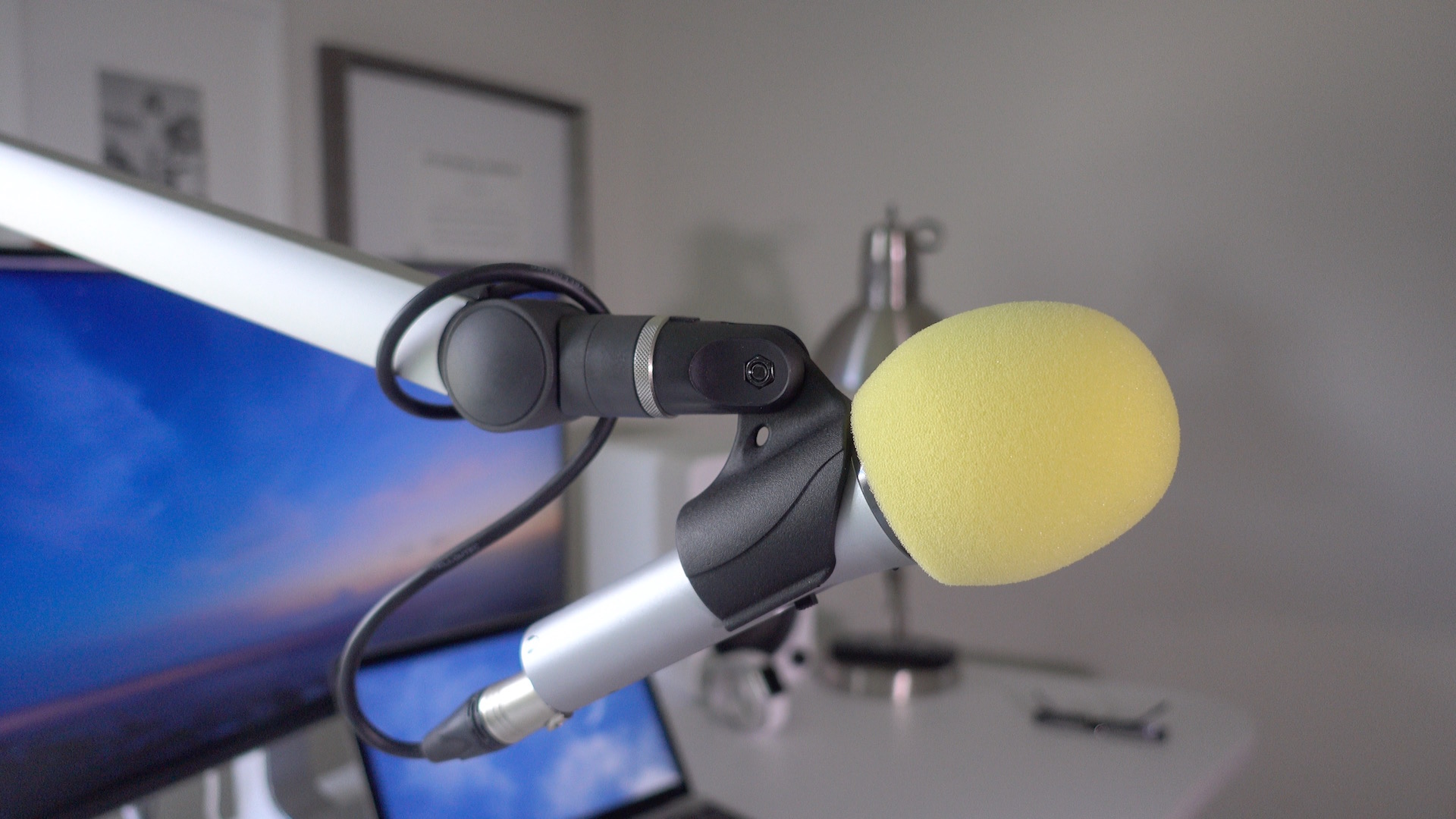
As someone who regularly does voiceover work and records podcasts, I need a setup that allows me to easily record on a whim. Any modern Mac could work for this setup, but I’m especially fond of the 12″ MacBook with its USB-C port. That single port, which handles data transfer, power, and display output, helps to simplify my configuration because all it requires is one cable to get started.
In this post, I’d like to share with you my setup for voiceovers and podcasting. What you’ll find is a rig that’s extremely easy to use and happens to look decent as well.
Expand
Expanding
Close
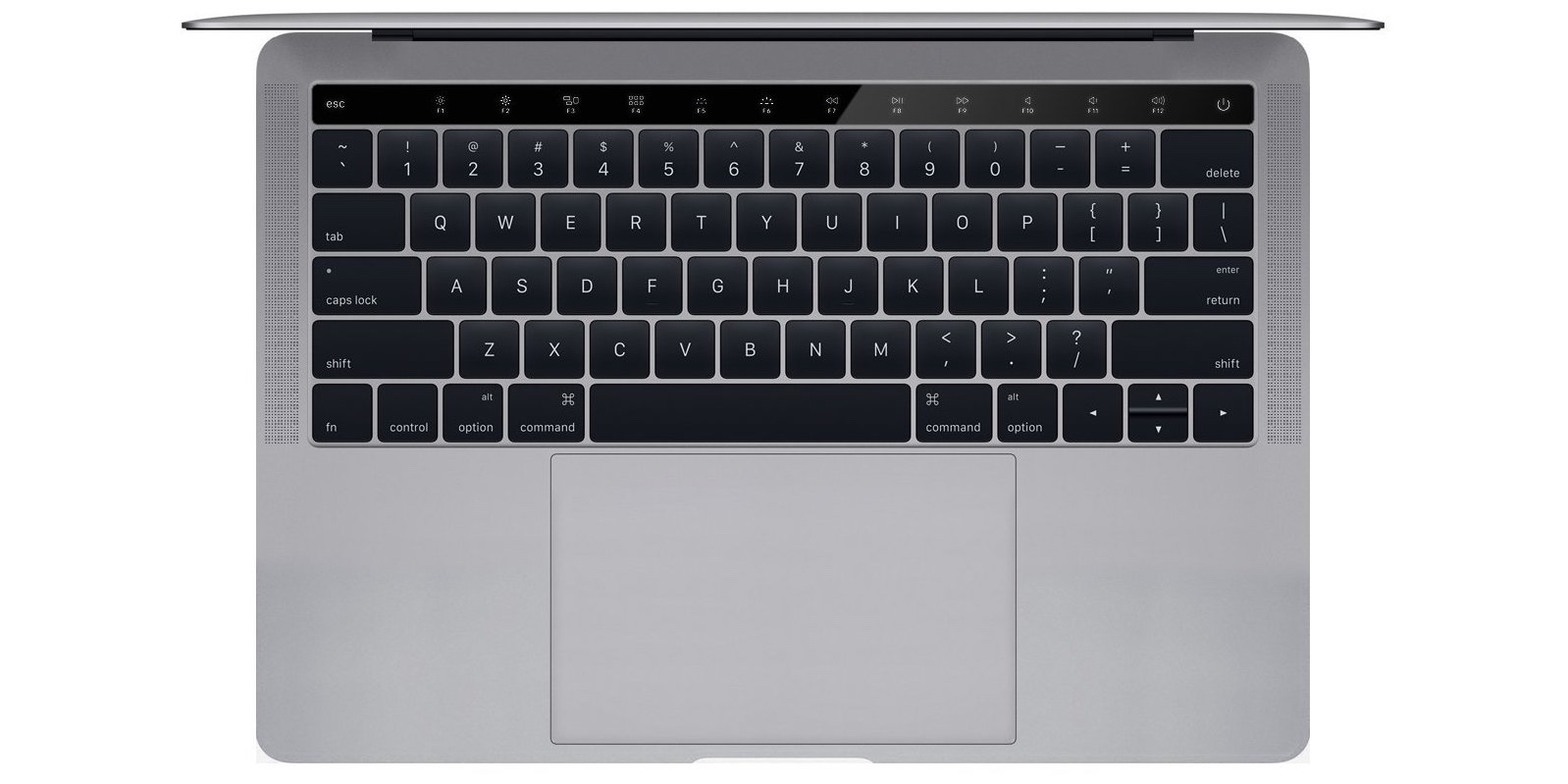
According to sources, a KGI analyst report, and leaked parts, Apple’s next MacBook Pro will feature an OLED capacitive touch panel that replaces the fn-key row. Such a change has been hotly debated online, with opponents lamenting the potential lack of tactile response for touch typing, and proponents salivating over the type of software flexibility that such a setup might offer.
Expand
Expanding
Close
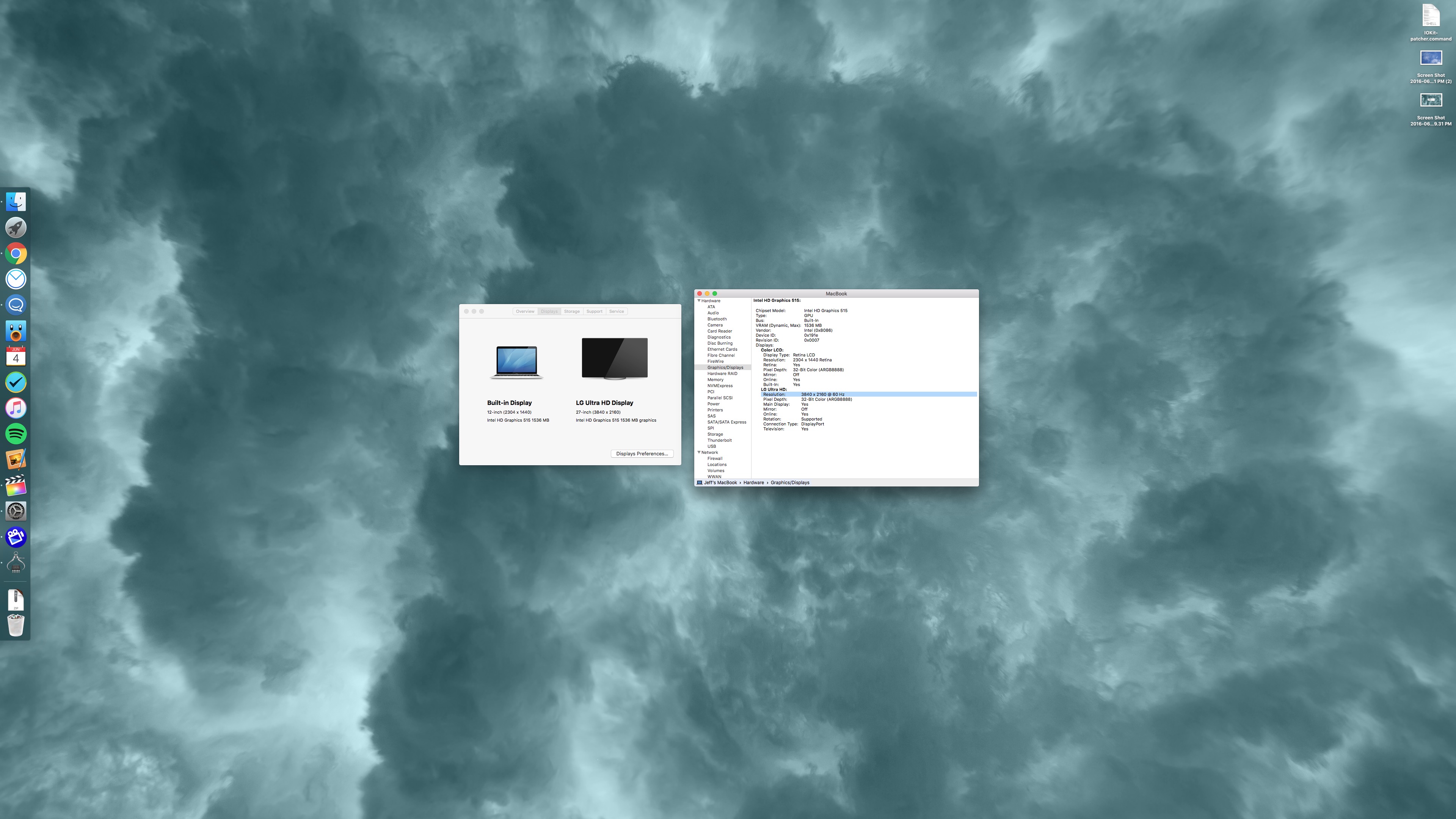
The 2016 MacBook is capable of driving a 4K display at 60 Hz via a single USB-C cable. Such a feat is achievable via an easy-to-apply IOKit patch.
One of the great things about the new Intel hardware inside of the 2016 MacBook is that it’s capable of supporting 4K resolution at 60 Hz. The jump in refresh is a big deal, as anyone who’s tried to put up with running a 30 Hz refresh rate can attest to.
Operating at 30 Hz results in jerky and choppy cursor movement, and in some cases can induce headaches after prolonged use.
Sadly, the MacBook only supports 30 Hz out of the box for 4K resolution. It’s not immediately clear as to why this is, but on its support page, Apple makes it known that 4K resolution is limited to 30 Hz.
The good news is that it is possible to enable 60 Hz at native 4K resolution and 1080p (HiDPI/Retina) resolution on a 2016 MacBook. In fact, I just did so on the LG 27UD88 4K USB-C monitor that I recently reviewed. Watch the step-by-step process in our video tutorial for the details.
Expand
Expanding
Close
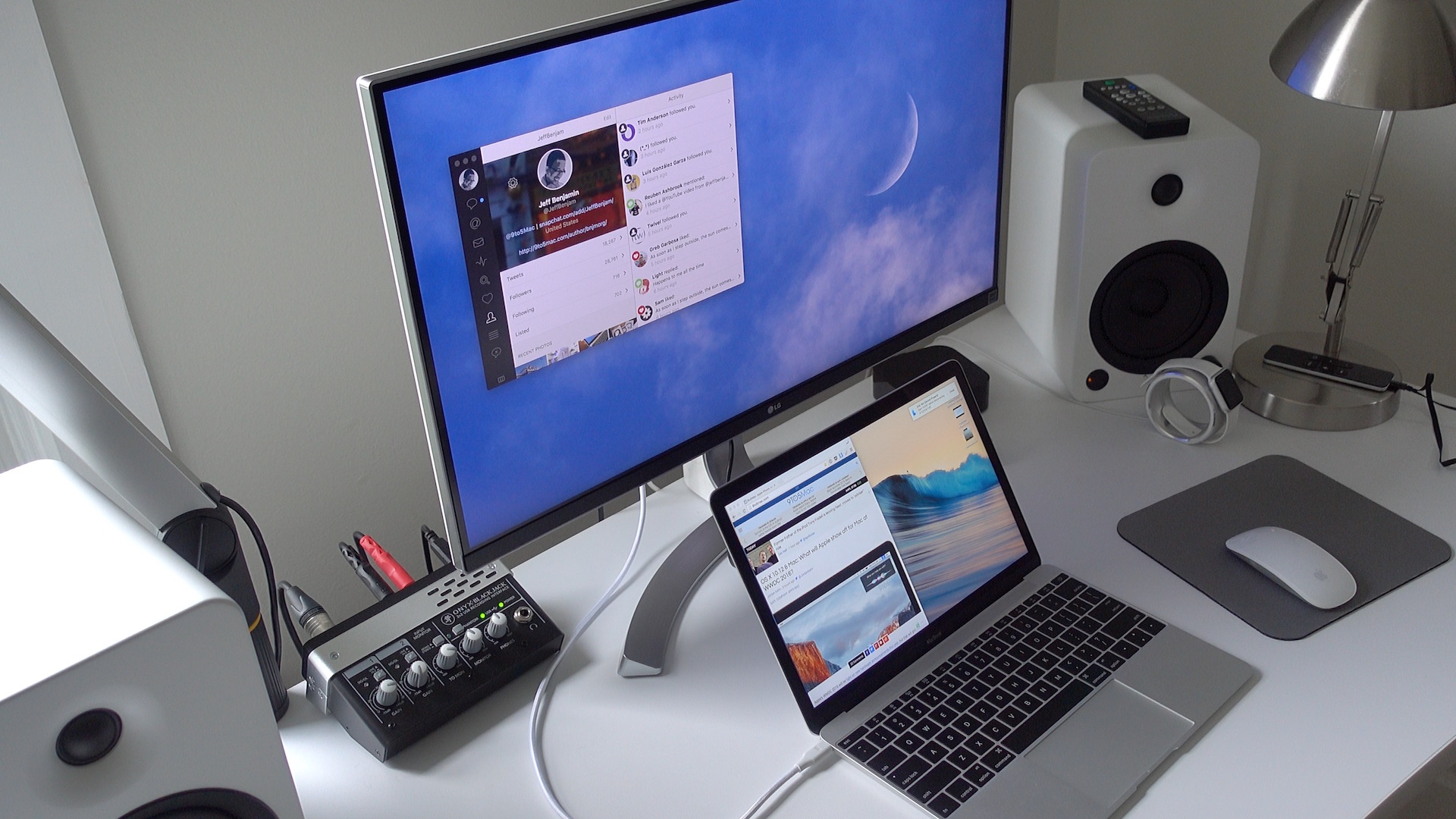
If you’re looking for a 4K display that can be paired with your 12″ MacBook via a single USB-C cable, then your options are fairly limited. It seems that LG is one of the few display makers that has such a monitor available for sale.
LG’s 27UD88-W is a 27″ USB-C-enabled display. Its USB-C port allows MacBook owners to connect a single cable to drive the display, charge the machine, and facilitate data transfer.
As I alluded to in my recent 2016 MacBook post, the 27UD88-W isn’t perfect, but it’s one of the only games in town if you desire a 4K monitor with USB-C connectivity in tow.
If you’re a MacBook owner, should you consider purchasing one? Have a look inside for the details.
Expand
Expanding
Close

If you get your home internet connection via your local cable provider, then it may be wise to invest in your own cable modem. Why? Have a look at your bill. If the cable company provided you with a modem, you might notice that it’s charging you a monthly lease fee.
This leasing option seems to be more common in the US, but investing in your own modem could end up saving you money in the long run. Outright owning a modem also means that you can sell it once you’re finished using it.
Saving money isn’t necessarily the only benefit of purchasing or upgrading your own modem. It may be possible to achieve significantly faster download and upload speeds by taking advantage of new hardware advancements.
Expand
Expanding
Close
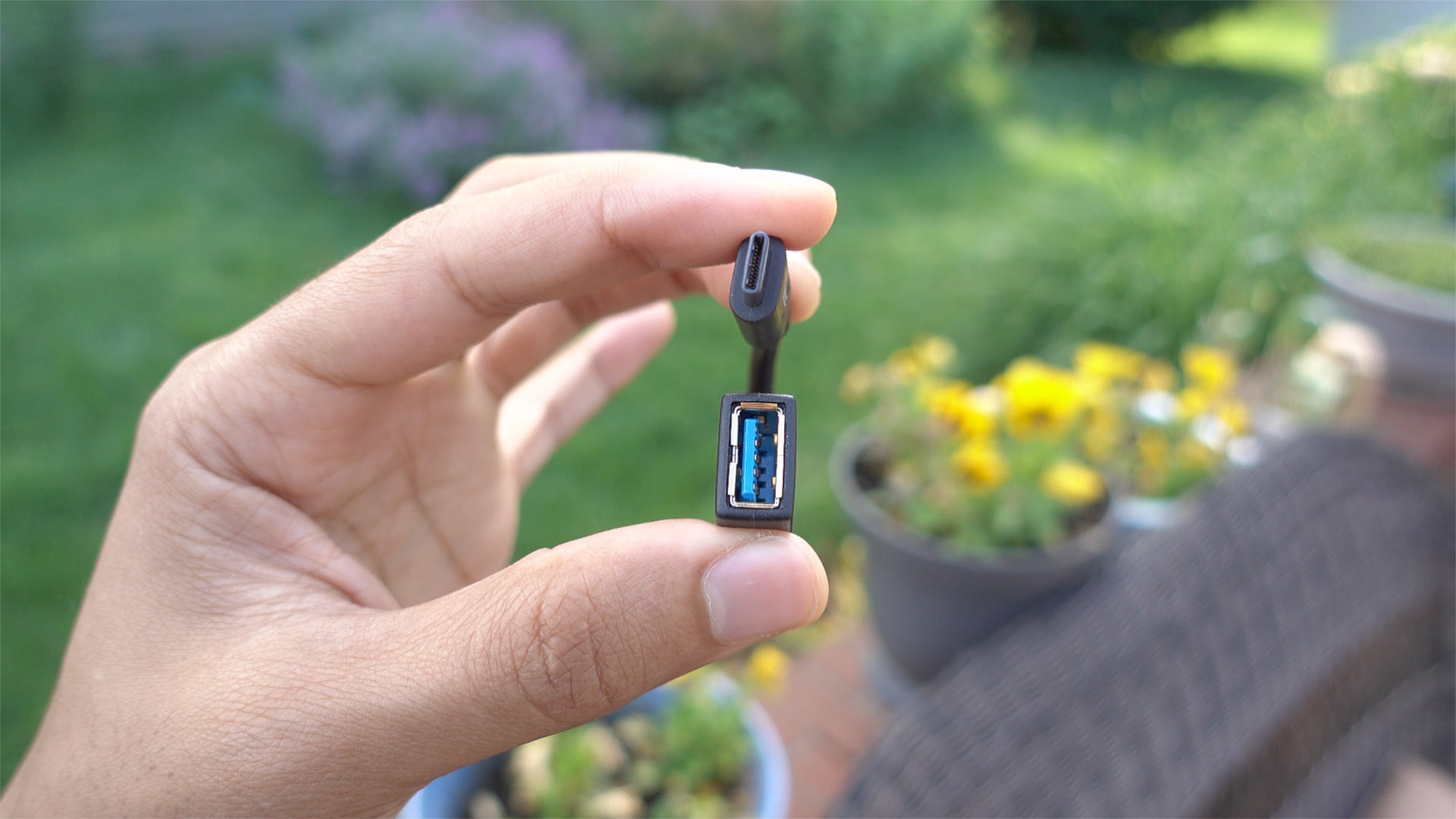
If you own a MacBook and you wish to interface with legacy USB-A connections, you have several options. Apple itself produces a USB-C to USB Adapter, and it’s available for around $19. There’s also no shortage of third-party options available on Amazon and other resellers.
One such option, IXCC’s USB 3.0 to Type-C Convertor Cable, is a cheap and easy way to garner legacy USB device support on USB-C only MacBooks. Have a look at our brief hands-on video to witness the adapter in action.
Expand
Expanding
Close

Luca Todesco, better known around iOS hacking circles as qwertyoruiop, has released a video showcasing an iOS 9.3.2 jailbreak. The jailbreak, which is performed on a sixth-generation iPod touch, is performed in a style that’s similar to Comex’s famous JailbreakMe release for iOS 4.3.3 and below.
While it’s highly unlikely that this jailbreak release will ever see the light of day, the video is fairly convincing, and Todesco is a well-known hacker who has the credentials that lend to the video’s validity.
Expand
Expanding
Close
As someone coming from a 15″ MacBook Pro with Retina display, adjusting to the smaller form-factor of the 12″ MacBook takes some getting used to. But as brought out in our post highlighting 10 favorite MacBook features, the effort is worth it.
I’ve been using the 2016 MacBook as my primary computer since last week, and I’ve learned a lot about this little machine during my hands-on time. If you’re thinking about purchasing a new MacBook, or if you already own one, consider these tips to get more out of this tiny wonder.
Expand
Expanding
Close

Snapchat is insanely popular with the younger demographic, and it flourishes in areas like schools, where there is a community of individuals using the app who see each other face to face.
One of Snapchat’s greatest weaknesses, though, is that it lacks good discovery tools built inside the app. It’s why I believe that its growth, although impressive, has been bridled in some instances. It’s why an app like GhostCodes can provide a valuable bridge to user discovery on the platform.
Expand
Expanding
Close
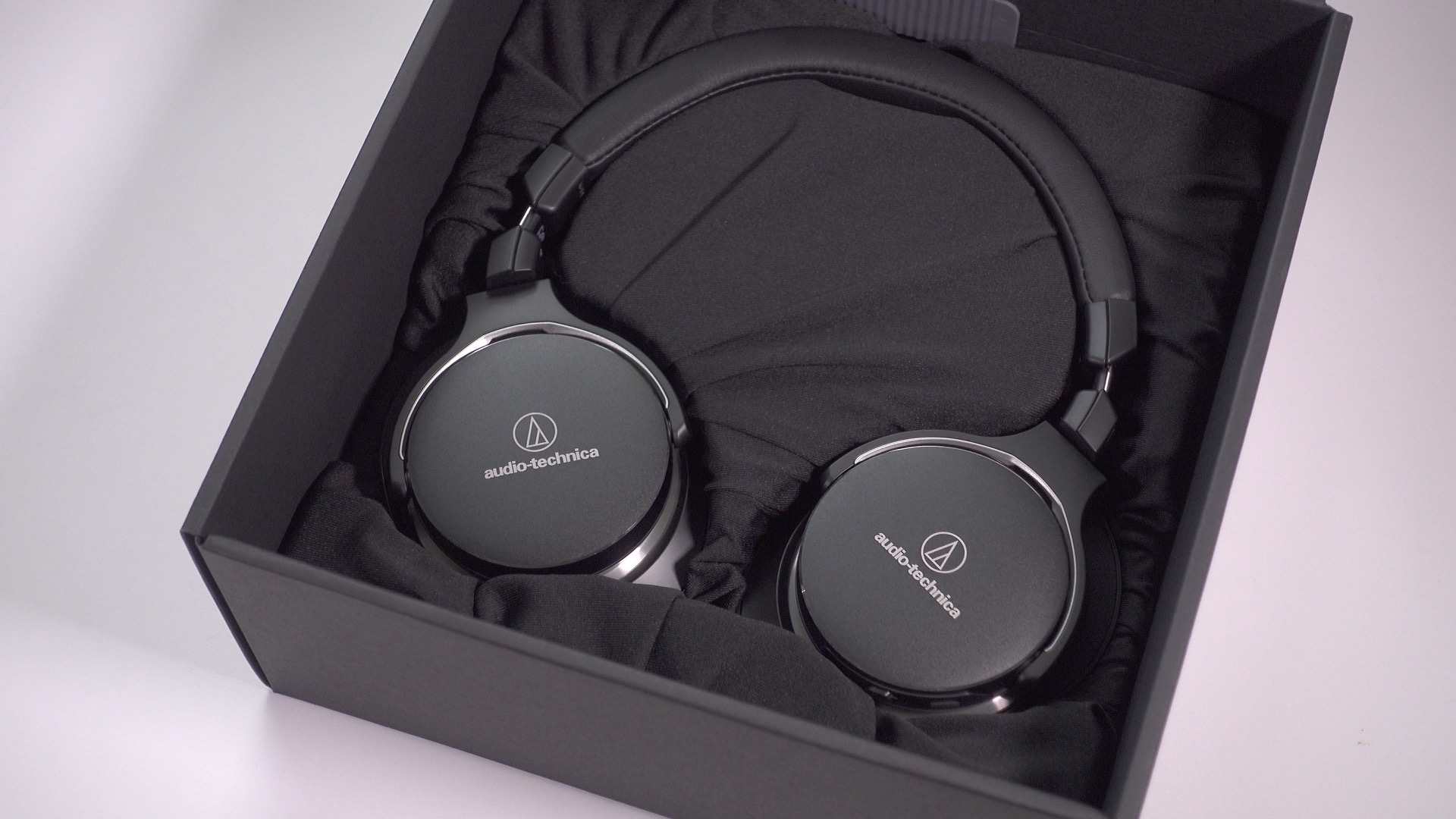
If you read our review of the ATH-M50x closed-back headphones, I made it pretty clear that I was a fan of what Audio-Technica was offering. The ATH-M50x’s are well-known for giving Beats By Dre headphones a run for their money, and at a much more affordable price.
I also had the opportunity to go hands-on with one of Audio-Technica’s newest offerings, the ATH-MSR7NC. These noise-cancelling cans differ in many ways from the company’s mainstream offering, and at more than double the price of the M50x’s, venture into more premium territory. Should you consider them?
Expand
Expanding
Close
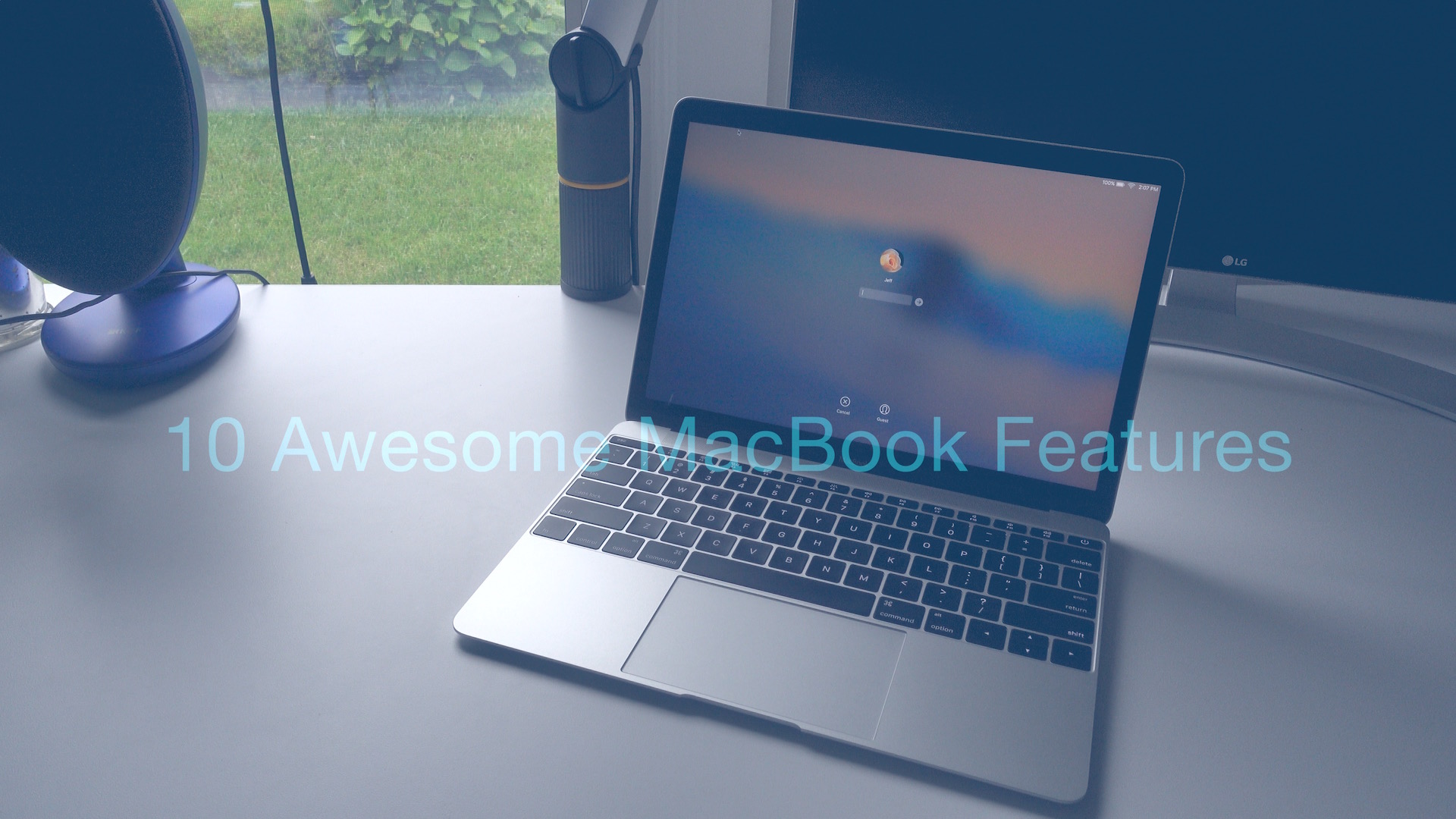
Yesterday, I bought a 12″ MacBook, and after playing with it for 10 minutes, I immediately knew that I made the right decision. 24 hours later, I’m convinced that this is the best laptop for me, and a much better portable workhorse than something like a 12.9″ iPad Pro. Here are 10 reasons why you should consider going with a MacBook if you’re in the market for something powerful, yet portable.
Expand
Expanding
Close

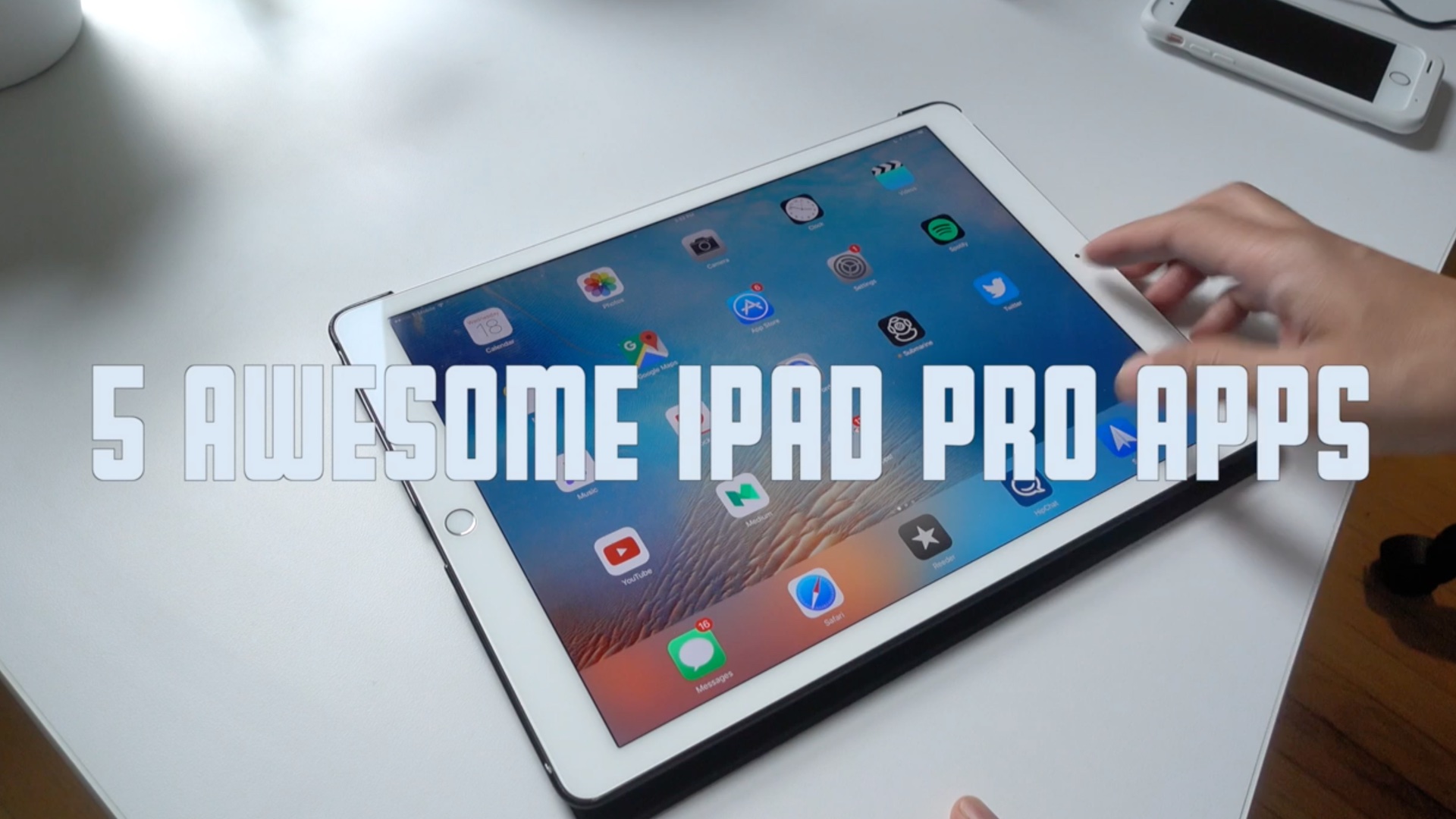
I don’t use as many apps on my 12.9″ iPad Pro as I do on my iPhone, but the ones that I do use I’ve grown to love. And while I appreciate what the Apple Pencil can do, I’m not an artist, and prefer typing over handwriting. With that said, I tend to use my iPad Pro in the more traditional way.
The great thing about the iPad Pro is that it’s a flexible device that can adapt to a variety of workflows. Here’s a look at five of my favorite apps for Apple’s extra large tablet.
Expand
Expanding
Close
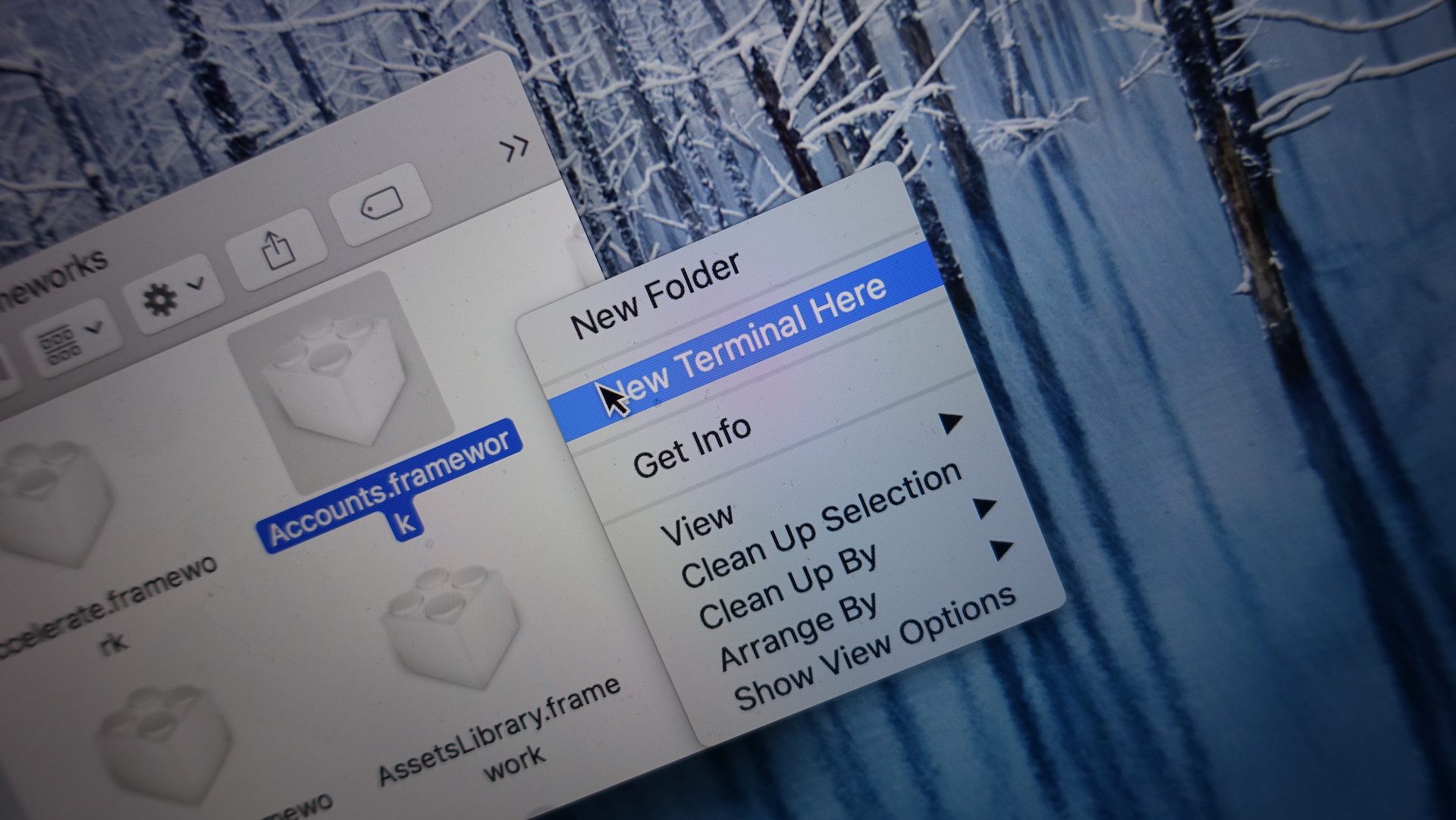
TermHere is a new app available on the Mac App Store that serves as a Finder extension. Once enabled, right-clicking inside of the Finder will present a new shortcut to jump to a Terminal window pointed to the current working directory.
TermHere may feature a straightforward premise, but it’s very nice to have if you’re a developer or avid Terminal user. Watch our brief hands-on video inside to see it in action.
Expand
Expanding
Close
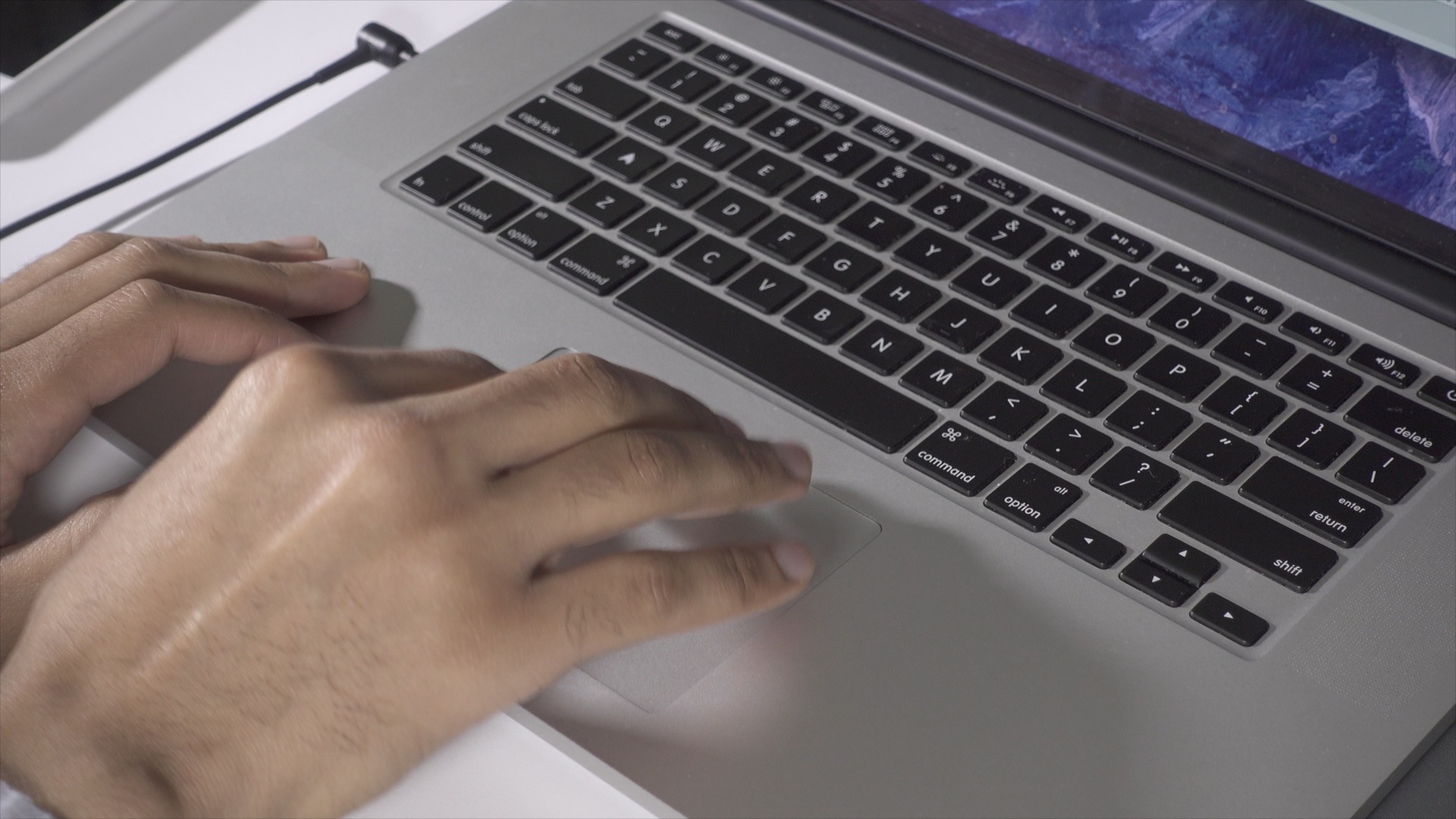
OS X features several handy native trackpad gestures aimed at controlling your Mac, but wouldn’t it be nice to be able to launch or open your favorite app with a simple trackpad gesture? In this post, we’ll show you how to easily wield BetterTouchTool in order to do just that.
Expand
Expanding
Close
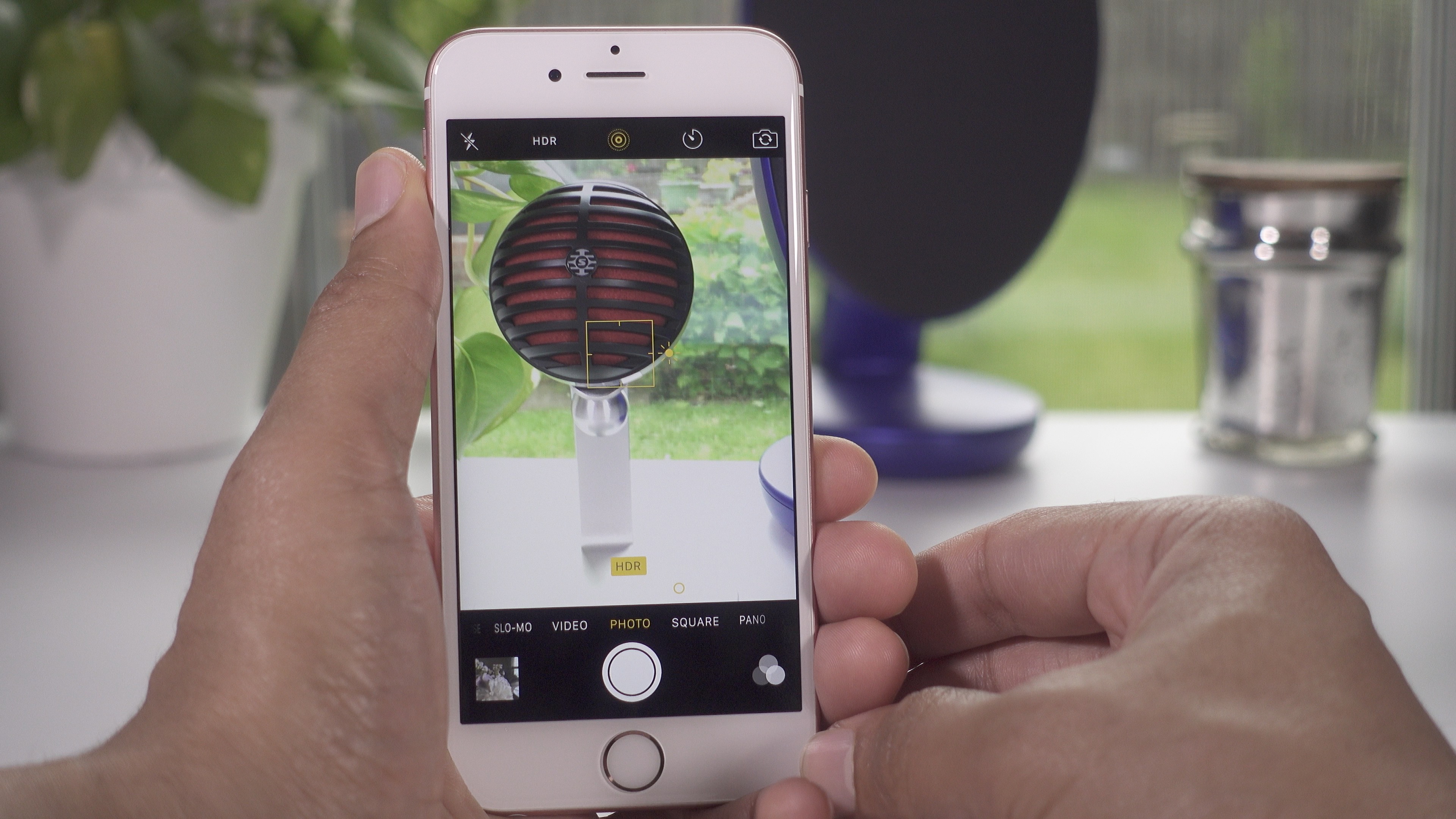
This weekend’s discussion of the Sony a6300 got me thinking about the iPhone’s camera, and how great it can be when wielded properly. Our own Ben Lovejoy shared his tips for taking good iPhone photos a few months ago, and now I’d like to share my 10 go-to tips for snapping better iPhone pictures.
Expand
Expanding
Close