Latest

Uber iOS app adds credit card profiles, allowing you to separate business & personal rides

uber

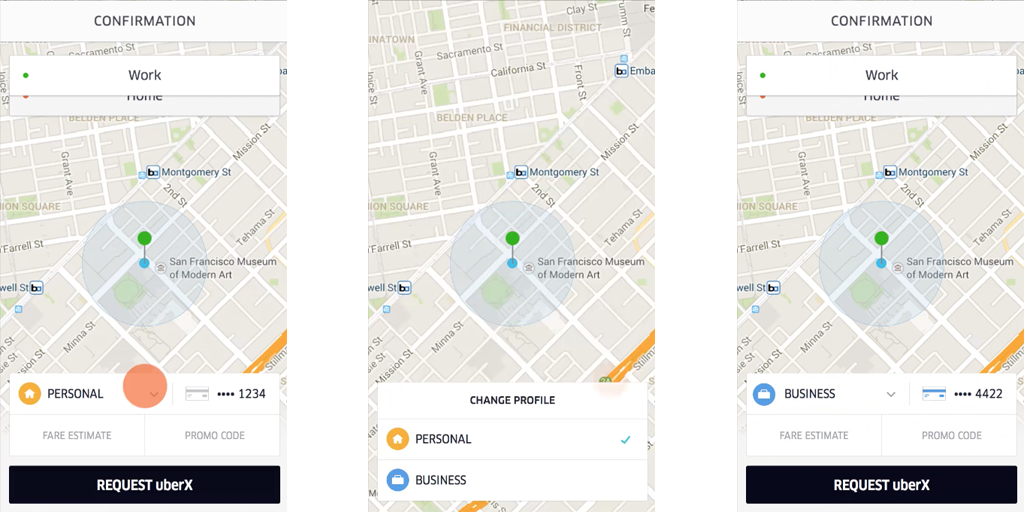
If you use Uber for both business and work pleasure, it can be a pain handling the accounting, having to remember to claim the business rides back on expenses. But the service now allows you to register a second credit card for business use, and then simply tap your Personal or Business profile in the app to charge the appropriate card.
Expand
Expanding
Close

Official Google iOS app updated w/ interface tweaks, better organization of Google Now cards

Screen Shot 2015-11-18 at 6.26.54 PMGoogle today is rolling out an update to its iOS app that brings the app to version 10.0 and includes a handful of visual changes. With today’s update, the voice search feature has been redesigned to be more inline with Google’s Material Design aesthetic, while the Google Now cards in the app are now organized in a much more straightforward way.



Expand
Expanding
Close

Tweetbot for Mac now works in full screen and split view on OS X El Capitan

Tweetbot 2-1

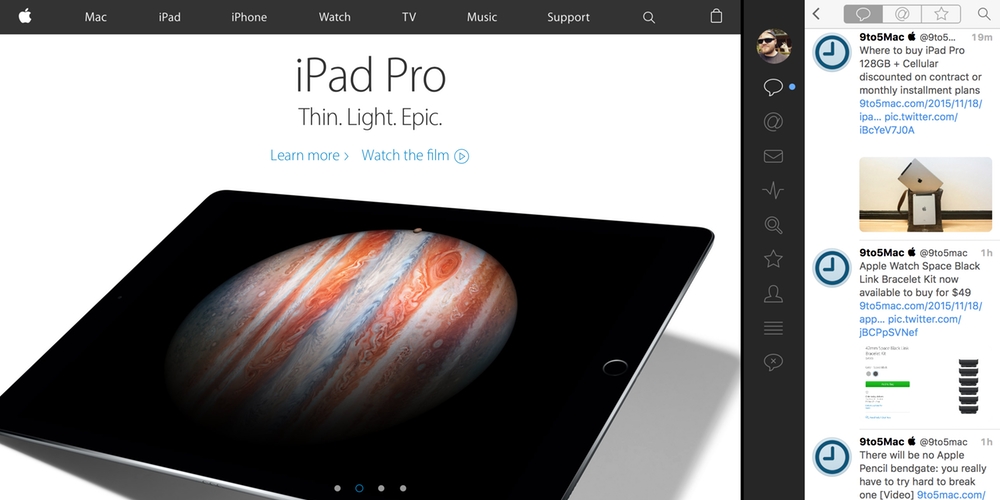
Tweetbot for Mac has learned a handy new feature with the latest update just released. Tweetbot for Mac now supports OS X’s full screen mode, including El Capitan’s new Split View feature that lets you run two full screen apps side-by-side. This works a lot like the split view multitasking features on the iPad Pro, iPad Air 2, and iPad mini 4. Tweetbot 2.2 also brings a few other changes to the Mac…
Expand
Expanding
Close

Apple apologizes to developers for recent ‘damaged’ Mac App Store apps bug, says OS X update coming with fix

screen-shot-2015-11-12-at-1-12-31-pm


Apple has emailed developers about the recent damaged apps bug affecting a sizeable proportion of the OS X user base with some getting repeated errors on app launch. Whilst a reboot should be enough to invalidate and reload the certificate cache for most people, there are some weird edge cases. Apple says that a permanent fix for the caching issue will be included in a future OS X software update.

The email is effectively Apple apologising to developers for the store platform problems, which caused many customers to understandably, but incorrectly, point blame at the app developers, not Apple.


Expand
Expanding
Close

Apple’s WWDC app updated for iOS 9 with iPad Picture in Picture feature

IMG_0133

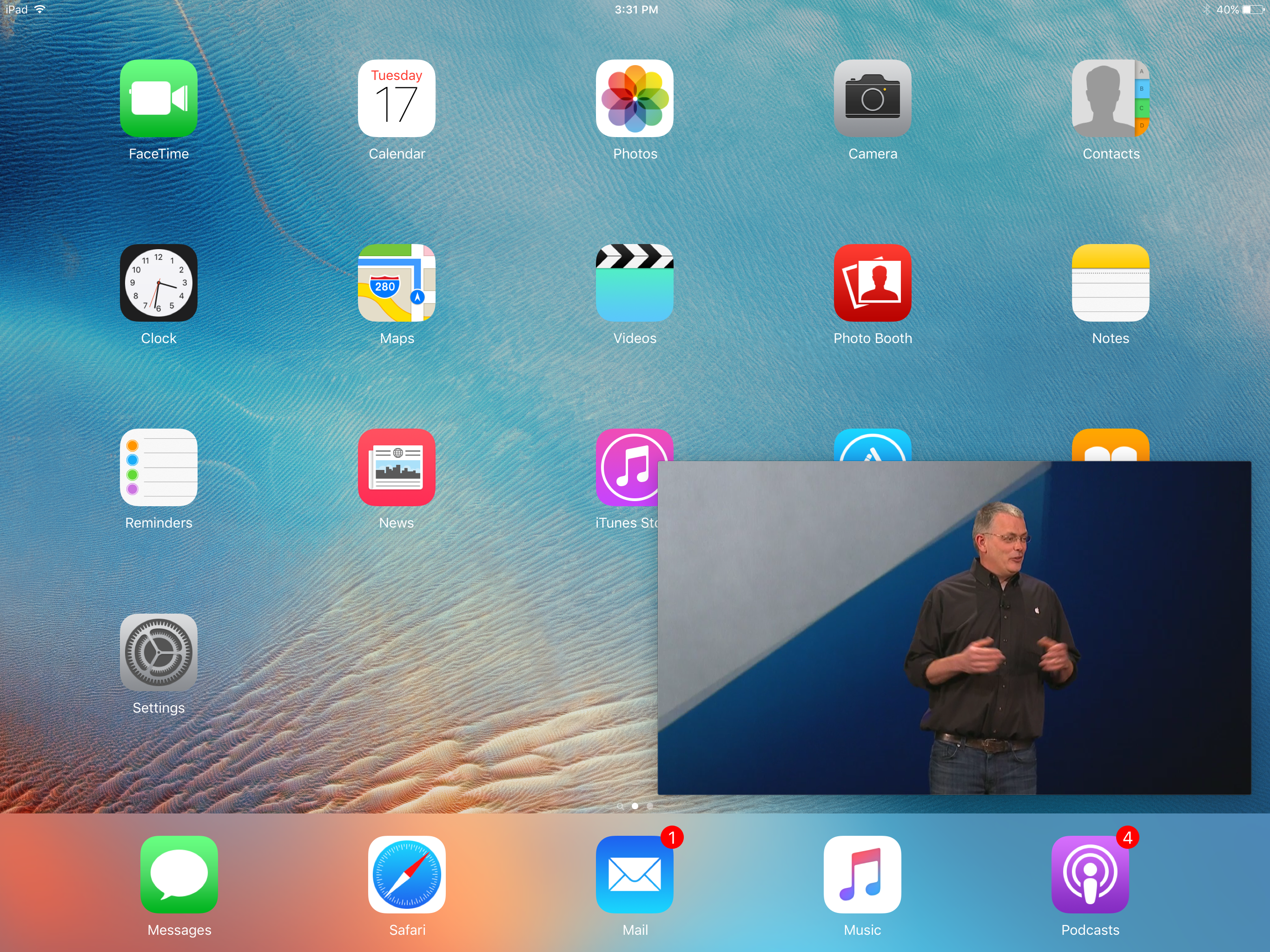
Apple is making it easier to catch up on session videos from WWDC while multitasking with iOS 9 on iPad. The official app for the annual developer conference has been updated to support iOS 9 today and more specifically work with the iPad’s new Picture in Picture feature.

That means you can start watching a session video on the WWDC app on your iPad, and minimize the video stream to a resizable window that floats over your Home screen and any other apps. WWDC for iOS supports both downloading videos for offline viewing as well as streaming videos within the app or PIP.

While WWDC only rolls around once a year, Apple announced a series of Apple TV-focused Tech Talks taking place around the world starting next month. Applicants hoping to attend these Tech Talks first starting being notified yesterday.

While the latest WWDC app adds PIP support, it does not support new Split View features for using two apps side by side. The update also runs native on new iPad Pro displays. The latest version of Apple’s WWDC app for iOS is available for free on the App Store.

16GB iPhone users rejoice: New Google Photos feature lets you easily free up storage on iOS

photos tweet - free up space

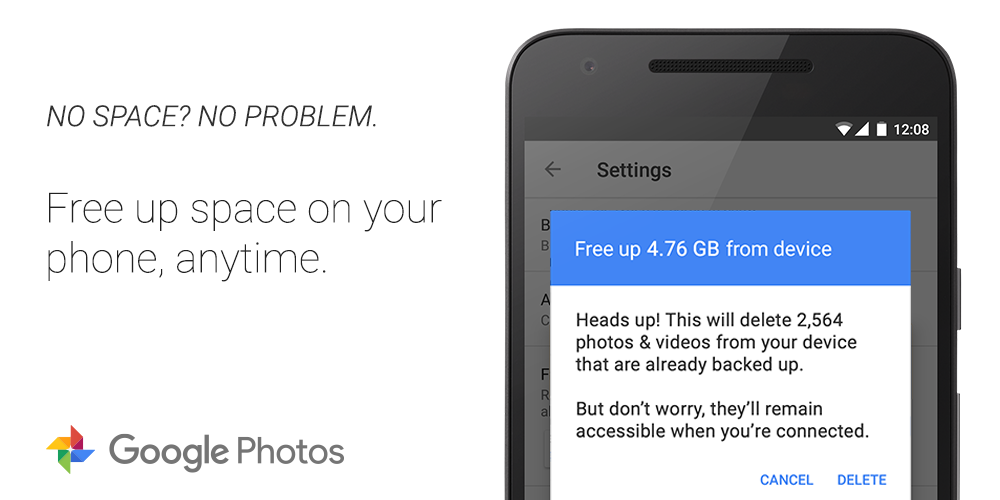
Google is adding some new space-saving features to its Photos app on both the web and iOS. A new feature rolling out to the web client starting Wednesday will give the option to downgrade photos previous backed up in full resolution to the compressed mode in order to save space. And on iOS, there’s a new “Free up space” button being added to the settings menu that deletes already backed up photos…
Expand
Expanding
Close

Waze adds 3D Touch shortcuts on iPhone 6s, Fantastical brings Peek & Pop to events and reminders

Waze 3D Touch

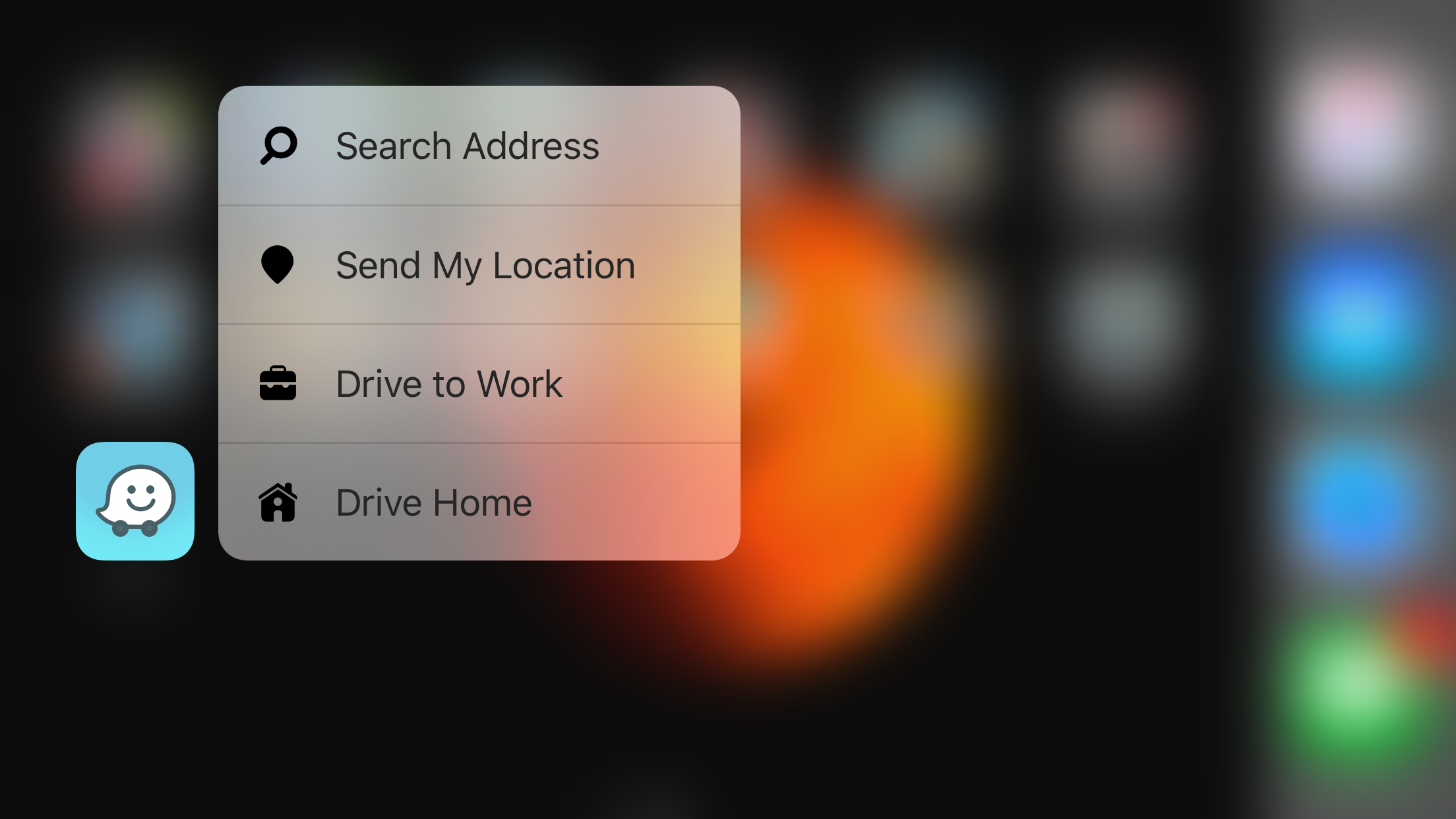
Last month the popular Waze navigation app on iPhone got a major update with a new design and improvements to reporting traffic issues and sharing arrival times with others. Now Waze is out with its next new version which brings 3D Touch shortcuts to the Home screen icon for iPhone 6s and 6s Plus users. Firmly press on the updated icon to quickly look up an address, share your location with other users, or get directions to your work or home address from your current location. Waze also says the update includes the usual bug fixes and improvements.

Fantastical already features 3D Touch shortcuts from its Home screen icon, and today the calendar and reminders app is adding more 3D Touch features for iPhone 6s and 6s Plus users…
Expand
Expanding
Close

Apple adds Foursquare business listings to Apple Maps

Foursquare-app

Apple has quietly confirmed that it’s adding business listing information from Foursquare to Apple Maps. The addition was spotted on Apple’s acknowledgements page for Maps listing the various contributors of data for Apple’s mapping service (via Apple Maps Marketing).

It’s unclear exactly how Apple is using Foursquare data, but it’s likely users will begin to notice points of interest related data from the service appearing soon. Apple already partners with various companies for the data and other features it uses in Maps including TomTom, booking.com, TripAdvisor, Yelp and others.

Apple uses Yelp and booking.com, for example, to show reviews for local points of interest like restaurants and hotels, and it’s possible Apple will be tapping into Foursquare for similar features.

Foursquare claims to have over 2 million businesses using the service and over 70 million tips, which are essentially reviews and comments for local businesses, submitted by users.

Google launches Chrome beta for iOS through Apple’s TestFlight, first release adds 3D touch

Chrome-beta-iOS

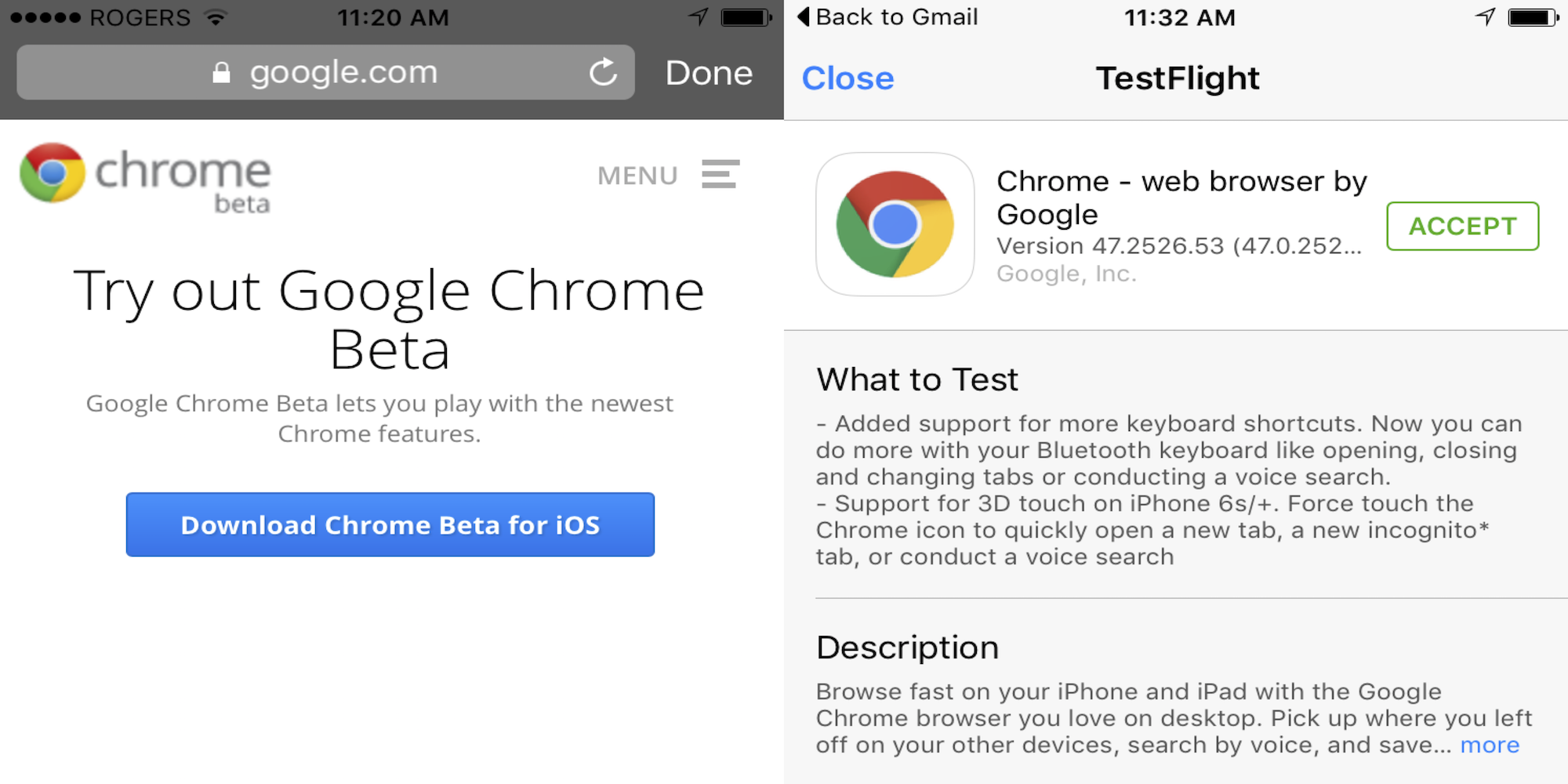
Google has quietly launched a Chrome beta for iOS through TestFlight, the beta distribution service Apple acquired last year and integrated into its own developer services. Google has yet to make an official announcement for the beta release, but users can already sign-up and download the beta when visiting Google’s Chrome beta download page on iOS.
Expand
Expanding
Close

Apple shuts down iPhone and iPad screen brightness adjusting app Flux

img_0015

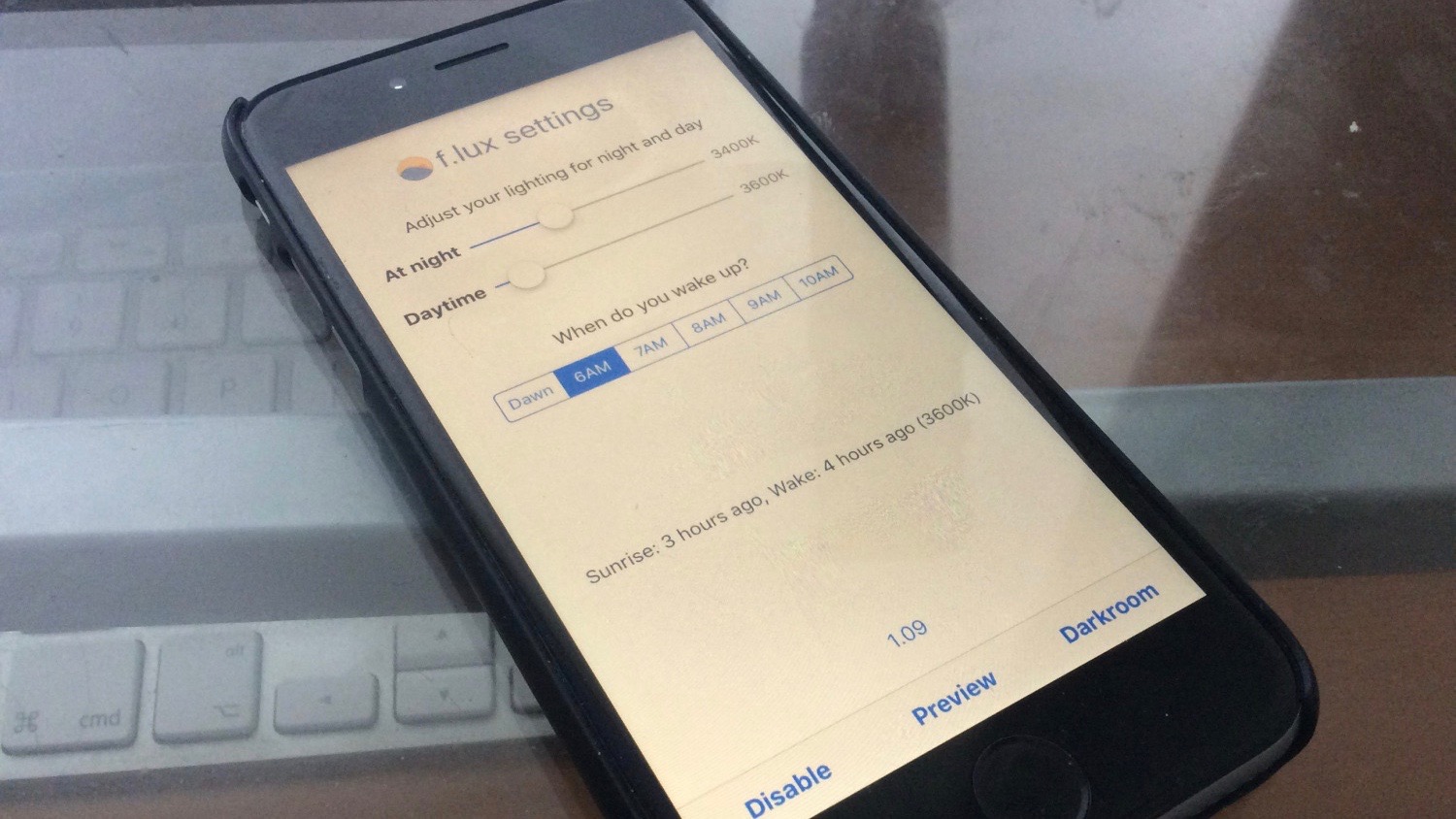
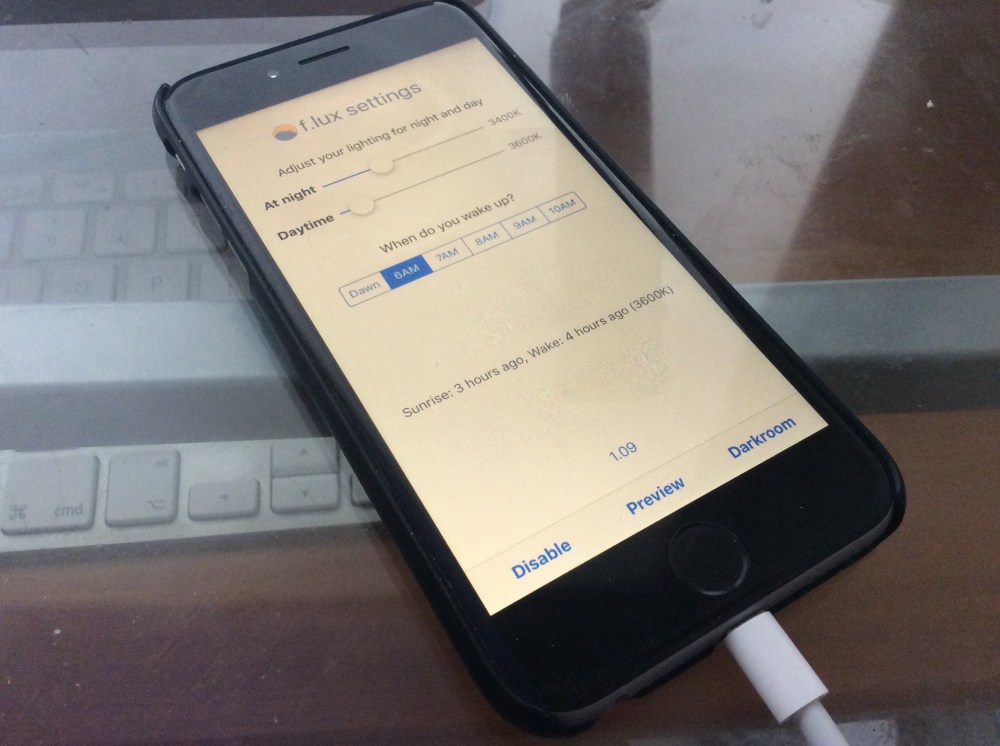
Yesterday we shared that the popular automatic screen brightness adjusting app Flux had found a way to make it from the Mac to iPhones and iPads on iOS 9. This afternoon the developers behind Flux announced that the app will no longer be available on iOS at the request of Apple. In a blog post sharing the development, the developers behind the app said that Apple contacted them to say that the app violated Apple’s Developer Program Agreement. While the app was unofficially supported on iOS 9 as a sideloaded app and not an official App Store app, Flux did use Xcode signing to work properly on iPhones and iPads.
Expand
Expanding
Close

Readdle brings its best-selling iOS productivity app PDF Expert to the Mac

PDF-Expert- Mac
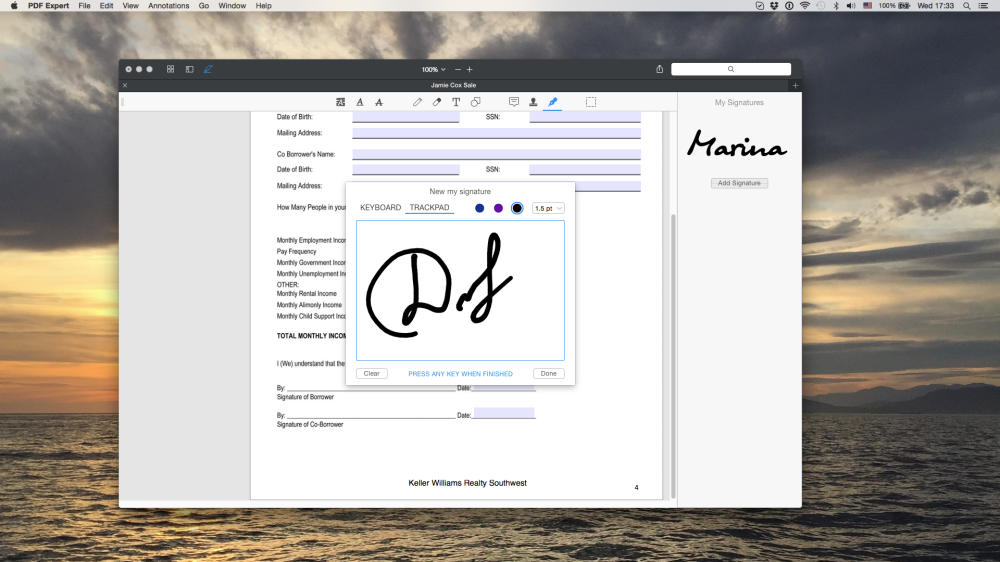
Today, Readdle has launched PDF Expert for Mac. Compatible with OS X Yosemite and El Capitan, this productivity app offers a multitude of PDF editing tools including text annotations, customized shapes, multiple signatures, and “smart tools for filling forms.” Support for Apple Continuity and Handoff allows you to work without interruption when moving between different devices. Readdle is positioning PDF Expert as being a more powerful solution than the built-in Preview app and more cost-effective than Adobe DC.

PDF Expert for Mac is now available on the Mac App Store for $19.99. As part of a limited time launch promotion, PDF Expert for iOS is now free on the App Store (down from $9.99).

When it’s time to edit, all the great tools you need are easy to find and just a click away. PDF Expert’s quick annotations, easy form filling, and powerful file merging will chew through your work in record time.

* Read – An award-winning, lightning-fast, and tabbed document viewer will get you through multiple PDFs faster than ever.

* Annotate – Classic tools and unique innovations enable you to highlight, note, and instruct with just a click.

* Edit – Easily make your mark by adding text, customized shapes, and more.

* Merge – Combine multiple documents into a new PDF, or borrow individual pages.

* Sign – Create multiple signatures for every situation and sign on the line with a single click.

* Fill Out – Avoid your printer with smart tools for filling forms that save you both paper and time.

Upthere cloud service launches first Home and Camera apps in beta

Upthere Home for Mac

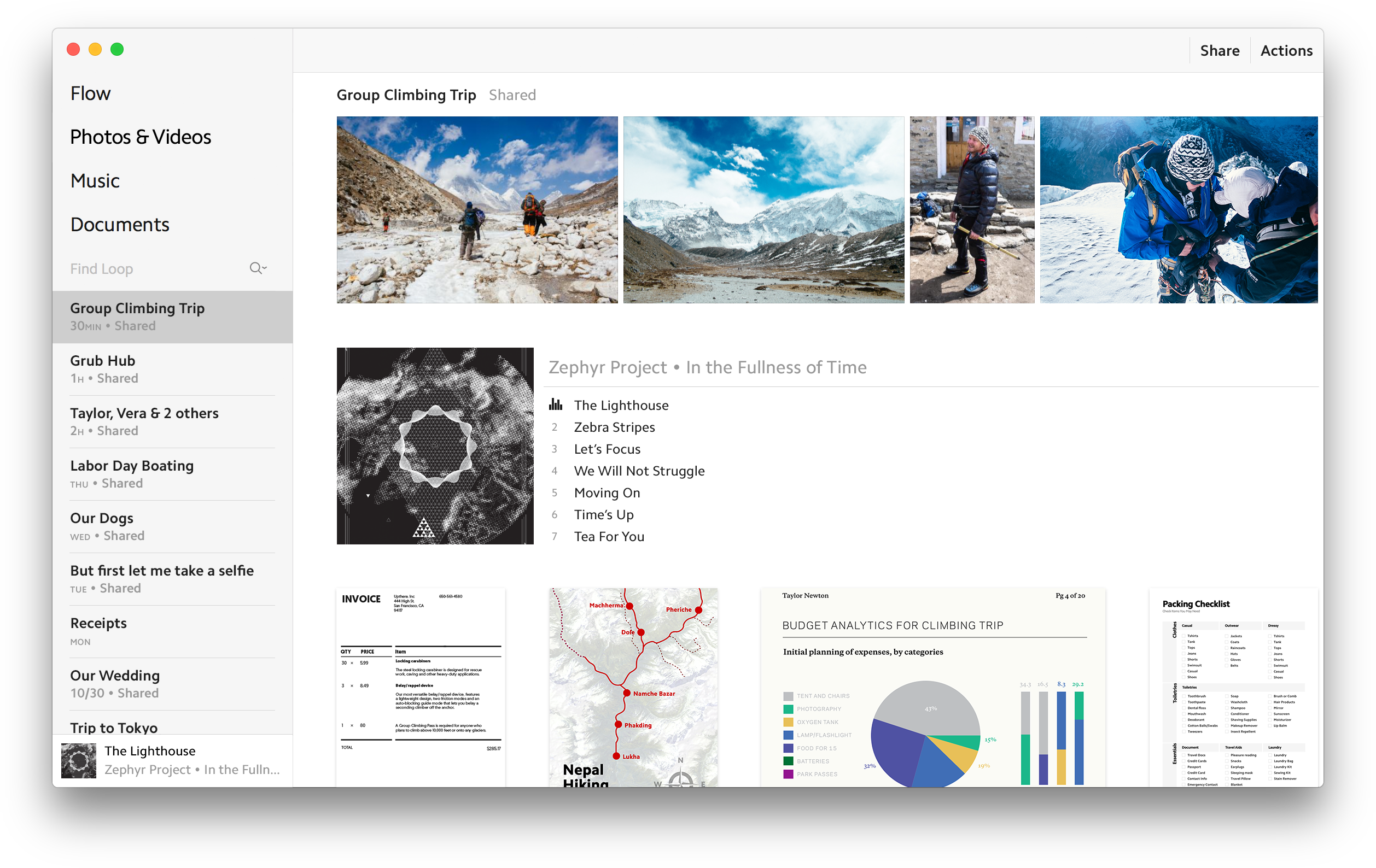
Two weeks ago Upthere, the cloud company co-founded by former OS X chief Bertrand Serlet, officially launched after several years of stealth development. Details were still sparse on what exactly Upthere would offer aside from being a different kind of cloud service option for your data. Now Upthere is officially launching its first products in beta: Upthere Home and Upthere Camera.

The idea behind Upthere is that data connections are plenty fast for a lot of people but local storage is a growing issue. Cloud services like Dropbox and iCloud tackle different areas of the problem is different ways, but Upthere believes keeping everything on the server then bringing it to your device on demand is the suitable approach. I got the chance to try out each of the new apps overnight, and while my data is spread across iCloud and Dropbox right now, Upthere’s new apps make a good first impression and look promising.
Expand
Expanding
Close

iPhone podcast app Castro goes free, adds 3D Touch features, Spotlight integration, more

IMG_1357

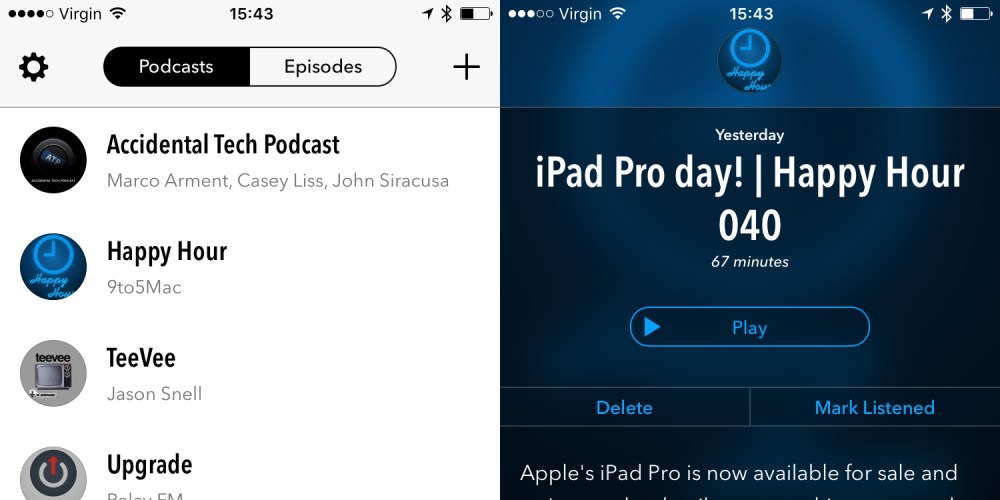
The iPhone podcast app Castro has a lot more competition in the market nowadays since I first reviewed it back in 2013. Arguably, Castro is still the most visually appealing of the current crowd and the developers are currently working on the next major version of the app, Castro 2. In the meantime, the developers have released Castro 1.5 with some new features and a new pricing model. Following Overcast’s lead, Castro is now completely free for all to download. The company is moving to a patronage model.


Expand
Expanding
Close

Firefox for iPhone and iPad now available in the App Store for free

IMG_1355

You can now get the alternative web browser Firefox for iPhone and iPad in the App Store. Except its not really Firefox as you know it on the desktop, because the underlying engine is all WebKit, not Mozilla’s Gecko renderer like it is on the Mac. This is the same as the iOS Google Chrome app — the App Store rules require browsers to use the Safari WebKit engine. This isn’t really a bad thing, the WebKit rendering core is the industry leading mobile (and desktop) engine.

You might want to use Firefox for iPhone and iPad if you use Firefox on the Mac, due to UI similarities for the browser chrome or just for syncing convenience. The Firefox app will sync bookmarks, open tabs across all your devices by logging into your Firefox account. These are the main differences between Firefox and the native Safari app.


Expand
Expanding
Close

Guitar Hero Live now available on Apple TV, but you have to buy the guitar controller accessory to play the game

Guitar-Hero-Live_iPad_AirPlay_301

As demoed by Apple on stage, the latest instalment of Guitar Hero, Guitar Hero Live, is now available on Apple TV. It’s just like classic Guitar Hero, a three-lane rhythm based game, but modernised with better visuals, ‘real’ band members, enhanced crowd reactions, and more.

On the iPhone and iPad version, you can play two trial songs for free or pay $50 via In-App Purchase to unlock the full game with 38 additional songs. However, on Apple TV, the game is completely non-functional without the controller accessory. You have to buy the controller for the game to work at all. Incidentally, you can buy the full game and controller on Amazon as a $99 bundle, for both iOS and tvOS.

Requiring a game controller peripheral is a controversial move, as it goes against Apple’s normal App Store policy for Apple TV games. In fact, it appears to defy the rules about game controllers laid out by Apple.


Expand
Expanding
Close

You can now install popular automatic screen brightness app Flux on iPhone and iPad

IMG_0015

With iOS 9, it is now possible to install screen brightness app Flux (or f.lux). Flux adjusts screen brightness and color depending on the time of day automatically, so you aren’t blasted with bright light at bedtime or early in the morning. Due to App Store restrictions, Flux has been only available on the Mac OS X platform until now. Whilst it isn’t available through the App Store, you can now download and install the Flux beta for iPhone and iPad by sideloading the app through Xcode on the Mac.

It sounds complicated but it’s actually really easy to do. Apple lifted the developer limitations on device app sideloading earlier this year, so it’s completely free. Until Apple relaxes App Store policies, this will be the only way to do this. Read the instructions on how to install Flux after the break …


Expand
Expanding
Close

Apple Music for Android now available in the Google Play Store

apple-music

After first being announced and previewed in screenshots at WWDC in June, Apple has officially brought its subscription music service Apple Music to Google’s Android platform. Apple Music joins the iPhone maker’s other Android apps Move to iOS and the Beats Pill+ companion app on the Google Play Store.

Apple Music offers access to a large catalog of streaming music and music recommendations. Music and music videos can be saved for offline listening as well. Memberships costs $9.99/month for individuals, the same as Beats Music subscriptions which Apple Music replaces, after a three-month free trial period. Apple Music family plans for up to five different accounts is available through Family Sharing on iOS and Mac for $14.99/month.
Expand
Expanding
Close

Sonos debuts new Trueplay speaker tuning feature with latest Controller iOS app

Sonos 2-1

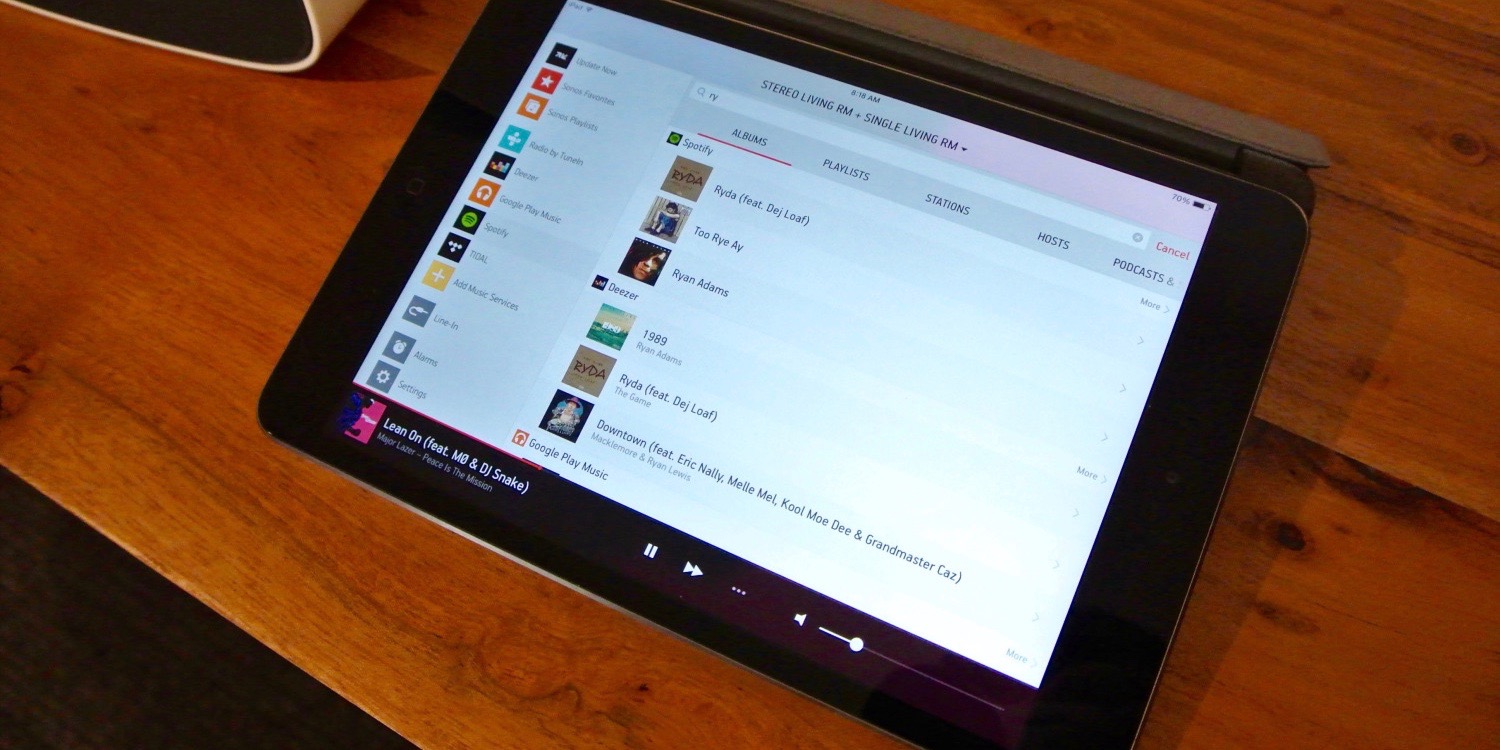
Back in September, Sonos unveiled an impressive new feature for its wireless speakers called Trueplay. Using the built-in microphones on your iPhone, iPad, or iPod touch, this Sonos feature lets you fine tune your speaker to the room it’s in while optimizing the sound regardless of placement. Starting today, Sonos users can use try out Trueplay using the latest version of the controller app for iOS.
Expand
Expanding
Close

Google Maps is bringing offline navigation and downloadable data to iOS

Google Maps 16-9

Google will soon be bringing a major new feature to its Maps app for iOS: full offline support. Google Maps has some utility already when used offline, but an upcoming update will make it much more robust when used without Internet access. For example, before you could see an area on Google Maps offline but not do much else with it. Coming soon, Google will enable features including navigation and business information lookup without requiring an active Internet connection.
Expand
Expanding
Close

Facebook Messenger’s new ‘Photo Magic’ feature automates sharing shots of your friends instantly

facebook-photo-magic-hero

A new feature in Facebook Messenger is now rolling out that scans photos added to your camera roll in search of your Facebook friends, and suggests that you send them to the people it finds. It’s a pretty nifty feature, if you feel comfortable with Facebook looking at every single photo you take on your device and constantly processing data on the friends you’re hanging out with…
Expand
Expanding
Close

Adobe creative professionals offer first hands-on impressions using iPad Pro [Video]

iPad-Pro-adobe

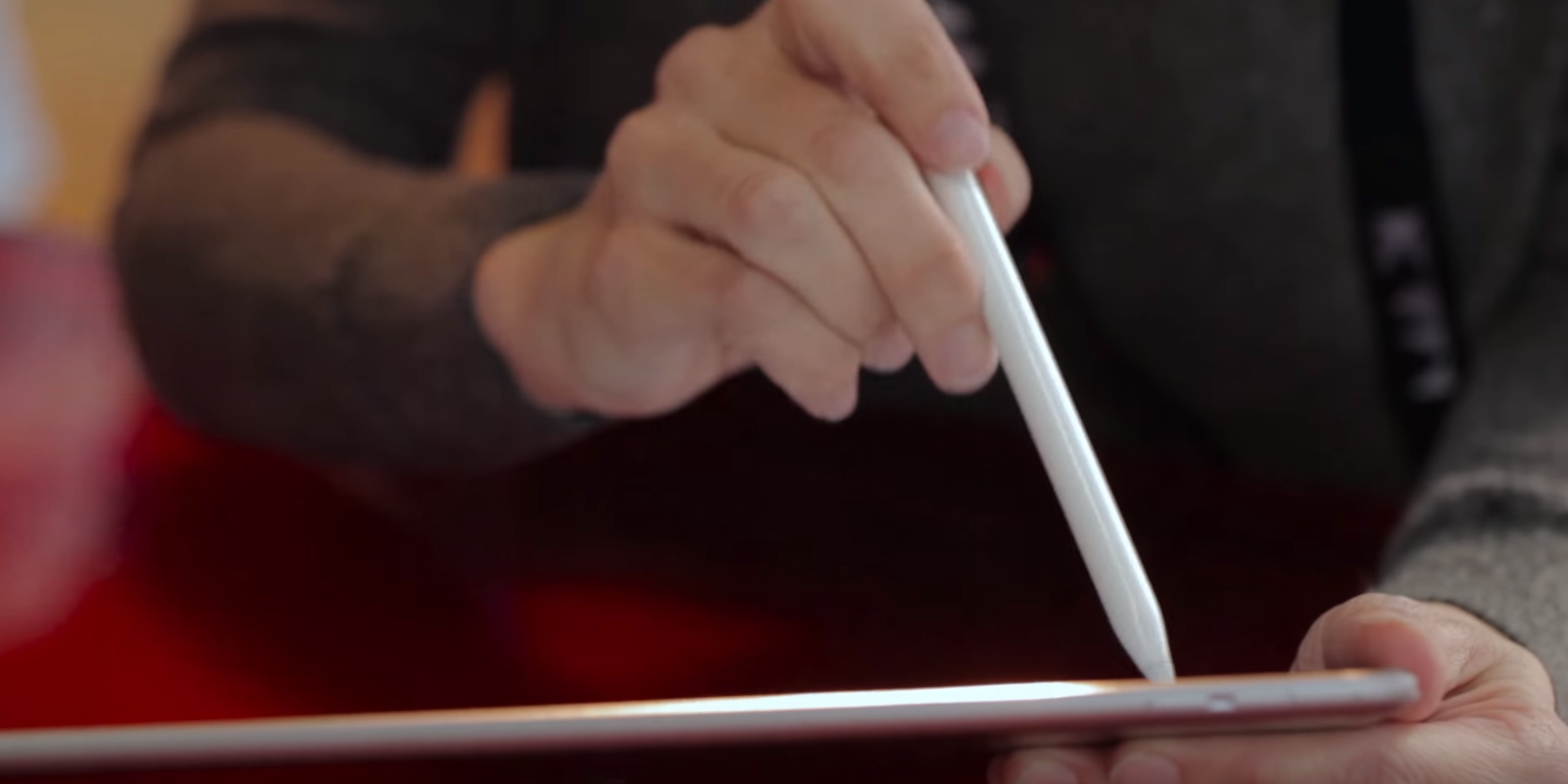
Adobe is one company patiently waiting for the launch of the new iPad Pro as the firm in recent months has prepared for what it expects to be a big user base of professionals interested in its various creative mobile apps on the device. Sharing in the excitement for the launch scheduled for later this week, Adobe just released the video above showing off some of the possibilities of its apps on the new iPad and giving us one our first looks at hands-on impressions with the iPad ahead of product reviews going live.

In addition to offering some previews of upcoming mobile app improvements at its Max conference earlier this year, the company has worked hard to optimize several of its apps that are bound to be popular on the new larger iPad. Apps ready to go for the launch include Photoshop Fix, Photoshop Sketch, Photoshop Mix and Comp CC.

[youtube=https://www.youtube.com/watch?v=7TVywEv2-0E]

Apple confirmed earlier today that the new 12.9-inch iPad Pro will go on sale Wednesday, November 11th in 40 countries, while the device will hit Apple retail stores sometime later this week. In Apple’s press release, Adobe’s vice president of Products Scott Belsky called the company’s work on software for the device an “industry-advancing collaboration that millions of Adobe and Apple customers will benefit from.”

“iPad Pro enables new forms of mobile creativity that will help transform how creatives work,” said Scott Belsky, vice president of Products at Adobe. “With the larger iPad Pro screen and lightning-fast performance, creatives will be able to take full advantage of Adobe’s family of Creative Cloud mobile apps. For example, the ability to manipulate a 50-megapixel image right on iPad Pro in Photoshop Fix and then send that image to Photoshop CC on a desktop, for further refinement, is the kind of industry-advancing collaboration that millions of Adobe and Apple customers will benefit from.”

While there haven’t been many hands-on videos since Apple first unveiled the device at its press event in September, we did get a look at Disney and Pixar animators playing with the device and offering their first impressions last month.