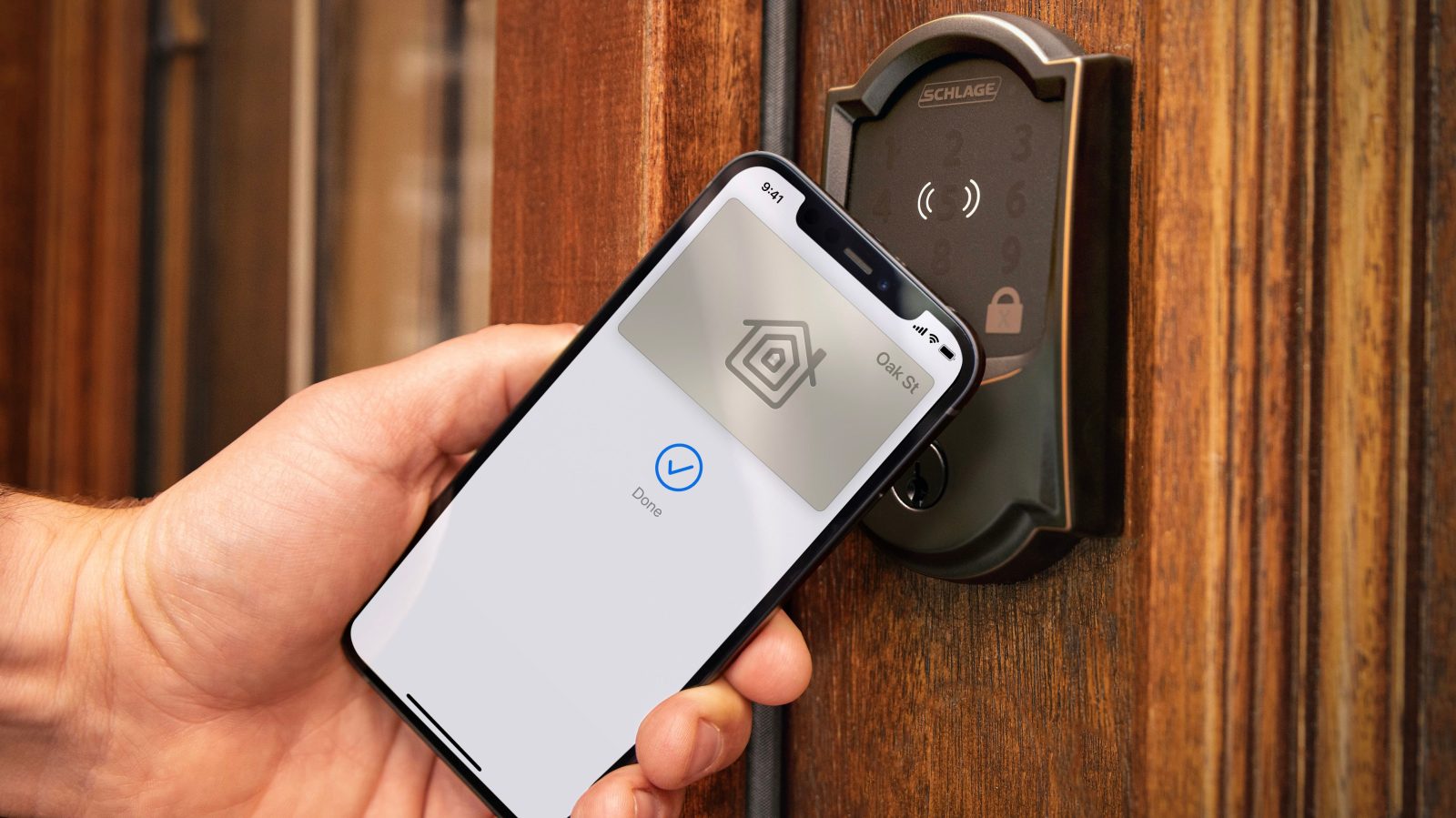
HomeKit

See All Stories

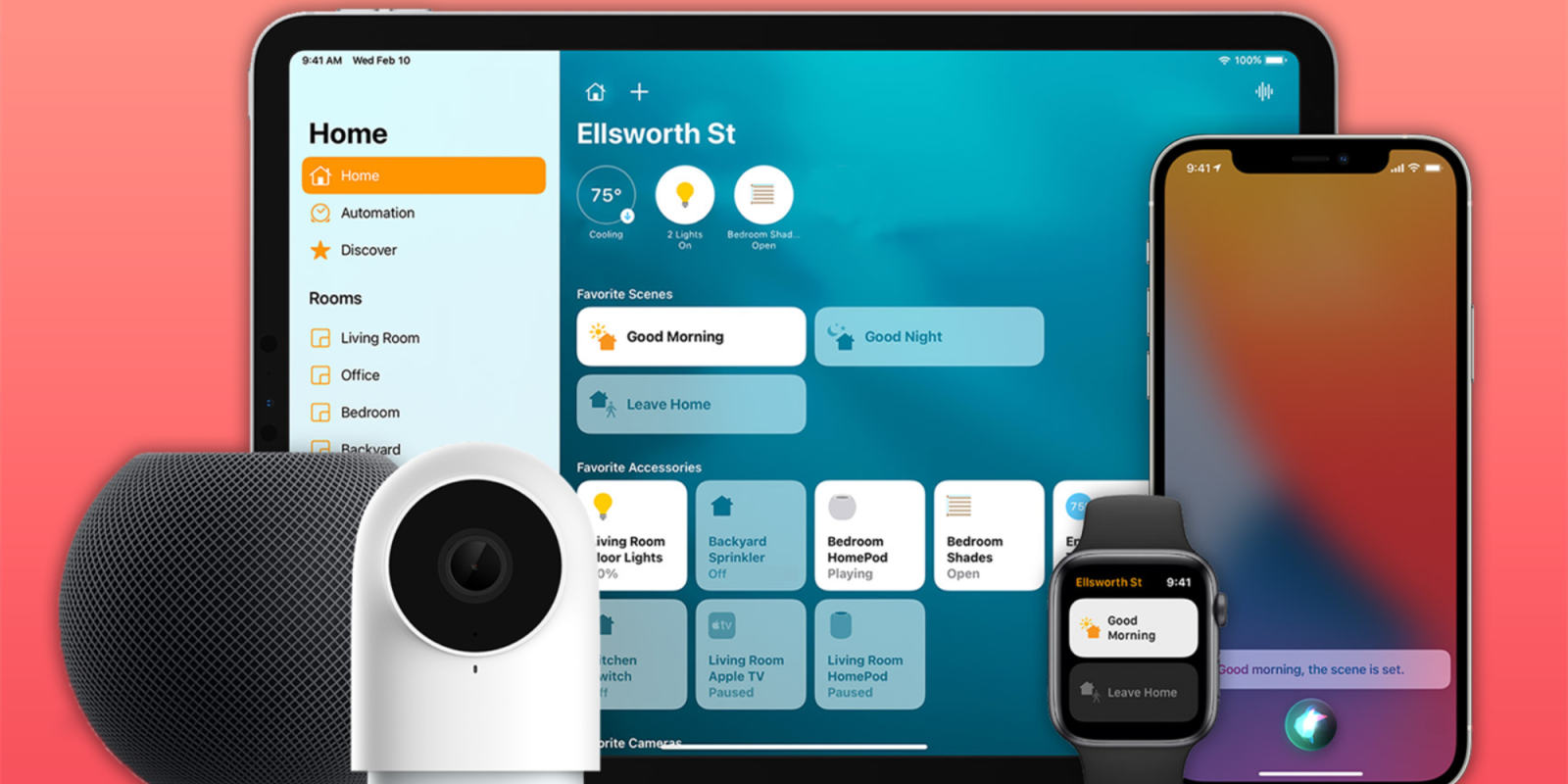
HomeKit is Apple's home automation framework that lets you control connected accessories from your iPhone, iPad, Apple Watch, HomePod, and Siri.
Your home at your command.

What is HomeKit / Apple Home?

Along with several other new APIs for developers, Apple announced HomeKit in June 2014, which allows all home automation accessories/devices to work together in harmony with iOS. The API allows home automation developers to centralize all home automation without needing separate apps to access each device’s specific features. These devices include locks, lights, cameras, doors, thermostats, plugs, switches, and more.

HomeKit allows for secure pairing with devices and the ability to control individual devices. It also makes it possible to group several home automation devices into scenes that allow for easier control of any automation device in specific situations. One of the coolest features available with HomeKit is the ability to control any home automation accessory with Siri based on certain commands or scenes previously configured with these devices.

In 2016, Apple introduced a new Home app that came with a modern look, relatively easy-to-use controls, and access to accessories and scenes from anywhere on iOS 10. Apple’s new built-in Home app arrived on the iPhone’s Home screen, plus you can access a ton of functions from the Lock screen or anywhere on iOS from the new Control Center once you have a HomeKit accessory set up.

In 2018, Apple released the HomePod. It was a way to interact with your connected home devices through Siri using a standalone device.

In 2020, Apple announced that tvOS 14 would gain access to the Home app. iOS 14 is also bringing improvement to the Home app UI.

HomeKit Secure Video
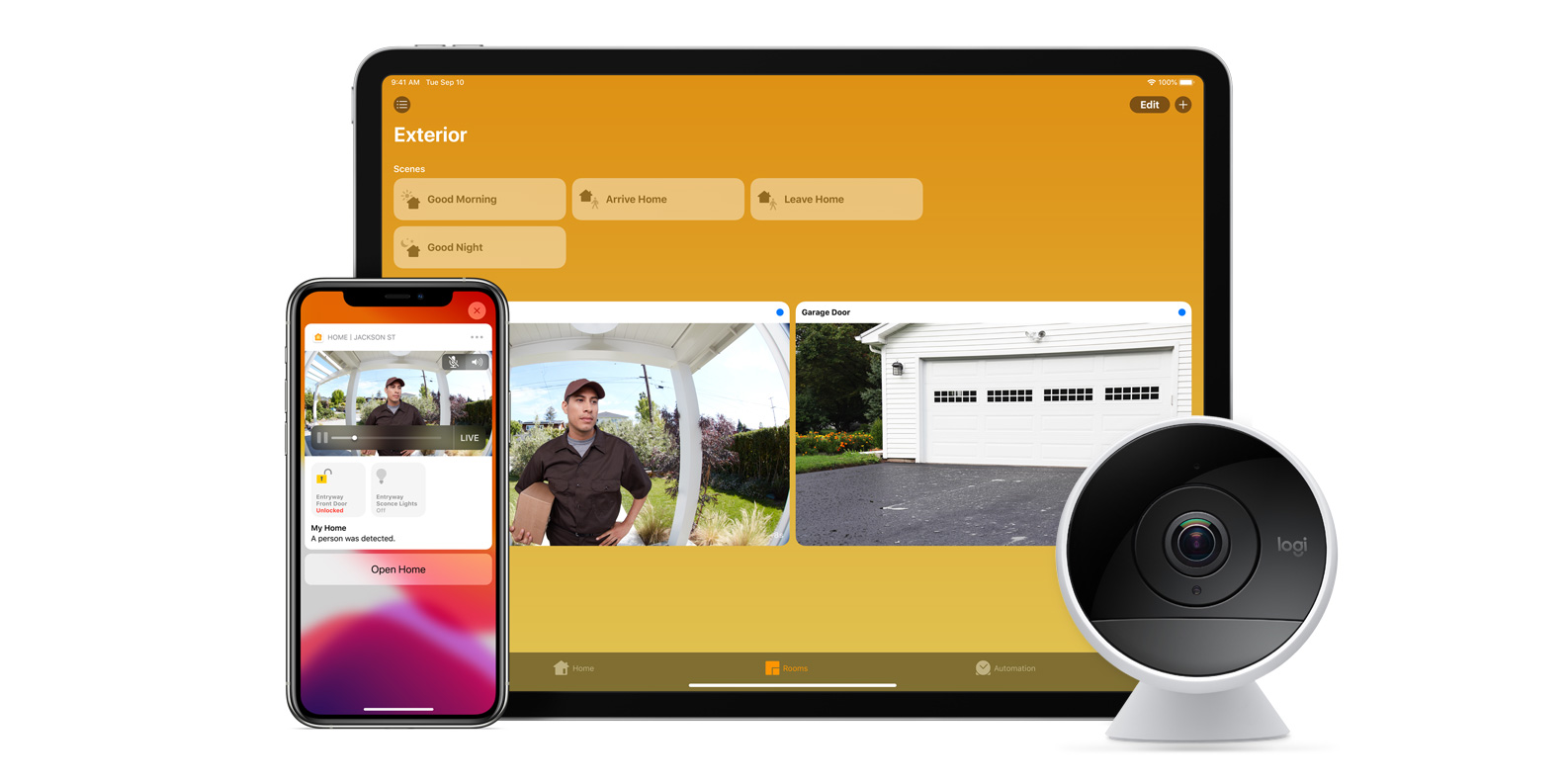
With iOS 13, Apple announced HomeKit Secure Video.

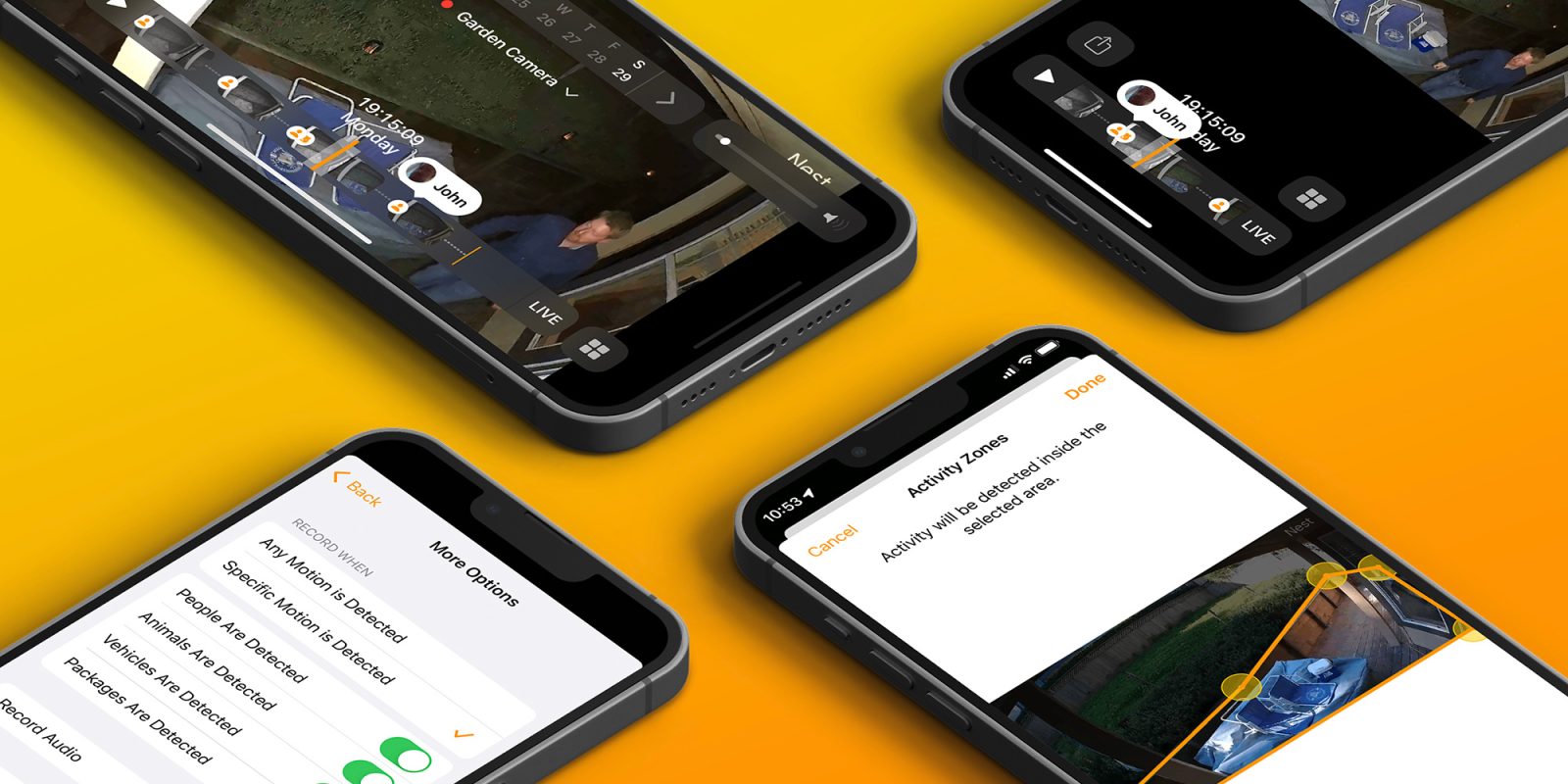
Footage from home security cameras contains your most personal and sensitive data. With HomeKit Secure Video, activity detected by supported cameras is privately analyzed by your home hub using on‑device intelligence to determine if people, pets, or cars are present. When important activity is detected, you and anyone you share your Home app with will receive a rich notification that lets you view the clip right from the Lock Screen. Recorded video is available to view for ten days from the Home app. It’s securely stored for free in supported iCloud accounts and doesn’t count against your storage limit.

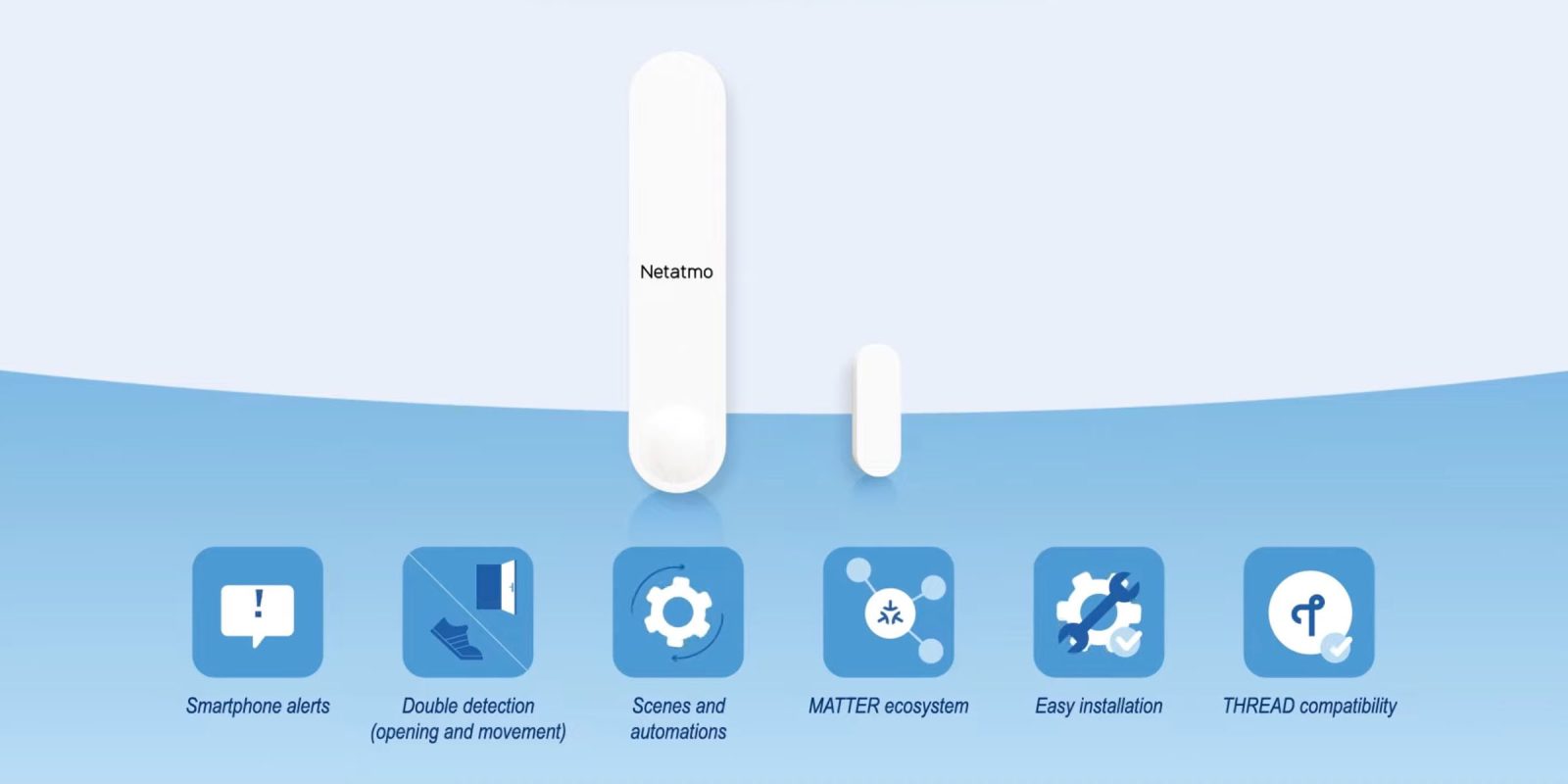
While the rollout has been slow, Logitech, Arlo, Netatmo, and Eufy are among the early standouts. With recent privacy issues with Ring, HomeKit Secure Video is likely to continue to grow in popularity. One key benefit with Secure Video is that it works with your existing iCloud storage (200GB and up plan), so you don’t have an extra monthly fee for storage.

HomeKit Router
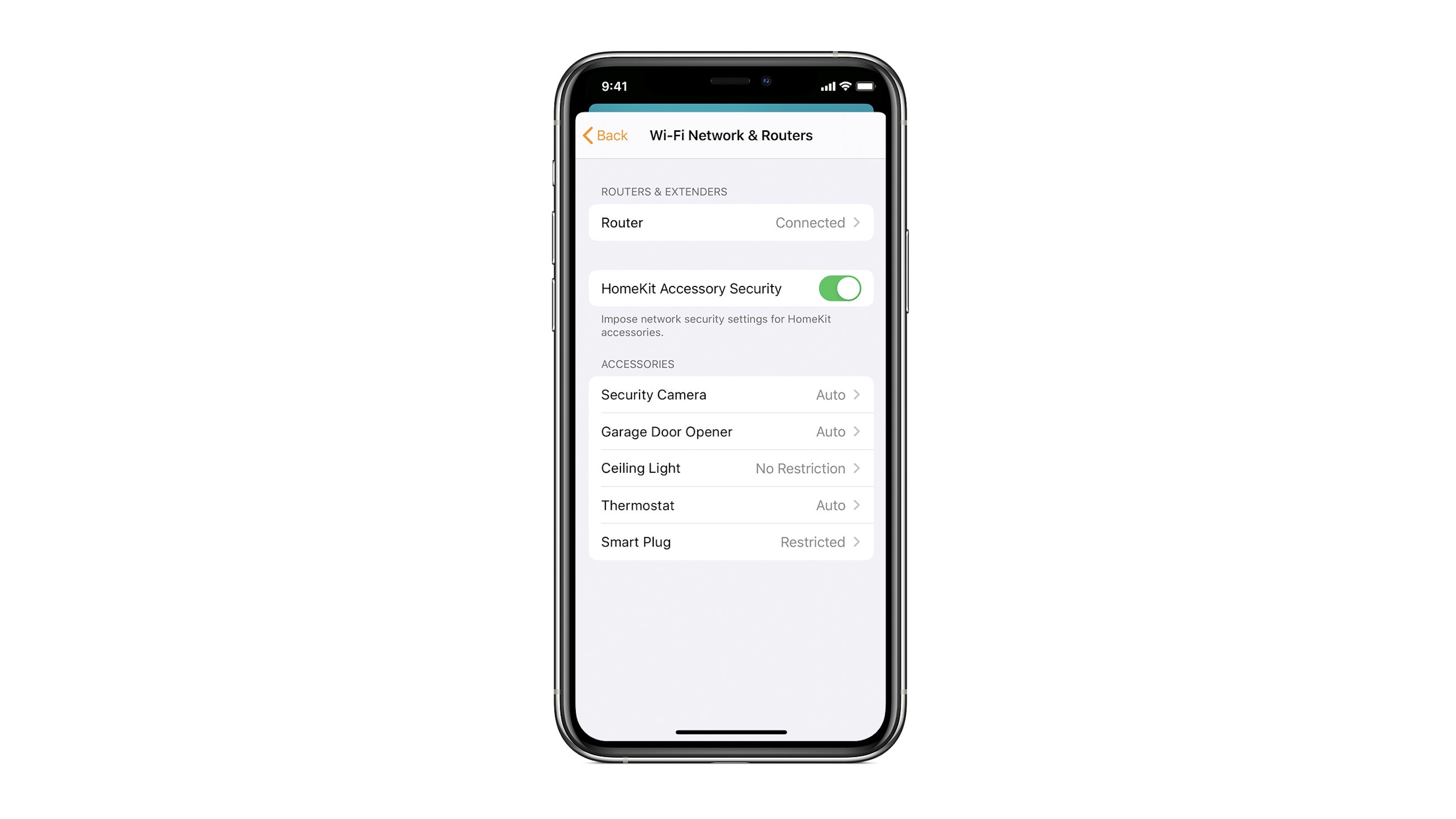
HomeKit Router was also announced with iOS 13, but it wasn’t released until early 2020. The idea behind the feature is you can give granular control to smart home enabled devices to control where on the internet they can reach.

eero was the first company to roll out support in for HomeKit Router.

With Apple HomeKit, eero gives you even more protection of your HomeKit accessories and an easy way to manage what they are allowed to communicate with in your home and through the internet.

There are three levels of security Apple offers for accessories paired with HomeKit routers:

  • Restrict to Home: Most secure. Your accessory can interact only with HomeKit through your Apple devices. The accessory won’t connect to the Internet or any local devices, so any third-party services, like firmware updates, might be blocked.
  • Automatic: Default security. Your accessory can communicate with HomeKit and connections recommended by its manufacturer.
  • No Restriction: Least secure. This setting bypasses the secure router and allows your accessory to interact with any device in your network or Internet-based service.

How Do You Use HomeKit?
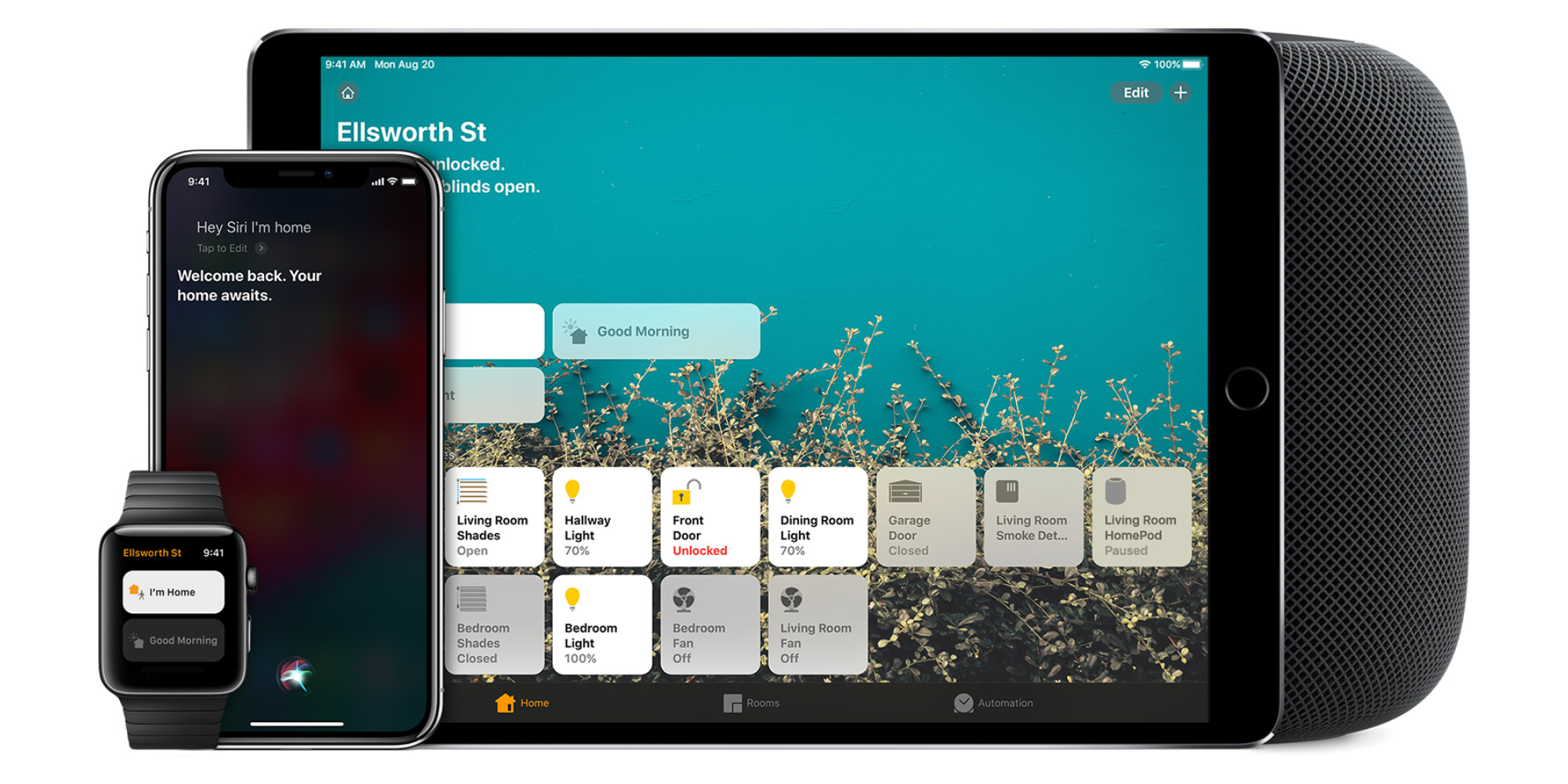
Homekit app

HomeKit devices can be controlled from iPad, iPhone, Mac, Apple Watch, and HomePod. A 4th generation Apple TV (or newer) is an essential Apple smart home device as it acts as a bridge over iCloud to allow access to your devices when away from home.

9to5Mac’s Bradley Chambers does a regular column about the “Apple Home” lifestyle in his HomeKit Weekly column.

HomeKit Weekly: How Apple could deeply integrate HomeKit with CarPlay

HomeKit Garage Door Carplay

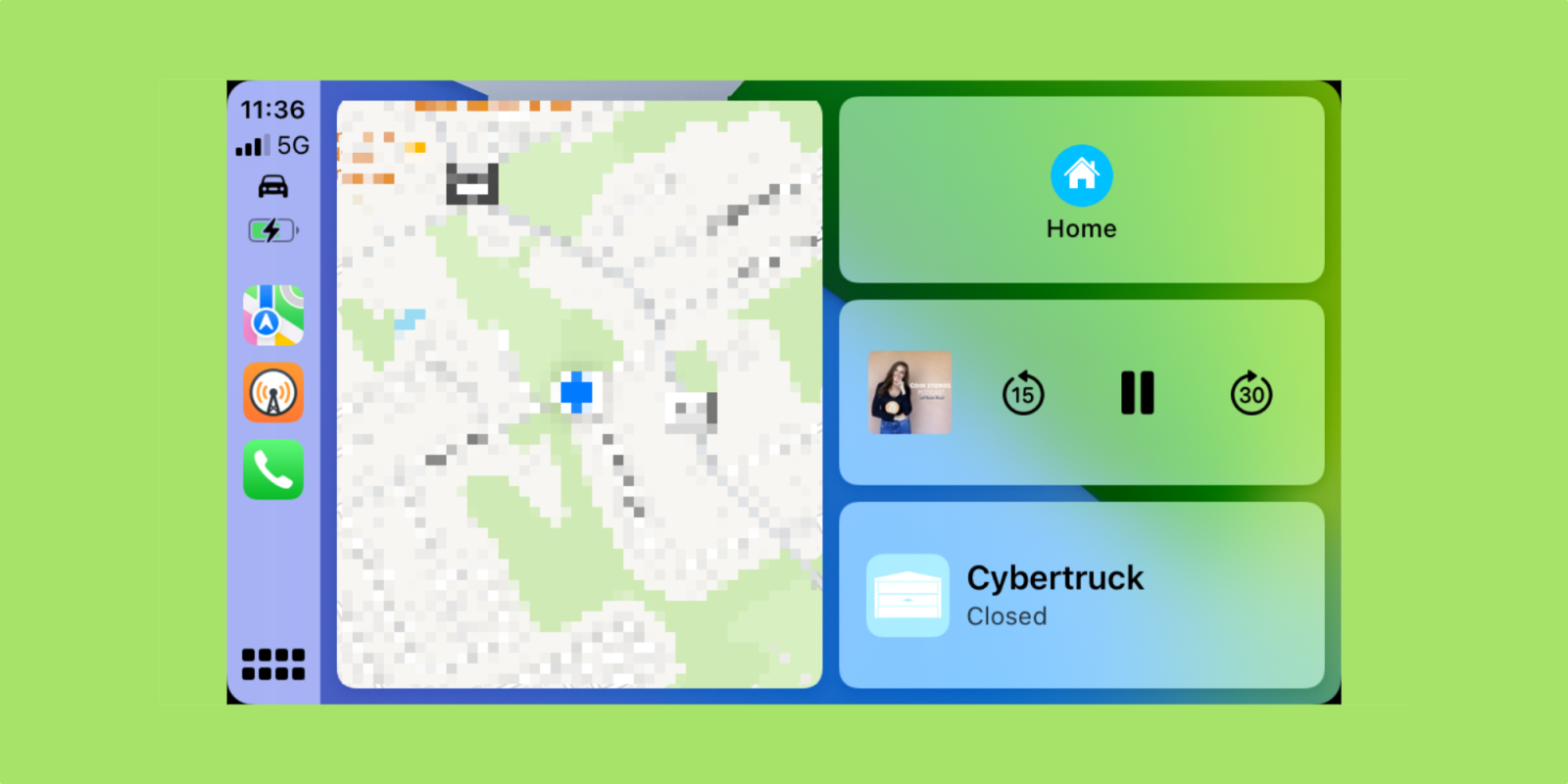
Recently, I updated my review of the iSmartGate Homekit garage door opener to reflect how much more I am using it now that I have the Intellidash CarPlay unit in my car. I’ve stopped using the standard RF garage door opener with easy access to open and close my garage door from CarPlay. The usage spurred on some thinking about further integration with HomeKit and CarPlay.

Expand Expanding Close

HomeKit Weekly: How CarPlay turned a smart garage opener into a must-have accessory

Nearly two years ago, I installed the iSmartGate garage door opener. During that time, we used it a decent amount, but never daily. Since we still have RF-based remotes, they were often faster to use vs. opening the Home app, waiting on it to connect, and then opening the garage door. Since I finally added CarPlay to my car through the IntelliDash CarPlay Unit, having access to my garage doors in HomeKit has become a daily use.

Expand Expanding Close

Home Widget for HomeKit gets updated with sensor support, different panel sizes, and more

Home Widget for HomeKit is probably one of the coolest apps for improving your experience with HomeKit-enabled accessories on iOS. It offers quick access to Home automation directly from your home screen. The app was updated on Wednesday with great new features, including sensor support, different panel sizes, and more.

Expand Expanding Close

Here’s how Thread revives Wemo’s Stage Scene Controller as a HomeKit essential

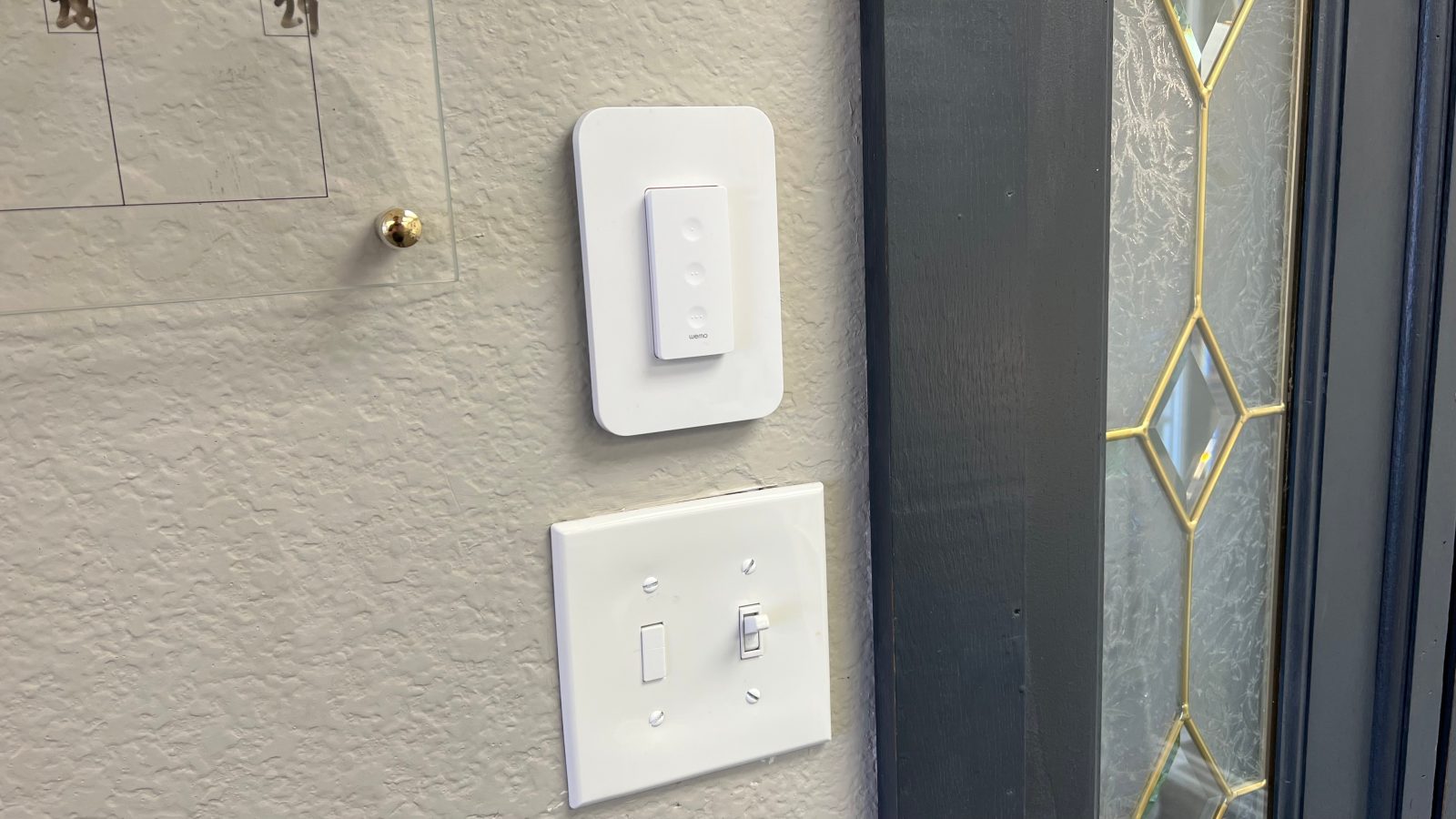
In my never-ending quest to craft the perfect HomeKit smart home, I’ve realized that one key is a combination of smart controls and physical controls. One of the most recent additions to my setup for this is the Wemo Stage Scene Controller, which was announced last April, but recently much more reliable thanks to its adoption of Thread.

Expand Expanding Close

Here’s how to add HomeKit Secure Video with Google Nest cameras

The Starling Home Hub is a core part of my HomeKit experience, as it bridges my Nest Thermostat and Google Home Mini to HomeKit and AirPlay, respectively. One notable feature that’s been a wishlist item for many Starling customers is Nest support for Apple’s HomeKit Secure Video. Now, with the latest 11.0 firmware update, a handful of Google Nest cameras are now compatible with HKSV.

Expand Expanding Close

HomeKit Weekly: How to create NFC automations for HomeKit using Shortcuts and $1 tags

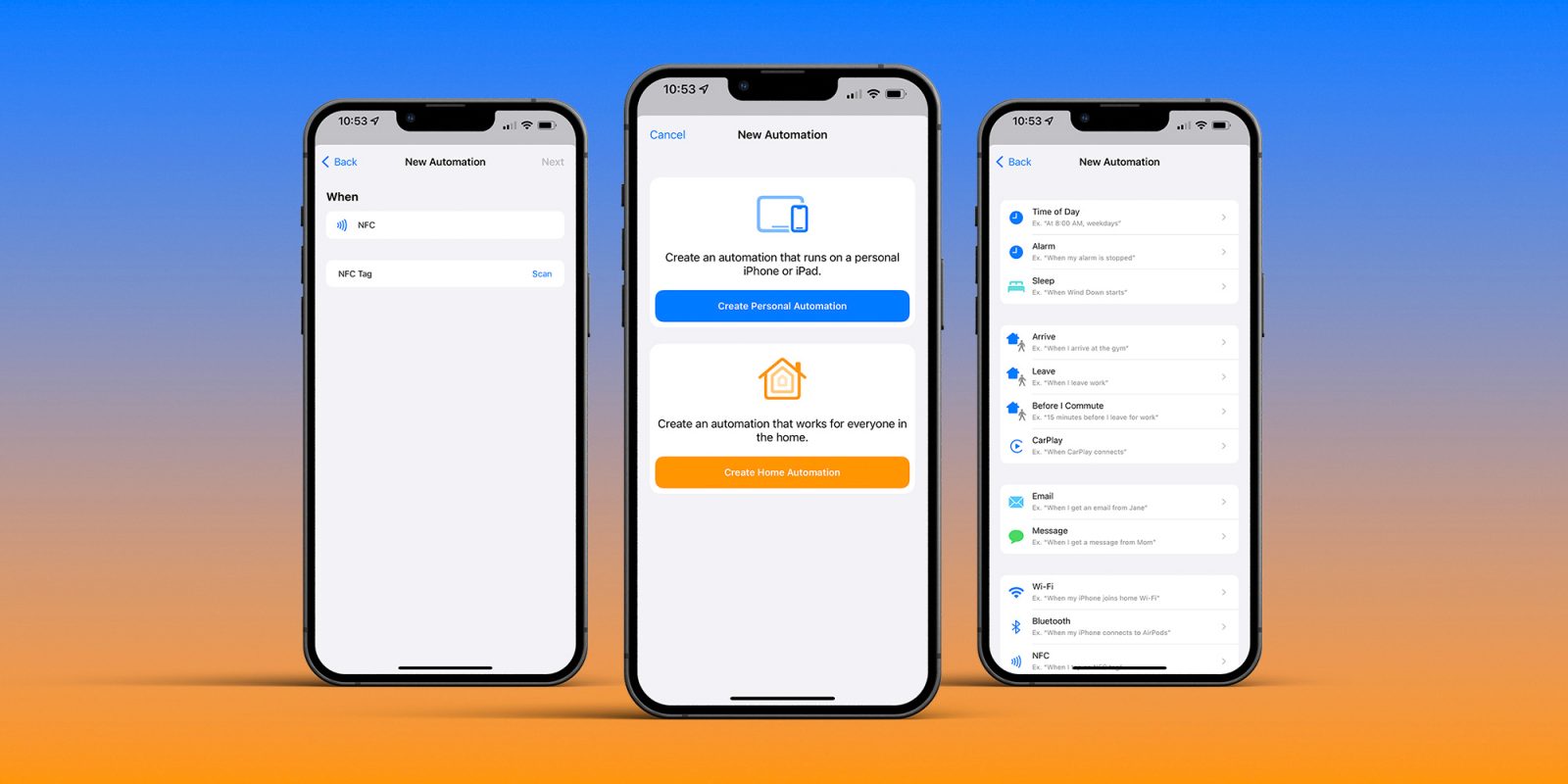
There are many ways to interact with HomeKit. You can use the Home app on iOS or macOS, you can use Siri on a HomePod or Apple Watch, but another way is with NFC tags, and it’s surprisingly easy and can be done for less than $1 per NFC automation you want to build. Since learning how to use it, it’s been an ideal way to use HomeKit in a way that’s faster than using the Home app but more reliable than Siri. Let’s dive in on how it works and how to configure it.

Expand Expanding Close

HomeKit Weekly: Why you should become an expert with HomeKit automations

HomeKit

Sometimes, it’s good to take a step back and build on foundations with a new year. I think about HomeKit every day, so many of the terms I throw around, like Automations, Home Hub, Homebridge, etc., might be known to experts. Still, I wanted to compile a go-to list of HomeKit terms and definitions for newcomers over the next few weeks. So this week, I want to look in-depth at HomeKit Automations.

Expand Expanding Close

HomeKit Weekly: SwitchBot Button Pusher can switch on dumb appliances using Homebridge and HomeKit

I’ve joked that if I were “super-rich,” that I’d love to hire someone whose only job would be to hand me a large cup of coffee as soon as I walked out of my bedroom. HomeKit hasn’t let me do that, but it’s getting me close. Read on to learn how I automated my morning coffee based on when motion is detected by my bedroom door using HomeKit, HOOBS, and Switchbot. Read on to learn how to implement, what gear you’ll need, and how to configure in HomeKit.

Expand Expanding Close

HomeKit Weekly: With HomeKit support, Twinkly lights are now useful year-round for lighting effects based on Apple Music and more

Twinkly lights

I’ve been watching Twinkly as a product for the past year after learning about them through Shane Whatley’s YouTube channel. Previously, to work with HomeKit, you’d need to bridge them using a product like HOOBS. Late last year, however, native HomeKit support was added. You might think these items are only for Christmas, but they will be useful in all sorts of situations – not just Christmas lights.

Expand Expanding Close

HomeKit Weekly: Connecting the Govee heater to HomeKit using HOOBS

Govee heater

Now that winter is setting where I am located in the southern US, I began to brainstorm on ways I could automate the heating of my home using HomeKit. I already have smart thermostats (one from ecobee and one Nest bridged to HomeKit with Starling Home Hub). I like to use a space heater in my living room as we have vaulted ceilings, so we lose a lot of heating from the floor vents. While there are a handful of Wi-Fi-based space heaters, there were none native to HomeKit. As with anything HomeKit related, there’s usually a way through Homebridge, so that’s what I did.

Expand Expanding Close

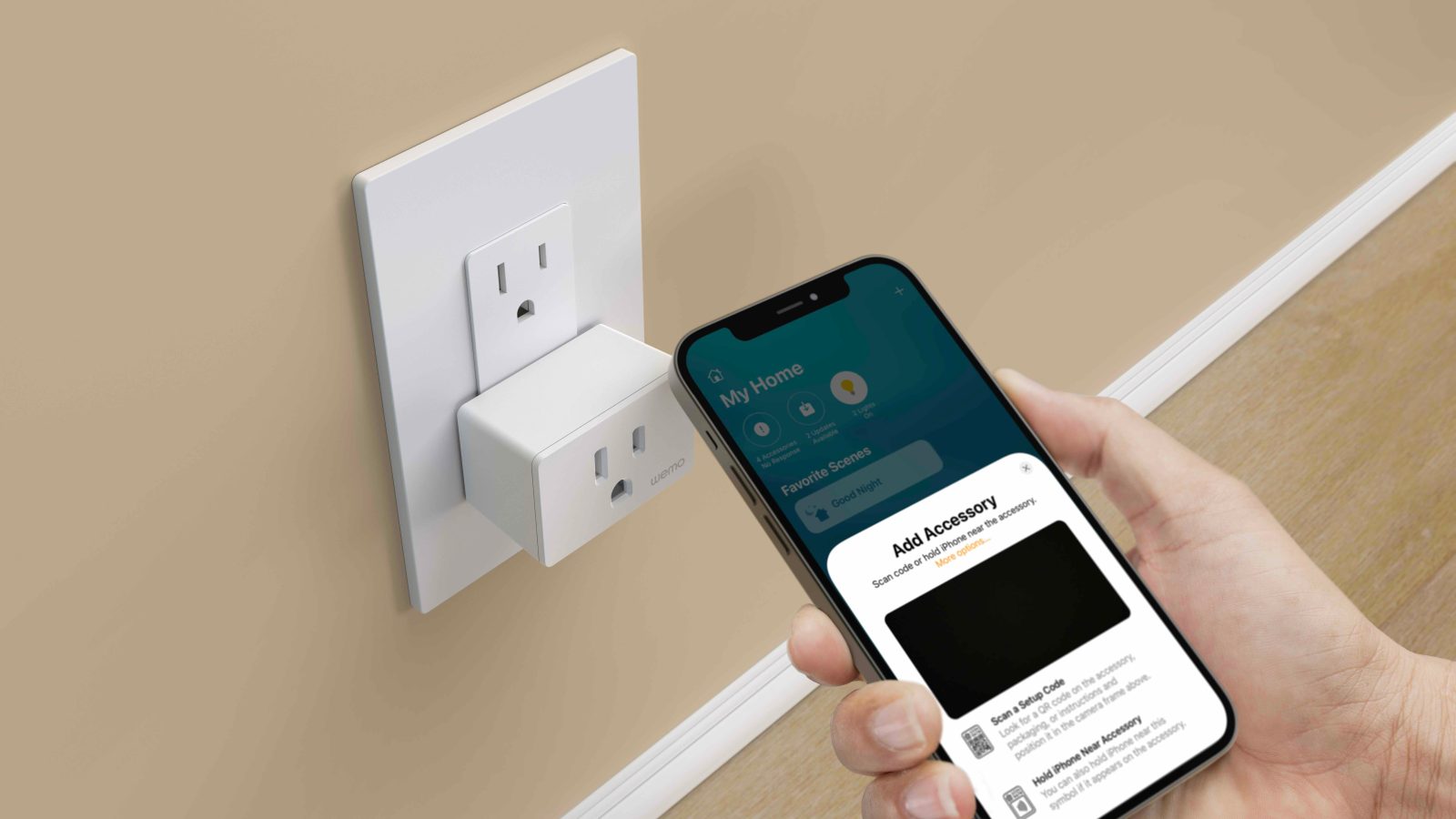
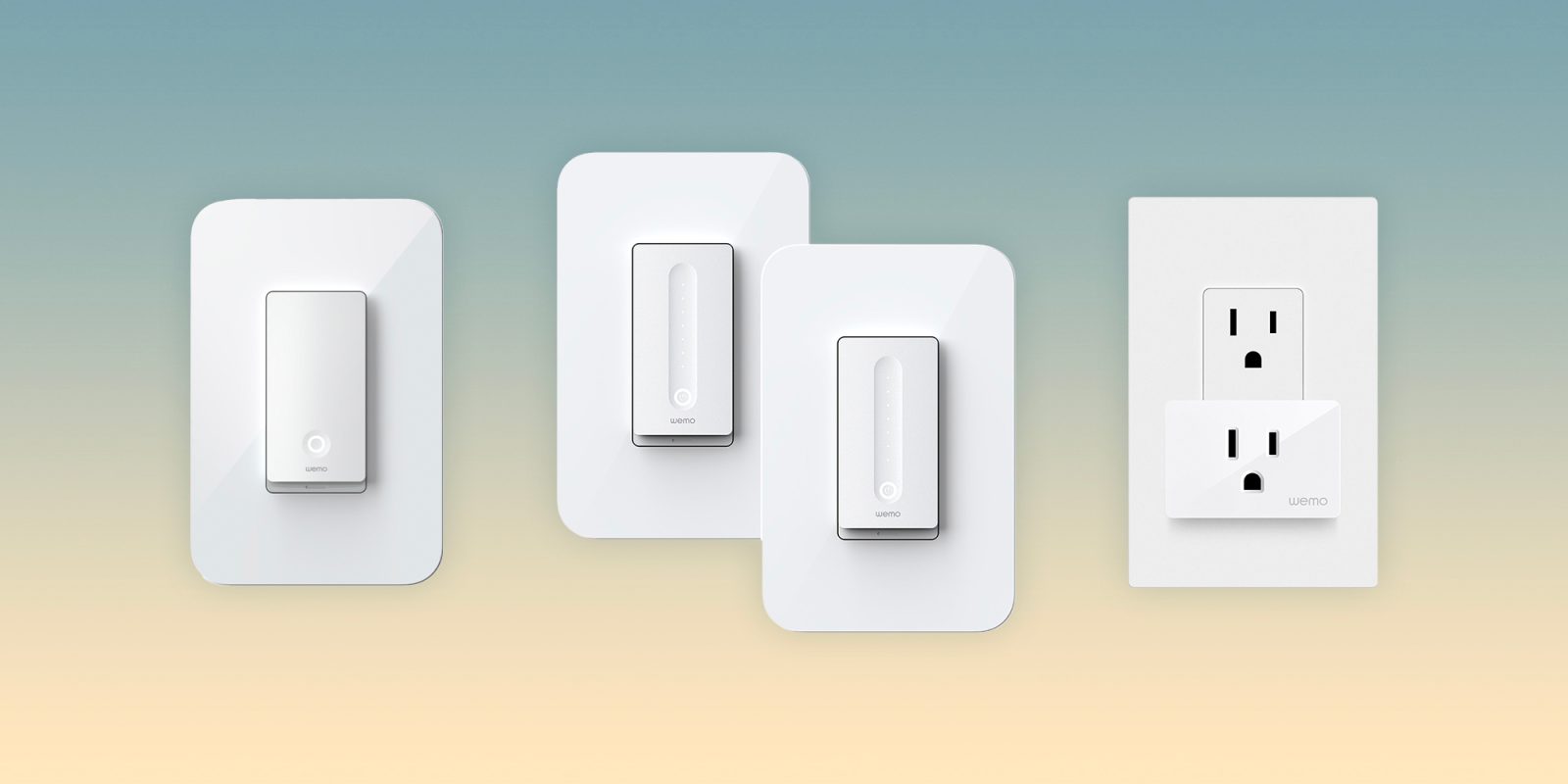
Belkin Wemo going all in on Thread and Matter for 2022 with new Switch, Dimmer, and Smart Plug

Belkin Wemo Smart Switch Plug, Light, and Dimmer

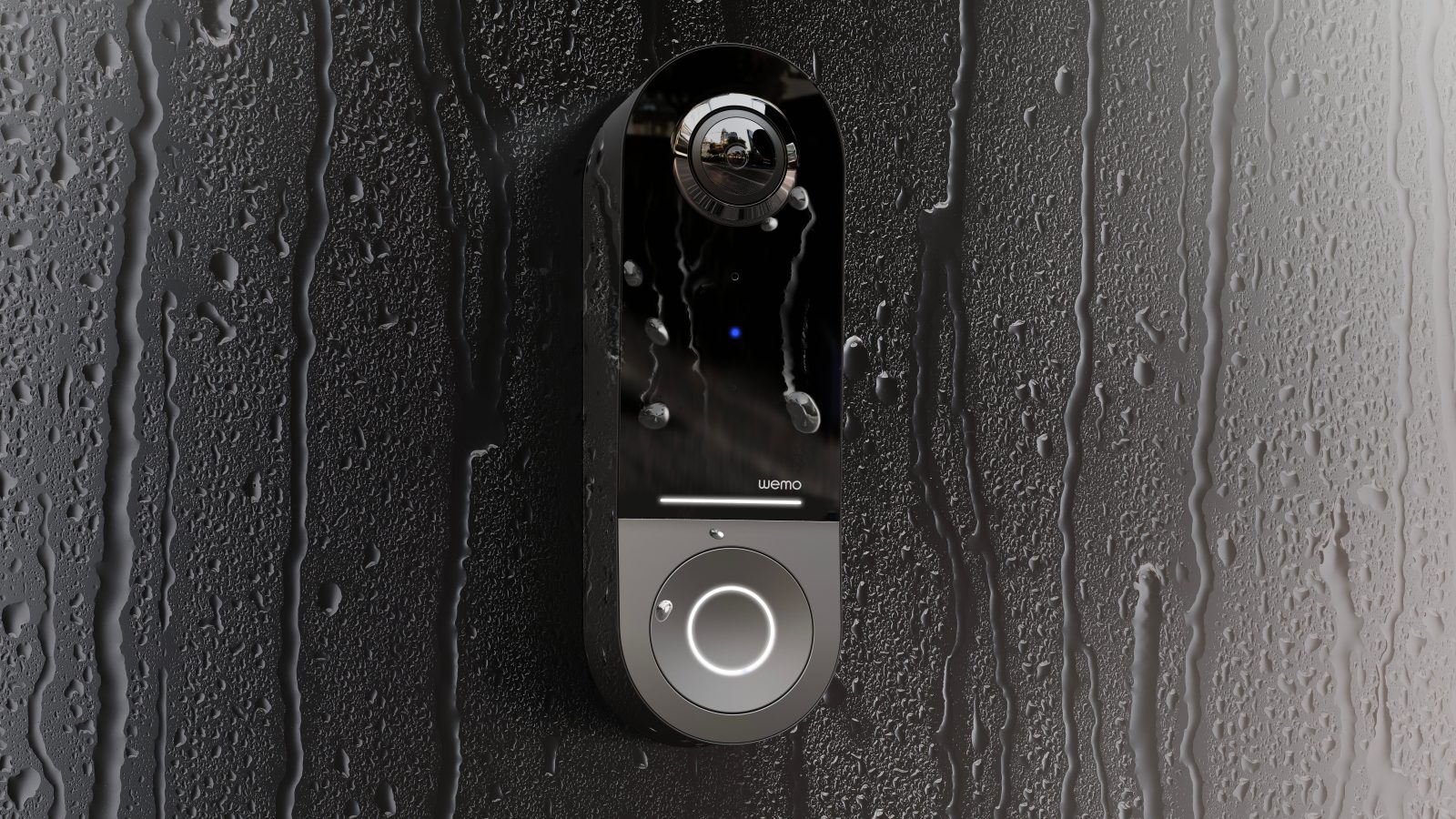
Alongside the new Wemo HomeKit Smart Video Doorbell, Belkin has unveiled that its Wemo Smart Plug, Smart Light Switch, and Smart Dimmer will be seeing an upgrade this year with Matter over Thread support. That will mean faster and more reliable connections with greater range for the HomeKit devices.

Expand Expanding Close

This HomeKit bug could make your iPhone completely unusable; here are the details

A security researcher has exposed a vulnerability in Apple’s HomeKit platform that could lead to your iPhone (or anyone else with access to your Apple Home setup) becoming unusable. The bug was reported by security researcher Trevor Spiniolas, who detailed in a blog post that name of a HomeKit device being changed to something around 500,000 characters long is what causes the issues…

Expand Expanding Close

HomeKit Weekly: The Meross Air Filter can keep your room’s air clean using HomeKit automations

Air filters are something that I believe should be in every home. Even in my hometown of Chattanooga, Tennessee, where the air is generally clean, there is a lot of pollen in the air at various points in the year. If you live in an area that’s seen consistent wildfires, you need a healthy supply of air filters even more than I do. There haven’t been many options for HomeKit-enabled air filters, though. Until recently, the only option was the VOCOlinc air filter. While I love this product, it has a large footprint, so it’s impractical for apartments or smaller bedrooms. I recently picked up the Meross HomeKit air filter for our bedroom, and it’s a great option if you need to filter the air in a smaller area.

Expand Expanding Close