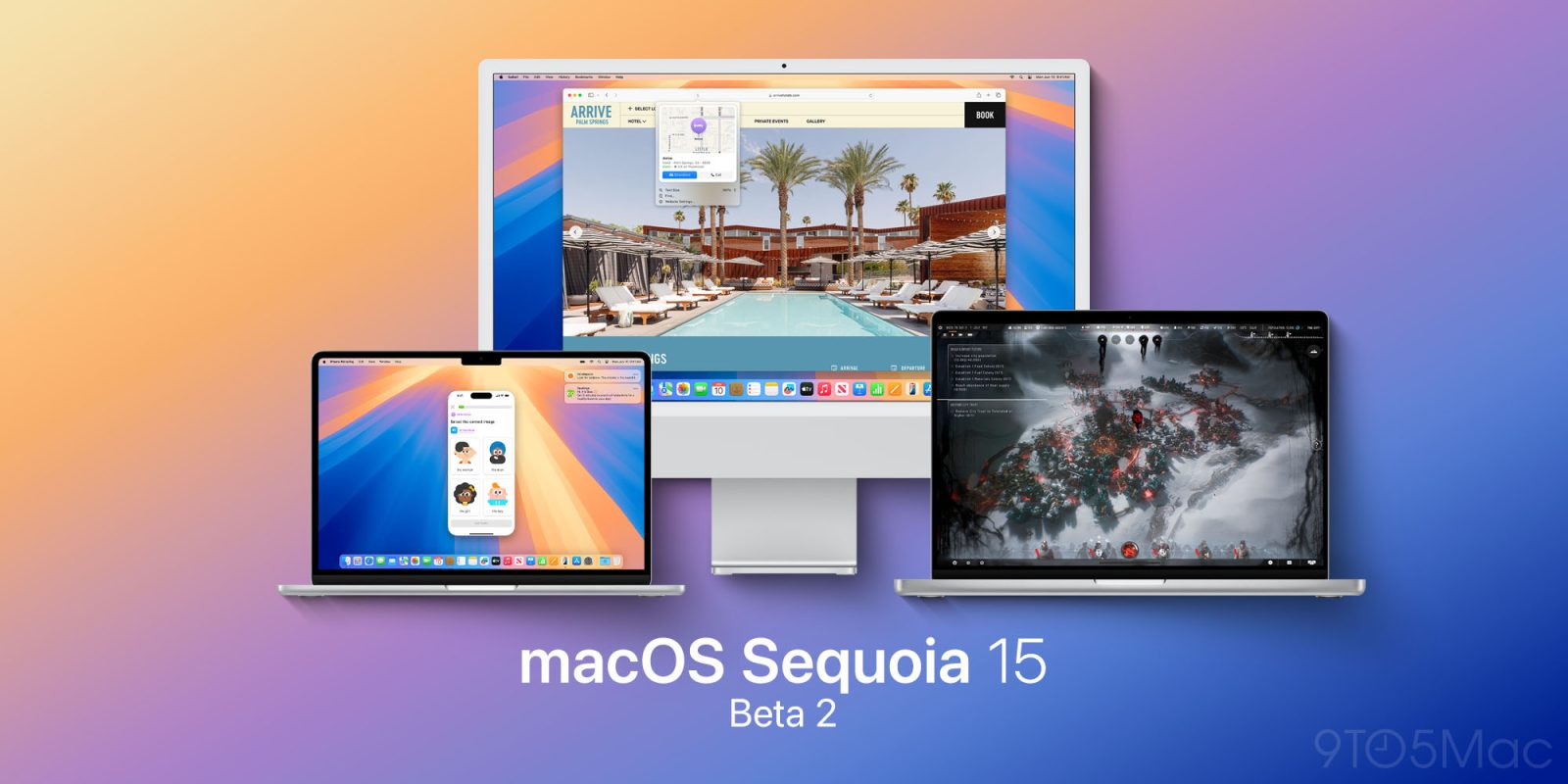
macOS Sequoia

See All Stories

My 10 favorite little features in iOS 18, iPadOS 18, and macOS Sequoia

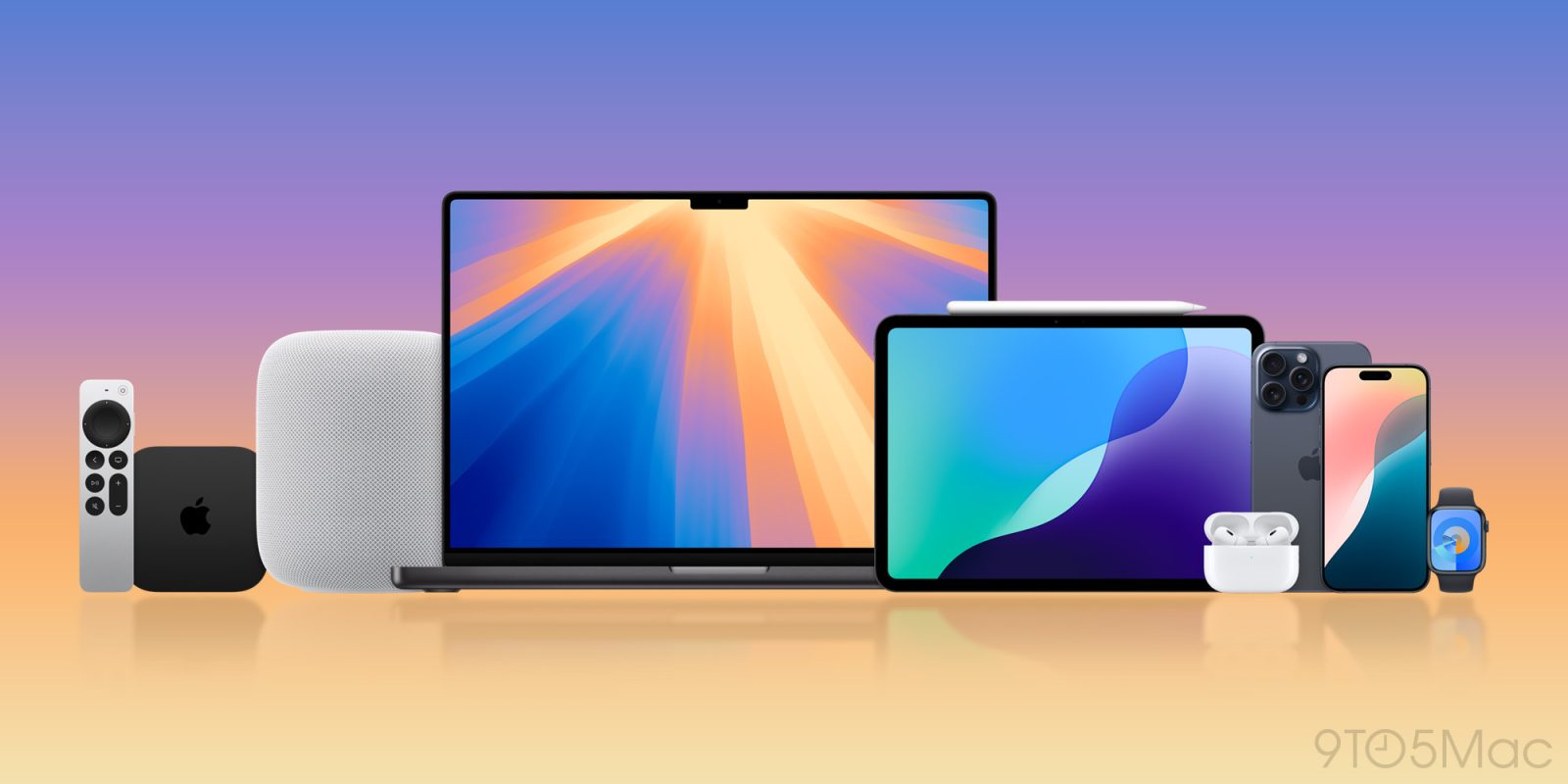
Apple coming soon

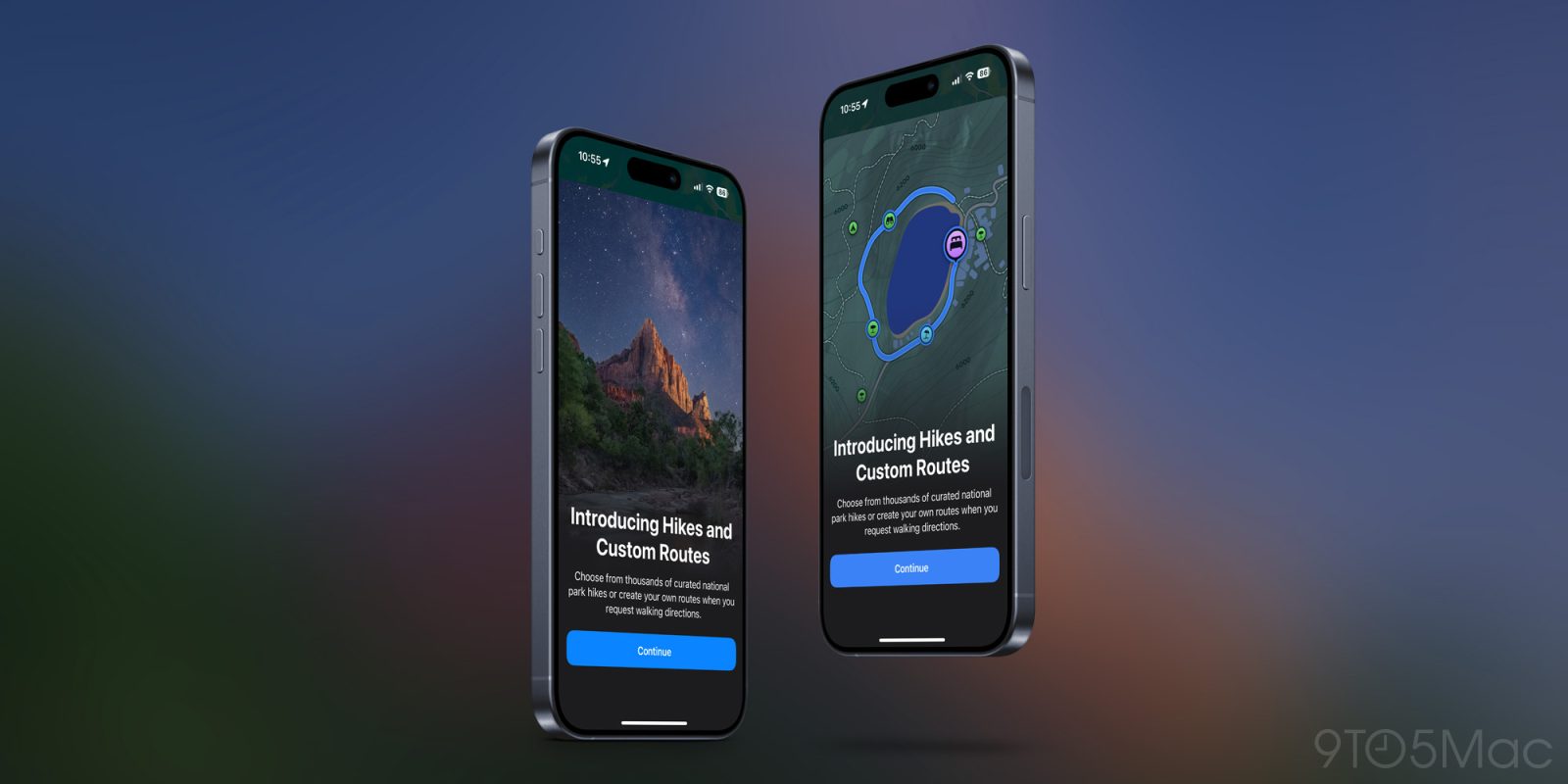
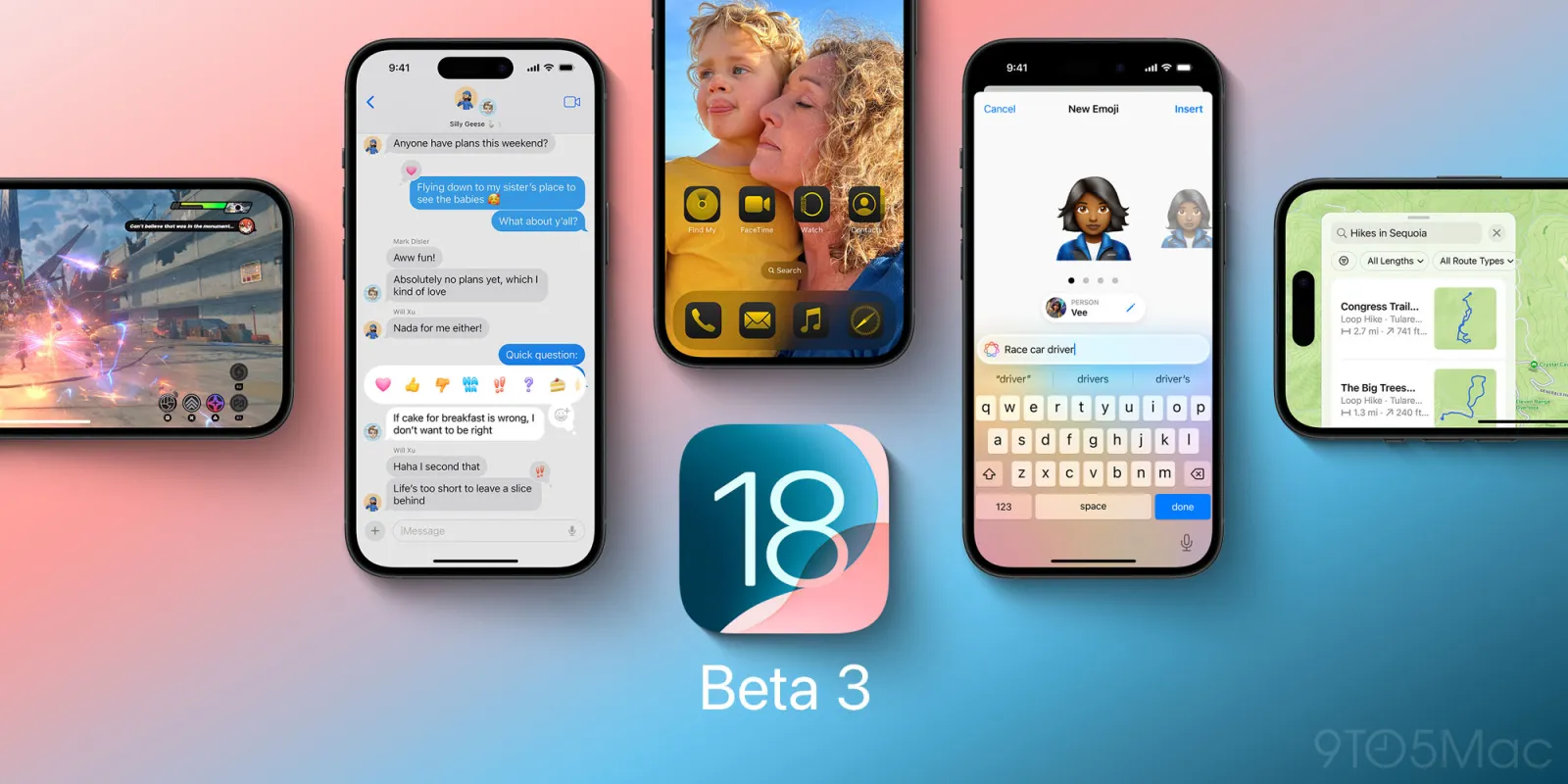
This fall, iOS 18, iPadOS 18, and macOS Sequoia will introduce a variety of big changes for users. Features like Apple Intelligence, Home Screen customization, iPhone Mirroring, and the redesigned Photos app will get a lot of attention.

But alongside those major improvements, there are also lots of smaller changes coming to the iPhone, iPad, and Mac. Here are some of my favorite little features in iOS and iPadOS 18 and macOS Sequoia.

Expand Expanding Close

macOS Sequoia beta 5 adds a new wallpaper – and you can download it here

macOS Sequoia beta 5 adds a new wallpaper – and you can download it here

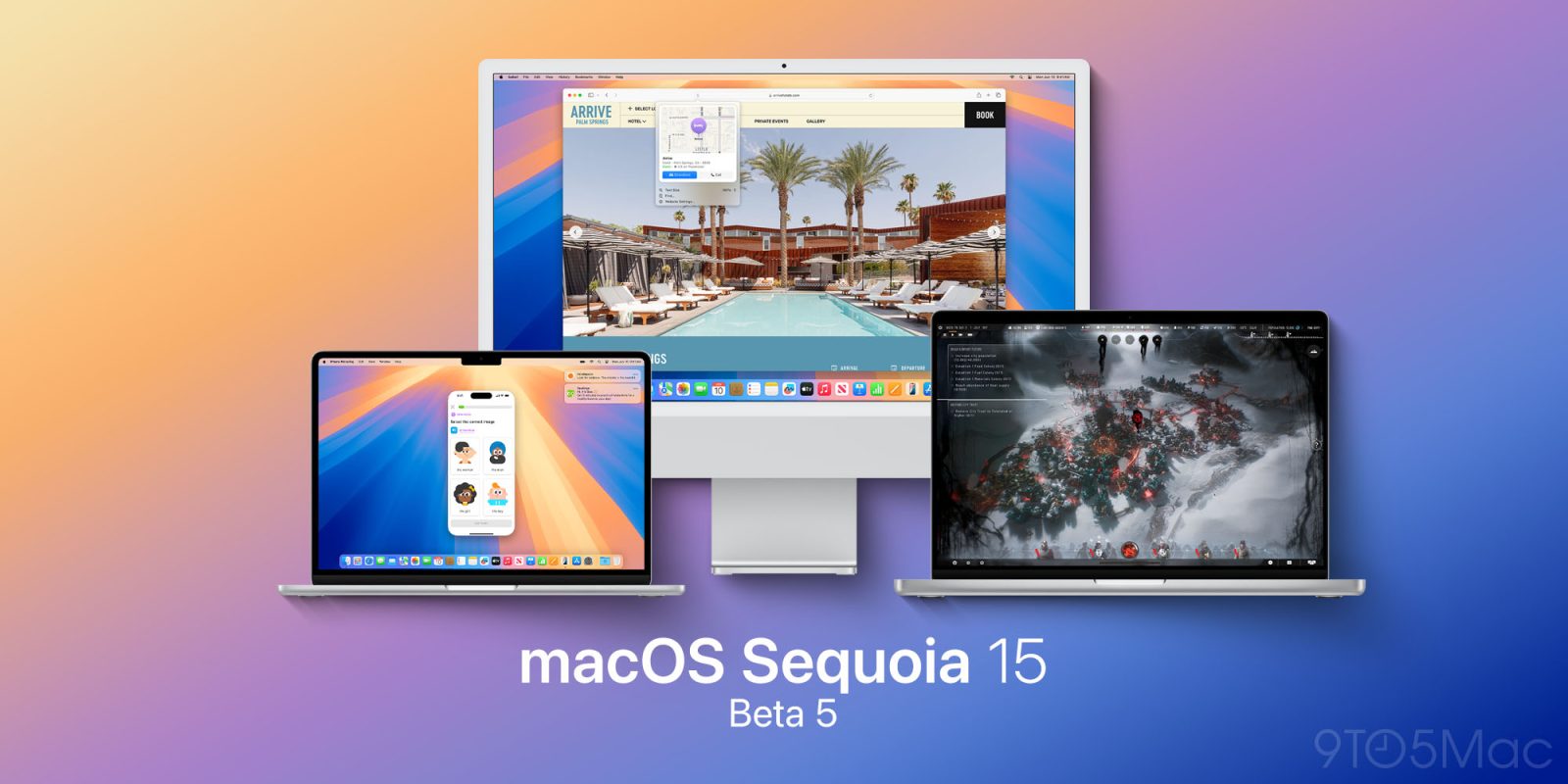
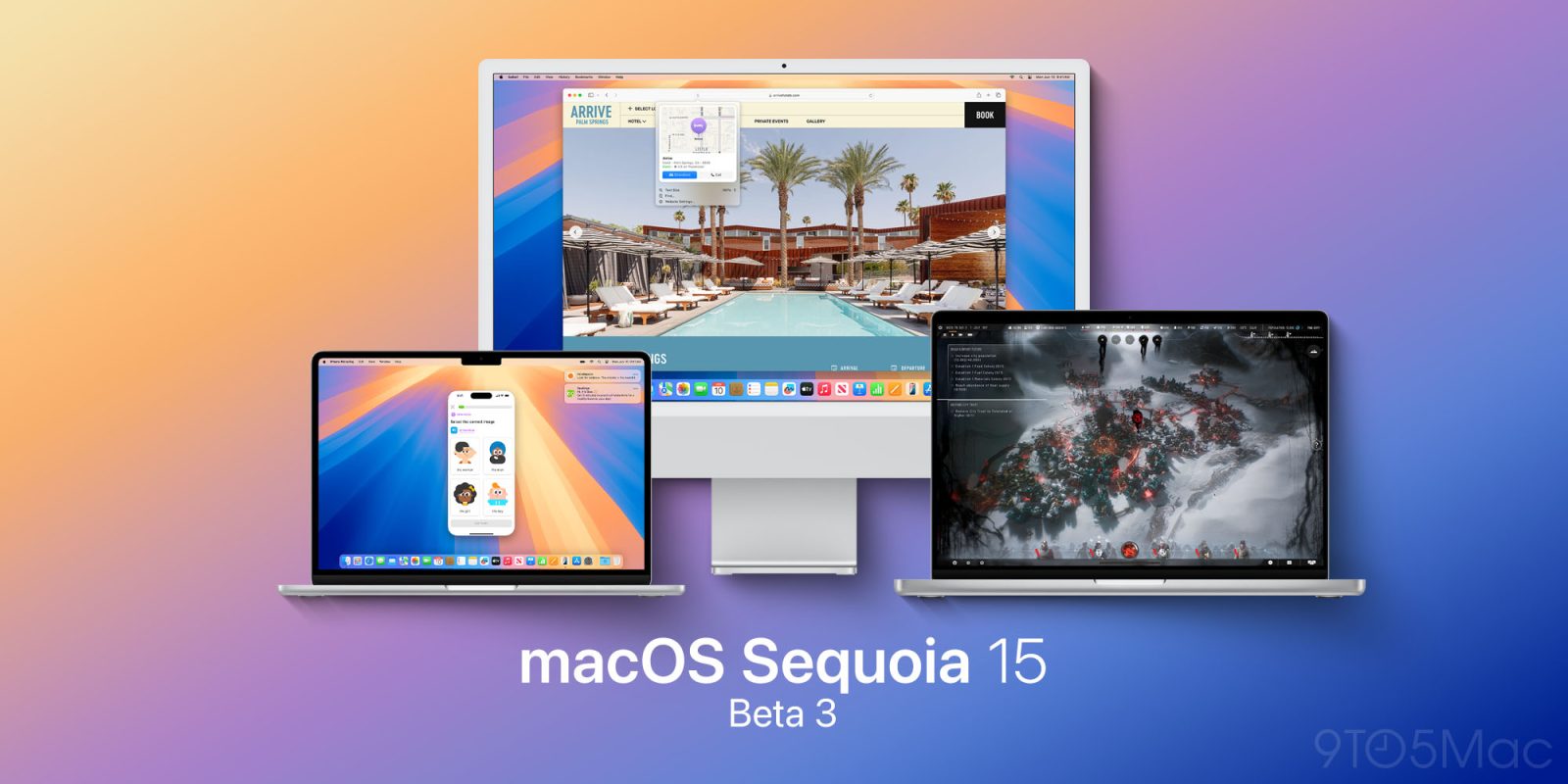
Apple on Monday released the fifth beta of macOS Sequoia 15.0 to developers. As we previously covered, the update adds Distraction Control for Safari – a new feature that lets users hide parts of a webpage, such as banners and popups. However, macOS 15.0 beta 5 also adds a new system wallpaper, and you can download it here.

Expand Expanding Close
How Apple Notes live audio transcription works in iOS 18 and macOS Sequoia

Use audio transcriptions iOS 18

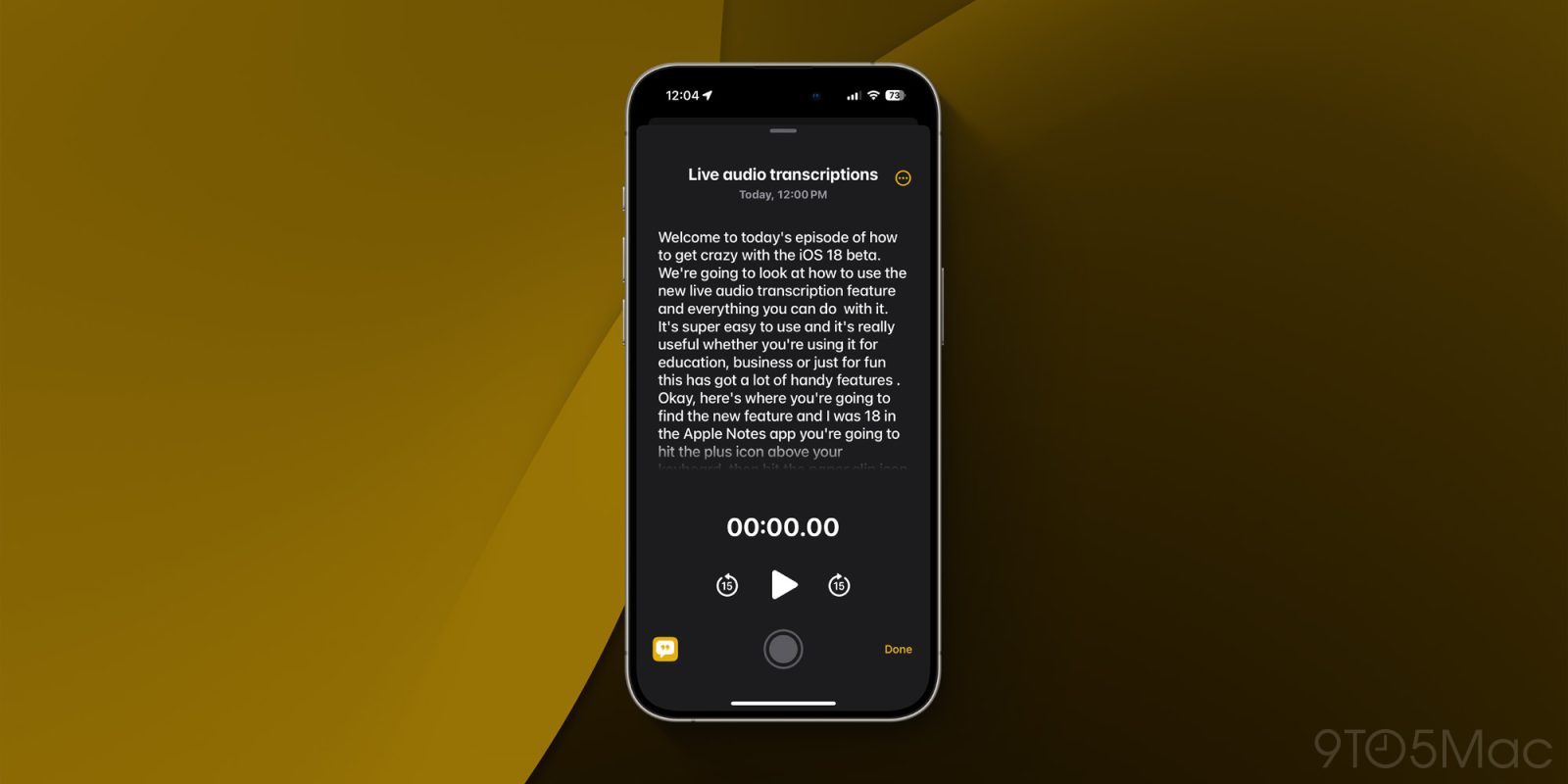
Apple’s Notes and Voice Memos apps gain the handy feature of live audio transcription in iOS 18 and macOS Sequoia. Join along for a look at how to use audio transcription in iOS 18 including search, export, and more.


9to5Mac is brought to you by the all-new iMazing 3. The world’s most trusted app for managing Apple devices from a Mac or PC is now even betterTry it now.

Expand Expanding Close
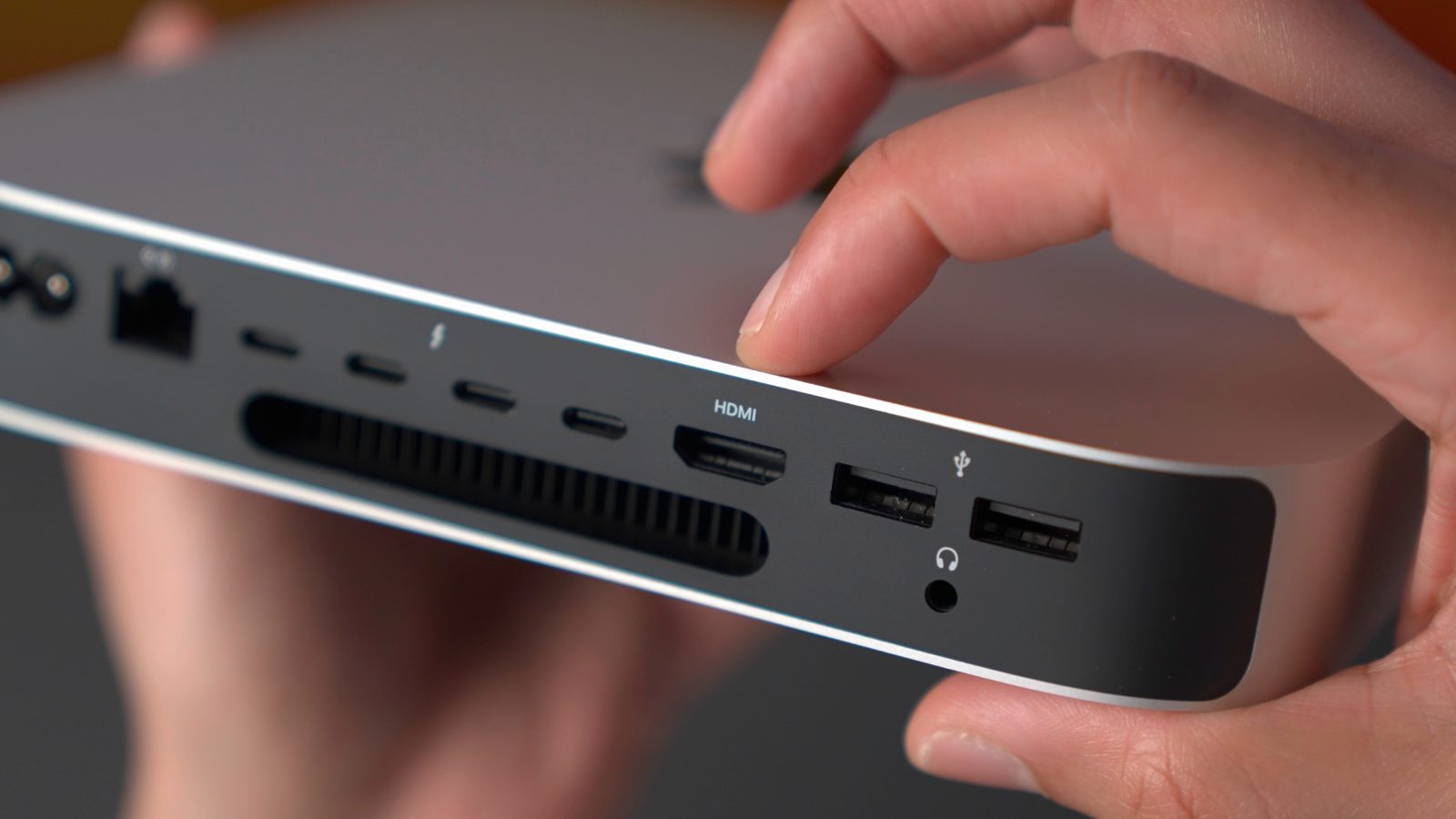
PSA: Apple Intelligence may not work when running macOS 15.1 beta on an external drive

Apple Intelligence

We finally have a preview of the Apple Intelligence features with iOS 18.1 and macOS 15.1 beta, which were released to developers yesterday. As we dig into what’s new in the betas, some Mac users have noticed that it may not be possible to use Apple Intelligence when macOS beta is installed on an external drive.

Expand Expanding Close

Apple Intelligence release date: When to expect iOS 18’s AI features to launch

Apple Intelligence logo

Apple is prepping for one of its biggest software launches ever with iOS 18. A major component of new OS updates for the iPhone, Mac, and iPad is Apple Intelligence. Apple’s suite of AI features are not yet included in the developer or public betas. So when will they arrive?

Here’s when to expect Apple Intelligence to release.

Expand Expanding Close

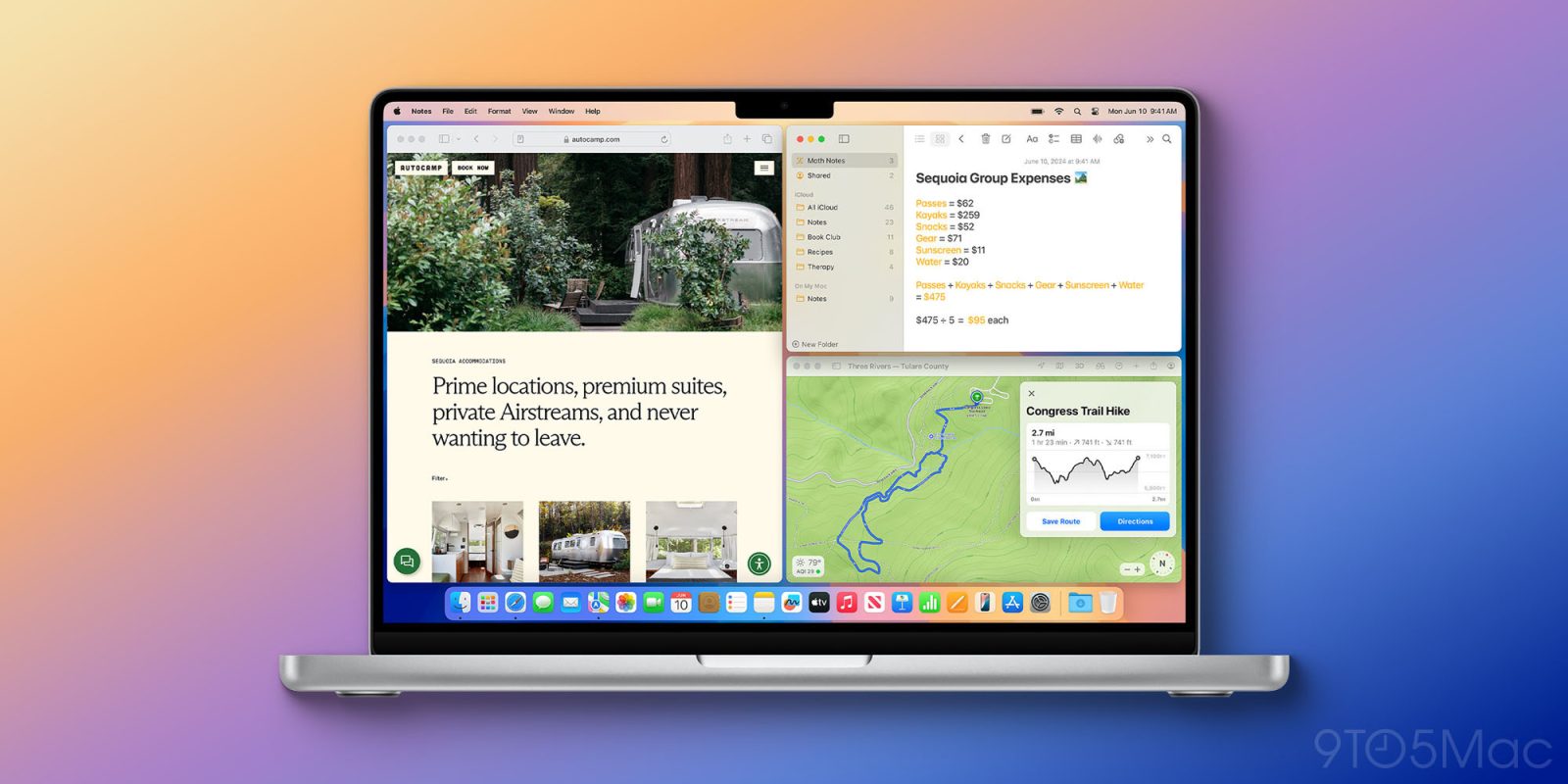
Here’s how to use automatic window tiling in macOS Sequoia including keyboard shortcuts

use automatic window tiling macOS Sequoia

macOS Sequoia comes with a simple but very useful new native tool: automatic window tiling. The new feature can be invoked in several different ways and comes with keyboard shortcuts. Here’s how to use automatic window tiling in macOS Sequoia (and also how to turn it off).


9to5Mac is brought to you by the all-new iMazing 3. The world’s most trusted app for managing Apple devices from a Mac or PC is now even betterTry it now.

Expand Expanding Close
Apple Intelligence is coming this fall, but these features won’t be included

Apple Intelligence logo

Apple Intelligence stands poised to be the most powerful addition to the iPhone, Mac, and iPad this year. When iOS 18, macOS Sequoia, and iPadOS 18 debut this fall, they’ll include a host of Apple Intelligence features—albeit labeled as beta.

Despite the beta labeling, there are still several Apple Intelligence features that won’t even be ready at launch. Instead, they’ll be added over the course of the coming year.

Here are the Apple Intelligence features that won’t be arriving this fall.

Expand Expanding Close
macOS Sequoia eases storage requirements for downloading Mac App Store apps

Apple App Store

As we’ve been covering this month, macOS Sequoia brings a lot of new features for Mac users, including iPhone Mirroring and a new Passwords app. But there’s also a discreet but important change coming with the update. That’s because the new version of macOS eases the free storage requirements for downloading apps from the Mac App Store.

Expand Expanding Close
9to5Mac Overtime 023: I still have wow moments

This week’s episode 023 is about Apple Vision Pro and VisionOS 2, Mac and macOS Sequoia, classic Macintosh System 6 wallpaper, window tiling, and more. It also includes all sorts of other interesting observations from around the world of tech and beyond.

9to5Mac Overtime is a weekly video-first podcast exploring fun and interesting observations in the Apple ecosystem, featuring 9to5Mac’s Fernando Silva & Jeff Benjamin. Subscribe to Overtime via Apple Podcasts. You can also watch this episode on YouTube and subscribe to our YouTube channel for more.

Expand Expanding Close

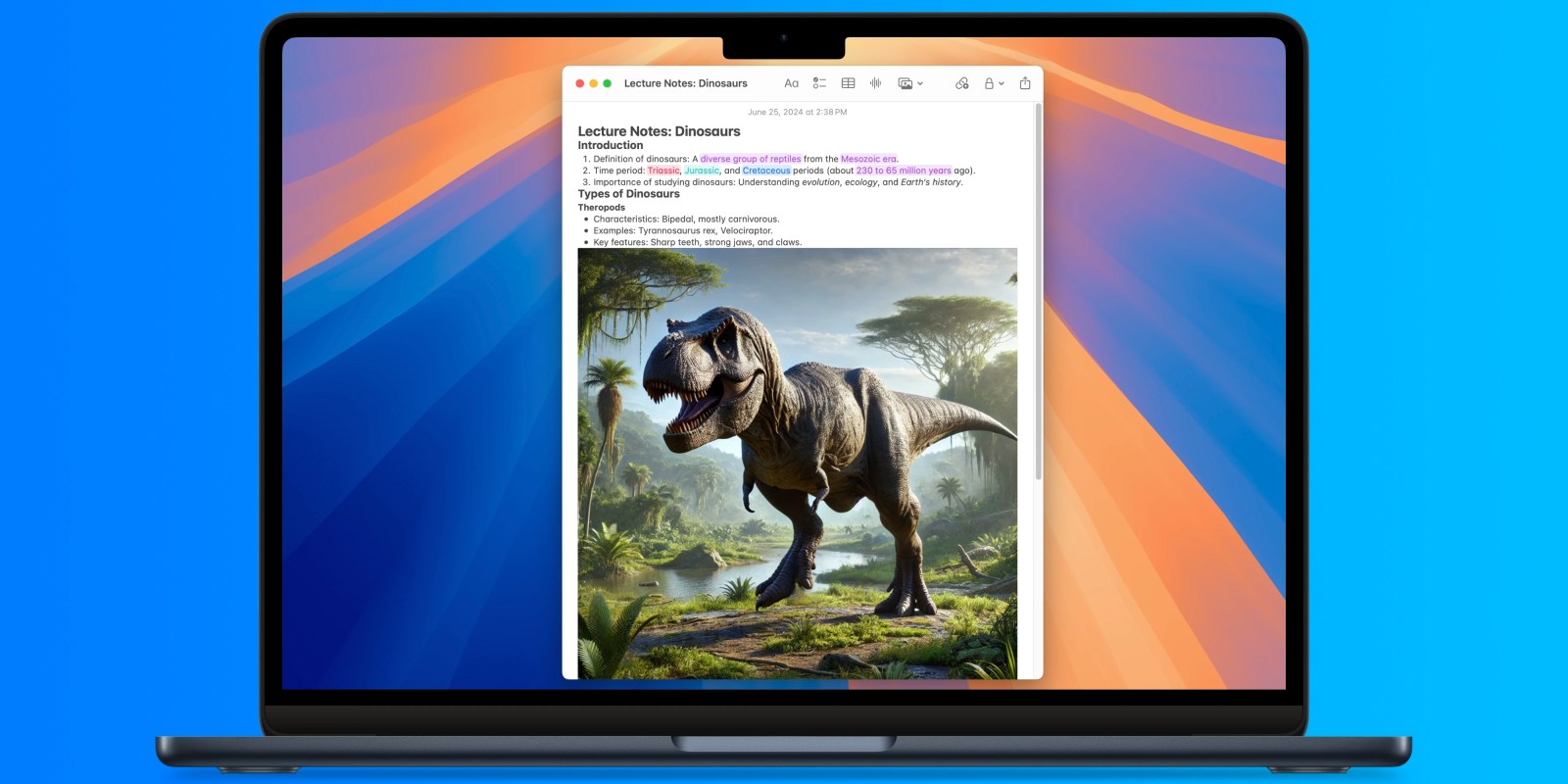
macOS 15 Sequoia: How to enhance Notes with collapsible sections and highlighting styles

9to5Mac is brought to you by CleanMyMac X, an all-in-one utility that removes clutter, optimizes performance and protects your Mac from malware. Get a 7 day free trial.


macOS 15 Sequoia will deliver a variety of new features to Notes, including the ability to make collapsible sections and use different highlighting styles. Here’s how the two features work to make your notes easier to parse and manage.

Expand Expanding Close

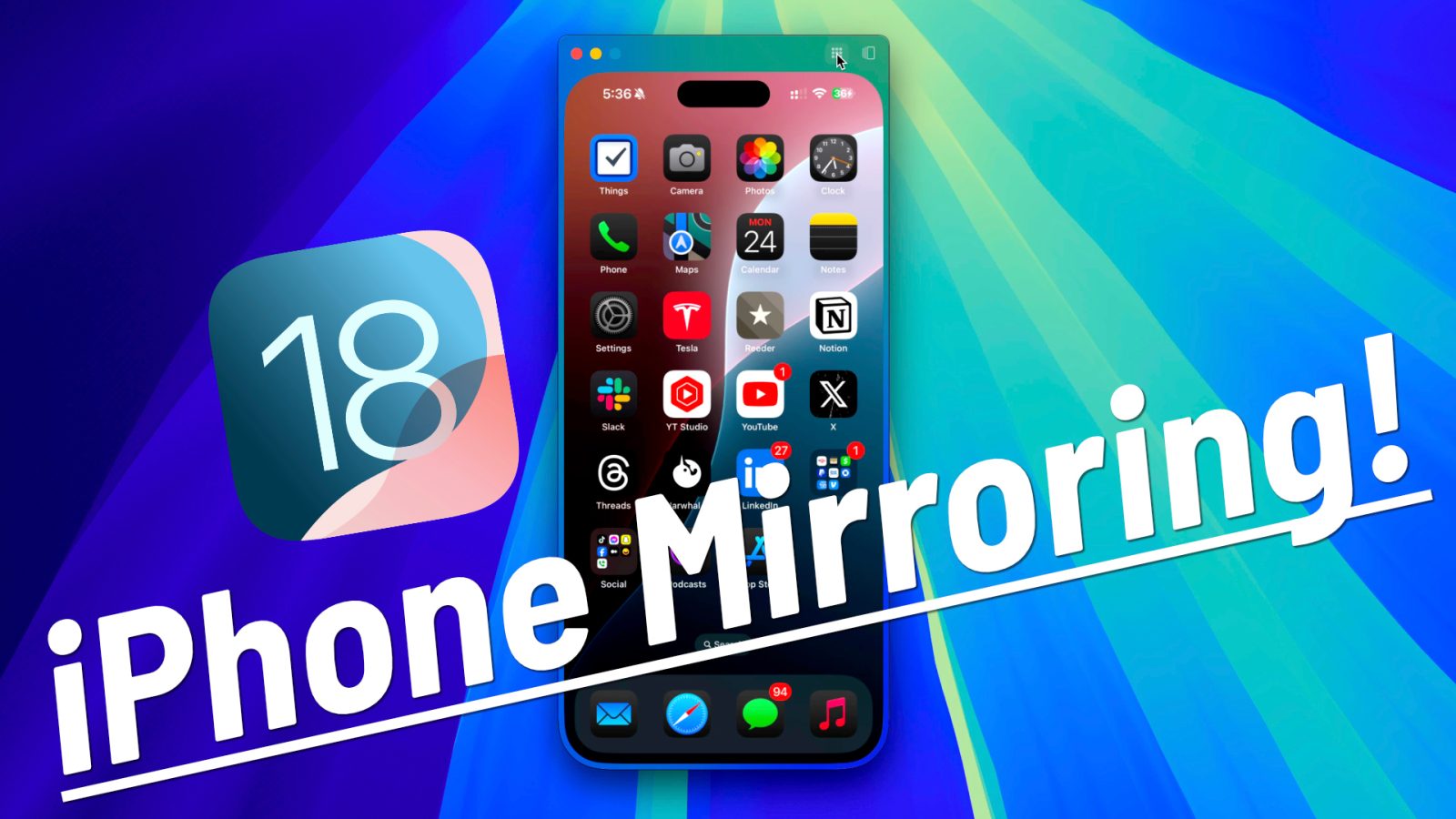
Hands-on: iPhone Mirroring with iOS 18 and macOS Sequoia [Video]

iPhone Mirroring on macOS

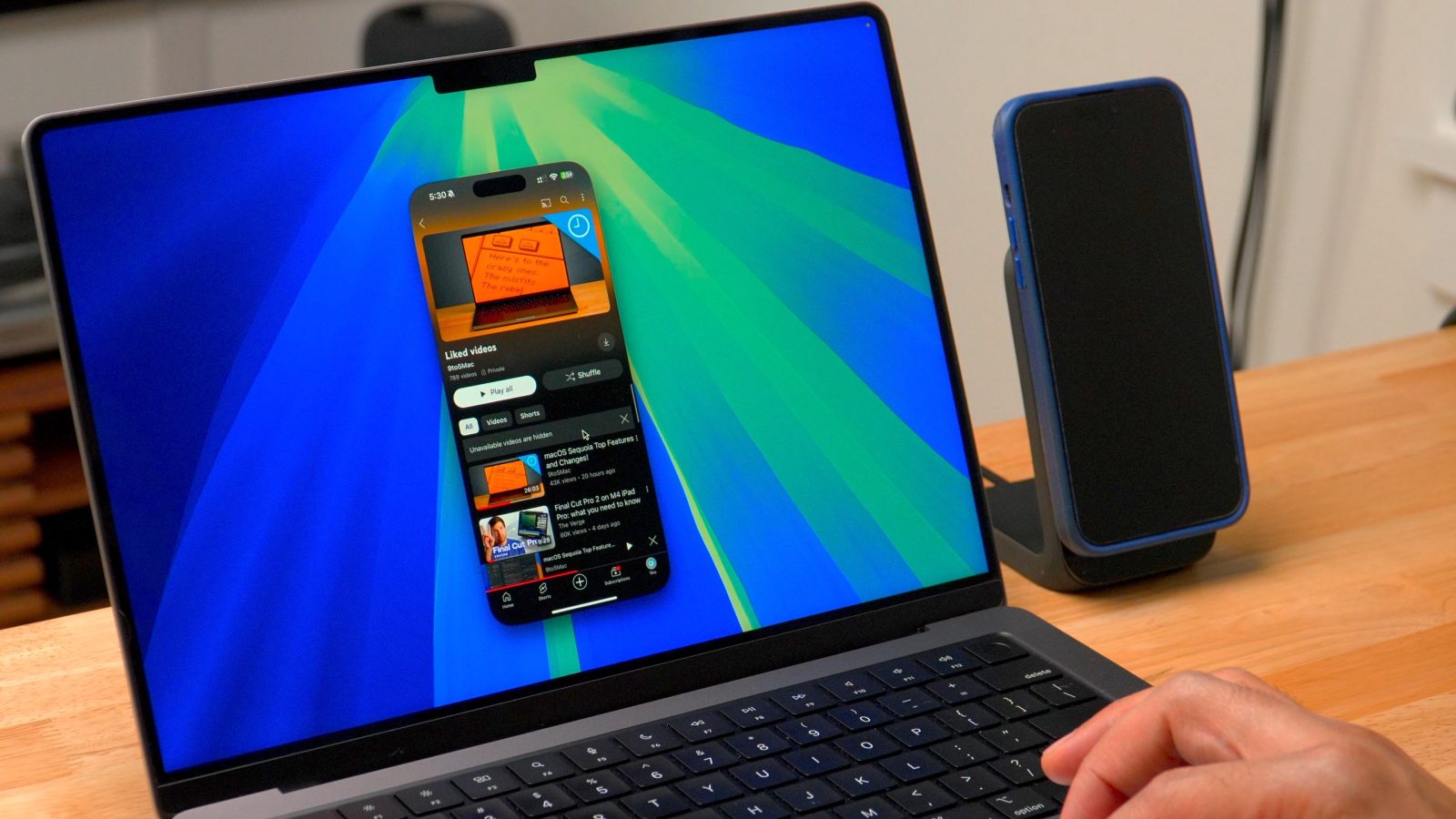
Yesterday, Apple released the second beta for iOS 18 and macOS 10.15 Sequoia, and it arrived featuring one of the headline components shared between both OSes. iPhone Mirroring, a feature that lets you both mirror and fully control an iPhone via Continuity, is now available in the latest betas.

In this hands-on video, we test-drive iPhone Mirroring to showcase its capabilities. We also include an iPhone Mirroring FAQ with the most frequently asked questions answered. Be sure to watch our full hands-on with iOS 18 for more, and subscribe to 9to5Mac on YouTube for upcoming coverage of iOS 18 and macOS Sequoia.

Expand Expanding Close