Pages

See All Stories

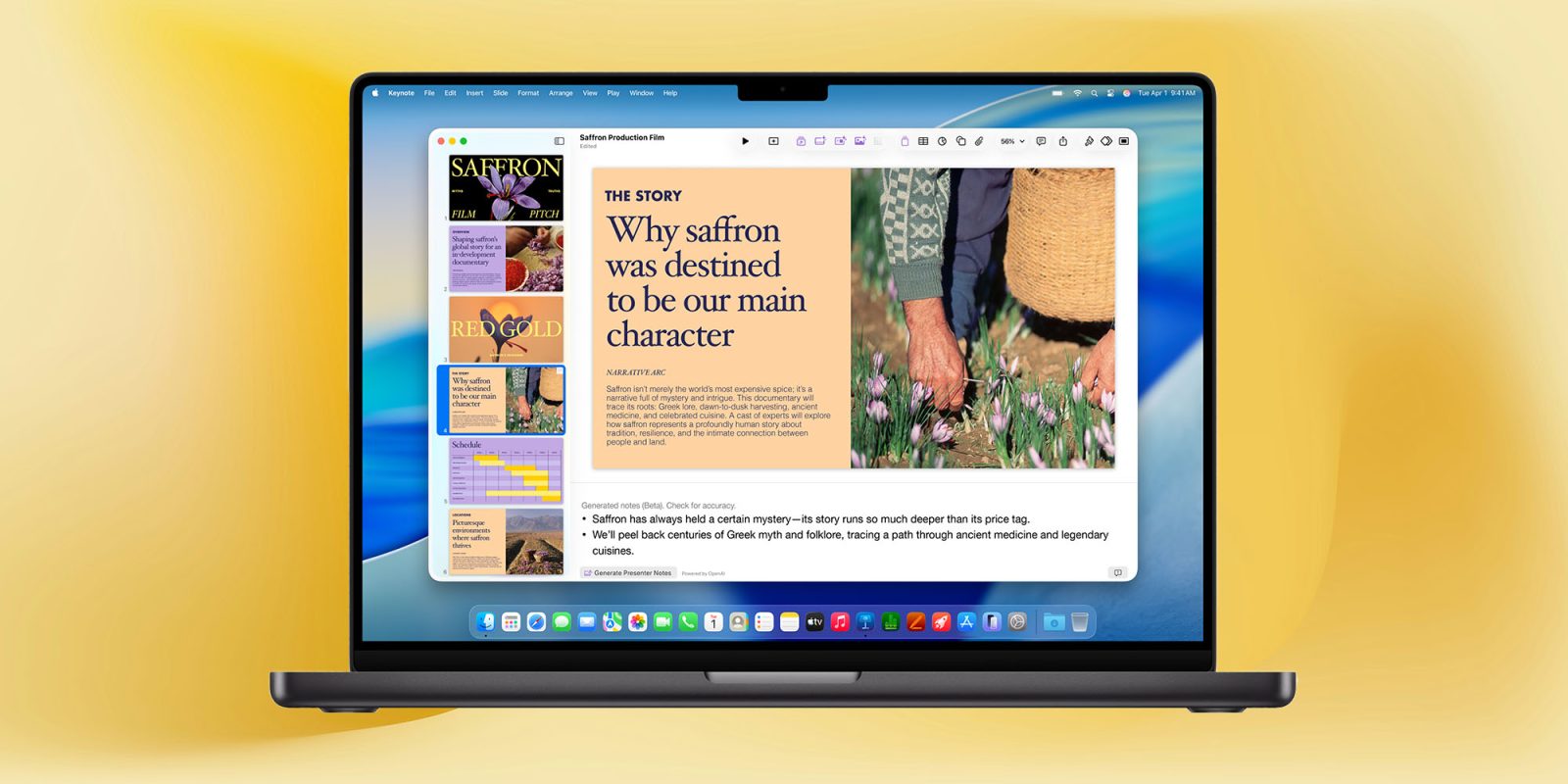
Apple’s productivity apps have a small but useful AI enhancement in macOS 27

Apple's productivity apps have a small but useful AI enhancement in macOS 27 | Screenshot shows Apple's Pages apps suggesting a filename

While the new Siri AI is, of course, taking the headlines, there are a number of less spectacular but still useful AI enhancements in Apple’s upcoming operating systems.

I recently highlighted the new AI photo editing tools, and Macworld has spotted a small but handy AI enhancement to Apple’s productivity apps …

Expand Expanding Close

Apple updates iWork apps for iPadOS 16 and macOS Ventura with new collaboration features

iWork suite Pages, Numbers, Keynote

A day after rolling out significant updates to iPhone, iPad, and Mac users everywhere, Apple is now turning its attention to its iWork suite of apps. The company is out with extensive updates to Pages, Numbers, and Keynote today with new features for collaboration, optimizations for iPadOS 16 and macOS Ventura, and more.

Expand Expanding Close

How to change background color in Pages

Pages recently added the ability to set page backgrounds, so you can give your document a blue or pink base color without messing around with full-page objects that just get in the way.

To use this feature, you’ll need to make sure to update to the latest versions of the Pages app for Mac and Pages for iOS, rolled out earlier in June. With the update installed, it’s time to find the page layout settings to change the background. Unfortunately, the feature is a little buried — and there’s an important gotcha to look out for …


Expand
Expanding
Close

iWork for iOS and Mac updated, built-in audio recording and Smart Annotation improvements on mobile

Apple has updated its iWork suite on the Mac and iOS with changes for Pages, Keynote, Numbers on both platforms. iWork for iOS in particular gains the ability to record, edit, and play audio directly in Pages, Keynote, and Numbers documents. Check out the change log for each app below:


Expand
Expanding
Close

How to use the new drawing & Smart Annotation features in Pages on iPad [Video]

The iWork suite, including Pages, received a substantial update today as a part of Apple’s iPad education event in Chicago. The biggest feature included in the new update is Apple Pencil support for annotating text and objects and for drawing within a document.

In this hands-on video walkthrough, we step through how to use both drawing and Smart Annotations in Pages. Even if you don’t have an Apple Pencil, Smart Annotations and drawing support enhances the overall usefulness of the entire iWork suite.
Expand
Expanding
Close