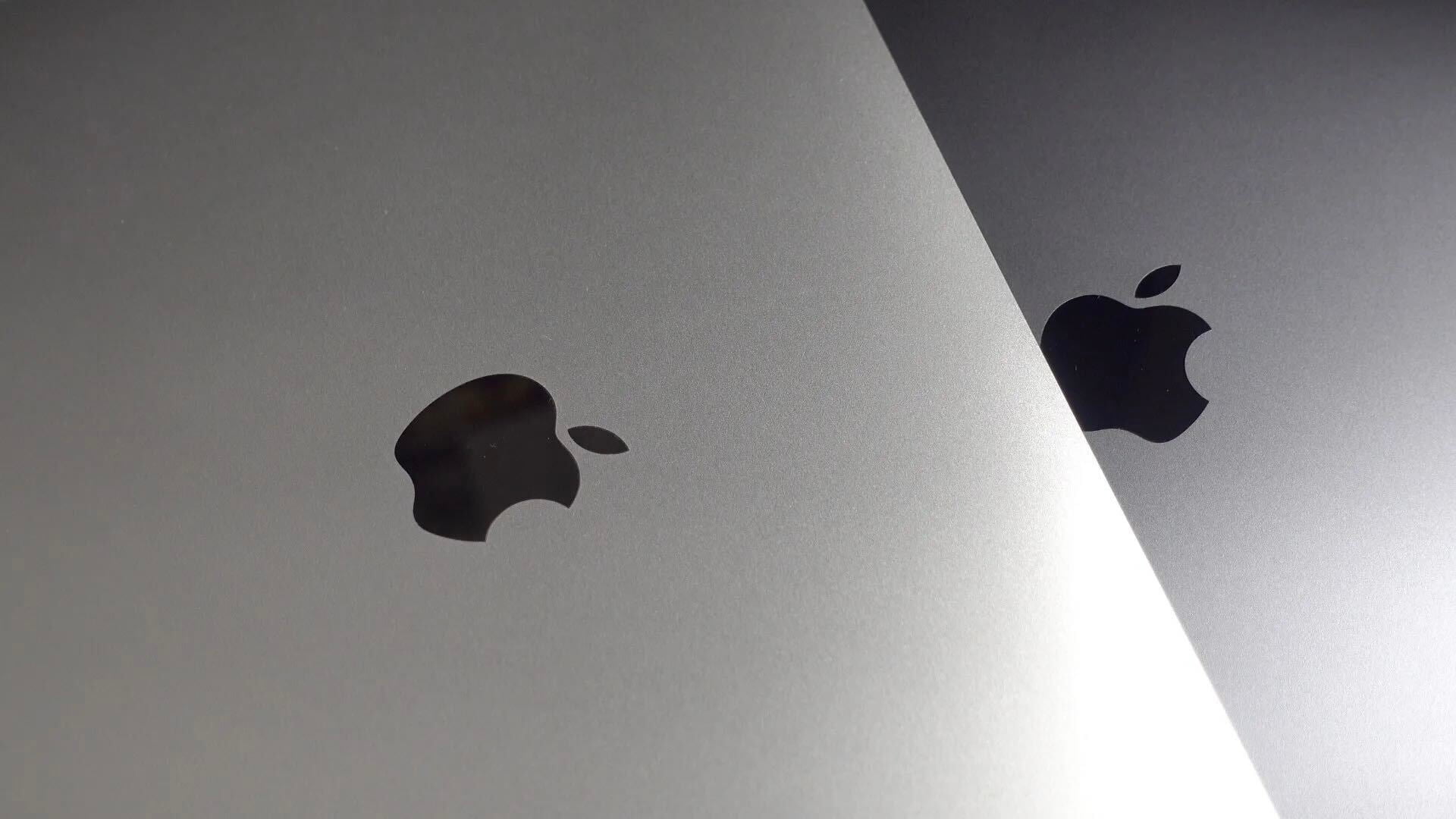
Huawei is in the middle of launching its latest Windows 10 notebook, the new Matebook range – and is making some interesting comparisons with the 12-inch MacBook.
On one slide, the company claims that the Matebook X is ‘thinner but even more powerful’ than Apple’s MacBook – a comparison which may or may not be accurate …
Last week Microsoft revealed a new version of its operating system called Windows 10 S that only runs software from the Windows Store — which means apps like Apple’s iTunes and Google’s Chrome won’t work. Today at Microsoft’s Build conference for developers, however, the company announced that Apple is working on bringing iTunes to the Windows Store after all.
Microsoft held a media event in New York City today focused on a new version of Windows, a new laptop line, and how it all relates to education. Windows 10 S is a streamlined version of Microsoft’s operating system geared for students and educators. The Microsoft Surface Laptop is a new line of MacBook Air-like notebooks with up to 14.5-hour battery life.
Wine is a tool that’s gained popularity for allowing users to run Windows and Linux software on macOS. Today, the tool was updated to version 2.0 with a host of new features, bug fixes, and performance improvements.
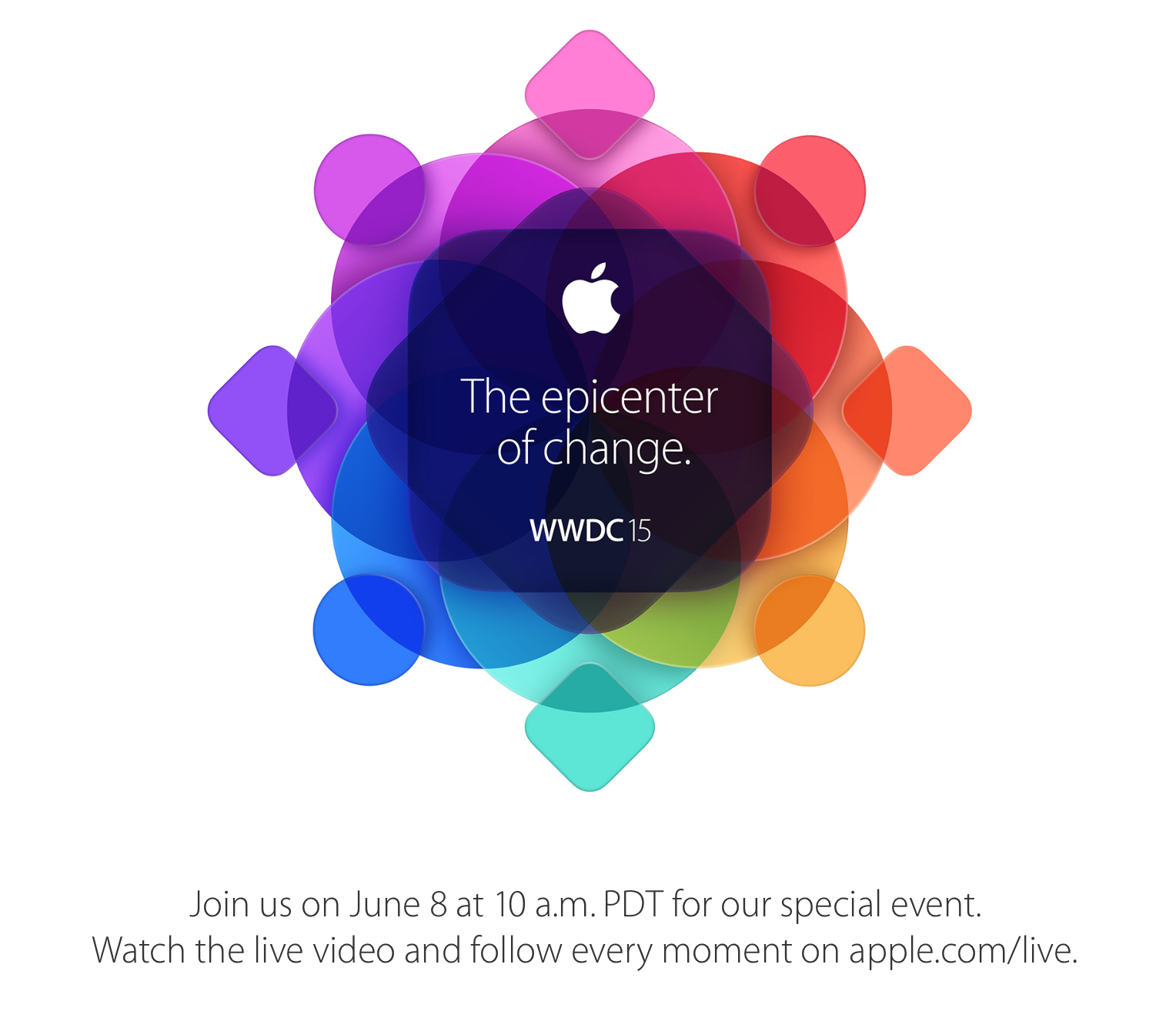
Apple last night confirmed it will live stream the opening press event for its Worldwide Developers Conference on Monday, but the stream is limited to certain devices. The company will stream the event to iPhone, iPad, and Mac users via its Safari browser, and to Apple TV users, and it’s also recently added support for Windows 10 via Microsoft Edge.
A new open source project called PieMessage enables cross-platform iMessage support, allowing Android users to communicate using Apple’s iPhone messaging platform.
In the video below, we get a short look at the PieMessage app in action with a still unreleased prototype version of the app.
The United States Computer Emergency Readiness Team has today issued a new note in which it revealed that Apple has no further plans to provide security updates for QuickTime for Windows. The note follows an earlier report from Trend Micro and comes as two new vulnerabilities have been discovered that could affect QuickTime for Windows users.
Update: A source close to Microsoft tells me the software – which is not yet complete – will be used only by public sector agencies. No information was provided as to how the software differs from the standard Chinese version of Windows 10.
While Apple has strongly resisted building a special ‘GovtOS’ to provide the U.S. government with access to iOS devices, it appears that Microsoft has no such qualms. TechInAsia reports that Microsoft has created a special version of Windows 10 for China, called Windows 10 Zhuangongban, which includes “more management and security controls.”
Over the last few days I’ve been finding myself using a keyboard designed for Windows users on my Mac. The reason behind such a change was that my MacBook Pro’s keyboard was causing wrist pain. The shallow key travel of the MacBook’s keyboard is partly to blame.
I just so happened to have an AmazonBasics wired keyboard available thanks to my recent Hackintosh build, so I decided to use it with my Mac. Immediately, I could sense relief in my wrists, but because this was a keyboard designed for Windows and not for Mac, the switch presented a whole new problem. Expand Expanding Close
Microsoft is currently running a new series of ads featuring ‘The Bug Chicks’, with each ad directly targeting a weakness in Apple’s Mac operating system. Kristie and Jess, curiously labelled as ‘real people paid for real opinions’, walk through several ways that Windows 10 helps them teach kids about bugs and the microscopic world.
The ad series focuses on several different competitive advantages Windows currently holds over OS X, such as touchscreen-equipped laptops for sketching and drawing, Cortana as a personal voice search assistant and face recognition for hands-free account login. Some of the things Microsoft highlights, like the absence of Siri on OS X are expected to be addressed by Apple later in the year, of course. Watch all four videos after the jump:
Microsoft opened up a beta test program for Windows users last November, letting Microsoft Office fanatics get early access to upcoming new features. Microsoft is now rolling out the program to the Mac, so OS X users can (optionally) join the beta program too. For the first round of the beta program, Microsoft will be adding inking and realtime typing / collaboration to PowerPoint. Expect these features in the ‘coming weeks’. More details available here.
This comparison of the differences between Microsoft Office on Mac, Windows, and iOS devices was put together by Kurt Schmucker who (disclaimer) works for Parallels — the company that makes slick virtual machine apps for running Windows and other operating systems on Mac — but he also happens to know a thing or two about the subject after his previous role as Senior Mac Evangelist at Microsoft and on the Office team. So what exactly is missing on Mac and iOS devices compared to Windows when it comes to the Office suite? Expand Expanding Close
Last July, sales of iOS devices caught up with sales of Windows devices, making it a tight race as to who would ship the most units as 2015 wrapped up. Now, Asymco has shared a chart depicting the extraordinary growth of iPhone shipments and showing that in 2015, iPhone shipments overtook Windows shipments as a whole.
Later today Apple is set to pull the plug on Beats Music and completely stop the service. The reason? After buying the subscription music service in a $3 billion deal that also included Beats headphones and speakers last year, Apple Music has now fully launched and replaces Beats Music. Any remaining subscribers will need to transfer from Beats Music to Apple Music immediately to avoid losing saved music libraries and playlists. The good news is Apple Music now has almost all of Beats Music’s features with only a few exceptions… Expand Expanding Close
In 1995, two years before his return to the company, Steve Jobs gave a characteristically blunt answer when asked why Apple found itself struggling in the early to mid 1990s. The issue, he said, was that Apple had gotten greedy.
What ruined Apple wasn’t growth … They got very greedy. Instead of following the original trajectory of the original vision, which was to make the thing an appliance and get this out there to as many people as possible, they went for profits. They made outlandish profits for about four years… What that cost them was their future. What they should have been doing is making rational profits and going for market share.
Much has changed since then, of course. Apple has a substantial market share in both the personal computer and mobile markets, demonstrating that the two goals – growth and profitability – are not mutually exclusive. This is not an ‘Apple is doomed’ piece, nor anything like it. But I do wonder whether the company is once more putting short-term profits ahead of long-term brand loyalty … ? Expand Expanding Close
IDC today published an updated forecast for worldwide tablet shipments this year, predicting the segment will experience a “notable slowdown” with both iOS and Android expected to record a year over year decline in growth. While IDC notes that the majority of the 212 million tablets it expects to ship this year will be “pure slate tablets”, it does anticipate growth in the 2-in-1 hybrid tablet/laptop category, of which it’s apparently including the larger 12-inch+ iPad that Apple is expected to introduce later this year: Expand Expanding Close
Parallels, the company behind the popular virtual machine software, has today released the latest iteration of its popular Mac app. Parallels 11 ($79.99 retail, $49.99 upgrade) is available now with many of the features that were accidentally leaked by the company last month. Top features are of course support for both Windows 10 including Cortana and OS X El Capitan, as well as a variety of enhancements that improve the virtualization experience…
Nuance, the voice recognition and productivity software company behind the iOS keyboard’s Dictation feature, today has revealed a series of updates to its applications and a new cloud-based synchronization service at the core. Nuance provided us with a demonstration last week of the new iOS and Mac apps, and we came away impressed with the accuracy, speed, and capabilities of the upgraded platform.
Apple has announced in a support document that Boot Camp now supports 64-bit versions of Windows 10 on a wide range of Macs dating back to 2012. The updated version of Boot Camp is currently rolling out to Yosemite users – if you haven’t yet received it, it should show up when you use the Mac App Store to check for updates.
Apple gives instructions for performing both a new install and an upgrade from earlier versions of Windows.
Supported Macs are:
MacBook Air from Mid 2012
MacBook Pro from Mid 2012
MacBook Pro with Retina display from Mid 2012
iMac from Late 2012
Mac mini from Late 2012
Mac Pro Late 2013
12-inch MacBook
USB-C is supported on the 12-inch MacBook, in addition to the standard ports which are supported on all compatible models.
Back in March, Apple discontinued Boot Camp support for Windows 7 on the latest MacBook models, requiring Windows 8 and up.
Microsoft first unveiled “Windows Bridge” a few months back, a new tool for developers that aims to make porting iOS apps to Windows 10 easier and hopefully breathe some life into the Windows Store in the process. Today the company is releasing the software, albeit an early release ahead of a final launch planned for later this year in the fall.
The bridge offers developers tools for utilizing existing code from iOS apps to build Windows apps, but Microsoft stressed that its “goal with the iOS bridge has never been simply to run iOS apps on Windows.” Expand Expanding Close
With Microsoft’s Windows 10 major operating system update launching today, Apple has issued a new driver update for Windows users with 2015 MacBooks, MacBook Airs, and MacBook Pros. Specifically, the FaceTime Camera Driver Update is meant to improve FaceTime camera compatibility with Windows when using OS X’s built-in Boot Camp functionality.
This update improves FaceTime camera compatibility with Windows, and is recommended for all Boot Camp users.
The 1.4 MB software update doesn’t appear to be available through the Mac App Store, but 2015 MacBook owners can download and install it from the Apple’s support site here. Apple also recently released a firmware update specifically for 2015 15-inch MacBook Pro owners.
Microsoft’s new Universal Foldable Keyboard, first unveiled earlier this year, is now available to purchase online and through Microsoft stores. The super portable Bluetooth keyboard folds in half when not in use and allows users to connect to two mobile devices at once including iPhones, iPads, Android, and Windows devices.
Microsoft notes that the keyboard has full-size keys, a spill-resistant, water-repellent keyboard and outer material, and a built-in rechargeable battery that will get you around three months of use on a charge. There’s also an “OS” button for switching between connected devices. Here’s a closer look at the keyboard:
The Microsoft Universal Foldable Keyboard is available for $100 on Amazon, and it’s also available through Microsoft retail stores and online.
Microsoft made a new video for today’s launch to show off some of the keyboard’s features and its compact, 5mm thin design:
As announced last night, Apple will live stream its WWDC keynote at 10 AM PST on June 8th, next Monday, where it will announce iOS 9 and OS X 10.11. The apple.com/live site confirms that the official website stream is limited to Macs, iPhones, iPads and Apple TV. However, it is possible to watch the keynote using Windows or even Android devices by using VLC, a free video player that can read Apple’s livestream data and show the video in its player …
In a blog post published to the company’s website today, creators of the Oculus Rift VR headset said it is putting development of the platform for Mac OS X on hold in order to focus on Windows: Expand Expanding Close