UK NHS to provide health advice through Amazon Alexa

The UK National Health Service is partnering with Amazon Alexa to bring official government health advice to smart speakers like the Amazon Echo.

Follow Benjamin on Threads to keep up with his latest projects. Benjamin blogs about Apple news and rumors and posts insightful product and app reviews. Read his work on 9to5Mac and his personal blog.
Benjamin Mayo also creates apps for iOS as a professional indie developer and contractor; more details here. Email to discuss making your iOS project.
Follow @bzamayo on Twitter and follow @bzamayo on Threads.

The UK National Health Service is partnering with Amazon Alexa to bring official government health advice to smart speakers like the Amazon Echo.
Apple has opened another center for app development and design, this time in Shanghai — and its first in China.
Apple runs these offices in specific areas to stimulate the ‘app economy’. Participants can take classes in various parts of the app development process, including one-on-one tutorials, for free.
In addition to launching refreshes to the MacBook Air and MacBook Pro, Apple has lowered the cost of higher-end Mac solid state storage options, cutting the price in half for many of the configurations.
For example, the 4 TB SSD of the 512 GB 15-inch MacBook Pro used to cost $2800. It now costs $1,400. These savings are seen across the iMac, iMac Pro, Mac mini, and MacBook Air line.
Apple has launched its 2019 Back to School deals with its typical promotion. The company will give students a free pair of Beats headphones when they buy an eligible Apple device.
For the first time, the promo includes the high-end Beats Studio 3 over-ear headphones, when buying an iMac or Mac notebook.
Apple has upgraded the entry-level $1299 MacBook Pro. The laptop now features the latest 8th-generation quad-core processors, and adds the Touch Bar for the first time. This means it also adds a Touch ID biometric sensor and the Apple T2 Security chip. The 13-inch Retina display now supports True Tone.
Apple today updated the MacBook Air with True Tone adaptive screen technology a lower price point. The Air now starts at $1099 (with $999 student pricing) down $100 from its $1199 retail price when it launched late last year.
The rumors around the redesigned 16-inch MacBook Pro continue to flow in. A report today via Economic Daily News suggests that the new laptop will enter mass production in the fourth quarter.
The previously-rumored 10.2-inch iPad is also apparently on the way with mass production starting later this month, set to replace the 2018 iPad.
The Great Firewall of China prevents open communication over the Internet, but technologies like AirDrop do not require the Internet to function. Protesters in Hong Kong are using AirDrop to share digital fliers without fear of censorship, via Quartz.
In a pair of Digitimes reports, Apple is said to be removing 3D Touch from all iPhone 11 models and introducing a new OLED display manufacturer into its supply chain.
Digitimes reports are always a bit hit-and-miss, so take these reports with some skepticism. However, each story makes sense, and in many ways back up morsels of information that were already circulating.
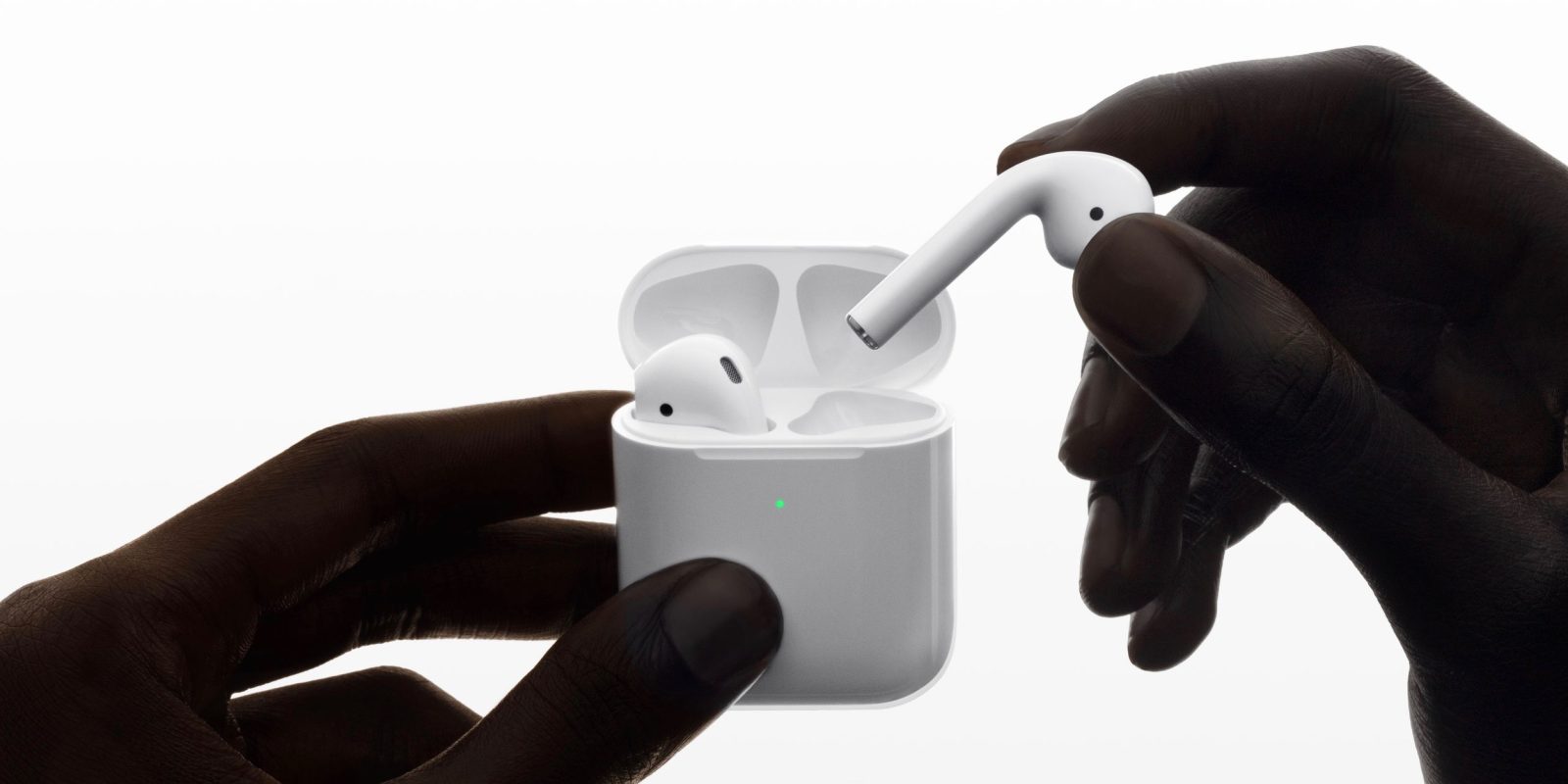
As Apple earnings approaches, the financial analysts are getting in their last-minute calls ahead of the earnings release on July 30. Yesterday, Rosenblatt said that iPhone sales were going to disappoint over the next year.
In a report seen by 9to5Mac today, analysts from Wedbush disagree and state that iPhone demand is stable, and remain confident in their previous forecast of 180 million iPhone unit sales for 2019.
The Apple Store for Education is currently down for updates worldwide. As it is mid-July, this probably signal that Apple’s Back to School promotion is about to go live.
In a new ad currently available on the Apple Singapore YouTube channel, Apple takes a direct jab at Touch ID biometrics. The amusing 30-second commercial features a man sleeping on a deckchair whilst his phone, a blue iPhone XR, pings with new message notifications.
The ad shows the man opening his eyes and merely glancing at the phone to unlock the device and reveal the notifications. The ad closes with the tagline “Face ID. Even easier and more secure than Touch ID.”
The Steam Link app allows you to stream games from your Steam library on your PC to your iPhone, iPad, or Apple TV. You can use touch controls or connect a compatible controller. The newest update to the Steam Link app makes that experience even better.
As we get closer to iPhone season, it is the norm for more and more components from the upcoming iPhone models to leak out online. We already know how the overall phone will look from the outside. Today, we get a glimpse at some of the device’s internals.
Apple stock took a beating in premarket trading as Rosenblatt Securities released a pessimistic updated outlook on company performance.
The firm downgraded Apple stock to “sell” from a previously neutral rating. The company said Apple’s new iPhone sales will be disappointing and that services revenue growth will decelerate.
The start of the year heralded a frenzy of foldables, although an actual product is yet to hit consumer shelves after reviewers found that the Samsung Galaxy Fold phone suffered from display durability issues and the company indefinitely delayed the launch.
A report from IHS Markit, via Economic Daily News, says that Apple is developing a foldable of its own; not a phone but a foldable iPad.
Apple doesn’t change up the stock screensaver selection in macOS very often, but the latest beta of Catalina comes with a surprise in that area: a new screensaver called Drift.
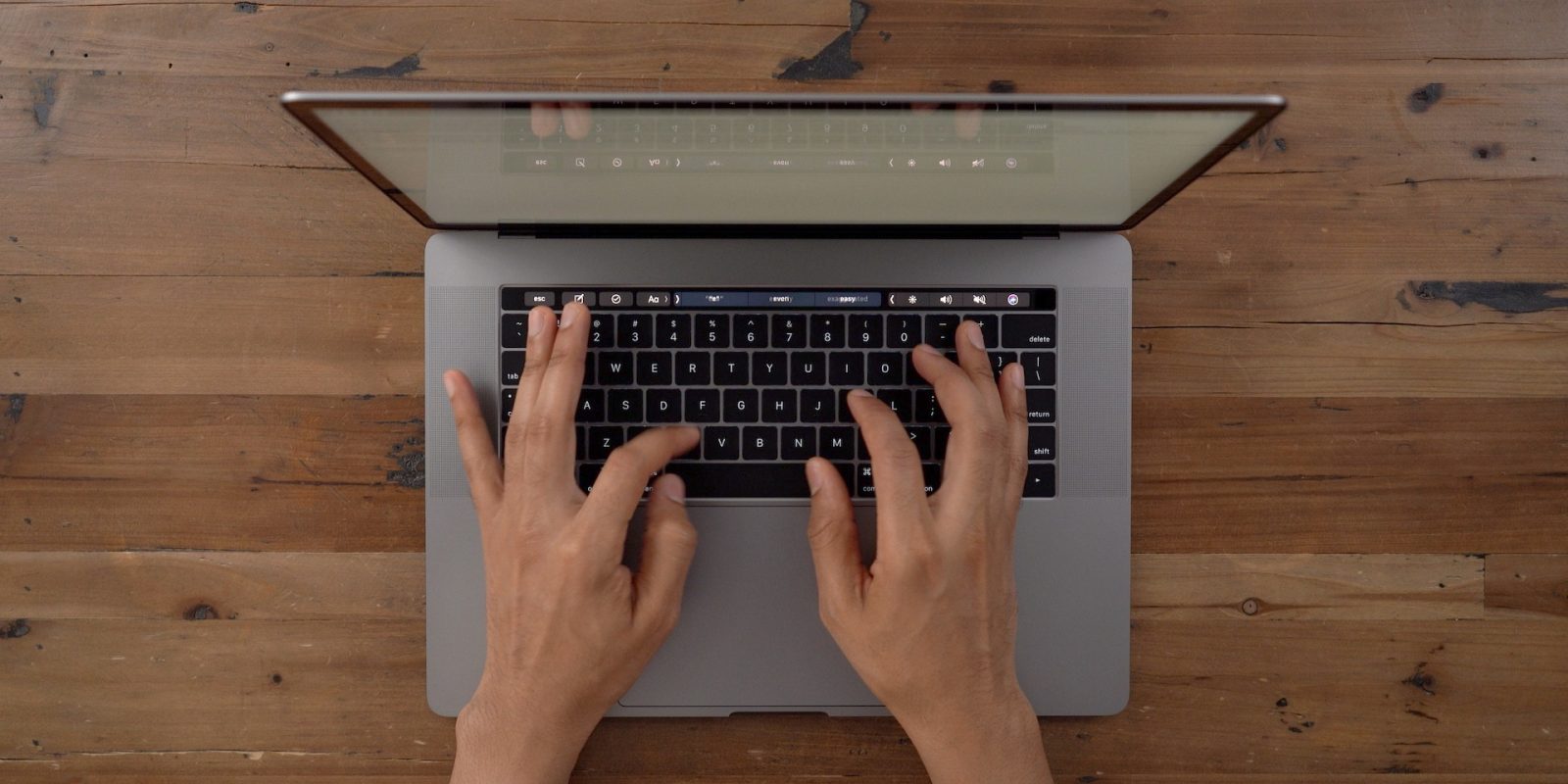
Apple is apparently set to ditch the butterfly mechanism used in MacBooks since 2015, which has been the root of reliability issues and its low-travel design has also not been popular with many Mac users.
In a report published today, Ming-Chi Kuo says that Apple will roll out a new keyboard design based on scissor switches, offering durability and longer key travel, starting with the 2019 MacBook Air. The MacBook Pro is also getting the new scissor switch keyboard, but not until 2020.
With the release of watchOS 6 beta 3, Apple Watch owners are now able to delete (some) stock apps from their devices, allowing users to clean up their honeycomb grid home screen of apps for the first time.
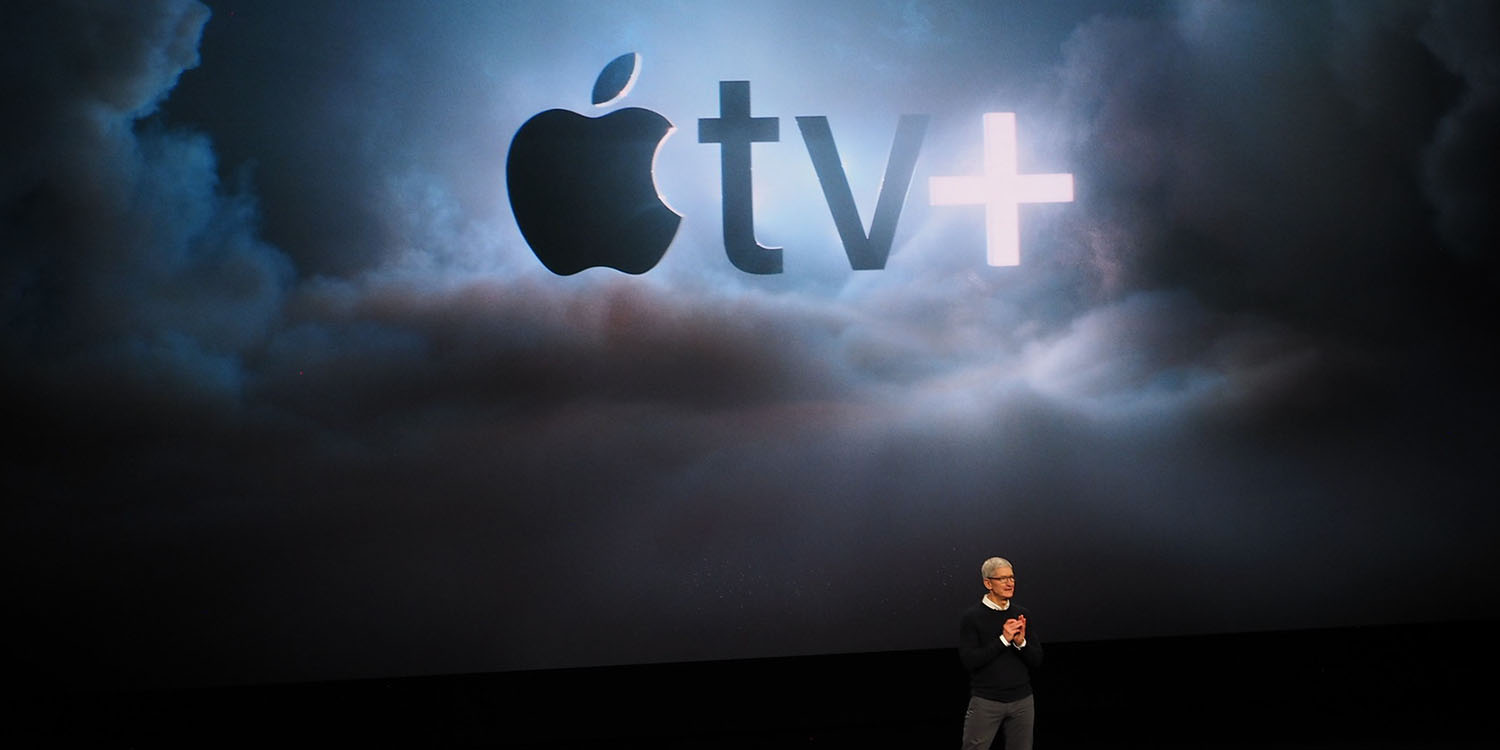
In an interview with GQ magazine, Apple SVP Eddy Cue hit back at some of the reports surrounding the Apple original content launch. A New York Post article ahead of the Apple TV+ unveiling said that Tim Cook had been reviewing scripts for Apple’s shows and sending notes like “don’t be so mean” to the producers and directors.
Cue firmly rejects that report in this interview, telling GQ “there’s never been one note passed from us on scripts, that I can assure you. We leave the folks [alone] who know they’re doing.”

In a sketchy report published on several Chinese media sites yesterday, including Mashdigi, Apple is purportedly considering to make a new iPhone model for the Chinese market, as it faces stiff price competition from domestic manufacturers like Oppo and Huawei.
As announced at WWDC, Apple is bringing live radio stations from several online providers for Siri users on iPhone, iPad and HomePod. Although marketed as a fall iOS 13 feature, Siri live radio is already partly working on the HomePod, and for iPhones and iPads running the iOS 13 beta.
The Wall Street Journal has published new reporting on the backstory of Jony Ive’s gradual departure from the Apple. The report says Ive pushed for the company to make the Apple Watch, despite disagreement from other executives, and dived into watch development meetings with the design team almost every day before it launched.
However, after the watch shipped, the report describes how Jony Ive began to drift away from Apple, stalling processes and sometimes not turning up to meetings, frustrating the teams who had worked hard to get materials ready for approval.
Apple boasted its domestic manufacturing achievements with the 2013 Mac Pro, which was manufactured in Austin, Texas, and bore an ‘Assembled in the USA’ label.
Apple was mum on its sourcing for the 2019 Mac Pro when it announced the machine earlier this month, which heavily implied that it had given up on its USA factory and was returning to China. The Wall Street Journal reports this is indeed the case.